www.apagen.com | gaurav.kumar@apagen.com | Contact - +91 9971 800 665
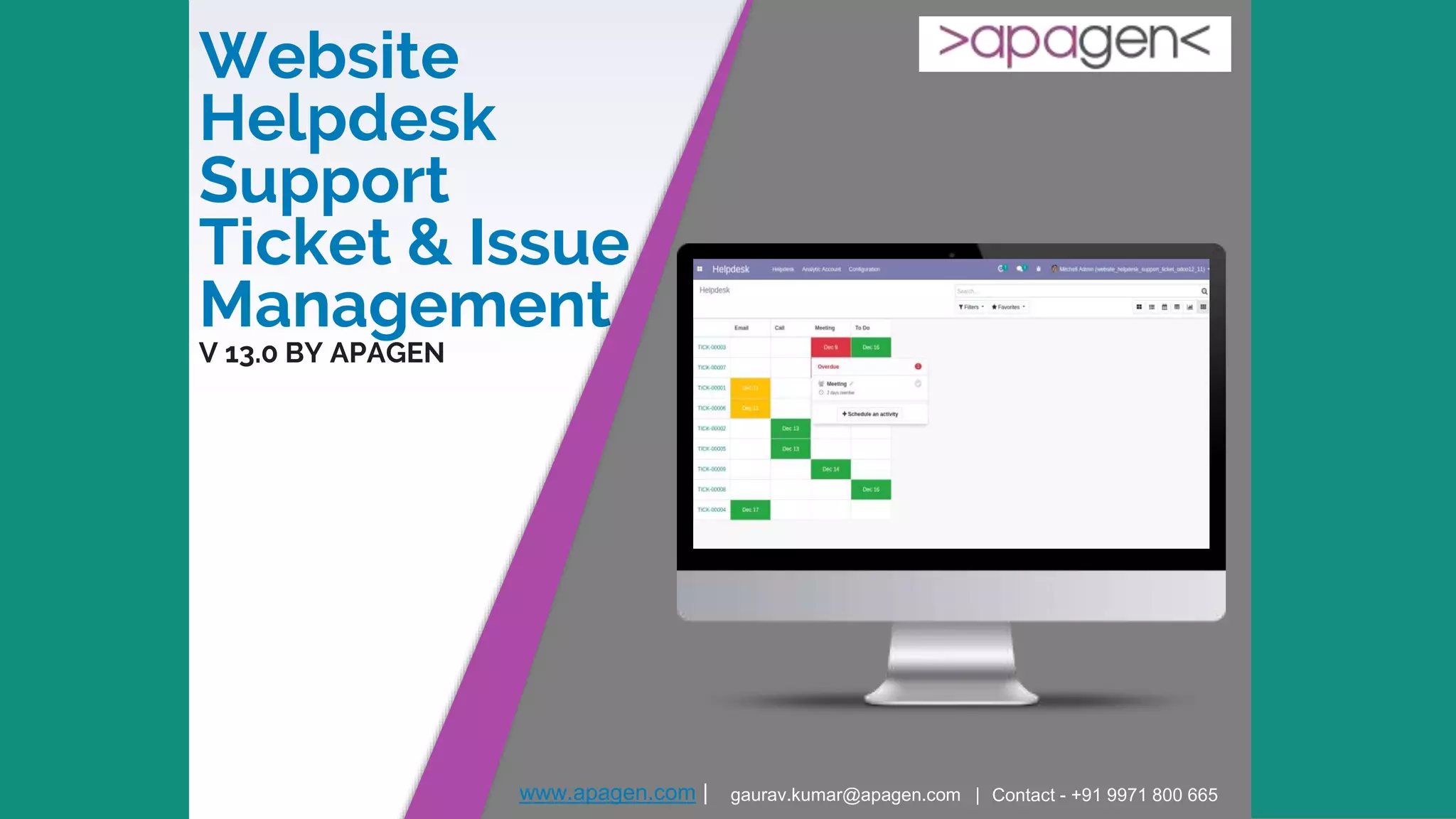
Website
Helpdesk
Support
Ticket & Issue
Management
V 13.0 BY APAGEN
www.apagen.com | gaurav.kumar@apagen.com | Contact - +91 9971 800 665
About Apagen
Appearance
▸ Apagen Solutions, head office is based out of Noida
▸ Apagen is a sister concern of Enventa Group
▸ Track record of world class product & service delivery since inception in 2009
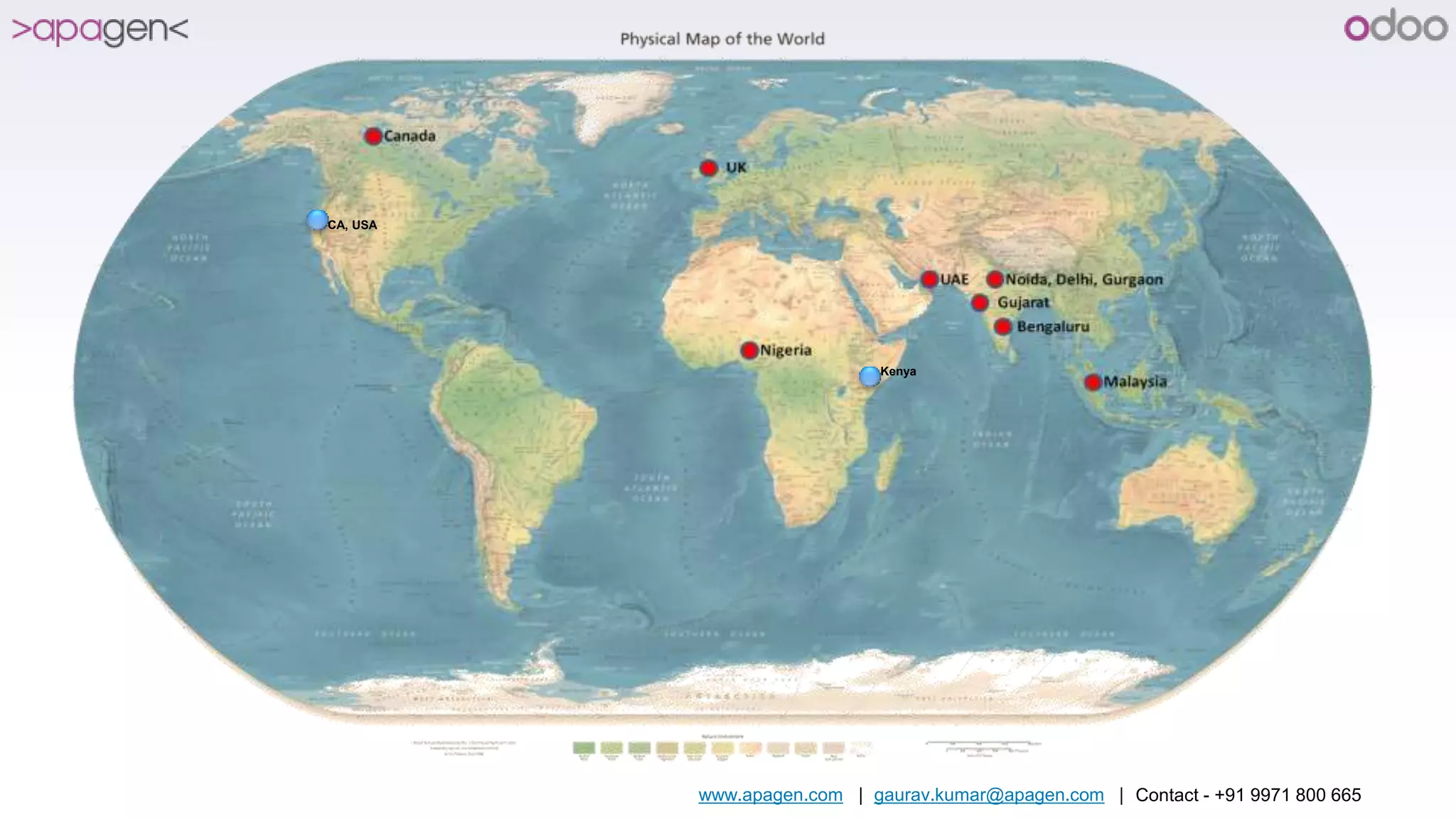
▸ International presence in Malaysia, UK, Nigeria, Kenya, USA and UAE
▸ Rich portfolio of alliances with major industry players
Experience
▸ Expert in manufacturing, Construction, Media, Healthcare, Education, Trading domain
▸ World class ERP consulting services for Auto component manufacturers, oil and gas drilling companies,
Logistic companies, Plastic processing units, Cement Units, Retail, Export Companies
▸ Having huge pool of products for Help Desk, Smart Card, Biometrics Payroll system, Accounting,
mobility, Production automation & Private Enterprise ATM etc.
▸ Rich experience in offshore delivery through ODCs (Offshore Delivery Model) at Noida and Next focus is
on USA, Africa and Australia.
www.apagen.com | gaurav.kumar@apagen.com | Contact - +91 9971 800 665
CA, USA
Kenya
www.apagen.com | gaurav.kumar@apagen.com | Contact - +91 9971 800 665 4
Features
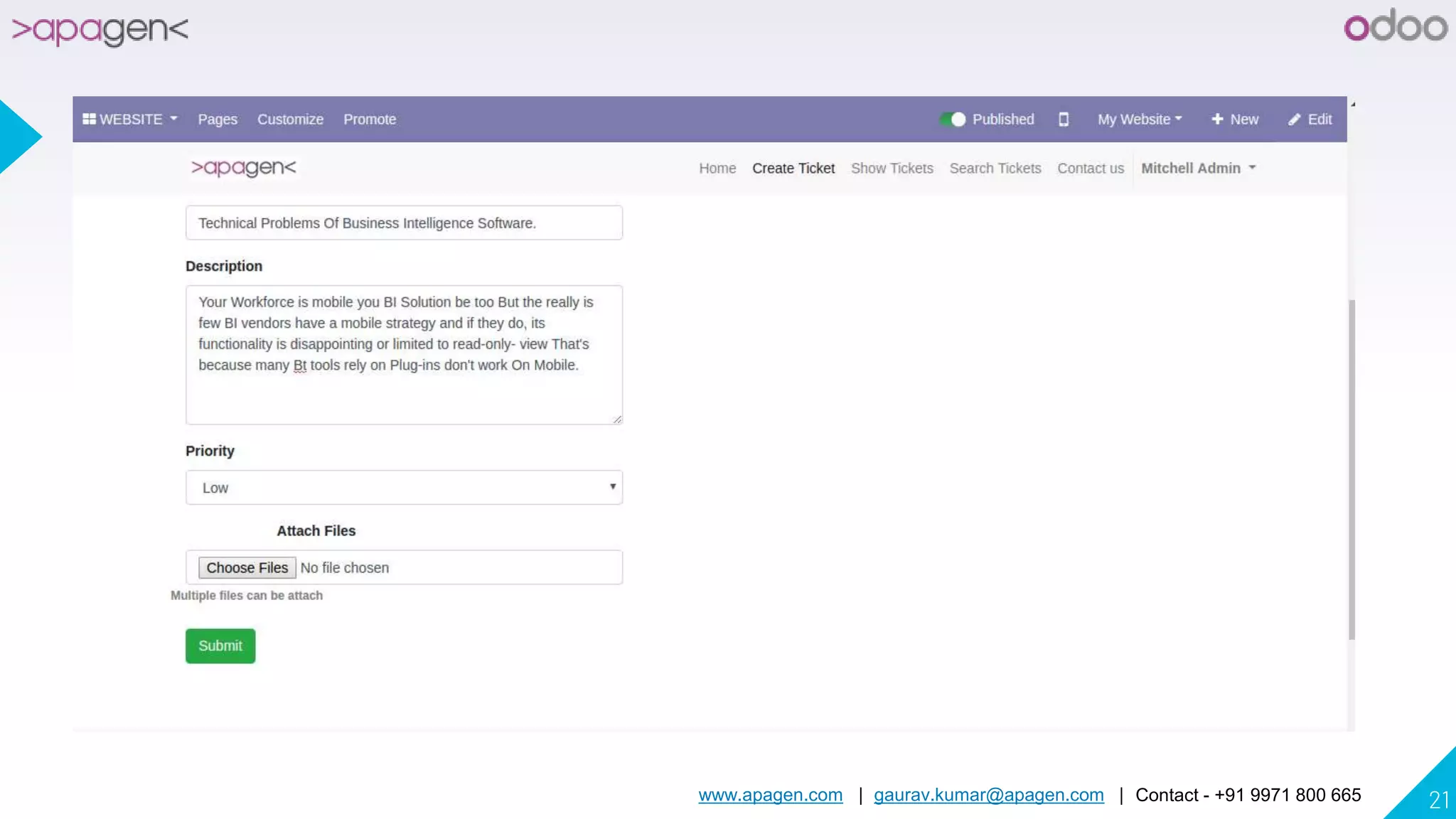
▸ Your Customer can send support ticket/helpdesk request from your website and also attach documents.
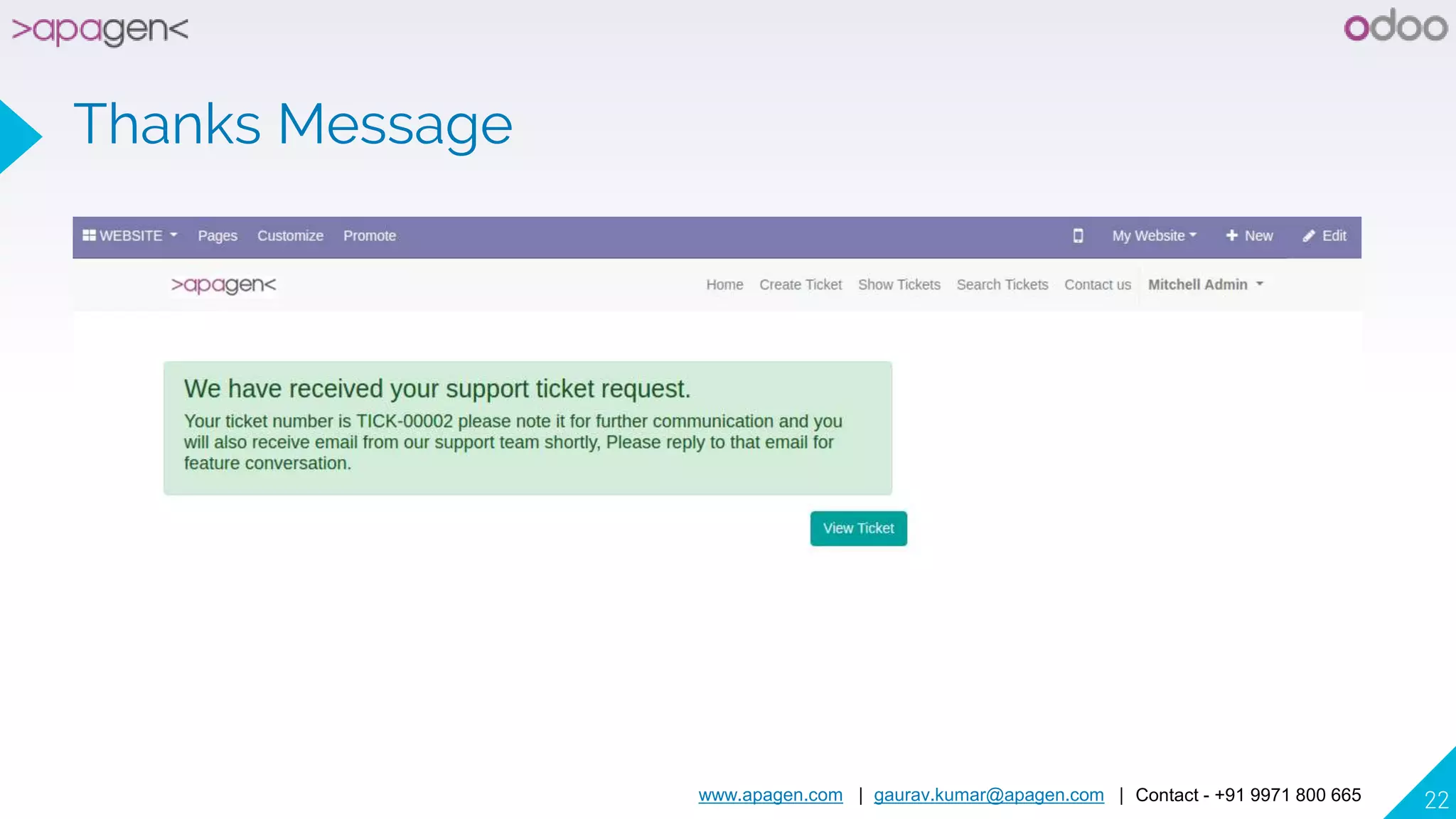
▸ Generation of unique ticket on submission and record it as ticket in backend.
▸ Allow you to create ticket by email. So if your customer send email to your email system will create ticket automatically.
For that you have to setup Catchall Email as incoming mail server or incoming mail server with create new record
option..
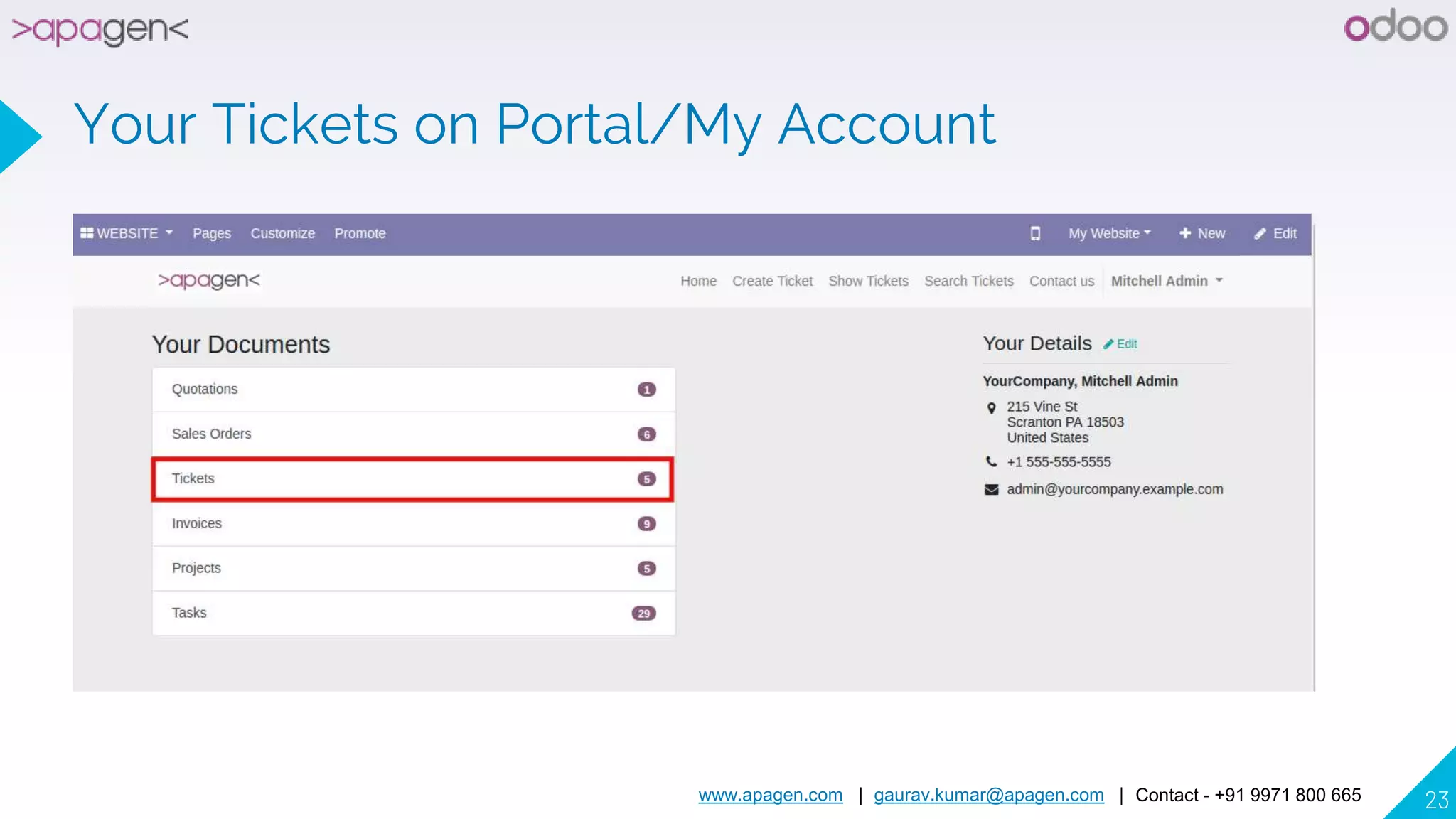
▸ Customer can check status of all support tickets submitted by him/her on My Account page.
▸ Print PDF - Helpdesk Support Ticket
▸ Support User / Technician can communicate with customer using chatter and fill timesheet.
▸ Support Manager can close ticket and send bill to customer.
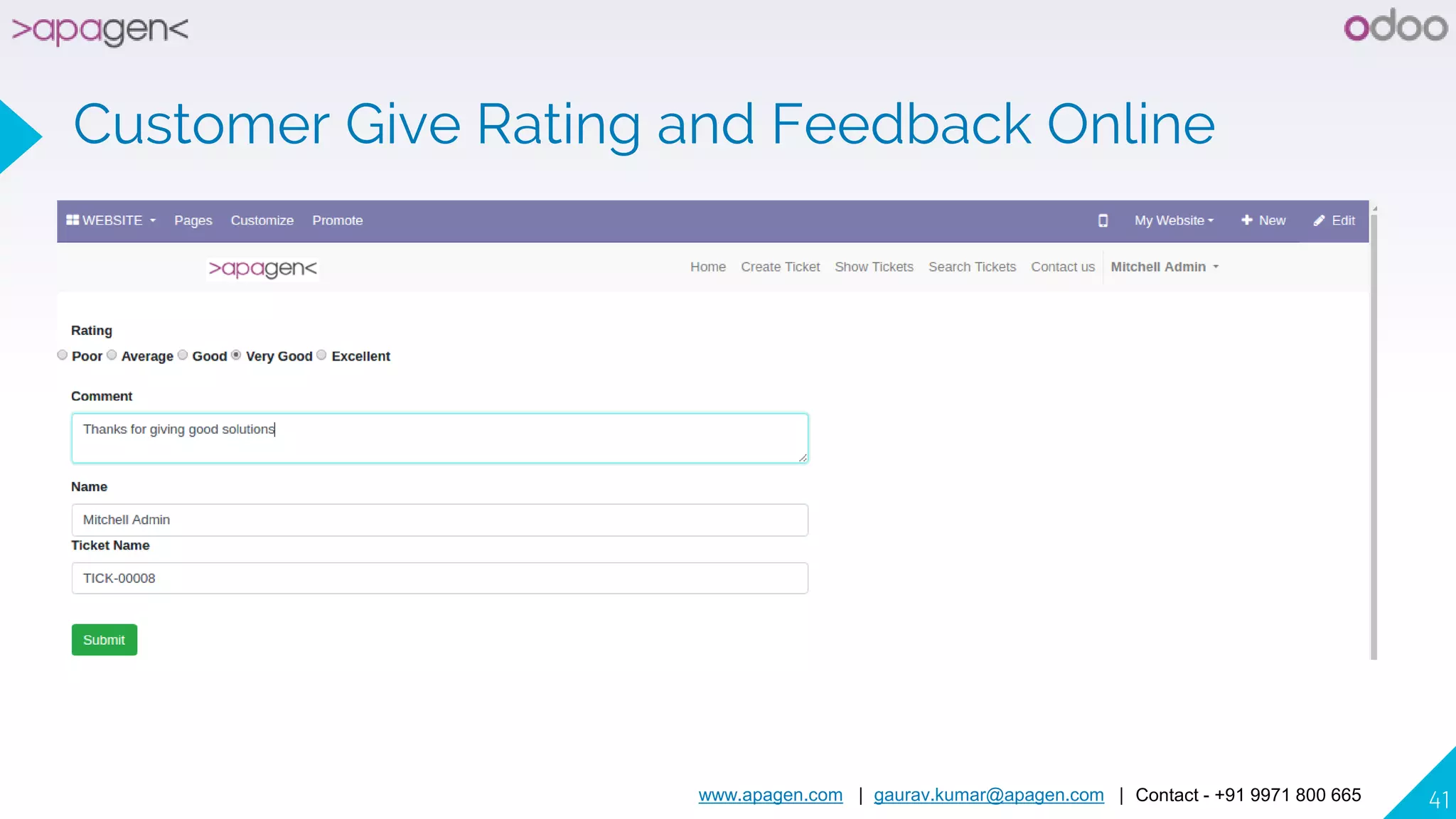
▸ Customer can give feedback and rating of ticket.
▸ Manage your support tickets using assignment to multiple support teams.
▸ Manage prepaid hours of customer for helpdesk tickets.
▸ Create customer invoices from timesheet lines/activities.
▸ Allows to Create Task for Helpdesk tickets.
www.apagen.com | gaurav.kumar@apagen.com | Contact - +91 9971 800 665 5
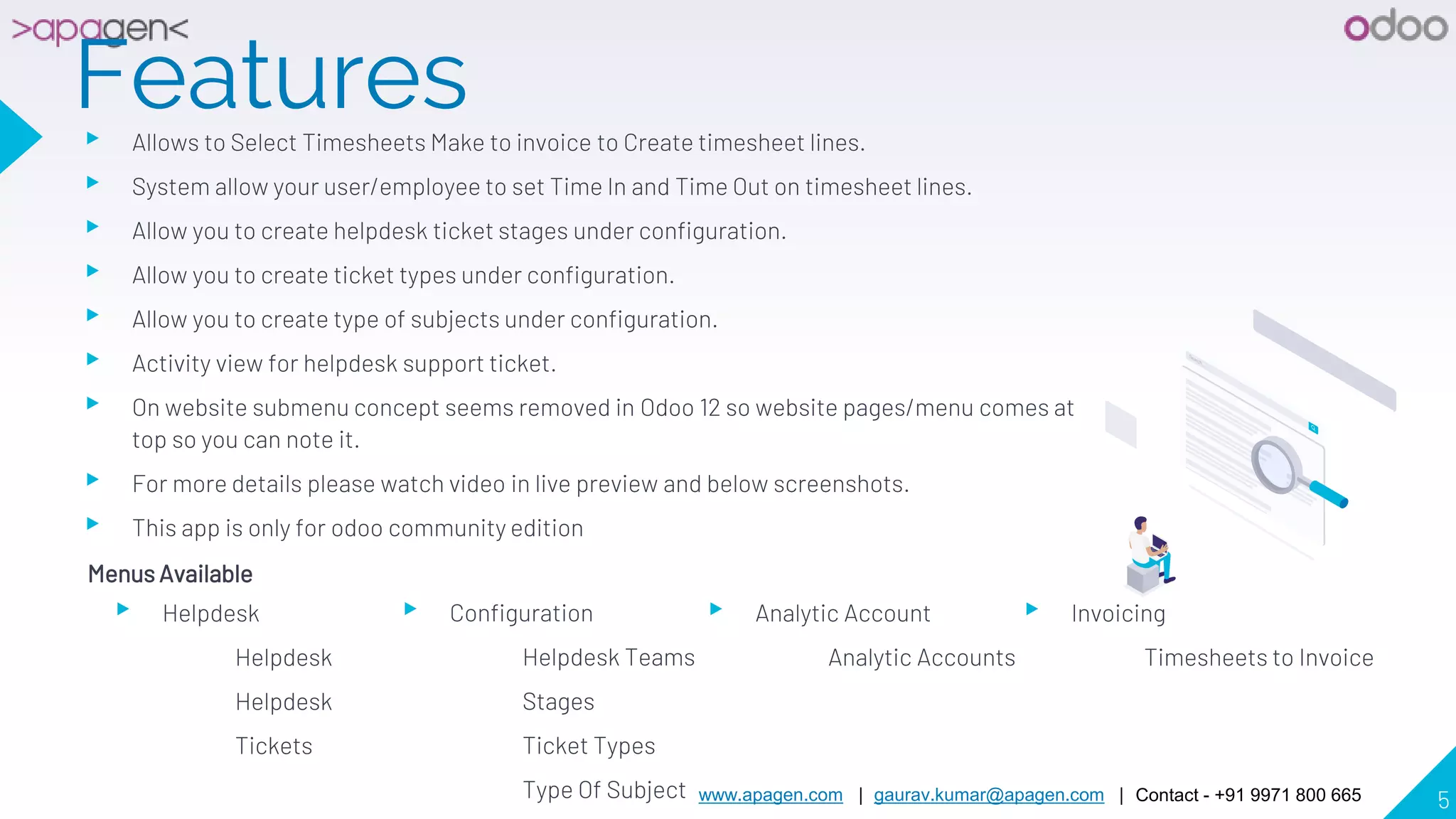
Features▸ Allows to Select Timesheets Make to invoice to Create timesheet lines.
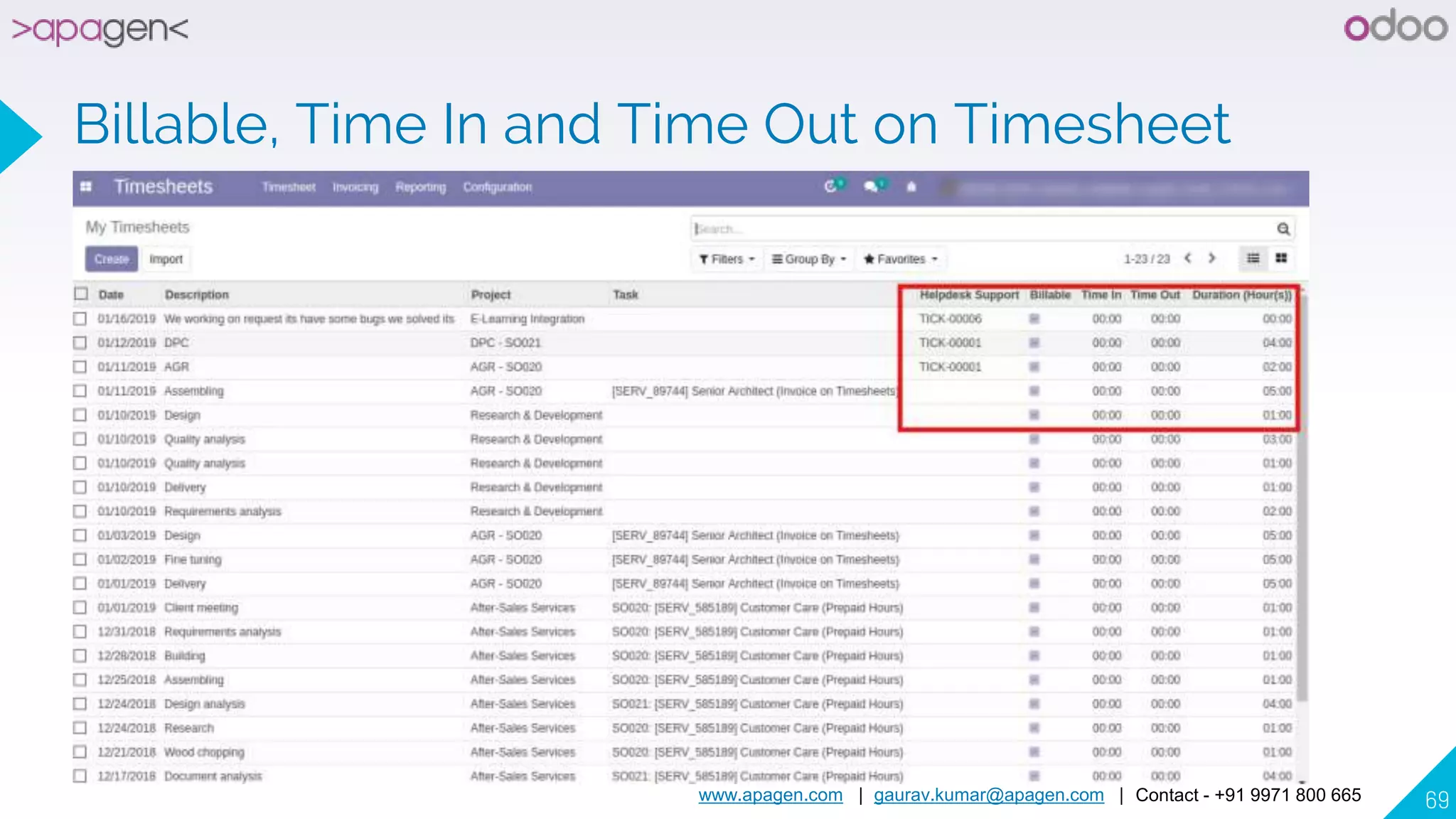
▸ System allow your user/employee to set Time In and Time Out on timesheet lines.
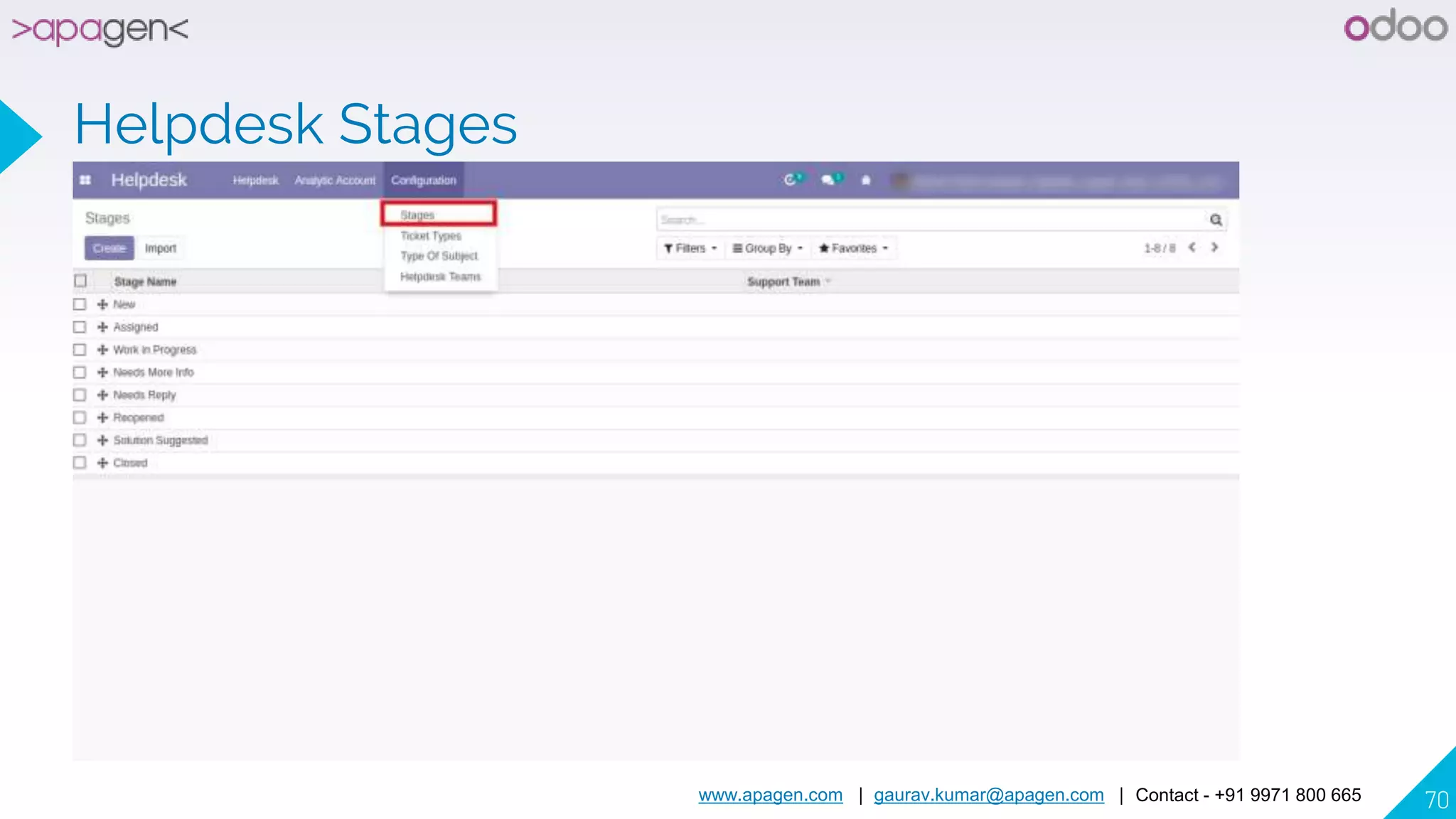
▸ Allow you to create helpdesk ticket stages under configuration.
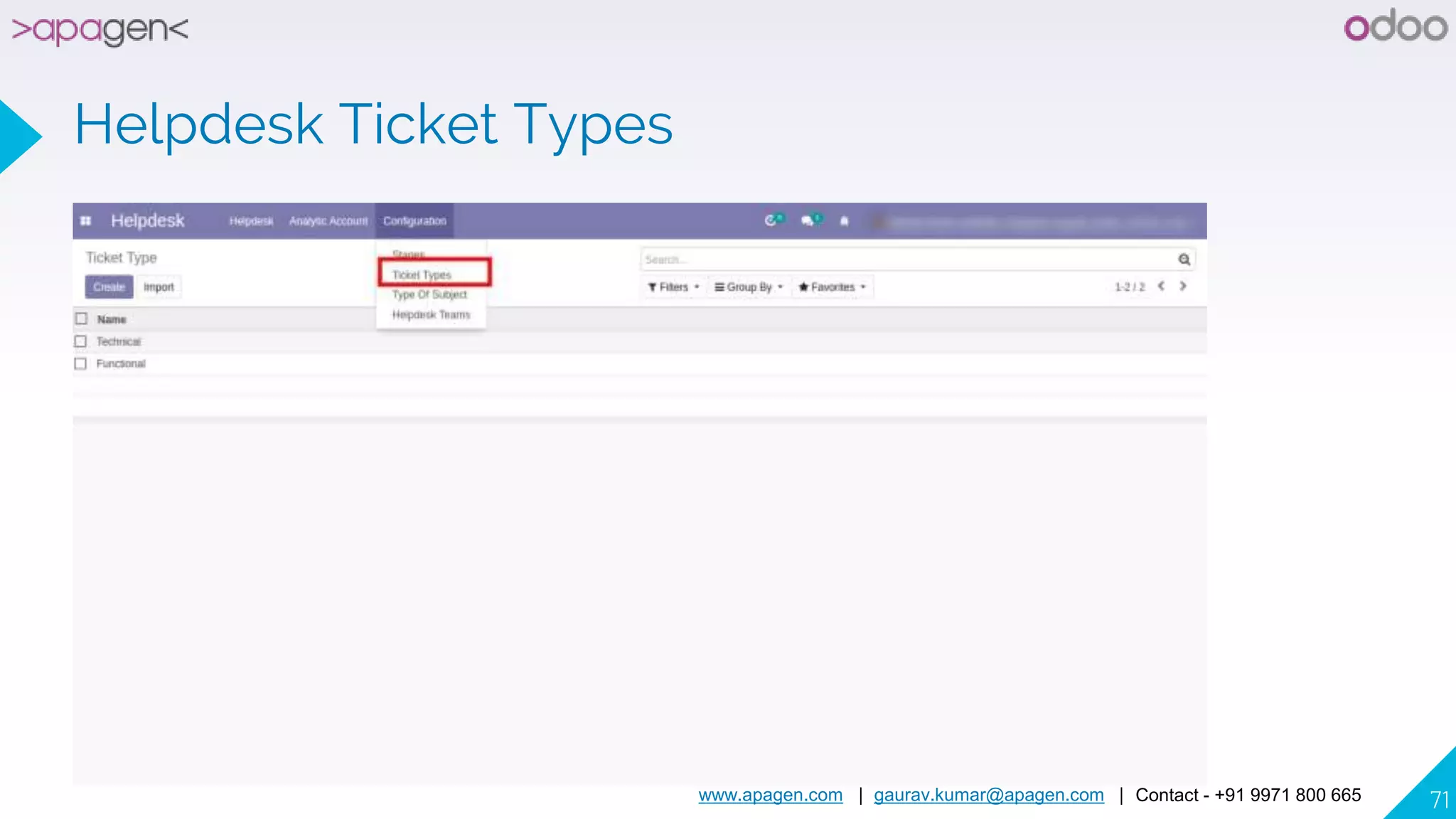
▸ Allow you to create ticket types under configuration.
▸ Allow you to create type of subjects under configuration.
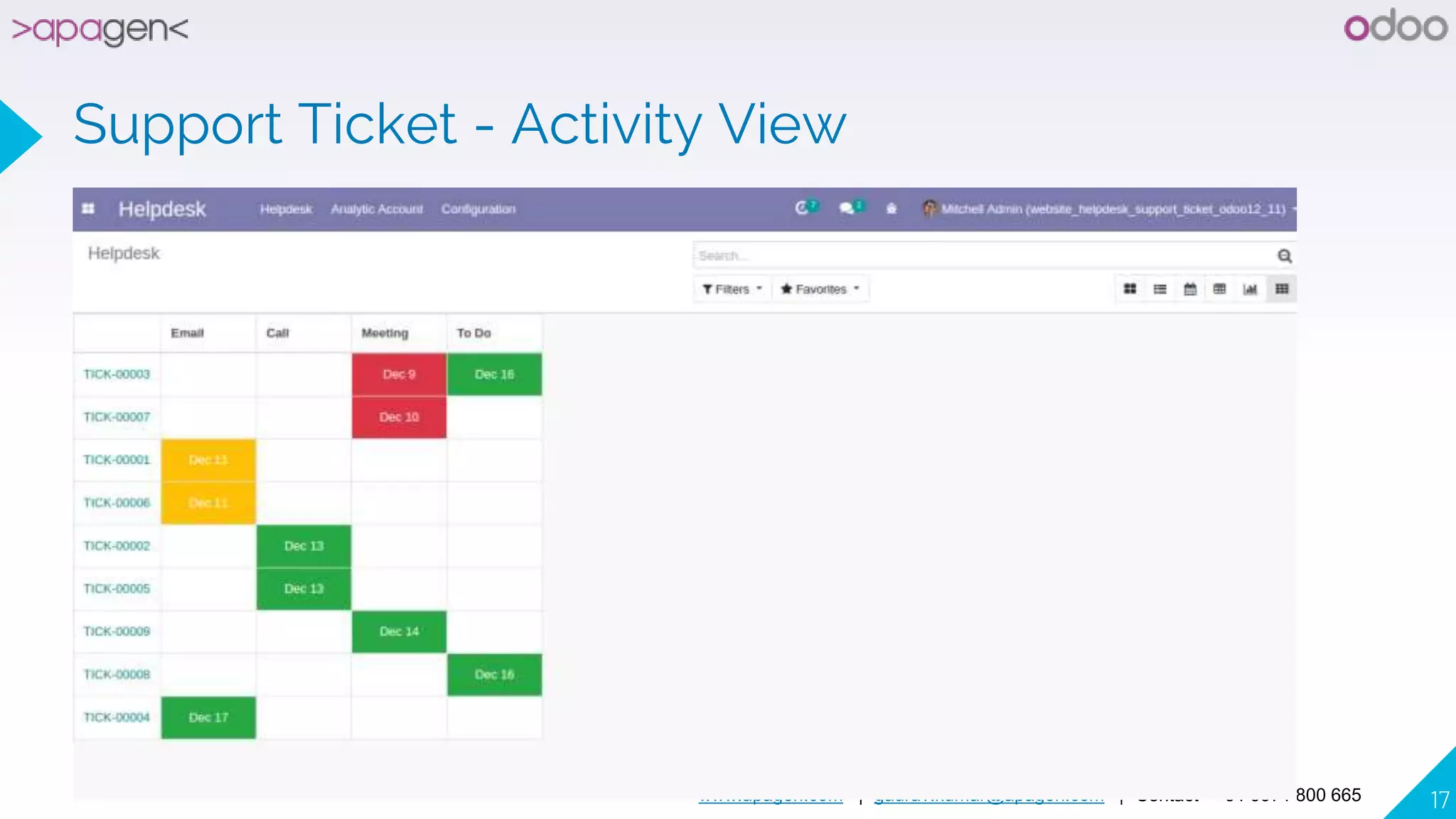
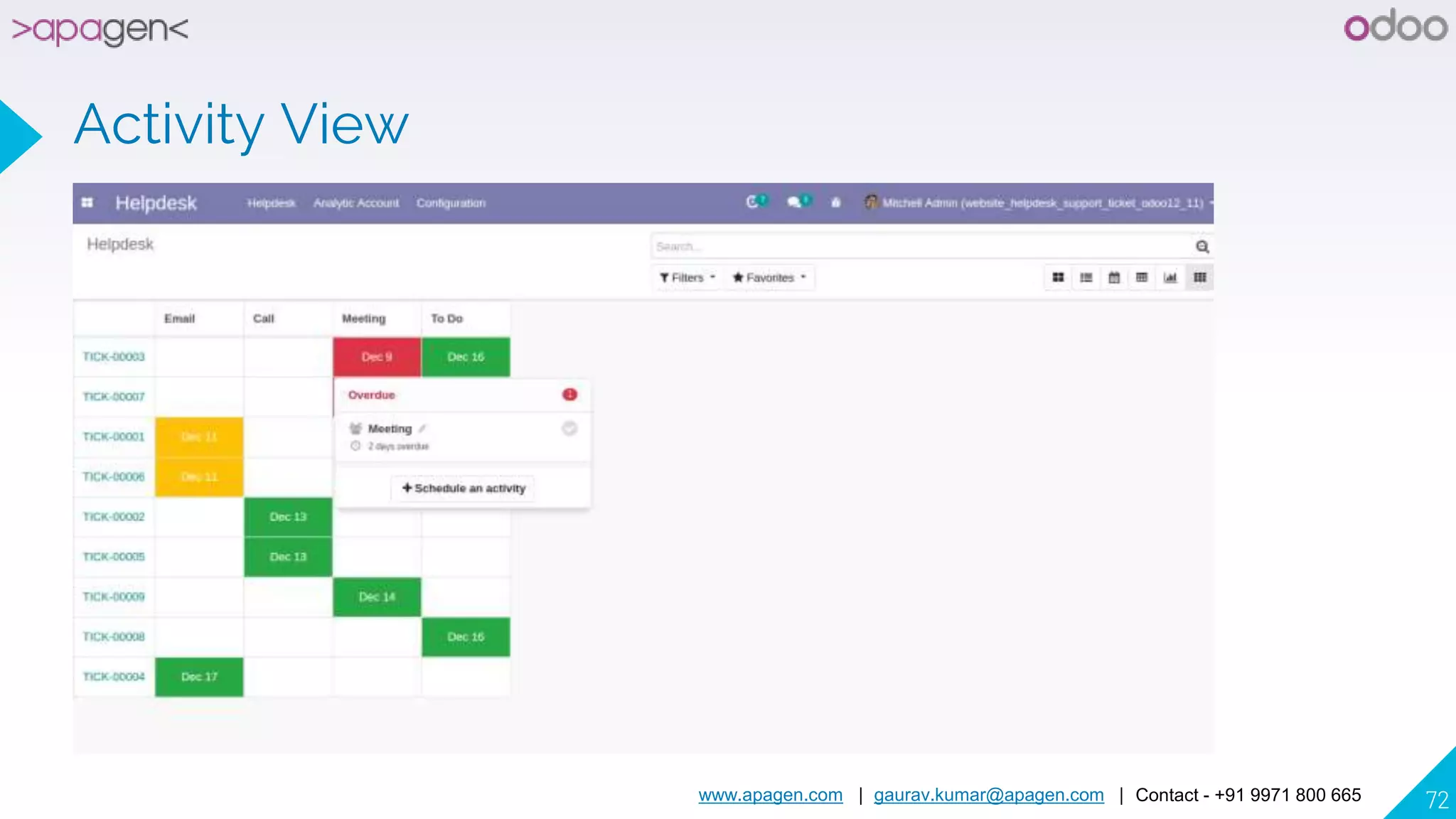
▸ Activity view for helpdesk support ticket.
▸ On website submenu concept seems removed in Odoo 12 so website pages/menu comes at
top so you can note it.
▸ For more details please watch video in live preview and below screenshots.
▸ This app is only for odoo community edition
Menus Available
▸ Helpdesk
Helpdesk
Helpdesk
Tickets
▸ Configuration
Helpdesk Teams
Stages
Ticket Types
Type Of Subject
▸ Analytic Account
Analytic Accounts
▸ Invoicing
Timesheets to Invoice
www.apagen.com | gaurav.kumar@apagen.com | Contact - +91 9971 800 665 6
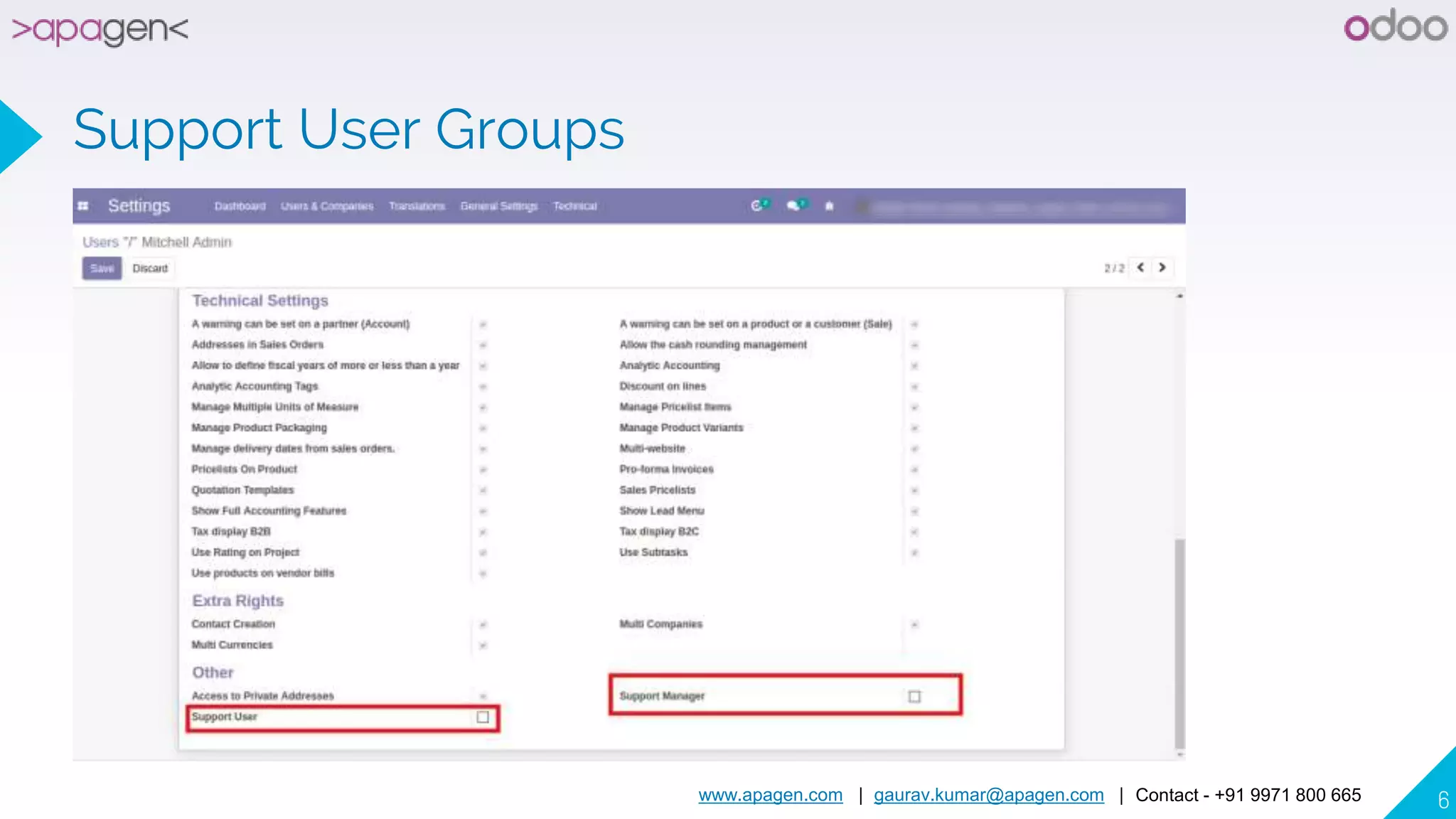
Support User Groups
www.apagen.com | gaurav.kumar@apagen.com | Contact - +91 9971 800 665 7
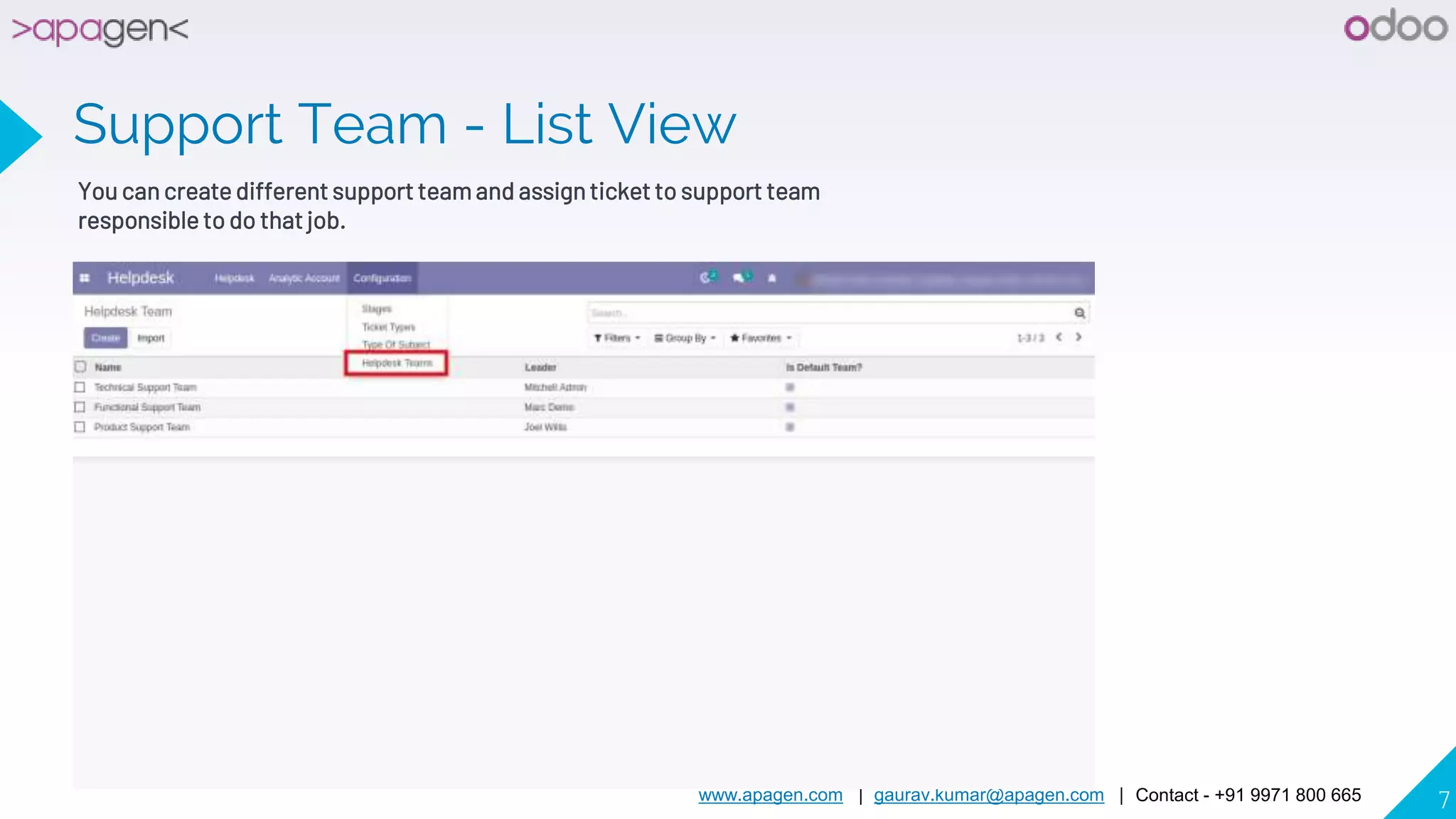
Support Team - List View
You can create different support team and assign ticket to support team
responsible to do that job.
www.apagen.com | gaurav.kumar@apagen.com | Contact - +91 9971 800 665 8
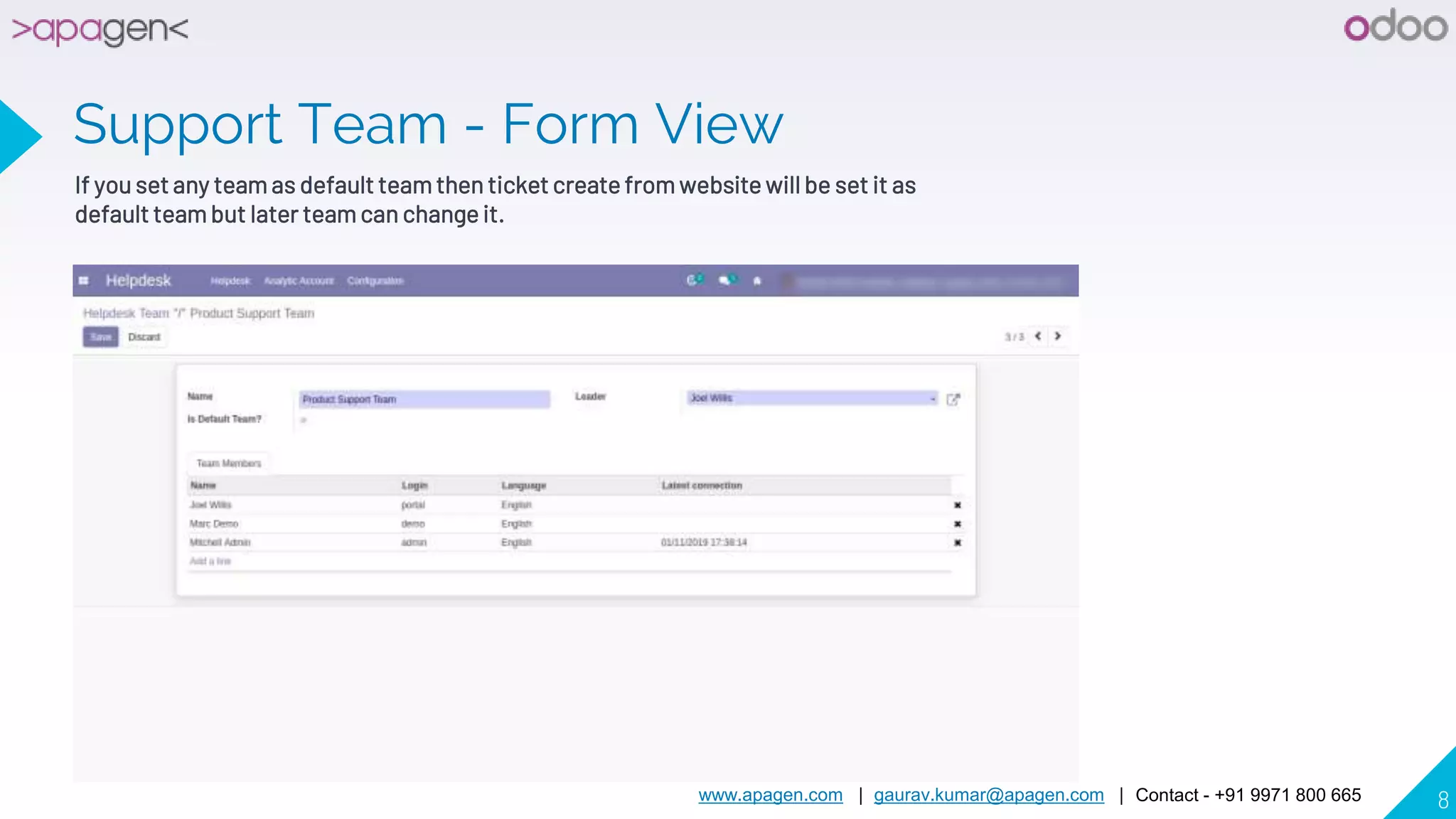
Support Team - Form View
If you set any team as default team then ticket create from website will be set it as
default team but later team can change it.
www.apagen.com | gaurav.kumar@apagen.com | Contact - +91 9971 800 665 9
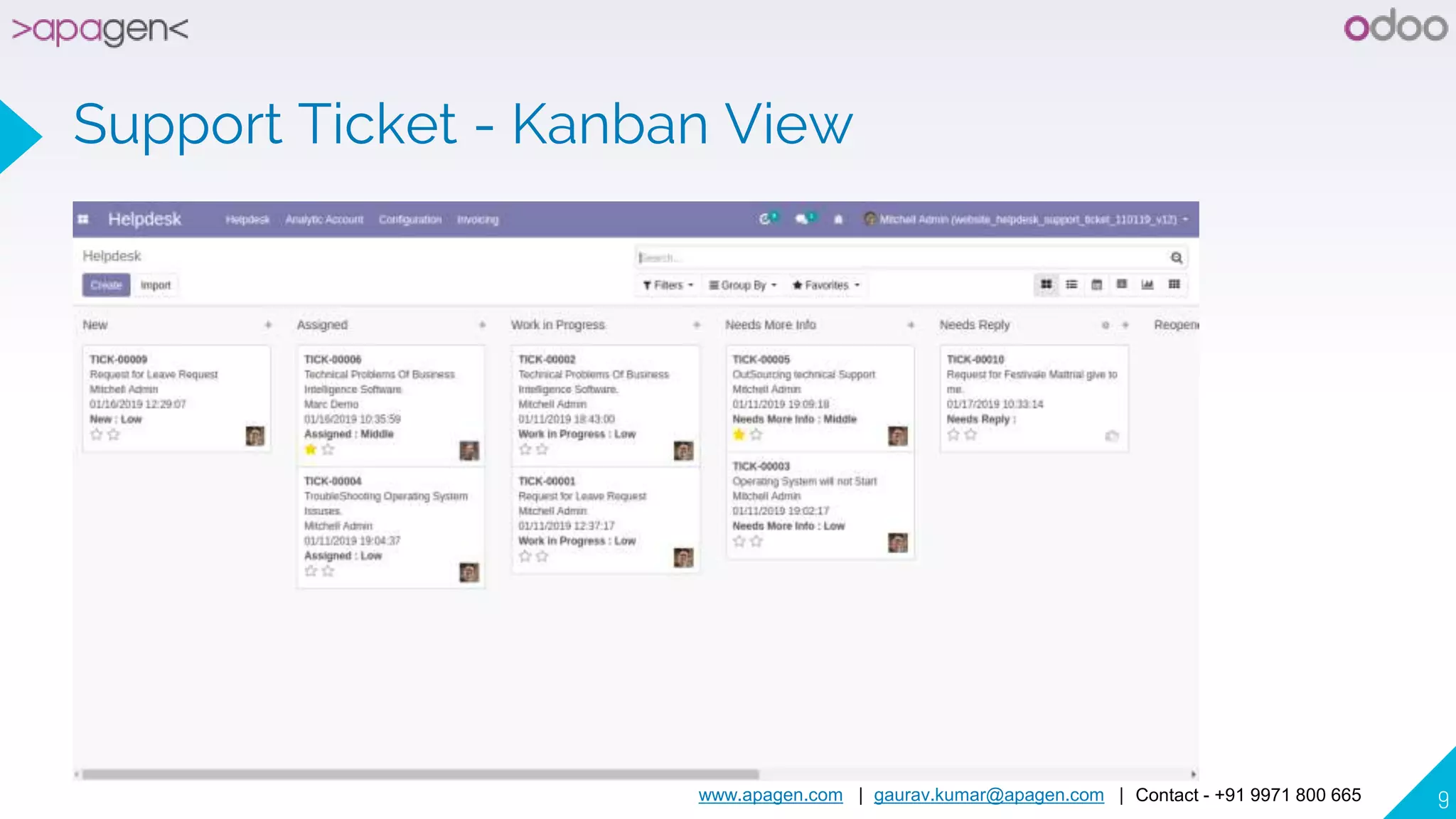
Support Ticket - Kanban View
www.apagen.com | gaurav.kumar@apagen.com | Contact - +91 9971 800 665 10
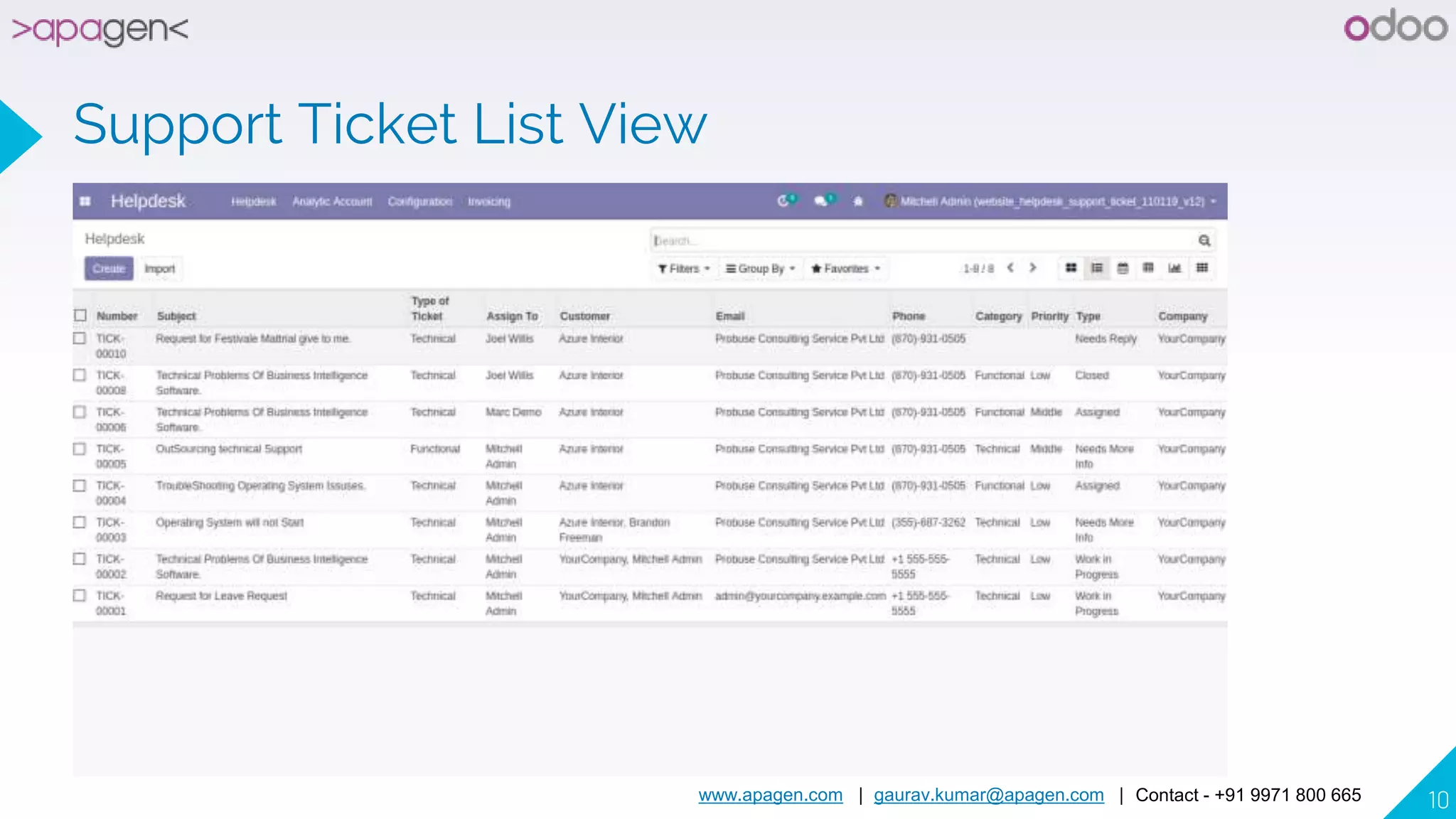
Support Ticket List View
www.apagen.com | gaurav.kumar@apagen.com | Contact - +91 9971 800 665 11
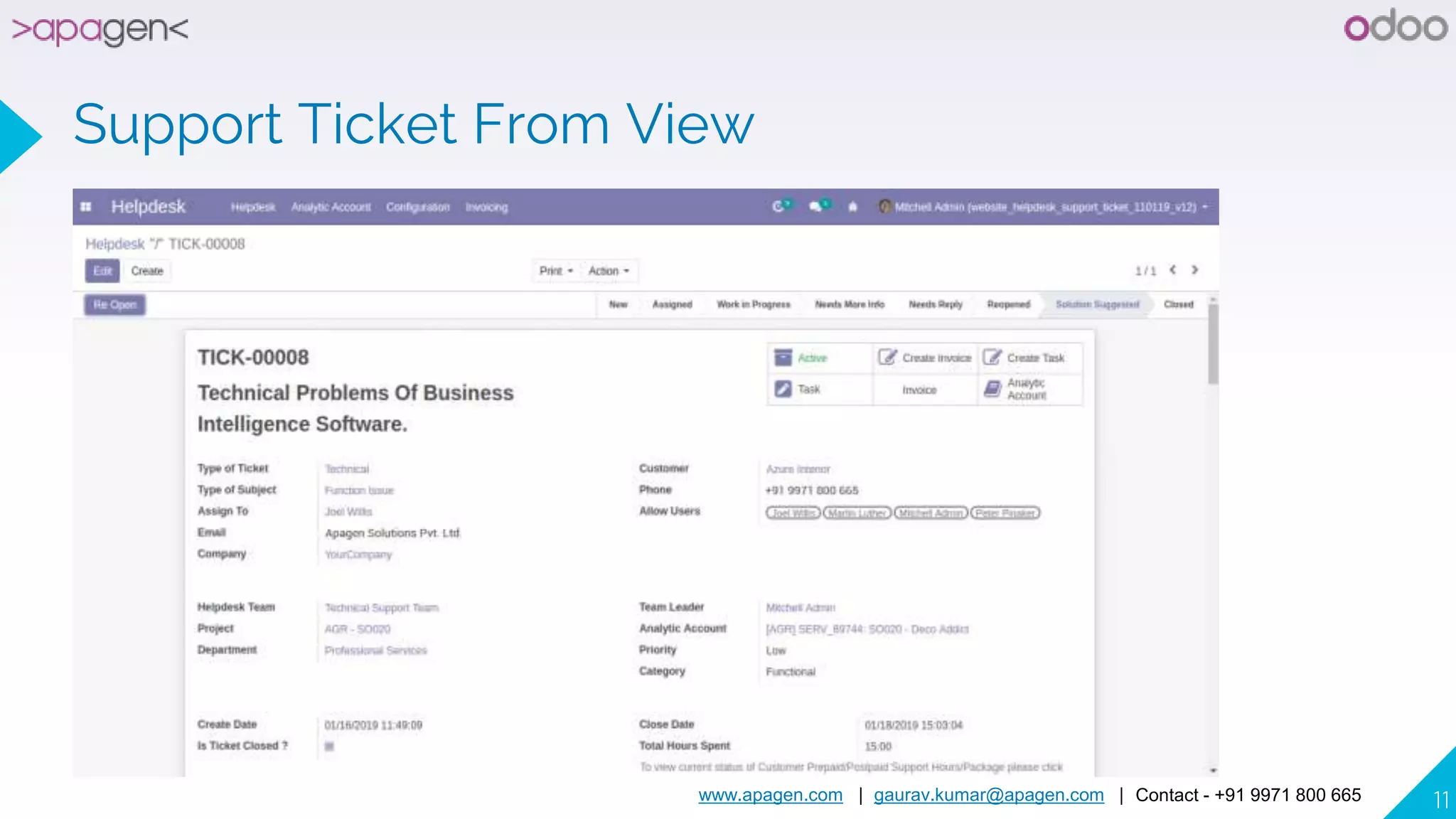
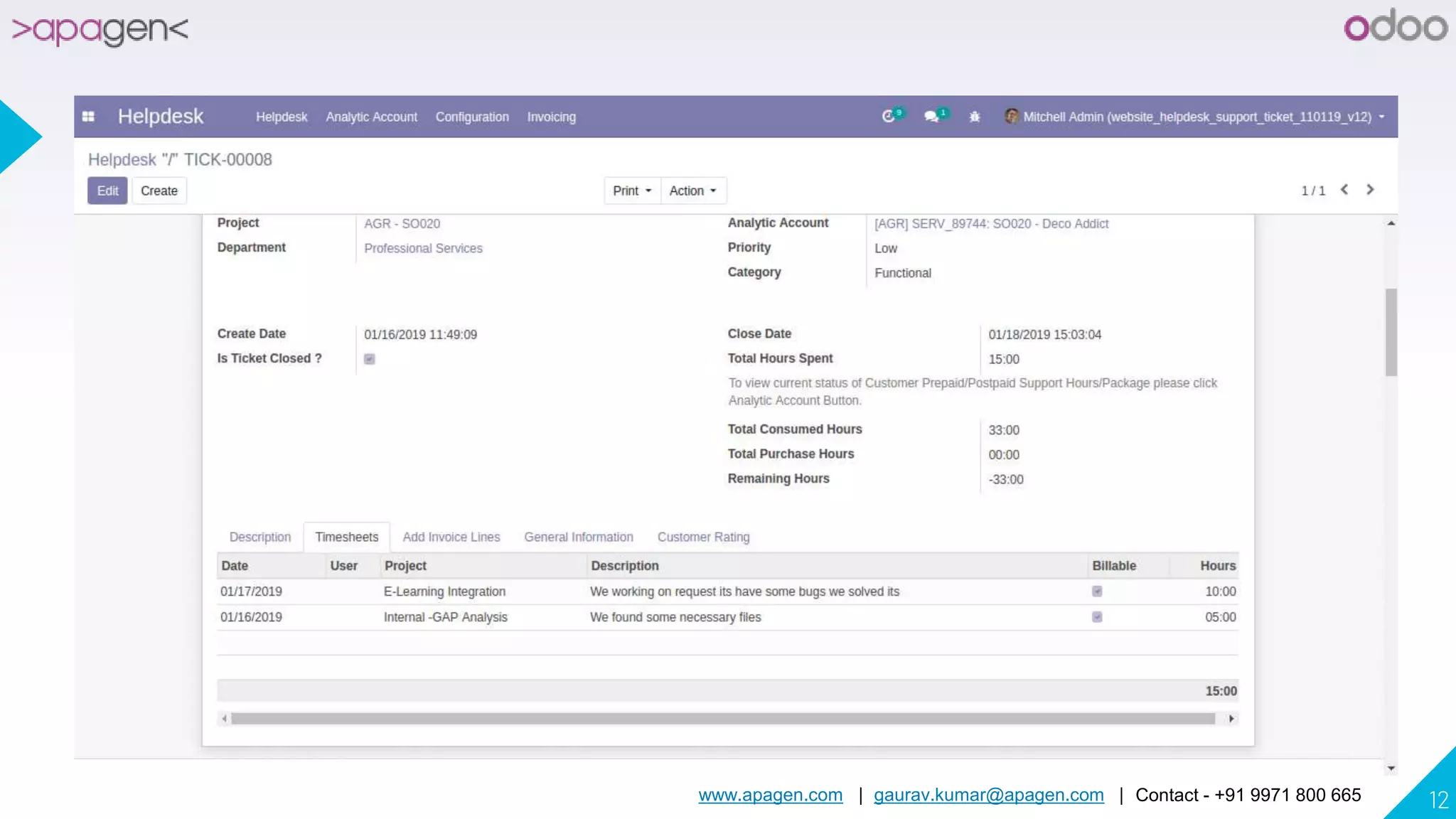
Support Ticket From View
www.apagen.com | gaurav.kumar@apagen.com | Contact - +91 9971 800 665 12
www.apagen.com | gaurav.kumar@apagen.com | Contact - +91 9971 800 665 13
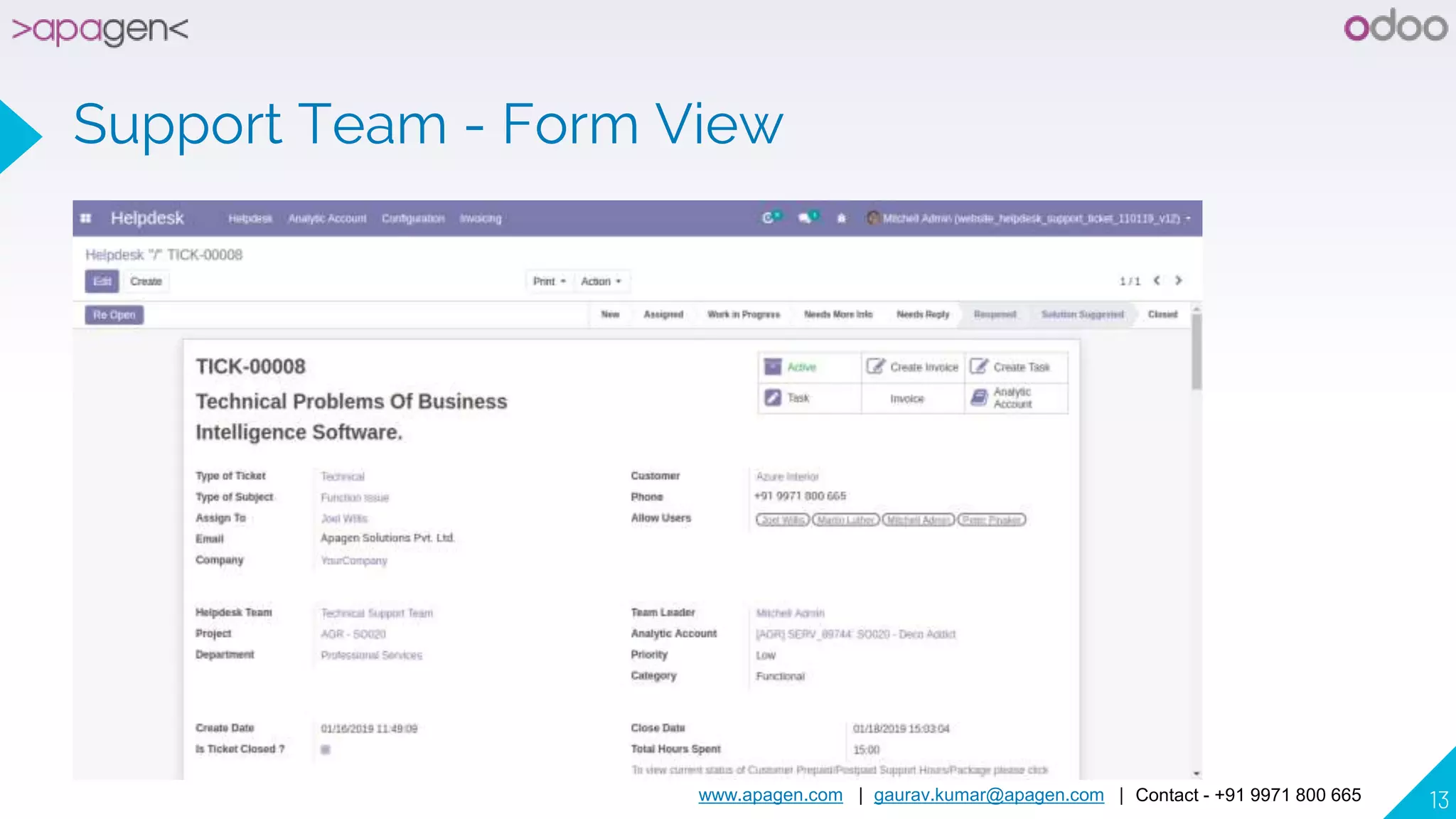
Support Team - Form View
www.apagen.com | gaurav.kumar@apagen.com | Contact - +91 9971 800 665 14
www.apagen.com | gaurav.kumar@apagen.com | Contact - +91 9971 800 665 15
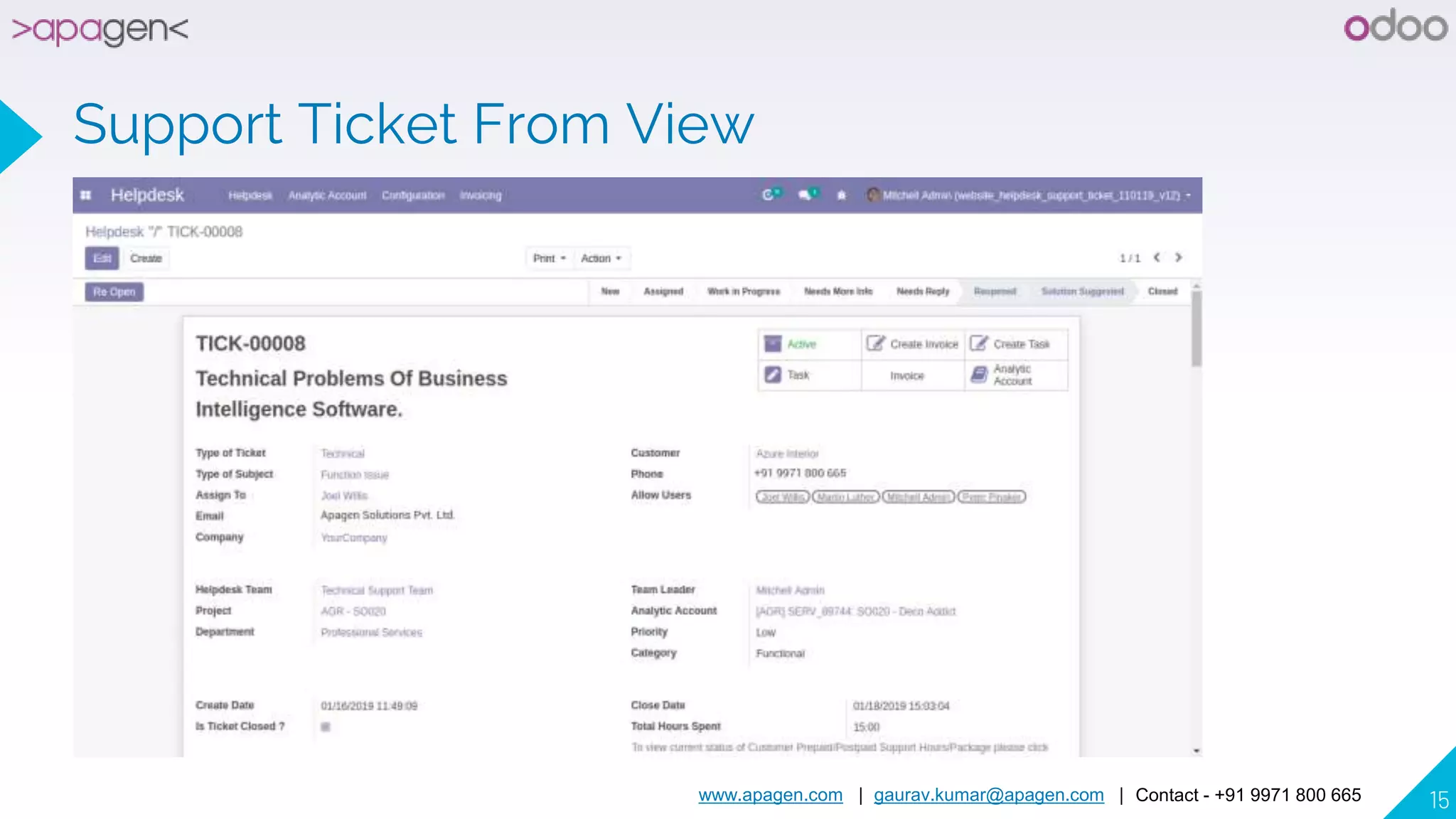
Support Ticket From View
www.apagen.com | gaurav.kumar@apagen.com | Contact - +91 9971 800 665 16
www.apagen.com | gaurav.kumar@apagen.com | Contact - +91 9971 800 665 17
Support Ticket - Activity View
www.apagen.com | gaurav.kumar@apagen.com | Contact - +91 9971 800 665 18
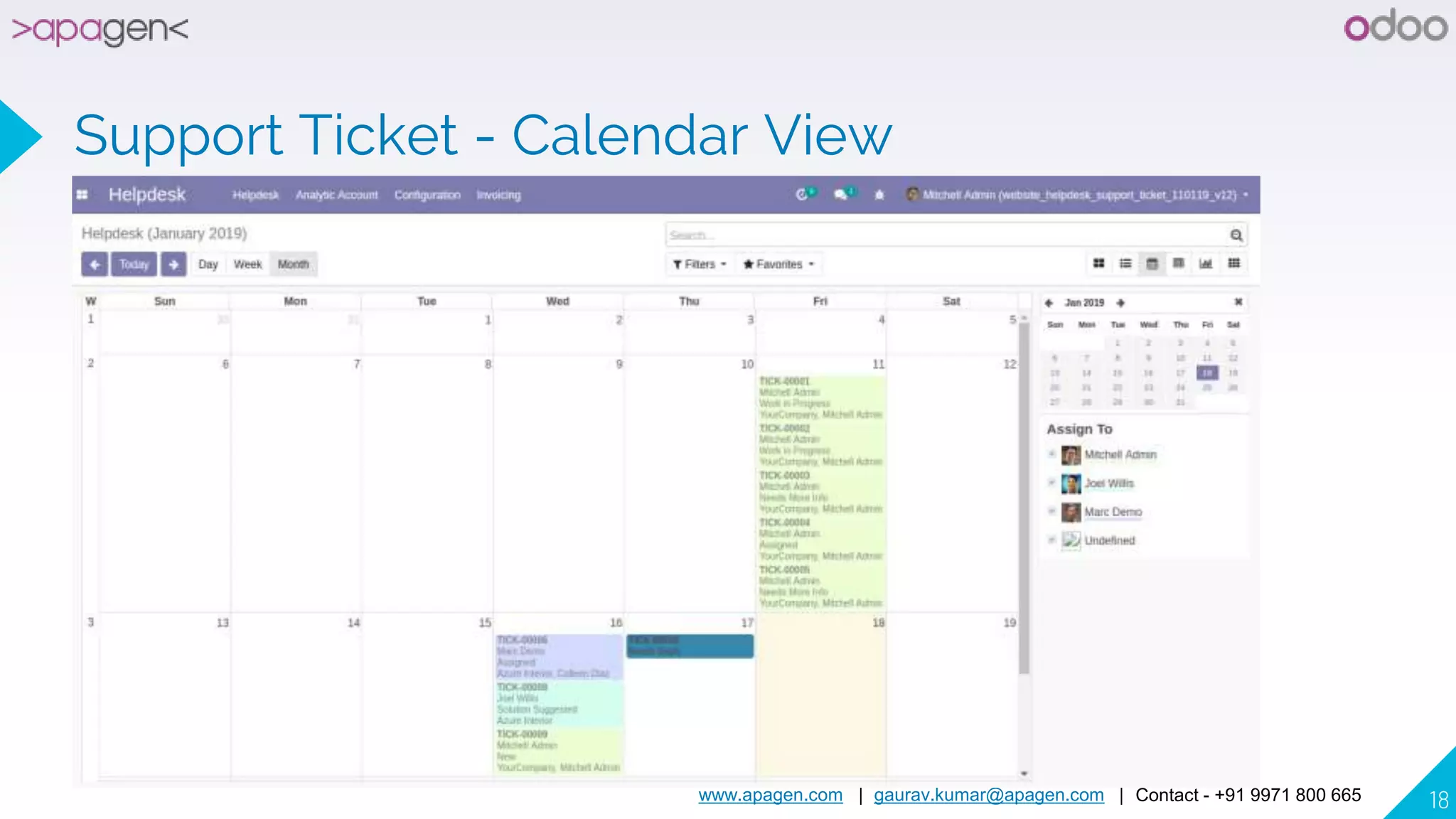
Support Ticket - Calendar View
www.apagen.com | gaurav.kumar@apagen.com | Contact - +91 9971 800 665 19
Create Support Ticket Customer - Login
with Mitchell
www.apagen.com | gaurav.kumar@apagen.com | Contact - +91 9971 800 665 20
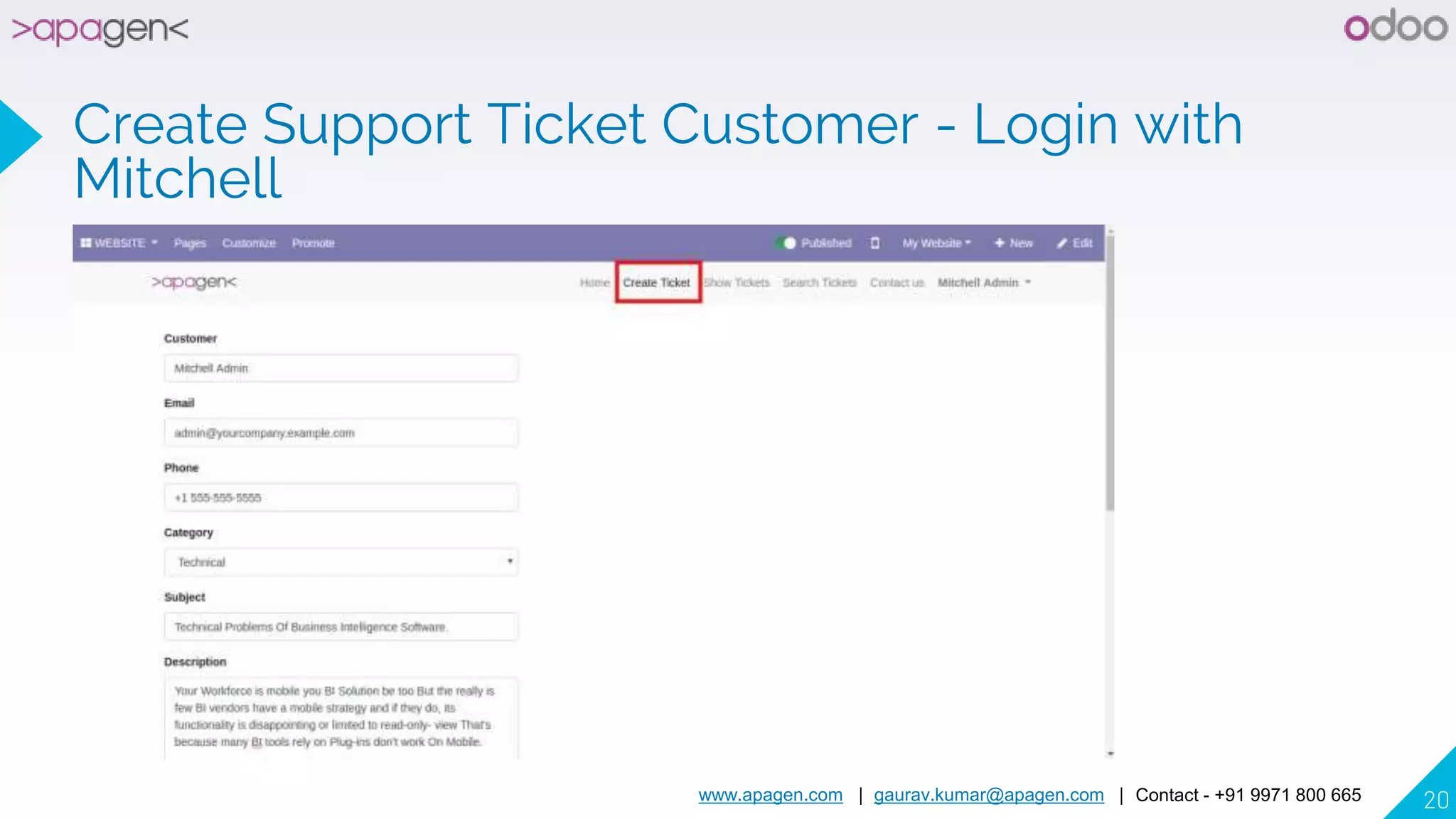
Create Support Ticket Customer - Login with
Mitchell
www.apagen.com | gaurav.kumar@apagen.com | Contact - +91 9971 800 665 21
www.apagen.com | gaurav.kumar@apagen.com | Contact - +91 9971 800 665 22
Thanks Message
www.apagen.com | gaurav.kumar@apagen.com | Contact - +91 9971 800 665 23
Your Tickets on Portal/My Account
www.apagen.com | gaurav.kumar@apagen.com | Contact - +91 9971 800 665 24
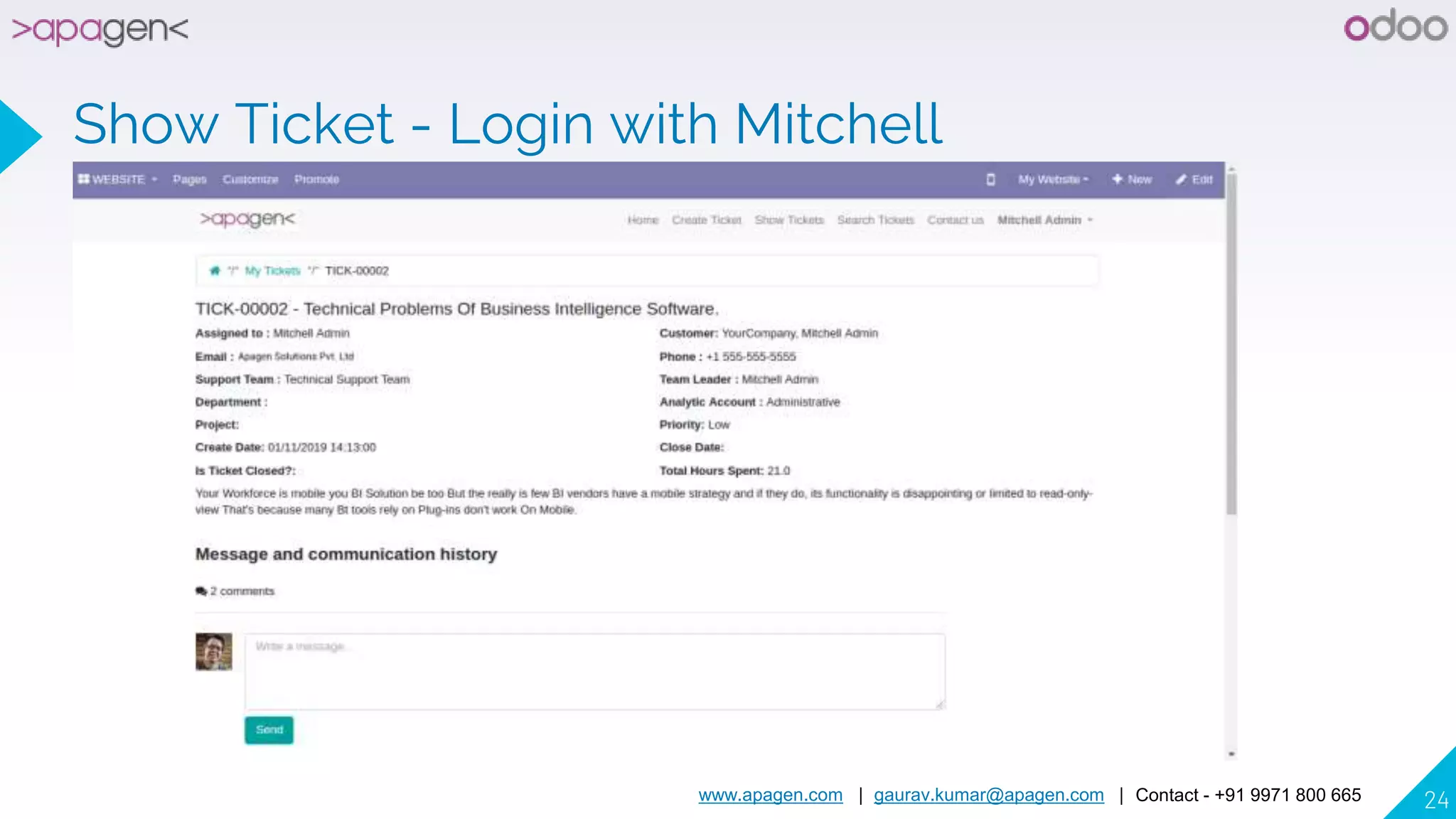
Show Ticket - Login with Mitchell
www.apagen.com | gaurav.kumar@apagen.com | Contact - +91 9971 800 665 25
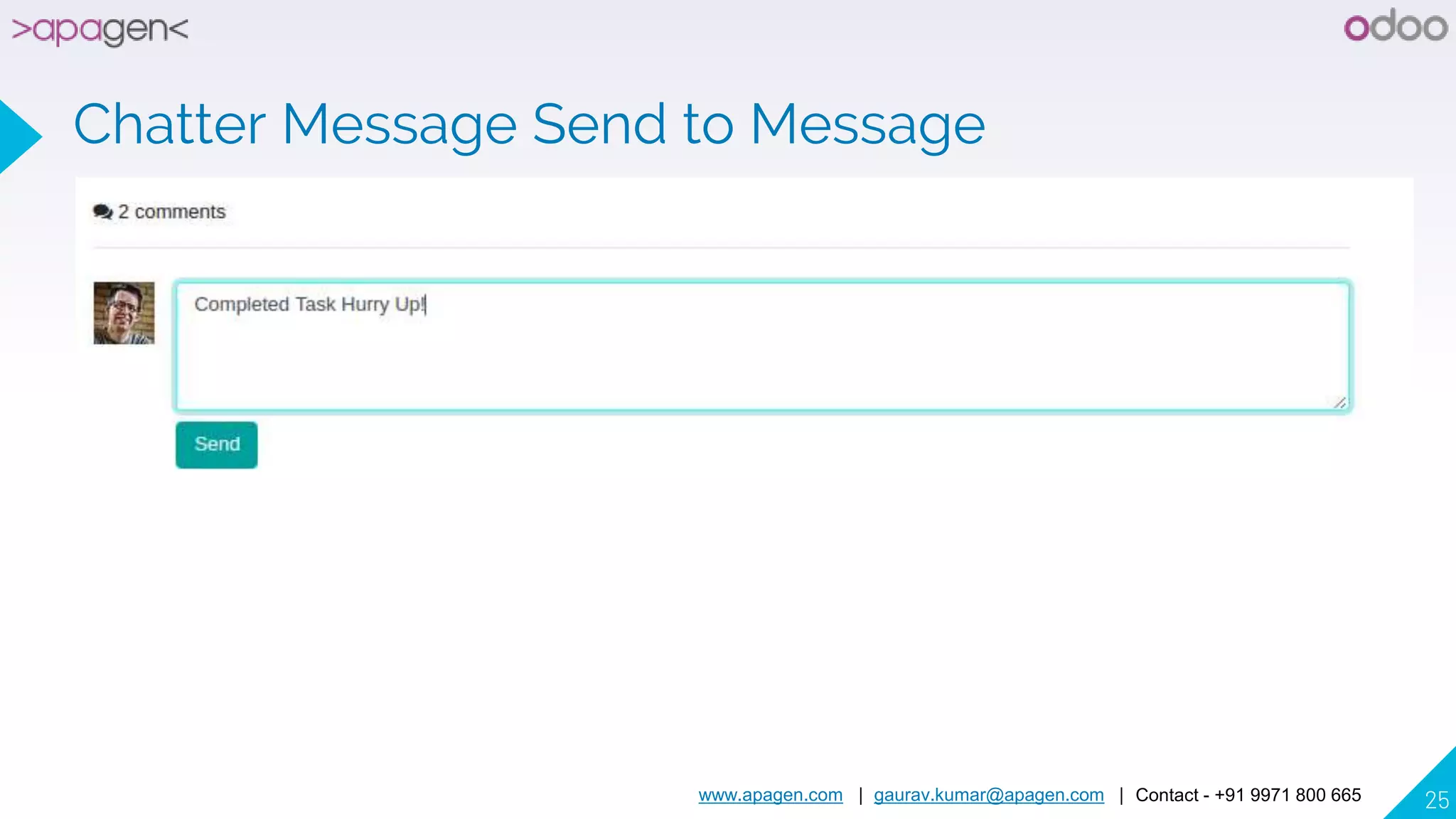
Chatter Message Send to Message
www.apagen.com | gaurav.kumar@apagen.com | Contact - +91 9971 800 665 26
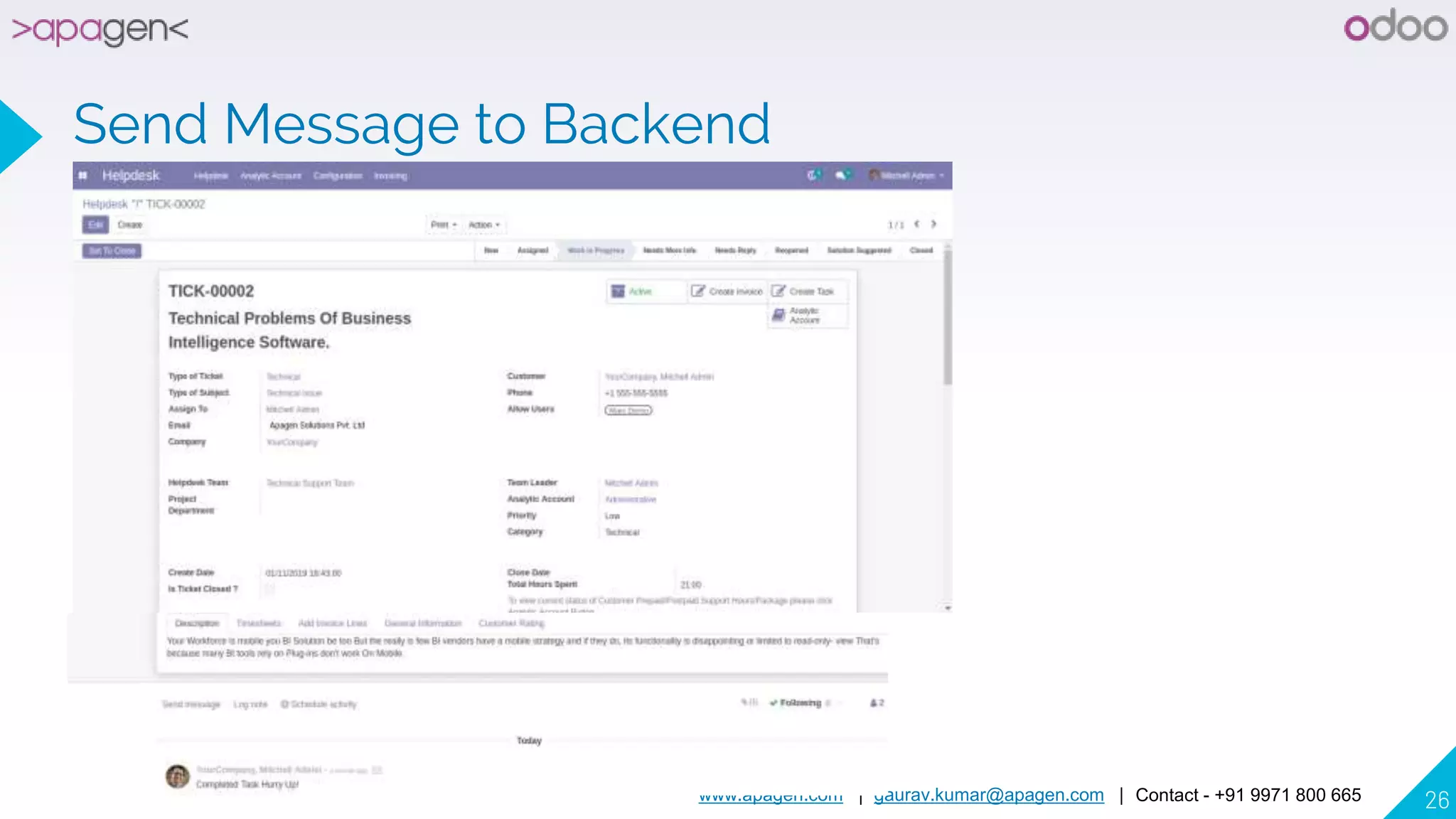
Send Message to Backend
www.apagen.com | gaurav.kumar@apagen.com | Contact - +91 9971 800 665 27
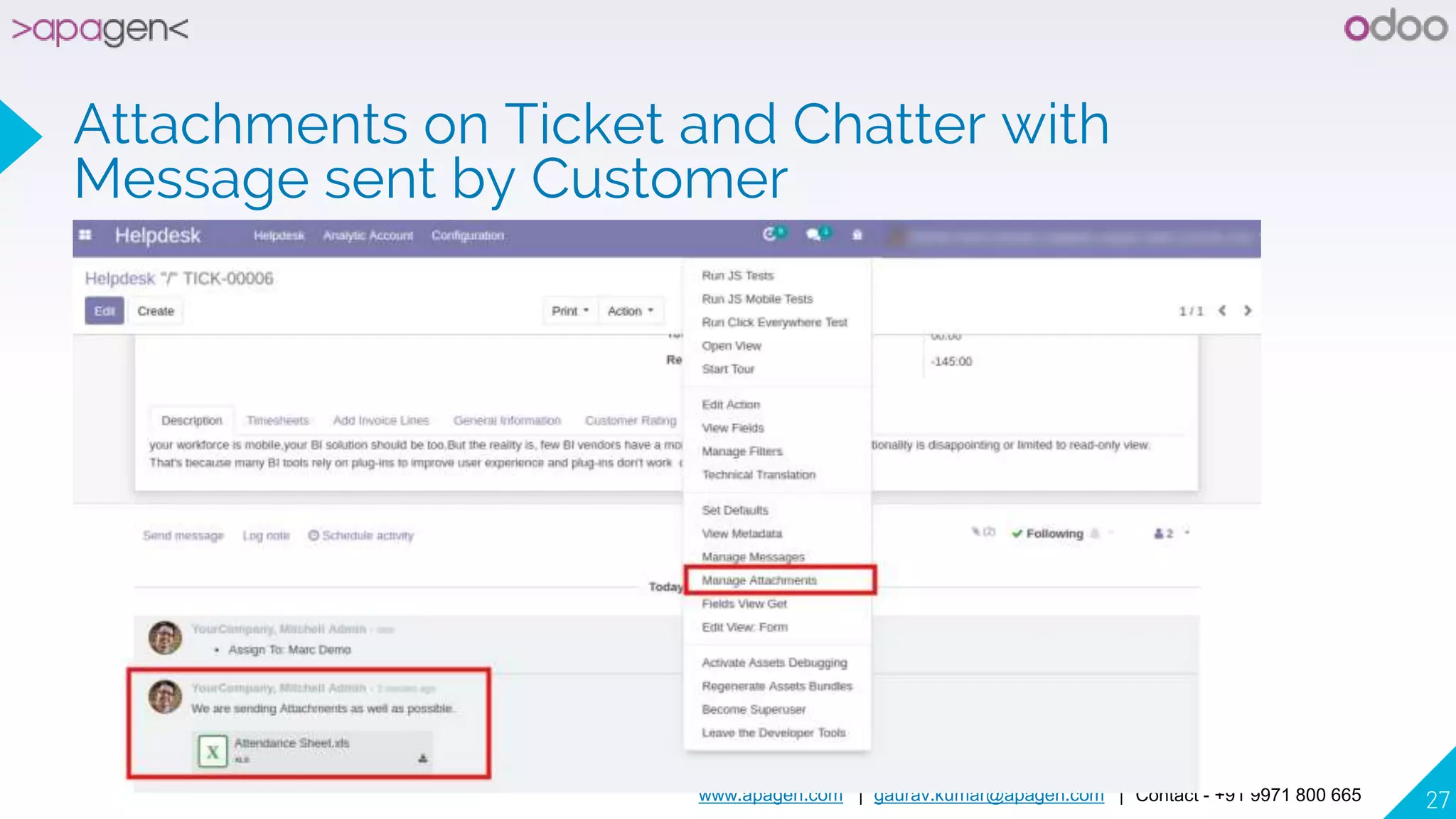
Attachments on Ticket and Chatter with
Message sent by Customer
www.apagen.com | gaurav.kumar@apagen.com | Contact - +91 9971 800 665 28
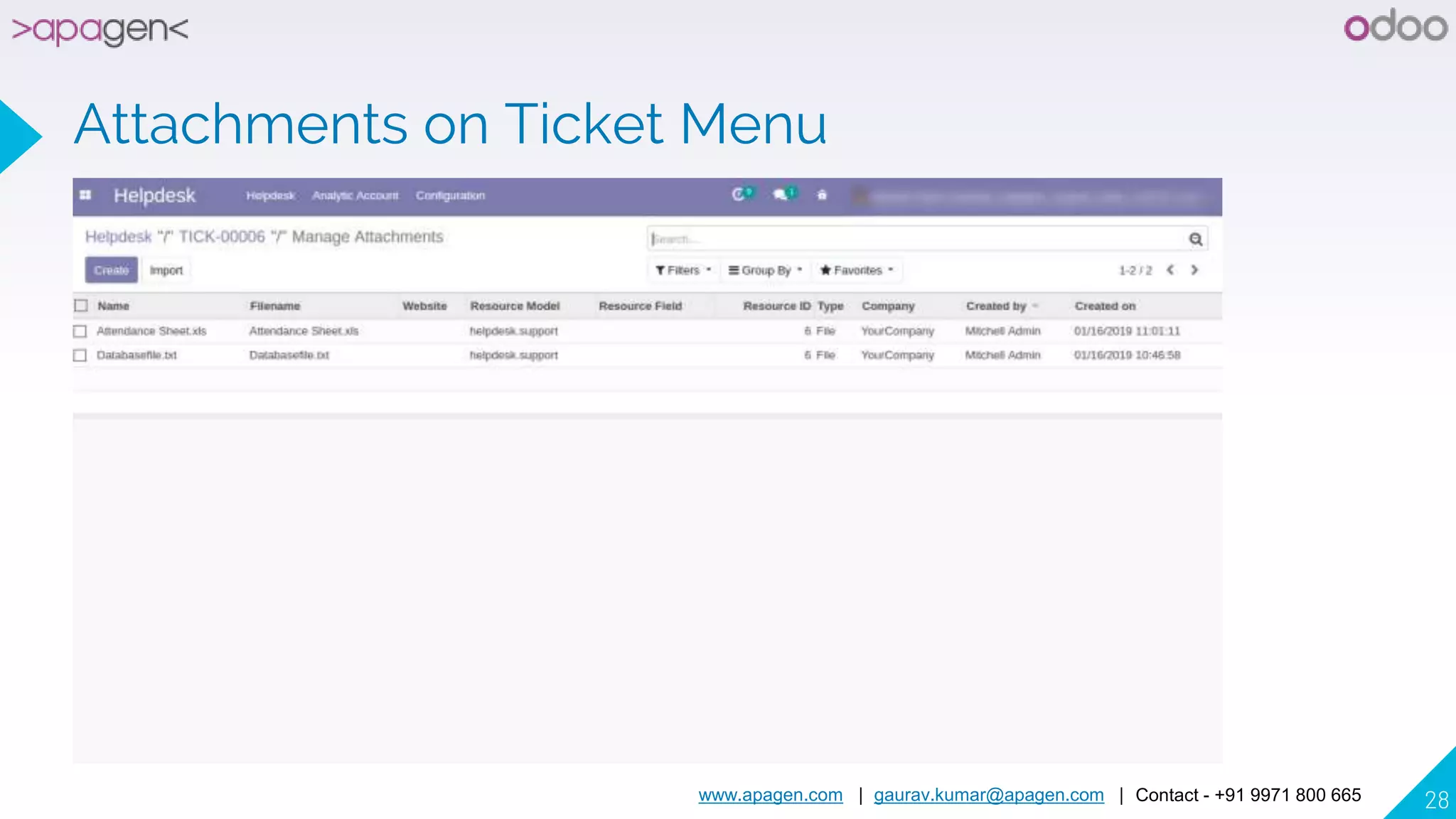
Attachments on Ticket Menu
www.apagen.com | gaurav.kumar@apagen.com | Contact - +91 9971 800 665 29
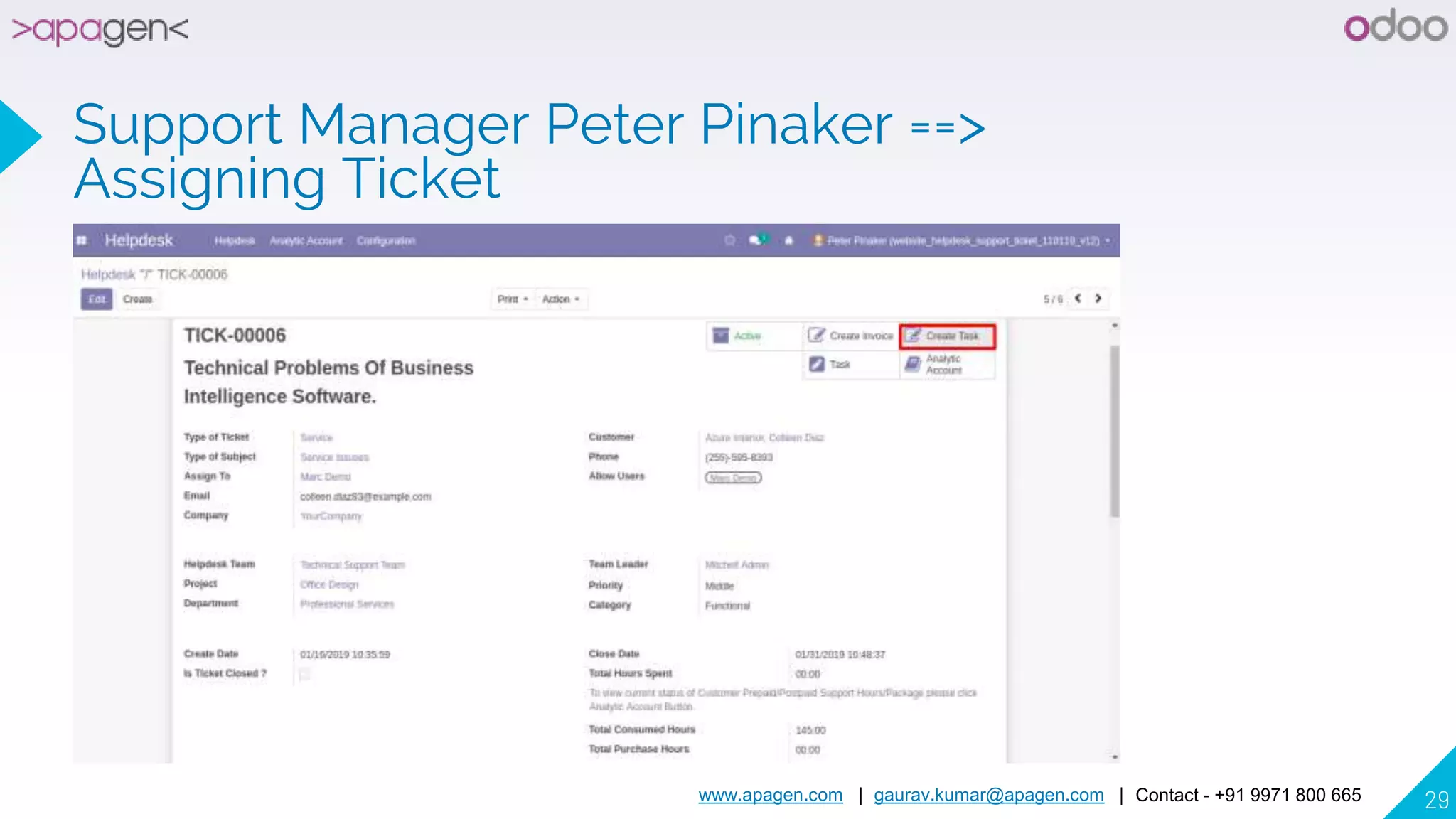
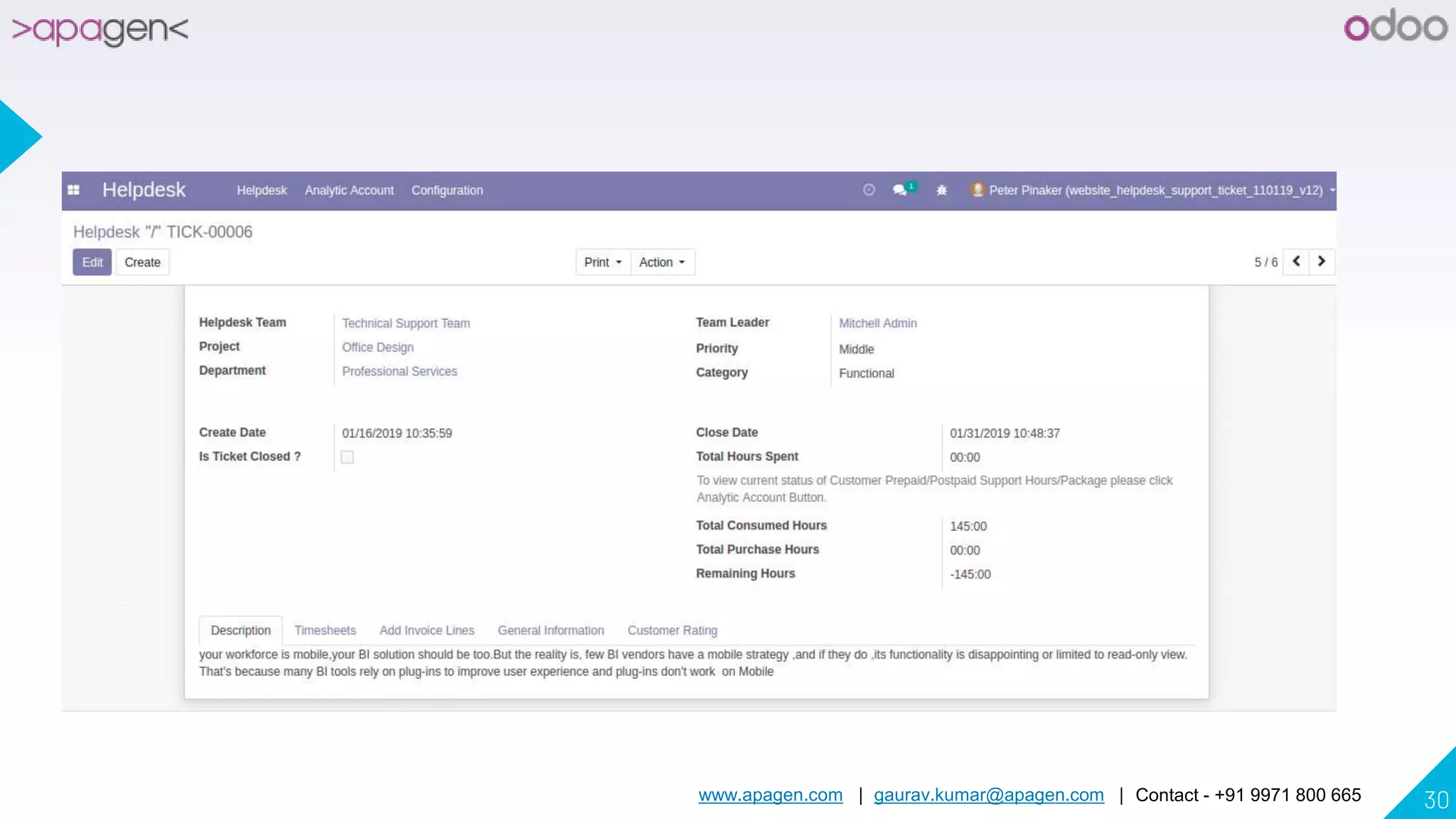
Support Manager Peter Pinaker ==>
Assigning Ticket
www.apagen.com | gaurav.kumar@apagen.com | Contact - +91 9971 800 665 30
www.apagen.com | gaurav.kumar@apagen.com | Contact - +91 9971 800 665 31
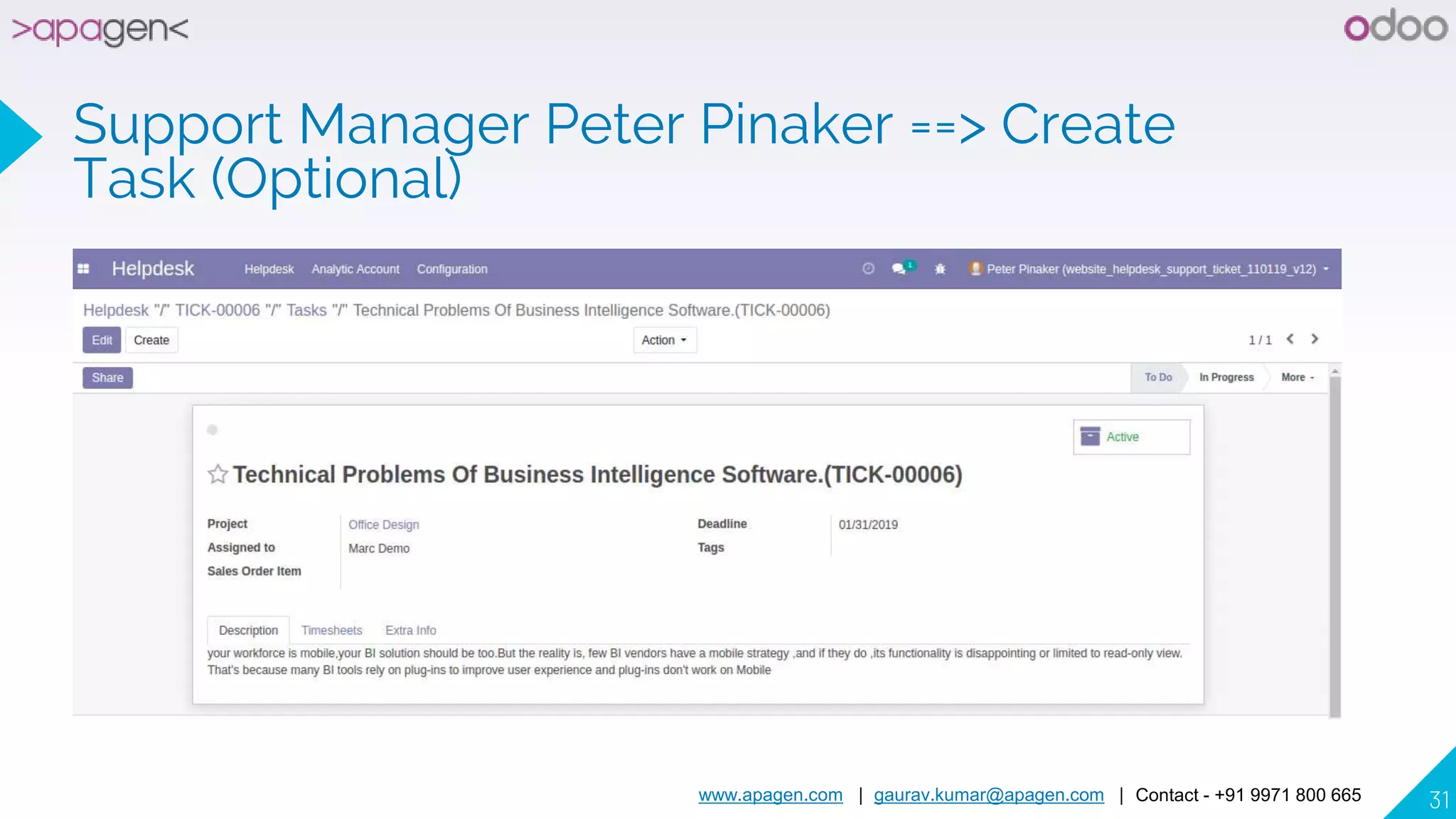
Support Manager Peter Pinaker ==> Create
Task (Optional)
www.apagen.com | gaurav.kumar@apagen.com | Contact - +91 9971 800 665 32
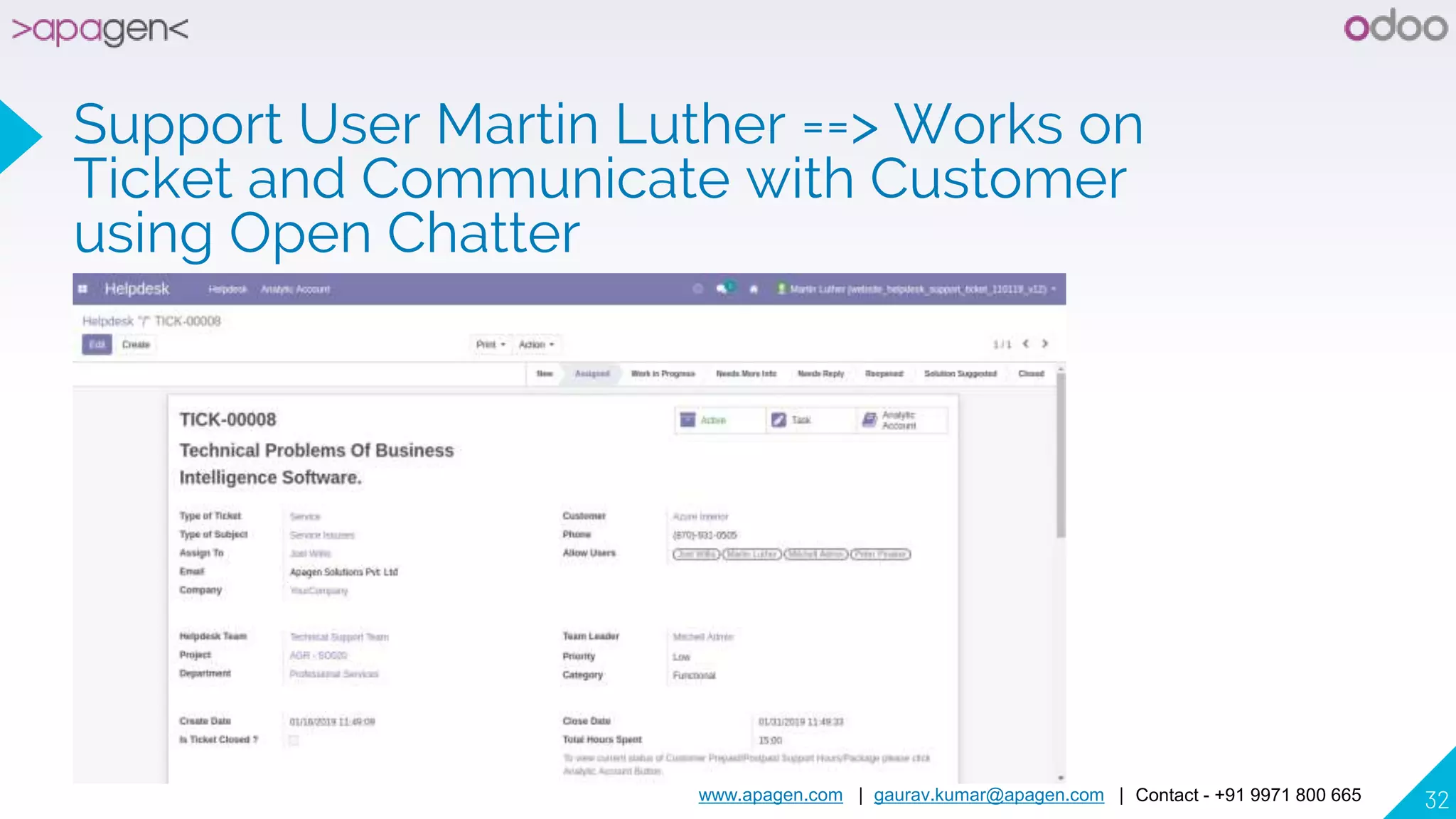
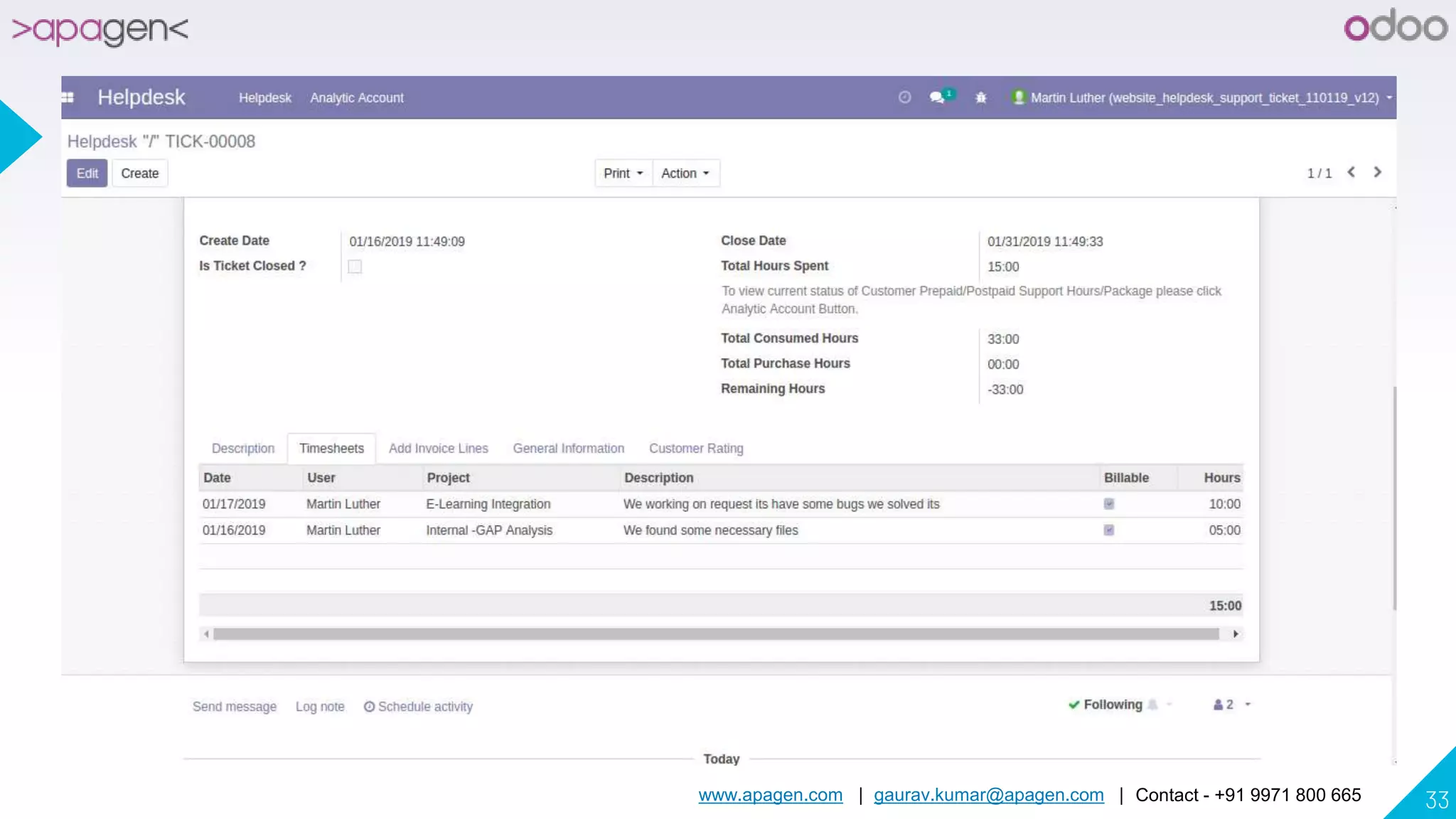
Support User Martin Luther ==> Works on
Ticket and Communicate with Customer
using Open Chatter
www.apagen.com | gaurav.kumar@apagen.com | Contact - +91 9971 800 665 33
www.apagen.com | gaurav.kumar@apagen.com | Contact - +91 9971 800 665 34
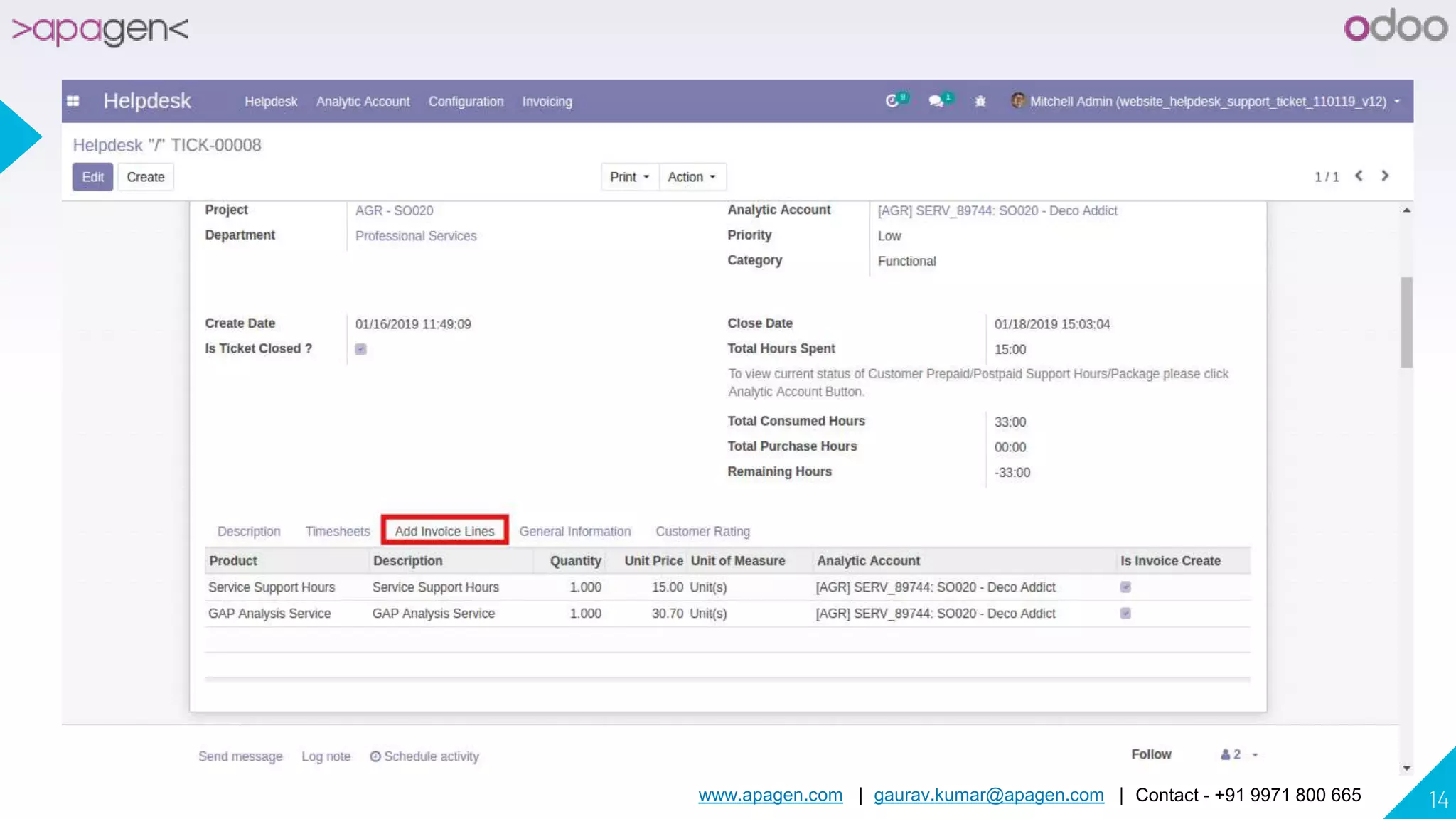
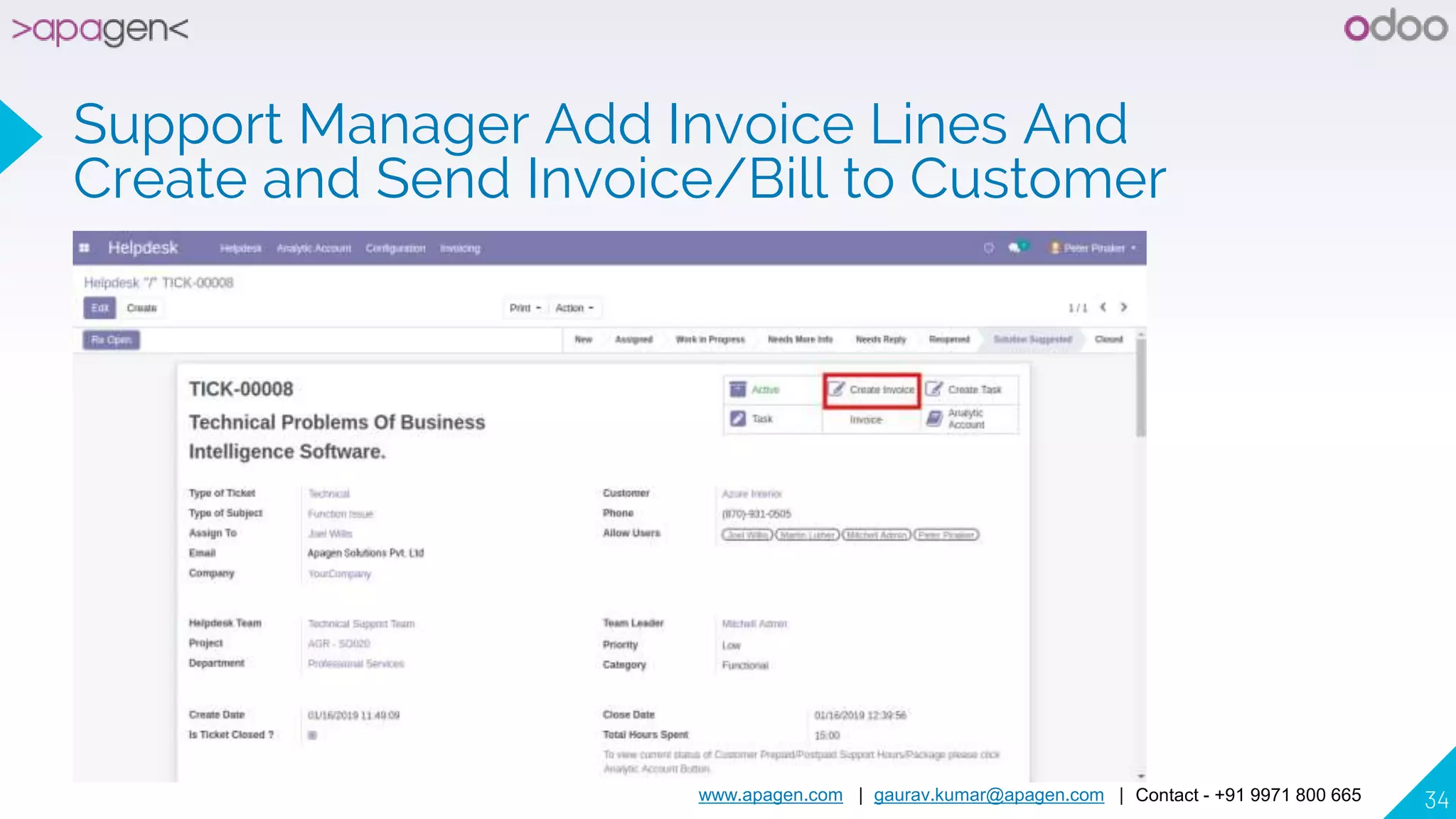
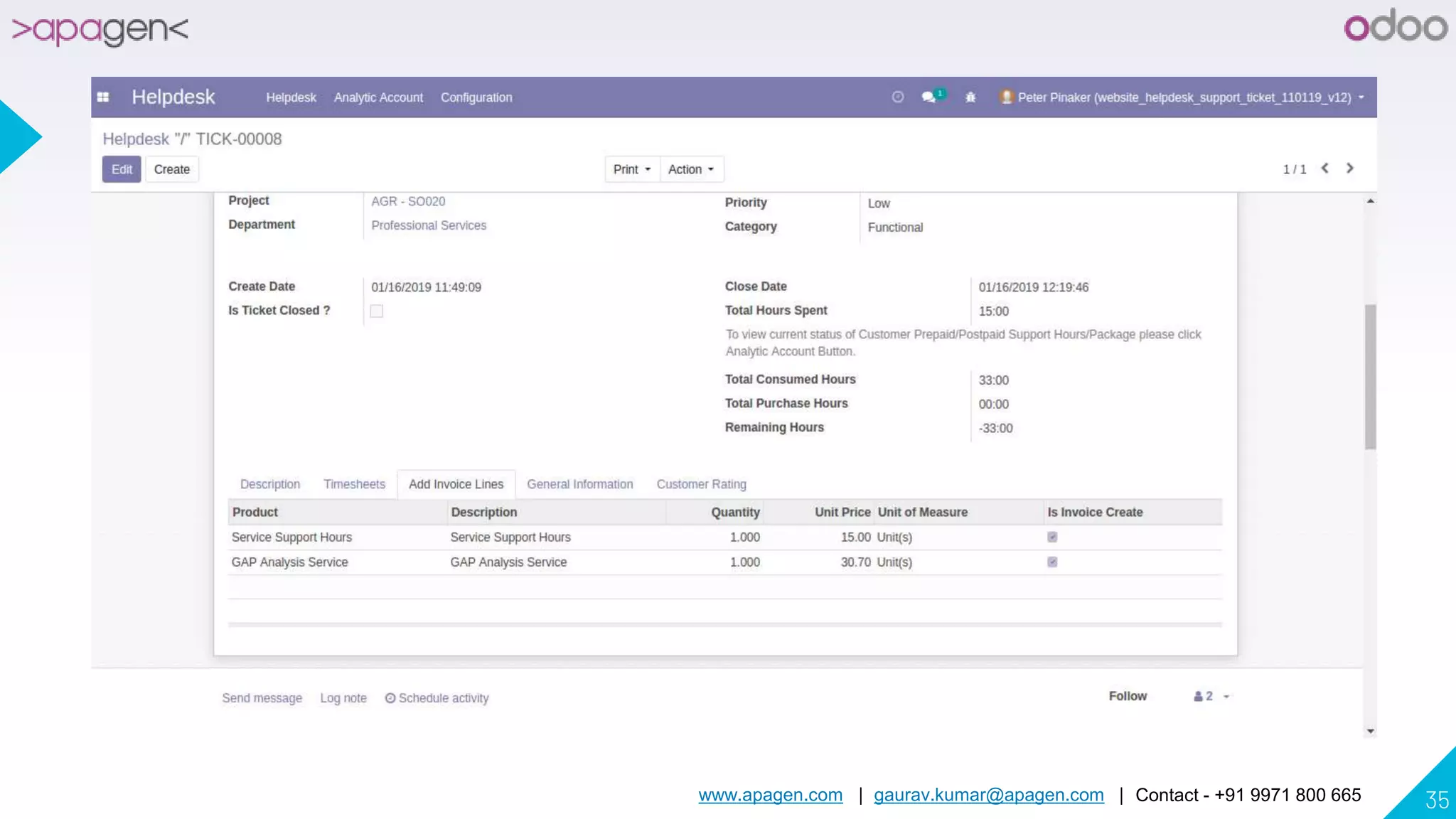
Support Manager Add Invoice Lines And
Create and Send Invoice/Bill to Customer
www.apagen.com | gaurav.kumar@apagen.com | Contact - +91 9971 800 665 35
www.apagen.com | gaurav.kumar@apagen.com | Contact - +91 9971 800 665 36
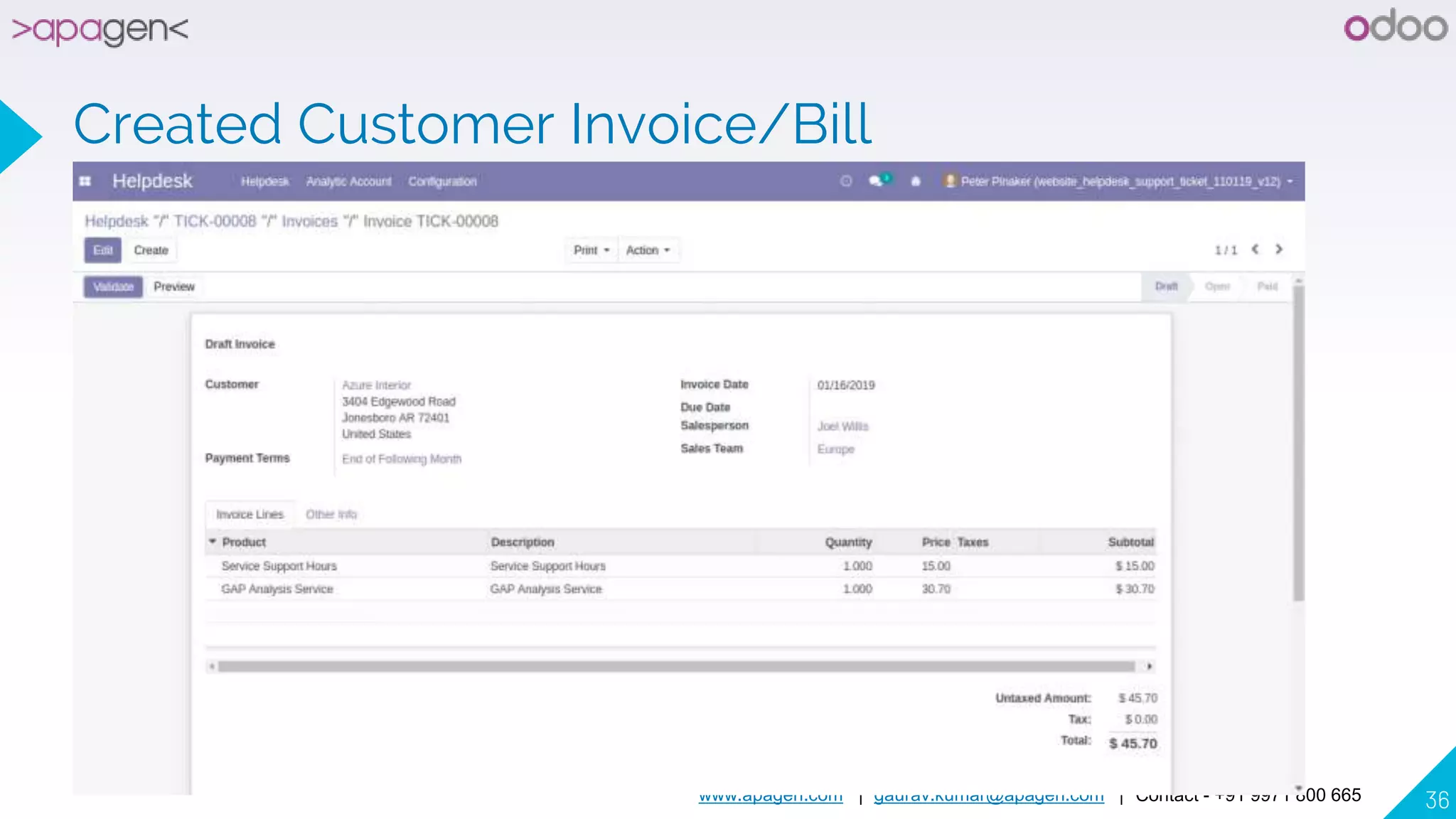
Created Customer Invoice/Bill
www.apagen.com | gaurav.kumar@apagen.com | Contact - +91 9971 800 665 37
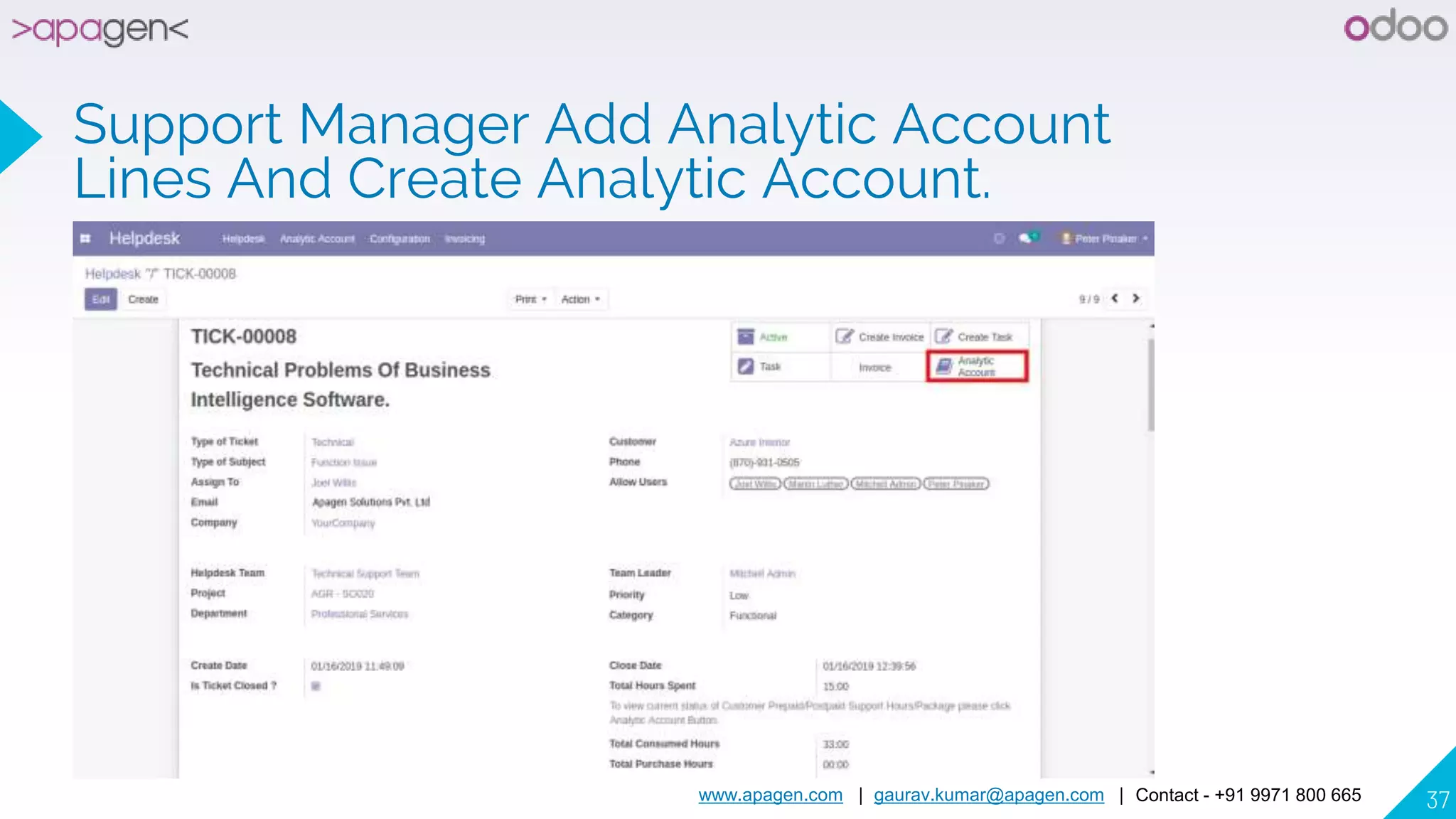
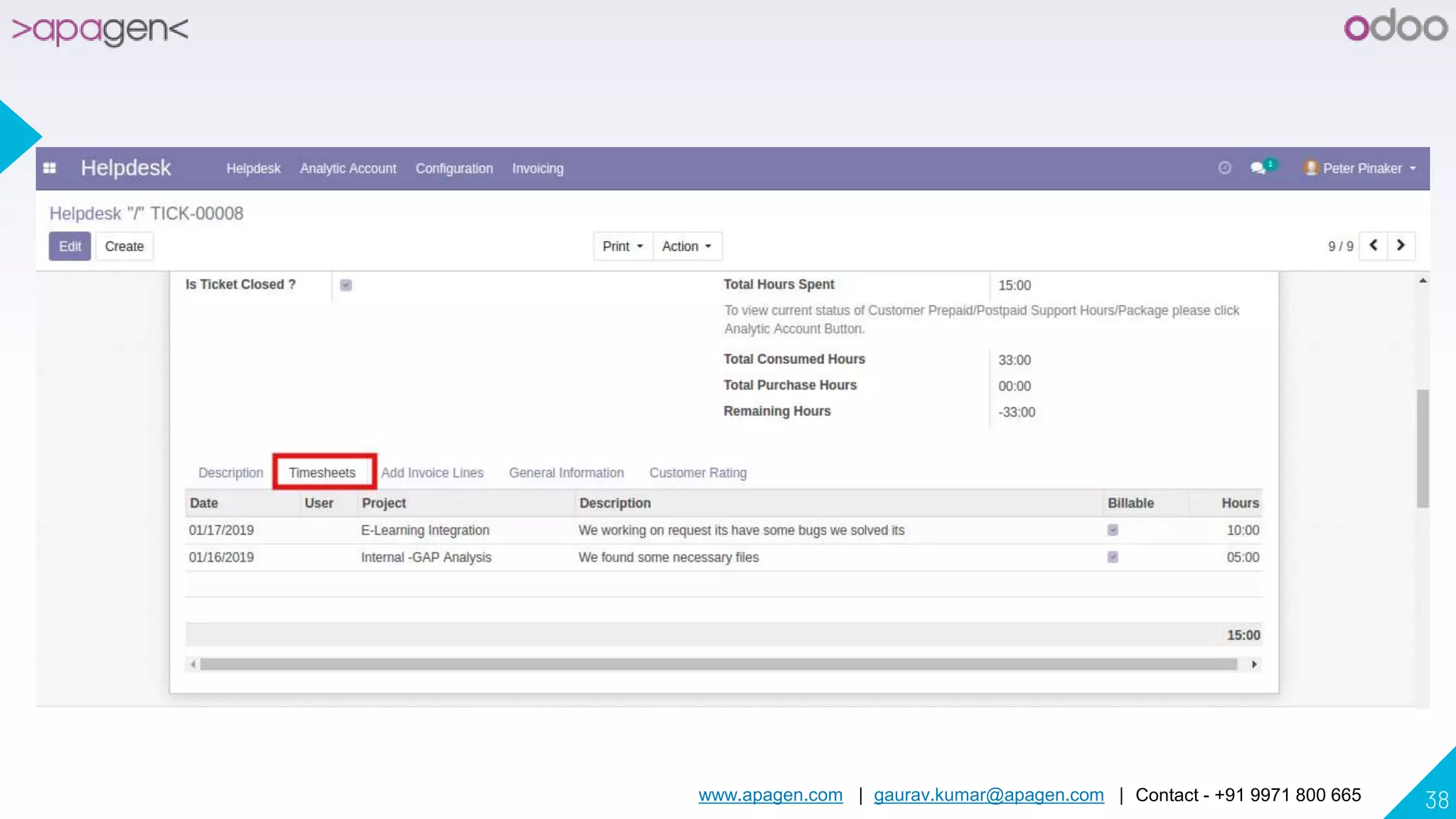
Support Manager Add Analytic Account
Lines And Create Analytic Account.
www.apagen.com | gaurav.kumar@apagen.com | Contact - +91 9971 800 665 38
www.apagen.com | gaurav.kumar@apagen.com | Contact - +91 9971 800 665 39
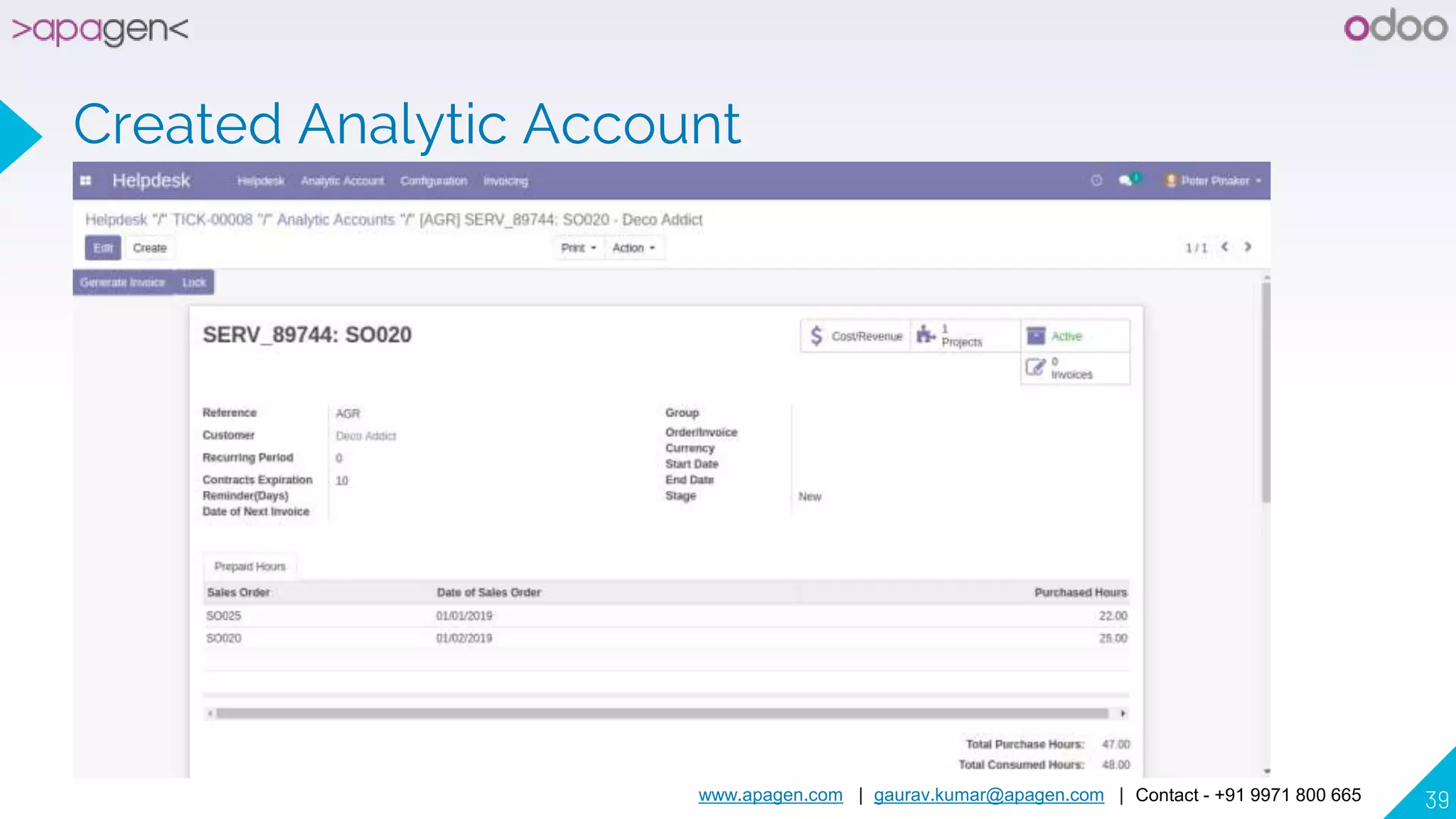
Created Analytic Account
www.apagen.com | gaurav.kumar@apagen.com | Contact - +91 9971 800 665 40
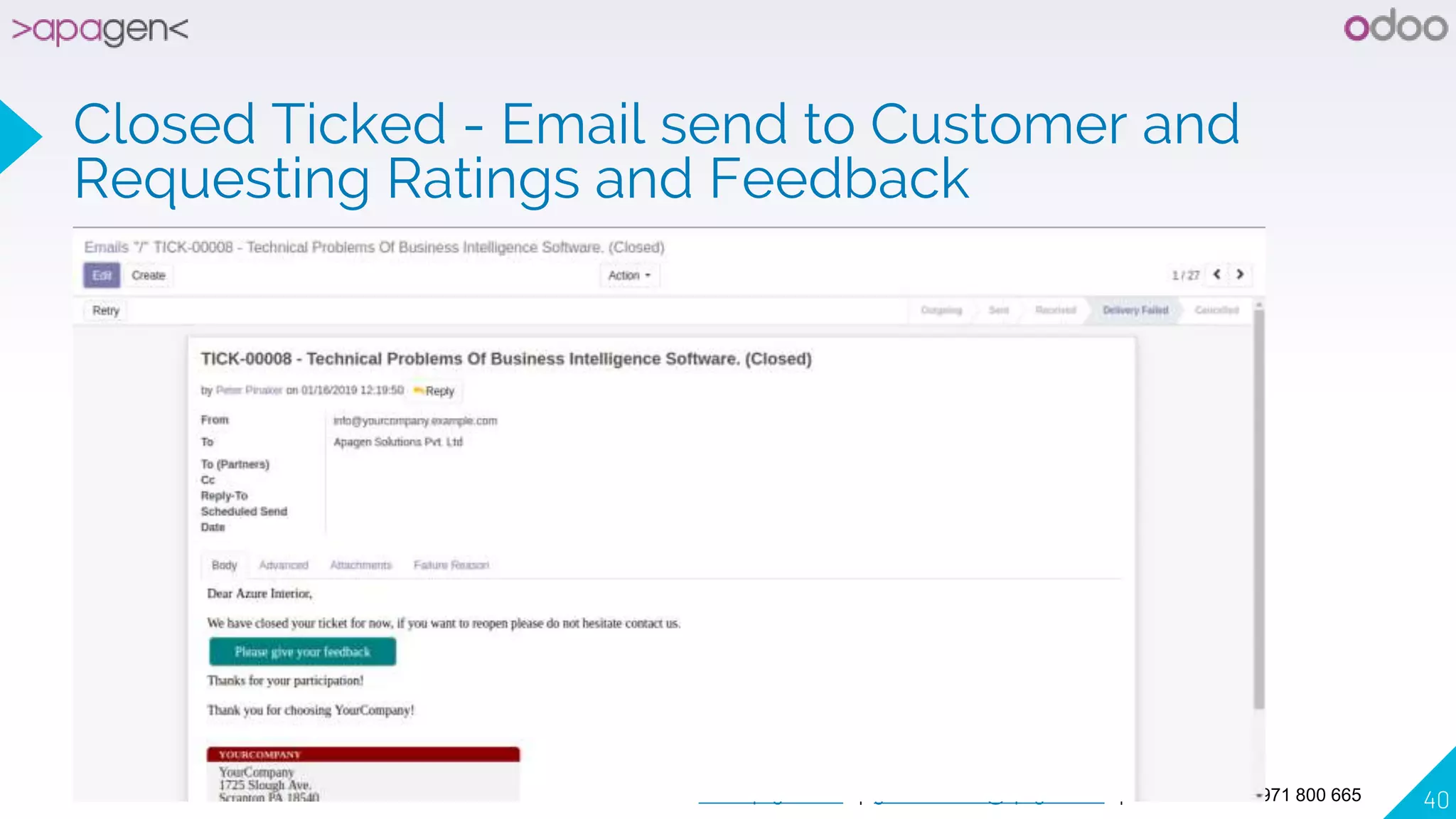
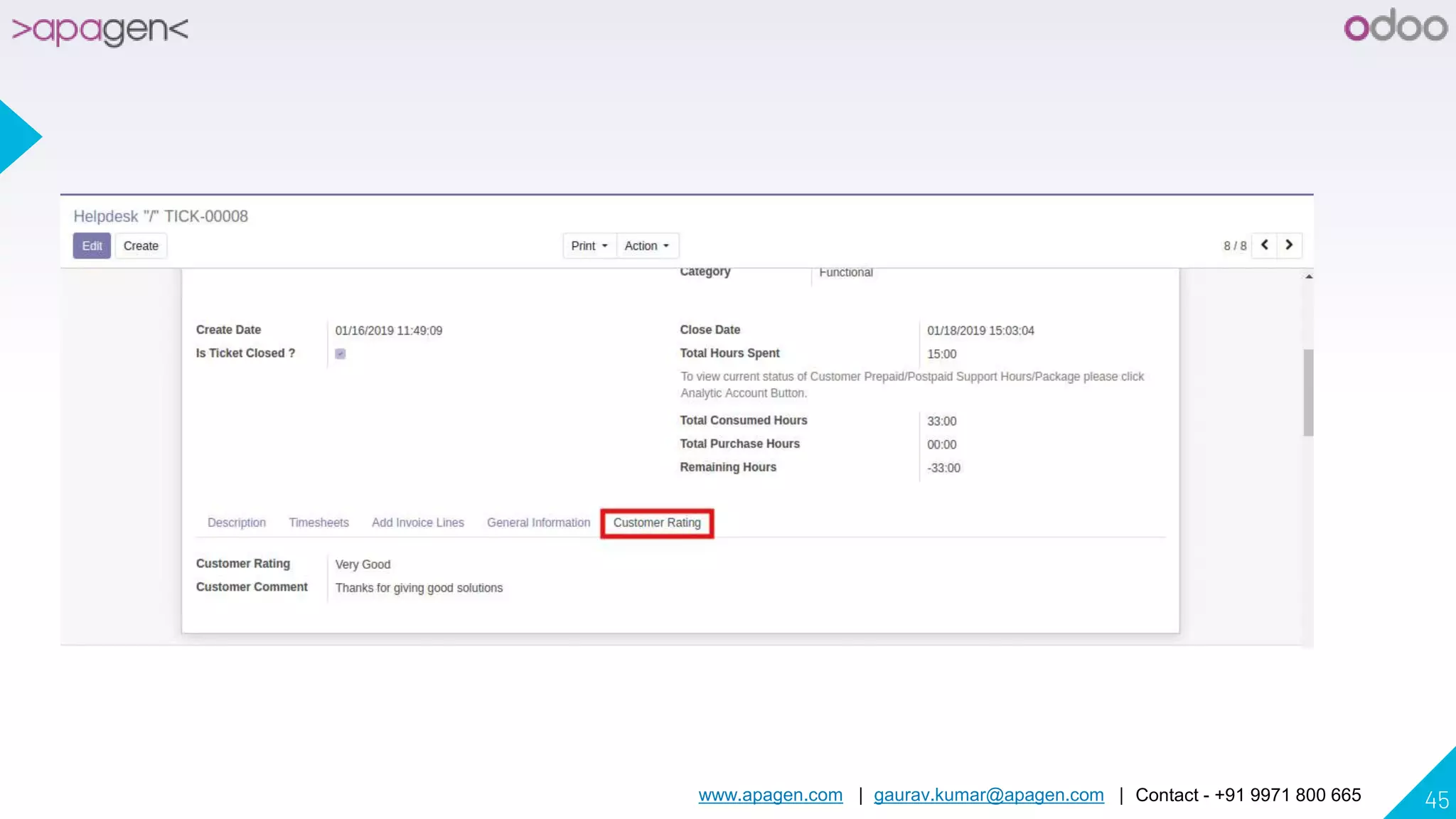
Closed Ticked - Email send to Customer and
Requesting Ratings and Feedback
www.apagen.com | gaurav.kumar@apagen.com | Contact - +91 9971 800 665 41
Customer Give Rating and Feedback Online
www.apagen.com | gaurav.kumar@apagen.com | Contact - +91 9971 800 665 42
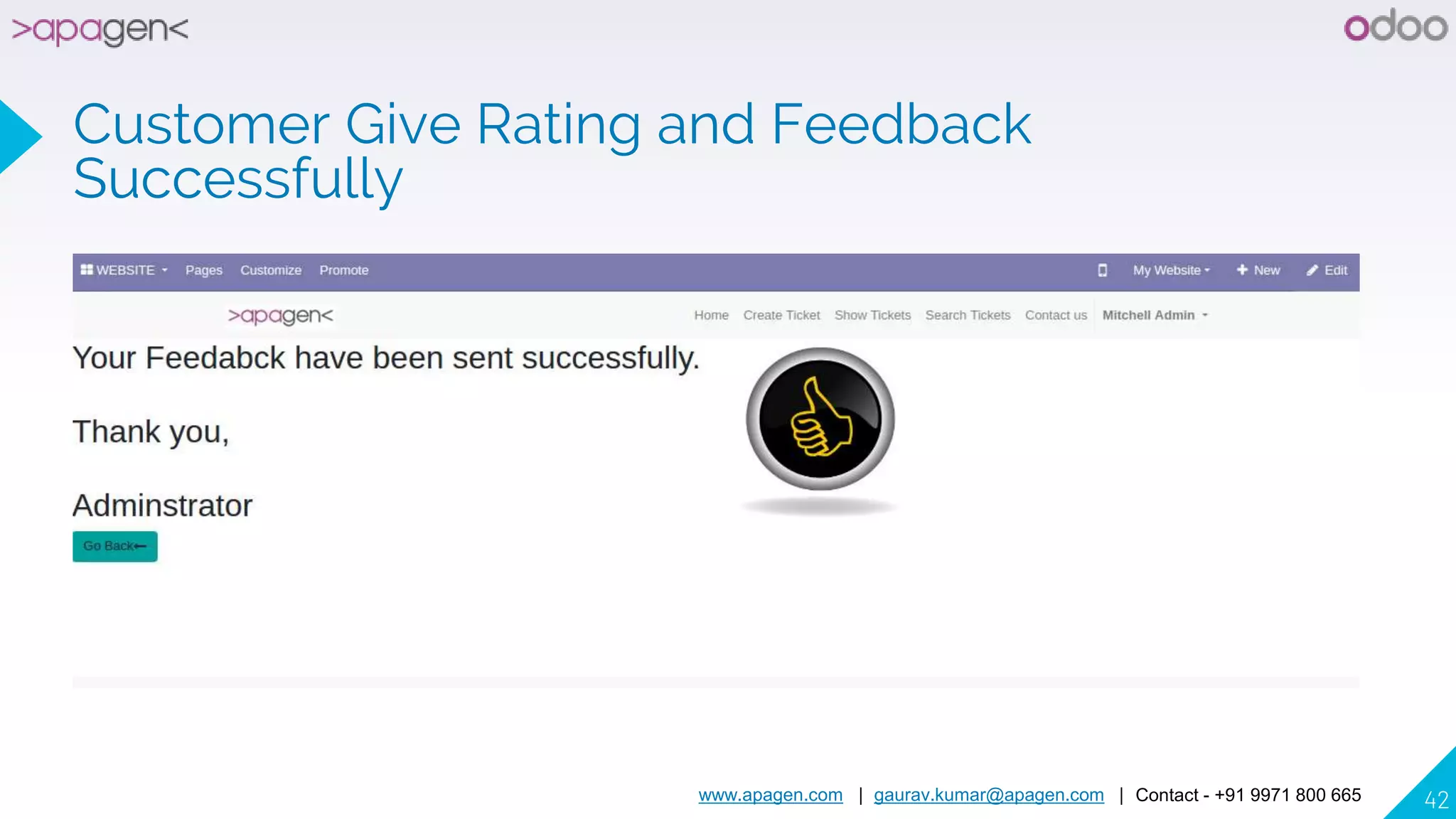
Customer Give Rating and Feedback
Successfully
www.apagen.com | gaurav.kumar@apagen.com | Contact - +91 9971 800 665 43
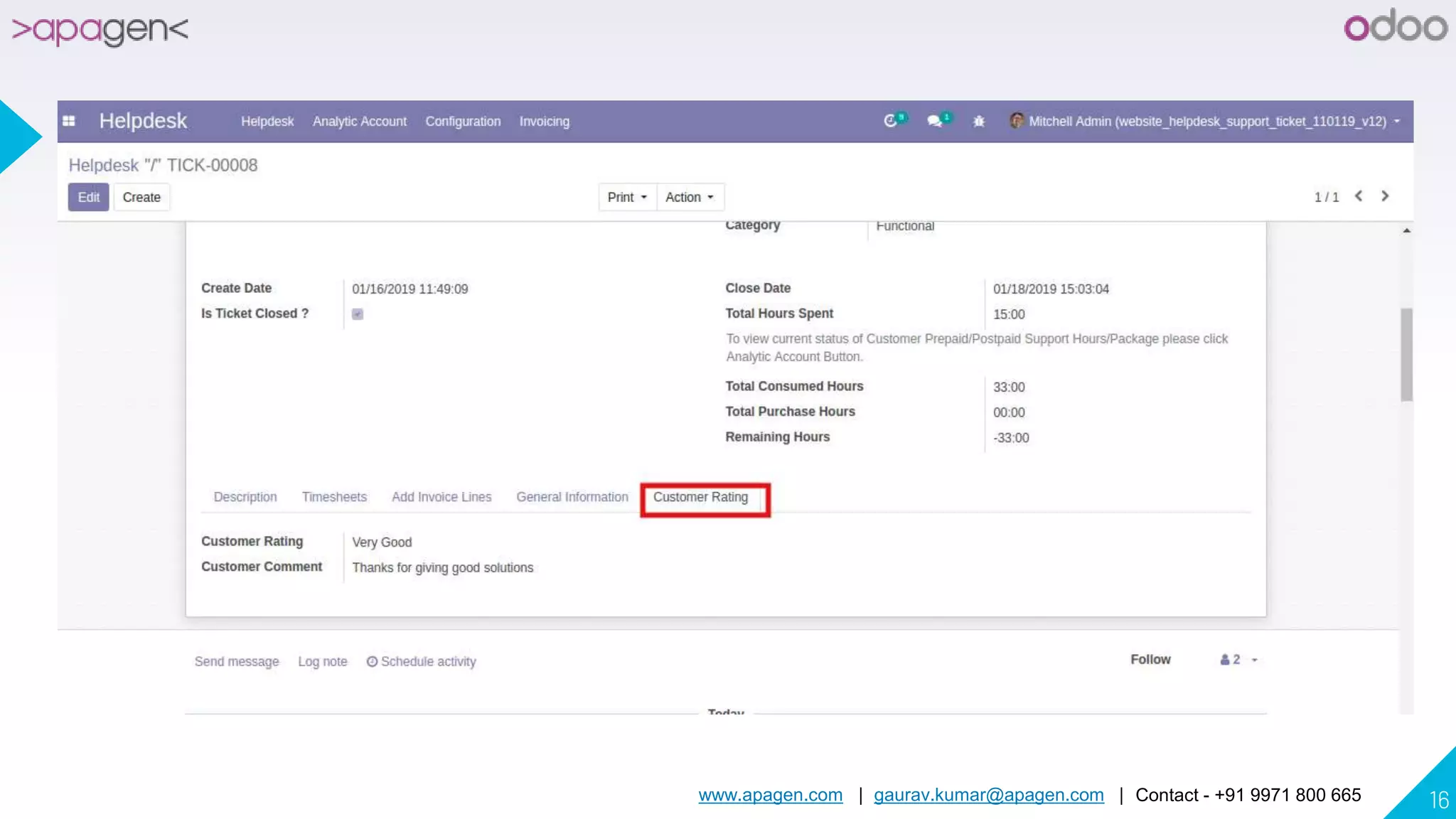
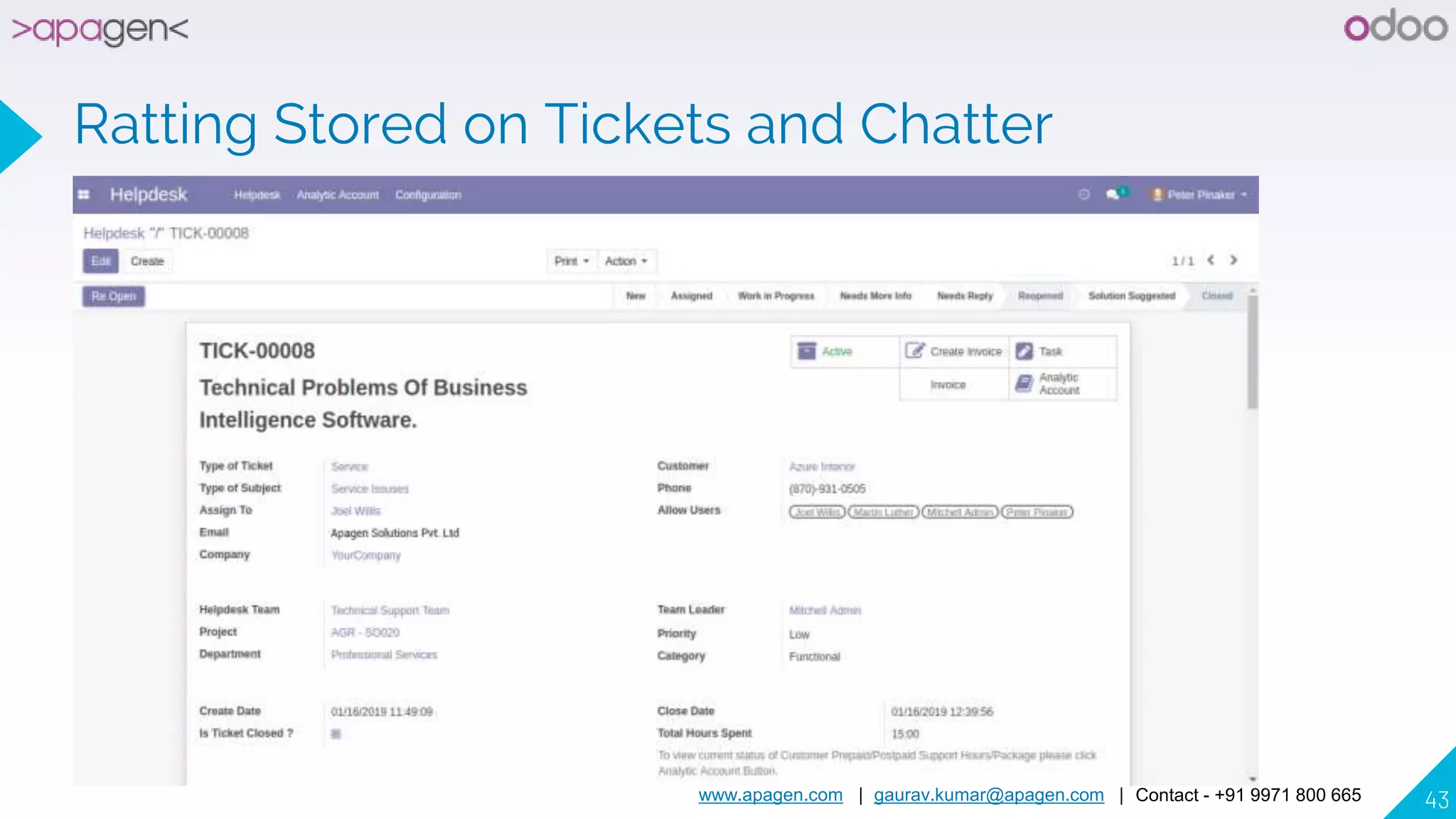
Ratting Stored on Tickets and Chatter
www.apagen.com | gaurav.kumar@apagen.com | Contact - +91 9971 800 665 44
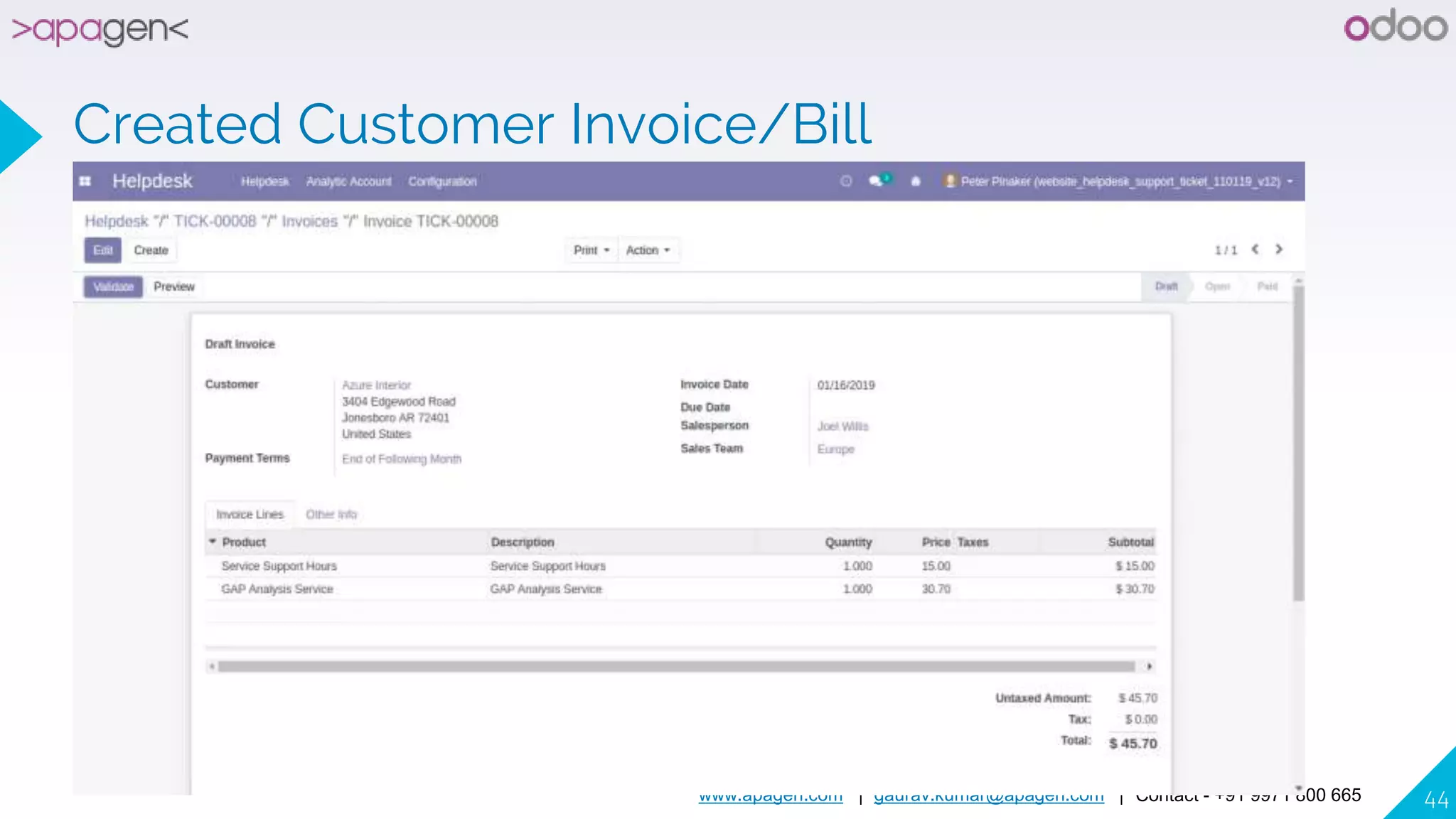
Created Customer Invoice/Bill
www.apagen.com | gaurav.kumar@apagen.com | Contact - +91 9971 800 665 45
www.apagen.com | gaurav.kumar@apagen.com | Contact - +91 9971 800 665 46
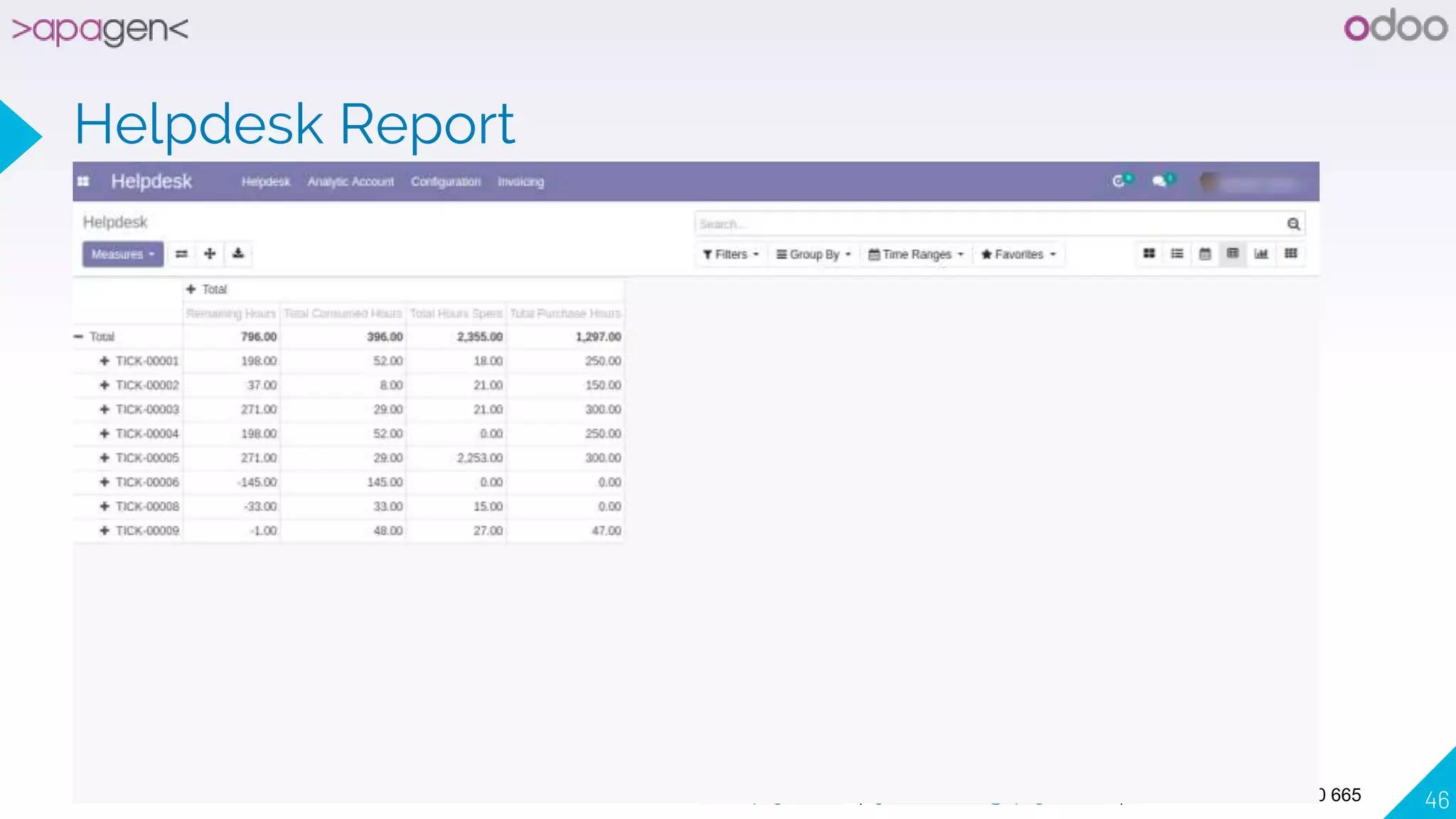
Helpdesk Report
www.apagen.com | gaurav.kumar@apagen.com | Contact - +91 9971 800 665 47
Added Helpdesk of Analytic Account Report
www.apagen.com | gaurav.kumar@apagen.com | Contact - +91 9971 800 665 48
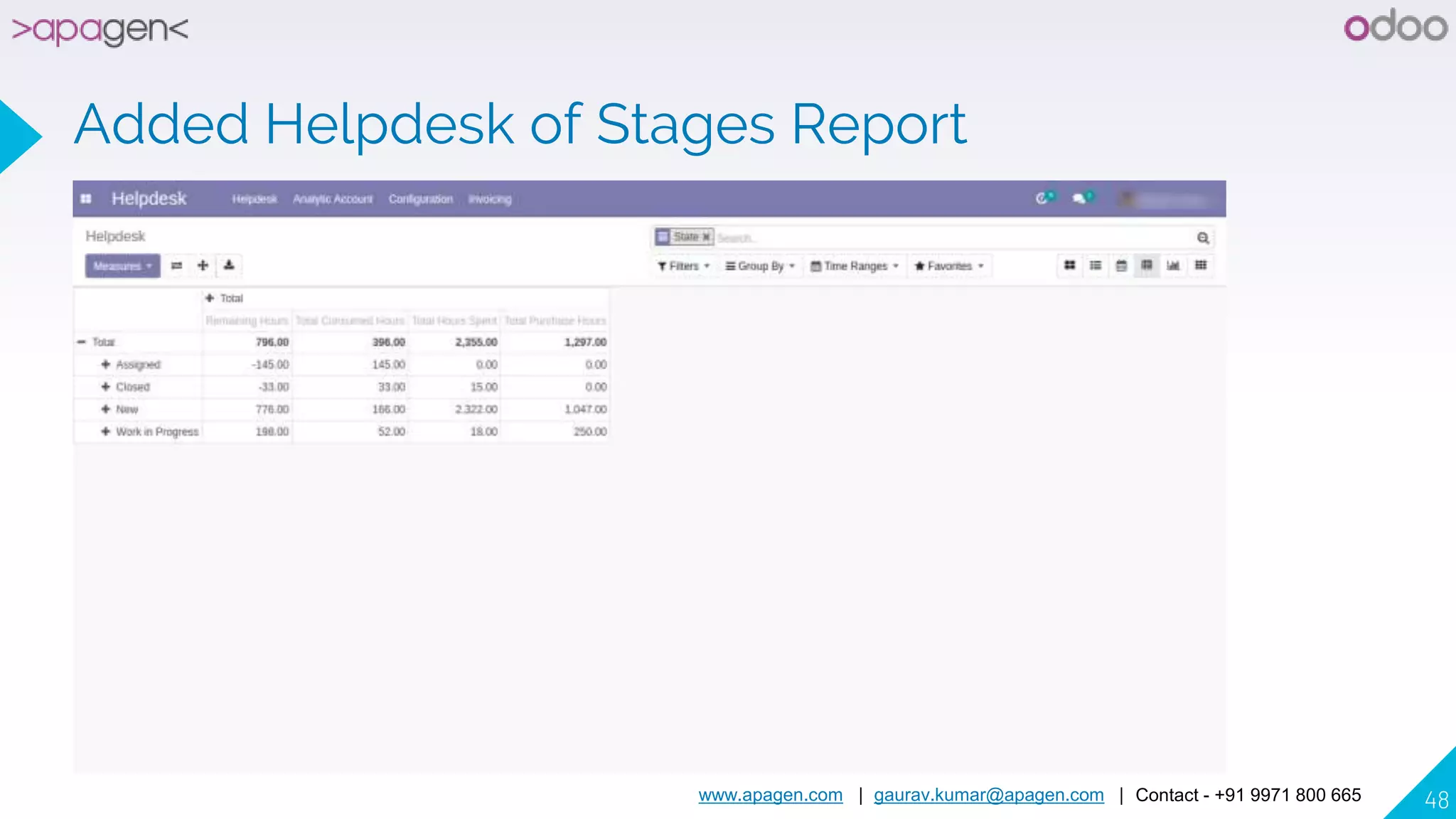
Added Helpdesk of Stages Report
www.apagen.com | gaurav.kumar@apagen.com | Contact - +91 9971 800 665 49
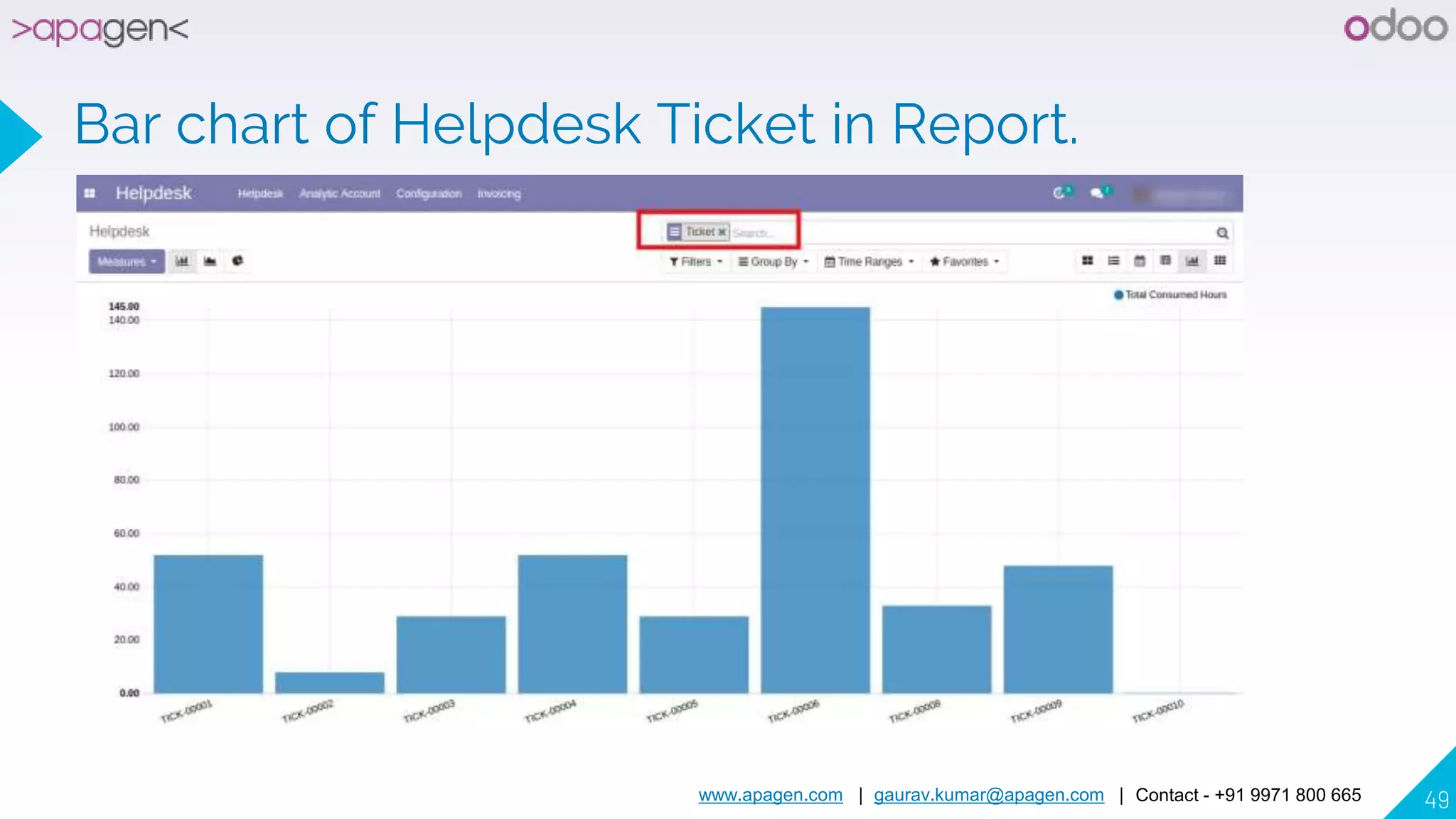
Bar chart of Helpdesk Ticket in Report.
www.apagen.com | gaurav.kumar@apagen.com | Contact - +91 9971 800 665 50
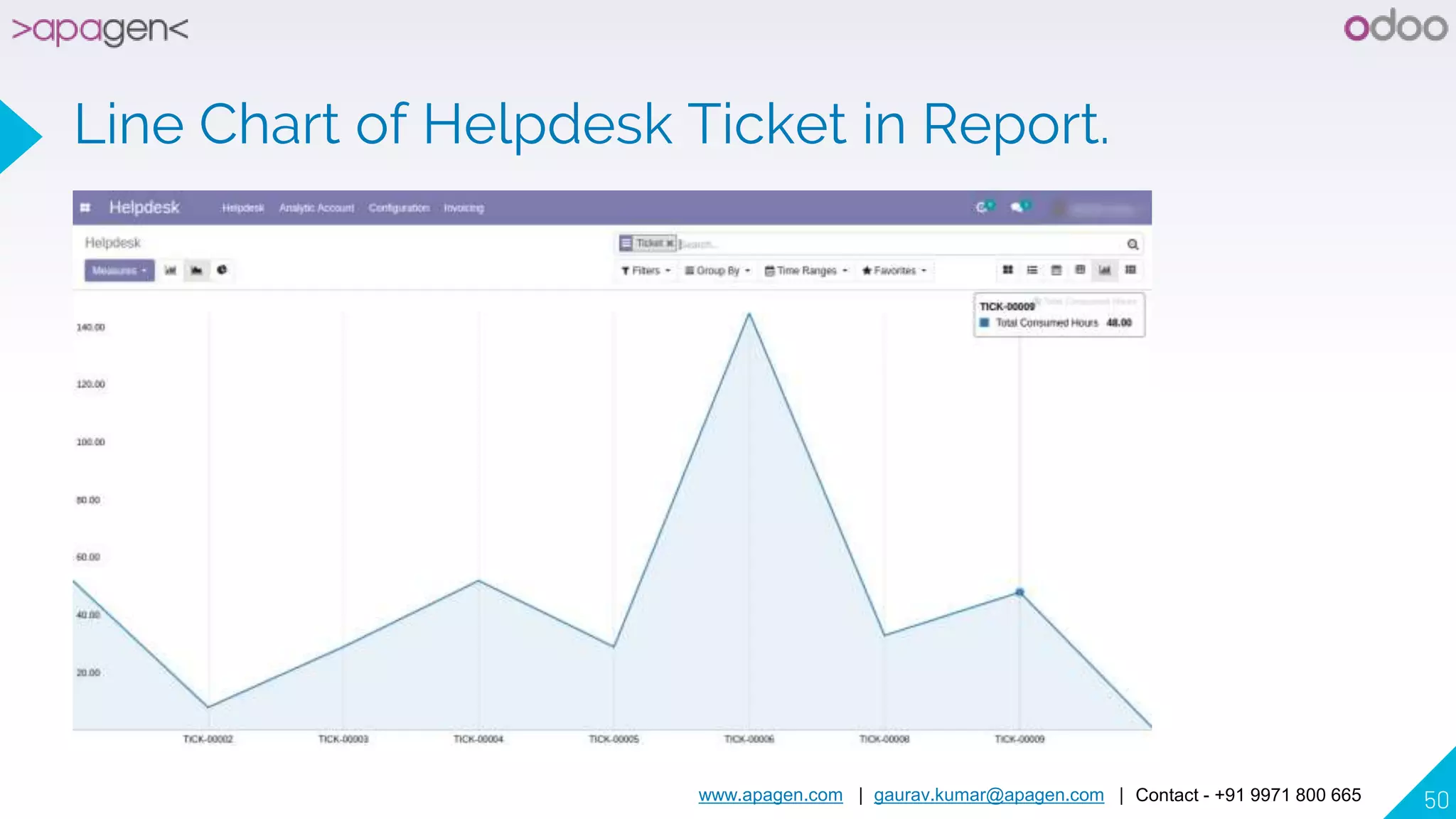
Line Chart of Helpdesk Ticket in Report.
www.apagen.com | gaurav.kumar@apagen.com | Contact - +91 9971 800 665 51
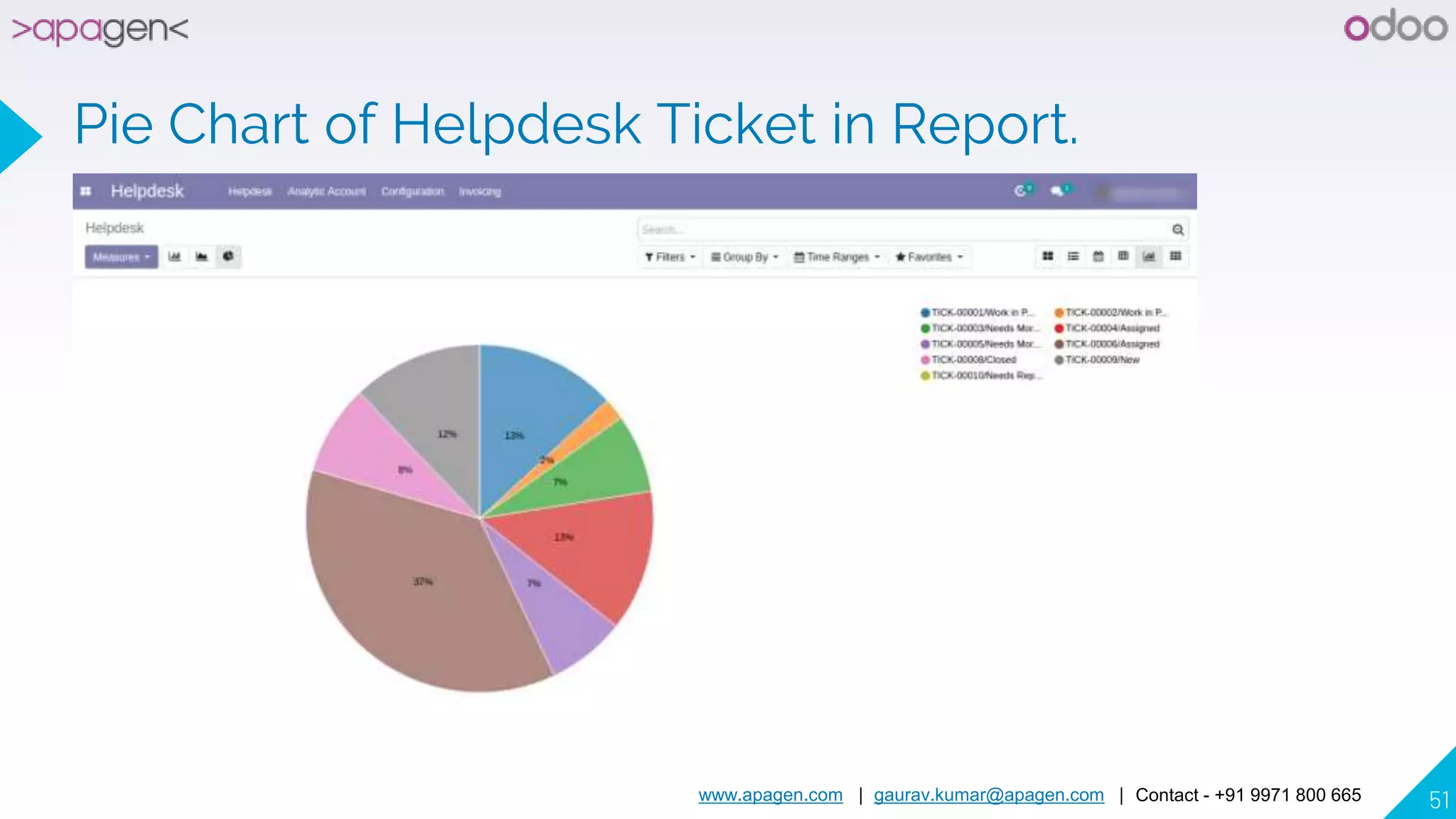
Pie Chart of Helpdesk Ticket in Report.
www.apagen.com | gaurav.kumar@apagen.com | Contact - +91 9971 800 665 52
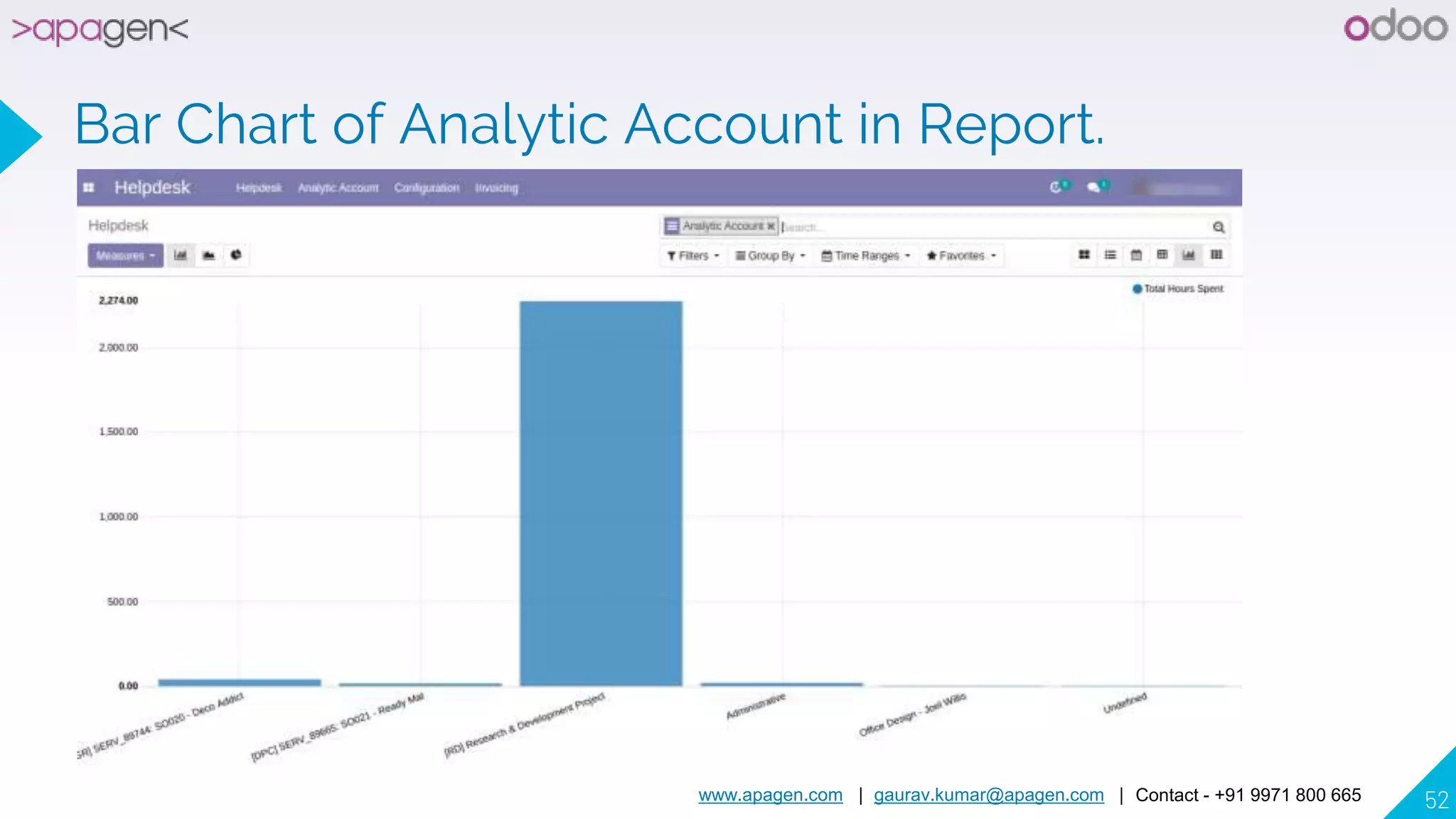
Bar Chart of Analytic Account in Report.
www.apagen.com | gaurav.kumar@apagen.com | Contact - +91 9971 800 665 53
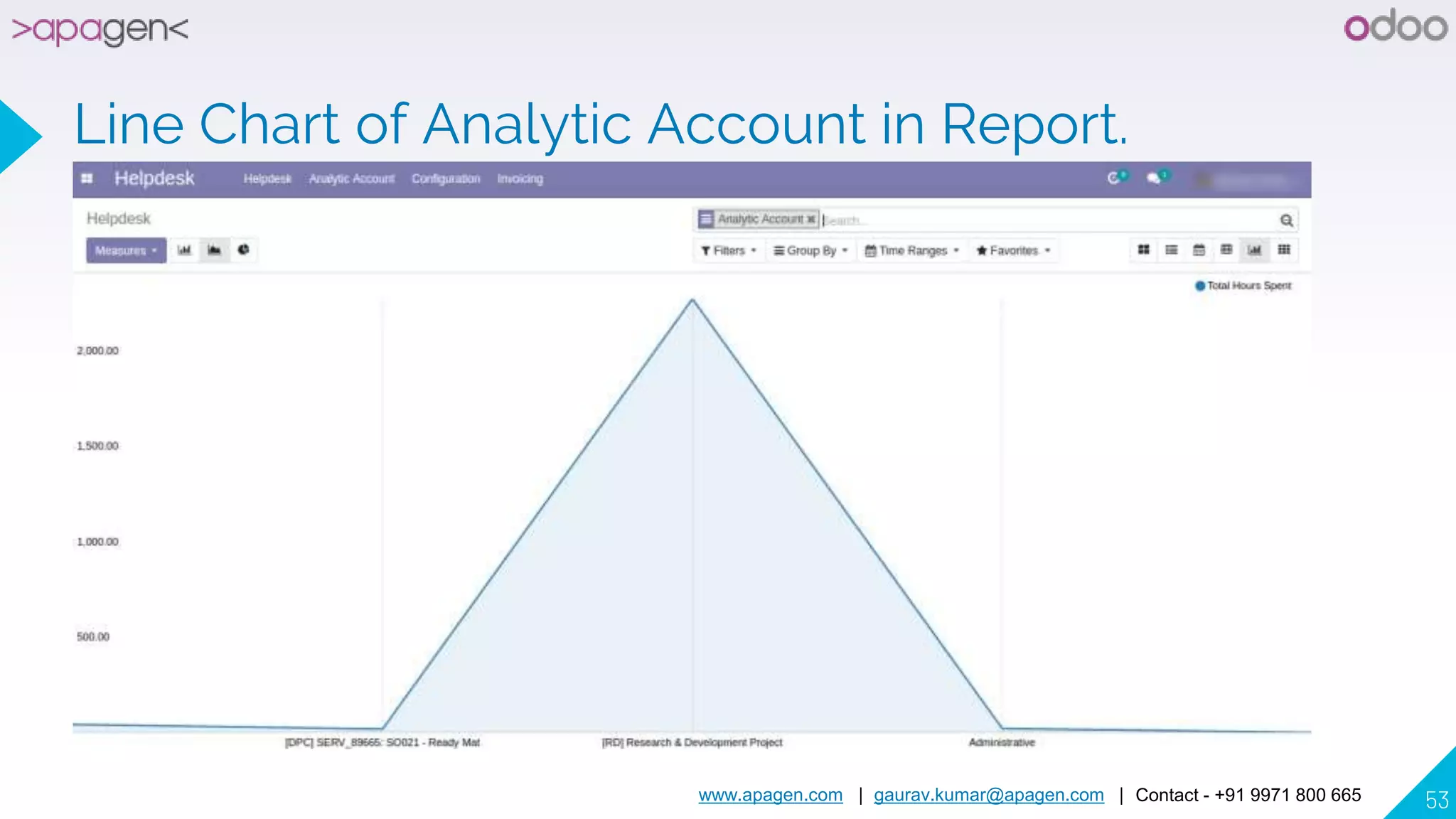
Line Chart of Analytic Account in Report.
www.apagen.com | gaurav.kumar@apagen.com | Contact - +91 9971 800 665 54
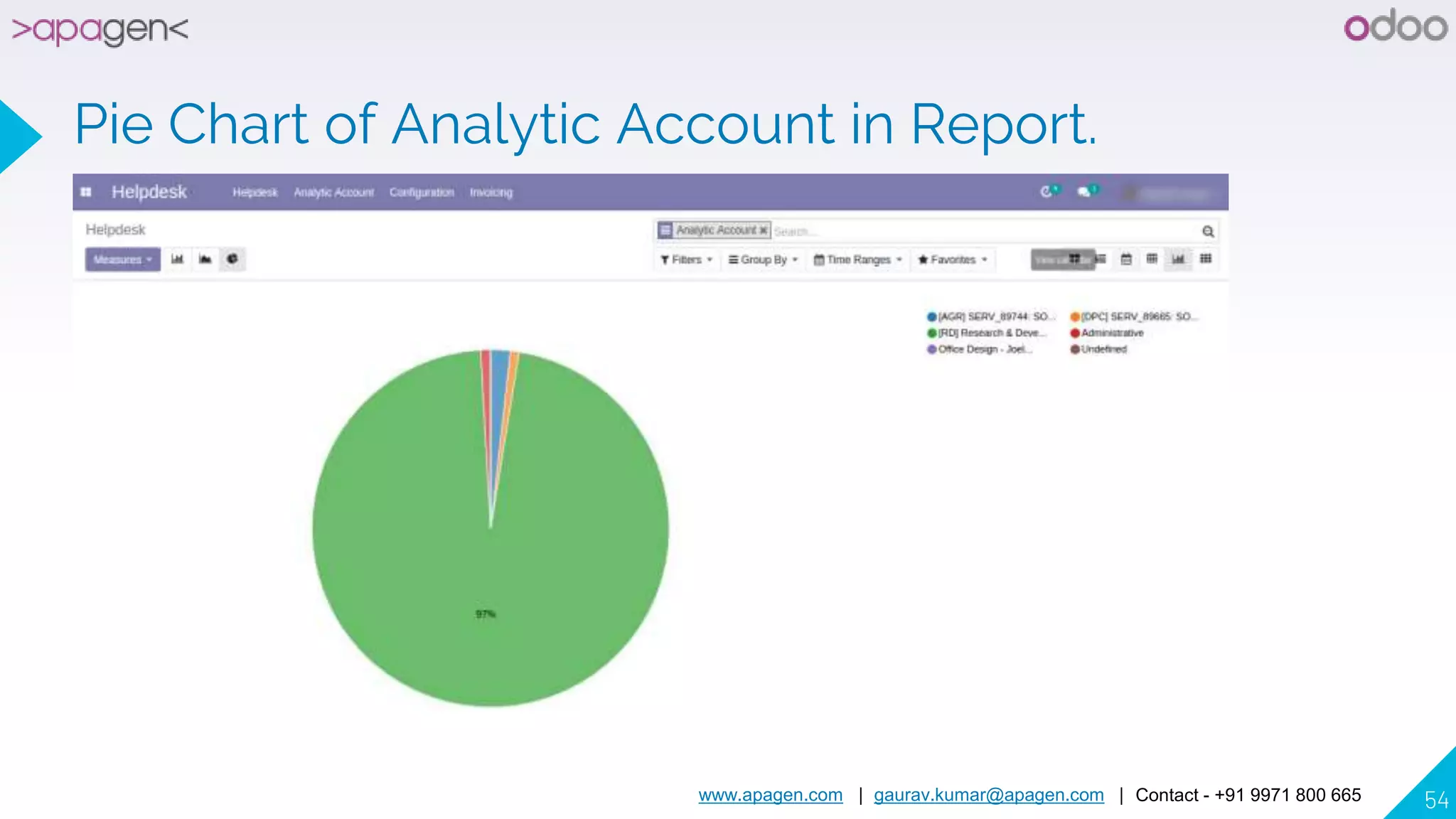
Pie Chart of Analytic Account in Report.
www.apagen.com | gaurav.kumar@apagen.com | Contact - +91 9971 800 665 55
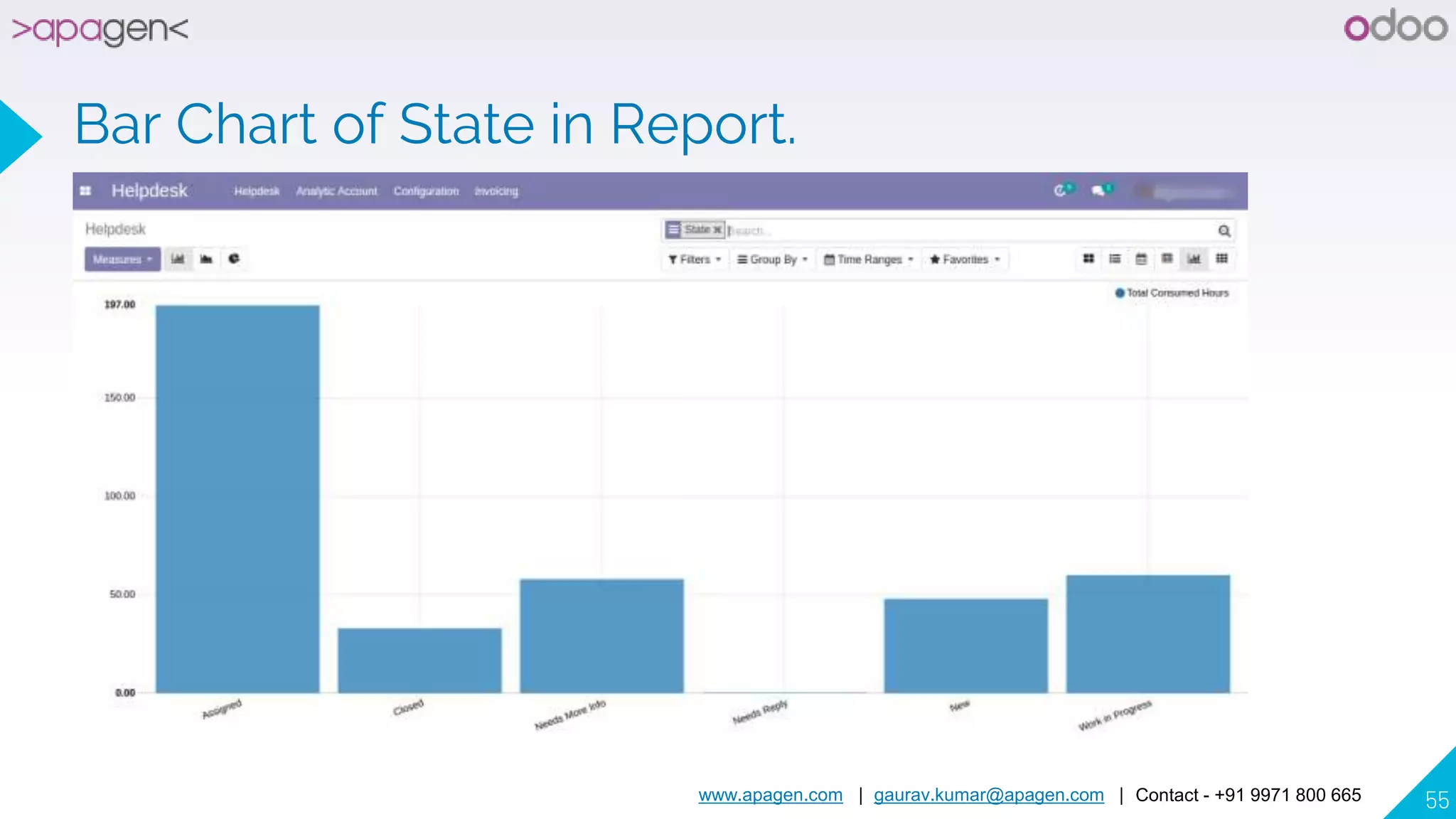
Bar Chart of State in Report.
www.apagen.com | gaurav.kumar@apagen.com | Contact - +91 9971 800 665 56
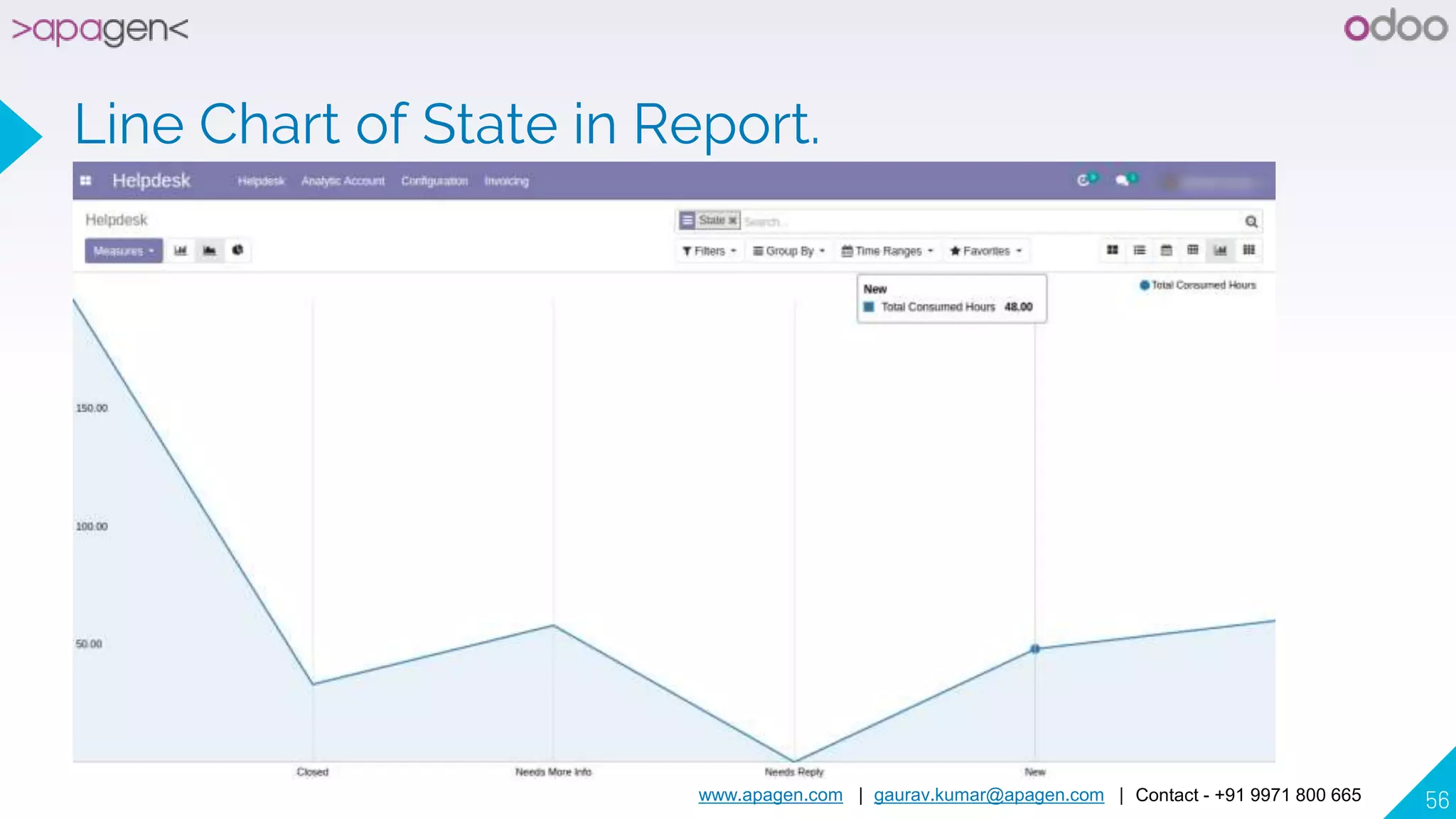
Line Chart of State in Report.
www.apagen.com | gaurav.kumar@apagen.com | Contact - +91 9971 800 665 57
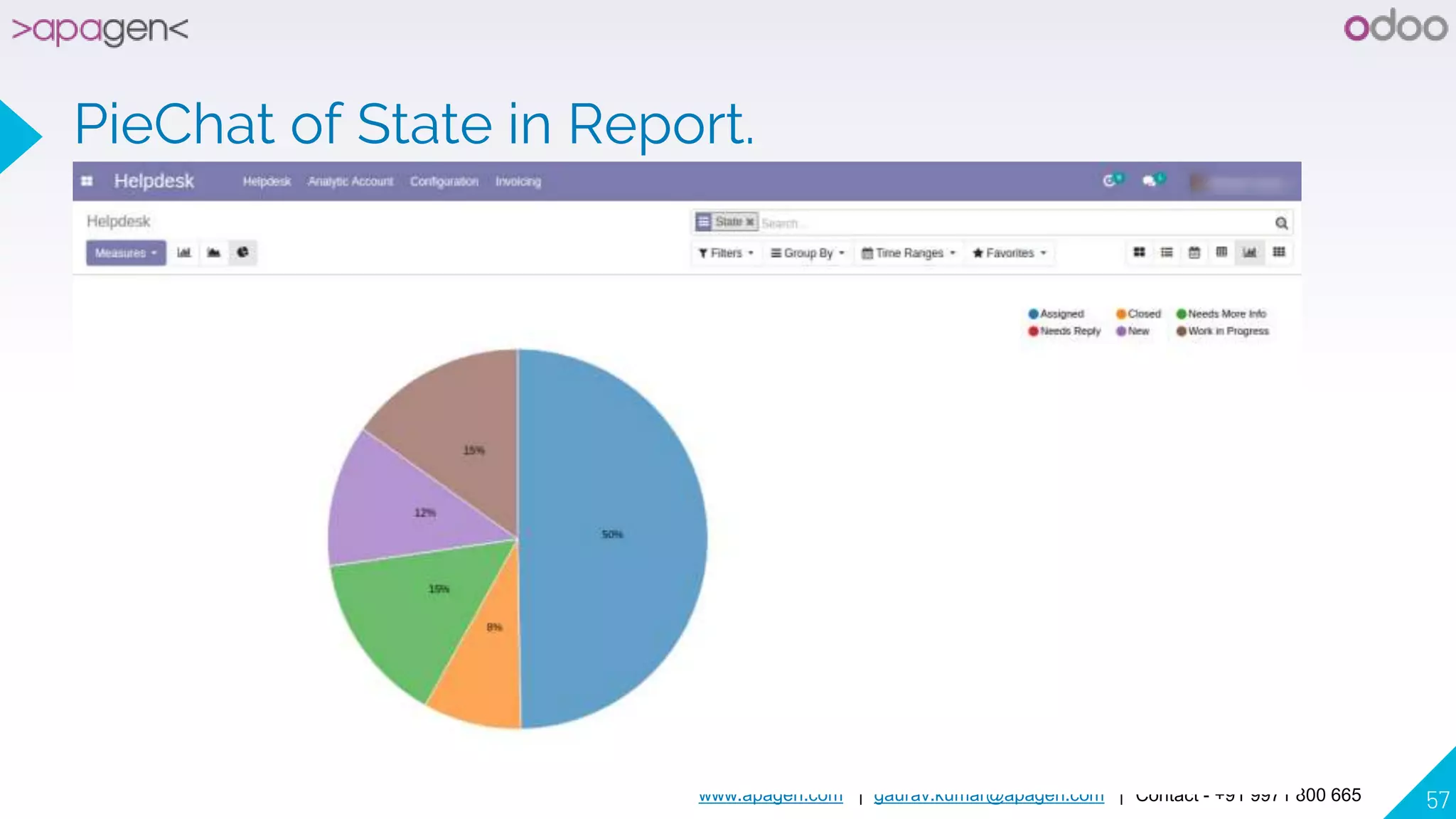
PieChat of State in Report.
www.apagen.com | gaurav.kumar@apagen.com | Contact - +91 9971 800 665 58
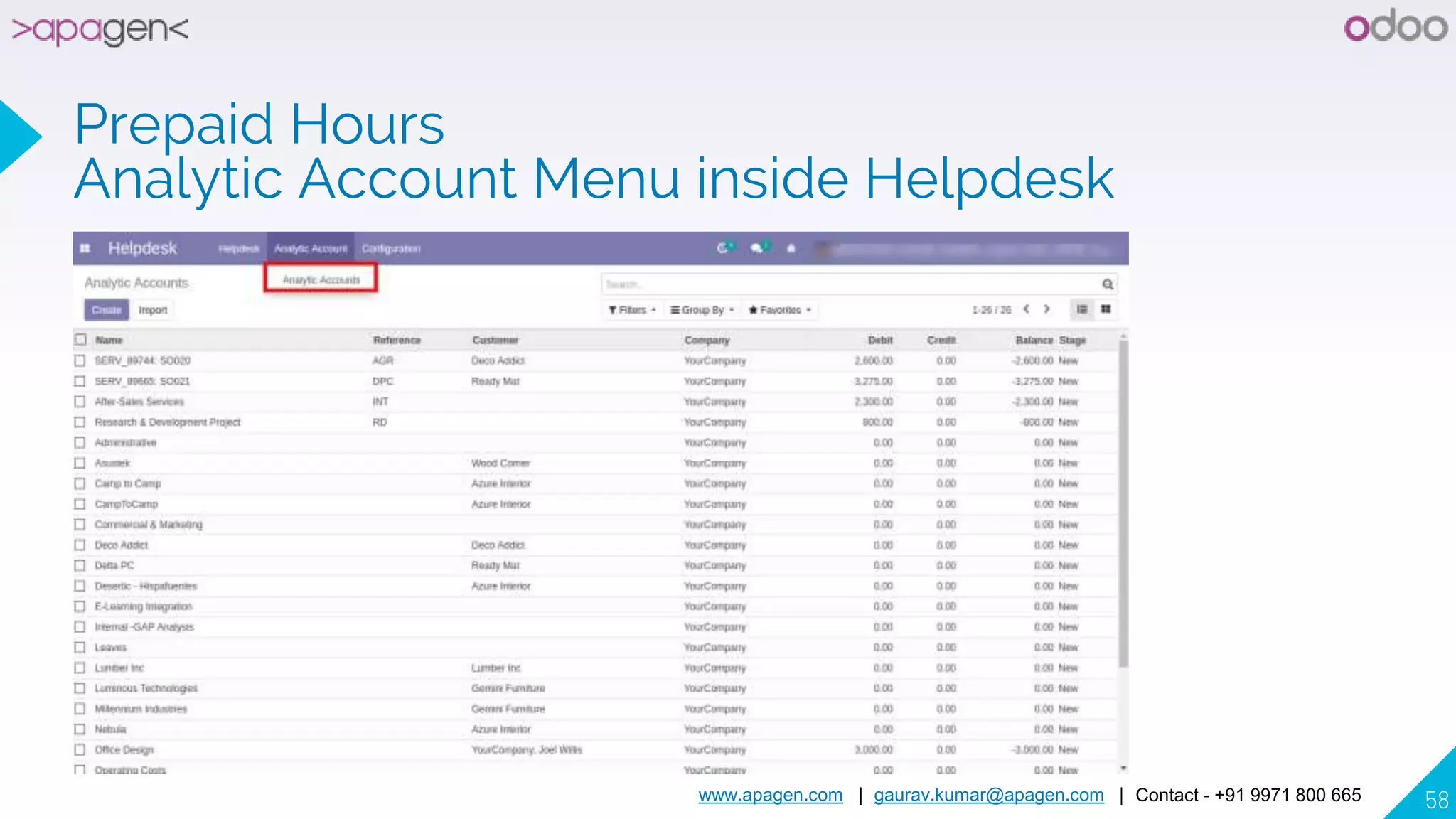
Prepaid Hours
Analytic Account Menu inside Helpdesk
www.apagen.com | gaurav.kumar@apagen.com | Contact - +91 9971 800 665 59
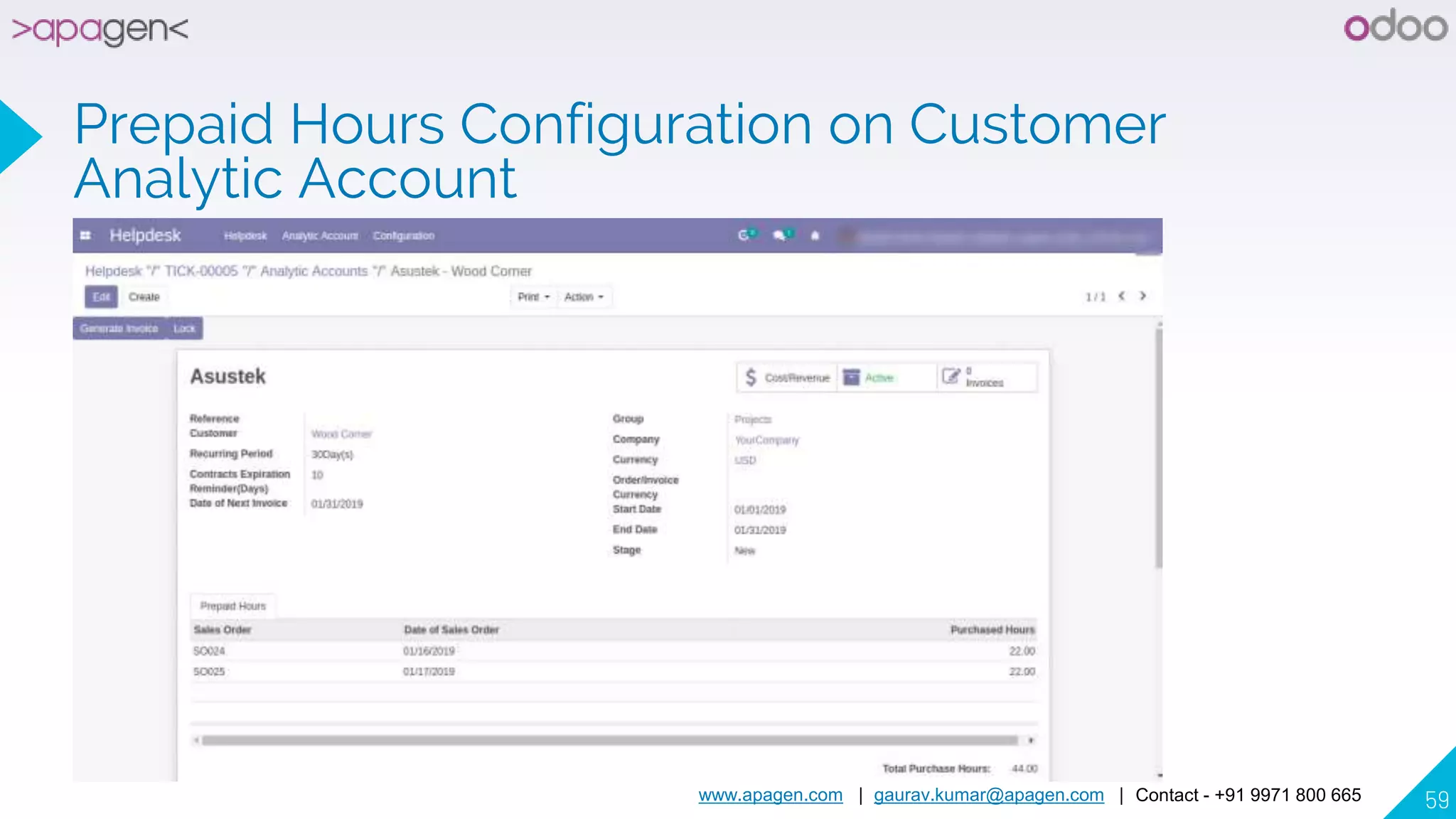
Prepaid Hours Configuration on Customer
Analytic Account
www.apagen.com | gaurav.kumar@apagen.com | Contact - +91 9971 800 665 60
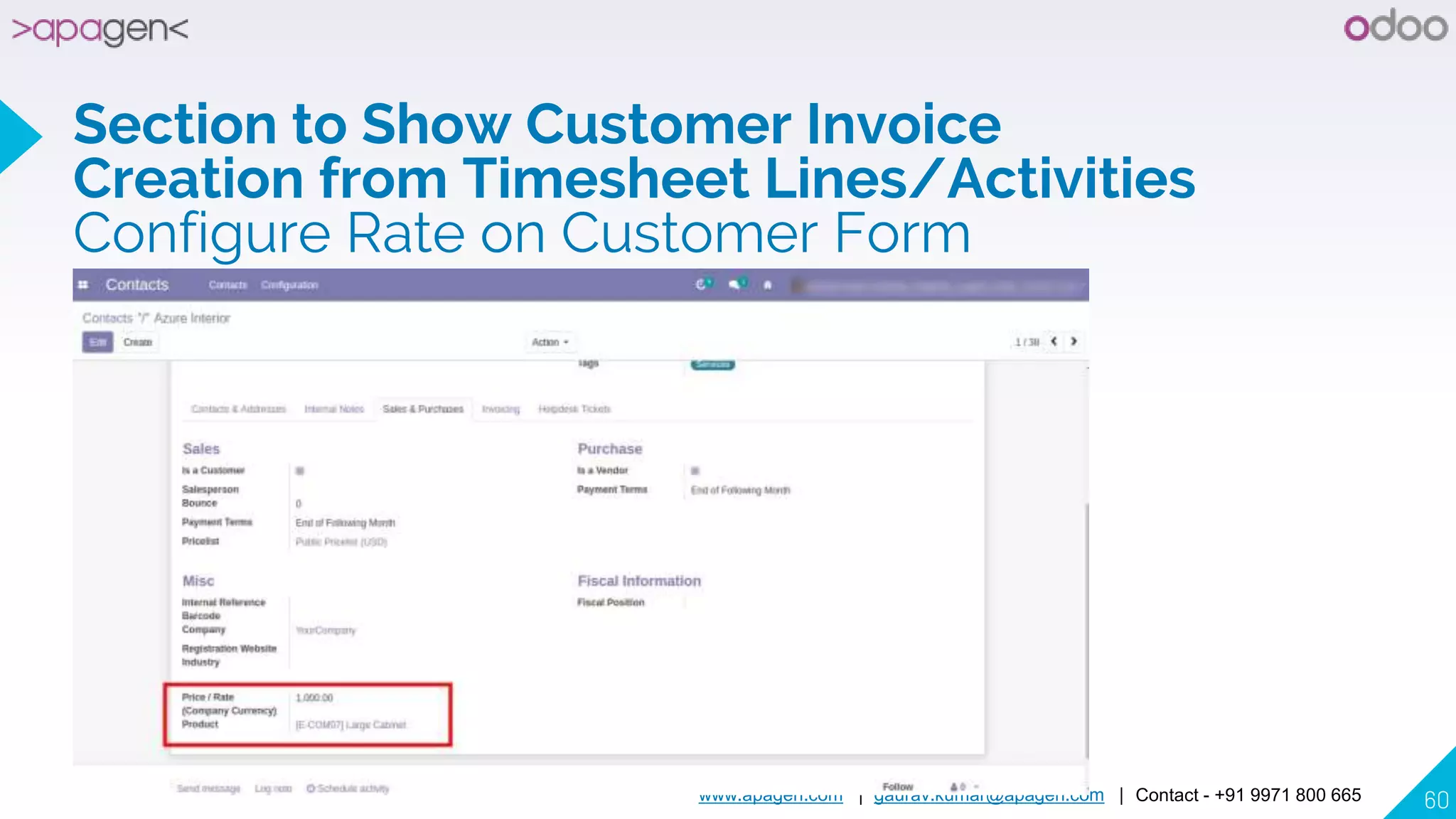
Section to Show Customer Invoice
Creation from Timesheet Lines/Activities
Configure Rate on Customer Form
www.apagen.com | gaurav.kumar@apagen.com | Contact - +91 9971 800 665 61
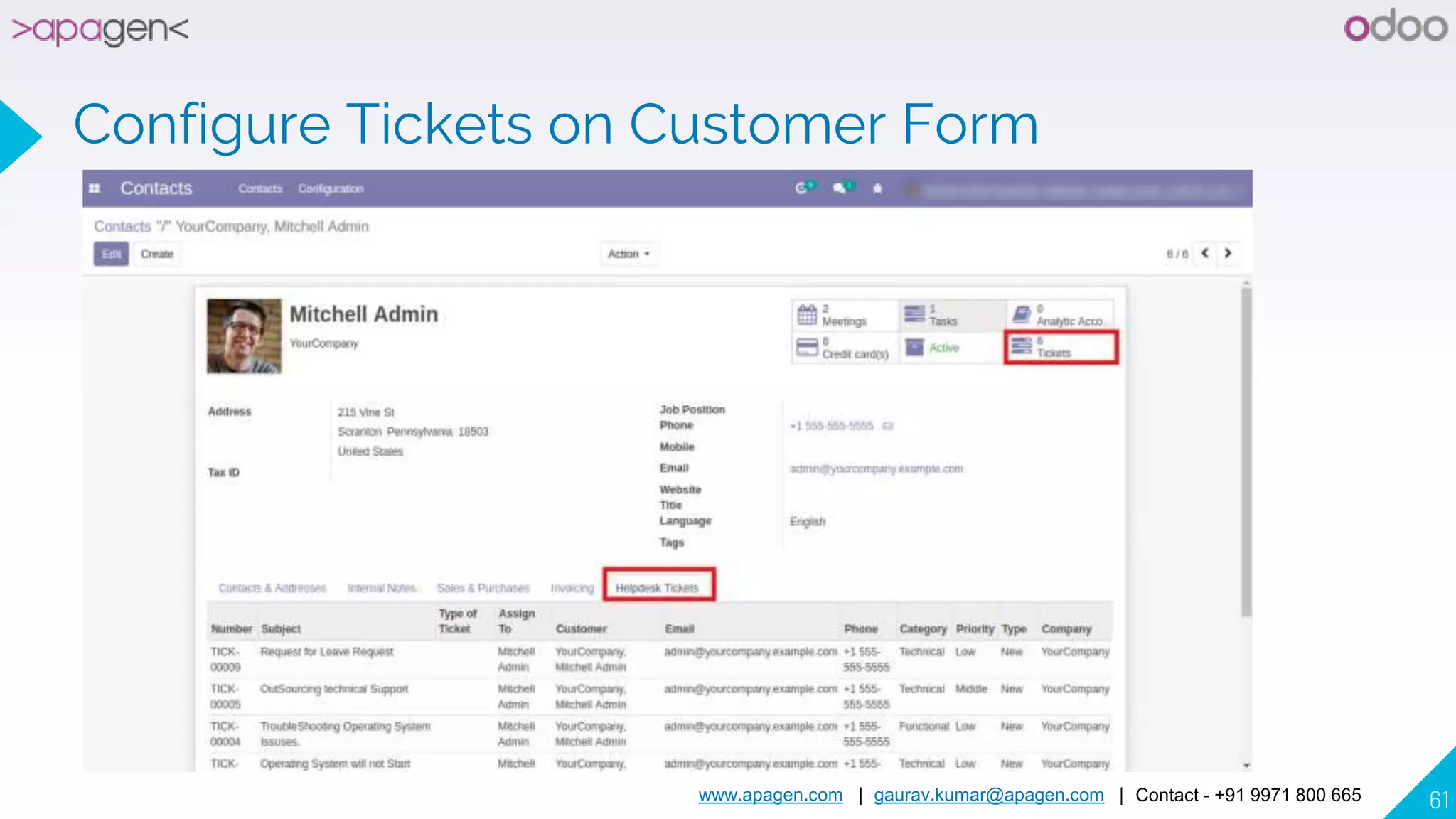
Configure Tickets on Customer Form
www.apagen.com | gaurav.kumar@apagen.com | Contact - +91 9971 800 665 62
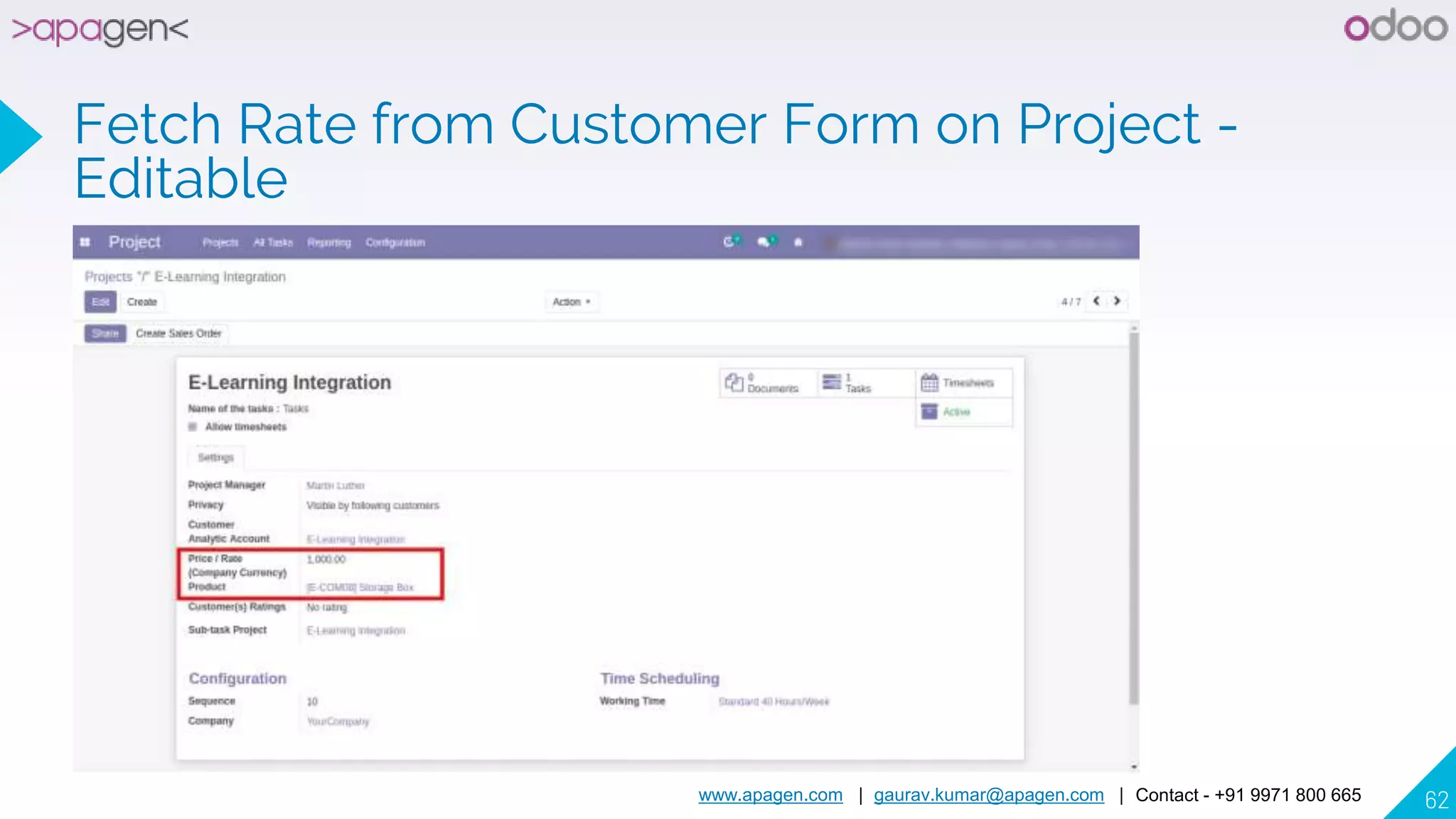
Fetch Rate from Customer Form on Project -
Editable
www.apagen.com | gaurav.kumar@apagen.com | Contact - +91 9971 800 665 63
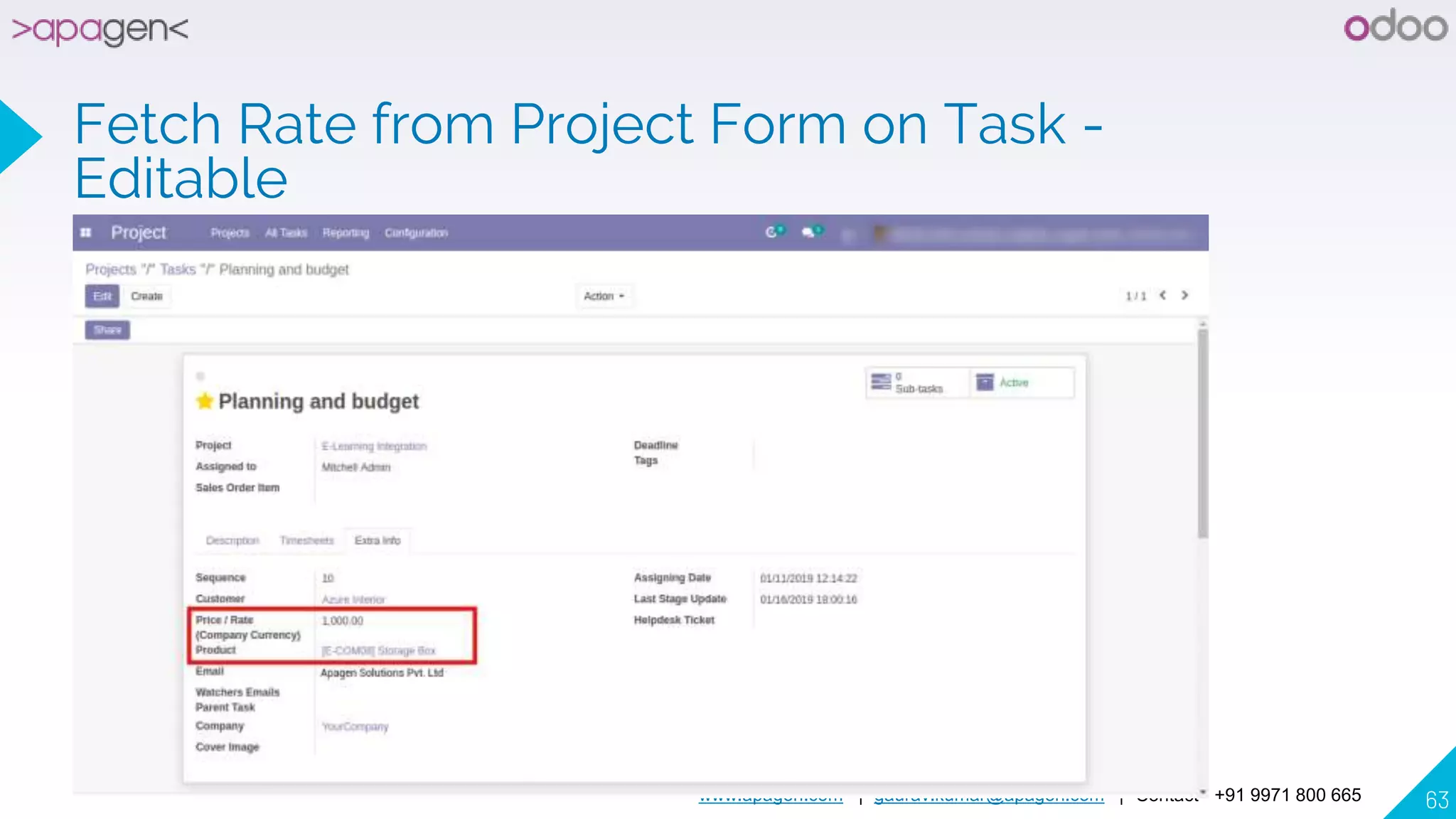
Fetch Rate from Project Form on Task -
Editable
www.apagen.com | gaurav.kumar@apagen.com | Contact - +91 9971 800 665 64
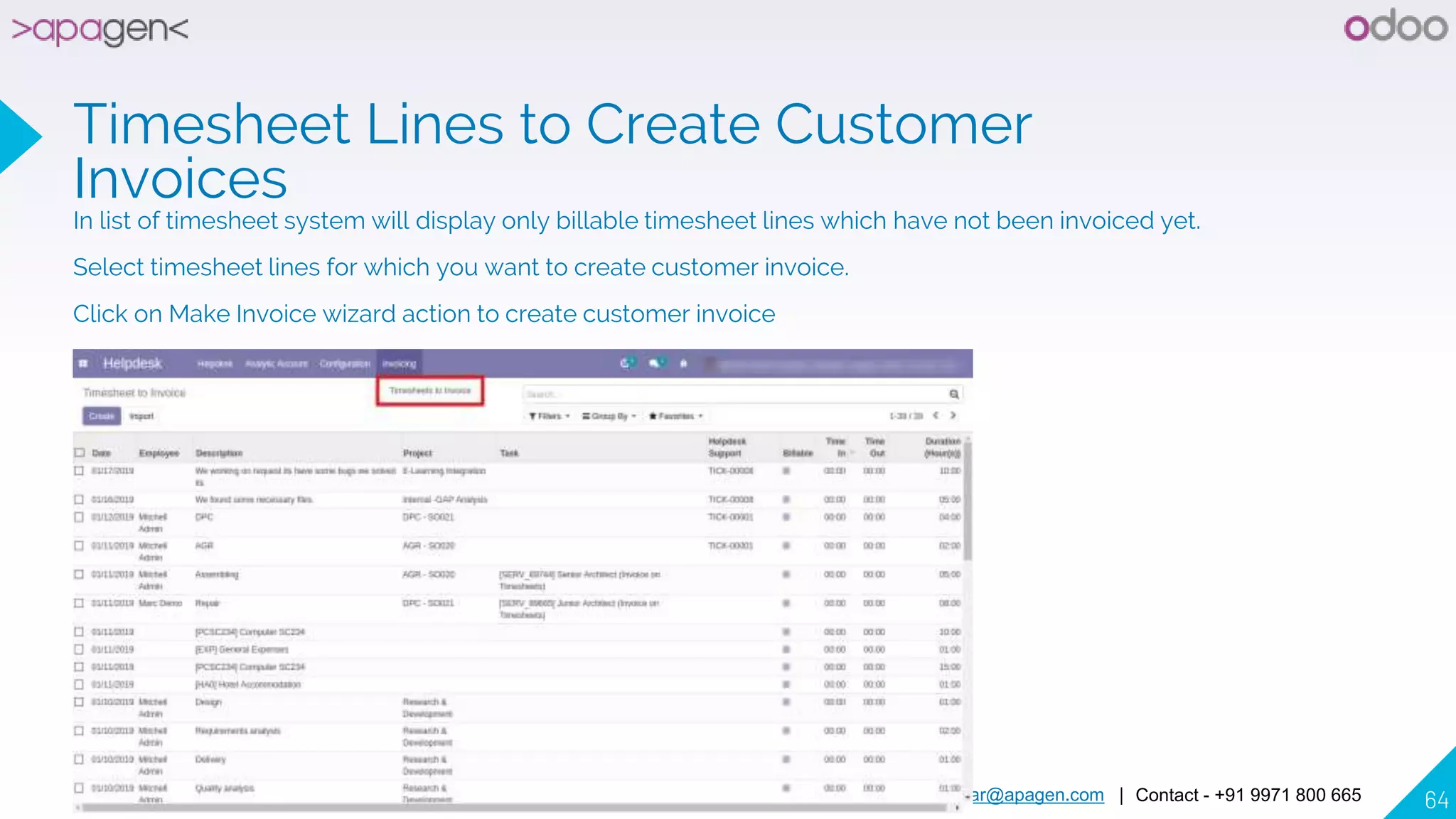
Timesheet Lines to Create Customer
Invoices
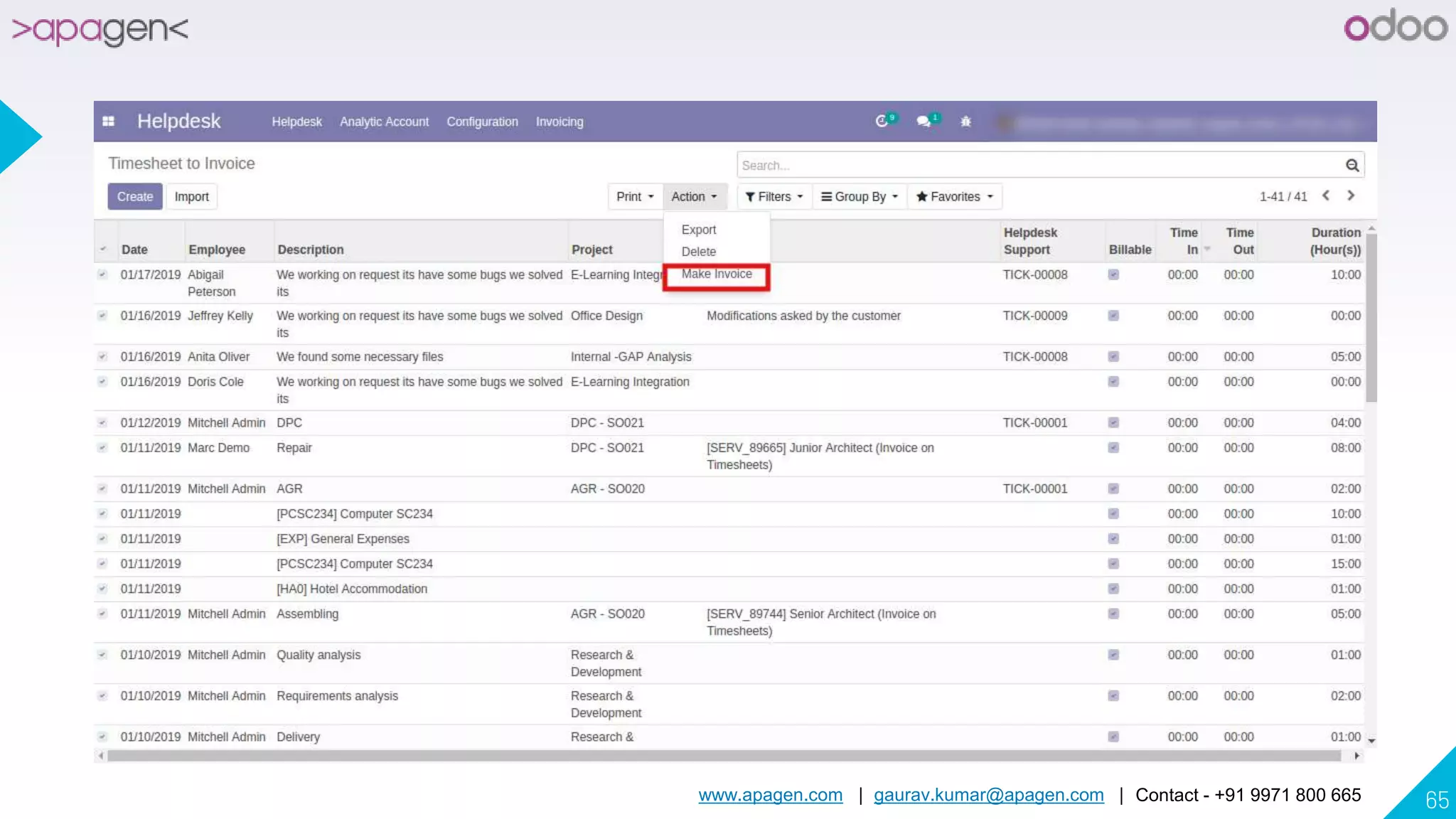
In list of timesheet system will display only billable timesheet lines which have not been invoiced yet.
Select timesheet lines for which you want to create customer invoice.
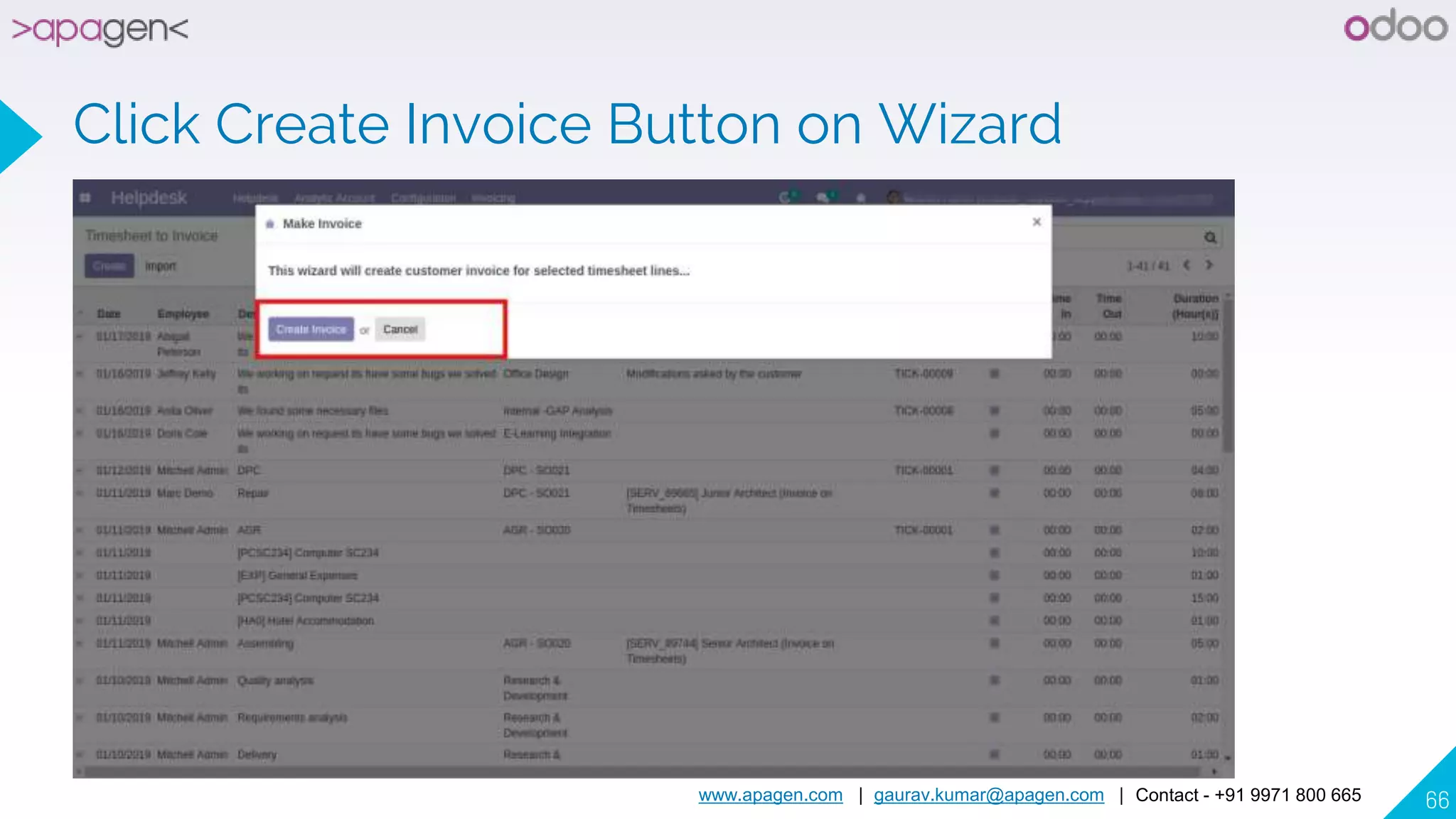
Click on Make Invoice wizard action to create customer invoice
www.apagen.com | gaurav.kumar@apagen.com | Contact - +91 9971 800 665 65
www.apagen.com | gaurav.kumar@apagen.com | Contact - +91 9971 800 665 66
Click Create Invoice Button on Wizard
www.apagen.com | gaurav.kumar@apagen.com | Contact - +91 9971 800 665 67
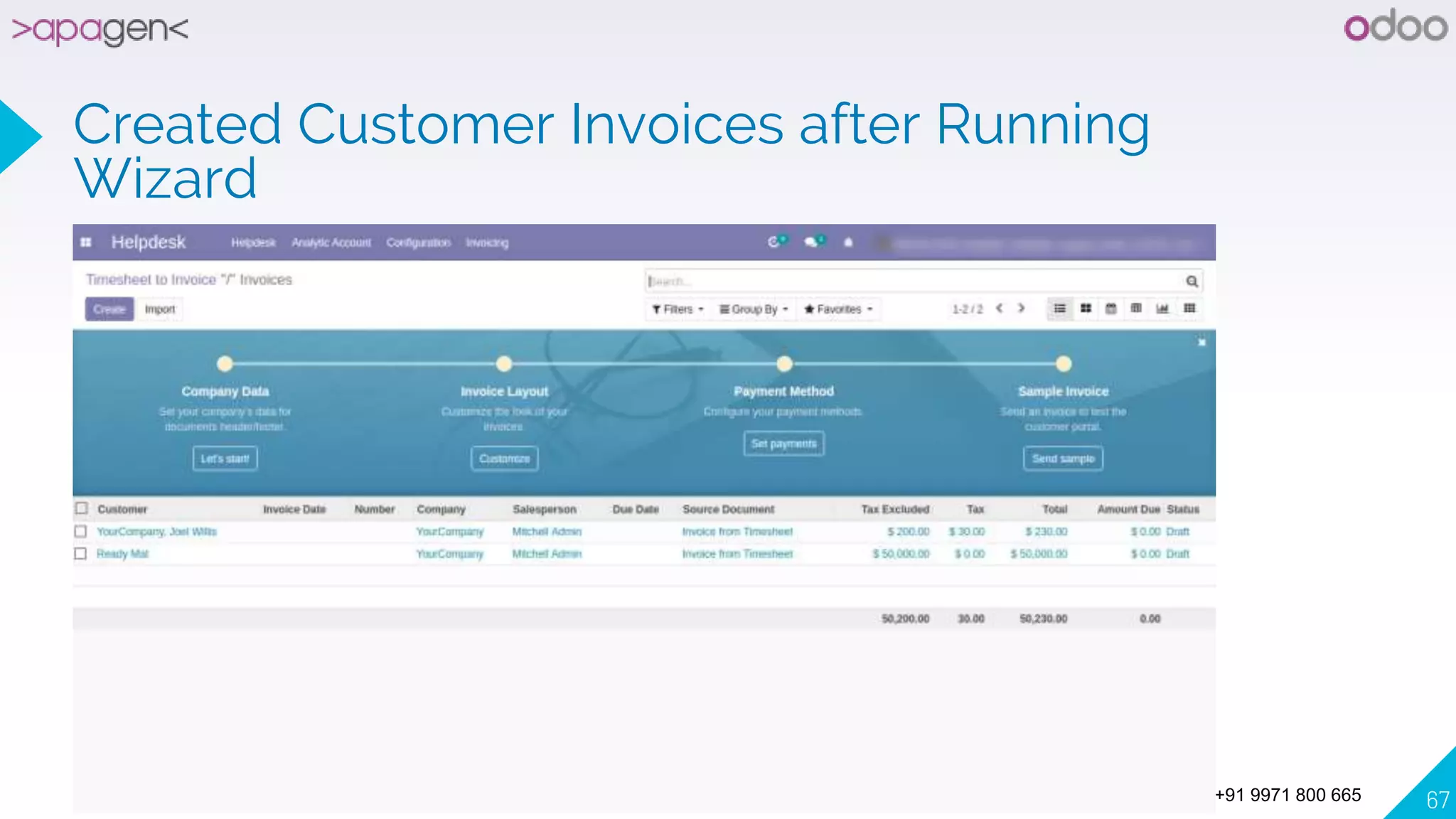
Created Customer Invoices after Running
Wizard
www.apagen.com | gaurav.kumar@apagen.com | Contact - +91 9971 800 665 68
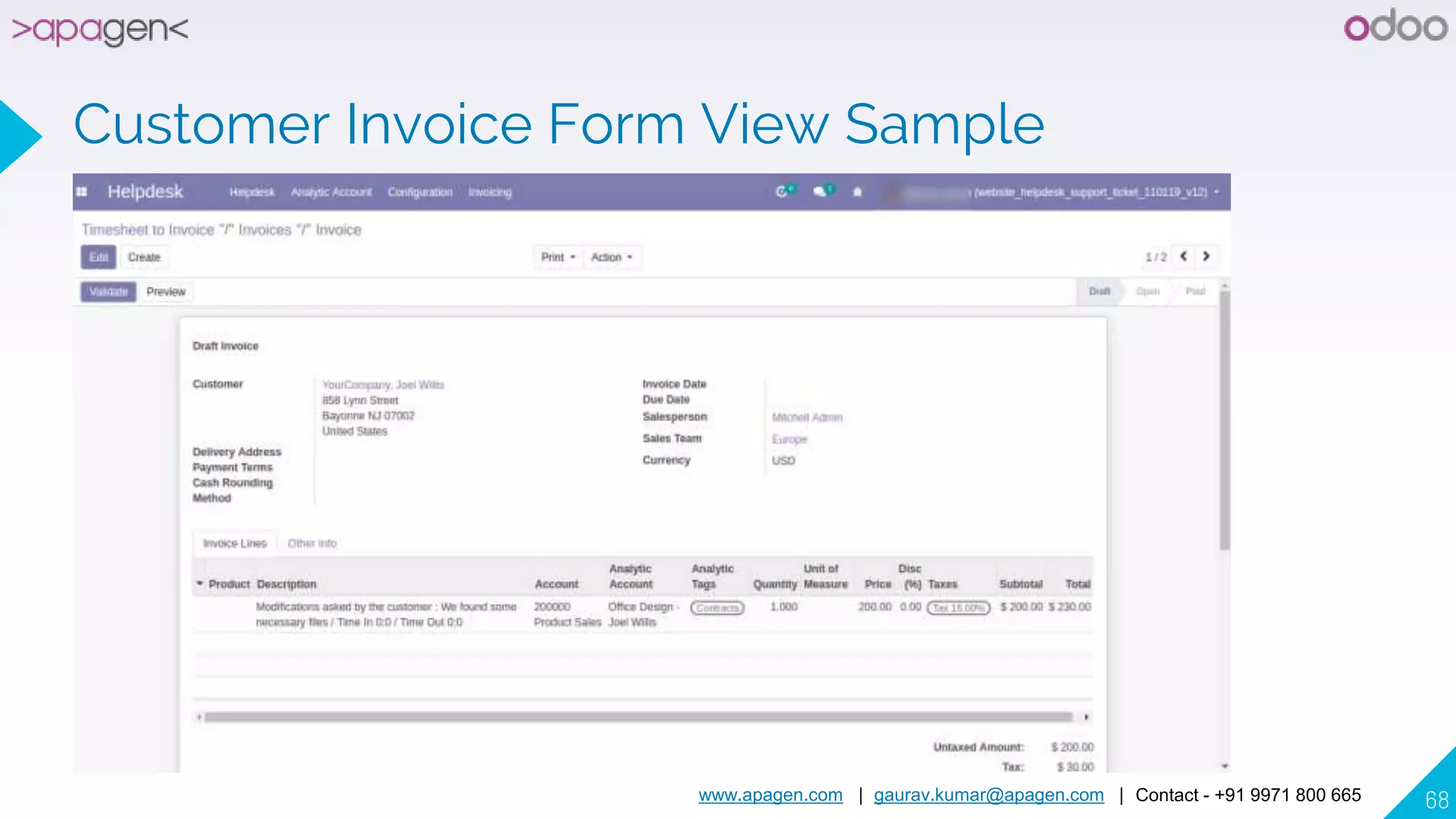
Customer Invoice Form View Sample
www.apagen.com | gaurav.kumar@apagen.com | Contact - +91 9971 800 665 69
Billable, Time In and Time Out on Timesheet
www.apagen.com | gaurav.kumar@apagen.com | Contact - +91 9971 800 665 70
Helpdesk Stages
www.apagen.com | gaurav.kumar@apagen.com | Contact - +91 9971 800 665 71
Helpdesk Ticket Types
www.apagen.com | gaurav.kumar@apagen.com | Contact - +91 9971 800 665 72
Activity View
www.apagen.com | gaurav.kumar@apagen.com | Contact - +91 9971 800 665 73
THANK YOU
Any questions?
You can find me at:
▸ Gaurav.kumar@apagen.com
▸ +91 9971 800 665

Opensource Website Help desk Support Ticket & Issue Management