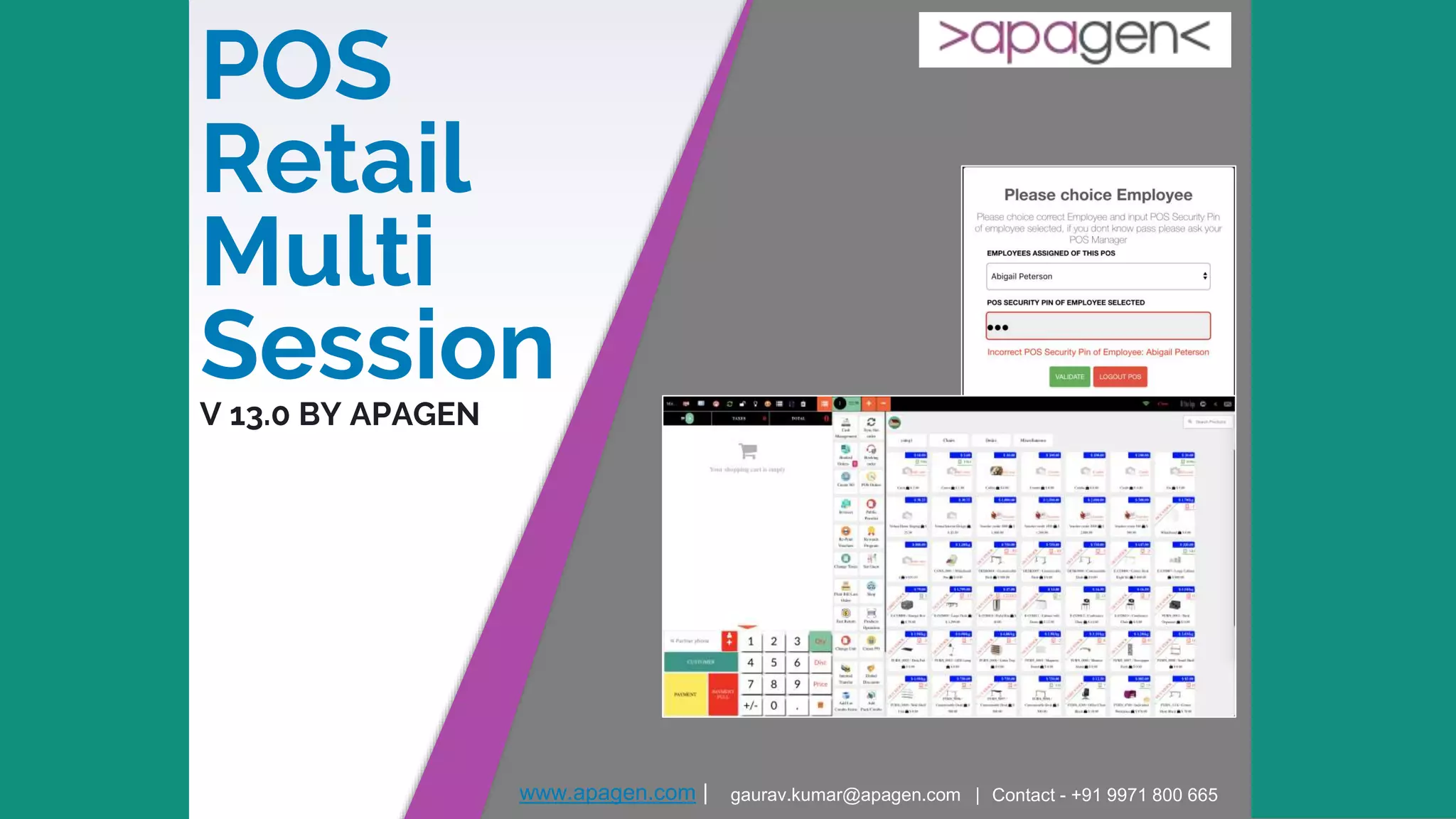
POS
Retail
Multi
SessionV 13.0 BY APAGEN
www.apagen.com | gaurav.kumar@apagen.com | Contact - +91 9971 800 665
About Apagen
Appearance
▸ Apagen Solutions, head office is based out of Noida
▸ Apagen is a sister concern of Enventa Group
▸ Track record of world class product & service delivery since inception in 2009
▸ International presence in Malaysia, UK, Nigeria, Kenya, USA and UAE
▸ Rich portfolio of alliances with major industry players
Experience
▸ Expert in manufacturing, Construction, Media, Healthcare, Education, Trading domain
▸ World class ERP consulting services for Auto component manufacturers, oil and gas drilling companies,
Logistic companies, Plastic processing units, Cement Units, Retail, Export Companies
▸ Having huge pool of products for Help Desk, Smart Card, Biometrics Payroll system, Accounting,
mobility, Production automation & Private Enterprise ATM etc.
▸ Rich experience in offshore delivery through ODCs (Offshore Delivery Model) at Noida and Next focus is
on USA, Africa and Australia.
CA, USA
Kenya
4
Why you need buy this module
▸ In Original PoS Odoo each user can only have one active session and only pos
config
▸ Module made possible to login to sessions created by other users.
▸ Multi pos config, multi session and only user
▸ Linked to Hr Employee module force to sale person, not link to users
▸ Each Employee we define POS Security Password pin (Only POS Manager can
see)
▸ Now All your staff sale man will use only one user
▸ Each POS config we define field Assigned Employees list
▸ Your staff start pos session, pos will ask "What is employee?" And "What is
password"
▸ If validate succeed password with employee selected, they will start selling
product
▸ POS Order will save employee ID made order
▸ POS Order Report will analytic base on Employees not on User (old sale man)
5
Guide Manual
Go to Employees Menu
6
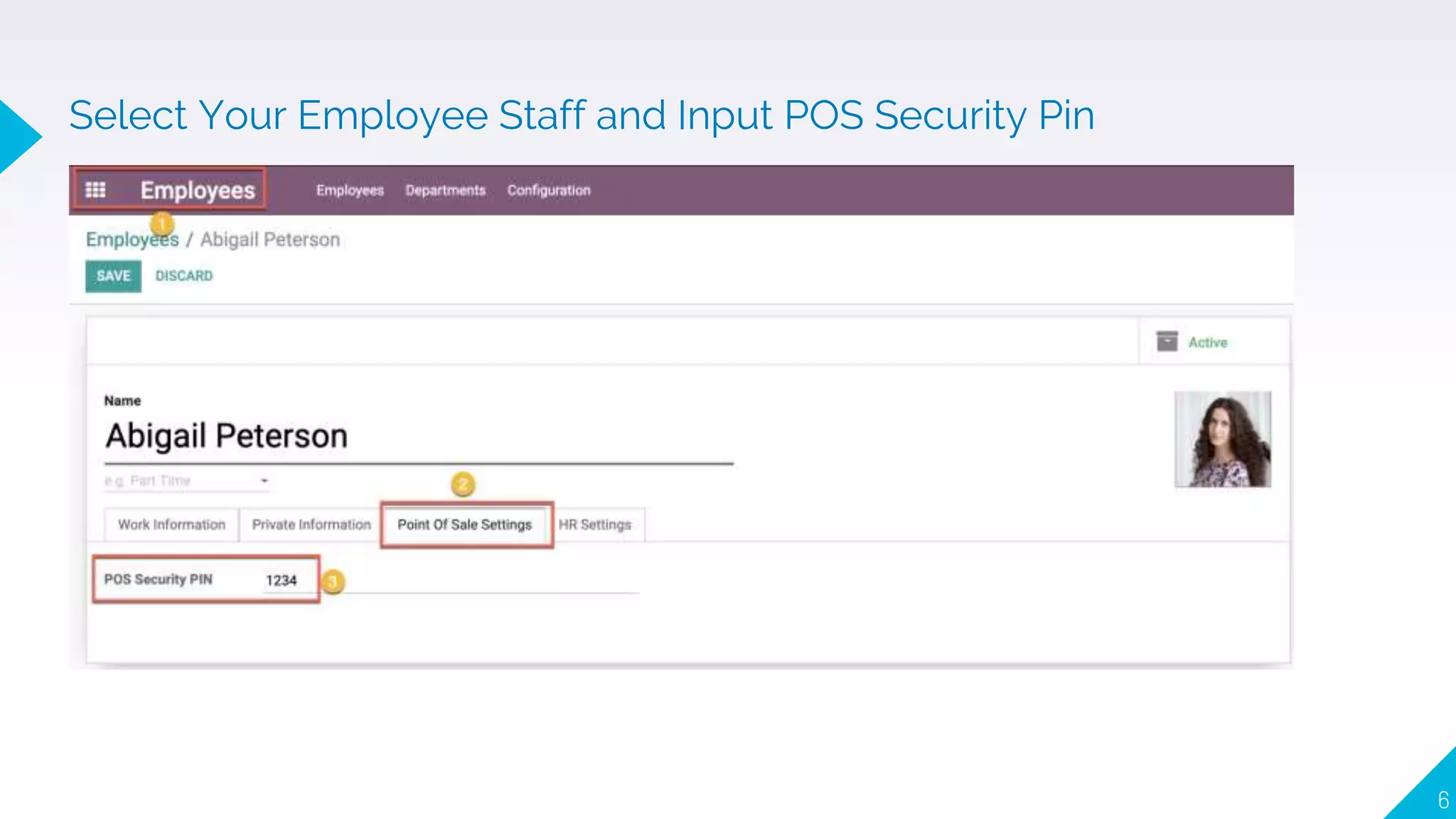
Select Your Employee Staff and Input POS Security Pin
7
Each Shop Location create each POS Config and define
Multi User, Assigned Employees
Employee login viva One User, POS will Ask what is Employee and
POS Security Pin
8
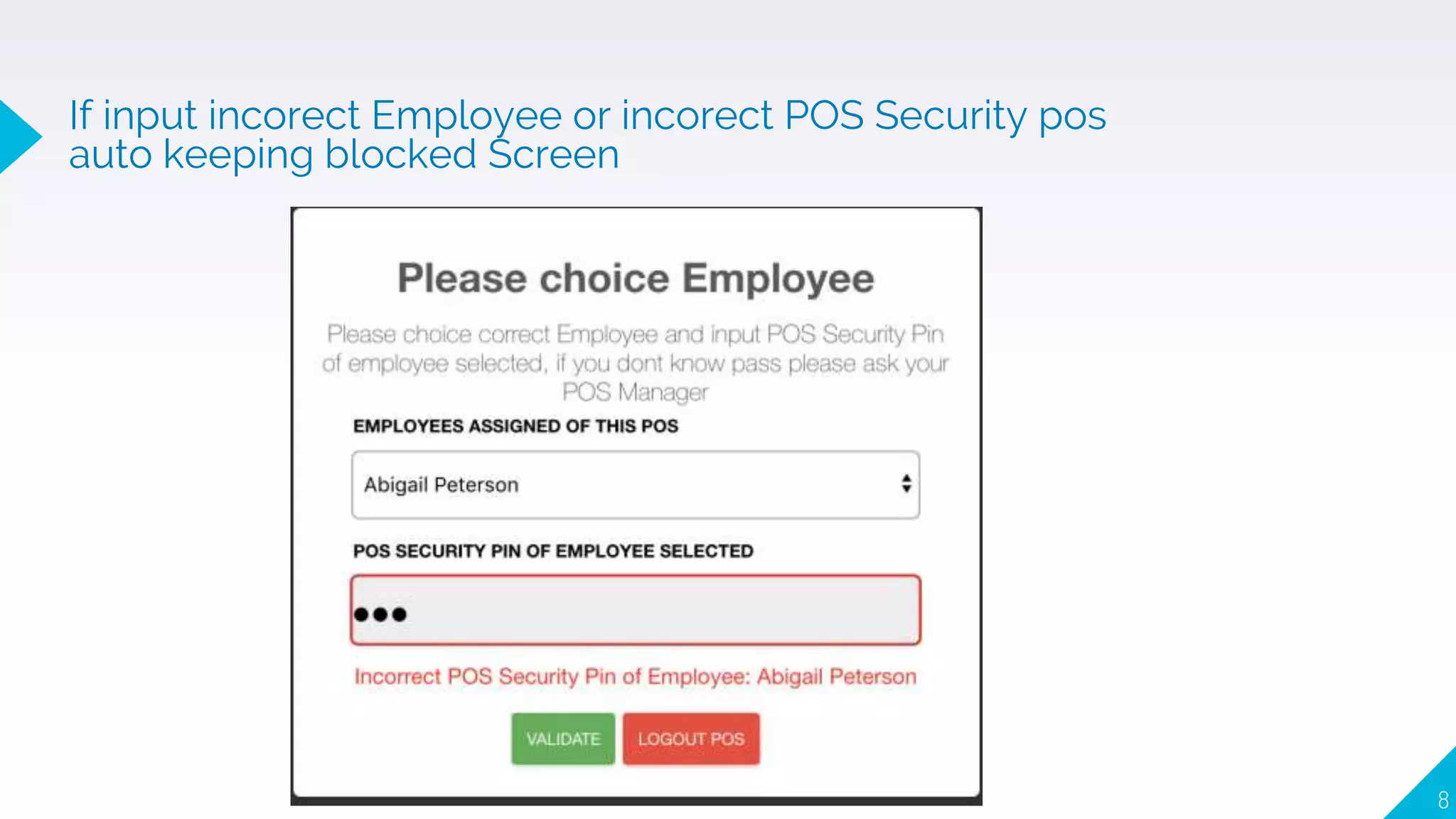
If input incorect Employee or incorect POS Security pos
auto keeping blocked Screen
9
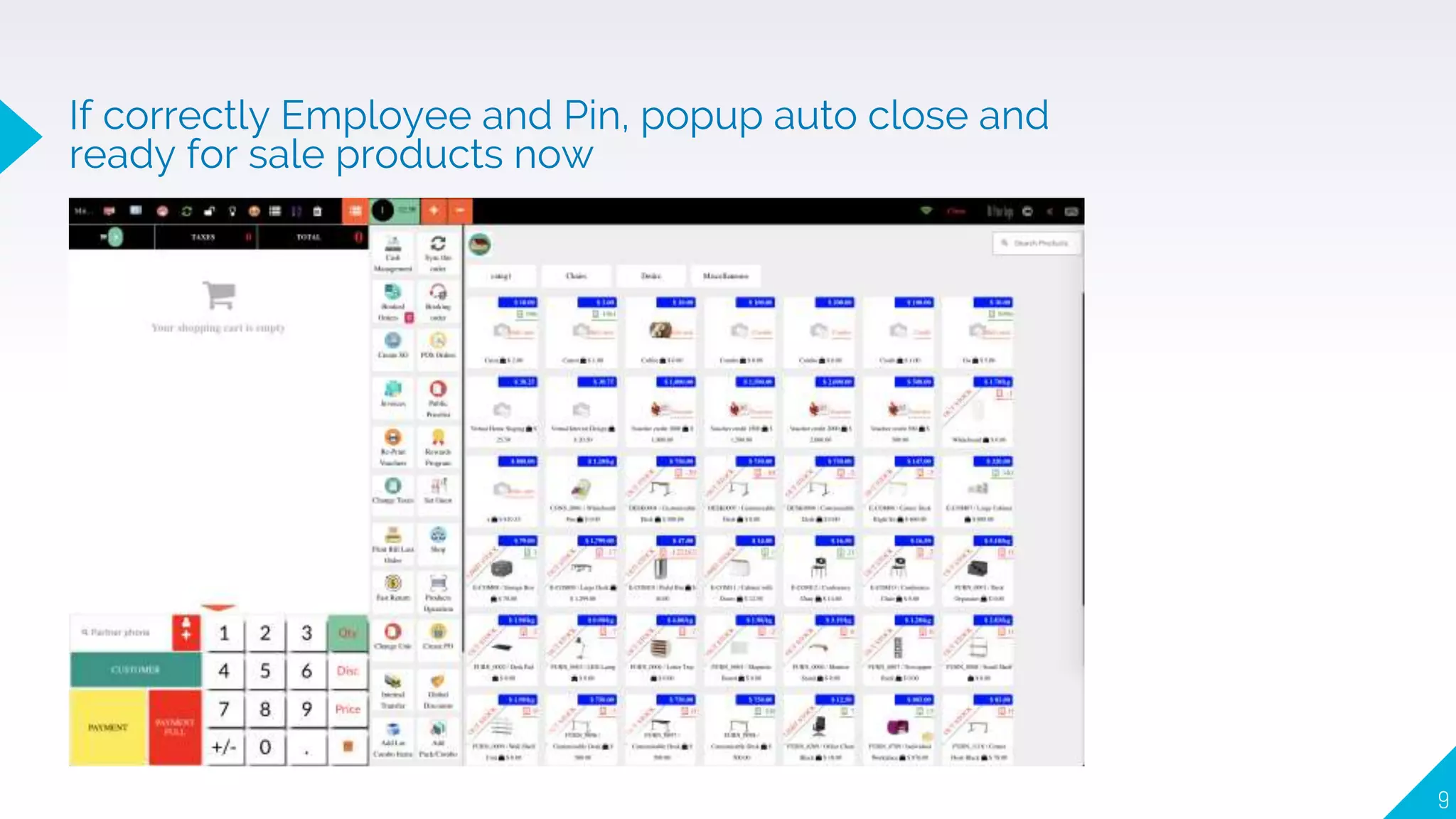
If correctly Employee and Pin, popup auto close and
ready for sale products now
10
Receipt will show employee just login succeed
11
POS Orders now stored, saved Employee create orders
POS Order from saved employee
create order
12
Reporting Menu / Order: Show sale total each Employee
13
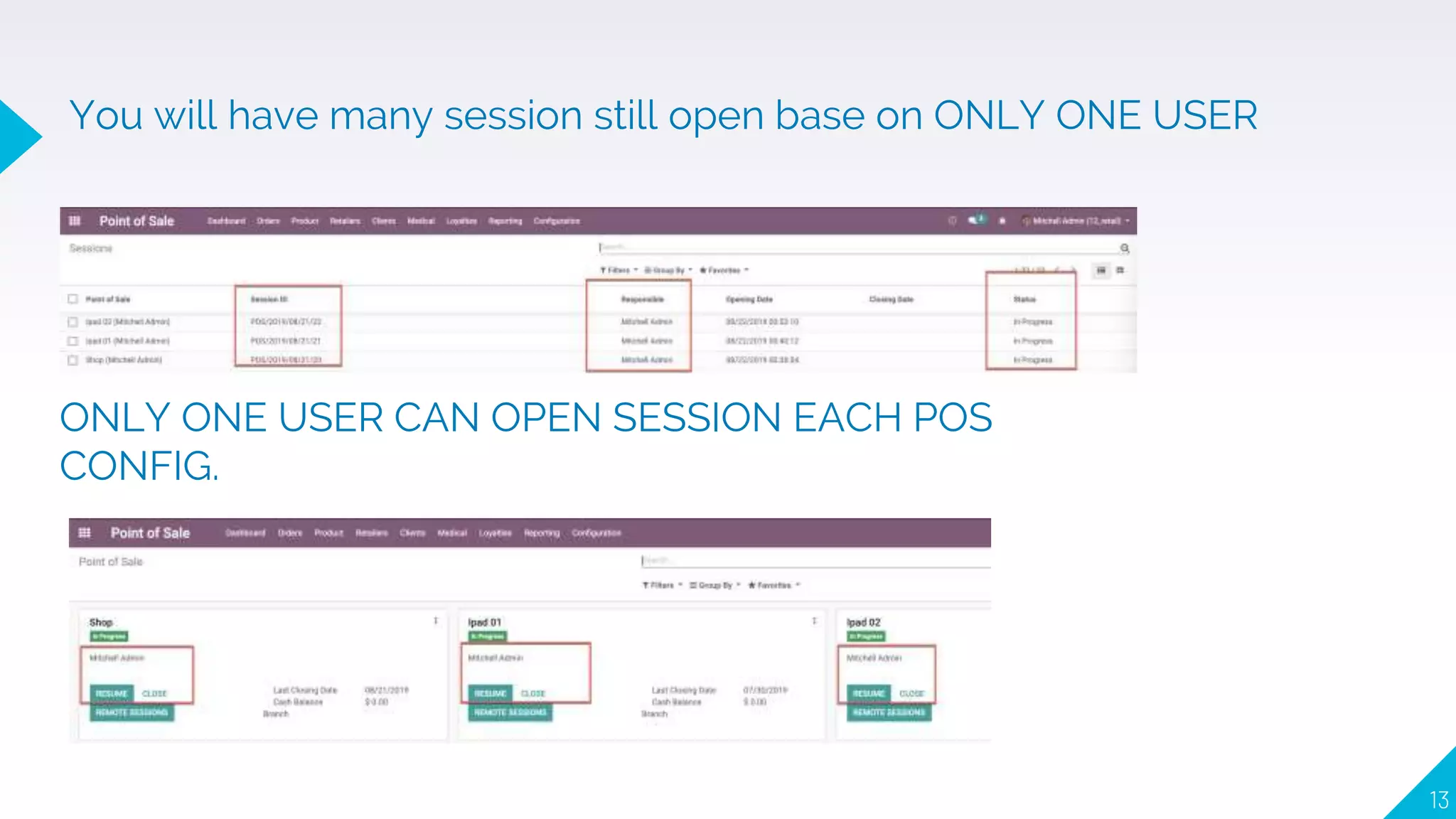
You will have many session still open base on ONLY ONE USER
ONLY ONE USER CAN OPEN SESSION EACH POS
CONFIG.
14
THANK YOU
Any questions?
You can find me at:
▸ Gaurav.kumar@apagen.com
▸ +91 9971 800 665

POS Retail Multi Session

  • 1.
    POS Retail Multi SessionV 13.0 BYAPAGEN www.apagen.com | gaurav.kumar@apagen.com | Contact - +91 9971 800 665
  • 2.
    About Apagen Appearance ▸ ApagenSolutions, head office is based out of Noida ▸ Apagen is a sister concern of Enventa Group ▸ Track record of world class product & service delivery since inception in 2009 ▸ International presence in Malaysia, UK, Nigeria, Kenya, USA and UAE ▸ Rich portfolio of alliances with major industry players Experience ▸ Expert in manufacturing, Construction, Media, Healthcare, Education, Trading domain ▸ World class ERP consulting services for Auto component manufacturers, oil and gas drilling companies, Logistic companies, Plastic processing units, Cement Units, Retail, Export Companies ▸ Having huge pool of products for Help Desk, Smart Card, Biometrics Payroll system, Accounting, mobility, Production automation & Private Enterprise ATM etc. ▸ Rich experience in offshore delivery through ODCs (Offshore Delivery Model) at Noida and Next focus is on USA, Africa and Australia.
  • 3.
  • 4.
    4 Why you needbuy this module ▸ In Original PoS Odoo each user can only have one active session and only pos config ▸ Module made possible to login to sessions created by other users. ▸ Multi pos config, multi session and only user ▸ Linked to Hr Employee module force to sale person, not link to users ▸ Each Employee we define POS Security Password pin (Only POS Manager can see) ▸ Now All your staff sale man will use only one user ▸ Each POS config we define field Assigned Employees list ▸ Your staff start pos session, pos will ask "What is employee?" And "What is password" ▸ If validate succeed password with employee selected, they will start selling product ▸ POS Order will save employee ID made order ▸ POS Order Report will analytic base on Employees not on User (old sale man)
  • 5.
    5 Guide Manual Go toEmployees Menu
  • 6.
    6 Select Your EmployeeStaff and Input POS Security Pin
  • 7.
    7 Each Shop Locationcreate each POS Config and define Multi User, Assigned Employees Employee login viva One User, POS will Ask what is Employee and POS Security Pin
  • 8.
    8 If input incorectEmployee or incorect POS Security pos auto keeping blocked Screen
  • 9.
    9 If correctly Employeeand Pin, popup auto close and ready for sale products now
  • 10.
    10 Receipt will showemployee just login succeed
  • 11.
    11 POS Orders nowstored, saved Employee create orders POS Order from saved employee create order
  • 12.
    12 Reporting Menu /Order: Show sale total each Employee
  • 13.
    13 You will havemany session still open base on ONLY ONE USER ONLY ONE USER CAN OPEN SESSION EACH POS CONFIG.
  • 14.
    14 THANK YOU Any questions? Youcan find me at: ▸ Gaurav.kumar@apagen.com ▸ +91 9971 800 665