

how to use TripleO 
tools for your own 
project 
Gonéri Le Bouder 
Software Engineer 
November 3, 2014
Myself 
● Work @ eNovance, Paris office 
● Long term Free Software contributor 
● OpenStack contributor since 2013 
● blablabla
OpenStack and TripleO
TripleO 
OpenStack On OpenStack 
Goal: 
Deploy a fully functional OpenStack from a 
minimal OpenStack
TripleO tool collection 
TripleO uses or reuse various OpenStack tools: 
● Heat 
● Ironic and Nova Bare-metal 
● DiskImage Builder (aka DIB) and some 
image elements 
● os-{apply,collect,refresh}-config 
● probably some more
Heat 
An API on rule them all 
Describe an infrastructure and inject it in your 
OpenStack tenant (VM, disk, autoscaling, etc)
DiskImage Builder 
The gold image generator 
A tool to generate image: 
● Very modular 
● Easy to extend using “elements”
DiskImage Builder 
An DIB element is a set of files: 
● Adjust the image content 
● Install packages in the image 
● Configuration file templates 
● Configuration scripts. 
Element can depend on another element (e.g: 
fedora depends on yum)
DiskImage Builder 
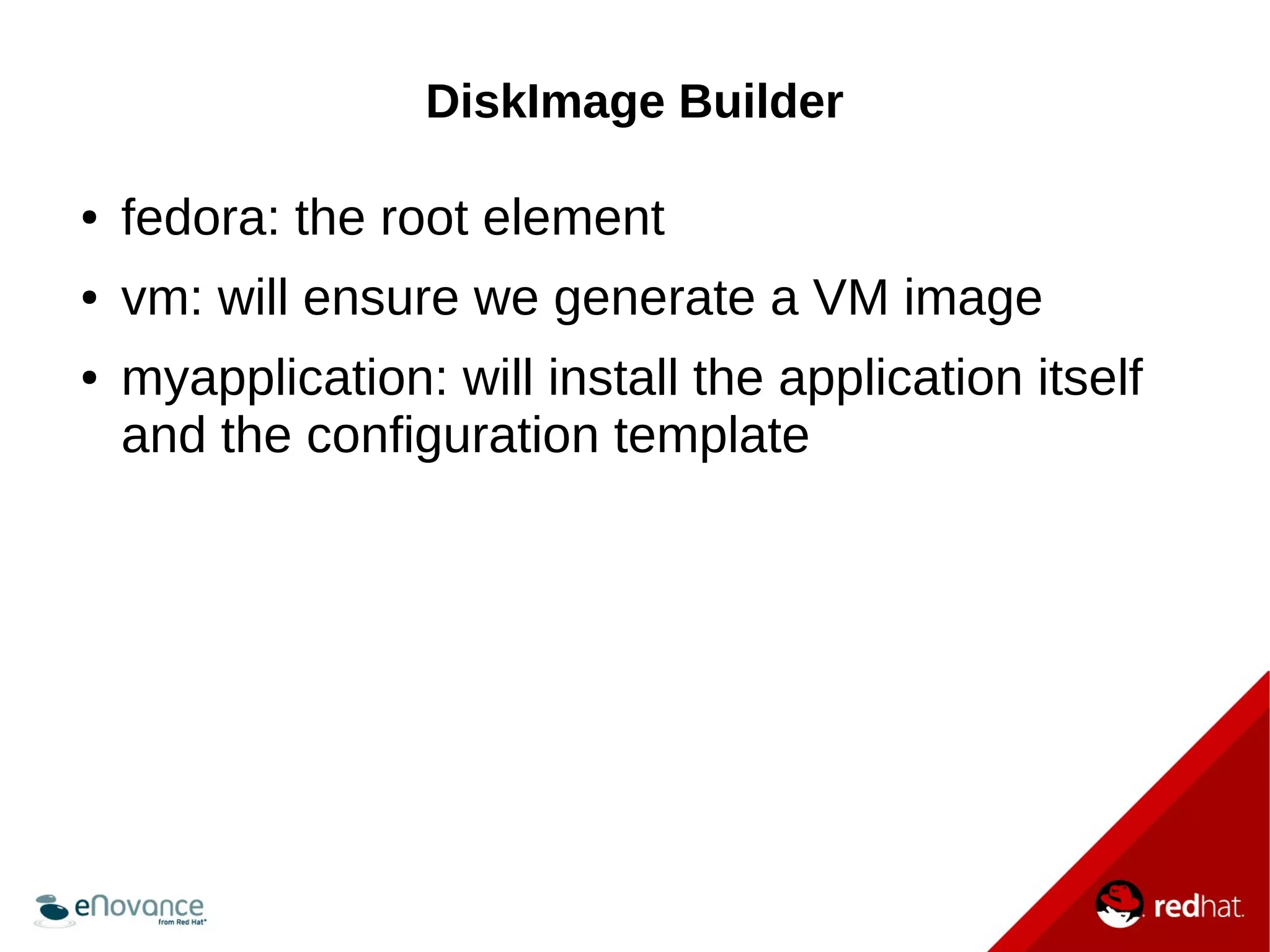
● fedora: the root element 
● vm: will ensure we generate a VM image 
● myapplication: will install the application itself 
and the configuration template
os-{apply,collect,refresh}-config 
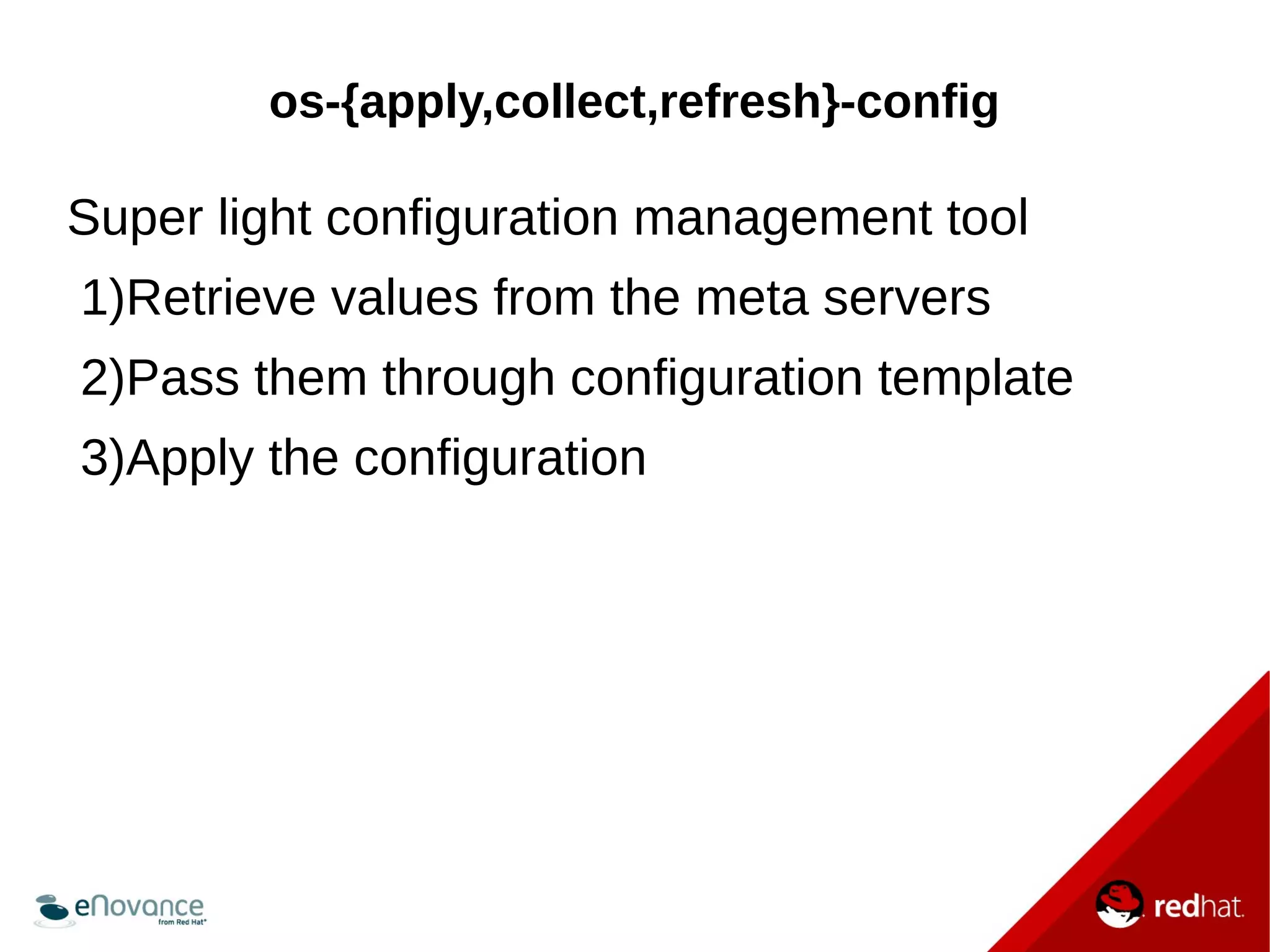
Super light configuration management tool 
1)Retrieve values from the meta servers 
2)Pass them through configuration template 
3)Apply the configuration
os-{apply,collect,refresh}-config 
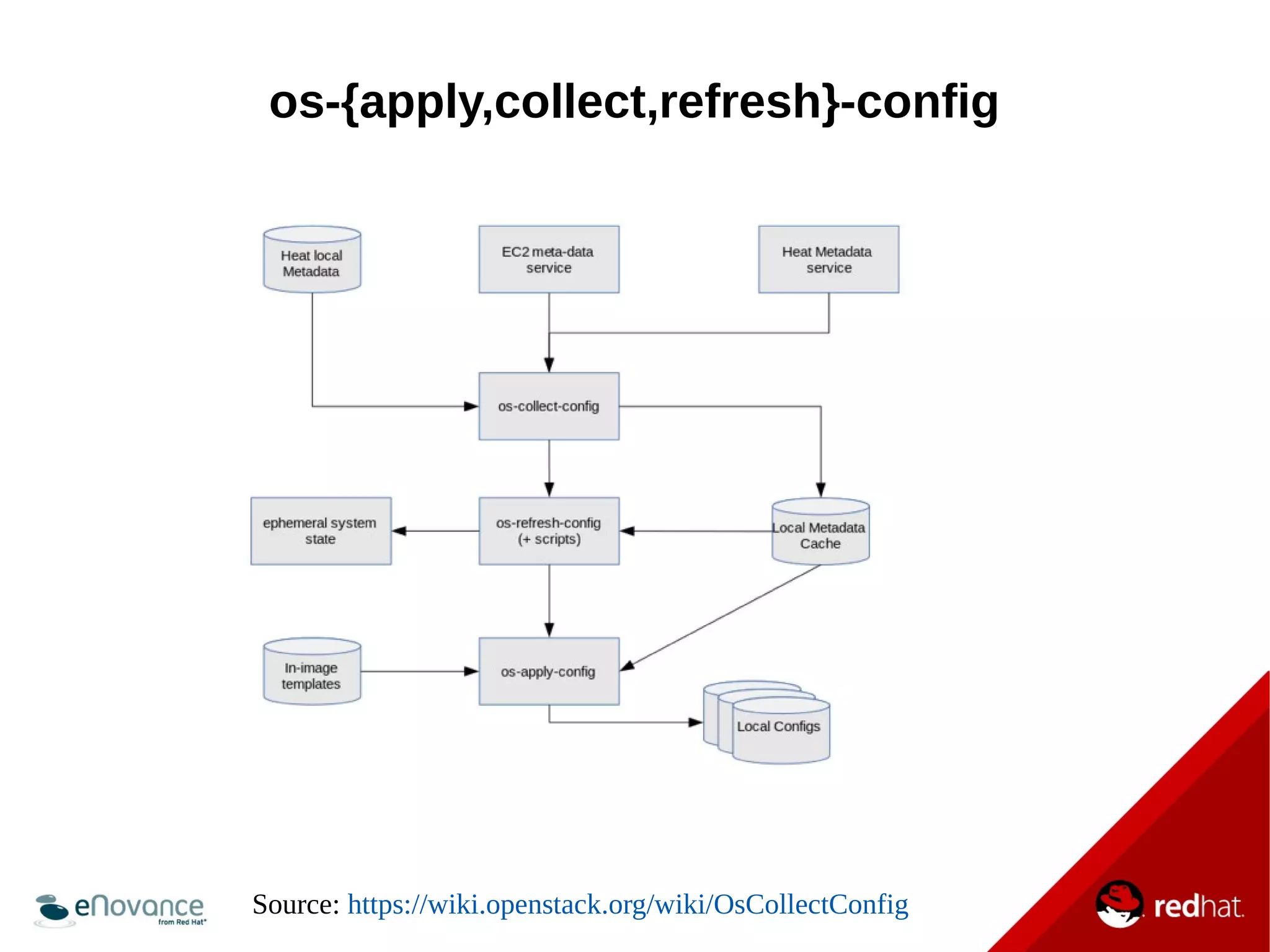
Source: https://wiki.openstack.org/wiki/OsCollectConfig
Configuration management: 
A New Paradigm
common Paradigm 
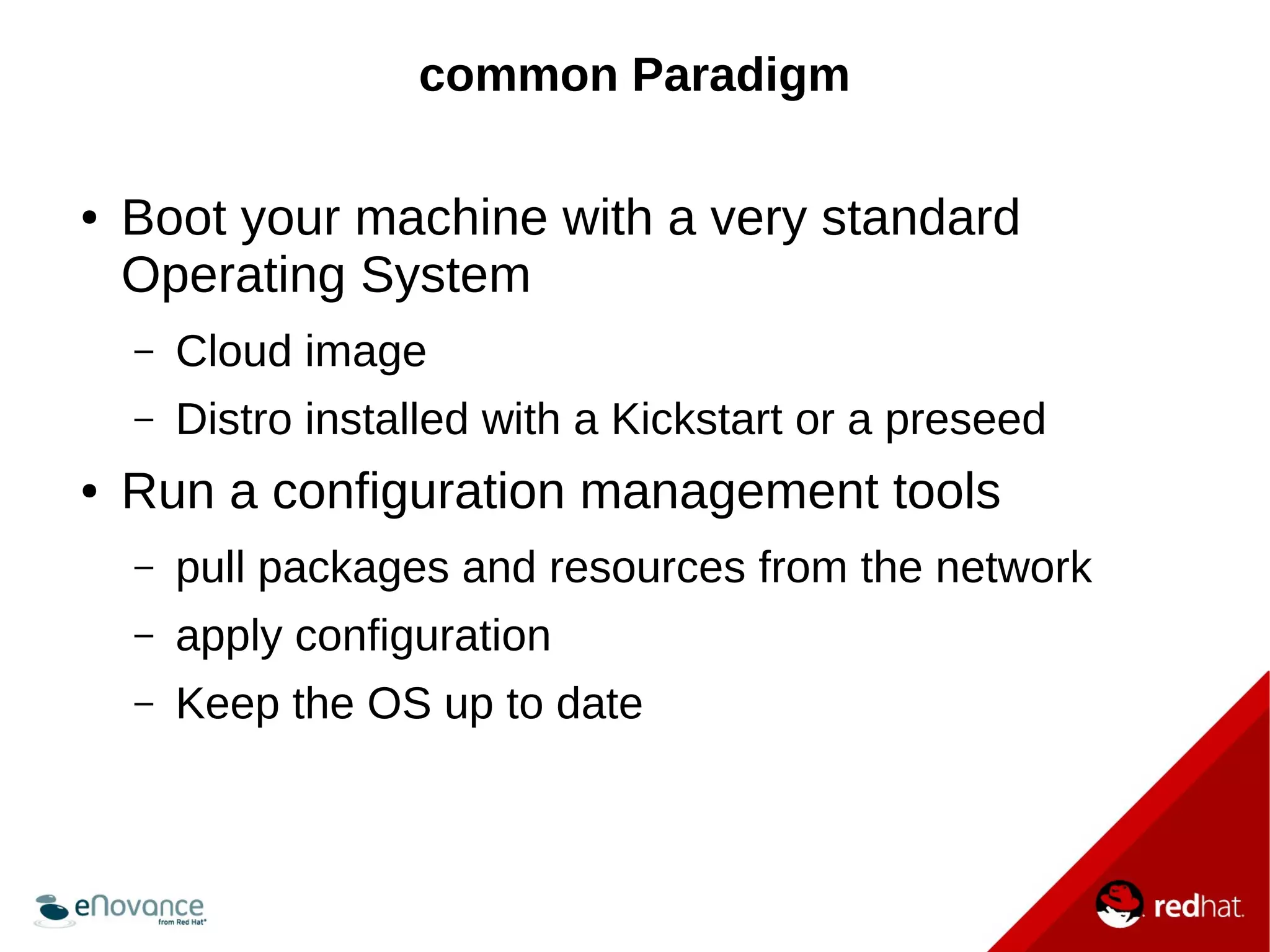
● Boot your machine with a very standard 
Operating System 
– Cloud image 
– Distro installed with a Kickstart or a preseed 
● Run a configuration management tools 
– pull packages and resources from the network 
– apply configuration 
– Keep the OS up to date
Tripleo (and eDeploy) Paradigm 
● Prepare some specialized images 
● Use them to boot the machines (VM or bare-metal) 
● Apply the configuration, without external 
network access
The big changes 
● The CM tool should not install package by itself 
● The CM tool should only adjust the 
configuration
Example
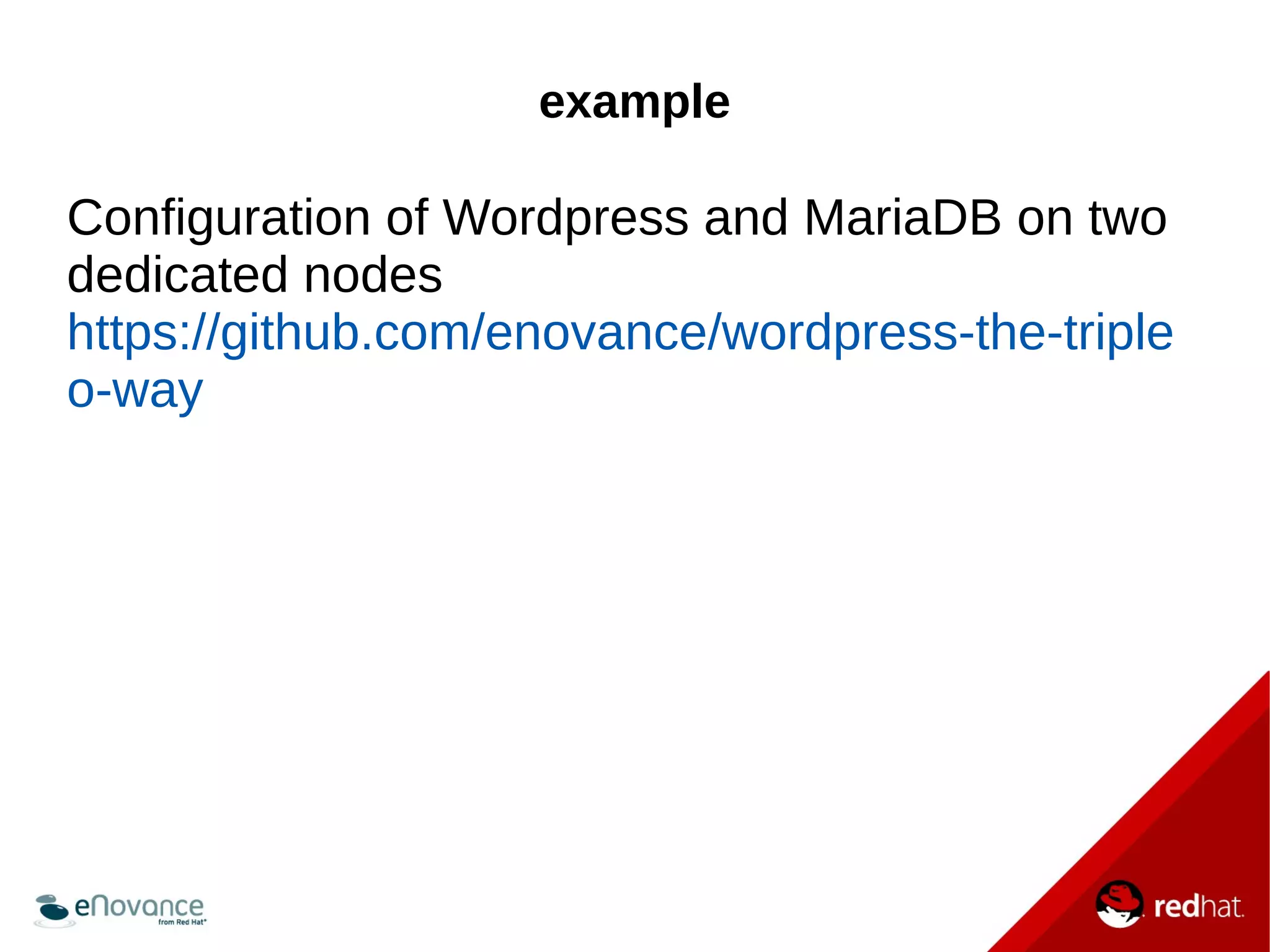
example 
Configuration of Wordpress and MariaDB on two 
dedicated nodes 
https://github.com/enovance/wordpress-the-triple 
o-way
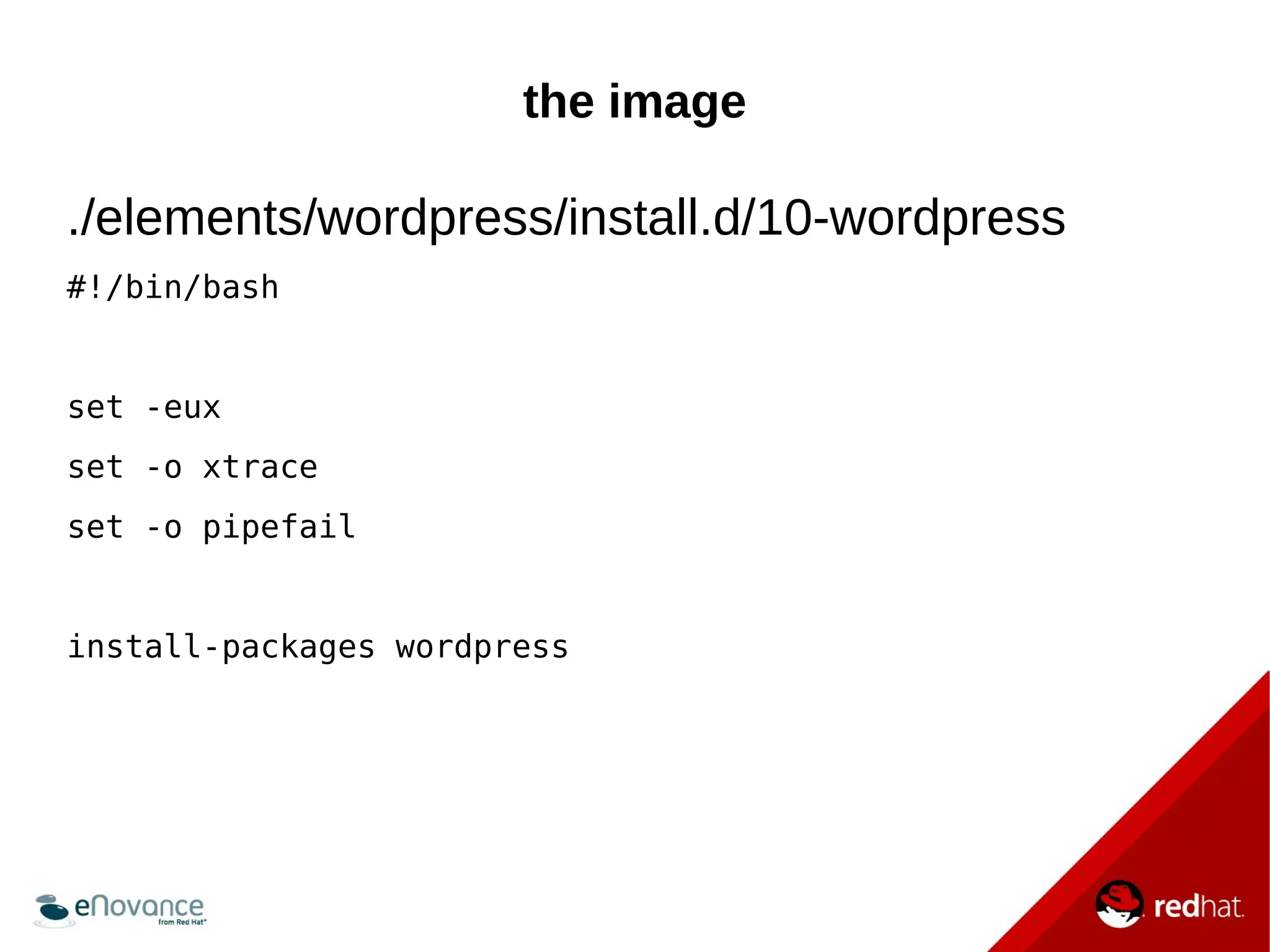
the image 
./elements/wordpress/install.d/10-wordpress 
#!/bin/bash 
set -eux 
set -o xtrace 
set -o pipefail 
install-packages wordpress
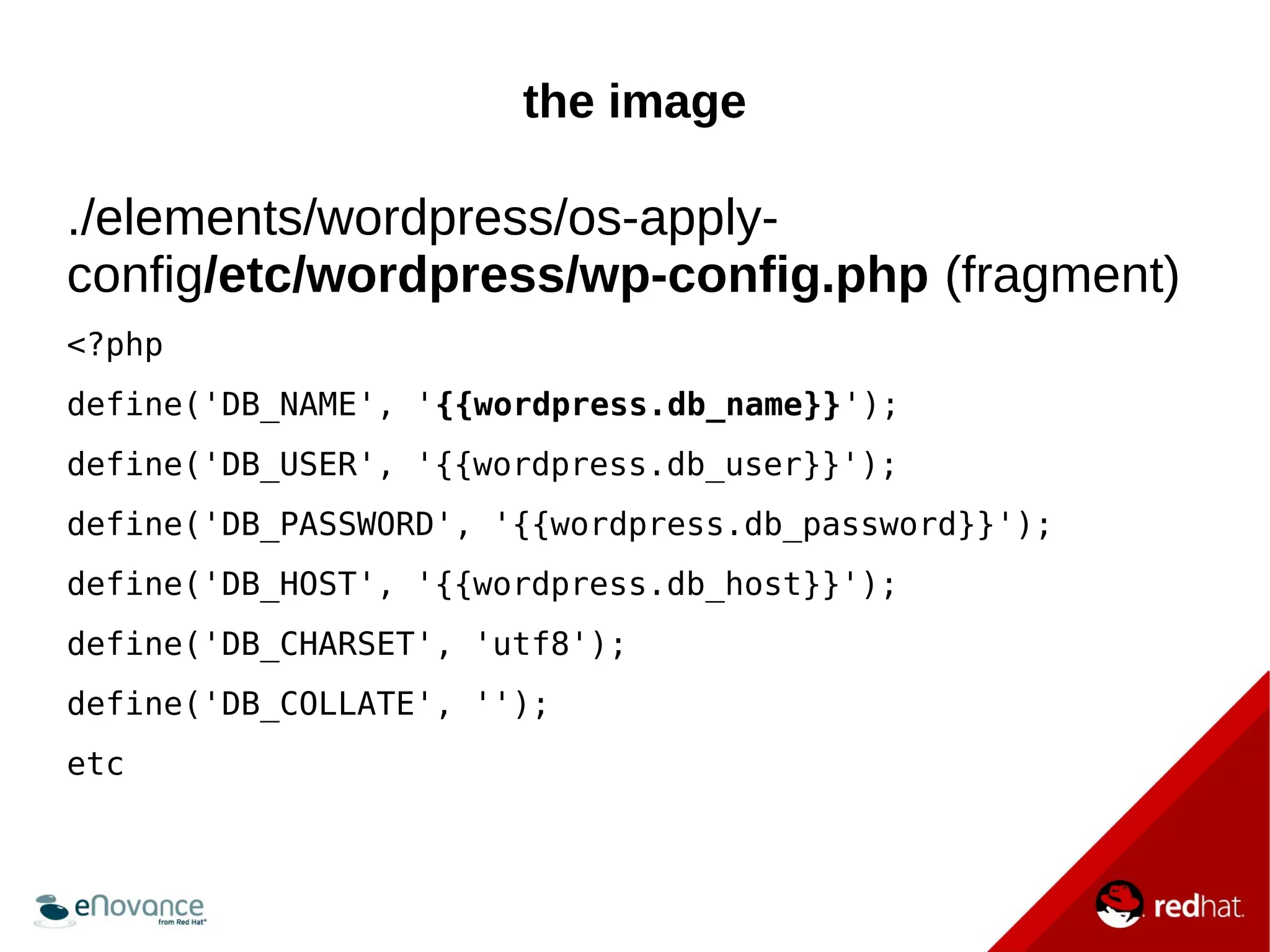
the image 
./elements/wordpress/os-apply-config/ 
etc/wordpress/wp-config.php (fragment) 
<?php 
define('DB_NAME', '{{wordpress.db_name}}'); 
define('DB_USER', '{{wordpress.db_user}}'); 
define('DB_PASSWORD', '{{wordpress.db_password}}'); 
define('DB_HOST', '{{wordpress.db_host}}'); 
define('DB_CHARSET', 'utf8'); 
define('DB_COLLATE', ''); 
etc
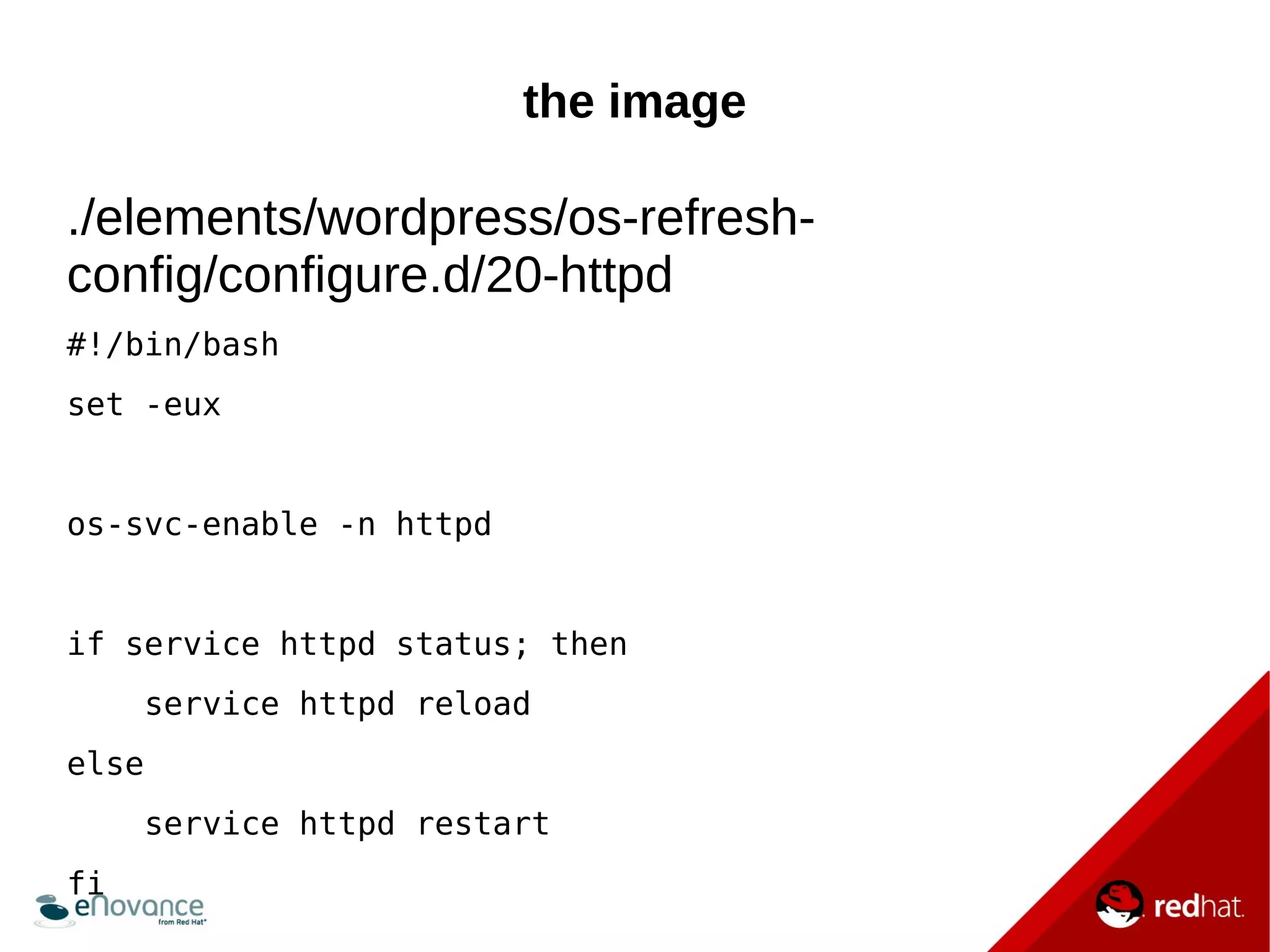
the image 
./elements/wordpress/os-refresh-config/ 
configure.d/20-httpd 
#!/bin/bash 
set -eux 
os-svc-enable -n httpd 
if service httpd status; then 
service httpd reload 
else 
service httpd restart 
fi
heat 
Heat file (fragment) 
WordpressConfig: 
type: OS::Heat::StructuredConfig 
properties: 
group: os-apply-config 
config: 
wordpress: 
db_name: wordpress 
db_password: 
{get_resource:Wordpress_db_password} 
db_host: {get_attr: [Mariadb, first_address]} 
Etc ...
Benefits
Pros 
Way easier to redeploy the application 
● grab the images 
● call heat, it will 
– Deploy the infrastructure 
– Export the meta-data for os-collect-config
Pros 
Reduce the risk of failure 
● Images + the meta data from heat should be 
enough to get the application running
Pros 
Super fast 
● Start the machines from the images 
● Pass the meta data through the templates 
● Write the configuration
Pros 
Consum less resources 
● I/O: no package installation 
● CPU: configuration only do the bare minimum
Not the perfect solution
The elements 
● No repository with shared DIB “elements” yet 
● OpenStack Heat and os-*-config evolve quickly, 
the use of an up to date OpenStack release is a 
must (for the moment)
Data 
You need a strategy for your data storage 
● TripleO use NFS here 
● eNovance eDeploy use another upgrade 
mechanism
How to use TripleO tools for your own project

How to use TripleO tools for your own project

  • 1.
    how to useTripleO tools for your own project Gonéri Le Bouder Software Engineer November 3, 2014
  • 2.
    Myself ● Work@ eNovance, Paris office ● Long term Free Software contributor ● OpenStack contributor since 2013 ● blablabla
  • 3.
  • 4.
    TripleO OpenStack OnOpenStack Goal: Deploy a fully functional OpenStack from a minimal OpenStack
  • 5.
    TripleO tool collection TripleO uses or reuse various OpenStack tools: ● Heat ● Ironic and Nova Bare-metal ● DiskImage Builder (aka DIB) and some image elements ● os-{apply,collect,refresh}-config ● probably some more
  • 6.
    Heat An APIon rule them all Describe an infrastructure and inject it in your OpenStack tenant (VM, disk, autoscaling, etc)
  • 7.
    DiskImage Builder Thegold image generator A tool to generate image: ● Very modular ● Easy to extend using “elements”
  • 8.
    DiskImage Builder AnDIB element is a set of files: ● Adjust the image content ● Install packages in the image ● Configuration file templates ● Configuration scripts. Element can depend on another element (e.g: fedora depends on yum)
  • 9.
    DiskImage Builder ●fedora: the root element ● vm: will ensure we generate a VM image ● myapplication: will install the application itself and the configuration template
  • 10.
    os-{apply,collect,refresh}-config Super lightconfiguration management tool 1)Retrieve values from the meta servers 2)Pass them through configuration template 3)Apply the configuration
  • 11.
  • 12.
  • 13.
    common Paradigm ●Boot your machine with a very standard Operating System – Cloud image – Distro installed with a Kickstart or a preseed ● Run a configuration management tools – pull packages and resources from the network – apply configuration – Keep the OS up to date
  • 14.
    Tripleo (and eDeploy)Paradigm ● Prepare some specialized images ● Use them to boot the machines (VM or bare-metal) ● Apply the configuration, without external network access
  • 15.
    The big changes ● The CM tool should not install package by itself ● The CM tool should only adjust the configuration
  • 16.
  • 17.
    example Configuration ofWordpress and MariaDB on two dedicated nodes https://github.com/enovance/wordpress-the-triple o-way
  • 18.
    the image ./elements/wordpress/install.d/10-wordpress #!/bin/bash set -eux set -o xtrace set -o pipefail install-packages wordpress
  • 19.
    the image ./elements/wordpress/os-apply-config/ etc/wordpress/wp-config.php (fragment) <?php define('DB_NAME', '{{wordpress.db_name}}'); define('DB_USER', '{{wordpress.db_user}}'); define('DB_PASSWORD', '{{wordpress.db_password}}'); define('DB_HOST', '{{wordpress.db_host}}'); define('DB_CHARSET', 'utf8'); define('DB_COLLATE', ''); etc
  • 20.
    the image ./elements/wordpress/os-refresh-config/ configure.d/20-httpd #!/bin/bash set -eux os-svc-enable -n httpd if service httpd status; then service httpd reload else service httpd restart fi
  • 21.
    heat Heat file(fragment) WordpressConfig: type: OS::Heat::StructuredConfig properties: group: os-apply-config config: wordpress: db_name: wordpress db_password: {get_resource:Wordpress_db_password} db_host: {get_attr: [Mariadb, first_address]} Etc ...
  • 22.
  • 23.
    Pros Way easierto redeploy the application ● grab the images ● call heat, it will – Deploy the infrastructure – Export the meta-data for os-collect-config
  • 24.
    Pros Reduce therisk of failure ● Images + the meta data from heat should be enough to get the application running
  • 25.
    Pros Super fast ● Start the machines from the images ● Pass the meta data through the templates ● Write the configuration
  • 26.
    Pros Consum lessresources ● I/O: no package installation ● CPU: configuration only do the bare minimum
  • 27.
  • 28.
    The elements ●No repository with shared DIB “elements” yet ● OpenStack Heat and os-*-config evolve quickly, the use of an up to date OpenStack release is a must (for the moment)
  • 29.
    Data You needa strategy for your data storage ● TripleO use NFS here ● eNovance eDeploy use another upgrade mechanism