Downloaded 420 times

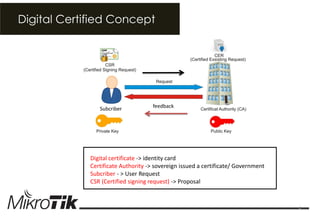
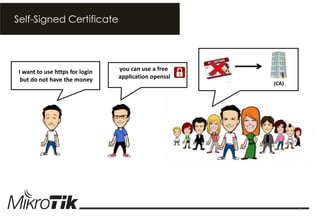
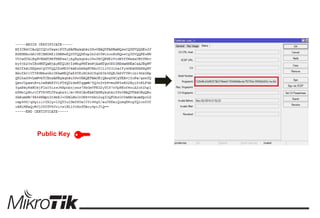
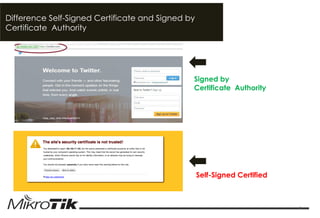
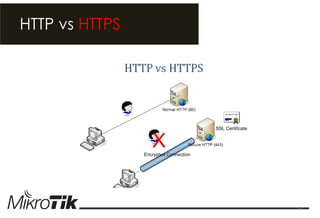
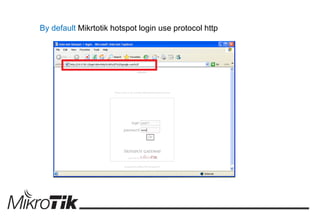
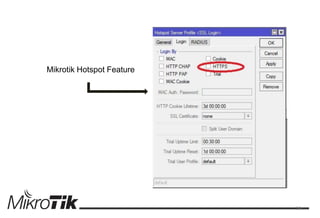

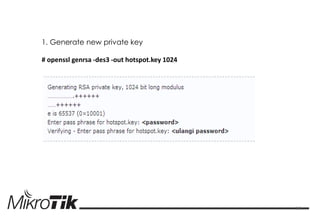
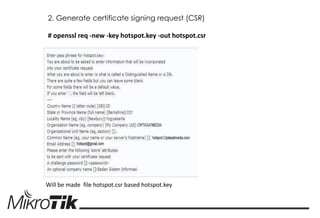
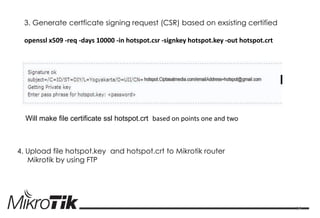
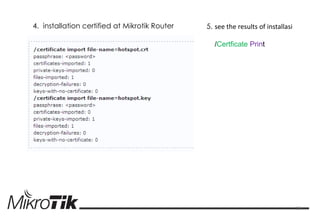
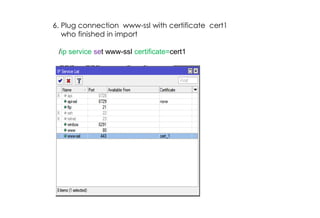
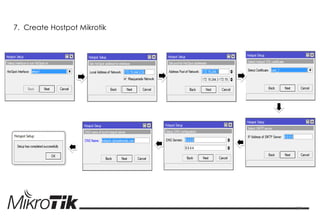
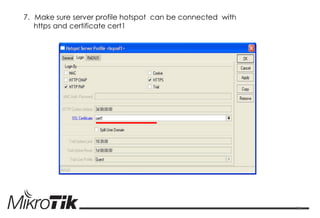
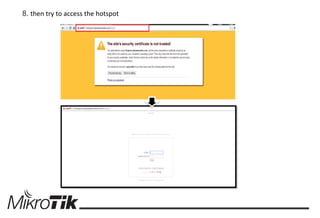


This document discusses how to generate an OpenSSL certificate for HTTPS login on a Mikrotik hotspot router when funds are limited. It provides step-by-step instructions to: 1) Generate a private key and certificate signing request using OpenSSL 2) Generate a self-signed certificate based on the private key and CSR 3) Upload the key and certificate files to the Mikrotik router and configure the hotspot service to use the certificate for HTTPS connections.


![MikroTik Multicast Routing [www.imxpert.co]](https://cdn.slidesharecdn.com/ss_thumbnails/mikrotikmulticastroutingt4t-150218231524-conversion-gate01-thumbnail.jpg?width=640&height=640&fit=bounds)


