NO MORE FLAT STANLEY:
Learning in 3D
Karen Bosch
PreK - 8 Technology Instruction
Southfield Christian School
Southfield, Michigan
tinyurl.com/3Dteaching
2016 Dremel Ideabuilder Ambassador
Resources:
Twitter: @karlyb
kbosch@southfieldchristian.org
tinyurl.com/3Dteaching
3D
Printing?
Huh? Oh?
Ahh! Aha!
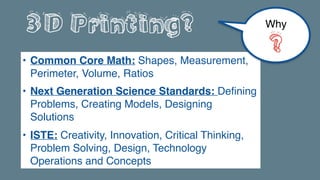
3D Printing?
• Common Core Math: Shapes, Measurement,
Perimeter, Volume, Ratios
• Next Generation Science Standards: Defining
Problems, Creating Models, Designing
Solutions
• ISTE: Creativity, Innovation, Critical Thinking,
Problem Solving, Design, Technology
Operations and Concepts
Why
?
HOW?
HOW?
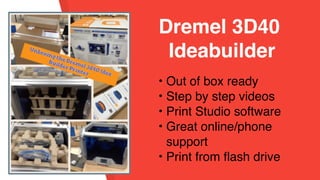
• Out of box ready
• Step by step videos
• Print Studio software
• Great online/phone
support
• Print from flash drive
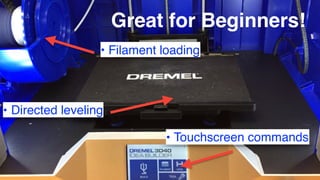
Dremel 3D40
Ideabuilder
Great for Beginners!
• Filament loading
• Directed leveling
• Touchscreen commands
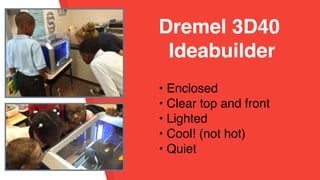
• Enclosed
• Clear top and front
• Lighted
• Cool! (not hot)
• Quiet


Dremel 3D40
Ideabuilder
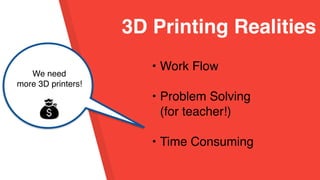
• Work Flow
• Problem Solving
(for teacher!)
• Time Consuming
3D Printing Realities
We need
more 3D printers!
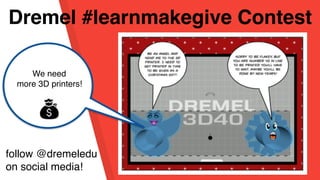
Dremel #learnmakegive Contest
We need
more 3D printers!
follow @dremeledu
on social media!
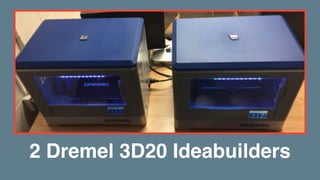
2 Dremel 3D20 Ideabuilders
• 30 Day Trial
• Contact info: https://
3dprinter.dremel.com/
education-request
• I’d appreciate if you
used my name as a
referral
Dremel Ideabuilder
3D Printer
3D Printing
+
Language Arts
Printing in 3D
• Downloads
• Generators
• Designers
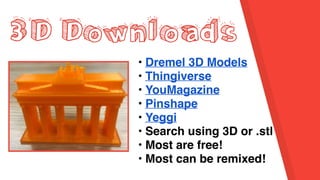
3D Downloads
• Dremel 3D Models
• Thingiverse
• YouMagazine
• Pinshape
• Yeggi
• Search using 3D or .stl
• Most are free!
• Most can be remixed!
3D Generators
• Websites or Apps
• Customize a design
• Easy and fast
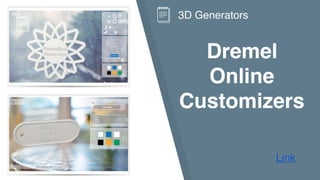
Dremel
Online
Customizers
Link
3D Generators
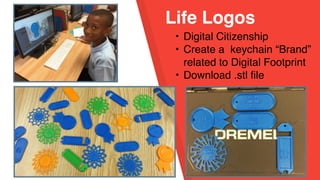
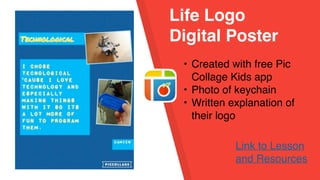
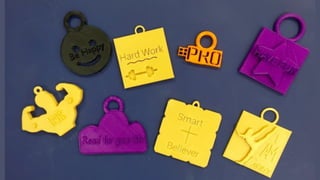
Life Logos
• Digital Citizenship
• Create a keychain “Brand”
related to Digital Footprint
• Download .stl file
Life Logo
Digital Poster
• Created with free Pic
Collage Kids app
• Photo of keychain
• Written explanation of
their logo
Link to Lesson
and Resources
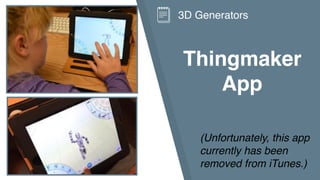
Thingmaker
App
3D Generators
(Unfortunately, this app
currently has been
removed from iTunes.)
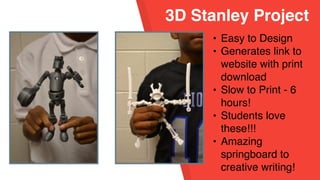
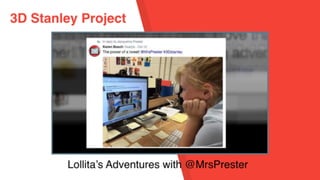
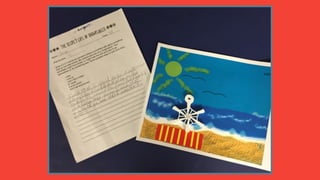
3D Stanley Project
• Easy to Design
• Generates link to
website with print
download
• Slow to Print - 6
hours!
• Students love
these!!!
• Amazing
springboard to
creative writing!
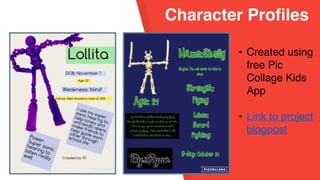
Character Profiles
• Created using
free Pic
Collage Kids
App
• Link to project
blogpost
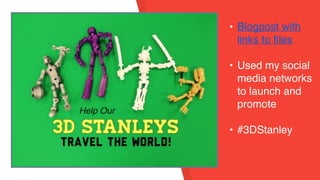
• Blogpost with
links to files
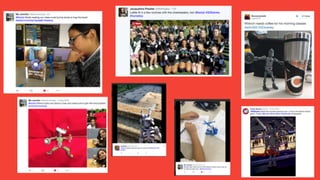
• Used my social
media networks
to launch and
promote
• #3DStanley
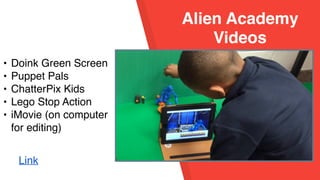
Alien Academy
Videos
• Doink Green Screen
• Puppet Pals
• ChatterPix Kids
• Lego Stop Action
• iMovie (on computer
for editing)
Link
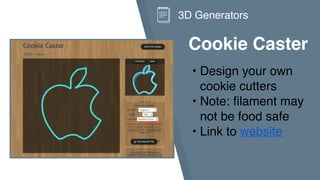
Cookie Caster
• Design your own
cookie cutters
• Note: filament may
not be food safe
• Link to website
3D Generators
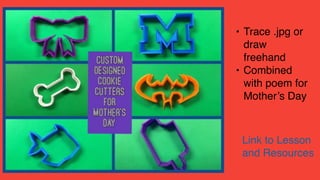
• Trace .jpg or
draw
freehand
• Combined
with poem for
Mother’s Day
Link to Lesson
and Resources
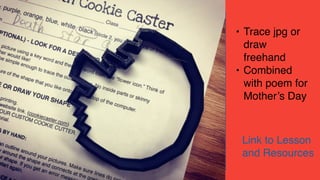
• Trace jpg or
draw
freehand
• Combined
with poem for
Mother’s Day
Link to Lesson
and Resources
3D Designers
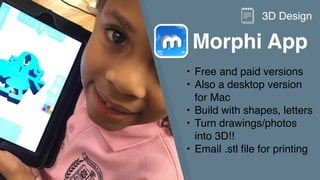
• Morphi app
• Tinkercad website
Morphi App
• Free and paid versions
• Also a desktop version
for Mac
• Build with shapes, letters
• Turn drawings/photos
into 3D!!
• Email .stl file for printing
3D Design
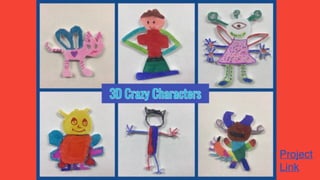
Project
Link
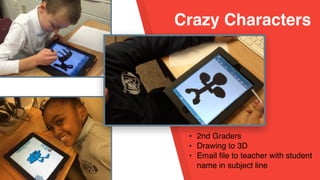
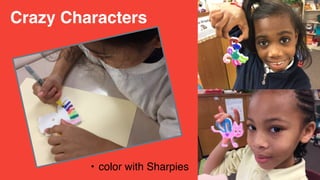
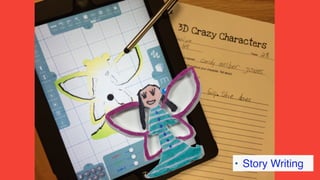
Crazy Characters
• 2nd Graders
• Drawing to 3D
• Email file to teacher with student
name in subject line
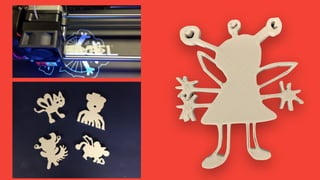
Crazy Characters
• color with Sharpies
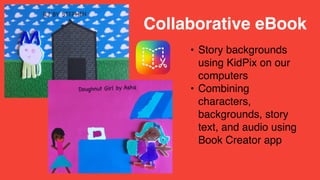
• Story Writing
• Story backgrounds
using KidPix on our
computers
• Combining
characters,
backgrounds, story
text, and audio using
Book Creator app
Collaborative eBook
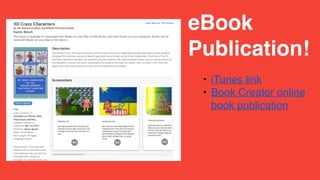
• iTunes link
• Book Creator online
book publication
eBook
Publication!
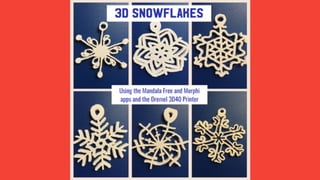
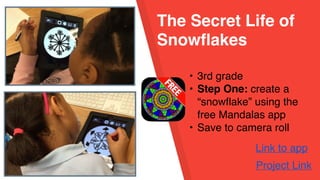
The Secret Life of
Snowflakes
• 3rd grade
• Step One: create a
“snowflake” using the
free Mandalas app
• Save to camera roll
Project Link
Link to app
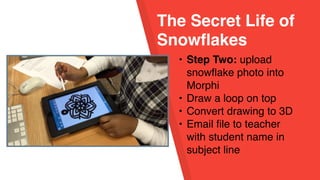
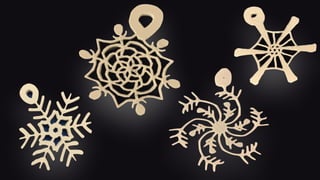
The Secret Life of
Snowflakes
• Step Two: upload
snowflake photo into
Morphi
• Draw a loop on top
• Convert drawing to 3D
• Email file to teacher
with student name in
subject line
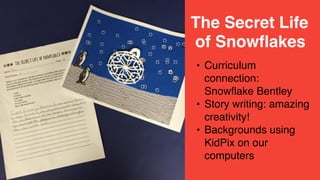
• Curriculum
connection:
Snowflake Bentley
• Story writing: amazing
creativity!
• Backgrounds using
KidPix on our
computers
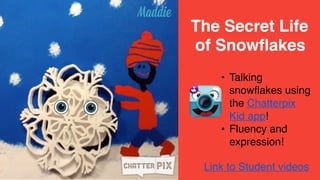
The Secret Life
of Snowflakes
• Talking
snowflakes using
the Chatterpix
Kid app!
• Fluency and
expression!
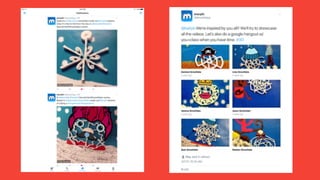
The Secret Life
of Snowflakes
Link to Student videos
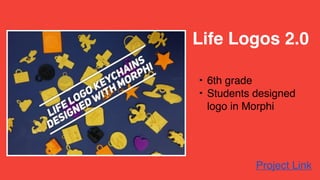
• 6th grade
• Students designed
logo in Morphi
Project Link
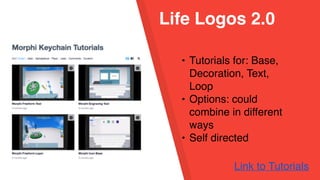
Life Logos 2.0
Life Logos 2.0
• Tutorials for: Base,
Decoration, Text,
Loop
• Options: could
combine in different
ways
• Self directed
Link to Tutorials
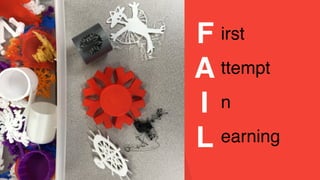
F
A
I
L
irst
ttempt
n
earning
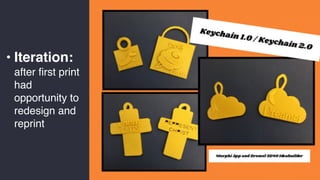
• Iteration:
after first print
had
opportunity to
redesign and
reprint
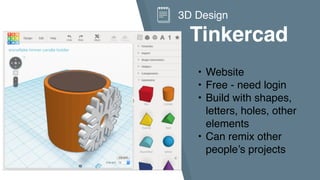
Tinkercad
3D Design
• Website
• Free - need login
• Build with shapes,
letters, holes, other
elements
• Can remix other
people’s projects
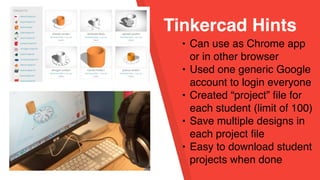
Tinkercad Hints
• Can use as Chrome app
or in other browser
• Used one generic Google
account to login everyone
• Created “project” file for
each student (limit of 100)
• Save multiple designs in
each project file
• Easy to download student
projects when done
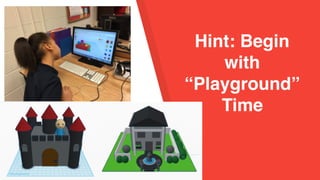
Hint: Begin
with
“Playground”
Time
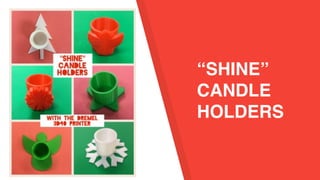
“SHINE”
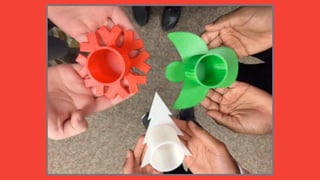
CANDLE
HOLDERS
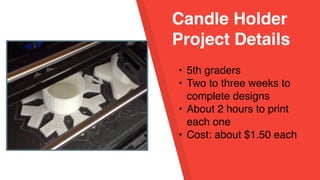
Candle Holder
Project Details
• 5th graders
• Two to three weeks to
complete designs
• About 2 hours to print
each one
• Cost: about $1.50 each
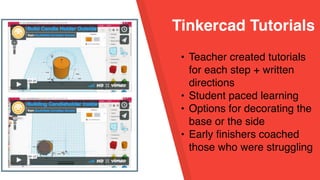
Tinkercad Tutorials
• Teacher created tutorials
for each step + written
directions
• Student paced learning
• Options for decorating the
base or the side
• Early finishers coached
those who were struggling
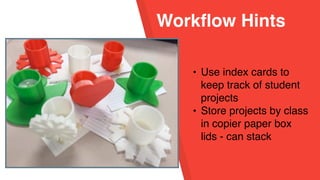
Workflow Hints
• Use index cards to
keep track of student
projects
• Store projects by class
in copier paper box
lids - can stack
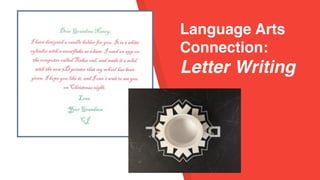
Language Arts
Connection:
Letter Writing
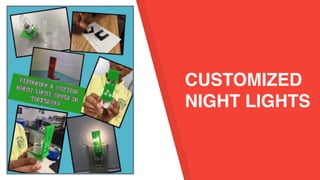
CUSTOMIZED
NIGHT LIGHTS
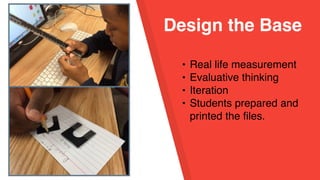
Design the Base
• Real life measurement
• Evaluative thinking
• Iteration
• Students prepared and
printed the files.
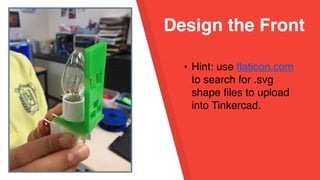
Design the Front
• Hint: use flaticon.com
to search for .svg
shape files to upload
into Tinkercad.
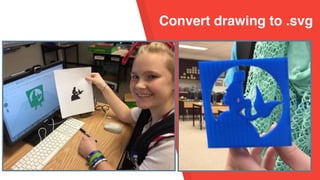
Convert drawing to .svg
• Real life measurement
• Evaluative thinking
• Iteration
• Students prepared and
printed the files.
Project
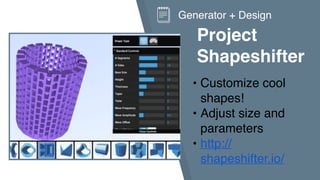
Shapeshifter
• Customize cool
shapes!
• Adjust size and
parameters
• http://
shapeshifter.io/
Generator + Design
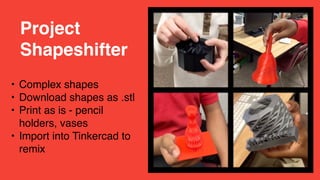
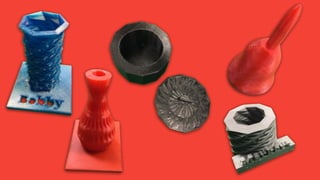
• Complex shapes
• Download shapes as .stl
• Print as is - pencil
holders, vases
• Import into Tinkercad to
remix
Project
Shapeshifter
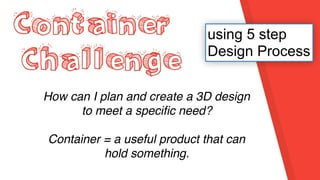
Container
Challenge
How can I plan and create a 3D design
to meet a specific need?
Container = a useful product that can
hold something.
using 5 step
Design Process
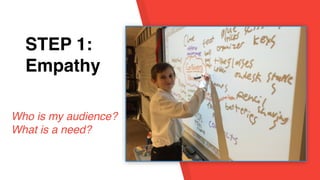
STEP 1:
EmpathySTEP 1:
Empathy
Who is my audience?
What is a need?
STEP 1:
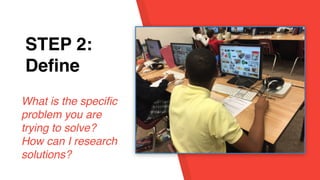
EmpathySTEP 2:
Define
What is the specific
problem you are
trying to solve?
How can I research
solutions?
STEP 1:
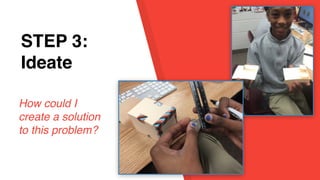
EmpathySTEP 3:
Ideate
How could I
create a solution
to this problem?
STEP 1:
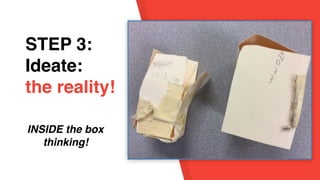
EmpathySTEP 3:
Ideate:
the reality!
INSIDE the box
thinking!
Process
vrs
Product?
STEP 1:
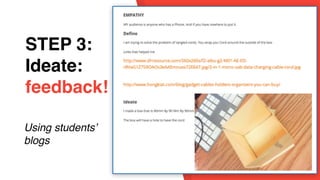
EmpathySTEP 3:
Ideate:
feedback!
Using students’
blogs
STEP 1:
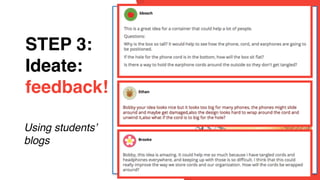
EmpathySTEP 3:
Ideate:
feedback!
Using students’
blogs
STEP 1:
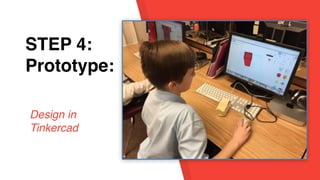
EmpathySTEP 4:
Prototype:
Design in
Tinkercad
STEP 1:
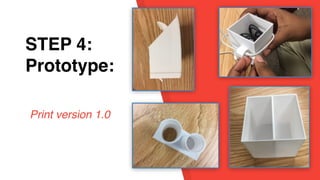
EmpathySTEP 4:
Prototype:
Print version 1.0
STEP 1:
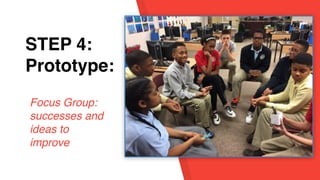
EmpathySTEP 4:
Prototype:
Focus Group:
successes and
ideas to
improve
STEP 1:
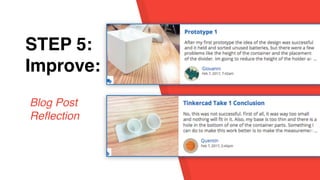
EmpathySTEP 5:
Improve:
Blog Post
Reflection
STEP 1:
EmpathySTEP 5:
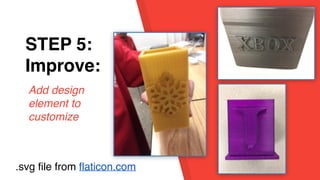
Improve:
Add design
element to
customize
.svg file from flaticon.com
STEP 1:
EmpathySTEP 5:
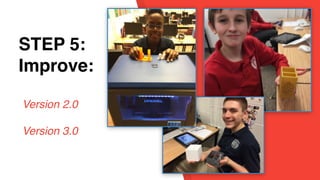
Improve:
Version 2.0
Version 3.0
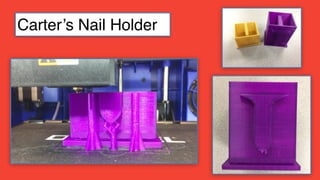
Carter’s Nail Holder
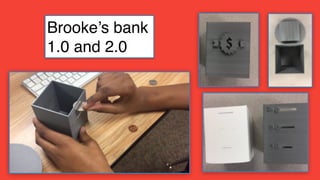
Brooke’s bank
1.0 and 2.0
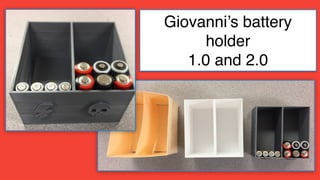
Giovanni’s battery
holder
1.0 and 2.0
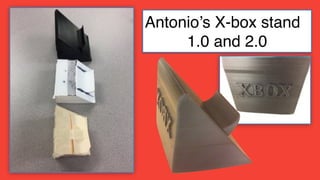
Antonio’s X-box stand
1.0 and 2.0
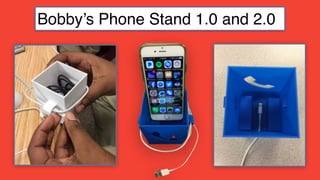
Bobby’s Phone Stand 1.0 and 2.0
STEP 1:
EmpathySTEP 5:
Improve:
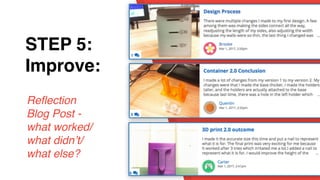
Reflection
Blog Post -
what worked/
what didn’t/
what else?
Next Steps?
No More Flat Stanley: Learning in
3D by Karen Bosch
Karen Bosch
kbosch@southfieldchristian.org
tinyurl.com/ipadcreate
For more information on
Dremel 3D printers:
• https://
3dprinter.dremel.com/
education-request
Resources:
Twitter: @karlyb
kbosch@southfieldchristian.org
tinyurl.com/3Dteaching
Copyright: No More Flat Stanley: Learning in
3D by Karen Bosch. All Rights Reserved
Karen Bosch
kbosch@southfieldchristian.org

No More Flat Stanley: Learning in 3D