No More Flat Stanley:
Learning in 3D
Karen Bosch (@karlyb)
Retired PreK - 8 Technology Instructor
Outschool Online iPad Classes for Kids
Professional Development
Conference Speaking
2016 Dremel Ideabuilder Ambassador
2018 MACUL Tech Using Teacher Award
https://tinyurl.com/bosch3d
Resources:
https://tinyurl.com/bosch3d
3D
Printing?
Huh? Oh?
Ahh! Aha!
(The Story)
3D Printing?
• Common Core Math: Shapes, Measurement,
Perimeter, Volume, Ratios
• Next Generation Science Standards: Defining
Problems, Creating Models, Designing Solutions
• ISTE: Creativity, Innovation, Critical Thinking, Problem
Solving, Design, Technology Operations and Concepts
Why
?
HOW?
HOW?
• Out of box ready
• Step by step videos
• Great customer support
• Easy file preparation (using
Print Studio software)
• Print from flash drive
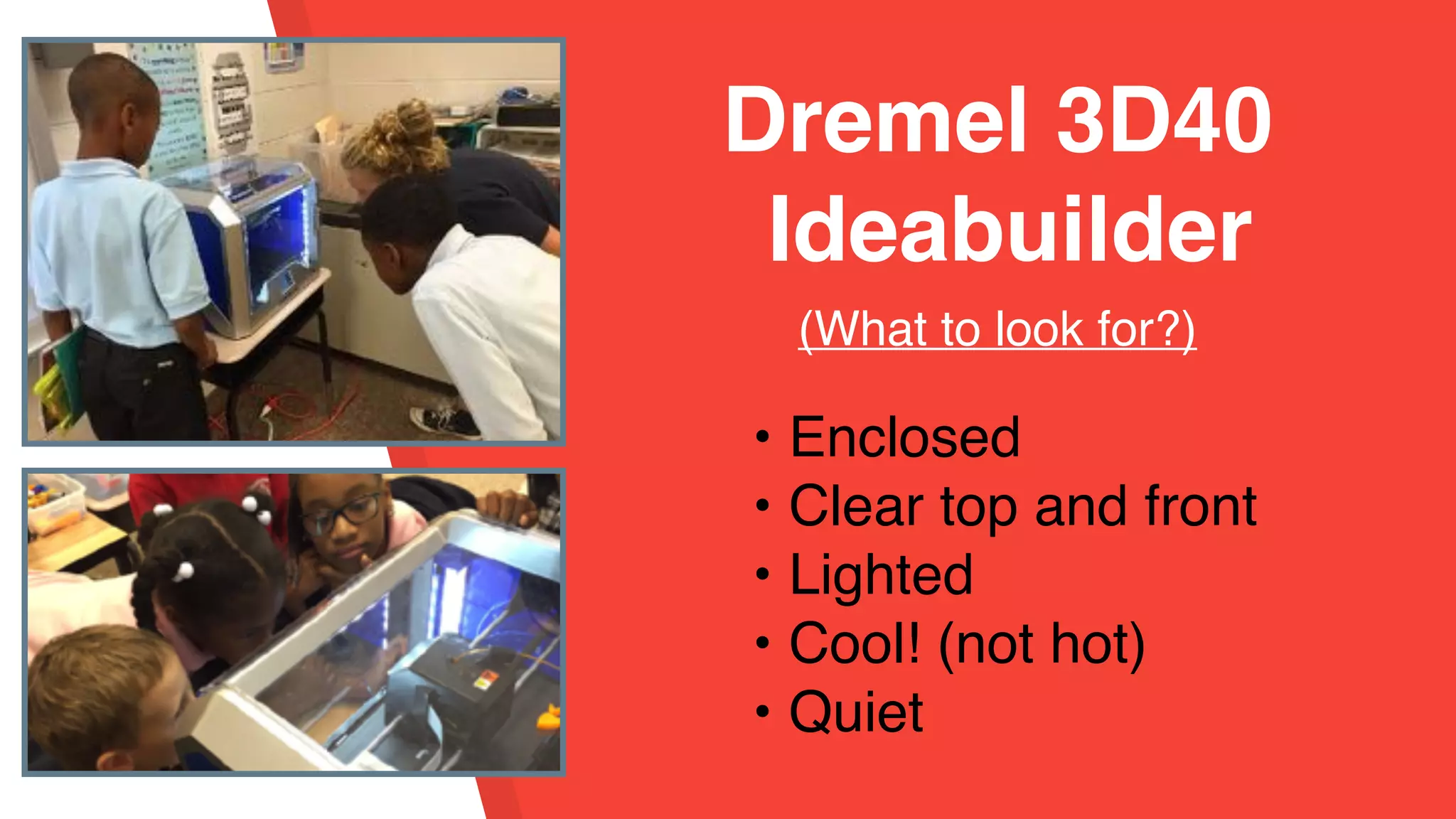
Dremel 3D40
Ideabuilder 2016
(What to look for?)
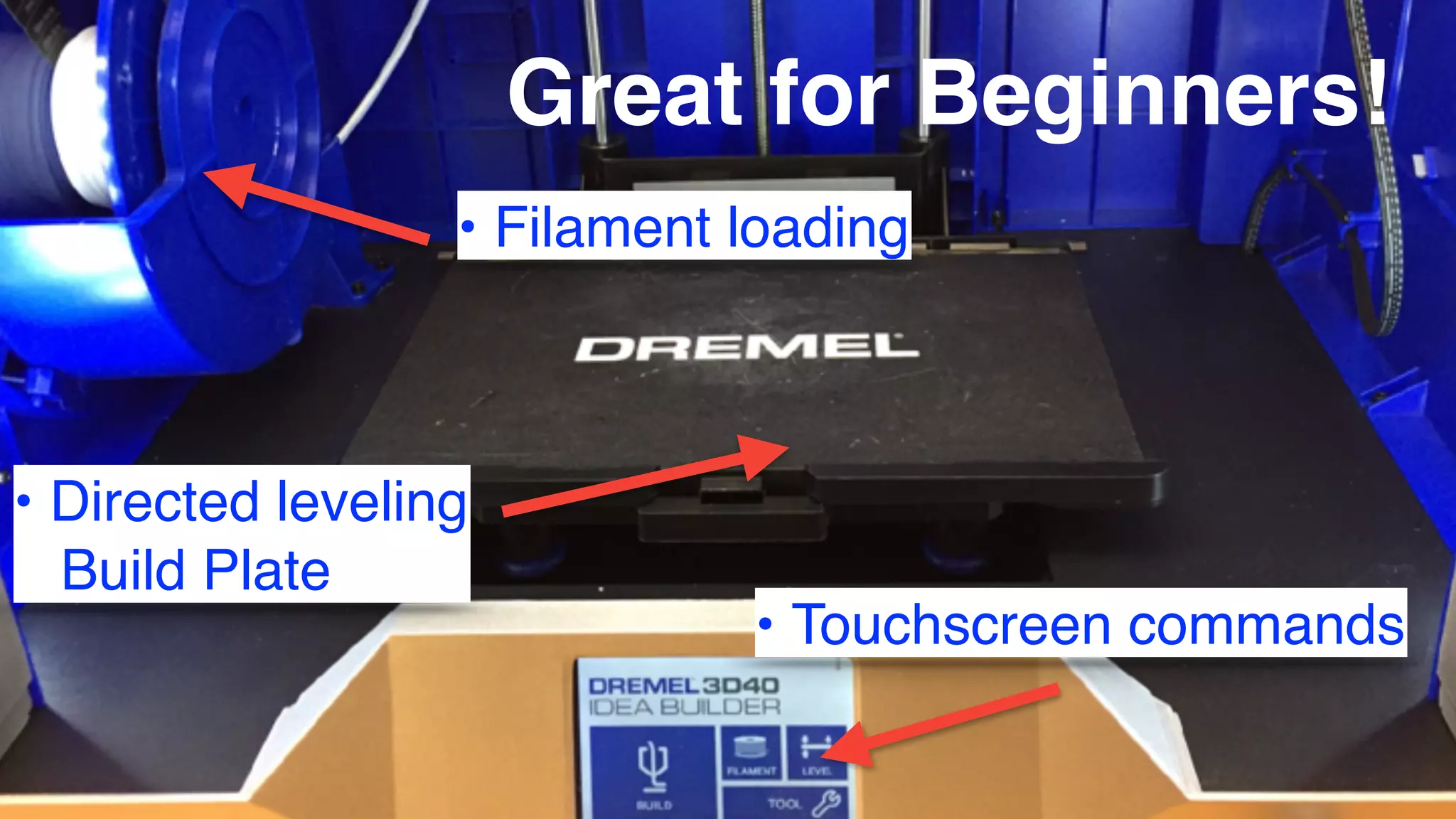
Great for Beginners!
• Filament loading
• Directed leveling
Build Plate
• Touchscreen commands
• Enclosed
• Clear top and front
• Lighted
• Cool! (not hot)
• Quiet
Dremel 3D40
Ideabuilder
(What to look for?)
• Work Flow
• Problem Solving
(for teacher!)
• Time Consuming
3D Printing Realities
We need
more 3D printers!
Dremel #learnmakegive Contest
We need
more 3D printers!
follow @dremeledu
on social media!
2 Dremel 3D20 Ideabuilders
Dremel 3D45 Digilab
• Self Leveling
• Prints
multiple kinds
of filament
• Heated Print
Bed
• Remote
Camera
• LINK
• Inexpensive
• Small - going to keep at
home!
• Self Leveling
• Prints multiple kinds of
material
• Heated Bed
• Delivery February
2018??
Kickstarter: Cubibot
3D Printing
+
Language Arts
Printing in 3D
• Downloads
• Generators
• Designers
3D Downloads
• Thingiverse
• YouMagazine
• Pinshape
• Yeggi
• Search using 3D or .stl
• Most are free!
• Most can be remixed!
3D Generators
• Websites or Apps
• Customize a design
• Easy and fast
• Foolproof (usually!)
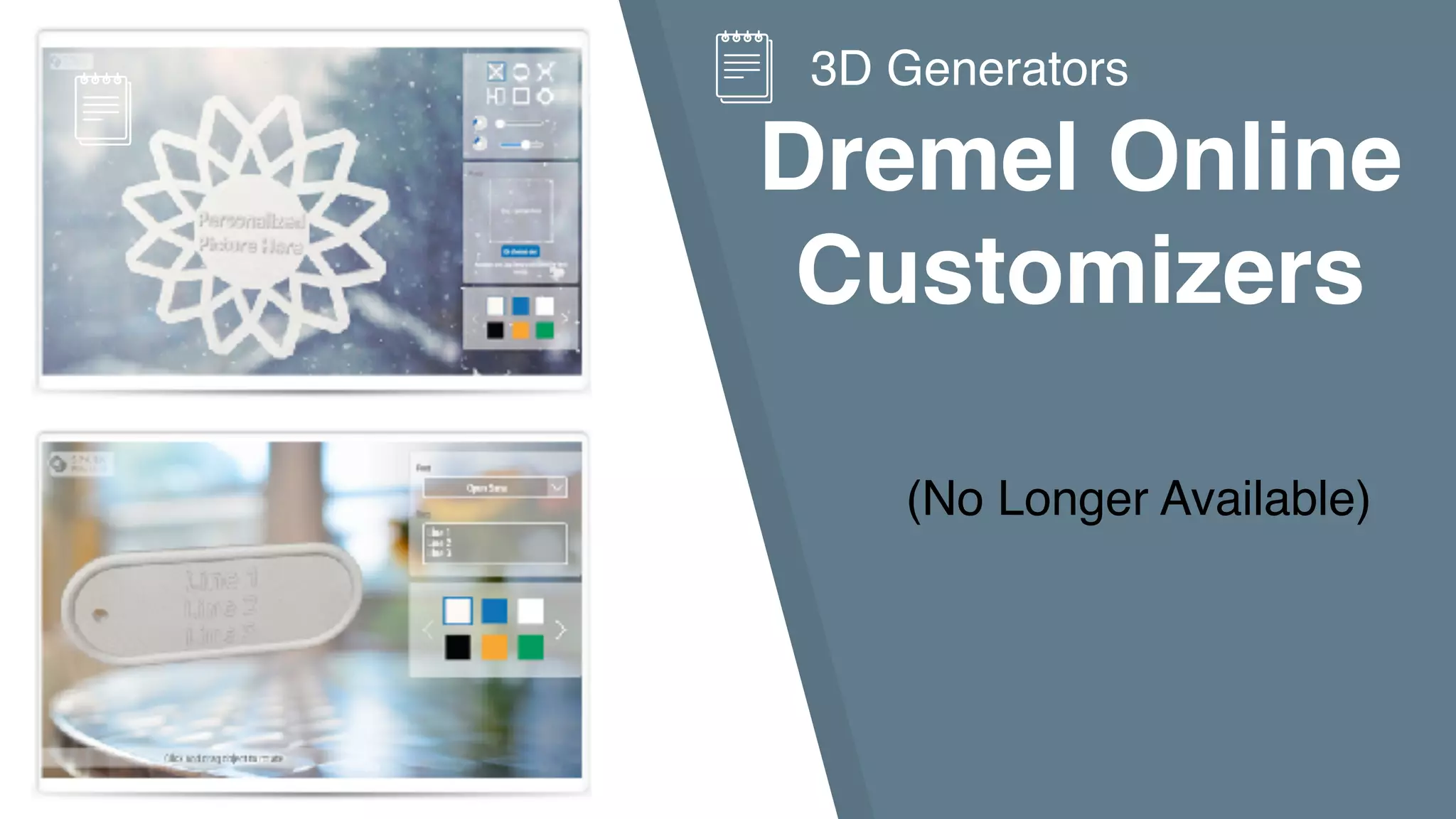
Dremel Online
Customizers
(No Longer Available)
3D Generators
Text2STL
3D Generators
Alternative:
generate/customize
3D text design
link: Text2SLT
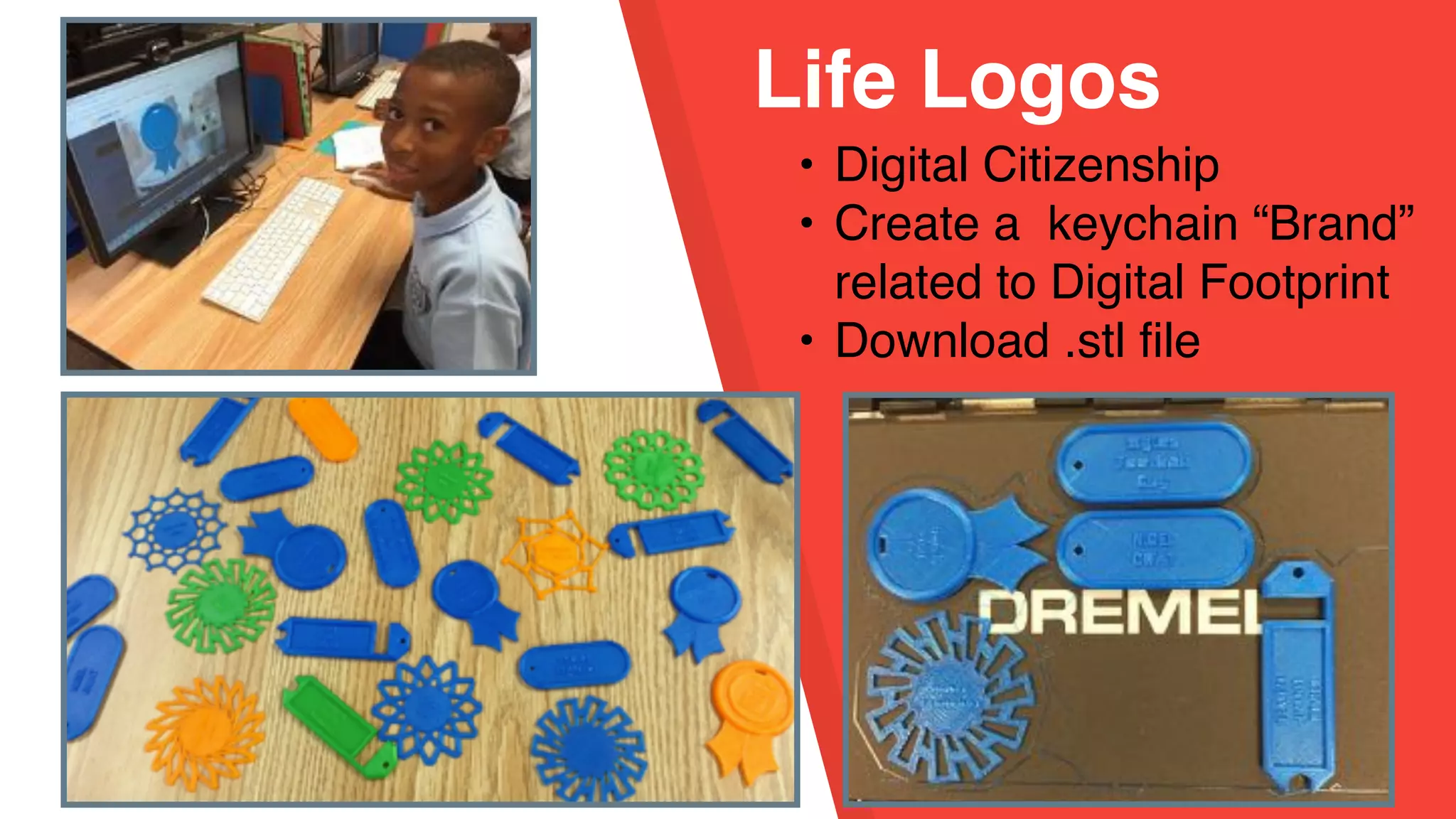
Life Logos
• Digital Citizenship
• Create a keychain “Brand”
related to Digital Footprint
• Download .stl file
Life Logo
Digital Poster
• Created with Pic Collage
Kids app
• Photo of keychain
• Written explanation of
their logo
Thingmaker
App
3D Generators
(no longer available)
possible alternative:
desktophero3d.com
(might not be kid friendly)
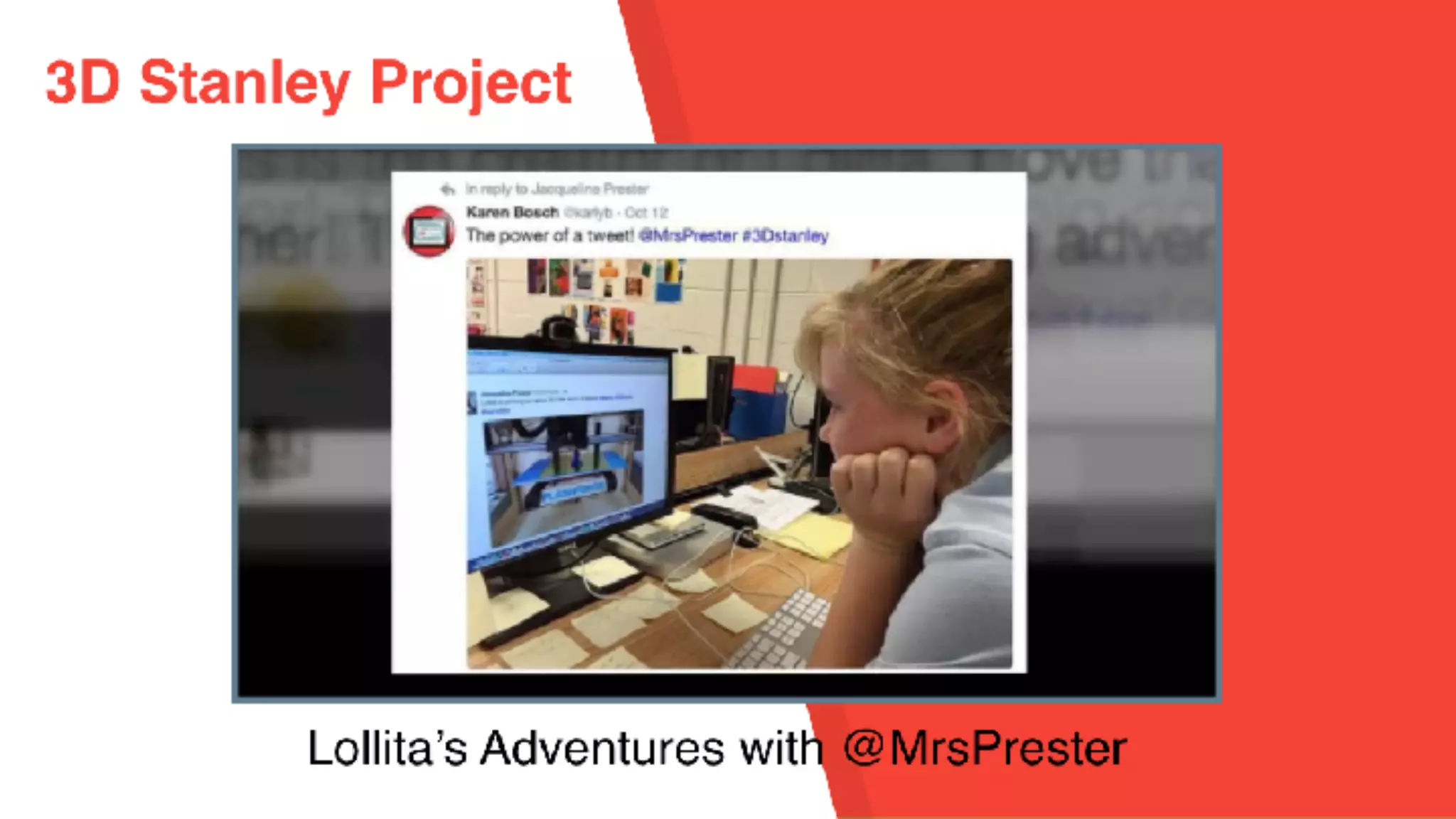
3D Stanley Project
• Easy to Design
• Generates link to
website with print
download
• Slow to Print - 6
hours!
• Students love
these!!!
• Amazing
springboard to
creative writing!
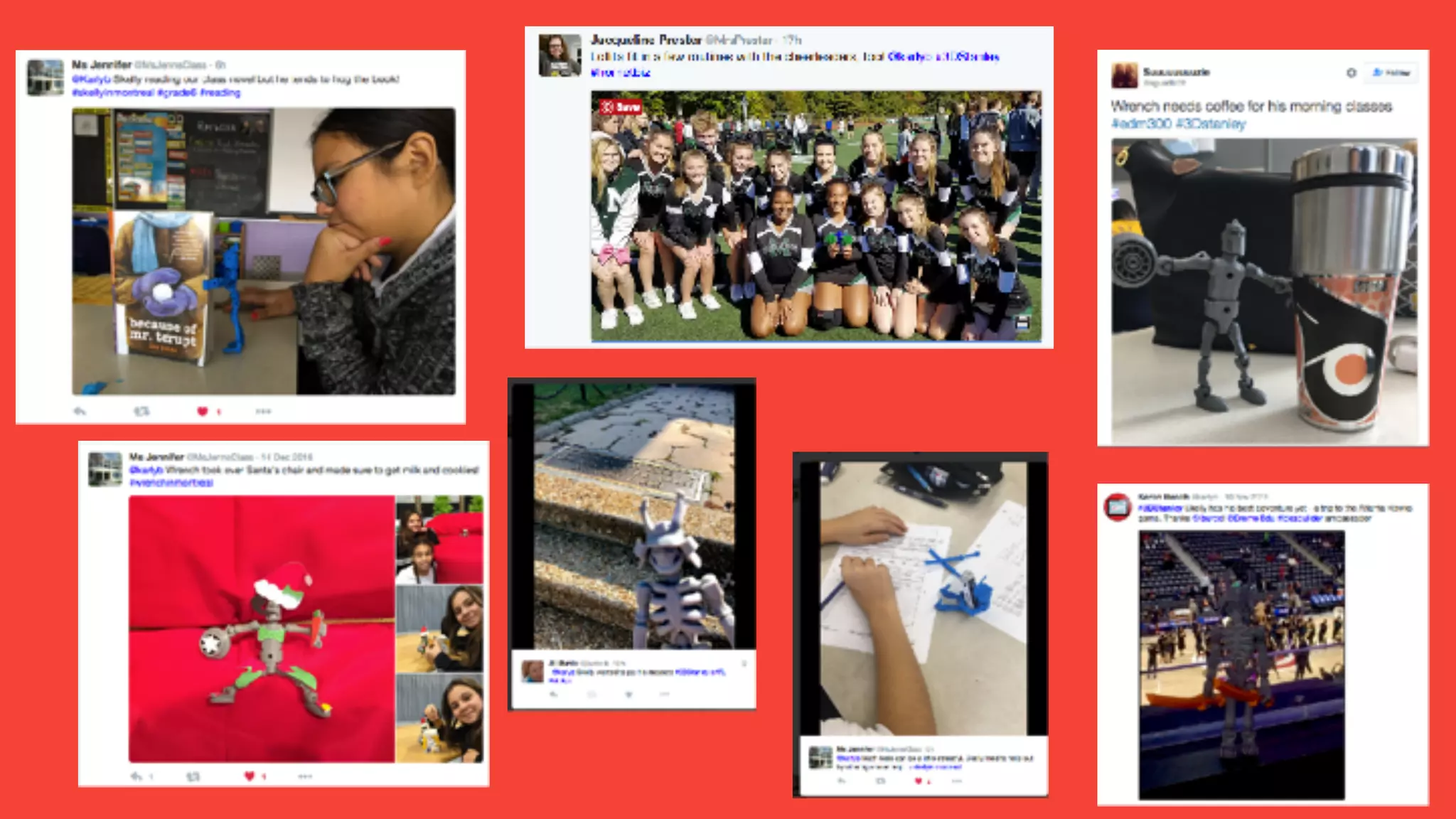
Character Profiles
• Created using
Pic Collage
Kids App
• Used my social
media networks
to launch and
promote
• #3DStanley
Alien Academy
Videos
• Doink Green Screen
• Puppet Pals
• ChatterPix Kids
• Lego Stop Action
• iMovie (on computer
for editing)
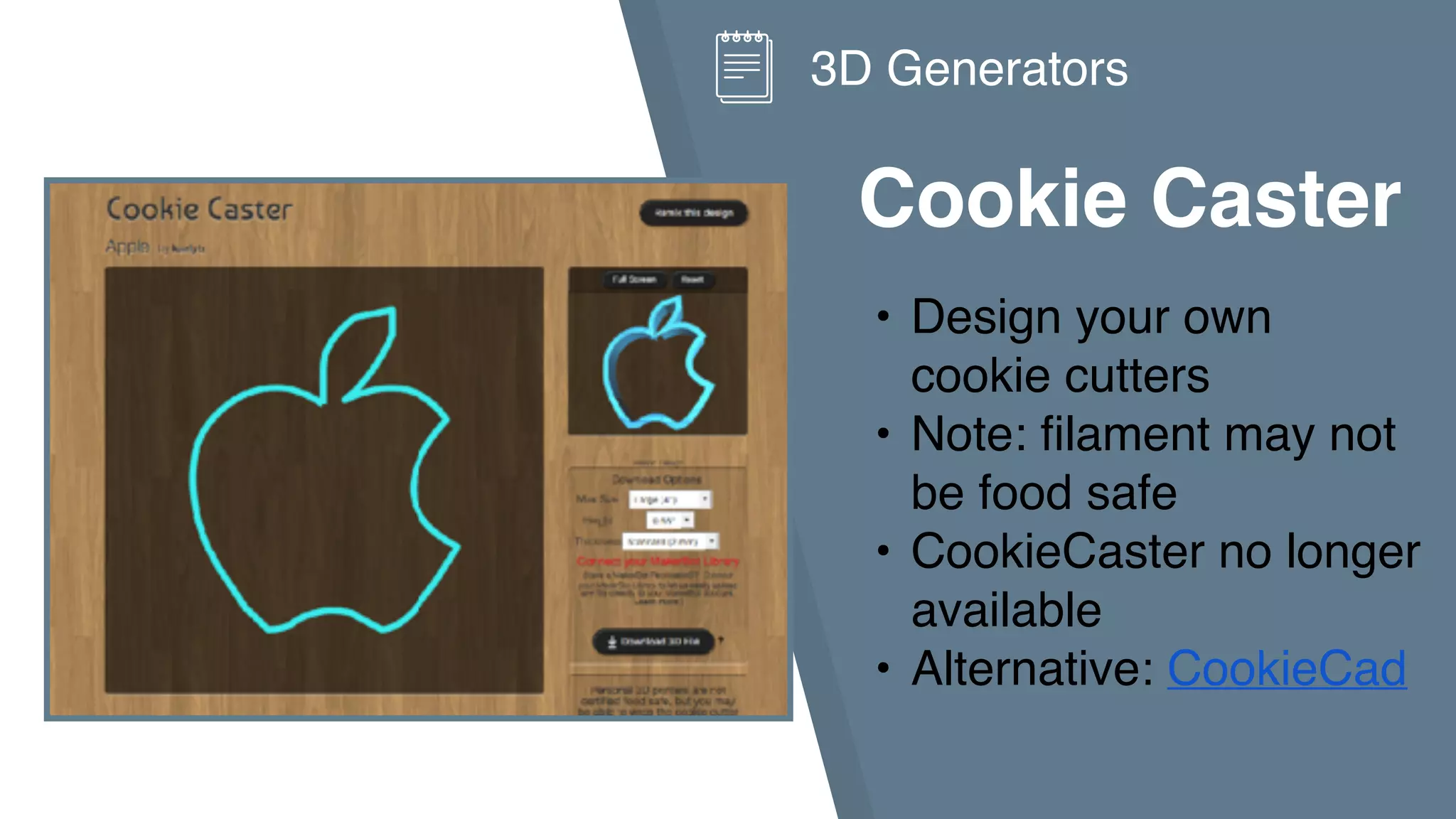
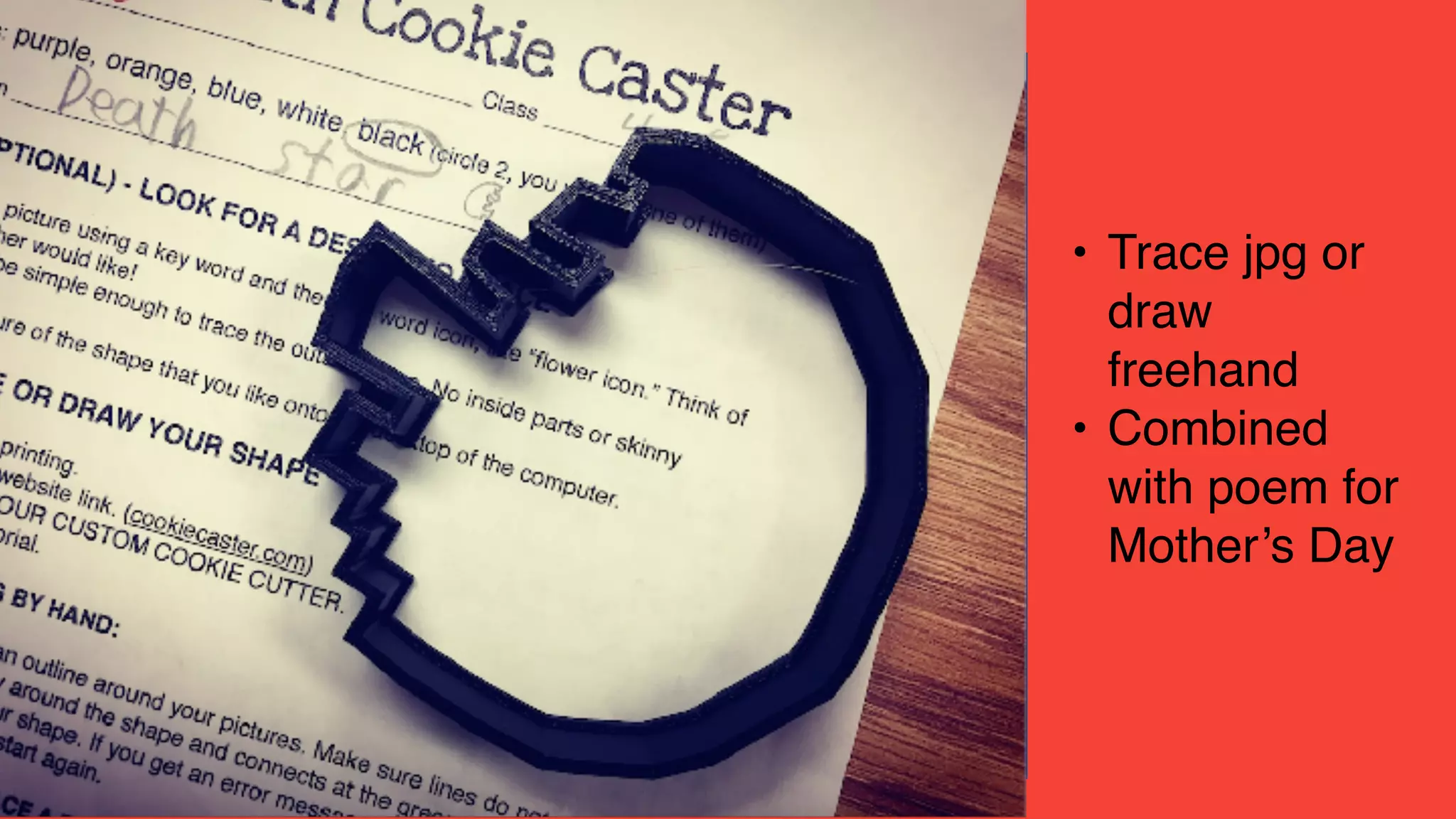
Cookie Caster
• Design your own
cookie cutters
• Note: filament may not
be food safe
• CookieCaster no longer
available
• Alternative: CookieCad
3D Generators
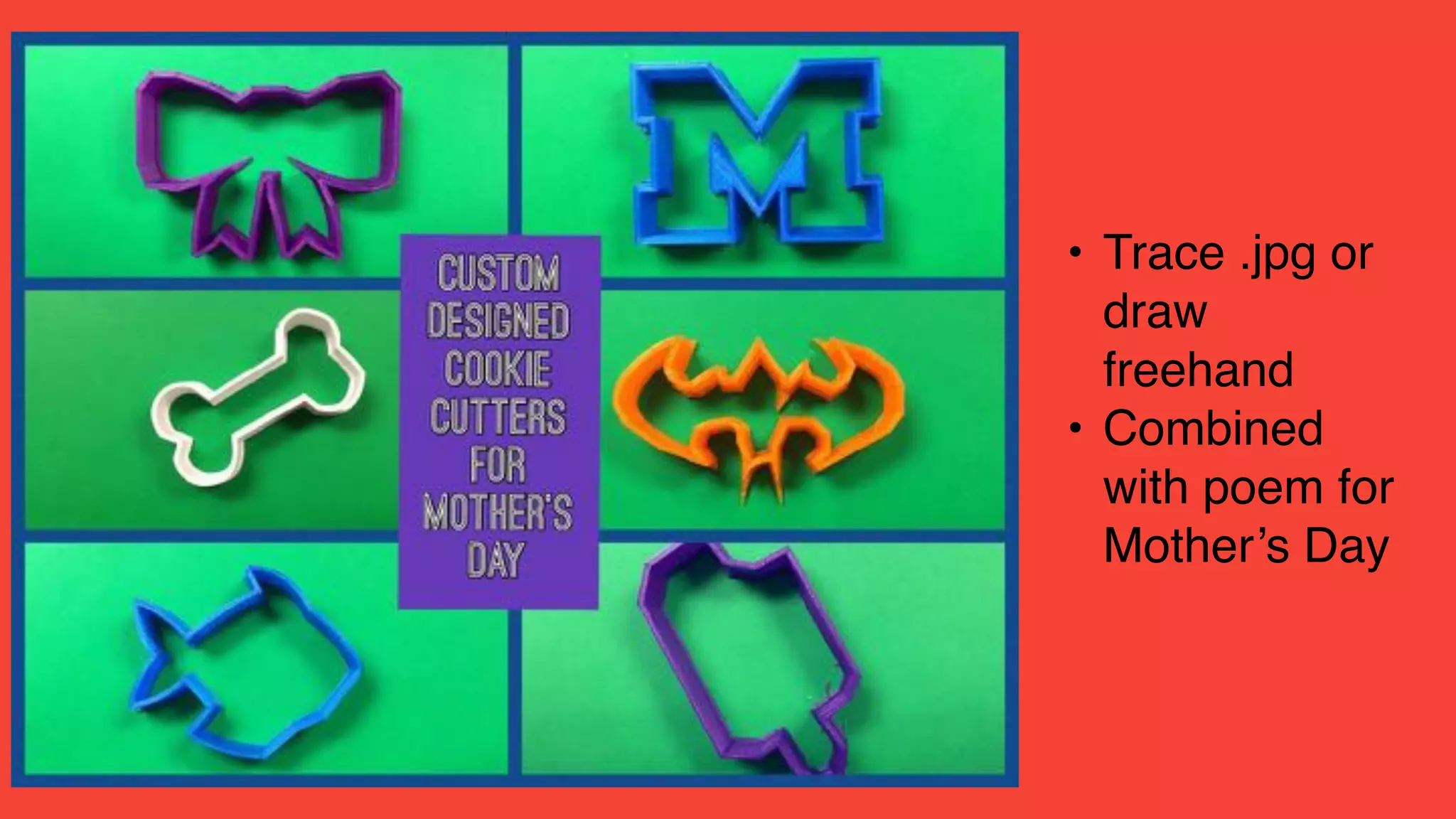
• Trace .jpg or
draw
freehand
• Combined
with poem for
Mother’s Day
• Trace jpg or
draw
freehand
• Combined
with poem for
Mother’s Day
3D Designers
• Morphi app
• Tinkercad website
Morphi App
• Free and paid iOS
versions
• Also a desktop version
for Mac and Windows
• No Login!
• Turn drawings/icon
images into 3D!!
• Email .stl file for printing
3D Design
Crazy Characters
• 2nd Graders
• Drawing to 3D
• Email file to teacher with student
name in subject line
Crazy Characters
• color with Sharpies
• Story Writing
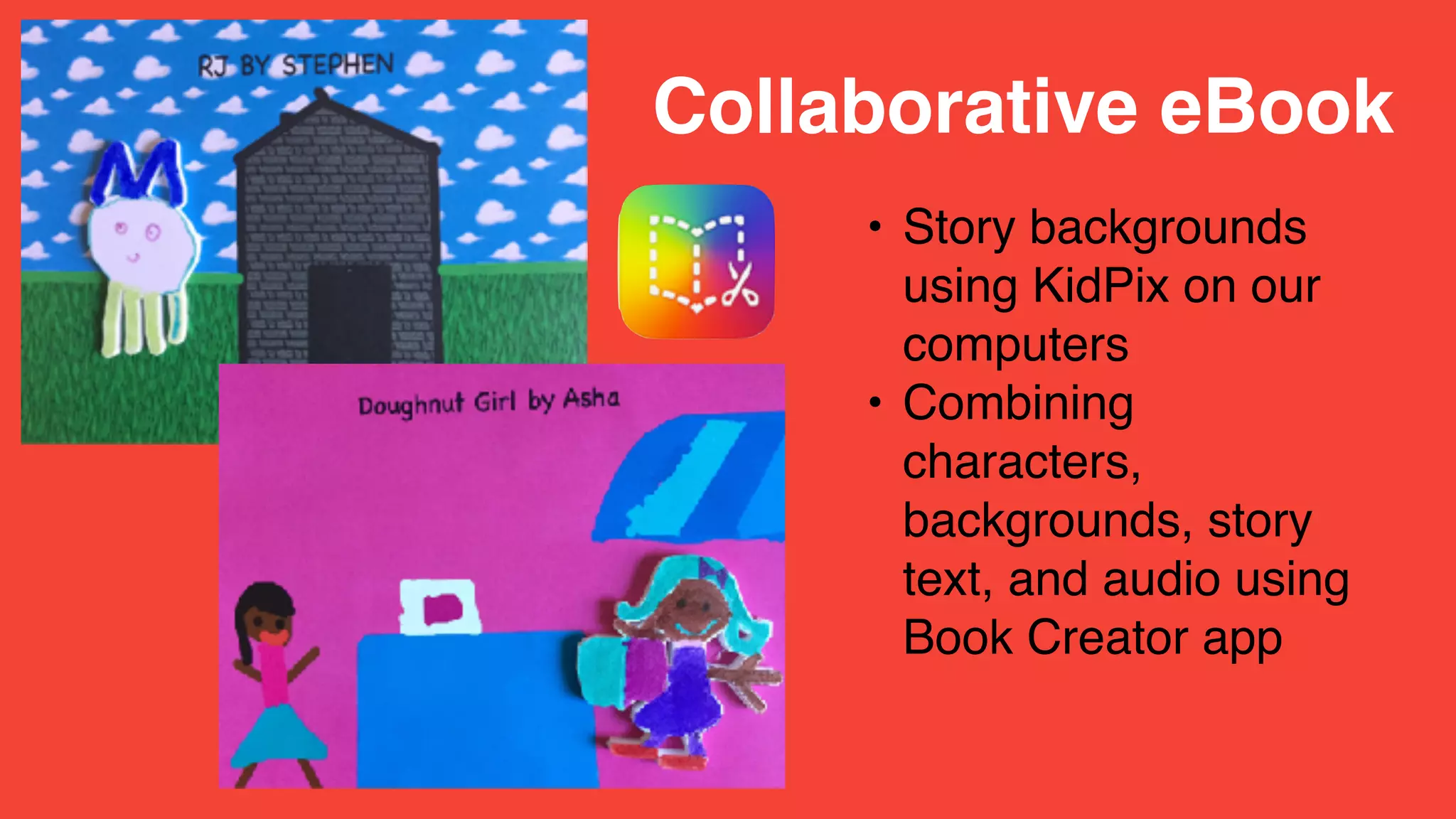
• Story backgrounds
using KidPix on our
computers
• Combining
characters,
backgrounds, story
text, and audio using
Book Creator app
Collaborative eBook
• iTunes link
• Book Creator online
book publication
eBook
Publication!
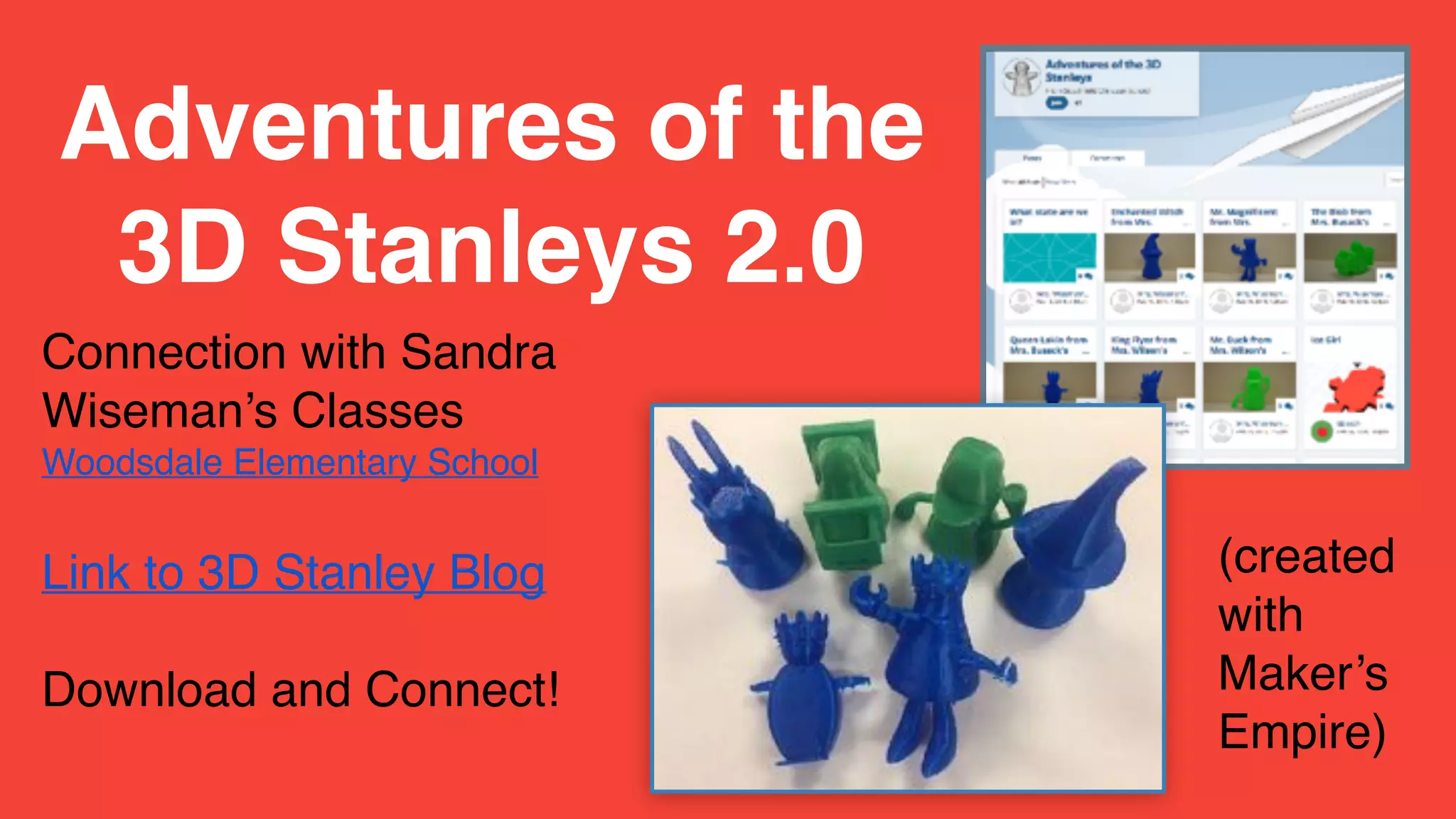
Connection with Sandra
Wiseman’s Classes
Woodsdale Elementary School
Link to 3D Stanley Blog
Download and Connect!
Adventures of the
3D Stanleys 2.0
(created
with
Maker’s
Empire)
• Exchange with Second
Grade, Woodsdale
Elementary School, West
Virginia
3D Stanley Project
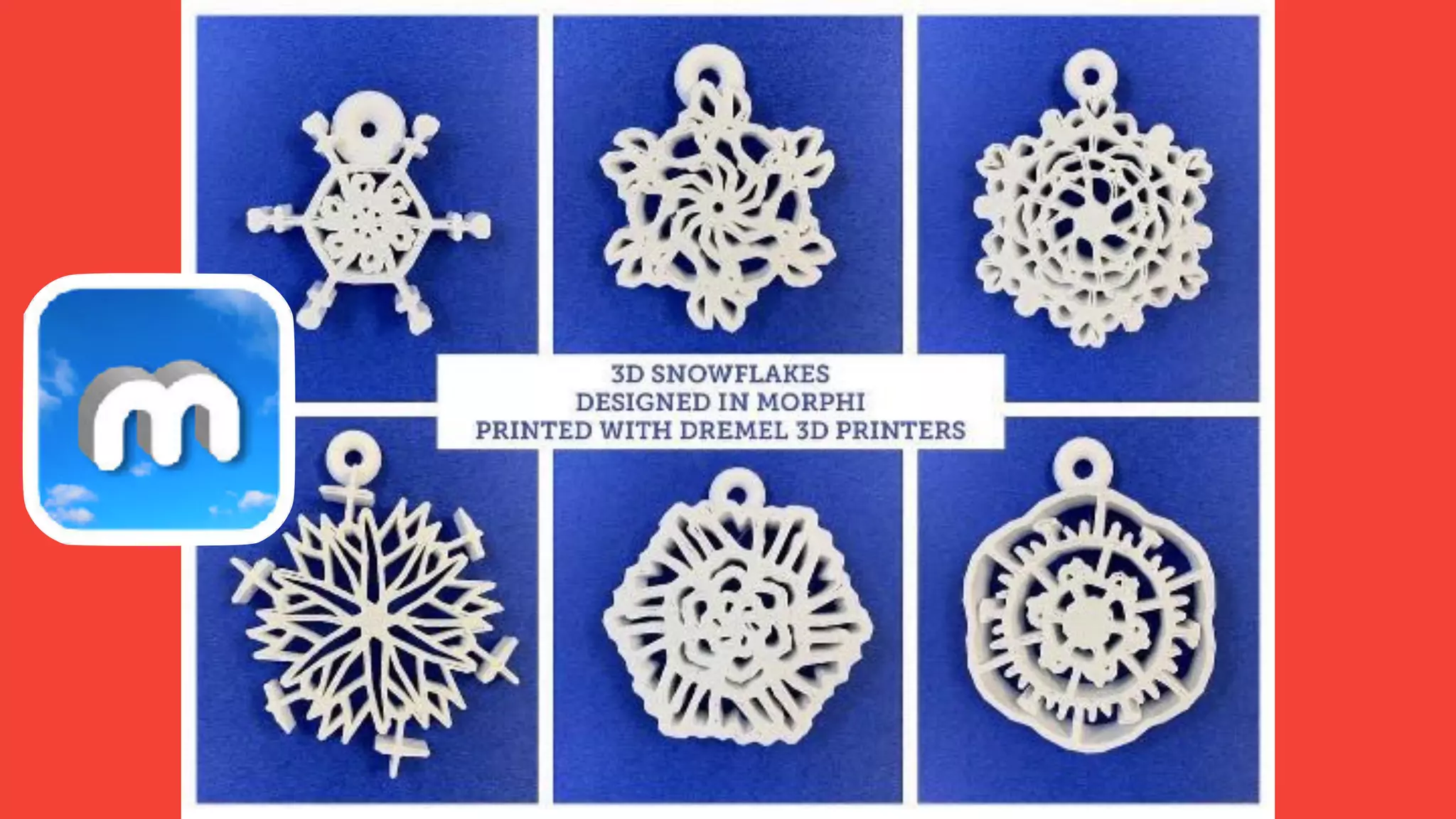
3D Snowflakes
• 3rd grade
• Created a “snowflake”
using the free
Mandalas app
• Save to camera roll
• Imported photo into
Morphi
Project Link
Link to app
3D Snowflakes
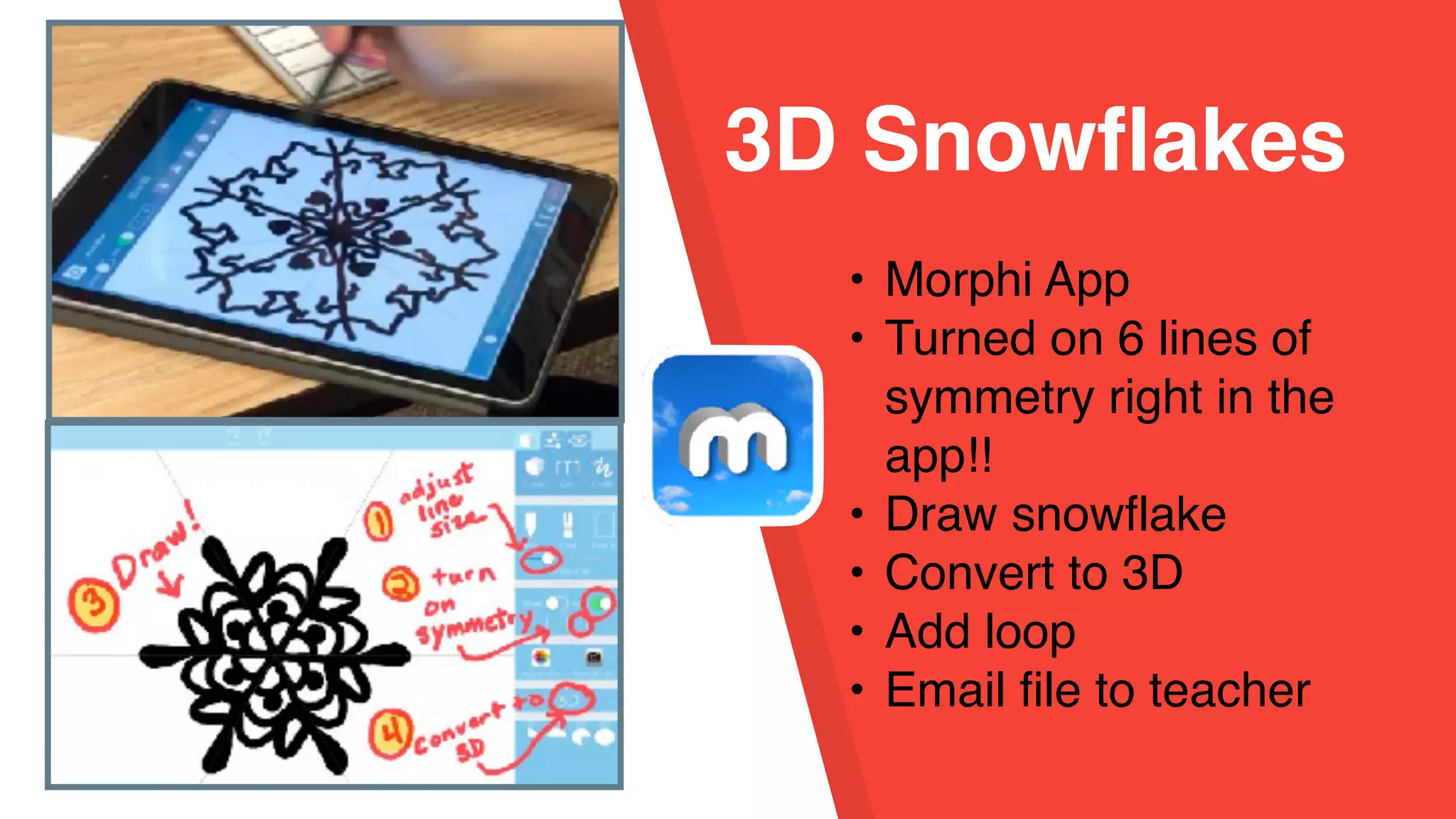
• Morphi App
• Turned on 6 lines of
symmetry right in the
app!!
• Draw snowflake
• Convert to 3D
• Add loop
• Email file to teacher
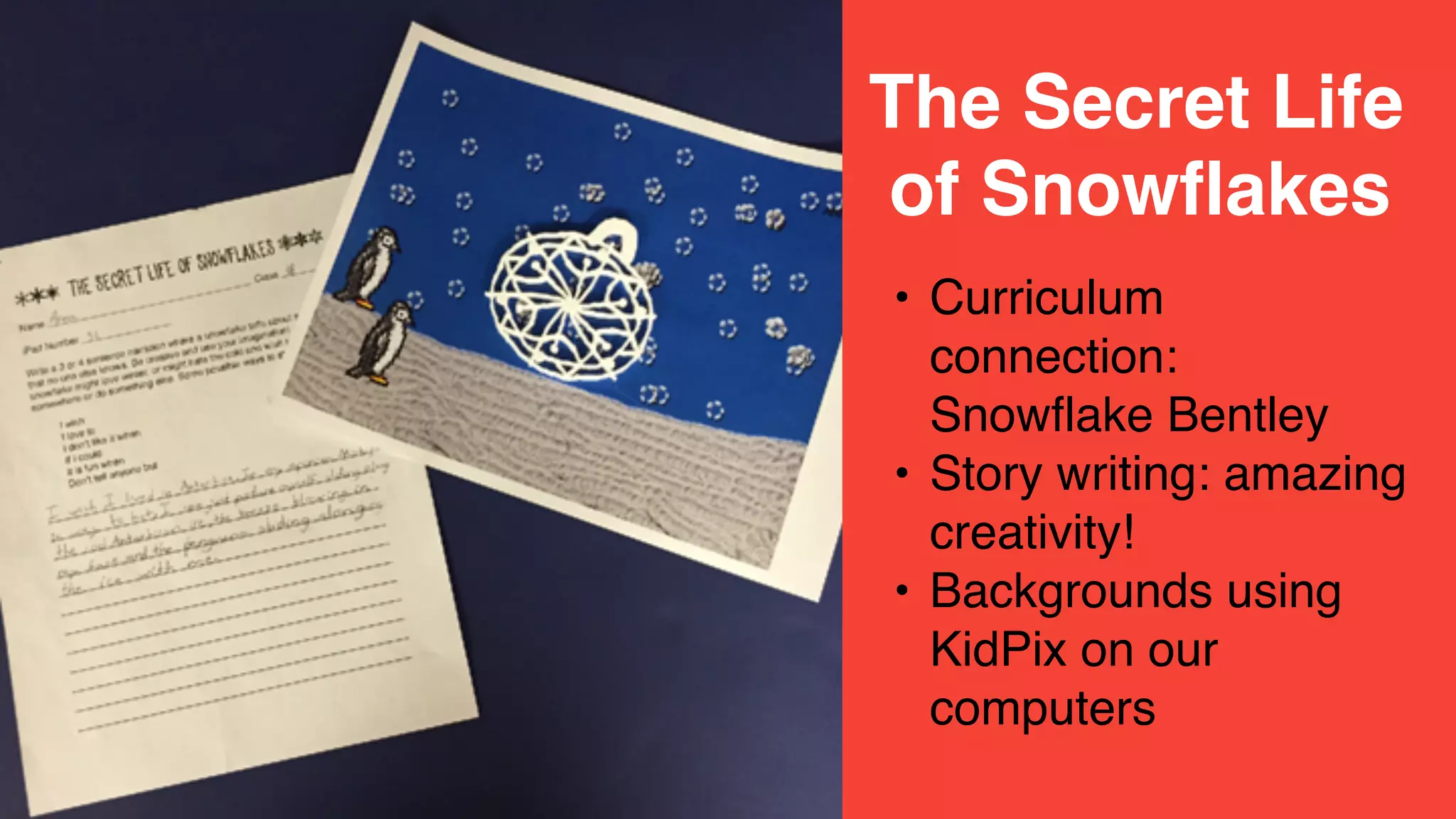
3D Snowflakes in Morphi
• Curriculum
connection:
Snowflake Bentley
• Story writing: amazing
creativity!
• Backgrounds using
KidPix on our
computers
The Secret Life
of Snowflakes
• Talking
snowflakes using
the Chatterpix
Kid app!
• Fluency and
expression!
The Secret Life
of Snowflakes
Link to Student videos
• 6th grade
• Students designed
logo in Morphi
Life Logos 2.0
Life Logos 2.0
• Tutorials for: Base,
Decoration, Text,
Loop
• Options: could
combine in different
ways
• Self directed
Link to Tutorials
F
A
I
L
irst
ttempt
n
earning
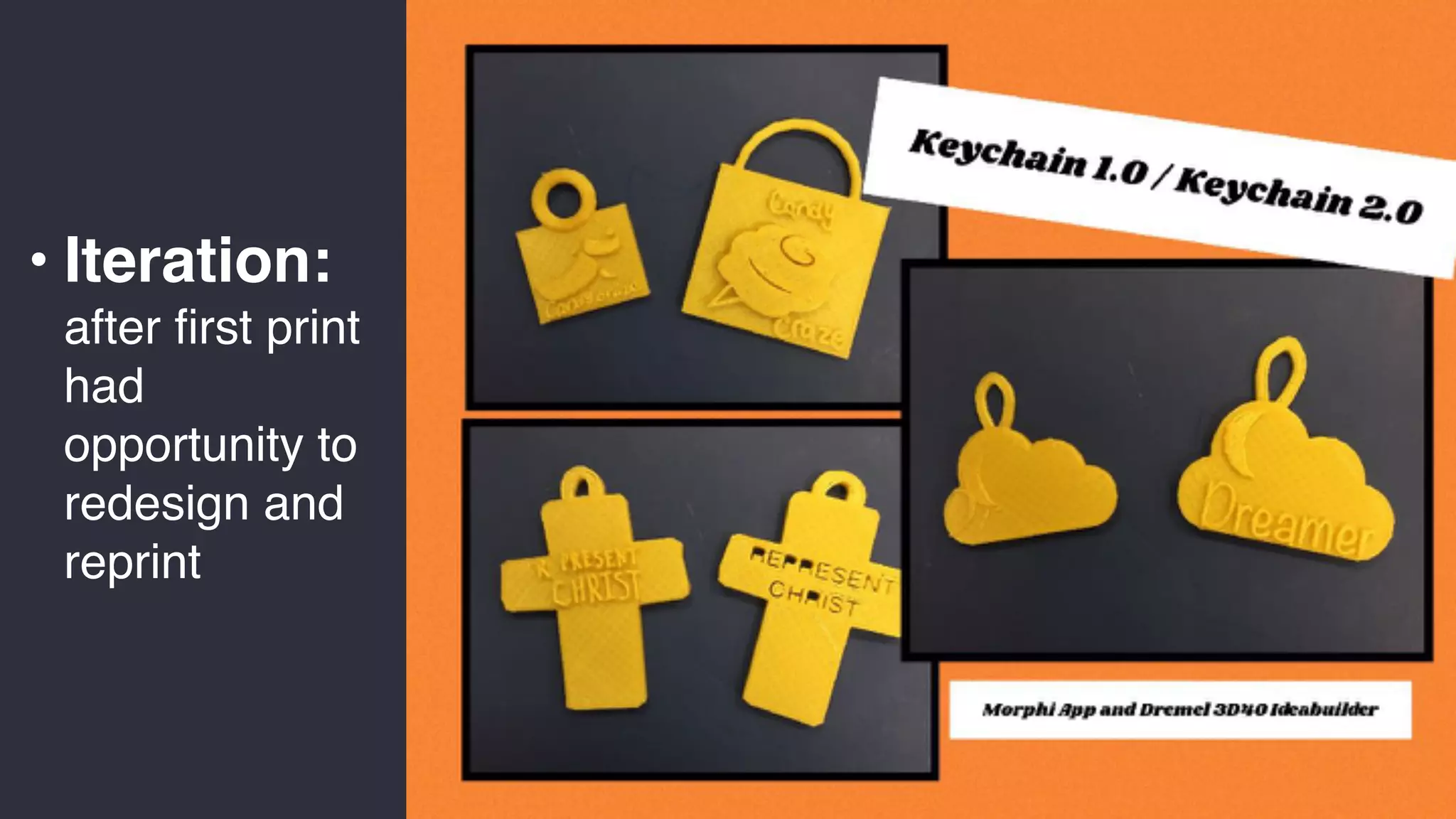
• Iteration:
after first print
had
opportunity to
redesign and
reprint
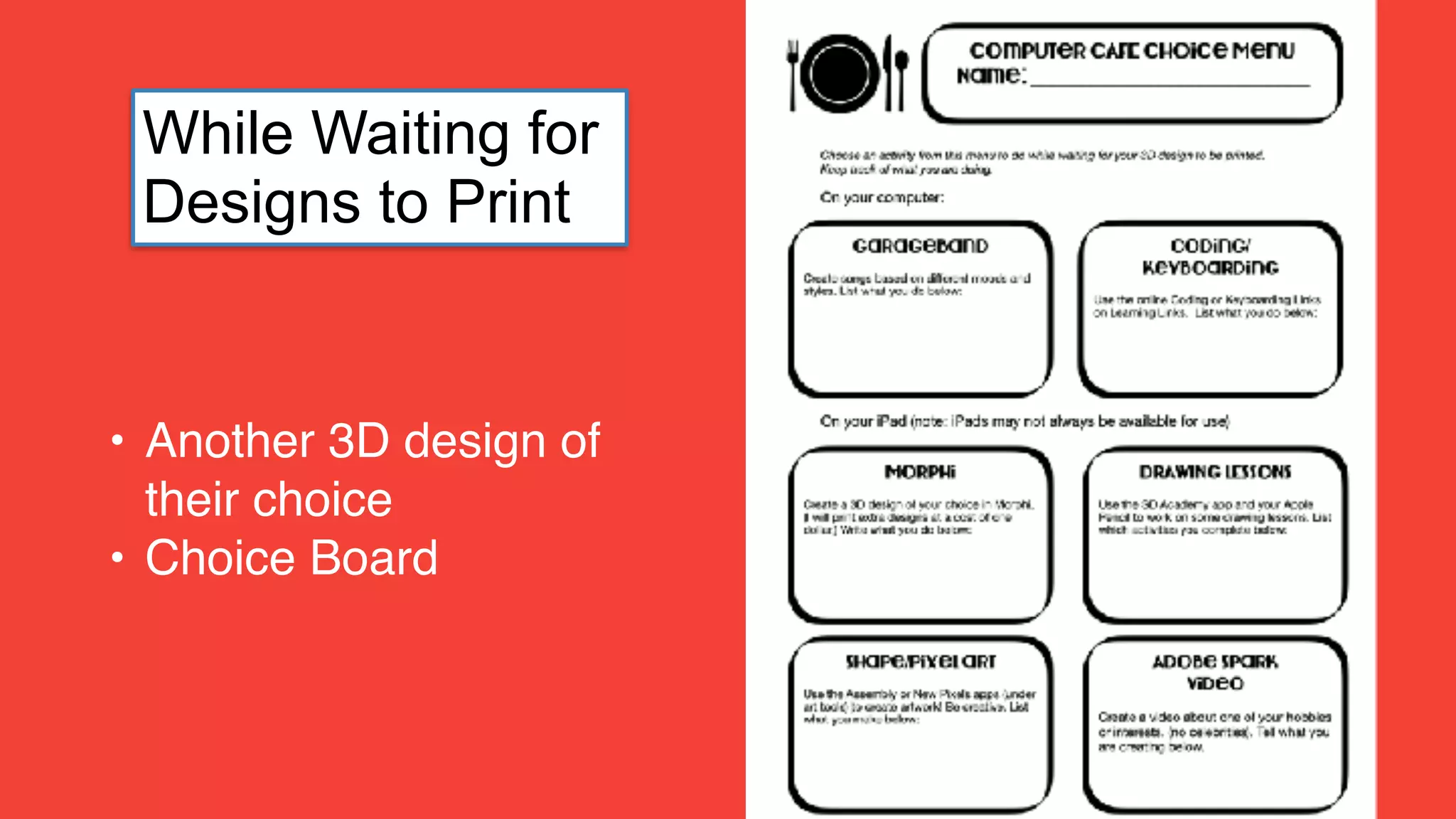
• Another 3D design of
their choice
• Choice Board
While Waiting for
Designs to Print
Apple Clips App
Life Logo Video
• Share project and
process
• Self evaluation of work -
strengths and things to
improve
• Reflect on what they
learned
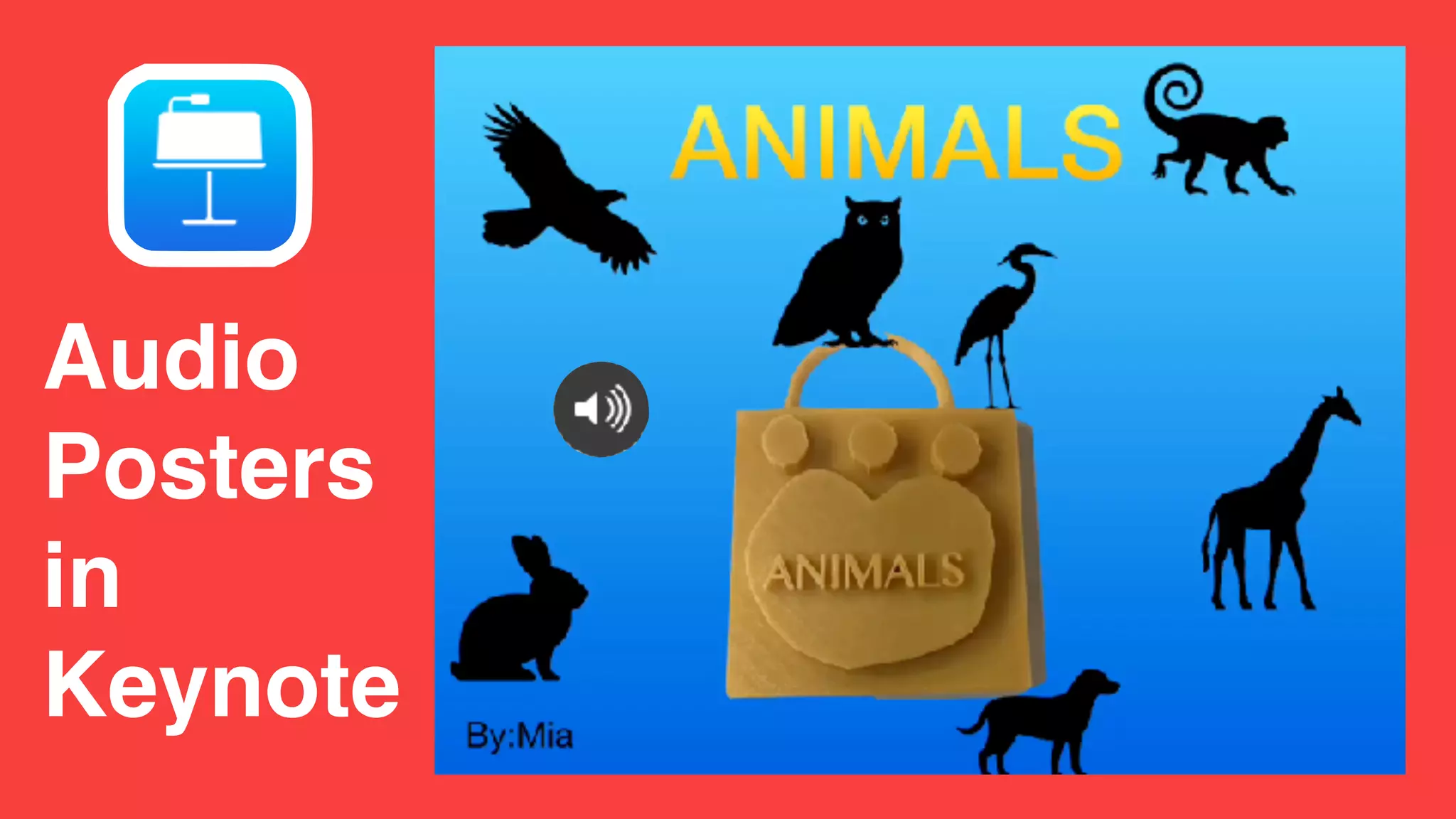
Audio
Posters
in
Keynote
Audio Posters: uploaded to Padlet Wall
See, Listen, Comment
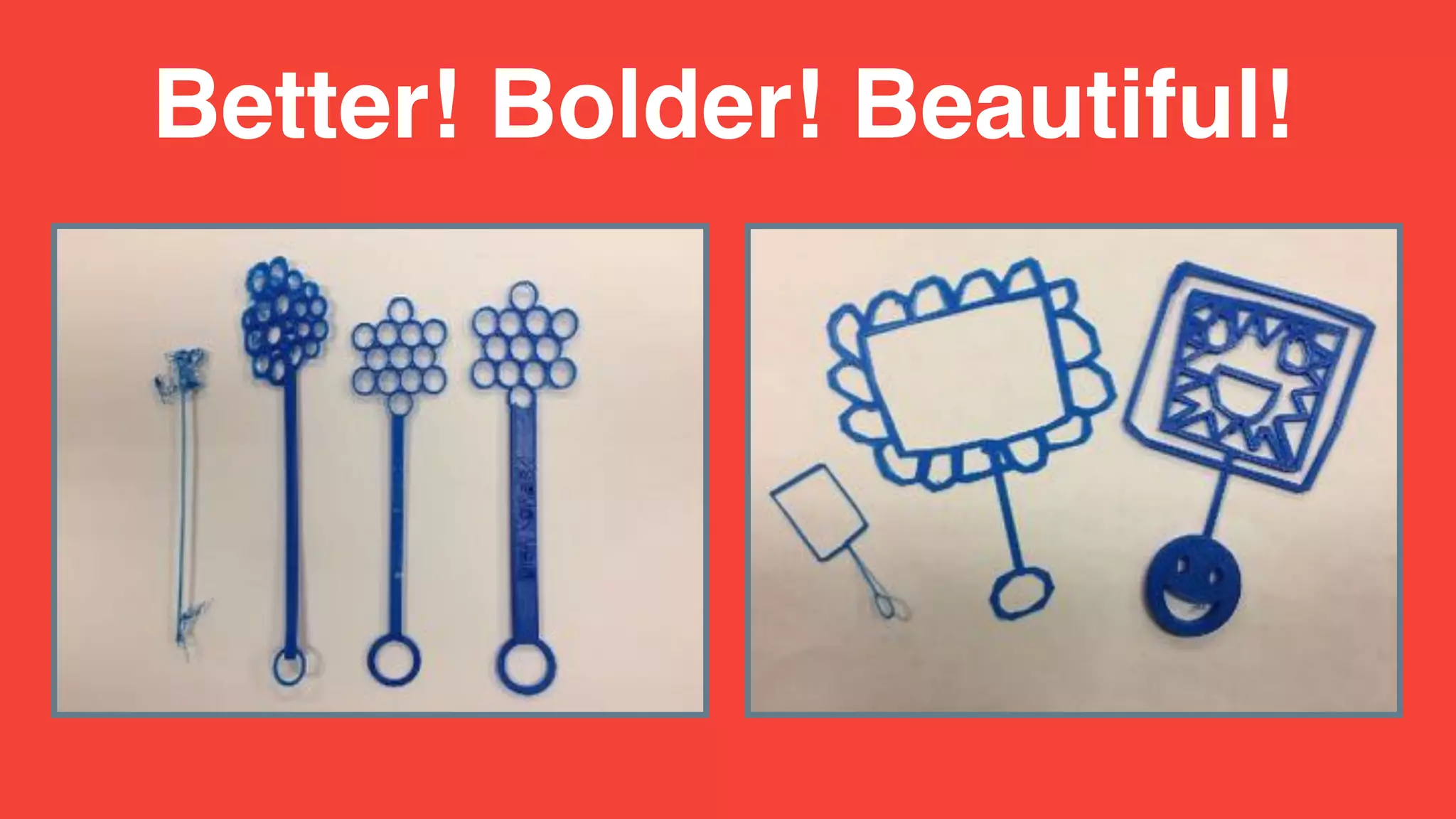
Bubble Wands
• Tutorials for: Base,
Decoration, Text,
Loop
• Options: could
combine in different
ways
• Self directed
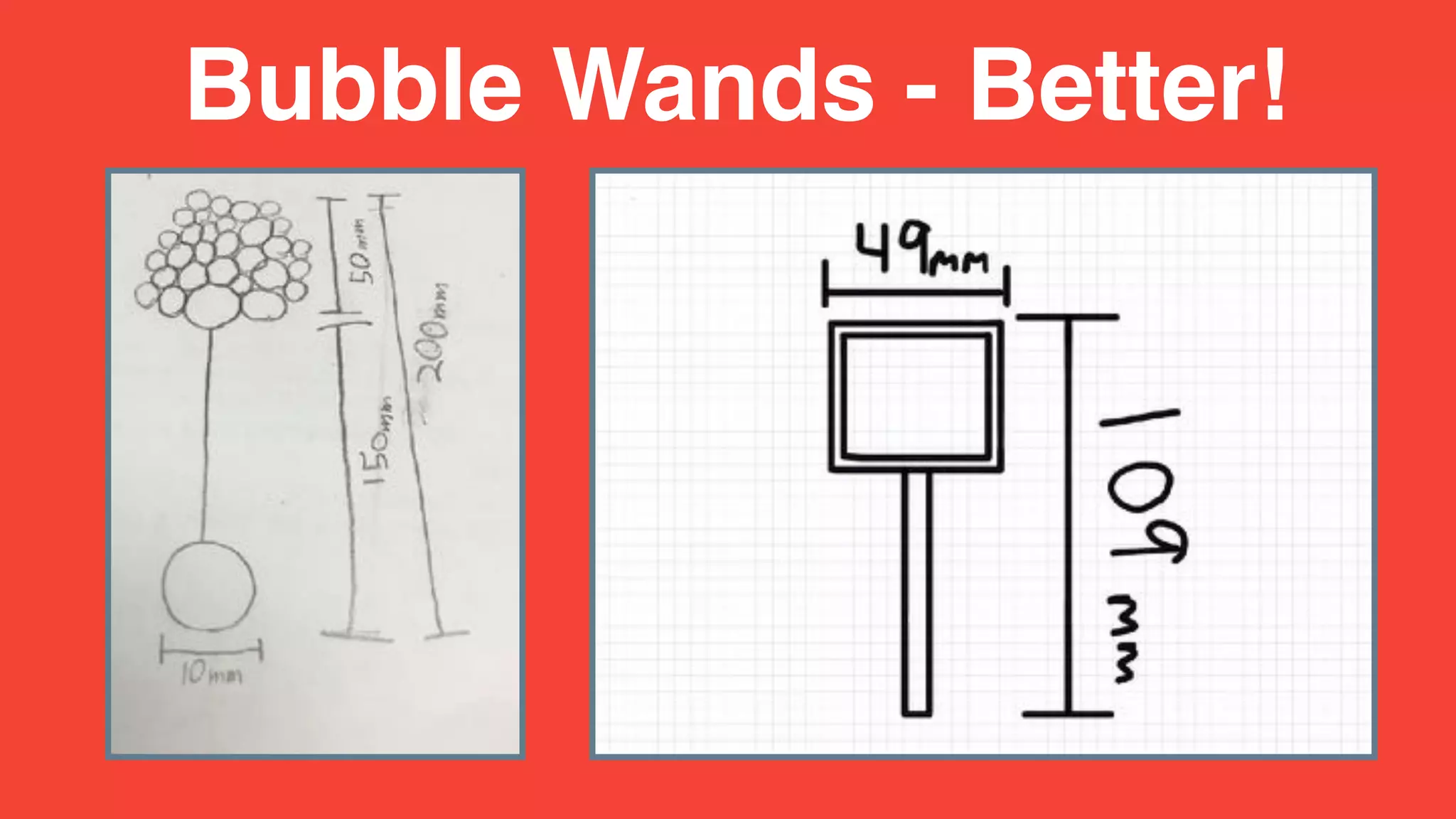
Bubble Wands - Better!
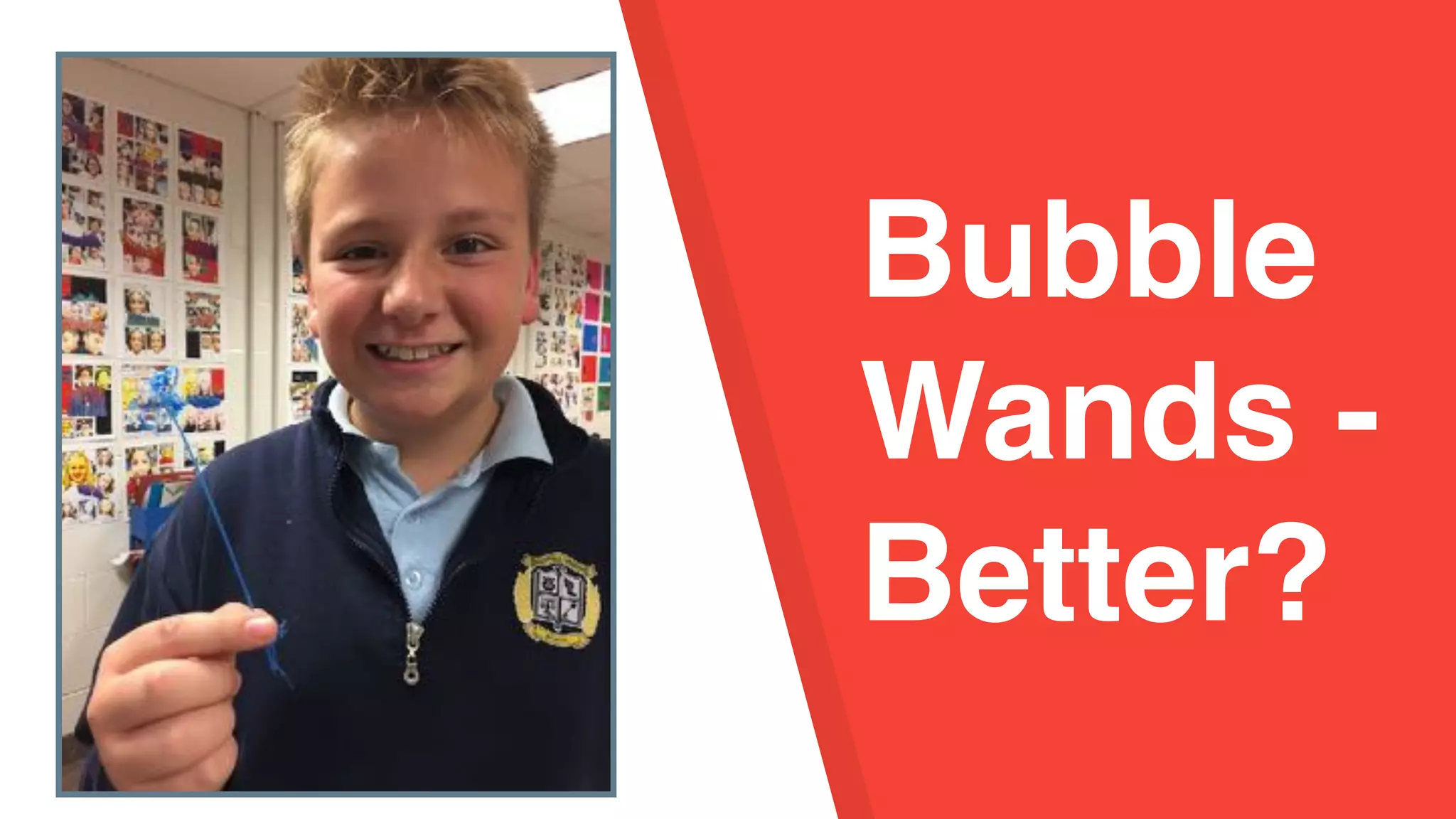
Bubble Wands -
Bubble
Wands -
Better?
Better! Bolder! Beautiful!
Math Game Pieces
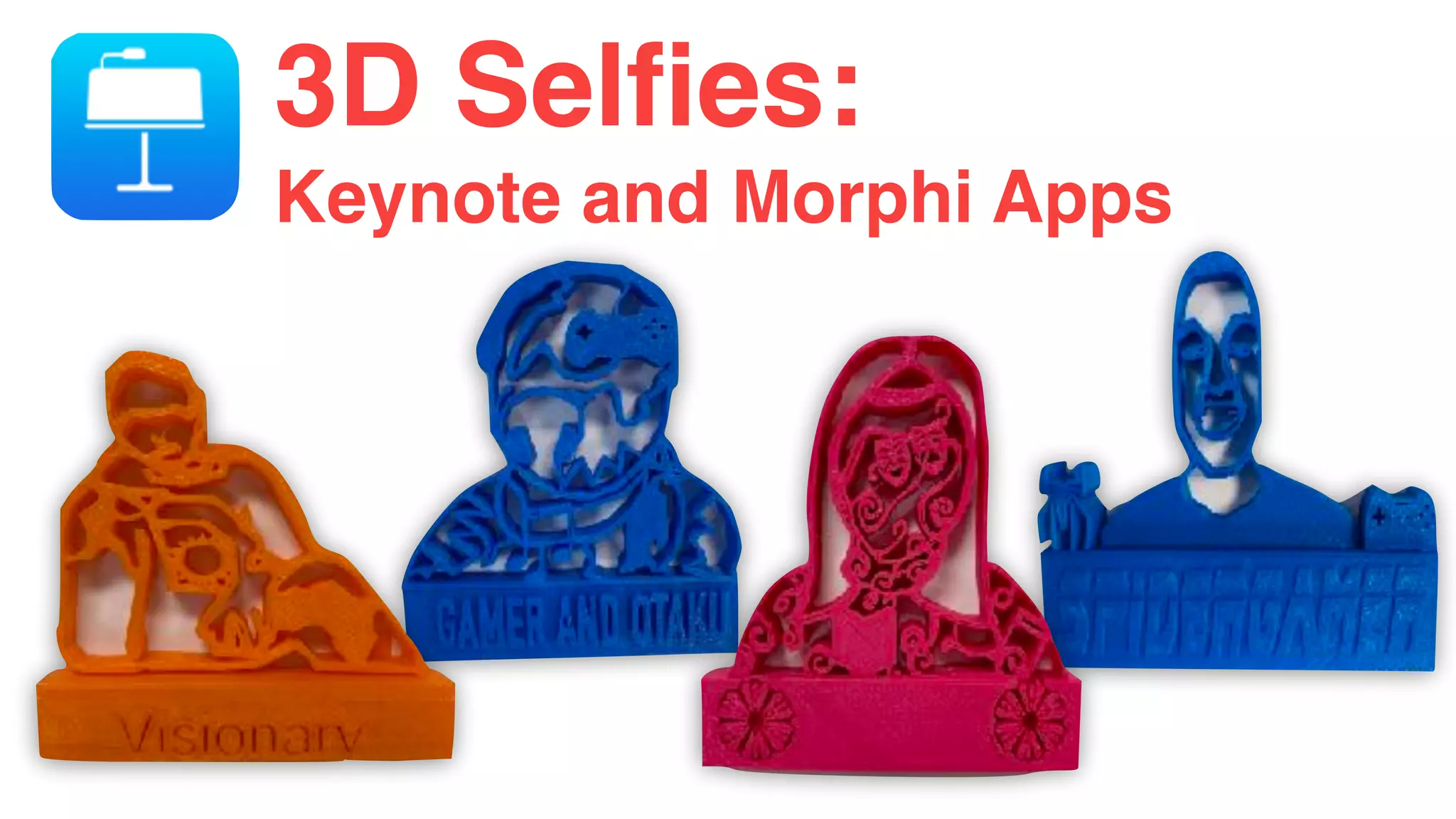
3D Selfies:
Keynote and Morphi Apps
Augmented Reality in Morphi
Bubble Wands -
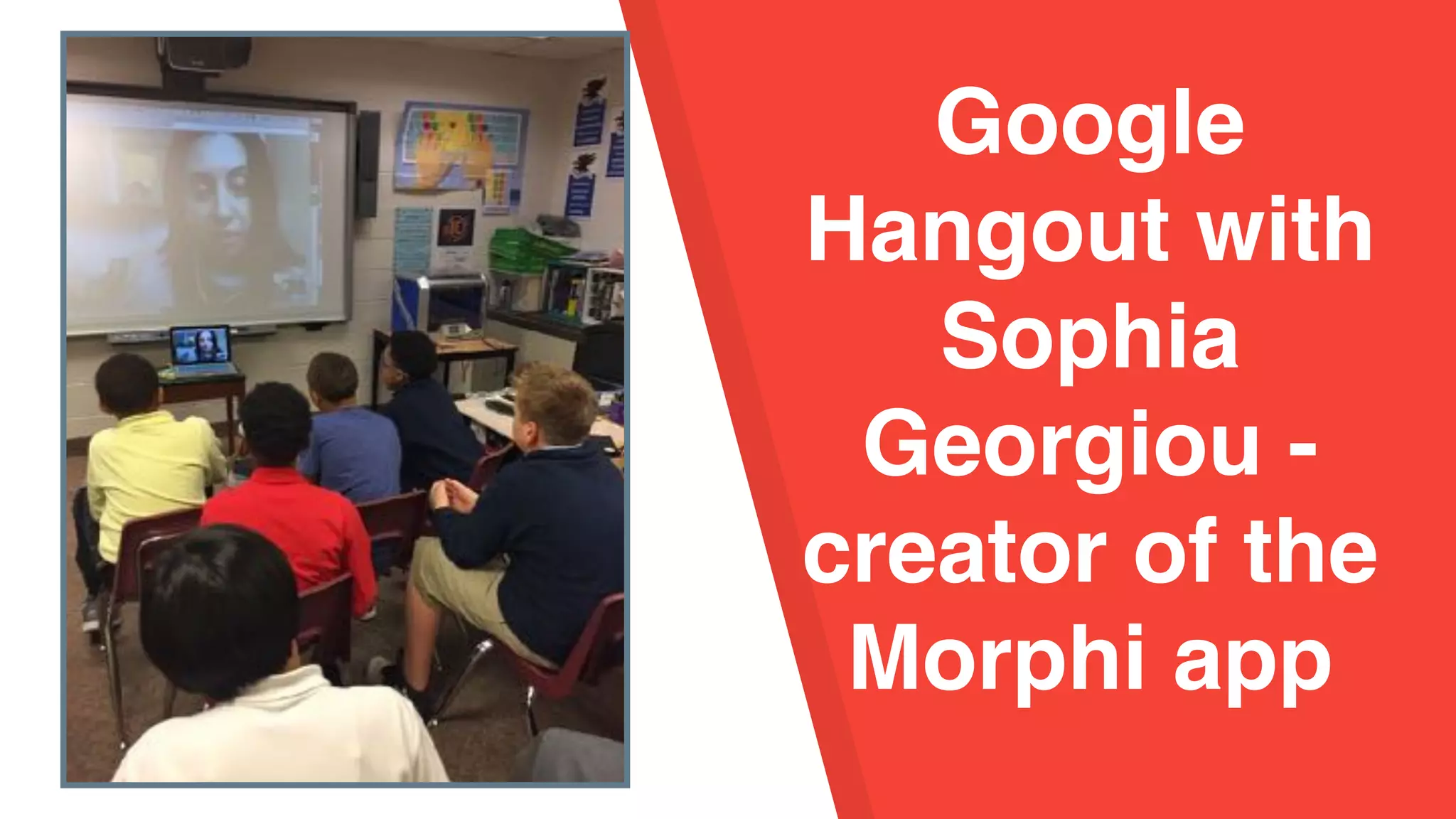
Google
Hangout with
Sophia
Georgiou -
creator of the
Morphi app
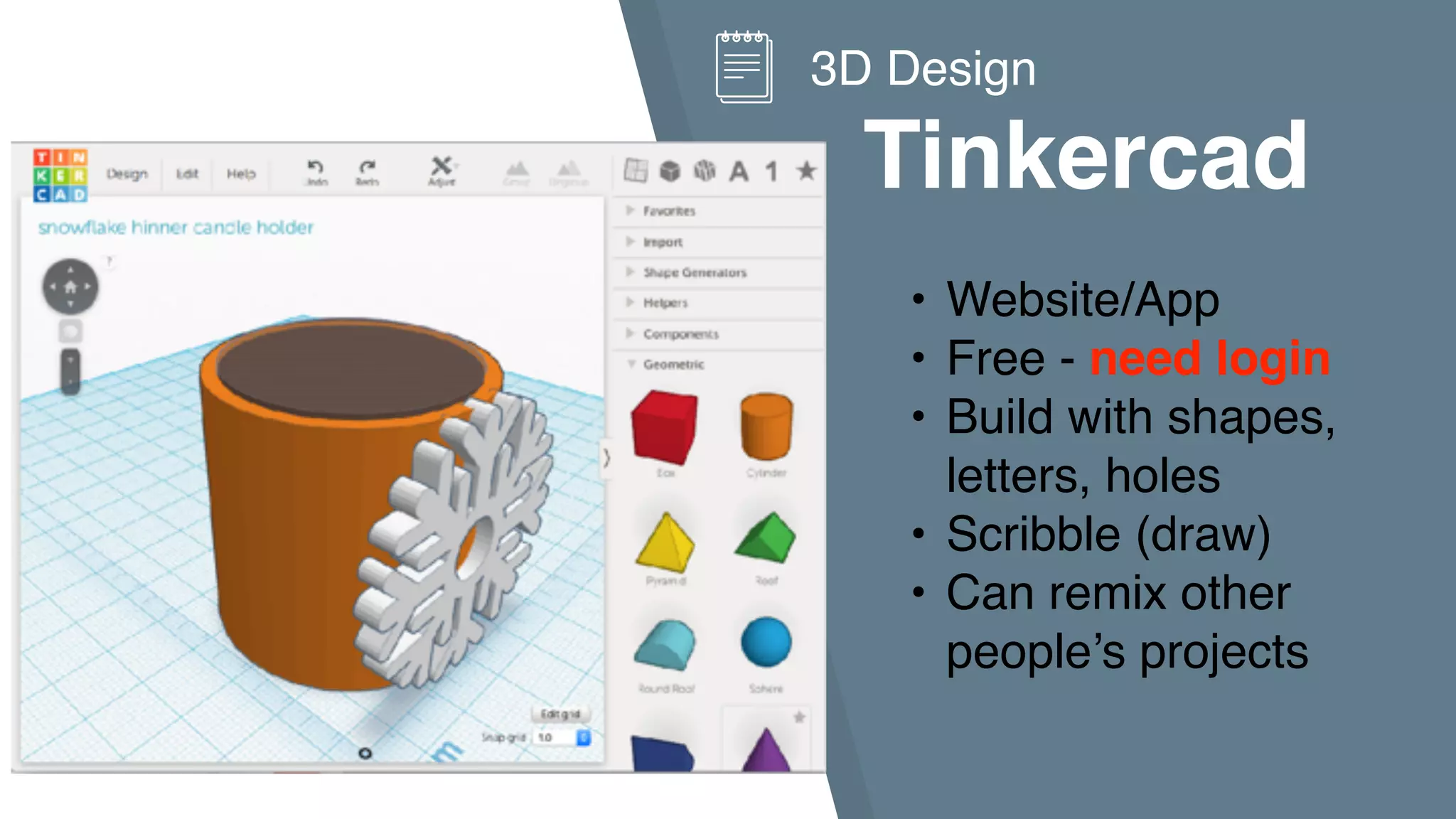
Tinkercad
3D Design
• Website/App
• Free - need login
• Build with shapes,
letters, holes
• Scribble (draw)
• Can remix other
people’s projects
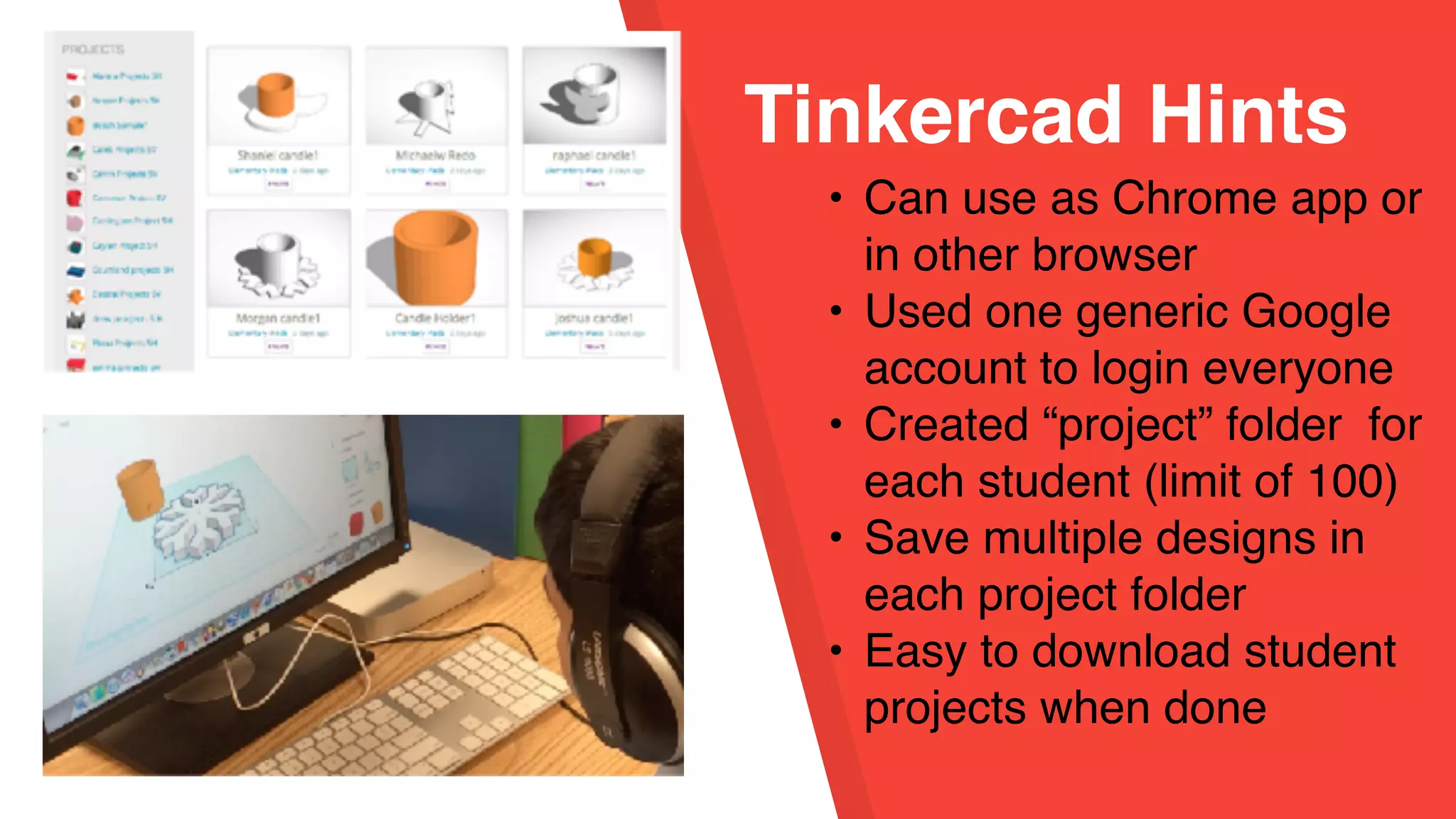
Tinkercad Hints
• Can use as Chrome app or
in other browser
• Used one generic Google
account to login everyone
• Created “project” folder for
each student (limit of 100)
• Save multiple designs in
each project folder
• Easy to download student
projects when done
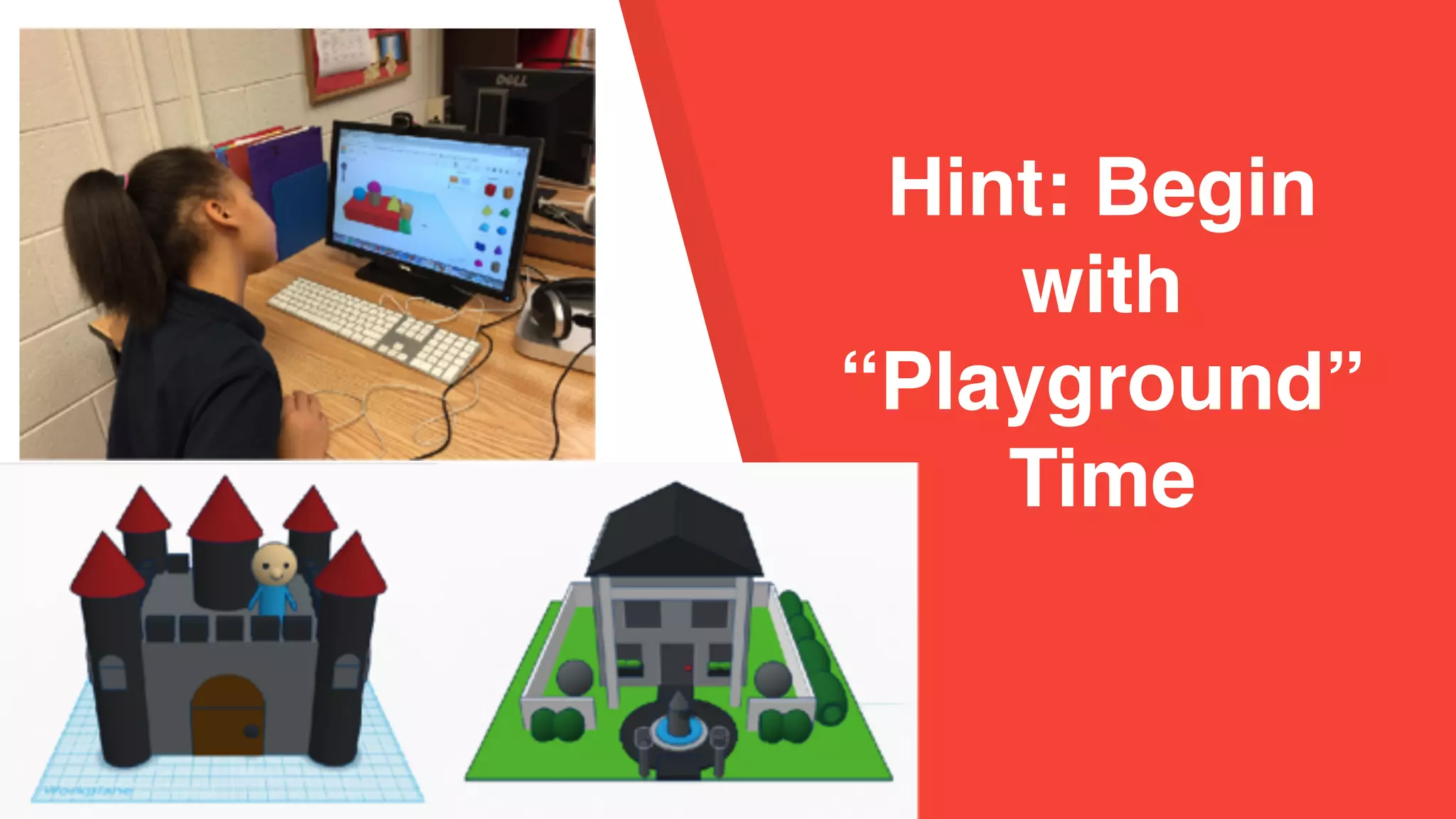
Hint: Begin
with
“Playground”
Time
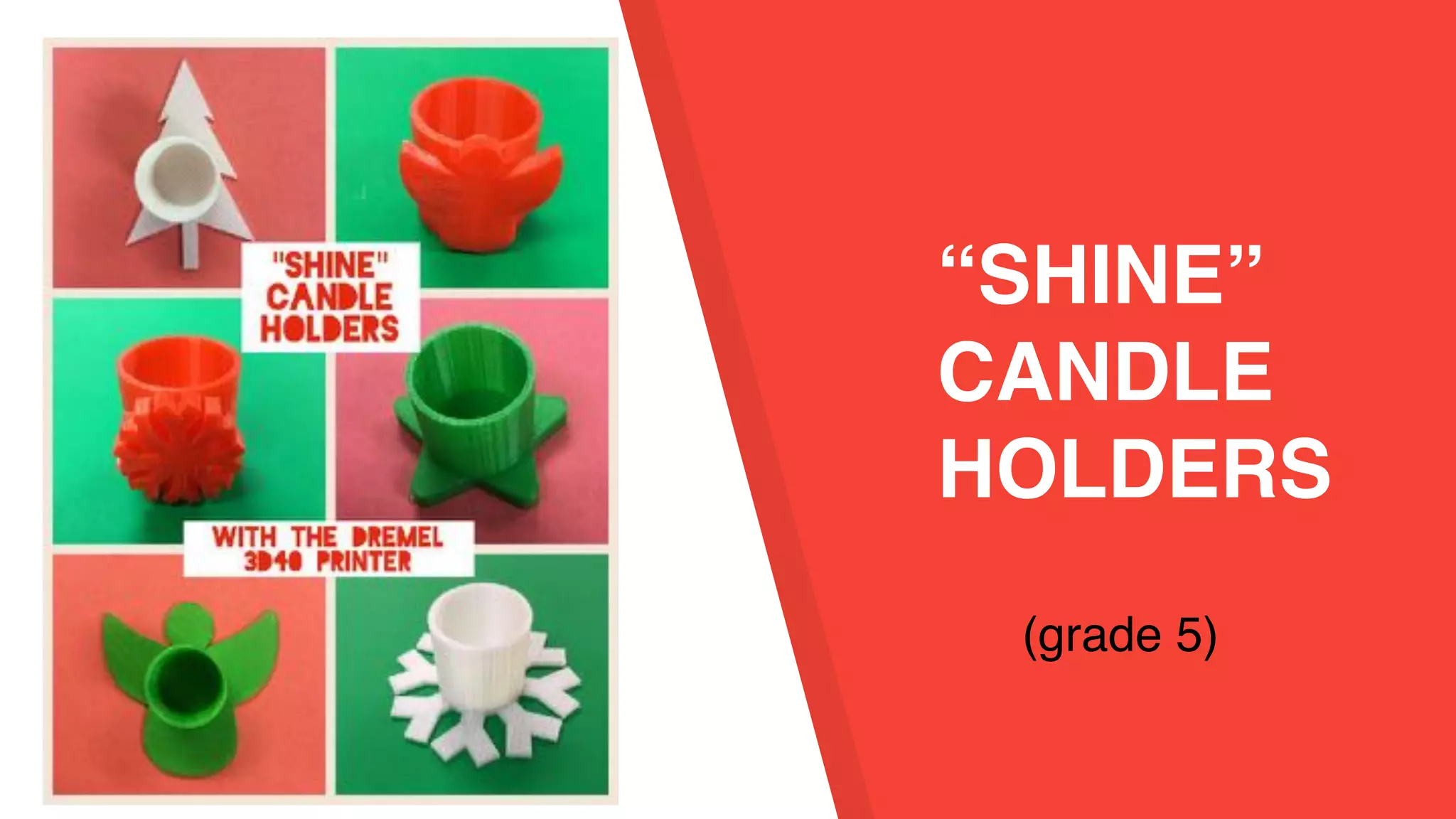
“SHINE”
CANDLE
HOLDERS
(grade 5)
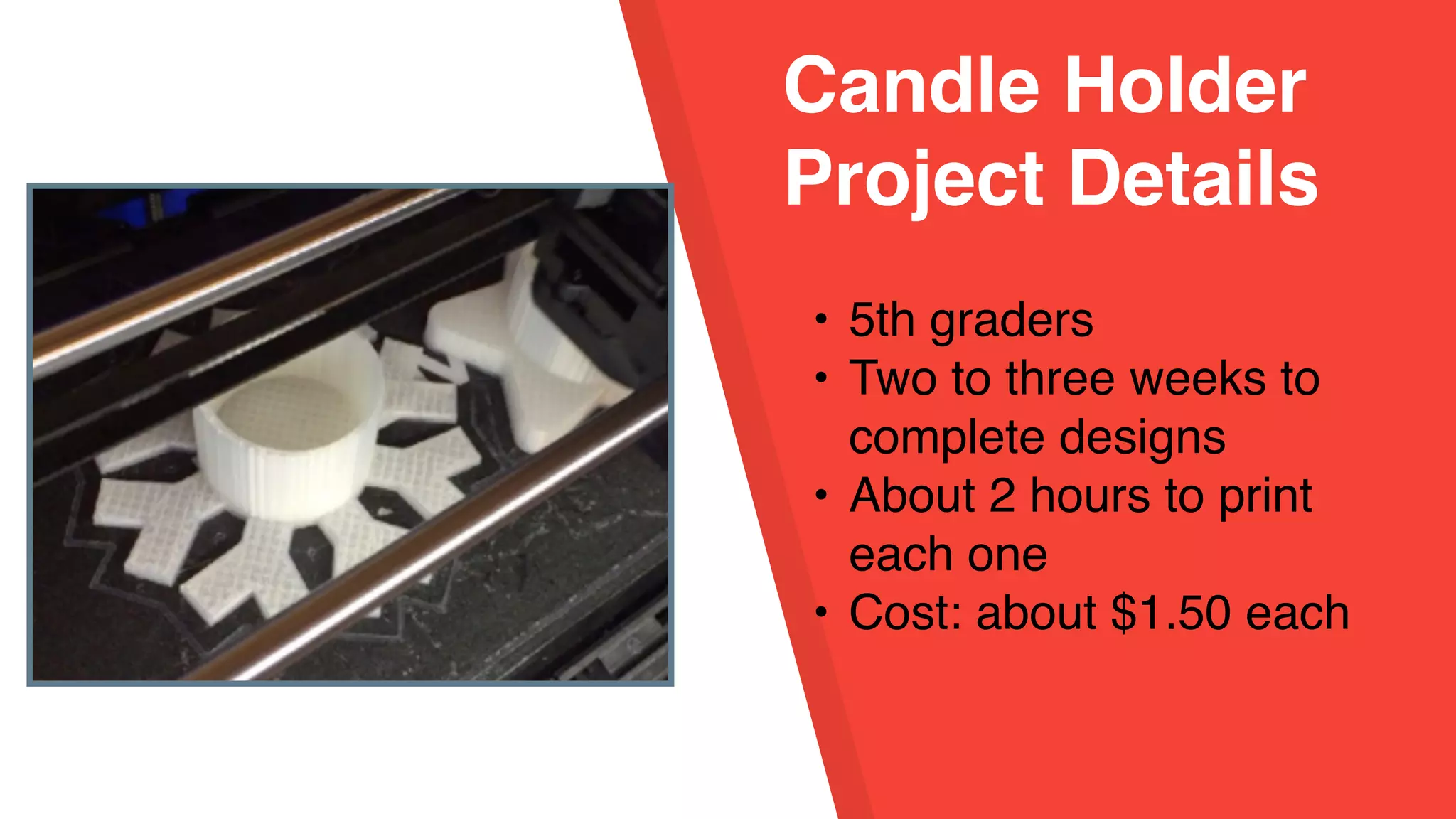
Candle Holder
Project Details
• 5th graders
• Two to three weeks to
complete designs
• About 2 hours to print
each one
• Cost: about $1.50 each
Tinkercad Tutorials
• Teacher created tutorials
for each step + written
directions
• Student paced learning
• Options for decorating the
base or the side
• Early finishers coached
those who were struggling
Workflow Hints
• Students turn in
worksheet with project
details/color when ready
to print
• Limit color options!
• Use index cards to keep
track of student projects
• Store projects by class
in copier paper box lids -
can stack
Language Arts
Connection:
Letter Writing
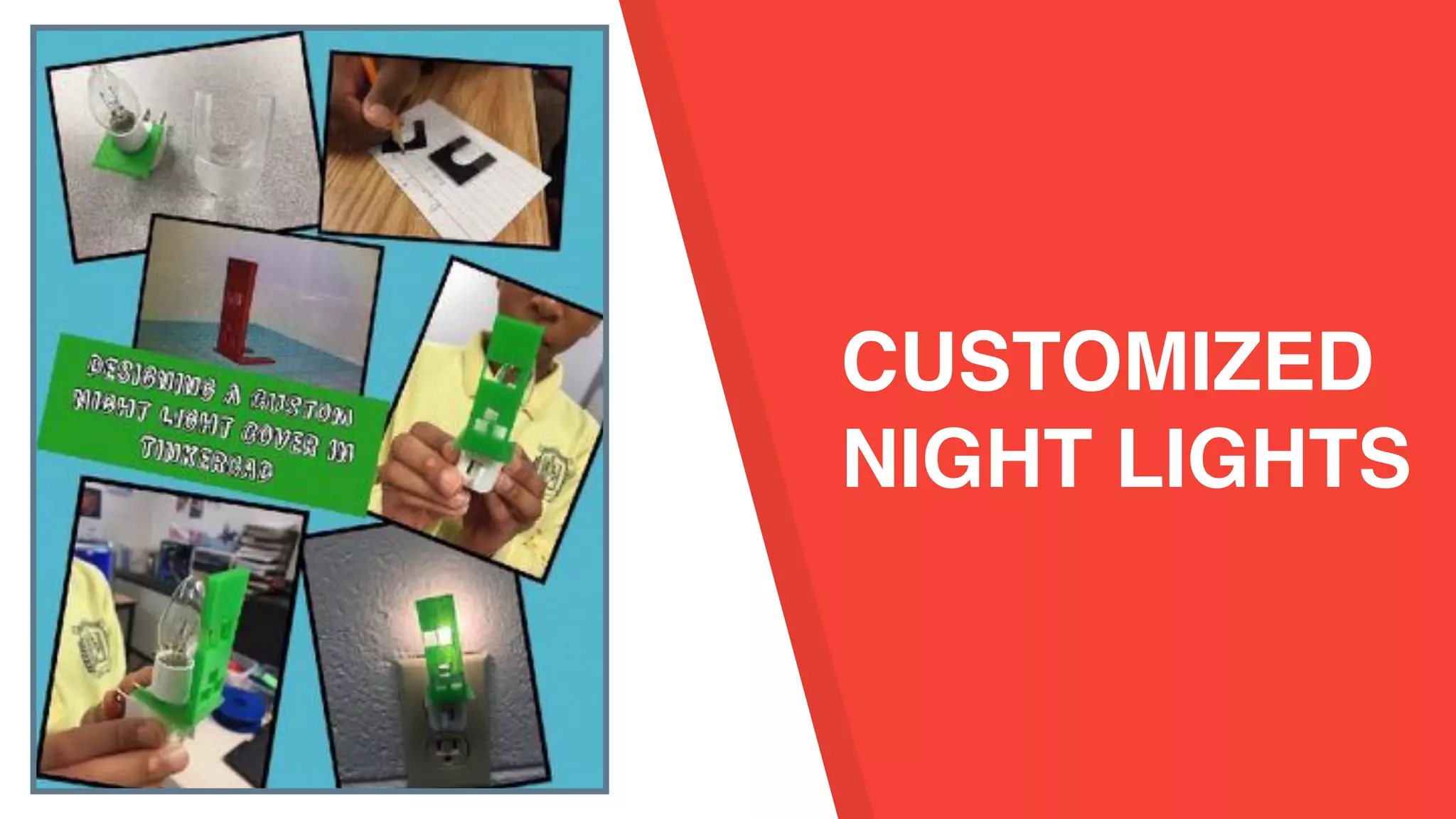
CUSTOMIZED
NIGHT LIGHTS
Design the Base
• Real life measurement
• Evaluative thinking
• Iteration
• Students prepared and
printed the files.
Design the Front
• Hint: use flaticon.com
to search for .svg
shape files to upload
into Tinkercad.
Convert drawing to .svg
• Real life measurement
• Evaluative thinking
• Iteration
• Students prepared and
printed the files.
Project
Shapeshifter
• Customize cool
shapes!
• Adjust size and
parameters
• http://
shapeshifter.io/
Generator + Design
• Complex shapes
• Download shapes as .stl
• Print as is - pencil holders,
vases
• Import into Tinkercad to
remix
• Tinkercad now has similar
shape generators
Project
Shapeshifter
Container
Challenge
How can I plan and create a 3D design
to meet a specific need?
Container = a useful product that can
hold something.
using 5 Step
Design Process
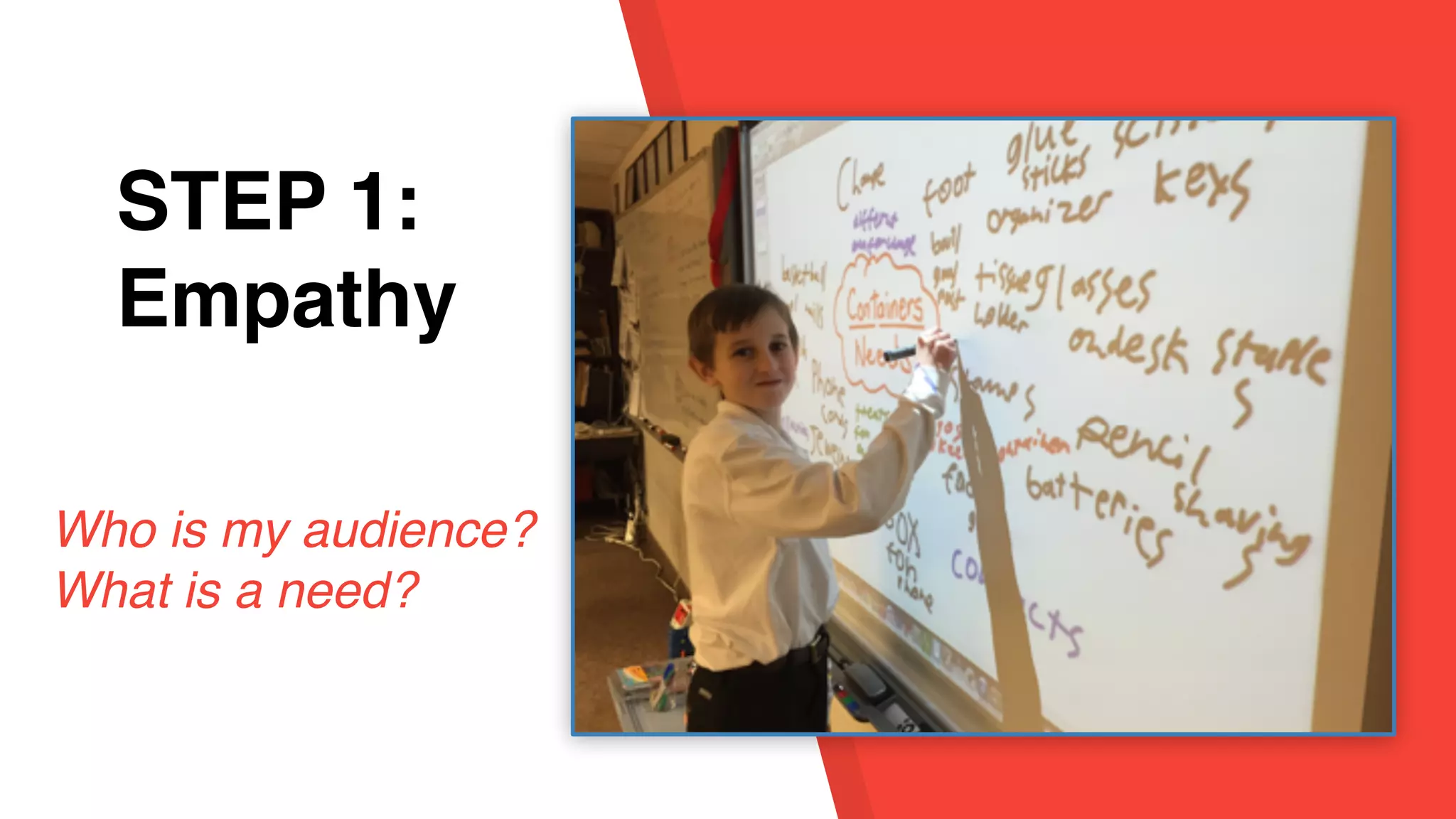
STEP 1:
Empathy
STEP 1:
Empathy
Who is my audience?
What is a need?
STEP 1:
Empathy
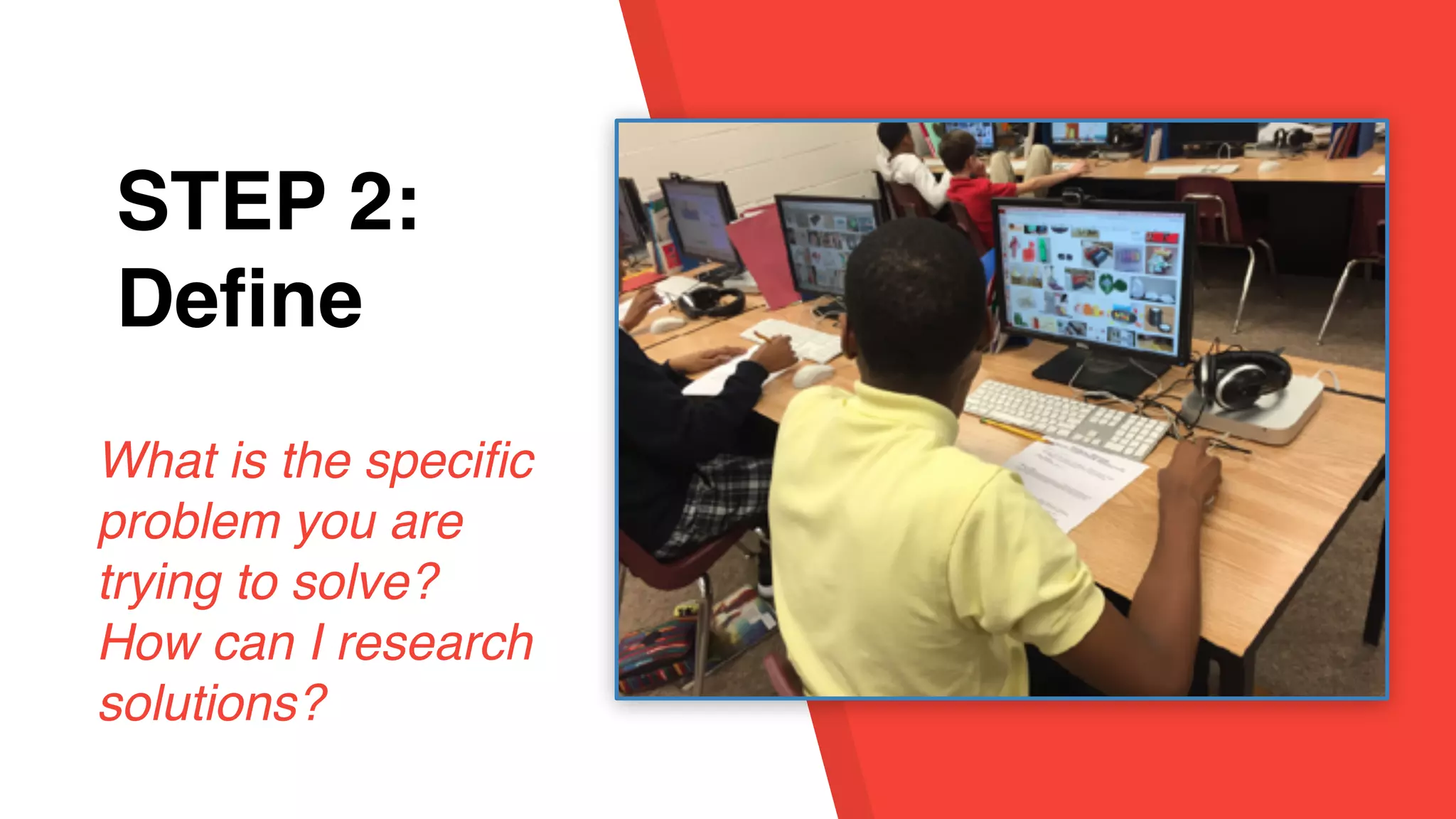
STEP 2:
Define
What is the specific
problem you are
trying to solve?
How can I research
solutions?
STEP 1:
Empathy
STEP 3:
Ideate
How could I
create a solution
to this problem?
STEP 1:
Empathy
STEP 3:
Ideate:
the reality!
INSIDE the box
thinking!
Process
vrs
Product?
STEP 1:
Empathy
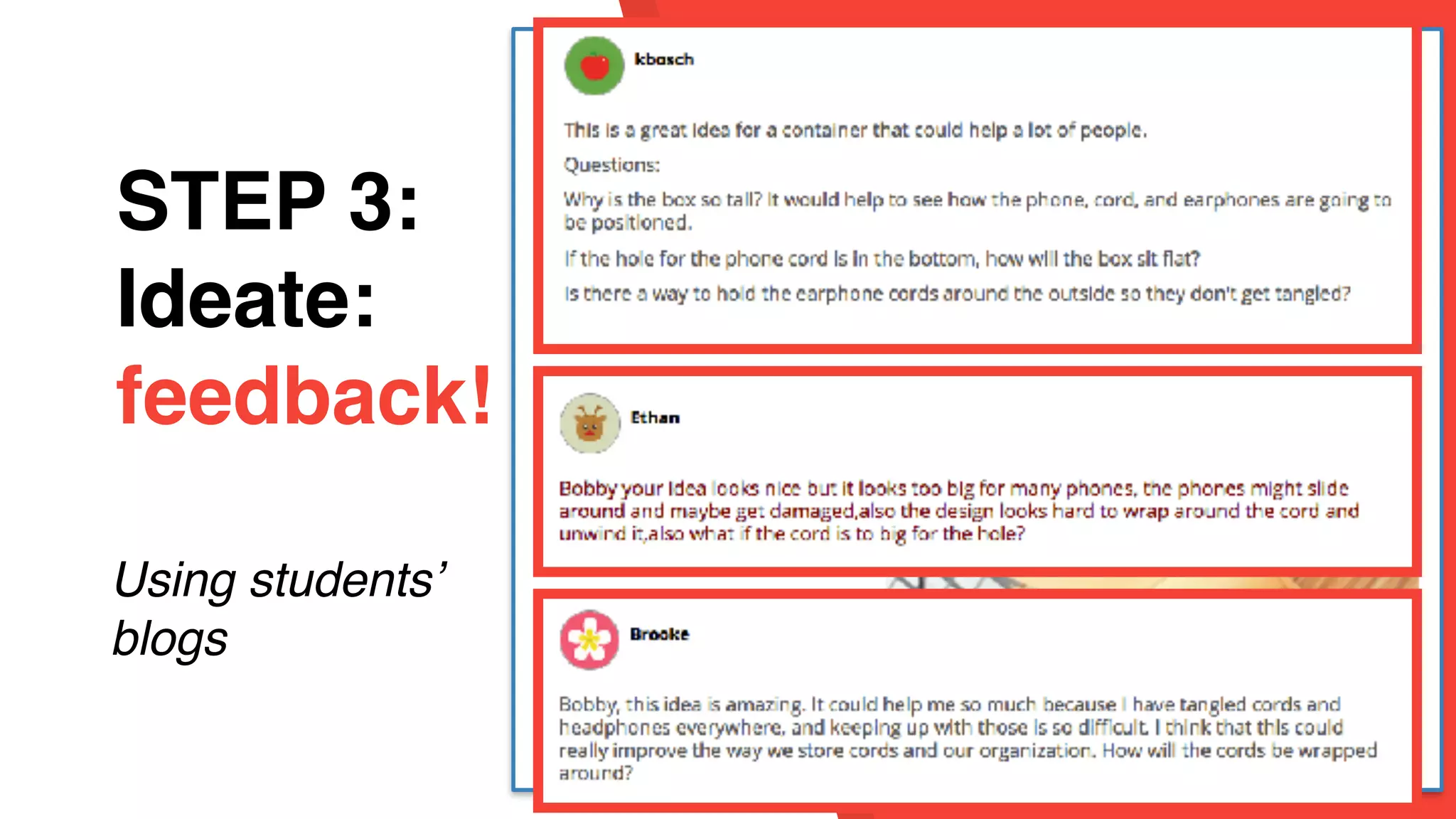
STEP 3:
Ideate:
feedback!
Using students’
blogs
STEP 1:
Empathy
STEP 3:
Ideate:
feedback!
Using students’
blogs
STEP 1:
Empathy
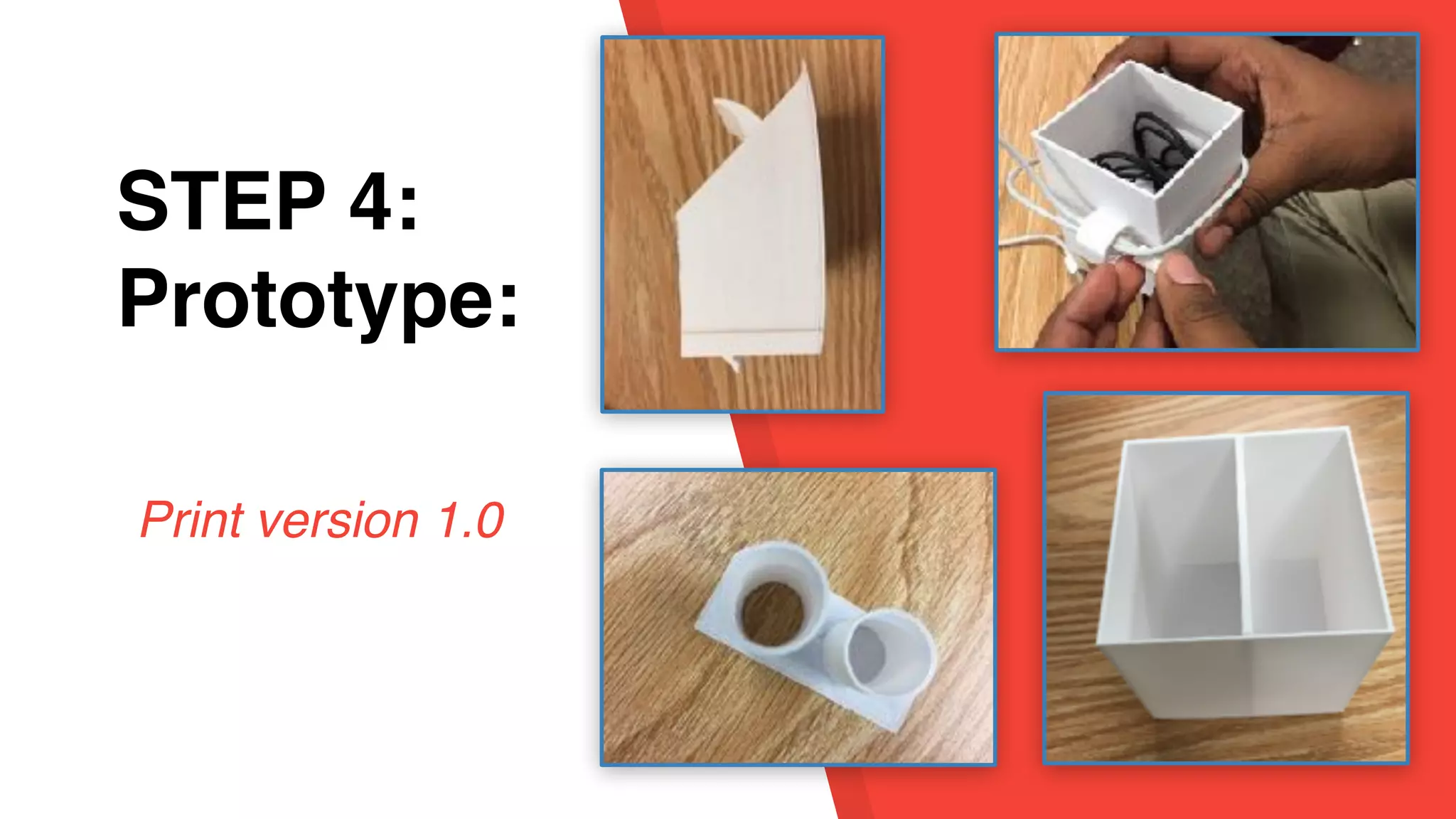
STEP 4:
Prototype:
Design in
Tinkercad
STEP 1:
Empathy
STEP 4:
Prototype:
Print version 1.0
STEP 1:
Empathy
STEP 4:
Prototype:
Focus Group:
successes and
ideas to
improve
STEP 1:
Empathy
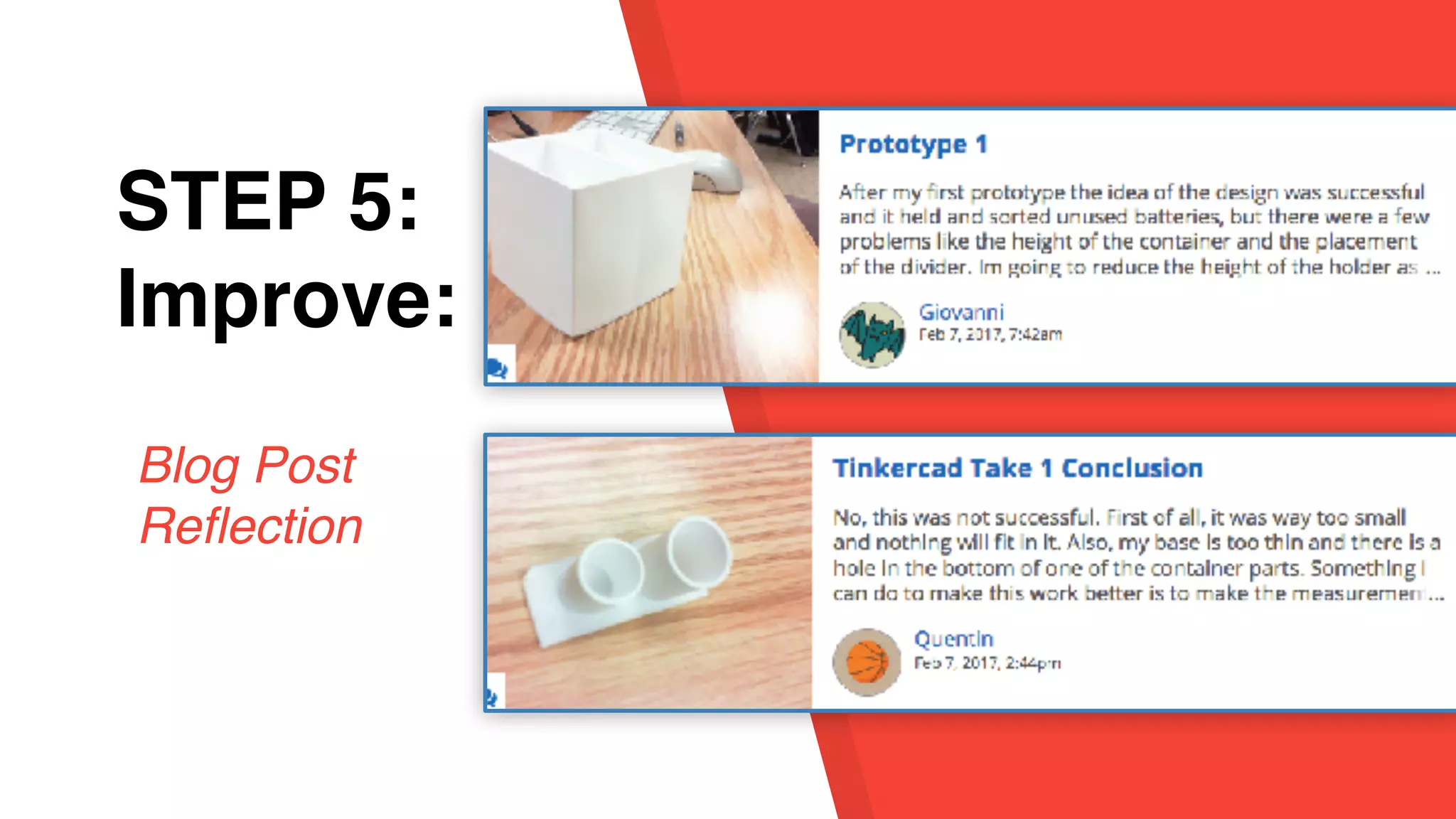
STEP 5:
Improve:
Blog Post
Reflection
STEP 1:
Empathy
STEP 5:
Improve:
Add design
element to
customize
.svg file from flaticon.com
STEP 1:
Empathy
STEP 5:
Improve:
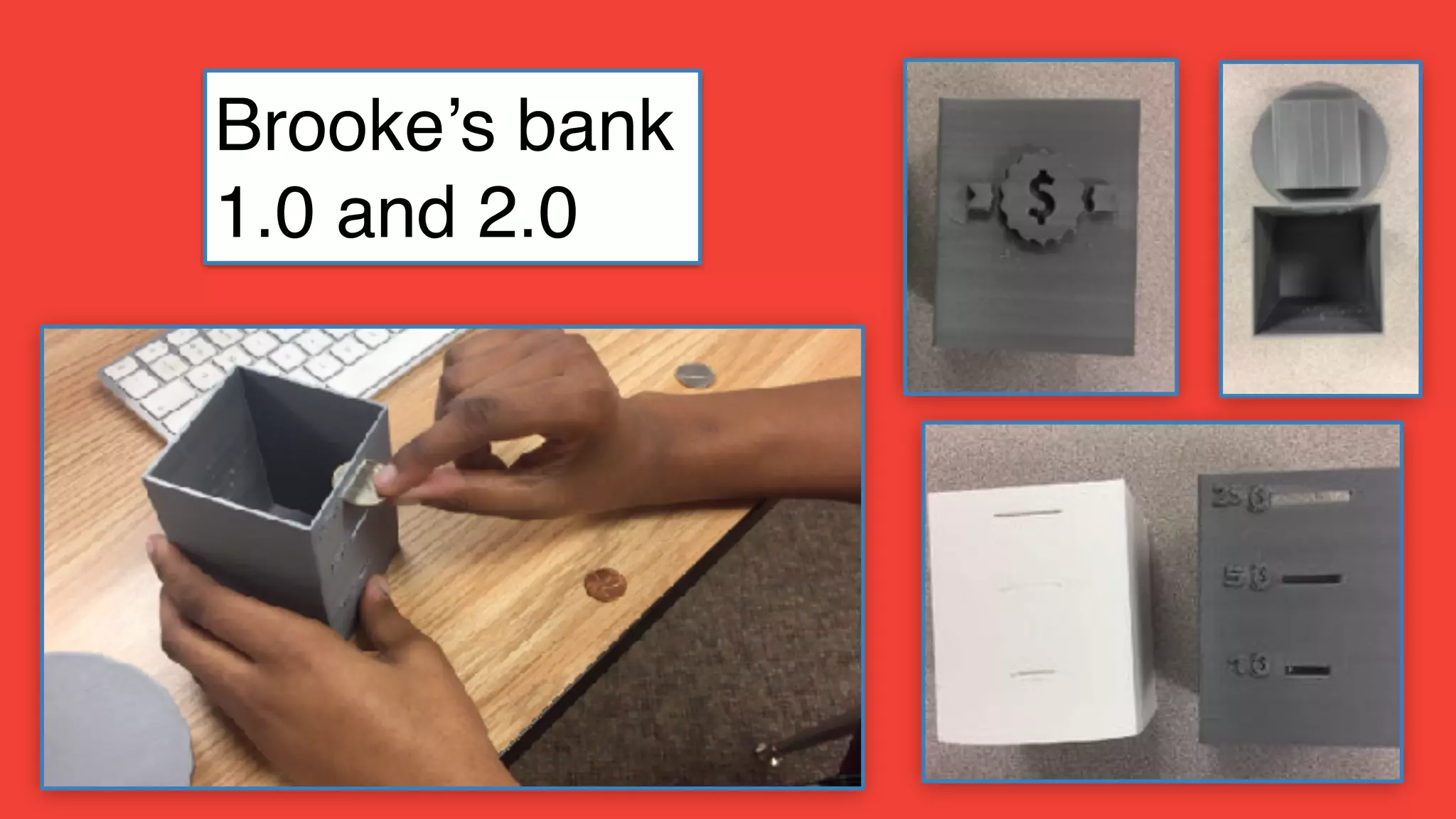
Version 2.0
Version 3.0
Carter’s Nail Holder
Brooke’s bank
1.0 and 2.0
Giovanni’s battery
holder
1.0 and 2.0
Antonio’s X-box stand
1.0 and 2.0
Bobby’s Phone Stand 1.0 and 2.0
STEP 1:
Empathy
STEP 5:
Improve:
Reflection
Blog Post -
what worked/
what didn’t/
what else?
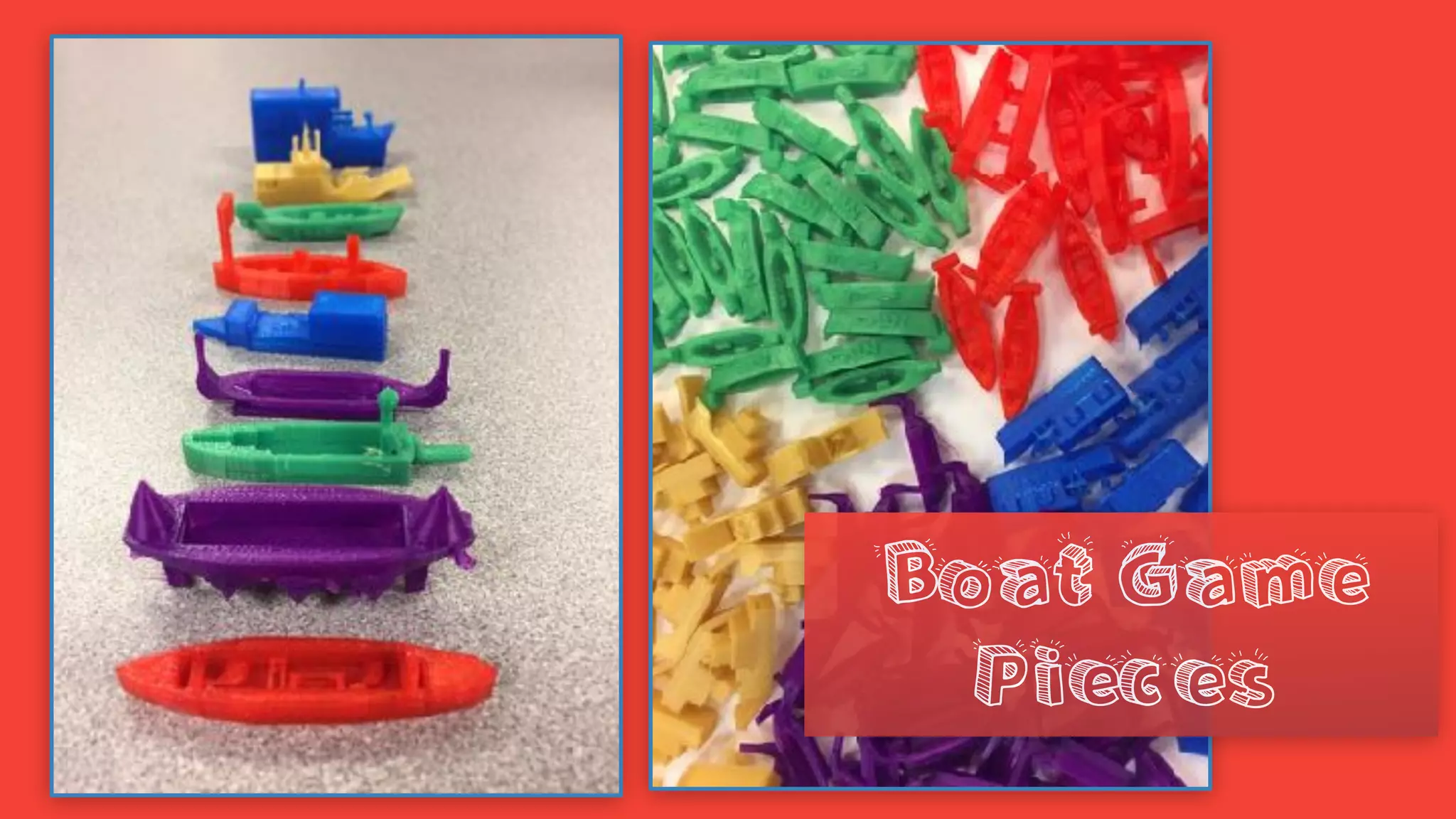
Our First Client!!
Designing boat game pieces for a missionary from the
Solomon Islands!
Iteration
Boat Game
Pieces
Create for Fun!
in the near future?
AI
(Artificial Intelligence)
3D generated
designs from text
Questions?
Resources:
Twitter: @karlyb
k.bosch@mac.com
https://tinyurl.com/bosch3d
Copyright: No More Flat Stanley: Learning in
3D by Karen Bosch. All Rights Reserved
Karen Bosch
k.bosch@mac.com
https://tinyurl.com/bosch3d

No More Flat Stanley: Learning in 3D