tinyurl.com/ipadsketchnotes
Creative
tinyurl.com/ipadsketchnotes
Twitter: @karlyb
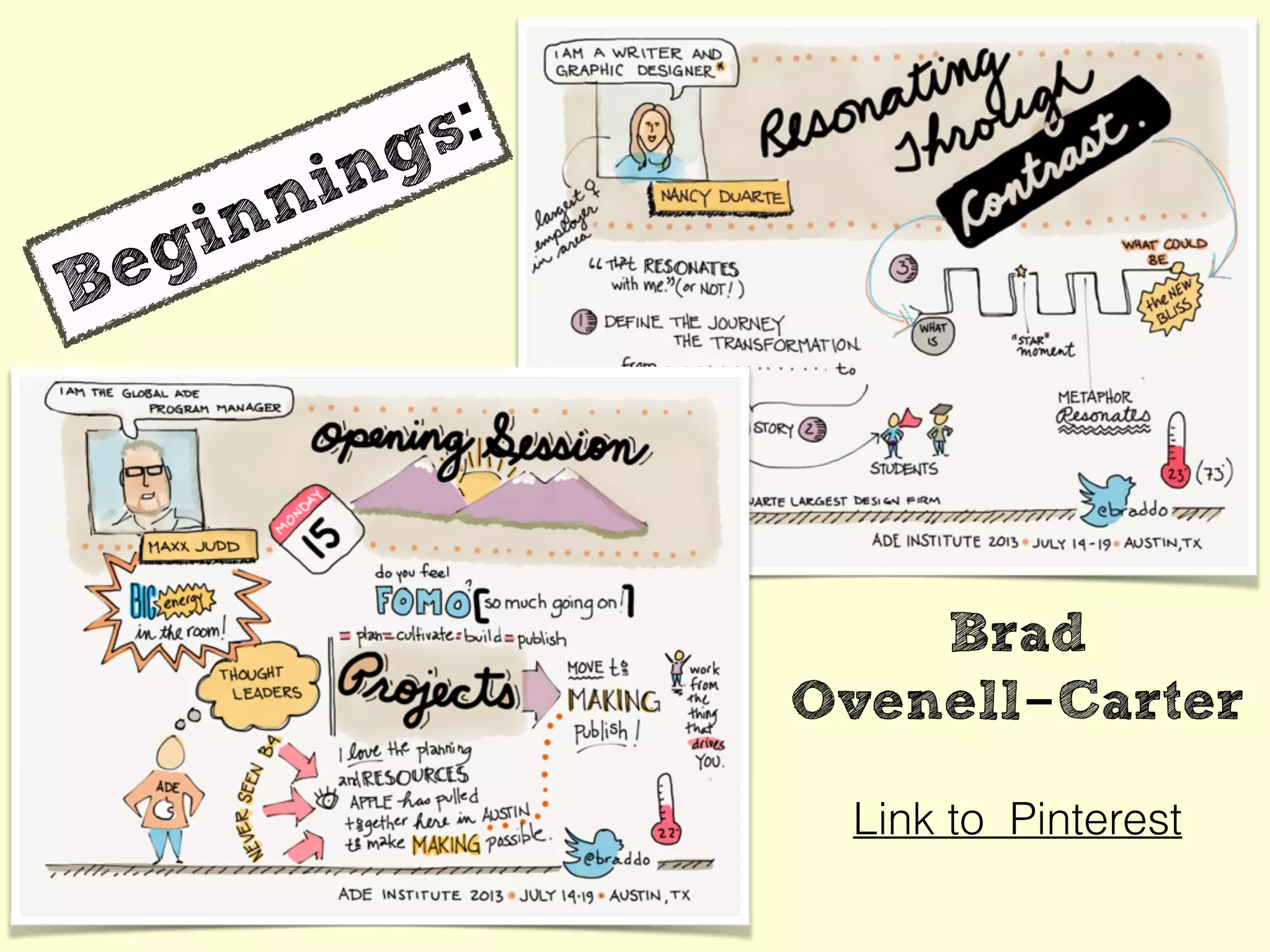
Beginnings:
Link to Pinterest
Brad
Ovenell-Carter
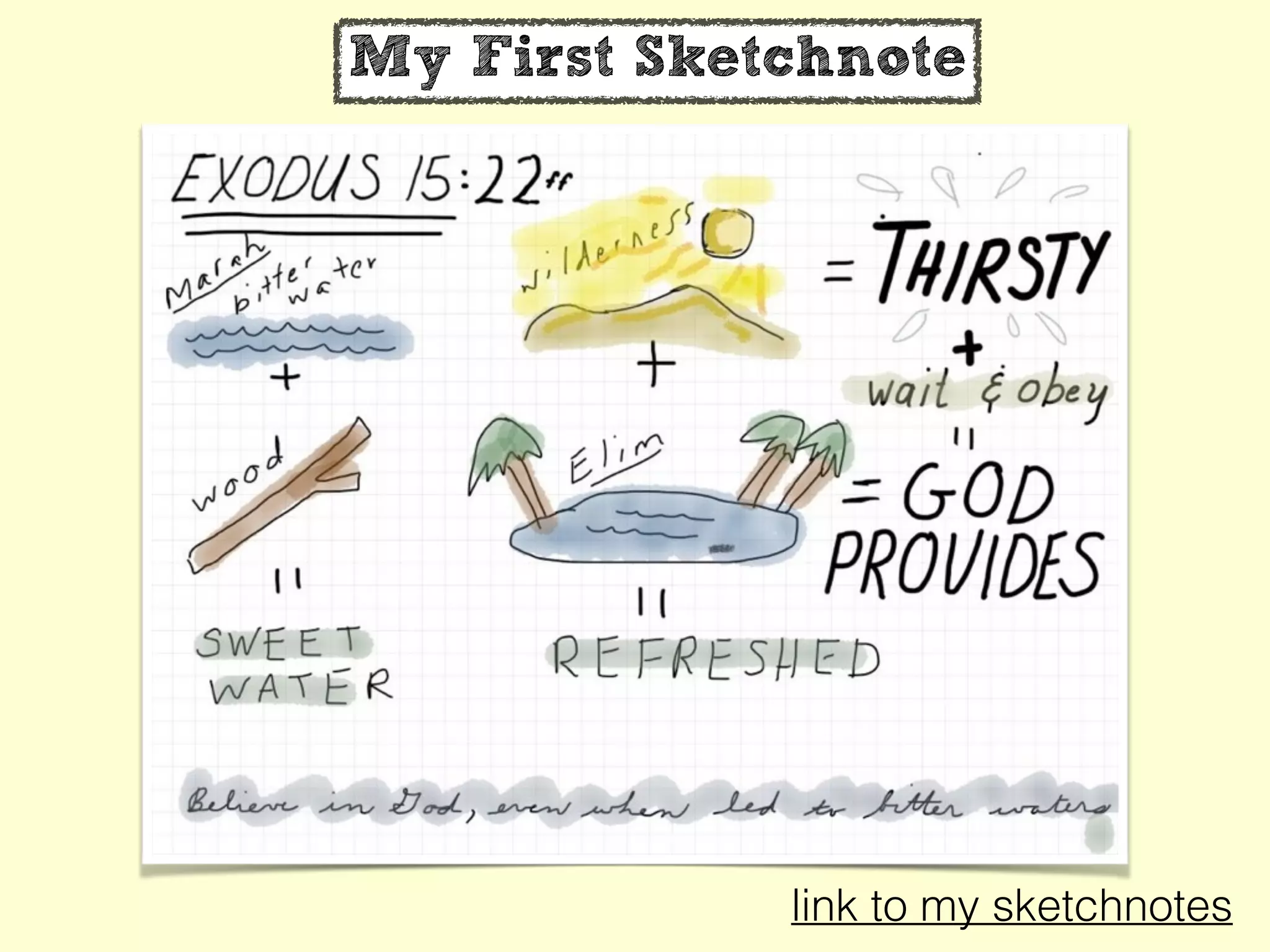
My First Sketchnote
link to my sketchnotes
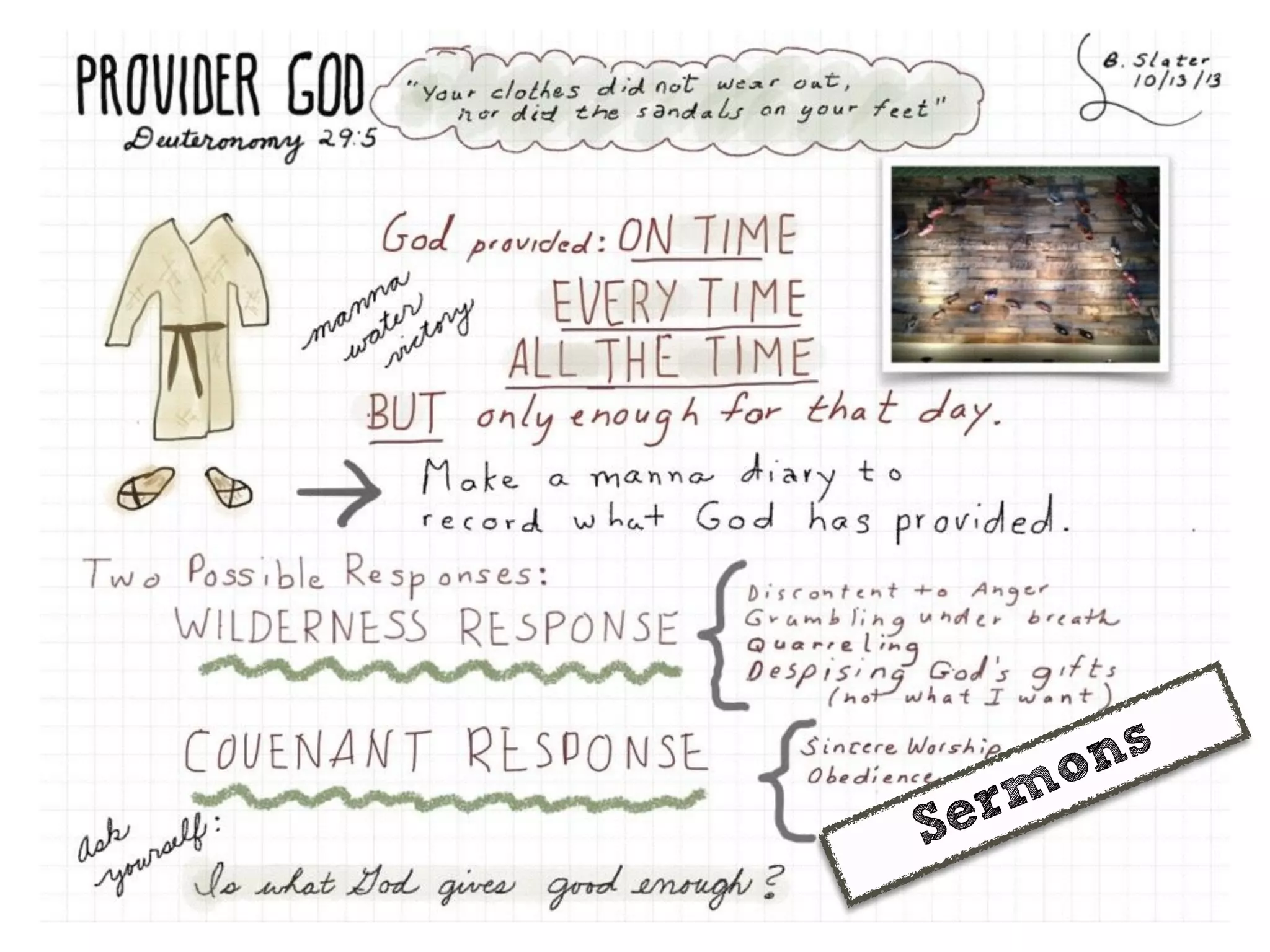
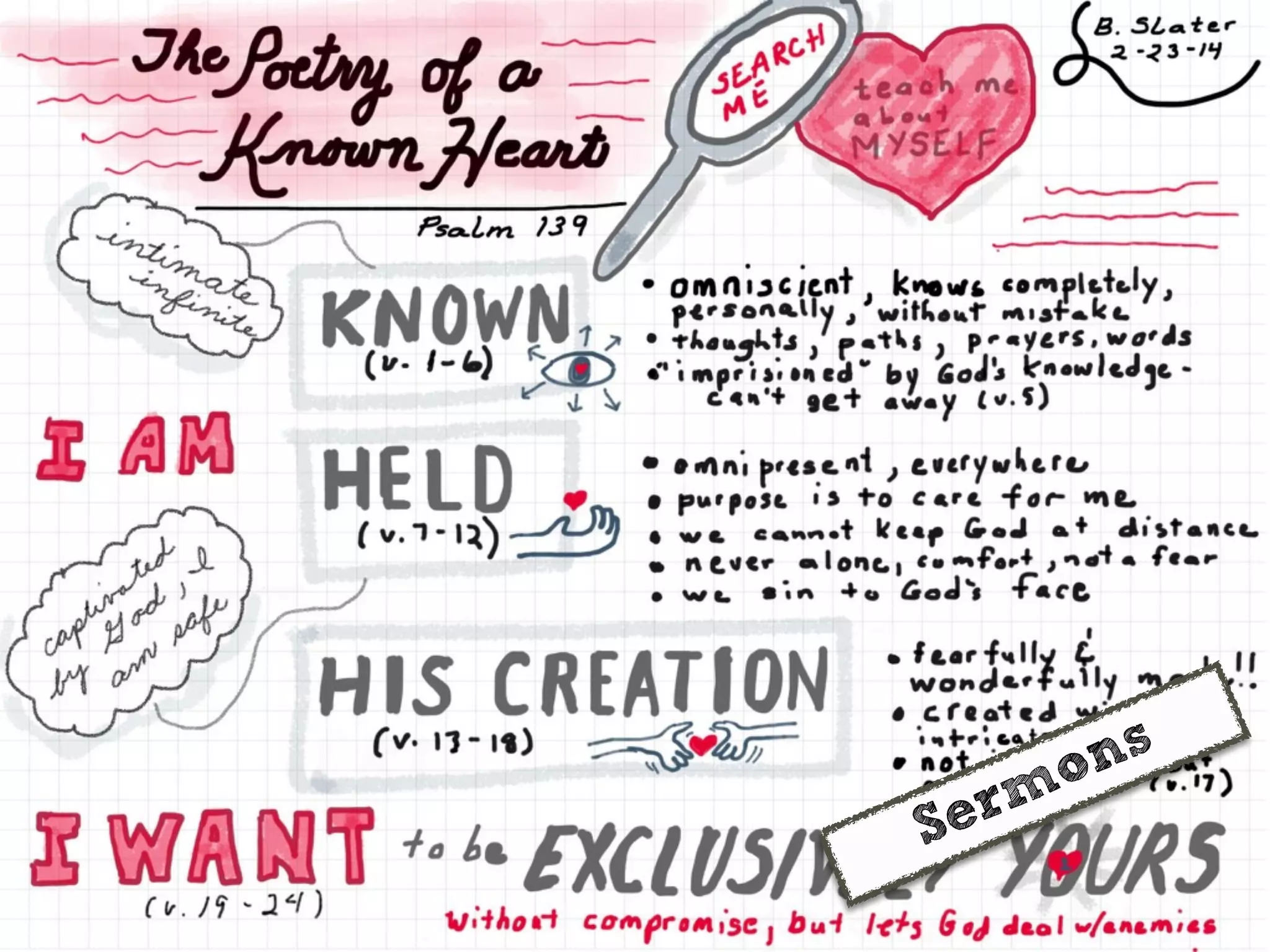
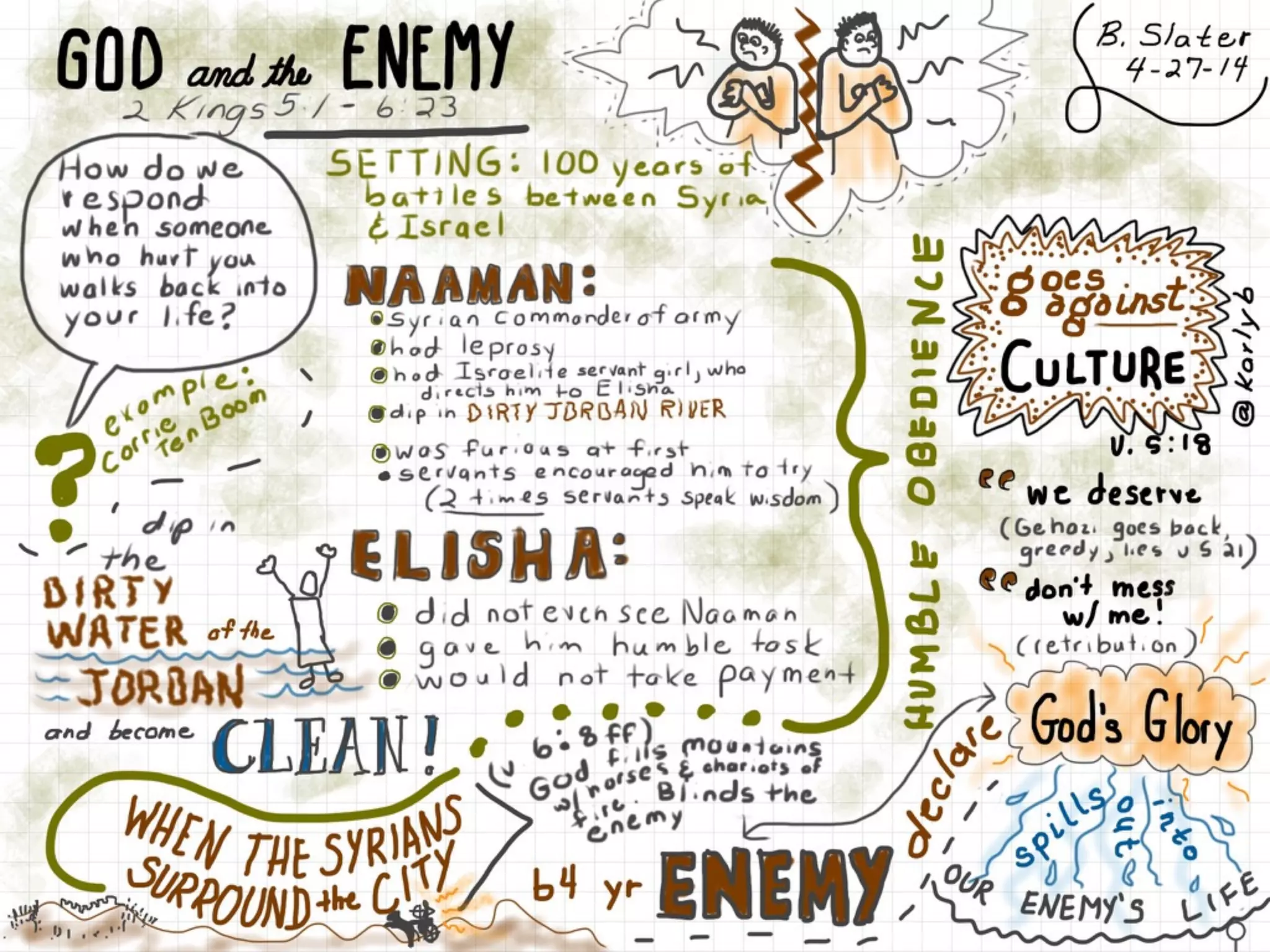
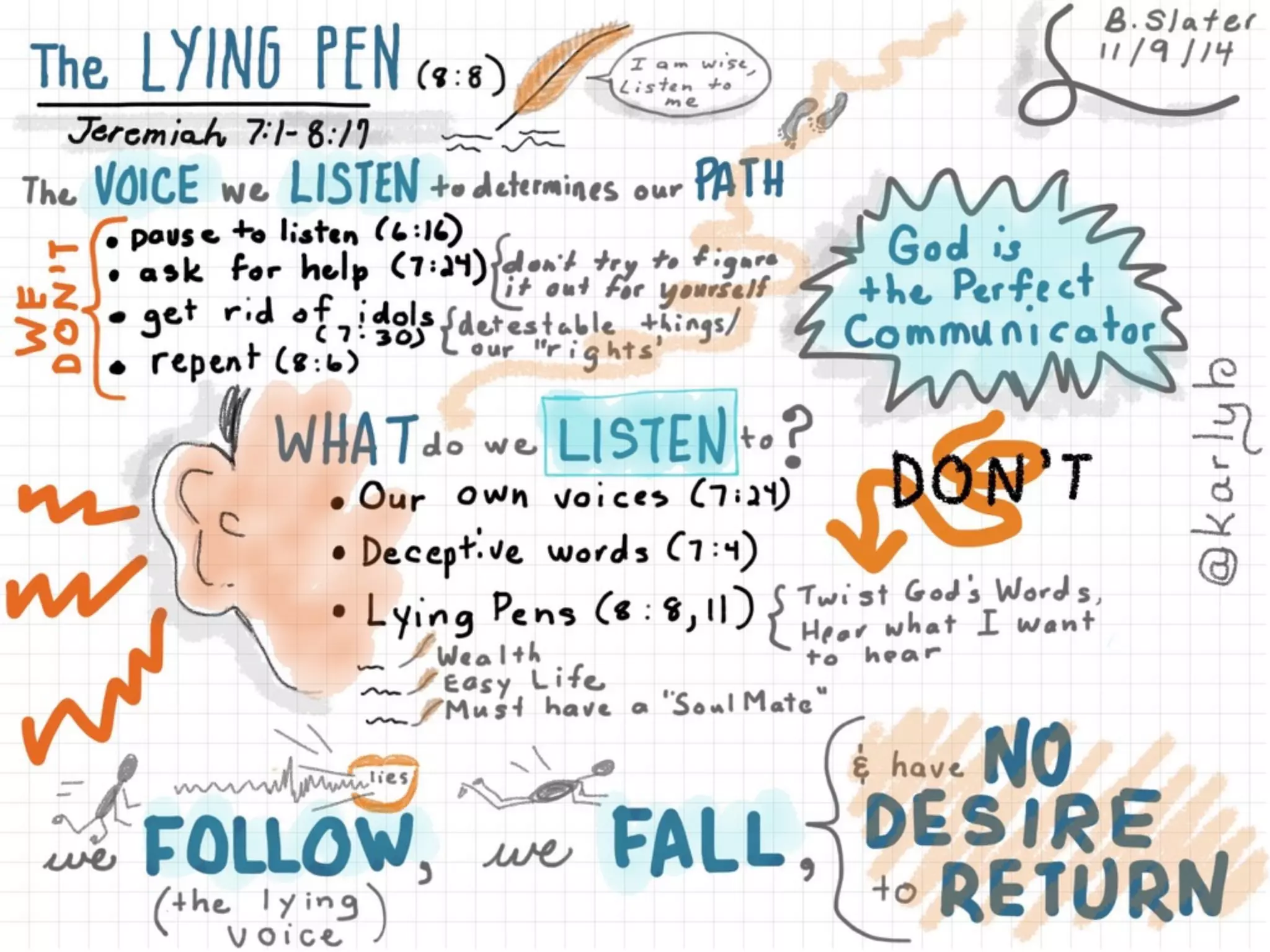
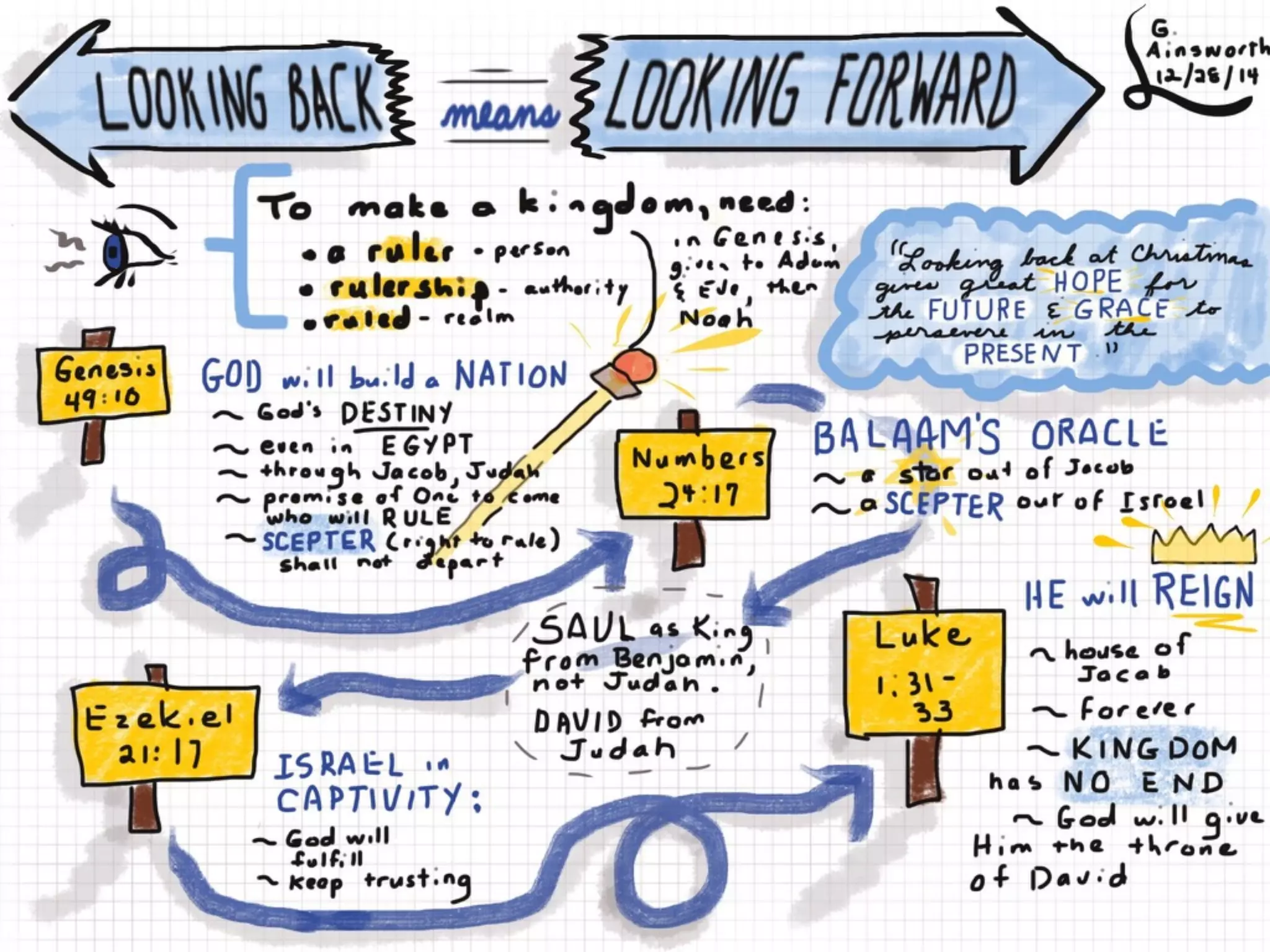
Sermons
Sermons
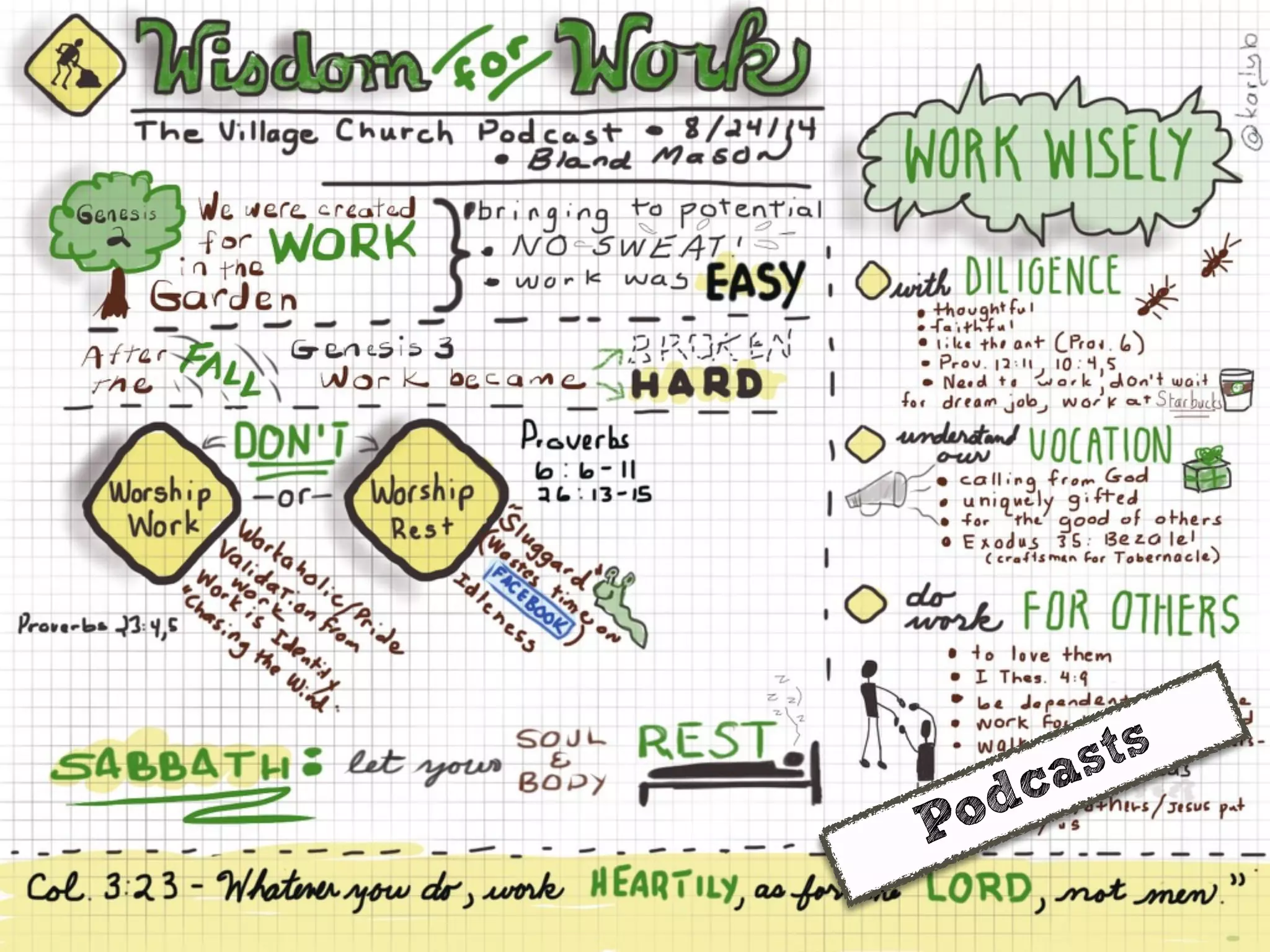
Podcasts
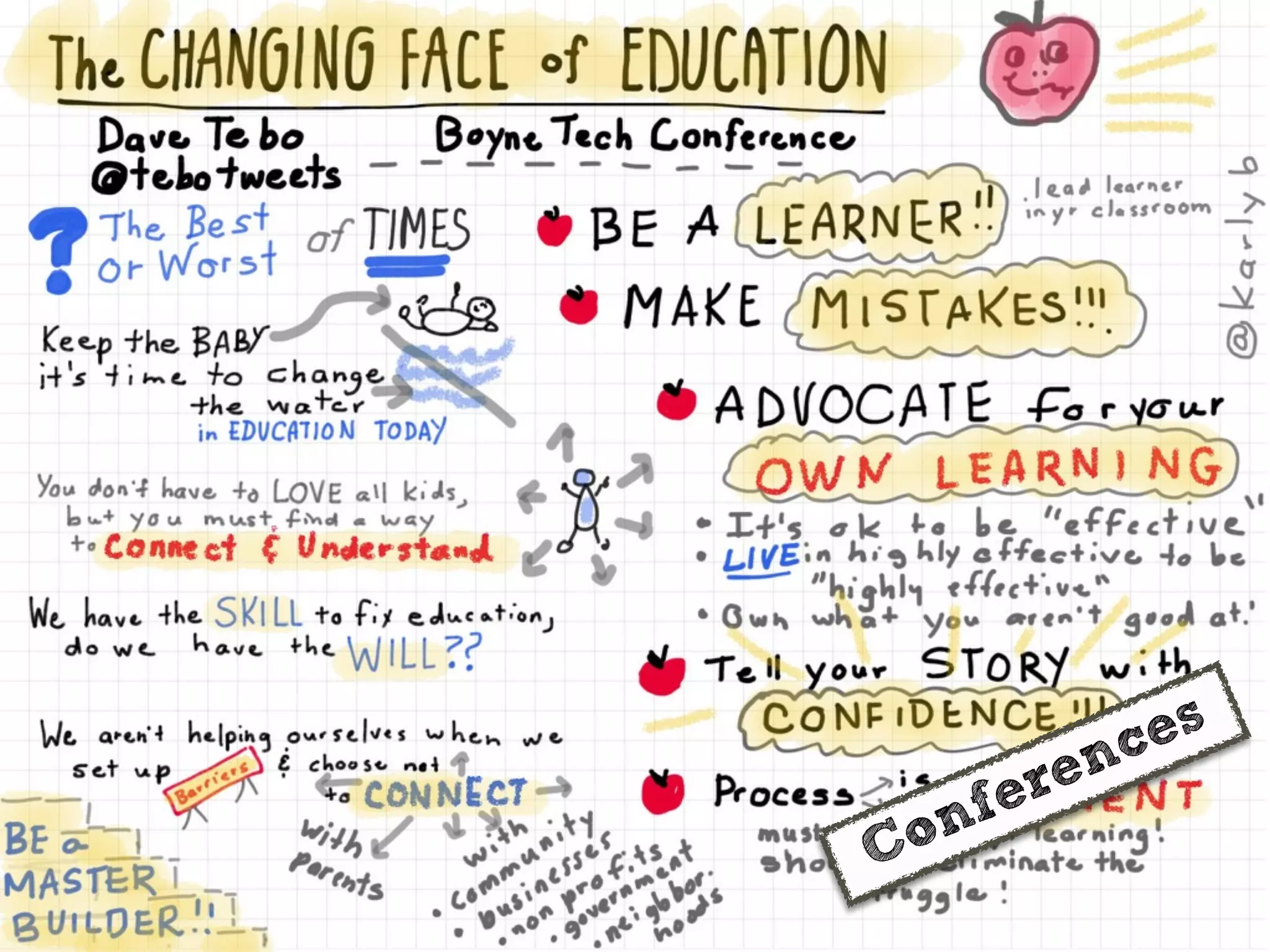
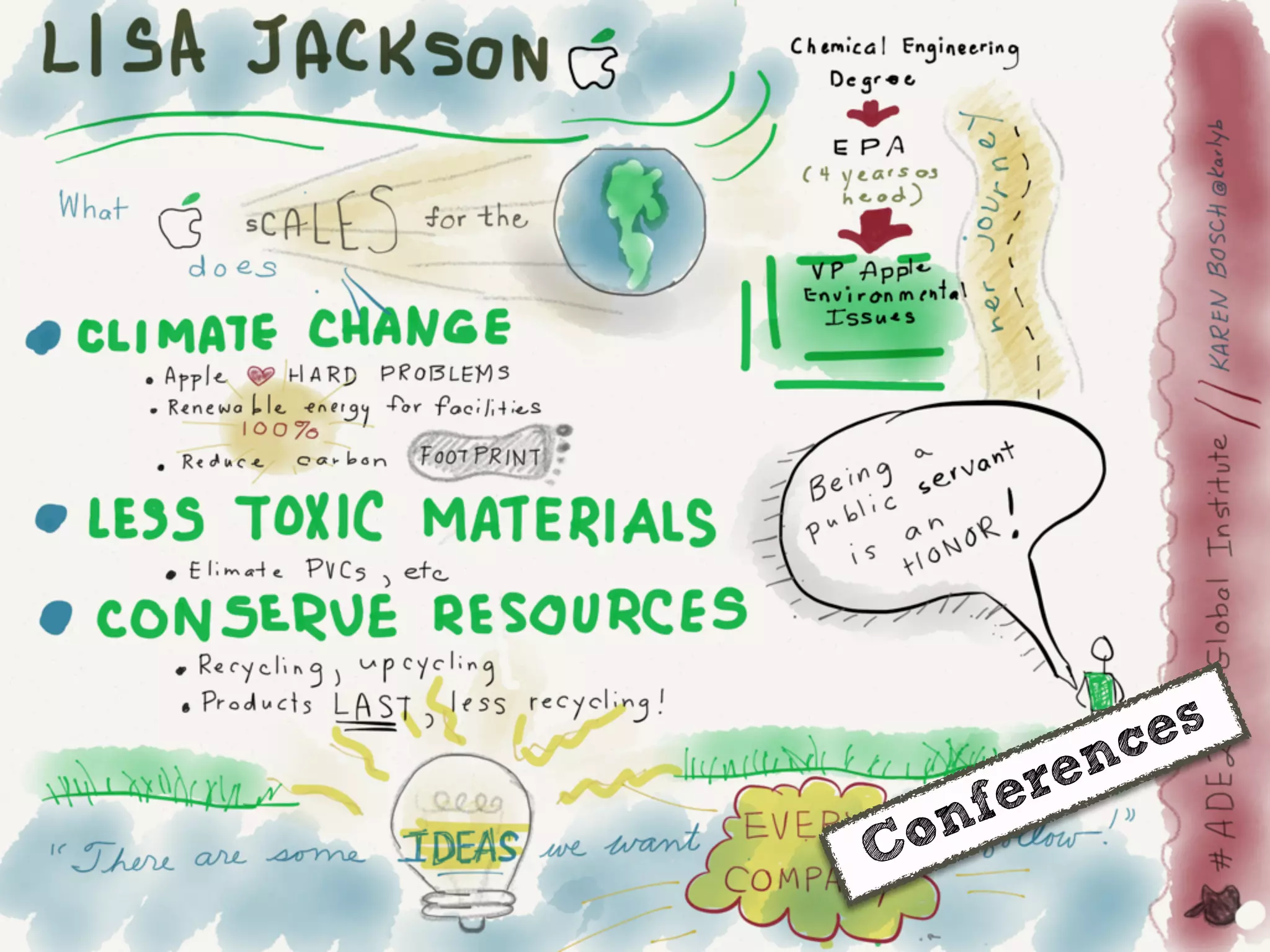
Conferences
Conferences
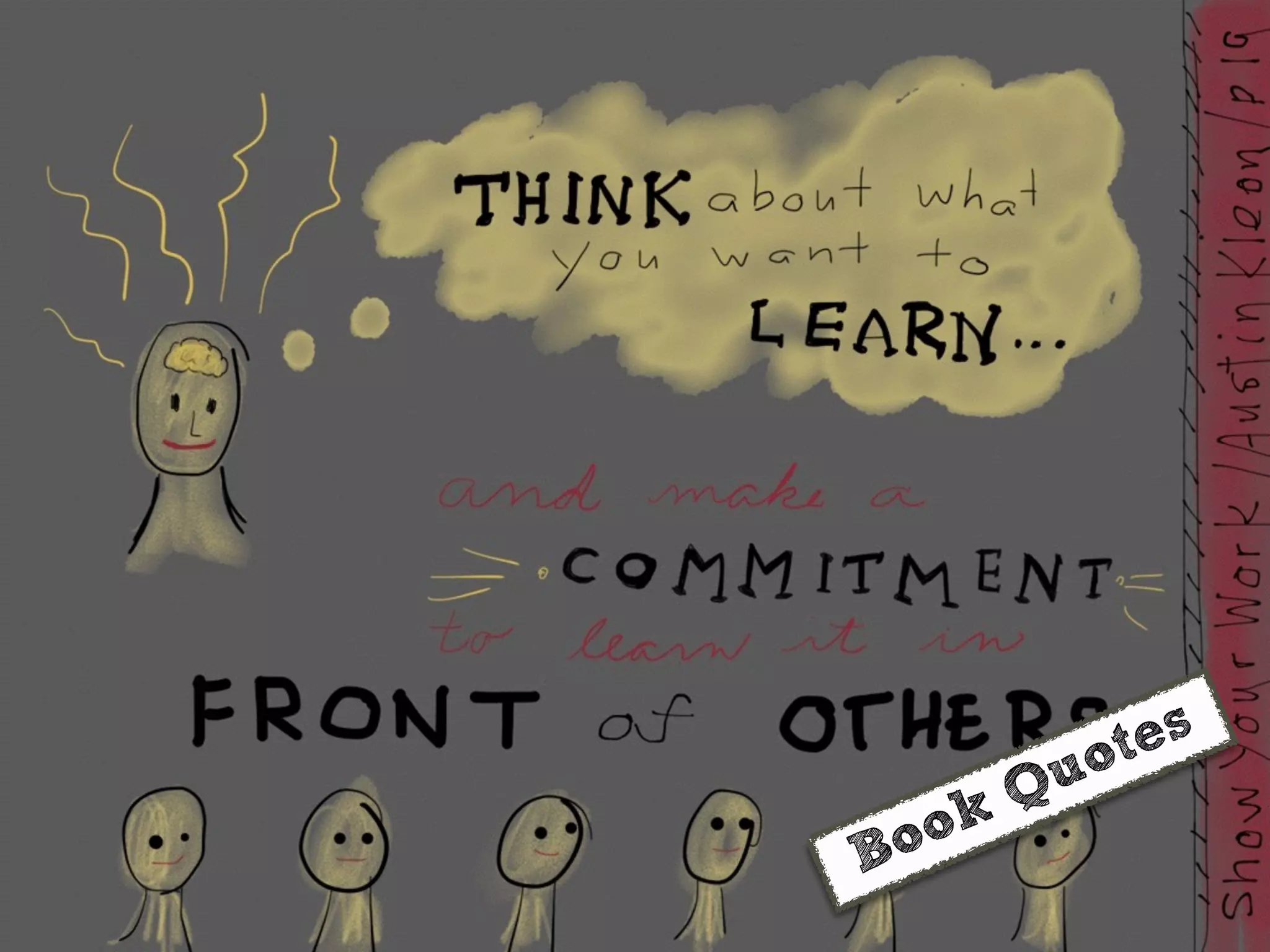
Book Quotes
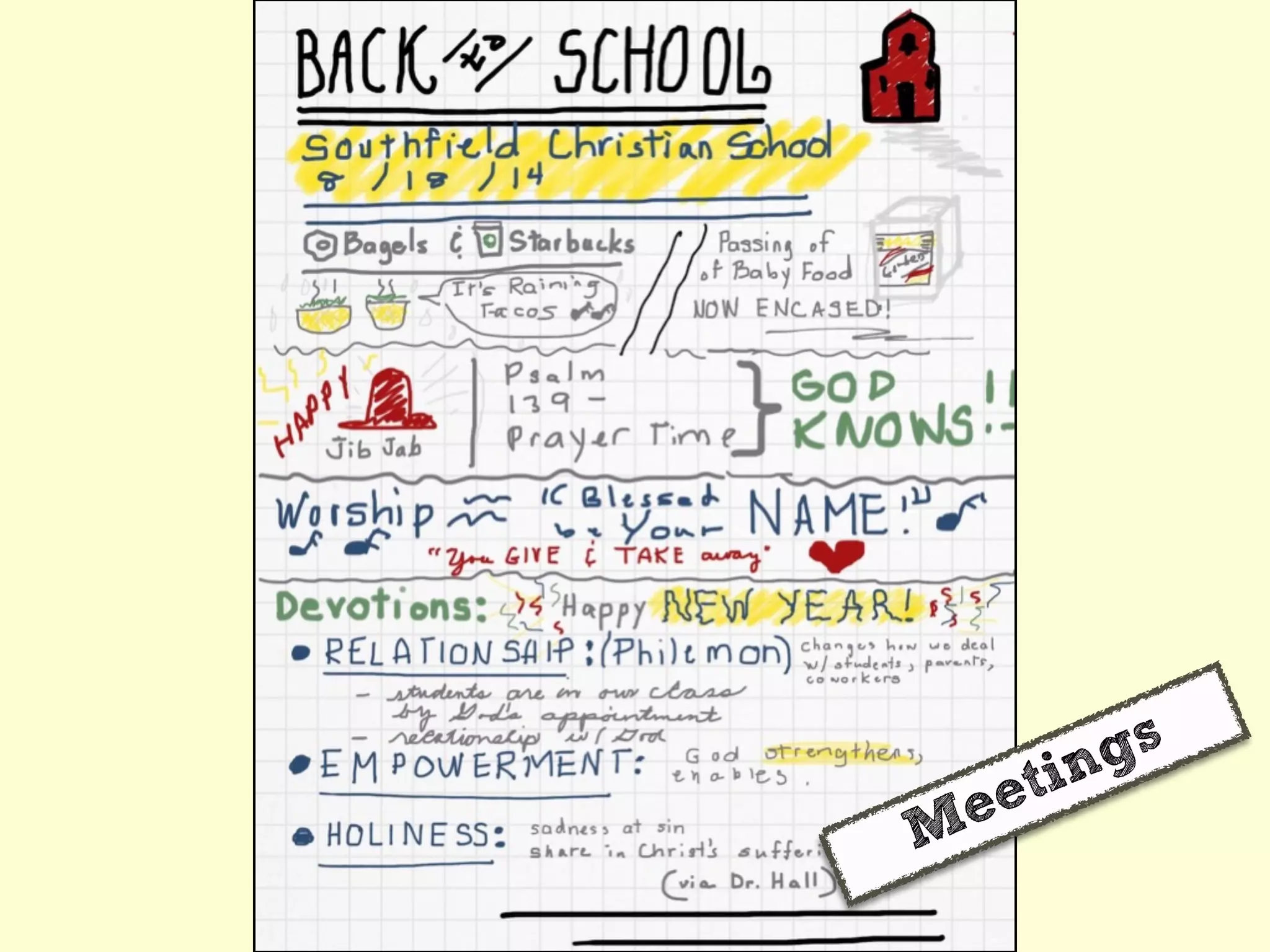
Meetings
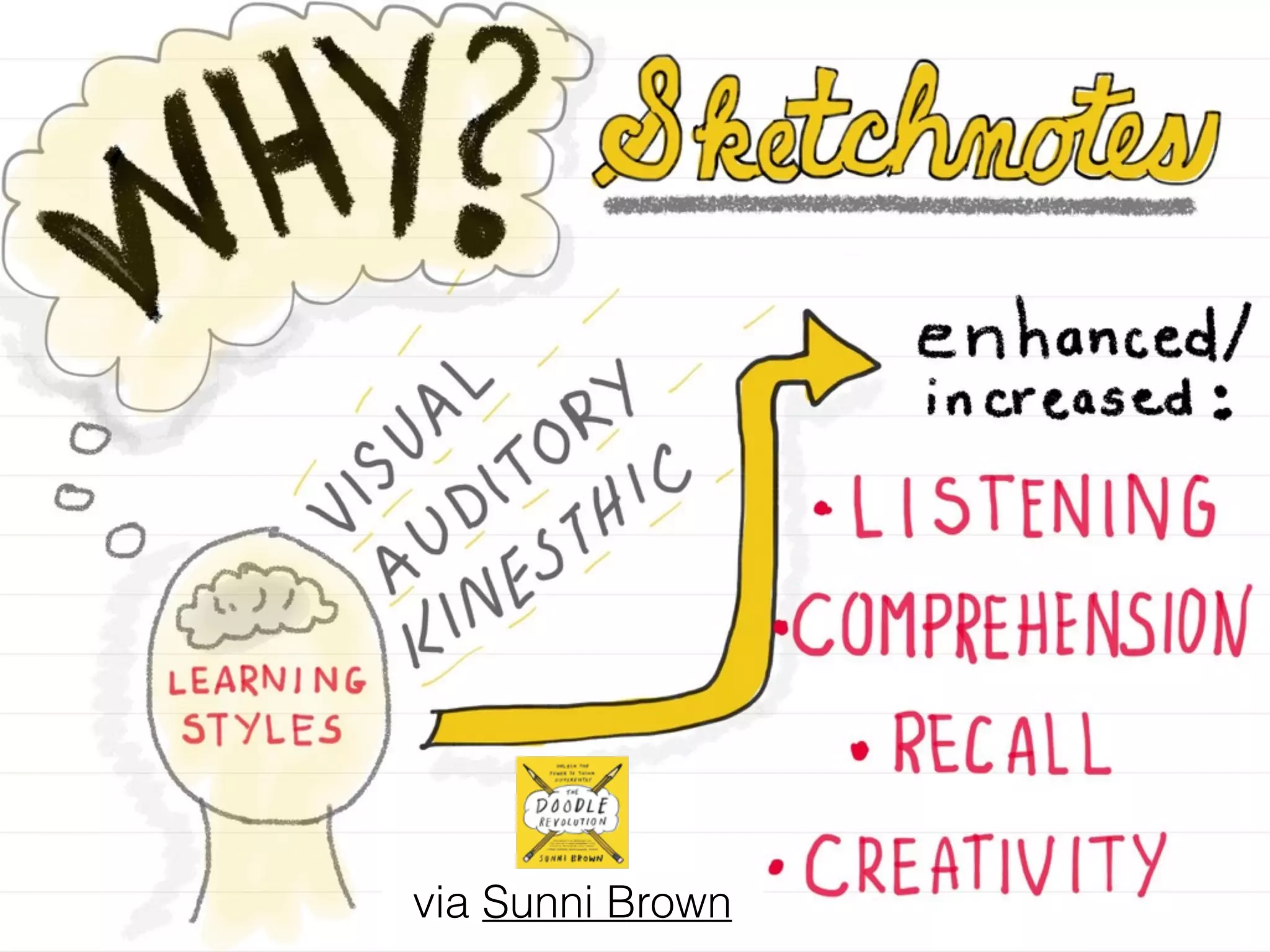
via Sunni Brown
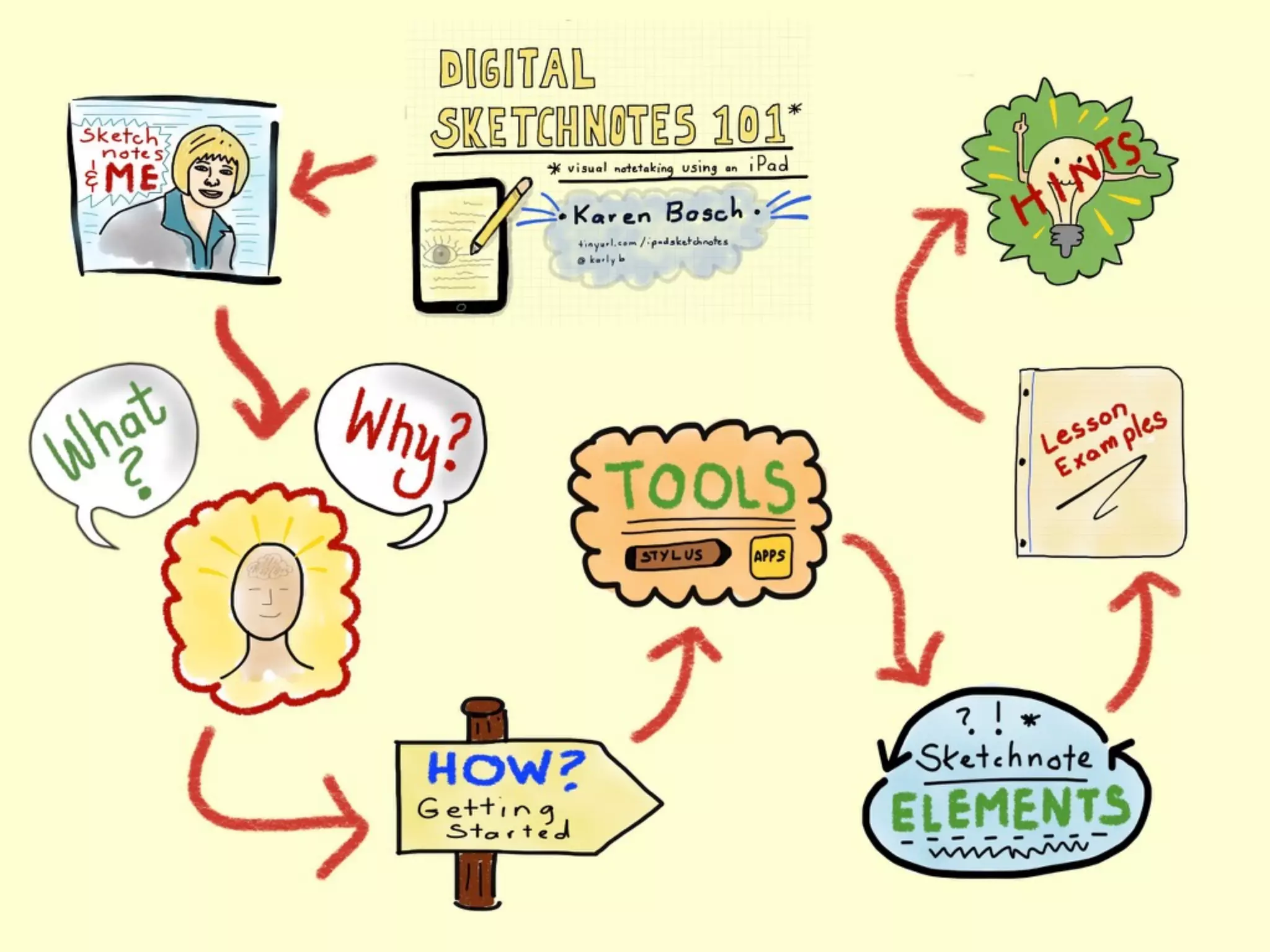
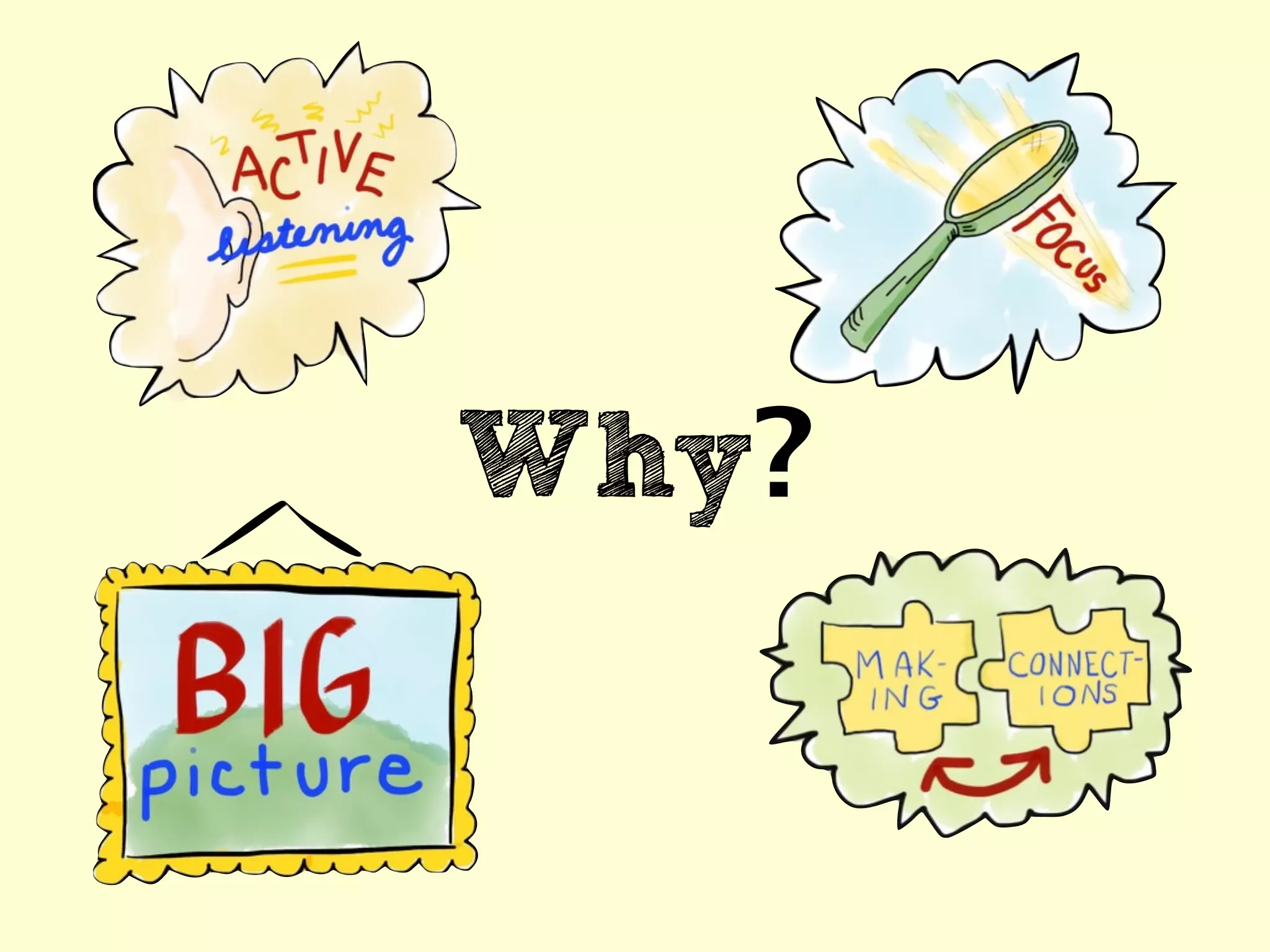
Why?
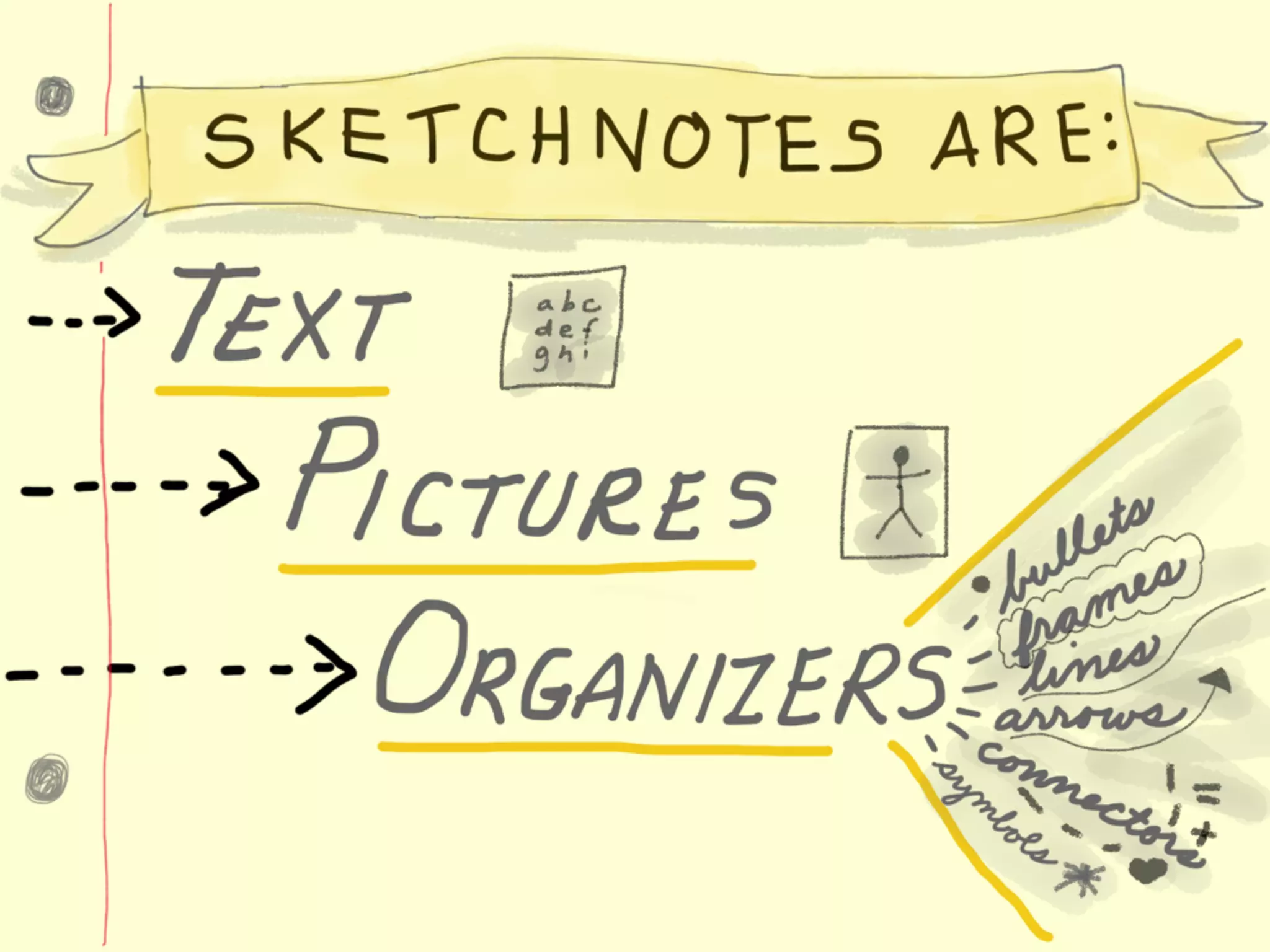
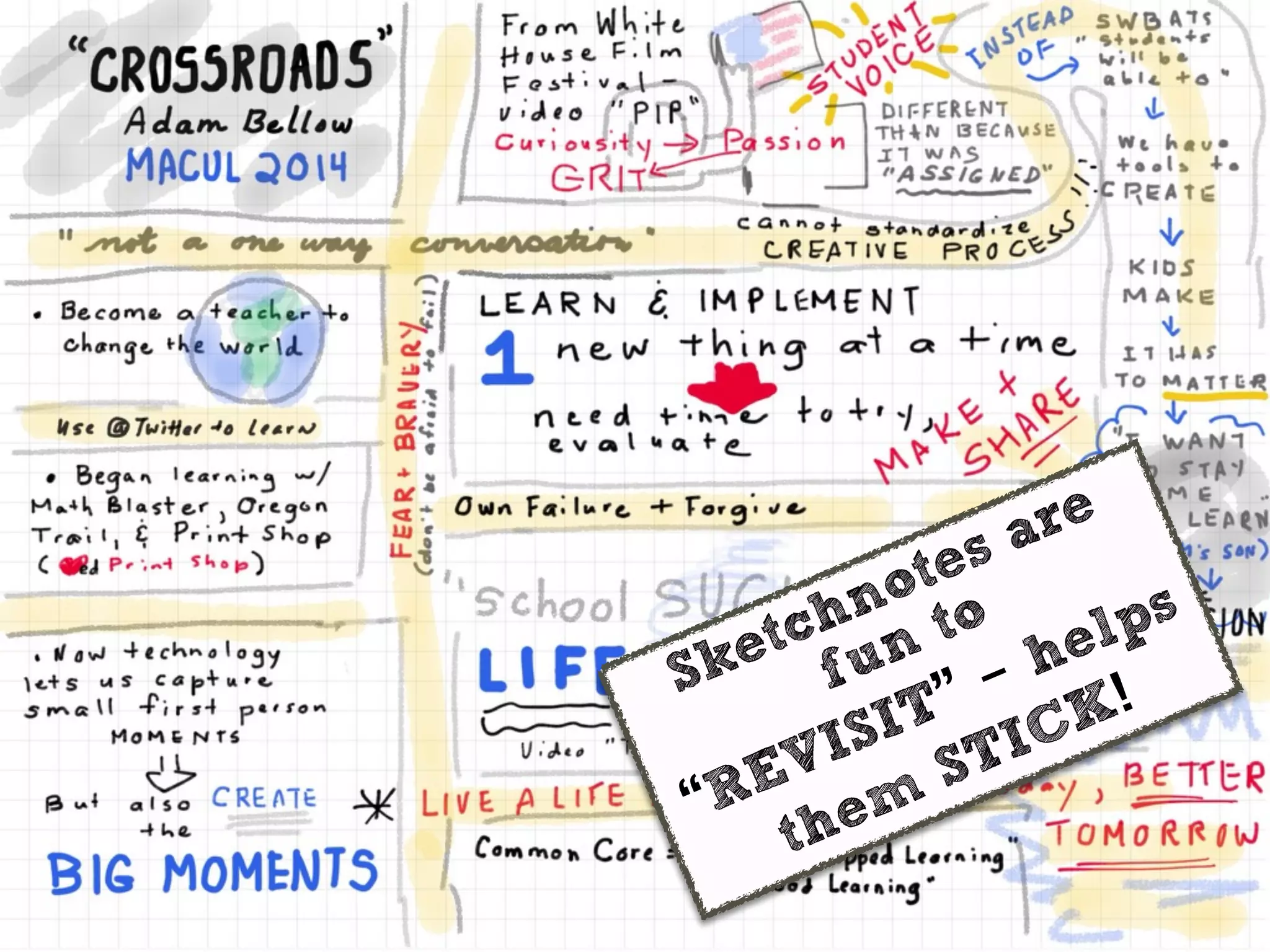
Sketchnotes are
fun to
“REVISIT” - helps
them
STICK!
Link
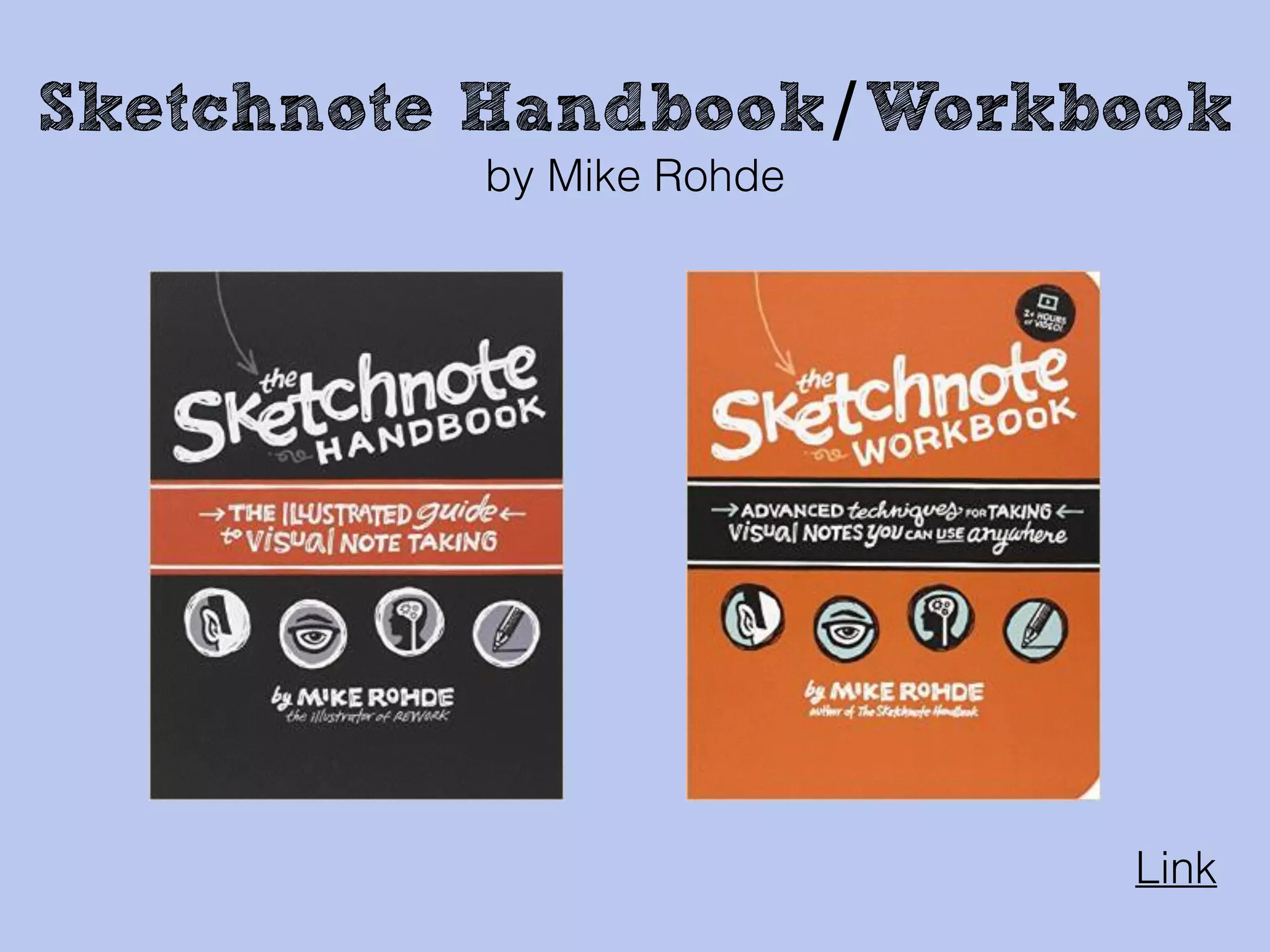
Sketchnote Handbook/Workbook
by Mike Rohde
Link to my resources
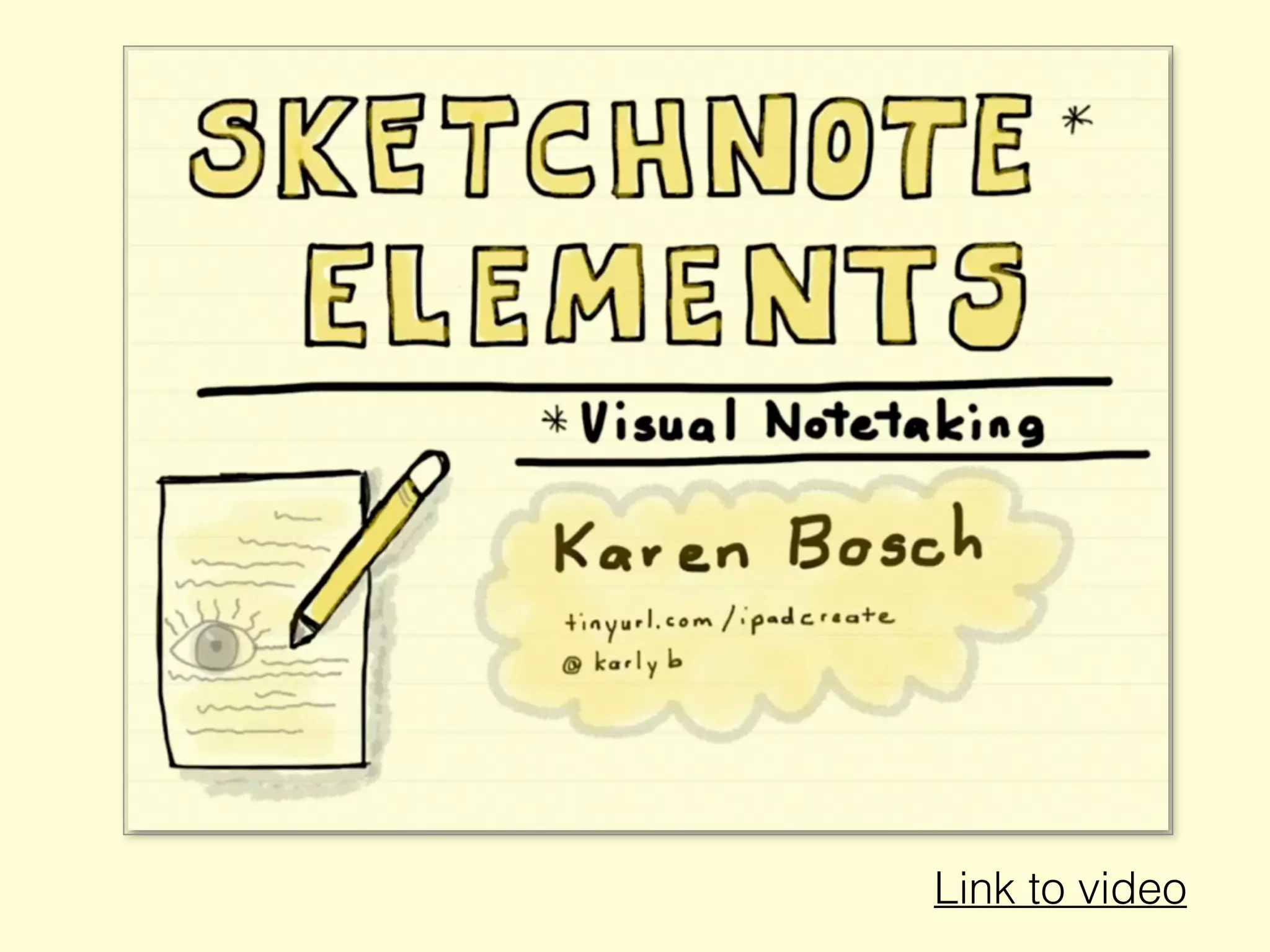
Link to video
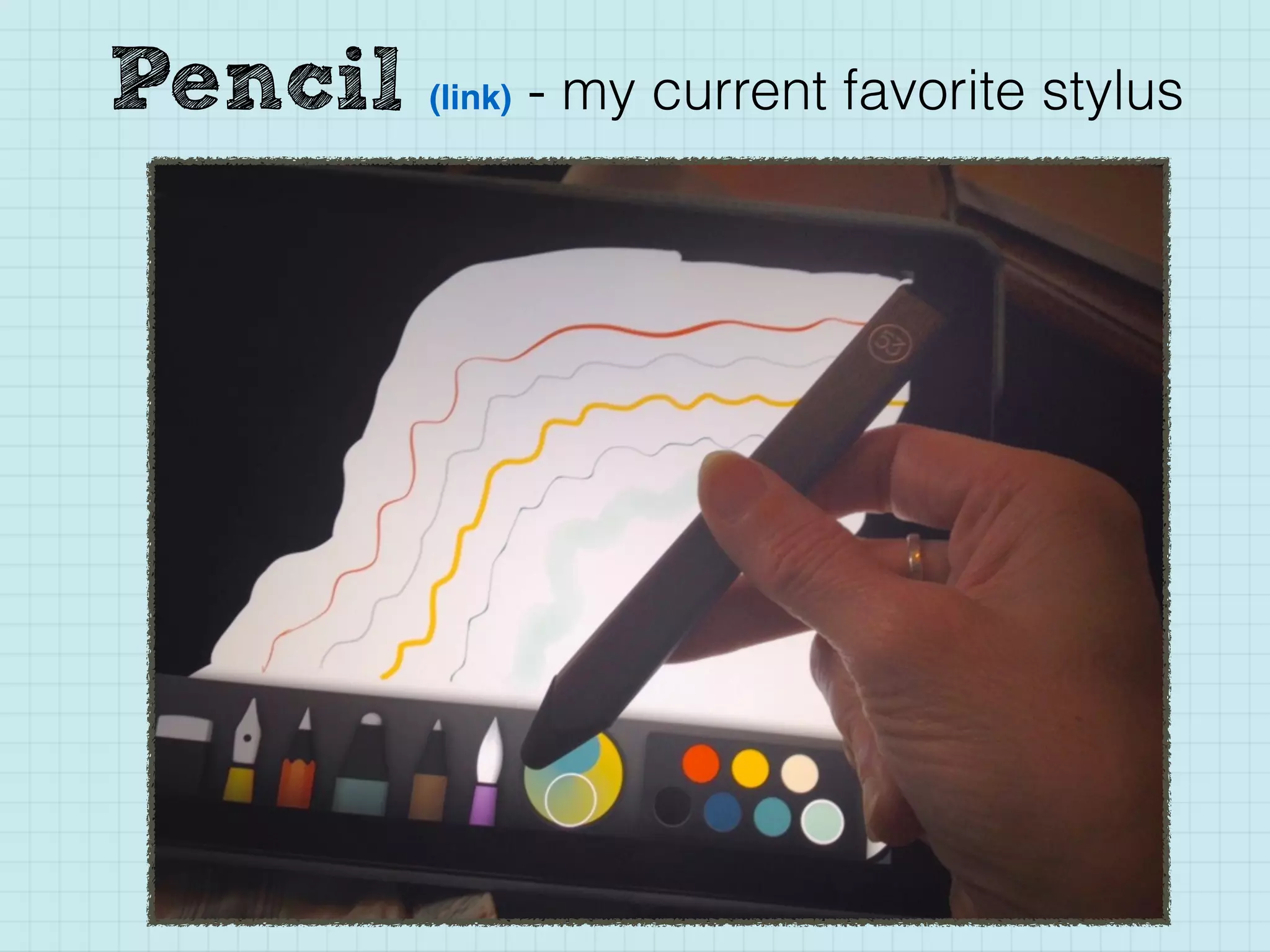
Pencil (link) - my current favorite stylus
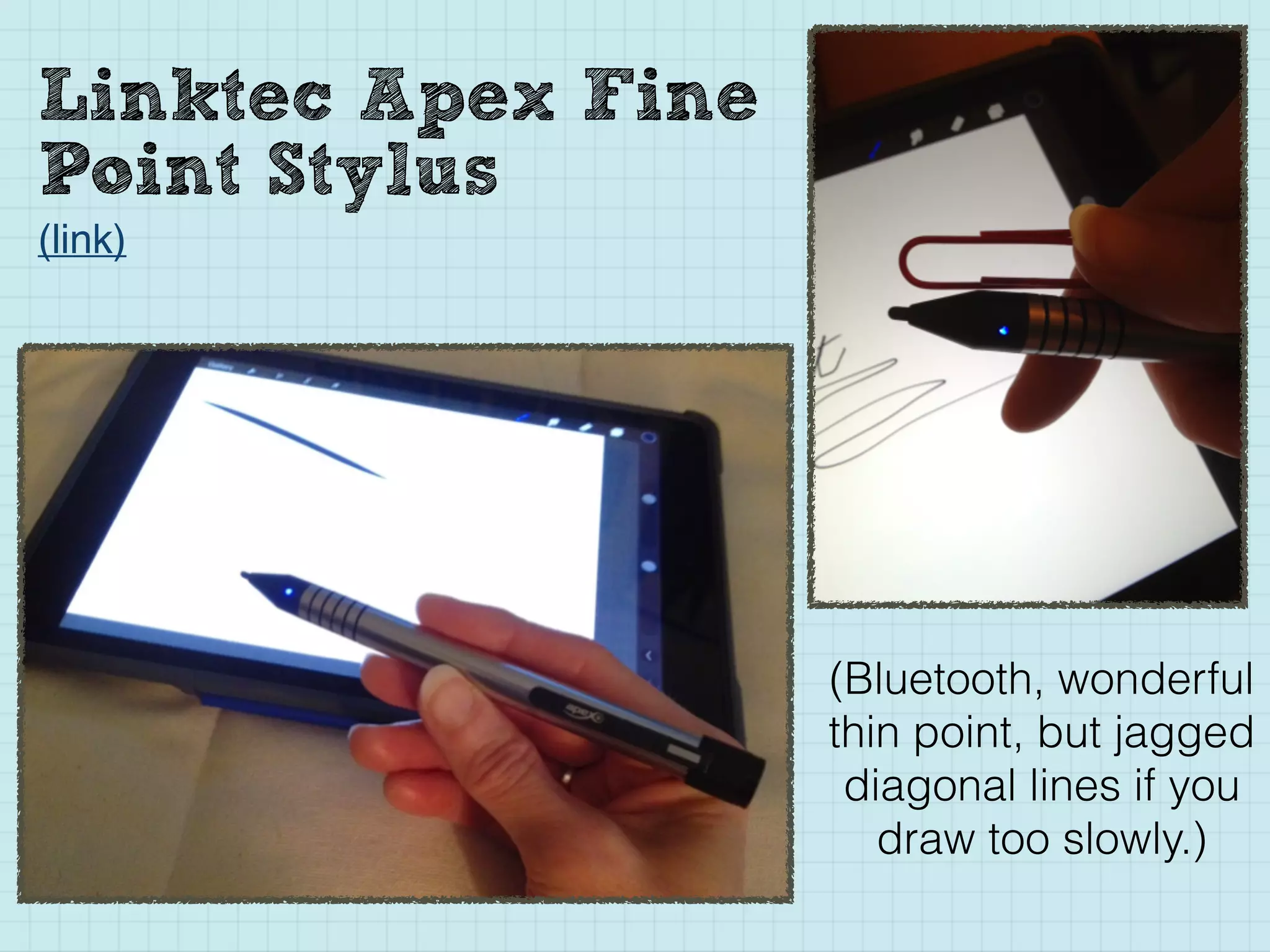
Linktec Apex Fine
Point Stylus
(link)
(Bluetooth, wonderful
thin point, but jagged
diagonal lines if you
draw too slowly.)
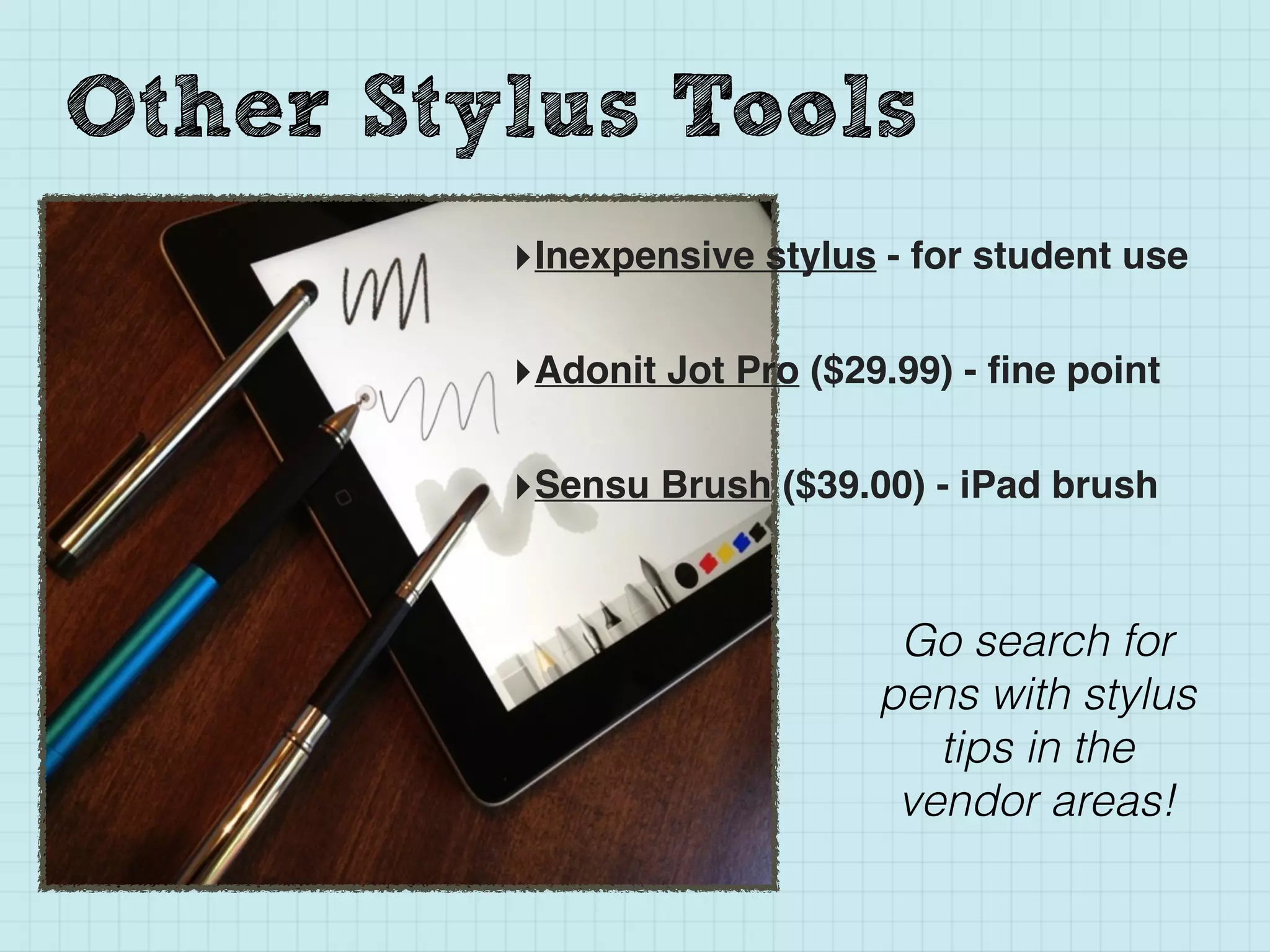
Other Stylus Tools
‣Inexpensive stylus - for student use
‣Adonit Jot Pro ($29.99) - fine point
‣Sensu Brush ($39.00) - iPad brush
Go search for
pens with stylus
tips in the
vendor areas!
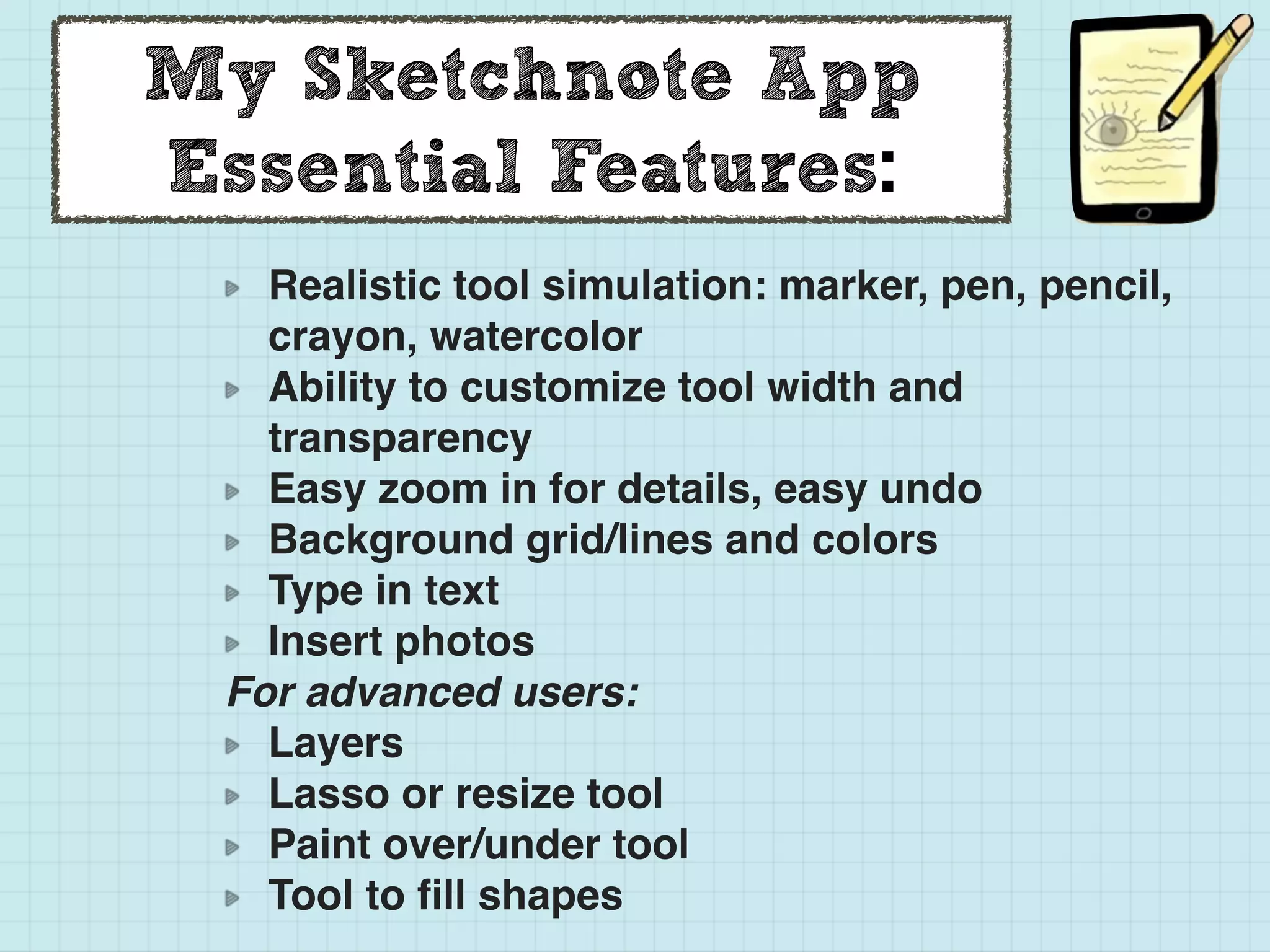
My Sketchnote App
Essential Features:
Realistic tool simulation: marker, pen, pencil,
crayon, watercolor
Ability to customize tool width and
transparency
Easy zoom in for details, easy undo
Background grid/lines and colors
Type in text
Insert photos
For advanced users:
Layers
Lasso or resize tool
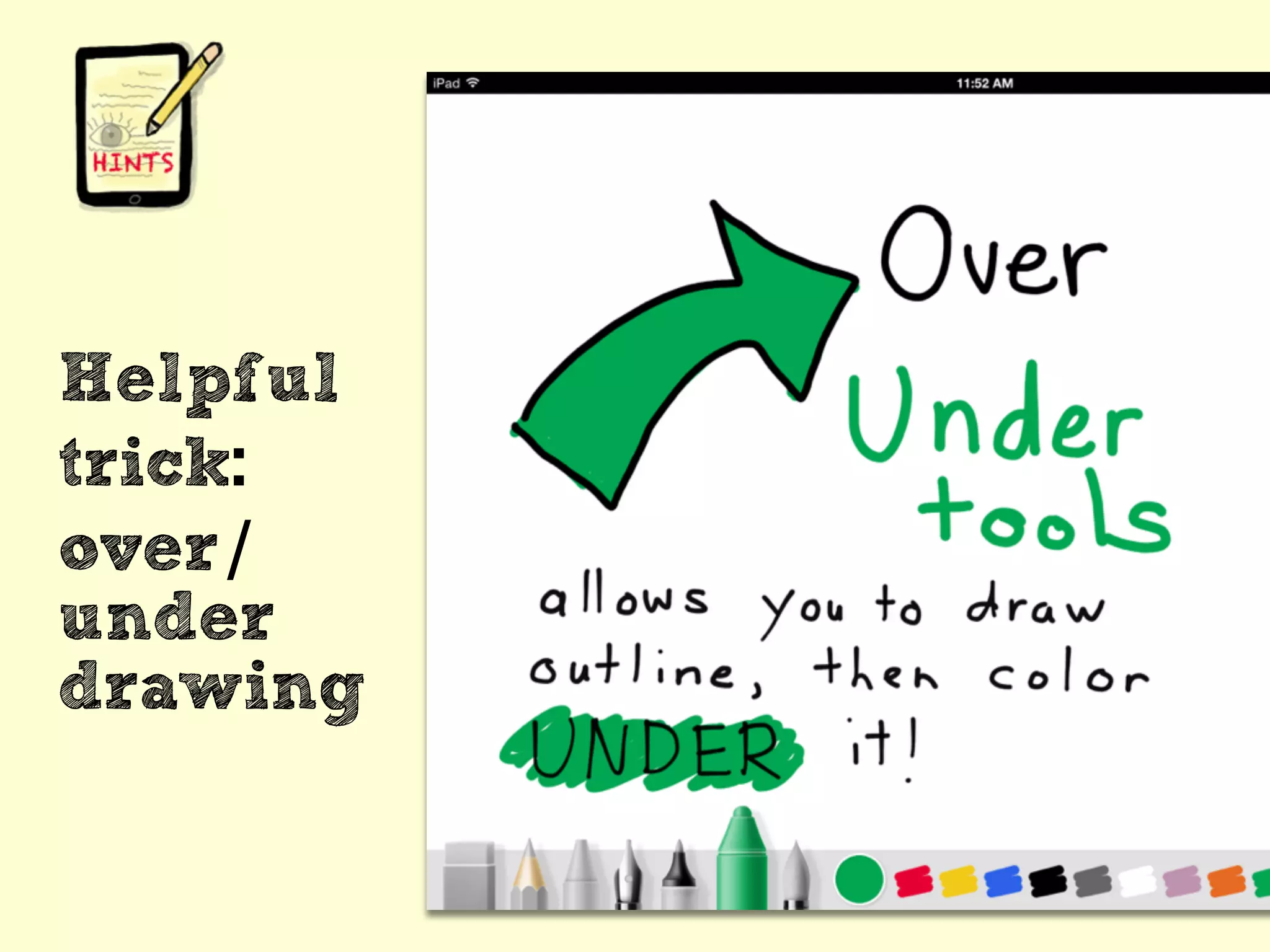
Paint over/under tool
Tool to fill shapes
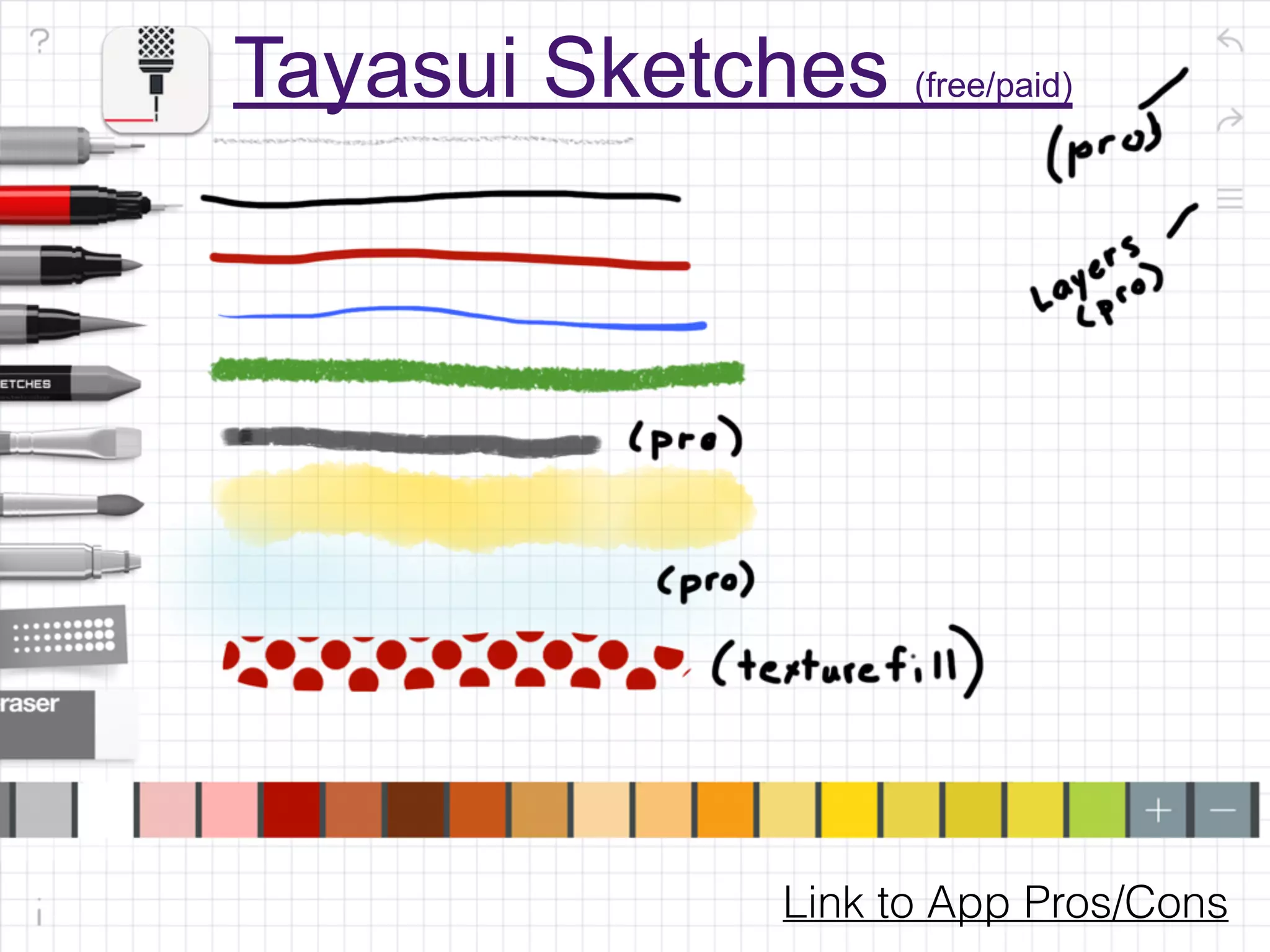
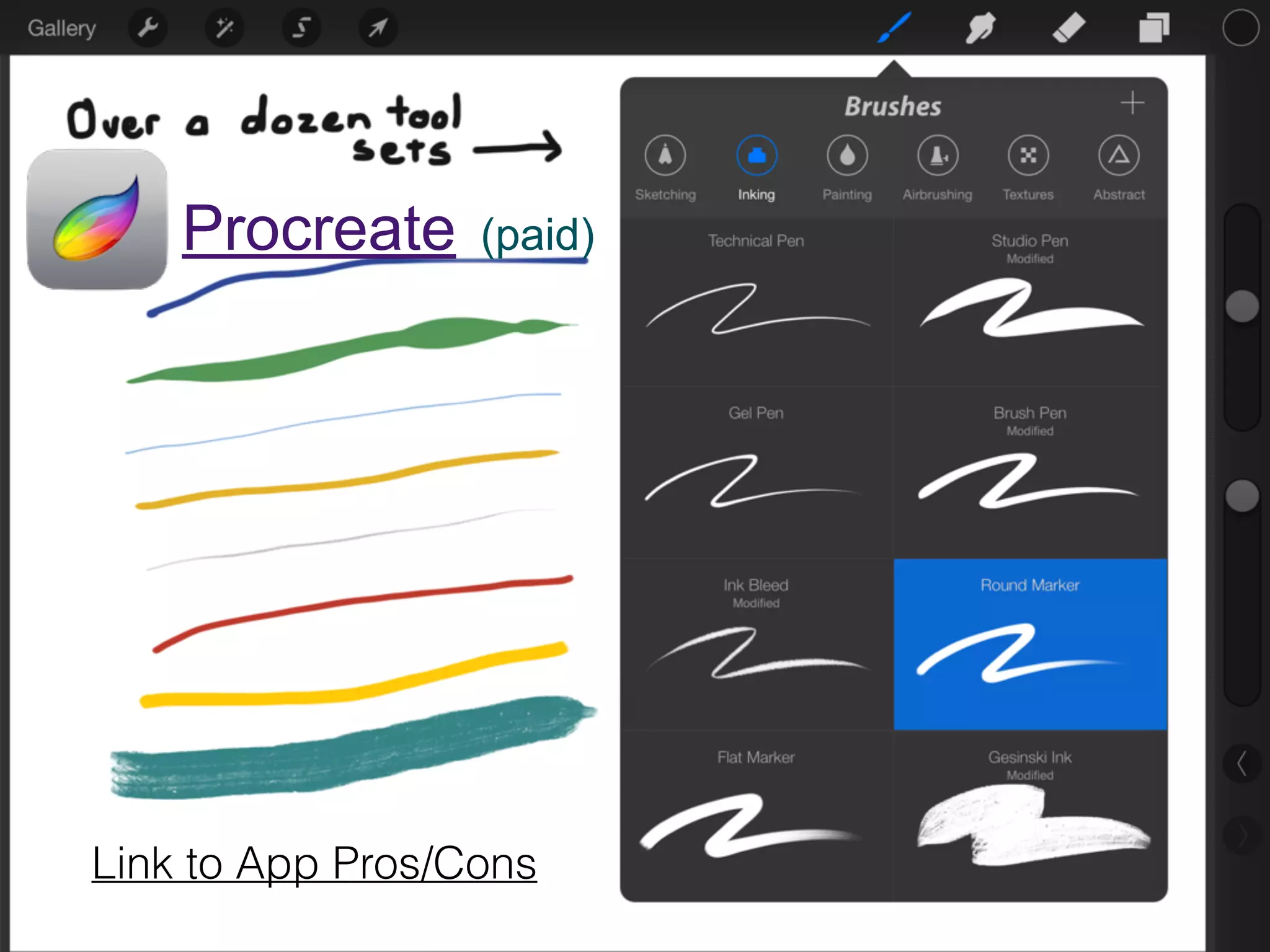
Link to App Pros/Cons
Tayasui Sketches (free/paid)
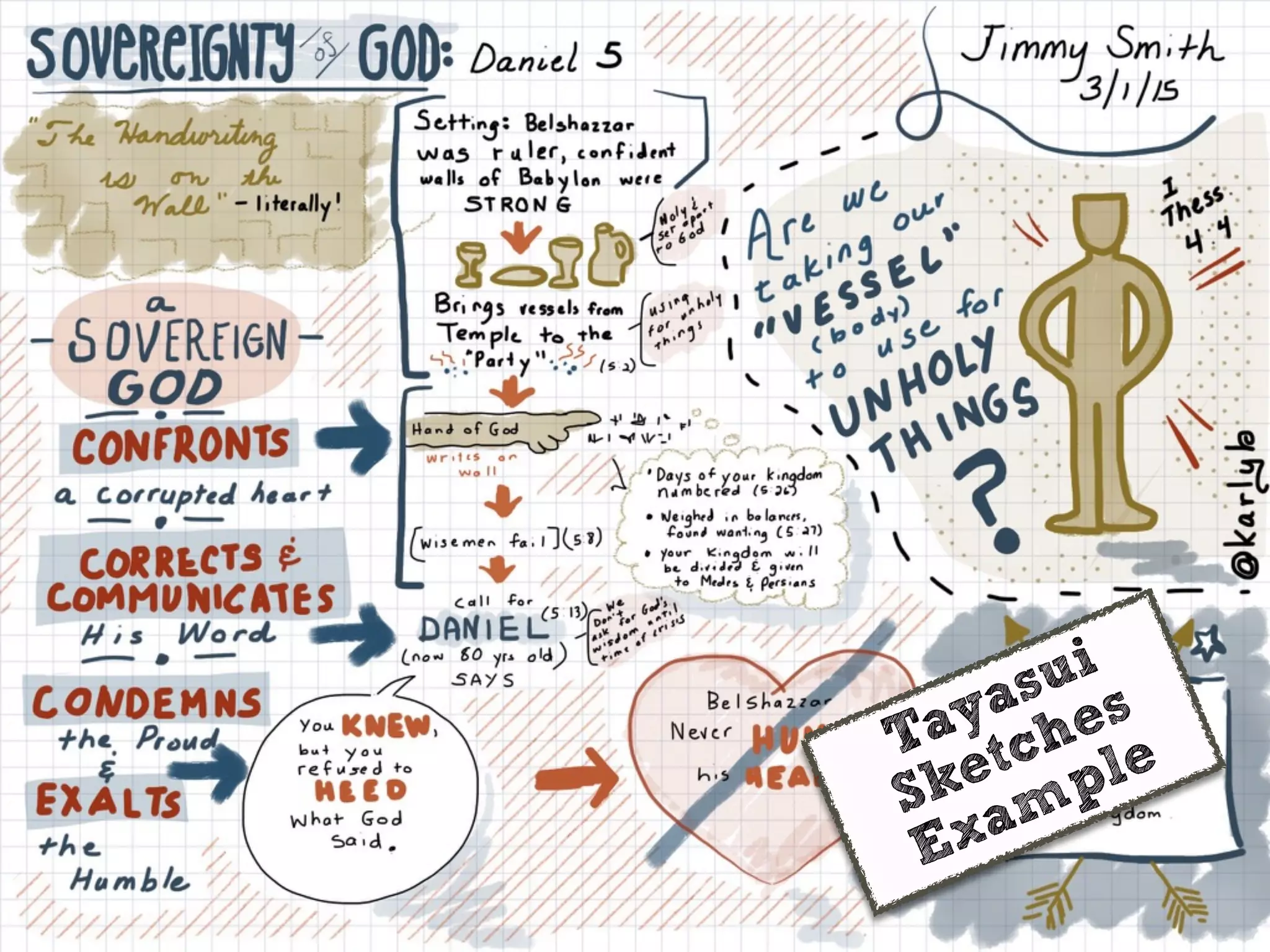
Tayasui
Sketches
Example
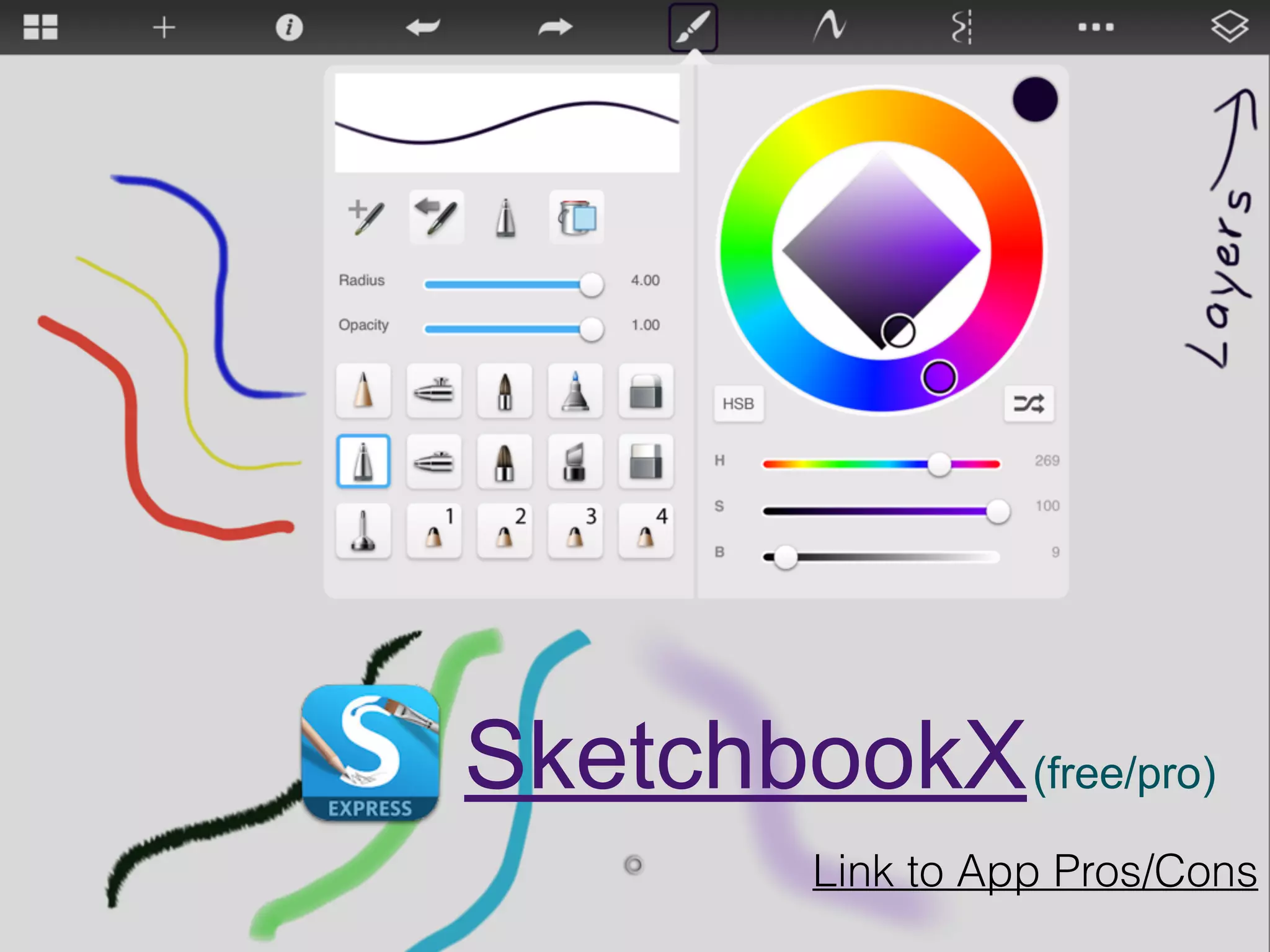
SketchbookX(free/pro)
Link to App Pros/Cons
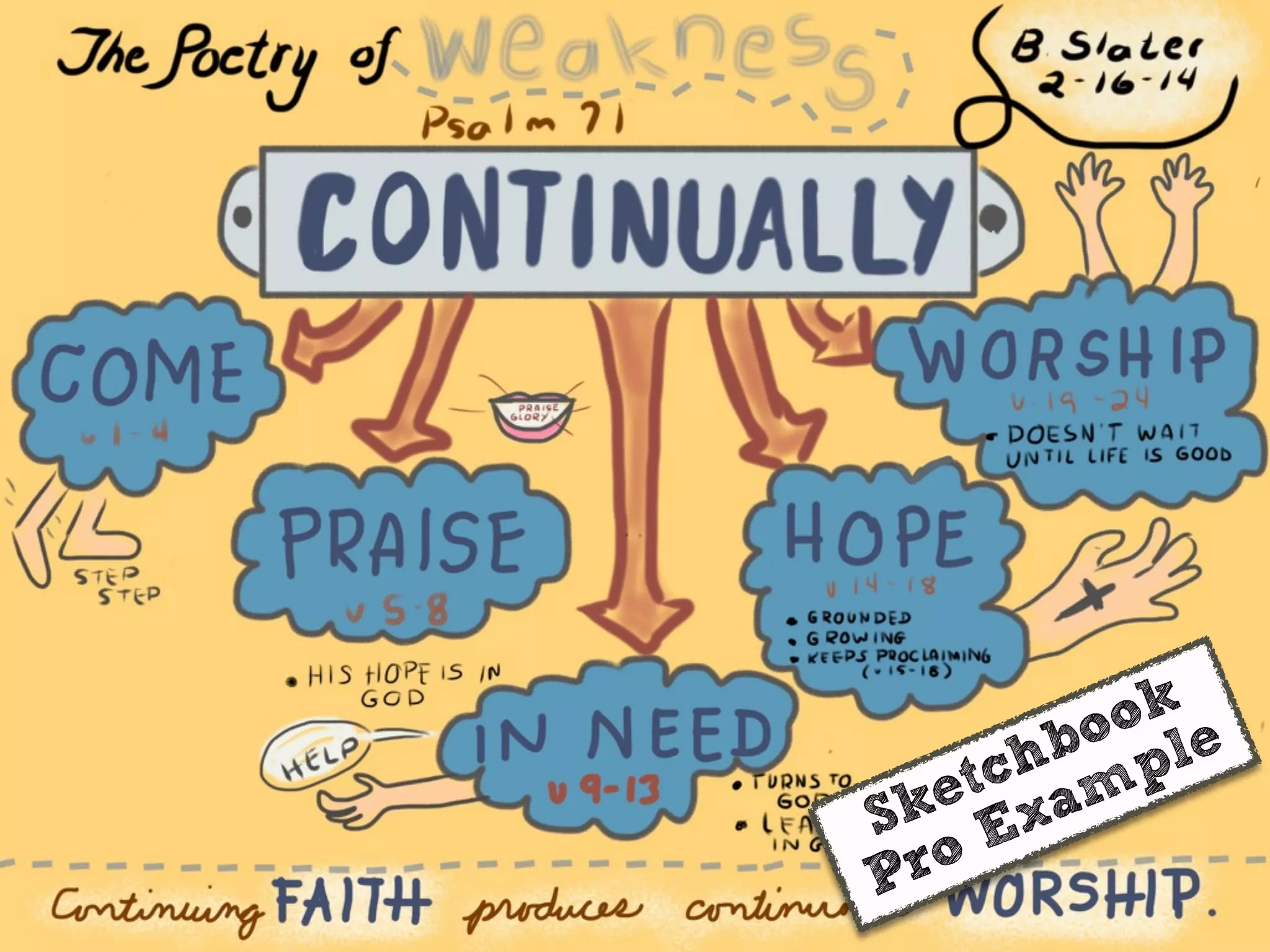
Sketchbook
Pro Example
Link to App Pros/Cons
Paper53 (free!)
All tools
are
now FREE!
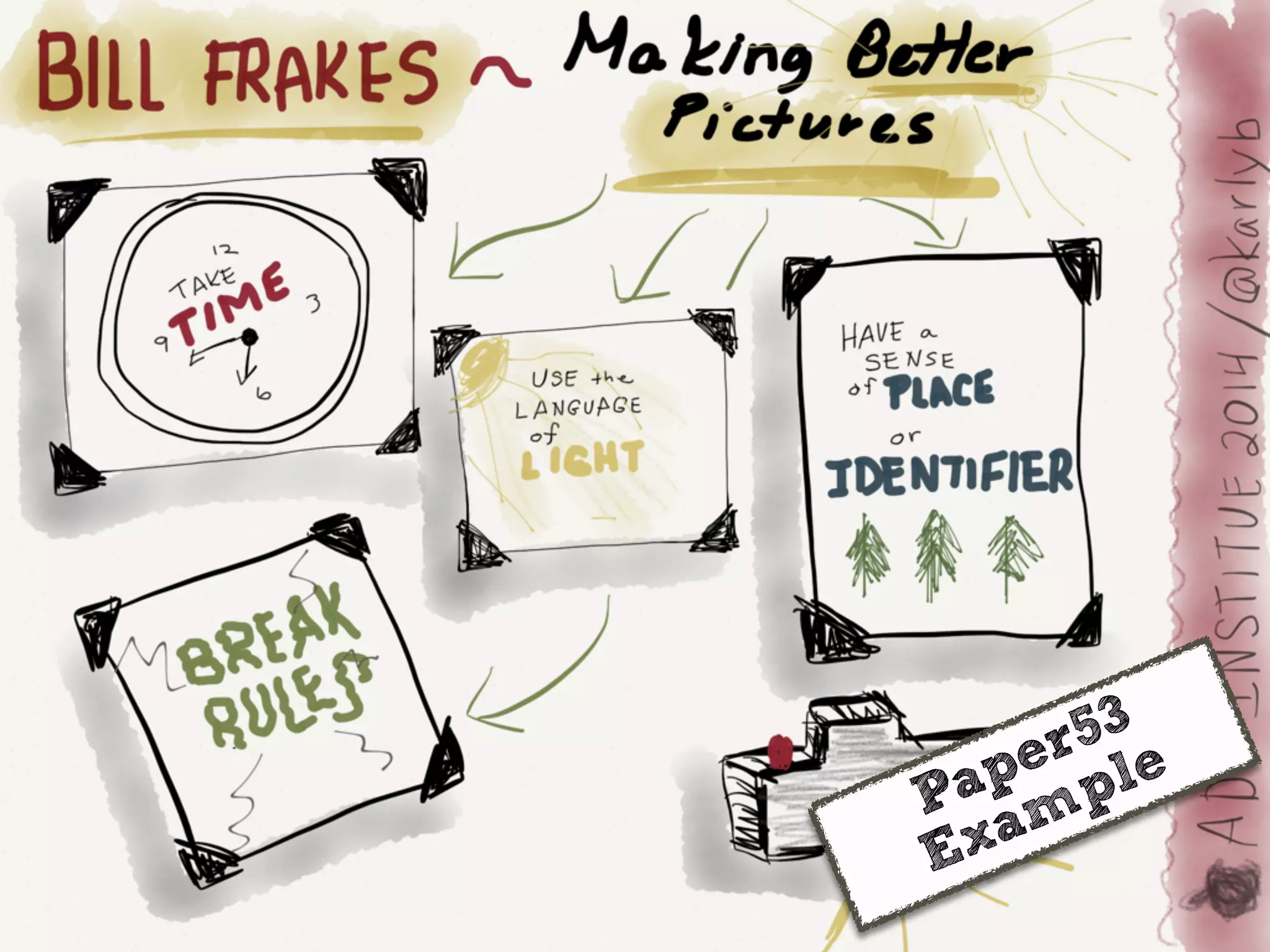
Paper53
Example
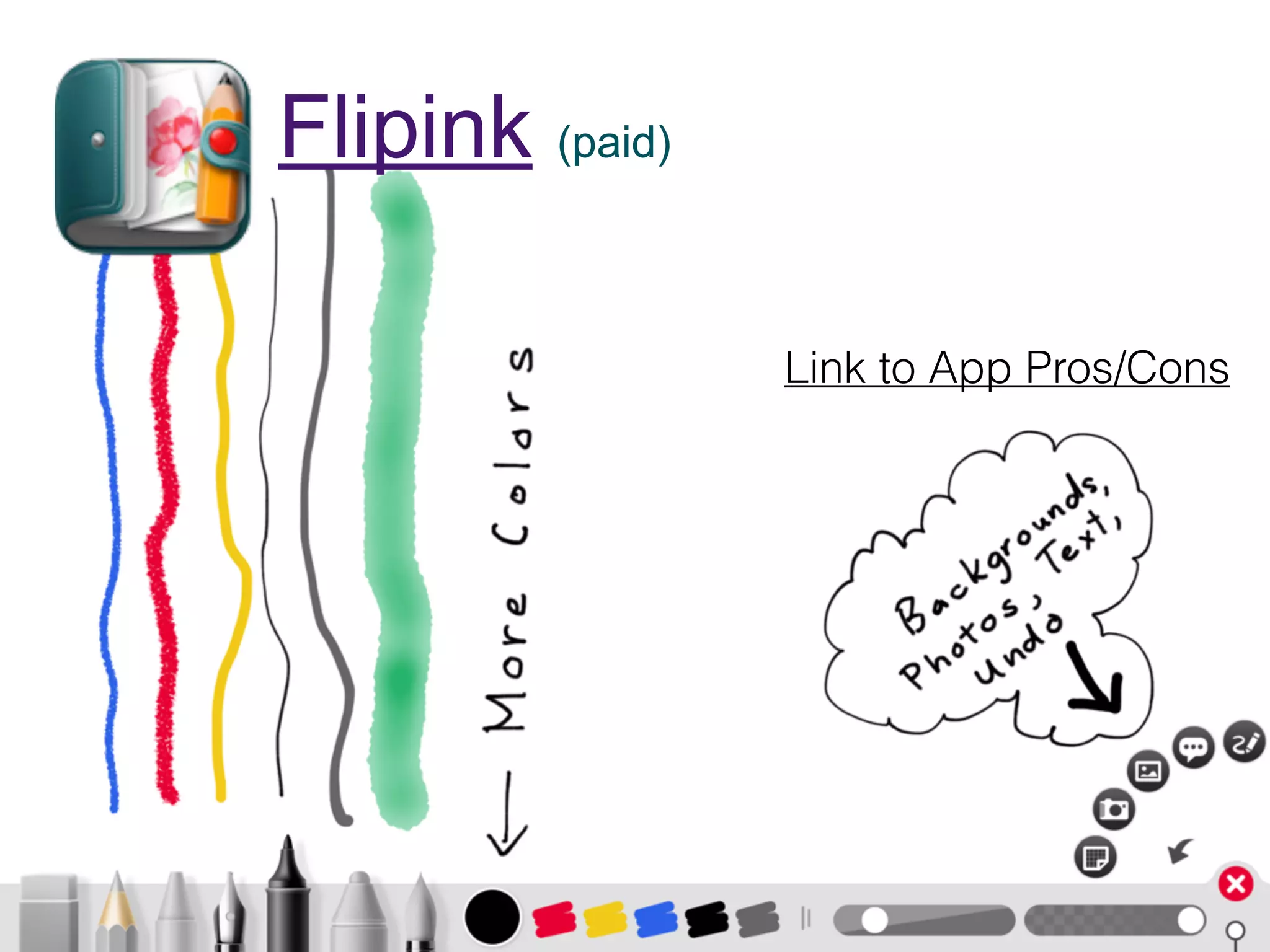
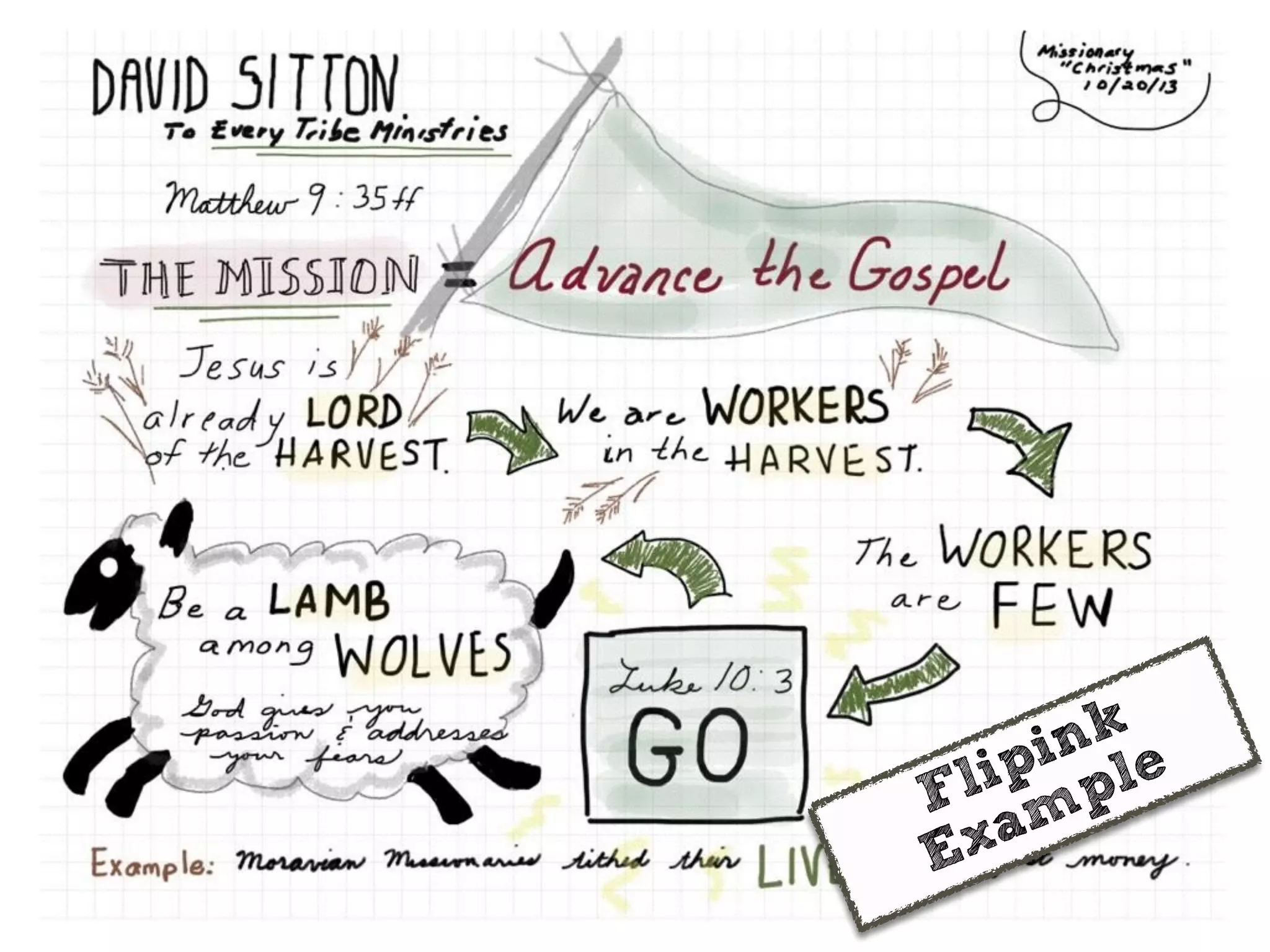
Flipink (paid)
Link to App Pros/Cons
Flipink
Example
Link to App Pros/Cons
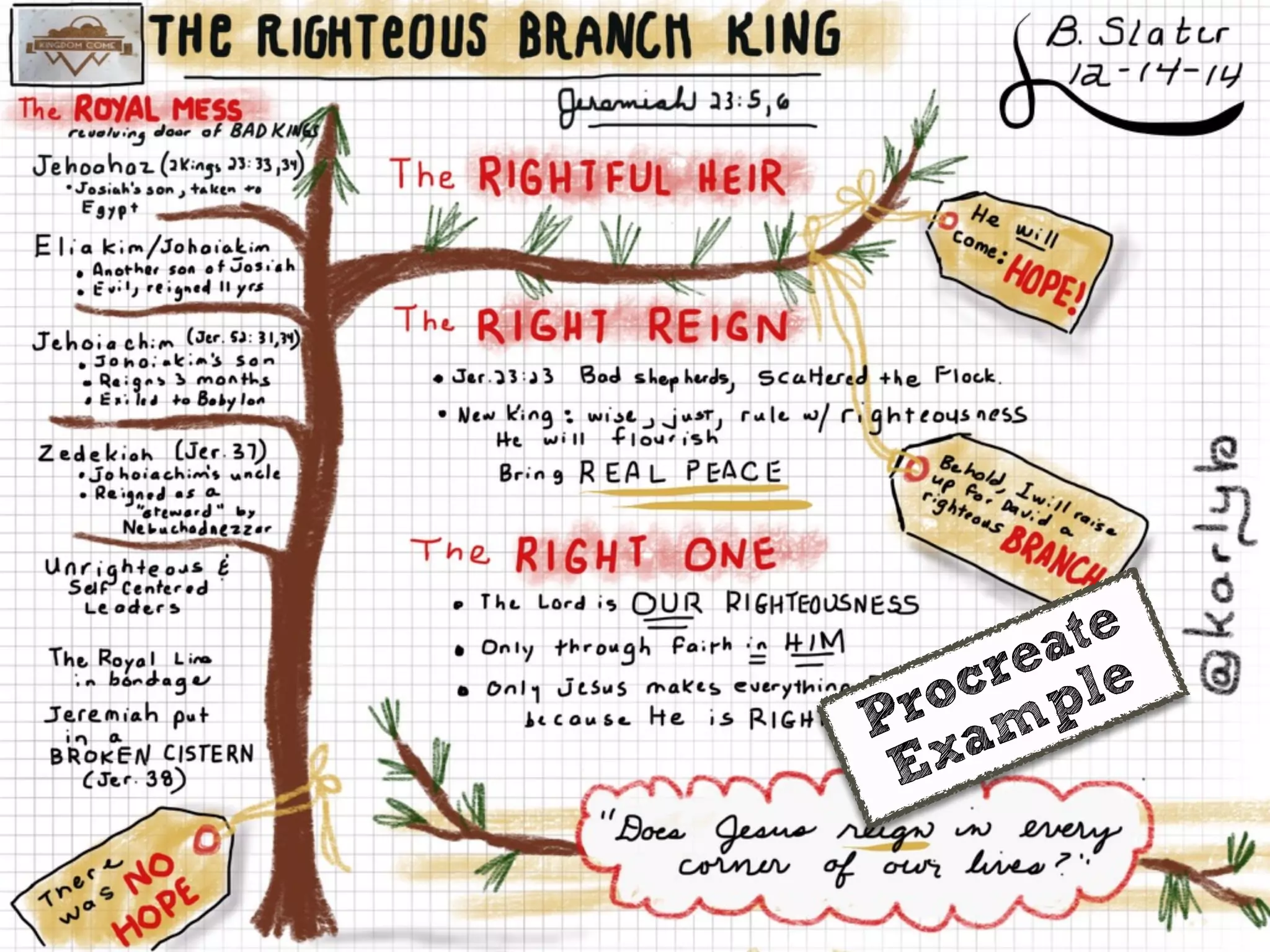
Procreate (paid)
Procreate
Example
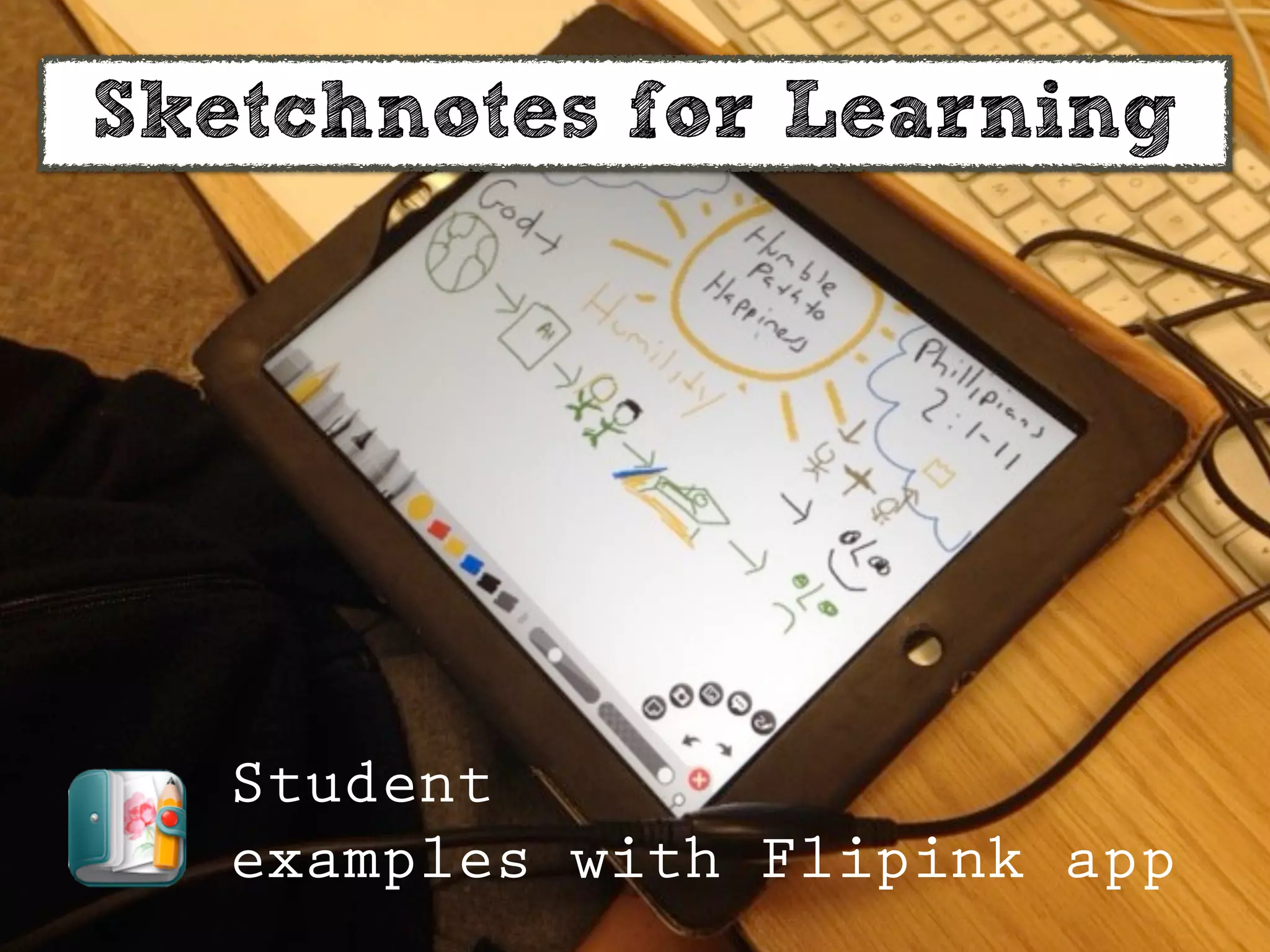
Sketchnotes for Learning
Student
examples with Flipink app
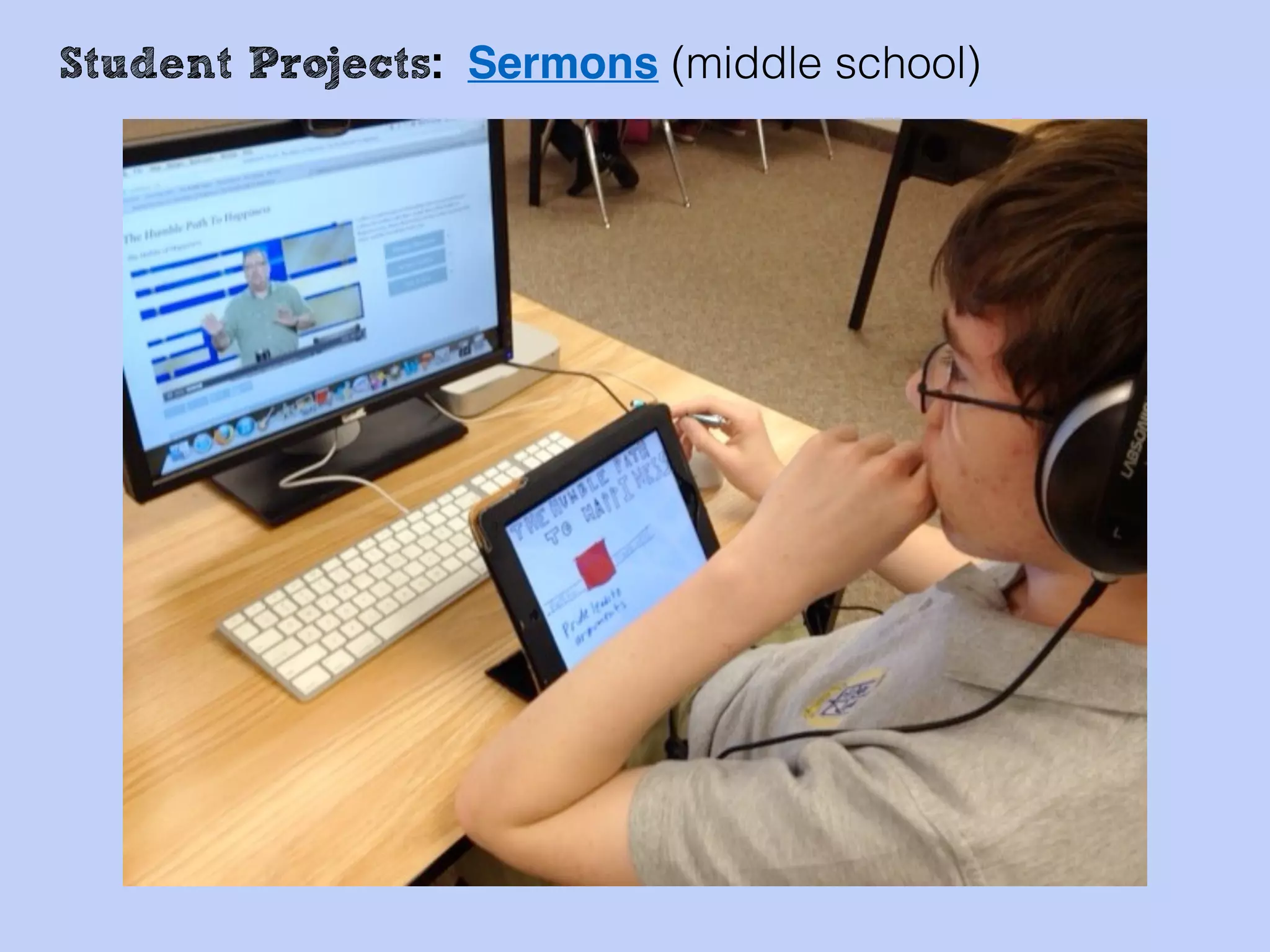
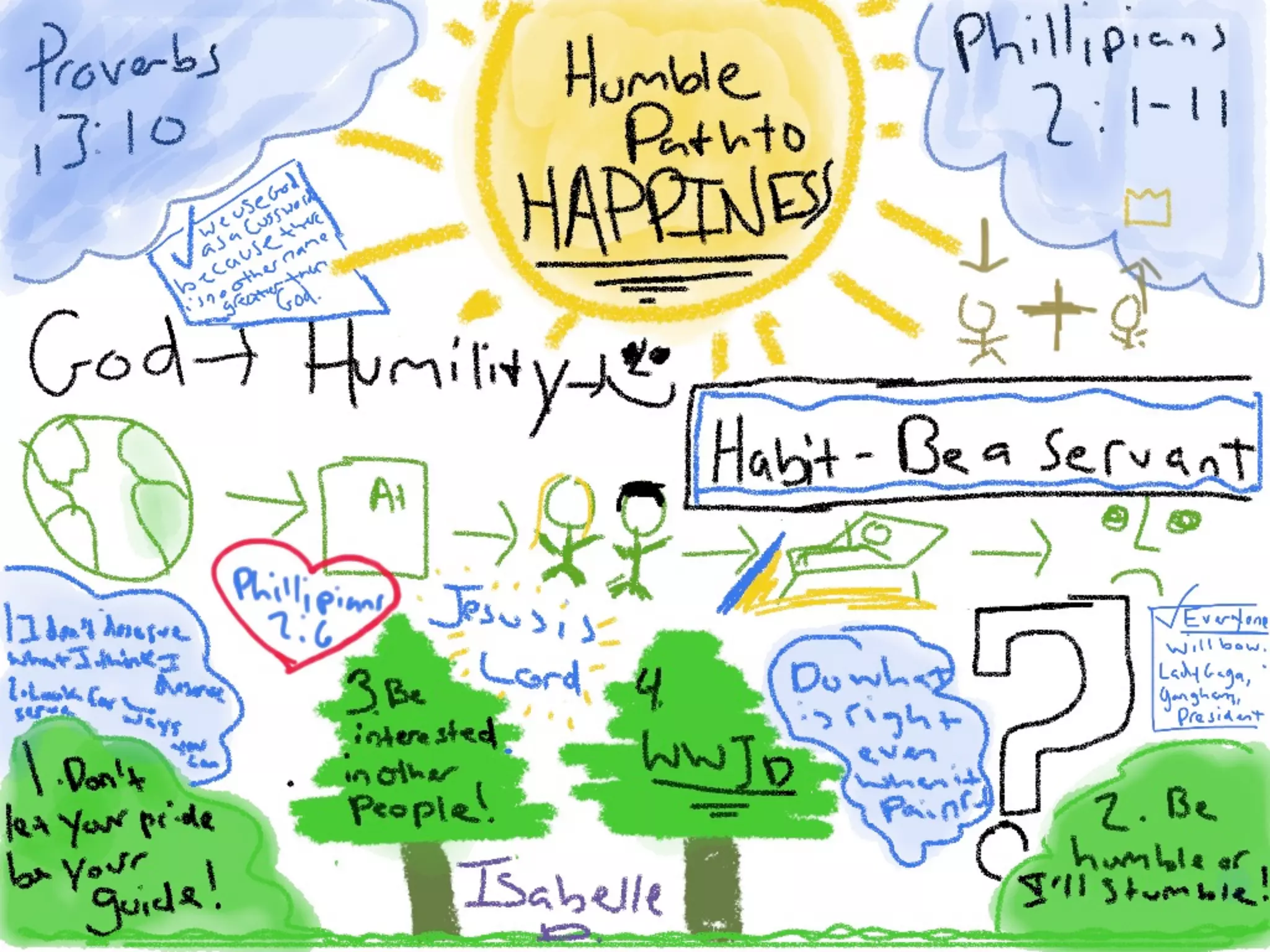
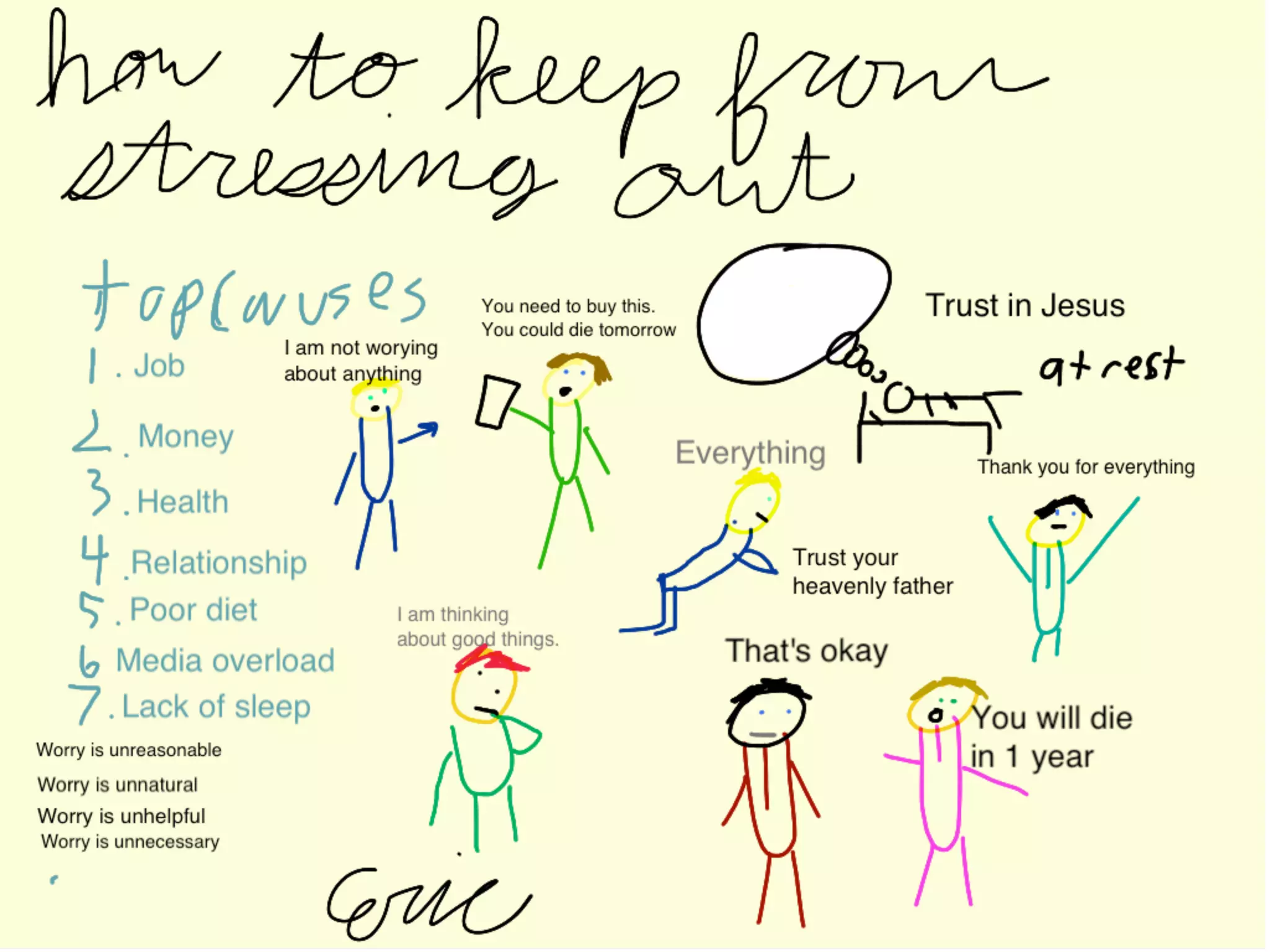
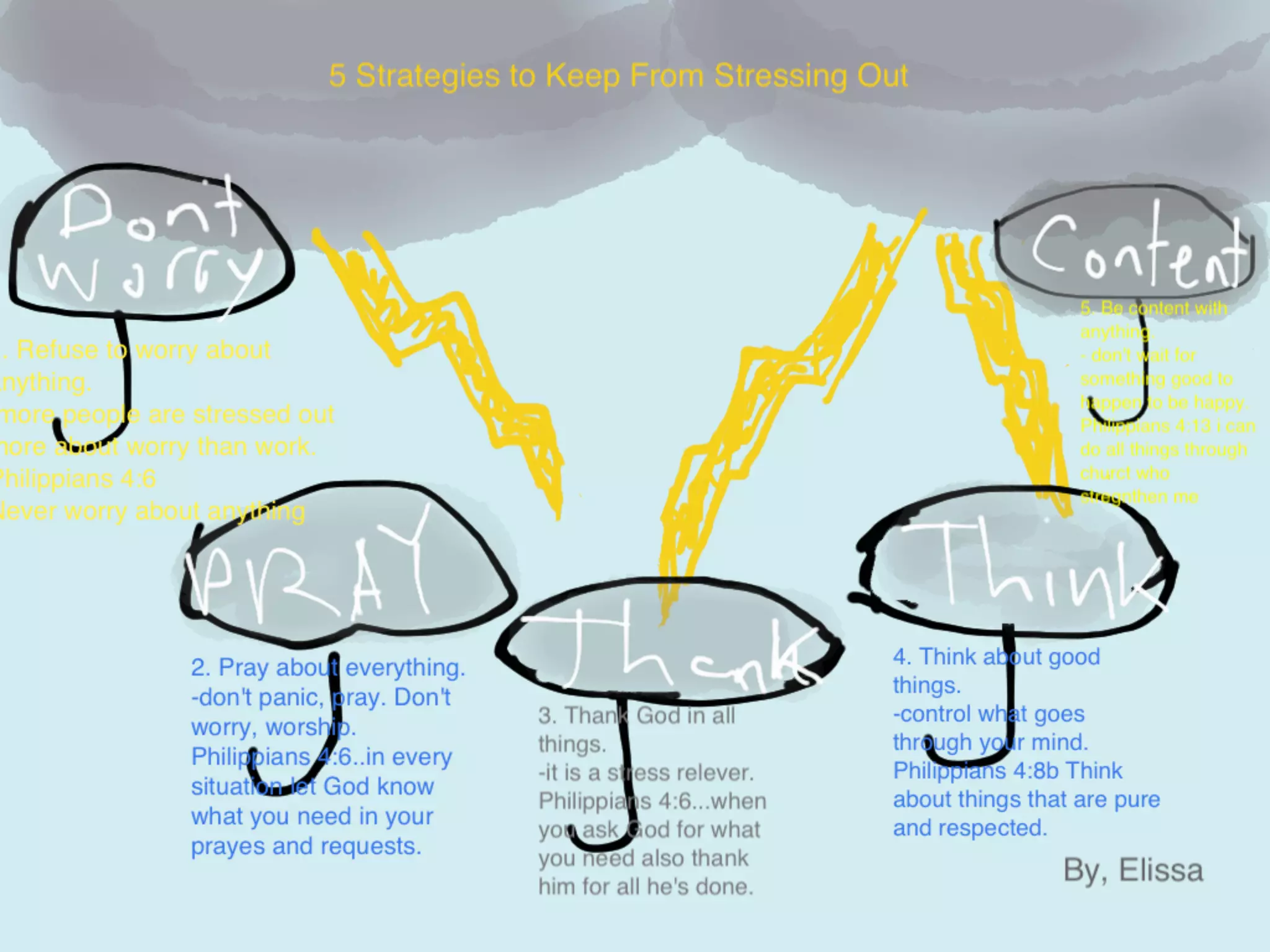
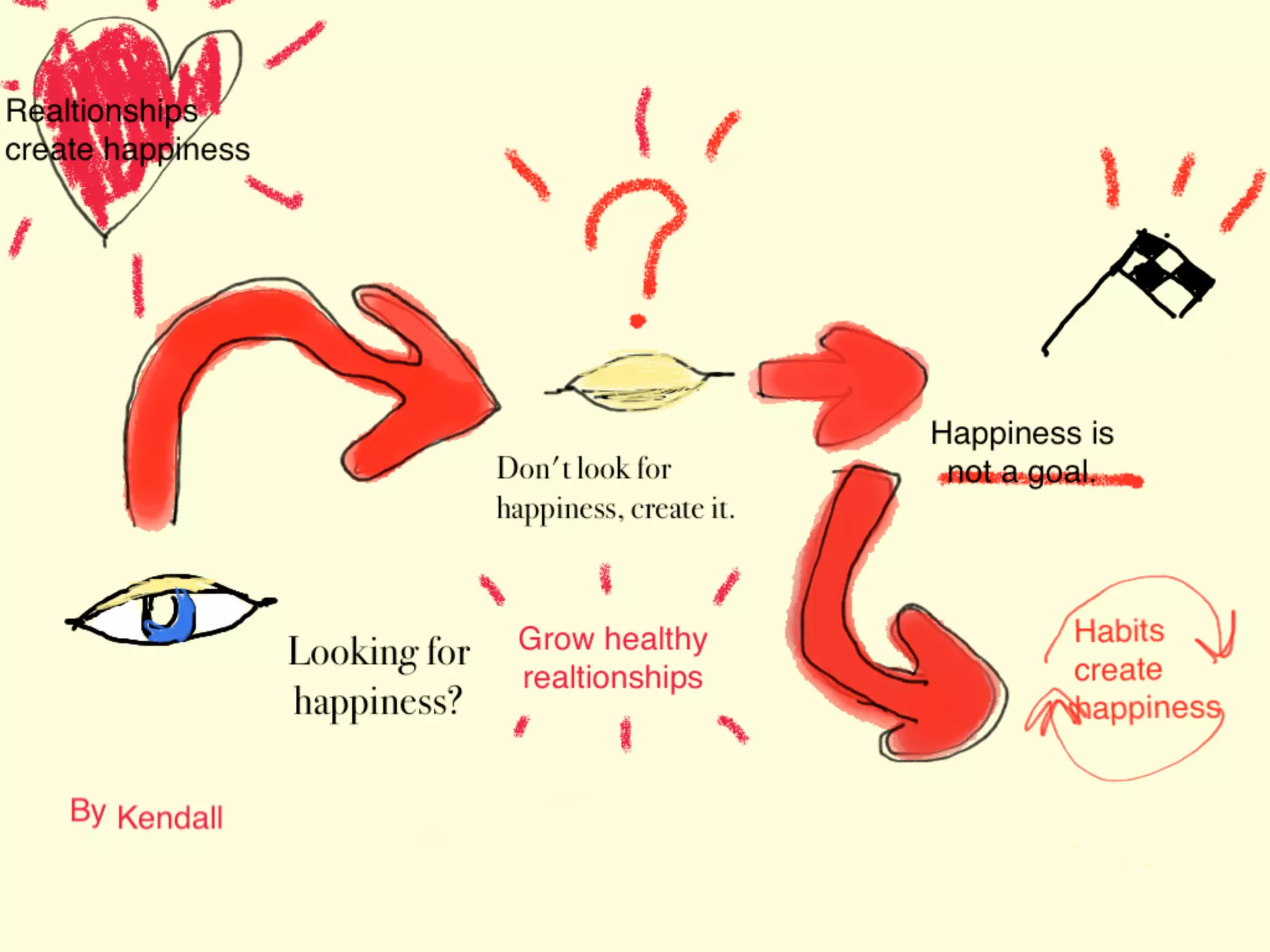
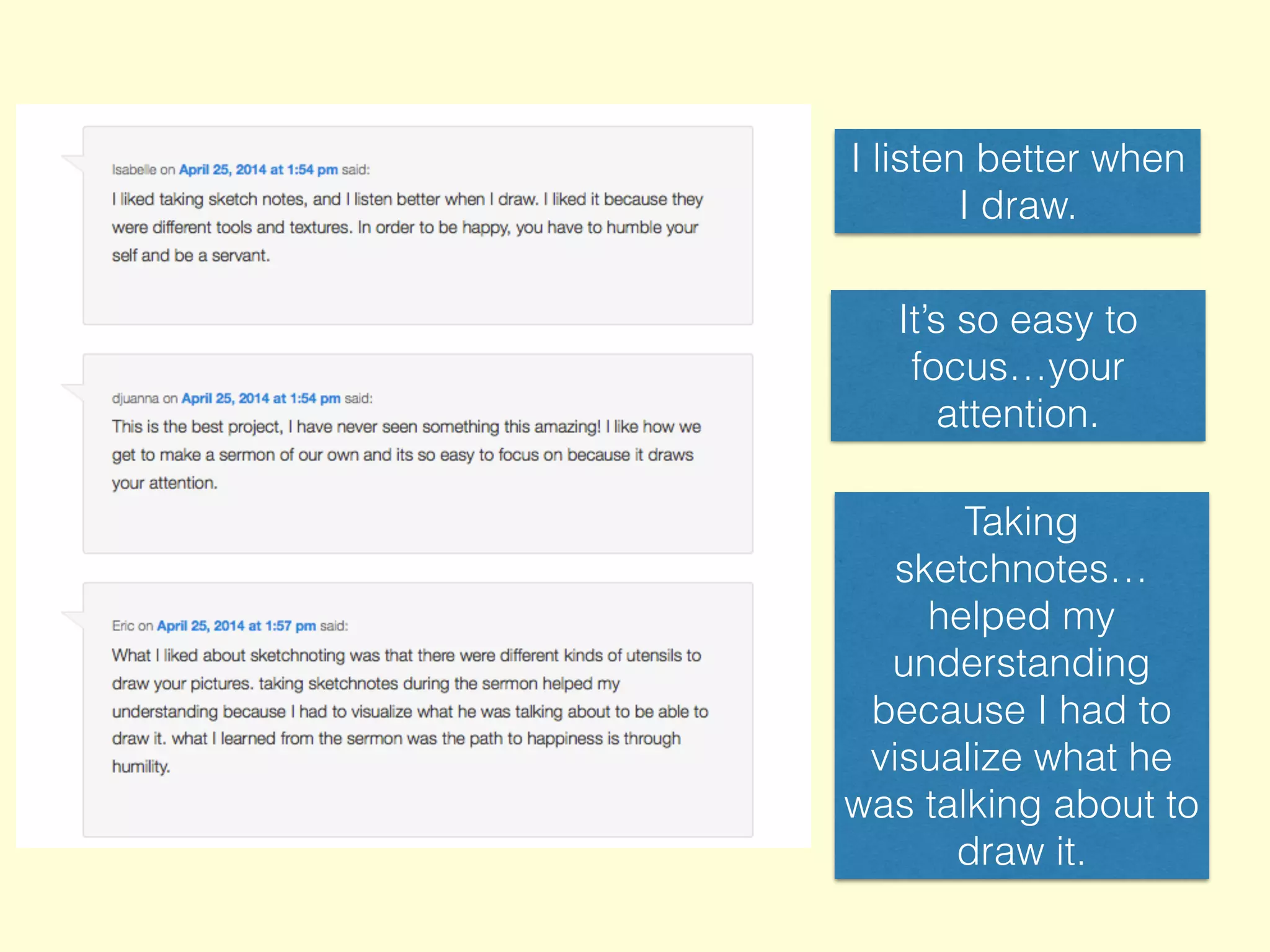
Student Projects: Sermons (middle school)
I listen better when
I draw.
It’s so easy to
focus…your
attention.
Taking
sketchnotes…
helped my
understanding
because I had to
visualize what he
was talking about to
draw it.
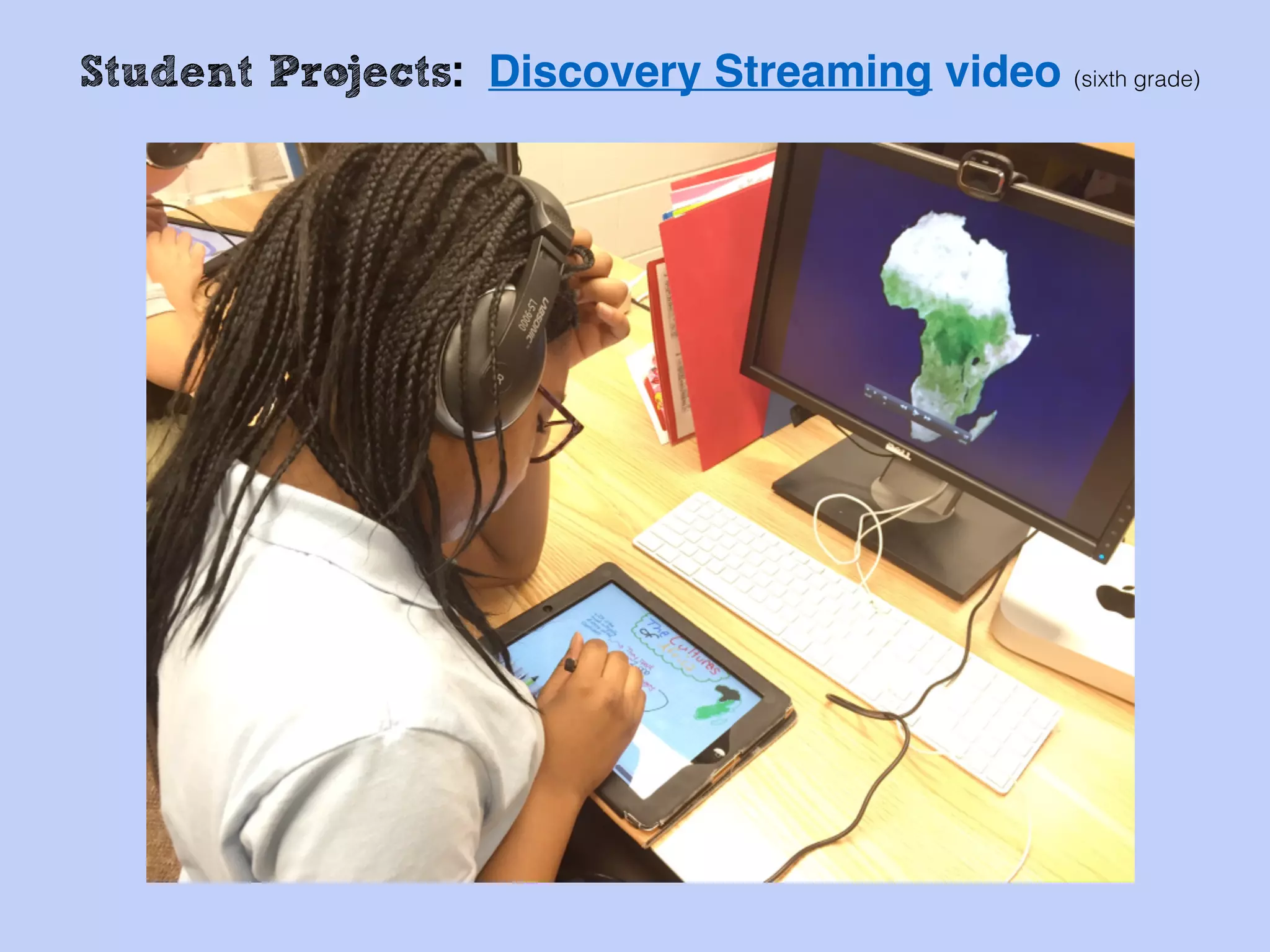
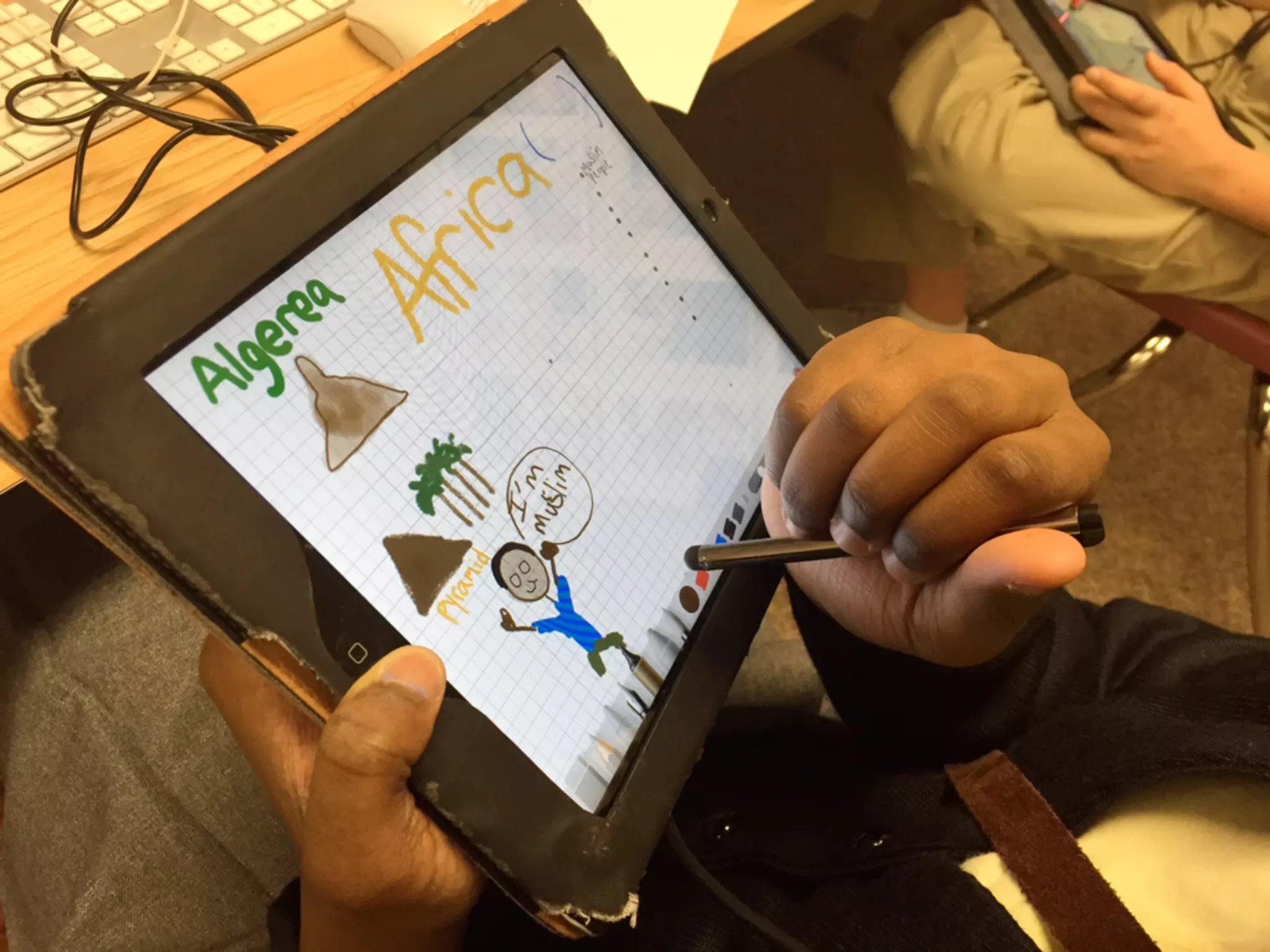
Student Projects: Discovery Streaming video (sixth grade)
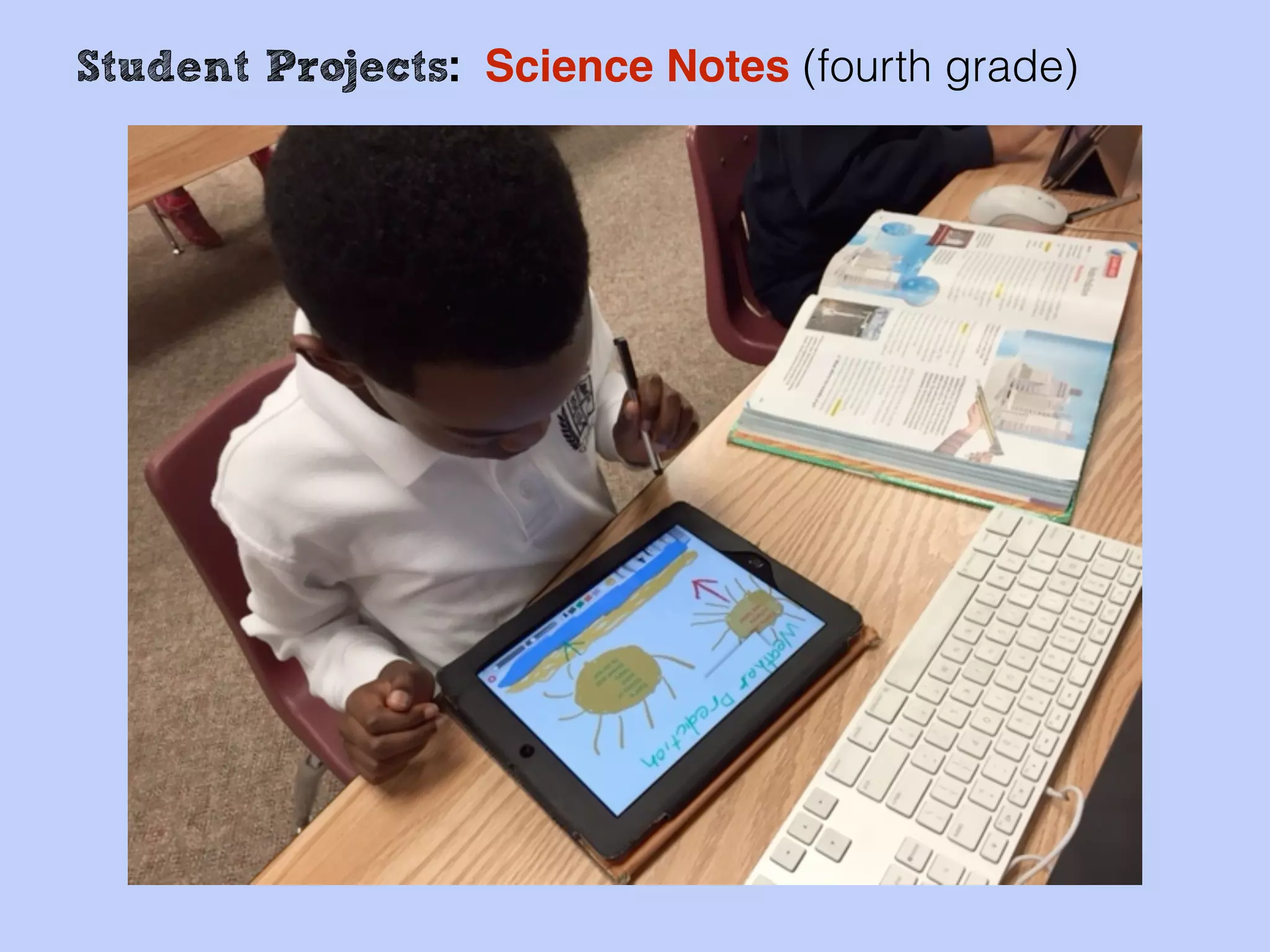
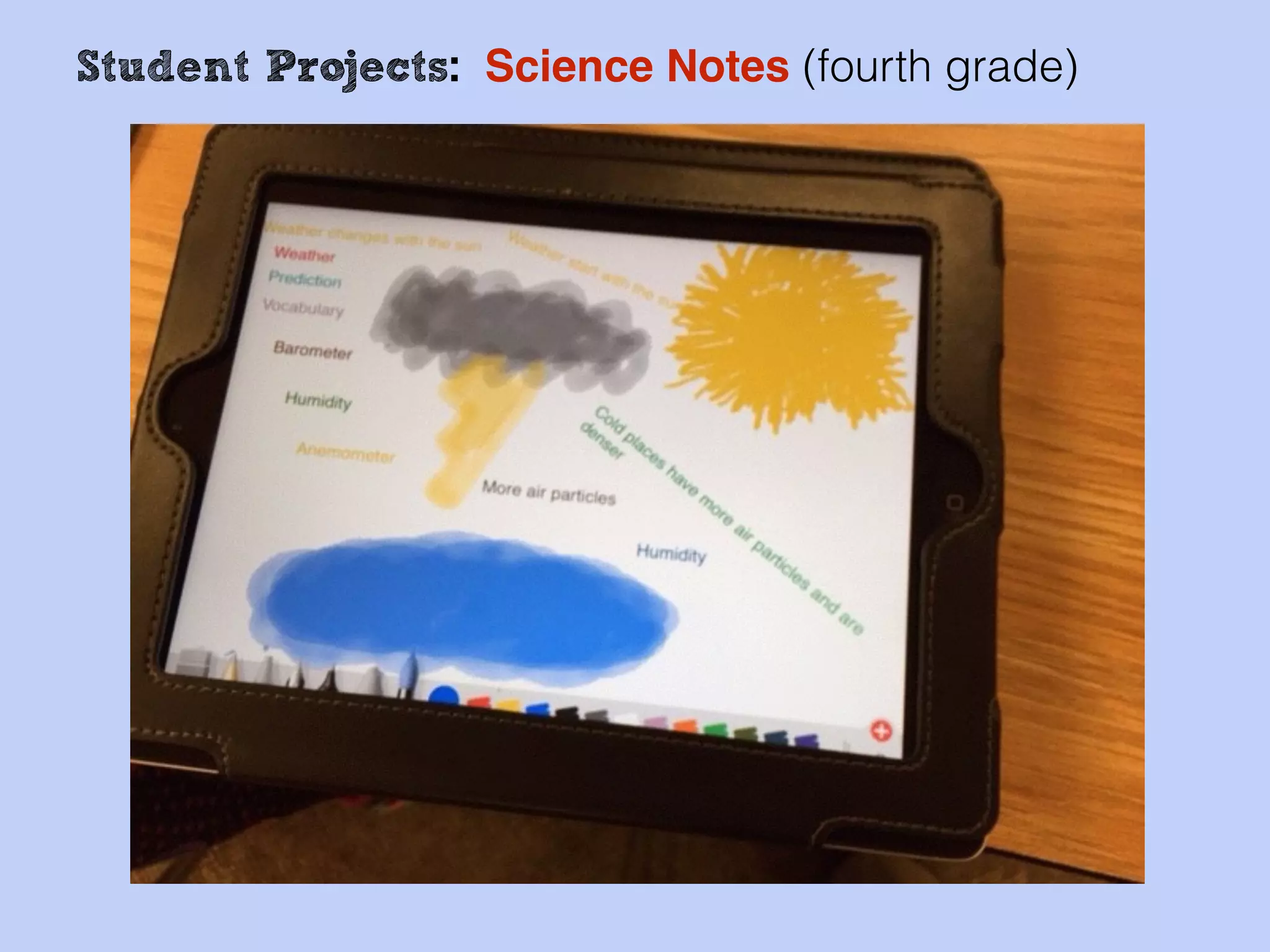
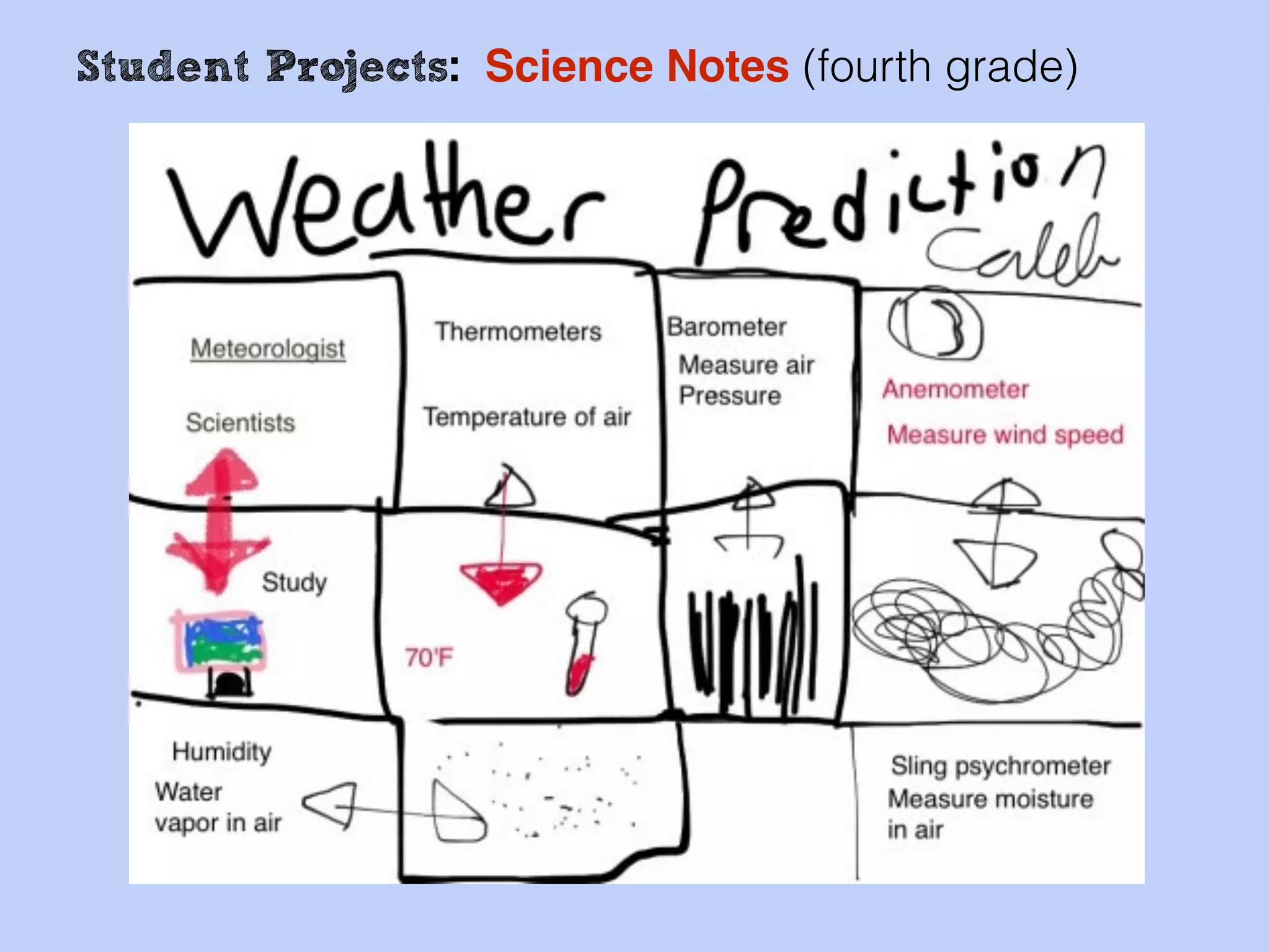
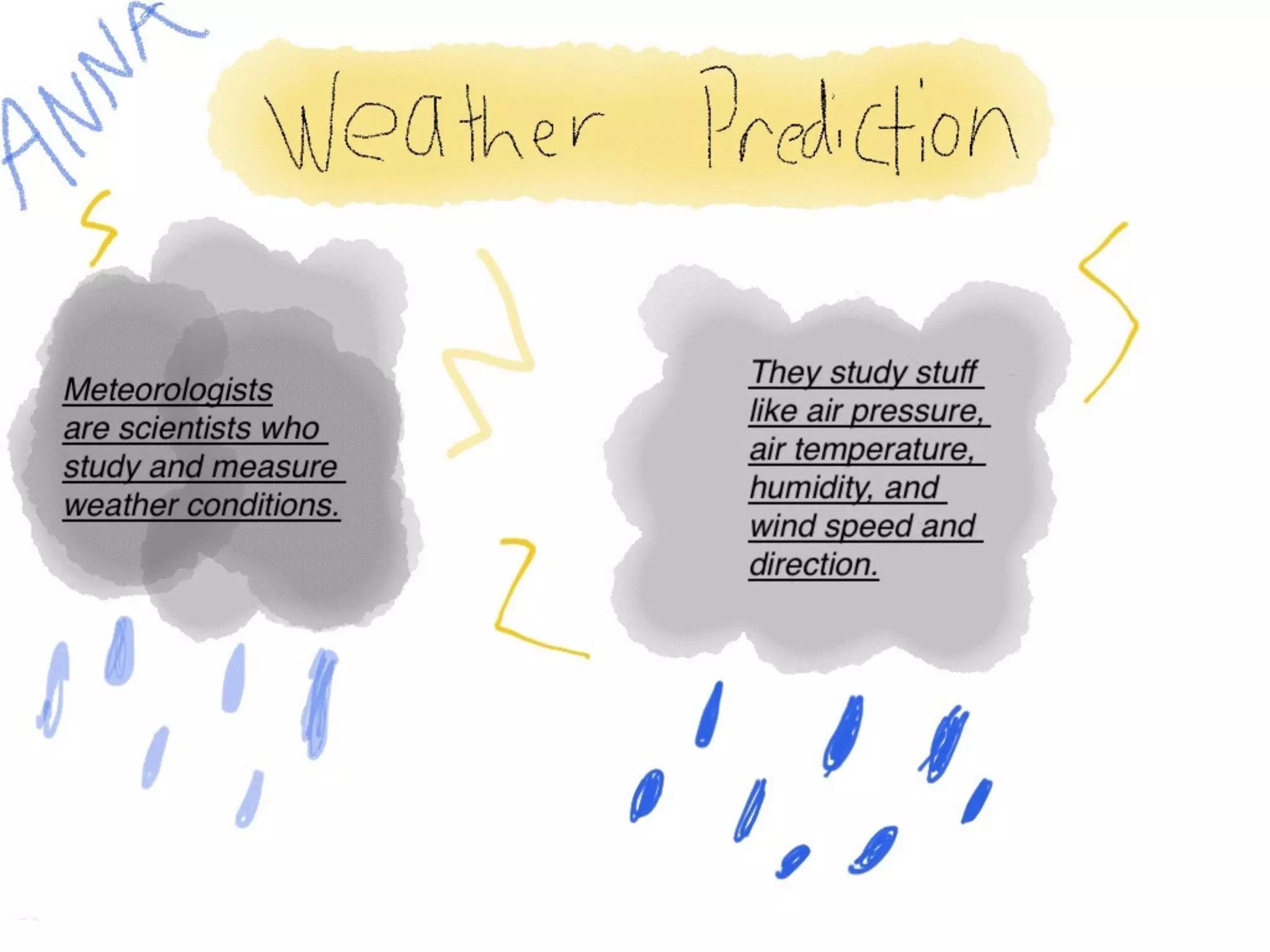
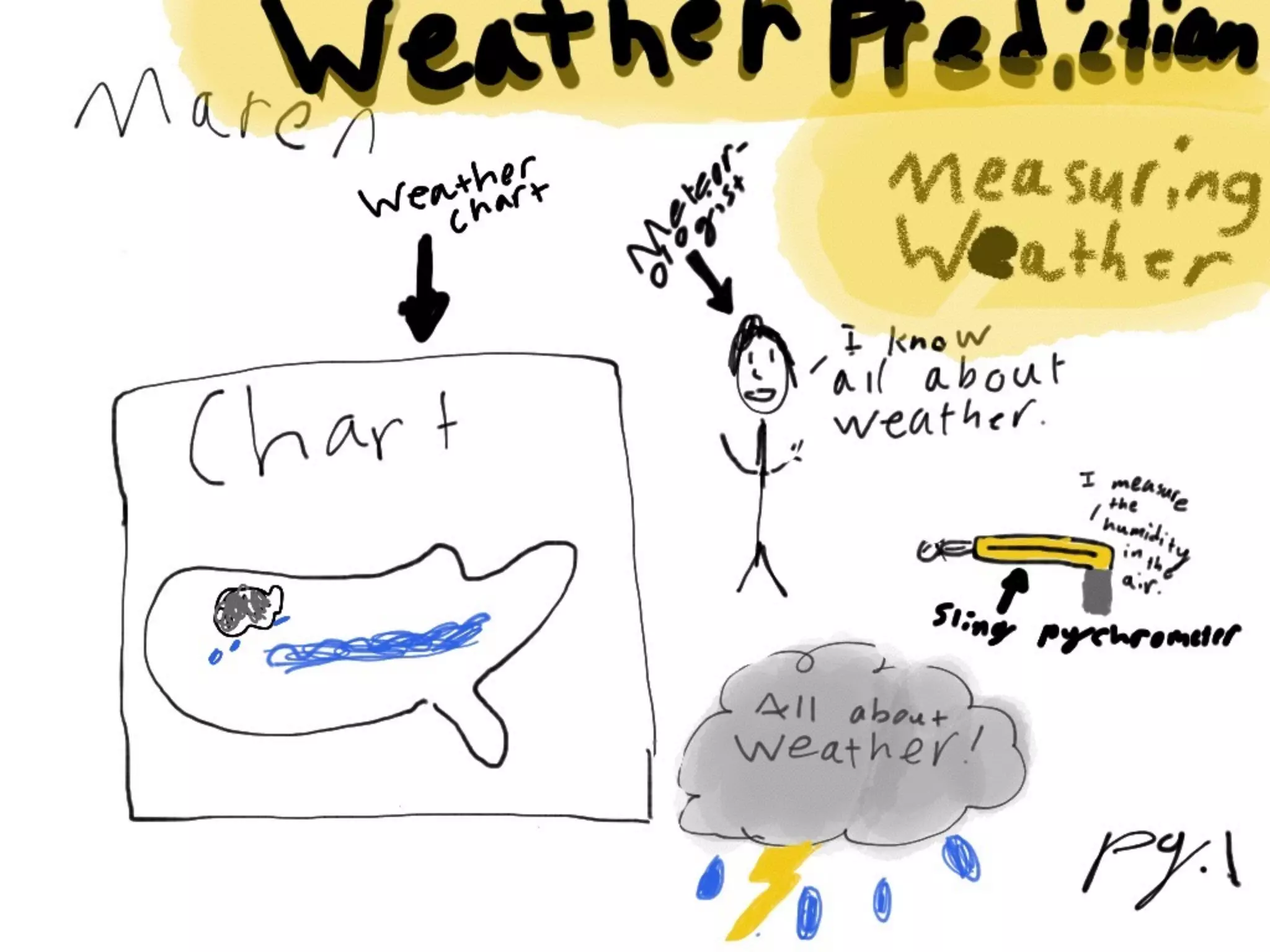
Student Projects: Science Notes (fourth grade)
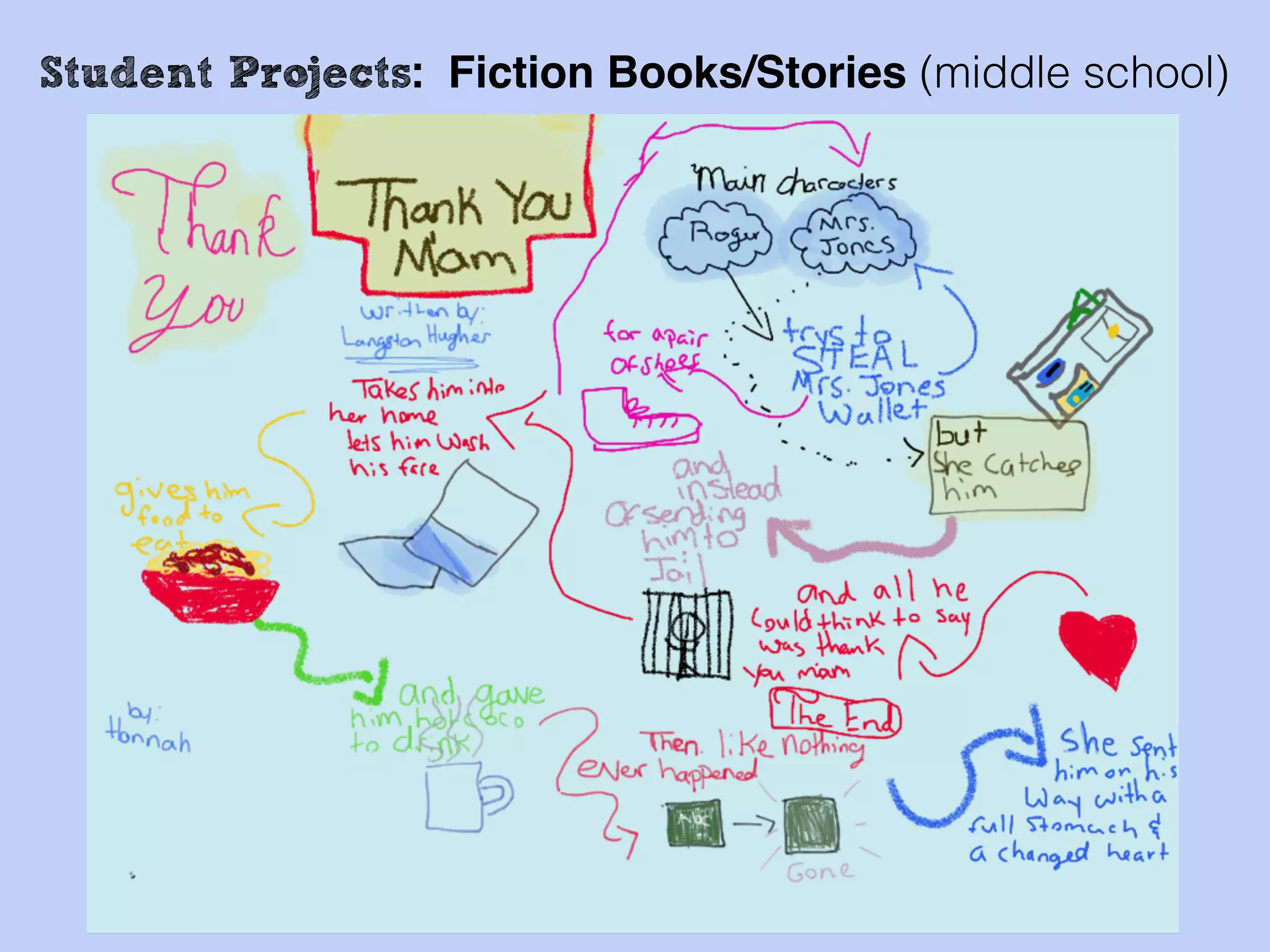
Student Projects: Fiction Books/Stories (middle school)
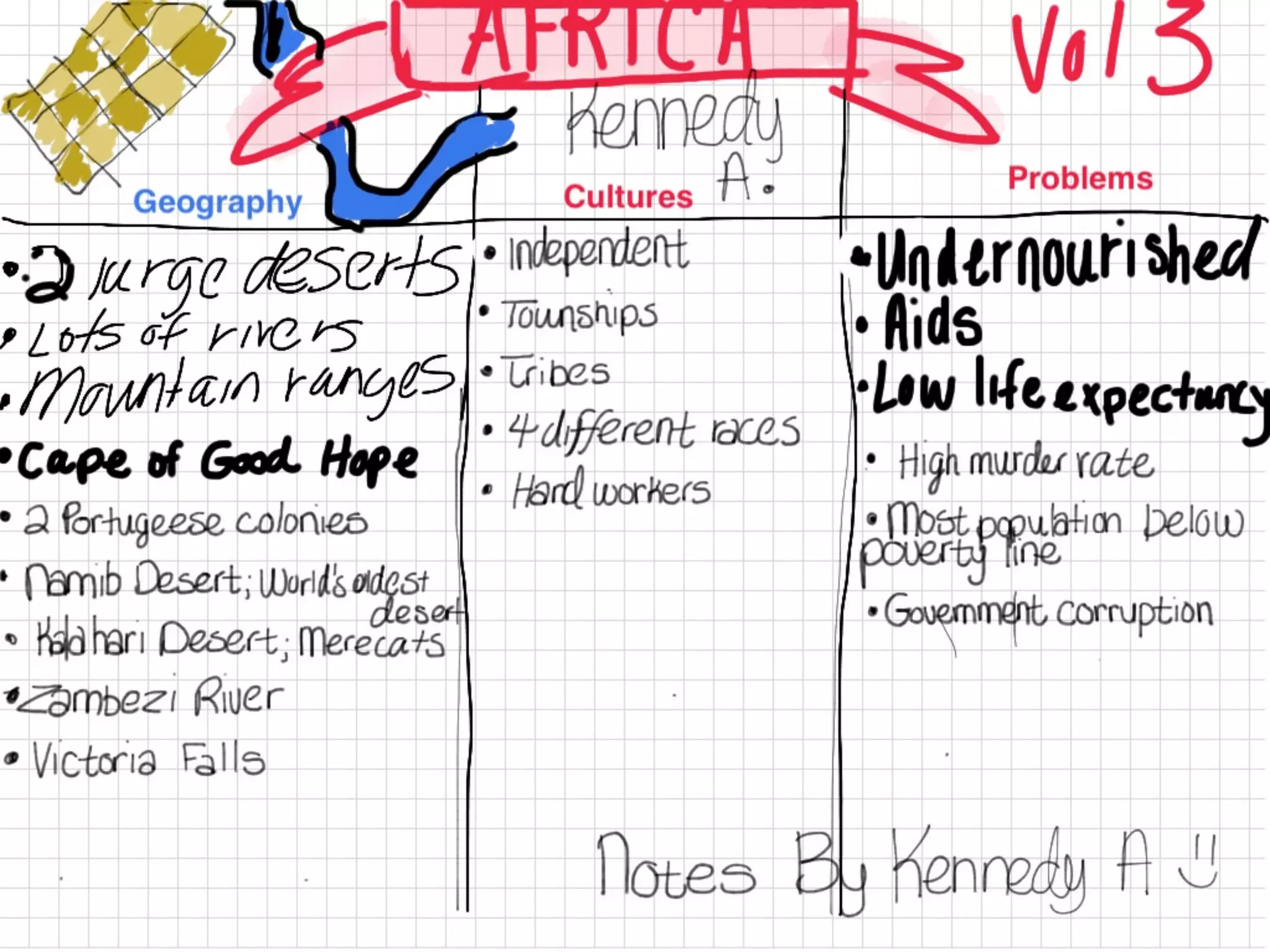
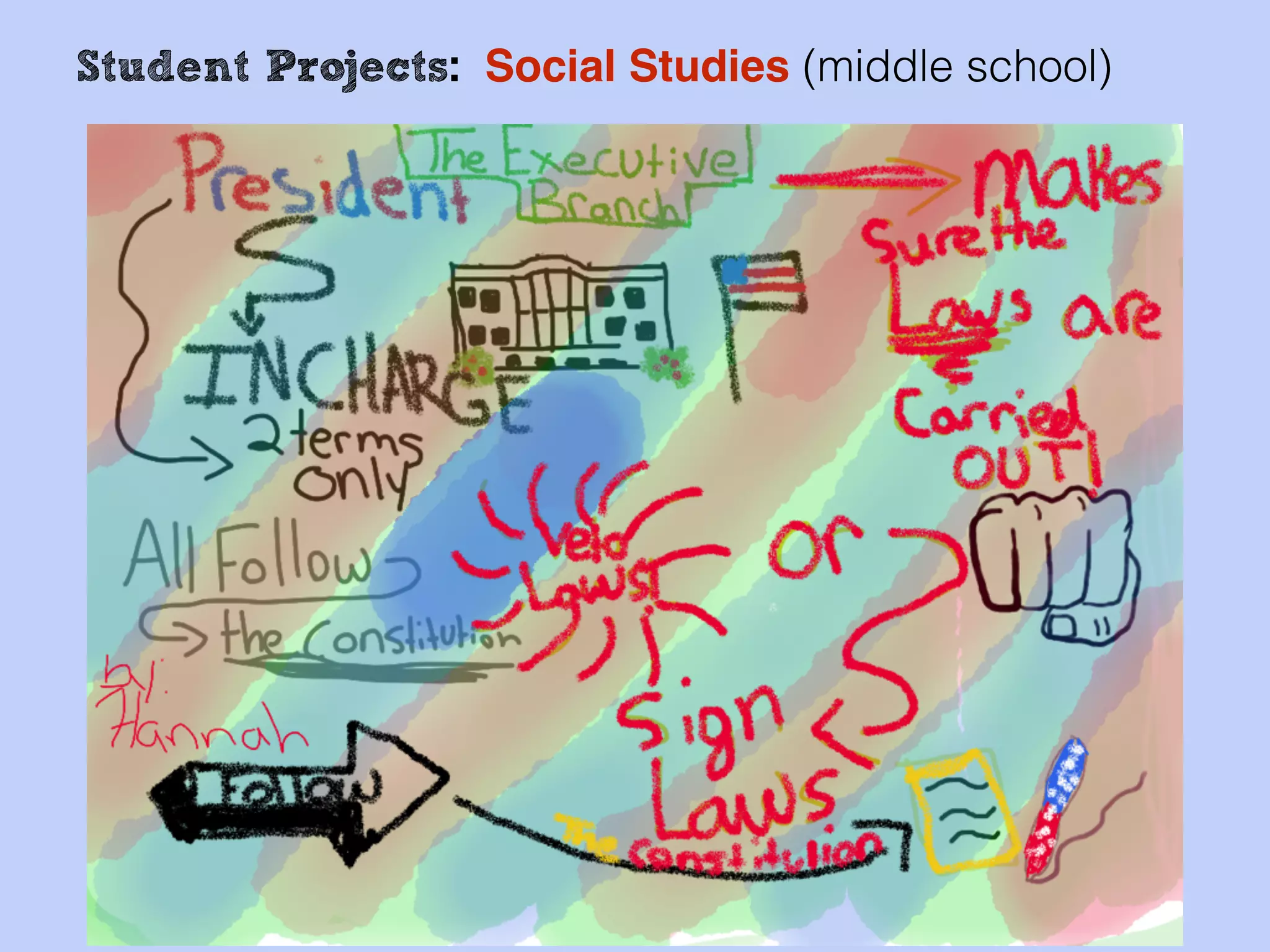
Student Projects: Social Studies (middle school)
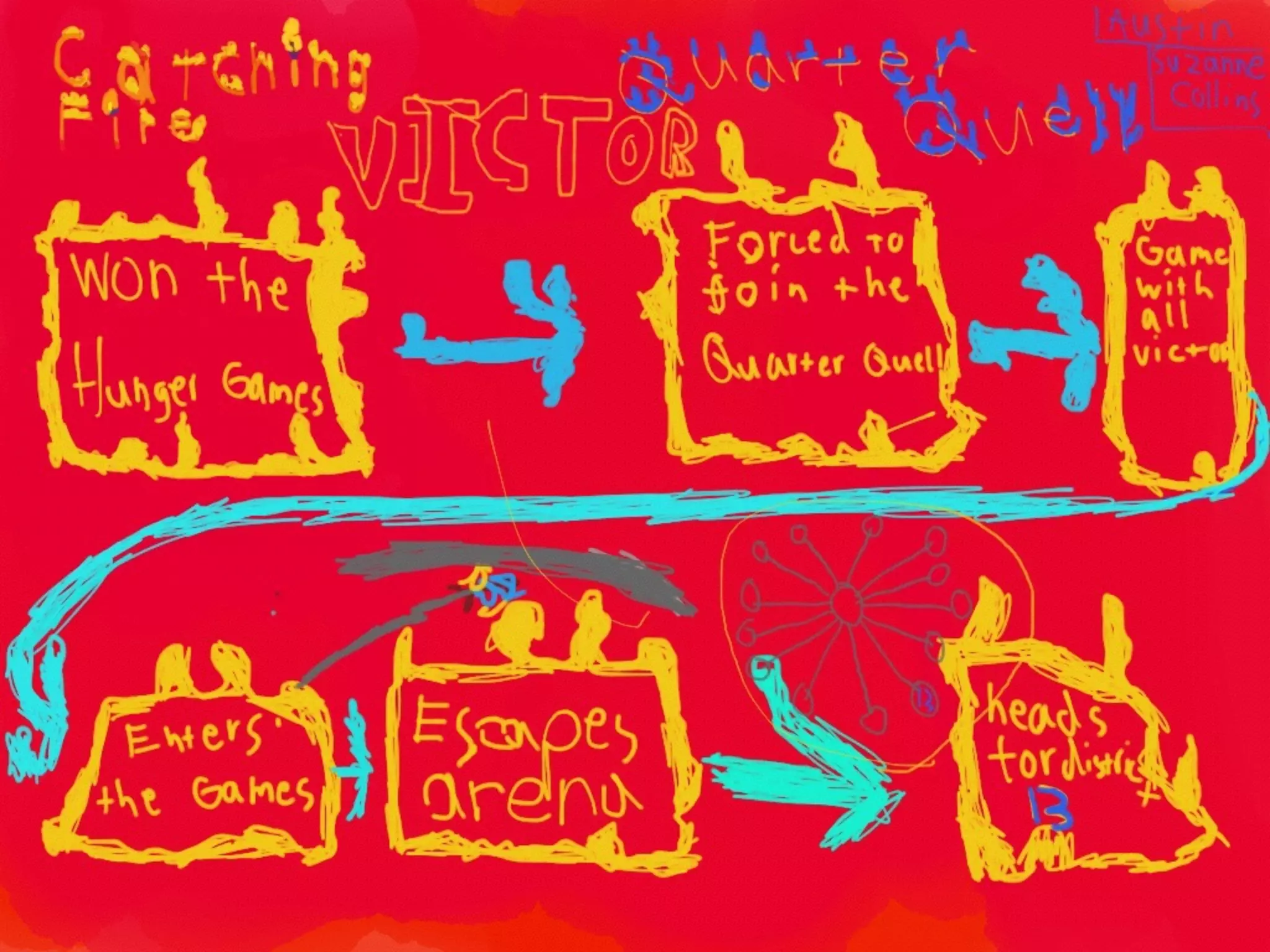
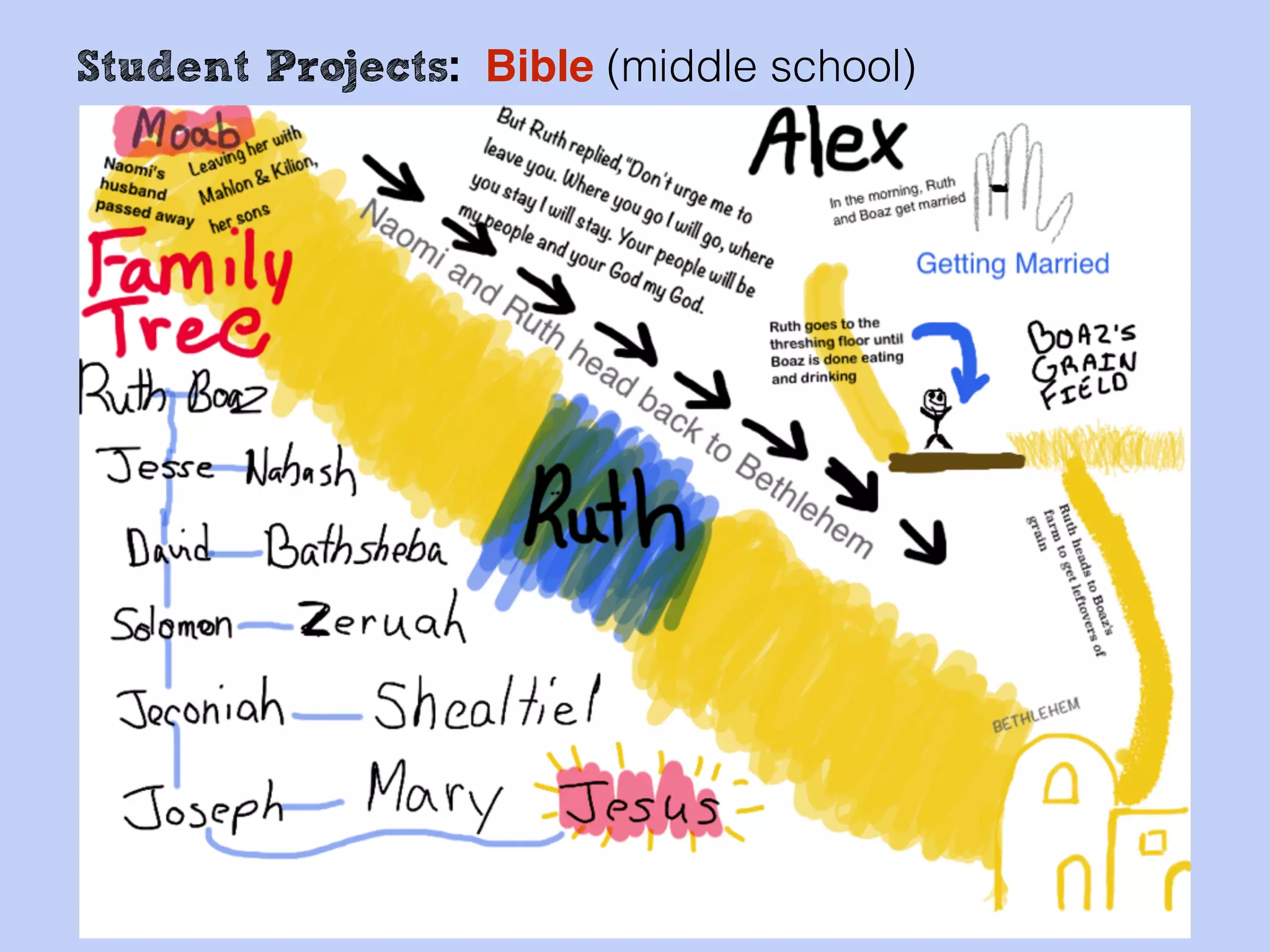
Student Projects: Bible (middle school)
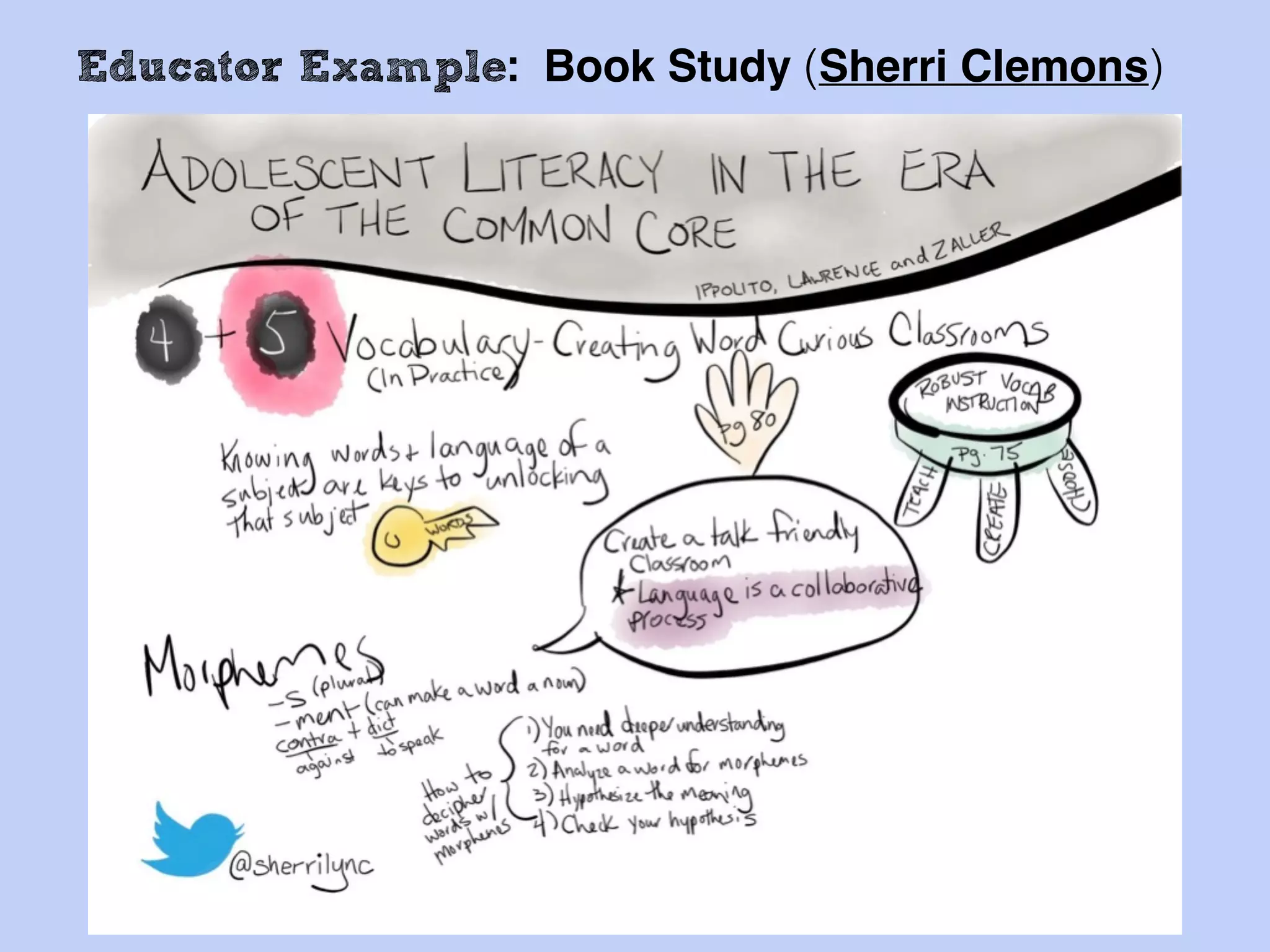
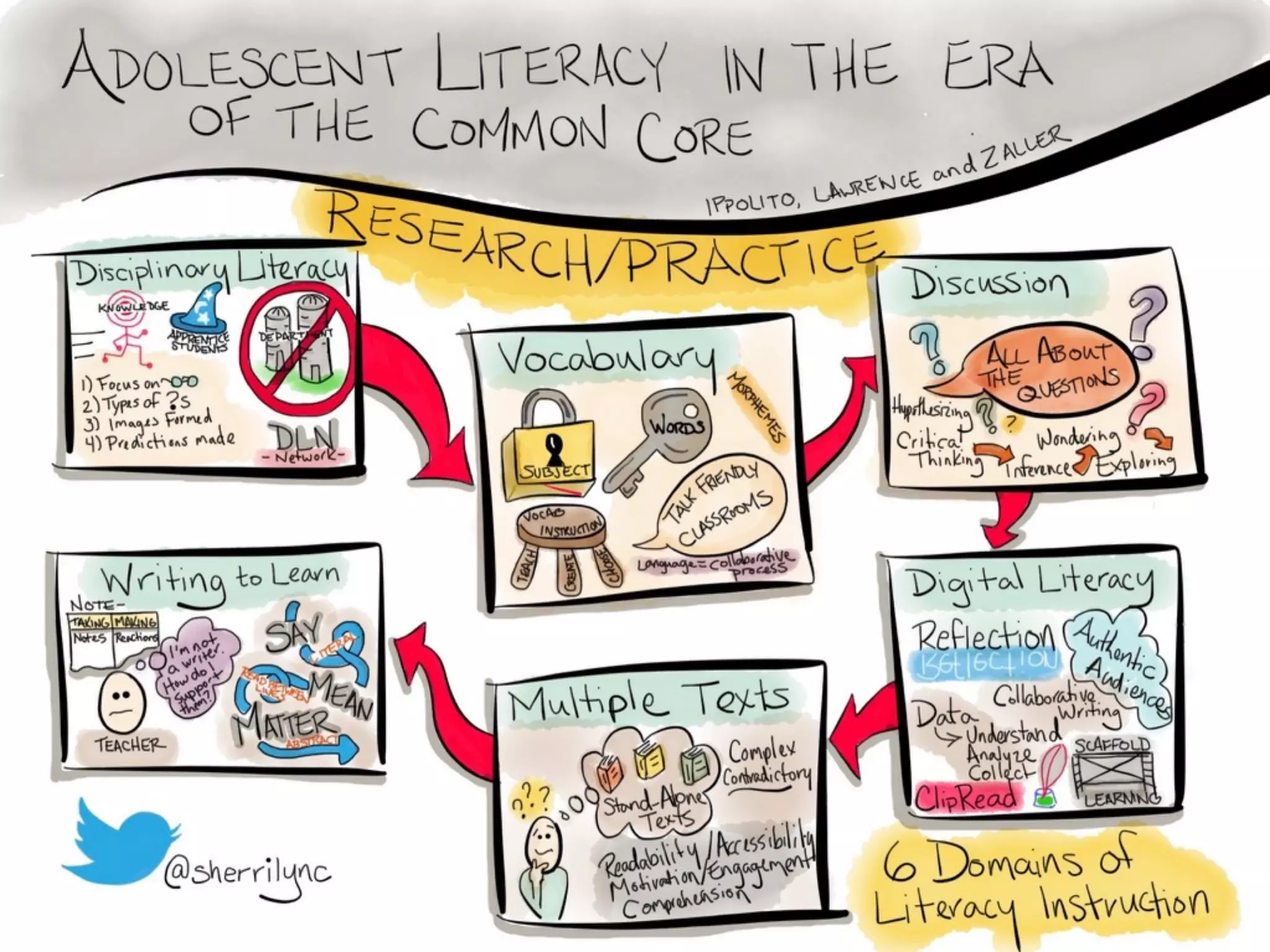
Educator Example: Book Study (Sherri Clemons)
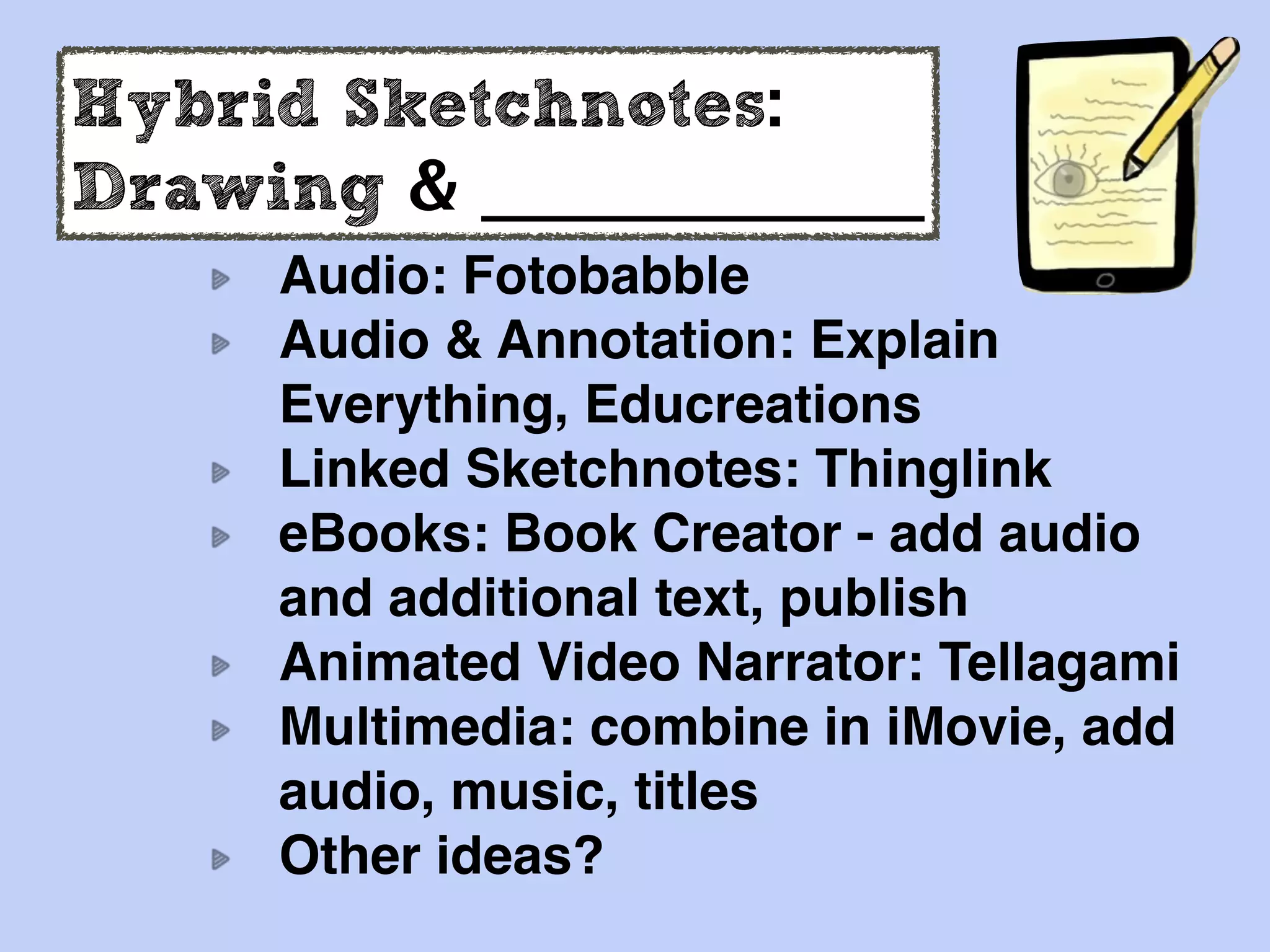
Hybrid Sketchnotes:
Drawing & _____________
Audio: Fotobabble
Audio & Annotation: Explain
Everything, Educreations
Linked Sketchnotes: Thinglink
eBooks: Book Creator - add audio
and additional text, publish
Animated Video Narrator: Tellagami
Multimedia: combine in iMovie, add
audio, music, titles
Other ideas?
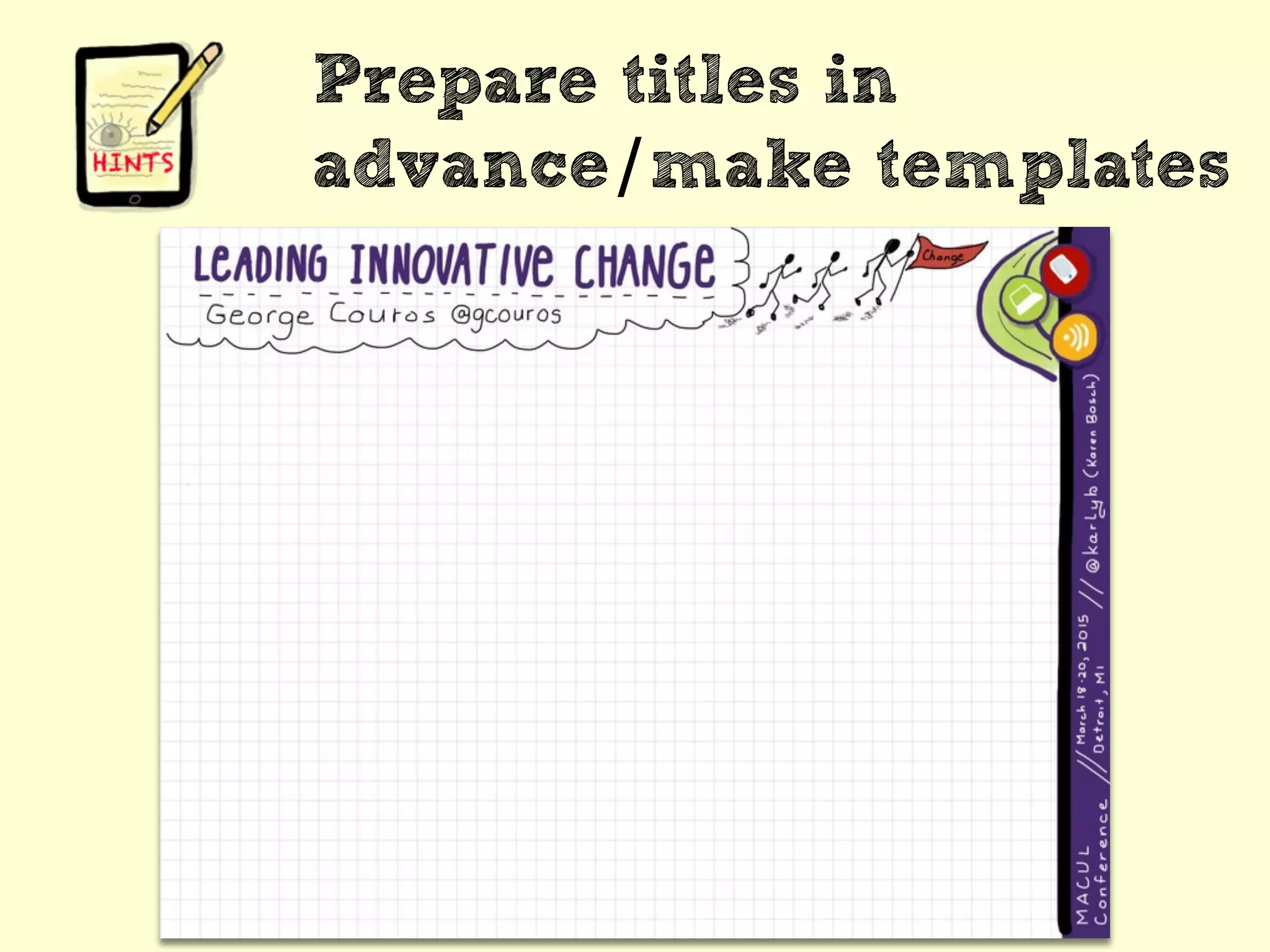
Prepare titles in
advance/make templates
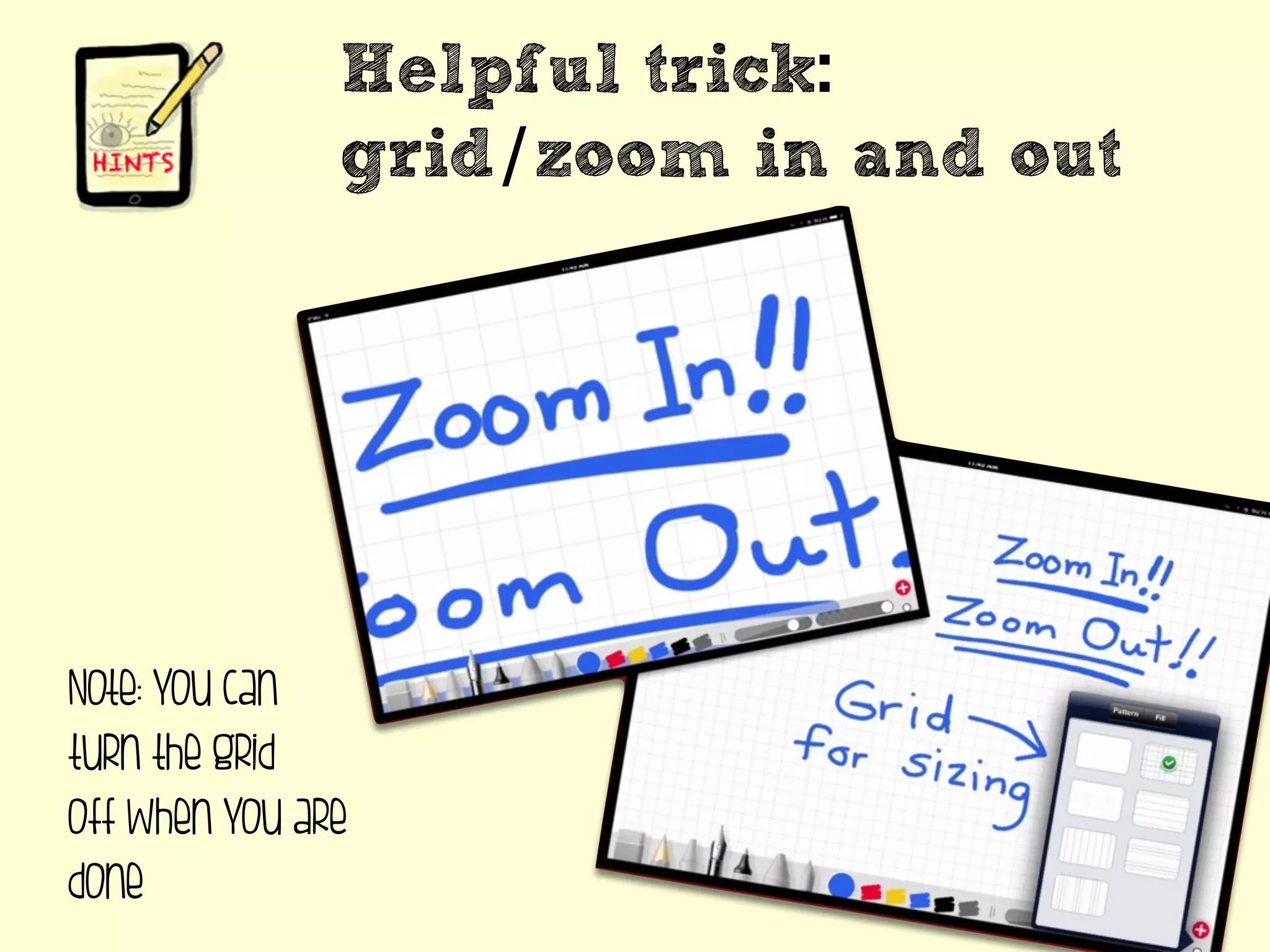
Helpful trick:
grid/zoom in and out
Note: you can
turn the grid
off when you are
done
Helpful
trick:
over/
under
drawing
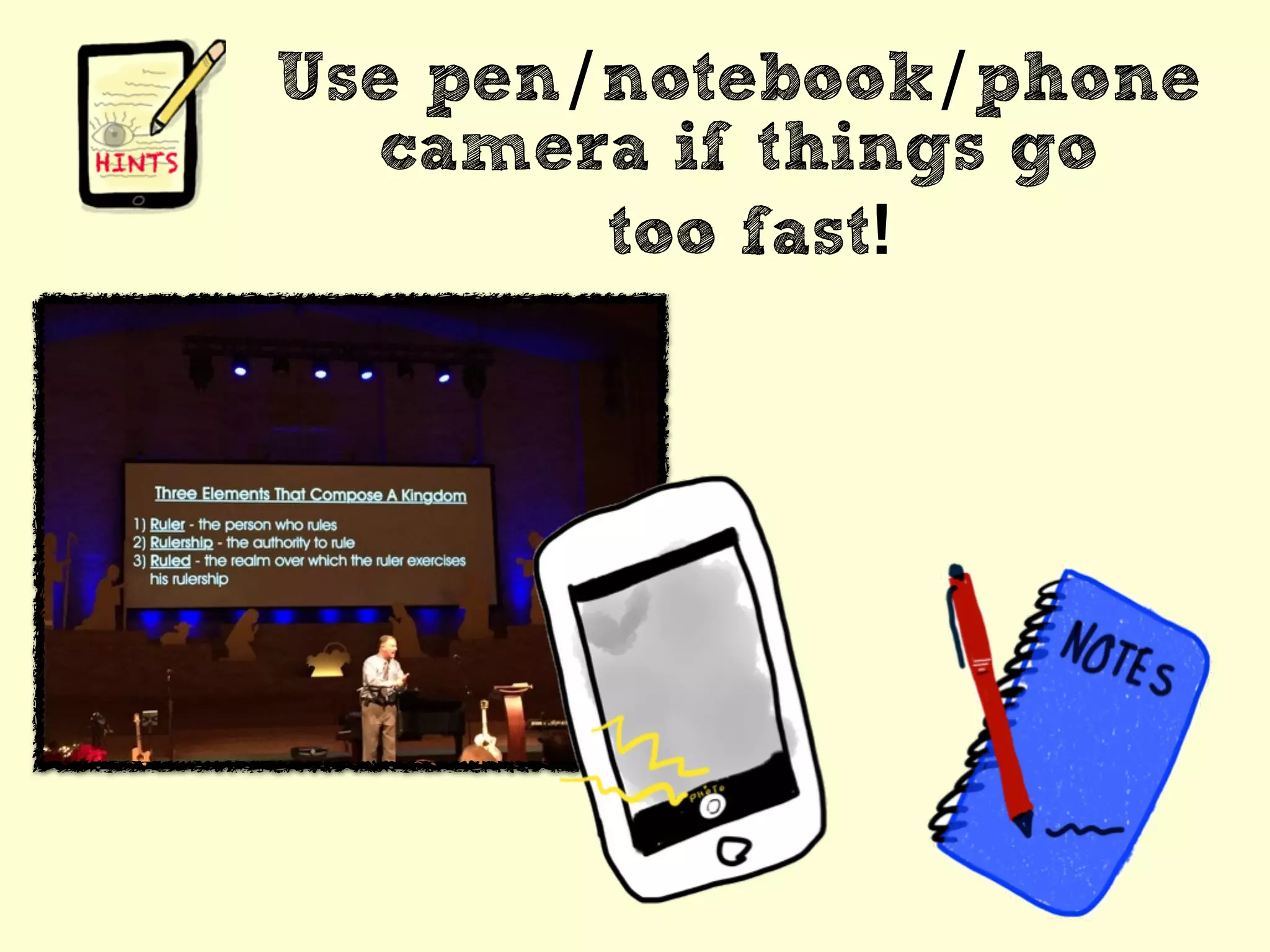
Use pen/notebook/phone
camera if things go
too fast!
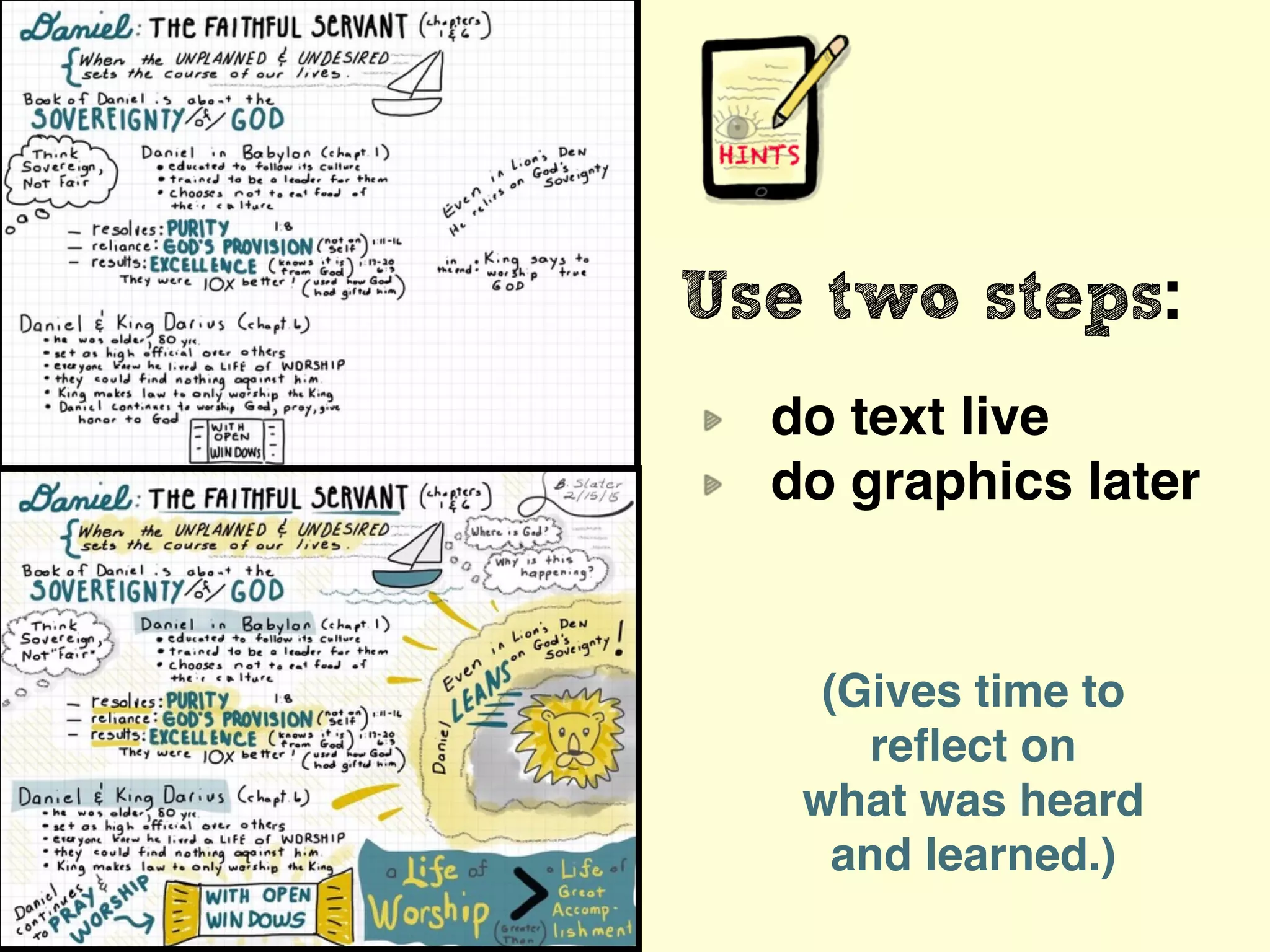
Use two steps:
do text live
do graphics later
(Gives time to
reflect on
what was heard
and learned.)
Focus on what resonates
with YOU!!
(not everything!)
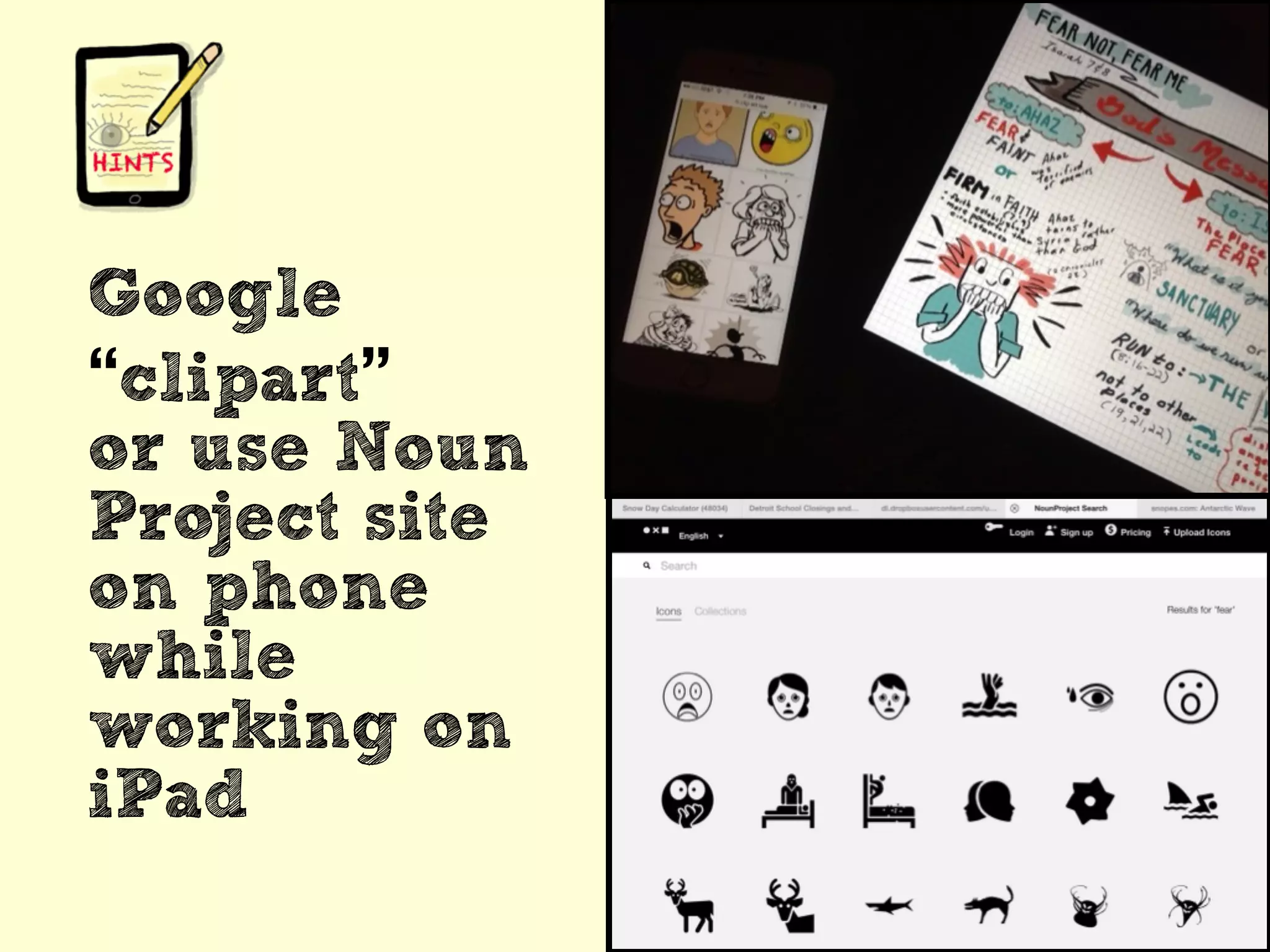
Google
“clipart”
or use Noun
Project site
on phone
while
working on
iPad
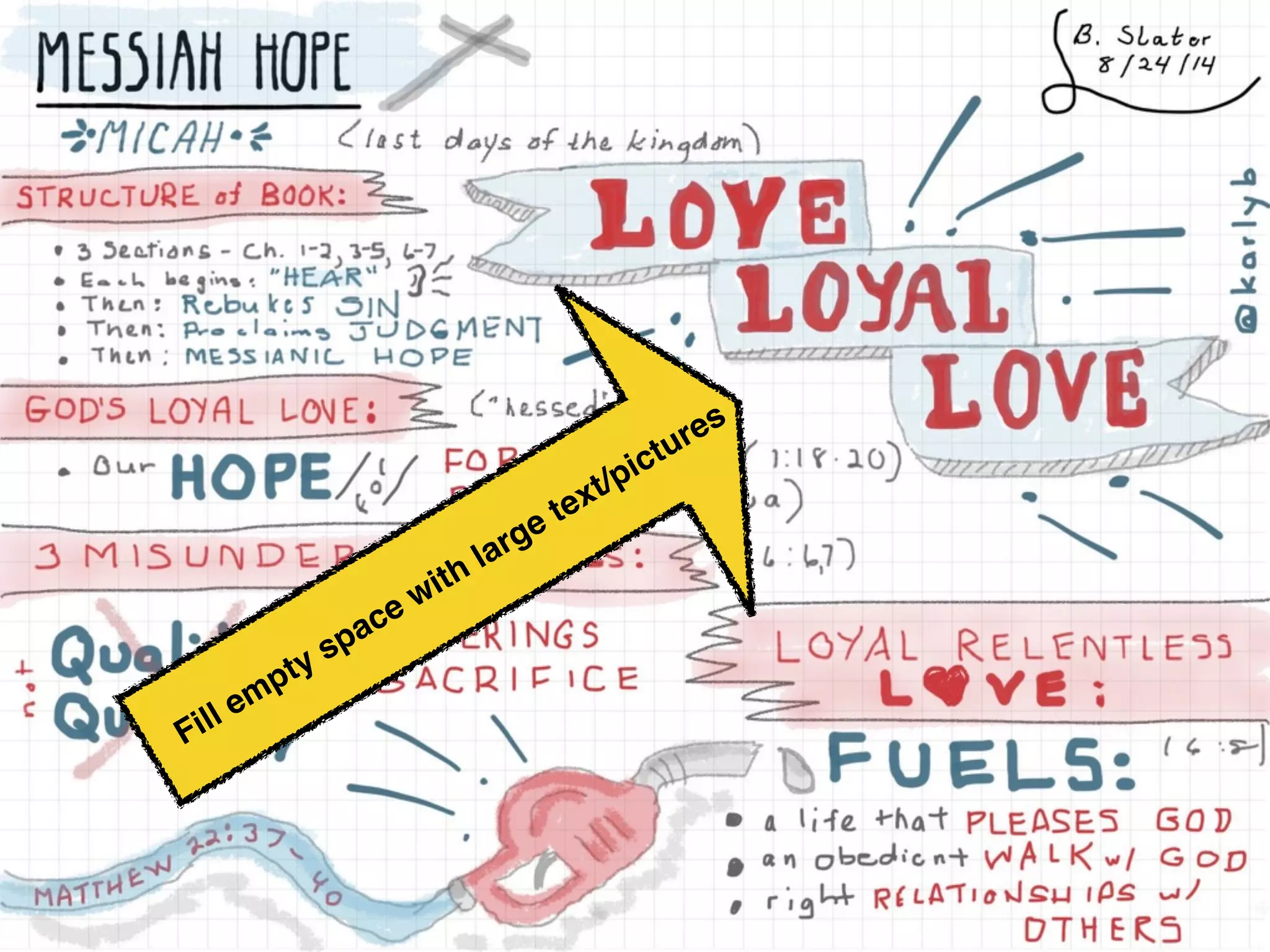
Fill empty space with large text/pictures
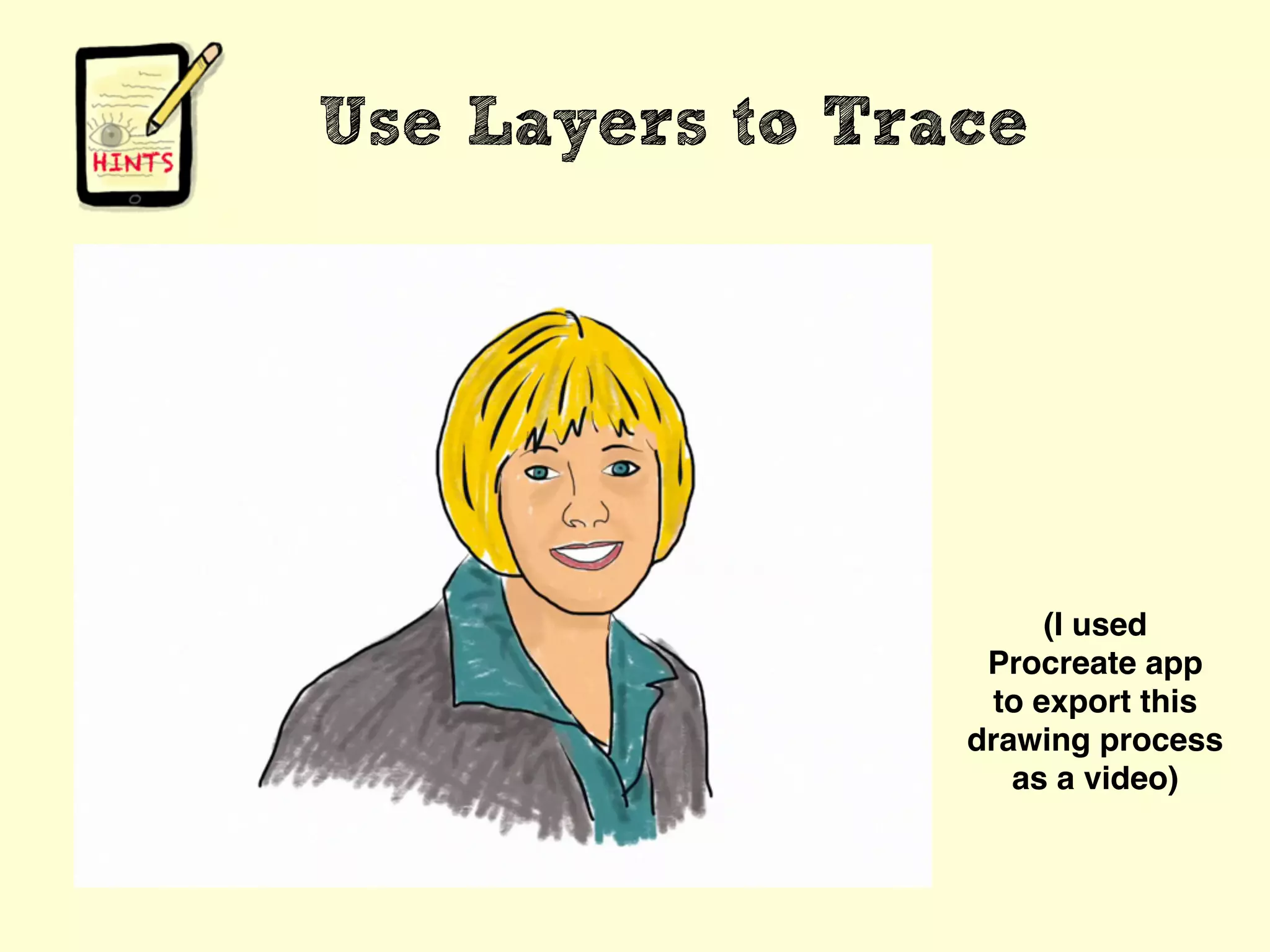
Use Layers to Trace
(I used
Procreate app
to export this
drawing process
as a video)
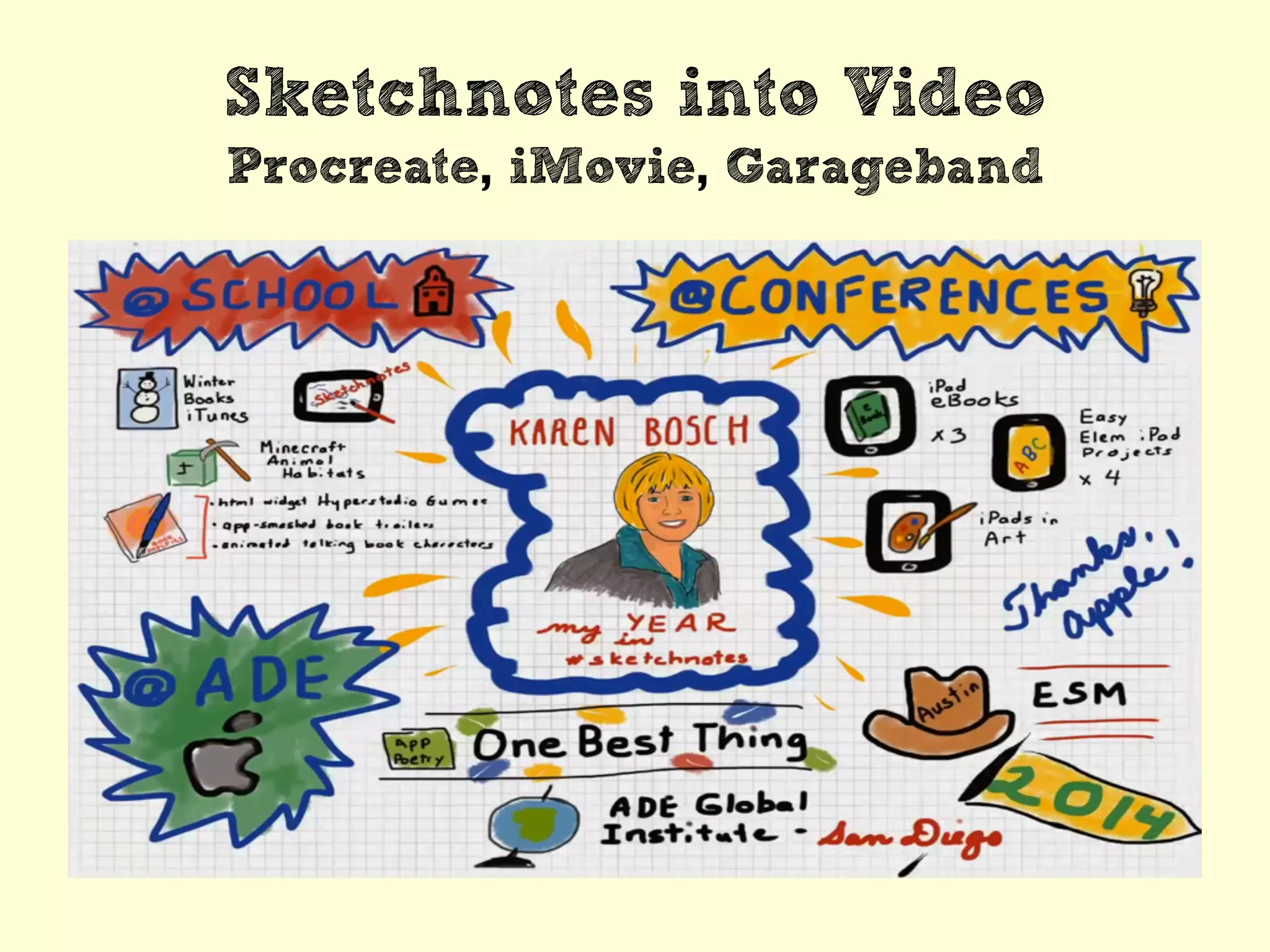
Sketchnotes into Video
Procreate, iMovie, Garageband
tinyurl.com/ipadsketchnotes
Twitter: @karlyb

Digital Sketchnotes 101