Illustrating and
Annotating
Show what you know
Karen Bosch
tinyurl.com/ipadcreate
Resources:
Follow me: @karlyb
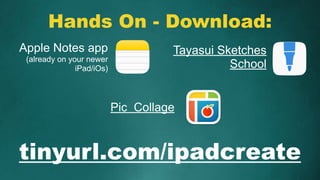
Hands On - Download:
tinyurl.com/ipadcreate
Apple Notes app
(already on your newer
iPad/iOs)
Pic Collage
Tayasui Sketches
School
Creative
Why?
How? ( Examples)
Hands On
Show What
You Know
There are other ways
to document learning
besides a test.
What can you
create
to show what you
have learned?
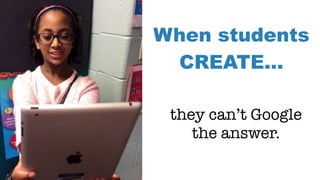
When students
CREATE…
they can’t Google
the answer.
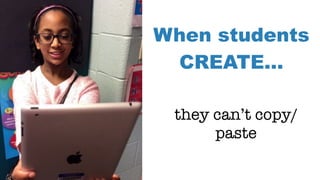
When students
CREATE…
they can’t copy/
paste
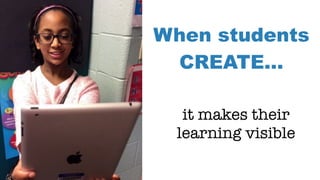
When students
CREATE…
it makes their
learning visible
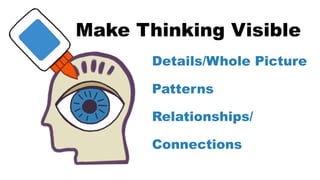
Make Thinking Visible
Details/Whole Picture
Patterns
Relationships/
Connections
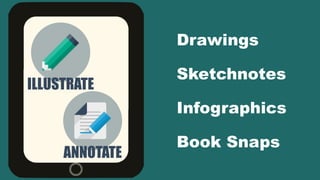
ILLUSTRATE
Drawings
Sketchnotes
Infographics
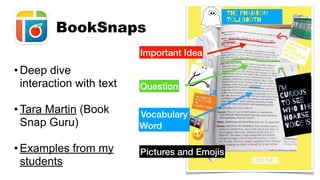
Book Snaps
ANNOTATE
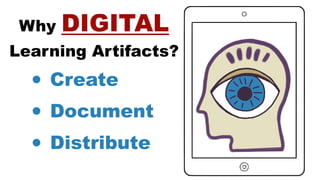
Why DIGITAL
Learning Artifacts?
• Create
• Document
• Distribute
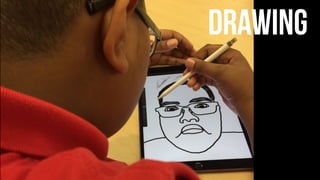
DRAWING
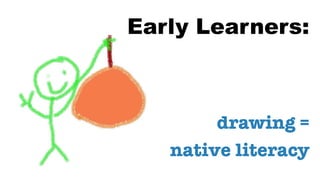
Early Learners:
drawing =
native literacy
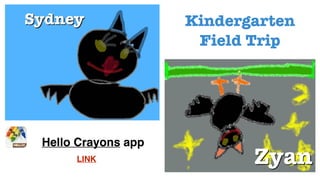
Hello Crayons app
Kindergarten
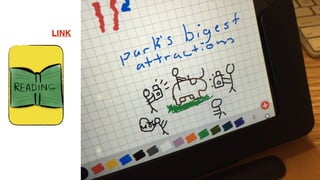
Field Trip
LINK
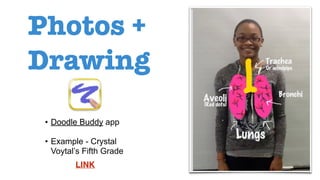
Photos +
Drawing
• Doodle Buddy app
• Example - Crystal
Voytal’s Fifth Grade
LINK
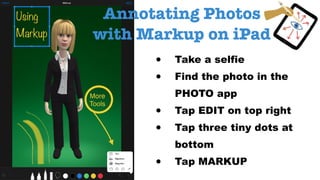
• Take a selfie
• Find the photo in the
PHOTO app
• Tap EDIT on top right
• Tap three tiny dots at
bottom
• Tap MARKUP
Annotating Photos
with Markup on iPad
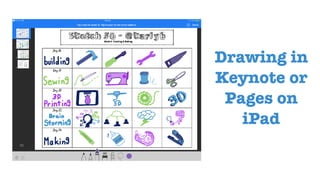
Drawing in
Keynote or
Pages on
iPad
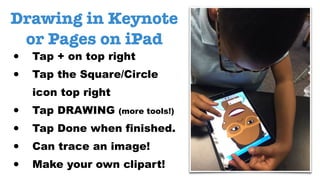
Drawing in Keynote
or Pages on iPad
• Tap + on top right
• Tap the Square/Circle
icon top right
• Tap DRAWING (more tools!)
• Tap Done when finished.
• Can trace an image!
• Make your own clipart!
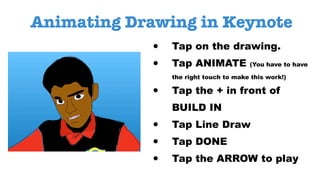
Animating Drawing in Keynote
• Tap on the drawing.
• Tap ANIMATE (You have to have
the right touch to make this work!)
• Tap the + in front of
BUILD IN
• Tap Line Draw
• Tap DONE
• Tap the ARROW to play
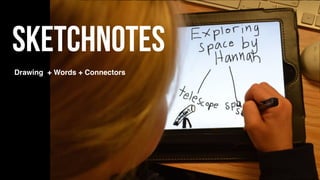
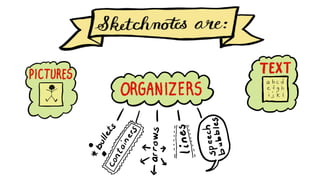
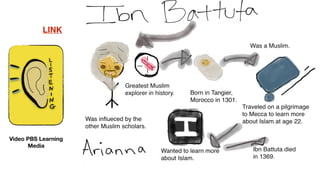
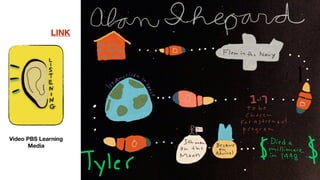
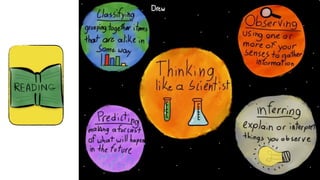
Sketchnotes
Drawing + Words + Connectors
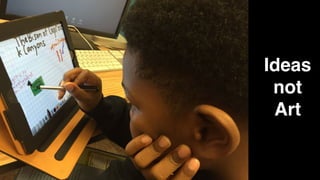
Ideas
not
Art
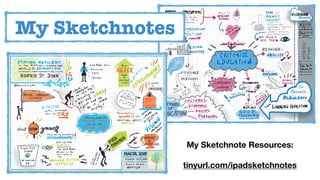
My Sketchnotes
My Sketchnote Resources:
tinyurl.com/ipadsketchnotes
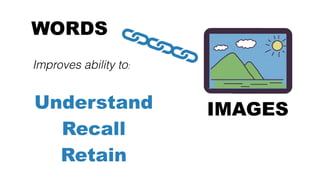
WORDS
Improves ability to:
Understand
Recall
Retain
IMAGES
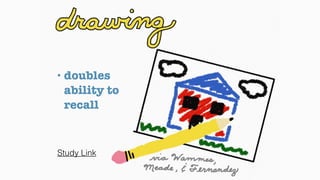
• doubles
ability to
recall
Study Link
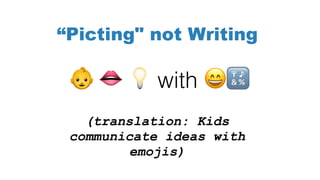
(translation: Kids
communicate ideas with
emojis)
! " # with $%
“Picting" not Writing
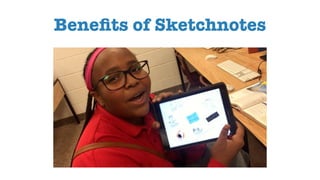
Benefits of Sketchnotes
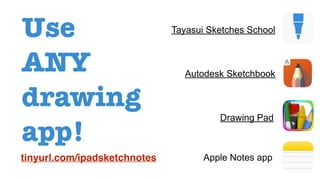
Use
ANY
drawing
app!
Apple Notes app
Tayasui Sketches School
Autodesk Sketchbook
Drawing Pad
tinyurl.com/ipadsketchnotes
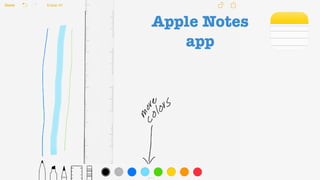
Apple Notes
app
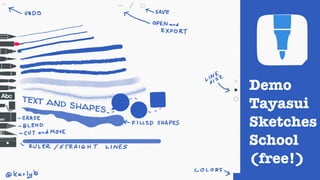
Demo
Tayasui
Sketches
School
(free!)
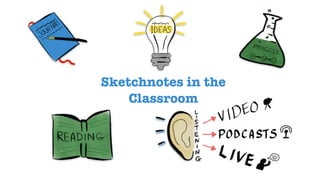
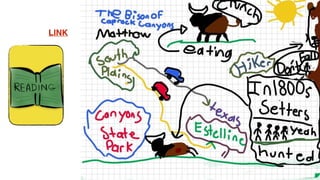
Sketchnotes in the
Classroom
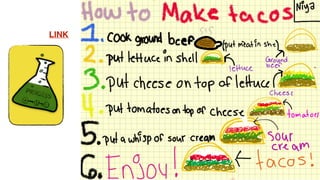
LINK
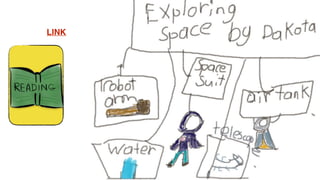
LINK
LINK
LINK
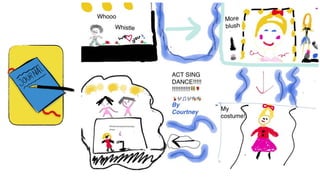
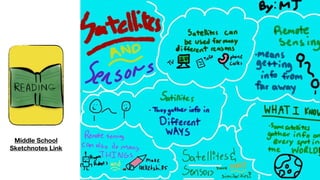
Middle School
Sketchnotes Link
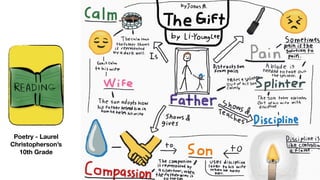
Poetry - Laurel
Christopherson’s
10th Grade
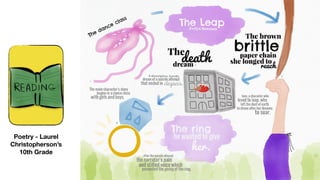
Poetry - Laurel
Christopherson’s
10th Grade
LINK
Video PBS Learning
Media
LINK
Video PBS Learning
Media
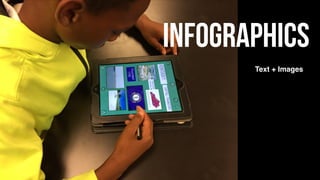
Infographics
Text + Images
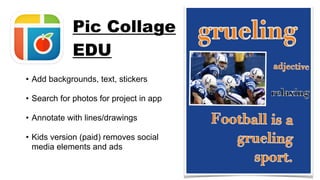
• Add backgrounds, text, stickers
• Search for photos for project in app
• Annotate with lines/drawings
• Kids version (paid) removes social
media elements and ads
Pic Collage
EDU
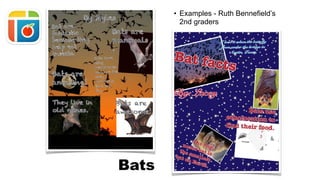
Bats
• Examples - Ruth Bennefield’s
2nd graders
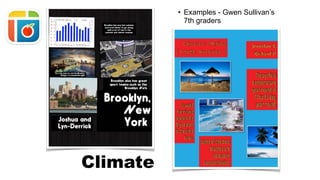
Climate
• Examples - Gwen Sullivan’s
7th graders
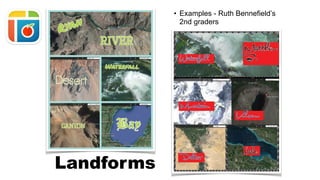
• Examples - Ruth Bennefield’s
2nd graders
Landforms
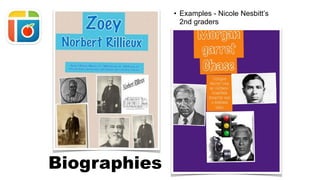
• Examples - Nicole Nesbitt’s
2nd graders
Biographies
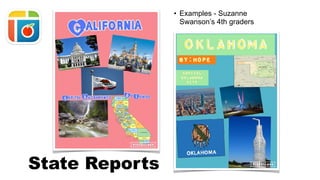
• Examples - Suzanne
Swanson’s 4th graders
State Reports
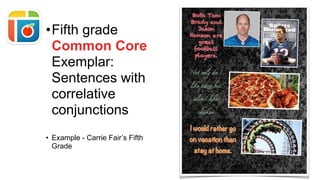
•Fifth grade
Common Core
Exemplar:
Sentences with
correlative
conjunctions
• Example - Carrie Fair’s Fifth
Grade
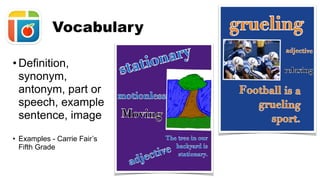
• Definition,
synonym,
antonym, part or
speech, example
sentence, image
• Examples - Carrie Fair’s
Fifth Grade
Vocabulary
• Deep dive
interaction with text
• Tara Martin (Book
Snap Guru)
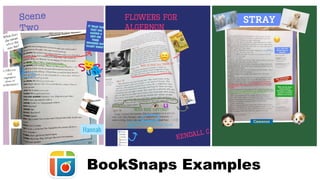
• Examples from my
students
BookSnaps
Pictures and Emojis
Important Idea
Vocabulary
Word
Question
BookSnaps Examples
Demo
Pic
Collage
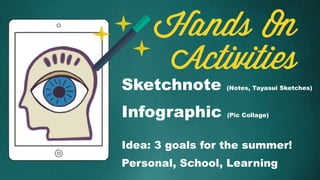
Hands On
Activities
Sketchnote (Notes, Tayasui Sketches)
Infographic (Pic Collage)
Idea: 3 goals for the summer!
Personal, School, Learning
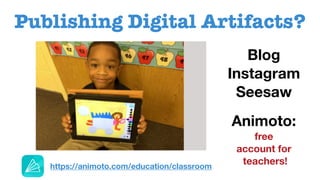
Publishing Digital Artifacts?
Blog
Instagram
Seesaw
Animoto:
free
account for
teachers!https://animoto.com/education/classroom
Contact me: k.bosch@mac.com
tinyurl.com/ipadcreate
Resources:
Follow me: @karlyb
Illustrating and
Annotating
Show what you know
Karen Bosch
tinyurl.com/ipadcreate
Image Credits:
• https://creativemarket.com/pixelbazaar/13226-Flatilicious-200-icons
• https://icons8.com/
All other images and presentation content: copyright by
Karen Bosch and are not to be used without permission.
The entire presentation may be embedded into another web
as long as attribution and a link back are included.
Copyright:
Show What You Know: Illustrating and Annotating

Show What You Know: Illustrating and Annotating