New Facets in Library Management 2011 ELVIRA B. LAPUZ [email_address]
Overview Traditional offerings of the Library New Services and New User Expectations Web-based services Some of the current best practices
Objective Introduce the LIBRARY as a portal in the discovery of enriching learning experiences
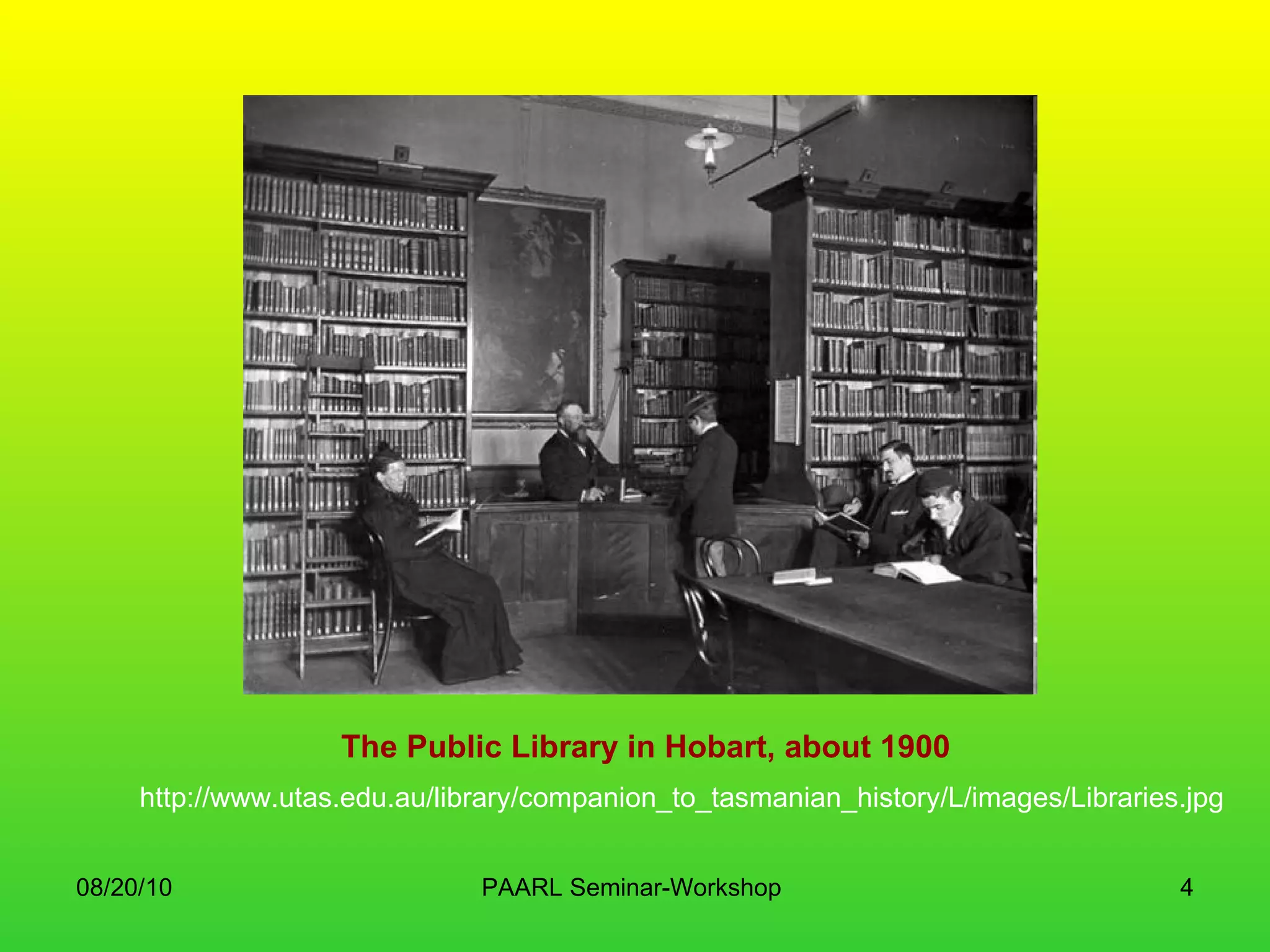
The Public Library in Hobart, about 1900 http://www.utas.edu.au/library/companion_to_tasmanian_history/L/images/Libraries.jpg
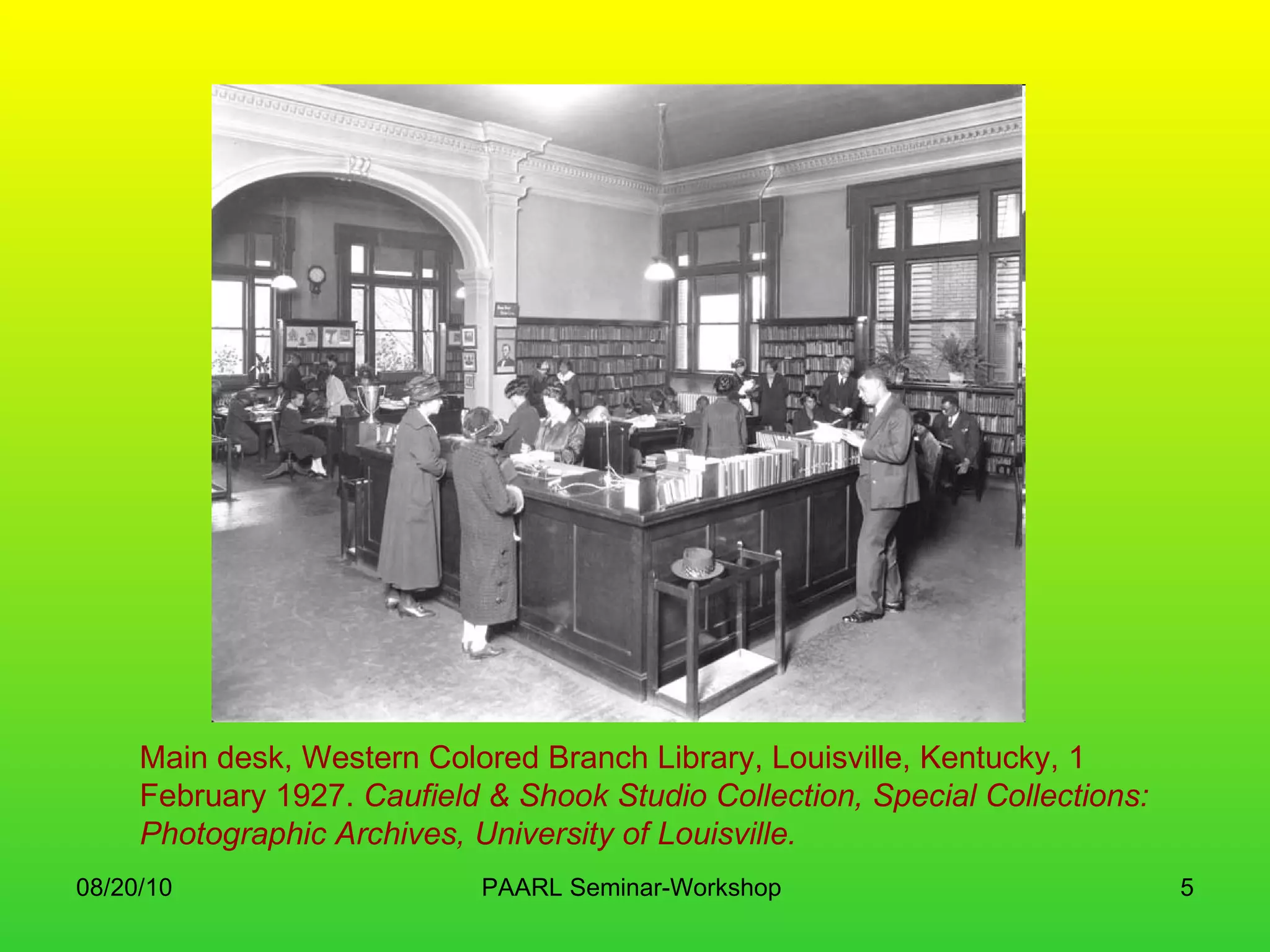
Main desk, Western Colored Branch Library, Louisville, Kentucky, 1 February 1927.  Caufield & Shook Studio Collection, Special Collections: Photographic Archives, University of Louisville.
Children line up beside the Albemarle Regional bookmobile in Northampton County, North Carolina
circa 1978
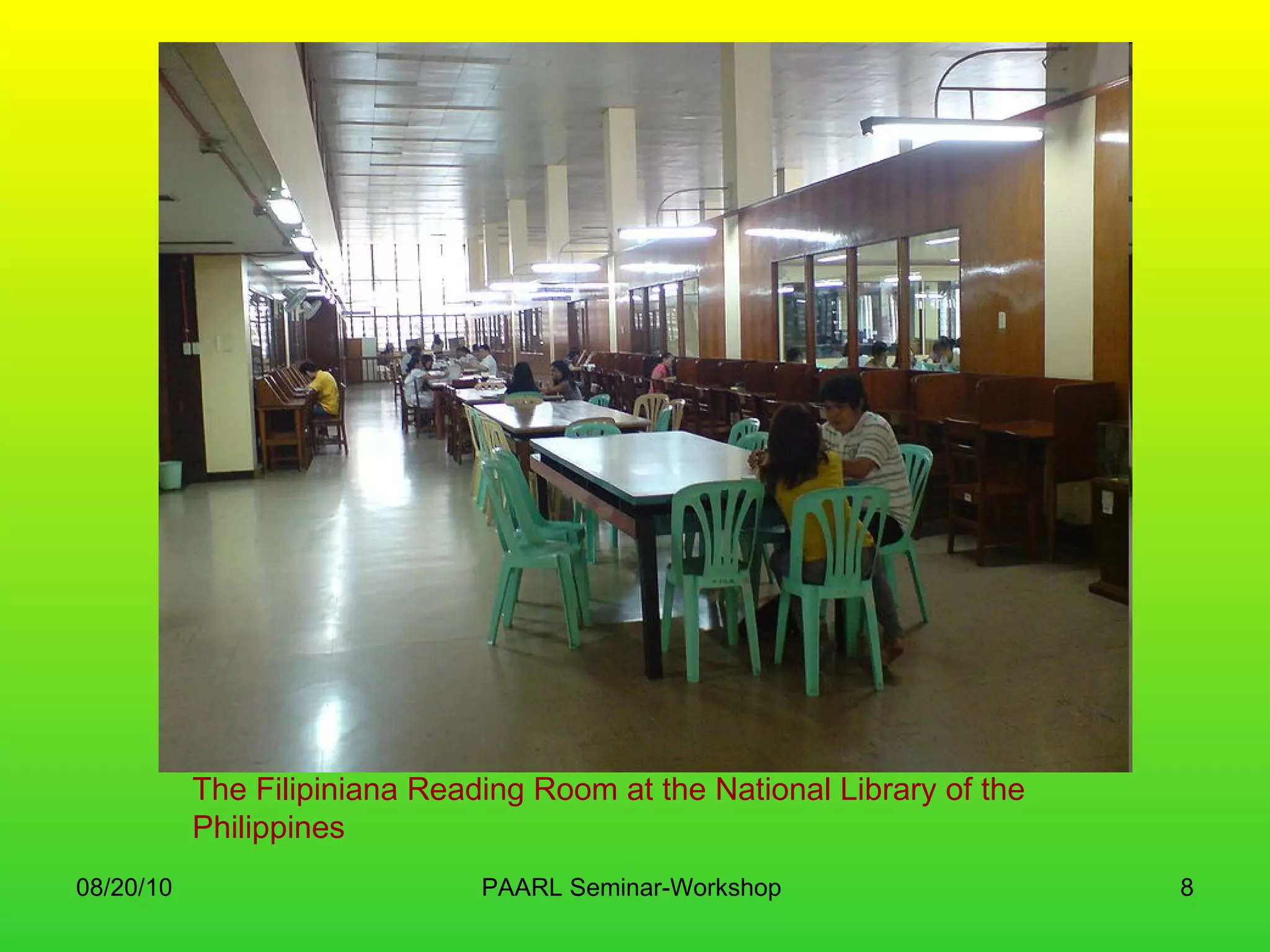
The Filipiniana Reading Room at the National Library of the Philippines
Anievas Memorial Library; De La Salle Zobel
Introduction “ Libraries are changing. Funding limits and customer demands are transforming staffing levels, service models, access to resources, and services to the public. Administrators and taxpayers are seeking more efficient ways of delivering services to achieve greater returns on financial investments”.  --  Michael E. Casey and Laura C. Savastinuk -- Library Journal, 2006
What the Cookie Monster wants
Back to Basics Reasons for establishing a library and information service Requirements in establishing a good library Staffing Networking Services to be provided Marketing and promotion
Why the need for a Library? Is it cost-beneficial? Everything is in the Internet, right? Information should be free! Roles of library and information professionals  Sources for authoritative and validated information
Information audits Existing information Location Accessibility Depth and width of service Kinds of information needs Users Gaps and discrepancies Reasons for use Required formats Training needs of both staff and users
Info audits outcomes Know how the library and its services and products are perceived – or not! Determine and describe the real information needs Find the customers within the organization Where else they go to find information Know how to provide the information WHEN it is needed Understand the importance of producing information in the format customers need Results can be used for future publicity
Establishing a Library Premises Design Good and poor locations The Building Furniture Lighting Signage Equipment and Internet access
Staffing Kind of staff needed – qualifications Required number Managing staff budgets Managing people Training needs and continuing professional development
Establishing a Library (2) Security Acoustics Access Maintenance
Networking In support of library service Some skills needed: communication, management, leadership, marketing and writing Take note!  Networking for success is possible for everyone
Library services Acquisitions Organizing information Indexing and abstracting Building up databases Enquiry services Lending (Circulation of materials) Translating and interpretation Other services tailored to a particular user or user groups
Marketing and Promotion Advertisements Press releases Written articles or information notes Organized visits Info sheets, leaflets, brochures Publicity packages
If we are creating Libraries today, how would they look like? Bodleian Library, Oxford   http://www.flickr.com/photos/janvanansem/809046479 /
Maybe this? San Jose State U.   http://www.flickr.com/photos/andreiz/400243986/
OR this? Learning Grid, U. Warwick  http://www.flickr.com/photos/jiscinfonet/146842841/
And this? Georgia Tech Information Commons  • Photo: Joan Lippincott
Or maybe this? Google Book Search   http://books.google.com/
 
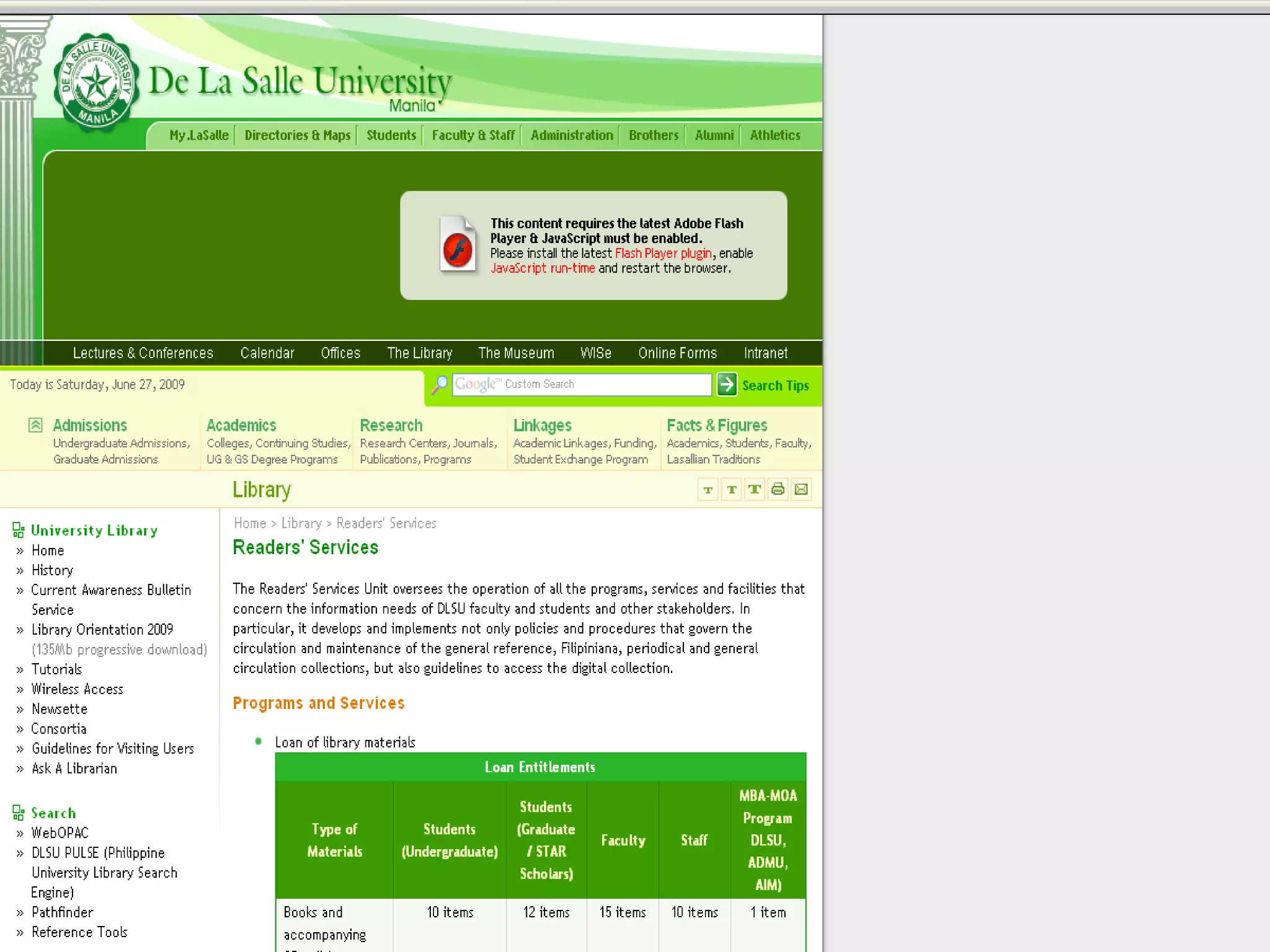
DLSU Readers’ Services Loan of library materials/Circulation Research and research advise User education Database searching assistance Document delivery/Interlibrary loan services Current Awareness Indexing and abstracting services Open shelf control system Information and referrals
Under the  Readers Services  are the Circulation, General Reference, Filipiniana, Computer and Audio-Visual Services, Microform Reading Center, and Foreign Periodicals sections.  ATENEO DE MANILA UNIVERSITY RIZAL LIBRARY
Characteristics of NetGen Users: Always connected and multi tasking Can work in groups and teams Experiential learners Very visual Producers and collaborators as well as consumers
Or the Millenials “visually oriented” “easily bored” “very demanding” “used to having the best of everything”  “want cutting edge facilities” Patricia Duck, Library Director, University of Pittsburgh
The need for  deeper learning Social Active Contextual Engaging Student/user owned Colleen Carmean & Jeremy Haefner. “ Mind Over Matter.”  EDUCAUSE Review , vol 37,No. 6, Nov./Dec., 2002  http://www.educause.edu/ir/library/pdf/erm0261.pdf
What about our remote users? Could be thousands of miles away or just be in the building next door They are using a computer to interact with library provided resources or services which may or may not be based in the library building “web users”
Considerations: Their equipment and technical abilities allow them to use library resources Able to find their way to the quality resources provided They are learning  Expectations are met Navigational and organizational schemes that make sense Effective online help and instructions
Rethinking readers’ services The “book” as an object RS tools (both print and online) RS interaction – should establish a connection between patron and library Goal is to make the reader feel that the library is a welcoming place to come and find their information needs
Why read? The reality of it Escapism For instruction Literacy skills Get insights into other ways of life Essential “food” for the imagination
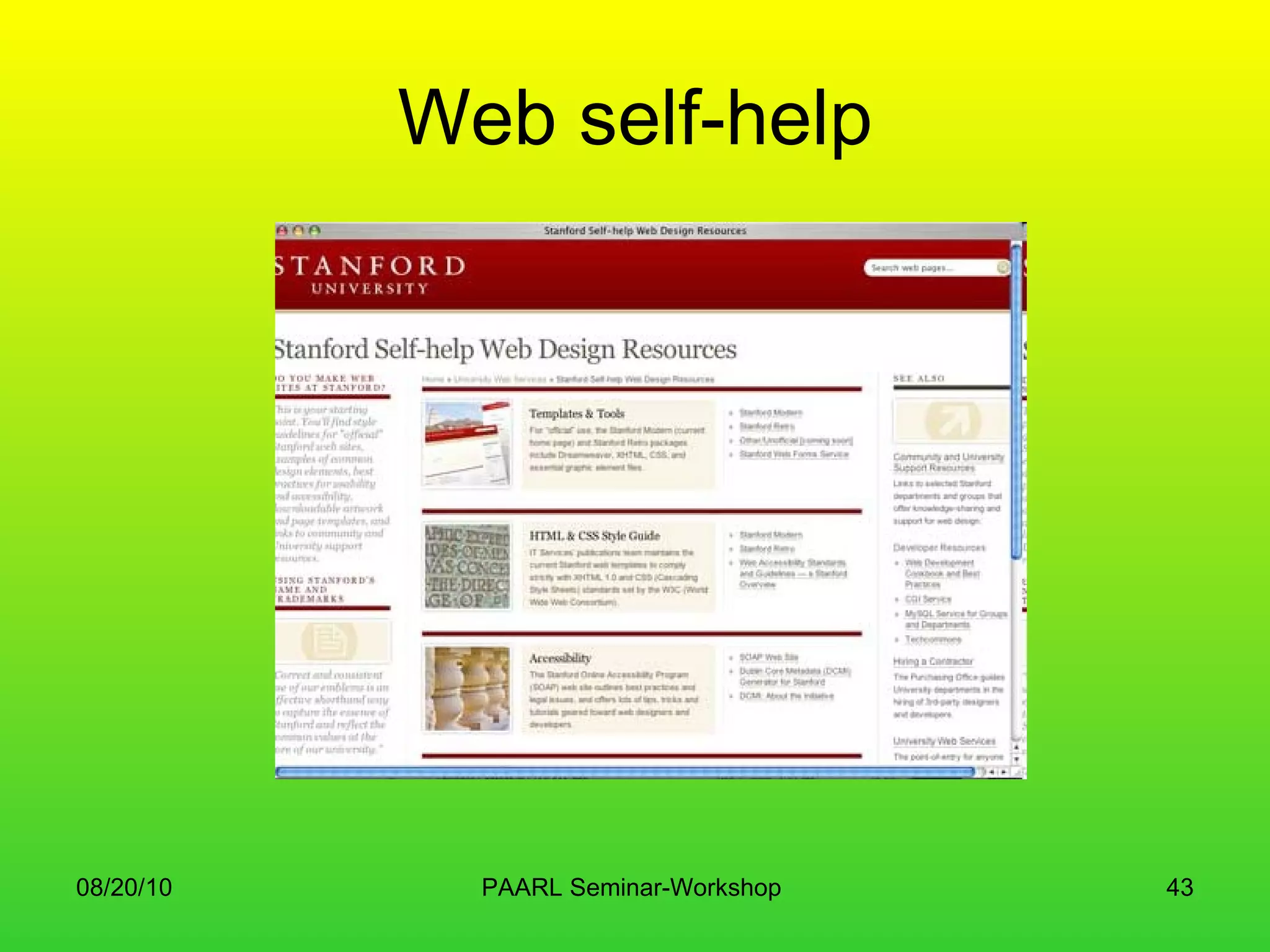
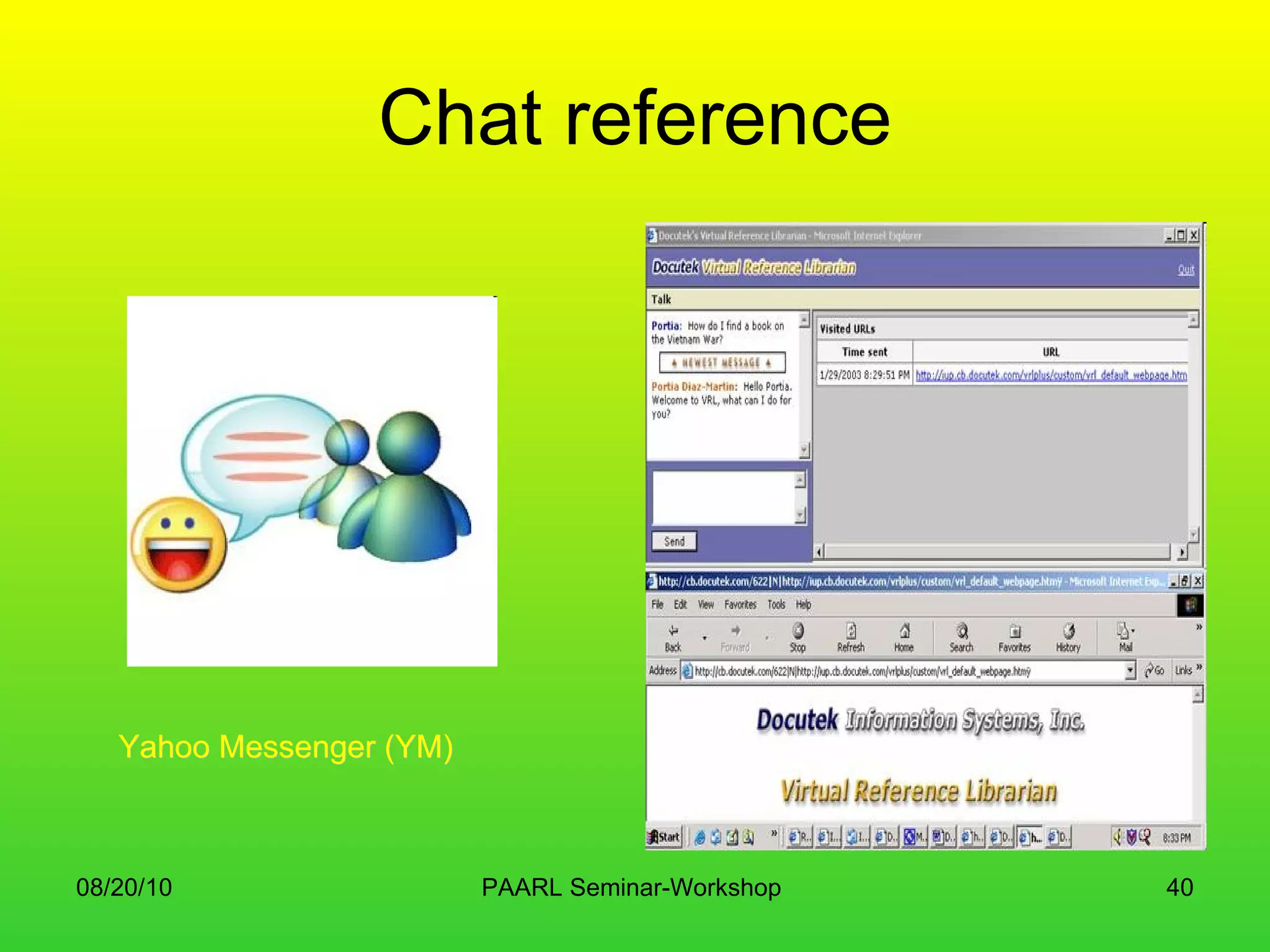
Current models of staffing Elimination of the physical desk Librarians back at the desk Recruitment from other areas Chat reference Use of IM (Instant Messaging) Roving reference Web self-help
 
 
Chat reference Yahoo Messenger (YM)
The Reference Desk Librarian,  Ballard Carnegie Library ,  Seattle, Washington  ca. 1907  City of Concord Library
Roving Reference
Web self-help
Library can choose to transform Content Tools Services
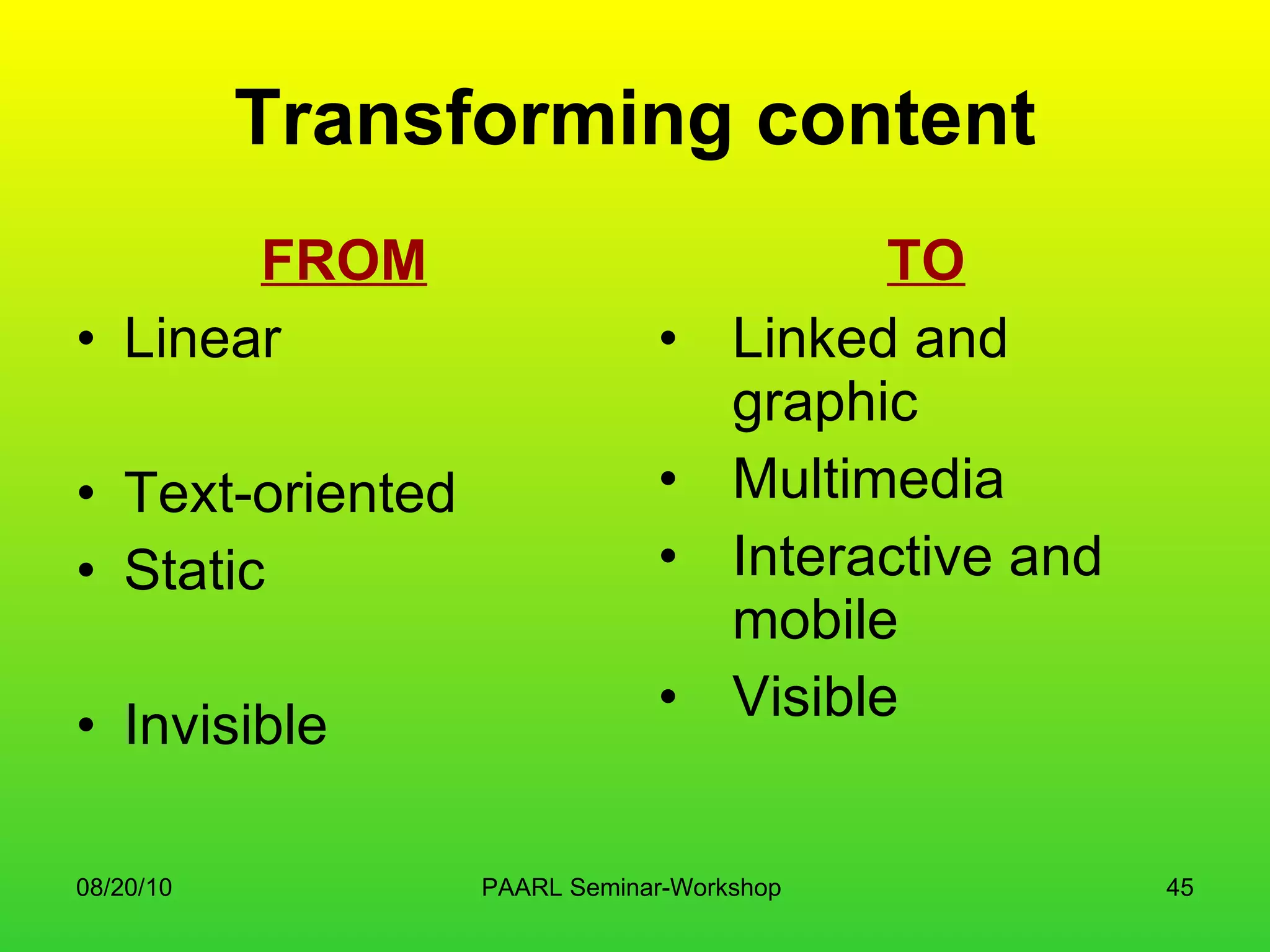
Transforming content FROM Linear Text-oriented Static Invisible TO Linked and graphic Multimedia Interactive and mobile Visible
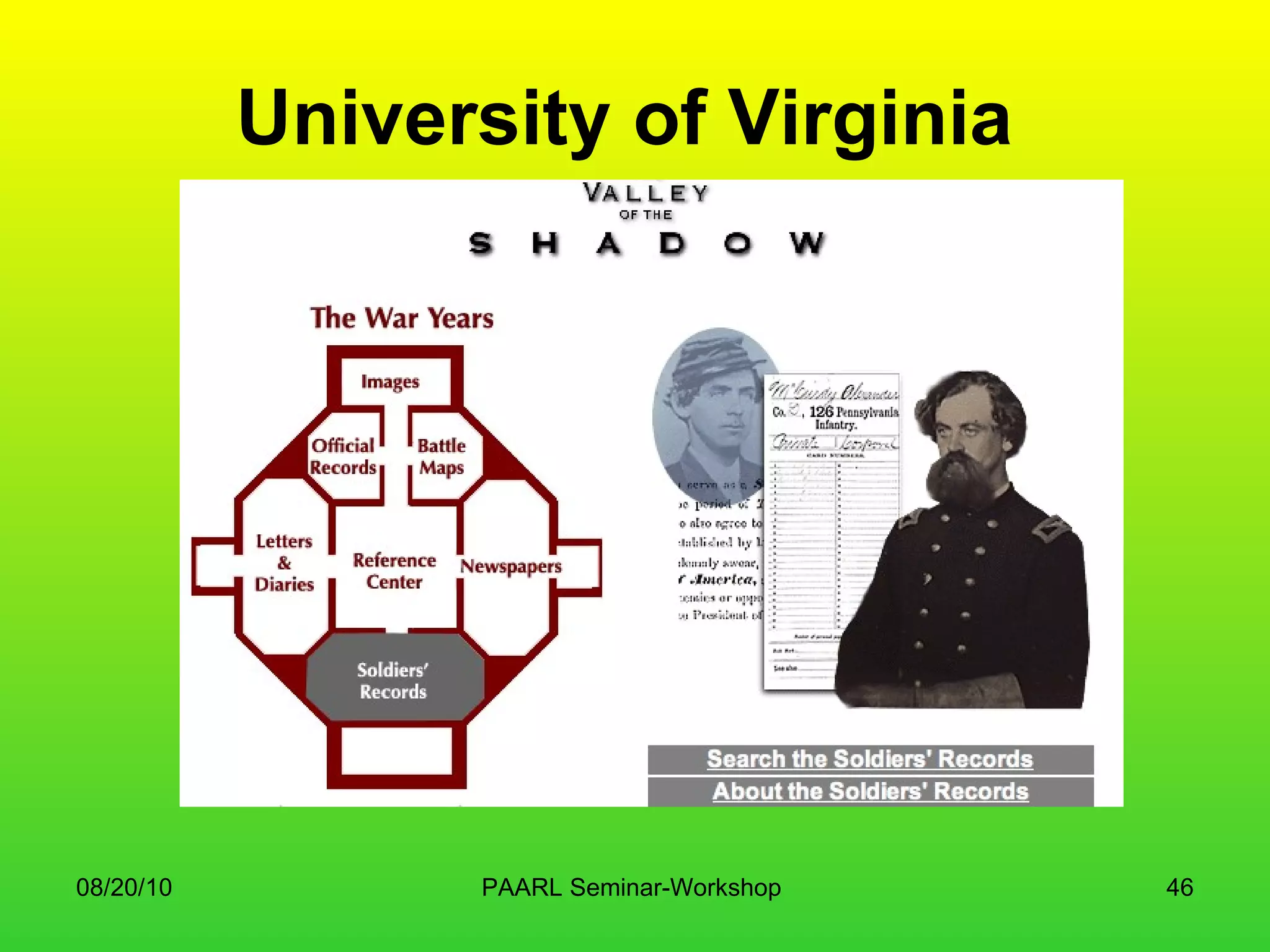
University of Virginia
Transforming Tools FROM Receptive Query-based Highly structured Complex Owned, licensed TO Push and mobile Interactive New structures Simple Mixed, including freely available
 
Why 2.0? Because it offers the first real opportunity to use technology to go beyond search and storage It has the capacity to engage readers… or more broadly, learners… and learners engage each other
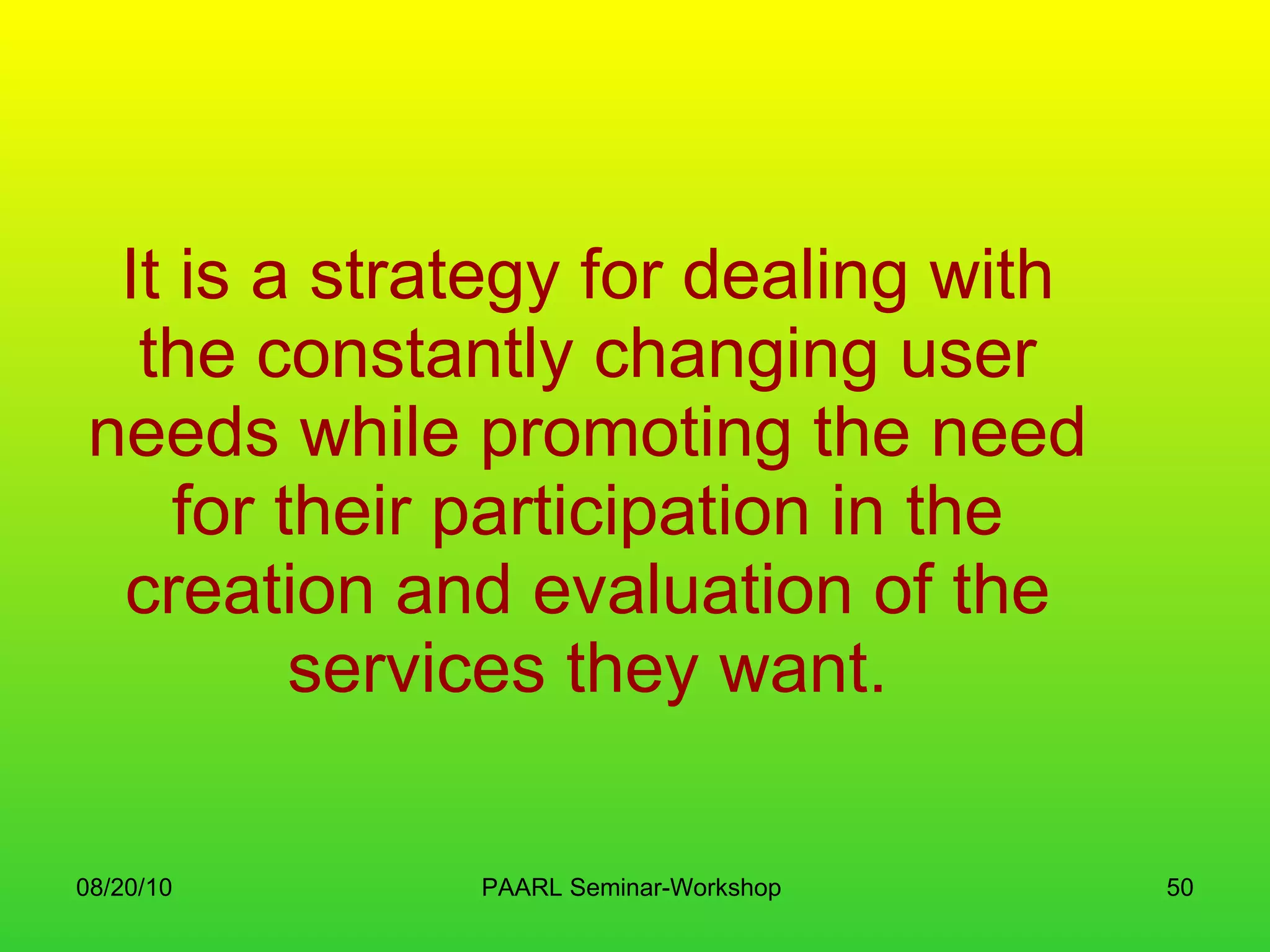
It is a strategy for dealing with the constantly changing user needs while promoting the need for their participation in the creation and evaluation of the services they want.
Web 2.0 and Library 2.0
Web 2.0 tools Blogs RSS feeds Wikis Podcasts and podcasting Social bookmarking Social networking Tagging
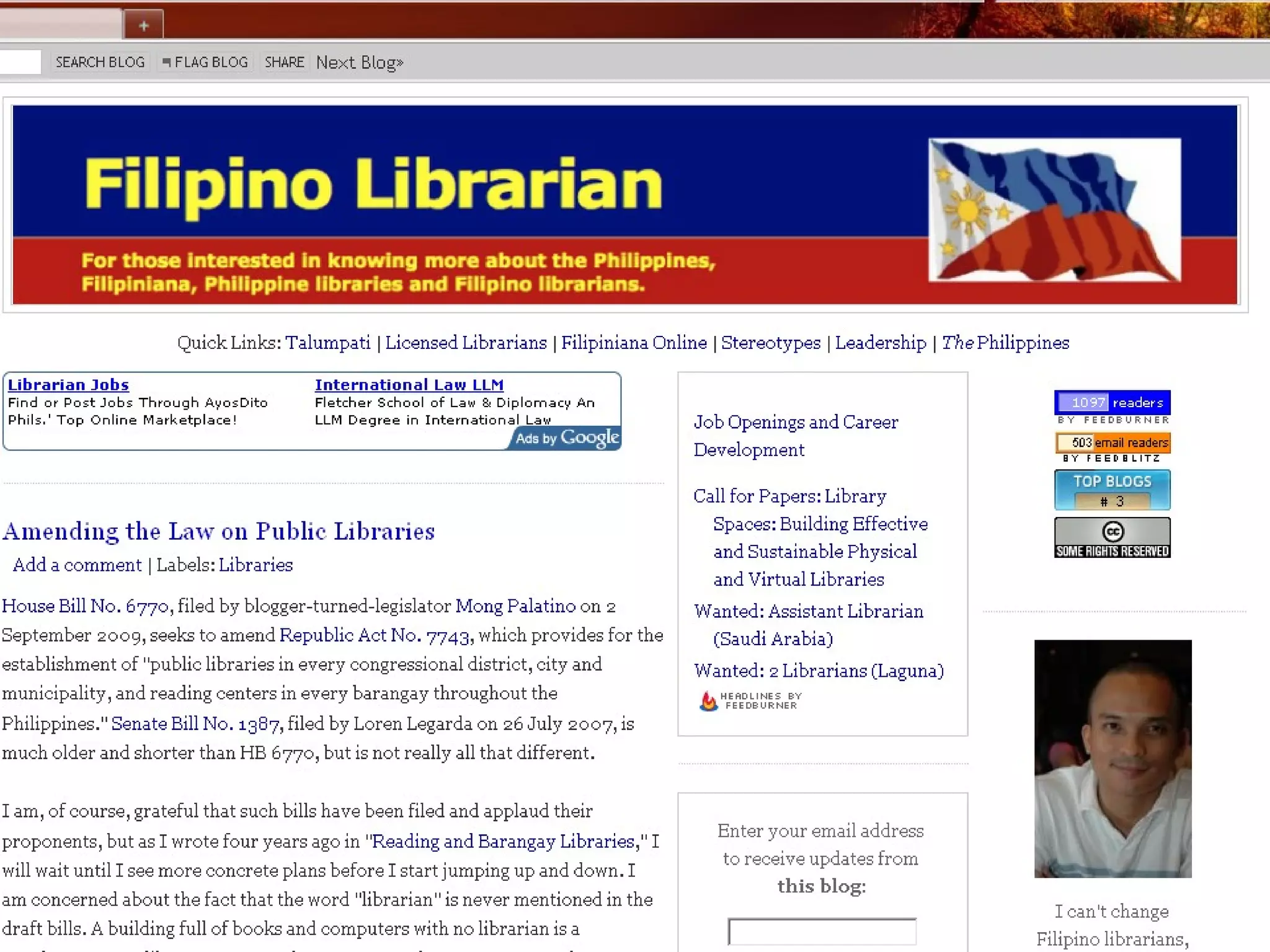
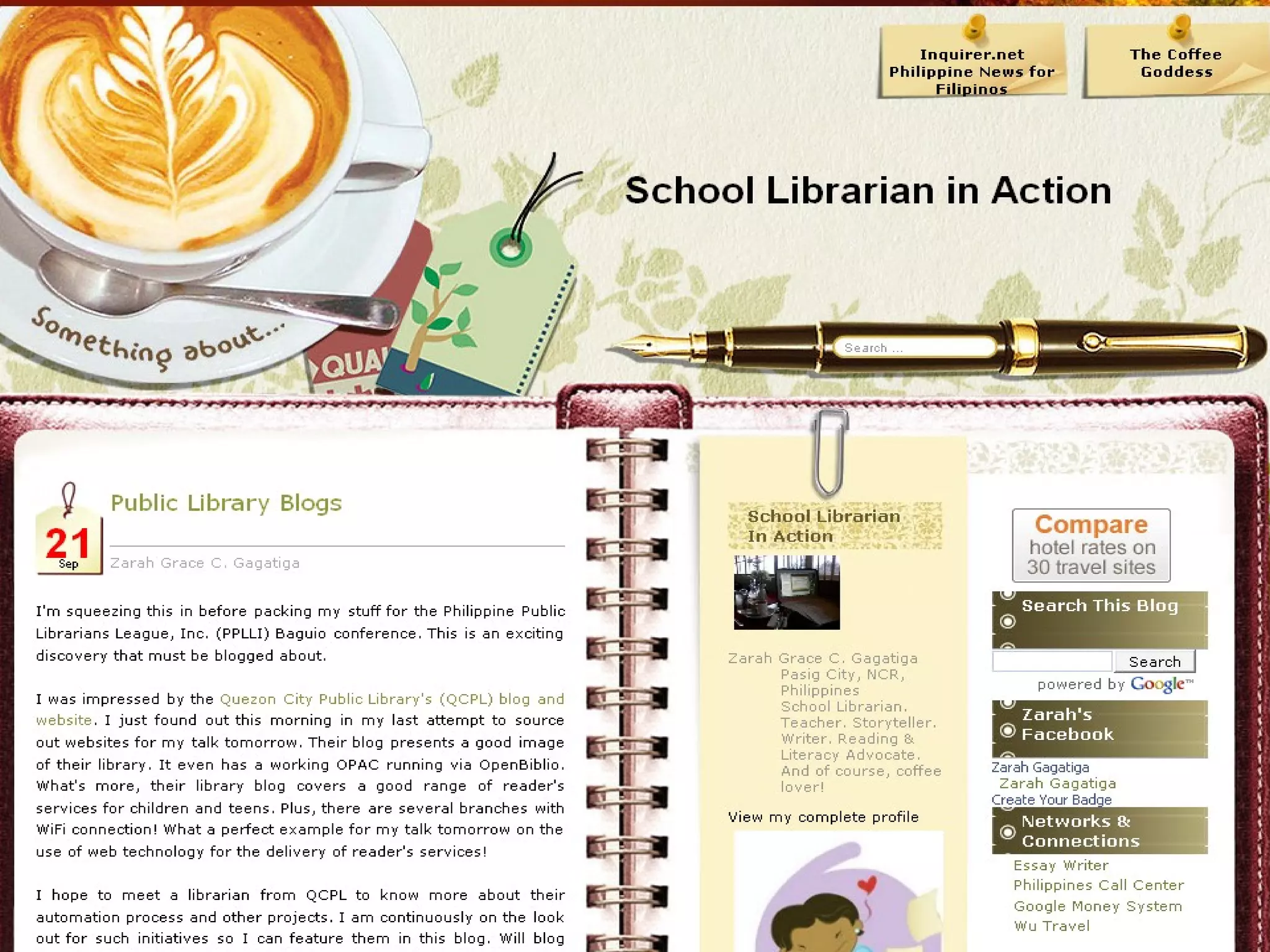
Blogs   Short for web log an  online journal  where information (not only text, but also audio, photographs and video) is posted on a regular basis and appears in chronological order  Way to share one’s thoughts to the world
 
 
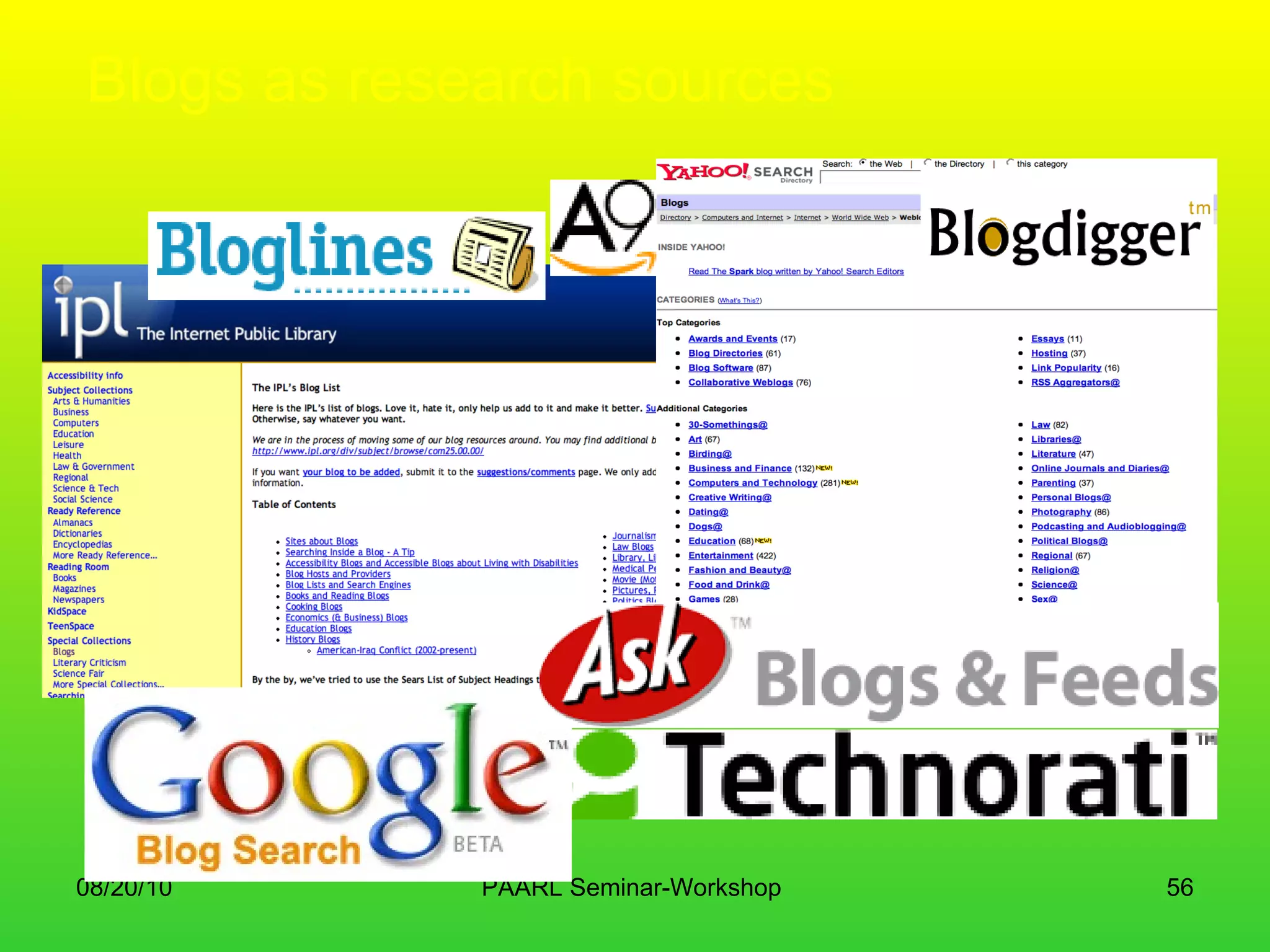
Blogs as research sources
RSS feeds Stands for  R eally  S imple  S yndication Provides the glue that links us to the content we want to read "feed," "web feed," or "channel," containing either a summary of content from an associated web site or the full text  often used by bloggers to alert users to new postings
 
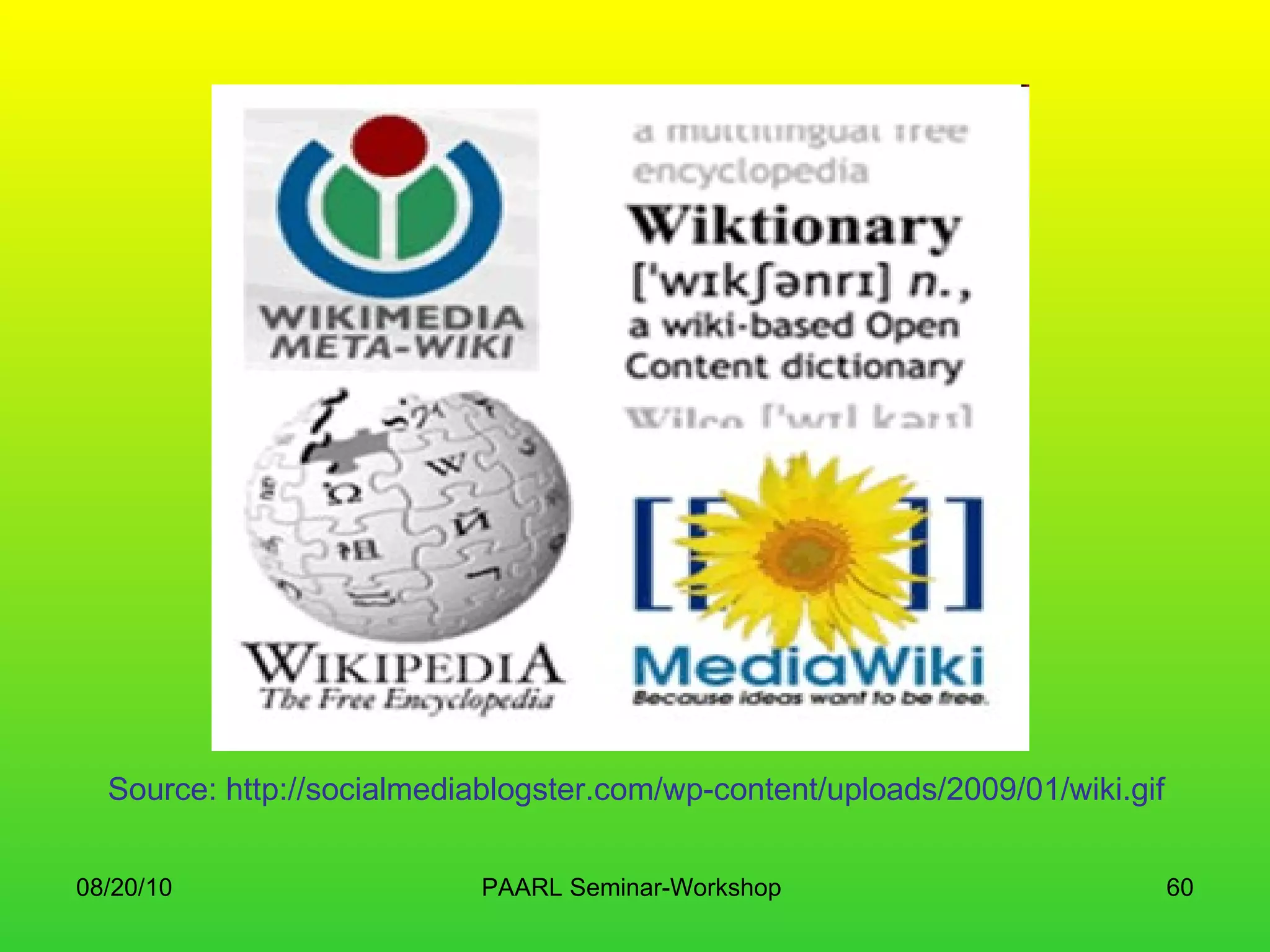
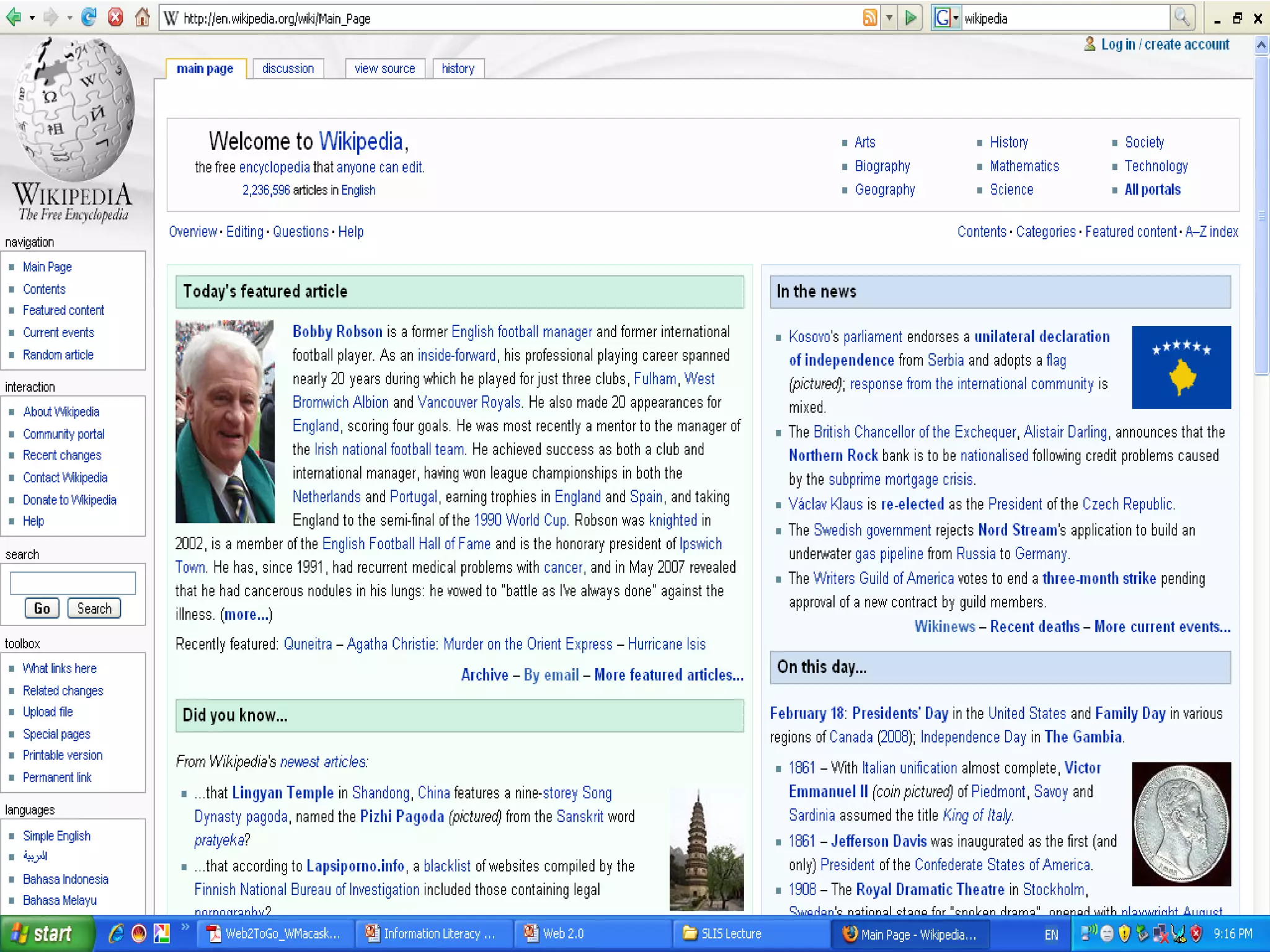
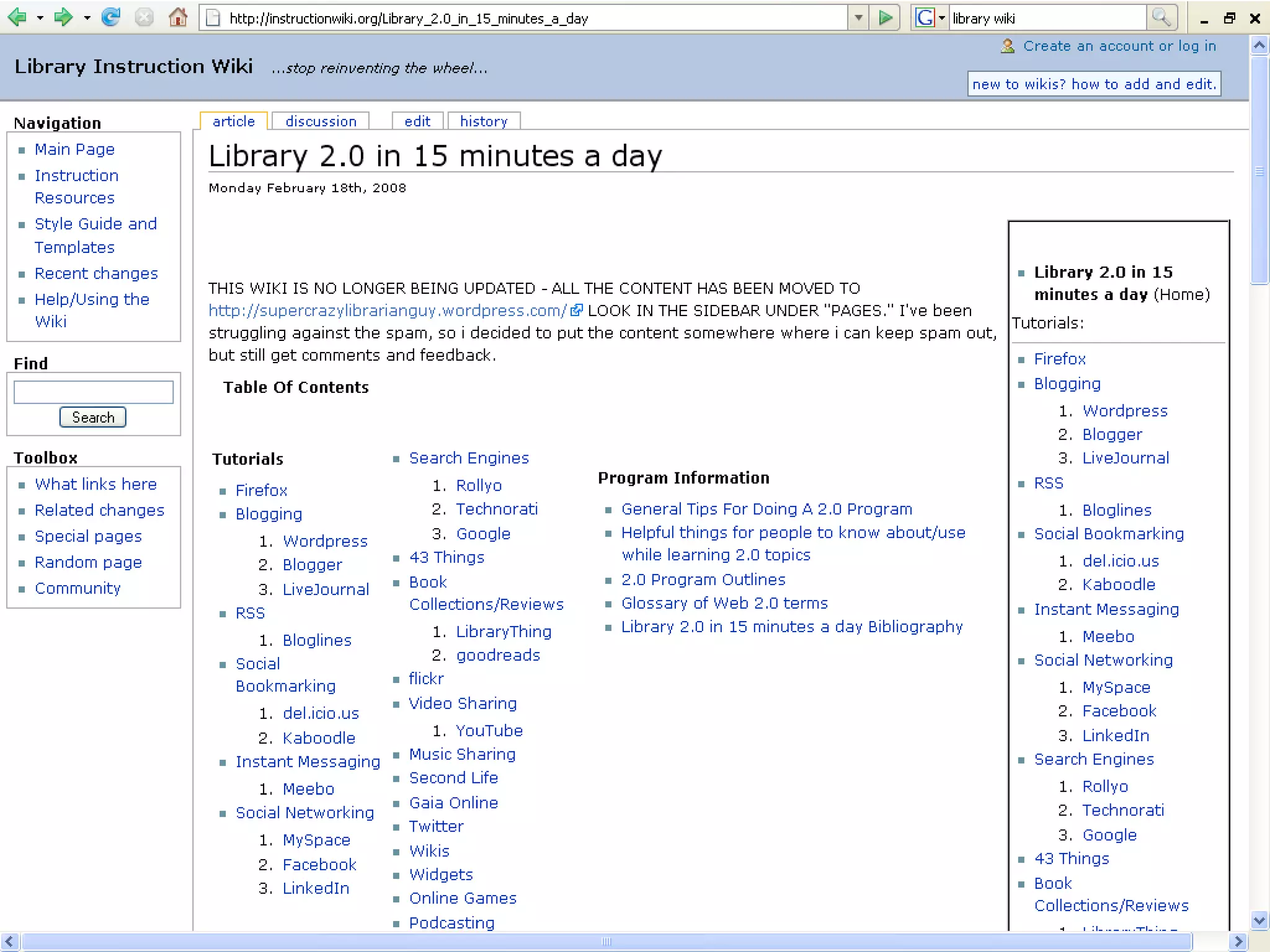
wikis type of website that allows collaborative creating, editing and storage of content by a group of users  ideal for specific projects and collaborative knowledge sharing, especially if group members are in more than one location  Wikipedia  – most well known wiki; free online encyclopedia
Source: http://socialmediablogster.com/wp-content/uploads/2009/01/wiki.gif


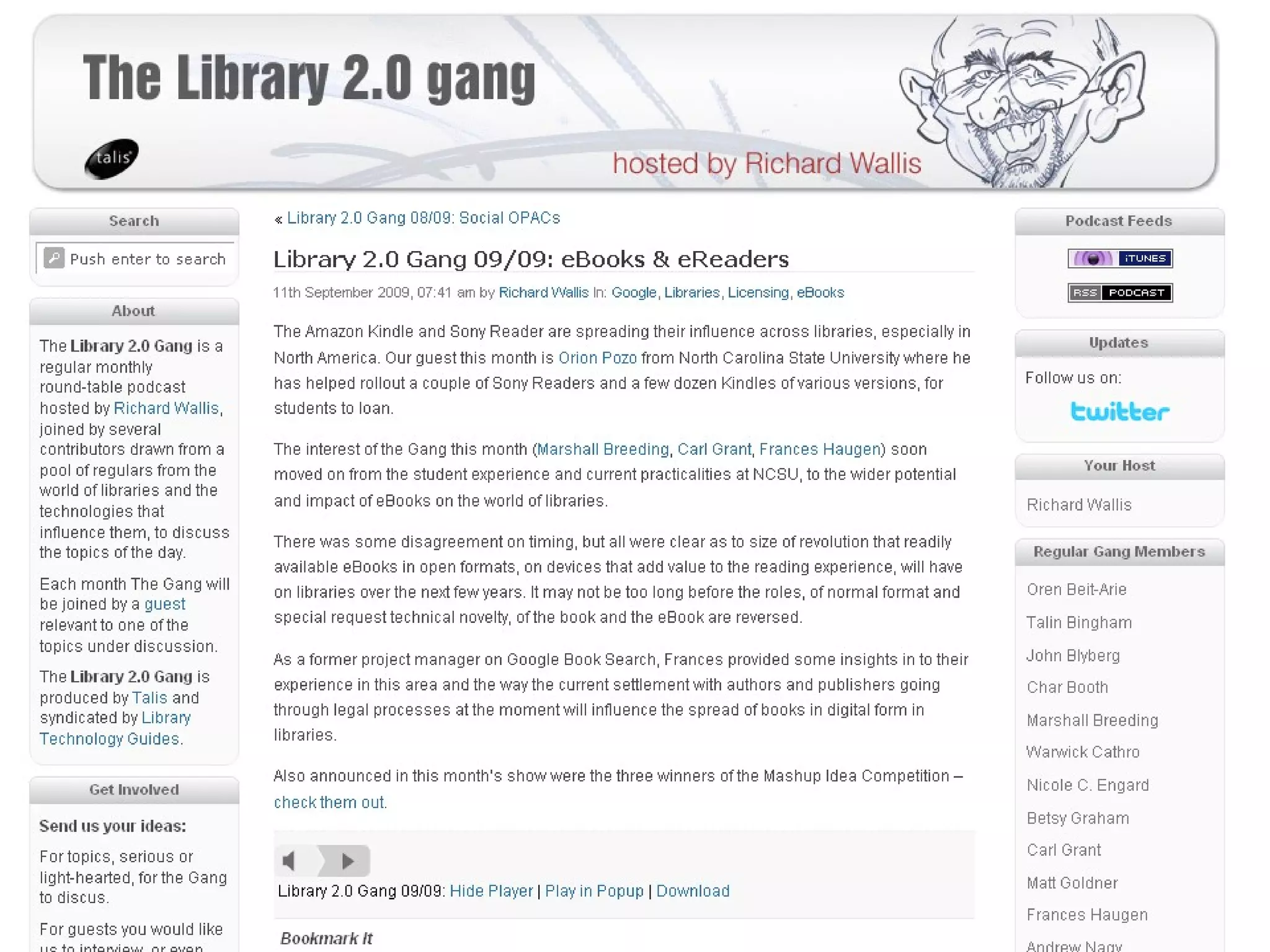
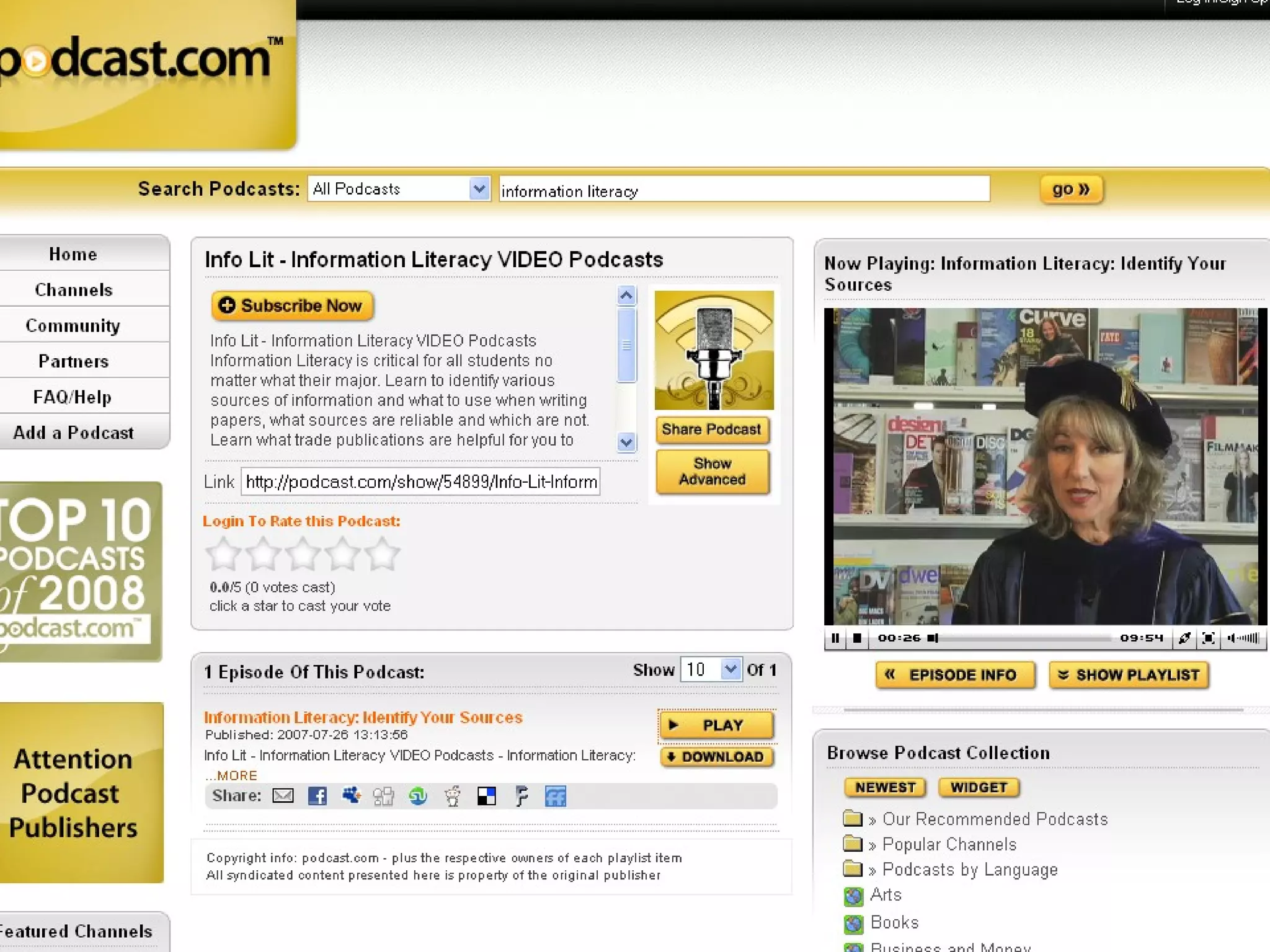
Podcasts   Derived from the terms  iPod  and  broadcast a collection of digital media files distributed over the Internet, often using syndication feeds, for playback on portable media players and personal computers
 
 
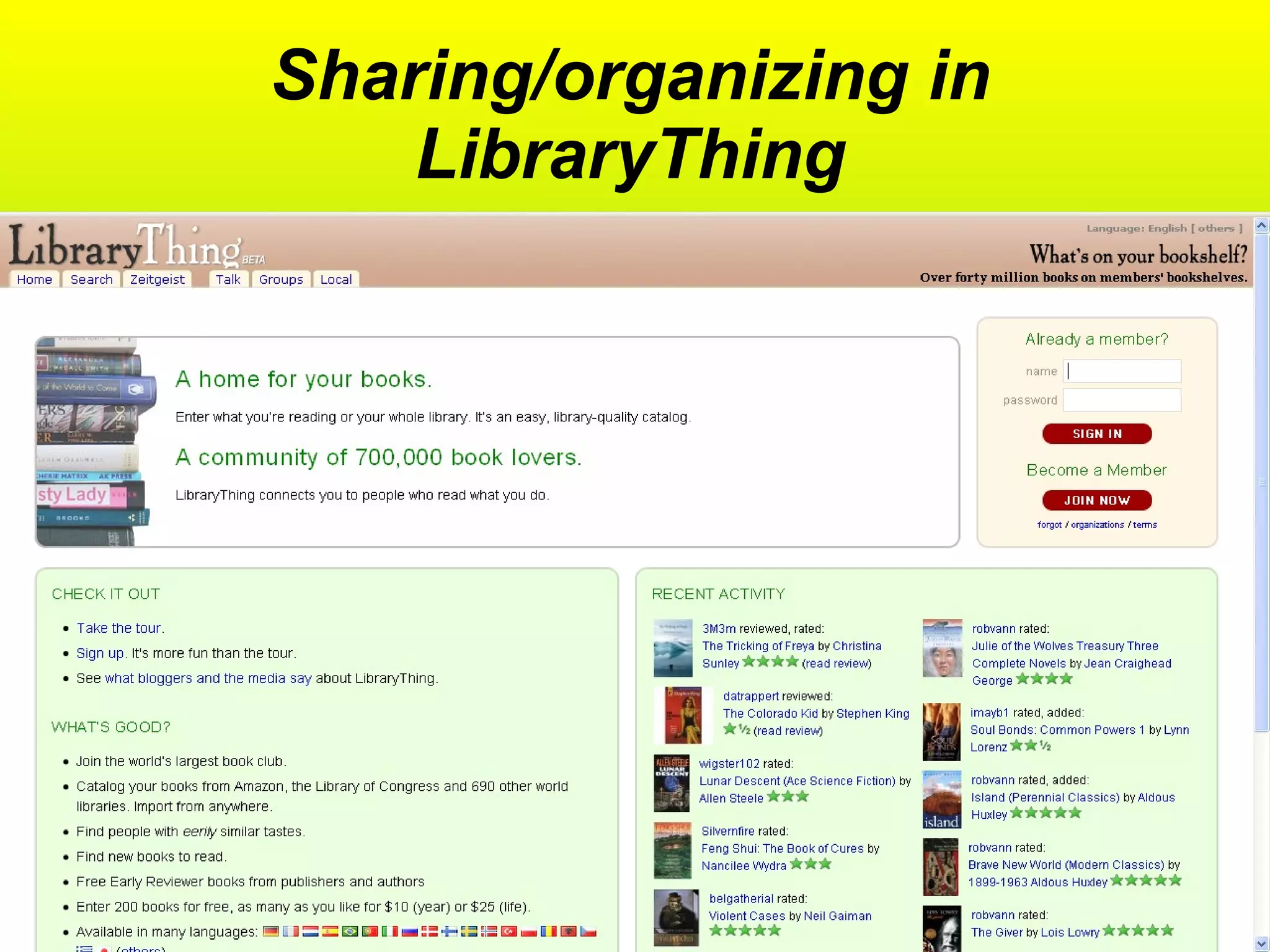
Social networks for readers’ services Create larger communities of readers and readers’ advisors The library as a physical space extending well into virtual space Examples:  GoodReads, LibraryThing, Shelfari
 
Sharing/organizing in LibraryThing
 
Library 2.0 in the framework of Web 2.0 Making use of web 2.0 tools to market and promote library services Give emphasis on user control, radical trust, flexibility and user autonomy Work on real time and asynchronous communication Use social networking sites and multi-media application
Library 2.0 incorporating aspects of Web 2.0 into the library’s service delivery models  making the library’s space (virtual and physical) more interactive, collaborative, and driven by community needs.  The basic drive is to get people back into the library by making the library relevant to what they want and need in their daily lives  [Cohen 2006]
Library 2.0 is about… Creating experiences for users Providing a meeting place Being human – understanding users and getting closer to the user User generated content Radical trust Recognizing staff competence Community of users and staff
Fichter, Darlene. “Web 2.0, Library 2.0 and Radical Trust: A First Take.”  Blog on the Side.   <http://library2.usask.ca/~fichter/blog_on_the_side/2006/04/web-2.html>.
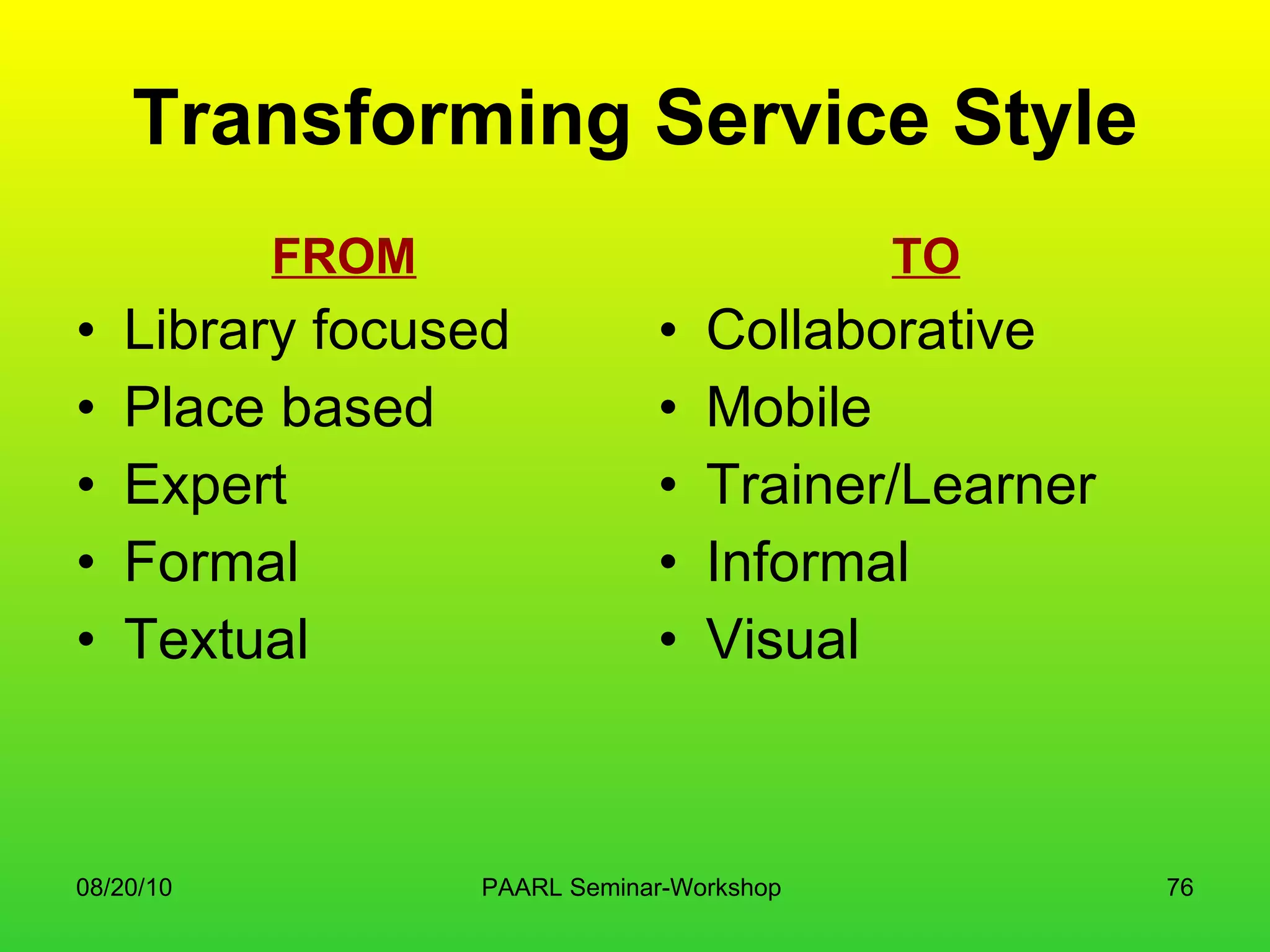
Transforming Service Style FROM Library focused Place based Expert Formal Textual TO Collaborative Mobile Trainer/Learner Informal Visual
“ If we sit and do nothing, we’ll be like the frog in the pot: we won’t know we’re cooked until it’s too late to jump”   –  Stephen Abram
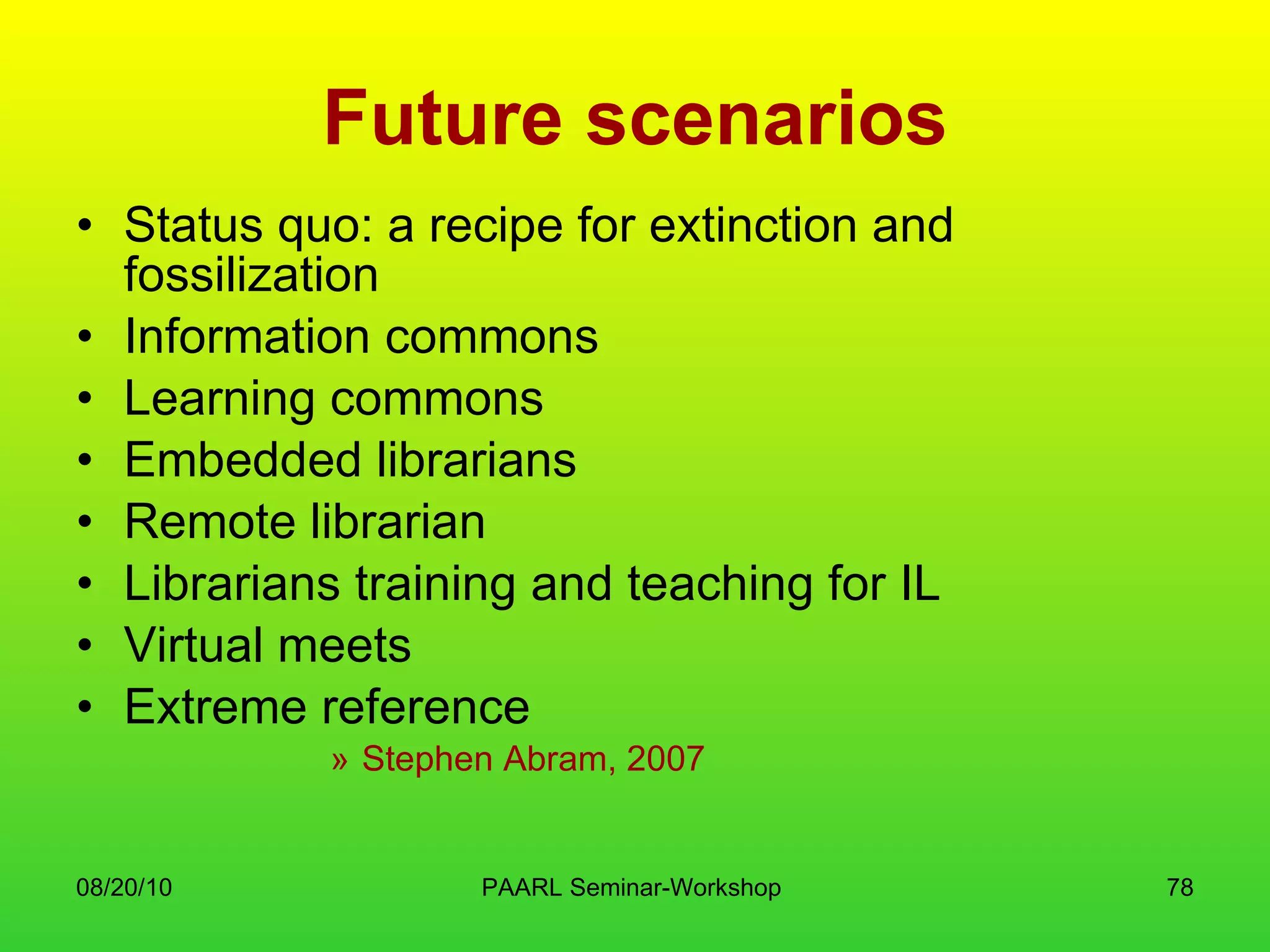
Future scenarios Status quo: a recipe for extinction and fossilization Information commons Learning commons Embedded librarians Remote librarian Librarians training and teaching for IL Virtual meets Extreme reference Stephen Abram, 2007
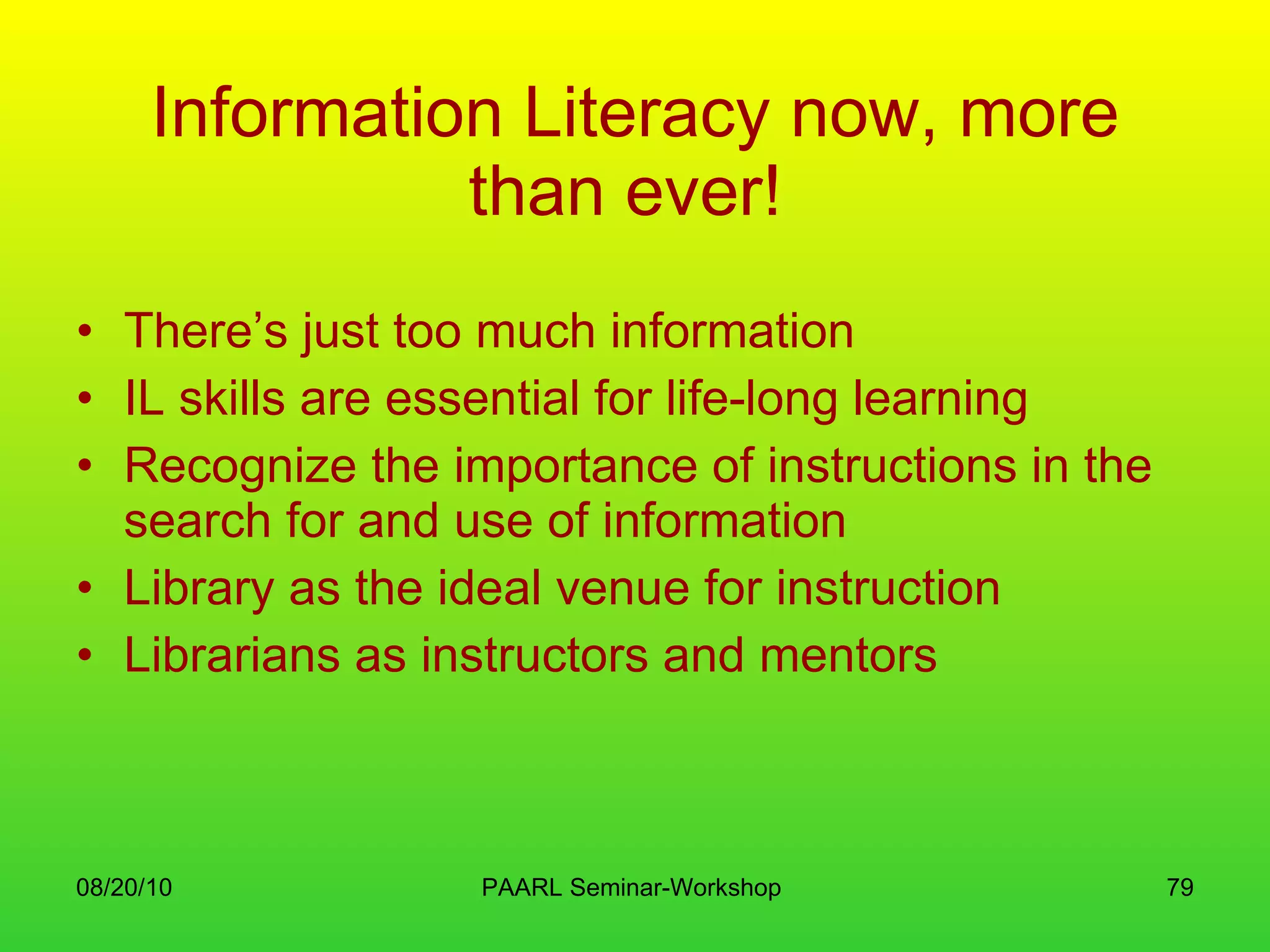
Information Literacy now, more than ever!   There’s just too much information IL skills are essential for life-long learning Recognize the importance of instructions in the search for and use of information Library as the ideal venue for instruction Librarians as instructors and mentors
Web 2.0, Library 2.0 and IL Helps in connecting the library with the Net generation Provide for new tools to enhance delivery of library service This is a world of perpetual Beta – a work in progress, providing the need to do further experiments and explorations
Change! Hire new staff Train and update existing staff Team up with students “ Reverse mentoring” Experimentations Conduct research, assessments and evaluation Just let go…
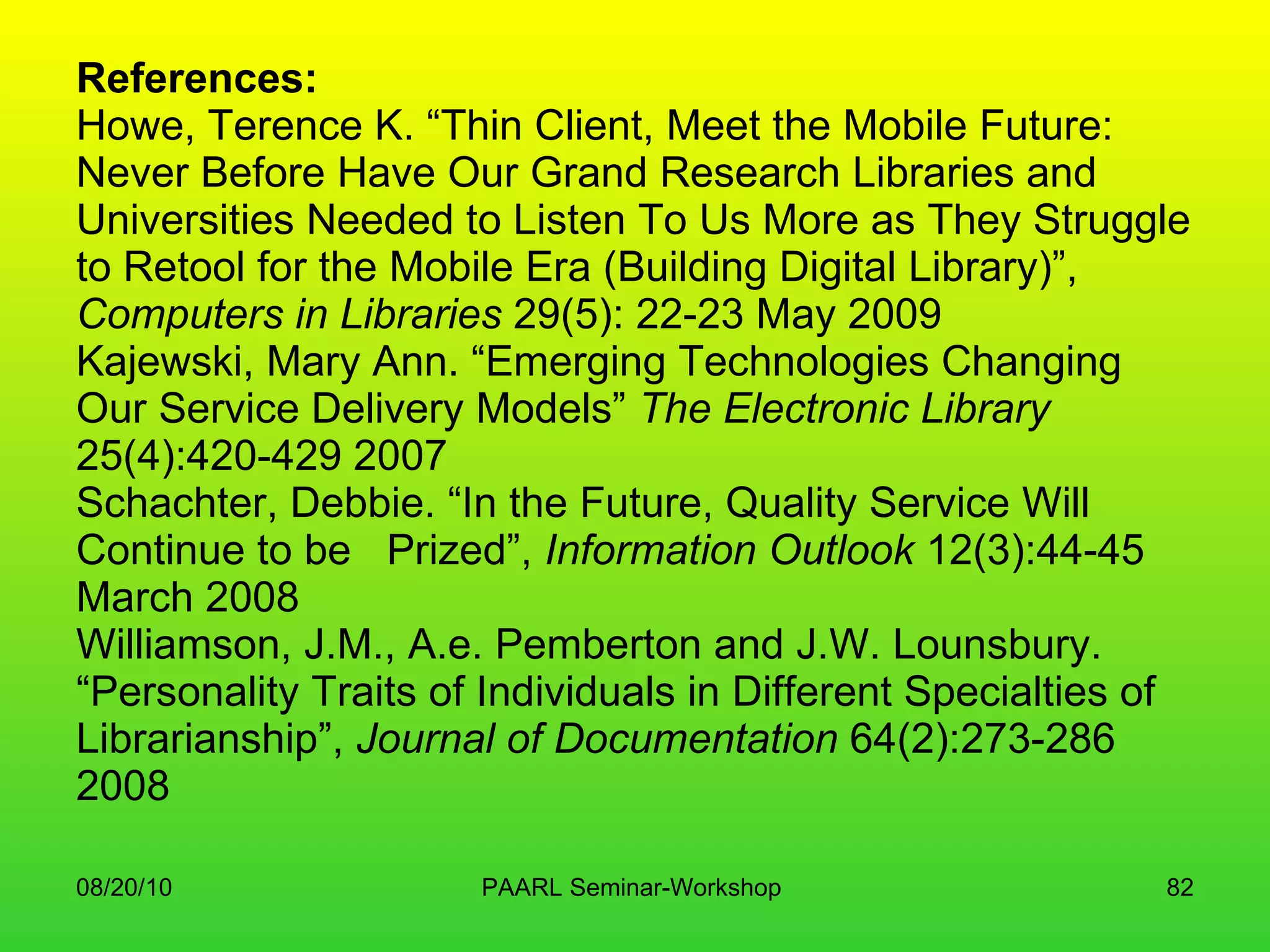
References: Howe, Terence K. “Thin Client, Meet the Mobile Future:  Never Before Have Our Grand Research Libraries and Universities Needed to Listen To Us More as They Struggle to Retool for the Mobile Era (Building Digital Library)”,  Computers in Libraries  29(5): 22-23 May 2009 Kajewski, Mary Ann. “Emerging Technologies Changing Our Service Delivery Models”  The Electronic Library  25(4):420-429 2007 Schachter, Debbie. “In the Future, Quality Service Will Continue to be  Prized”,  Information Outlook  12(3):44-45 March 2008 Williamson, J.M., A.e. Pemberton and J.W. Lounsbury. “Personality Traits of Individuals in Different Specialties of Librarianship”,  Journal of Documentation  64(2):273-286 2008
ELVIRA B. LAPUZ University of the Philippines [email_address]

New facets of library management

  • 1.
    New Facets inLibrary Management 2011 ELVIRA B. LAPUZ [email_address]
  • 2.
    Overview Traditional offeringsof the Library New Services and New User Expectations Web-based services Some of the current best practices
  • 3.
    Objective Introduce theLIBRARY as a portal in the discovery of enriching learning experiences
  • 4.
    The Public Libraryin Hobart, about 1900 http://www.utas.edu.au/library/companion_to_tasmanian_history/L/images/Libraries.jpg
  • 5.
    Main desk, WesternColored Branch Library, Louisville, Kentucky, 1 February 1927. Caufield & Shook Studio Collection, Special Collections: Photographic Archives, University of Louisville.
  • 6.
    Children line upbeside the Albemarle Regional bookmobile in Northampton County, North Carolina
  • 7.
  • 8.
    The Filipiniana ReadingRoom at the National Library of the Philippines
  • 9.
    Anievas Memorial Library;De La Salle Zobel
  • 10.
    Introduction “ Librariesare changing. Funding limits and customer demands are transforming staffing levels, service models, access to resources, and services to the public. Administrators and taxpayers are seeking more efficient ways of delivering services to achieve greater returns on financial investments”. -- Michael E. Casey and Laura C. Savastinuk -- Library Journal, 2006
  • 11.
    What the CookieMonster wants
  • 12.
    Back to BasicsReasons for establishing a library and information service Requirements in establishing a good library Staffing Networking Services to be provided Marketing and promotion
  • 13.
    Why the needfor a Library? Is it cost-beneficial? Everything is in the Internet, right? Information should be free! Roles of library and information professionals Sources for authoritative and validated information
  • 14.
    Information audits Existinginformation Location Accessibility Depth and width of service Kinds of information needs Users Gaps and discrepancies Reasons for use Required formats Training needs of both staff and users
  • 15.
    Info audits outcomesKnow how the library and its services and products are perceived – or not! Determine and describe the real information needs Find the customers within the organization Where else they go to find information Know how to provide the information WHEN it is needed Understand the importance of producing information in the format customers need Results can be used for future publicity
  • 16.
    Establishing a LibraryPremises Design Good and poor locations The Building Furniture Lighting Signage Equipment and Internet access
  • 17.
    Staffing Kind ofstaff needed – qualifications Required number Managing staff budgets Managing people Training needs and continuing professional development
  • 18.
    Establishing a Library(2) Security Acoustics Access Maintenance
  • 19.
    Networking In supportof library service Some skills needed: communication, management, leadership, marketing and writing Take note! Networking for success is possible for everyone
  • 20.
    Library services AcquisitionsOrganizing information Indexing and abstracting Building up databases Enquiry services Lending (Circulation of materials) Translating and interpretation Other services tailored to a particular user or user groups
  • 21.
    Marketing and PromotionAdvertisements Press releases Written articles or information notes Organized visits Info sheets, leaflets, brochures Publicity packages
  • 22.
    If we arecreating Libraries today, how would they look like? Bodleian Library, Oxford http://www.flickr.com/photos/janvanansem/809046479 /
  • 23.
    Maybe this? SanJose State U. http://www.flickr.com/photos/andreiz/400243986/
  • 24.
    OR this? LearningGrid, U. Warwick http://www.flickr.com/photos/jiscinfonet/146842841/
  • 25.
    And this? GeorgiaTech Information Commons • Photo: Joan Lippincott
  • 26.
    Or maybe this?Google Book Search http://books.google.com/
  • 27.
  • 28.
    DLSU Readers’ ServicesLoan of library materials/Circulation Research and research advise User education Database searching assistance Document delivery/Interlibrary loan services Current Awareness Indexing and abstracting services Open shelf control system Information and referrals
  • 29.
    Under the Readers Services are the Circulation, General Reference, Filipiniana, Computer and Audio-Visual Services, Microform Reading Center, and Foreign Periodicals sections. ATENEO DE MANILA UNIVERSITY RIZAL LIBRARY
  • 30.
    Characteristics of NetGenUsers: Always connected and multi tasking Can work in groups and teams Experiential learners Very visual Producers and collaborators as well as consumers
  • 31.
    Or the Millenials“visually oriented” “easily bored” “very demanding” “used to having the best of everything” “want cutting edge facilities” Patricia Duck, Library Director, University of Pittsburgh
  • 32.
    The need for deeper learning Social Active Contextual Engaging Student/user owned Colleen Carmean & Jeremy Haefner. “ Mind Over Matter.” EDUCAUSE Review , vol 37,No. 6, Nov./Dec., 2002 http://www.educause.edu/ir/library/pdf/erm0261.pdf
  • 33.
    What about ourremote users? Could be thousands of miles away or just be in the building next door They are using a computer to interact with library provided resources or services which may or may not be based in the library building “web users”
  • 34.
    Considerations: Their equipmentand technical abilities allow them to use library resources Able to find their way to the quality resources provided They are learning Expectations are met Navigational and organizational schemes that make sense Effective online help and instructions
  • 35.
    Rethinking readers’ servicesThe “book” as an object RS tools (both print and online) RS interaction – should establish a connection between patron and library Goal is to make the reader feel that the library is a welcoming place to come and find their information needs
  • 36.
    Why read? Thereality of it Escapism For instruction Literacy skills Get insights into other ways of life Essential “food” for the imagination
  • 37.
    Current models ofstaffing Elimination of the physical desk Librarians back at the desk Recruitment from other areas Chat reference Use of IM (Instant Messaging) Roving reference Web self-help
  • 38.
  • 39.
  • 40.
    Chat reference YahooMessenger (YM)
  • 41.
    The Reference DeskLibrarian, Ballard Carnegie Library , Seattle, Washington ca. 1907 City of Concord Library
  • 42.
  • 43.
  • 44.
    Library can chooseto transform Content Tools Services
  • 45.
    Transforming content FROMLinear Text-oriented Static Invisible TO Linked and graphic Multimedia Interactive and mobile Visible
  • 46.
  • 47.
    Transforming Tools FROMReceptive Query-based Highly structured Complex Owned, licensed TO Push and mobile Interactive New structures Simple Mixed, including freely available
  • 48.
  • 49.
    Why 2.0? Becauseit offers the first real opportunity to use technology to go beyond search and storage It has the capacity to engage readers… or more broadly, learners… and learners engage each other
  • 50.
    It is astrategy for dealing with the constantly changing user needs while promoting the need for their participation in the creation and evaluation of the services they want.
  • 51.
    Web 2.0 andLibrary 2.0
  • 52.
    Web 2.0 toolsBlogs RSS feeds Wikis Podcasts and podcasting Social bookmarking Social networking Tagging
  • 53.
    Blogs Short for web log an online journal where information (not only text, but also audio, photographs and video) is posted on a regular basis and appears in chronological order Way to share one’s thoughts to the world
  • 54.
  • 55.
  • 56.
  • 57.
    RSS feeds Standsfor R eally S imple S yndication Provides the glue that links us to the content we want to read &quot;feed,&quot; &quot;web feed,&quot; or &quot;channel,&quot; containing either a summary of content from an associated web site or the full text often used by bloggers to alert users to new postings
  • 58.
  • 59.
    wikis type ofwebsite that allows collaborative creating, editing and storage of content by a group of users ideal for specific projects and collaborative knowledge sharing, especially if group members are in more than one location Wikipedia – most well known wiki; free online encyclopedia
  • 60.
  • 61.
  • 62.
  • 63.
  • 64.
  • 65.
    Podcasts Derived from the terms iPod and broadcast a collection of digital media files distributed over the Internet, often using syndication feeds, for playback on portable media players and personal computers
  • 66.
  • 67.
  • 68.
    Social networks forreaders’ services Create larger communities of readers and readers’ advisors The library as a physical space extending well into virtual space Examples: GoodReads, LibraryThing, Shelfari
  • 69.
  • 70.
  • 71.
  • 72.
    Library 2.0 inthe framework of Web 2.0 Making use of web 2.0 tools to market and promote library services Give emphasis on user control, radical trust, flexibility and user autonomy Work on real time and asynchronous communication Use social networking sites and multi-media application
  • 73.
    Library 2.0 incorporatingaspects of Web 2.0 into the library’s service delivery models making the library’s space (virtual and physical) more interactive, collaborative, and driven by community needs. The basic drive is to get people back into the library by making the library relevant to what they want and need in their daily lives [Cohen 2006]
  • 74.
    Library 2.0 isabout… Creating experiences for users Providing a meeting place Being human – understanding users and getting closer to the user User generated content Radical trust Recognizing staff competence Community of users and staff
  • 75.
    Fichter, Darlene. “Web2.0, Library 2.0 and Radical Trust: A First Take.” Blog on the Side. <http://library2.usask.ca/~fichter/blog_on_the_side/2006/04/web-2.html>.
  • 76.
    Transforming Service StyleFROM Library focused Place based Expert Formal Textual TO Collaborative Mobile Trainer/Learner Informal Visual
  • 77.
    “ If wesit and do nothing, we’ll be like the frog in the pot: we won’t know we’re cooked until it’s too late to jump” – Stephen Abram
  • 78.
    Future scenarios Statusquo: a recipe for extinction and fossilization Information commons Learning commons Embedded librarians Remote librarian Librarians training and teaching for IL Virtual meets Extreme reference Stephen Abram, 2007
  • 79.
    Information Literacy now,more than ever! There’s just too much information IL skills are essential for life-long learning Recognize the importance of instructions in the search for and use of information Library as the ideal venue for instruction Librarians as instructors and mentors
  • 80.
    Web 2.0, Library2.0 and IL Helps in connecting the library with the Net generation Provide for new tools to enhance delivery of library service This is a world of perpetual Beta – a work in progress, providing the need to do further experiments and explorations
  • 81.
    Change! Hire newstaff Train and update existing staff Team up with students “ Reverse mentoring” Experimentations Conduct research, assessments and evaluation Just let go…
  • 82.
    References: Howe, TerenceK. “Thin Client, Meet the Mobile Future: Never Before Have Our Grand Research Libraries and Universities Needed to Listen To Us More as They Struggle to Retool for the Mobile Era (Building Digital Library)”, Computers in Libraries 29(5): 22-23 May 2009 Kajewski, Mary Ann. “Emerging Technologies Changing Our Service Delivery Models” The Electronic Library 25(4):420-429 2007 Schachter, Debbie. “In the Future, Quality Service Will Continue to be Prized”, Information Outlook 12(3):44-45 March 2008 Williamson, J.M., A.e. Pemberton and J.W. Lounsbury. “Personality Traits of Individuals in Different Specialties of Librarianship”, Journal of Documentation 64(2):273-286 2008
  • 83.
    ELVIRA B. LAPUZUniversity of the Philippines [email_address]