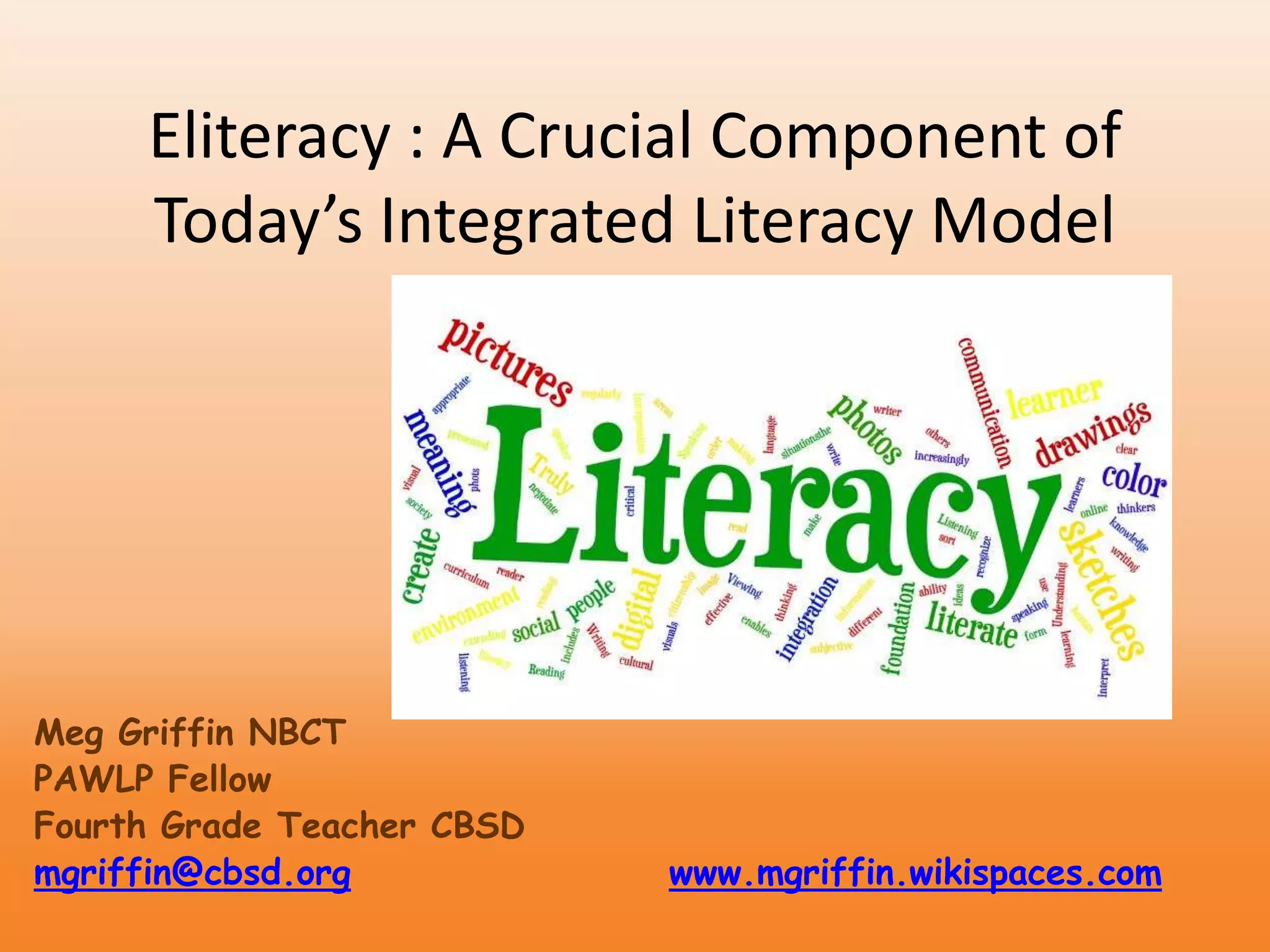
Eliteracy : A Crucial Component of
Today’s Integrated Literacy Model
Meg Griffin NBCT
PAWLP Fellow
Fourth Grade Teacher CBSD
mgriffin@cbsd.org www.mgriffin.wikispaces.com
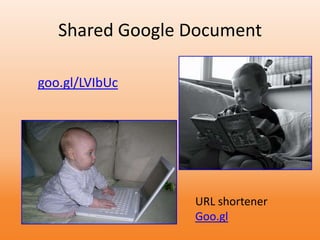
Shared Google Document
goo.gl/LVIbUc
URL shortener
Goo.gl
What level of technology do you
regularly use in your
instruction?
1) Standard educational methods, no technology
2) Automated presentations used, online
curriculum presentations, etc.
3) Student work is published
4) Students collaborate with other students
online
5) Students participate in global online projects
Traditional Literacy Is……
• "... the integration of listening, speaking,
reading, writing and critical thinking.
• It includes a cultural knowledge which enables a
speaker, writer or reader to recognize and use
language appropriate to different social situations.
The National Secretariat for the International Year of
Literacy, 1990.
Traditional Literacy Is……
• ... the making of meaning and its clear
communication to others.
• Truly literate people not only read and write,
but regularly do so in order to sort out their
ideas
• Truly literate people are thinkers and learners."
Brown & Mathie, 1990
Traditional Literacy Is……
• "... the foundation of effective citizenship,
human communication and social integration in
a literate society.
• Literacy is the foundation of learning in all areas
of the curriculum."
Holdaway, 1979
Traditional Literacy Is……
• Reading
• Writing
• Viewing
• Listening
• Speaking
• Understanding
• The online environment is increasingly a visual
environment
• Interpretation of visuals is the most subjective
Common Core Standards &
Literacy
THREE MAJOR changes
1) Students will read more texts that provide
facts and background knowledge
2)Students will read more challenging texts
3) There will be an increased emphasis on
building vocabulary
Key Phrases from Common Core
Standards
• Communicate and collaborate
• Research, read, and reflect
• Research to build knowledge, to present
• Take notes and summarize information
• Vocabulary acquisition
Where do we go from here?
How will these changes look in the classroom?
* Research papers, opinion papers
* note taking and organizing information
* creating and analyzing charts, graphs,
timelines, and diagrams
* discussion, collaborations and presentation
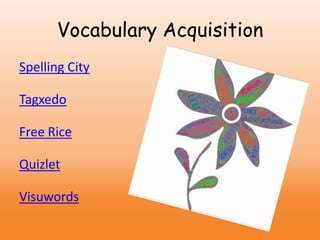
Spelling City
Tagxedo
Free Rice
Quizlet
Visuwords
Vocabulary Acquisition
Communicate and Collaborate
• Blogs classblogmeister, edublogs
• Wikispaces
• Skype mgriffin
• Google docs
• Documents, forms, surveys, presentations
Presentation Options
• Voicethread
• Animoto
• Word Clouds
• Big Huge Labs
VoiceThread
• create an interactive slideshow using pictures,
videos, documents, or even Powerpoint
presentations.
• You or your students can record video/audio
• publish a class poetry book, create
informational texts, and publish interactive
writing about a class field trip
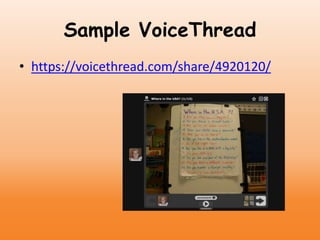
Sample VoiceThread
• https://voicethread.com/share/4920120/
Animoto For Education
• Animoto is a wonderful tool for students
because it allows them to focus on content
creation rather than trying to learn an editing
or manipulation tool.
• create booktrailers, digital stories or music
videos.
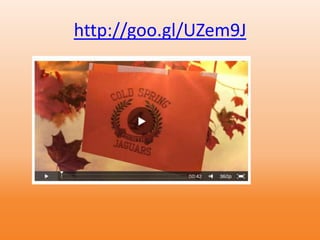
http://goo.gl/UZem9J
Wordle
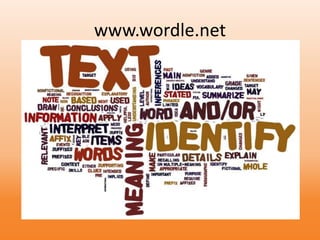
• Great for brainstorming and as a reflection
tool at the end of a lesson, unit.etc.
www.wordle.net
Windows Moviemaker
• Use photos and sound (music or voice) to
create a movie.
Windows Photostory
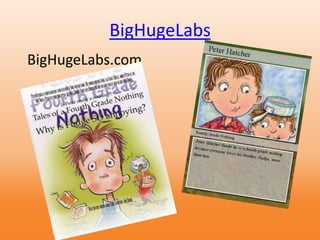
BigHugeLabs
BigHugeLabs.com
Adding Visualization to Traditional
Literacy of
* Reading
*Writing
*Speaking
*Listening
Where to Find Images
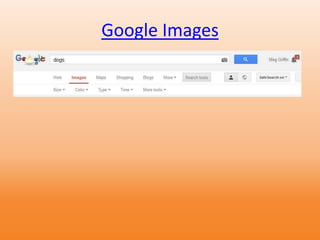
• Google Images
• FLICKR
• Digital Cameras
• Cell Phones
FLICKR
• Spell with FLICKR
• Tags
• 6 word stories
Google Images
Meg Griffin mgriffin@cbsd.org
Class website http://www.cbsd.org//Domain/746
Previous class website www.griffingazette.wikispaces.com
Professional website
www.mgriffin.wikispaces.com
Class Blog http://goo.gl/sTwxmE
Twitter @megbg76

Integrating Technology with Common Core

  • 1.
    Eliteracy : ACrucial Component of Today’s Integrated Literacy Model Meg Griffin NBCT PAWLP Fellow Fourth Grade Teacher CBSD mgriffin@cbsd.org www.mgriffin.wikispaces.com
  • 2.
  • 3.
    What level oftechnology do you regularly use in your instruction? 1) Standard educational methods, no technology 2) Automated presentations used, online curriculum presentations, etc. 3) Student work is published 4) Students collaborate with other students online 5) Students participate in global online projects
  • 4.
    Traditional Literacy Is…… •"... the integration of listening, speaking, reading, writing and critical thinking. • It includes a cultural knowledge which enables a speaker, writer or reader to recognize and use language appropriate to different social situations. The National Secretariat for the International Year of Literacy, 1990.
  • 5.
    Traditional Literacy Is…… •... the making of meaning and its clear communication to others. • Truly literate people not only read and write, but regularly do so in order to sort out their ideas • Truly literate people are thinkers and learners." Brown & Mathie, 1990
  • 6.
    Traditional Literacy Is…… •"... the foundation of effective citizenship, human communication and social integration in a literate society. • Literacy is the foundation of learning in all areas of the curriculum." Holdaway, 1979
  • 7.
    Traditional Literacy Is…… •Reading • Writing • Viewing • Listening • Speaking • Understanding • The online environment is increasingly a visual environment • Interpretation of visuals is the most subjective
  • 8.
    Common Core Standards& Literacy THREE MAJOR changes 1) Students will read more texts that provide facts and background knowledge 2)Students will read more challenging texts 3) There will be an increased emphasis on building vocabulary
  • 9.
    Key Phrases fromCommon Core Standards • Communicate and collaborate • Research, read, and reflect • Research to build knowledge, to present • Take notes and summarize information • Vocabulary acquisition
  • 10.
    Where do wego from here? How will these changes look in the classroom? * Research papers, opinion papers * note taking and organizing information * creating and analyzing charts, graphs, timelines, and diagrams * discussion, collaborations and presentation
  • 11.
  • 12.
    Communicate and Collaborate •Blogs classblogmeister, edublogs • Wikispaces • Skype mgriffin • Google docs • Documents, forms, surveys, presentations
  • 13.
    Presentation Options • Voicethread •Animoto • Word Clouds • Big Huge Labs
  • 14.
    VoiceThread • create aninteractive slideshow using pictures, videos, documents, or even Powerpoint presentations. • You or your students can record video/audio • publish a class poetry book, create informational texts, and publish interactive writing about a class field trip
  • 15.
  • 16.
    Animoto For Education •Animoto is a wonderful tool for students because it allows them to focus on content creation rather than trying to learn an editing or manipulation tool. • create booktrailers, digital stories or music videos.
  • 17.
  • 18.
    Wordle • Great forbrainstorming and as a reflection tool at the end of a lesson, unit.etc.
  • 19.
  • 20.
    Windows Moviemaker • Usephotos and sound (music or voice) to create a movie.
  • 21.
  • 22.
  • 23.
    Adding Visualization toTraditional Literacy of * Reading *Writing *Speaking *Listening
  • 24.
    Where to FindImages • Google Images • FLICKR • Digital Cameras • Cell Phones
  • 25.
    FLICKR • Spell withFLICKR • Tags • 6 word stories
  • 26.
  • 27.
    Meg Griffin mgriffin@cbsd.org Classwebsite http://www.cbsd.org//Domain/746 Previous class website www.griffingazette.wikispaces.com Professional website www.mgriffin.wikispaces.com Class Blog http://goo.gl/sTwxmE Twitter @megbg76