Get Organized with
    Livebinders
   ITBE Presentation 2012
       Marcia Luptak
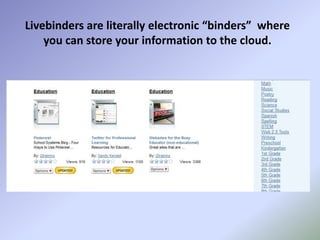
Livebinders are literally electronic “binders” where
    you can store your information to the cloud.
Why use Livebinders?
Take Control of Information
• View links like pages in a book instead of URLs on a page
• Combine uploaded PDFs and Word docs with links in one binder
• Go paperless one LiveBinder at a time
Why use Livebinders?
Save Time
• Update information conveniently without having to resend links
• Avoid layout issues – all documents are organized by tabs and
  subtabs
• Edit Livebinders anytime, any place
Why use Livebinders?
Make an Impression
• Share all your documents in an easy presentable format
• Use LiveBinders for Smartboard and laptop presentations
• Build a library of binders and become a valuable resource for
  others
Why use Livebinders?
LiveBinders is Free! (and who doesn’t like that?)
• Sign up to create an account so you can store your livebinders
  right away

• Add the “LiveBinder It” bookmark tool to your browser toolbar

• Start browsing the web. Find a link you want to save then click
  on the “LiveBinder It” to automatically add the link to a new
  livebinder

• Edit your livebinders with the edit tool to retitle tabs and upload
  files or start from a blank binder.
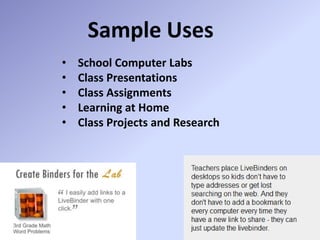
Sample Uses
•   School Computer Labs
•   Class Presentations
•   Class Assignments
•   Learning at Home
•   Class Projects and Research
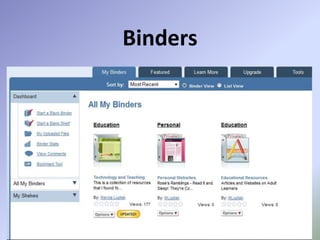
Binders
Creating a Binder
Editing a Binder
Editing a Binder
   File Upload
Editing a Binder
   File Upload
Tabs and Subtabs
Tabs and Subtabs
Tabs and Subtabs
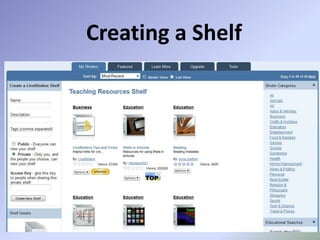
Shelves
Creating a Shelf
Bookmarking tool
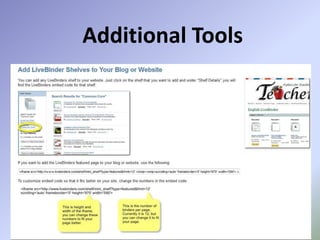
Additional Tools
Additional Tools
Additional Tools
Additional Tools
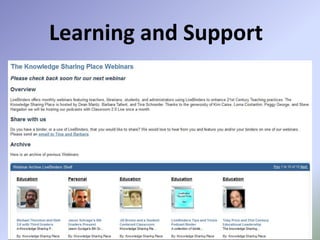
Learning and Support
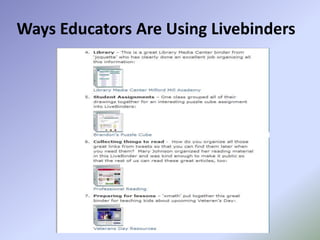
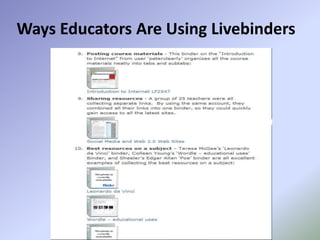
Ways Educators Are Using Livebinders
Questions?

Any questions, please contact:

Marcia Luptak
Elgin Community College
mluptak@elgin.edu

Livebinders presentation2