Google Apps
Mail/Drive
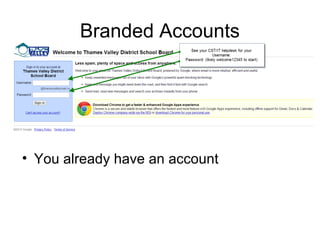
Branded Accounts

• You already have an account
Tactic
• Use Google Apps for the Push part of your
strategy
• Push out information to Pull people to the
website
• Avoid double data entry
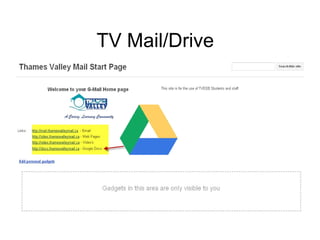
TV Mail/Drive
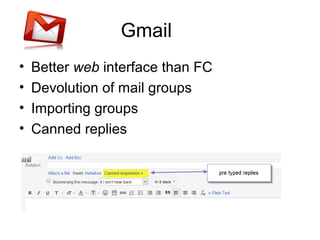
Gmail
•
•
•
•

Better web interface than FC
Devolution of mail groups
Importing groups
Canned replies
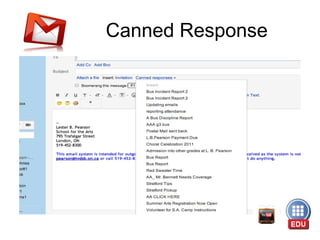
Canned Response
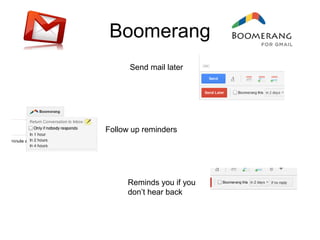
Boomerang
Send mail later

Follow up reminders

Reminds you if you
don’t hear back
Calendar/s
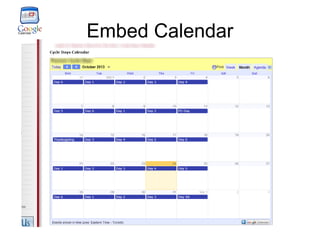
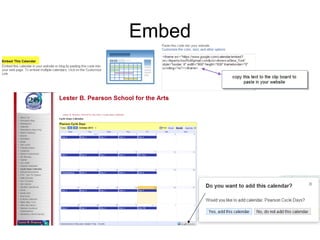
Embed Calendar
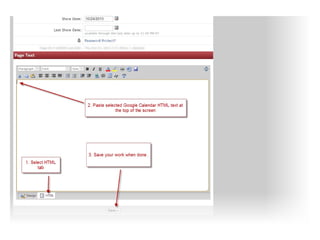
Embed
Calendar
•
•
•
•
•
•

One point of entry – no double entries
Grant access to others to add
Multiple calendars to show
See whatever calendars you need
Make calendars available to parents
Team Calendar/Club Calendar
Drive (Docs)
• Online collaboration
• Share and access docs within your school
• Share docs outside of school
• Share and access docs with a group
• Share collections with individual or group
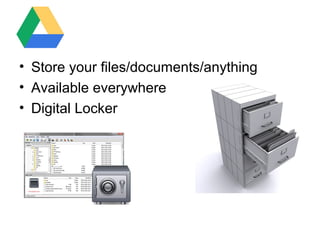
• Store your files/documents/anything
• Available everywhere
• Digital Locker
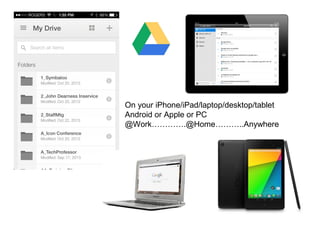
On your iPhone/iPad/laptop/desktop/tablet
Android or Apple or PC
@Work………….@Home………..Anywhere
Access to Docs
•
•
•
•

Word processor
Create Word documents
Import Word documents
Download
Publish/Share
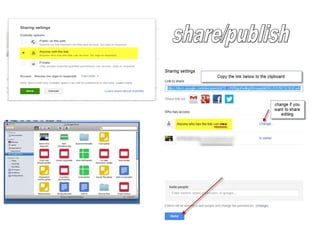
• Collaborate
• Share-see
Documents Are Alive
• Embedded means alive
• When you edit the document in your drive
the changes you make will be reflected in
your online version immediately
• No more converting to pdf and uploading
and re-linking in your website
• Email parents about update to policy and
include the link
Forms
•
•
•
•
•

Survey Tool par excellence
Automatic Summary created
Online elections ?
Online response to requests for meetings
Gather feedback

Survey
Tactic
• Embed and share your work for
transparency and ease of communication
“It’s on the website”

Student Handbook

iCon2013 google apps