
Universal Serial Bus


Presented By:

                 Muhammad Ahsan Rauf
                 Class: 9Th B(EM)
What is USB

USB (Universal Serial Bus) is a specification to establish communication
between devices and a host controller (usually personal computers).

USB is intended to replace many varieties of serial and parallel ports.

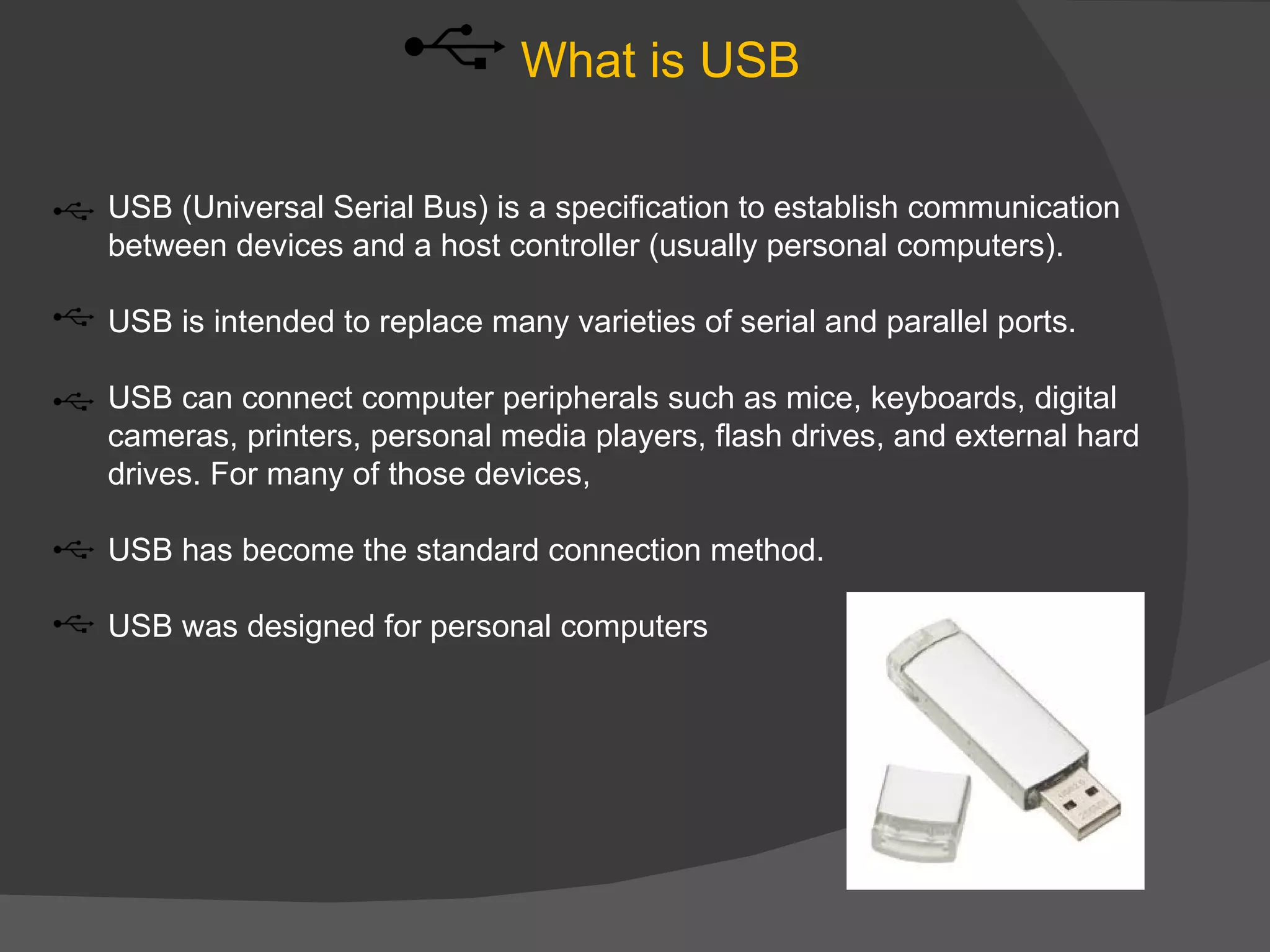
USB can connect computer peripherals such as mice, keyboards, digital
cameras, printers, personal media players, flash drives, and external hard
drives. For many of those devices,

USB has become the standard connection method.

USB was designed for personal computers
History of USB

The USB 1.0 specification was introduced in 1996.

USB was created by a core group of companies that consisted of Compaq,
Digital, IBM, Intel

Microsoft produced a USB software for Windows that interact with USB
Device

The USB 2.0 specification was released in April 2000 and was
standardized by the USB-IF

The USB 3.0 specification was released on November 12, 2008 by the
USB 3.0 Promoter Group.
Feature of USB


Multiple peripheral devices connected in a tiered-star topology

USB allowing branching into a tree structure with up to five tier levels

A USB host may have multiple host controllers

We can connect Up to 127 devices via USB, including the hub devices

USB device communication is based on pipes (logical channels)
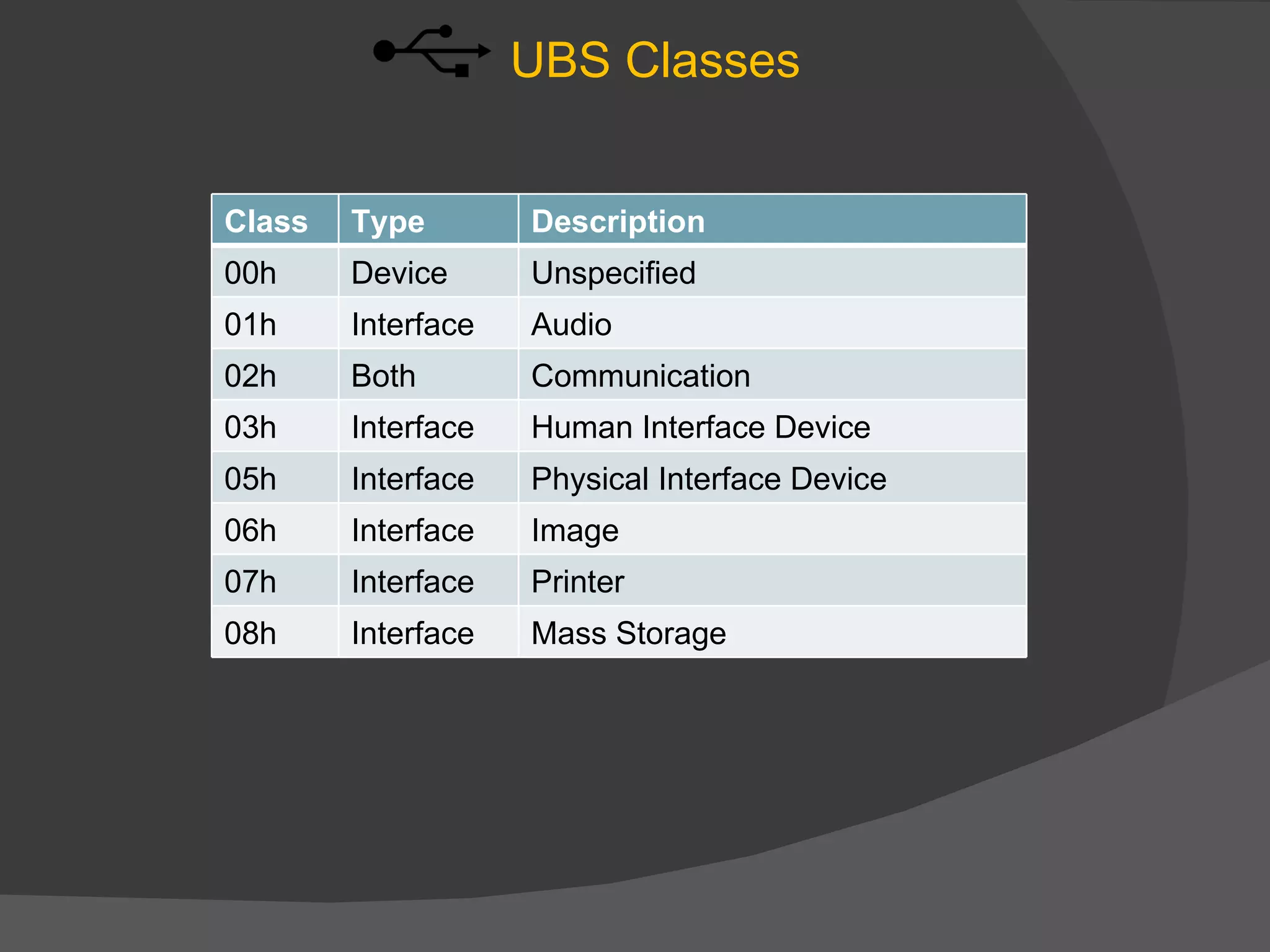
UBS Classes


Class   Type        Description
00h     Device      Unspecified
01h     Interface   Audio
02h     Both        Communication
03h     Interface   Human Interface Device
05h     Interface   Physical Interface Device
06h     Interface   Image
07h     Interface   Printer
08h     Interface   Mass Storage
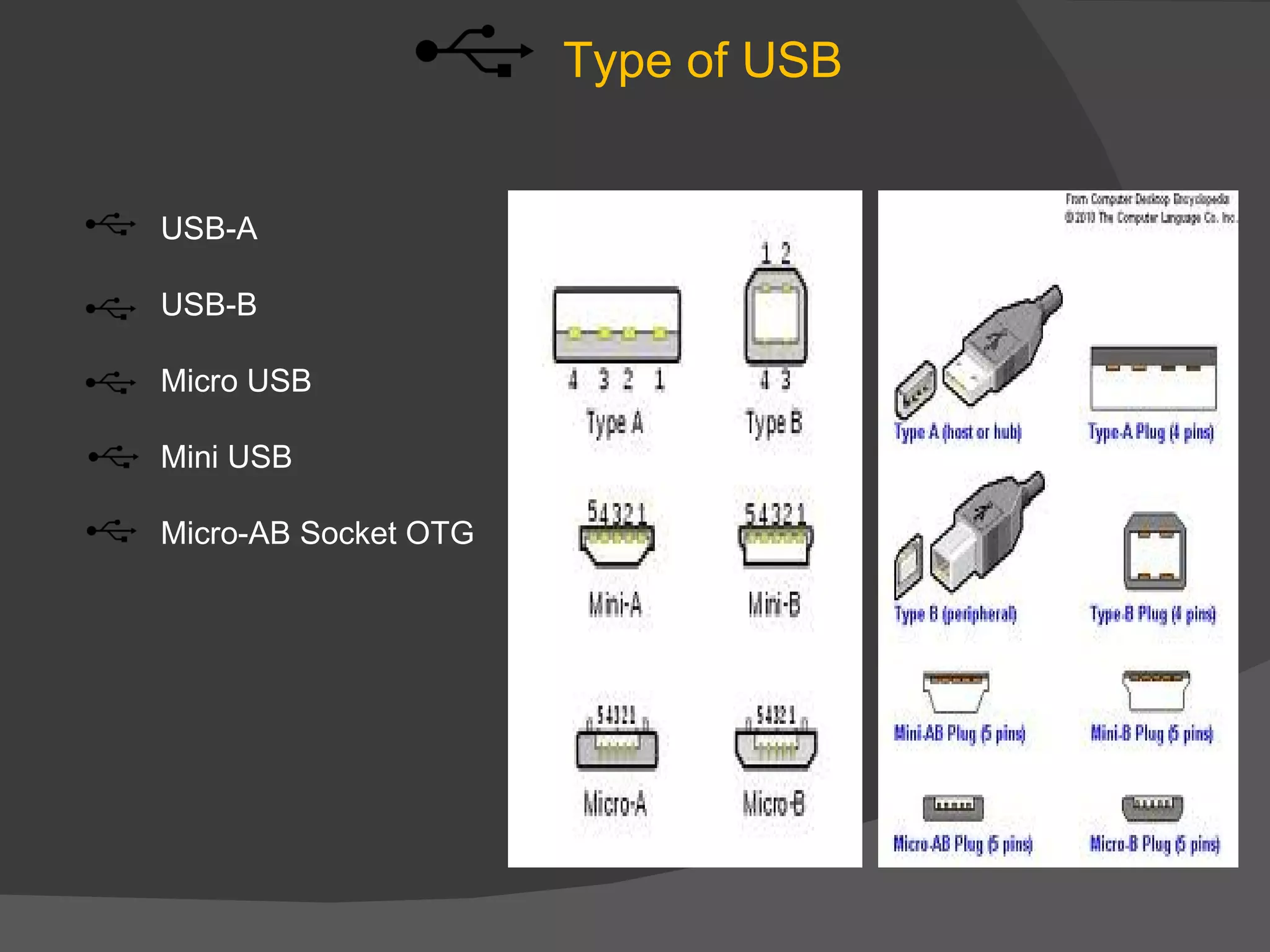
Type of USB


USB-A

USB-B

Micro USB

Mini USB

Micro-AB Socket OTG
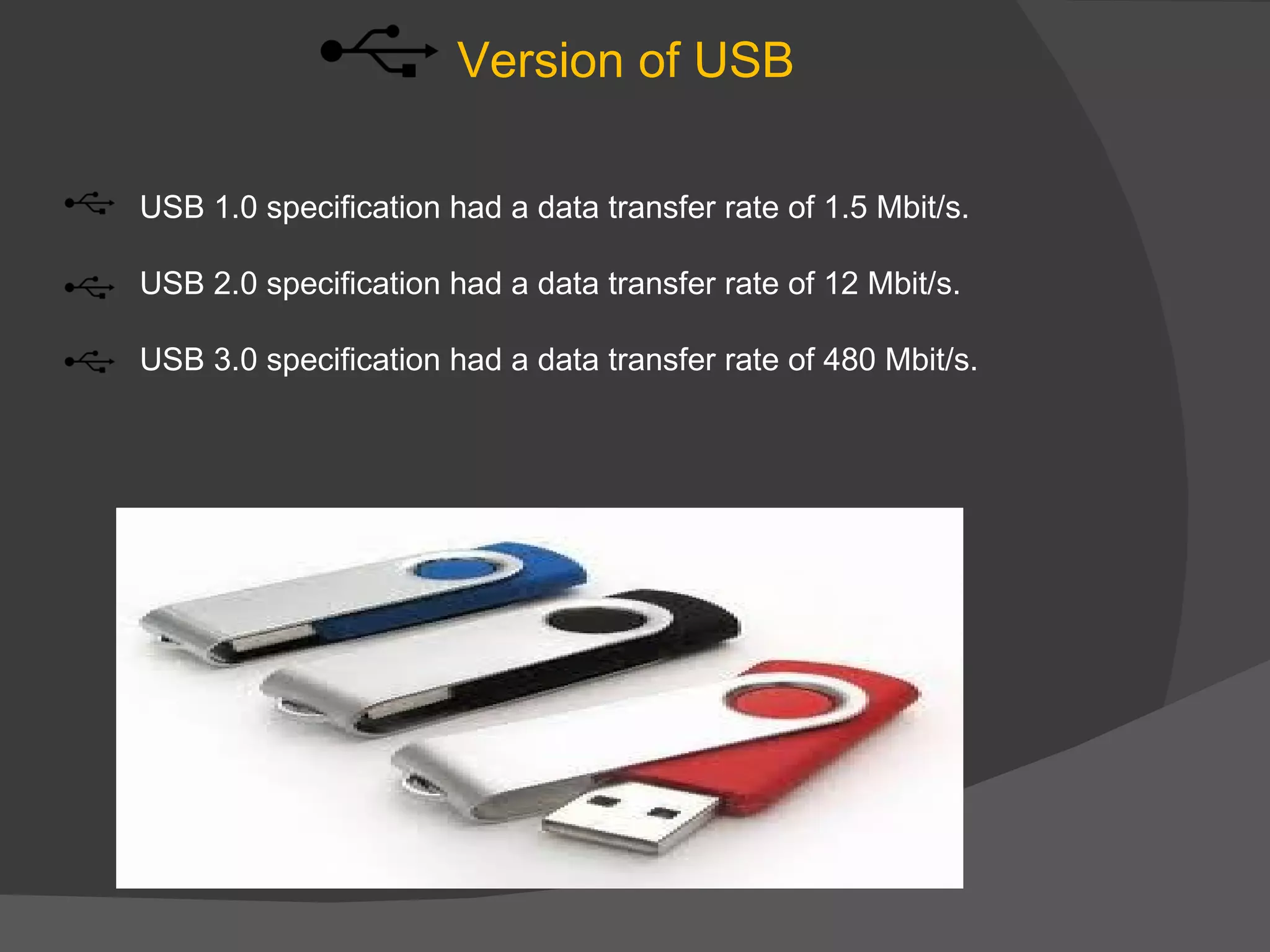
Version of USB

USB 1.0 specification had a data transfer rate of 1.5 Mbit/s.

USB 2.0 specification had a data transfer rate of 12 Mbit/s.

USB 3.0 specification had a data transfer rate of 480 Mbit/s.
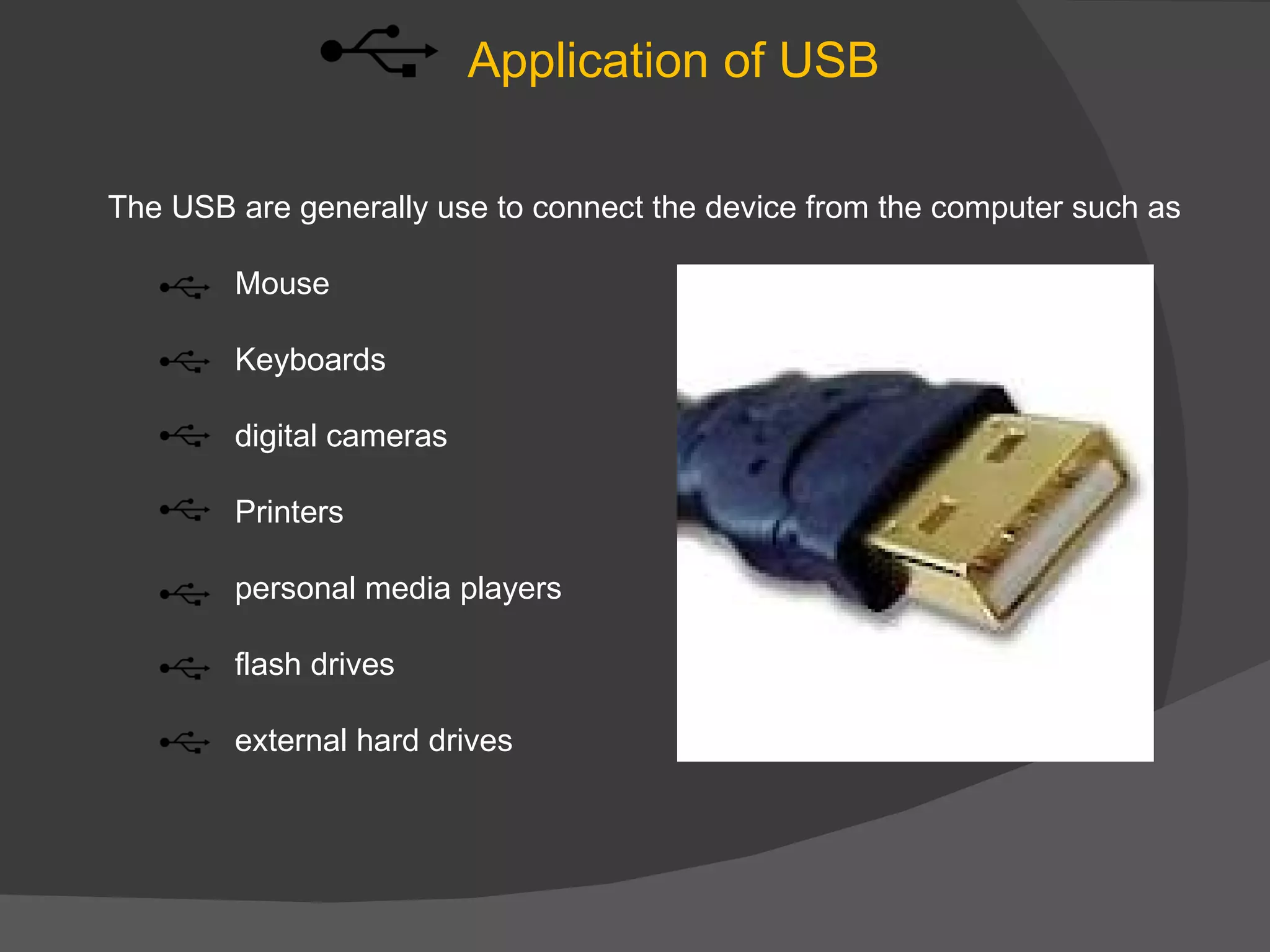
Application of USB

The USB are generally use to connect the device from the computer such as

        Mouse

        Keyboards

        digital cameras

        Printers

        personal media players

        flash drives

        external hard drives
Interesting information about USB

In Windows 7 it is used as a ram or virtiual memory by
READY BOOST, feature of Windows7.

In Windows XP it is used as a ram or virtiual memory by
eBOOSTER software designed for Windows XP to upgrade
ram.
Thank you for watching
my presentation.

Muhammad Ahsan Rauf Presentation about USB

  • 1.
    Universal Serial Bus PresentedBy: Muhammad Ahsan Rauf Class: 9Th B(EM)
  • 2.
    What is USB USB(Universal Serial Bus) is a specification to establish communication between devices and a host controller (usually personal computers). USB is intended to replace many varieties of serial and parallel ports. USB can connect computer peripherals such as mice, keyboards, digital cameras, printers, personal media players, flash drives, and external hard drives. For many of those devices, USB has become the standard connection method. USB was designed for personal computers
  • 3.
    History of USB TheUSB 1.0 specification was introduced in 1996. USB was created by a core group of companies that consisted of Compaq, Digital, IBM, Intel Microsoft produced a USB software for Windows that interact with USB Device The USB 2.0 specification was released in April 2000 and was standardized by the USB-IF The USB 3.0 specification was released on November 12, 2008 by the USB 3.0 Promoter Group.
  • 4.
    Feature of USB Multipleperipheral devices connected in a tiered-star topology USB allowing branching into a tree structure with up to five tier levels A USB host may have multiple host controllers We can connect Up to 127 devices via USB, including the hub devices USB device communication is based on pipes (logical channels)
  • 5.
    UBS Classes Class Type Description 00h Device Unspecified 01h Interface Audio 02h Both Communication 03h Interface Human Interface Device 05h Interface Physical Interface Device 06h Interface Image 07h Interface Printer 08h Interface Mass Storage
  • 6.
    Type of USB USB-A USB-B MicroUSB Mini USB Micro-AB Socket OTG
  • 7.
    Version of USB USB1.0 specification had a data transfer rate of 1.5 Mbit/s. USB 2.0 specification had a data transfer rate of 12 Mbit/s. USB 3.0 specification had a data transfer rate of 480 Mbit/s.
  • 8.
    Application of USB TheUSB are generally use to connect the device from the computer such as Mouse Keyboards digital cameras Printers personal media players flash drives external hard drives
  • 9.
    Interesting information aboutUSB In Windows 7 it is used as a ram or virtiual memory by READY BOOST, feature of Windows7. In Windows XP it is used as a ram or virtiual memory by eBOOSTER software designed for Windows XP to upgrade ram.
  • 10.
    Thank you forwatching my presentation.