• What is it HANDSHAKING ?
• A way, that the device can control data stream from transmitting device.
• The device use Handshaking to terminated data stream when unable to handle
received data.
• There are 2 types
1. Hardware Handshaking
2. Software Handshaking
• Hardware flow control
• Done by RTS and CTS flow control lines.
• It uses two wires in your serial cable rather than extra characters transmitted in your data lines.
• Software flow control
• Done by using two characters Xon/Xoff.
• Xon is normally indicated by the ASCII 17 character where as the ASCII 19 character is used
for Xoff.
• This type of flow control has the advantage that it doesn't require any more wires as the
characters are sent via the TD/RD lines.
• As each character requires 10 bits this can slow down communications.
Universal Serial Bus (USB)
Outline
 What is USB?
 Pre-Releases Of USB
 History Of USB
 USB 3.0 Now
 Key Features
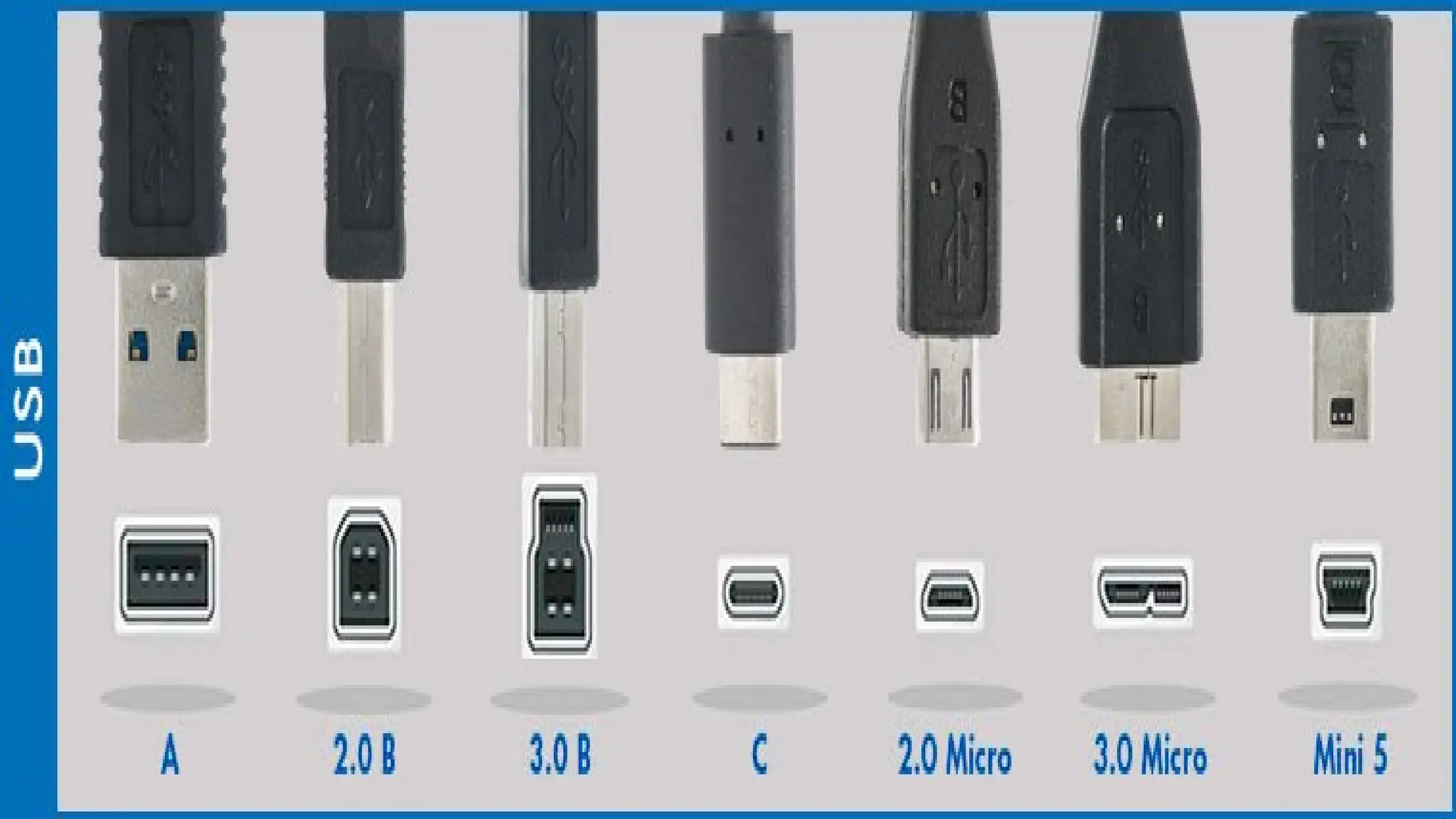
 Connector Properties
 Connector Types
 Application
 Conclusion
What is USB?
USB stands for Universal Serial Bus.
USB is a fast, bi-directional, low cost, hot pluggable, Plug and Playable
serial hardware interface
Allows users to connect a wide variety of peripherals to a computer and have
them automatically configured and ready to use.
Implemented to provide a replacement for legacy ports to make the
addition of peripheral devices quick and easy for the end user
Pre-Releases of USB
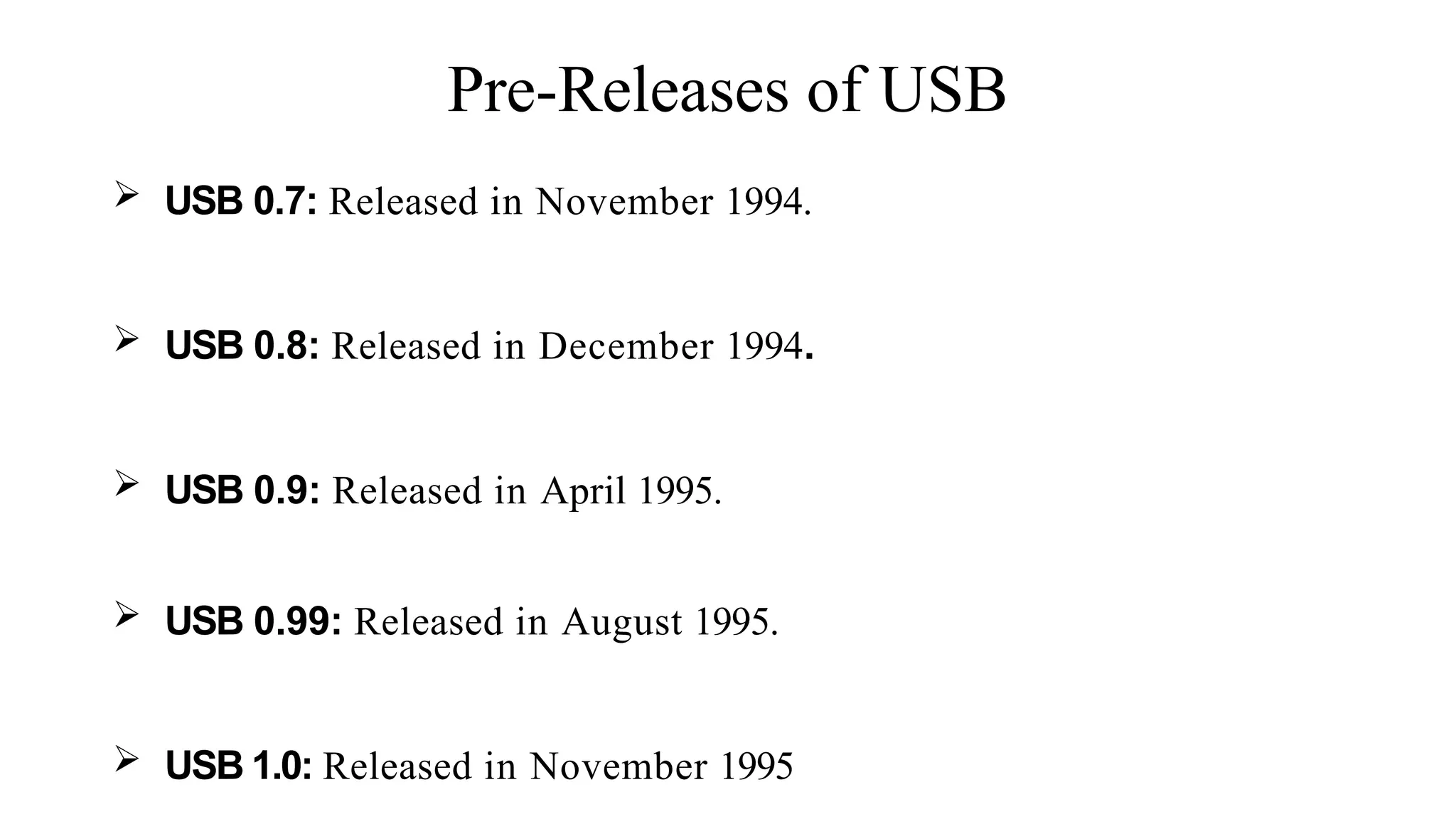
 USB 0.7: Released in November 1994.
 USB 0.8: Released in December 1994.
 USB 0.9: Released in April 1995.
 USB 0.99: Released in August 1995.
 USB 1.0: Released in November 1995
History of USB
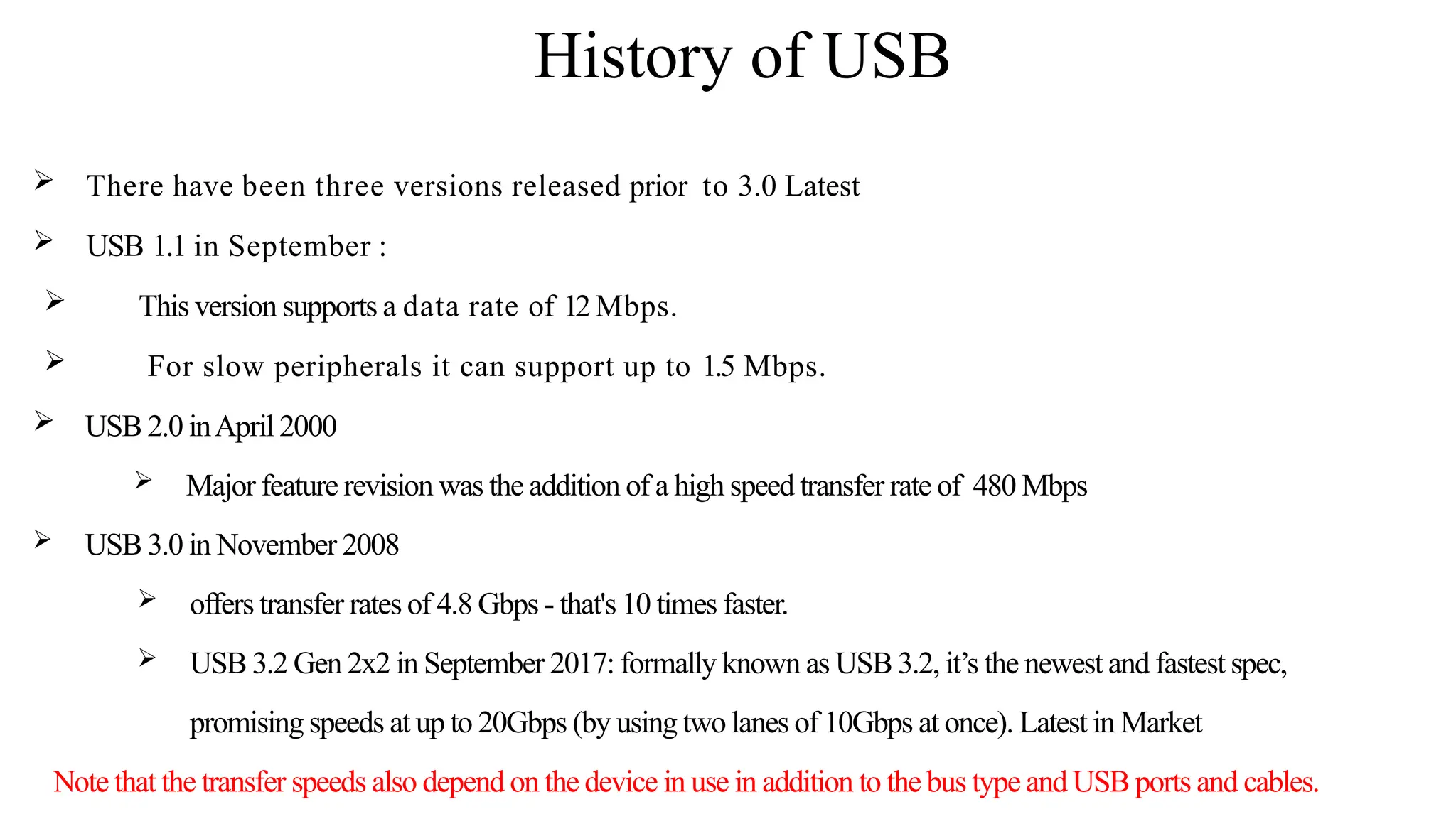
 There have been three versions released prior to 3.0 Latest
 USB 1.1 in September :
 This version supports a data rate of 12Mbps.
 For slow peripherals it can support up to 1.5 Mbps.
 USB 2.0 inApril 2000
 Major feature revision was the addition of a high speed transfer rate of 480 Mbps
 USB 3.0 in November 2008
 offers transfer rates of 4.8 Gbps - that's 10 times faster.
 USB 3.2 Gen 2x2 in September 2017: formally known as USB 3.2, it’s the newest and fastest spec,
promising speeds at up to 20Gbps (by using two lanes of 10Gbps at once). Latest in Market
Note that the transfer speeds also depend on the device in use in addition to the bus type and USB ports and cables.
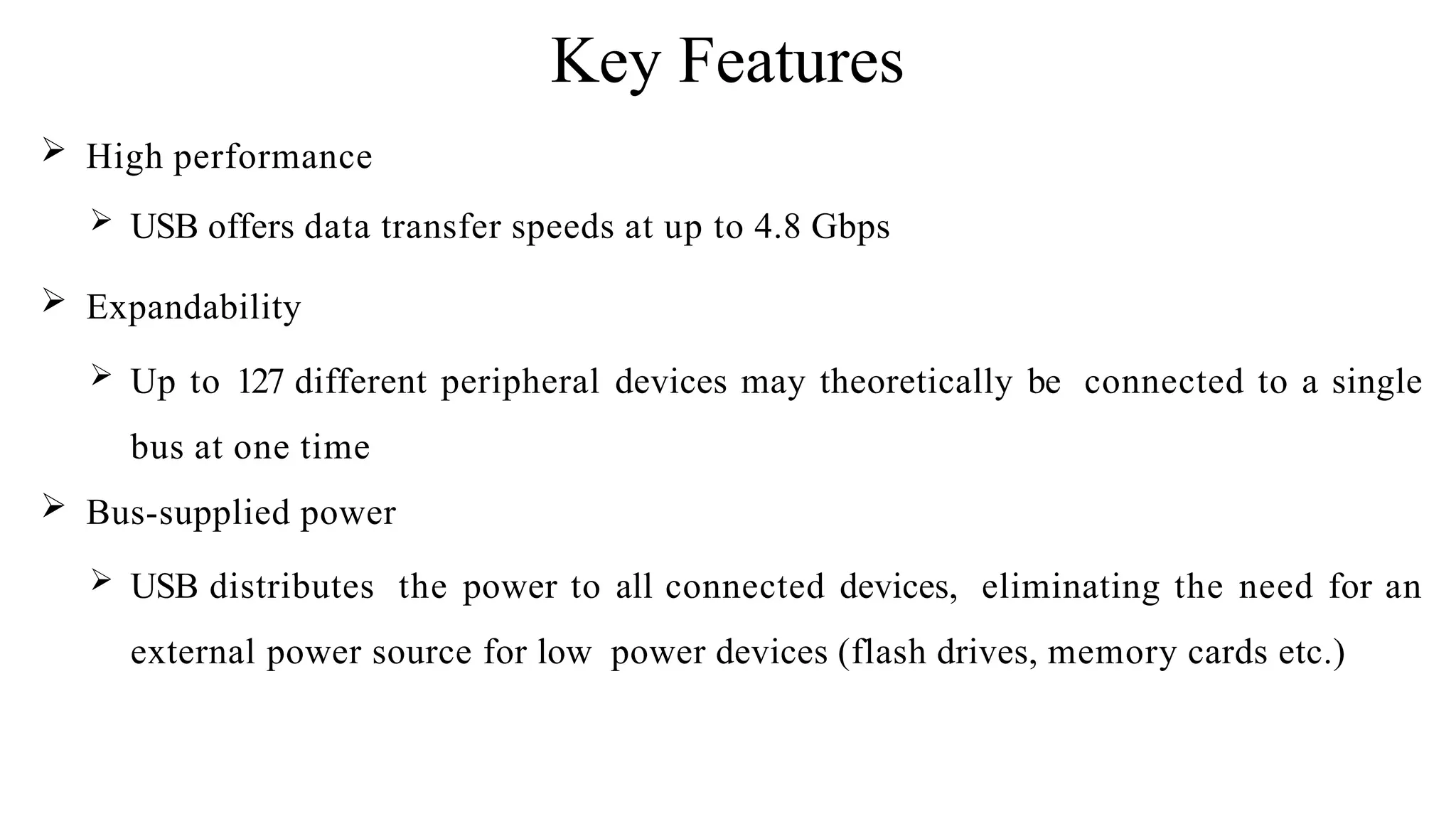
Key Features
 High performance
 USB offers data transfer speeds at up to 4.8 Gbps
 Expandability
 Up to 127 different peripheral devices may theoretically be connected to a single
bus at one time
 Bus-supplied power
 USB distributes the power to all connected devices, eliminating the need for an
external power source for low power devices (flash drives, memory cards etc.)
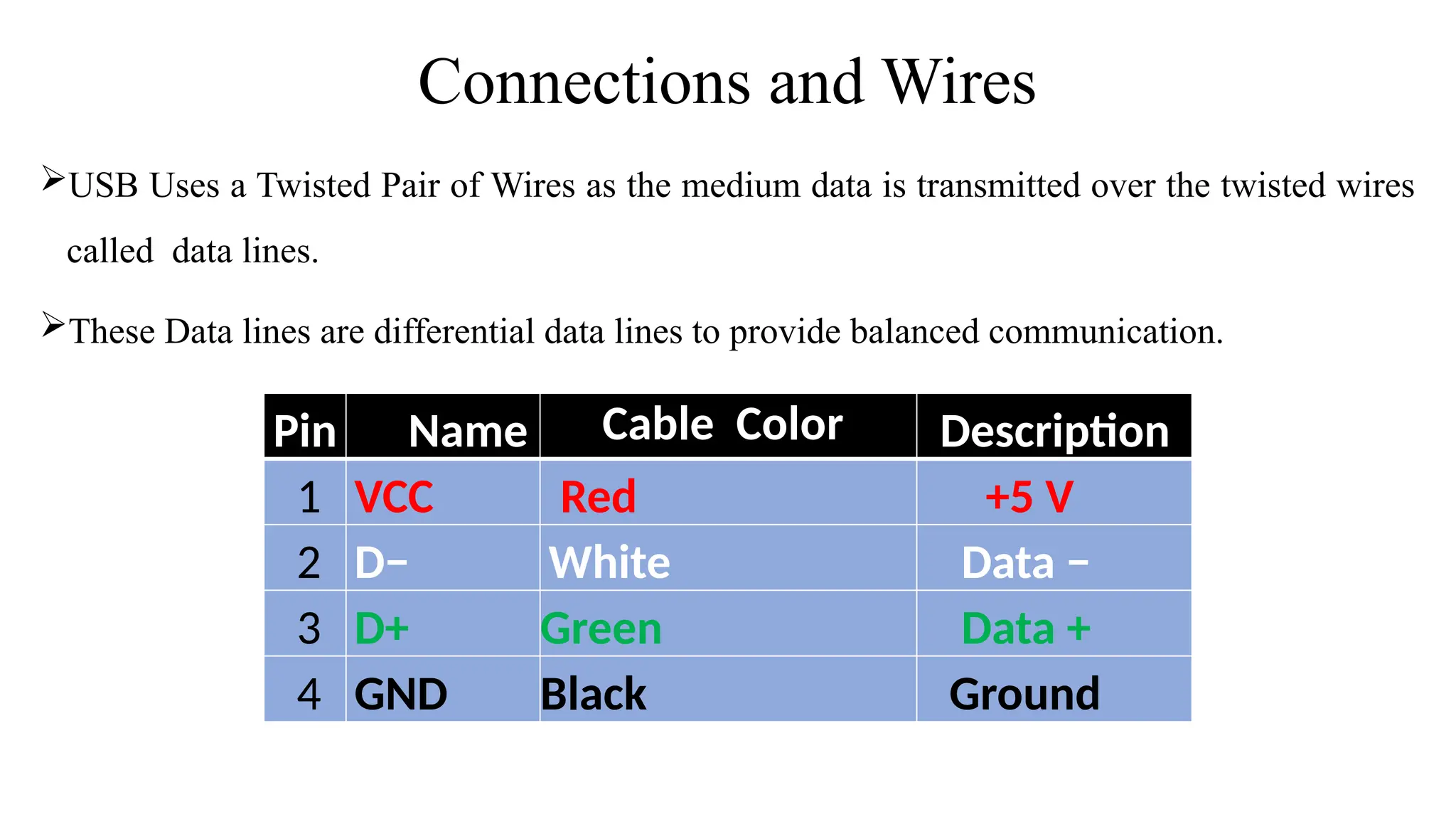
Connections and Wires
USB Uses a Twisted Pair of Wires as the medium data is transmitted over the twisted wires
called data lines.
These Data lines are differential data lines to provide balanced communication.
Pin Name Cable Color Description
1 VCC Red +5 V
2 D− White Data −
3 D+ Green Data +
4 GND Black Ground
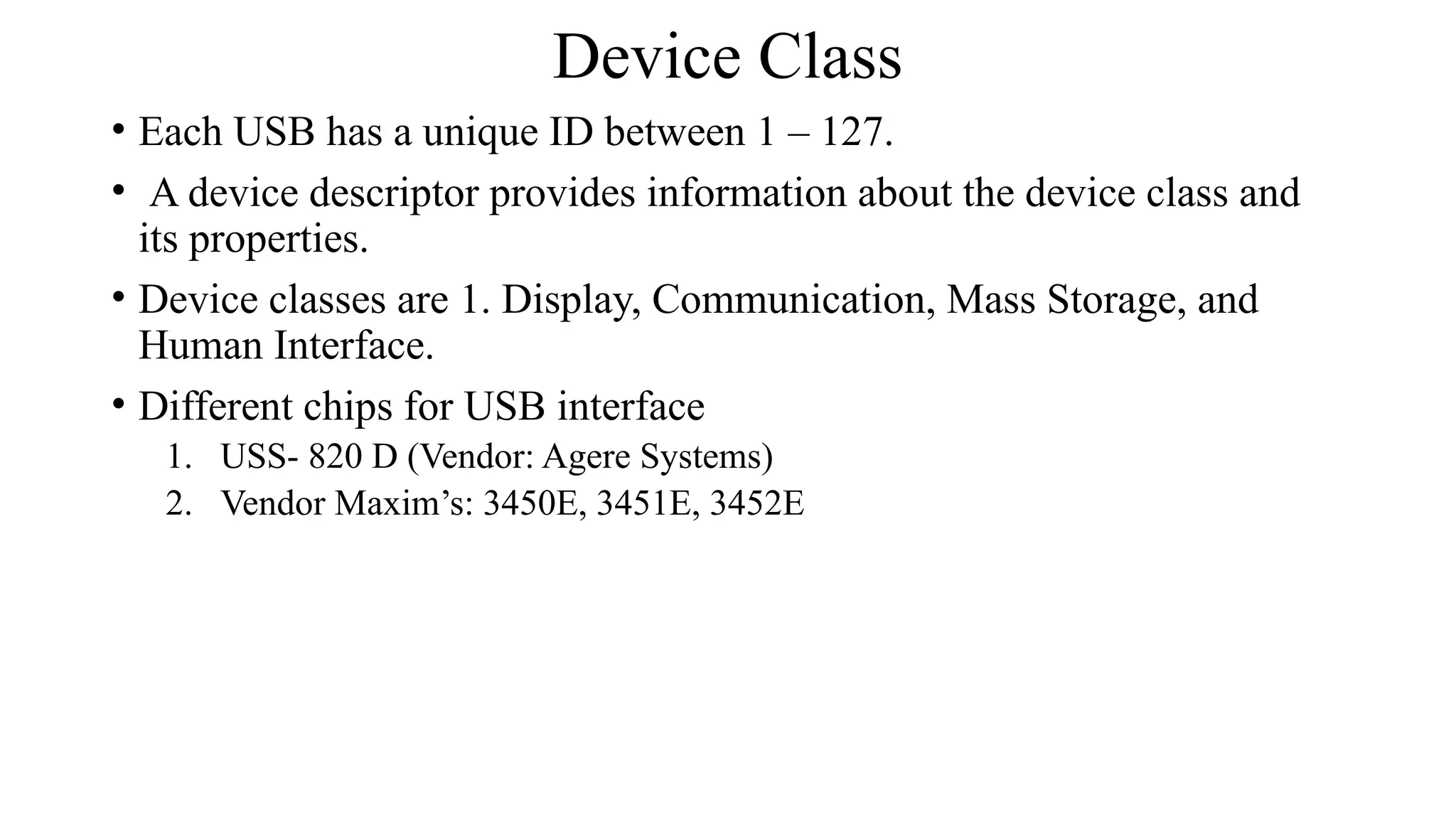
Device Class
• Each USB has a unique ID between 1 – 127.
• A device descriptor provides information about the device class and
its properties.
• Device classes are 1. Display, Communication, Mass Storage, and
Human Interface.
• Different chips for USB interface
1. USS- 820 D (Vendor: Agere Systems)
2. Vendor Maxim’s: 3450E, 3451E, 3452E
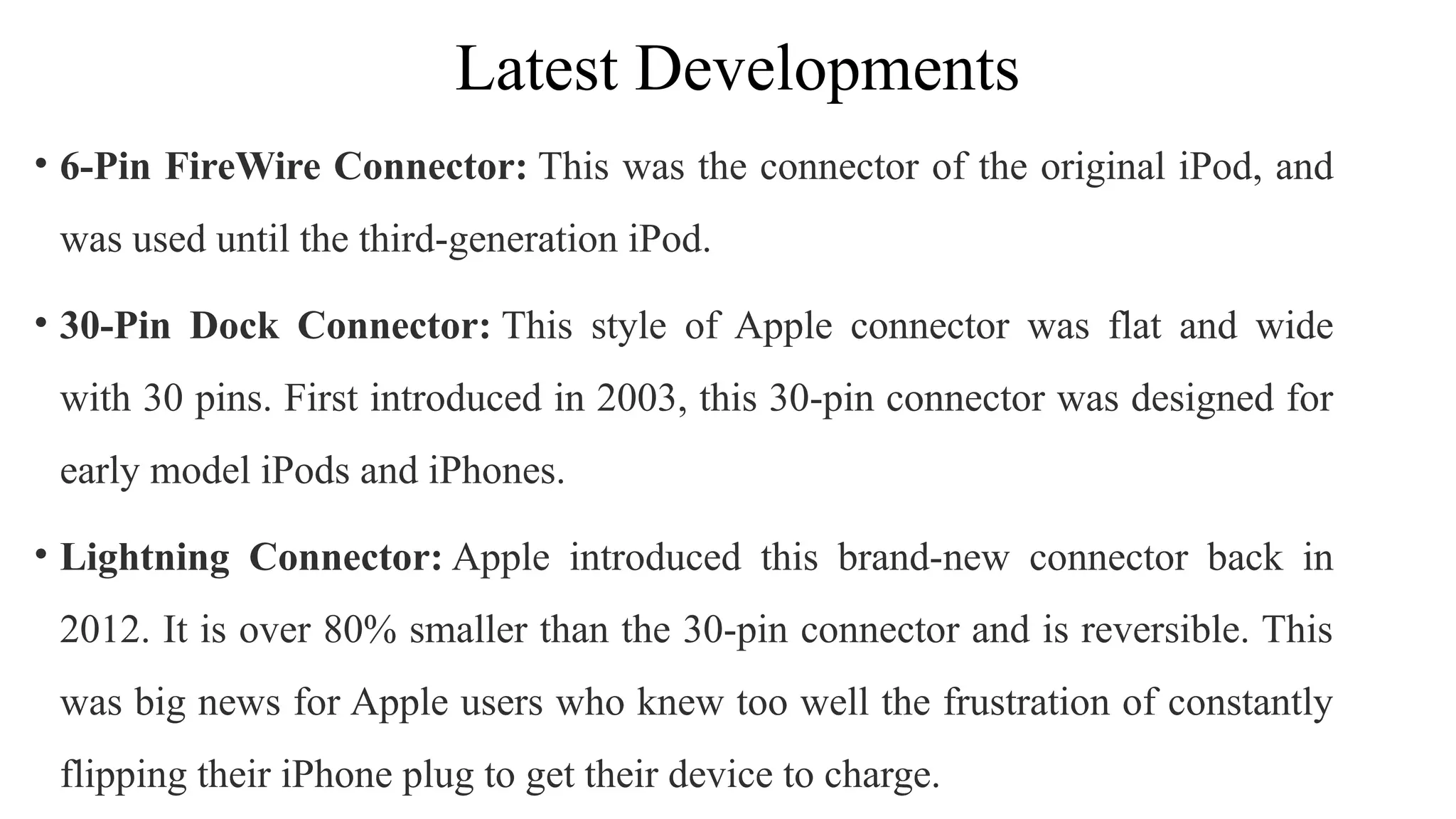
Latest Developments
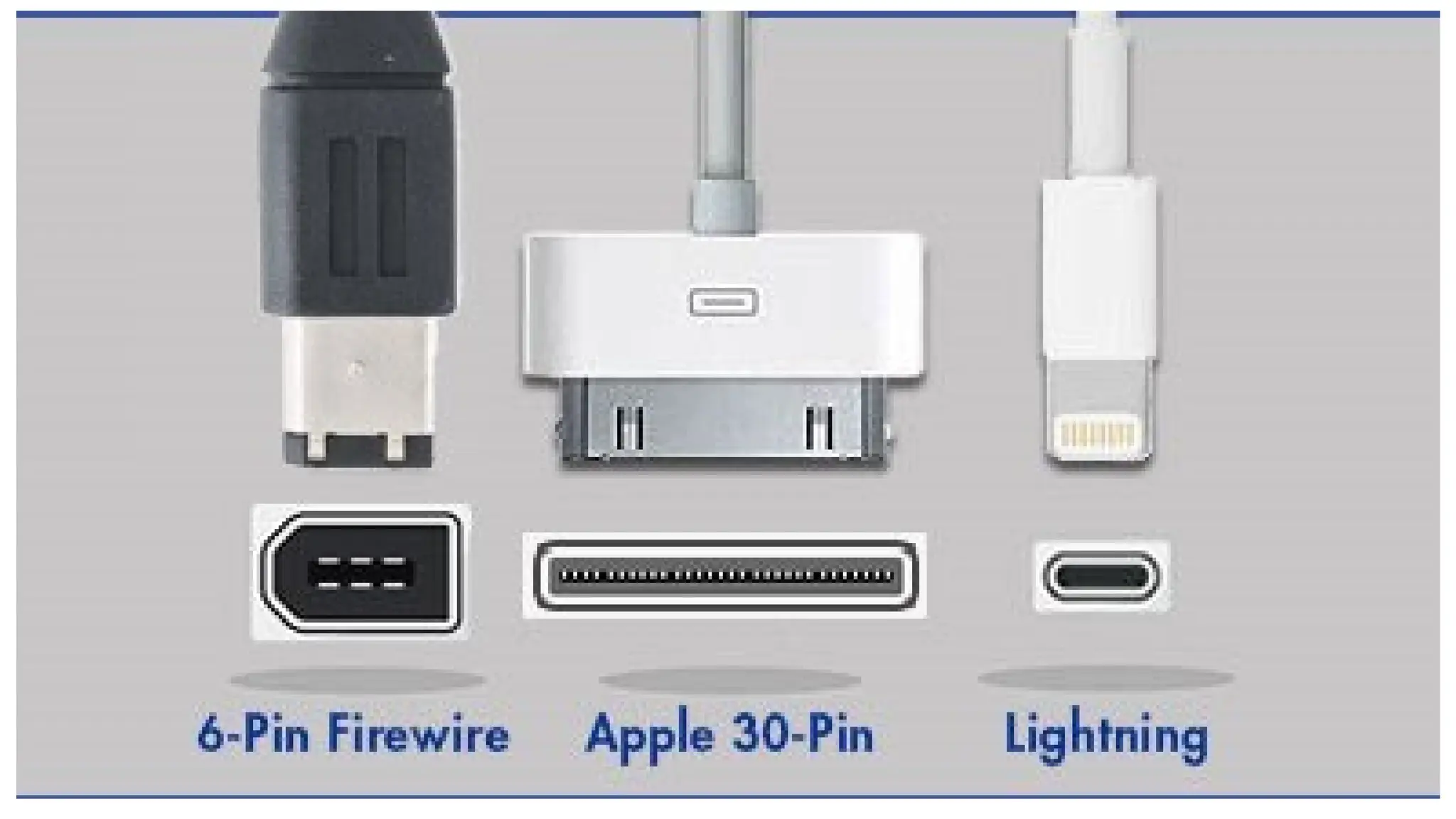
• 6-Pin FireWire Connector: This was the connector of the original iPod, and
was used until the third-generation iPod.
• 30-Pin Dock Connector: This style of Apple connector was flat and wide
with 30 pins. First introduced in 2003, this 30-pin connector was designed for
early model iPods and iPhones.
• Lightning Connector: Apple introduced this brand-new connector back in
2012. It is over 80% smaller than the 30-pin connector and is reversible. This
was big news for Apple users who knew too well the frustration of constantly
flipping their iPhone plug to get their device to charge.
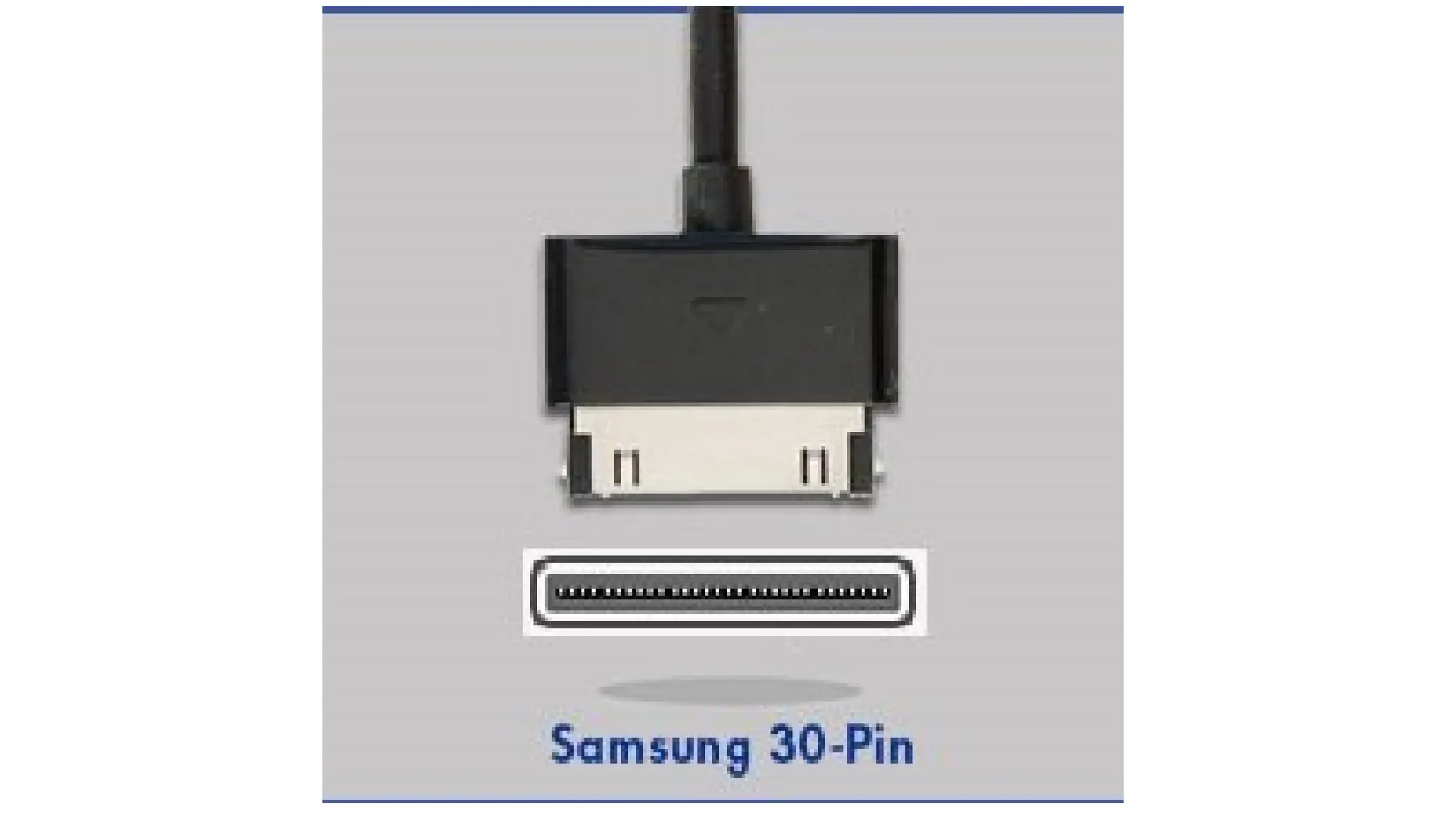
• Samsung 30-Pin Connector: Although this connector looks similar to the
Apple 30-pin, it was designed to work exclusively with Samsung phones. This
is a proprietary cable that Samsung used for several of their smartphones and
tablets, including the Samsung Galaxy.
• The cable has the male 30-pin connector on one side, standard USB A 4-pin
connector on the other. This cable was designed for both syncing and charging.
Samsung is continuing to use the 30-pin connector with their latest Galaxy Tab
10.1 model.
• MHL :The acronym MHL stands for Mobile High-Definition Link, and it can be used for connecting mobile
devices directly to high-definition TVs so that you can view your mobile device's display on your HDMI-
compatible monitor or TV screen.
• OTG: known as USB On-The-Go, is an adapter that turns a USB device into a host that allows other USB devices
to connect different USB accessories to your mobile device.
• MyDP: MyDP or "Mobility DisplayPort" is an adapter that allows mobile devices like smartphones and tablets with
a micro USB 2.0 connection to output audio and video to a larger monitor, TV screen or projector.
• HDMI Devices: HDMI, otherwise known as "High-Definition Multimedia Interface," are cables that are used for
transmitting audio and uncompressed digital video data from a device to a display. HDMI technology is constantly
evolving; the most current HDMI cables on the market can support 4K resolution.
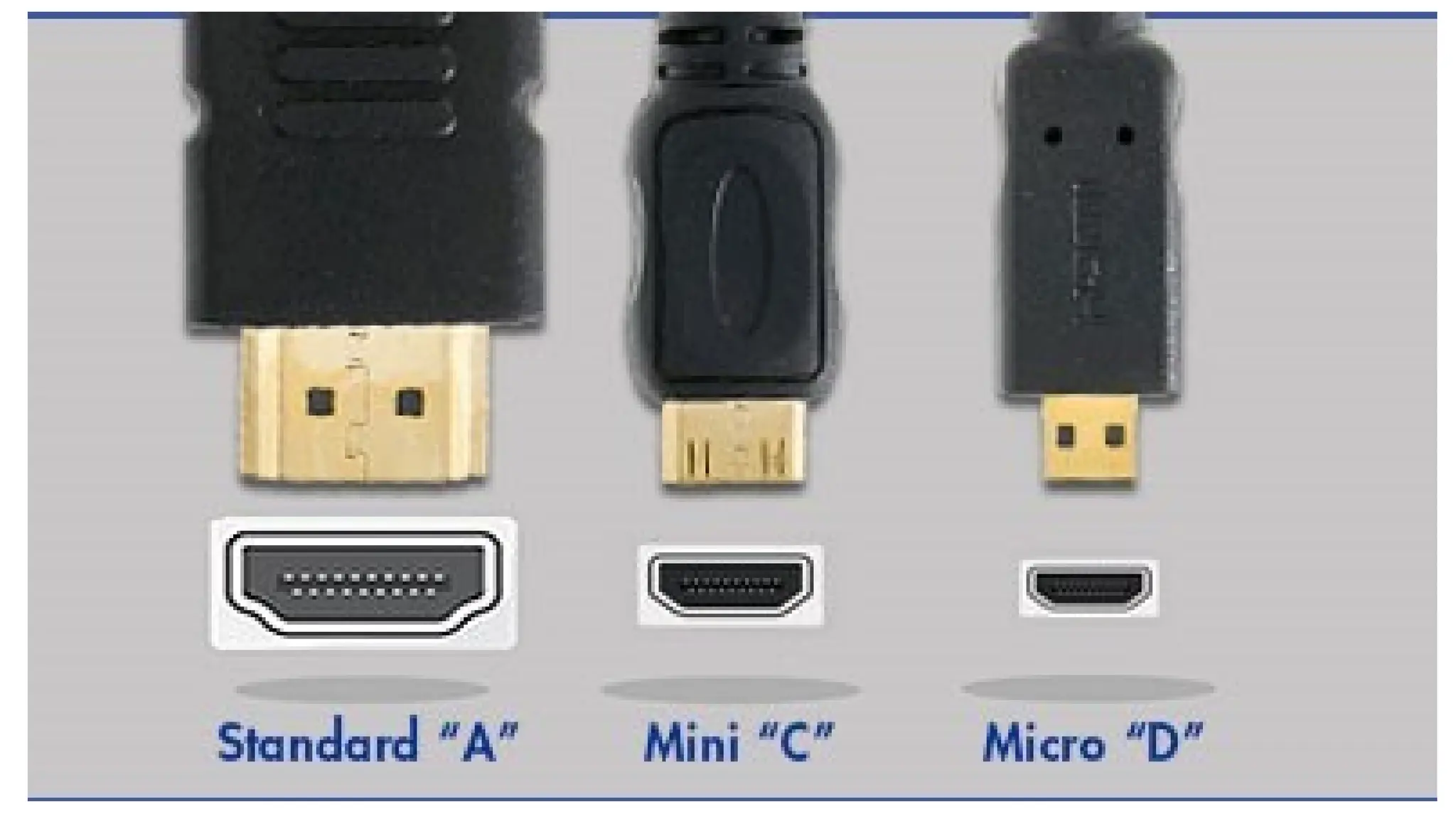
• Standard HDMI: 19 pin application TV and LAPTOP
• Mini HDMI: 19 pin Laptops and Tablets
• Micro HDMI: 19 pin Tablets and Mobiles
RS232 protocol for embedded systems and IOT PPT.pptx

RS232 protocol for embedded systems and IOT PPT.pptx

  • 14.
    • What isit HANDSHAKING ? • A way, that the device can control data stream from transmitting device. • The device use Handshaking to terminated data stream when unable to handle received data. • There are 2 types 1. Hardware Handshaking 2. Software Handshaking
  • 15.
    • Hardware flowcontrol • Done by RTS and CTS flow control lines. • It uses two wires in your serial cable rather than extra characters transmitted in your data lines. • Software flow control • Done by using two characters Xon/Xoff. • Xon is normally indicated by the ASCII 17 character where as the ASCII 19 character is used for Xoff. • This type of flow control has the advantage that it doesn't require any more wires as the characters are sent via the TD/RD lines. • As each character requires 10 bits this can slow down communications.
  • 16.
  • 17.
    Outline  What isUSB?  Pre-Releases Of USB  History Of USB  USB 3.0 Now  Key Features  Connector Properties  Connector Types  Application  Conclusion
  • 18.
    What is USB? USBstands for Universal Serial Bus. USB is a fast, bi-directional, low cost, hot pluggable, Plug and Playable serial hardware interface Allows users to connect a wide variety of peripherals to a computer and have them automatically configured and ready to use. Implemented to provide a replacement for legacy ports to make the addition of peripheral devices quick and easy for the end user
  • 19.
    Pre-Releases of USB USB 0.7: Released in November 1994.  USB 0.8: Released in December 1994.  USB 0.9: Released in April 1995.  USB 0.99: Released in August 1995.  USB 1.0: Released in November 1995
  • 20.
    History of USB There have been three versions released prior to 3.0 Latest  USB 1.1 in September :  This version supports a data rate of 12Mbps.  For slow peripherals it can support up to 1.5 Mbps.  USB 2.0 inApril 2000  Major feature revision was the addition of a high speed transfer rate of 480 Mbps  USB 3.0 in November 2008  offers transfer rates of 4.8 Gbps - that's 10 times faster.  USB 3.2 Gen 2x2 in September 2017: formally known as USB 3.2, it’s the newest and fastest spec, promising speeds at up to 20Gbps (by using two lanes of 10Gbps at once). Latest in Market Note that the transfer speeds also depend on the device in use in addition to the bus type and USB ports and cables.
  • 21.
    Key Features  Highperformance  USB offers data transfer speeds at up to 4.8 Gbps  Expandability  Up to 127 different peripheral devices may theoretically be connected to a single bus at one time  Bus-supplied power  USB distributes the power to all connected devices, eliminating the need for an external power source for low power devices (flash drives, memory cards etc.)
  • 22.
    Connections and Wires USBUses a Twisted Pair of Wires as the medium data is transmitted over the twisted wires called data lines. These Data lines are differential data lines to provide balanced communication. Pin Name Cable Color Description 1 VCC Red +5 V 2 D− White Data − 3 D+ Green Data + 4 GND Black Ground
  • 23.
    Device Class • EachUSB has a unique ID between 1 – 127. • A device descriptor provides information about the device class and its properties. • Device classes are 1. Display, Communication, Mass Storage, and Human Interface. • Different chips for USB interface 1. USS- 820 D (Vendor: Agere Systems) 2. Vendor Maxim’s: 3450E, 3451E, 3452E
  • 24.
    Latest Developments • 6-PinFireWire Connector: This was the connector of the original iPod, and was used until the third-generation iPod. • 30-Pin Dock Connector: This style of Apple connector was flat and wide with 30 pins. First introduced in 2003, this 30-pin connector was designed for early model iPods and iPhones. • Lightning Connector: Apple introduced this brand-new connector back in 2012. It is over 80% smaller than the 30-pin connector and is reversible. This was big news for Apple users who knew too well the frustration of constantly flipping their iPhone plug to get their device to charge.
  • 27.
    • Samsung 30-PinConnector: Although this connector looks similar to the Apple 30-pin, it was designed to work exclusively with Samsung phones. This is a proprietary cable that Samsung used for several of their smartphones and tablets, including the Samsung Galaxy. • The cable has the male 30-pin connector on one side, standard USB A 4-pin connector on the other. This cable was designed for both syncing and charging. Samsung is continuing to use the 30-pin connector with their latest Galaxy Tab 10.1 model.
  • 29.
    • MHL :Theacronym MHL stands for Mobile High-Definition Link, and it can be used for connecting mobile devices directly to high-definition TVs so that you can view your mobile device's display on your HDMI- compatible monitor or TV screen. • OTG: known as USB On-The-Go, is an adapter that turns a USB device into a host that allows other USB devices to connect different USB accessories to your mobile device. • MyDP: MyDP or "Mobility DisplayPort" is an adapter that allows mobile devices like smartphones and tablets with a micro USB 2.0 connection to output audio and video to a larger monitor, TV screen or projector. • HDMI Devices: HDMI, otherwise known as "High-Definition Multimedia Interface," are cables that are used for transmitting audio and uncompressed digital video data from a device to a display. HDMI technology is constantly evolving; the most current HDMI cables on the market can support 4K resolution. • Standard HDMI: 19 pin application TV and LAPTOP • Mini HDMI: 19 pin Laptops and Tablets • Micro HDMI: 19 pin Tablets and Mobiles