Downloaded 70 times

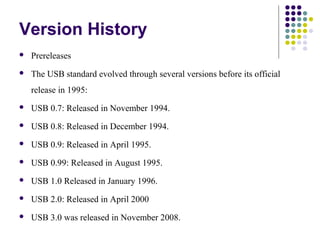
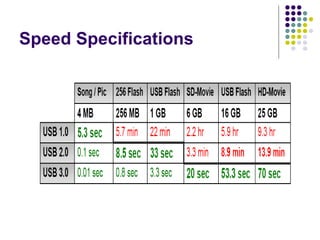
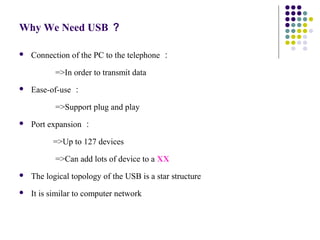
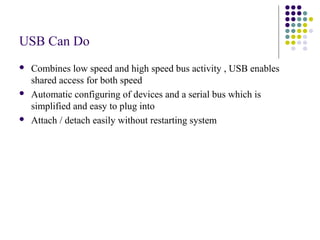
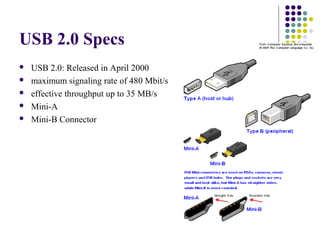
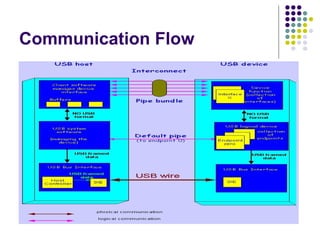

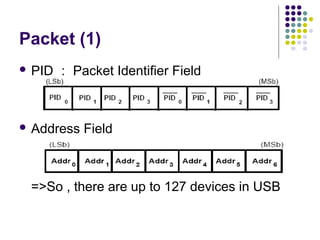
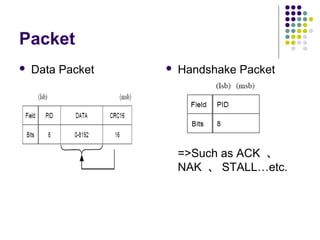
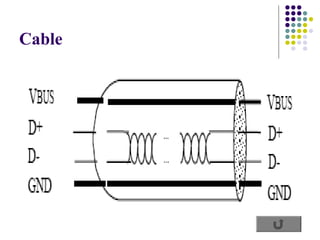


USB was developed in the mid-1990s to standardize connections between computers and peripherals like keyboards, mice, cameras and drives. It has three main generations - USB 1.0, 2.0 and 3.0. USB uses a star topology with a host computer at the center connected via hubs to multiple devices. Communication between the host and devices involves pipes that associate endpoints to transfer data in both directions using packets across the bus. The host controls bus access and device enumeration through a protocol handled by hardware controllers.


