Making MOOCs on a Budget
Pedagogies and Communication
MOOCs and Open Knowledge
• Maximizing reuse and aggregation
of Open Educational Resources
(OERs), while keeping expenses on
new, relevant material
• Design Pattern: Scaffolded MOOCs
– Avoid reinventing content by
spending time to aggregate, evaluate
and contextualise open educational
resources
(http://ilde.upf.edu/moocs/v/bxy)
MOOCs and Open Knowledge
• Shooting short videos thus easy replacement
and edition
• Preparing pdf’s and PPT-like files allowing for
easy editing
MOOCs and Open Knowledge
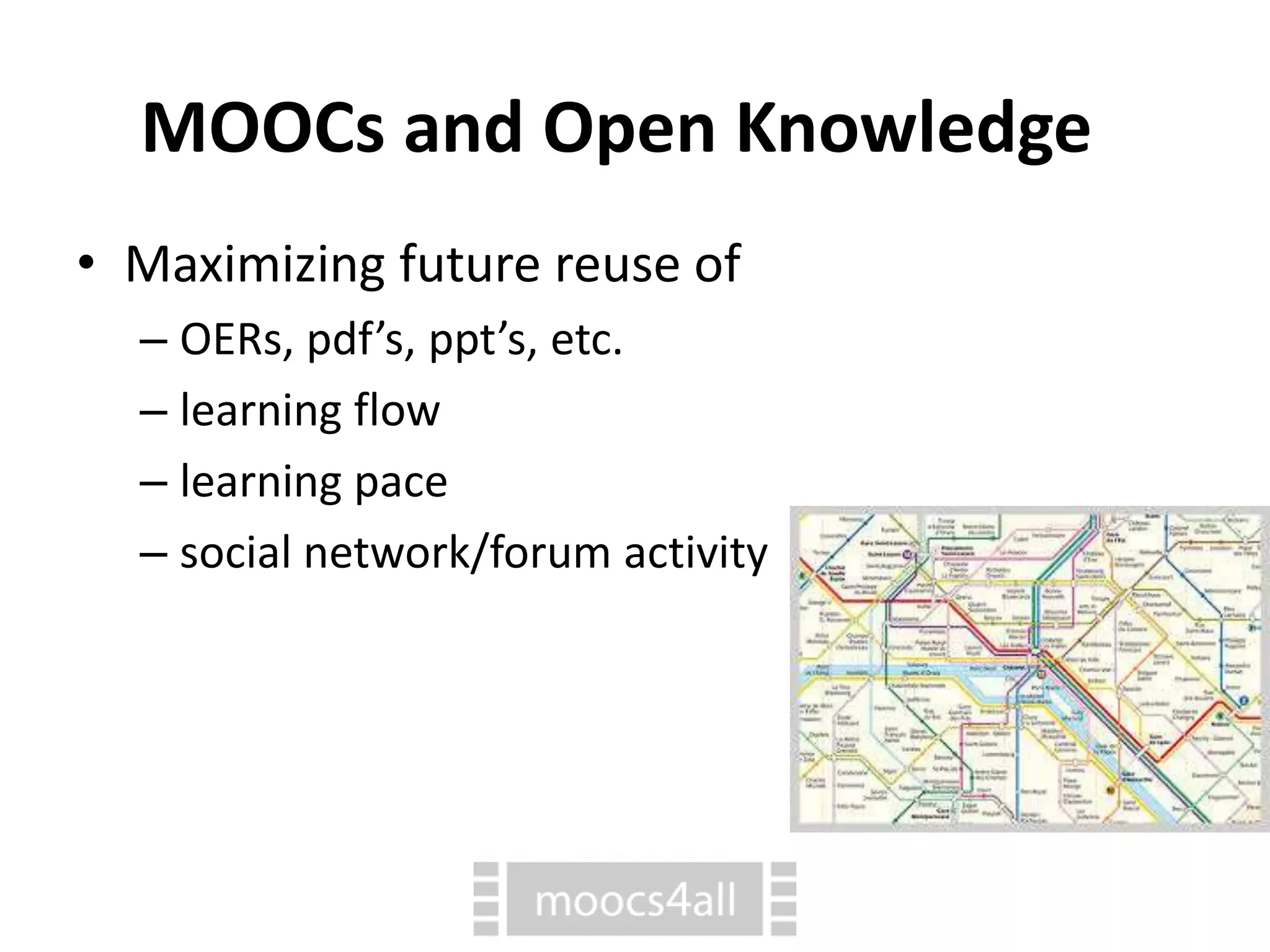
• Maximizing future reuse of
– OERs, pdf’s, ppt’s, etc.
– learning flow
– learning pace
– social network/forum activity
MOOCs and Open Knowledge
• Fast subtitling through Youtube service
(e.g., accessibility, multilanguism)
• Multilinguism: platforms that allow for
multiple languages - in the future not
likely to be an issue hindering learning
(automatic instant translation)
• Optimal use of free instant translation
services
MOOCs and Open Knowledge
• Openness vs low-cost
• The role of Wikipedia and other
similar resources
• The Open Knowledge Foundation
On a budget...
• Saving time: reusing spares time. Short videos save time by
reshooting only parts. Use simple slide-containing or
container files: PowerPoint-like or pdf’s. Prezi is fancy but
more difficult to reuse.
• Saving money: reuse of materials saves money intrinsically.
Use simple editing programs, google drive/docs...
LibreOffice, Linux... Use Wikipedia and CC-licensed photos
to avoid paying to copyright owners.
• Saving energy: Changing, reuploading.. short videos and
PPT files saves energy and makes planning easier – task
subdivision, less procrastination. Upload everythink to
searchable engines: YouTube, SlideShare, ... Use automatic
subtitle generation in YouTube.
Question open for discussion
Any ideas enhancing openness of
MOOCs while keeping them low
cost?
Thanks for your attention.

3.7 MOOCs and Open Knowledge

  • 3.
    Making MOOCs ona Budget Pedagogies and Communication MOOCs and Open Knowledge
  • 4.
    MOOCs and OpenKnowledge • Maximizing reuse and aggregation of Open Educational Resources (OERs), while keeping expenses on new, relevant material • Design Pattern: Scaffolded MOOCs – Avoid reinventing content by spending time to aggregate, evaluate and contextualise open educational resources (http://ilde.upf.edu/moocs/v/bxy)
  • 5.
    MOOCs and OpenKnowledge • Shooting short videos thus easy replacement and edition • Preparing pdf’s and PPT-like files allowing for easy editing
  • 6.
    MOOCs and OpenKnowledge • Maximizing future reuse of – OERs, pdf’s, ppt’s, etc. – learning flow – learning pace – social network/forum activity
  • 7.
    MOOCs and OpenKnowledge • Fast subtitling through Youtube service (e.g., accessibility, multilanguism) • Multilinguism: platforms that allow for multiple languages - in the future not likely to be an issue hindering learning (automatic instant translation) • Optimal use of free instant translation services
  • 8.
    MOOCs and OpenKnowledge • Openness vs low-cost • The role of Wikipedia and other similar resources • The Open Knowledge Foundation
  • 9.
    On a budget... •Saving time: reusing spares time. Short videos save time by reshooting only parts. Use simple slide-containing or container files: PowerPoint-like or pdf’s. Prezi is fancy but more difficult to reuse. • Saving money: reuse of materials saves money intrinsically. Use simple editing programs, google drive/docs... LibreOffice, Linux... Use Wikipedia and CC-licensed photos to avoid paying to copyright owners. • Saving energy: Changing, reuploading.. short videos and PPT files saves energy and makes planning easier – task subdivision, less procrastination. Upload everythink to searchable engines: YouTube, SlideShare, ... Use automatic subtitle generation in YouTube.
  • 10.
    Question open fordiscussion Any ideas enhancing openness of MOOCs while keeping them low cost?
  • 11.
    Thanks for yourattention.