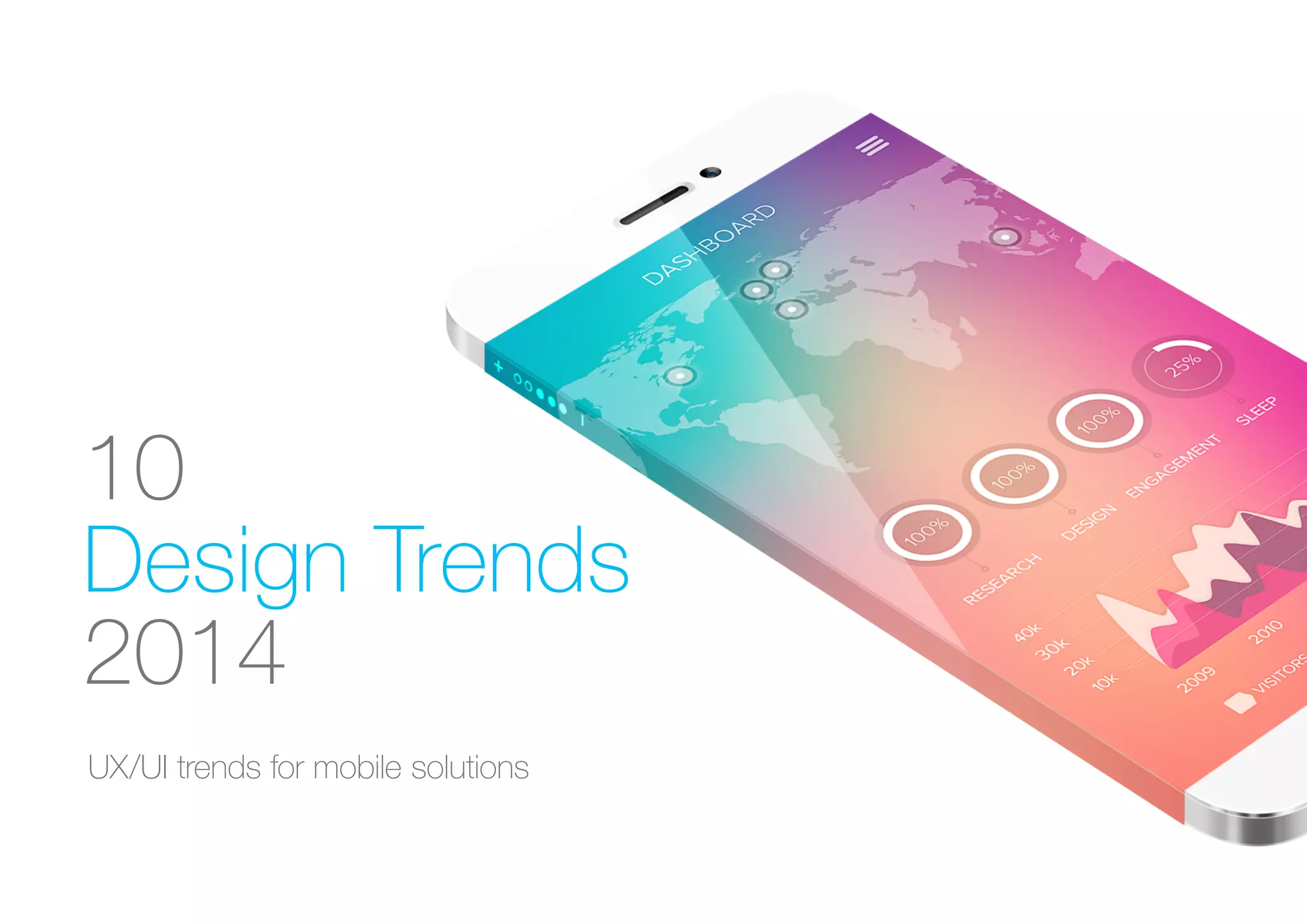
10
Design Trends
2014
UX/UI trends for mobile solutions
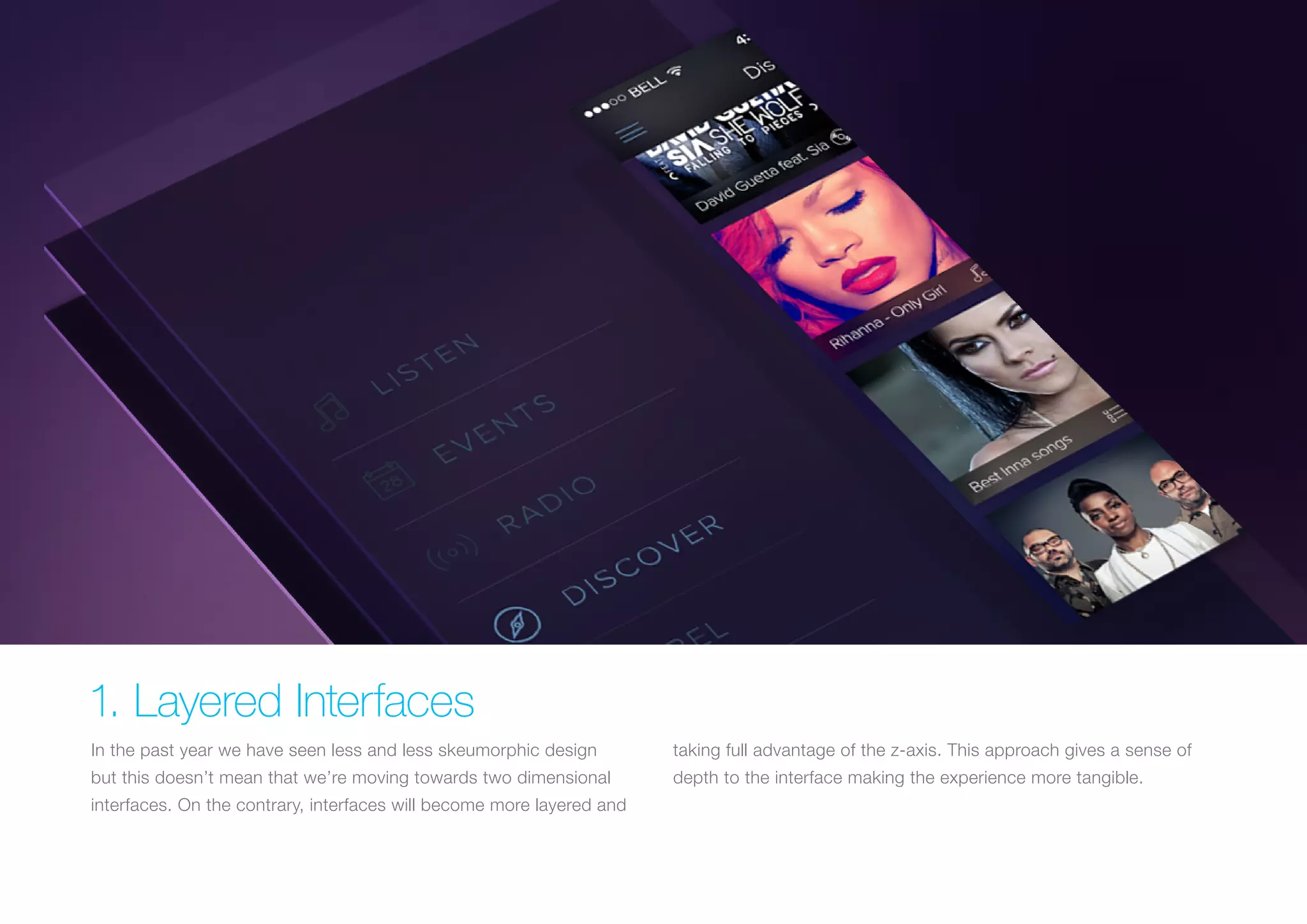
1. Layered Interfaces
In the past year we have seen less and less skeumorphic design

taking full advantage of the z-axis. This approach gives a sense of

but this doesn’t mean that we’re moving towards two dimensional

depth to the interface making the experience more tangible.

interfaces. On the contrary, interfaces will become more layered and
Why do it?
Done right, this approach gives a real sense of 3D depth and will
establish a clear relationship between elements and interactions. This
is achieved by putting elements not in use at the back while placing
current interaction at the front.
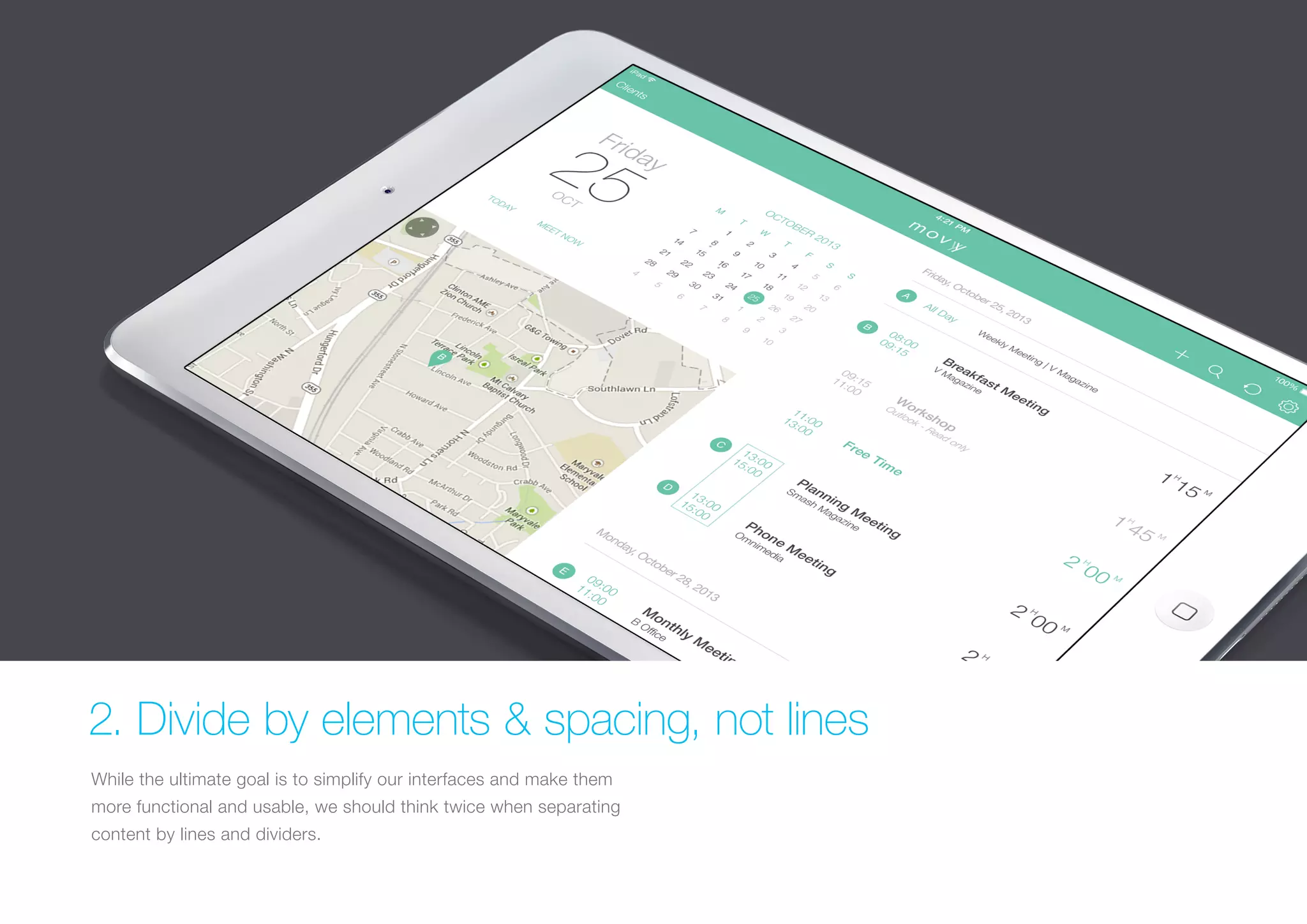
2. Divide by elements & spacing, not lines
While the ultimate goal is to simplify our interfaces and make them
more functional and usable, we should think twice when separating
content by lines and dividers.
Why do it?
UI design is moving towards removing any unnecessary elements to
focus much more on functionality. Less lines and dividers will always
give your interface a cleaner, modern and more functional feel.
Always remember that there are other ways to separate content with
methods such as using blocks, spacing or different colors.
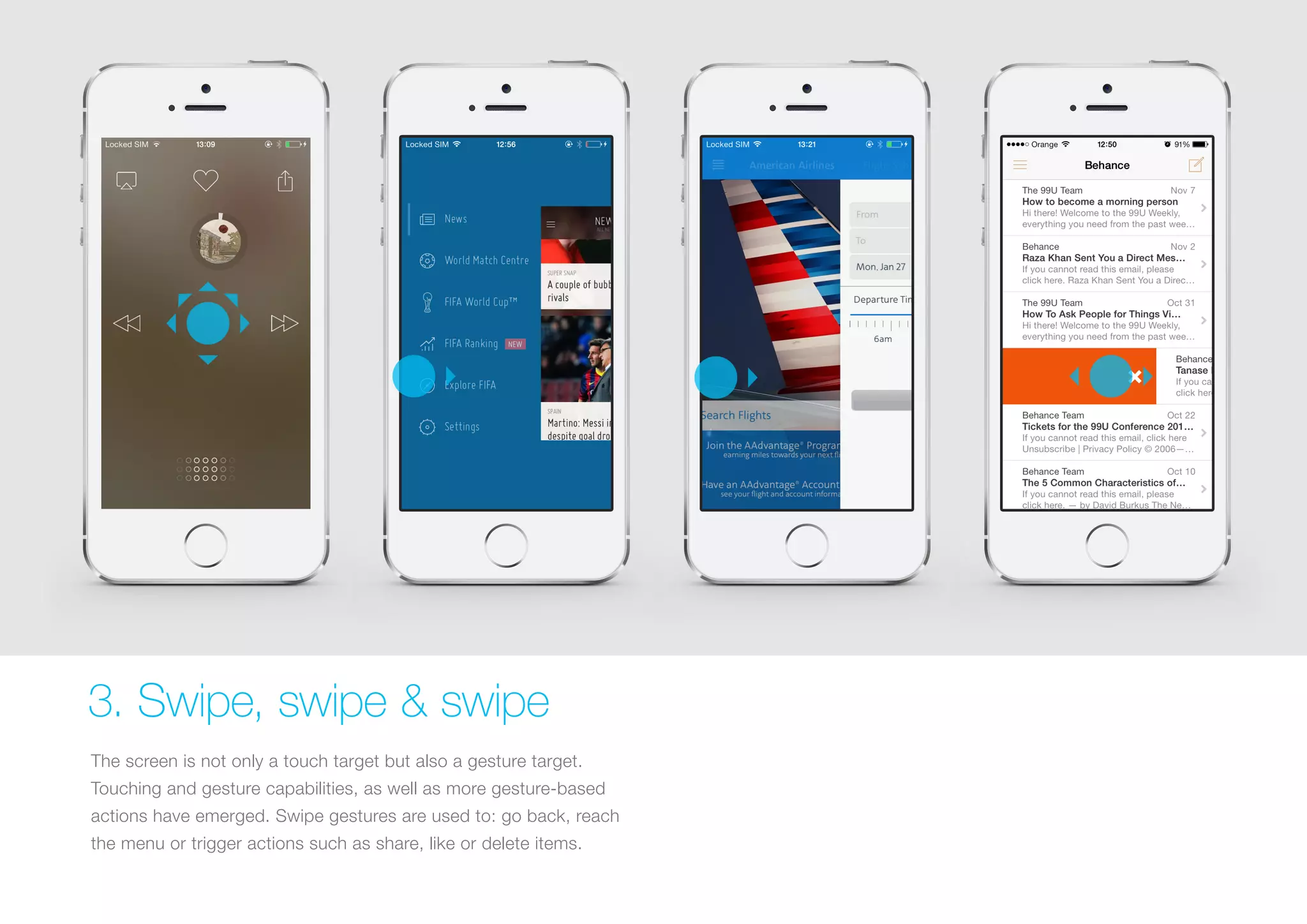
3. Swipe, swipe & swipe
The screen is not only a touch target but also a gesture target.
Touching and gesture capabilities, as well as more gesture-based
actions have emerged. Swipe gestures are used to: go back, reach
the menu or trigger actions such as share, like or delete items.
Why do it?
Although it may not be entirely self-evident initially, a gesture, once
discovered and learned, can become a delight to use and can bring
β€œmagic” to the user experience, reducing steps in the user flow while
interacting with the interface. This allows for a quicker, more efficient
and comfortable experience for hand gestures since a larger area of
the screen is used for a function.
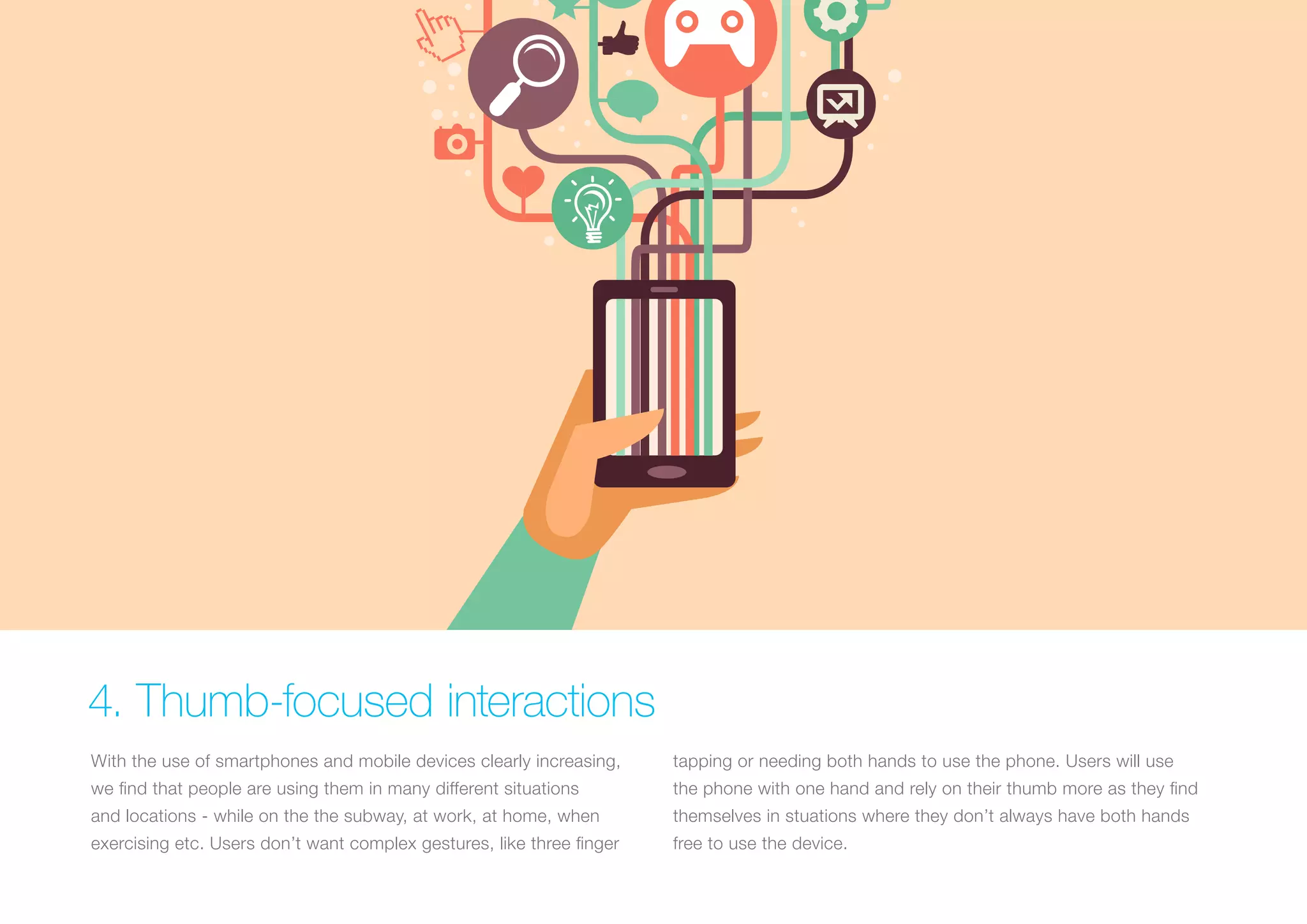
4. Thumb-focused interactions
With the use of smartphones and mobile devices clearly increasing,

tapping or needing both hands to use the phone. Users will use

we find that people are using them in many different situations

the phone with one hand and rely on their thumb more as they find

and locations - while on the the subway, at work, at home, when

themselves in stuations where they don’t always have both hands

exercising etc. Users don’t want complex gestures, like three finger

free to use the device.
Why do it?
When designing, take into consideration that your app will be used
in several contexts, people will not always be in the situation where
they can use more than one finger or both hands to interact with
your interface. Design for the lazy, this can increase the usage
of your app!
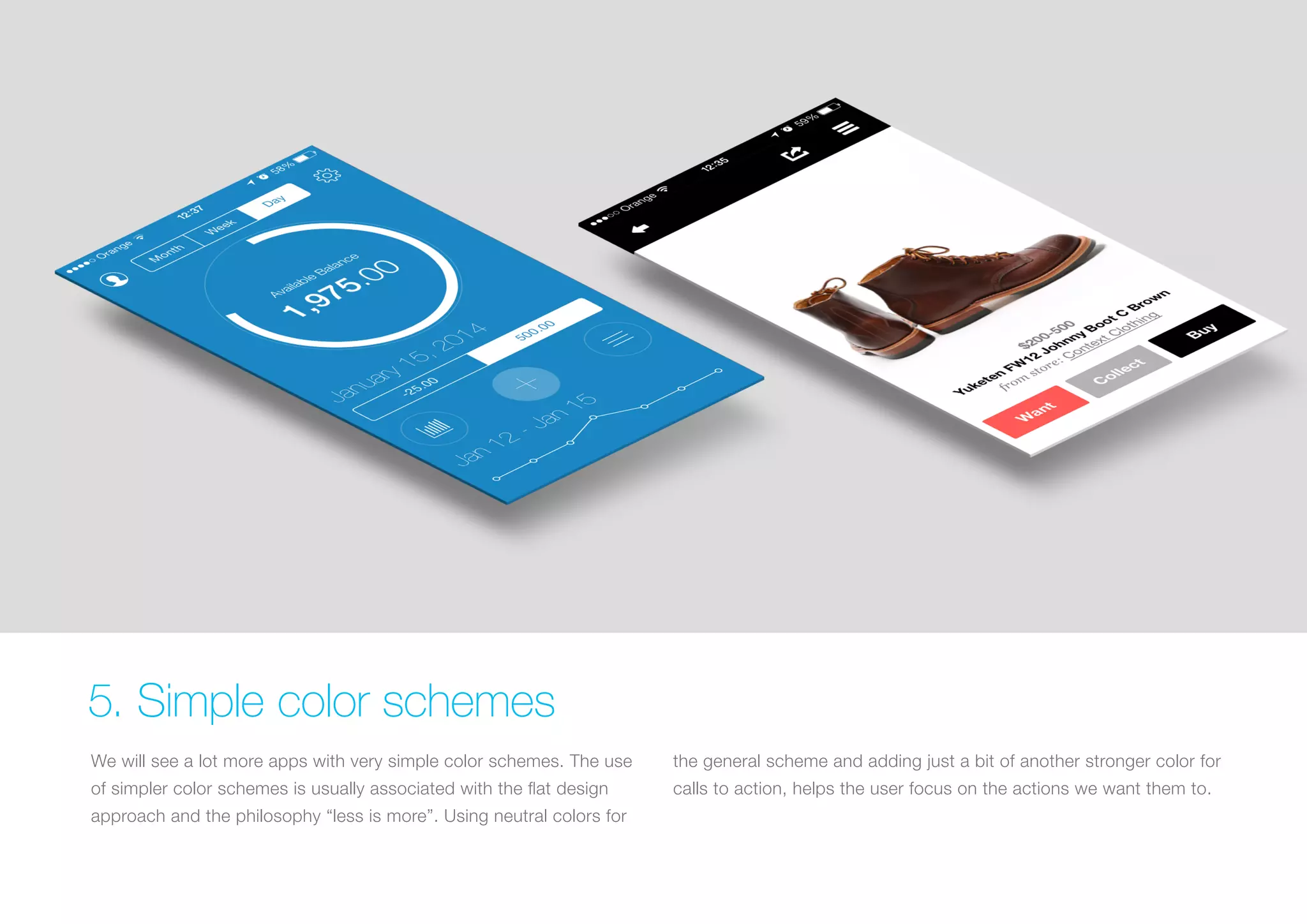
5. Simple color schemes
We will see a lot more apps with very simple color schemes. The use

the general scheme and adding just a bit of another stronger color for

of simpler color schemes is usually associated with the flat design

calls to action, helps the user focus on the actions we want them to.

approach and the philosophy β€œless is more”. Using neutral colors for
Why do it?
Simplifying the interface improves the user experience while having
too many colors can have a negative impact upon it. A good use of
colors highlights the action you want your users to carry out.
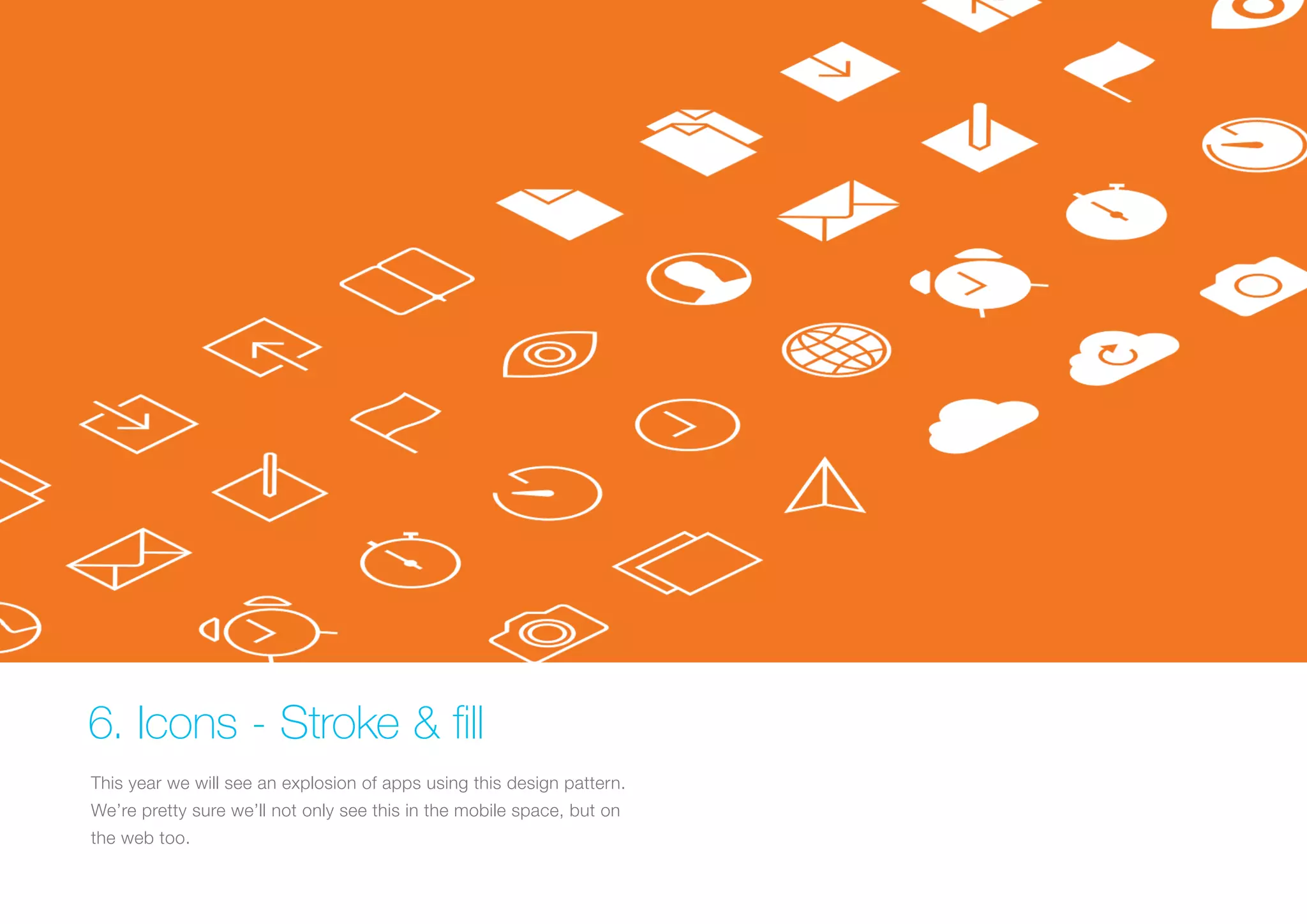
6. Icons - Stroke & fill
This year we will see an explosion of apps using this design pattern.
We’re pretty sure we’ll not only see this in the mobile space, but on
the web too.
Why do it?
This gives better contrast between active and inactive sections.
Recognition of active tabs, controls and toolbars is more straightforward.
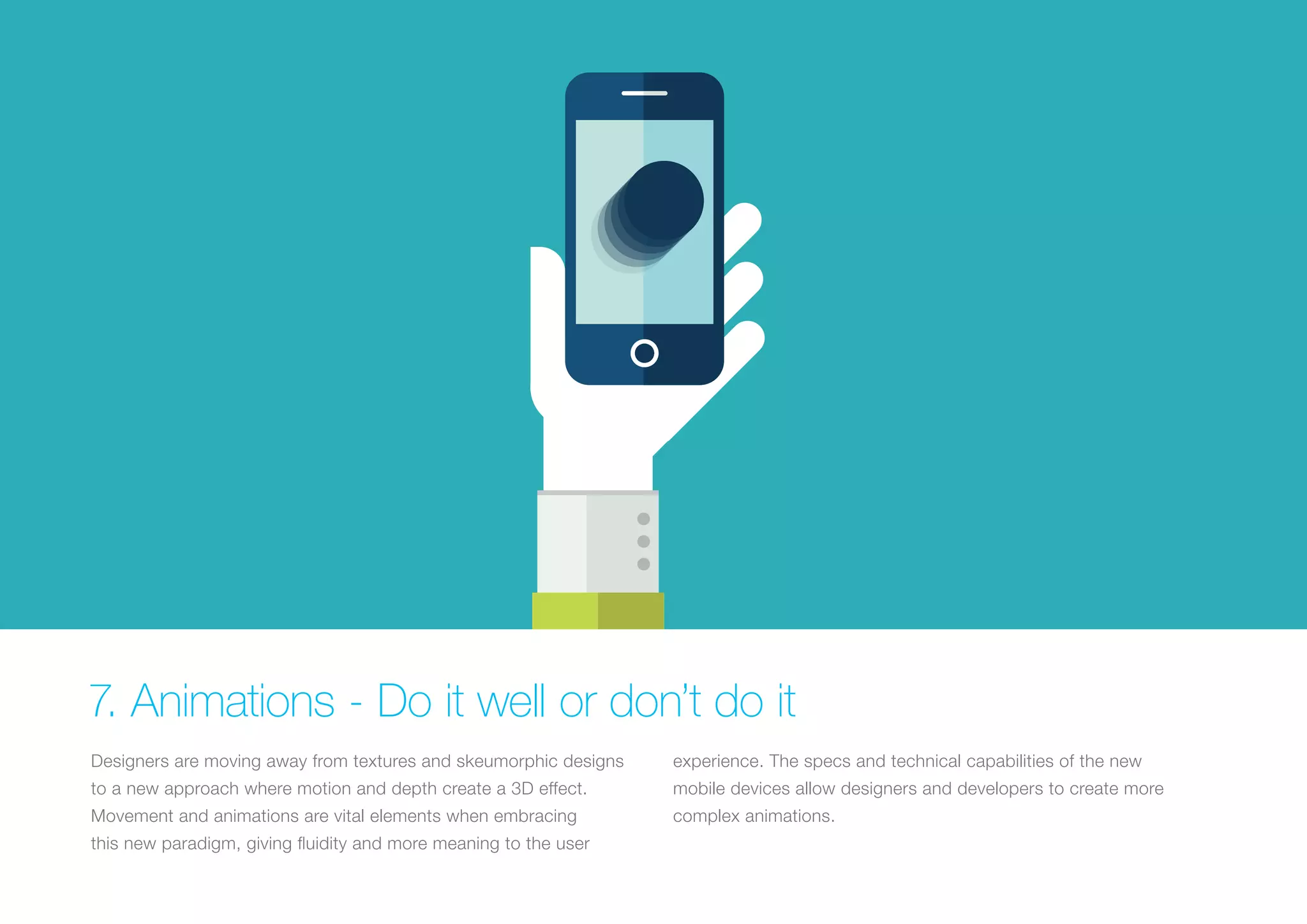
7. Animations - Do it well or don’t do it
Designers are moving away from textures and skeumorphic designs

experience. The specs and technical capabilities of the new

to a new approach where motion and depth create a 3D effect.

mobile devices allow designers and developers to create more

Movement and animations are vital elements when embracing

complex animations.

this new paradigm, giving fluidity and more meaning to the user
Why do it?
Animated demo tutorials are a great way to capture users’ attention
while educating them on how best to use the app for the first time.
But don’t animate just for the sake of it, have a clear motivation
behind the animation effects, the abuse of motion effects can
completely ruin the experience.
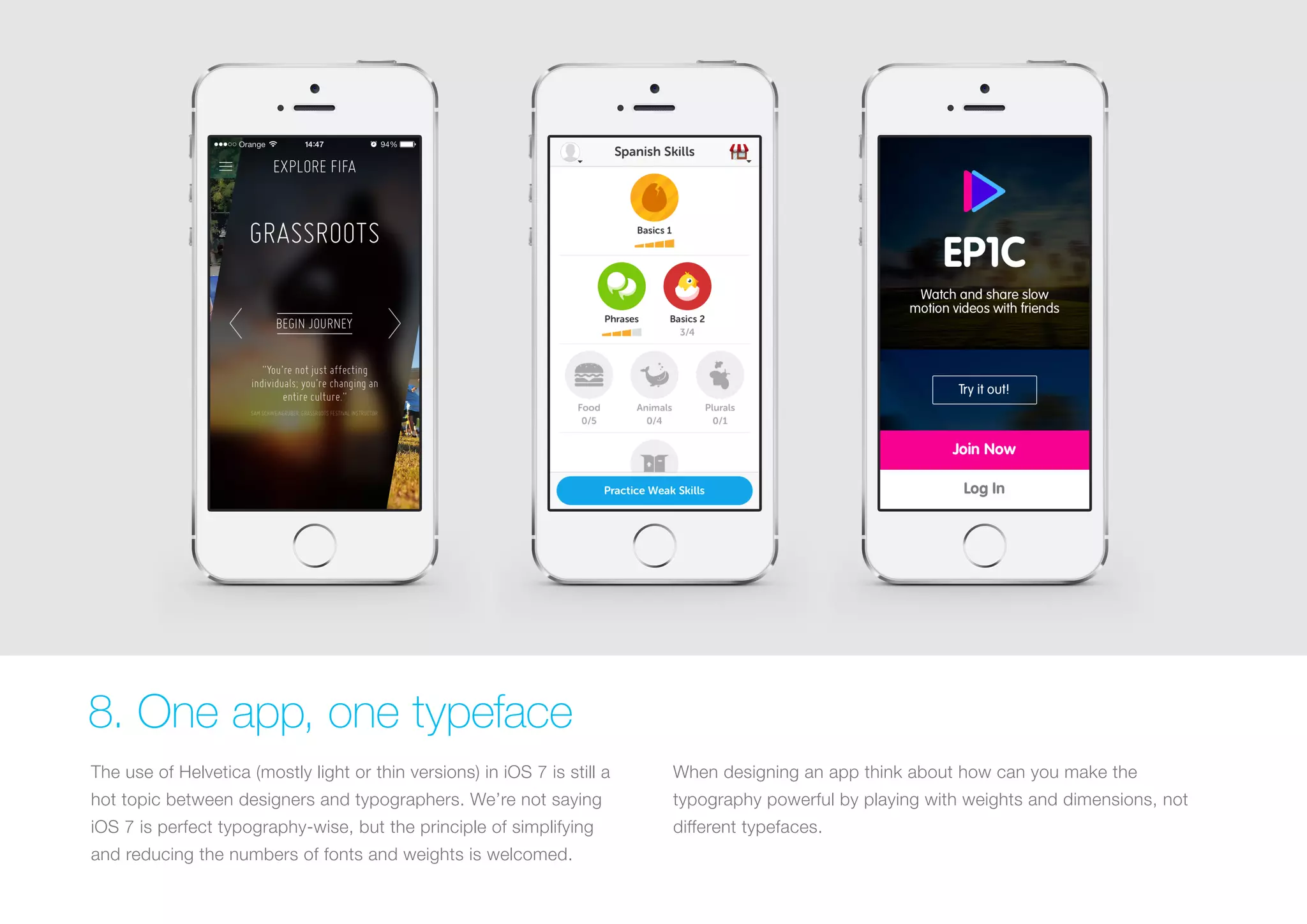
8. One app, one typeface
The use of Helvetica (mostly light or thin versions) in iOS 7 is still a

When designing an app think about how can you make the

hot topic between designers and typographers. We’re not saying

typography powerful by playing with weights and dimensions, not

iOS 7 is perfect typography-wise, but the principle of simplifying

different typefaces.

and reducing the numbers of fonts and weights is welcomed.
Why do it?
This one goes hand in hand with simplifying color schemes and user
elements, as well as using space as dividers. The ultimate goal is
simplicity, functionality and usability.
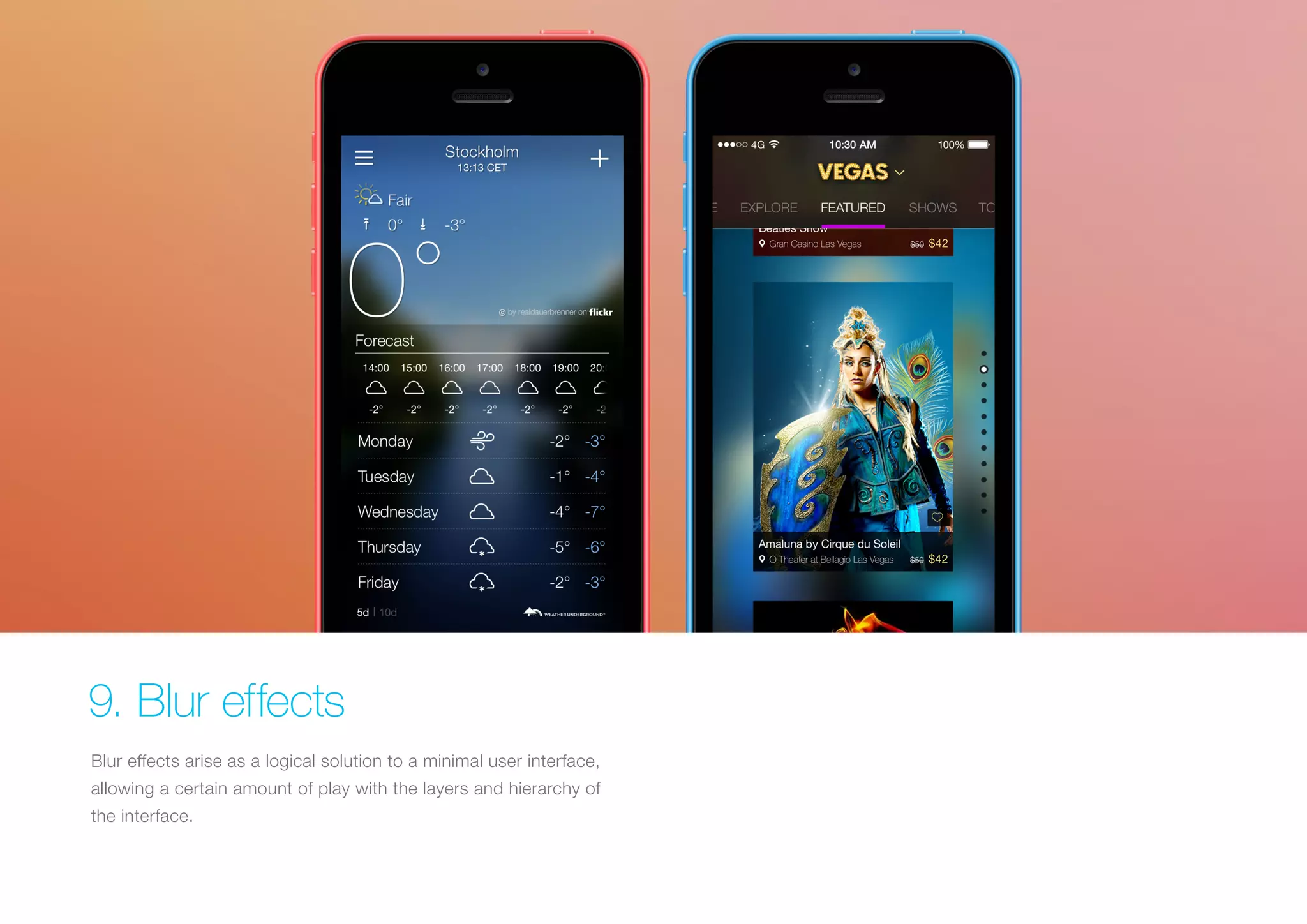
9. Blur effects
Blur effects arise as a logical solution to a minimal user interface,
allowing a certain amount of play with the layers and hierarchy of
the interface.
Why do it?
It’s a very efficient solution when working with layered UX/UI since
it gives the user a clear understanding of the mobile solution’s
flow and hierarchy. This also gives designers a perfect opportunity
to explore different menu and overlay solutions. Even though we
eventually might grow tired of the effect it is an effective solution at
the present time.
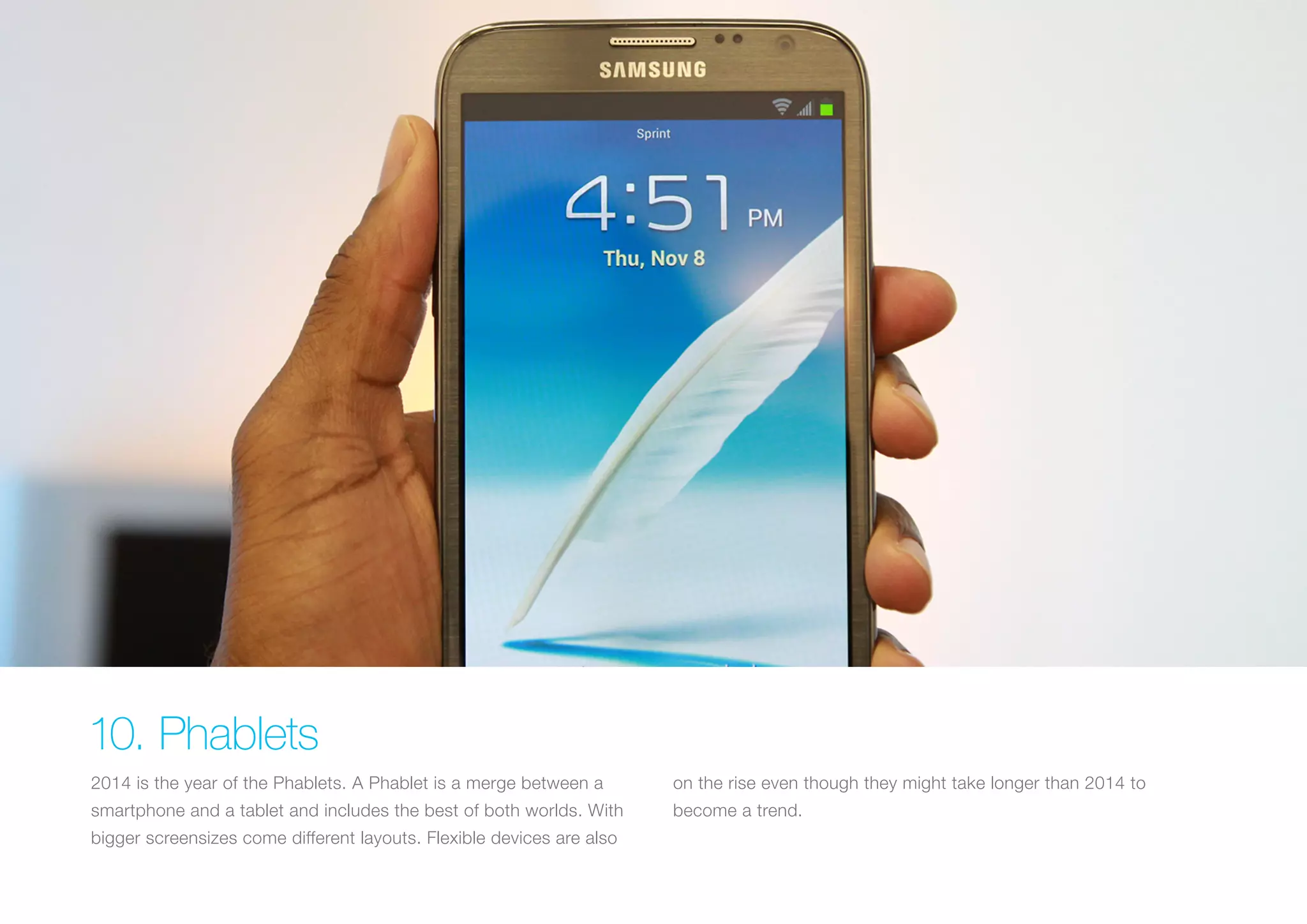
10. Phablets
2014 is the year of the Phablets. A Phablet is a merge between a

on the rise even though they might take longer than 2014 to

smartphone and a tablet and includes the best of both worlds. With

become a trend.

bigger screensizes come different layouts. Flexible devices are also
Why do it?
The introduction and rise of Phablets will allow for layout adaptation
and UX solutions which perhaps were only previously taken into
consideration for tablets. Android devices are already on the
market with the Galaxy Note 3, while Apple and Windows will, in all
likelihood, shortly follow with their own devices.
Fighting for a world
full of mobile solutions
since 2005
web 	 	
email	

www.goldengekko.com			
info@goldengekko.com

2014 UX/UI trends for mobile solutions

  • 1.
  • 2.
    1. Layered Interfaces Inthe past year we have seen less and less skeumorphic design taking full advantage of the z-axis. This approach gives a sense of but this doesn’t mean that we’re moving towards two dimensional depth to the interface making the experience more tangible. interfaces. On the contrary, interfaces will become more layered and
  • 3.
    Why do it? Doneright, this approach gives a real sense of 3D depth and will establish a clear relationship between elements and interactions. This is achieved by putting elements not in use at the back while placing current interaction at the front.
  • 4.
    2. Divide byelements & spacing, not lines While the ultimate goal is to simplify our interfaces and make them more functional and usable, we should think twice when separating content by lines and dividers.
  • 5.
    Why do it? UIdesign is moving towards removing any unnecessary elements to focus much more on functionality. Less lines and dividers will always give your interface a cleaner, modern and more functional feel. Always remember that there are other ways to separate content with methods such as using blocks, spacing or different colors.
  • 6.
    3. Swipe, swipe& swipe The screen is not only a touch target but also a gesture target. Touching and gesture capabilities, as well as more gesture-based actions have emerged. Swipe gestures are used to: go back, reach the menu or trigger actions such as share, like or delete items.
  • 7.
    Why do it? Althoughit may not be entirely self-evident initially, a gesture, once discovered and learned, can become a delight to use and can bring β€œmagic” to the user experience, reducing steps in the user flow while interacting with the interface. This allows for a quicker, more efficient and comfortable experience for hand gestures since a larger area of the screen is used for a function.
  • 8.
    4. Thumb-focused interactions Withthe use of smartphones and mobile devices clearly increasing, tapping or needing both hands to use the phone. Users will use we find that people are using them in many different situations the phone with one hand and rely on their thumb more as they find and locations - while on the the subway, at work, at home, when themselves in stuations where they don’t always have both hands exercising etc. Users don’t want complex gestures, like three finger free to use the device.
  • 9.
    Why do it? Whendesigning, take into consideration that your app will be used in several contexts, people will not always be in the situation where they can use more than one finger or both hands to interact with your interface. Design for the lazy, this can increase the usage of your app!
  • 10.
    5. Simple colorschemes We will see a lot more apps with very simple color schemes. The use the general scheme and adding just a bit of another stronger color for of simpler color schemes is usually associated with the flat design calls to action, helps the user focus on the actions we want them to. approach and the philosophy β€œless is more”. Using neutral colors for
  • 11.
    Why do it? Simplifyingthe interface improves the user experience while having too many colors can have a negative impact upon it. A good use of colors highlights the action you want your users to carry out.
  • 12.
    6. Icons -Stroke & fill This year we will see an explosion of apps using this design pattern. We’re pretty sure we’ll not only see this in the mobile space, but on the web too.
  • 13.
    Why do it? Thisgives better contrast between active and inactive sections. Recognition of active tabs, controls and toolbars is more straightforward.
  • 14.
    7. Animations -Do it well or don’t do it Designers are moving away from textures and skeumorphic designs experience. The specs and technical capabilities of the new to a new approach where motion and depth create a 3D effect. mobile devices allow designers and developers to create more Movement and animations are vital elements when embracing complex animations. this new paradigm, giving fluidity and more meaning to the user
  • 15.
    Why do it? Animateddemo tutorials are a great way to capture users’ attention while educating them on how best to use the app for the first time. But don’t animate just for the sake of it, have a clear motivation behind the animation effects, the abuse of motion effects can completely ruin the experience.
  • 16.
    8. One app,one typeface The use of Helvetica (mostly light or thin versions) in iOS 7 is still a When designing an app think about how can you make the hot topic between designers and typographers. We’re not saying typography powerful by playing with weights and dimensions, not iOS 7 is perfect typography-wise, but the principle of simplifying different typefaces. and reducing the numbers of fonts and weights is welcomed.
  • 17.
    Why do it? Thisone goes hand in hand with simplifying color schemes and user elements, as well as using space as dividers. The ultimate goal is simplicity, functionality and usability.
  • 18.
    9. Blur effects Blureffects arise as a logical solution to a minimal user interface, allowing a certain amount of play with the layers and hierarchy of the interface.
  • 19.
    Why do it? It’sa very efficient solution when working with layered UX/UI since it gives the user a clear understanding of the mobile solution’s flow and hierarchy. This also gives designers a perfect opportunity to explore different menu and overlay solutions. Even though we eventually might grow tired of the effect it is an effective solution at the present time.
  • 20.
    10. Phablets 2014 isthe year of the Phablets. A Phablet is a merge between a on the rise even though they might take longer than 2014 to smartphone and a tablet and includes the best of both worlds. With become a trend. bigger screensizes come different layouts. Flexible devices are also
  • 21.
    Why do it? Theintroduction and rise of Phablets will allow for layout adaptation and UX solutions which perhaps were only previously taken into consideration for tablets. Android devices are already on the market with the Galaxy Note 3, while Apple and Windows will, in all likelihood, shortly follow with their own devices.
  • 22.
    Fighting for aworld full of mobile solutions since 2005 web email www.goldengekko.com info@goldengekko.com