



User Experience, 
Material Design & Trends 
Tunde OJEDIRAN 
UX Designer & Developer
GOALS 
•Know the fundamentals of the UX (User Experience) Process 
•UX Techniques 
•A deeper look into Material Design 
•Get familiar with latest User Experience Design Trends 
•Questions and Answers
WHAT IS UX? 
Does It Matter?
WHAT IS UX? 
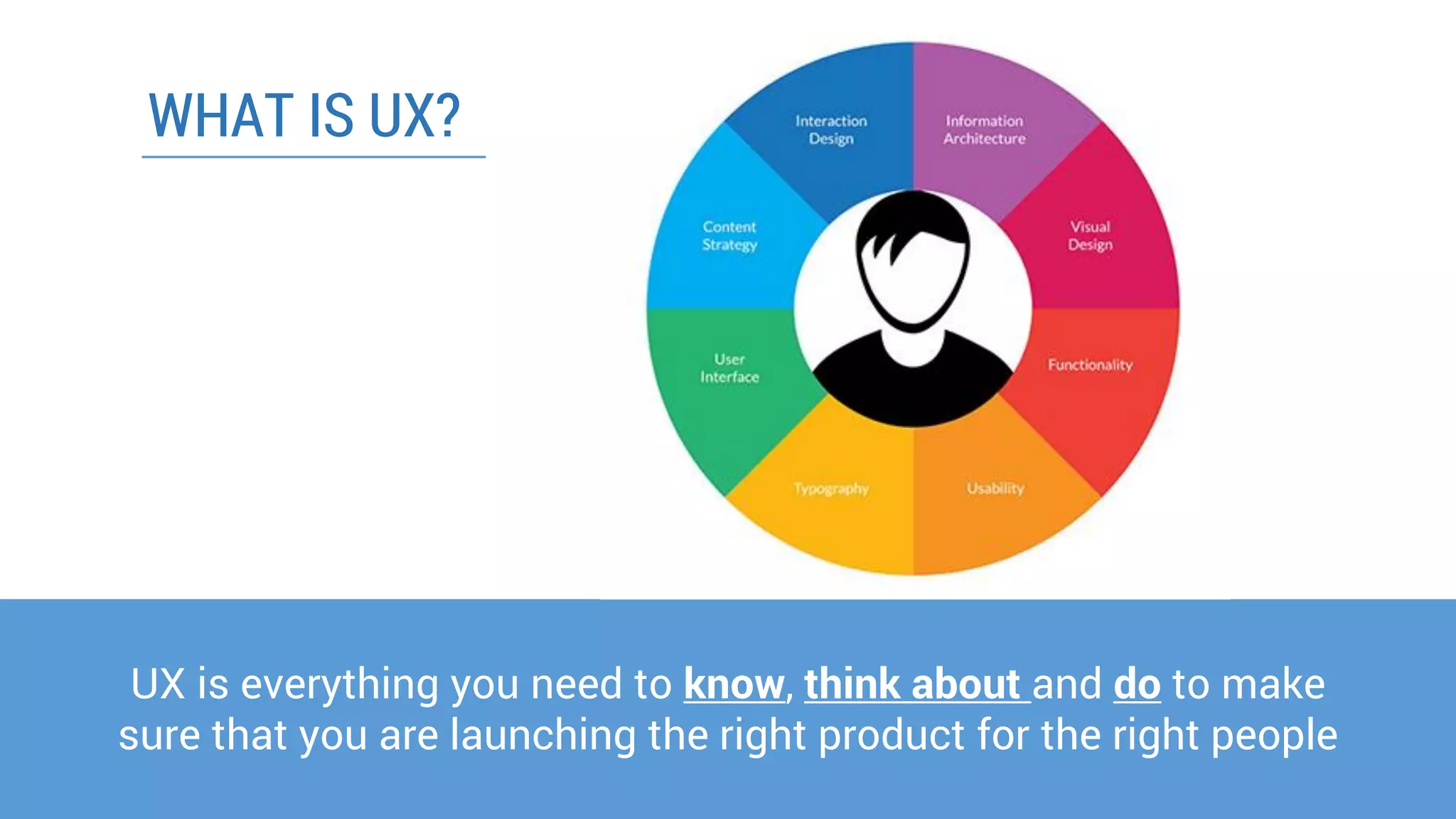
UX is everything you need to know, think about and doto make sure that you are launching the right product for the right people
UX incorporates: 
•User-CenteredDesign 
•User Interface (UI) or Graphical User Interface (GUI) 
•Usability 
•Human Factors & Ergonomics 
•Human-Computer Interaction 
WHAT IS UX?
6 FUNDAMENTALS OF UX
UX Fundamentals 
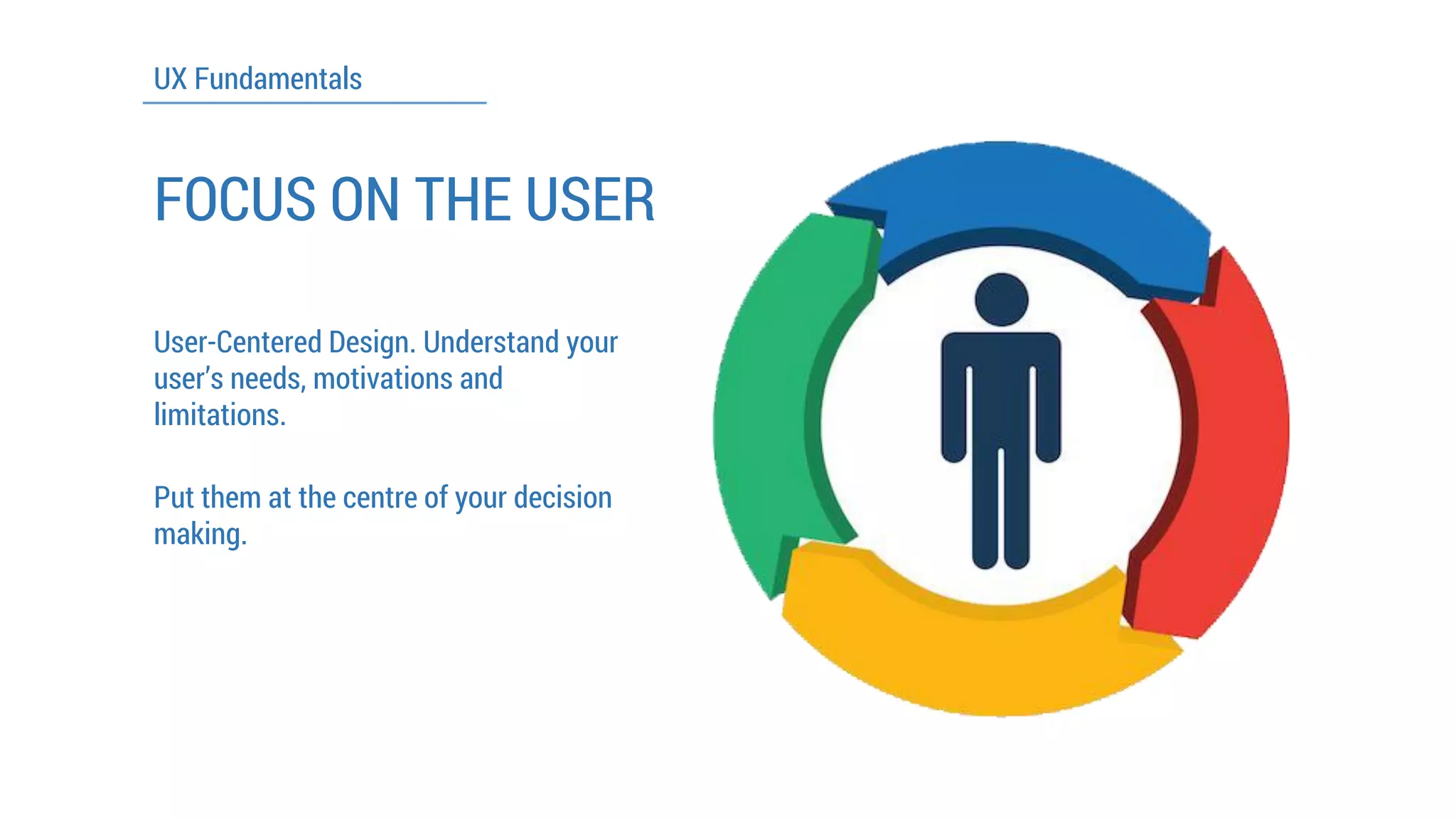
FOCUS ON THE USER 
User-CenteredDesign. Understand your user’s needs, motivations and limitations. 
Put them at the centre of your decision making.
UX Fundamentals 
DO YOUR RESEARCH 
Understand the product area, the strengths and weakness of your competitors 
Validate your assumptions with friends, relatives and likely users 
Adapt your initial plans based on what you learn
UX Fundamentals 
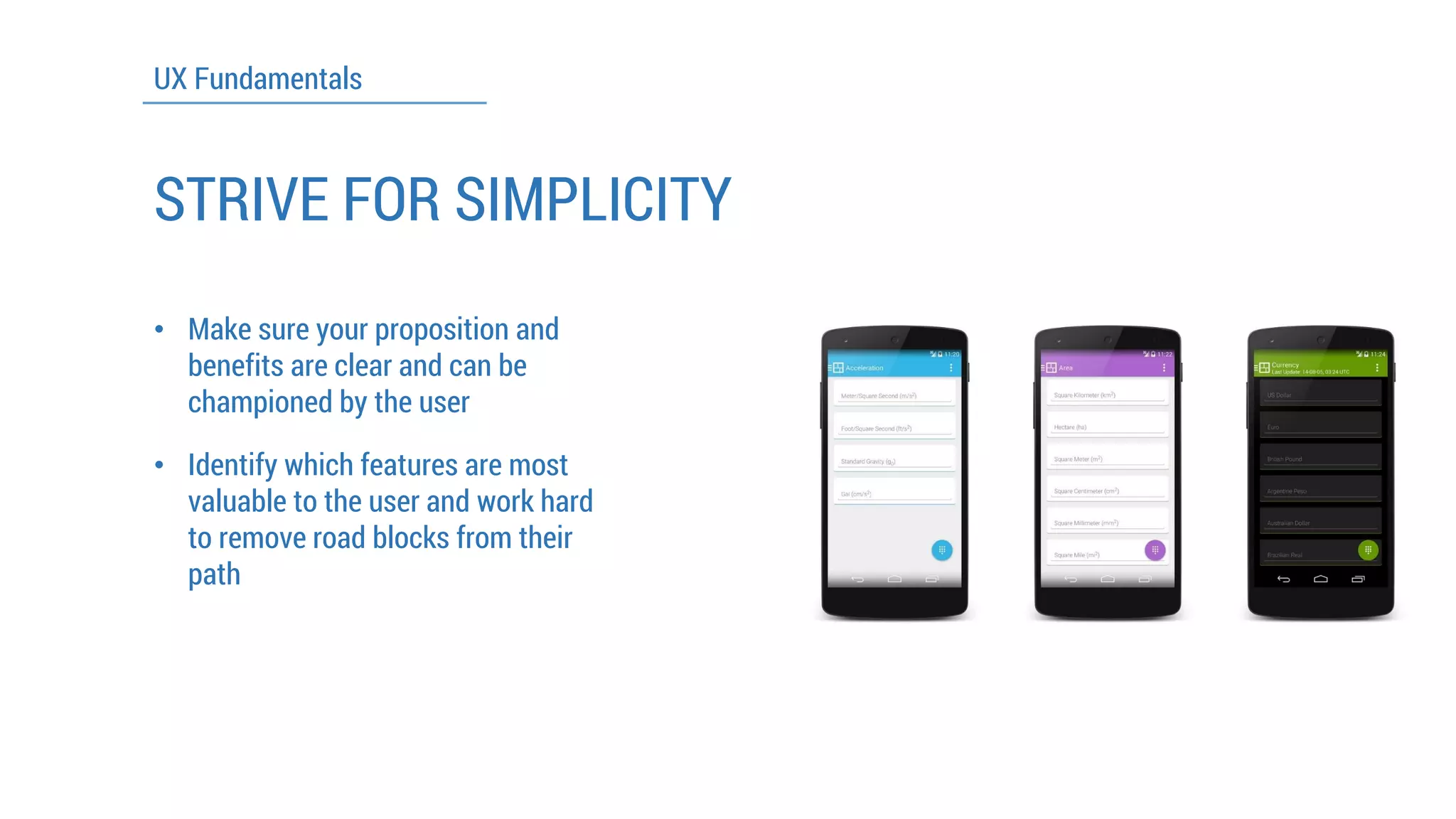
STRIVE FOR SIMPLICITY 
•Make sure your proposition and benefits are clear and can be championed by the user 
•Identify which features are most valuable to the user and work hard to remove road blocks from their path
UX Fundamentals 
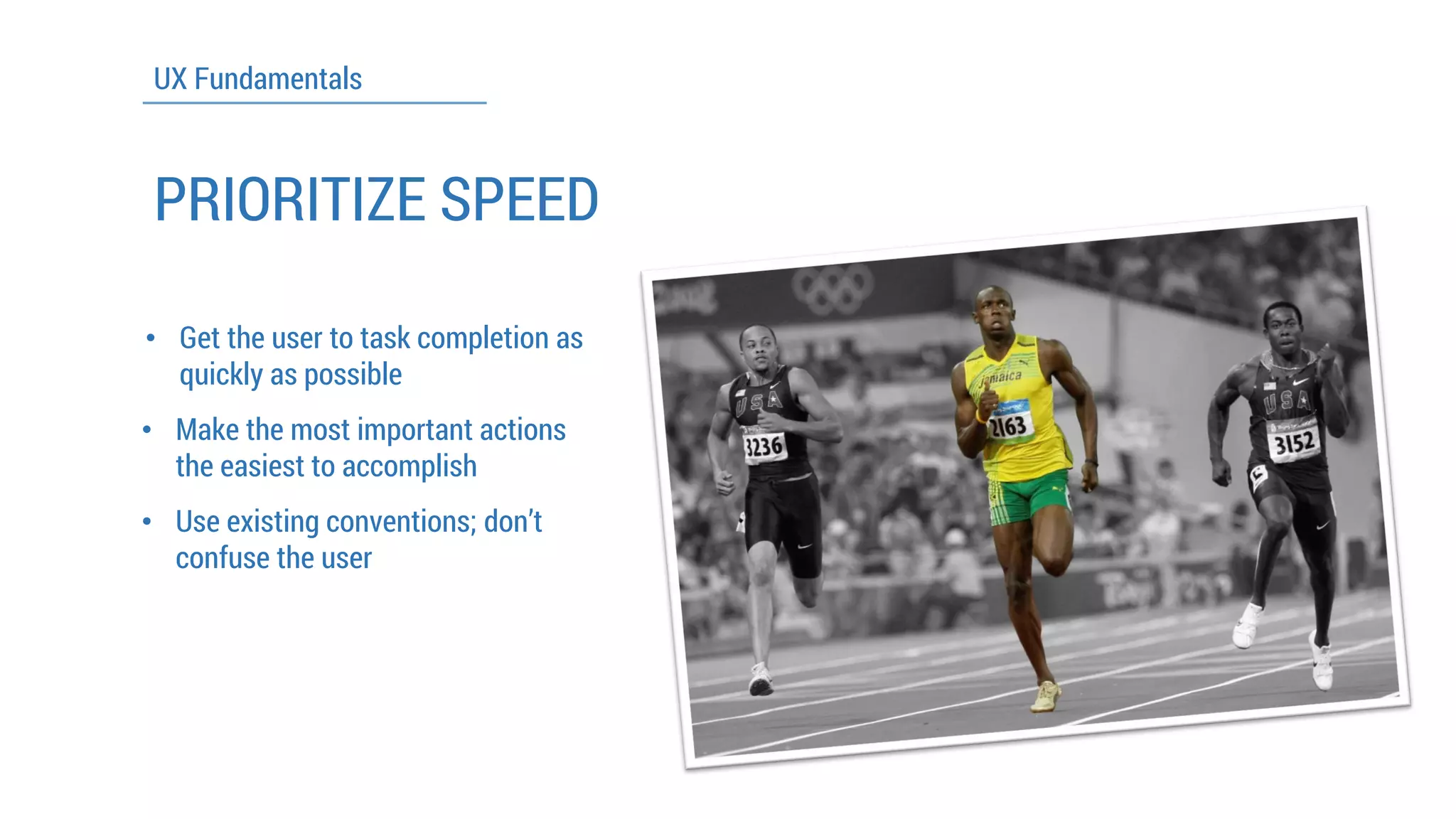
PRIORITIZE SPEED 
•Get the user to task completion as quickly as possible 
•Make the most important actions the easiest to accomplish 
•Use existing conventions; don’t confuse the user
UX Fundamentals 
NEVER STOP LEARNING 
•Seize every opportunity to learn from the insights you get about how your product is being used 
•Use analytics and experiments to understand usage and adapt your product to build on what you find out
UX Fundamentals 
SOLVE BIG PROBLEMS 
•Be ambitious and innovative in your choice of product area and approach 
•Question established procedures and look for opportunities to create lasting value for users
UX TECHNIQUES
UX TECHNIQUES 
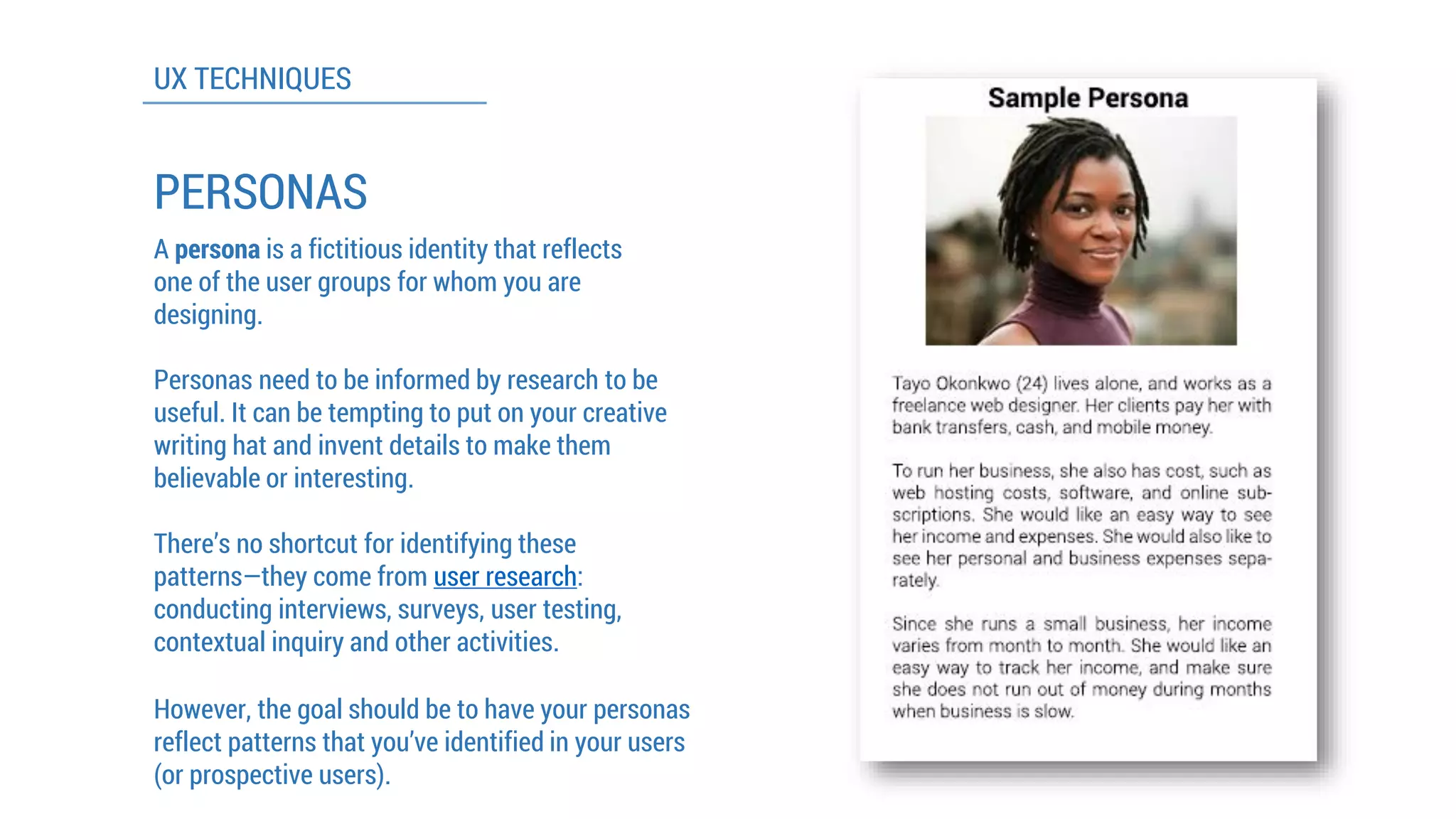
PERSONAS 
A personais a fictitious identity that reflects one of the user groups for whom you are designing. 
Personas need to be informed by research to be useful. It can be tempting to put on your creative writing hat and invent details to make them believable or interesting. 
However, the goal should be to have your personas reflect patterns that you’ve identified in your users (or prospective users). 
There’s no shortcut for identifying these patterns—they come from user research: conducting interviews, surveys, user testing, contextual inquiry and other activities.
UX TECHNIQUES 
WIREFRAMES 
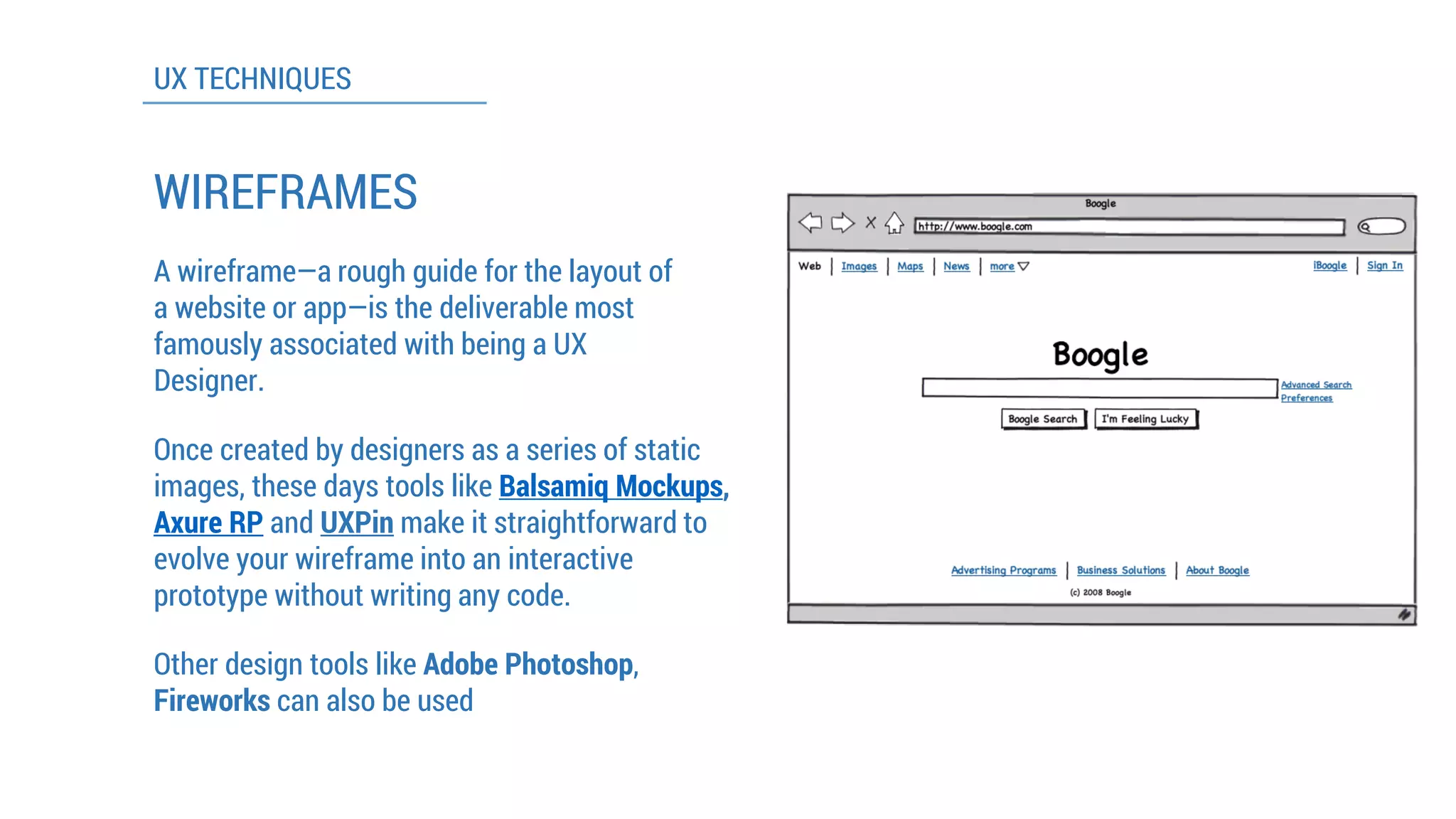
A wireframe—a rough guide for the layout of a website or app—is the deliverable most famously associated with being a UX Designer. 
Once created by designers as a series of static images, these days tools like Balsamiq Mockups, Axure RPandUXPinmake it straightforward to evolve your wireframe into an interactive prototype without writing any code. 
Other design tools like Adobe Photoshop, Fireworkscan also be used
UX TECHNIQUES 
USER TESTING 
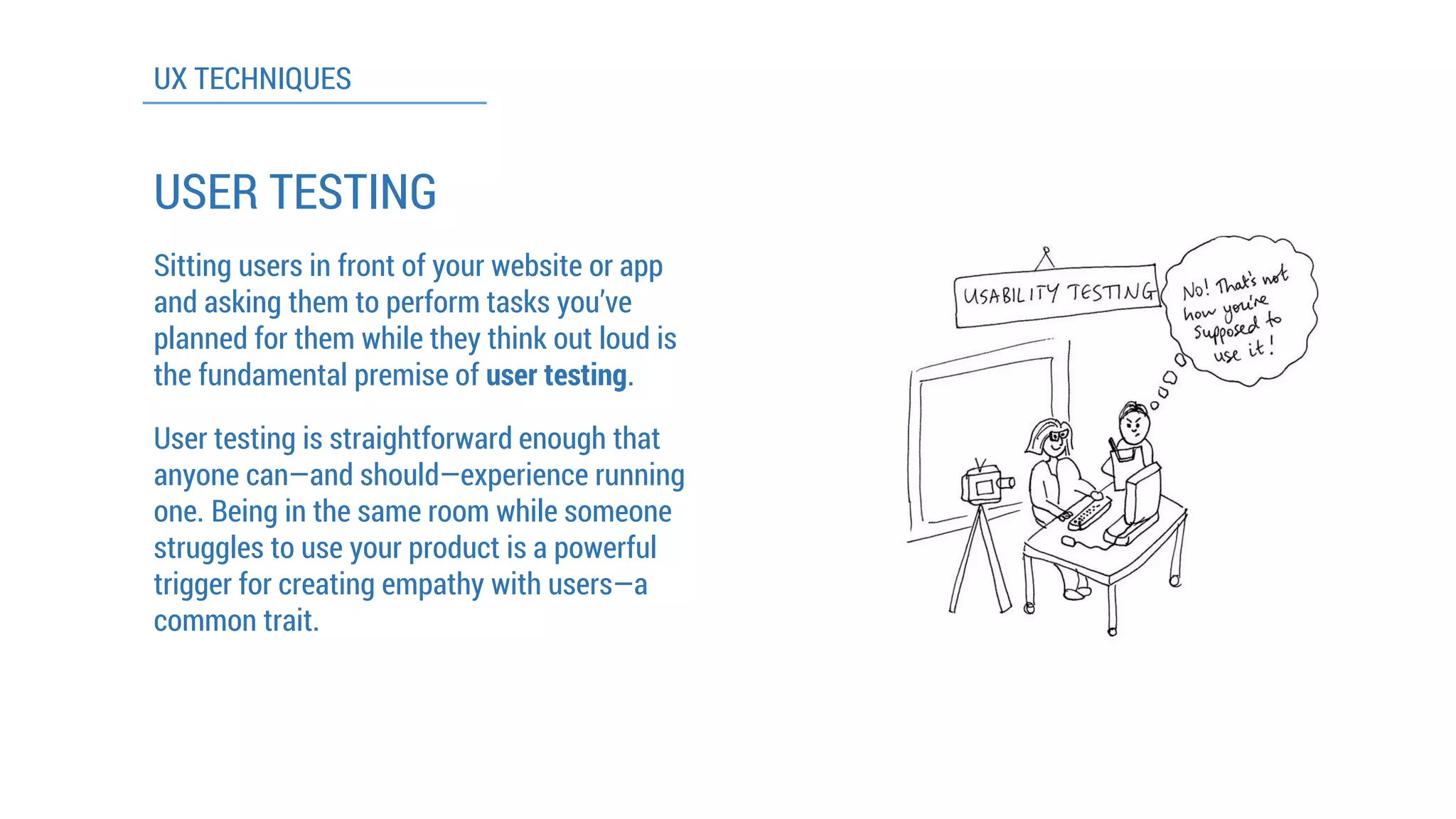
Sitting users in front of your website or app and asking them to perform tasks you’ve planned for them while they think out loud is the fundamental premise of user testing. 
User testing is straightforward enough that anyone can—and should—experience running one. Being in the same room while someone struggles to use your product is a powerful trigger for creating empathy with users—a common trait.
INTRODUCING MATERIAL DESIGN
MATERIAL DESIGN 
•Google’s approach towards transforming the look and feel of their products (Android L, Android Wear and even Polymer) 
•Based on the concept of an intelligent material that is as simple as paper but could transform and change shape in response to touch 
•“…a design for the material of the future.” 
-Matias Duarte 
Vice President of Design, Google
How Google Designed Android L 
(Click here to watch the video) 
VIDEO PRESENTATION
Material Design is the new visual look coming to replace the Holo 
MATERIAL DESIGN
MATERIAL DESIGN 
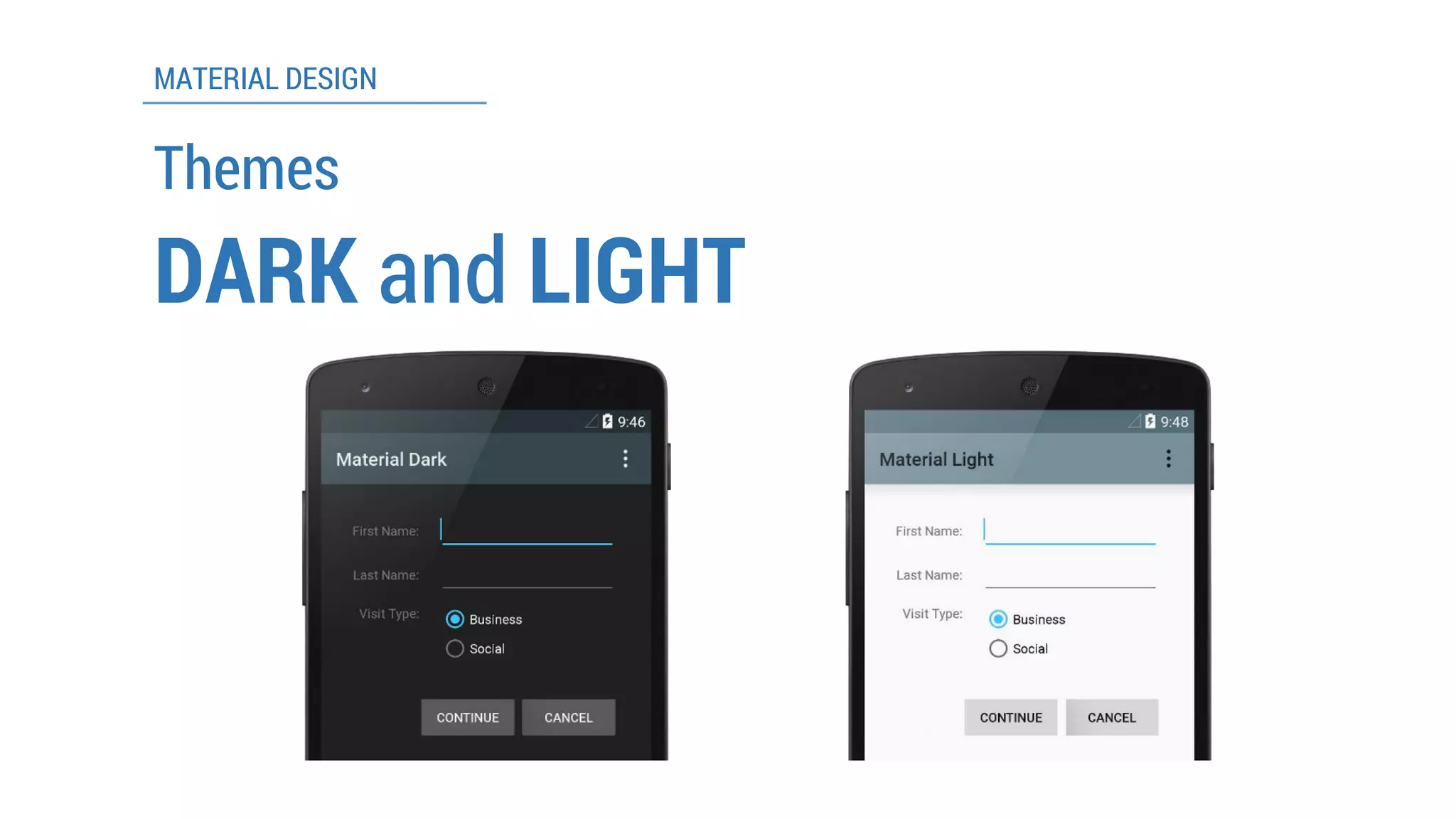
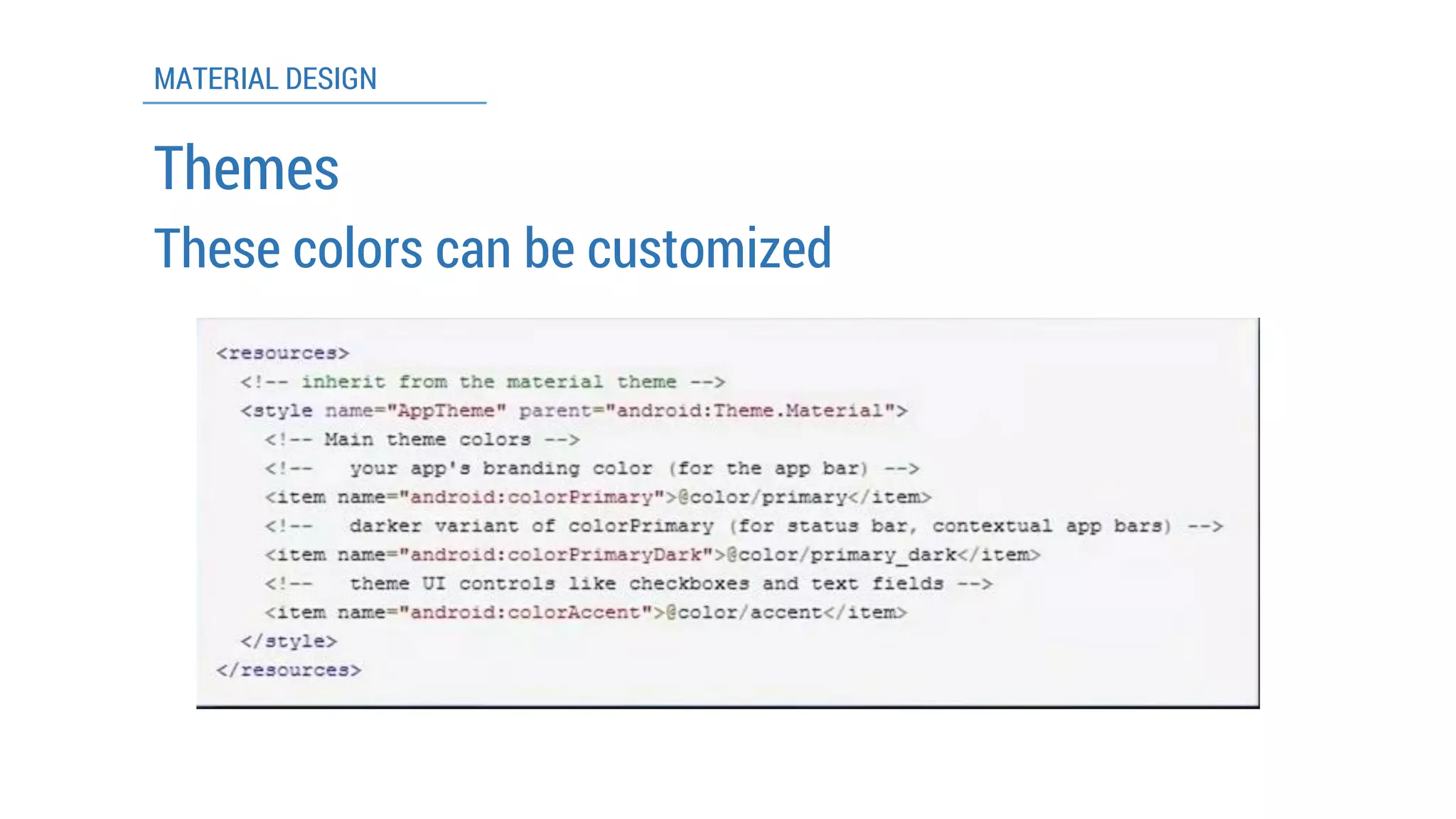
Themes 
DARKand LIGHT
MATERIAL DESIGN 
Themes 
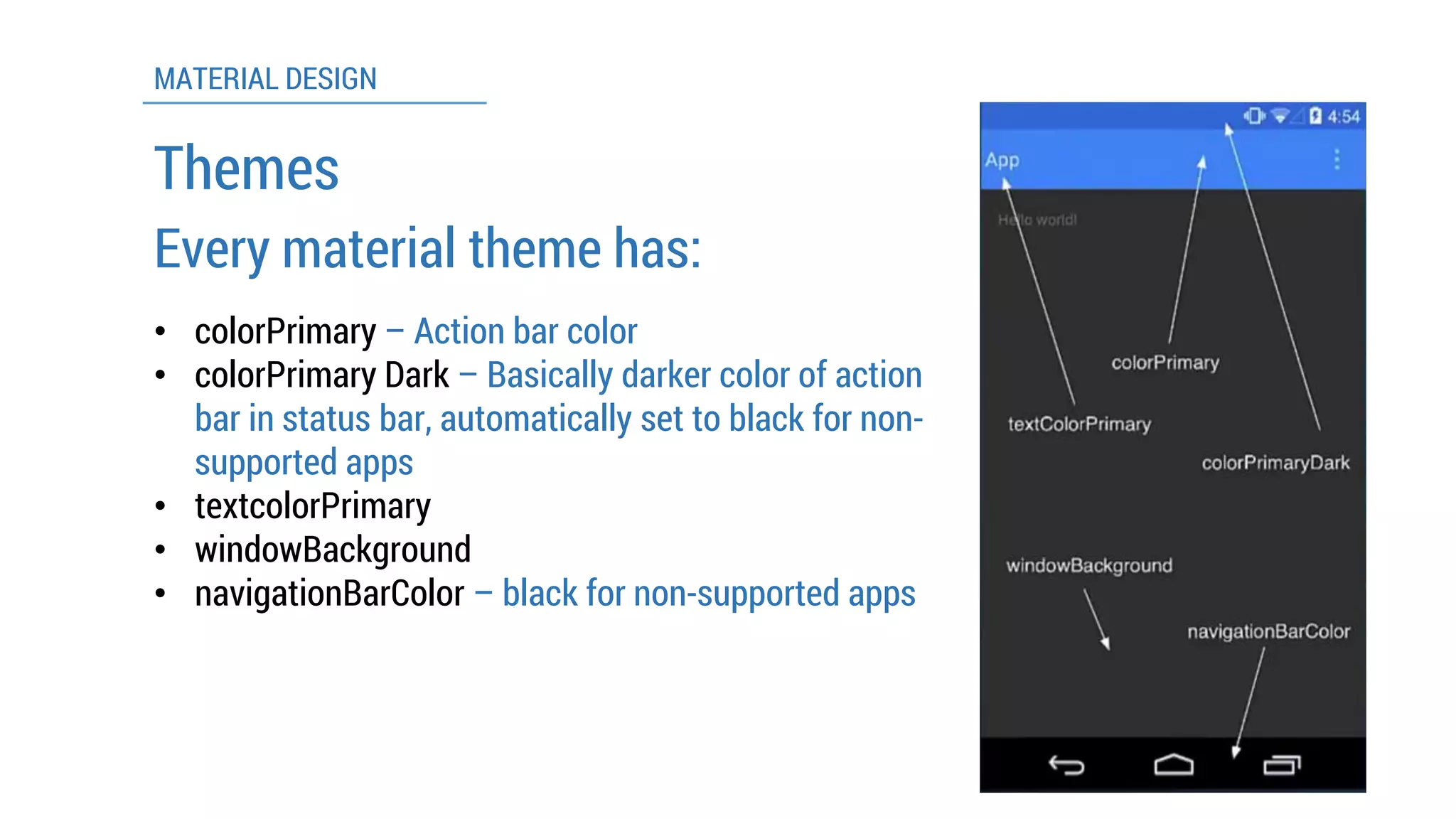
Every material theme has: 
•colorPrimary–Action bar color 
•colorPrimaryDark –Basically darker colorof action bar in status bar, automatically set to black for non- supported apps 
•textcolorPrimary 
•windowBackground 
•navigationBarColor–black for non-supported apps
MATERIAL DESIGN 
Themes 
These colorscan be customized
MATERIAL DESIGN 
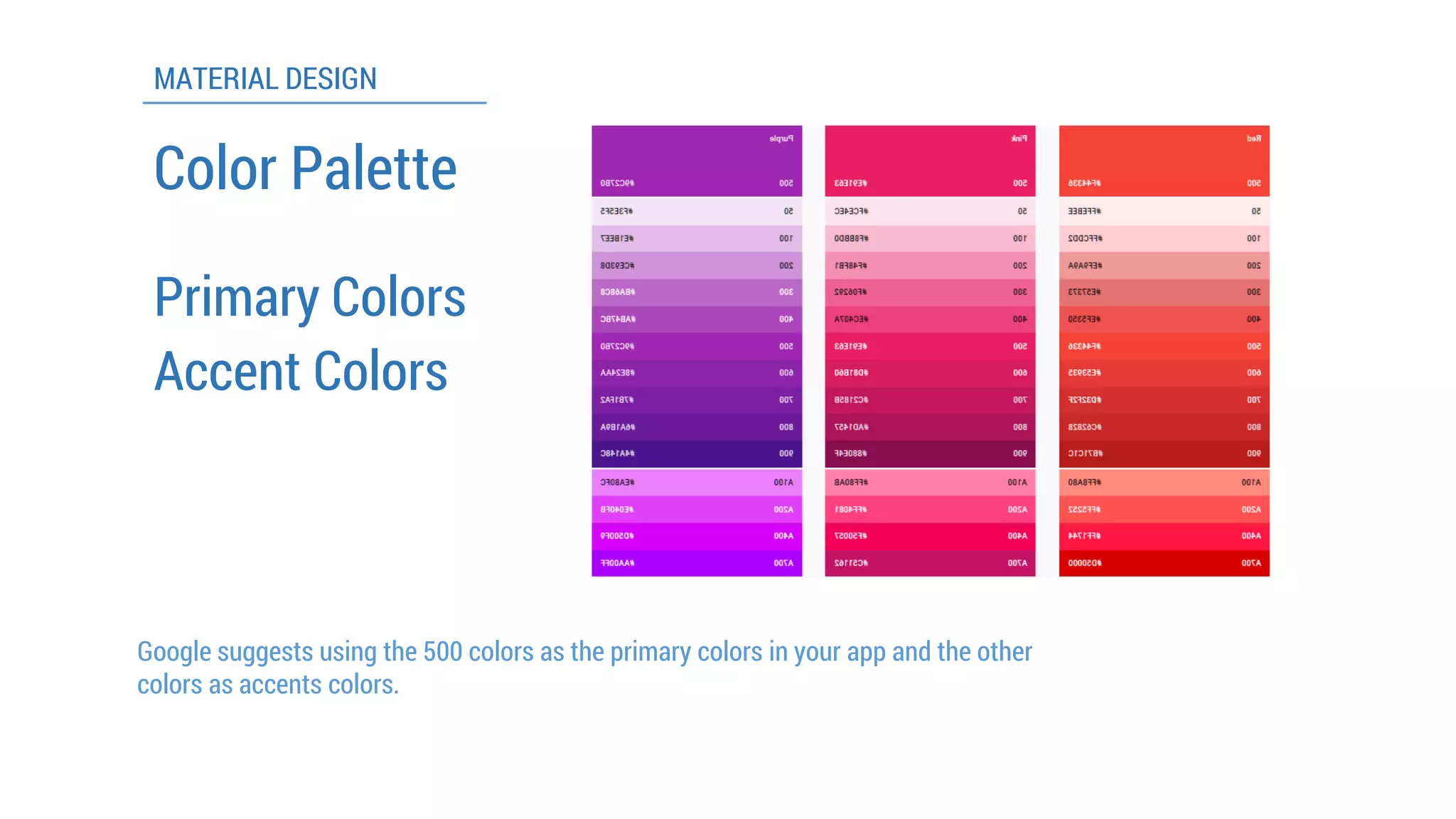
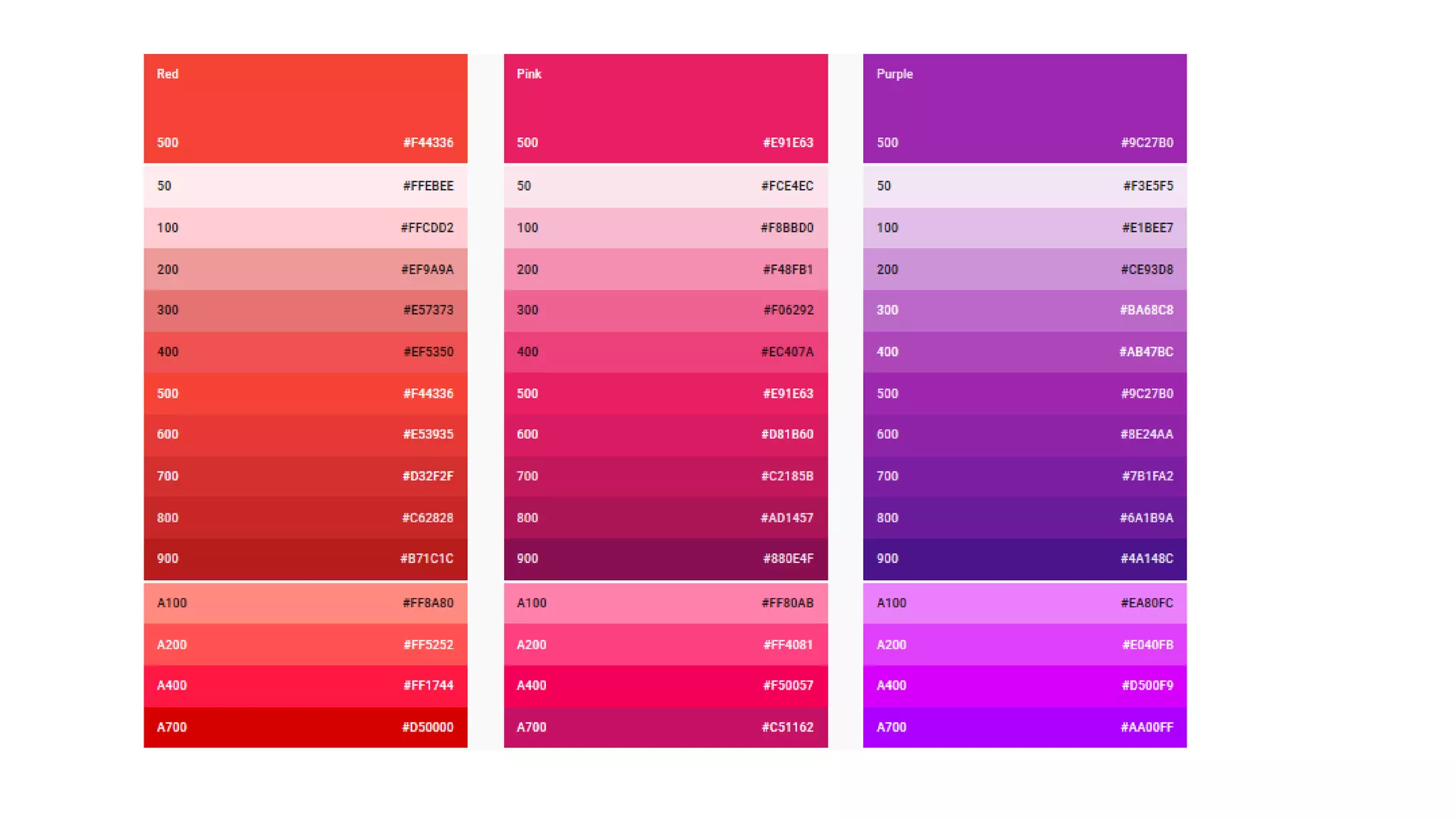
ColorPalette 
Primary Colors 
Accent Colors 
Google suggests using the 500 colorsas the primary colorsin your app and the other colorsas accents colors.
ColorPalette
MATERIAL DESIGN 
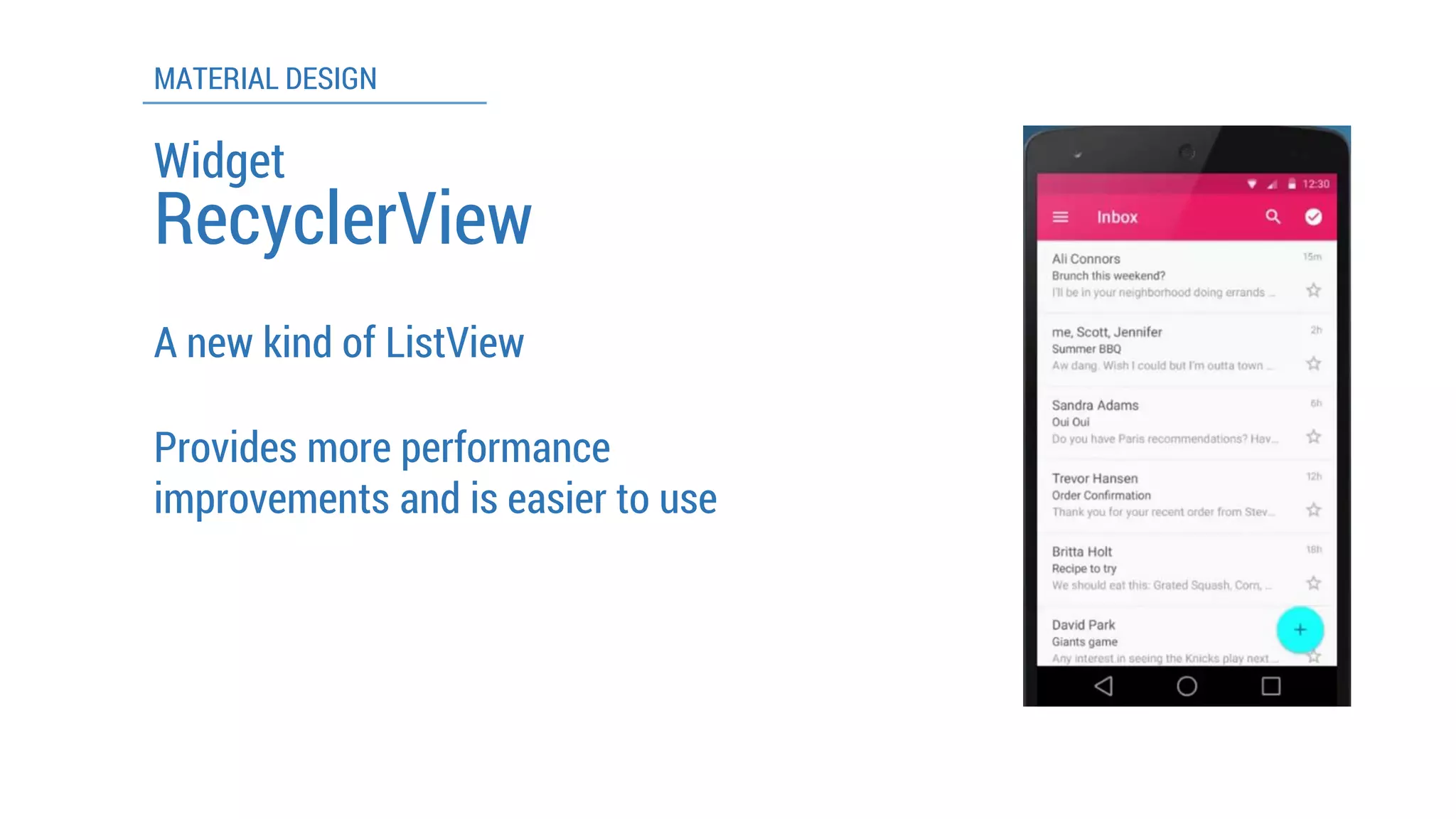
Widget 
RecyclerView 
A new kind of ListView 
Provides more performance improvements and is easier to use
MATERIAL DESIGN 
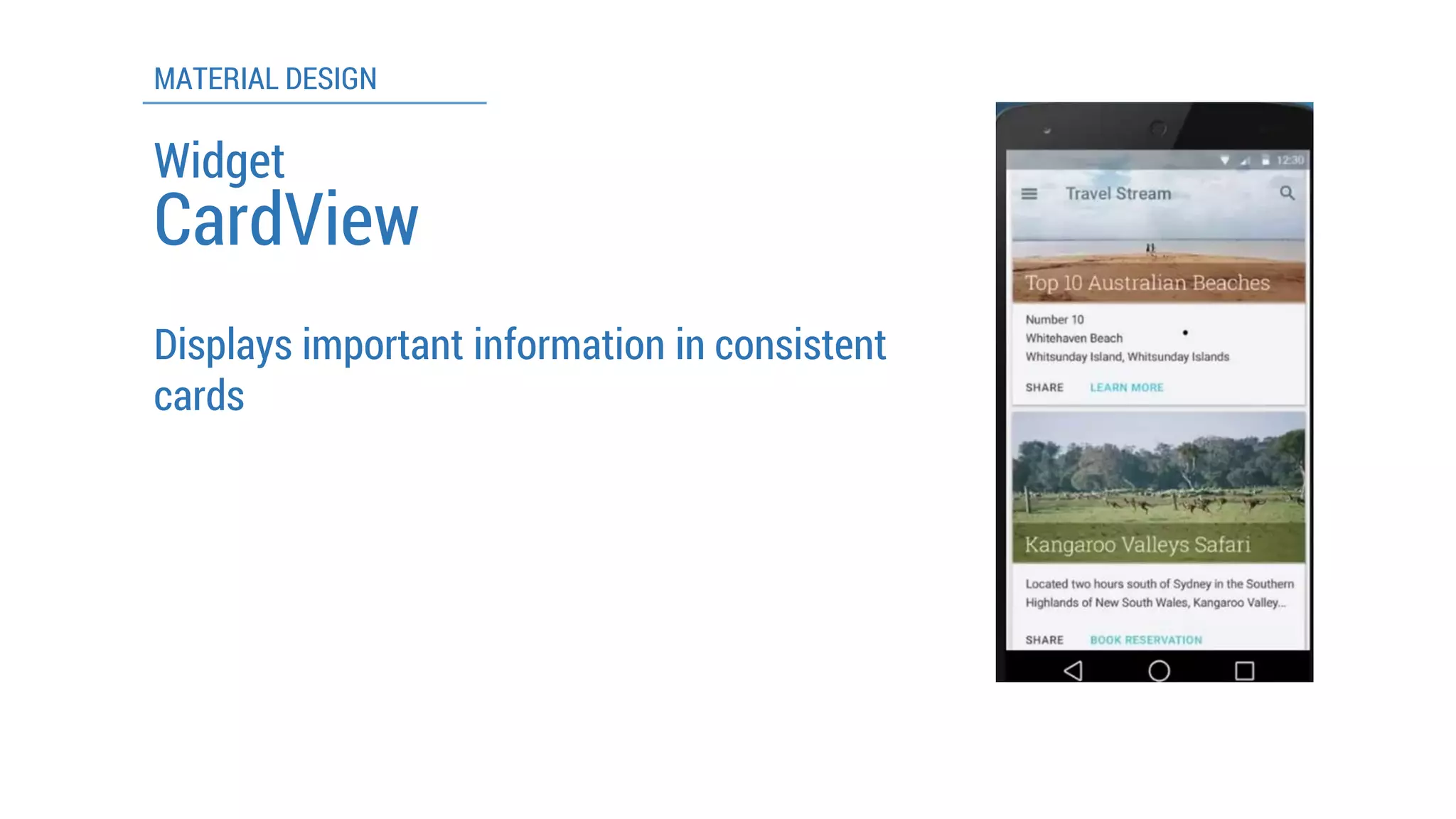
CardView 
Displays important information in consistent cards 
Widget
MATERIAL DESIGN 
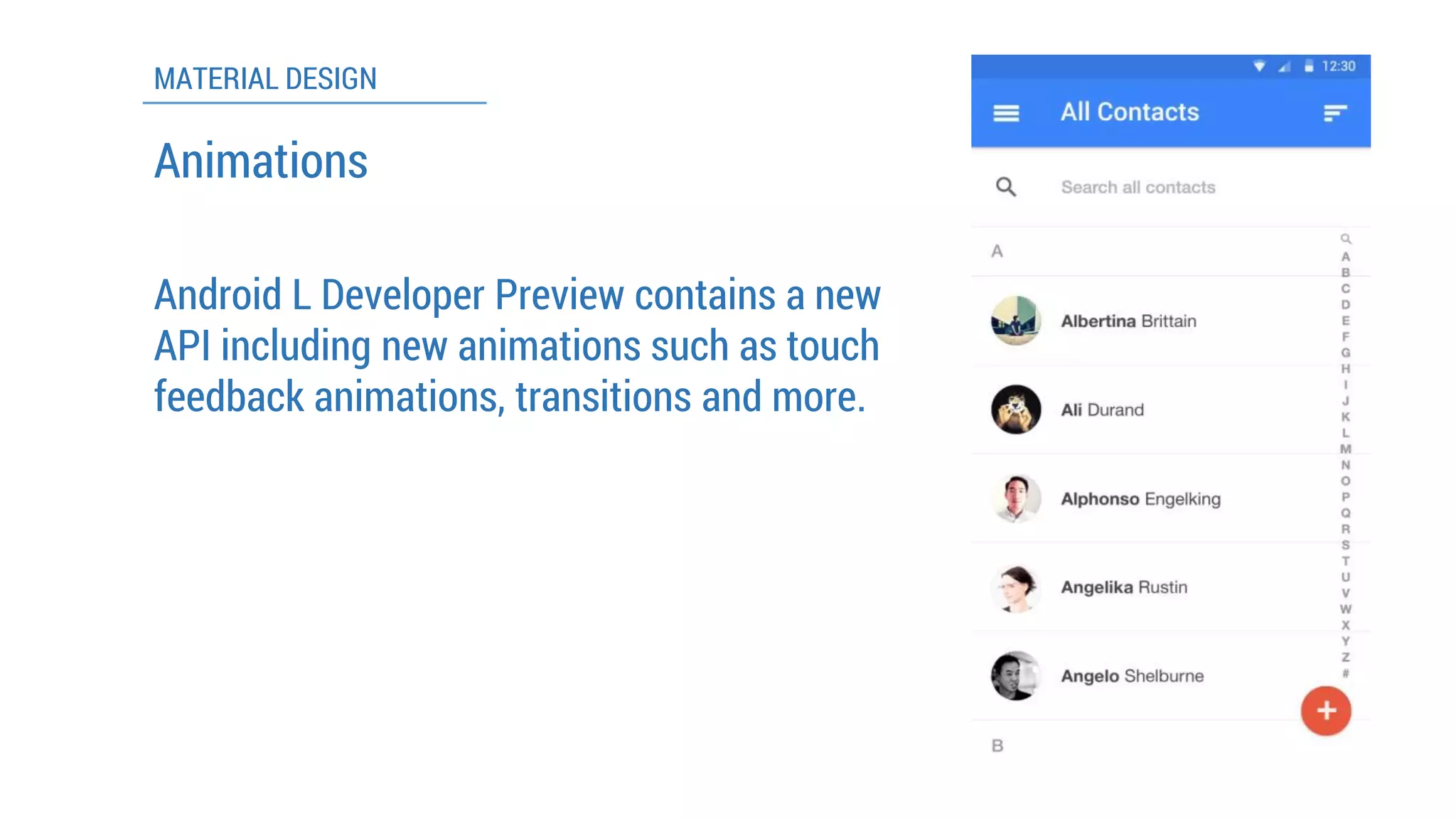
Android L Developer Preview contains a new API including new animations such as touch feedback animations, transitions and more. 
Animations
MATERIAL DESIGN 
To make everything in the same simple way so anybody can fully understand them even if it is an app that comes with brand new functions 
To create unified experiences across all platforms and screen sizes and input mechanisms 
Core Concepts/Idea 
Unite classic principles of good design with innovation and possibility of science and technology
LATEST DESIGN TRENDS
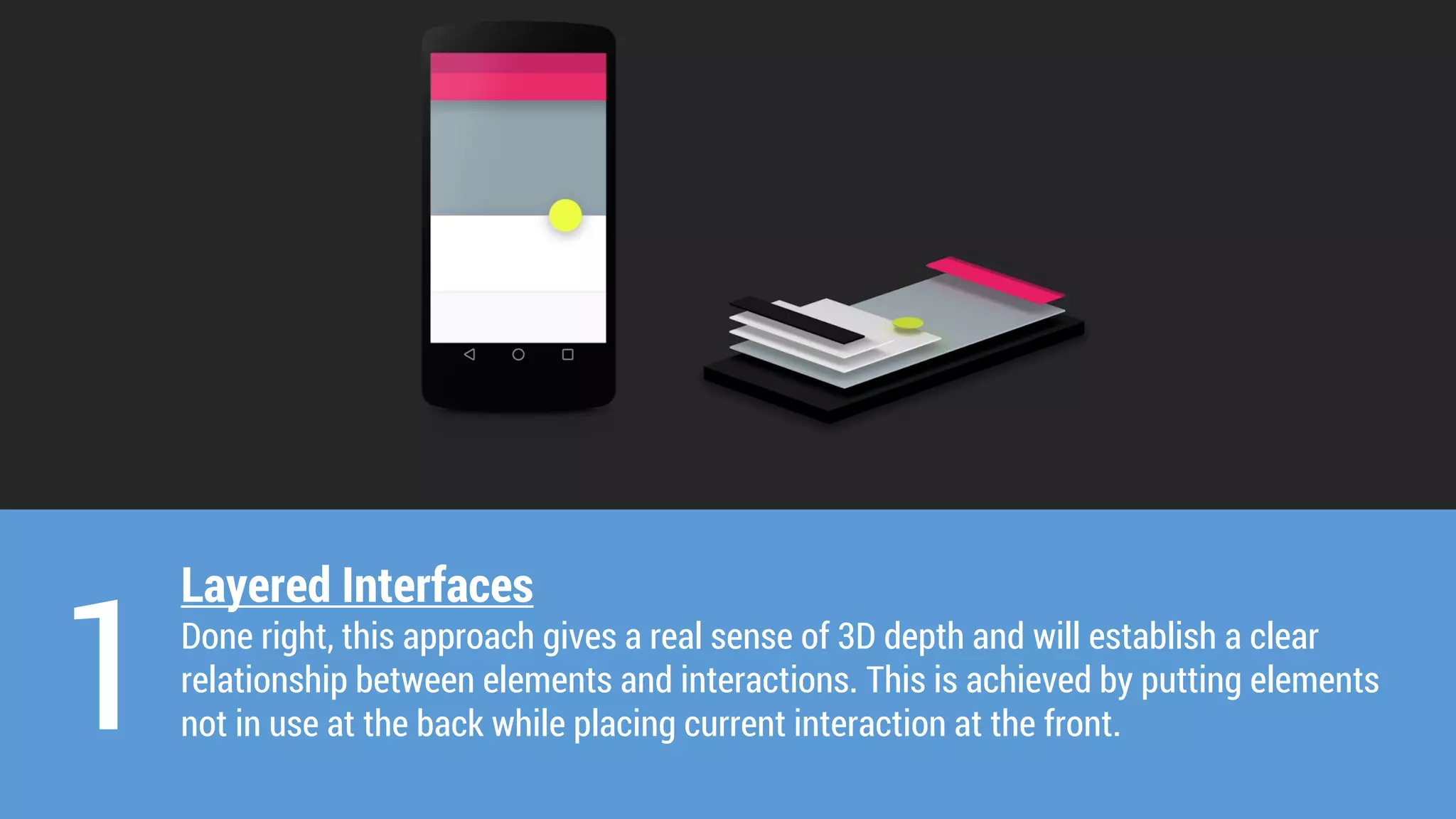
Layered Interfaces 
Done right, this approach gives a real sense of 3D depth and will establish a clear relationship between elements and interactions. This is achieved by putting elements not in use at the back while placing current interaction at the front. 
1
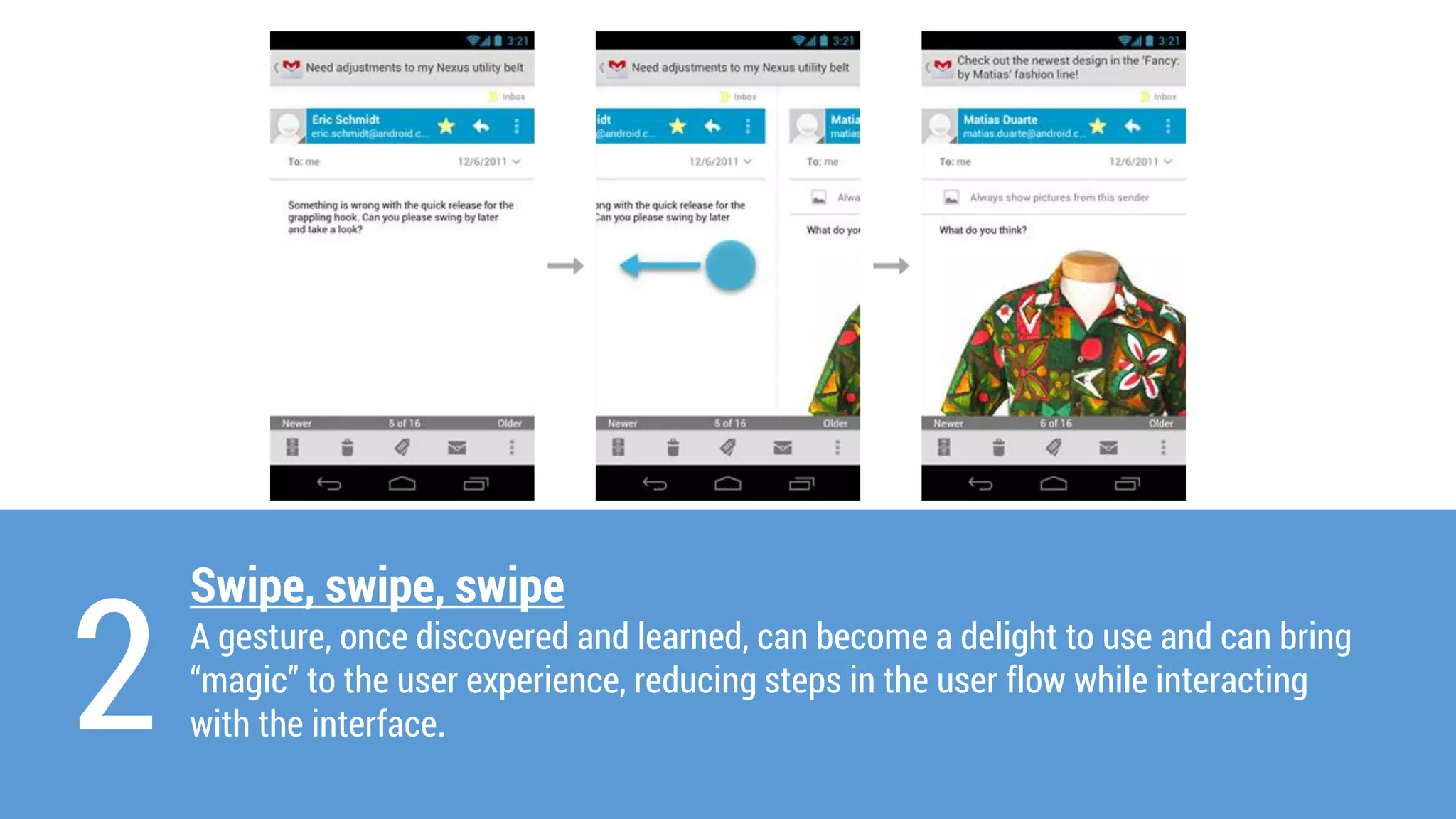
Swipe, swipe, swipe 
A gesture, once discovered and learned, can become a delight to use and can bring “magic” to the user experience, reducing steps in the user flow while interacting with the interface. 
2
3 
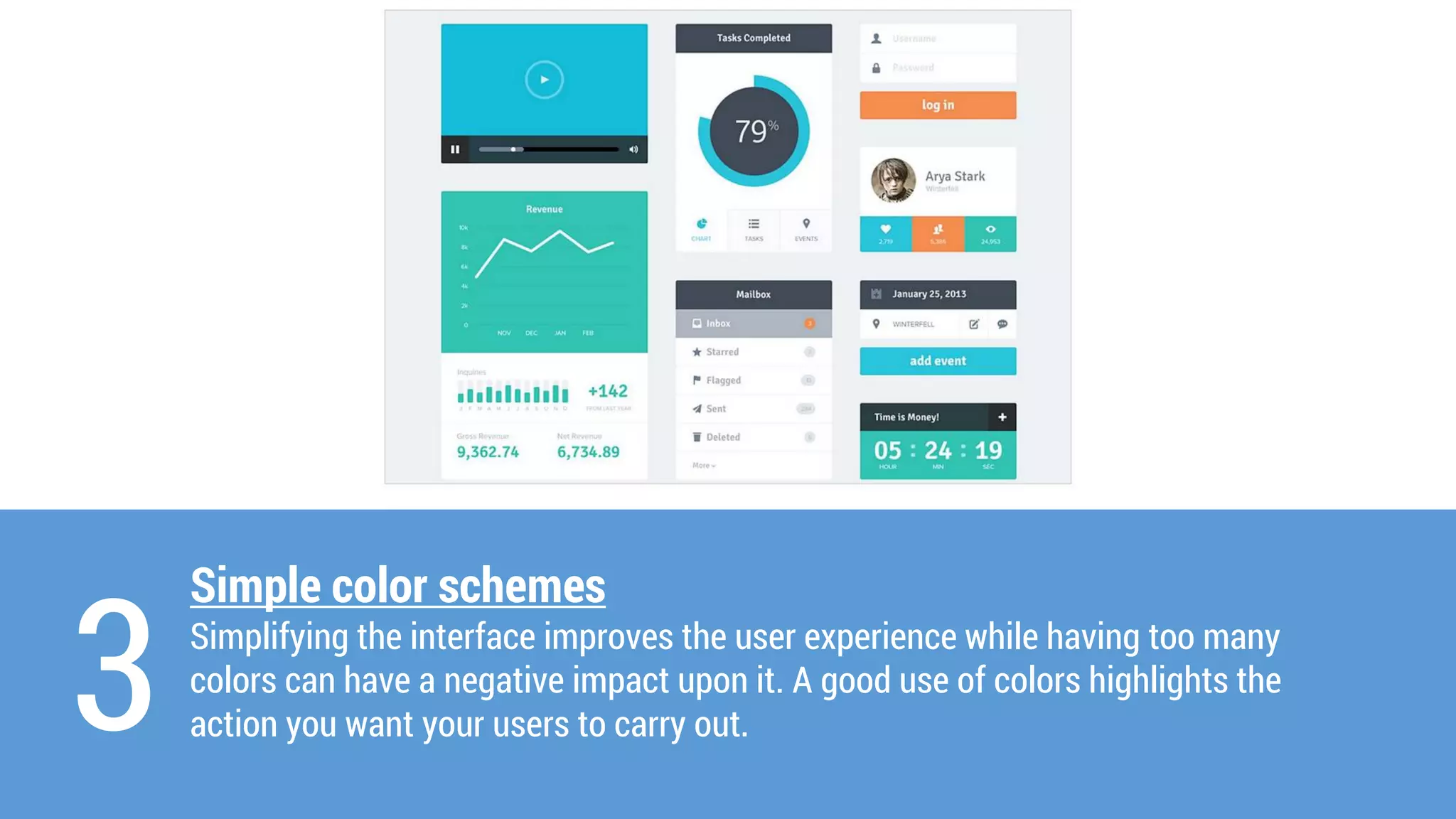
Simple colorschemes 
Simplifying the interface improves the user experience while having too many colorscan have a negative impact upon it. A good use of colorshighlights the action you want your users to carry out.
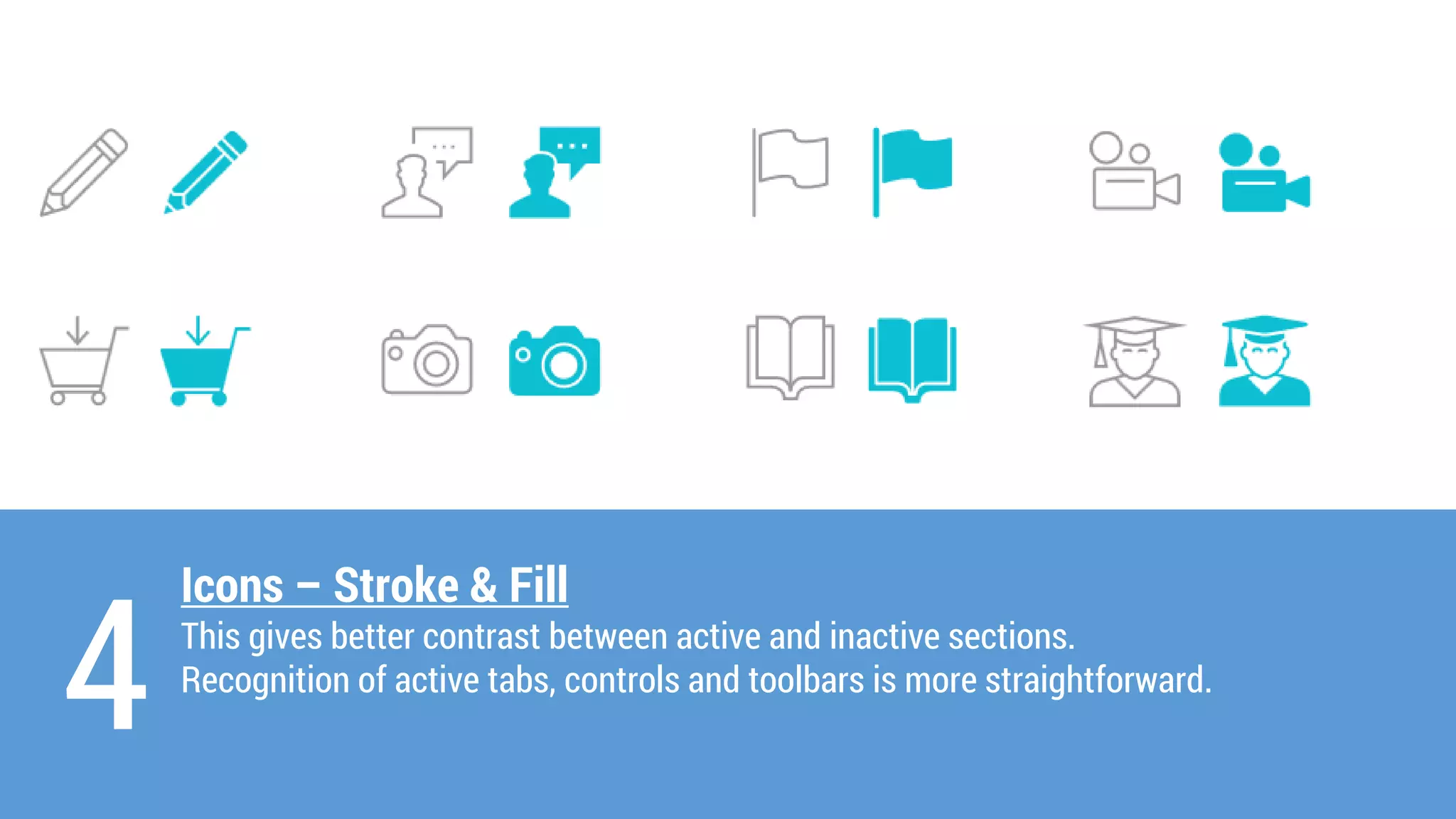
Icons –Stroke & Fill 
This gives better contrast between active and inactive sections. 
Recognition of active tabs, controls and toolbars is more straightforward. 
4
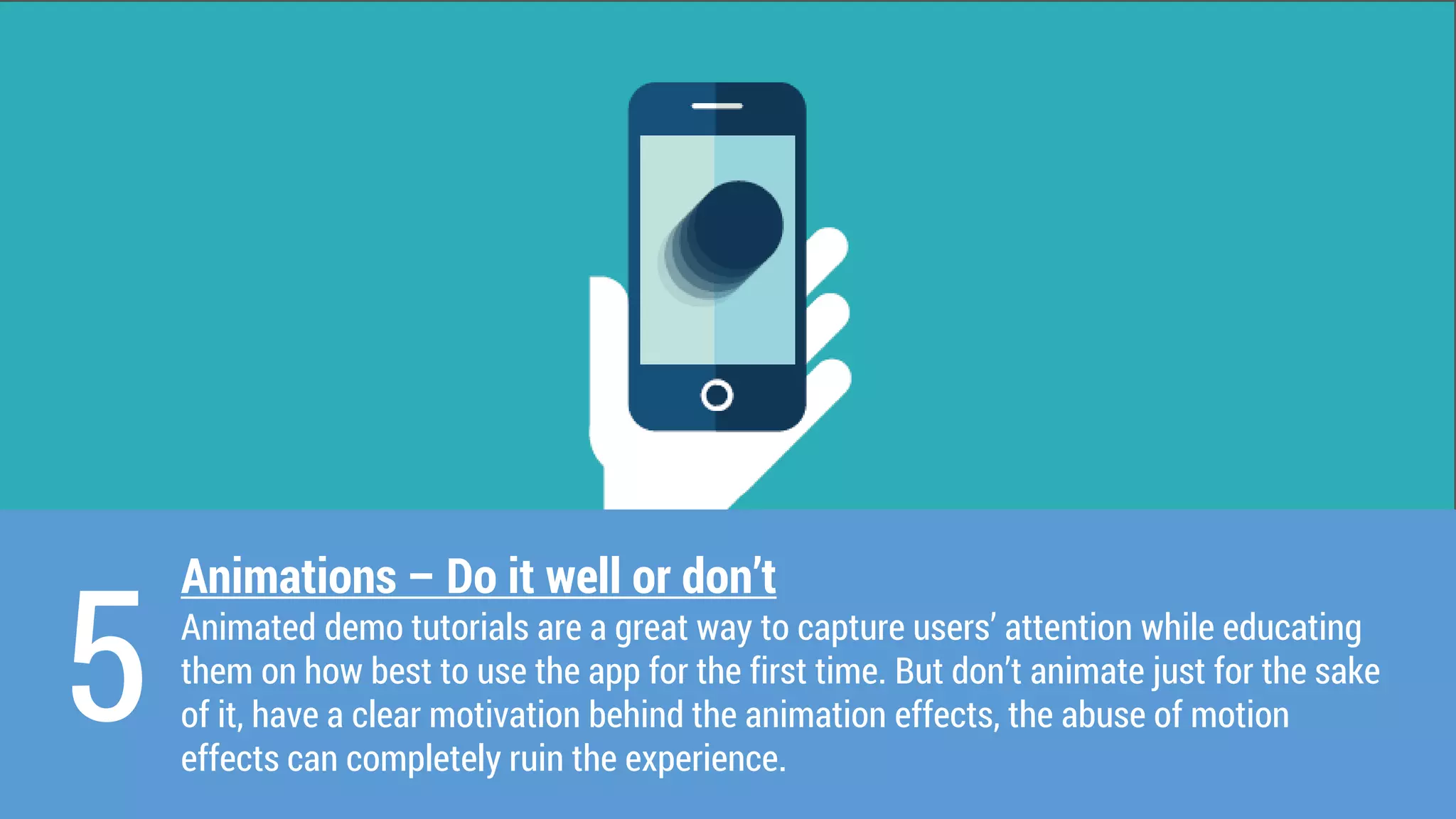
Animations –Do it well or don’t 
Animated demo tutorials are a great way to capture users’ attention while educating them on how best to use the app for the first time. But don’t animate just for the sake of it, have a clear motivation behind the animation effects, the abuse of motion effects can completely ruin the experience. 
5
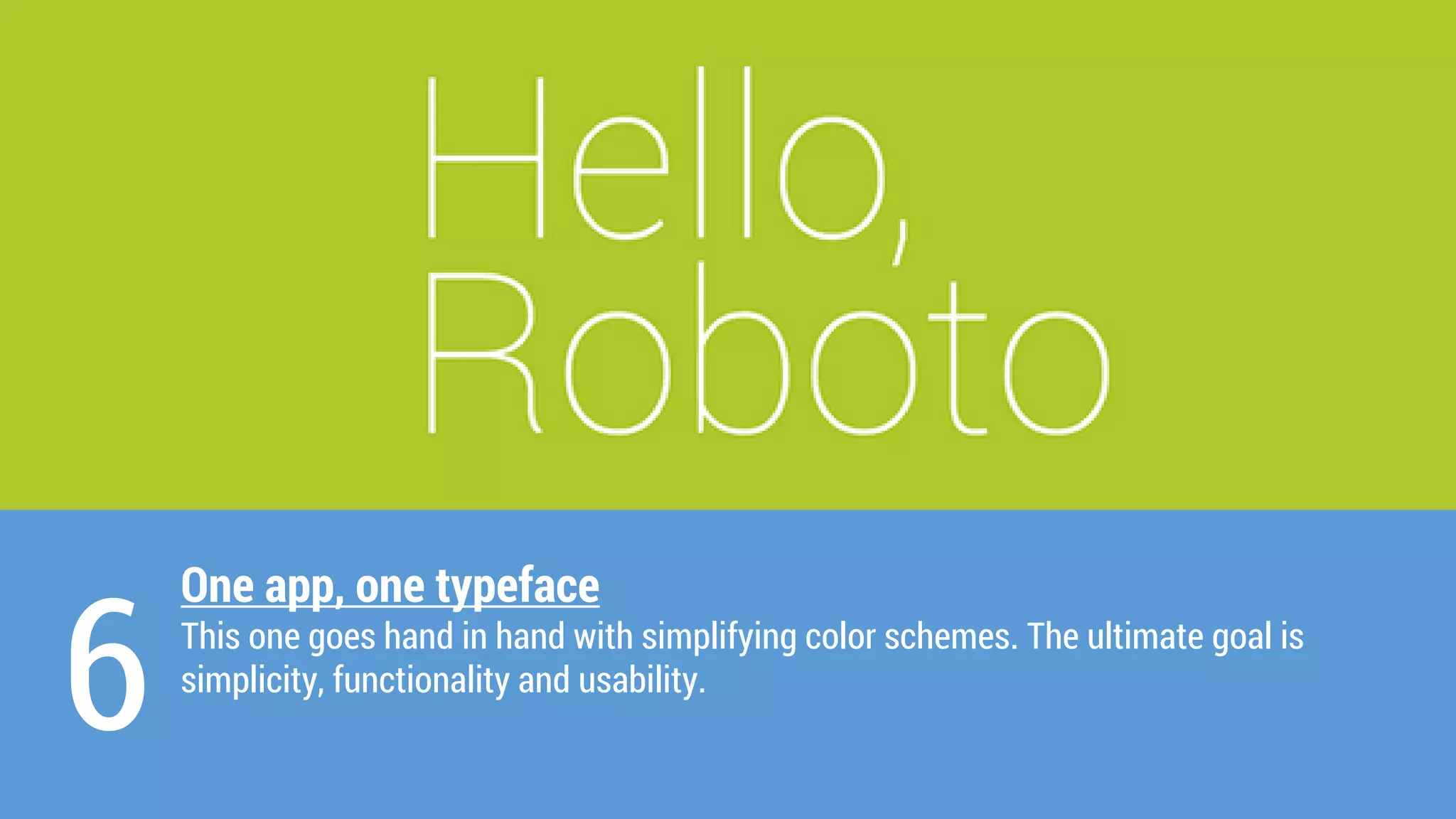
One app, one typeface 
This one goes hand in hand with simplifying colorschemes. The ultimate goal is 
simplicity, functionality and usability. 
6
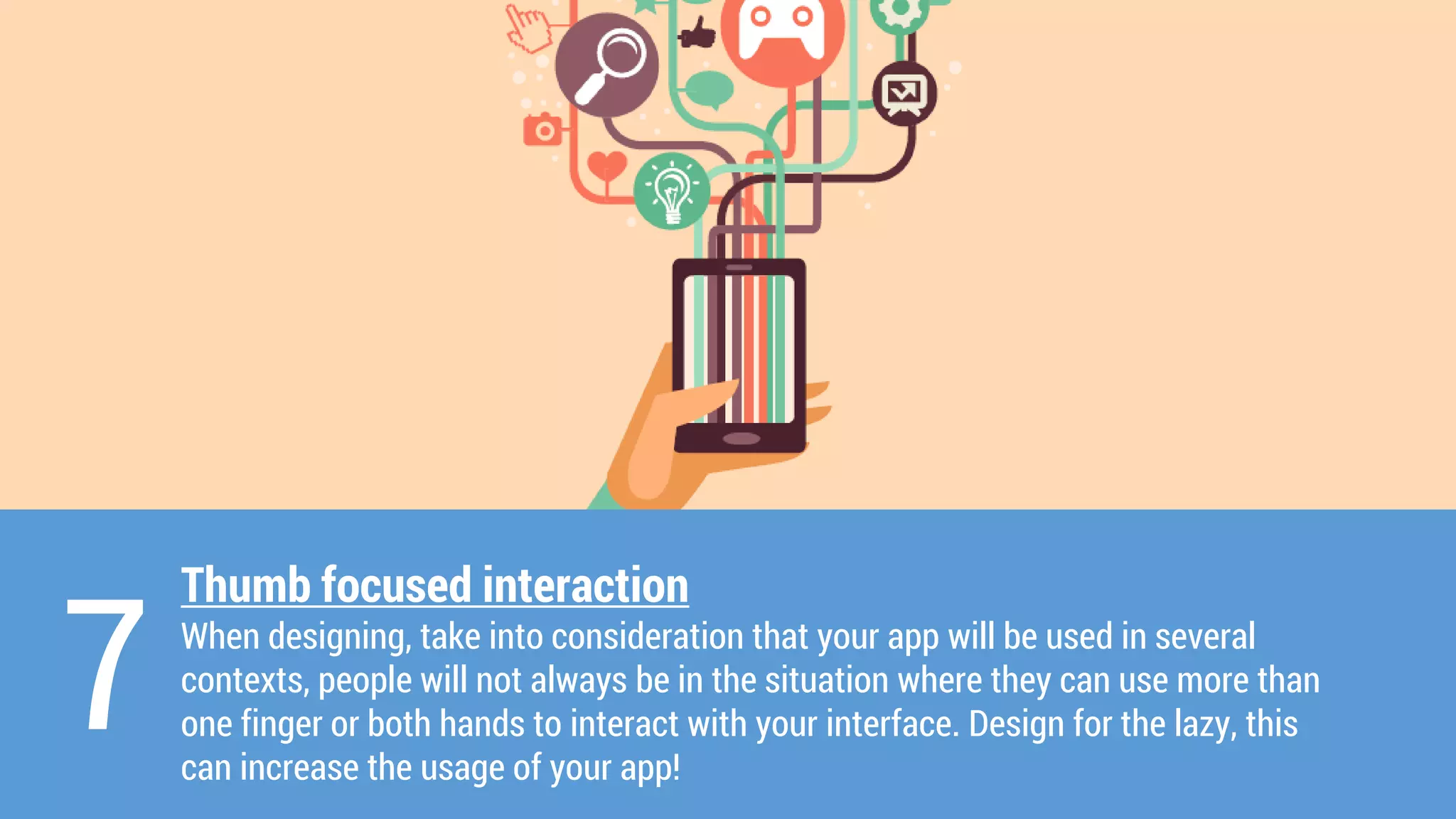
Thumb focused interaction 
When designing, take into consideration that your app will be used in several contexts, people will not always be in the situation where they can use more than one finger or both hands to interact with your interface. Design for the lazy, this can increase the usage of your app! 
7
OTHER TRENDS 
Landing Pages 
Expanding Search Bars 
Lazy Loading 
Mobile First Design 
Quick User Registration 
Vector Icons and Shapes
UX Trends On A Broader Perspective
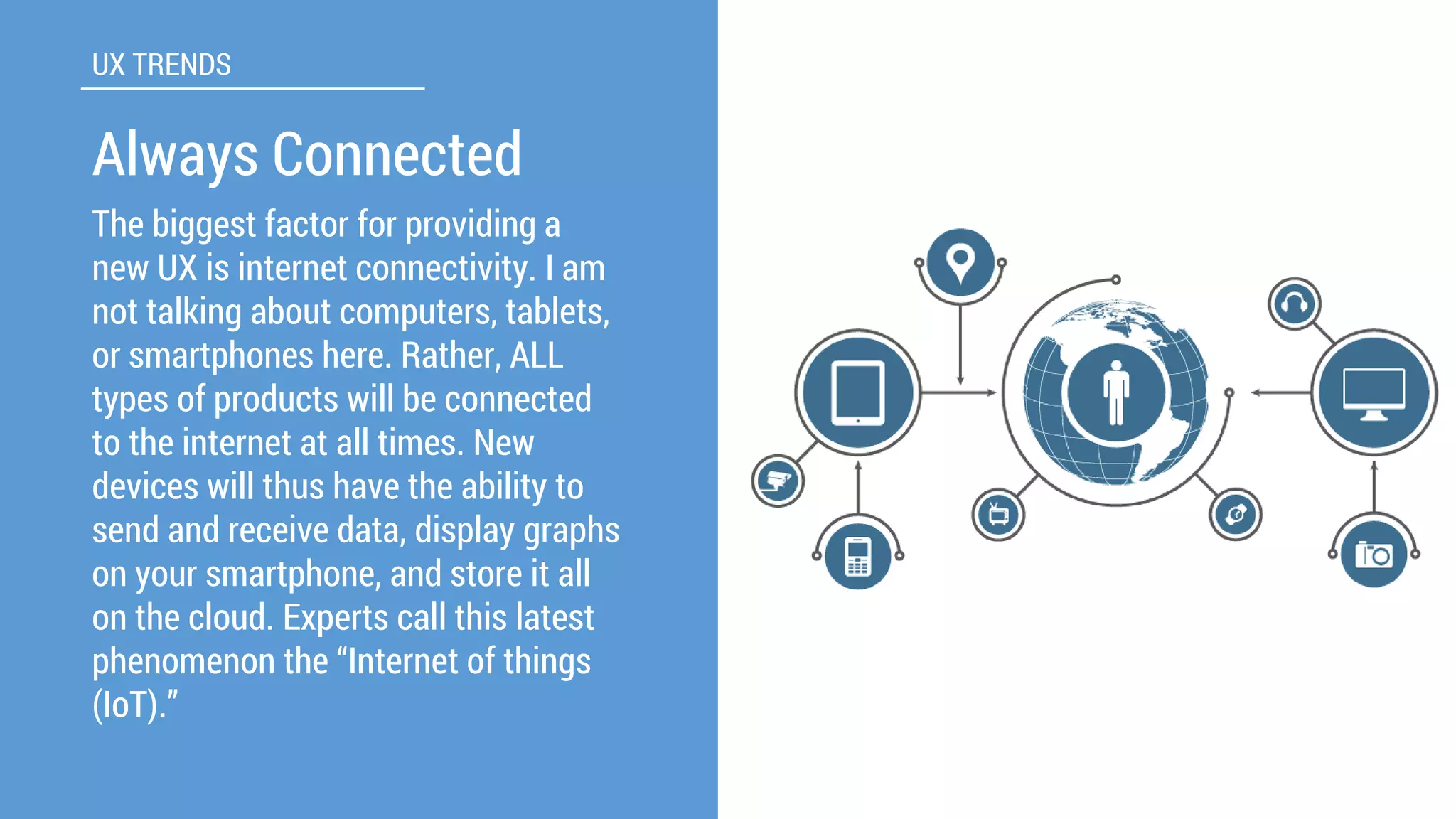
The biggest factor for providing a new UX is internet connectivity. I am not talking about computers, tablets, or smartphones here. Rather, ALL types of products will be connected to the internet at all times. New devices will thus have the ability to send and receive data, display graphs on your smartphone, and store it all on the cloud. Experts call this latest phenomenon the “Internet of things (IoT).” 
UX TRENDS 
Always Connected
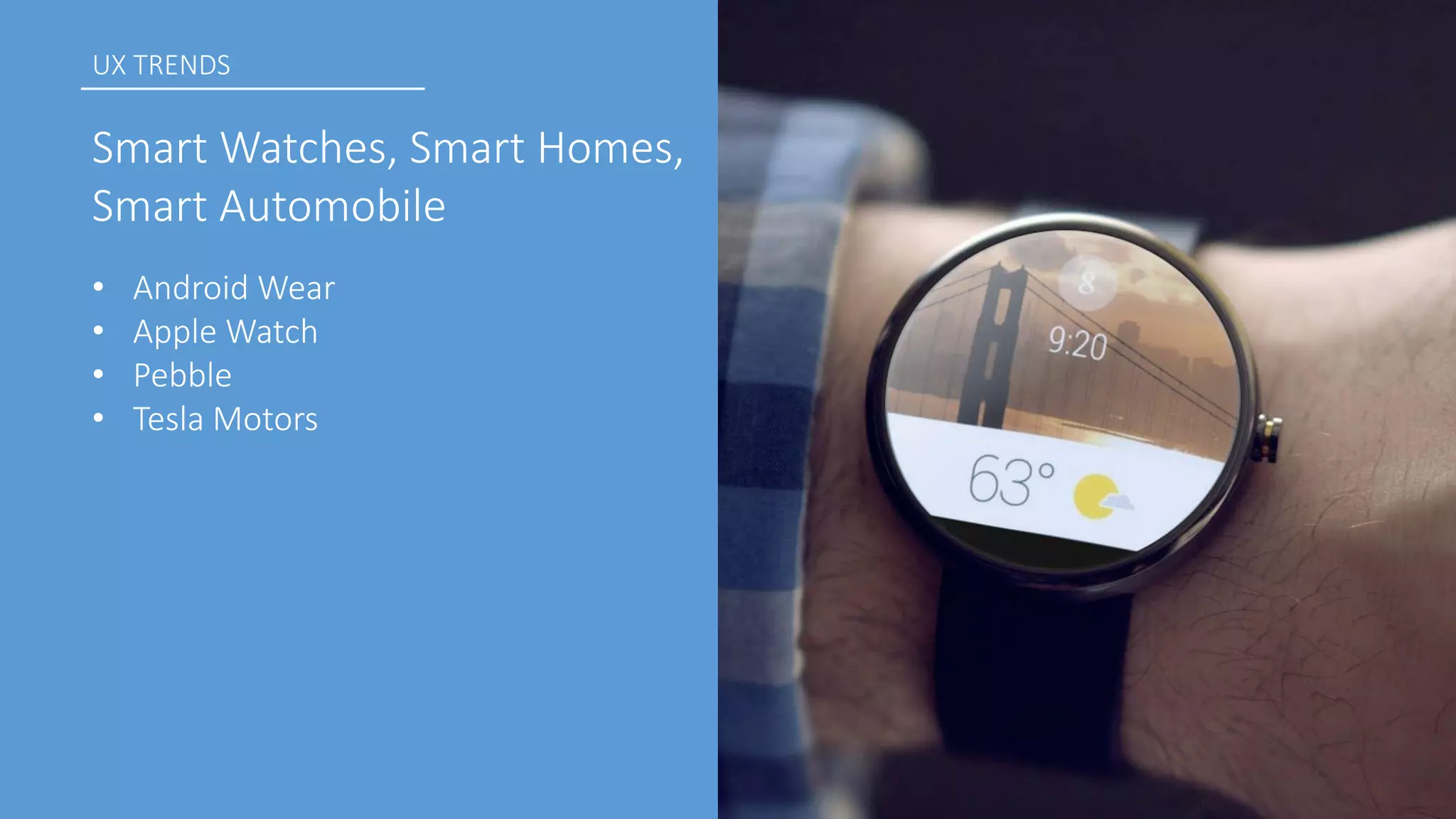
•Android Wear 
•Apple Watch 
•Pebble 
•Tesla Motors 
UX TRENDS 
Smart Watches, Smart Homes, Smart Automobile
Setups Guides, Walkthroughs now popular 
UX TRENDS 
End of User Manual
The best way to explain products. 
UX TRENDS 
Concept Movies 
Itis very hard –if not impossible –to explain a new type of product through static images or even on a website. 
The short movie needs to be able to express how the product will improve the user’s life by giving real life examples.
Wrap Up 
Fundamentals Of UX Processes 
UX Techniques 
Introduction To Material Design 
Design Trends 
UX Trends
Thank You!! 
@danieltundeoje 
tundeojediran@gmail.com

Dev fest ile ife 2014-ux, material design and trends

  • 1.
    User Experience, MaterialDesign & Trends Tunde OJEDIRAN UX Designer & Developer
  • 2.
    GOALS •Know thefundamentals of the UX (User Experience) Process •UX Techniques •A deeper look into Material Design •Get familiar with latest User Experience Design Trends •Questions and Answers
  • 3.
    WHAT IS UX? Does It Matter?
  • 4.
    WHAT IS UX? UX is everything you need to know, think about and doto make sure that you are launching the right product for the right people
  • 5.
    UX incorporates: •User-CenteredDesign •User Interface (UI) or Graphical User Interface (GUI) •Usability •Human Factors & Ergonomics •Human-Computer Interaction WHAT IS UX?
  • 6.
  • 7.
    UX Fundamentals FOCUSON THE USER User-CenteredDesign. Understand your user’s needs, motivations and limitations. Put them at the centre of your decision making.
  • 8.
    UX Fundamentals DOYOUR RESEARCH Understand the product area, the strengths and weakness of your competitors Validate your assumptions with friends, relatives and likely users Adapt your initial plans based on what you learn
  • 9.
    UX Fundamentals STRIVEFOR SIMPLICITY •Make sure your proposition and benefits are clear and can be championed by the user •Identify which features are most valuable to the user and work hard to remove road blocks from their path
  • 10.
    UX Fundamentals PRIORITIZESPEED •Get the user to task completion as quickly as possible •Make the most important actions the easiest to accomplish •Use existing conventions; don’t confuse the user
  • 11.
    UX Fundamentals NEVERSTOP LEARNING •Seize every opportunity to learn from the insights you get about how your product is being used •Use analytics and experiments to understand usage and adapt your product to build on what you find out
  • 12.
    UX Fundamentals SOLVEBIG PROBLEMS •Be ambitious and innovative in your choice of product area and approach •Question established procedures and look for opportunities to create lasting value for users
  • 13.
  • 14.
    UX TECHNIQUES PERSONAS A personais a fictitious identity that reflects one of the user groups for whom you are designing. Personas need to be informed by research to be useful. It can be tempting to put on your creative writing hat and invent details to make them believable or interesting. However, the goal should be to have your personas reflect patterns that you’ve identified in your users (or prospective users). There’s no shortcut for identifying these patterns—they come from user research: conducting interviews, surveys, user testing, contextual inquiry and other activities.
  • 15.
    UX TECHNIQUES WIREFRAMES A wireframe—a rough guide for the layout of a website or app—is the deliverable most famously associated with being a UX Designer. Once created by designers as a series of static images, these days tools like Balsamiq Mockups, Axure RPandUXPinmake it straightforward to evolve your wireframe into an interactive prototype without writing any code. Other design tools like Adobe Photoshop, Fireworkscan also be used
  • 16.
    UX TECHNIQUES USERTESTING Sitting users in front of your website or app and asking them to perform tasks you’ve planned for them while they think out loud is the fundamental premise of user testing. User testing is straightforward enough that anyone can—and should—experience running one. Being in the same room while someone struggles to use your product is a powerful trigger for creating empathy with users—a common trait.
  • 18.
  • 19.
    MATERIAL DESIGN •Google’sapproach towards transforming the look and feel of their products (Android L, Android Wear and even Polymer) •Based on the concept of an intelligent material that is as simple as paper but could transform and change shape in response to touch •“…a design for the material of the future.” -Matias Duarte Vice President of Design, Google
  • 20.
    How Google DesignedAndroid L (Click here to watch the video) VIDEO PRESENTATION
  • 21.
    Material Design isthe new visual look coming to replace the Holo MATERIAL DESIGN
  • 22.
    MATERIAL DESIGN Themes DARKand LIGHT
  • 23.
    MATERIAL DESIGN Themes Every material theme has: •colorPrimary–Action bar color •colorPrimaryDark –Basically darker colorof action bar in status bar, automatically set to black for non- supported apps •textcolorPrimary •windowBackground •navigationBarColor–black for non-supported apps
  • 24.
    MATERIAL DESIGN Themes These colorscan be customized
  • 25.
    MATERIAL DESIGN ColorPalette Primary Colors Accent Colors Google suggests using the 500 colorsas the primary colorsin your app and the other colorsas accents colors.
  • 26.
  • 27.
    MATERIAL DESIGN Widget RecyclerView A new kind of ListView Provides more performance improvements and is easier to use
  • 28.
    MATERIAL DESIGN CardView Displays important information in consistent cards Widget
  • 29.
    MATERIAL DESIGN AndroidL Developer Preview contains a new API including new animations such as touch feedback animations, transitions and more. Animations
  • 30.
    MATERIAL DESIGN Tomake everything in the same simple way so anybody can fully understand them even if it is an app that comes with brand new functions To create unified experiences across all platforms and screen sizes and input mechanisms Core Concepts/Idea Unite classic principles of good design with innovation and possibility of science and technology
  • 31.
  • 32.
    Layered Interfaces Doneright, this approach gives a real sense of 3D depth and will establish a clear relationship between elements and interactions. This is achieved by putting elements not in use at the back while placing current interaction at the front. 1
  • 33.
    Swipe, swipe, swipe A gesture, once discovered and learned, can become a delight to use and can bring “magic” to the user experience, reducing steps in the user flow while interacting with the interface. 2
  • 34.
    3 Simple colorschemes Simplifying the interface improves the user experience while having too many colorscan have a negative impact upon it. A good use of colorshighlights the action you want your users to carry out.
  • 35.
    Icons –Stroke &Fill This gives better contrast between active and inactive sections. Recognition of active tabs, controls and toolbars is more straightforward. 4
  • 36.
    Animations –Do itwell or don’t Animated demo tutorials are a great way to capture users’ attention while educating them on how best to use the app for the first time. But don’t animate just for the sake of it, have a clear motivation behind the animation effects, the abuse of motion effects can completely ruin the experience. 5
  • 37.
    One app, onetypeface This one goes hand in hand with simplifying colorschemes. The ultimate goal is simplicity, functionality and usability. 6
  • 38.
    Thumb focused interaction When designing, take into consideration that your app will be used in several contexts, people will not always be in the situation where they can use more than one finger or both hands to interact with your interface. Design for the lazy, this can increase the usage of your app! 7
  • 39.
    OTHER TRENDS LandingPages Expanding Search Bars Lazy Loading Mobile First Design Quick User Registration Vector Icons and Shapes
  • 40.
    UX Trends OnA Broader Perspective
  • 41.
    The biggest factorfor providing a new UX is internet connectivity. I am not talking about computers, tablets, or smartphones here. Rather, ALL types of products will be connected to the internet at all times. New devices will thus have the ability to send and receive data, display graphs on your smartphone, and store it all on the cloud. Experts call this latest phenomenon the “Internet of things (IoT).” UX TRENDS Always Connected
  • 42.
    •Android Wear •AppleWatch •Pebble •Tesla Motors UX TRENDS Smart Watches, Smart Homes, Smart Automobile
  • 43.
    Setups Guides, Walkthroughsnow popular UX TRENDS End of User Manual
  • 44.
    The best wayto explain products. UX TRENDS Concept Movies Itis very hard –if not impossible –to explain a new type of product through static images or even on a website. The short movie needs to be able to express how the product will improve the user’s life by giving real life examples.
  • 45.
    Wrap Up FundamentalsOf UX Processes UX Techniques Introduction To Material Design Design Trends UX Trends
  • 46.
    Thank You!! @danieltundeoje tundeojediran@gmail.com