Download to read offline
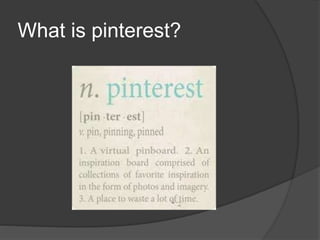
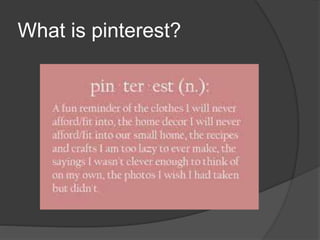
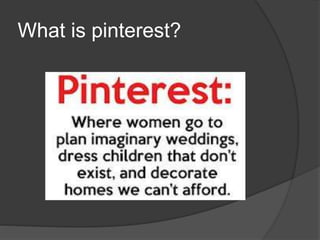
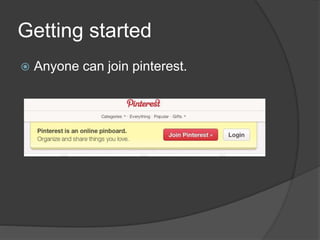
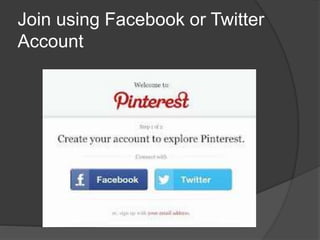
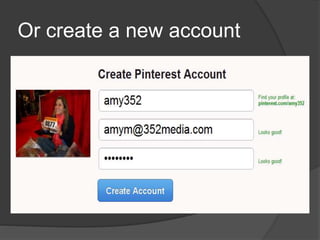
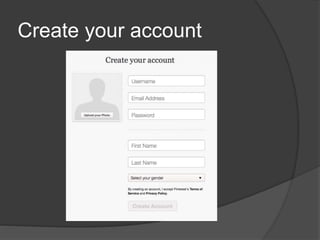
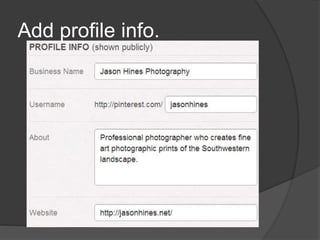
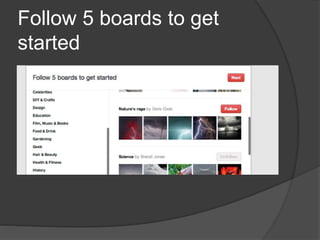
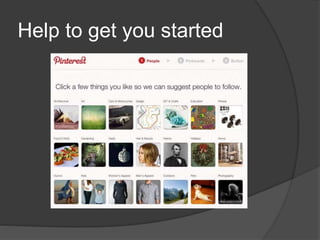
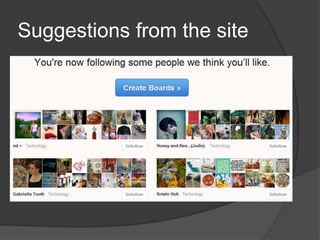
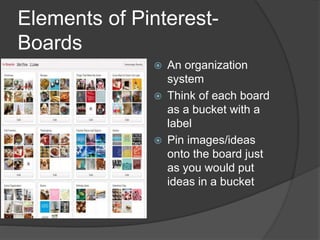
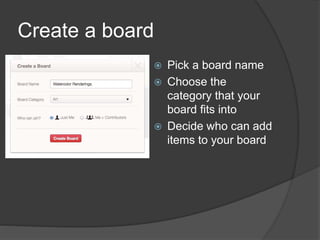
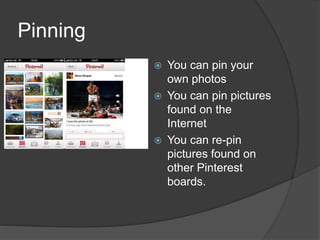
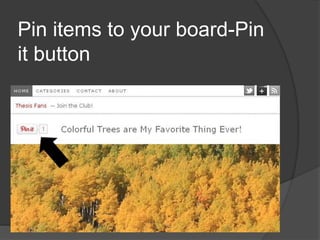
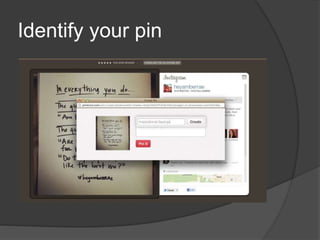
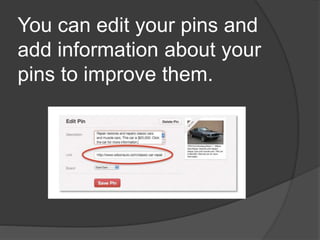
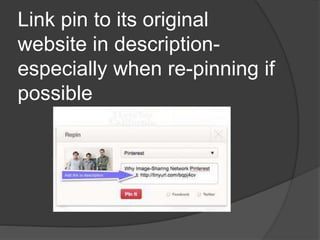
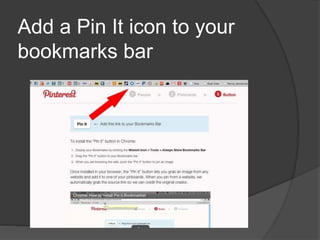
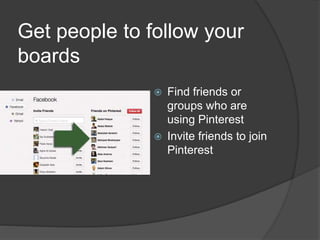
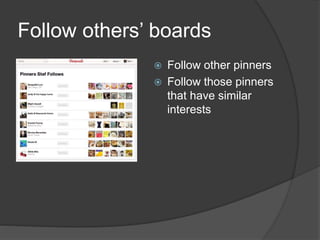
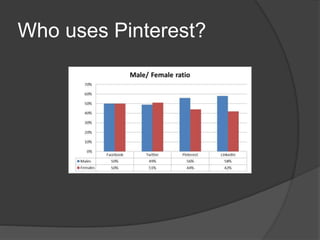
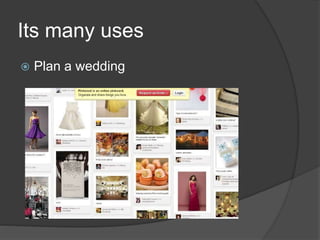
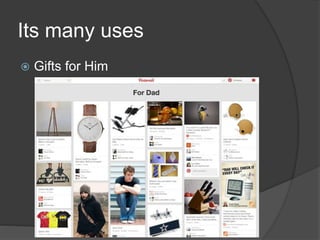
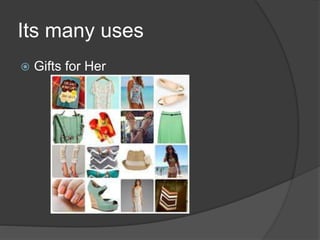
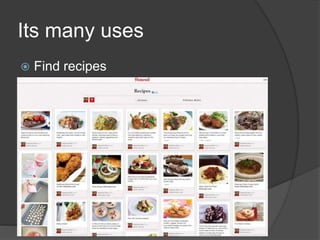
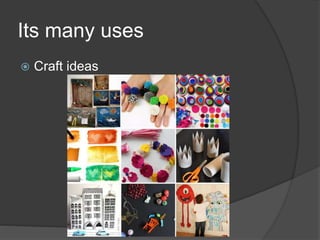
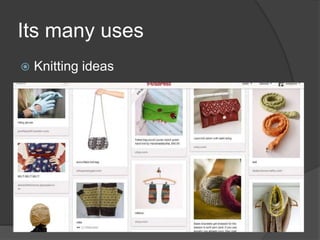
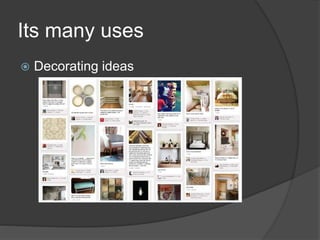
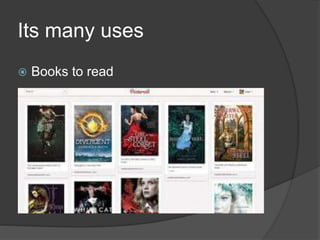
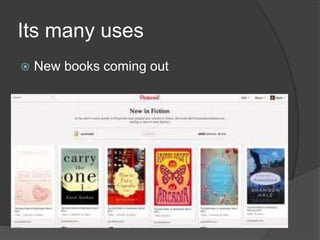


Pinterest is a social media platform where users can create and share collections of visual bookmarks called pins. The document provides instructions on how to get started on Pinterest by creating an account, adding profile information, following boards, and pinning images to create your own boards. It explains the basic elements of Pinterest including boards, pins, and following other users. Examples are given of how Pinterest can be used for planning weddings, finding gift ideas, recipes, crafts, and home decorating inspiration.


![5G Explained! A High Level Overview [Introduction]](https://cdn.slidesharecdn.com/ss_thumbnails/5gexplainedahighleveloverview-260119165306-cc137a3e-thumbnail.jpg?width=640&height=640&fit=bounds)


