Matterhorn Unconference 2014
Let’s fix it in post! Ideas for automated
post-recording video handling
Stephen Marquard
University of Cape Town
19 March 2014
Why post-process video?
A different approach to solving the blackboard challenge
Improve video quality
Close-ups
More natural perspectives
Avoid challenging lighting conditions (e.g. projection)
Smooth motion (perfect knowledge of the future)
Adjust for optimal colour / white balance / contrast
Cost
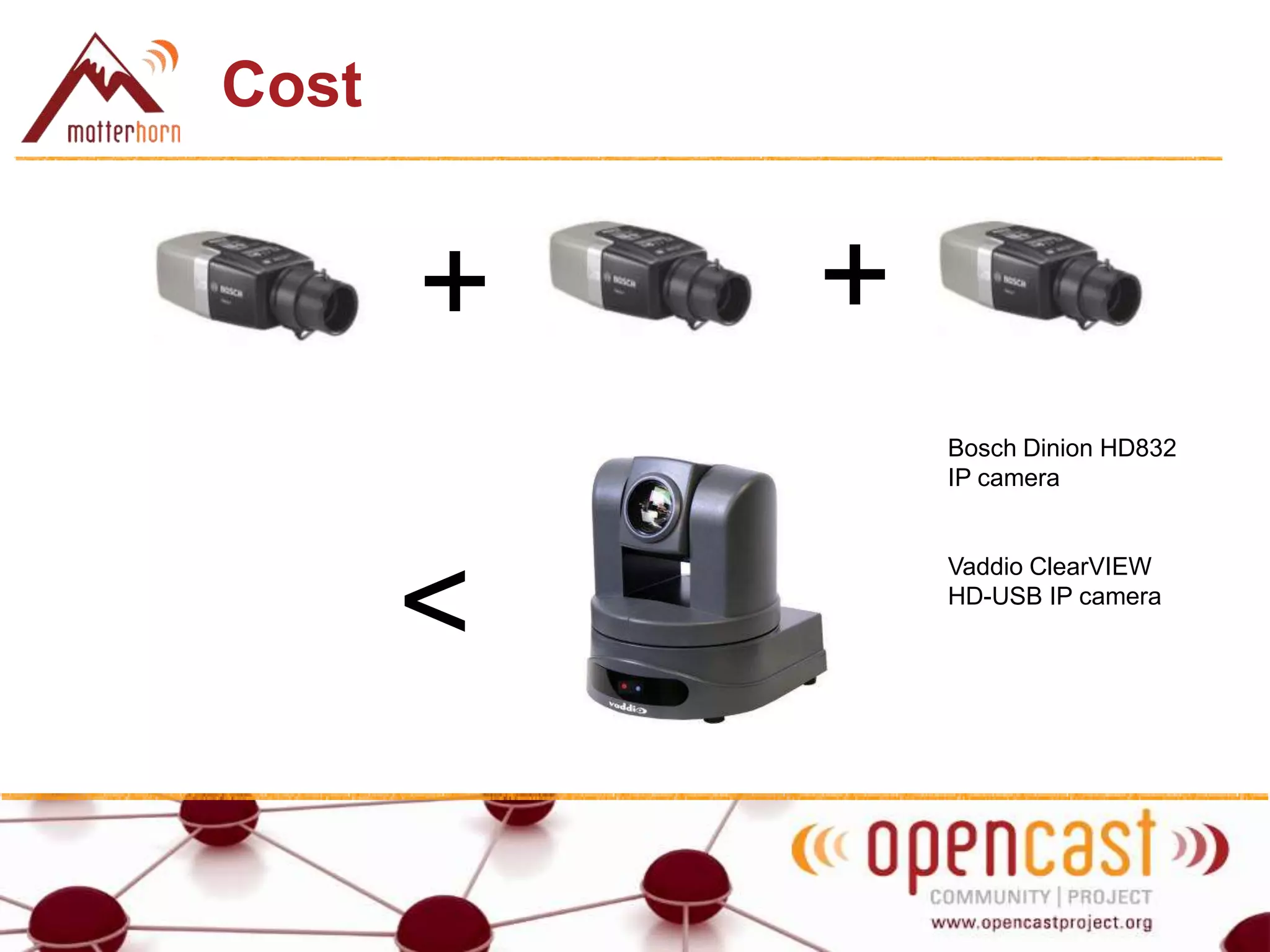
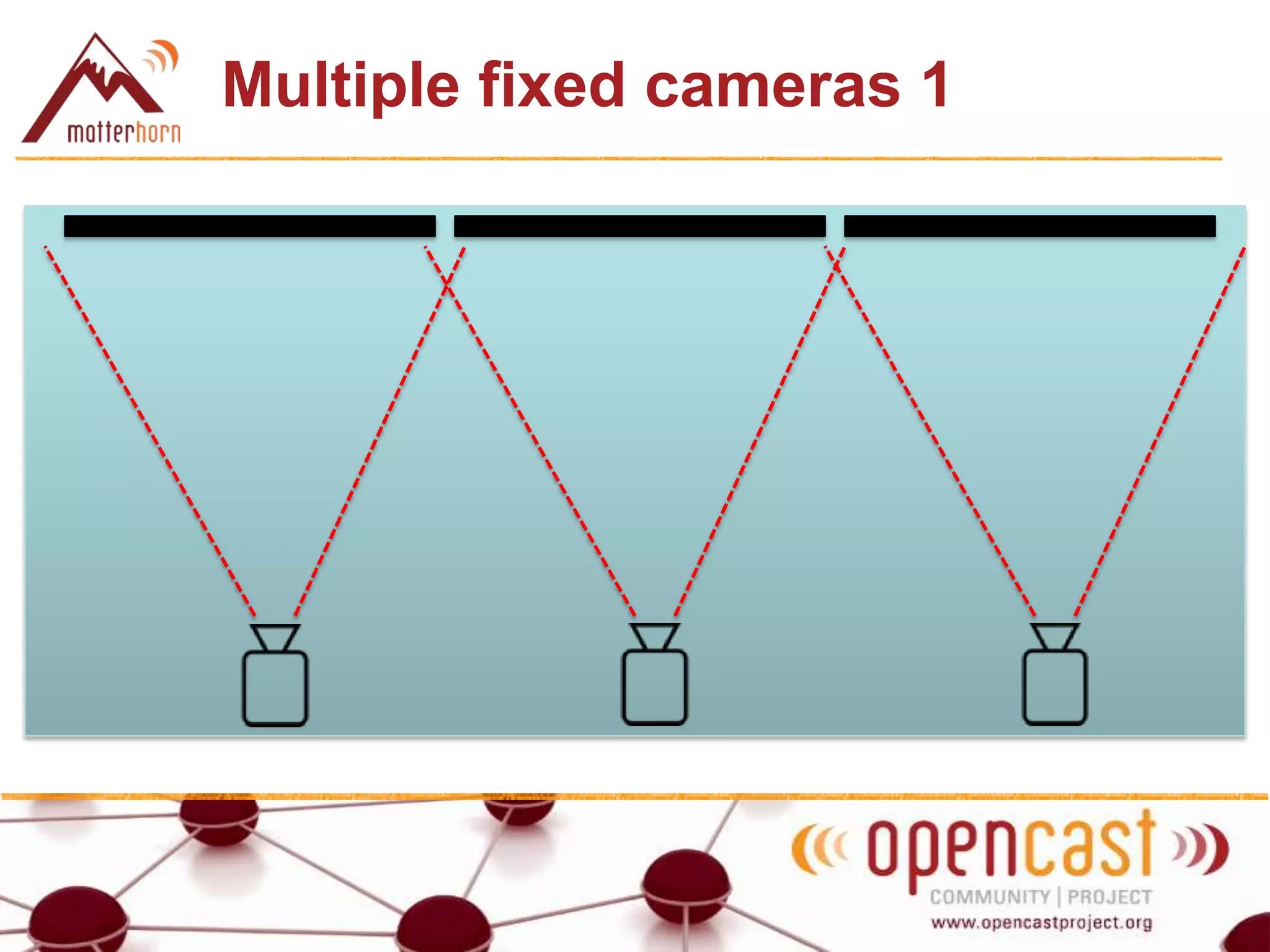
Multiple fixed HD IP cameras for half the cost of a PTZ camera / solution
Cost
+ +
<
Bosch Dinion HD832
IP camera
Vaddio ClearVIEW
HD-USB IP camera
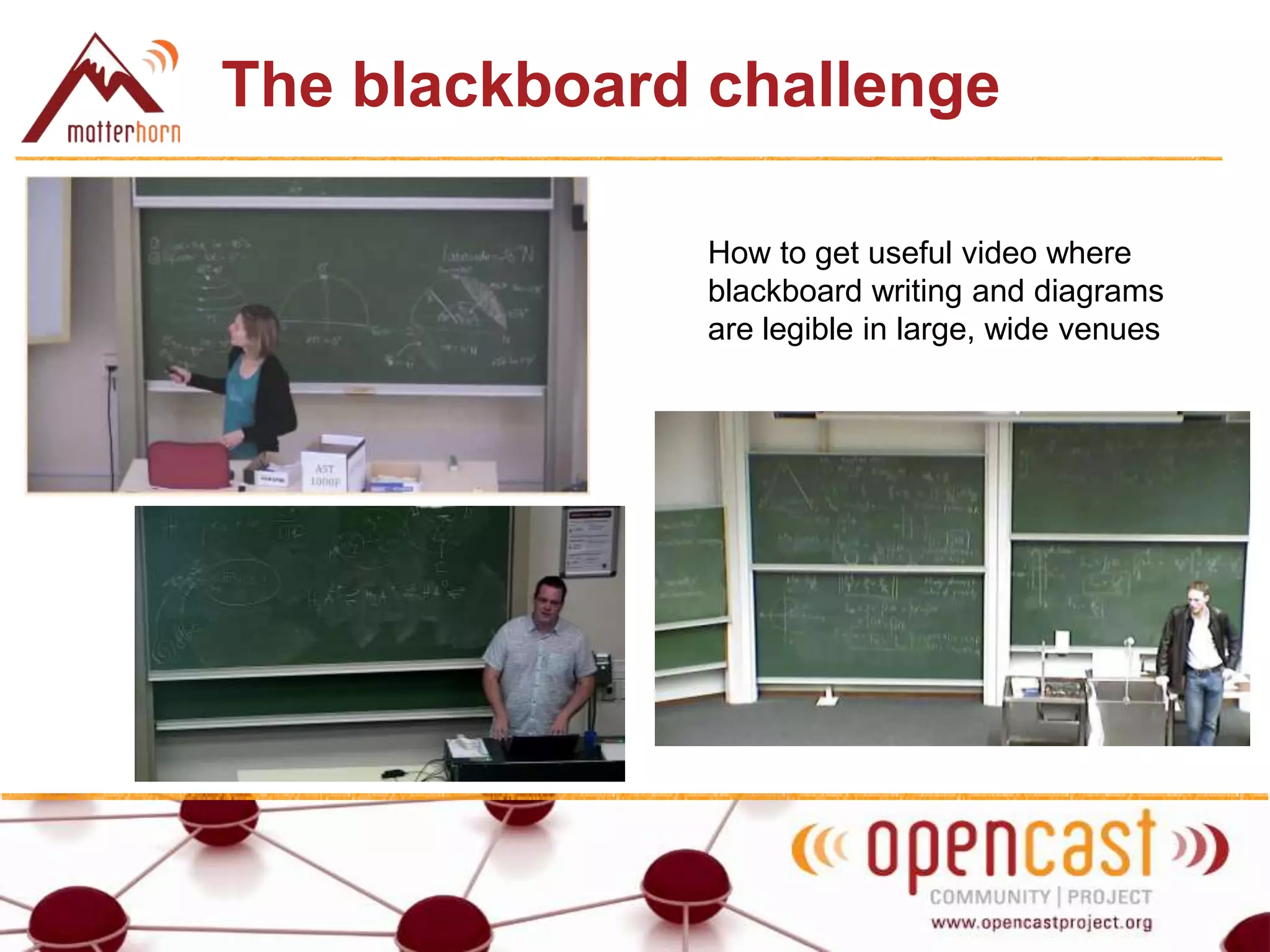
The blackboard challenge
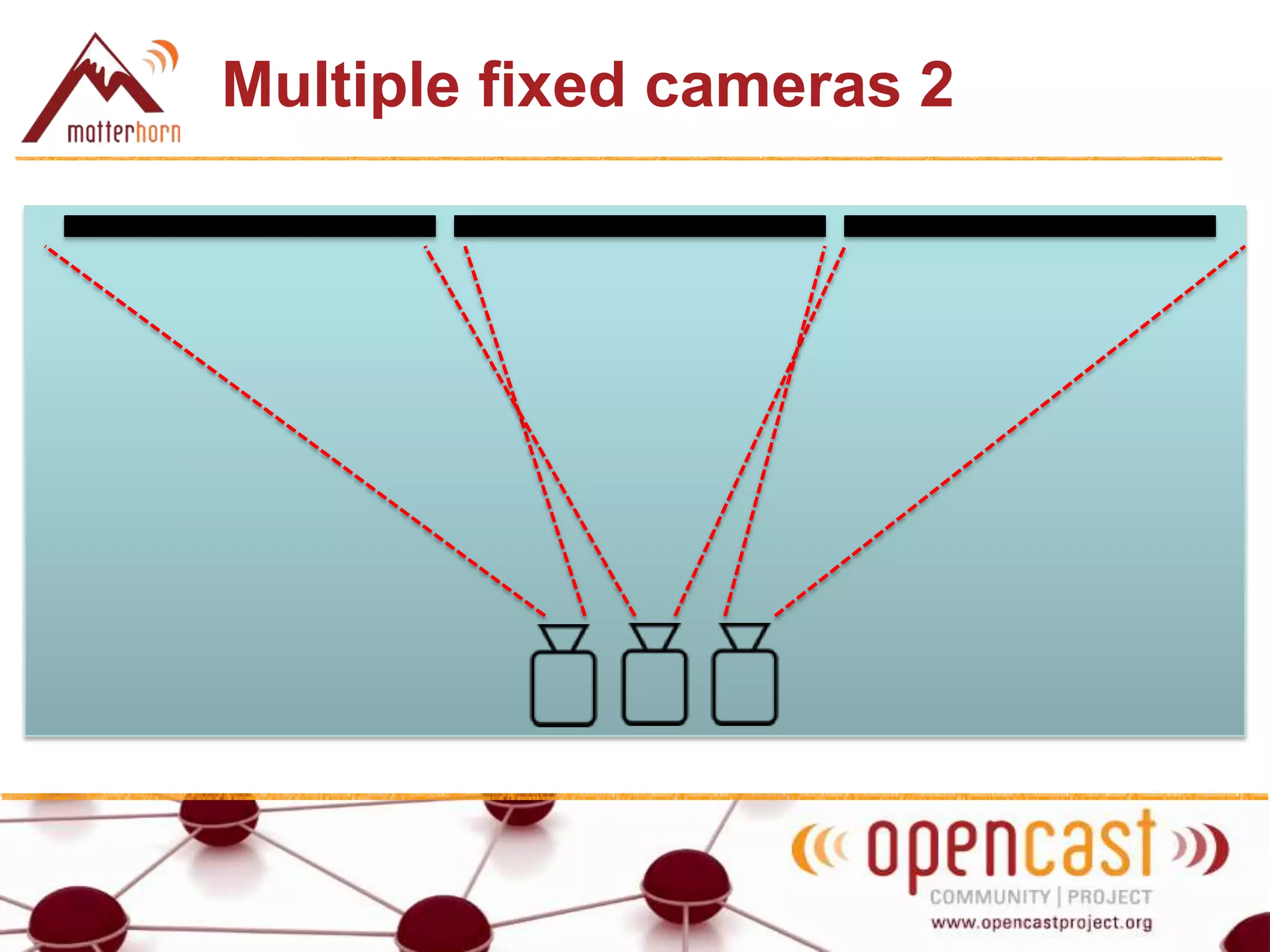
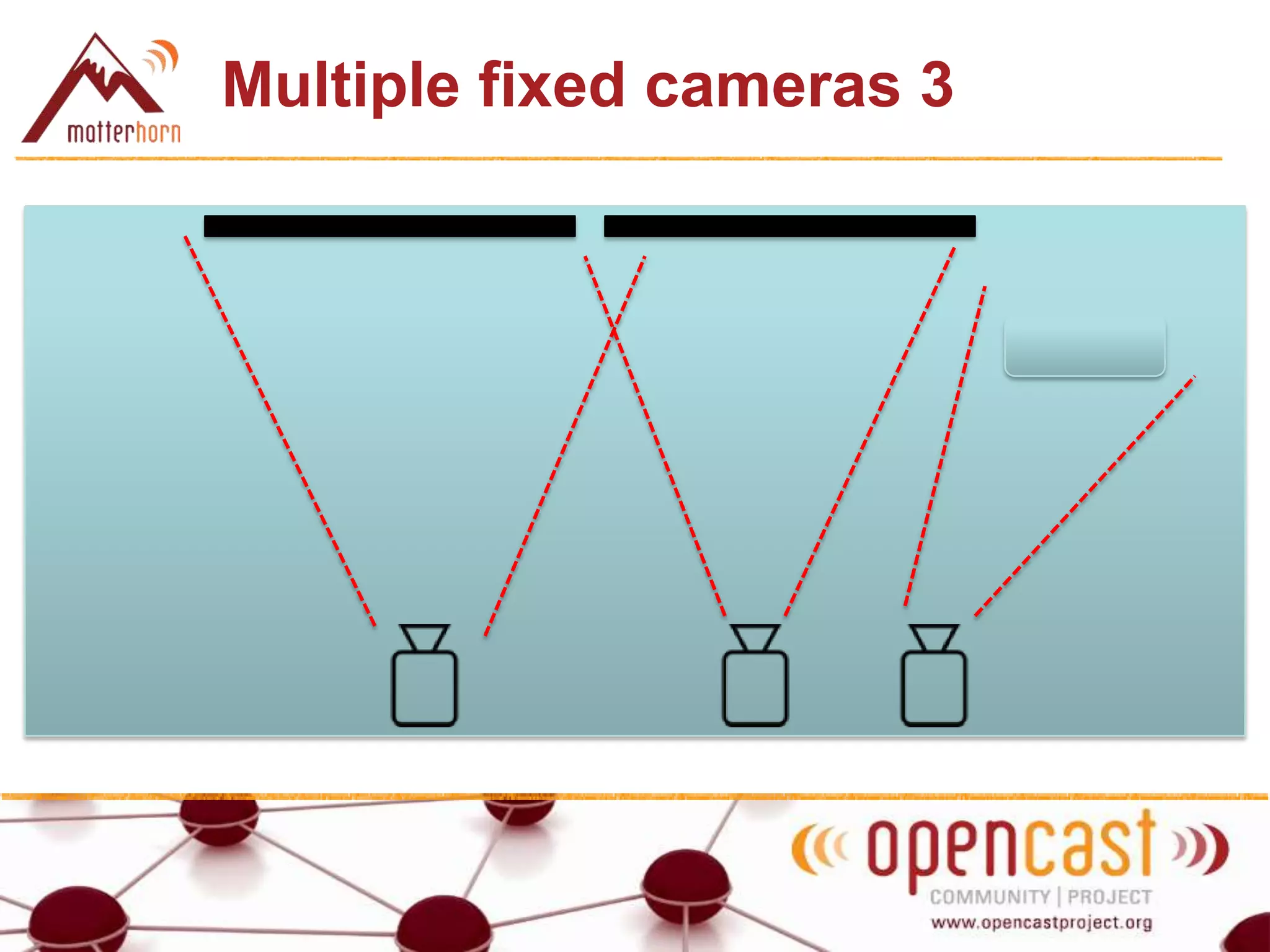
How to get useful video where
blackboard writing and diagrams
are legible in large, wide venues
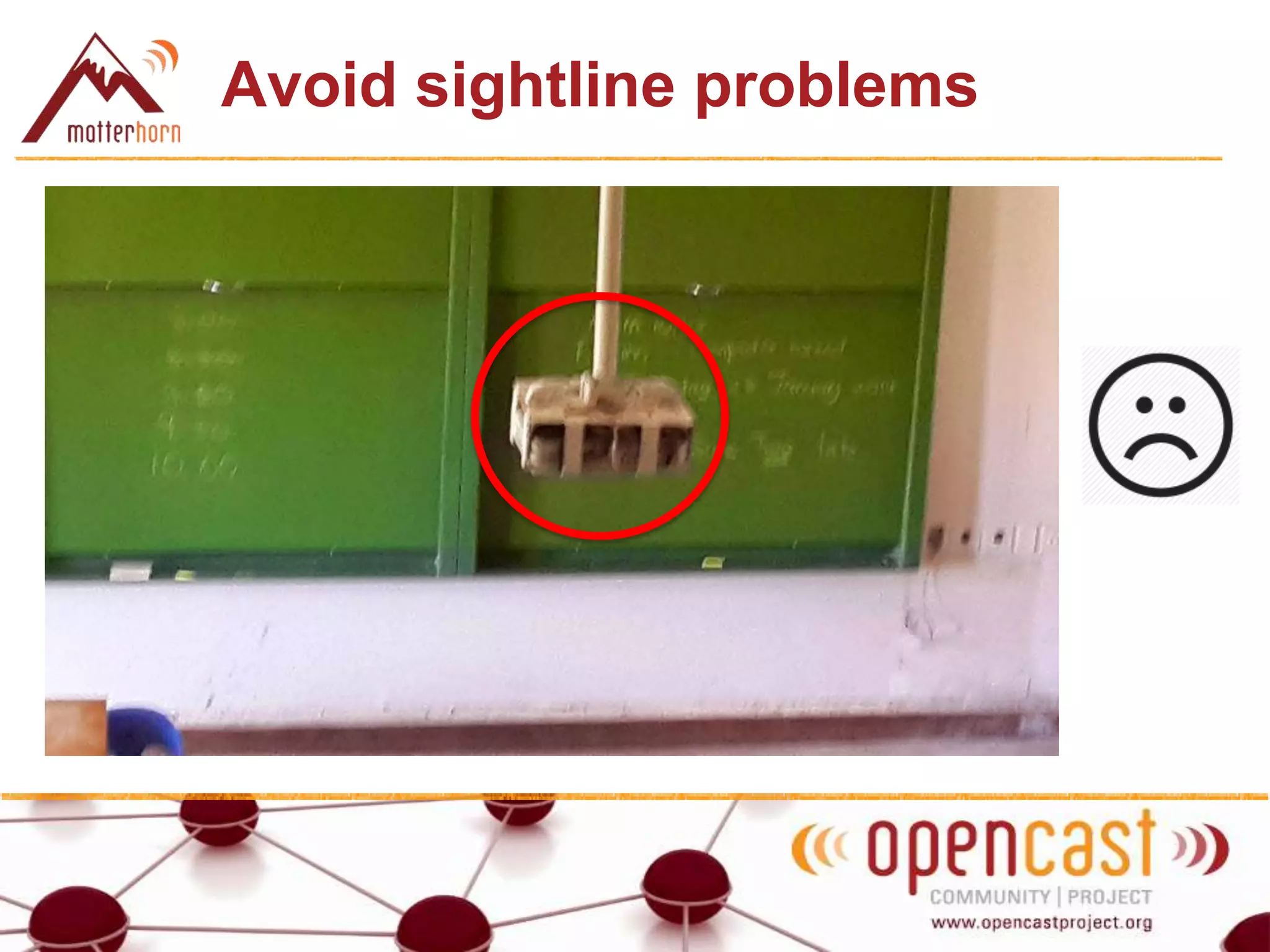
Avoid sightline problems
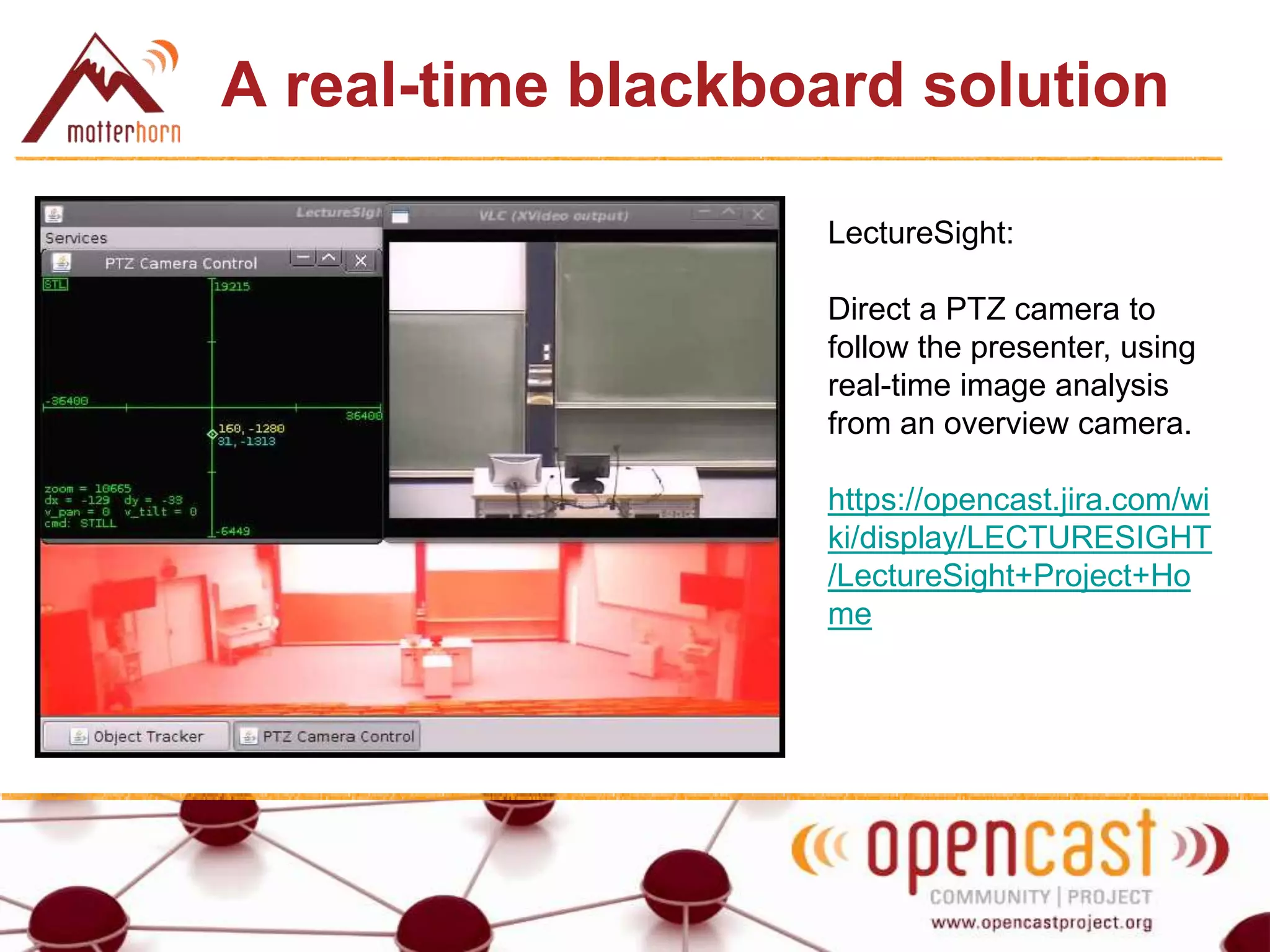
A real-time blackboard solution
LectureSight:
Direct a PTZ camera to
follow the presenter, using
real-time image analysis
from an overview camera.
https://opencast.jira.com/wi
ki/display/LECTURESIGHT
/LectureSight+Project+Ho
me
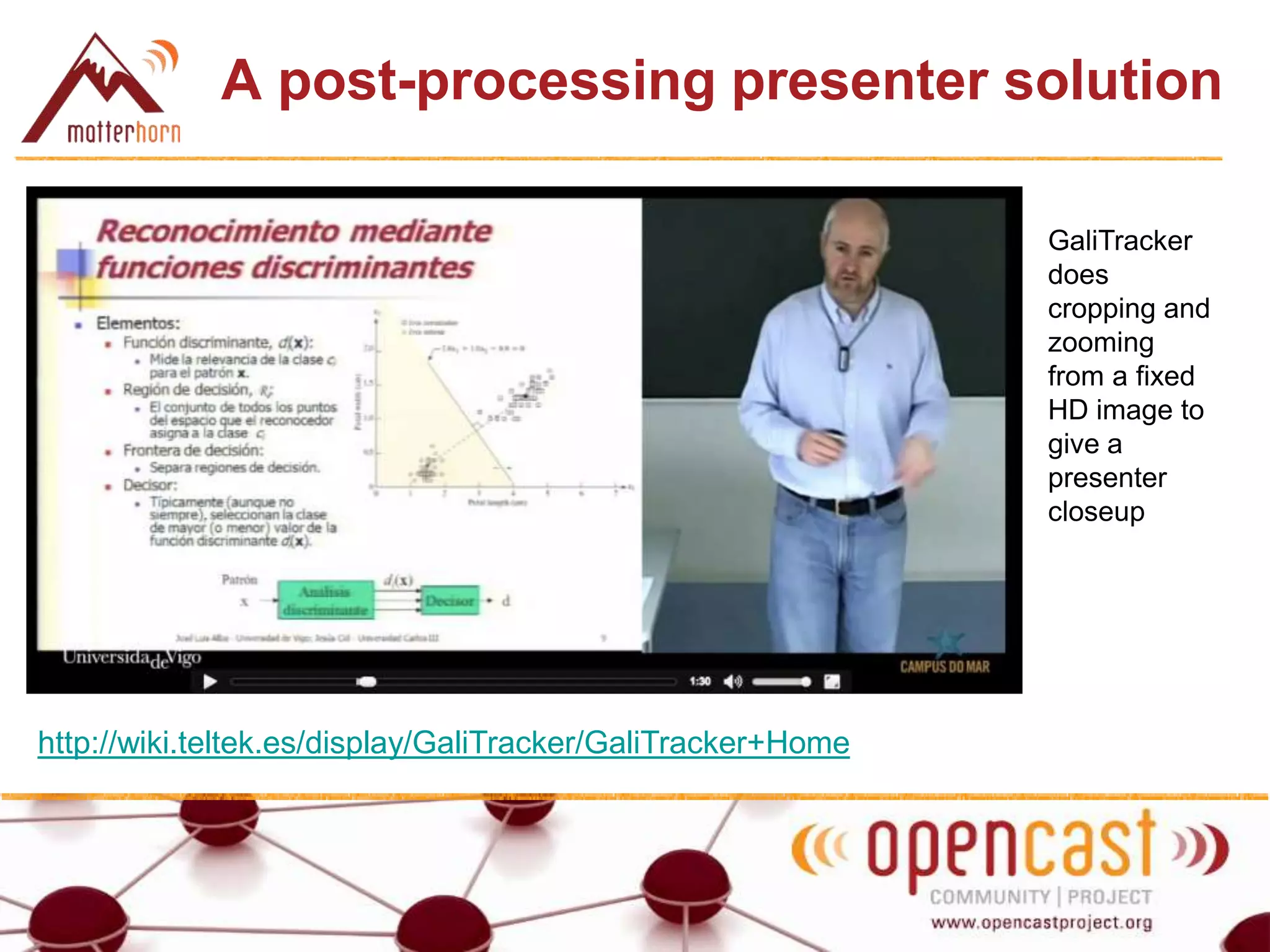
A post-processing presenter solution
http://wiki.teltek.es/display/GaliTracker/GaliTracker+Home
GaliTracker
does
cropping and
zooming
from a fixed
HD image to
give a
presenter
closeup
Multiple fixed cameras 1
Multiple fixed cameras 2
Multiple fixed cameras 3
Post-processing
The capture agent records multiple camera streams
(probably IP cameras): the mediapackage has 2, 3 or 4
presenter videos rather than 1.
The camera streams are then post-processed to create a
single presenter video (perhaps on the CA itself)
Approaches:
1. Virtual panning (combine and crop)
2. Mixing (source selection)
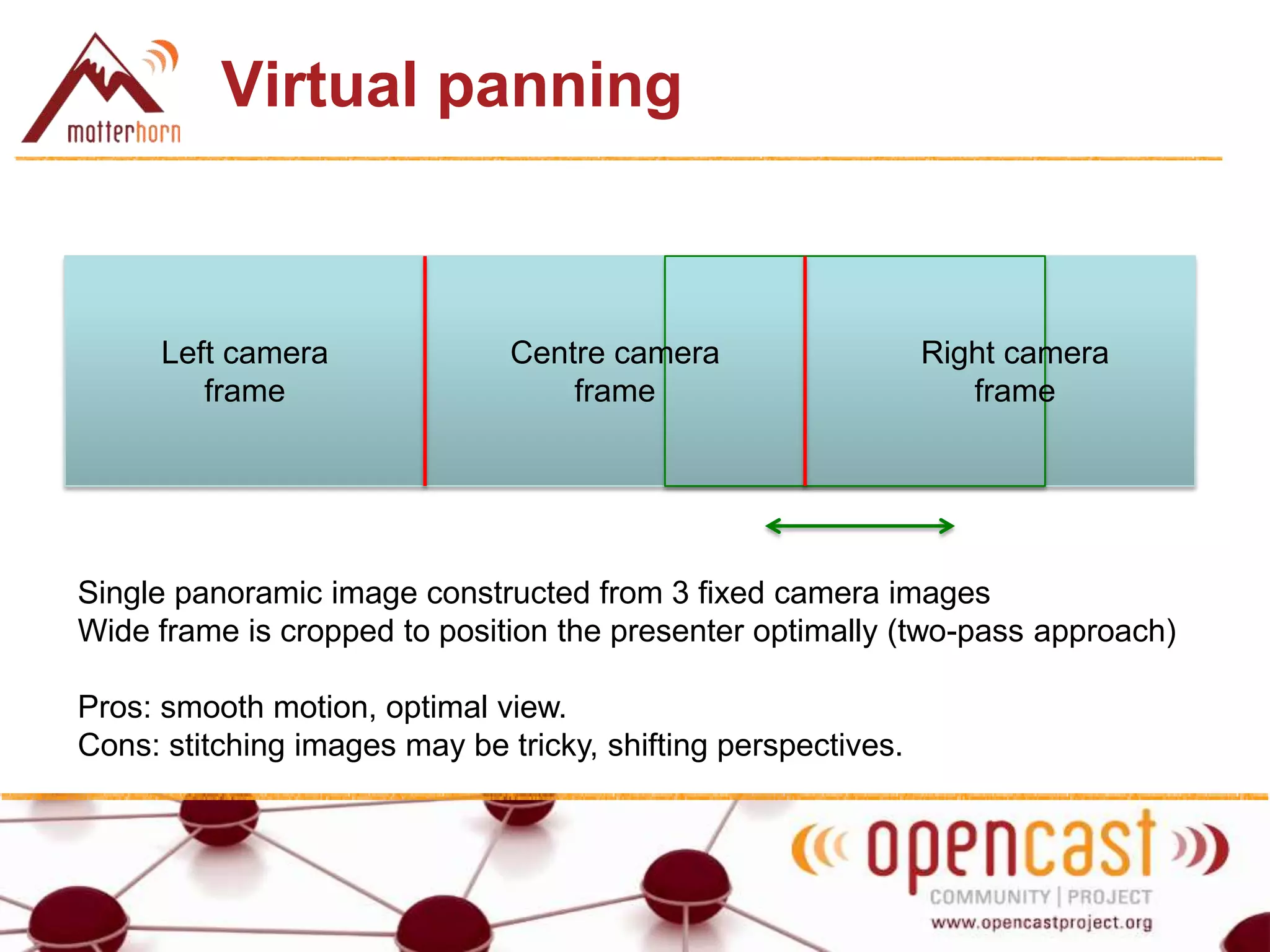
Virtual panning
Left camera
frame
Centre camera
frame
Right camera
frame
Single panoramic image constructed from 3 fixed camera images
Wide frame is cropped to position the presenter optimally (two-pass approach)
Pros: smooth motion, optimal view.
Cons: stitching images may be tricky, shifting perspectives.
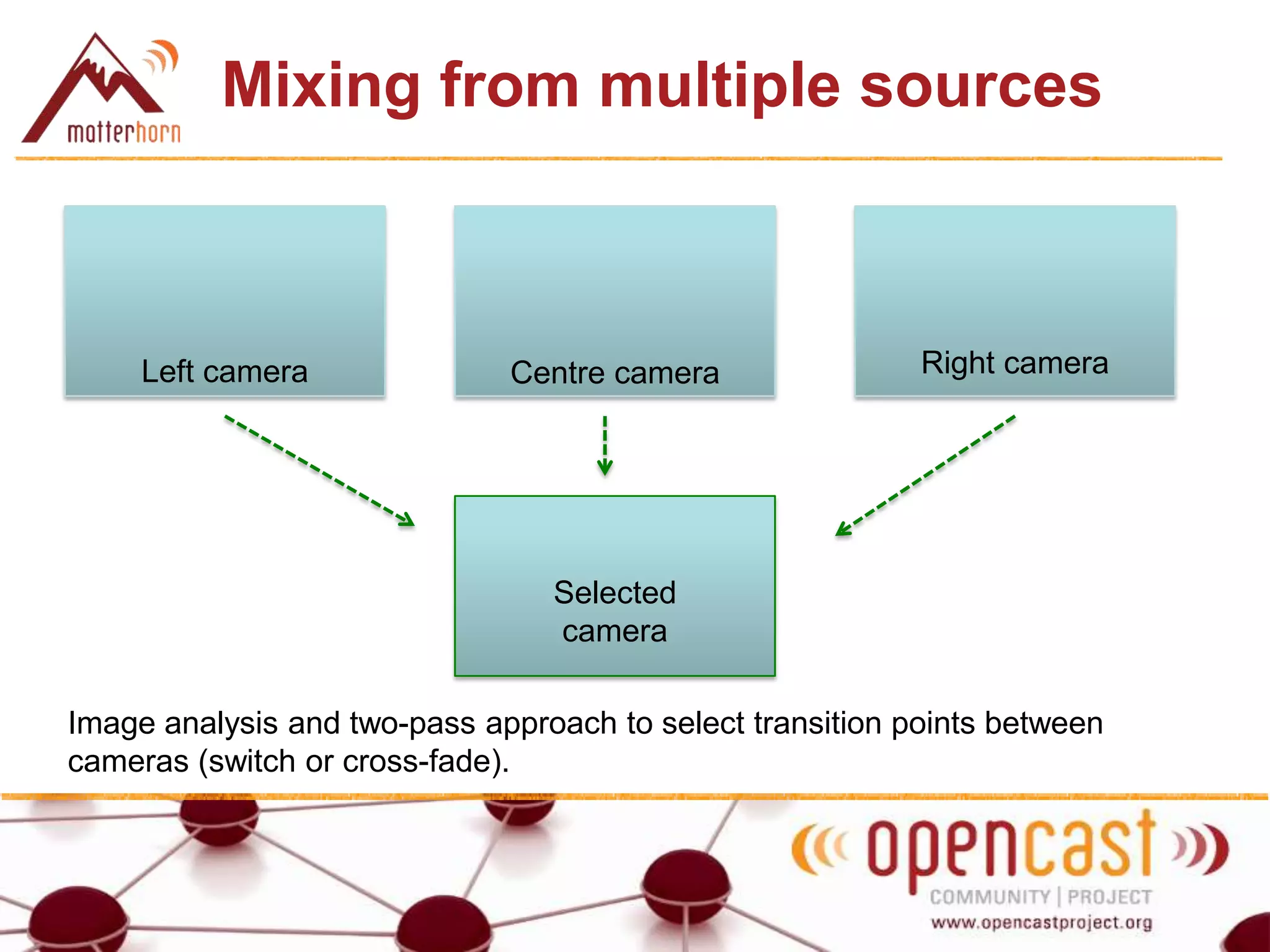
Mixing from multiple sources
Image analysis and two-pass approach to select transition points between
cameras (switch or cross-fade).
Left camera Centre camera Right camera
Selected
camera
Other post-processing ideas
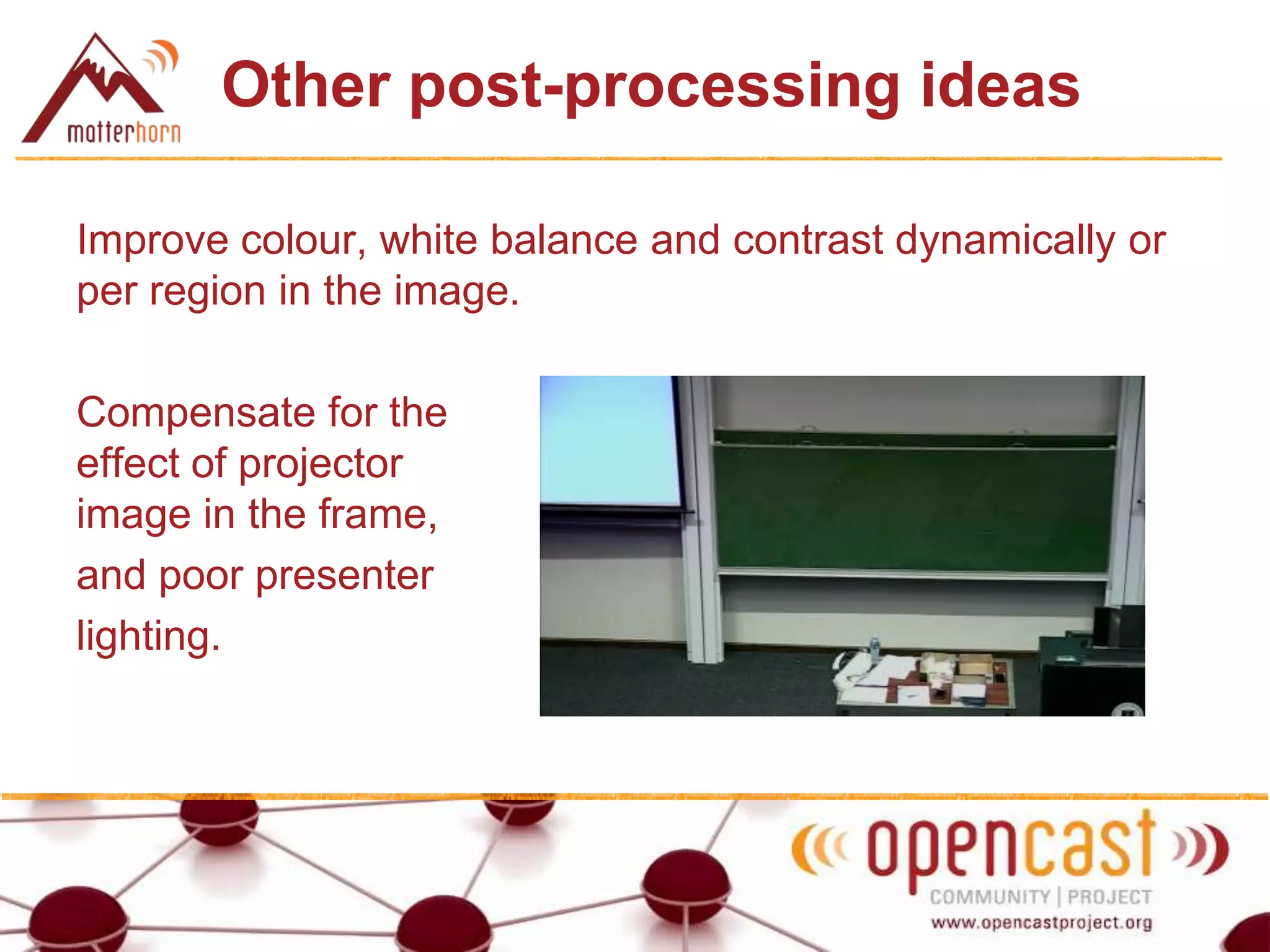
Improve colour, white balance and contrast dynamically or
per region in the image.
Compensate for the
effect of projector
image in the frame,
and poor presenter
lighting.
Other post-processing ideas
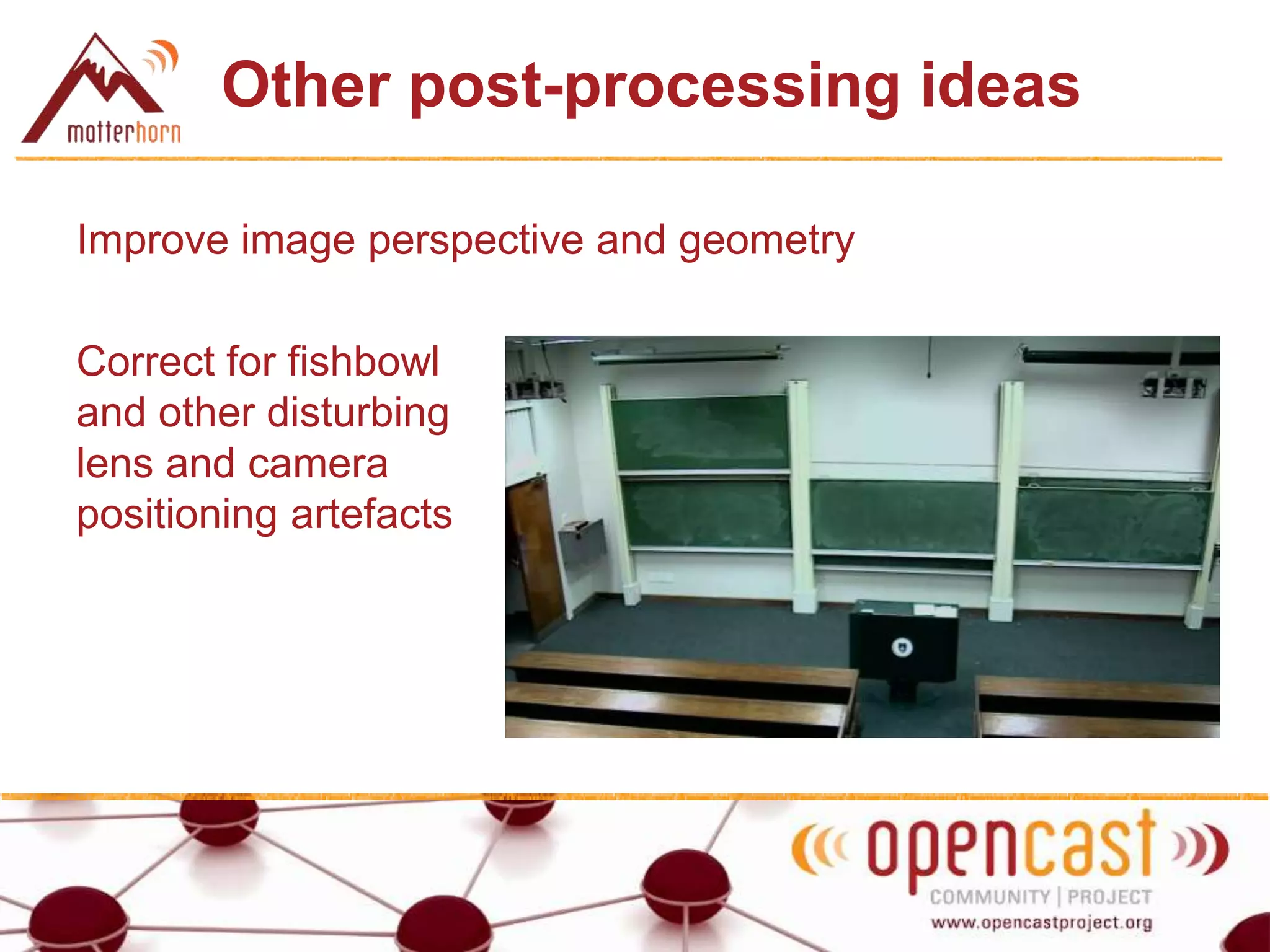
Improve image perspective and geometry
Correct for fishbowl
and other disturbing
lens and camera
positioning artefacts
What next?
• Get involved! Good project topics for students.
• Share your ideas and possible contributions on the
Matterhorn list(s).

Matterhorn 2014 Unconference: Ideas for automated post-recording video handling

  • 1.
    Matterhorn Unconference 2014 Let’sfix it in post! Ideas for automated post-recording video handling Stephen Marquard University of Cape Town 19 March 2014
  • 2.
    Why post-process video? Adifferent approach to solving the blackboard challenge Improve video quality Close-ups More natural perspectives Avoid challenging lighting conditions (e.g. projection) Smooth motion (perfect knowledge of the future) Adjust for optimal colour / white balance / contrast Cost Multiple fixed HD IP cameras for half the cost of a PTZ camera / solution
  • 3.
    Cost + + < Bosch DinionHD832 IP camera Vaddio ClearVIEW HD-USB IP camera
  • 4.
    The blackboard challenge Howto get useful video where blackboard writing and diagrams are legible in large, wide venues
  • 5.
  • 6.
    A real-time blackboardsolution LectureSight: Direct a PTZ camera to follow the presenter, using real-time image analysis from an overview camera. https://opencast.jira.com/wi ki/display/LECTURESIGHT /LectureSight+Project+Ho me
  • 7.
    A post-processing presentersolution http://wiki.teltek.es/display/GaliTracker/GaliTracker+Home GaliTracker does cropping and zooming from a fixed HD image to give a presenter closeup
  • 8.
  • 9.
  • 10.
  • 11.
    Post-processing The capture agentrecords multiple camera streams (probably IP cameras): the mediapackage has 2, 3 or 4 presenter videos rather than 1. The camera streams are then post-processed to create a single presenter video (perhaps on the CA itself) Approaches: 1. Virtual panning (combine and crop) 2. Mixing (source selection)
  • 12.
    Virtual panning Left camera frame Centrecamera frame Right camera frame Single panoramic image constructed from 3 fixed camera images Wide frame is cropped to position the presenter optimally (two-pass approach) Pros: smooth motion, optimal view. Cons: stitching images may be tricky, shifting perspectives.
  • 13.
    Mixing from multiplesources Image analysis and two-pass approach to select transition points between cameras (switch or cross-fade). Left camera Centre camera Right camera Selected camera
  • 14.
    Other post-processing ideas Improvecolour, white balance and contrast dynamically or per region in the image. Compensate for the effect of projector image in the frame, and poor presenter lighting.
  • 15.
    Other post-processing ideas Improveimage perspective and geometry Correct for fishbowl and other disturbing lens and camera positioning artefacts
  • 16.
    What next? • Getinvolved! Good project topics for students. • Share your ideas and possible contributions on the Matterhorn list(s).