MariaDB 10.11
key features overview for DBAs
Why this talk?
● Features are only good if you use them
● You only use features you know
● MariaDB is very good at developing features
● But not as good at documenting and advertising them
The importance of documentation
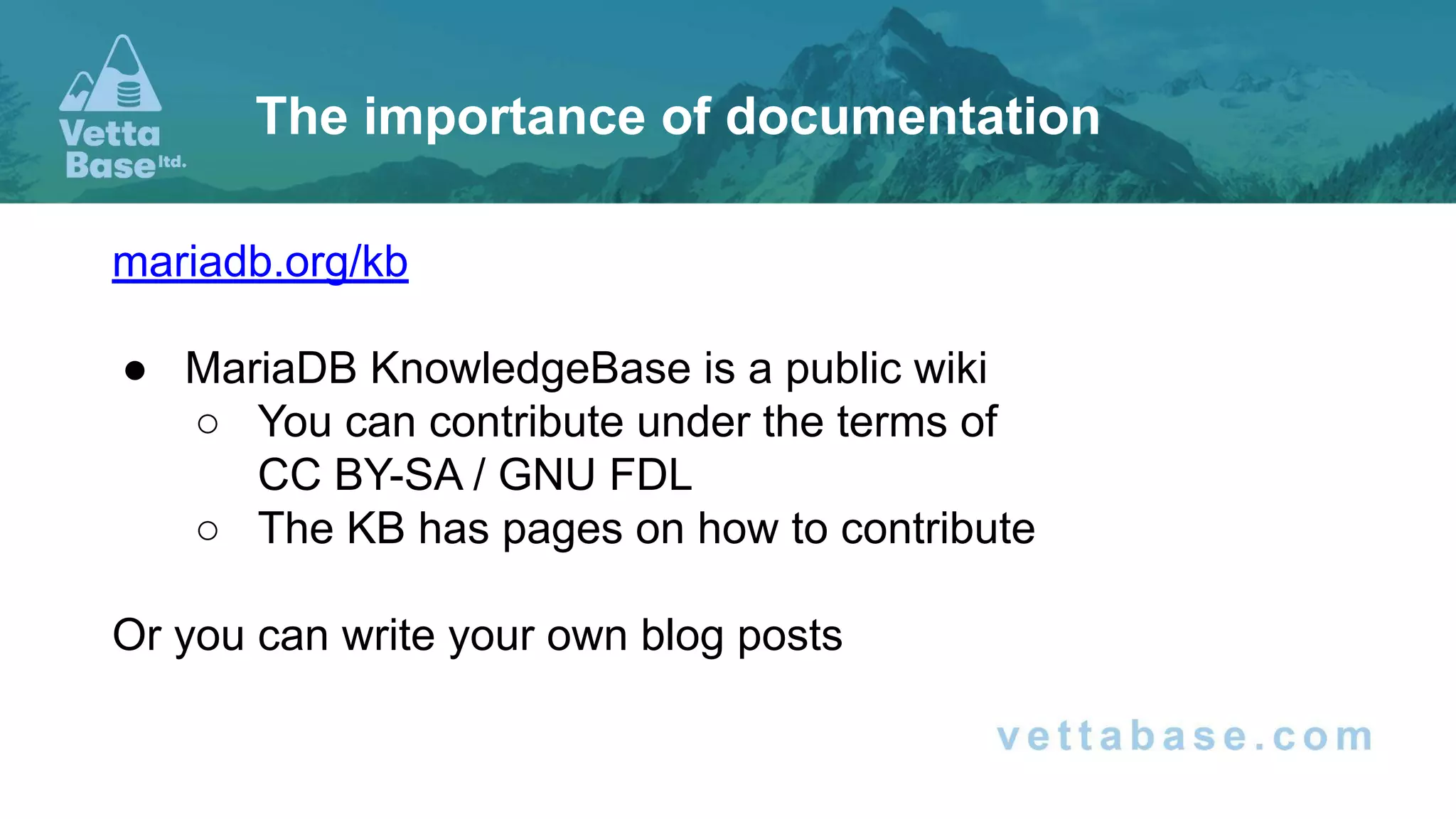
mariadb.org/kb
● MariaDB KnowledgeBase is a public wiki
○ You can contribute under the terms of
CC BY-SA / GNU FDL
○ The KB has pages on how to contribute
Or you can write your own blog posts
The importance of documentation
MariaDB
versions
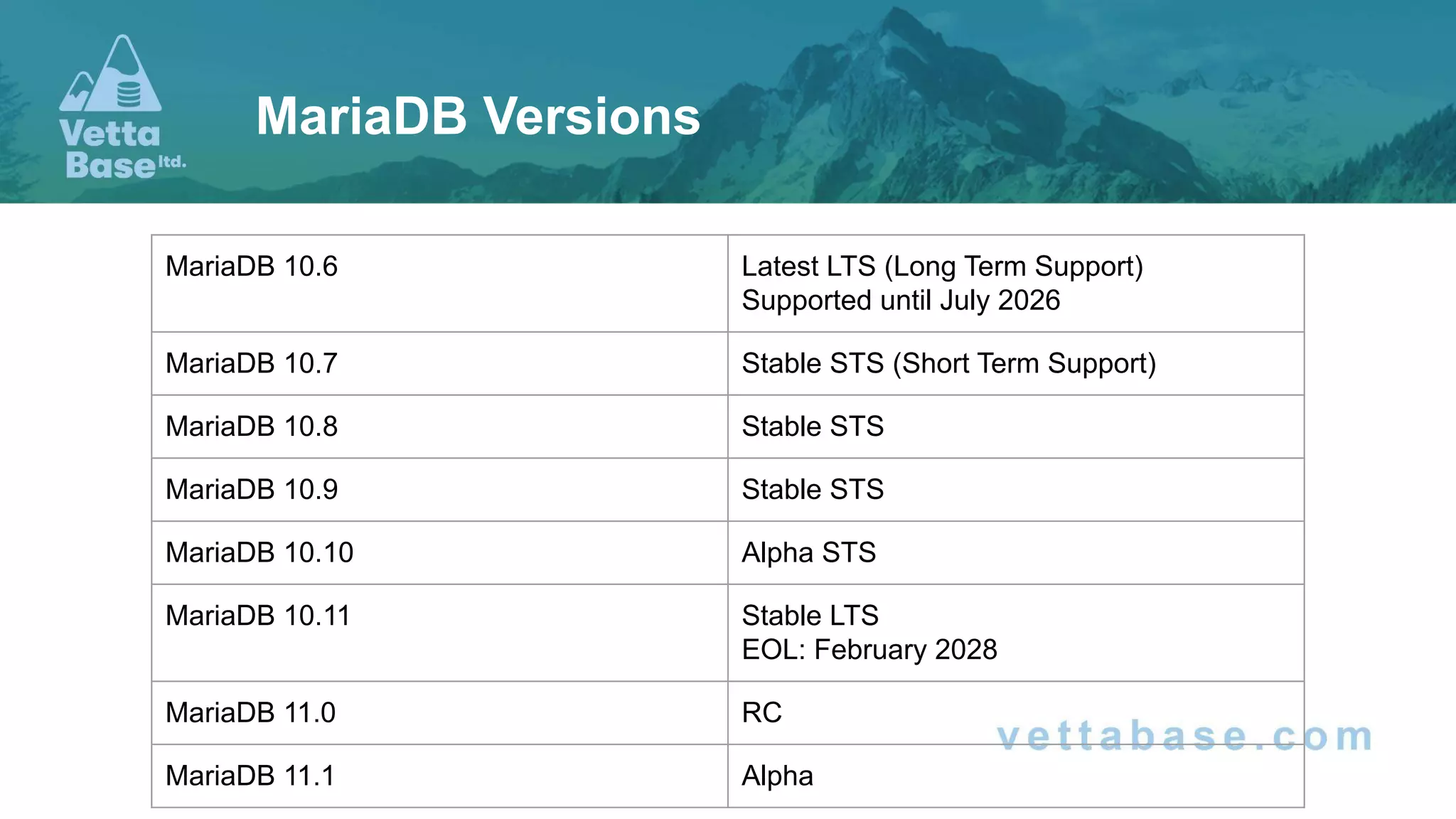
MariaDB Versions
MariaDB 10.6 Latest LTS (Long Term Support)
Supported until July 2026
MariaDB 10.7 Stable STS (Short Term Support)
MariaDB 10.8 Stable STS
MariaDB 10.9 Stable STS
MariaDB 10.10 Alpha STS
MariaDB 10.11 Stable LTS
EOL: February 2028
MariaDB 11.0 RC
MariaDB 11.1 Alpha
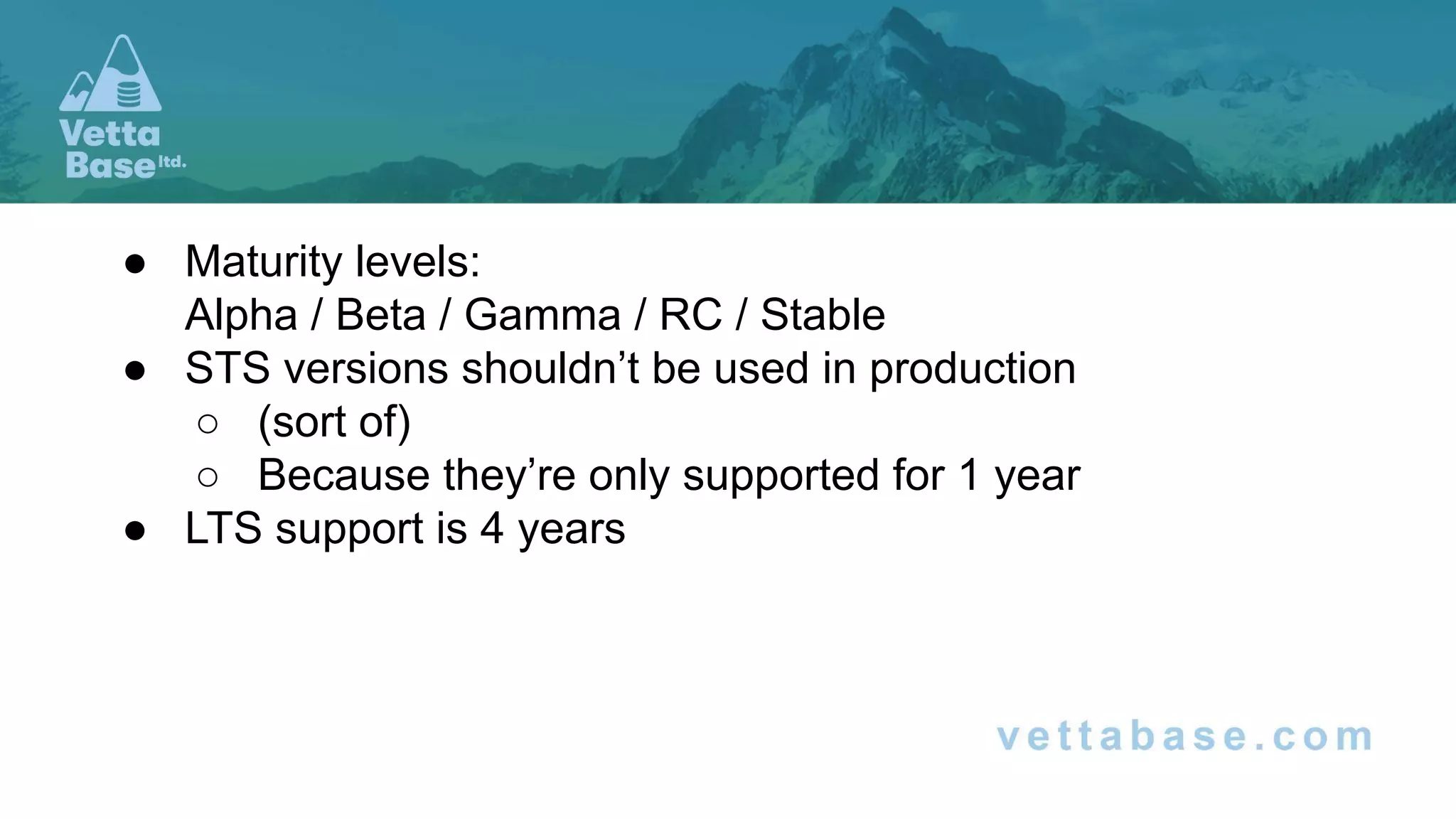
● Maturity levels:
Alpha / Beta / Gamma / RC / Stable
● STS versions shouldn’t be used in production
○ (sort of)
○ Because they’re only supported for 1 year
● LTS support is 4 years
● We’re going to cover the most important features included in
STSs, that you can expect to see in the next LTS
● “Most important” according to my opinion, our internal
discussions, and our customers needs.
Others may disagree
● In a logical order, not in a chronological order
● I will not assume that you are an expert
This talk
Replication / HA
Replication / HA
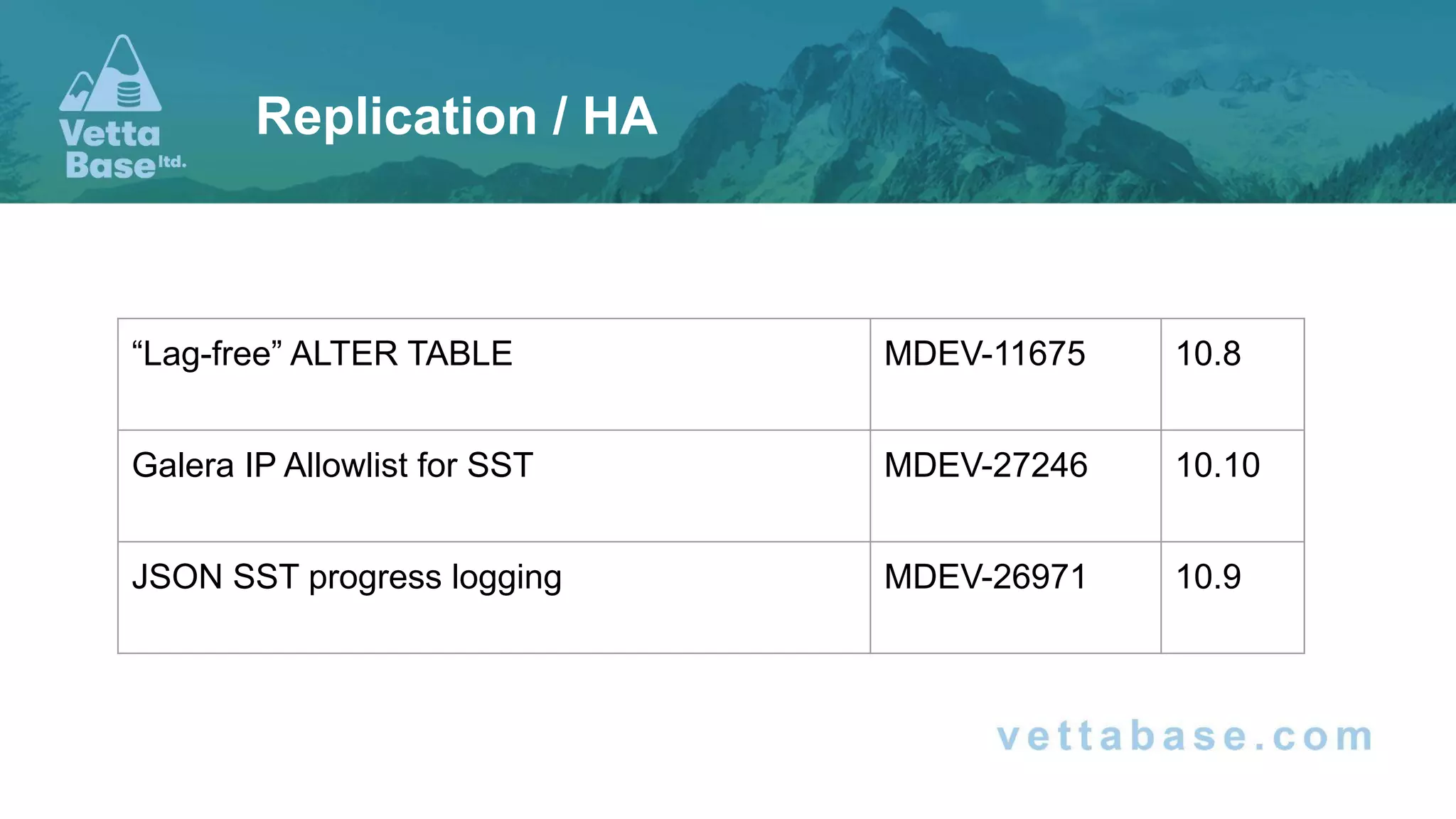
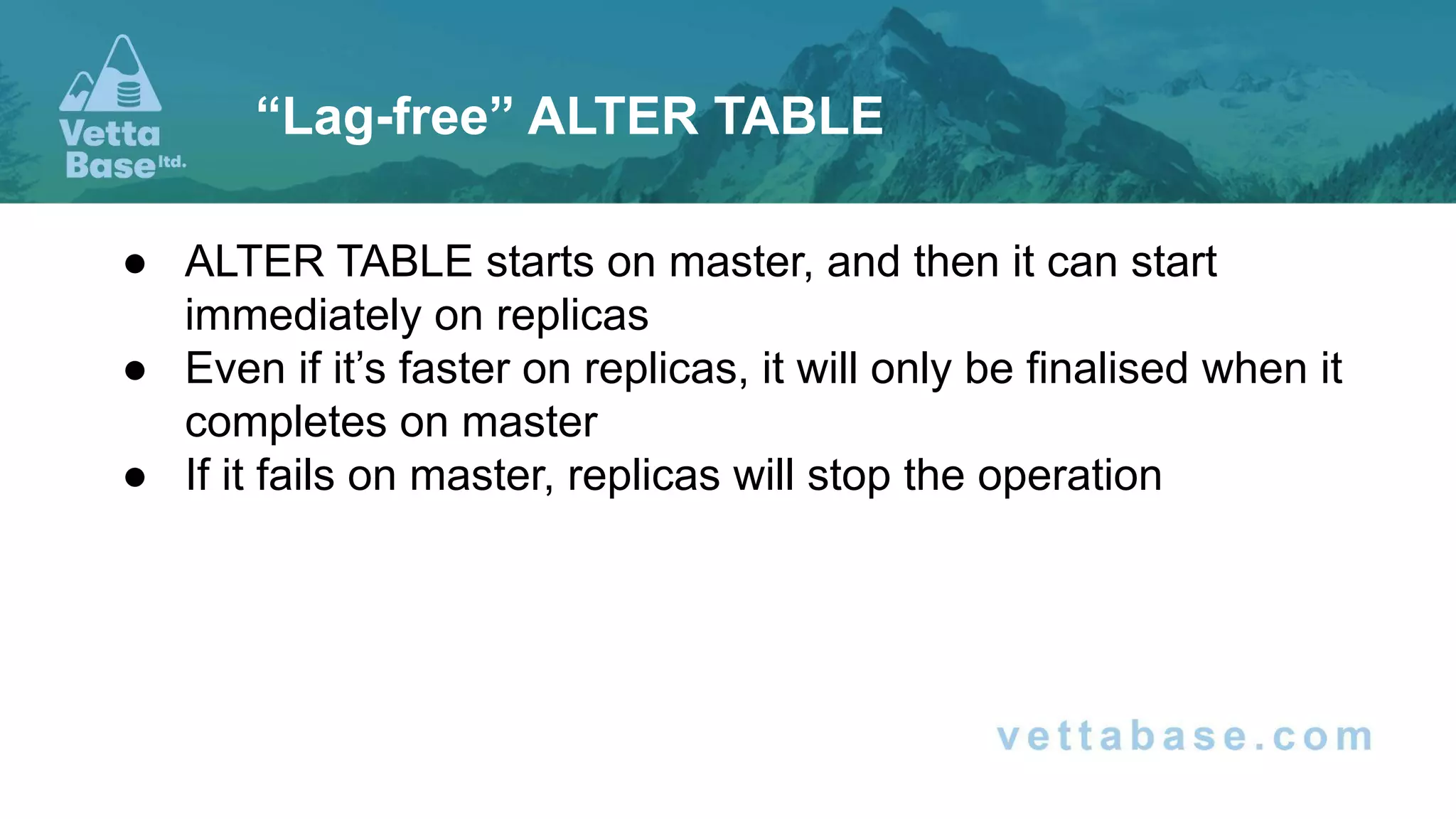
“Lag-free” ALTER TABLE MDEV-11675 10.8
Galera IP Allowlist for SST MDEV-27246 10.10
JSON SST progress logging MDEV-26971 10.9
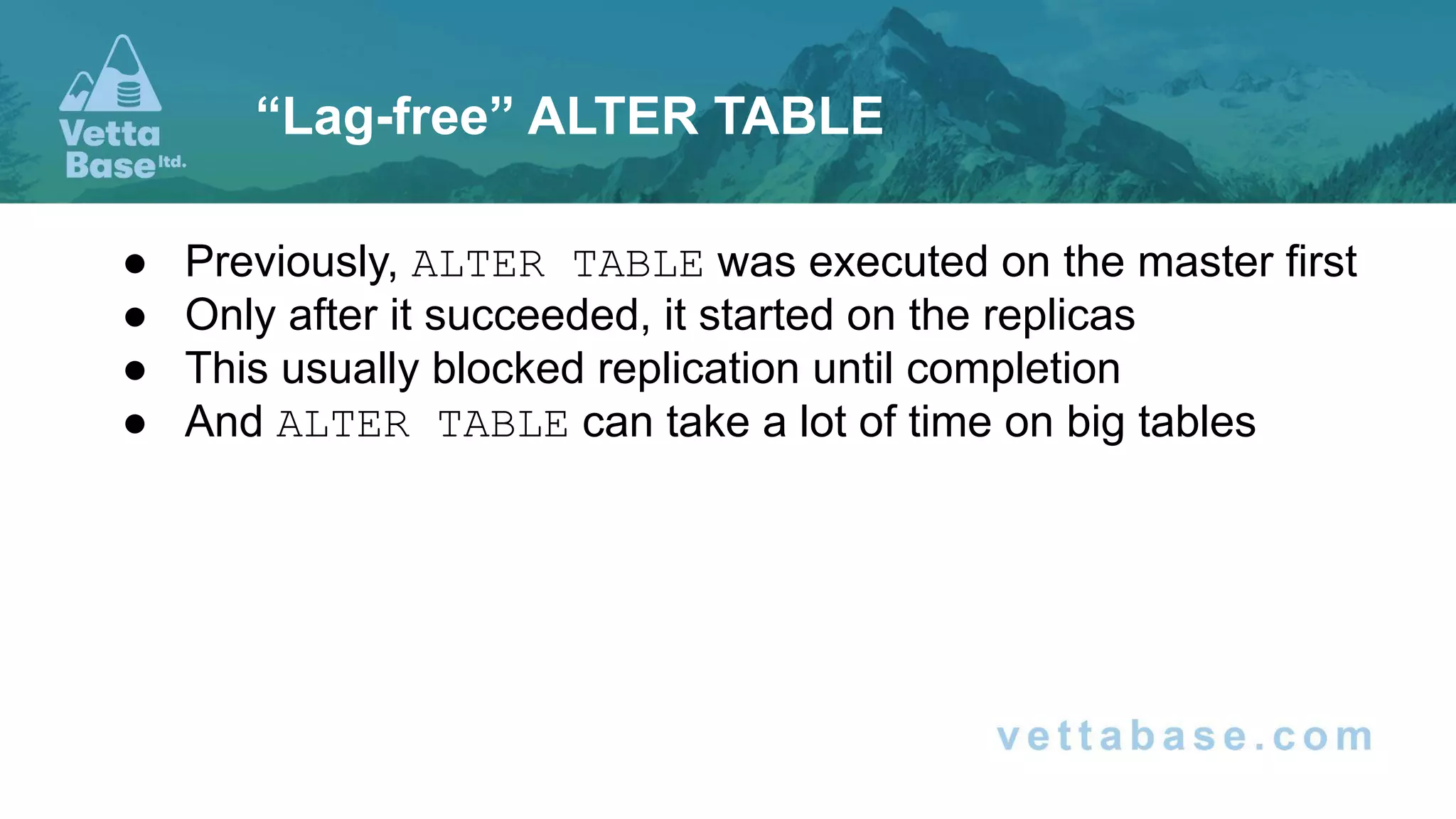
● Previously, ALTER TABLE was executed on the master first
● Only after it succeeded, it started on the replicas
● This usually blocked replication until completion
● And ALTER TABLE can take a lot of time on big tables
“Lag-free” ALTER TABLE
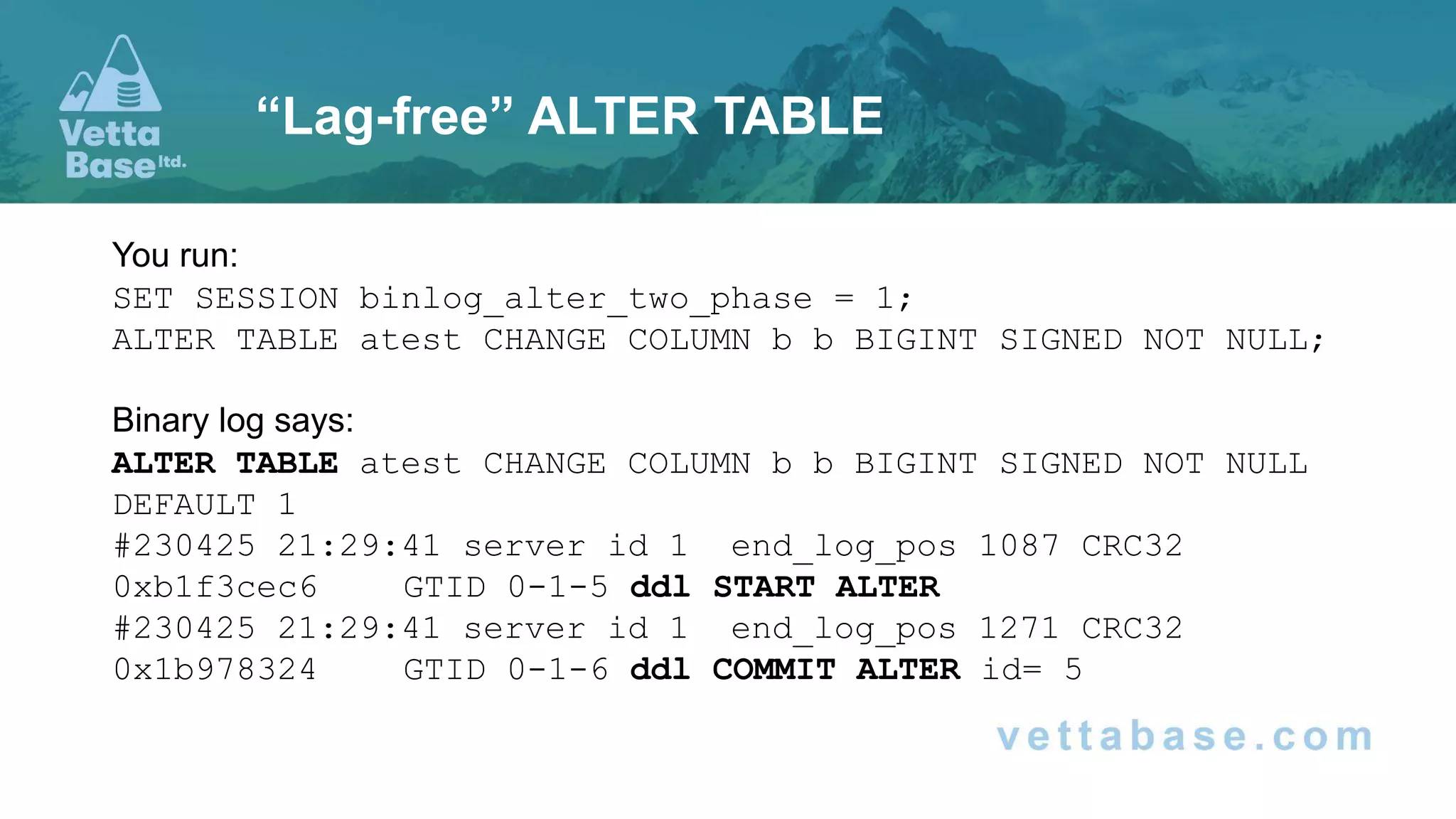
You run:
SET SESSION binlog_alter_two_phase = 1;
ALTER TABLE atest CHANGE COLUMN b b BIGINT SIGNED NOT NULL;
Binary log says:
ALTER TABLE atest CHANGE COLUMN b b BIGINT SIGNED NOT NULL
DEFAULT 1
#230425 21:29:41 server id 1 end_log_pos 1087 CRC32
0xb1f3cec6 GTID 0-1-5 ddl START ALTER
#230425 21:29:41 server id 1 end_log_pos 1271 CRC32
0x1b978324 GTID 0-1-6 ddl COMMIT ALTER id= 5
“Lag-free” ALTER TABLE
● ALTER TABLE starts on master, and then it can start
immediately on replicas
● Even if it’s faster on replicas, it will only be finalised when it
completes on master
● If it fails on master, replicas will stop the operation
“Lag-free” ALTER TABLE
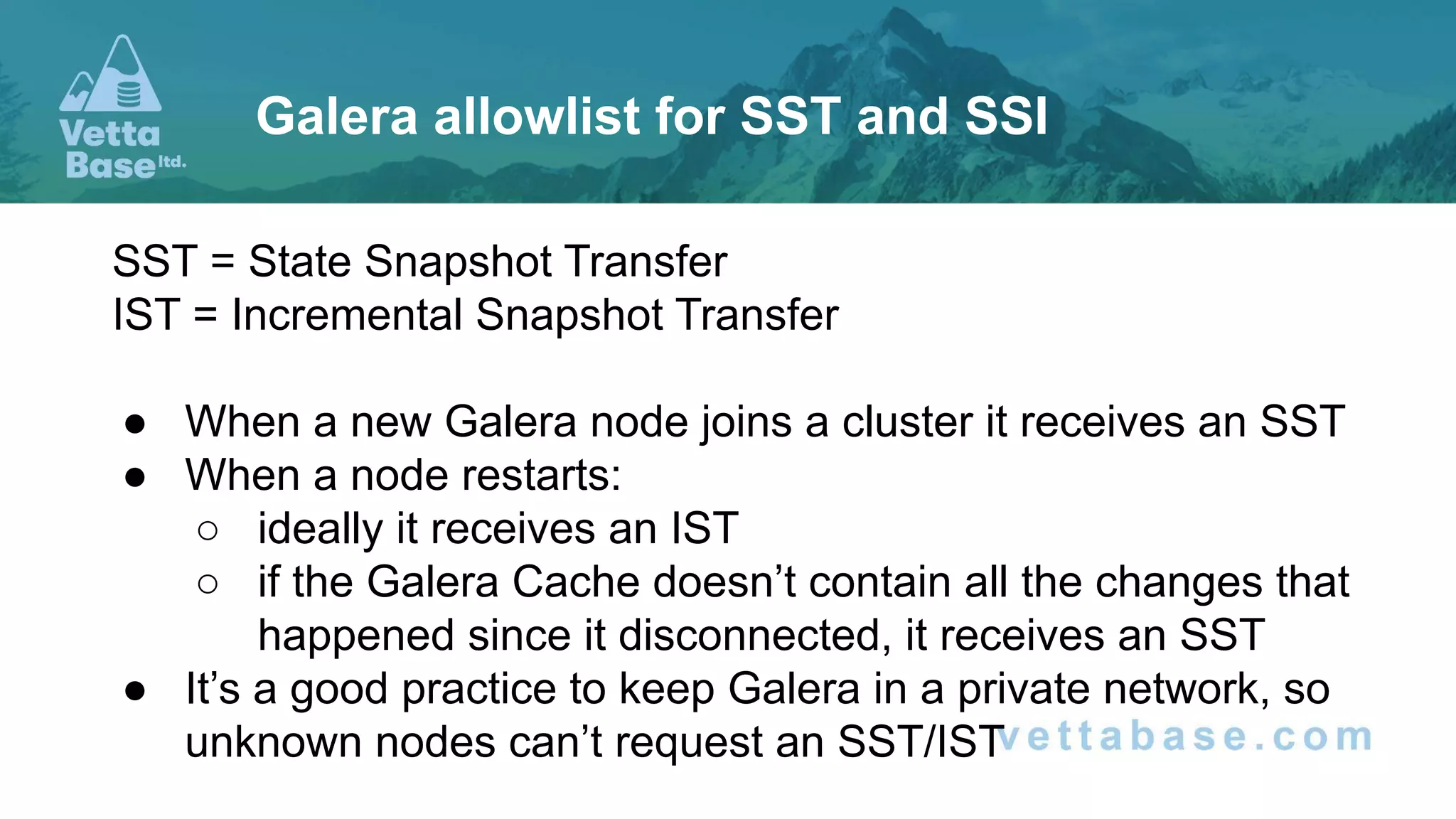
SST = State Snapshot Transfer
IST = Incremental Snapshot Transfer
● When a new Galera node joins a cluster it receives an SST
● When a node restarts:
○ ideally it receives an IST
○ if the Galera Cache doesn’t contain all the changes that
happened since it disconnected, it receives an SST
● It’s a good practice to keep Galera in a private network, so
unknown nodes can’t request an SST/IST
Galera allowlist for SST and SSI
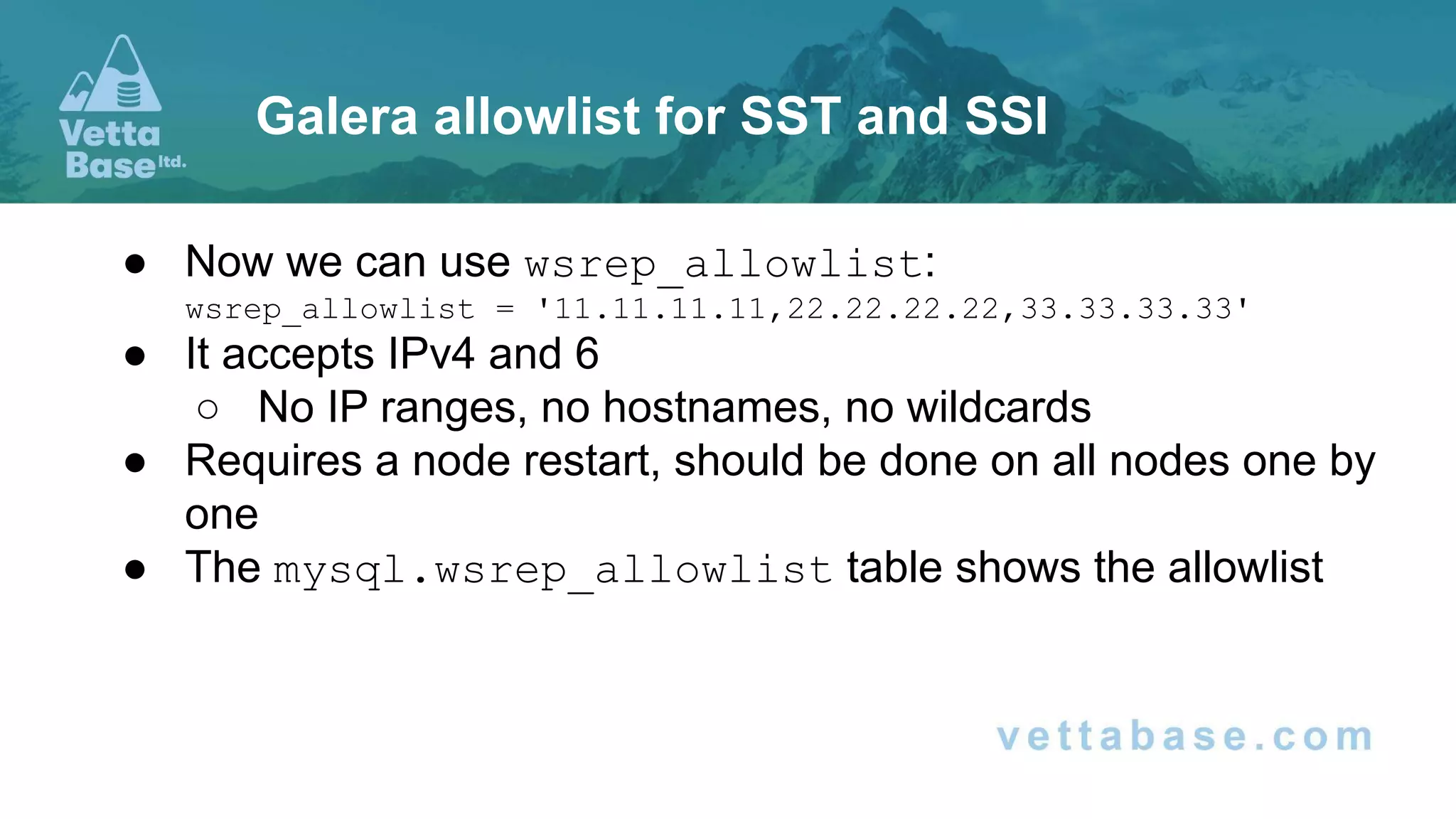
● Now we can use wsrep_allowlist:
wsrep_allowlist = '11.11.11.11,22.22.22.22,33.33.33.33'
● It accepts IPv4 and 6
○ No IP ranges, no hostnames, no wildcards
● Requires a node restart, should be done on all nodes one by
one
● The mysql.wsrep_allowlist table shows the allowlist
Galera allowlist for SST and SSI
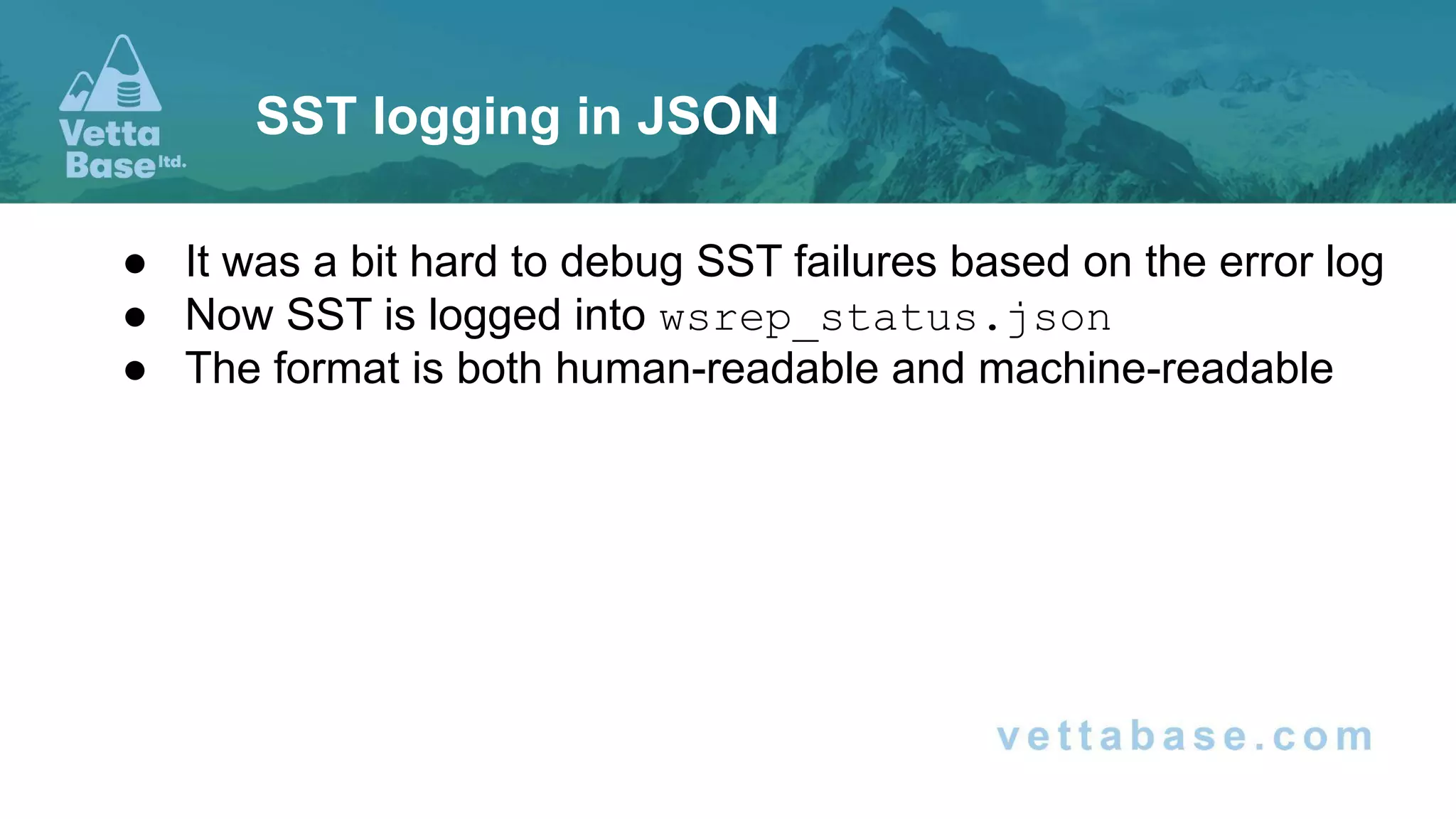
● It was a bit hard to debug SST failures based on the error log
● Now SST is logged into wsrep_status.json
● The format is both human-readable and machine-readable
SST logging in JSON
{
"date": "2021-09-04 15:35:02.000",
"timestamp": 1630758902.00000000,
"errors": [
{
"timestamp": 1630758901.00000000,
"msg": "mysqld: Can't open shared library
'/tmp/galera/0/mysql/lib64/mysql/plugin/audit_log.so' (errno: 0, cannot open shared object file: No such file or
directory)"
}
],
"warnings": [ …
],
"status": {
"state": "DISCONNECTED",
"comment": "Disconnected",
"progress": -1.00000
}
}
SST logging in JSON
Performance
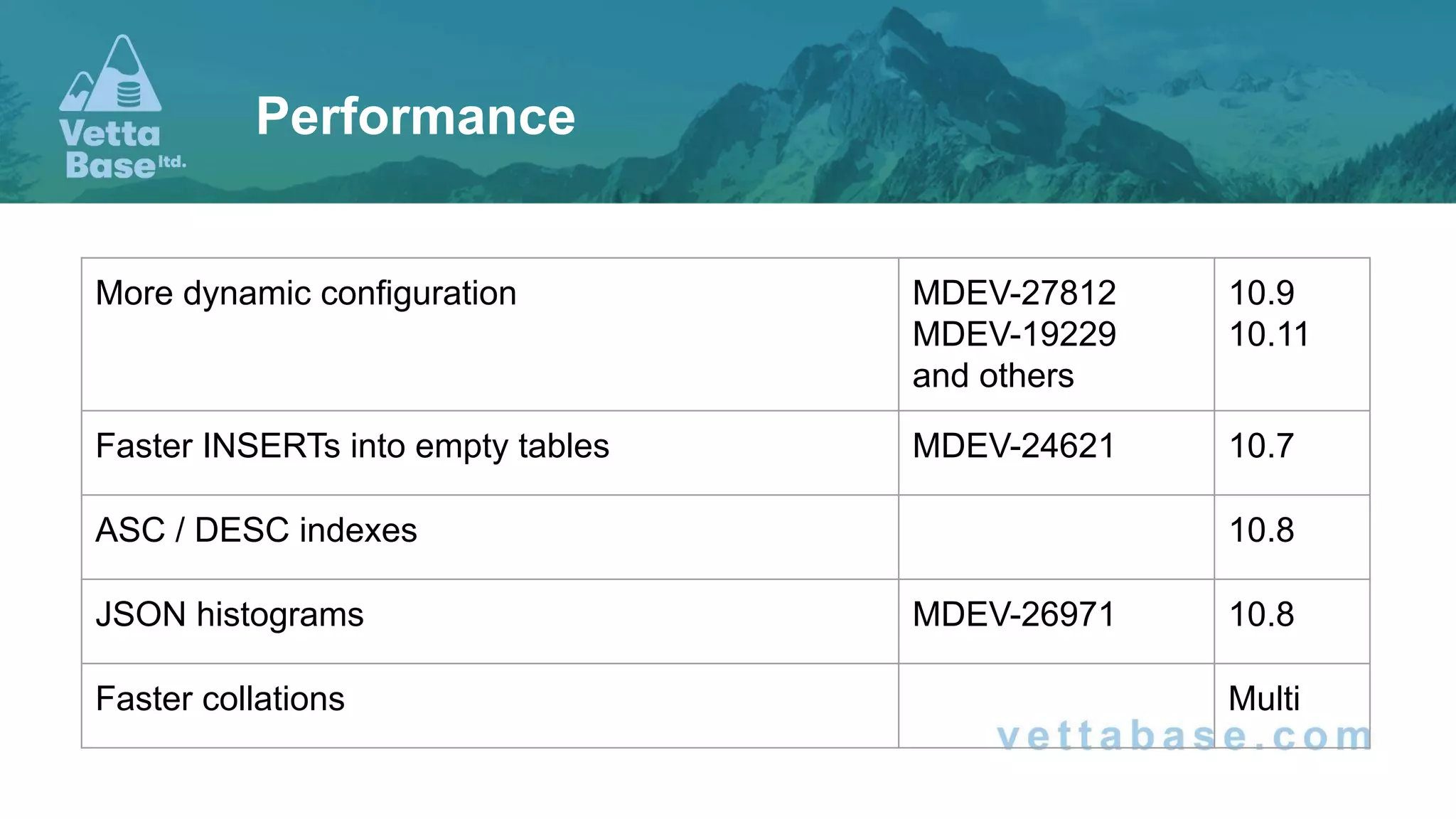
Performance
More dynamic configuration MDEV-27812
MDEV-19229
and others
10.9
10.11
Faster INSERTs into empty tables MDEV-24621 10.7
ASC / DESC indexes 10.8
JSON histograms MDEV-26971 10.8
Faster collations Multi
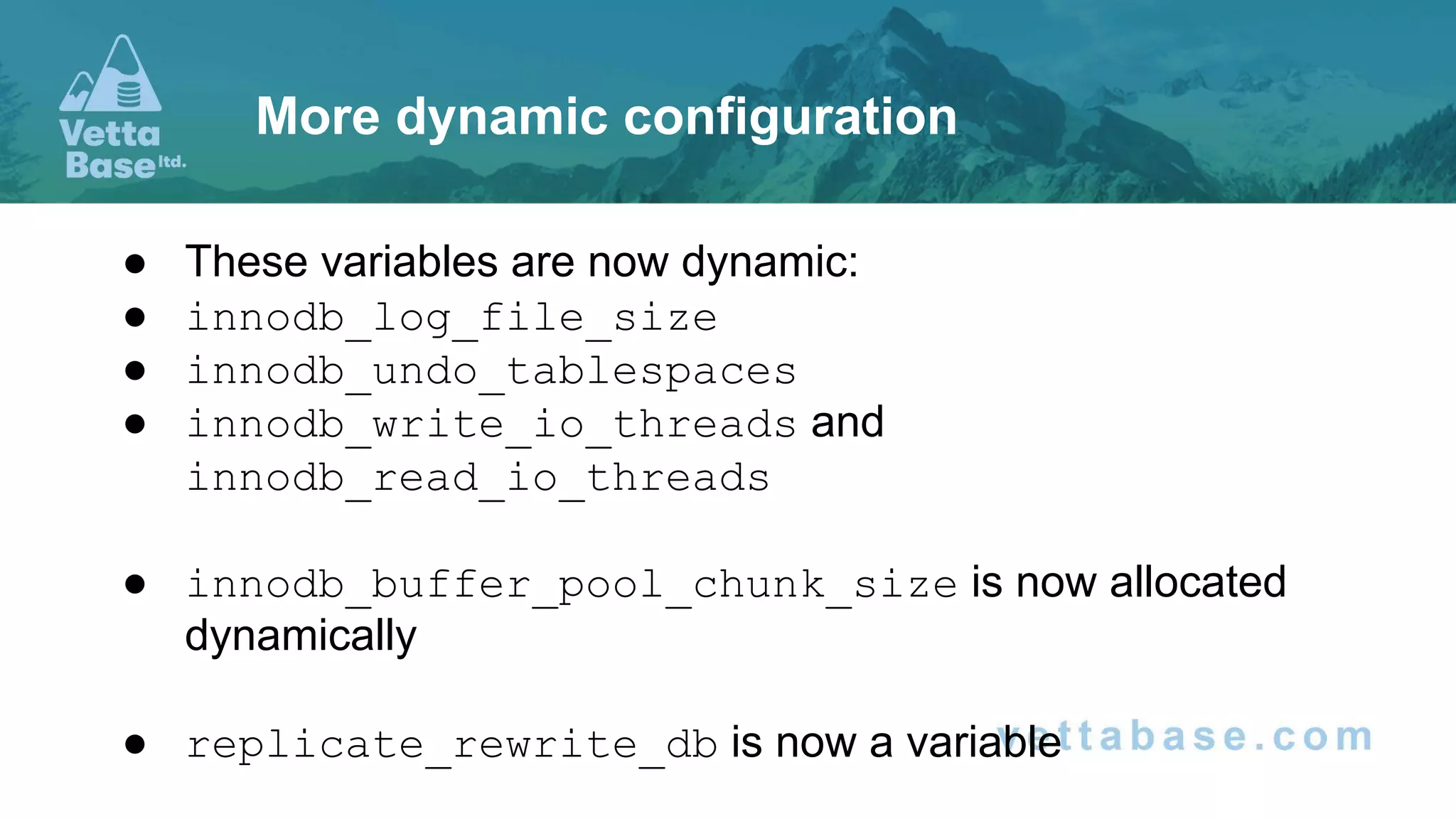
● These variables are now dynamic:
● innodb_log_file_size
● innodb_undo_tablespaces
● innodb_write_io_threads and
innodb_read_io_threads
● innodb_buffer_pool_chunk_size is now allocated
dynamically
● replicate_rewrite_db is now a variable
More dynamic configuration
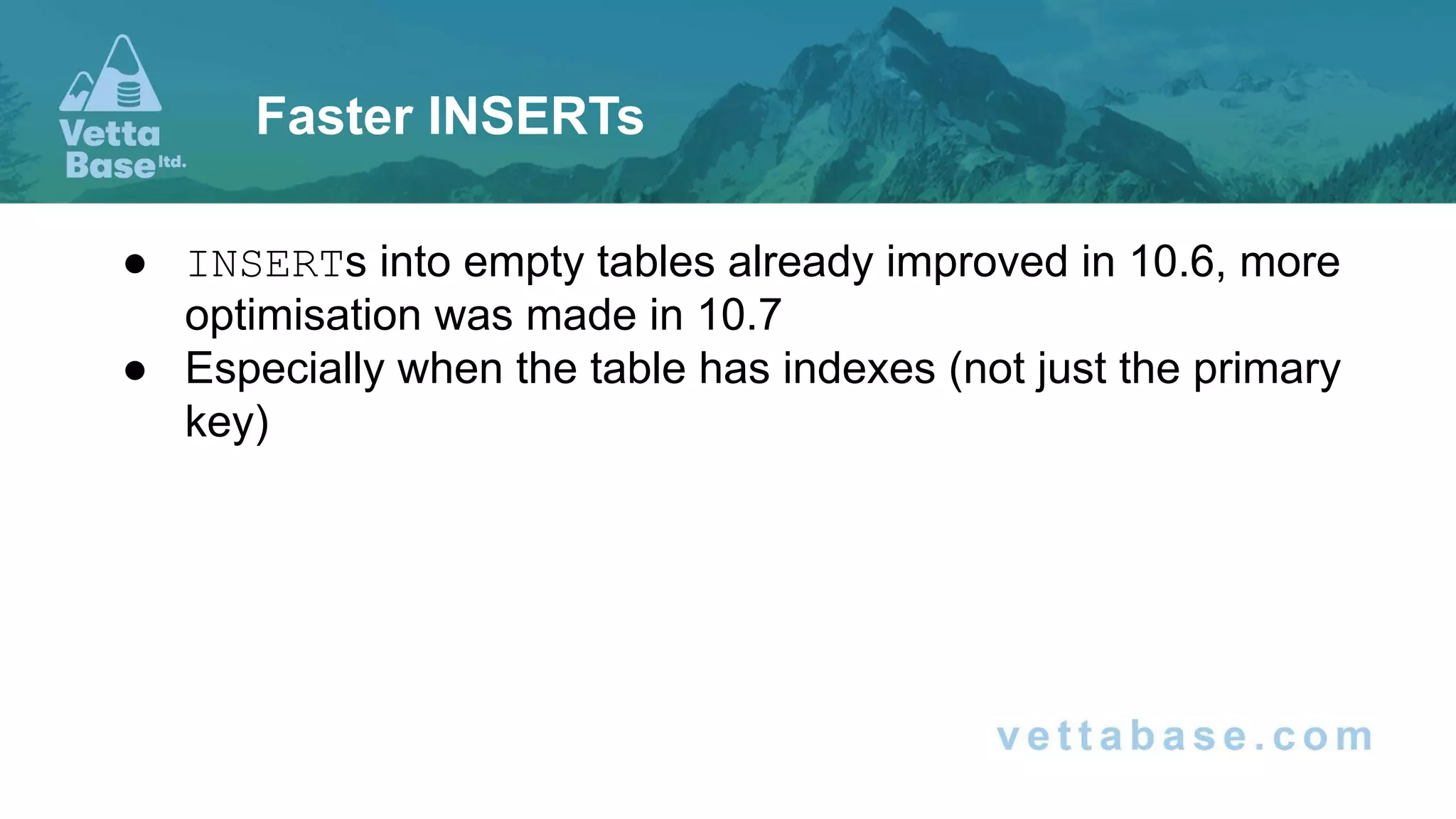
● INSERTs into empty tables already improved in 10.6, more
optimisation was made in 10.7
● Especially when the table has indexes (not just the primary
key)
Faster INSERTs
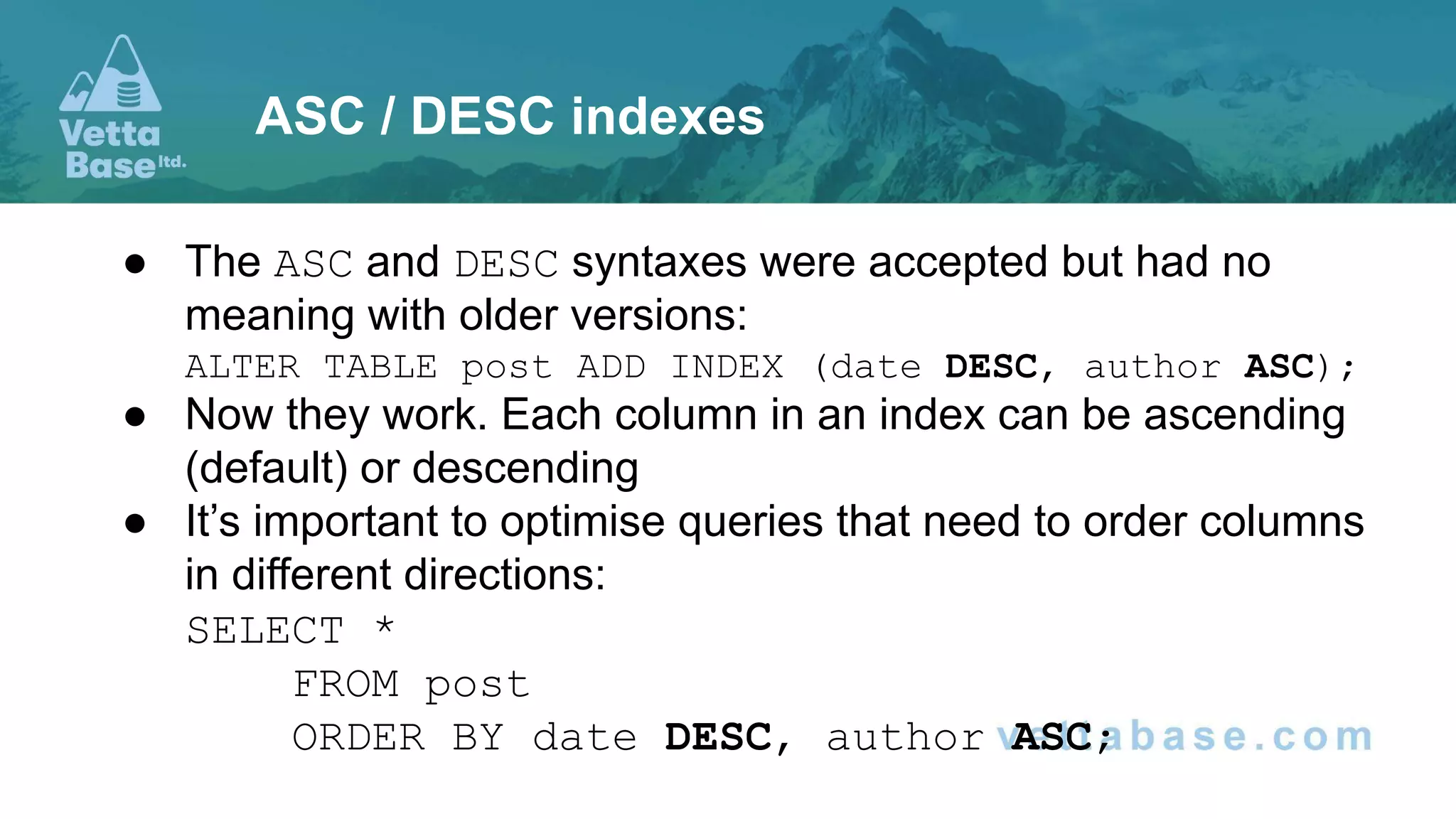
● The ASC and DESC syntaxes were accepted but had no
meaning with older versions:
ALTER TABLE post ADD INDEX (date DESC, author ASC);
● Now they work. Each column in an index can be ascending
(default) or descending
● It’s important to optimise queries that need to order columns
in different directions:
SELECT *
FROM post
ORDER BY date DESC, author ASC;
ASC / DESC indexes
● Statistics are estimations about data distribution in tables,
indexes and columns
● They are used by the Optimiser to determine the fastest
query plan
● In previous versions MariaDB implemented:
○ Engine-independent statistics
○ Histograms
JSON Histograms
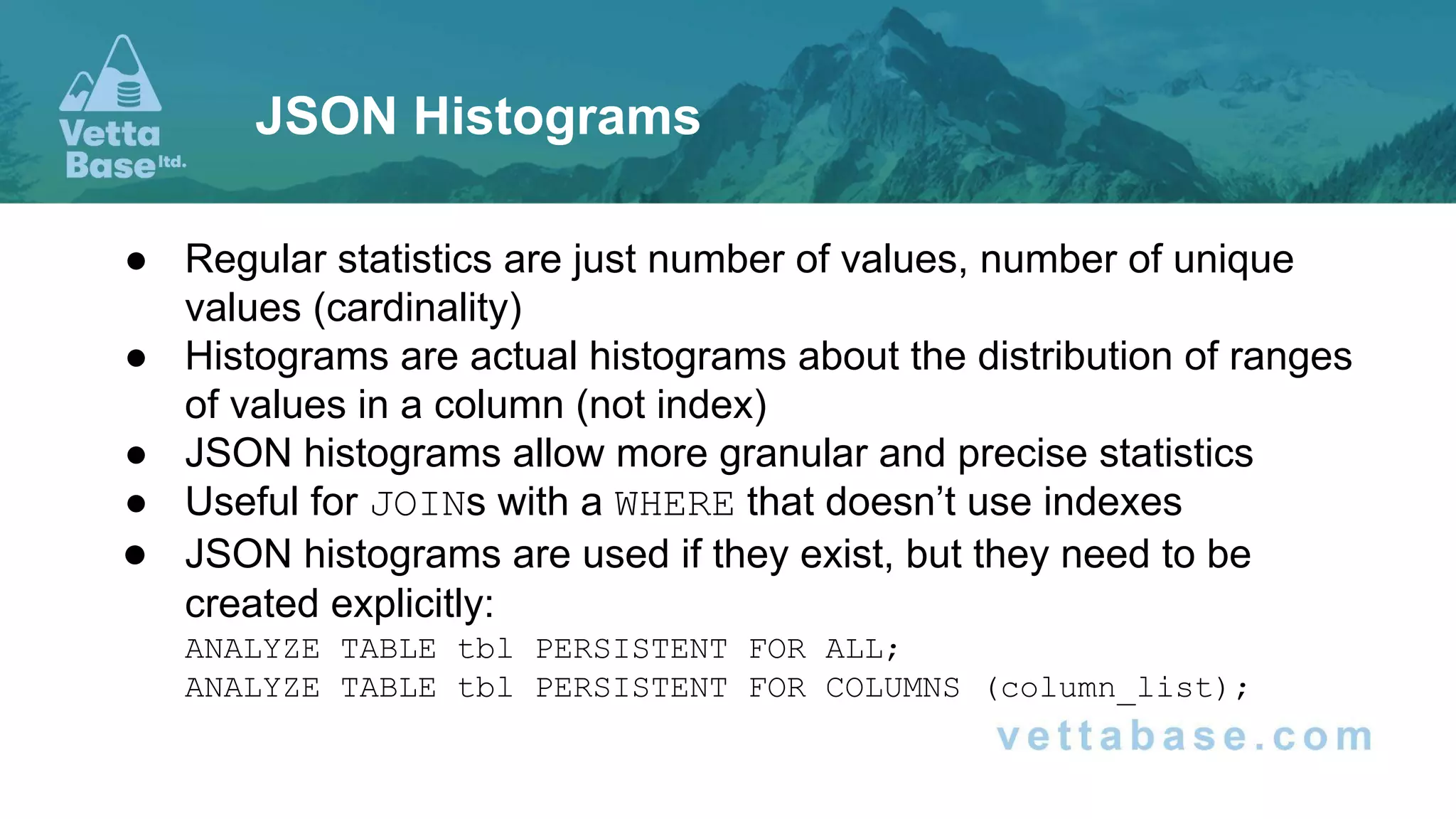
● Regular statistics are just number of values, number of unique
values (cardinality)
● Histograms are actual histograms about the distribution of ranges
of values in a column (not index)
● JSON histograms allow more granular and precise statistics
● Useful for JOINs with a WHERE that doesn’t use indexes
● JSON histograms are used if they exist, but they need to be
created explicitly:
ANALYZE TABLE tbl PERSISTENT FOR ALL;
ANALYZE TABLE tbl PERSISTENT FOR COLUMNS (column_list);
JSON Histograms
● A character set defines which characters may exist in a
column
● A collation defines how to order these characters
● And, for example, if some characters are the same (A and a,
a and à, etc…)
● This affects all comparisons and sorting:
>, <, =, ORDER BY, GROUP BY…
● Recent versions implemented several optimisations
● Like the “group comparison” for characters that are included
in the ASCII character set
Faster collations
New Data Types
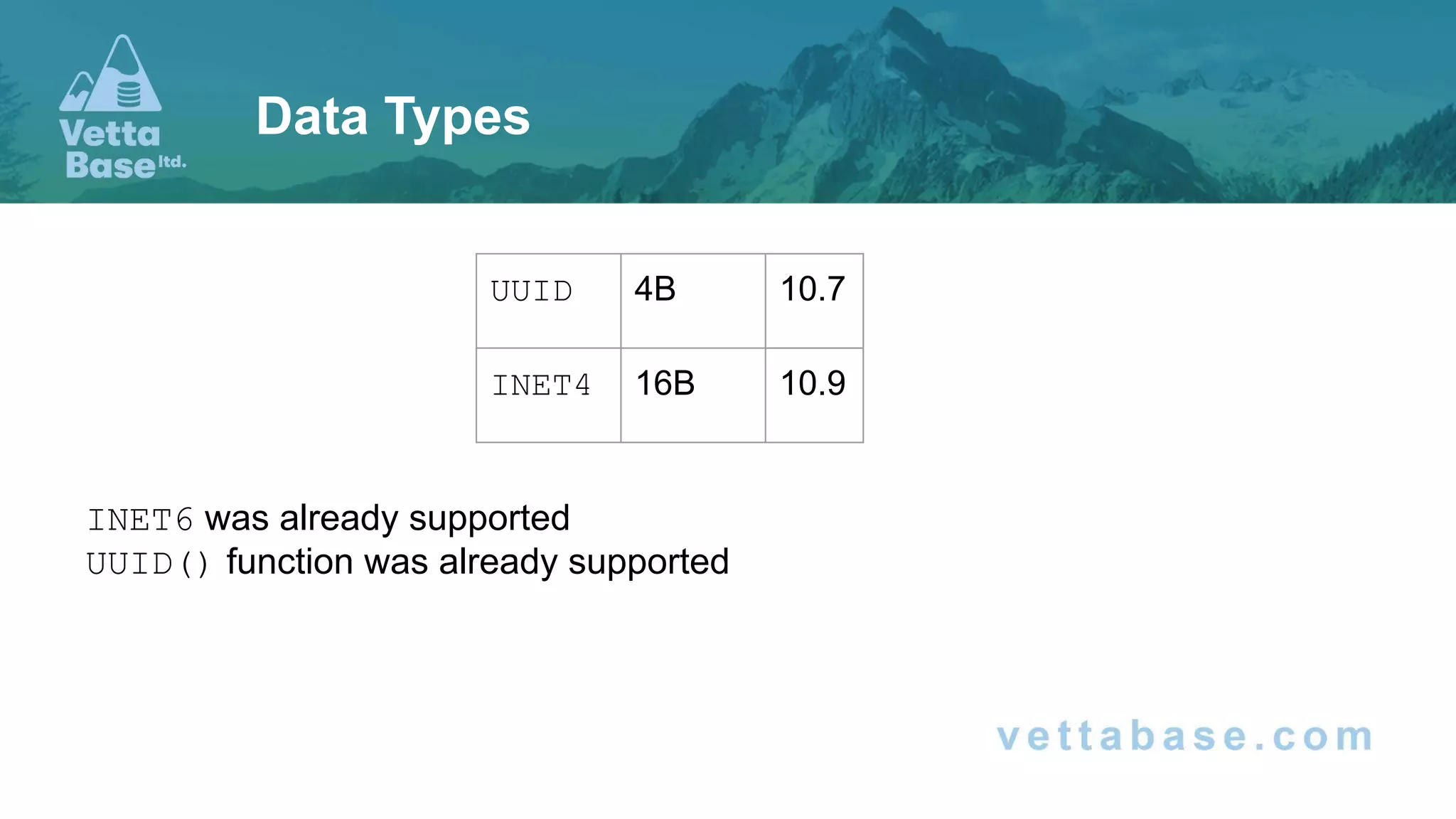
INET6 was already supported
UUID() function was already supported
Data Types
UUID 4B 10.7
INET4 16B 10.9
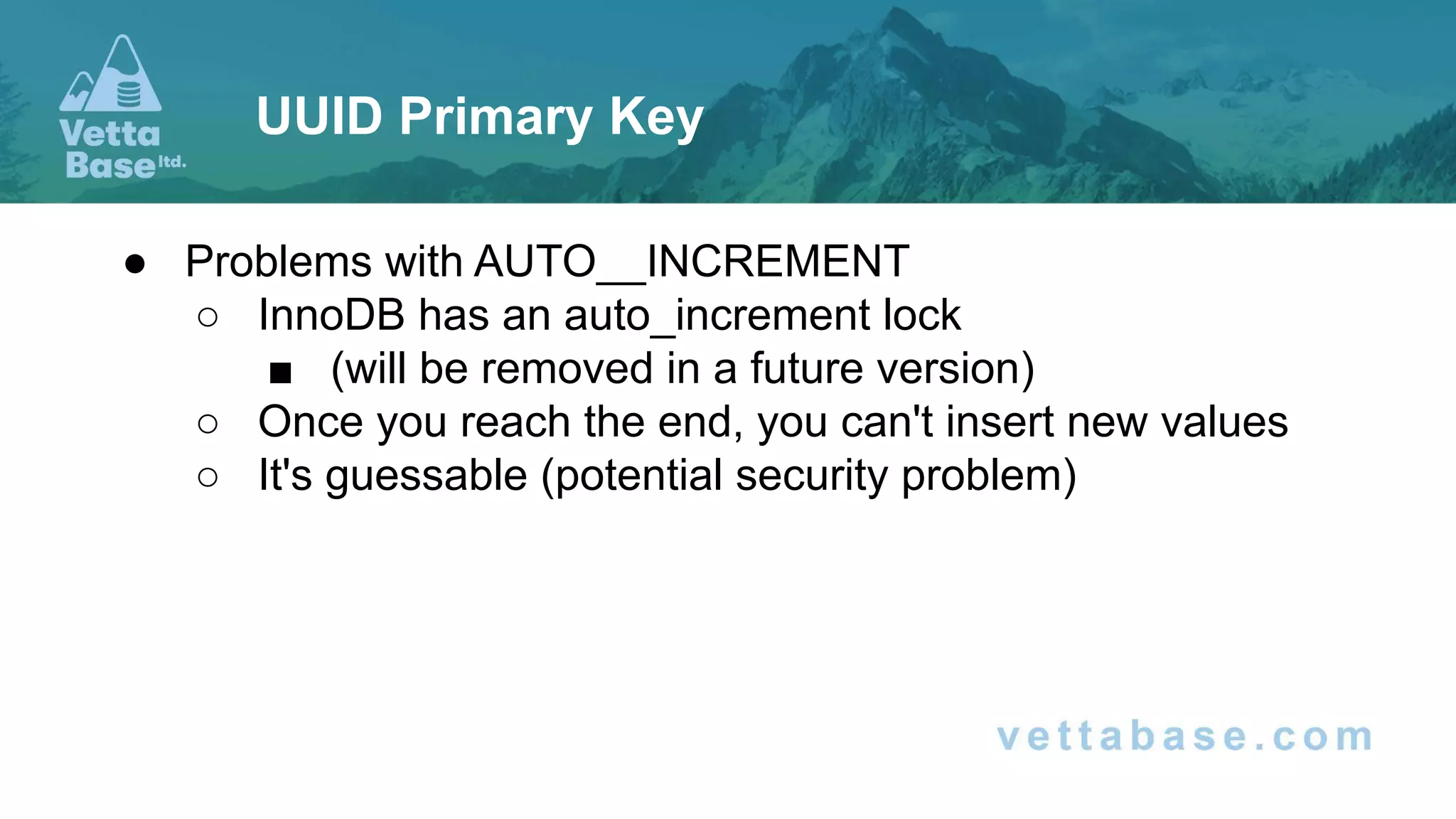
● Problems with AUTO__INCREMENT
○ InnoDB has an auto_increment lock
■ (will be removed in a future version)
○ Once you reach the end, you can't insert new values
○ It's guessable (potential security problem)
UUID Primary Key
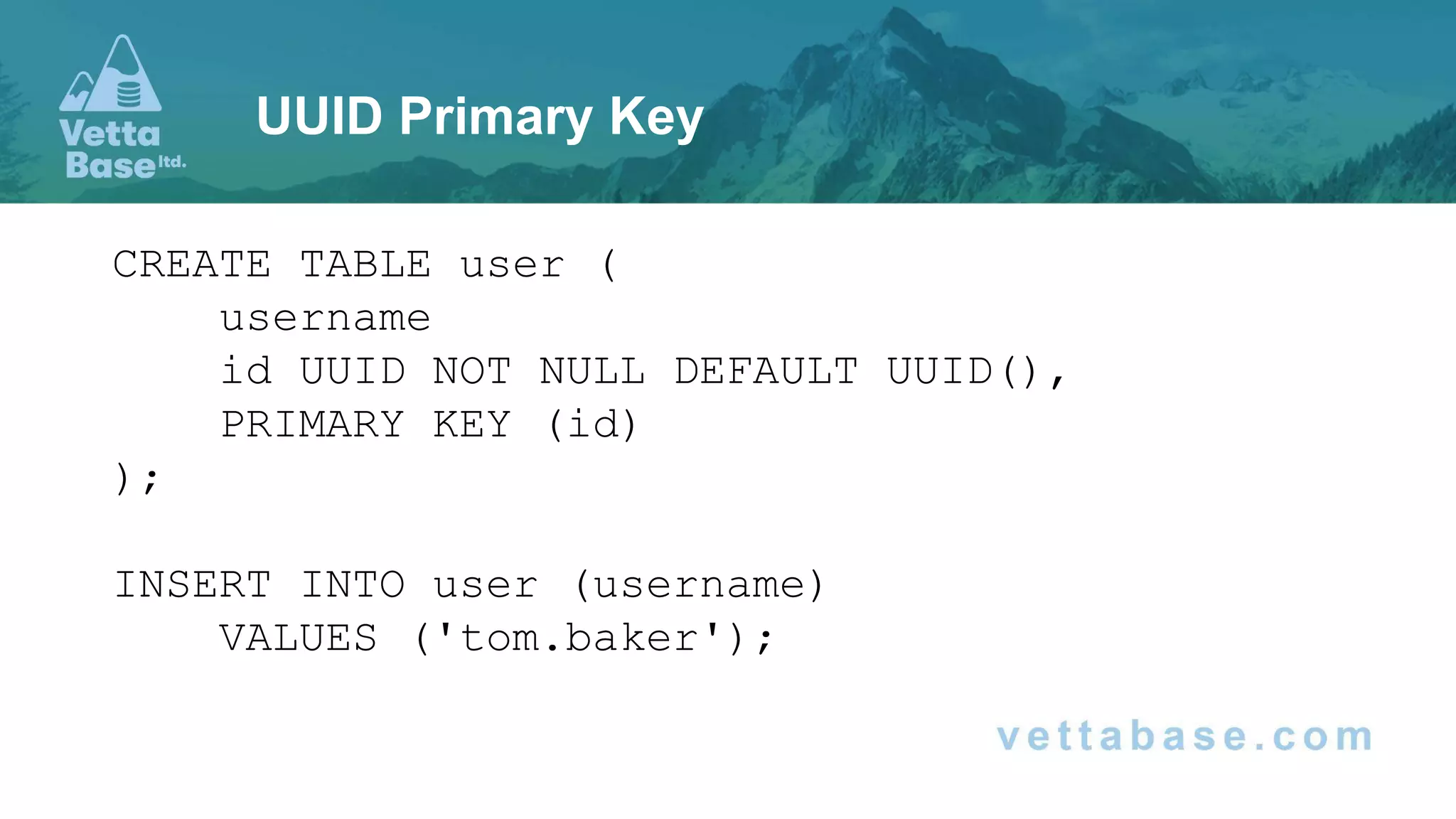
CREATE TABLE user (
username
id UUID NOT NULL DEFAULT UUID(),
PRIMARY KEY (id)
);
INSERT INTO user (username)
VALUES ('tom.baker');
UUID Primary Key
New Functions
Functions
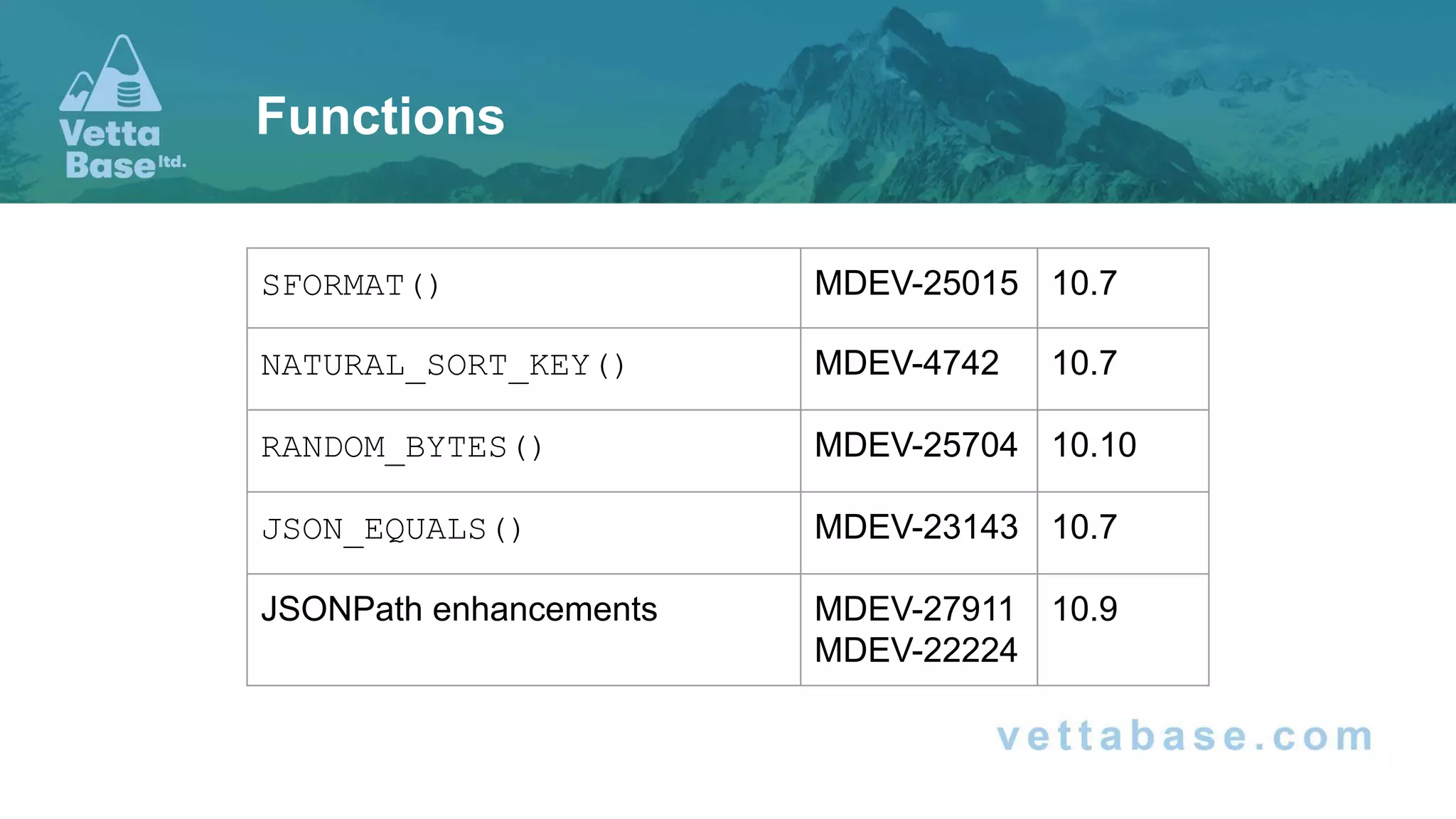
SFORMAT() MDEV-25015 10.7
NATURAL_SORT_KEY() MDEV-4742 10.7
RANDOM_BYTES() MDEV-25704 10.10
JSON_EQUALS() MDEV-23143 10.7
JSONPath enhancements MDEV-27911
MDEV-22224
10.9
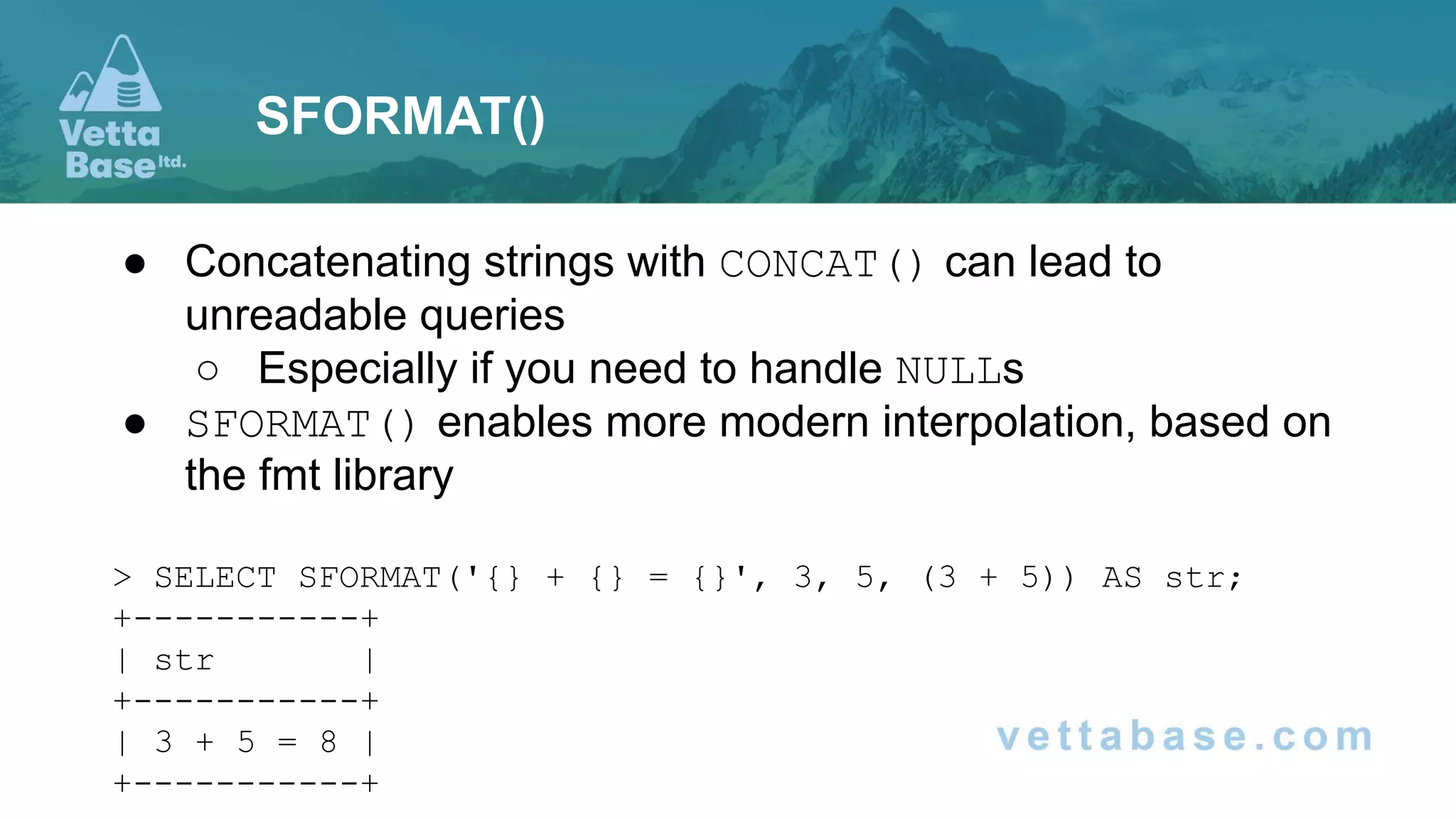
● Concatenating strings with CONCAT() can lead to
unreadable queries
○ Especially if you need to handle NULLs
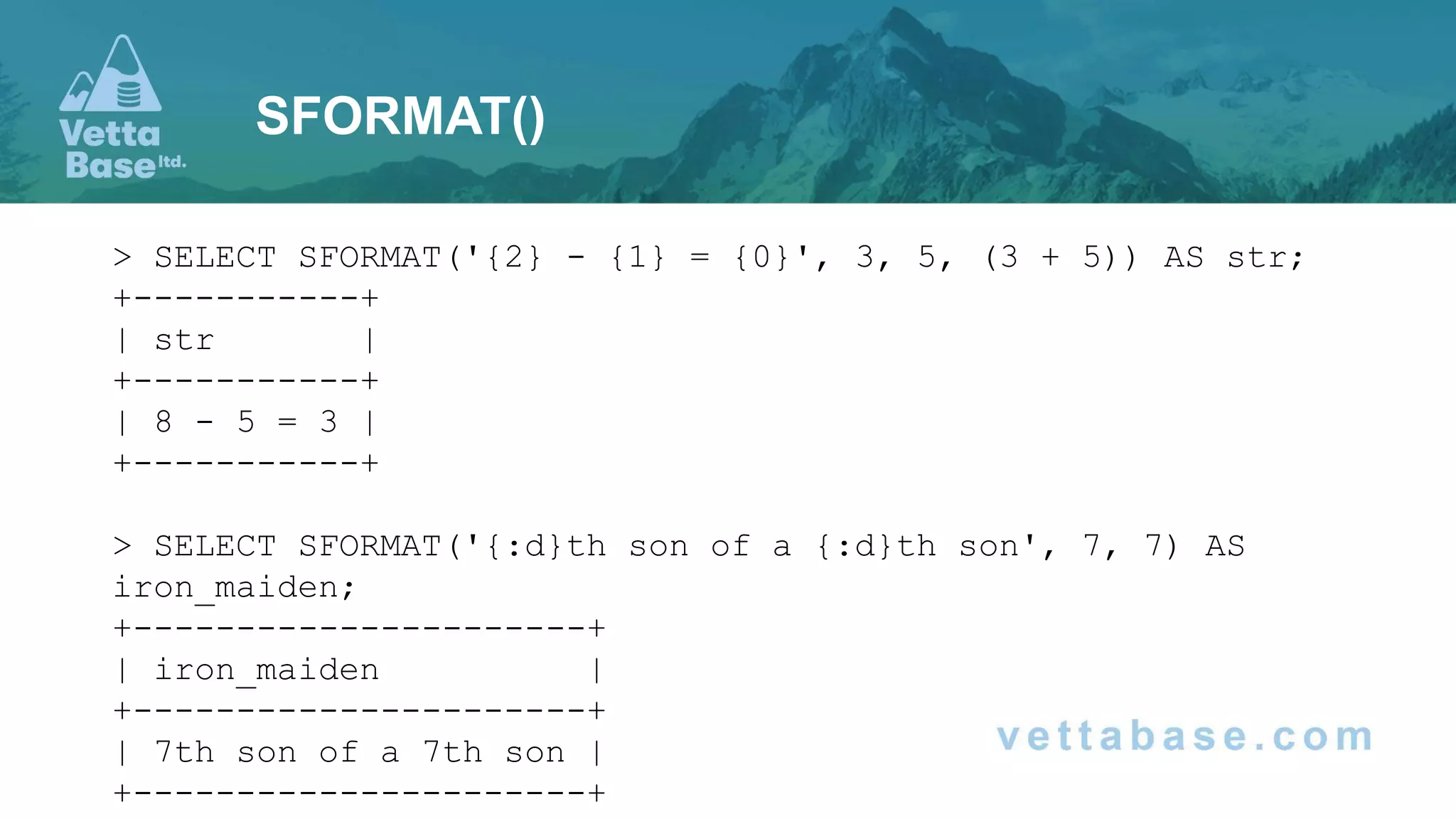
● SFORMAT() enables more modern interpolation, based on
the fmt library
> SELECT SFORMAT('{} + {} = {}', 3, 5, (3 + 5)) AS str;
+-----------+
| str |
+-----------+
| 3 + 5 = 8 |
+-----------+
SFORMAT()
> SELECT SFORMAT('{2} - {1} = {0}', 3, 5, (3 + 5)) AS str;
+-----------+
| str |
+-----------+
| 8 - 5 = 3 |
+-----------+
> SELECT SFORMAT('{:d}th son of a {:d}th son', 7, 7) AS
iron_maiden;
+----------------------+
| iron_maiden |
+----------------------+
| 7th son of a 7th son |
+----------------------+
SFORMAT()
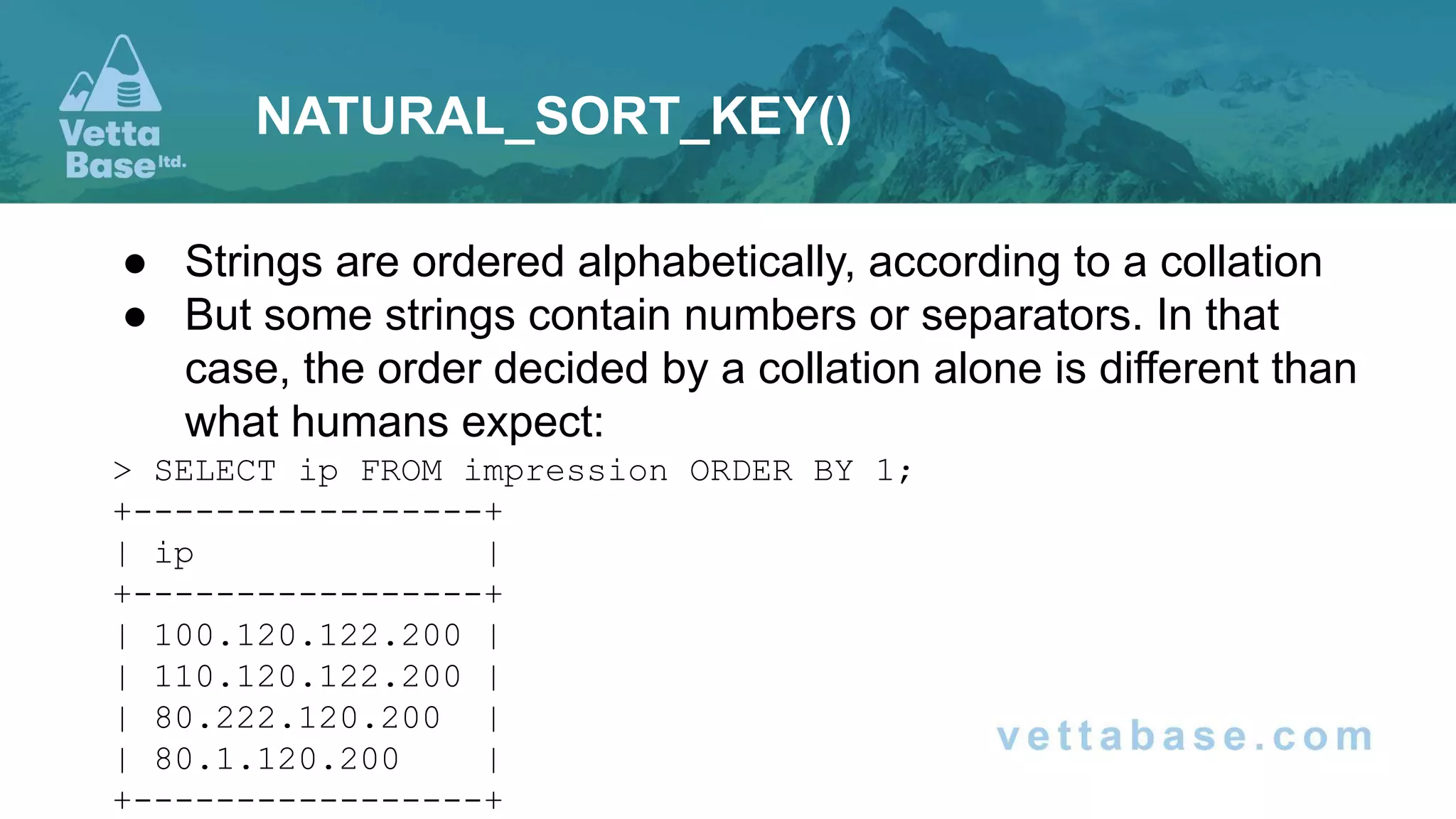
● Strings are ordered alphabetically, according to a collation
● But some strings contain numbers or separators. In that
case, the order decided by a collation alone is different than
what humans expect:
> SELECT ip FROM impression ORDER BY 1;
+-----------------+
| ip |
+-----------------+
| 100.120.122.200 |
| 110.120.122.200 |
| 80.222.120.200 |
| 80.1.120.200 |
+-----------------+
NATURAL_SORT_KEY()
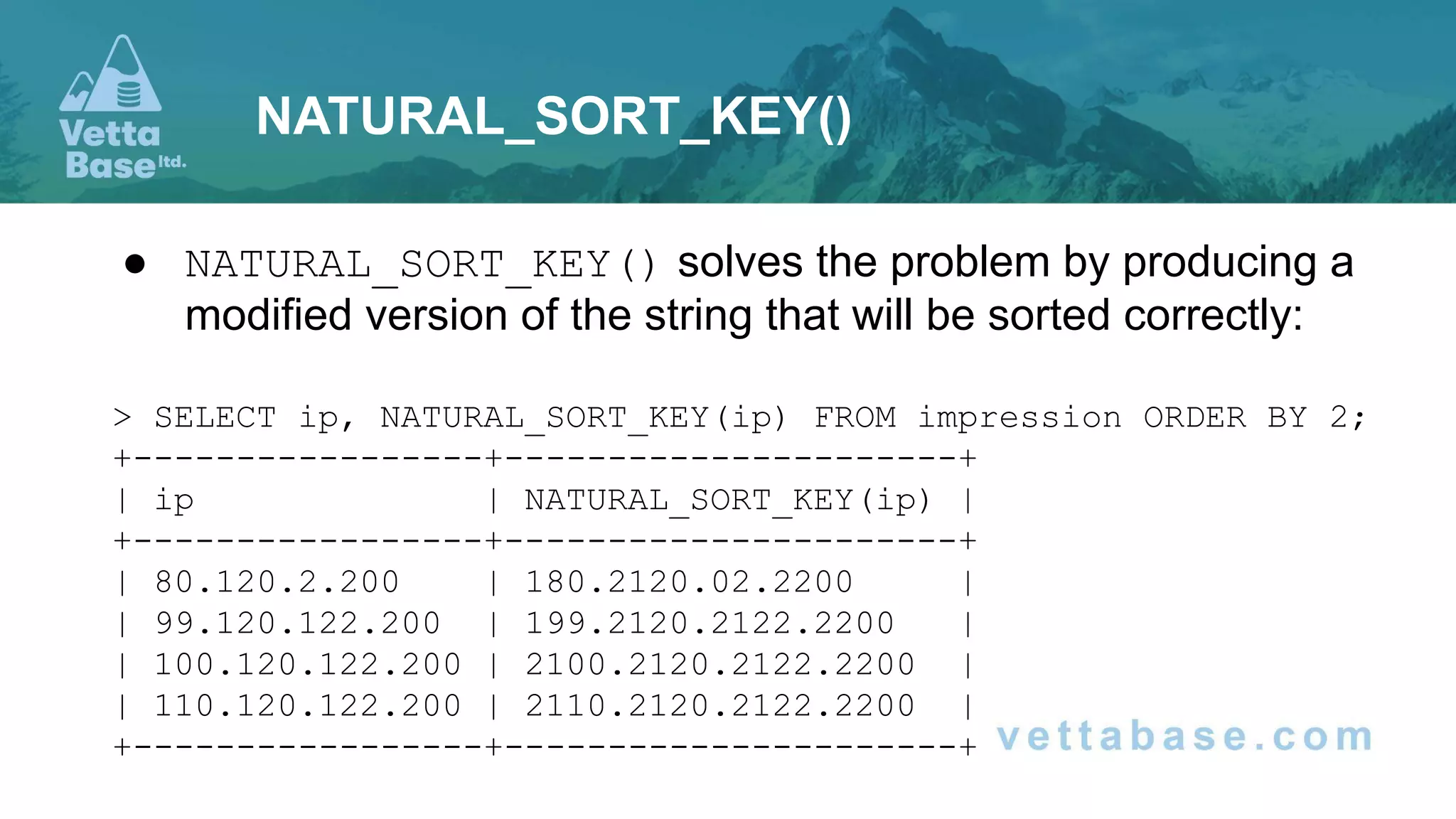
● NATURAL_SORT_KEY() solves the problem by producing a
modified version of the string that will be sorted correctly:
> SELECT ip, NATURAL_SORT_KEY(ip) FROM impression ORDER BY 2;
+-----------------+----------------------+
| ip | NATURAL_SORT_KEY(ip) |
+-----------------+----------------------+
| 80.120.2.200 | 180.2120.02.2200 |
| 99.120.122.200 | 199.2120.2122.2200 |
| 100.120.122.200 | 2100.2120.2122.2200 |
| 110.120.122.200 | 2110.2120.2122.2200 |
+-----------------+----------------------+
NATURAL_SORT_KEY()
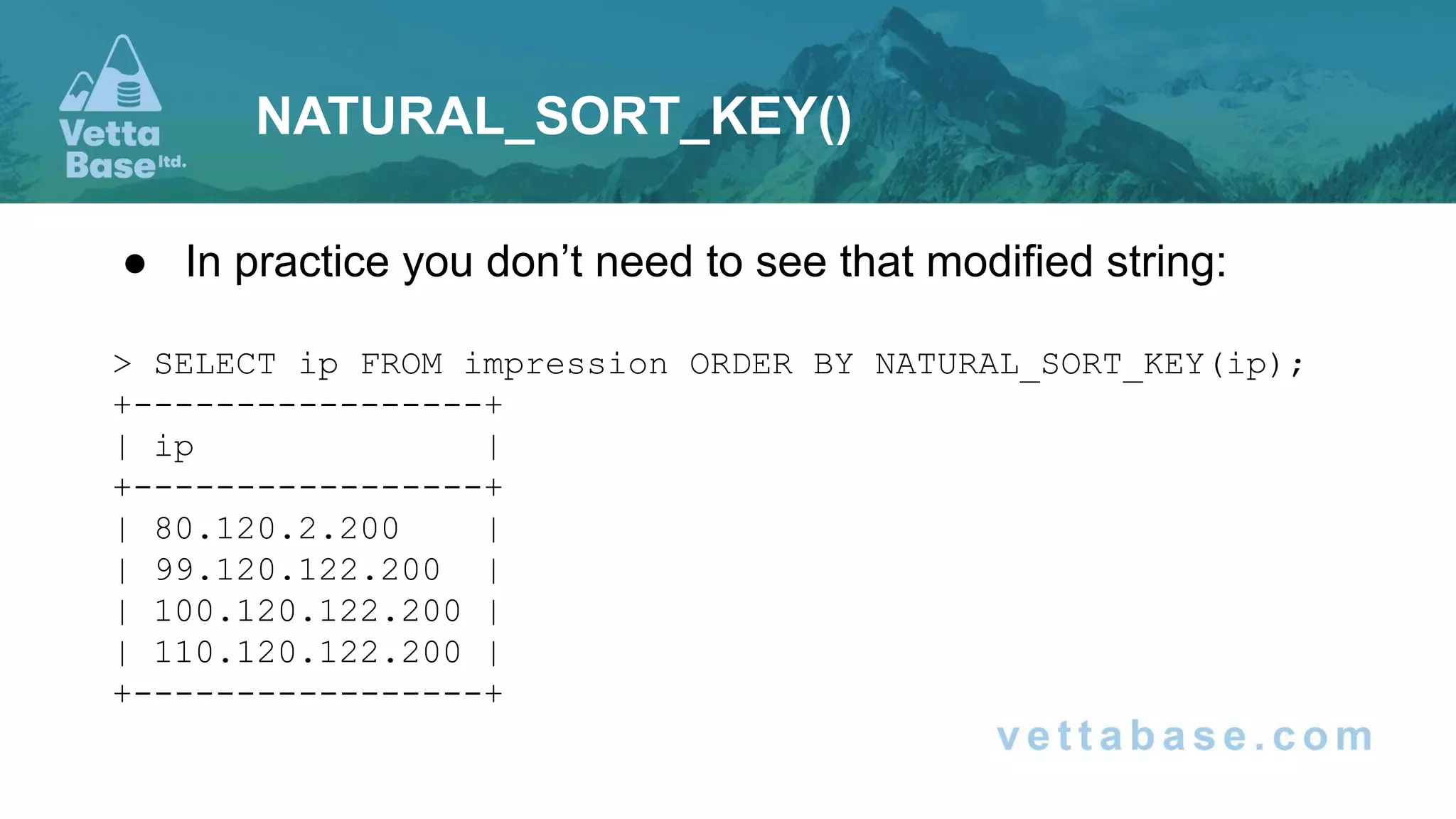
● In practice you don’t need to see that modified string:
> SELECT ip FROM impression ORDER BY NATURAL_SORT_KEY(ip);
+-----------------+
| ip |
+-----------------+
| 80.120.2.200 |
| 99.120.122.200 |
| 100.120.122.200 |
| 110.120.122.200 |
+-----------------+
NATURAL_SORT_KEY()
● JSON_EQUALS() compares two JSON documents ignoring
spaces, the keys order, etc
● Some functions accept JSONPath expressions to find a part
of a JSON document. Now MariaDB JSONPath supports:
○ Array ranges
SELECT JSON_EXTRACT(json_arr, '$[2 to 5]');
○ Negative indexes
SELECT JSON_EXTRACT(json_arr, '$[-1]');
JSON
https://vettabase.com/services
● Migrations to/from MariaDB
● Upgrades (tests, no downtime)
● Database health checks
● Training for DBAs, devops, developers, data analysts
● And more
MariaDB, MySQL, PostgreSQL, Cassandra
All major cloud providers

MariaDB 10.11 key features overview for DBAs

  • 1.
    MariaDB 10.11 key featuresoverview for DBAs
  • 2.
  • 3.
    ● Features areonly good if you use them ● You only use features you know ● MariaDB is very good at developing features ● But not as good at documenting and advertising them The importance of documentation
  • 4.
    mariadb.org/kb ● MariaDB KnowledgeBaseis a public wiki ○ You can contribute under the terms of CC BY-SA / GNU FDL ○ The KB has pages on how to contribute Or you can write your own blog posts The importance of documentation
  • 5.
  • 6.
    MariaDB Versions MariaDB 10.6Latest LTS (Long Term Support) Supported until July 2026 MariaDB 10.7 Stable STS (Short Term Support) MariaDB 10.8 Stable STS MariaDB 10.9 Stable STS MariaDB 10.10 Alpha STS MariaDB 10.11 Stable LTS EOL: February 2028 MariaDB 11.0 RC MariaDB 11.1 Alpha
  • 7.
    ● Maturity levels: Alpha/ Beta / Gamma / RC / Stable ● STS versions shouldn’t be used in production ○ (sort of) ○ Because they’re only supported for 1 year ● LTS support is 4 years
  • 8.
    ● We’re goingto cover the most important features included in STSs, that you can expect to see in the next LTS ● “Most important” according to my opinion, our internal discussions, and our customers needs. Others may disagree ● In a logical order, not in a chronological order ● I will not assume that you are an expert This talk
  • 9.
  • 10.
    Replication / HA “Lag-free”ALTER TABLE MDEV-11675 10.8 Galera IP Allowlist for SST MDEV-27246 10.10 JSON SST progress logging MDEV-26971 10.9
  • 11.
    ● Previously, ALTERTABLE was executed on the master first ● Only after it succeeded, it started on the replicas ● This usually blocked replication until completion ● And ALTER TABLE can take a lot of time on big tables “Lag-free” ALTER TABLE
  • 12.
    You run: SET SESSIONbinlog_alter_two_phase = 1; ALTER TABLE atest CHANGE COLUMN b b BIGINT SIGNED NOT NULL; Binary log says: ALTER TABLE atest CHANGE COLUMN b b BIGINT SIGNED NOT NULL DEFAULT 1 #230425 21:29:41 server id 1 end_log_pos 1087 CRC32 0xb1f3cec6 GTID 0-1-5 ddl START ALTER #230425 21:29:41 server id 1 end_log_pos 1271 CRC32 0x1b978324 GTID 0-1-6 ddl COMMIT ALTER id= 5 “Lag-free” ALTER TABLE
  • 13.
    ● ALTER TABLEstarts on master, and then it can start immediately on replicas ● Even if it’s faster on replicas, it will only be finalised when it completes on master ● If it fails on master, replicas will stop the operation “Lag-free” ALTER TABLE
  • 14.
    SST = StateSnapshot Transfer IST = Incremental Snapshot Transfer ● When a new Galera node joins a cluster it receives an SST ● When a node restarts: ○ ideally it receives an IST ○ if the Galera Cache doesn’t contain all the changes that happened since it disconnected, it receives an SST ● It’s a good practice to keep Galera in a private network, so unknown nodes can’t request an SST/IST Galera allowlist for SST and SSI
  • 15.
    ● Now wecan use wsrep_allowlist: wsrep_allowlist = '11.11.11.11,22.22.22.22,33.33.33.33' ● It accepts IPv4 and 6 ○ No IP ranges, no hostnames, no wildcards ● Requires a node restart, should be done on all nodes one by one ● The mysql.wsrep_allowlist table shows the allowlist Galera allowlist for SST and SSI
  • 16.
    ● It wasa bit hard to debug SST failures based on the error log ● Now SST is logged into wsrep_status.json ● The format is both human-readable and machine-readable SST logging in JSON
  • 17.
    { "date": "2021-09-04 15:35:02.000", "timestamp":1630758902.00000000, "errors": [ { "timestamp": 1630758901.00000000, "msg": "mysqld: Can't open shared library '/tmp/galera/0/mysql/lib64/mysql/plugin/audit_log.so' (errno: 0, cannot open shared object file: No such file or directory)" } ], "warnings": [ … ], "status": { "state": "DISCONNECTED", "comment": "Disconnected", "progress": -1.00000 } } SST logging in JSON
  • 18.
  • 19.
    Performance More dynamic configurationMDEV-27812 MDEV-19229 and others 10.9 10.11 Faster INSERTs into empty tables MDEV-24621 10.7 ASC / DESC indexes 10.8 JSON histograms MDEV-26971 10.8 Faster collations Multi
  • 20.
    ● These variablesare now dynamic: ● innodb_log_file_size ● innodb_undo_tablespaces ● innodb_write_io_threads and innodb_read_io_threads ● innodb_buffer_pool_chunk_size is now allocated dynamically ● replicate_rewrite_db is now a variable More dynamic configuration
  • 21.
    ● INSERTs intoempty tables already improved in 10.6, more optimisation was made in 10.7 ● Especially when the table has indexes (not just the primary key) Faster INSERTs
  • 22.
    ● The ASCand DESC syntaxes were accepted but had no meaning with older versions: ALTER TABLE post ADD INDEX (date DESC, author ASC); ● Now they work. Each column in an index can be ascending (default) or descending ● It’s important to optimise queries that need to order columns in different directions: SELECT * FROM post ORDER BY date DESC, author ASC; ASC / DESC indexes
  • 23.
    ● Statistics areestimations about data distribution in tables, indexes and columns ● They are used by the Optimiser to determine the fastest query plan ● In previous versions MariaDB implemented: ○ Engine-independent statistics ○ Histograms JSON Histograms
  • 24.
    ● Regular statisticsare just number of values, number of unique values (cardinality) ● Histograms are actual histograms about the distribution of ranges of values in a column (not index) ● JSON histograms allow more granular and precise statistics ● Useful for JOINs with a WHERE that doesn’t use indexes ● JSON histograms are used if they exist, but they need to be created explicitly: ANALYZE TABLE tbl PERSISTENT FOR ALL; ANALYZE TABLE tbl PERSISTENT FOR COLUMNS (column_list); JSON Histograms
  • 25.
    ● A characterset defines which characters may exist in a column ● A collation defines how to order these characters ● And, for example, if some characters are the same (A and a, a and à, etc…) ● This affects all comparisons and sorting: >, <, =, ORDER BY, GROUP BY… ● Recent versions implemented several optimisations ● Like the “group comparison” for characters that are included in the ASCII character set Faster collations
  • 26.
  • 27.
    INET6 was alreadysupported UUID() function was already supported Data Types UUID 4B 10.7 INET4 16B 10.9
  • 28.
    ● Problems withAUTO__INCREMENT ○ InnoDB has an auto_increment lock ■ (will be removed in a future version) ○ Once you reach the end, you can't insert new values ○ It's guessable (potential security problem) UUID Primary Key
  • 29.
    CREATE TABLE user( username id UUID NOT NULL DEFAULT UUID(), PRIMARY KEY (id) ); INSERT INTO user (username) VALUES ('tom.baker'); UUID Primary Key
  • 30.
  • 31.
    Functions SFORMAT() MDEV-25015 10.7 NATURAL_SORT_KEY()MDEV-4742 10.7 RANDOM_BYTES() MDEV-25704 10.10 JSON_EQUALS() MDEV-23143 10.7 JSONPath enhancements MDEV-27911 MDEV-22224 10.9
  • 32.
    ● Concatenating stringswith CONCAT() can lead to unreadable queries ○ Especially if you need to handle NULLs ● SFORMAT() enables more modern interpolation, based on the fmt library > SELECT SFORMAT('{} + {} = {}', 3, 5, (3 + 5)) AS str; +-----------+ | str | +-----------+ | 3 + 5 = 8 | +-----------+ SFORMAT()
  • 33.
    > SELECT SFORMAT('{2}- {1} = {0}', 3, 5, (3 + 5)) AS str; +-----------+ | str | +-----------+ | 8 - 5 = 3 | +-----------+ > SELECT SFORMAT('{:d}th son of a {:d}th son', 7, 7) AS iron_maiden; +----------------------+ | iron_maiden | +----------------------+ | 7th son of a 7th son | +----------------------+ SFORMAT()
  • 34.
    ● Strings areordered alphabetically, according to a collation ● But some strings contain numbers or separators. In that case, the order decided by a collation alone is different than what humans expect: > SELECT ip FROM impression ORDER BY 1; +-----------------+ | ip | +-----------------+ | 100.120.122.200 | | 110.120.122.200 | | 80.222.120.200 | | 80.1.120.200 | +-----------------+ NATURAL_SORT_KEY()
  • 35.
    ● NATURAL_SORT_KEY() solvesthe problem by producing a modified version of the string that will be sorted correctly: > SELECT ip, NATURAL_SORT_KEY(ip) FROM impression ORDER BY 2; +-----------------+----------------------+ | ip | NATURAL_SORT_KEY(ip) | +-----------------+----------------------+ | 80.120.2.200 | 180.2120.02.2200 | | 99.120.122.200 | 199.2120.2122.2200 | | 100.120.122.200 | 2100.2120.2122.2200 | | 110.120.122.200 | 2110.2120.2122.2200 | +-----------------+----------------------+ NATURAL_SORT_KEY()
  • 36.
    ● In practiceyou don’t need to see that modified string: > SELECT ip FROM impression ORDER BY NATURAL_SORT_KEY(ip); +-----------------+ | ip | +-----------------+ | 80.120.2.200 | | 99.120.122.200 | | 100.120.122.200 | | 110.120.122.200 | +-----------------+ NATURAL_SORT_KEY()
  • 37.
    ● JSON_EQUALS() comparestwo JSON documents ignoring spaces, the keys order, etc ● Some functions accept JSONPath expressions to find a part of a JSON document. Now MariaDB JSONPath supports: ○ Array ranges SELECT JSON_EXTRACT(json_arr, '$[2 to 5]'); ○ Negative indexes SELECT JSON_EXTRACT(json_arr, '$[-1]'); JSON
  • 38.
    https://vettabase.com/services ● Migrations to/fromMariaDB ● Upgrades (tests, no downtime) ● Database health checks ● Training for DBAs, devops, developers, data analysts ● And more MariaDB, MySQL, PostgreSQL, Cassandra All major cloud providers