Many Devices – One Standard:
Mobile Accessibility with WCAG 2.1
KATHLEEN WAHLBIN AND SHADI ABOU-ZAHRA
13/14/2019
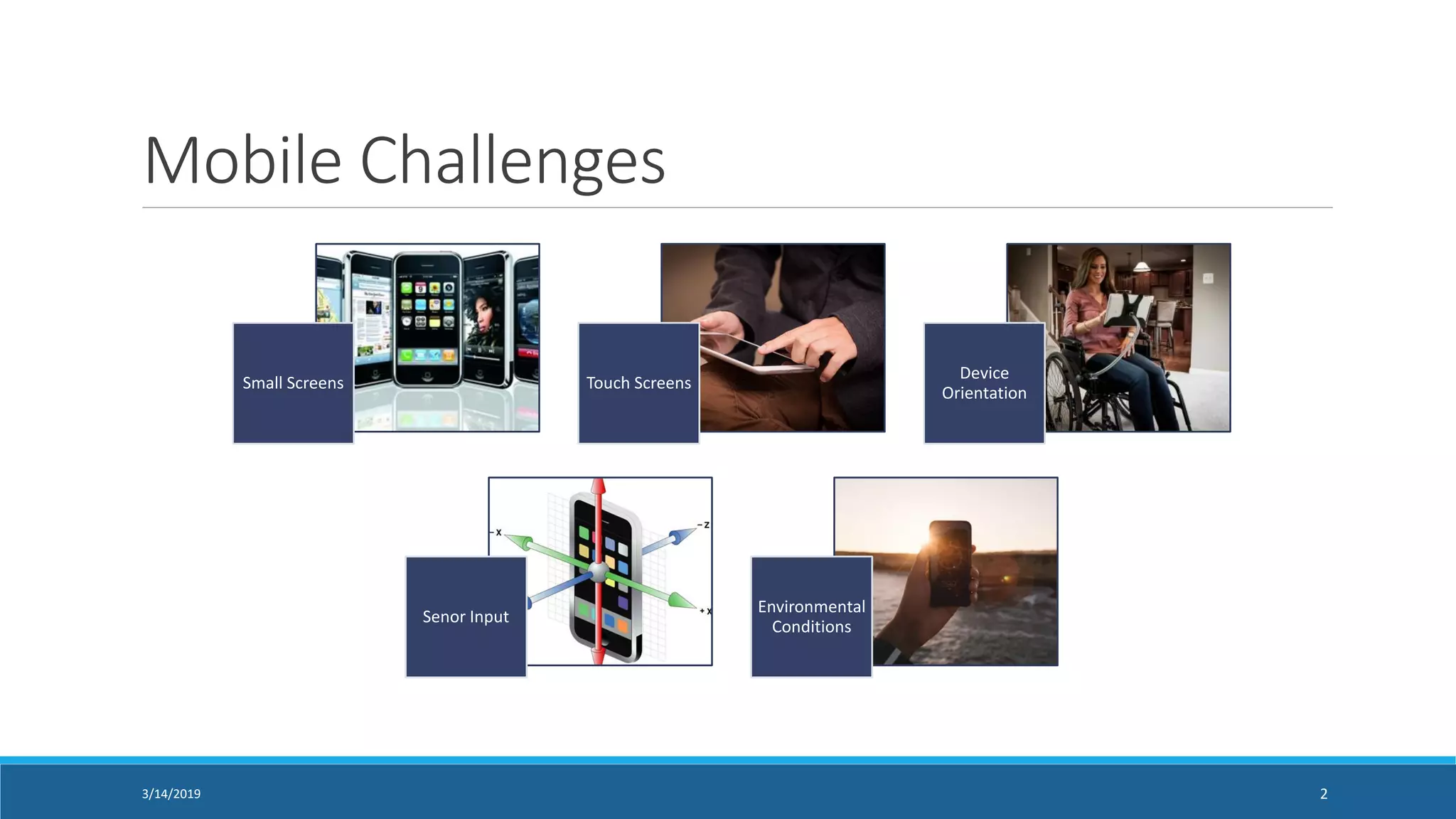
Mobile Challenges
Small Screens Touch Screens
Device
Orientation
Senor Input
Environmental
Conditions
3/14/2019 2
Mobile Web vs.
Native
Application
3/14/2019 3
Native apps run as a software
application and work with the device’s
built-in features — like the camera,
microphone, location services, etc.
Web apps run in the browser and are
much easier to maintain because they
have a common code base across
multiple platforms
Mobile Accessibility Policies
US Section 508: WCAG 2.0
Europe: EN 301 549 (WCAG 2.1)
Other local developments with risk of standards
fragmentation
3/14/2019 4
WCAG 2.0 to ICT
“Guidance on Applying WCAG 2.0 to Non-Web
ICT” - currently only applicable to 2.0 not 2.1
w3.org/TR/wcag2ict/
3/14/2019 5
UAAG & Mobile
Key is to support the accessibility settings and
features on the device within the application
w3.org/TR/IMPLEMENTING-UAAG20/mobile
3/14/2019 6
EN 301 549 & Mobile Applications
Clause 9: Web Content (WCAG 2.1)
Clause 10: Non-Web Documents (WCAG2ICT)
Clause 11: Non-Web Software (WCAG2ICT)
https://www.etsi.org/deliver/etsi_en/301500_3015
99/301549/02.01.02_60/en_301549v020102p.pdf
3/14/2019 7
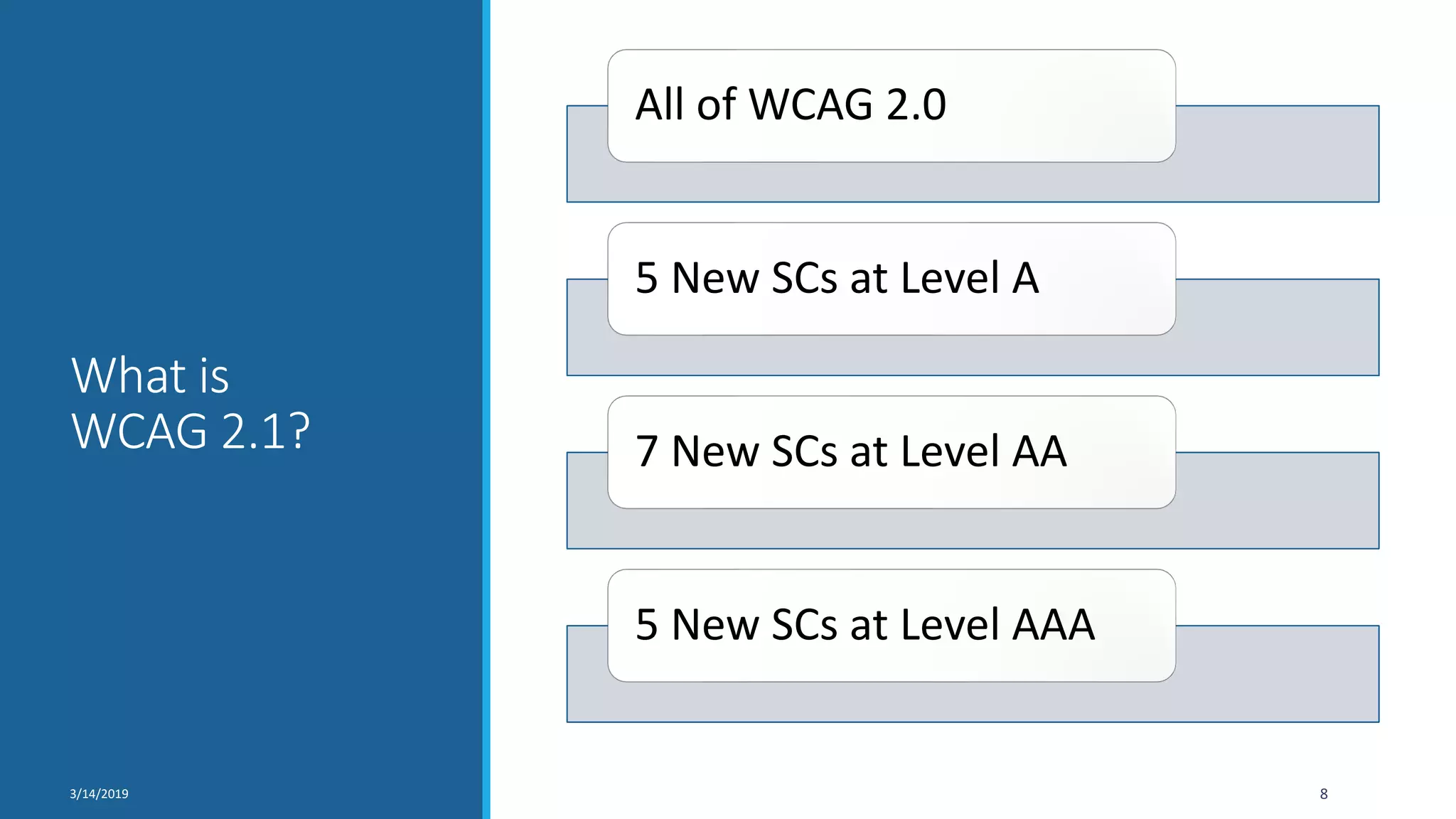
What is
WCAG 2.1?
All of WCAG 2.0
5 New SCs at Level A
7 New SCs at Level AA
5 New SCs at Level AAA
3/14/2019 8
WCAG 2.1 for Mobile
Provides additional guidance for mobile
Important to understand the user need
Thinking about mobile accessibility up front is key
w3.org/WAI/standards-guidelines/wcag/new-in-21/
w3.org/WAI/people-use-web/user-stories/#retiree
3/14/2019 9
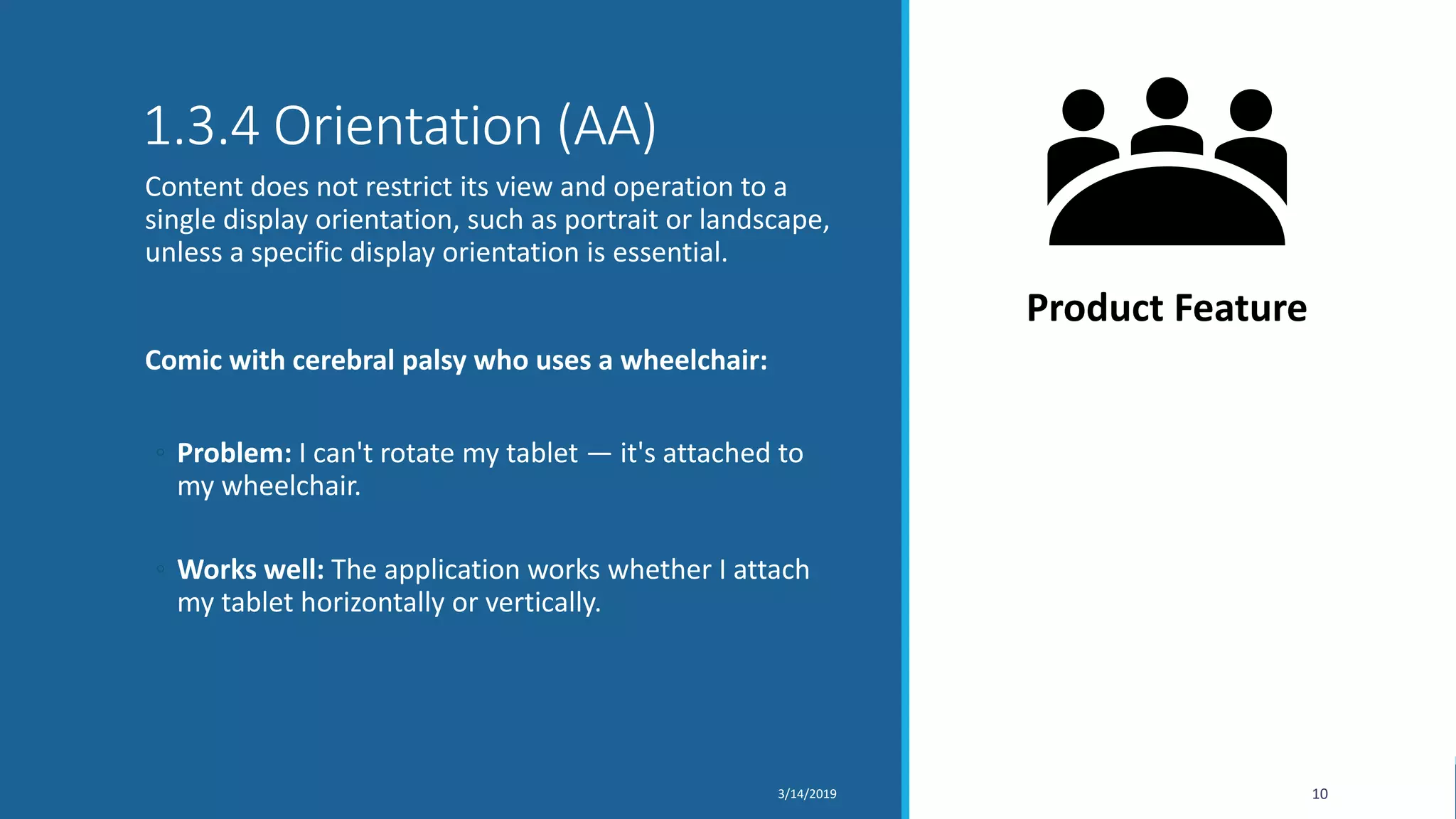
1.3.4 Orientation (AA)
Content does not restrict its view and operation to a
single display orientation, such as portrait or landscape,
unless a specific display orientation is essential.
Comic with cerebral palsy who uses a wheelchair:
◦ Problem: I can't rotate my tablet — it's attached to
my wheelchair.
◦ Works well: The application works whether I attach
my tablet horizontally or vertically.
3/14/2019 10
Product Feature
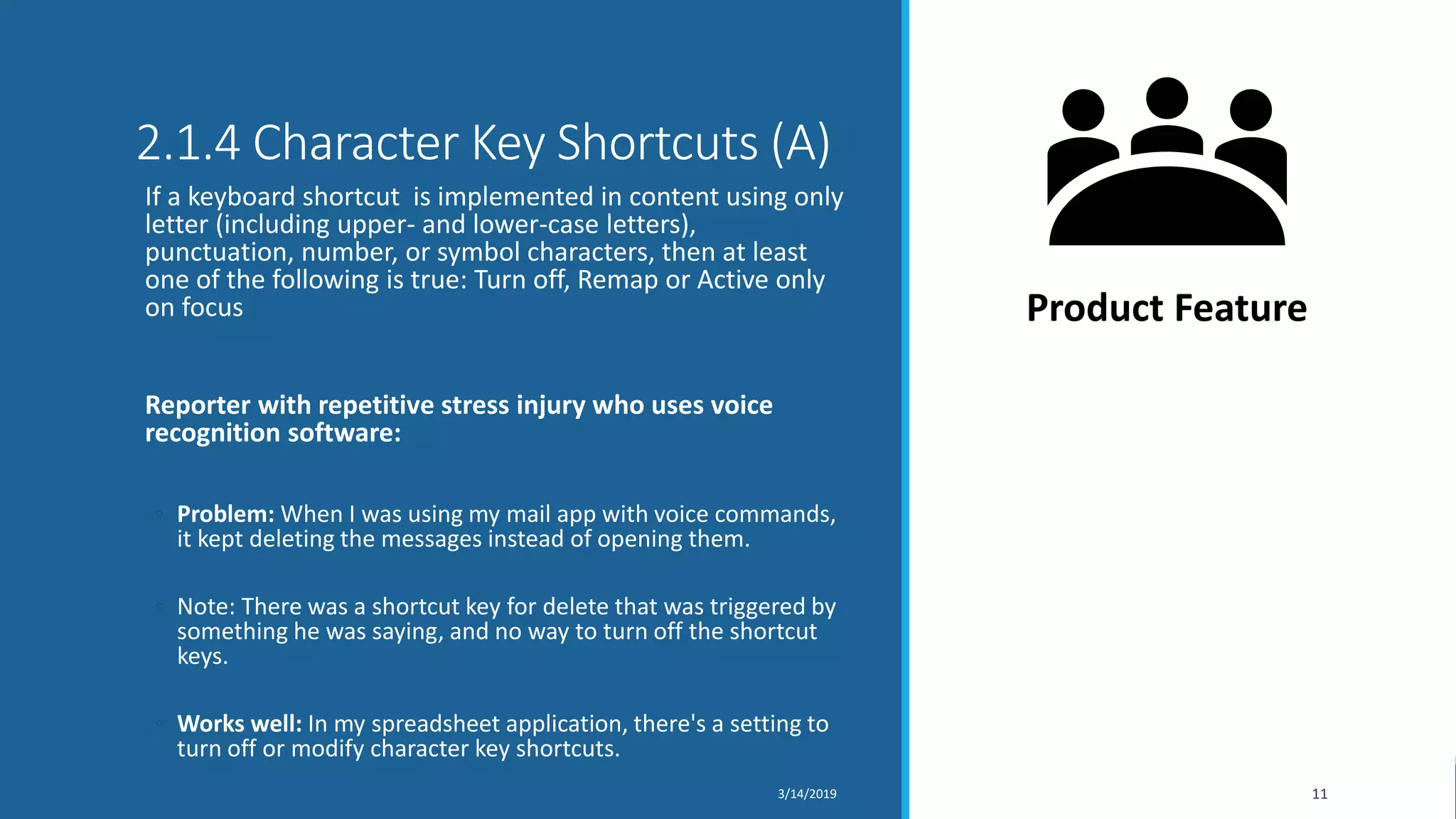
2.1.4 Character Key Shortcuts (A)
If a keyboard shortcut is implemented in content using only
letter (including upper- and lower-case letters),
punctuation, number, or symbol characters, then at least
one of the following is true: Turn off, Remap or Active only
on focus
Reporter with repetitive stress injury who uses voice
recognition software:
◦ Problem: When I was using my mail app with voice commands,
it kept deleting the messages instead of opening them.
◦ Note: There was a shortcut key for delete that was triggered by
something he was saying, and no way to turn off the shortcut
keys.
◦ Works well: In my spreadsheet application, there's a setting to
turn off or modify character key shortcuts.
3/14/2019 11
Product Feature
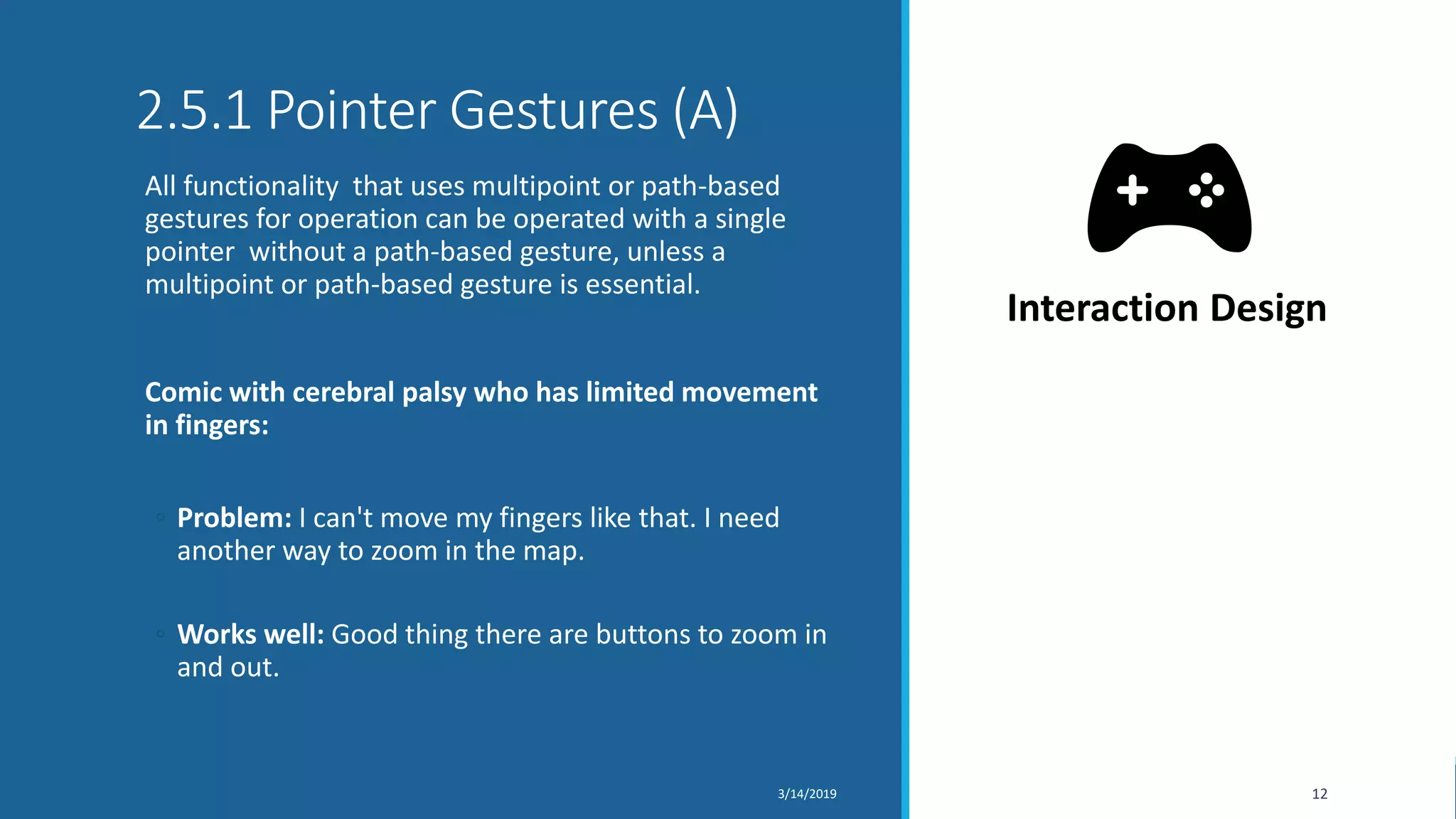
2.5.1 Pointer Gestures (A)
All functionality that uses multipoint or path-based
gestures for operation can be operated with a single
pointer without a path-based gesture, unless a
multipoint or path-based gesture is essential.
Comic with cerebral palsy who has limited movement
in fingers:
◦ Problem: I can't move my fingers like that. I need
another way to zoom in the map.
◦ Works well: Good thing there are buttons to zoom in
and out.
3/14/2019 12
Interaction Design
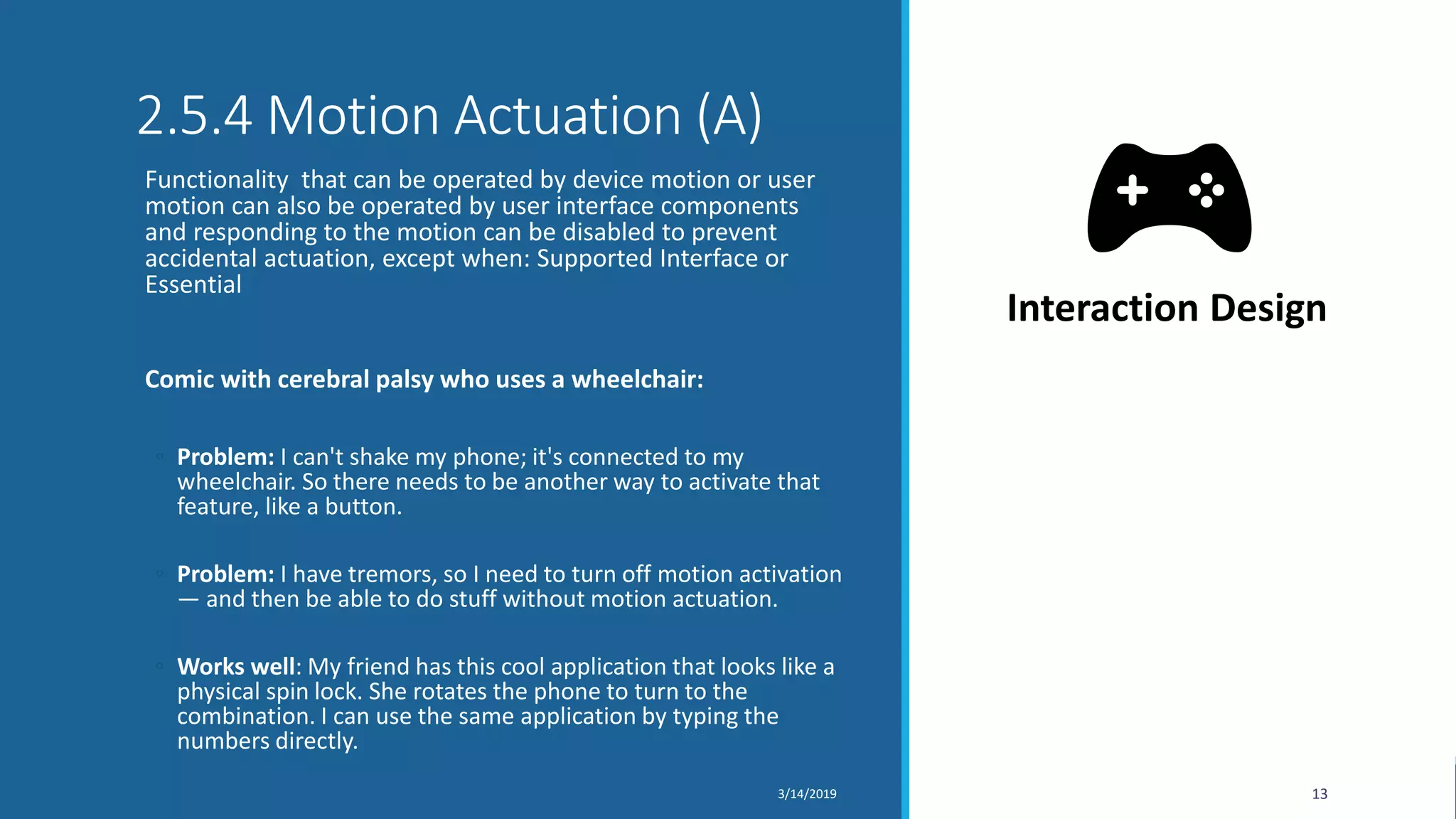
2.5.4 Motion Actuation (A)
Functionality that can be operated by device motion or user
motion can also be operated by user interface components
and responding to the motion can be disabled to prevent
accidental actuation, except when: Supported Interface or
Essential
Comic with cerebral palsy who uses a wheelchair:
◦ Problem: I can't shake my phone; it's connected to my
wheelchair. So there needs to be another way to activate that
feature, like a button.
◦ Problem: I have tremors, so I need to turn off motion activation
— and then be able to do stuff without motion actuation.
◦ Works well: My friend has this cool application that looks like a
physical spin lock. She rotates the phone to turn to the
combination. I can use the same application by typing the
numbers directly.
3/14/2019 13
Interaction Design
2.5.2 Pointer Cancellation (A)
For functionality that can be operated using a single
pointer , at least one of the following is true: No Down-
Event, Abort or Undo, Up Reversal, Essential
Politician with motor disabilities and low vision:
◦ Problem: I went to hit the "Mute" button and accidentally
touched the "End Call" button instead. It hung up
immediately.
◦ Works well: In another web conferencing application, if I
accidentally touch the "End Call" button, I can just slide my
finger off the "End Call" button and it won't end the call.
3/14/2019 14
Interaction Design
1.4.11 Non-Text Contrast (AA)
The visual presentation of the following have a contrast
ratio of at least 3:1 against adjacent color(s): User
Interface Components and Graphical Objects.
Retiree with low contrast sensitivity:
◦ Problem: I couldn't use the "Order Form" — there were no
text boxes. After a long call with customer service, I learned
there were text box borders that were too light for me to
see.
◦ Works well: It's easy for me to see all the icons and buttons
and everything — even in the sunlight.
3/14/2019 15
Design
2.5.5 Target Size (AAA)
The size of the target for pointer inputs is at least 44 by
44 CSS pixels except when: Equivalent, Inline, User
Agent Control or Essential
Retiree with hand tremor (and big fingers):
◦ Problem: The buttons are so small, I hit "Cancel" when
going for "Submit". Then I have to start all over again.
◦ Works well: This website buttons are big enough that I
don't hit the wrong button even when I'm riding on the
bumpy bus.
3/14/2019 16
Design
2.5.3 Label in Name (A)
For user interface components with labels that include
text or images of text , the name contains the text that
is presented visually.
Reporter with repetitive stress injury who uses voice
recognition software:
◦ Problem: It understood most of my voice commands until I
got to the Send button. I kept saying 'Send' and it didn't
work.
─ Note: It was visually labelled 'send' but the 'name' in the
code was 'submit'. It would have worked if the 'name'
started with 'send’.
◦ Works Well: All controls can be activated with simple voice
command.
3/14/2019 17
Content
4.1.3 Status Messages (AA)
In content implemented using markup languages, status
messages can be programmatically determined
through role or properties such that they can be
presented to the user by assistive technologies without
receiving focus.
Accountant who is blind and uses a screen reader:
◦ Problem: I selected a class for the conference, but I can't
tell if it got added to my schedule.
◦ Works well: When I add a meeting to my calendar, I hear a
confirmation.
3/14/2019 18
Development
Questions?
193/14/2019

Many Devices, One Standard: Mobile Accessibility with WCAG 2.1

  • 1.
    Many Devices –One Standard: Mobile Accessibility with WCAG 2.1 KATHLEEN WAHLBIN AND SHADI ABOU-ZAHRA 13/14/2019
  • 2.
    Mobile Challenges Small ScreensTouch Screens Device Orientation Senor Input Environmental Conditions 3/14/2019 2
  • 3.
    Mobile Web vs. Native Application 3/14/20193 Native apps run as a software application and work with the device’s built-in features — like the camera, microphone, location services, etc. Web apps run in the browser and are much easier to maintain because they have a common code base across multiple platforms
  • 4.
    Mobile Accessibility Policies USSection 508: WCAG 2.0 Europe: EN 301 549 (WCAG 2.1) Other local developments with risk of standards fragmentation 3/14/2019 4
  • 5.
    WCAG 2.0 toICT “Guidance on Applying WCAG 2.0 to Non-Web ICT” - currently only applicable to 2.0 not 2.1 w3.org/TR/wcag2ict/ 3/14/2019 5
  • 6.
    UAAG & Mobile Keyis to support the accessibility settings and features on the device within the application w3.org/TR/IMPLEMENTING-UAAG20/mobile 3/14/2019 6
  • 7.
    EN 301 549& Mobile Applications Clause 9: Web Content (WCAG 2.1) Clause 10: Non-Web Documents (WCAG2ICT) Clause 11: Non-Web Software (WCAG2ICT) https://www.etsi.org/deliver/etsi_en/301500_3015 99/301549/02.01.02_60/en_301549v020102p.pdf 3/14/2019 7
  • 8.
    What is WCAG 2.1? Allof WCAG 2.0 5 New SCs at Level A 7 New SCs at Level AA 5 New SCs at Level AAA 3/14/2019 8
  • 9.
    WCAG 2.1 forMobile Provides additional guidance for mobile Important to understand the user need Thinking about mobile accessibility up front is key w3.org/WAI/standards-guidelines/wcag/new-in-21/ w3.org/WAI/people-use-web/user-stories/#retiree 3/14/2019 9
  • 10.
    1.3.4 Orientation (AA) Contentdoes not restrict its view and operation to a single display orientation, such as portrait or landscape, unless a specific display orientation is essential. Comic with cerebral palsy who uses a wheelchair: ◦ Problem: I can't rotate my tablet — it's attached to my wheelchair. ◦ Works well: The application works whether I attach my tablet horizontally or vertically. 3/14/2019 10 Product Feature
  • 11.
    2.1.4 Character KeyShortcuts (A) If a keyboard shortcut is implemented in content using only letter (including upper- and lower-case letters), punctuation, number, or symbol characters, then at least one of the following is true: Turn off, Remap or Active only on focus Reporter with repetitive stress injury who uses voice recognition software: ◦ Problem: When I was using my mail app with voice commands, it kept deleting the messages instead of opening them. ◦ Note: There was a shortcut key for delete that was triggered by something he was saying, and no way to turn off the shortcut keys. ◦ Works well: In my spreadsheet application, there's a setting to turn off or modify character key shortcuts. 3/14/2019 11 Product Feature
  • 12.
    2.5.1 Pointer Gestures(A) All functionality that uses multipoint or path-based gestures for operation can be operated with a single pointer without a path-based gesture, unless a multipoint or path-based gesture is essential. Comic with cerebral palsy who has limited movement in fingers: ◦ Problem: I can't move my fingers like that. I need another way to zoom in the map. ◦ Works well: Good thing there are buttons to zoom in and out. 3/14/2019 12 Interaction Design
  • 13.
    2.5.4 Motion Actuation(A) Functionality that can be operated by device motion or user motion can also be operated by user interface components and responding to the motion can be disabled to prevent accidental actuation, except when: Supported Interface or Essential Comic with cerebral palsy who uses a wheelchair: ◦ Problem: I can't shake my phone; it's connected to my wheelchair. So there needs to be another way to activate that feature, like a button. ◦ Problem: I have tremors, so I need to turn off motion activation — and then be able to do stuff without motion actuation. ◦ Works well: My friend has this cool application that looks like a physical spin lock. She rotates the phone to turn to the combination. I can use the same application by typing the numbers directly. 3/14/2019 13 Interaction Design
  • 14.
    2.5.2 Pointer Cancellation(A) For functionality that can be operated using a single pointer , at least one of the following is true: No Down- Event, Abort or Undo, Up Reversal, Essential Politician with motor disabilities and low vision: ◦ Problem: I went to hit the "Mute" button and accidentally touched the "End Call" button instead. It hung up immediately. ◦ Works well: In another web conferencing application, if I accidentally touch the "End Call" button, I can just slide my finger off the "End Call" button and it won't end the call. 3/14/2019 14 Interaction Design
  • 15.
    1.4.11 Non-Text Contrast(AA) The visual presentation of the following have a contrast ratio of at least 3:1 against adjacent color(s): User Interface Components and Graphical Objects. Retiree with low contrast sensitivity: ◦ Problem: I couldn't use the "Order Form" — there were no text boxes. After a long call with customer service, I learned there were text box borders that were too light for me to see. ◦ Works well: It's easy for me to see all the icons and buttons and everything — even in the sunlight. 3/14/2019 15 Design
  • 16.
    2.5.5 Target Size(AAA) The size of the target for pointer inputs is at least 44 by 44 CSS pixels except when: Equivalent, Inline, User Agent Control or Essential Retiree with hand tremor (and big fingers): ◦ Problem: The buttons are so small, I hit "Cancel" when going for "Submit". Then I have to start all over again. ◦ Works well: This website buttons are big enough that I don't hit the wrong button even when I'm riding on the bumpy bus. 3/14/2019 16 Design
  • 17.
    2.5.3 Label inName (A) For user interface components with labels that include text or images of text , the name contains the text that is presented visually. Reporter with repetitive stress injury who uses voice recognition software: ◦ Problem: It understood most of my voice commands until I got to the Send button. I kept saying 'Send' and it didn't work. ─ Note: It was visually labelled 'send' but the 'name' in the code was 'submit'. It would have worked if the 'name' started with 'send’. ◦ Works Well: All controls can be activated with simple voice command. 3/14/2019 17 Content
  • 18.
    4.1.3 Status Messages(AA) In content implemented using markup languages, status messages can be programmatically determined through role or properties such that they can be presented to the user by assistive technologies without receiving focus. Accountant who is blind and uses a screen reader: ◦ Problem: I selected a class for the conference, but I can't tell if it got added to my schedule. ◦ Works well: When I add a meeting to my calendar, I hear a confirmation. 3/14/2019 18 Development
  • 19.