Managing   electronic  information by Fe Angela M. Verzosa
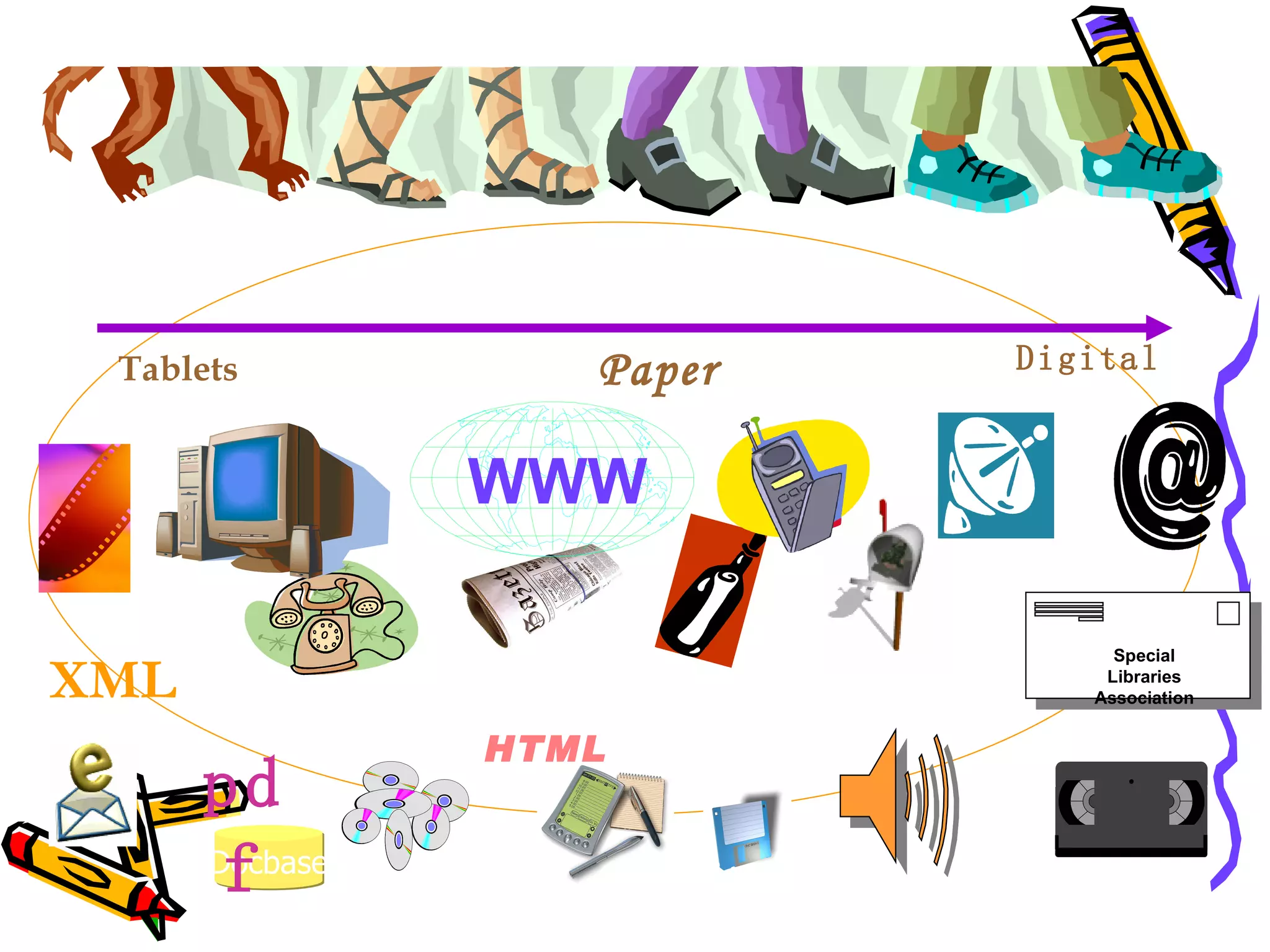
Special Libraries Association Docbase WWW HTML pdf XML Tablets Paper Digital
Introduction definition of electronic  records differences between paper  records and electronic documents forces of change into the  workplace
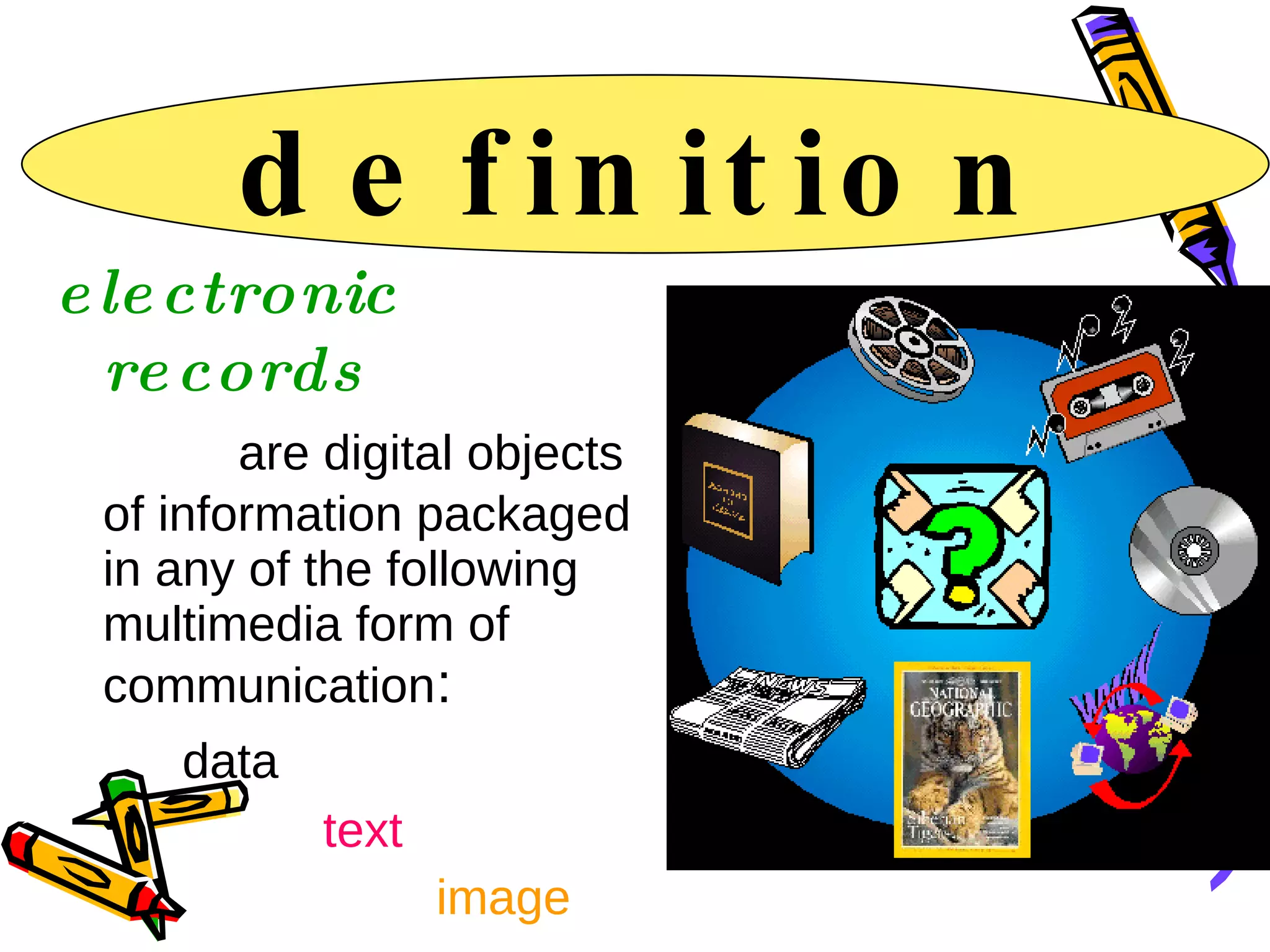
definition electronic records   are digital objects of information packaged in any of the following multimedia form of communication :  data    text  image   audio  and   video
Records in the Electronic Age “ Born Digital” Records created on a computer or other electronic device “ Born again”  Those records scanned or otherwise converted into a digital or electronic format
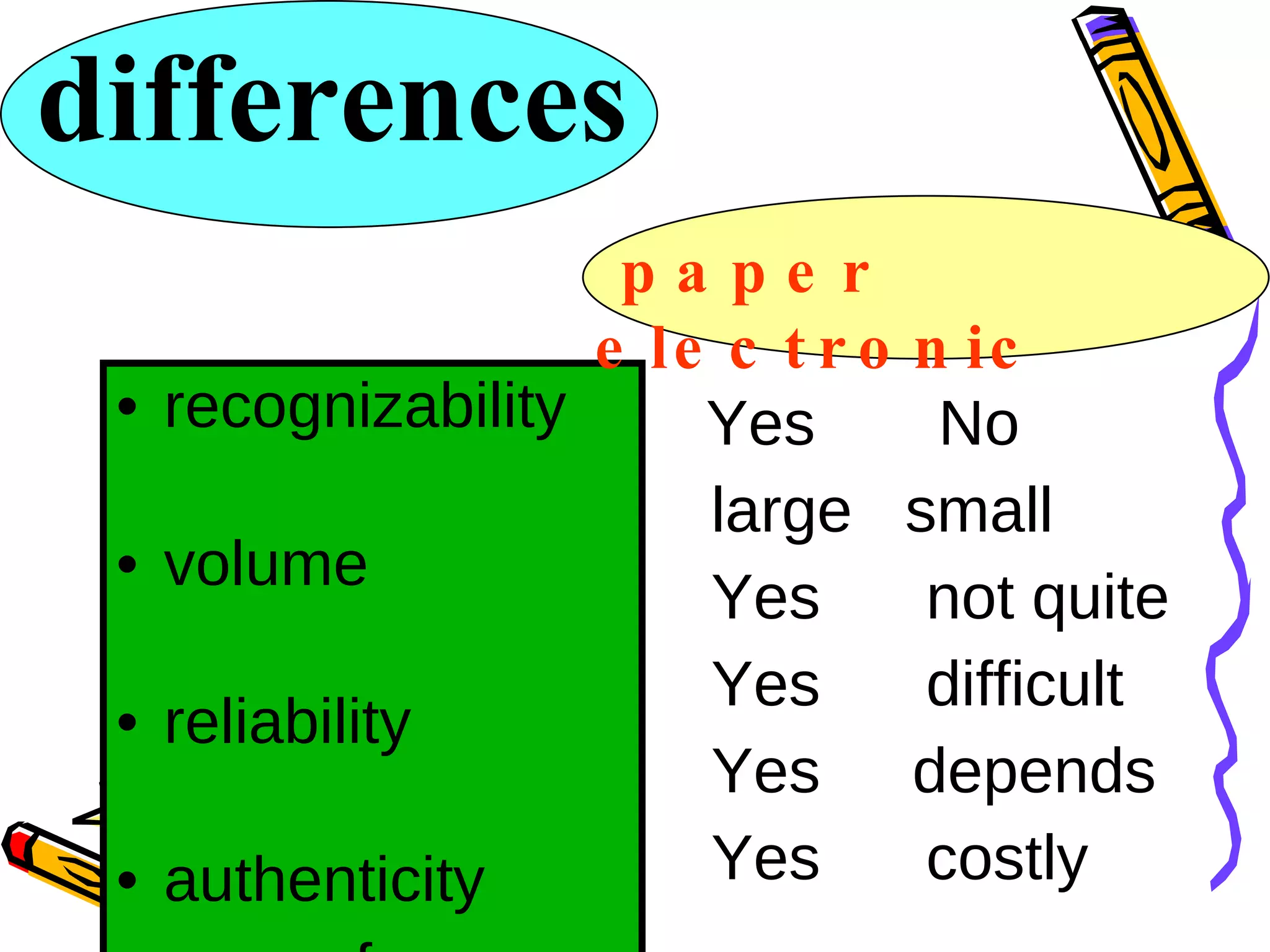
differences recognizability  volume  reliability  authenticity  ease of use  preservation  Yes  No large  small  Yes  not quite Yes  difficult Yes depends  Yes  costly papaer paper  electronic
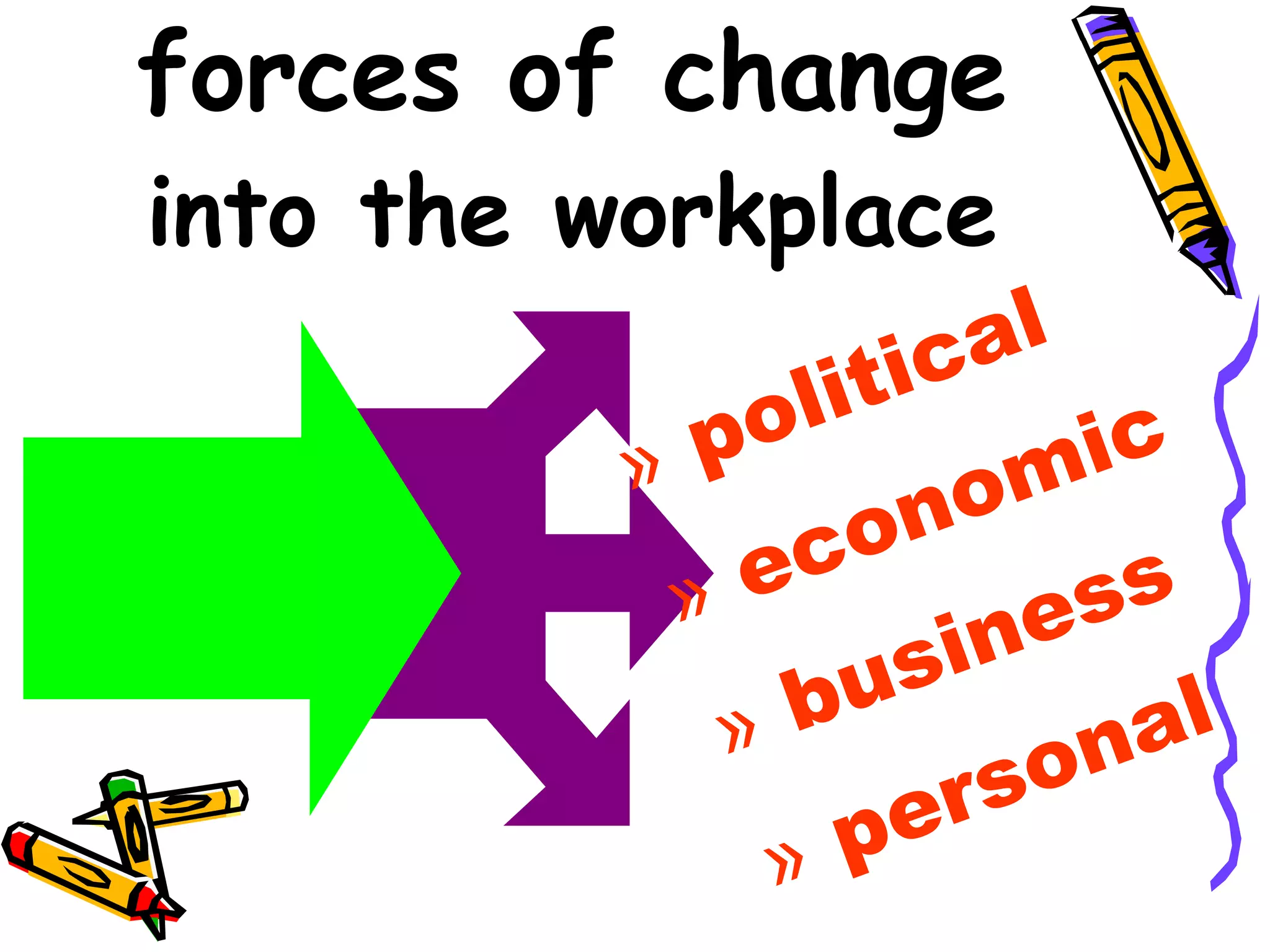
forces of change into the workplace political economic business personal
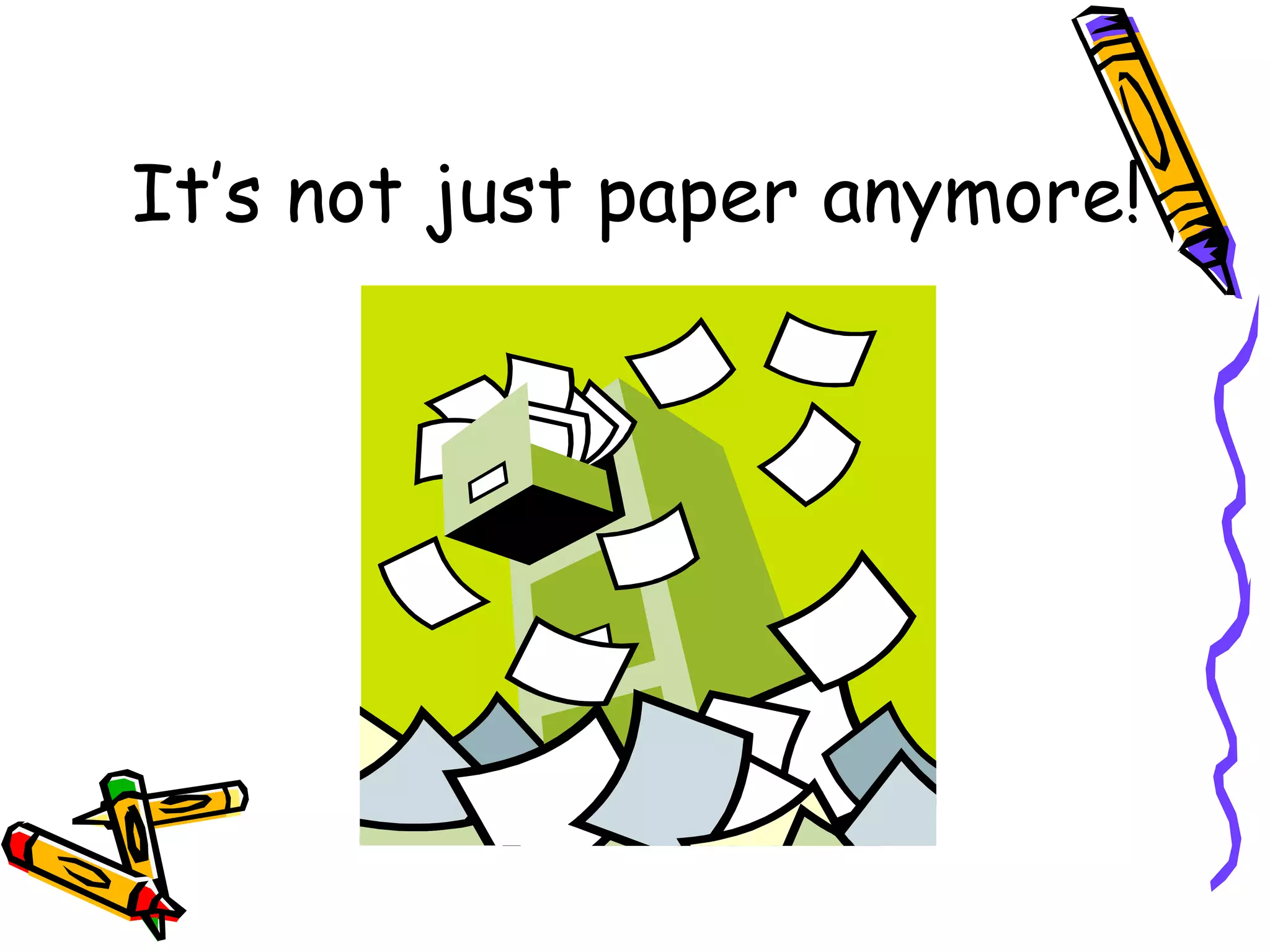
It’s not just paper anymore!
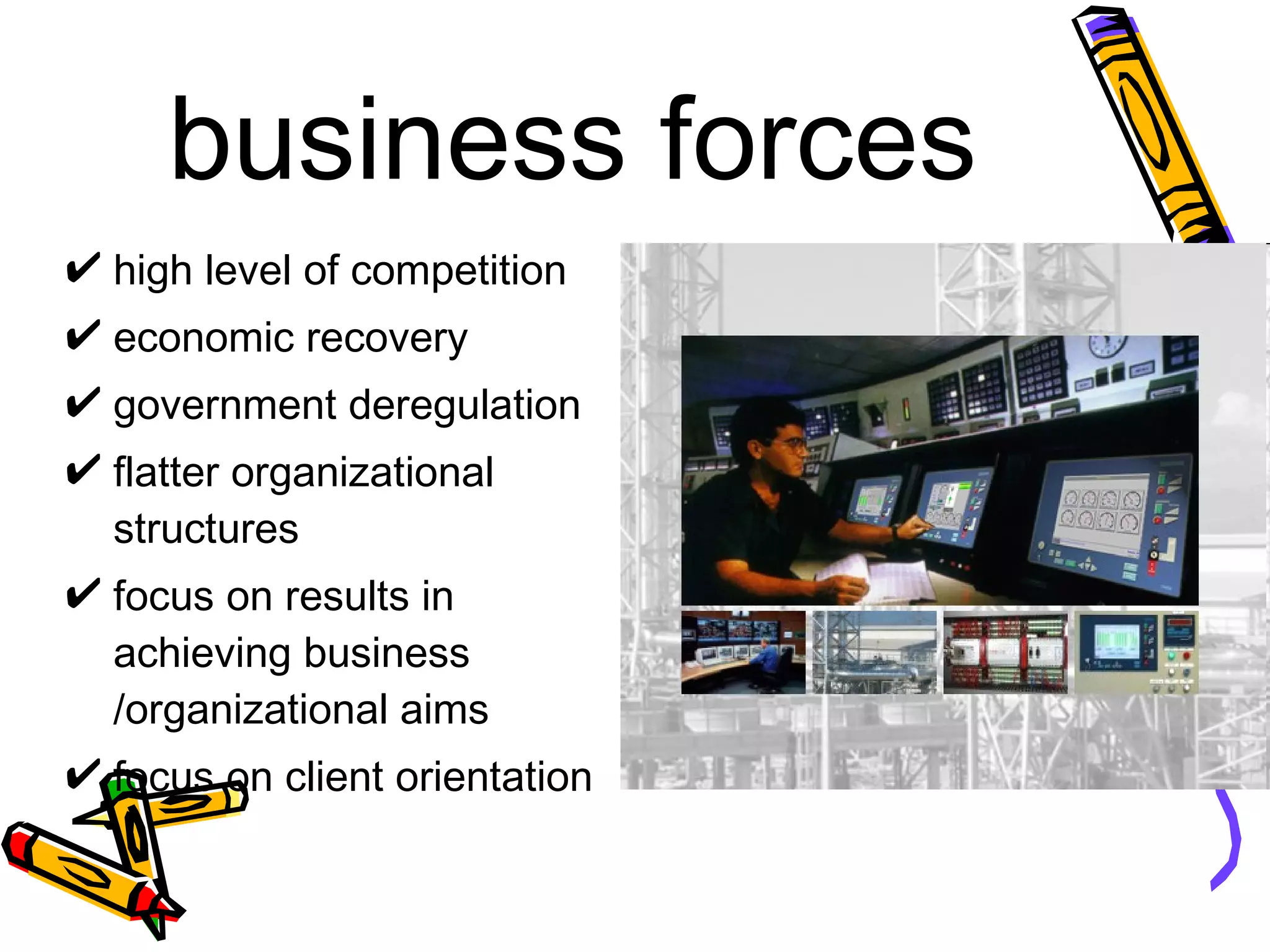
business forces high level of competition economic recovery government deregulation flatter organizational structures focus on results in achieving business /organizational aims focus on client orientation
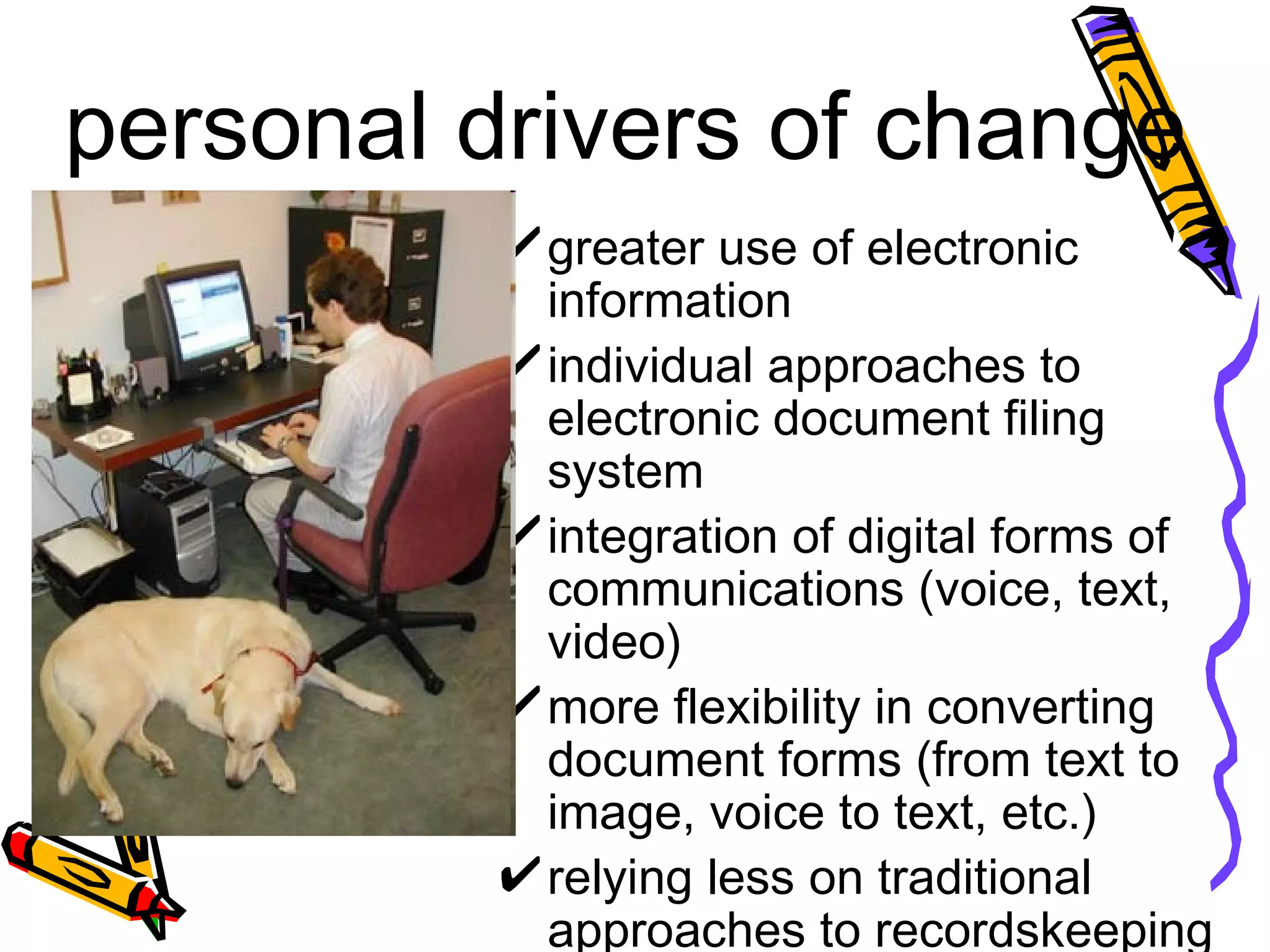
personal drivers of change greater use of electronic information individual approaches to electronic document filing system  integration of digital forms of communications (voice, text, video) more flexibility in converting document forms (from text to image, voice to text, etc.) relying less on traditional approaches to recordskeeping
the electronic environment where is the workplace going ?  why automate ? why manage electronic records  ?
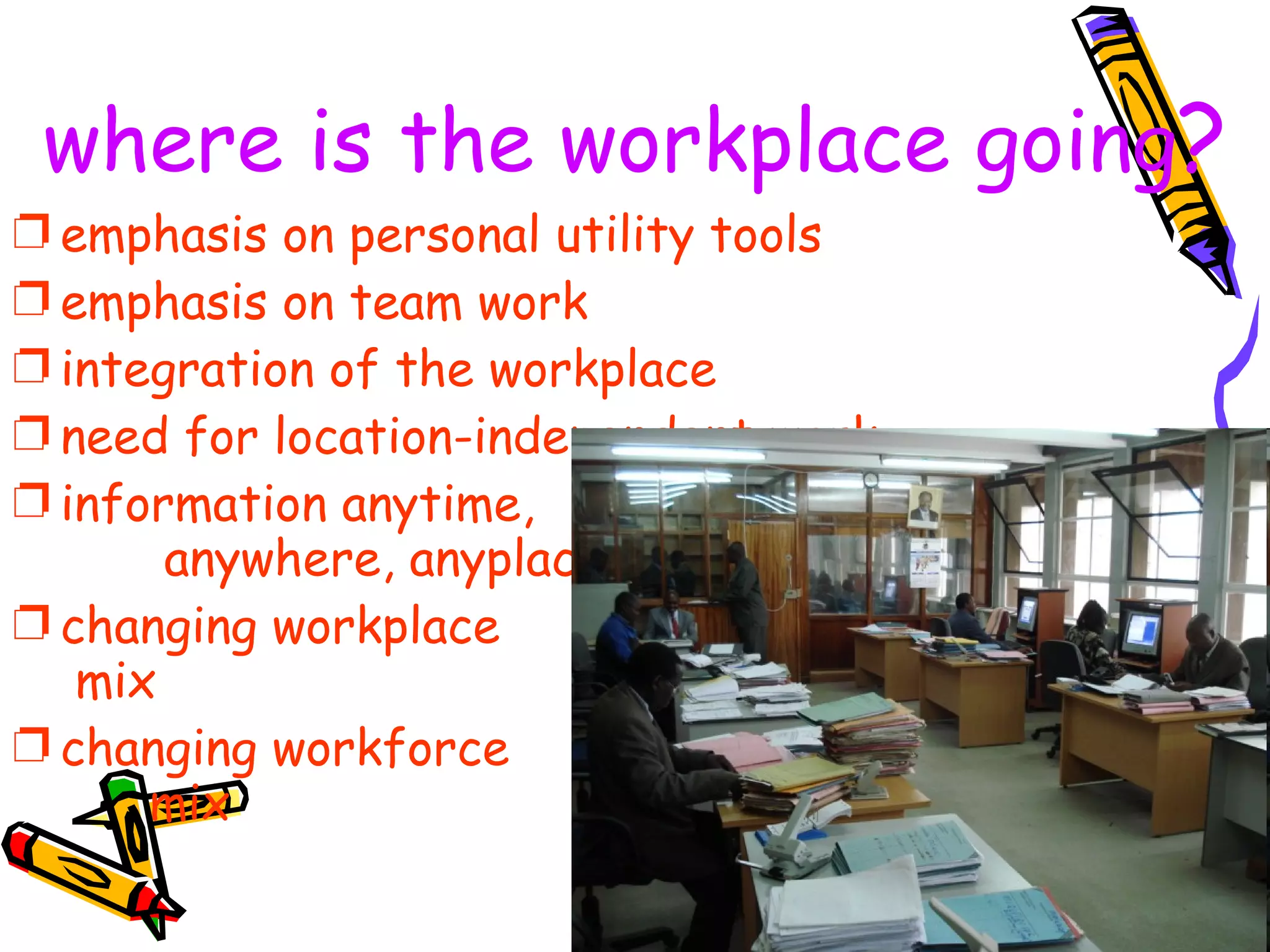
where is the workplace going ? emphasis on personal utility tools emphasis on team work integration of the workplace need for location-independent work information anytime,  anywhere, anyplace changing workplace  mix changing workforce  mix
reasons for automation rising costs of traditional approaches fear of loss in competitive position incompleteness of files increasing difficulty of accessing files increasing backlog of unprocessed records seeming inevitability of automation
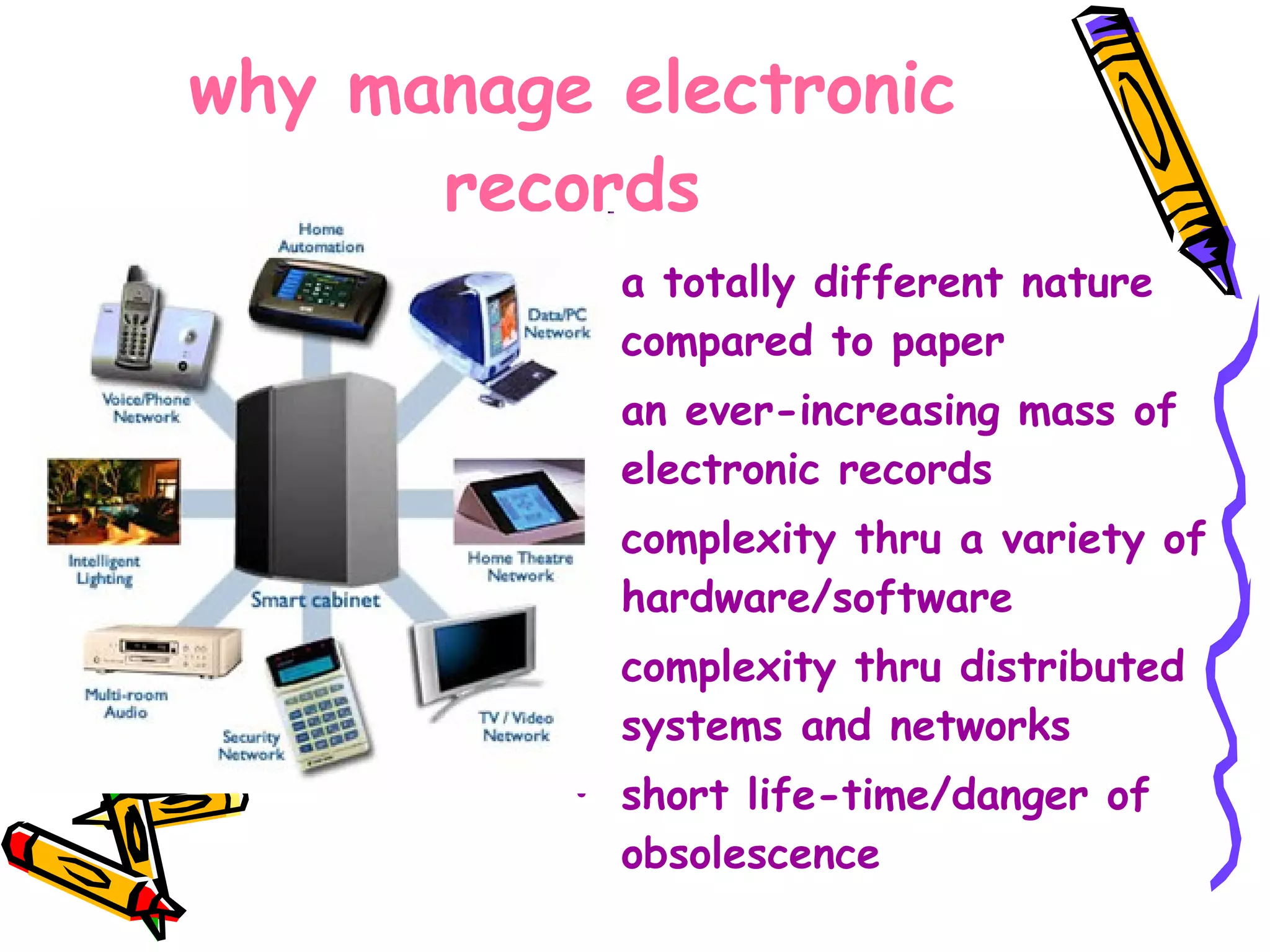
why manage electronic records a totally different nature compared to paper an ever-increasing mass of electronic records complexity thru a variety of hardware/software complexity thru distributed systems and networks short life-time/danger of obsolescence
Issues and concerns in  managing   electronic   records availability intelligibility reliability accessibility through time
reliability easy to alter  electronic docu-  ments and images  without any visible  evidence the need for periodic recopying introduces the possibility of accidental corruption
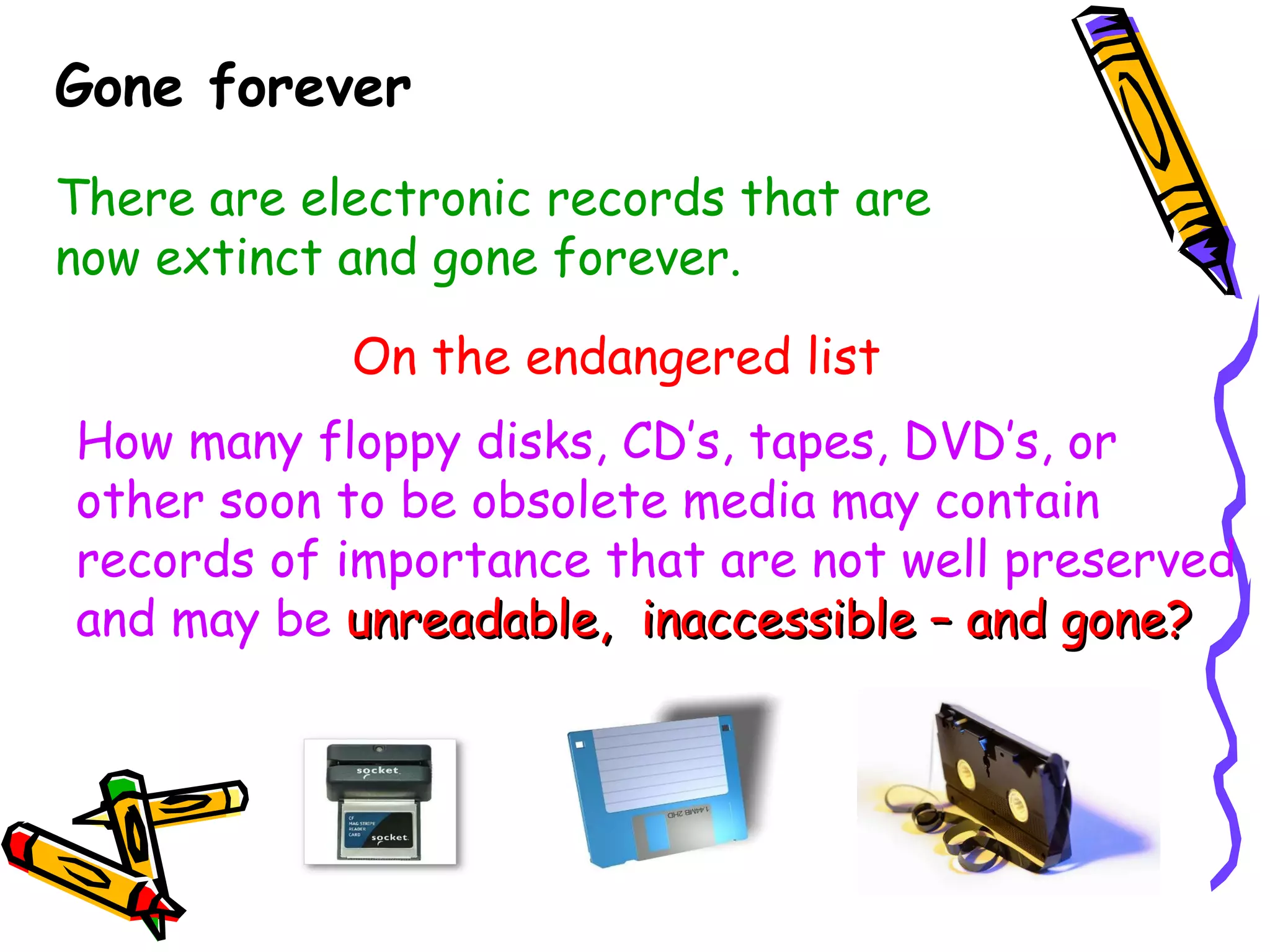
Gone forever There are electronic records that are now extinct and gone forever. On the endangered list How many floppy disks, CD’s, tapes, DVD’s, or other soon to be obsolete media may contain records of importance that are not well preserved and may be   unreadable,  inaccessible – and gone?
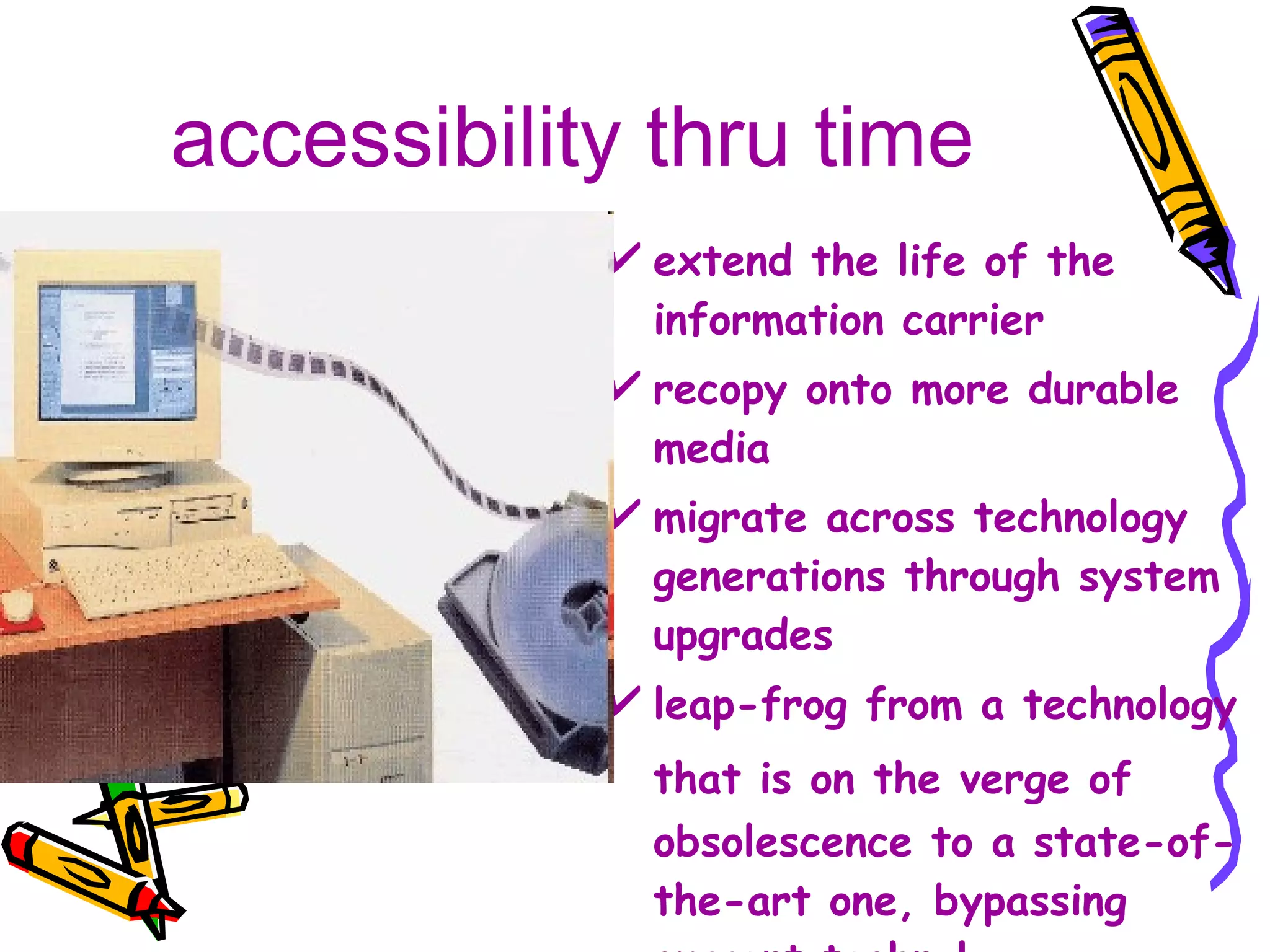
accessibility thru time extend the life of the information carrier recopy onto more durable media migrate across technology generations through system upgrades leap-frog from a technology that is on the verge of   obsolescence to a state-of-the-art one, bypassing current technology
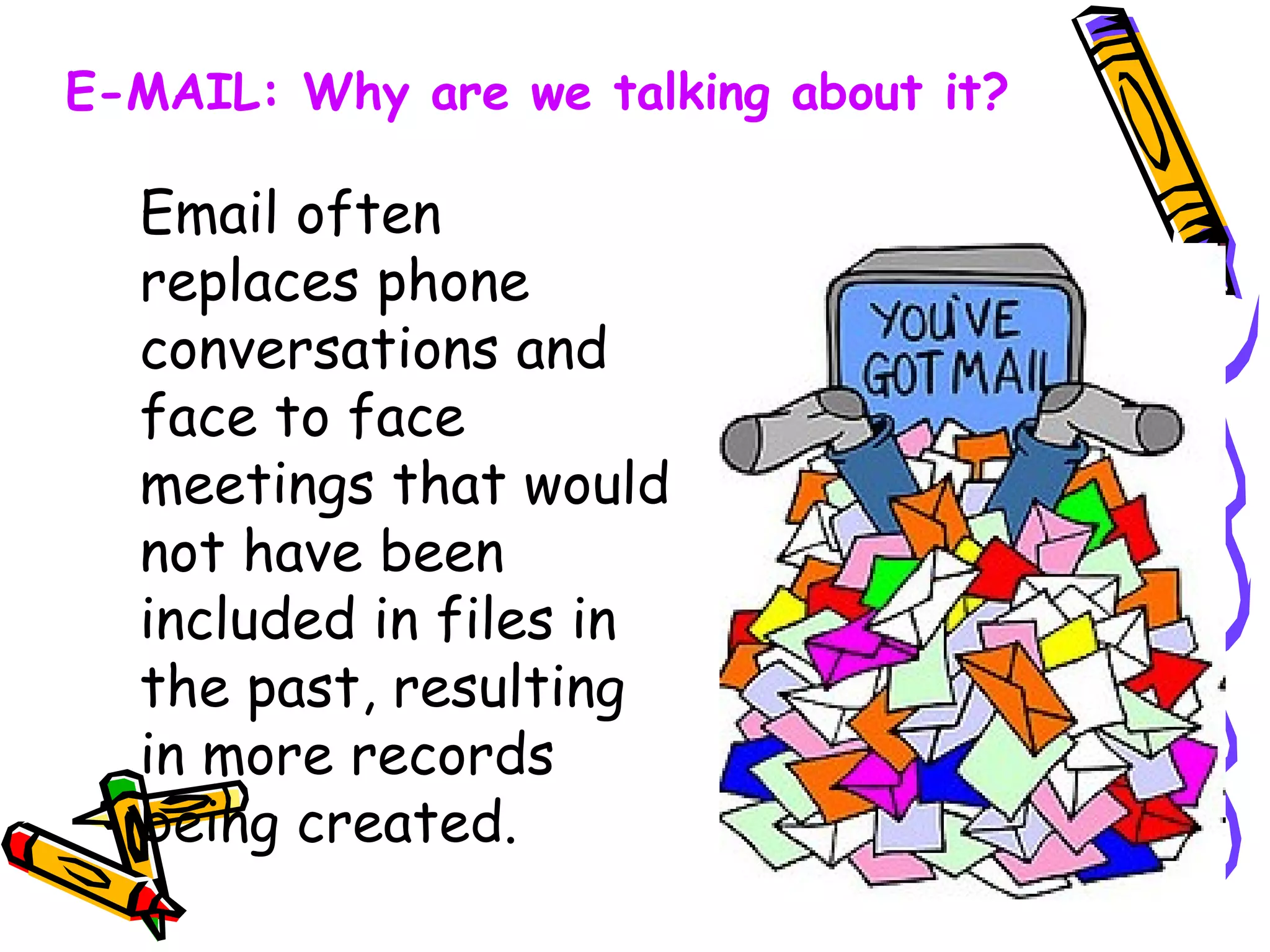
Email often replaces phone conversations and face to face meetings that would not have been included in files in the past, resulting in more records being created. E-MAIL: Why are we talking about it?
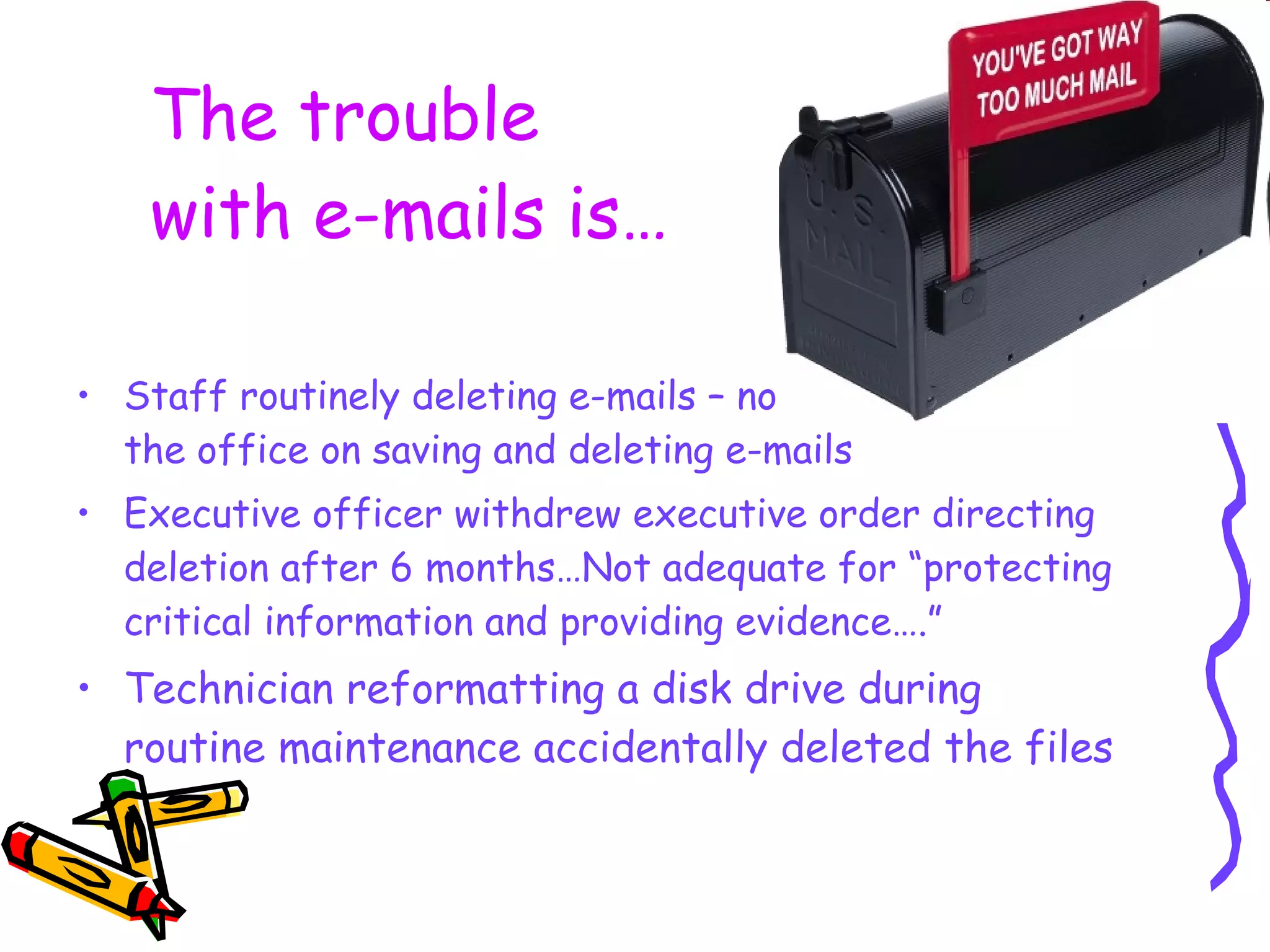
The trouble  with e-mails is… Staff routinely deleting e-mails – no written policy in the office on saving and deleting e-mails Executive officer withdrew executive order directing deletion after 6 months…Not adequate for “protecting critical information and providing evidence….”  Technician reformatting a disk drive during routine maintenance accidentally deleted the files
Why do we need an e-mail policy? Help employees understand the importance of managing e-mail Help employees use and manage e-mail properly, consistently, and effectively Clarify responsibility & retention issues for e-mail
Should the message be sent? Avoid sensitive / confidential  information -  Beware of copyright Be careful of Distribution  Lists/Groups Informal/Careless Tendency for misuse
“ Netiquette” aka  E-mail Etiquette Provide a meaningful subject line Stay on topic; don’t combine subjects. If it comprises multiple topics, consider multiple messages Mind your manners “Please and Thank You”   Use a title if unfamiliar with the person or if it is formal correspondence   Watch your tone - BE CAREFUL OF ALL CAPS Use exclamation points sparingly!!!!
When constructing  the message…  Be concise and professional  Avoid wordiness - Stay away from jargon, acronyms, abbreviations, emoticons If forwarding a message / attachment, is permission required? Use correct spelling, grammar and punctuation
Am I the originator of  the email and the message…. is a substantive message ? has to do with the work of my office? has content that I will need in future years to do my job? supports decisions that were made in my program area? requires me to take action? will be needed for operational, fiscal or legal  purposes? Save the Email   if you answer “yes”
The Email can be destroyed if you answer “yes” Am I the  originator  of the email and  the message is… personal?  just “chit-chat?” informational only? Something I probably will not need and is being kept by someone else for operational, fiscal or legal purposes?
Save the Email if you answer “yes” Remind employees that  the office has a right to  monitor employee e-mails Enforce office’s e-mail policy equally across organization Be realistic about personal use  Never use e-mail to fire employees or to deliver bad news  Do not use e-mail to discuss an employee’s performance with other managers Do not rely on e-mails to the exclusion of  personal contact
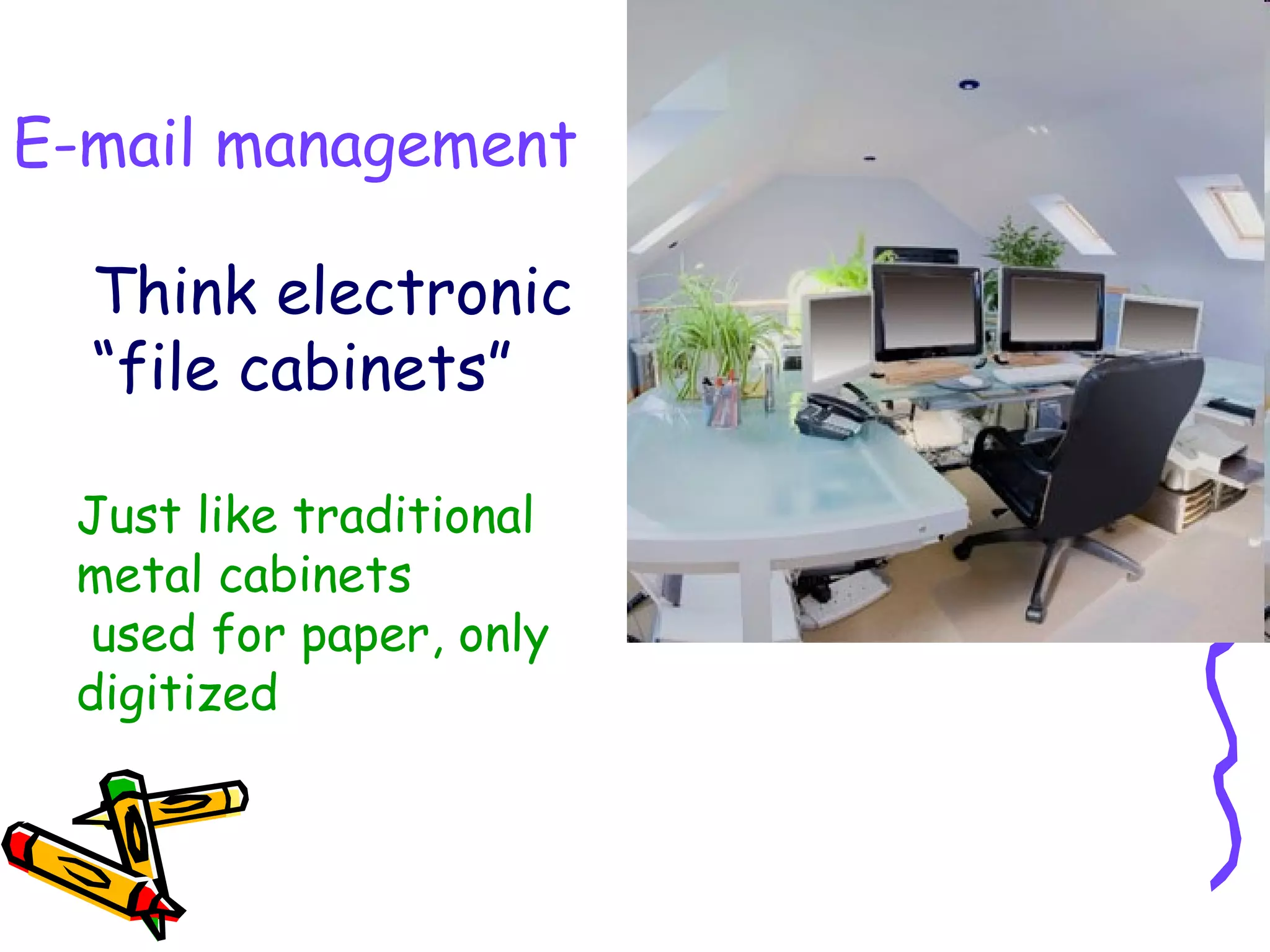
Think electronic “file cabinets” E-mail management Just like traditional metal cabinets used for paper, only digitized
How it works Individual users move e-mails into pre-determined folders Users are responsible for decisions on retention and disposition Good to set up as “working files”, or transitory administrative type information Recommend “record” copies be retained  on drives or servers  E-mail management
Adapt your paper files There is a good chance you already have an existing paper file structure: Adapt to use for your “electronic file cabinets” Most users will use a limited number of folders specific to their job function and responsibilities Create “desk guides” to get users familiar with their filing system
what is the lesson here ? modern   information   technology   not only causes the   problem ,  but also provides the   possibilities   to deal  with them.

Managing Electronic Information

  • 1.
    Managing electronic information by Fe Angela M. Verzosa
  • 2.
    Special Libraries AssociationDocbase WWW HTML pdf XML Tablets Paper Digital
  • 3.
    Introduction definition ofelectronic records differences between paper records and electronic documents forces of change into the workplace
  • 4.
    definition electronic records are digital objects of information packaged in any of the following multimedia form of communication : data text image audio and video
  • 5.
    Records in theElectronic Age “ Born Digital” Records created on a computer or other electronic device “ Born again” Those records scanned or otherwise converted into a digital or electronic format
  • 6.
    differences recognizability volume reliability authenticity ease of use preservation Yes No large small Yes not quite Yes difficult Yes depends Yes costly papaer paper electronic
  • 7.
    forces of changeinto the workplace political economic business personal
  • 8.
    It’s not justpaper anymore!
  • 9.
    business forces highlevel of competition economic recovery government deregulation flatter organizational structures focus on results in achieving business /organizational aims focus on client orientation
  • 10.
    personal drivers ofchange greater use of electronic information individual approaches to electronic document filing system integration of digital forms of communications (voice, text, video) more flexibility in converting document forms (from text to image, voice to text, etc.) relying less on traditional approaches to recordskeeping
  • 11.
    the electronic environmentwhere is the workplace going ? why automate ? why manage electronic records ?
  • 12.
    where is theworkplace going ? emphasis on personal utility tools emphasis on team work integration of the workplace need for location-independent work information anytime, anywhere, anyplace changing workplace mix changing workforce mix
  • 13.
    reasons for automationrising costs of traditional approaches fear of loss in competitive position incompleteness of files increasing difficulty of accessing files increasing backlog of unprocessed records seeming inevitability of automation
  • 14.
    why manage electronicrecords a totally different nature compared to paper an ever-increasing mass of electronic records complexity thru a variety of hardware/software complexity thru distributed systems and networks short life-time/danger of obsolescence
  • 15.
    Issues and concernsin managing electronic records availability intelligibility reliability accessibility through time
  • 16.
    reliability easy toalter electronic docu- ments and images without any visible evidence the need for periodic recopying introduces the possibility of accidental corruption
  • 17.
    Gone forever Thereare electronic records that are now extinct and gone forever. On the endangered list How many floppy disks, CD’s, tapes, DVD’s, or other soon to be obsolete media may contain records of importance that are not well preserved and may be unreadable, inaccessible – and gone?
  • 18.
    accessibility thru timeextend the life of the information carrier recopy onto more durable media migrate across technology generations through system upgrades leap-frog from a technology that is on the verge of obsolescence to a state-of-the-art one, bypassing current technology
  • 19.
    Email often replacesphone conversations and face to face meetings that would not have been included in files in the past, resulting in more records being created. E-MAIL: Why are we talking about it?
  • 20.
    The trouble with e-mails is… Staff routinely deleting e-mails – no written policy in the office on saving and deleting e-mails Executive officer withdrew executive order directing deletion after 6 months…Not adequate for “protecting critical information and providing evidence….” Technician reformatting a disk drive during routine maintenance accidentally deleted the files
  • 21.
    Why do weneed an e-mail policy? Help employees understand the importance of managing e-mail Help employees use and manage e-mail properly, consistently, and effectively Clarify responsibility & retention issues for e-mail
  • 22.
    Should the messagebe sent? Avoid sensitive / confidential information - Beware of copyright Be careful of Distribution Lists/Groups Informal/Careless Tendency for misuse
  • 23.
    “ Netiquette” aka E-mail Etiquette Provide a meaningful subject line Stay on topic; don’t combine subjects. If it comprises multiple topics, consider multiple messages Mind your manners “Please and Thank You” Use a title if unfamiliar with the person or if it is formal correspondence Watch your tone - BE CAREFUL OF ALL CAPS Use exclamation points sparingly!!!!
  • 24.
    When constructing the message… Be concise and professional Avoid wordiness - Stay away from jargon, acronyms, abbreviations, emoticons If forwarding a message / attachment, is permission required? Use correct spelling, grammar and punctuation
  • 25.
    Am I theoriginator of the email and the message…. is a substantive message ? has to do with the work of my office? has content that I will need in future years to do my job? supports decisions that were made in my program area? requires me to take action? will be needed for operational, fiscal or legal purposes? Save the Email if you answer “yes”
  • 26.
    The Email canbe destroyed if you answer “yes” Am I the originator of the email and the message is… personal? just “chit-chat?” informational only? Something I probably will not need and is being kept by someone else for operational, fiscal or legal purposes?
  • 27.
    Save the Emailif you answer “yes” Remind employees that the office has a right to monitor employee e-mails Enforce office’s e-mail policy equally across organization Be realistic about personal use Never use e-mail to fire employees or to deliver bad news Do not use e-mail to discuss an employee’s performance with other managers Do not rely on e-mails to the exclusion of personal contact
  • 28.
    Think electronic “filecabinets” E-mail management Just like traditional metal cabinets used for paper, only digitized
  • 29.
    How it worksIndividual users move e-mails into pre-determined folders Users are responsible for decisions on retention and disposition Good to set up as “working files”, or transitory administrative type information Recommend “record” copies be retained on drives or servers E-mail management
  • 30.
    Adapt your paperfiles There is a good chance you already have an existing paper file structure: Adapt to use for your “electronic file cabinets” Most users will use a limited number of folders specific to their job function and responsibilities Create “desk guides” to get users familiar with their filing system
  • 31.
    what is thelesson here ? modern information technology not only causes the problem , but also provides the possibilities to deal with them.

Editor's Notes

  • #6 The types of electronic records requiring preservation are either digitized or “born digital”. Digitized records are source documents that have been digitized or converted to an electronic format by scanning or other methods of conversion, and those records that are “born digital”, having been created on a computer or other electronic device.
  • #21 ERM- Washington State Archives