Orientation
        LS – 12
    Building Strong
        Unions


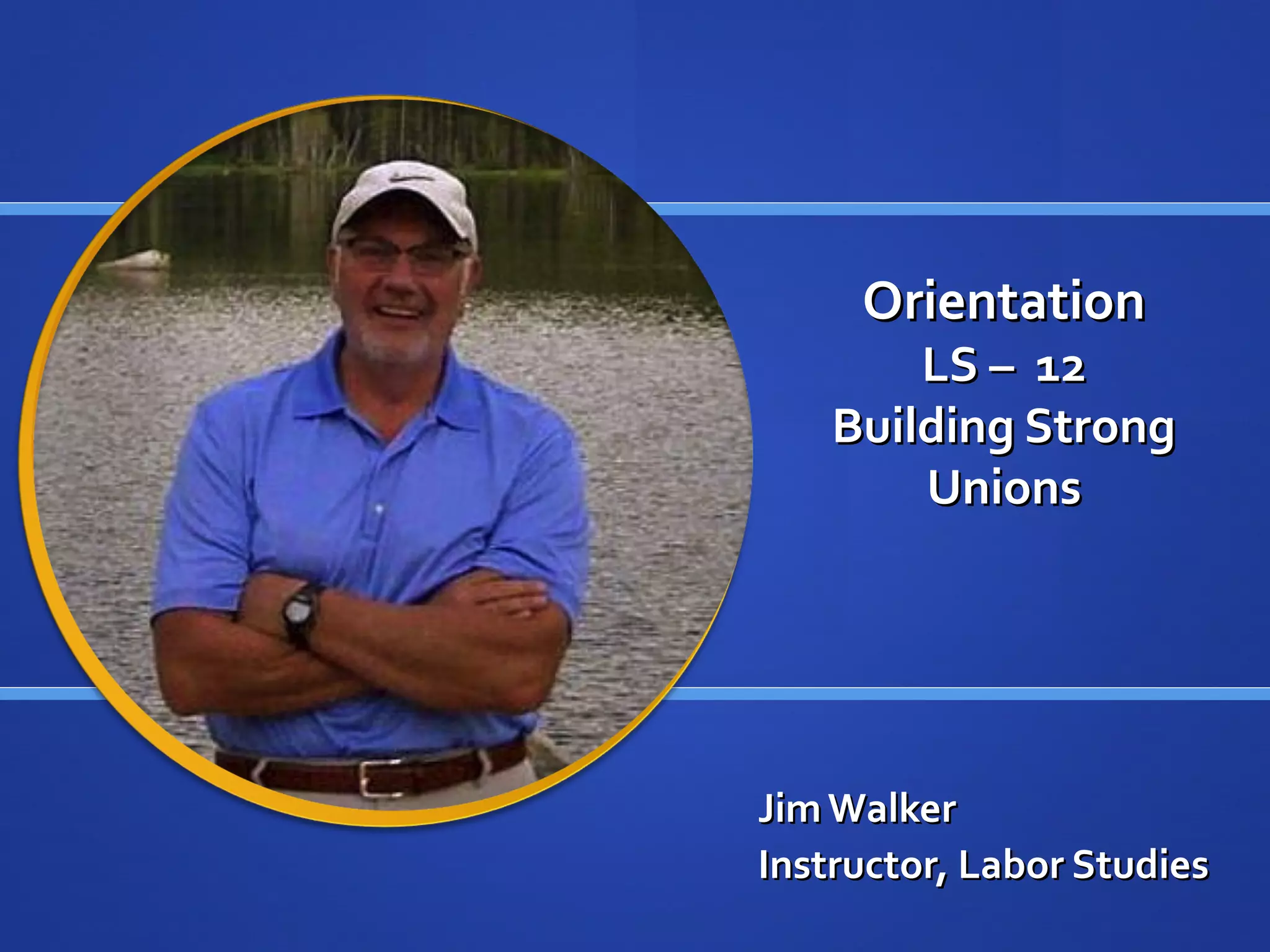
Jim Walker
Instructor, Labor Studies
Instructor’s Background

 33 years as a labor advocate

 Specialized in grievance and arbitration, contract
  negotiation, organizing, political action, staff and
  organizational development
 Present: Labor relations consultant and educator

 LATTC labor educator – 15 years concurrent with
  professional services
Technology

 Firefox recommended

 Google Chrome also effective

 PowerPoint: required if viewing slides statically with transcripts

 Quick Time Player: Use this program to view lectures in movie
  format with audio
 Microsoft Word

 Adobe PDF reader
Class Overview Essentials

 Designed to educate union members, officers and staff

 Understand the essential elements of building a strong
  union
 Strategic Planning and goal setting

 Effective Communication

 Analyze labor/management challenges

 Union legal requirements
Textbooks - Required

 Building More Effective Unions, 2nd edition
 Estimated Cost: $22.00 new

 Available: unionist.com ; cornellpress.com; amazon.com;

 You will need book at the start of Block 3
Instructor Office Hours

 Students should contact the instructor to arrange an
  appointment. Contact instructions are included in the
  syllabus.
 You may also communicate your concerns or questions via
  email or through Moodle message center.
Contact Information

 Moodle Message Center
   Select participant link
   Select Jim Walker
   Select message
   Compose and send

 walkerjf@lattc.edu

 Last Option
   Phone: 661-839-2925
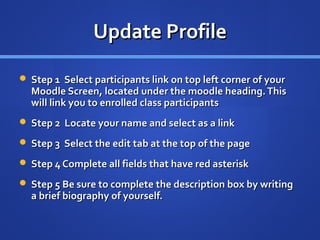
Update Profile

 Step 1 Select participants link on top left corner of your
  Moodle Screen, located under the moodle heading. This
  will link you to enrolled class participants
 Step 2 Locate your name and select as a link

 Step 3 Select the edit tab at the top of the page

 Step 4 Complete all fields that have red asterisk

 Step 5 Be sure to complete the description box by writing
  a brief biography of yourself.
Profile

 Step 6 Upload a digital photo of yourself

 Step 7 List a few interests or hobbies in the interest field

 Step 8 Select the advanced tab

 Step 9 Enter your phone number where you may reached
  by the instructor. Your phone number is not available to
  other students.
 Step 10 Select the update profile tab. Your profile will now
  be updated.
Technology Contingency

 Problems may occur with your computer or internet
  provider.
 Have a contingency plan if you encounter technology
  problems
 Answer questions on next slide to consider your
  contingency plans.
Contingency Questions
 Where will you use a computer if your computer crashes or gets
  a virus?
 Where and how will you connect to the internet if you can not
  connect from your normal location?
 How will contact your instructor or another student if you can
  not do so through Moodle’s message center?
 What steps are you taking, or can you take to prevent loss of
  critical files associated with the class?
 What steps are you taking or can you take to always submit
  assignments on time and stay up with the class?
Class Online Structure

 Each segment is referred to as a “block

 The “Heading Outline contains essential information
   Title and number of the class
   Read First – course preliminary essentials
   Syllabus
   Textbook information
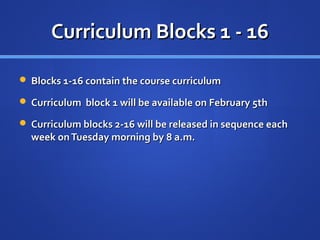
Curriculum Blocks 1 - 16

 Blocks 1-16 contain the course curriculum

 Curriculum block 1 will be available on February 5th

 Curriculum blocks 2-16 will be released in sequence each
  week on Tuesday morning by 8 a.m.
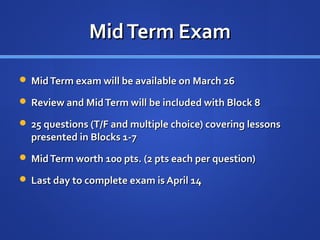
Mid Term Exam

 Mid Term exam will be available on March 26

 Review and Mid Term will be included with Block 8

 25 questions (T/F and multiple choice) covering lessons
  presented in Blocks 1-7
 Mid Term worth 100 pts. (2 pts each per question)

 Last day to complete exam is April 14
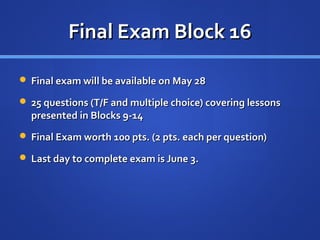
Final Exam Block 16

 Final exam will be available on May 28

 25 questions (T/F and multiple choice) covering lessons
  presented in Blocks 9-14
 Final Exam worth 100 pts. (2 pts. each per question)

 Last day to complete exam is June 3.
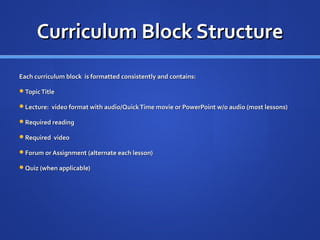
Curriculum Block Structure
Each curriculum block is formatted consistently and contains:

Topic Title

Lecture: video format with audio/Quick Time movie or PowerPoint w/o audio (most lessons)

Required reading

Required video

Forum or Assignment (alternate each lesson)

Quiz (when applicable)
Order of Study and Participation

 First: complete
   Reading assignment(s)
   MP3 Listening assignment (if available)
   Video assignment

 Second: complete required work in the following order:
   Lecture
   Forum or Assignment
   Quiz or Exam (when applicable)
Forums
 Forum: Seven curriculum blocks contain a forum.
 Each forum will consider question(s) or issues presented
  by the instructor
 Each student is required to post a response concerning
  the instructor’s issue or question. The student is required
  to post their reply in accordance with the Instructor’s
  instructions.
 Each student is also required to reply to another student ’s
  posting that agrees or disagrees with that student’s
  posting and explain why.
Assignments
 Seven curriculum blocks contain an assignment

 Most assignments are set up as online text (some require uploading a
   document)
 With online text uploading a file is unnecessary

 When you click the assignment link the assignment appears

 Follow the directions of the assignment.

 Submit the answers to your assignment using the edit my submission
   button.
 Consider a cut and paste of questions to save time.
Quiz
 Four (4) quizzes will be administered

 Each quiz contains ten questions

 Each quiz is worth a total of 20 points

 All quizzes may contain multiple choice and/or true/false questions.

 A quiz may only be taken once and there is a time limit of 30 minutes
   to complete the quiz once started.
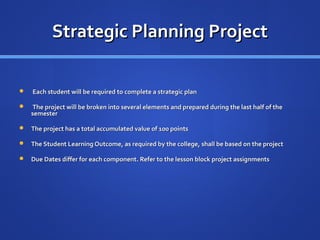
Strategic Planning Project

   Each student will be required to complete a strategic plan

   The project will be broken into several elements and prepared during the last half of the
    semester

   The project has a total accumulated value of 100 points

   The Student Learning Outcome, as required by the college, shall be based on the project

   Due Dates differ for each component. Refer to the lesson block project assignments
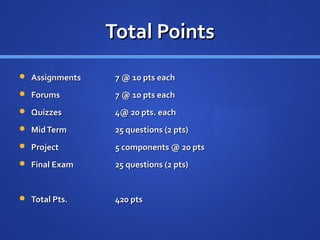
Total Points
 Assignments    7 @ 10 pts each
 Forums         7 @ 10 pts each
 Quizzes        4@ 20 pts. each
 Mid Term       25 questions (2 pts)
 Project        5 components @ 20 pts
 Final Exam     25 questions (2 pts)


 Total Pts.     420 pts
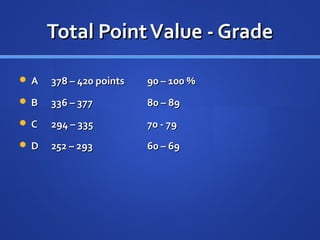
Total Point Value - Grade

A   378 – 420 points   90 – 100 %
B   336 – 377          80 – 89
C   294 – 335          70 - 79
D   252 – 293          60 – 69
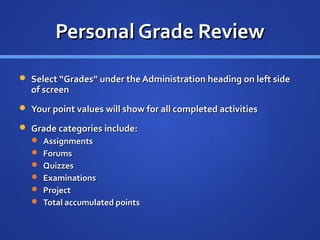
Personal Grade Review

 Select “Grades” under the Administration heading on left side
  of screen
 Your point values will show for all completed activities

 Grade categories include:
   Assignments
   Forums
   Quizzes
   Examinations
   Project
   Total accumulated points

Ls 12orientation

  • 1.
    Orientation LS – 12 Building Strong Unions Jim Walker Instructor, Labor Studies
  • 2.
    Instructor’s Background  33years as a labor advocate  Specialized in grievance and arbitration, contract negotiation, organizing, political action, staff and organizational development  Present: Labor relations consultant and educator  LATTC labor educator – 15 years concurrent with professional services
  • 3.
    Technology  Firefox recommended Google Chrome also effective  PowerPoint: required if viewing slides statically with transcripts  Quick Time Player: Use this program to view lectures in movie format with audio  Microsoft Word  Adobe PDF reader
  • 4.
    Class Overview Essentials Designed to educate union members, officers and staff  Understand the essential elements of building a strong union  Strategic Planning and goal setting  Effective Communication  Analyze labor/management challenges  Union legal requirements
  • 5.
    Textbooks - Required Building More Effective Unions, 2nd edition  Estimated Cost: $22.00 new  Available: unionist.com ; cornellpress.com; amazon.com;  You will need book at the start of Block 3
  • 6.
    Instructor Office Hours Students should contact the instructor to arrange an appointment. Contact instructions are included in the syllabus.  You may also communicate your concerns or questions via email or through Moodle message center.
  • 7.
    Contact Information  MoodleMessage Center  Select participant link  Select Jim Walker  Select message  Compose and send  walkerjf@lattc.edu  Last Option  Phone: 661-839-2925
  • 8.
    Update Profile  Step1 Select participants link on top left corner of your Moodle Screen, located under the moodle heading. This will link you to enrolled class participants  Step 2 Locate your name and select as a link  Step 3 Select the edit tab at the top of the page  Step 4 Complete all fields that have red asterisk  Step 5 Be sure to complete the description box by writing a brief biography of yourself.
  • 9.
    Profile  Step 6Upload a digital photo of yourself  Step 7 List a few interests or hobbies in the interest field  Step 8 Select the advanced tab  Step 9 Enter your phone number where you may reached by the instructor. Your phone number is not available to other students.  Step 10 Select the update profile tab. Your profile will now be updated.
  • 10.
    Technology Contingency  Problemsmay occur with your computer or internet provider.  Have a contingency plan if you encounter technology problems  Answer questions on next slide to consider your contingency plans.
  • 11.
    Contingency Questions  Wherewill you use a computer if your computer crashes or gets a virus?  Where and how will you connect to the internet if you can not connect from your normal location?  How will contact your instructor or another student if you can not do so through Moodle’s message center?  What steps are you taking, or can you take to prevent loss of critical files associated with the class?  What steps are you taking or can you take to always submit assignments on time and stay up with the class?
  • 12.
    Class Online Structure Each segment is referred to as a “block  The “Heading Outline contains essential information  Title and number of the class  Read First – course preliminary essentials  Syllabus  Textbook information
  • 13.
    Curriculum Blocks 1- 16  Blocks 1-16 contain the course curriculum  Curriculum block 1 will be available on February 5th  Curriculum blocks 2-16 will be released in sequence each week on Tuesday morning by 8 a.m.
  • 14.
    Mid Term Exam Mid Term exam will be available on March 26  Review and Mid Term will be included with Block 8  25 questions (T/F and multiple choice) covering lessons presented in Blocks 1-7  Mid Term worth 100 pts. (2 pts each per question)  Last day to complete exam is April 14
  • 15.
    Final Exam Block16  Final exam will be available on May 28  25 questions (T/F and multiple choice) covering lessons presented in Blocks 9-14  Final Exam worth 100 pts. (2 pts. each per question)  Last day to complete exam is June 3.
  • 16.
    Curriculum Block Structure Eachcurriculum block is formatted consistently and contains: Topic Title Lecture: video format with audio/Quick Time movie or PowerPoint w/o audio (most lessons) Required reading Required video Forum or Assignment (alternate each lesson) Quiz (when applicable)
  • 17.
    Order of Studyand Participation  First: complete  Reading assignment(s)  MP3 Listening assignment (if available)  Video assignment  Second: complete required work in the following order:  Lecture  Forum or Assignment  Quiz or Exam (when applicable)
  • 18.
    Forums  Forum: Sevencurriculum blocks contain a forum.  Each forum will consider question(s) or issues presented by the instructor  Each student is required to post a response concerning the instructor’s issue or question. The student is required to post their reply in accordance with the Instructor’s instructions.  Each student is also required to reply to another student ’s posting that agrees or disagrees with that student’s posting and explain why.
  • 19.
    Assignments  Seven curriculumblocks contain an assignment  Most assignments are set up as online text (some require uploading a document)  With online text uploading a file is unnecessary  When you click the assignment link the assignment appears  Follow the directions of the assignment.  Submit the answers to your assignment using the edit my submission button.  Consider a cut and paste of questions to save time.
  • 20.
    Quiz  Four (4)quizzes will be administered  Each quiz contains ten questions  Each quiz is worth a total of 20 points  All quizzes may contain multiple choice and/or true/false questions.  A quiz may only be taken once and there is a time limit of 30 minutes to complete the quiz once started.
  • 21.
    Strategic Planning Project  Each student will be required to complete a strategic plan  The project will be broken into several elements and prepared during the last half of the semester  The project has a total accumulated value of 100 points  The Student Learning Outcome, as required by the college, shall be based on the project  Due Dates differ for each component. Refer to the lesson block project assignments
  • 22.
    Total Points  Assignments 7 @ 10 pts each  Forums 7 @ 10 pts each  Quizzes 4@ 20 pts. each  Mid Term 25 questions (2 pts)  Project 5 components @ 20 pts  Final Exam 25 questions (2 pts)  Total Pts. 420 pts
  • 23.
    Total Point Value- Grade A 378 – 420 points 90 – 100 % B 336 – 377 80 – 89 C 294 – 335 70 - 79 D 252 – 293 60 – 69
  • 24.
    Personal Grade Review Select “Grades” under the Administration heading on left side of screen  Your point values will show for all completed activities  Grade categories include:  Assignments  Forums  Quizzes  Examinations  Project  Total accumulated points