+


    Assignments Requiring
    Group Work and
    Technology Tools/Social
    Media
+
    Incorporating transliteracy
       Indicates a 21st Century approach to education

       Requires your students to access, analyze, evaluate and create
        messages using a variety of resources

       Can builds an understanding of social context of their work

       Facilitates the development of essential skills such as inquire
        and self-expression, necessary for citizens of a democracy

       Enhances student’s learning experiences by building fluency
        across media, modes, and disciplines

       Do these objectives always fit your course objectives? NO, but
        that’s OK!
+
    Use “Backward Design”
       Step 1: Start by defining the objectives for the assignment

       Step 2: Determine the activities and methods necessary for your
        students to complete in order to achieve the desired objectives

       Step 3: Chose an assessment tool or policy that evaluates how
        well students completed the activity and met the objectives of the
        assignment

       Understanding by Design by Grant Wiggins and Jay McTighe,
        2005
+
    Step 1: Defining the assignment
    objectives
       Most important step

       Objectives for the assignment = objectives for course =
        objectives for program of study

       Ask yourself these questions
           What is the goal for the students in completing this assignment?
           What topic do I want the students to explore by conducting research
            and critical thinking?
           Is this topic conducive to gaining transliteracy skills?
           Is group collaboration essential to this project, or is this project best
            suited for individual work?
+
    Step 2: Determine activities and
    methods
       Choose activities that, when completed, students achieve the
        objectives

       Activities should require tools and resources accessible by all
        your students

       In this step, choose a project tool appropriate to the skill level of
        the students and objectives of the assignment

       Whether or not you included group collaboration in your
        objectives will impact the activities and methods you choose
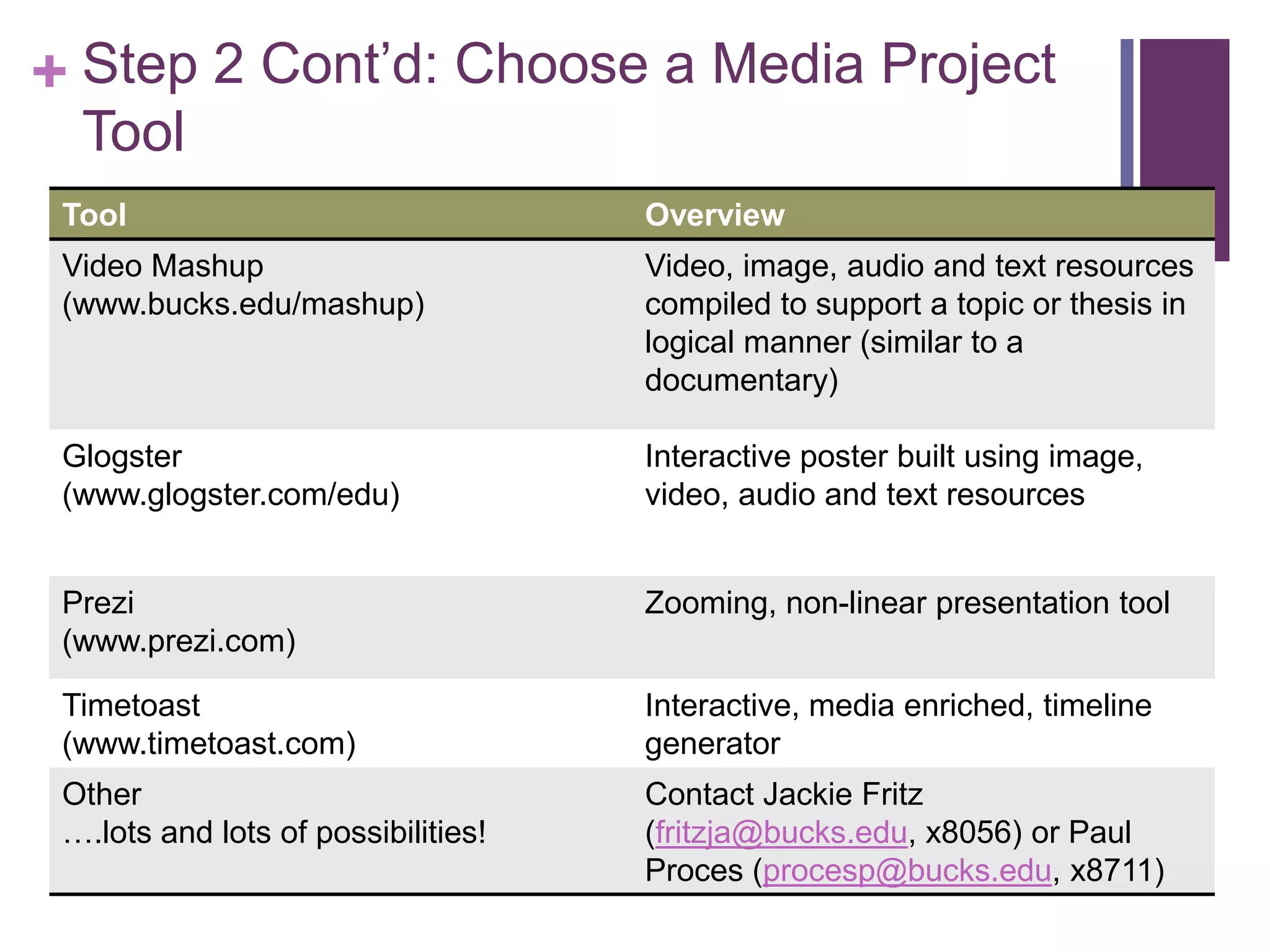
+ Step 2 Cont’d: Choose a Media Project
  Tool
 Tool                                Overview
 Video Mashup                        Video, image, audio and text resources
 (www.bucks.edu/mashup)              compiled to support a topic or thesis in
                                     logical manner (similar to a
                                     documentary)

 Glogster                            Interactive poster built using image,
 (www.glogster.com/edu)              video, audio and text resources


 Prezi                               Zooming, non-linear presentation tool
 (www.prezi.com)

 Timetoast                           Interactive, media enriched, timeline
 (www.timetoast.com)                 generator
 Other                               Contact Jackie Fritz
 ….lots and lots of possibilities!   (fritzja@bucks.edu, x8056) or Paul
                                     Proces (procesp@bucks.edu, x8711)
+
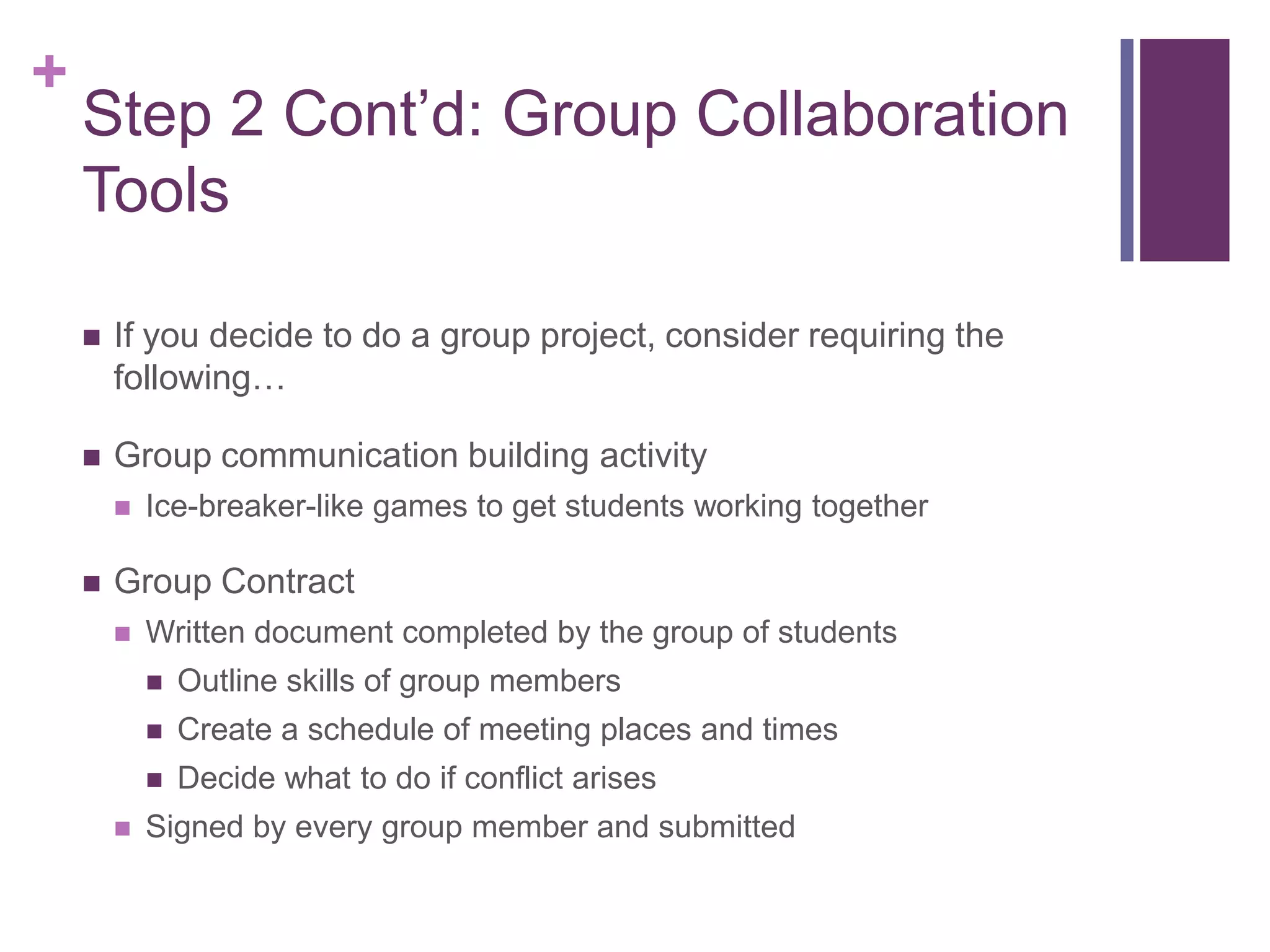
    Step 2 Cont’d: Group Collaboration
    Tools

       If you decide to do a group project, consider requiring the
        following…

       Group communication building activity
           Ice-breaker-like games to get students working together

       Group Contract
           Written document completed by the group of students
               Outline skills of group members
               Create a schedule of meeting places and times
               Decide what to do if conflict arises
           Signed by every group member and submitted
+
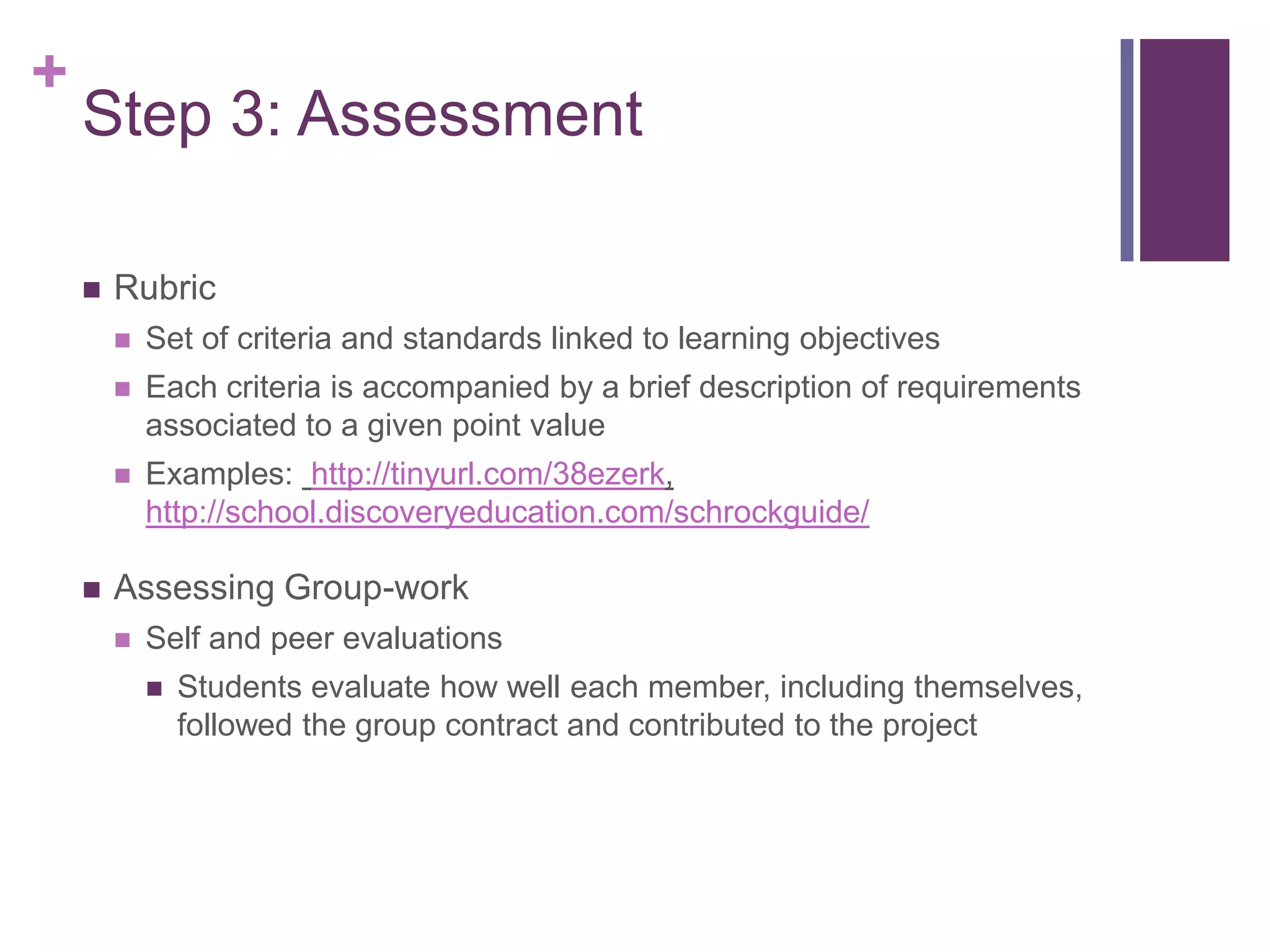
    Step 3: Assessment

       Rubric
           Set of criteria and standards linked to learning objectives
           Each criteria is accompanied by a brief description of requirements
            associated to a given point value
           Examples: http://tinyurl.com/38ezerk,
            http://school.discoveryeducation.com/schrockguide/

       Assessing Group-work
           Self and peer evaluations
               Students evaluate how well each member, including themselves,
                followed the group contract and contributed to the project
+
    Suggestions from the field…

       Scaffold the assignment               Be aware of the resources
           Require students to hand in        available to you and your
            pieces of the assignment.          students
            Provide feedback before the           Librarians: meet with faculty
            next piece of the assignment           to collaborate on building an
            is due                                 assignment
           Allows students to learn as           Librarians: conduct media
            they complete the                      literacy sessions specific to
            assignment                             the assignment for your
                                                   course
       Keep in mind timing!                      MInDSpace: provides the
                                                   tools and assistance to use
       The more detailed the
                                                   the tools for faculty and
        assignment, the better
                                                   students
+
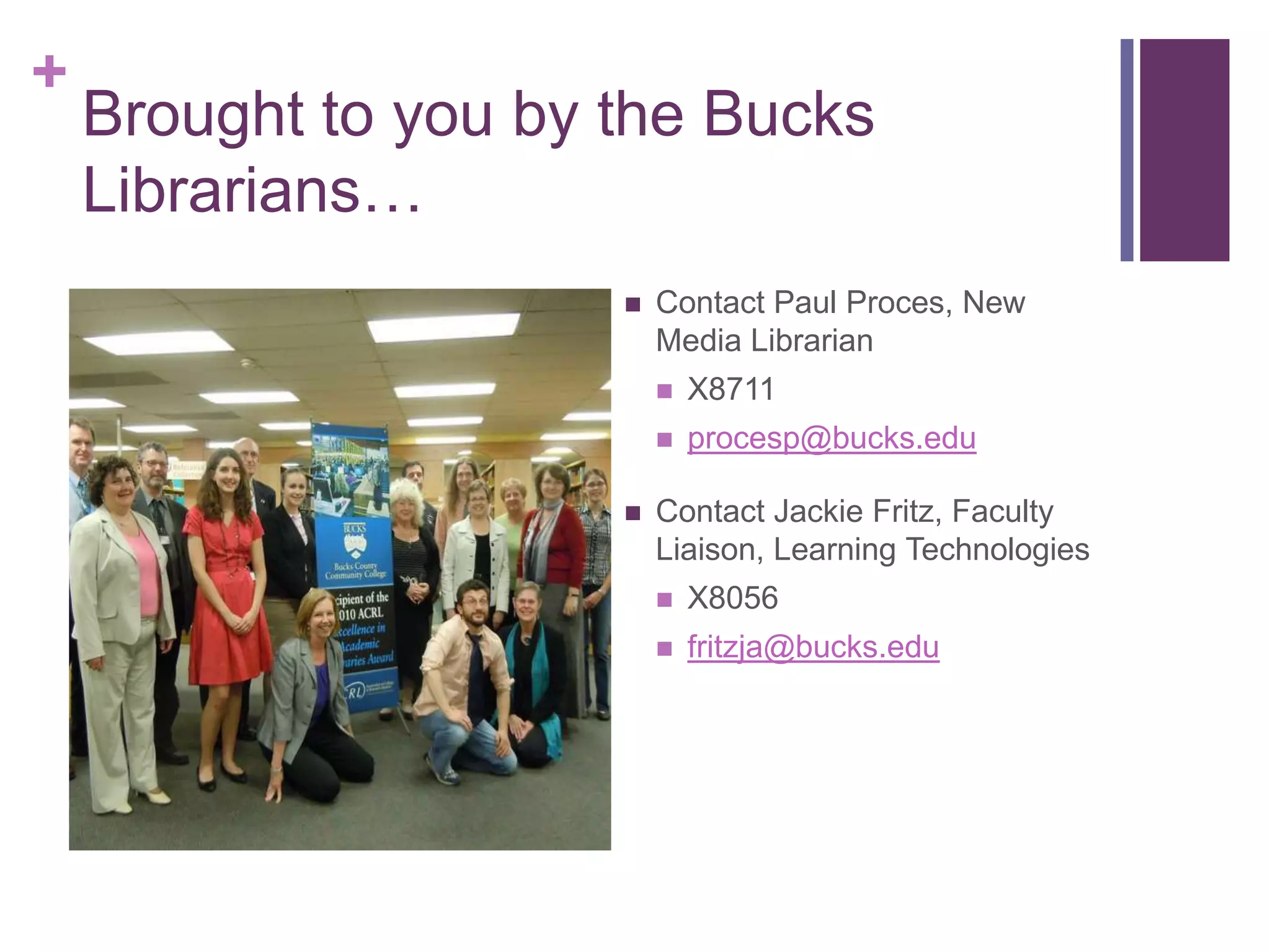
    Brought to you by the Bucks
    Librarians…
                         Contact Paul Proces, New
                          Media Librarian
                             X8711
                             procesp@bucks.edu

                         Contact Jackie Fritz, Faculty
                          Liaison, Learning Technologies
                             X8056
                             fritzja@bucks.edu

Transliteracy Assignment Design

  • 1.
    + Assignments Requiring Group Work and Technology Tools/Social Media
  • 2.
    + Incorporating transliteracy  Indicates a 21st Century approach to education  Requires your students to access, analyze, evaluate and create messages using a variety of resources  Can builds an understanding of social context of their work  Facilitates the development of essential skills such as inquire and self-expression, necessary for citizens of a democracy  Enhances student’s learning experiences by building fluency across media, modes, and disciplines  Do these objectives always fit your course objectives? NO, but that’s OK!
  • 3.
    + Use “Backward Design”  Step 1: Start by defining the objectives for the assignment  Step 2: Determine the activities and methods necessary for your students to complete in order to achieve the desired objectives  Step 3: Chose an assessment tool or policy that evaluates how well students completed the activity and met the objectives of the assignment  Understanding by Design by Grant Wiggins and Jay McTighe, 2005
  • 4.
    + Step 1: Defining the assignment objectives  Most important step  Objectives for the assignment = objectives for course = objectives for program of study  Ask yourself these questions  What is the goal for the students in completing this assignment?  What topic do I want the students to explore by conducting research and critical thinking?  Is this topic conducive to gaining transliteracy skills?  Is group collaboration essential to this project, or is this project best suited for individual work?
  • 5.
    + Step 2: Determine activities and methods  Choose activities that, when completed, students achieve the objectives  Activities should require tools and resources accessible by all your students  In this step, choose a project tool appropriate to the skill level of the students and objectives of the assignment  Whether or not you included group collaboration in your objectives will impact the activities and methods you choose
  • 6.
    + Step 2Cont’d: Choose a Media Project Tool Tool Overview Video Mashup Video, image, audio and text resources (www.bucks.edu/mashup) compiled to support a topic or thesis in logical manner (similar to a documentary) Glogster Interactive poster built using image, (www.glogster.com/edu) video, audio and text resources Prezi Zooming, non-linear presentation tool (www.prezi.com) Timetoast Interactive, media enriched, timeline (www.timetoast.com) generator Other Contact Jackie Fritz ….lots and lots of possibilities! (fritzja@bucks.edu, x8056) or Paul Proces (procesp@bucks.edu, x8711)
  • 7.
    + Step 2 Cont’d: Group Collaboration Tools  If you decide to do a group project, consider requiring the following…  Group communication building activity  Ice-breaker-like games to get students working together  Group Contract  Written document completed by the group of students  Outline skills of group members  Create a schedule of meeting places and times  Decide what to do if conflict arises  Signed by every group member and submitted
  • 8.
    + Step 3: Assessment  Rubric  Set of criteria and standards linked to learning objectives  Each criteria is accompanied by a brief description of requirements associated to a given point value  Examples: http://tinyurl.com/38ezerk, http://school.discoveryeducation.com/schrockguide/  Assessing Group-work  Self and peer evaluations  Students evaluate how well each member, including themselves, followed the group contract and contributed to the project
  • 9.
    + Suggestions from the field…  Scaffold the assignment  Be aware of the resources  Require students to hand in available to you and your pieces of the assignment. students Provide feedback before the  Librarians: meet with faculty next piece of the assignment to collaborate on building an is due assignment  Allows students to learn as  Librarians: conduct media they complete the literacy sessions specific to assignment the assignment for your course  Keep in mind timing!  MInDSpace: provides the tools and assistance to use  The more detailed the the tools for faculty and assignment, the better students
  • 10.
    + Brought to you by the Bucks Librarians…  Contact Paul Proces, New Media Librarian  X8711  procesp@bucks.edu  Contact Jackie Fritz, Faculty Liaison, Learning Technologies  X8056  fritzja@bucks.edu