
Log Scaling and Analytics With
Logstash
Richard Viet
Principal Engineer
Cloud Elements
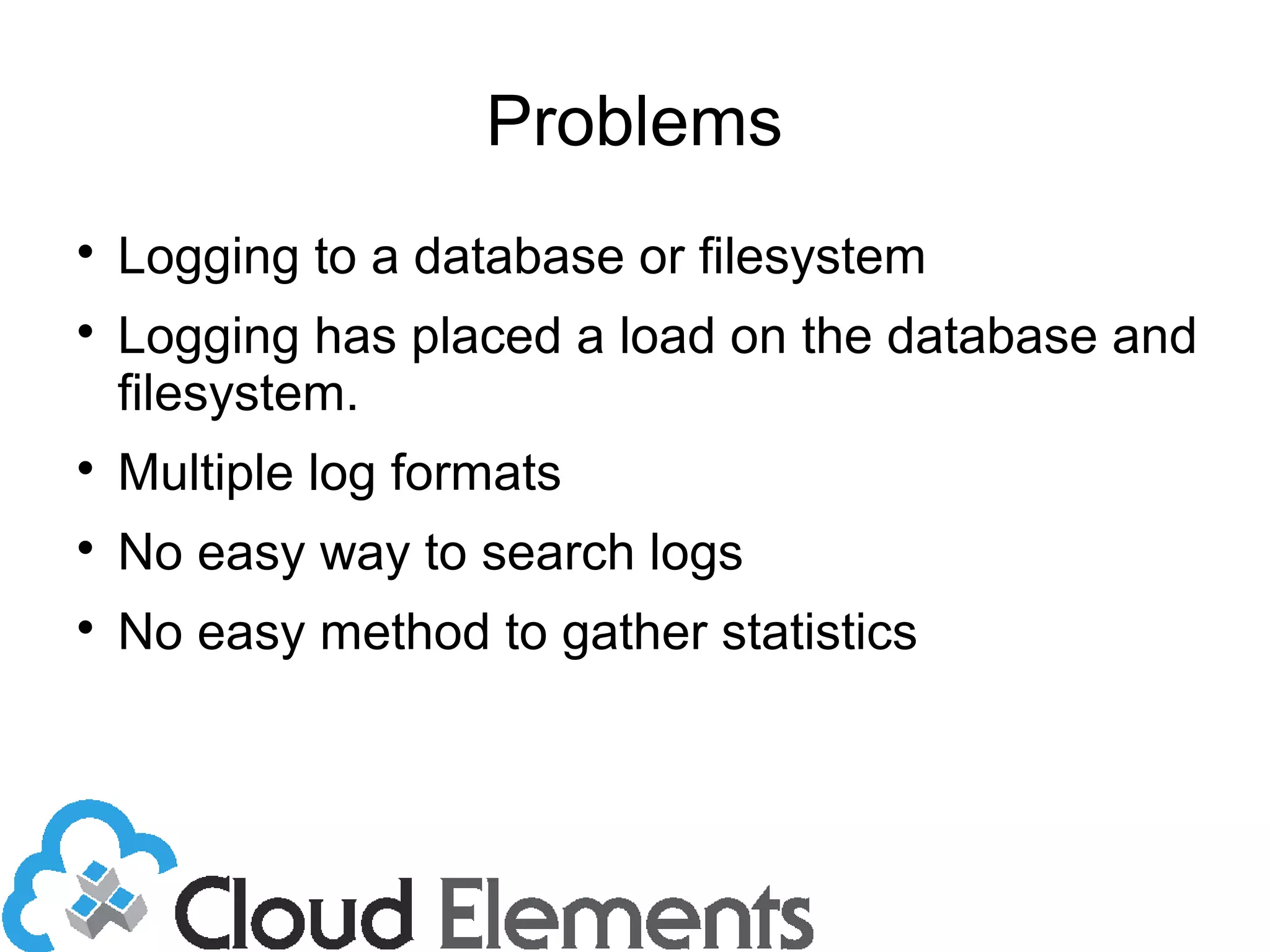
Problems

Logging to a database or filesystem

Logging has placed a load on the database and
filesystem.

Multiple log formats

No easy way to search logs

No easy method to gather statistics
Logstash

Open source, Apache licence

Written in JRuby. Runs on jvm.

Plugins easily written in Ruby.

Part of the Elasticsearch family.

www.logstash.net
Logstash

Scalable: Elasticsearch for indexing, search
and retrieval

Process multiple log formats

Receive logs from multiple sources

Output logs to multiple destinations

Kibana provides web interface for search and
analytics

Easily extended with plugins written in Ruby
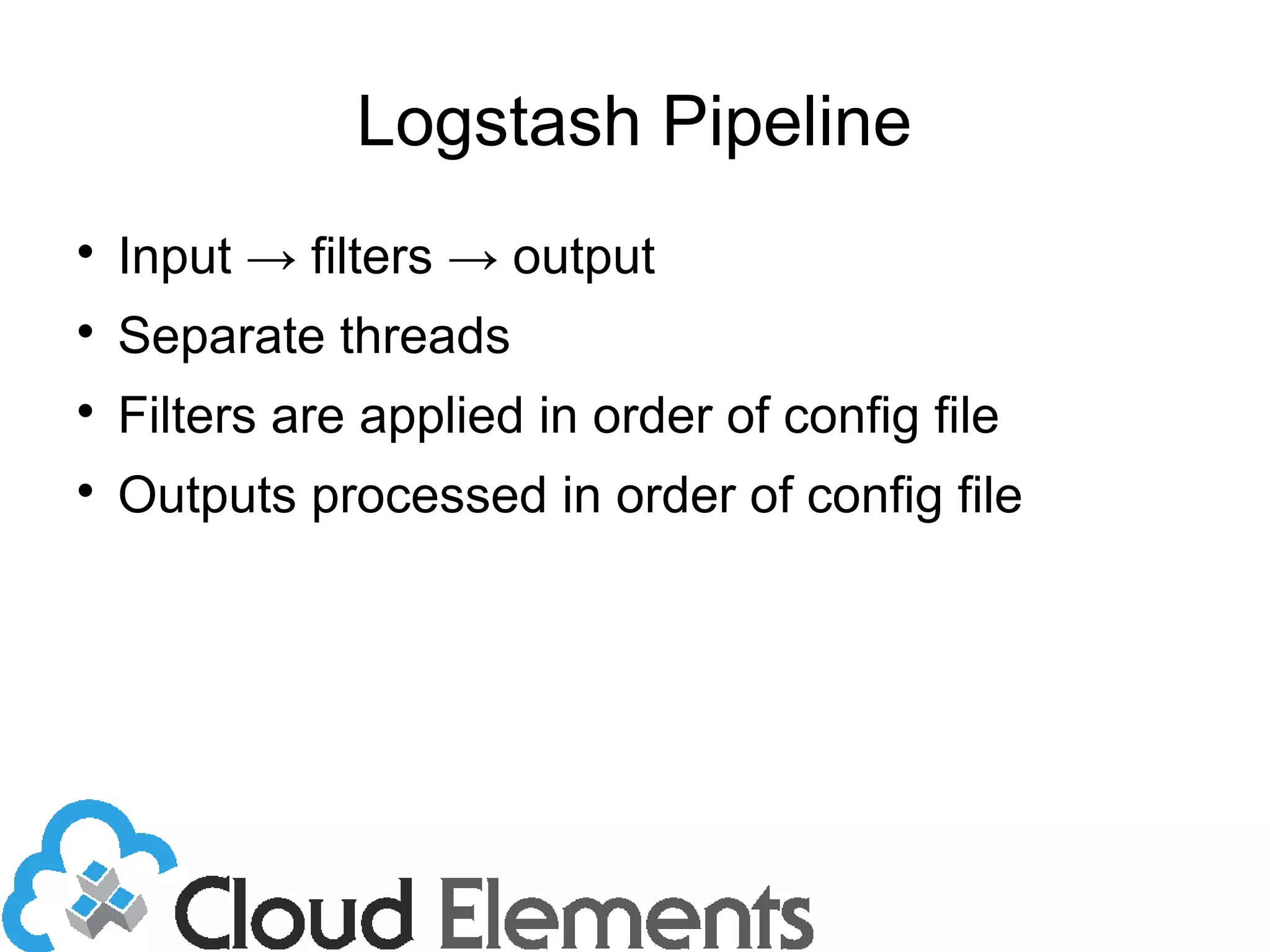
Logstash Architecture
Shipper
Broker Indexer
Search
Storage
Shipper
Shipper
Web
Interface
Logstash Pipeline

Input → filters → output

Separate threads

Filters are applied in order of config file

Outputs processed in order of config file
Logstash Plugins

Input – read input stream
– File input
– Log4j
– Redis
– Syslog

Codecs – decoding log messages
– Json
– Multiline
Logstash Plugins

Filters – processing messages
– Csv – define fields in a csv
– Date – define date field formats
– Mutate – change date type
– Xml – extract xml
– Grok – parses arbitrary text
Logstash Plugins

Output
– Elasticsearch
– Elasticsearch_http
– Mongodb
– Email
– Nagios
Indexer

Send message to Elasticsearch for indexing

An index is created for each day

Each index split into 5 shards by default

Original message is stored

Each field indexed
Elasticsearch

Apache Lucene search engine

An elasticsearch index is made up of multiple
shards

Each shard is a lucene index

Primary shard and at least one replica

Shards are moved between servers when
servers are added or removed
Elasticsearch Configuration

Self discovery
– Multicast
• Simplest if all nodes on same network
– Unicast
• Provide a list of servers
– Combination
Elasticsearch

Adding more nodes improves indexing and
search time.

Primary node is indexed first then replicas

Number of shards determined when index is
created.

Number of replicas is configurable
Elasticsearch

Adding more nodes improves indexing and
search time.

Primary node is indexed first then replicas

Number of shards determined when index is
created.

Number of replicas is configurable
Kibana

Browser based analytics for time-stamped data

Included in the logstash jar

Connect to the logstash server port 9292

Sends multiple requests to avoid overloading
the server.
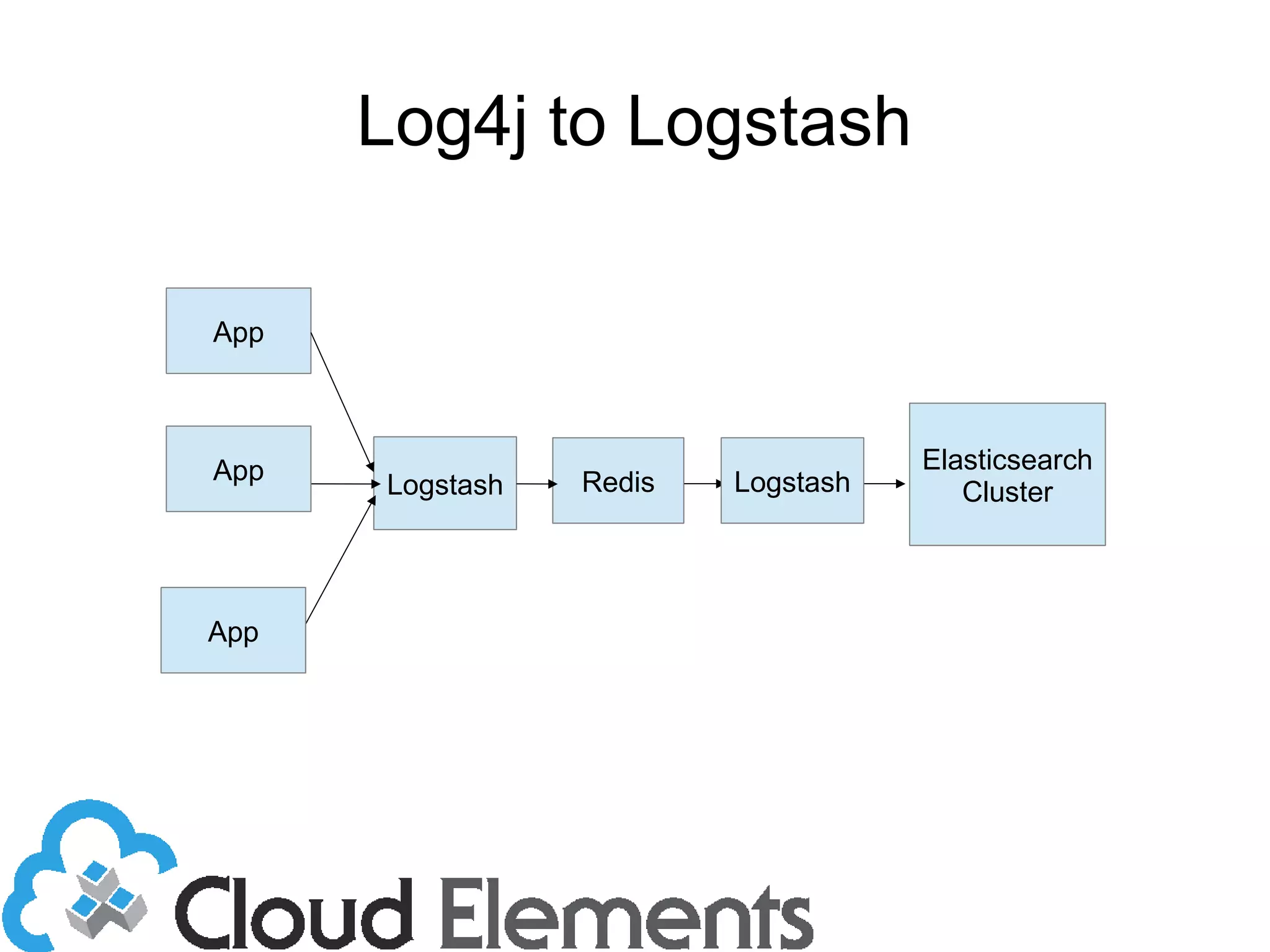
Log4j to Logstash
App
Logstash Redis
Elasticsearch
Cluster
App
App Logstash
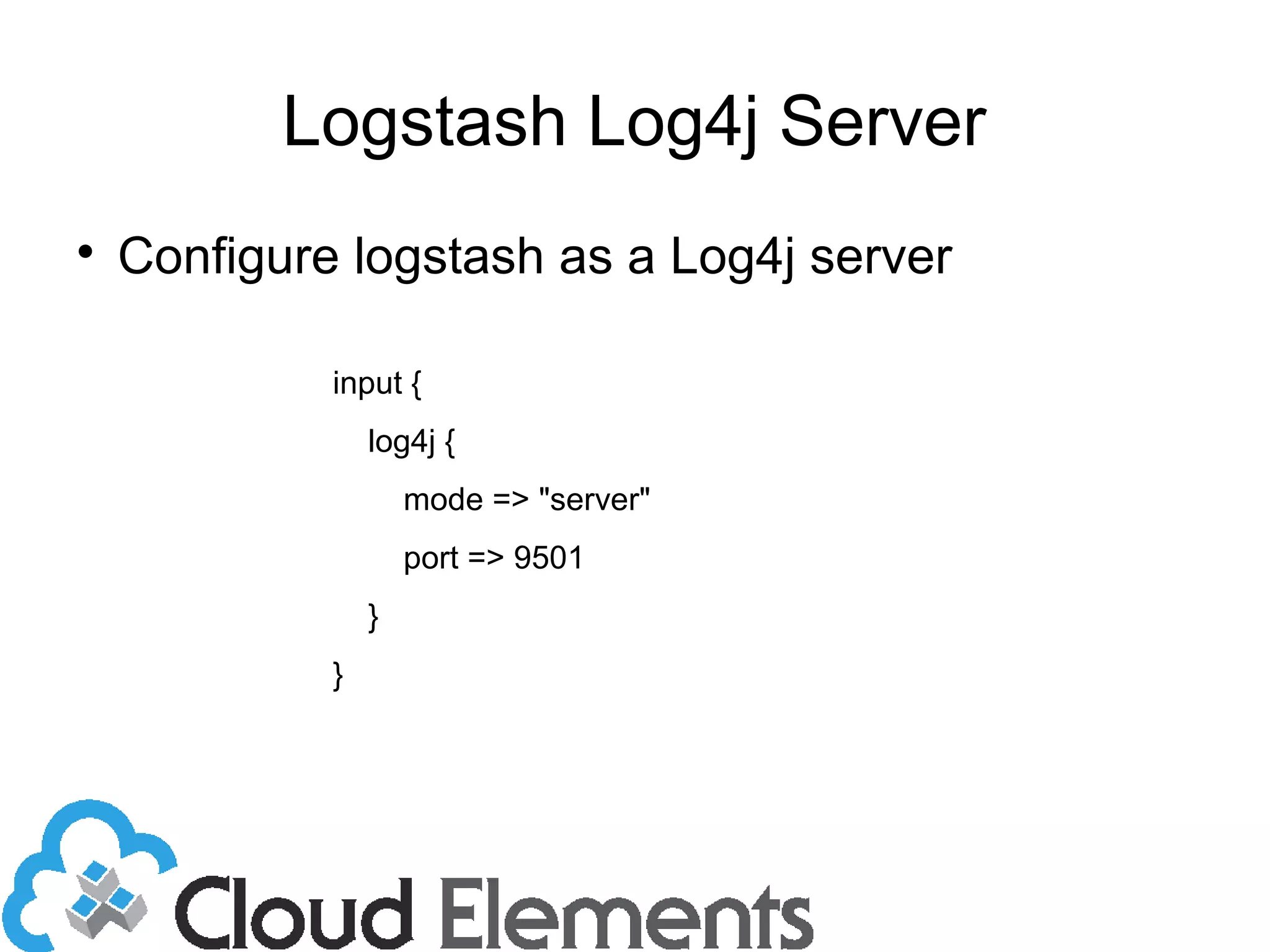
Logstash Log4j Server

Configure logstash as a Log4j server
input {
log4j {
mode => "server"
port => 9501
}
}
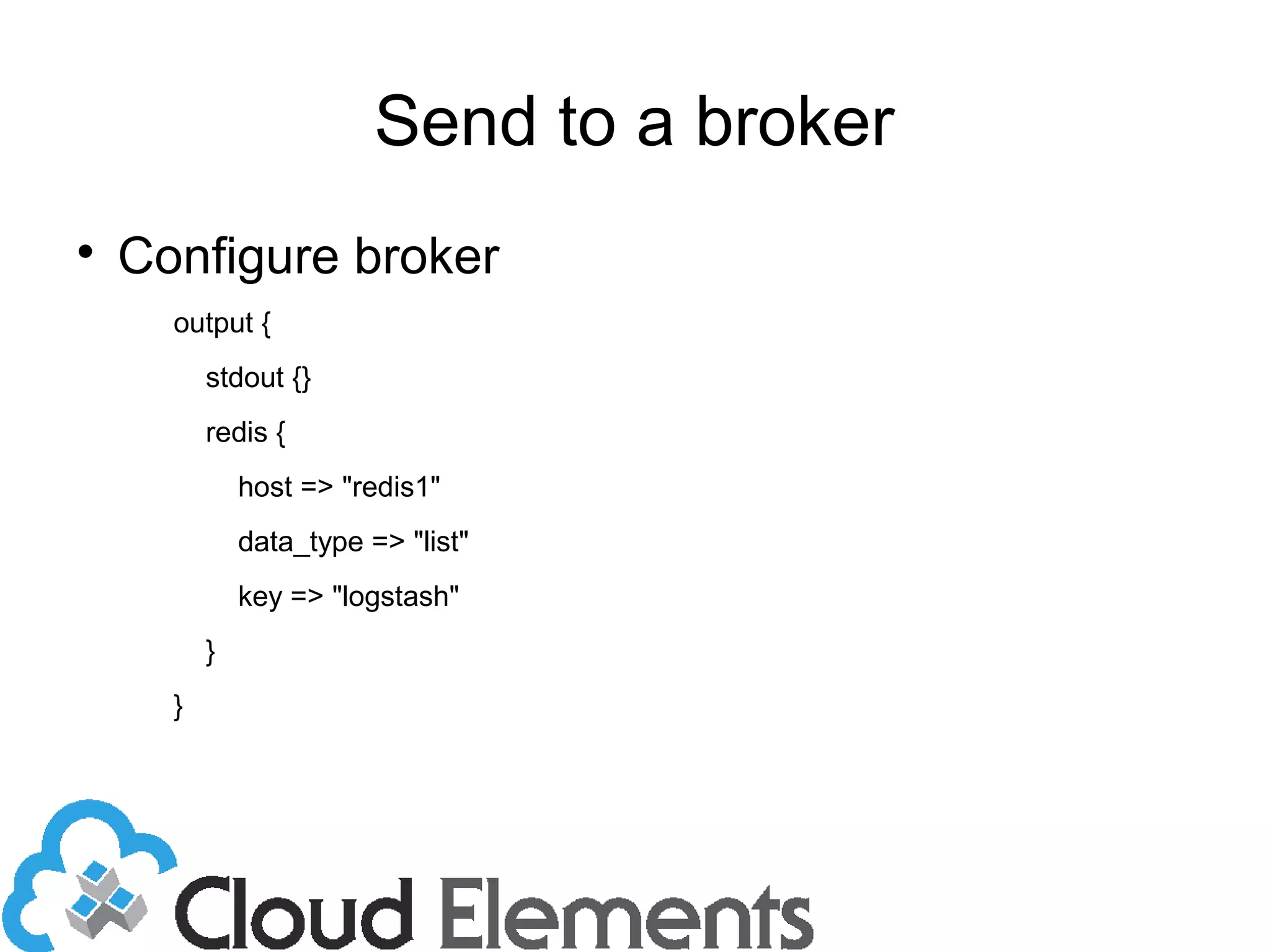
Send to a broker

Configure broker
output {
stdout {}
redis {
host => "redis1"
data_type => "list"
key => "logstash"
}
}
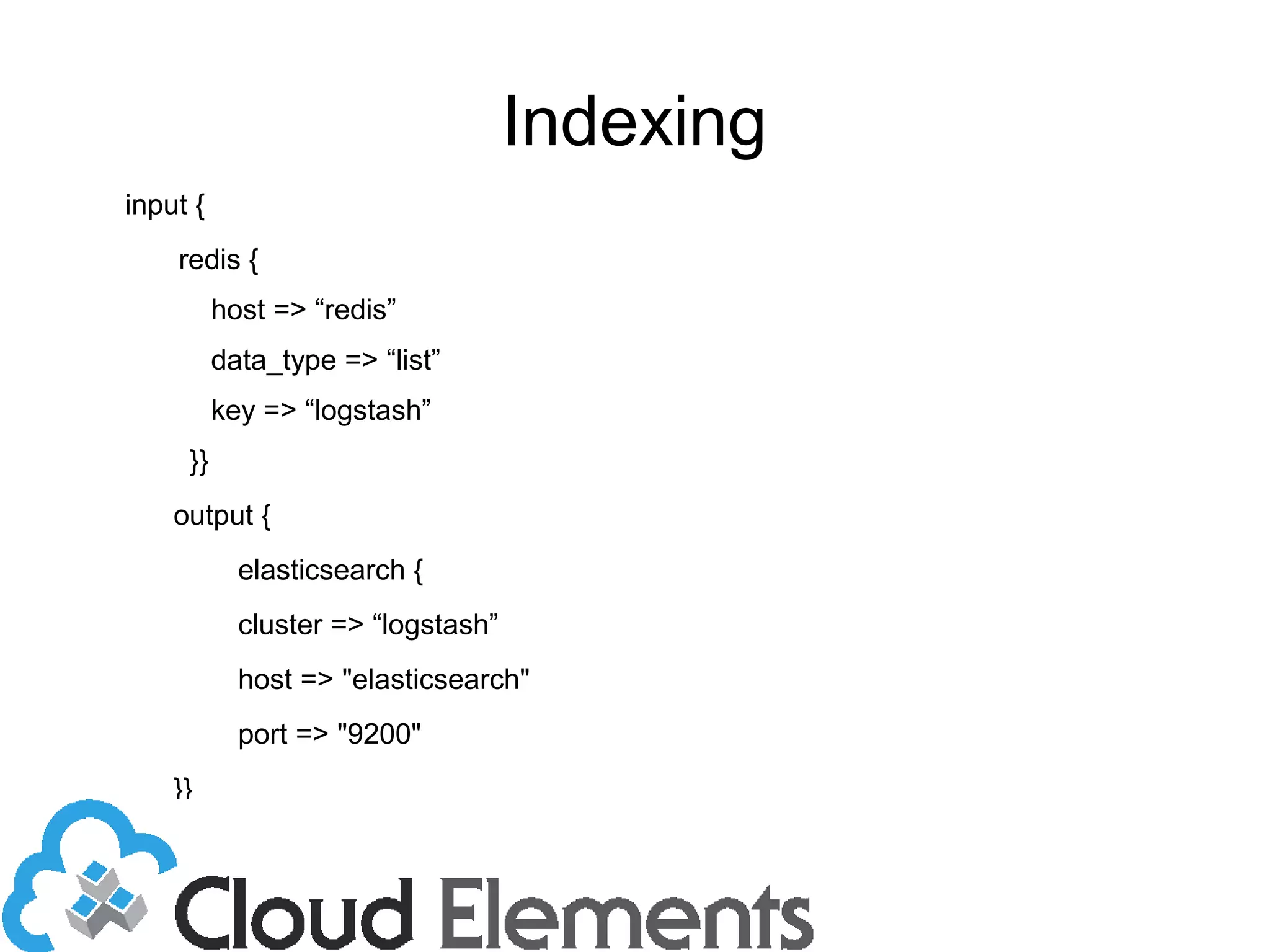
Indexing
input {
redis {
host => “redis”
data_type => “list”
key => “logstash”
}}
output {
elasticsearch {
cluster => “logstash”
host => "elasticsearch"
port => "9200"
}}
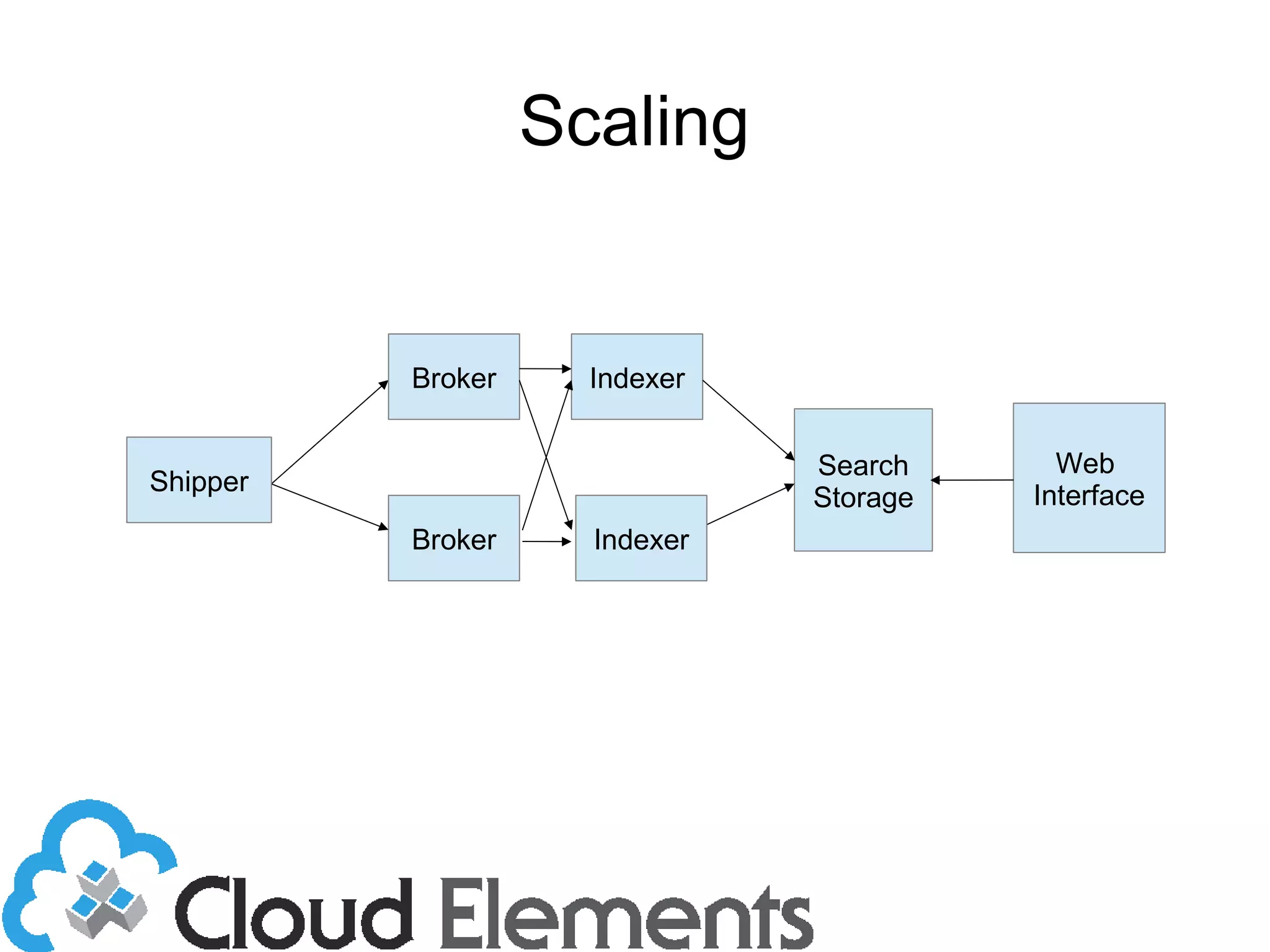
Scaling
Broker
Indexer
Search
Storage
Shipper
Web
Interface
Broker
Indexer
Sending to Broker
output {
stdout {}
redis {
host => ["redis1", “redis2”]
data_type => "list"
shuffle_hosts => true
key => "logstash"
}
}
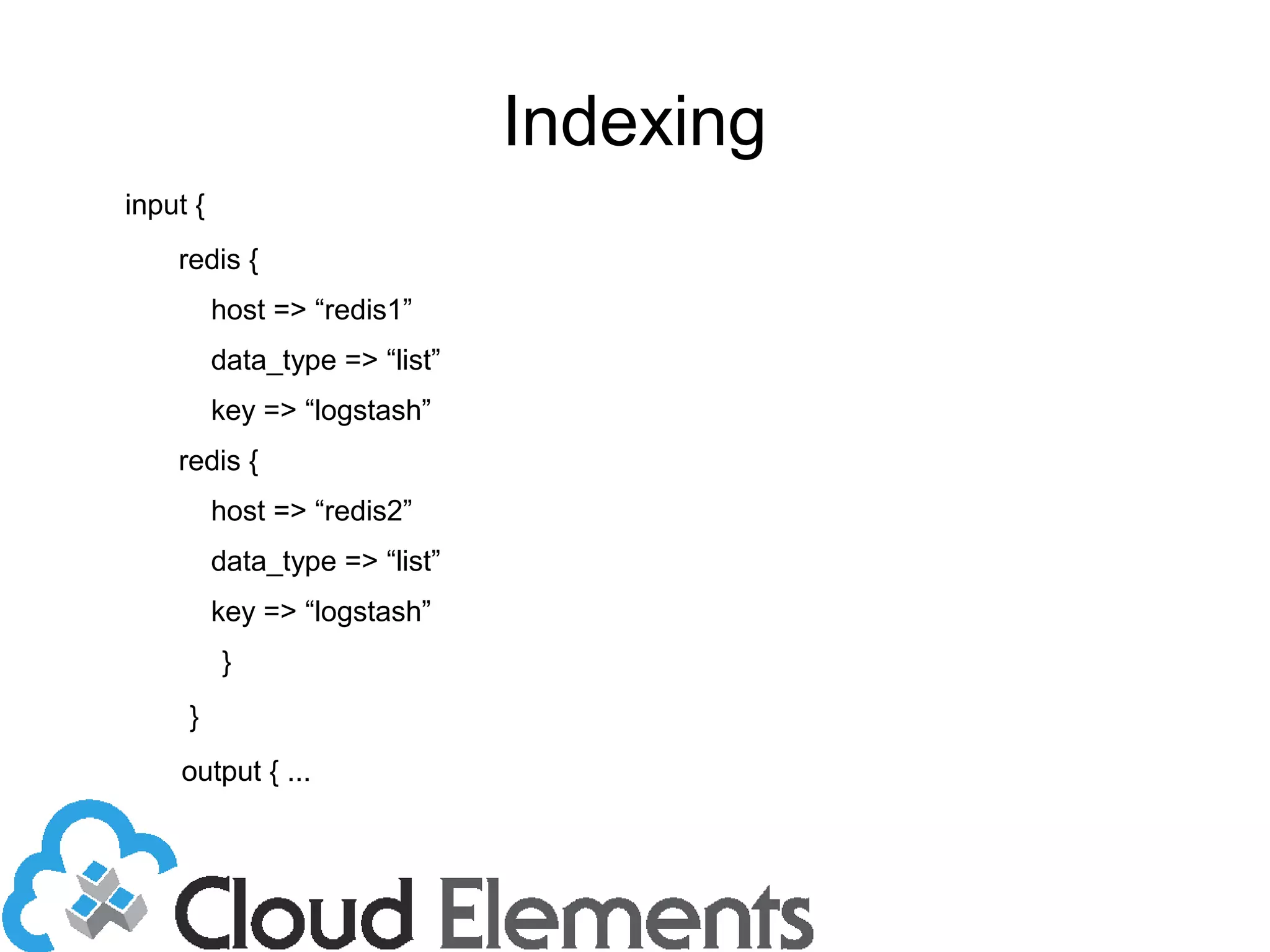
Indexing
input {
redis {
host => “redis1”
data_type => “list”
key => “logstash”
redis {
host => “redis2”
data_type => “list”
key => “logstash”
}
}
output { ...
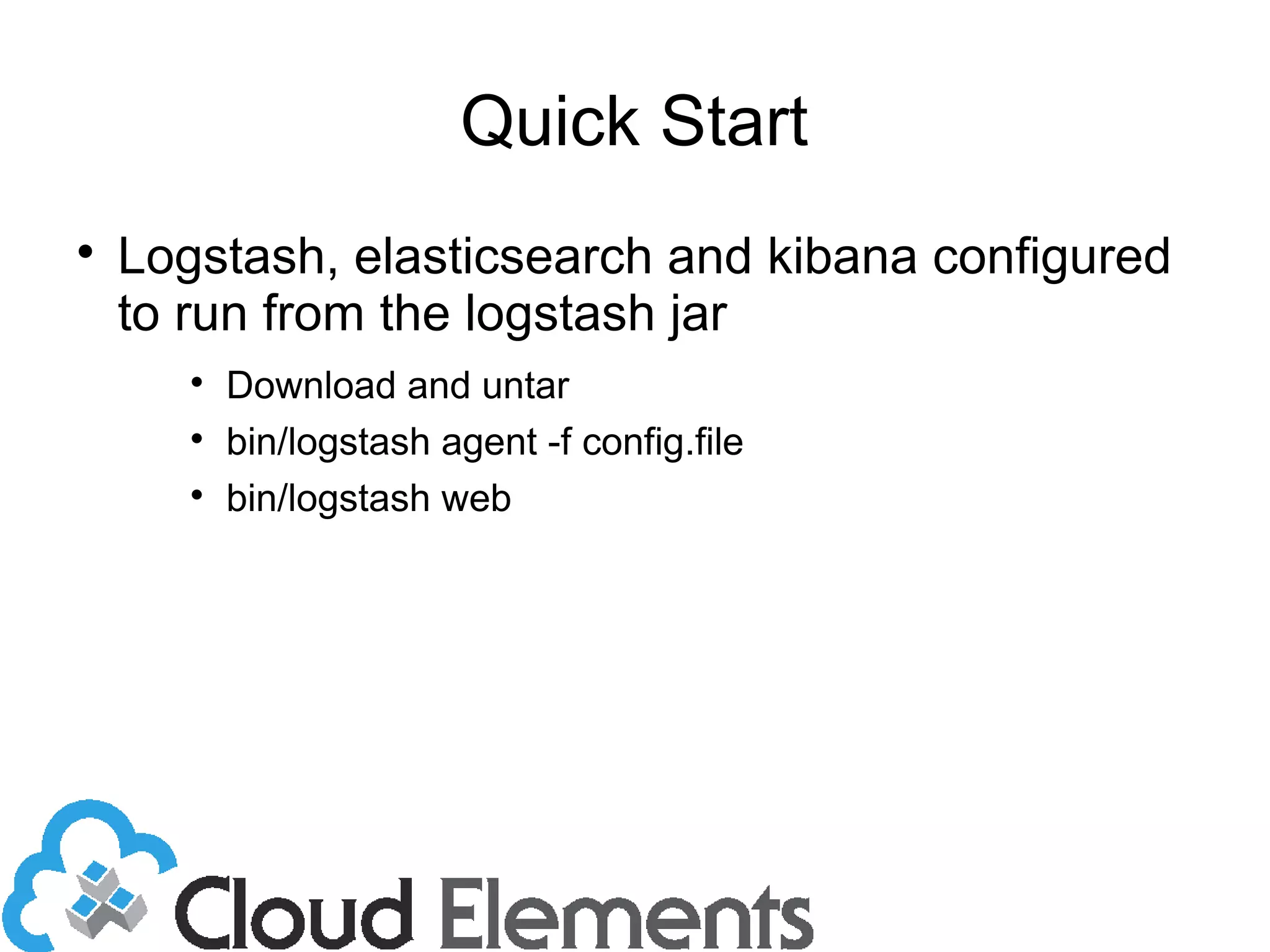
Quick Start

Logstash, elasticsearch and kibana configured
to run from the logstash jar

Download and untar

bin/logstash agent -f config.file

bin/logstash web

'Scalable Logging and Analytics with LogStash'