Elasticsearch, Logstash, Kibana. Cool search, analytics, data mining and more...
The document provides an overview of Elasticsearch, including its architecture, deployment, and ecosystem. It features a demo, real-life case studies, and details on the Elasticsearch query API and relevant concepts like filtering, sharding, and relevance scoring. Additionally, it discusses Elasticsearch integration with various programming languages and tools, illustrating its capabilities in full-text search and data management.
Elasticsearch, Logstash, Kibana. Cool search, analytics, data mining and more...
1.
E L AS T I C S E A R C H ,
L O G S TA S H , K I B A N A
C O O L S E A R C H ,
A N A LY T I C S ,
D ATA M I N I N G
A N D M O R E …
O L E K S I Y P A N C H E N K O / L O H I K A / 2 0 1 5
2.
MY NAME IS…
OleksiyPanchenko
Software engineer, Lohika
E-mail: oleksij@gmail.com
Twitter: oleskiyp
LinkedIn:
https://ua.linkedin.com/in/opanchenko
3.
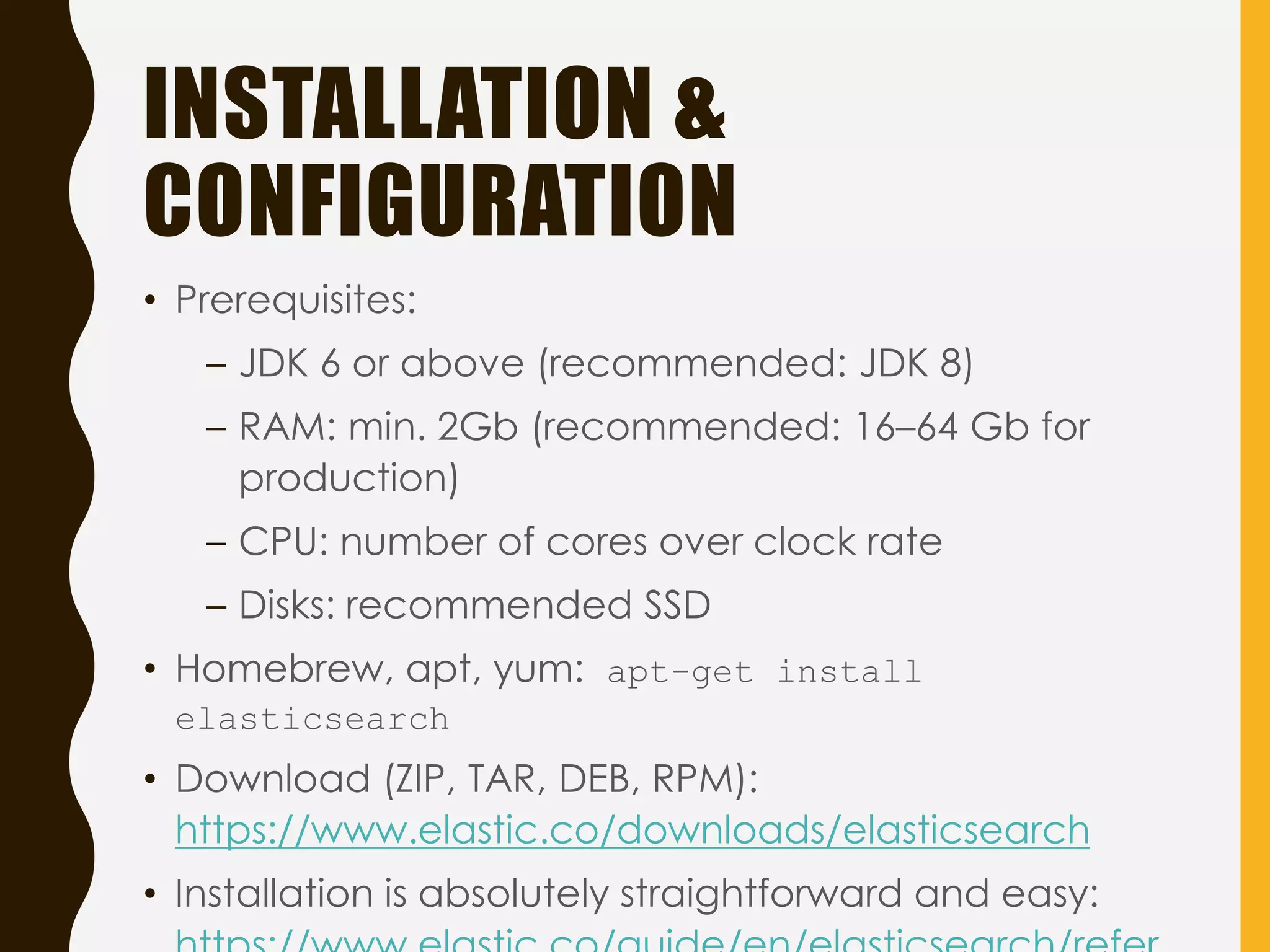
AGENDA
• Introduction. Whatis it all about?
• Jump start Elastic. Demo time
• Architecture and deployment. Why is
Elasticsearch elastic?
• Case studies. 4 real-life projects
• Query API in depth + Demo
• Elasticsearch ecosystem. ELK Stack + Demo
• Q & A
HOW TO MAKEYOUR SITE
SEARCHABLE?
http://www.imbusstop.com/wp-content/uploads/2015/02/websites.png
6.
• Google search
•Why not to use plain vanilla SQL? RDBMS rocks!
select *
from books
join authors
on …
where …
• Sphinx (hello Craigslist, Habrahabr, The Pirate Bay, 1C);
Xapian
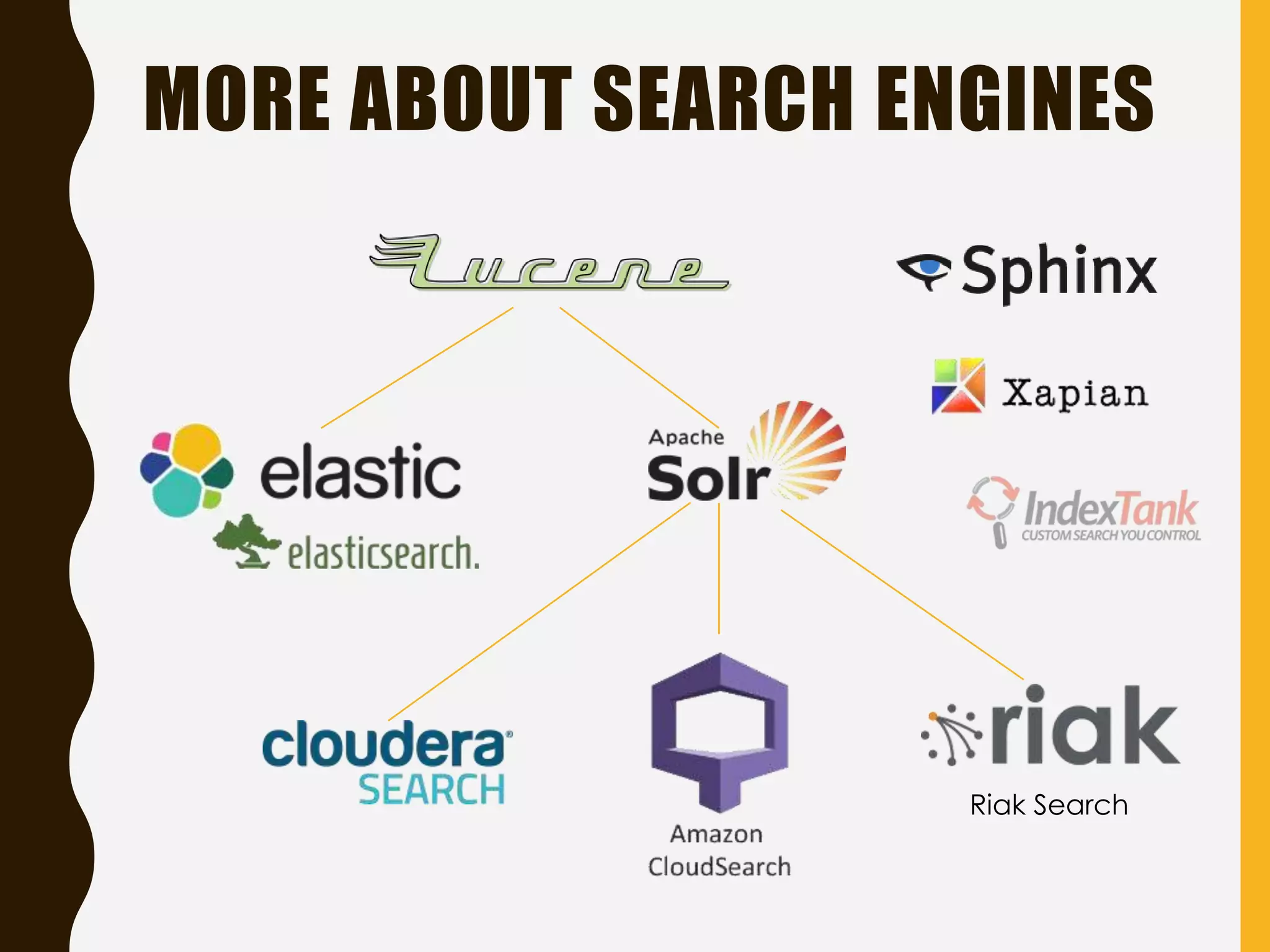
• Lucene Family: Apache Lucene, Elasticsearch, Apache
Apache Solr, Amazon Cloudsearch, …
7.
WHO HAS EVERUSED
ELASTICSEARCH?
http://dolhomeschoolcenter.com/wp-content/uploads/2013/02/FAQ.png
8.
LUCENE AS ACORE
• Lucene = Low-level Java library (JAR) which
implements search functionality
• Can be used in both web and standalone
applications (desktop, mobile)
• Lucene stores its index as a local binary file
• Implemented in Java, ports to other languages
available
• Initial version: 1999
• Apache project since 2001
• Latest stable release: 5.2.1 (15 June 2015)
9.
LUCENE AS ACORE
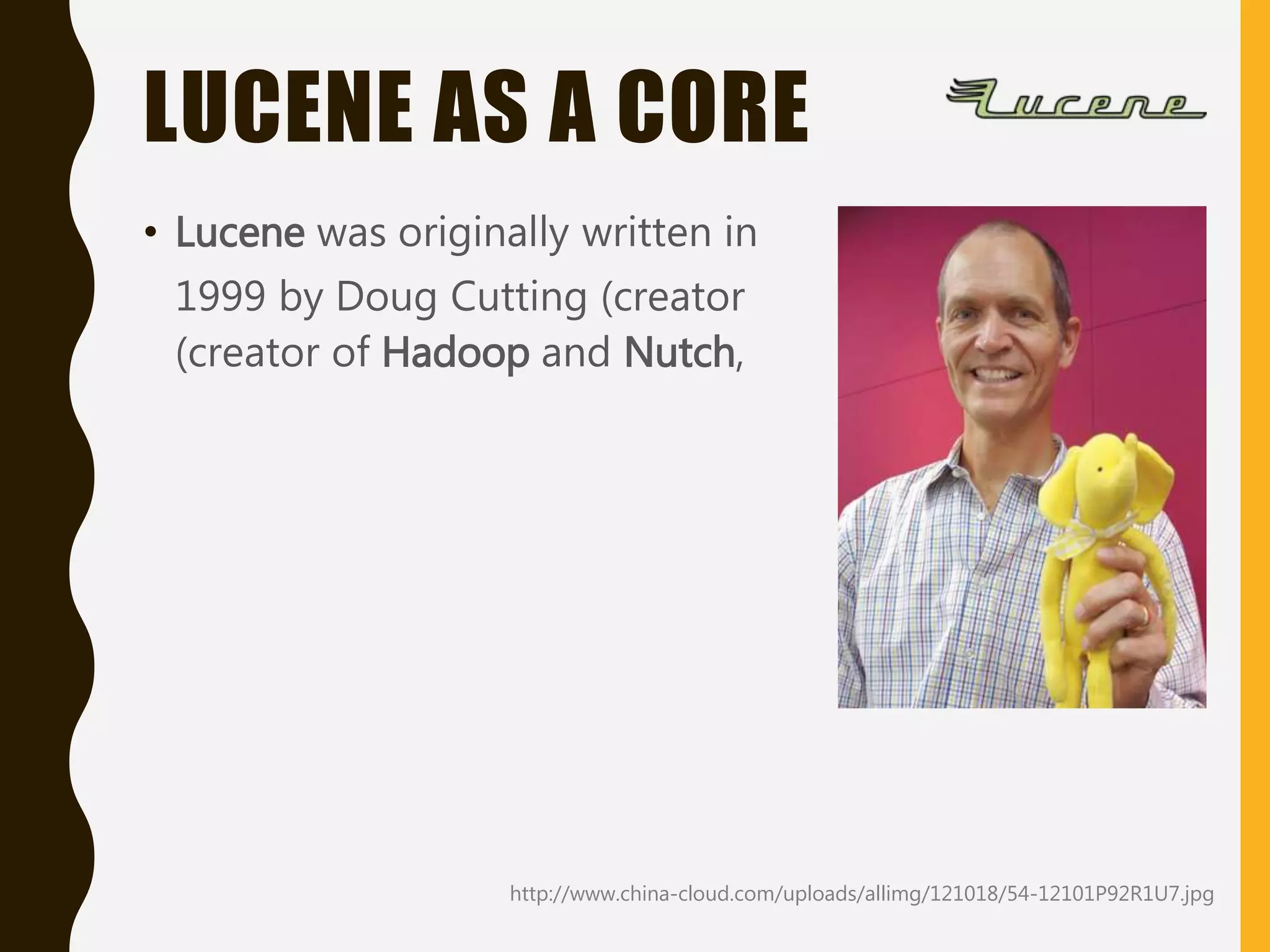
• Lucene was originally written in
1999 by Doug Cutting (creator
(creator of Hadoop and Nutch,
http://www.china-cloud.com/uploads/allimg/121018/54-12101P92R1U7.jpg
TIME TO TALKABOUT
ELASTICSEARCH
https://www.elastic.co/products/elasticsearch
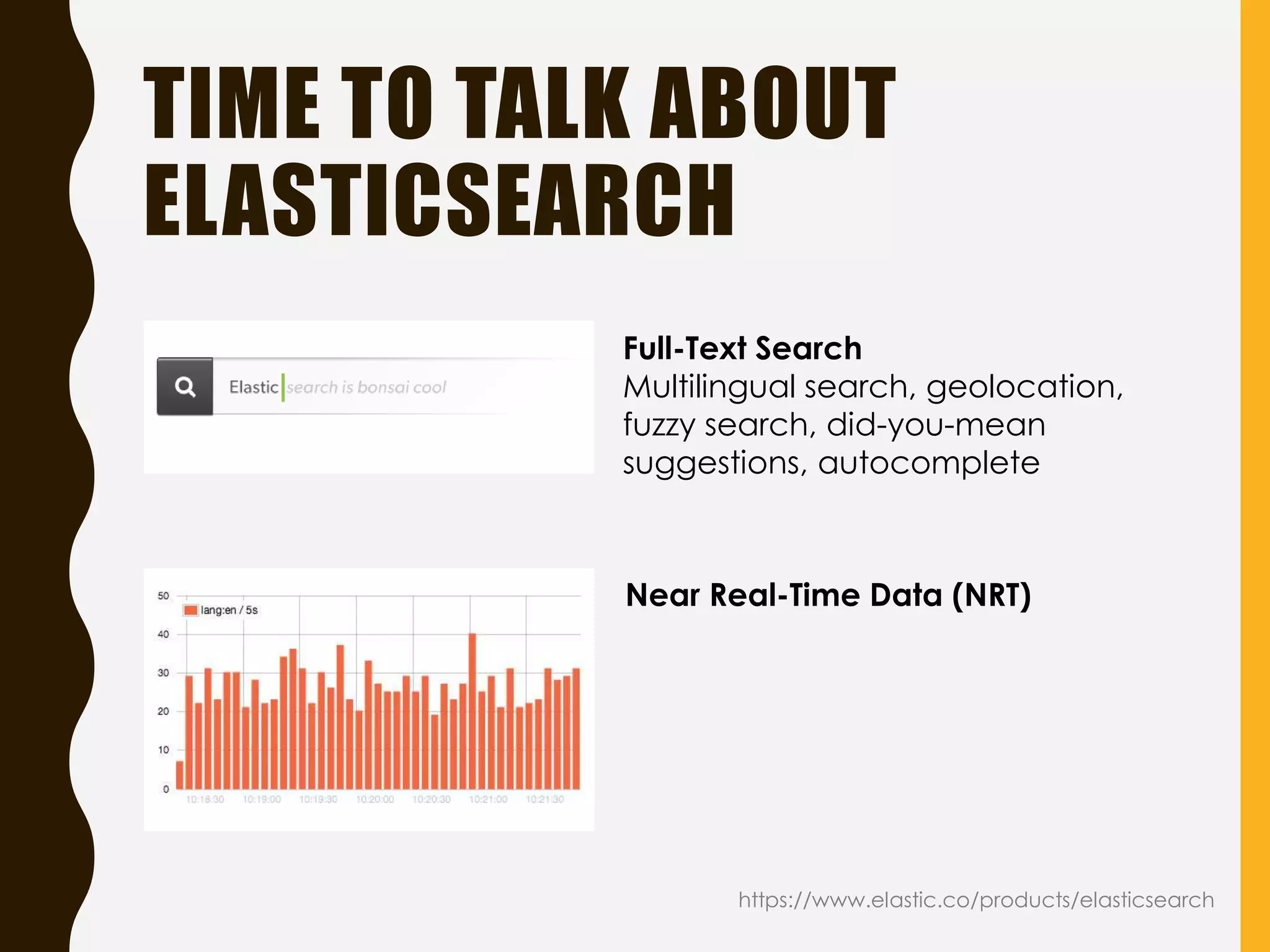
Near Real-Time Data (NRT)
Full-Text Search
Multilingual search, geolocation,
fuzzy search, did-you-mean
suggestions, autocomplete
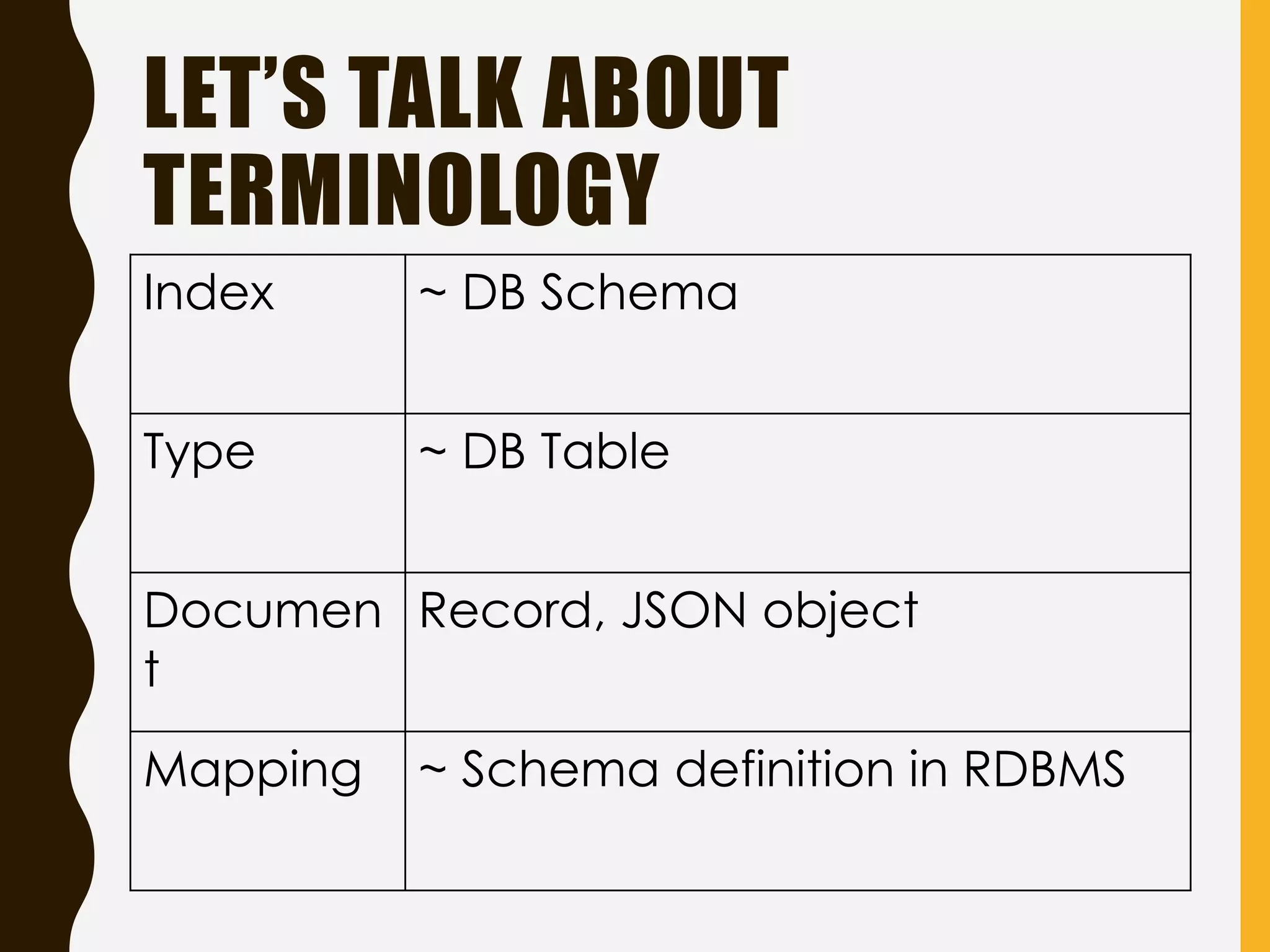
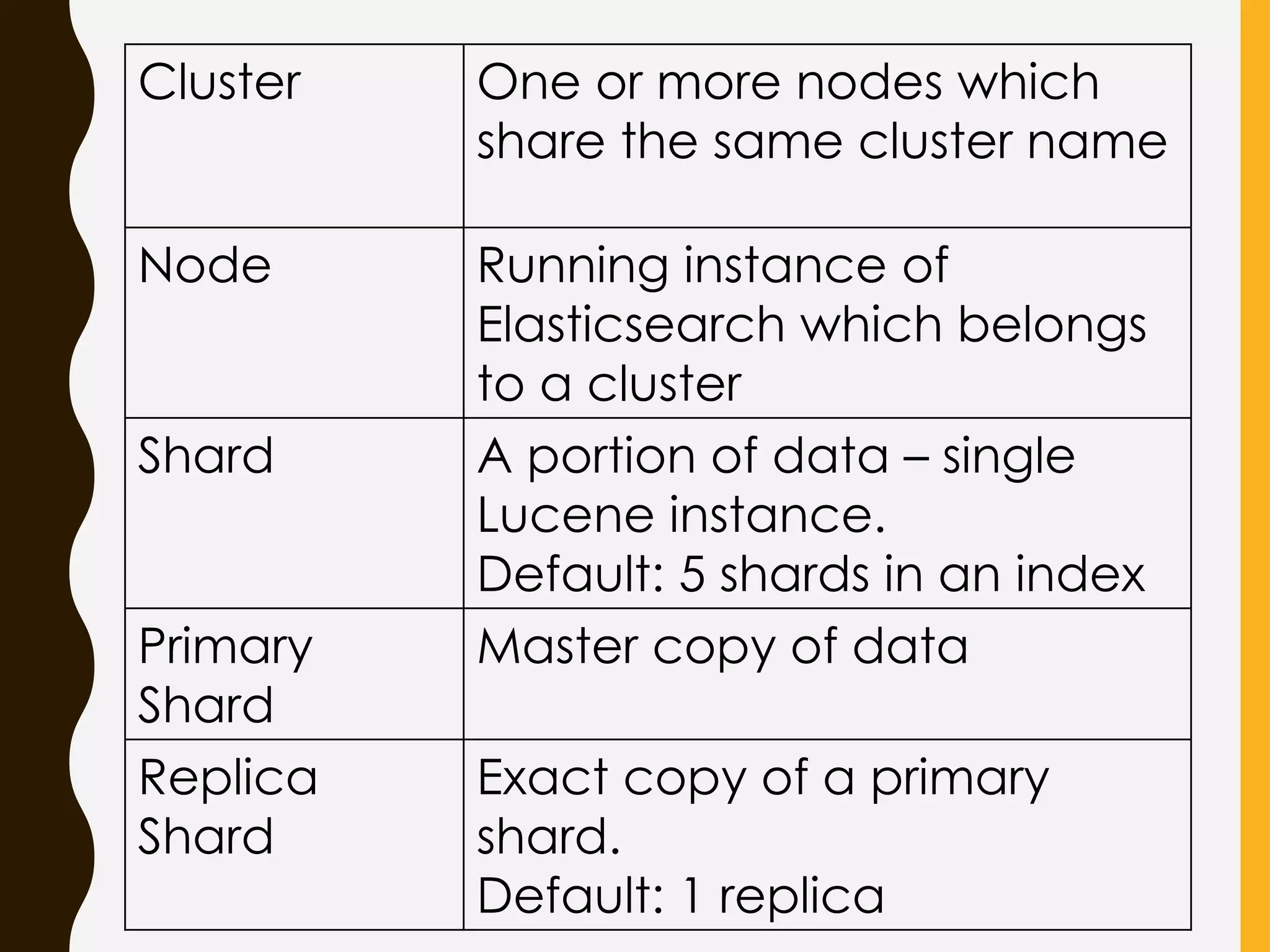
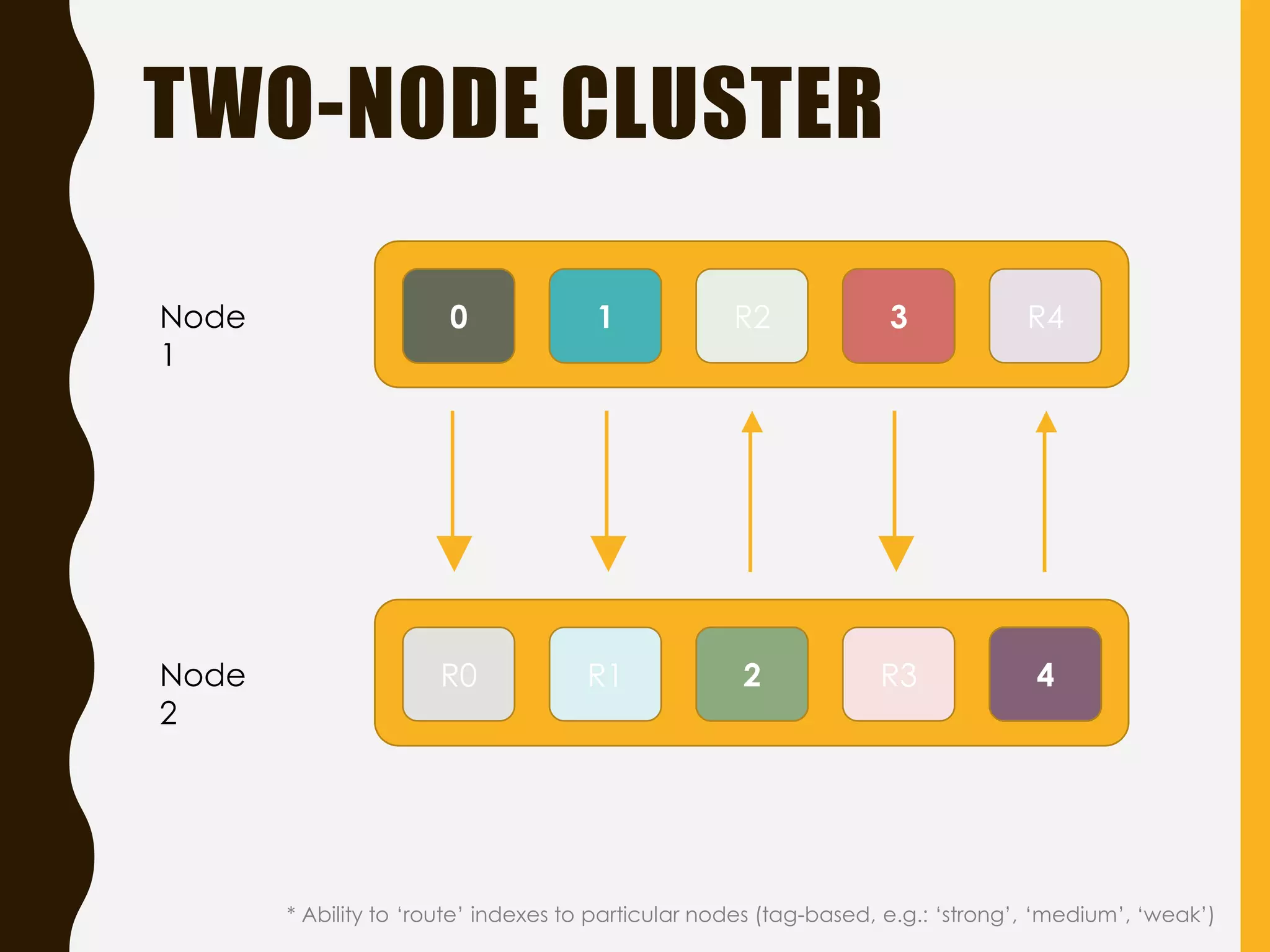
Cluster One ormore nodes which
share the same cluster name
Node Running instance of
Elasticsearch which belongs
to a cluster
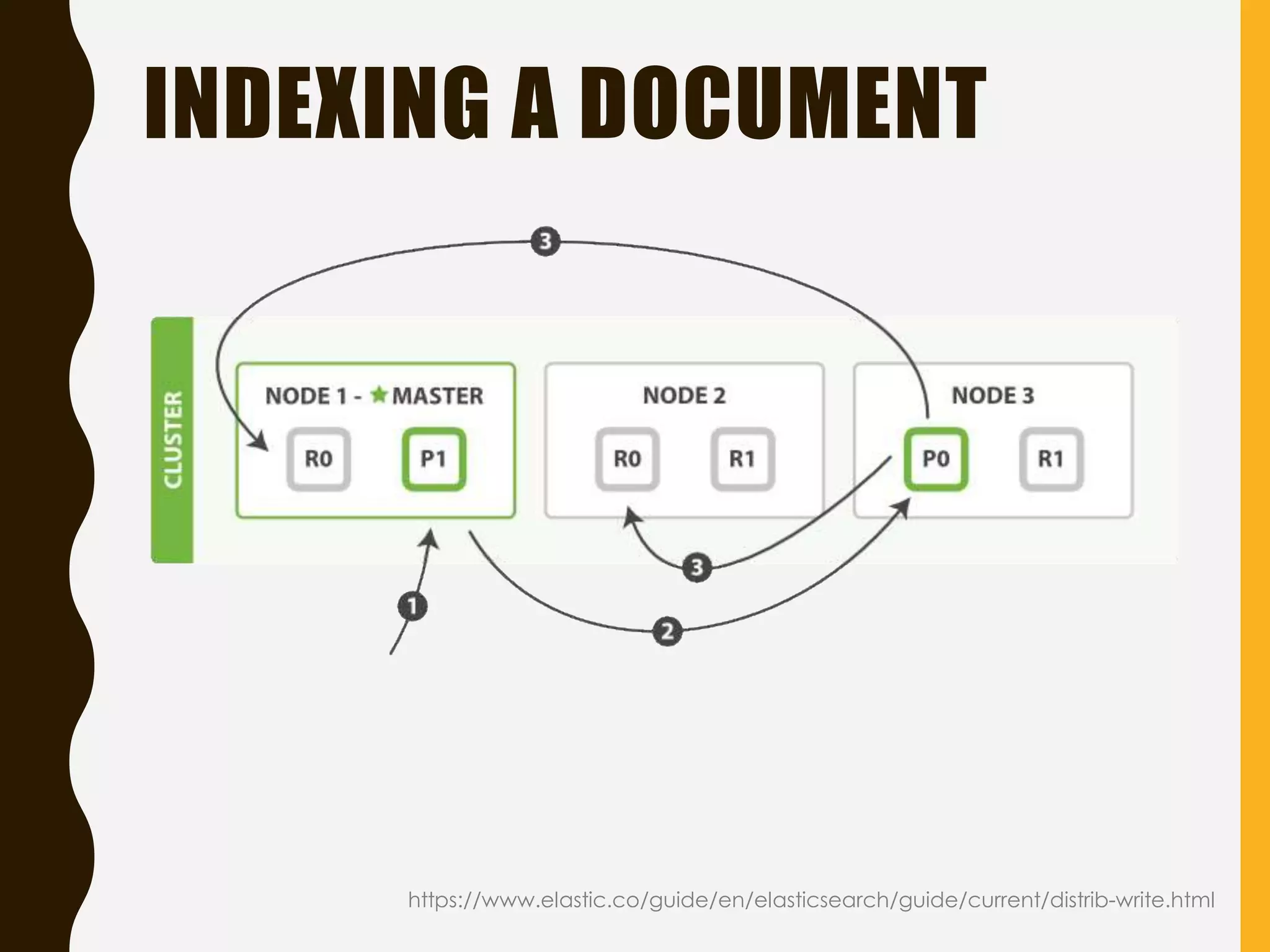
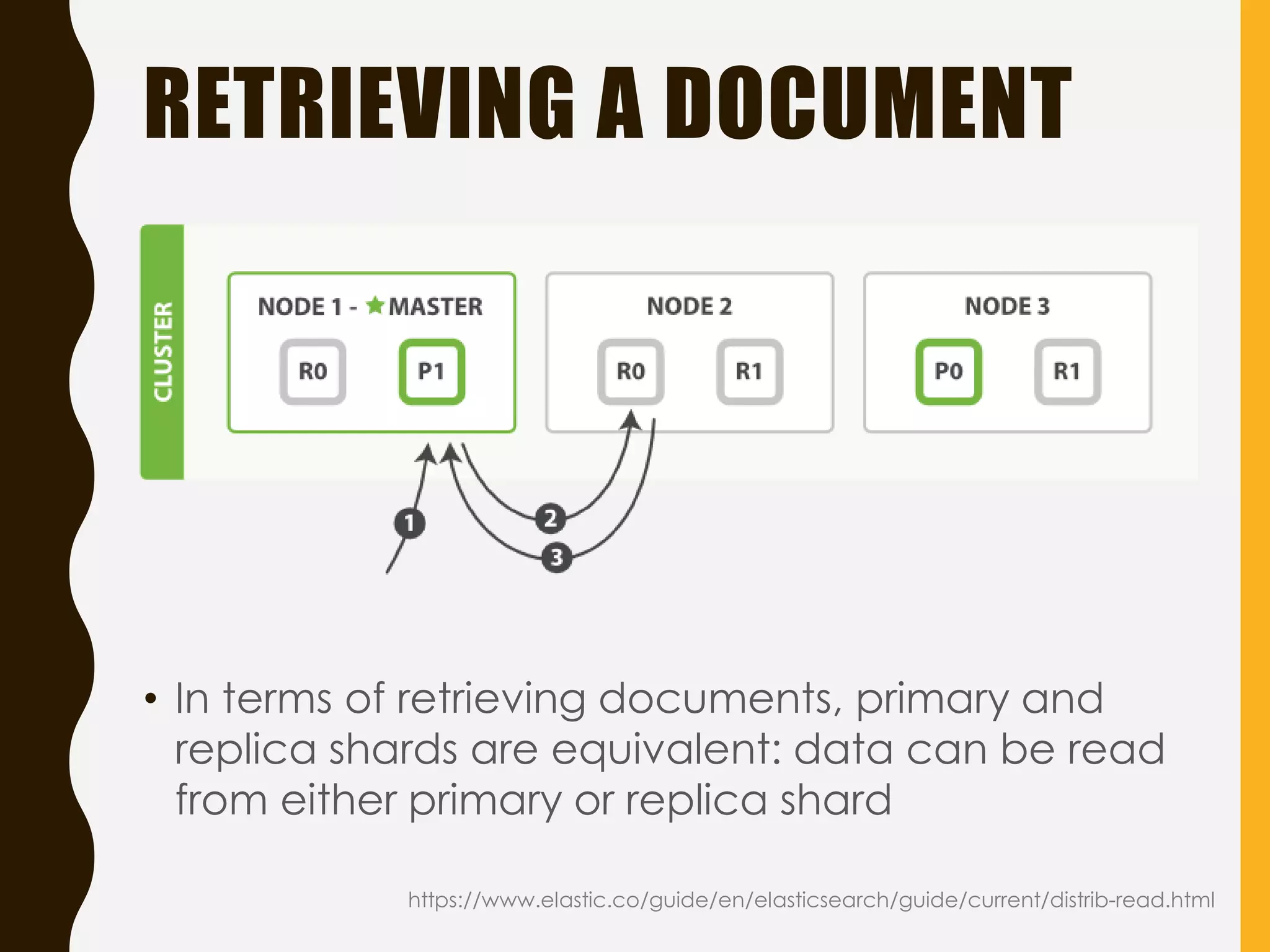
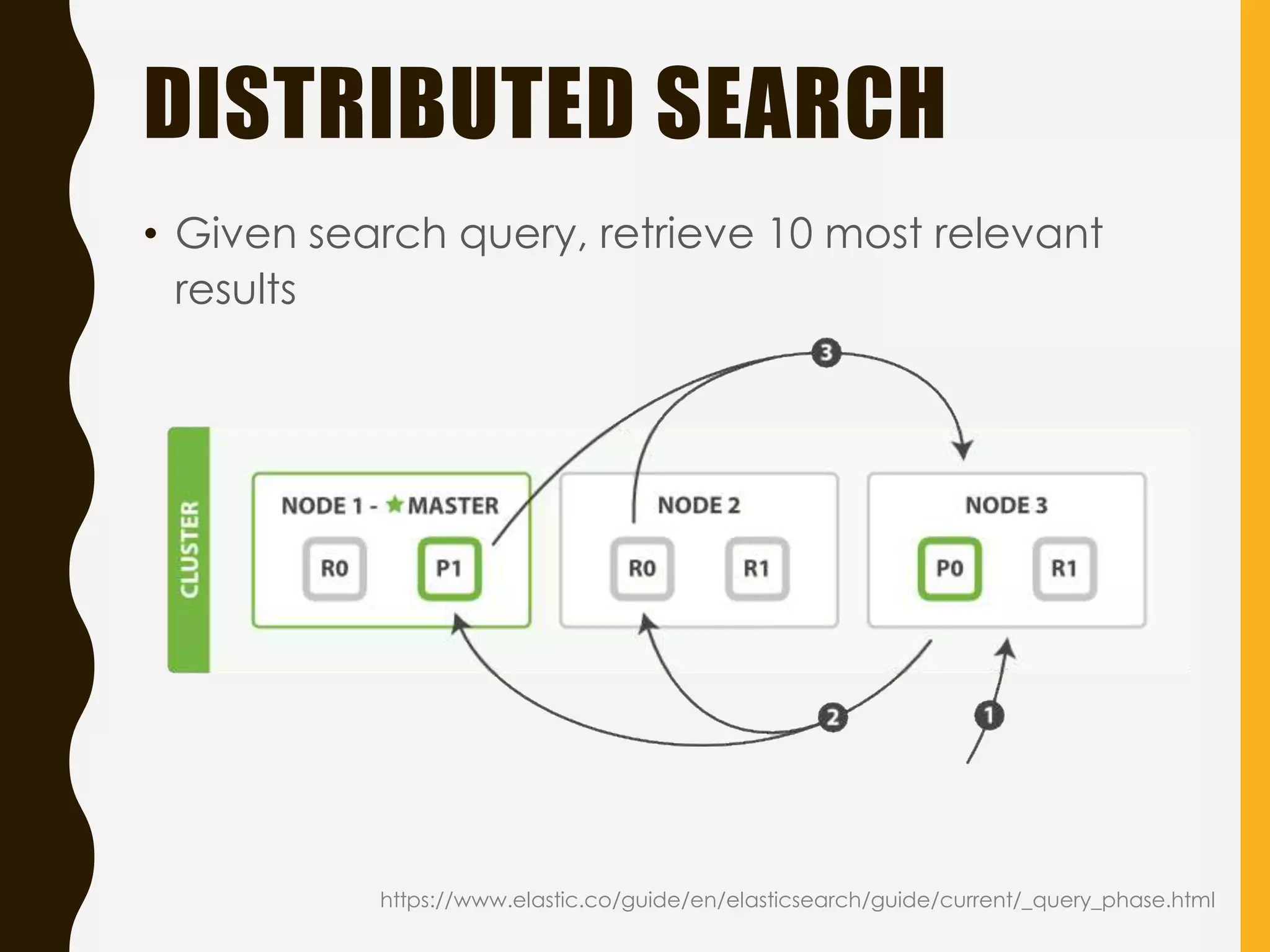
Shard A portion of data – single
Lucene instance.
Default: 5 shards in an index
Primary
Shard
Master copy of data
Replica
Shard
Exact copy of a primary
shard.
Default: 1 replica
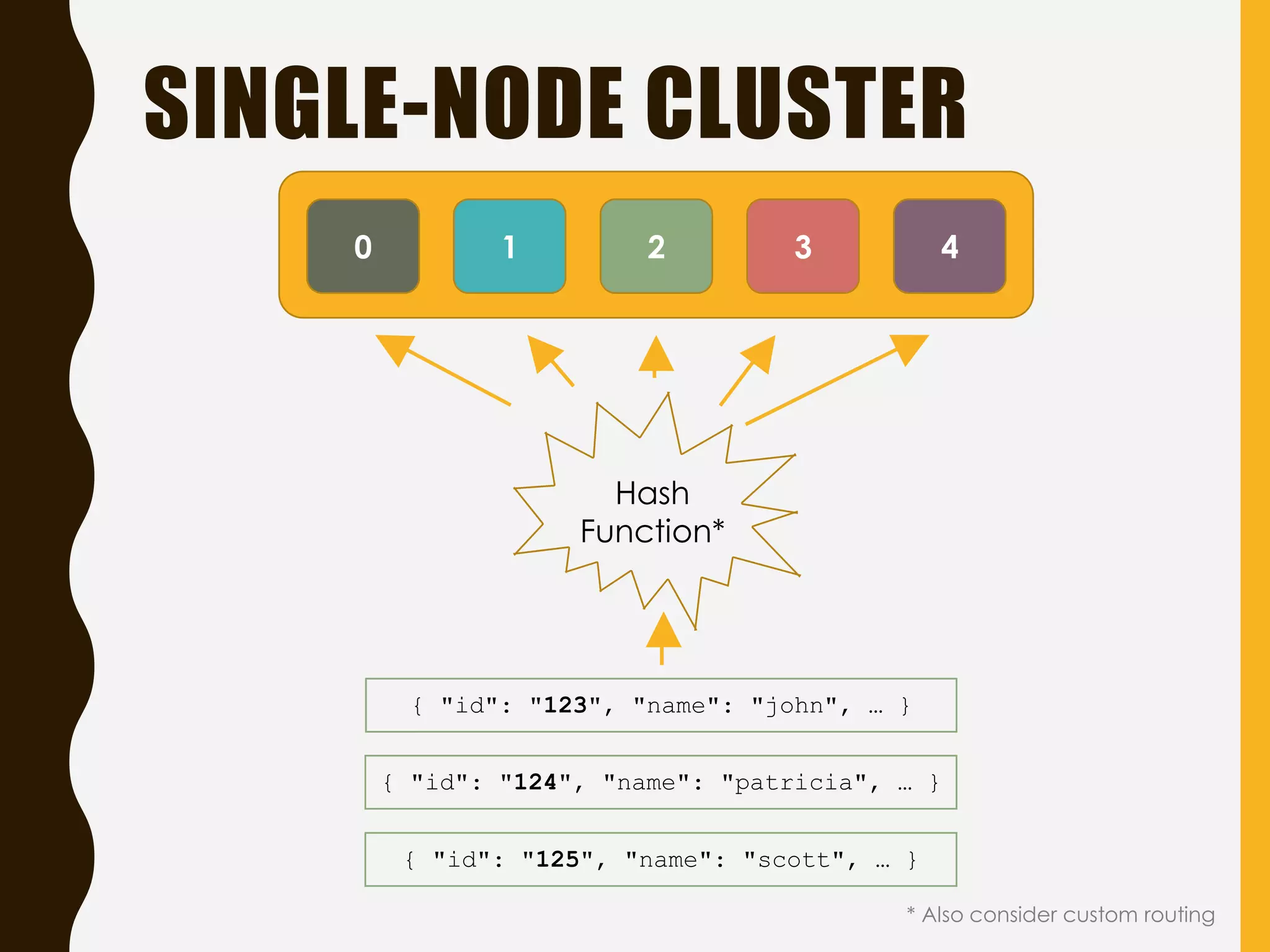
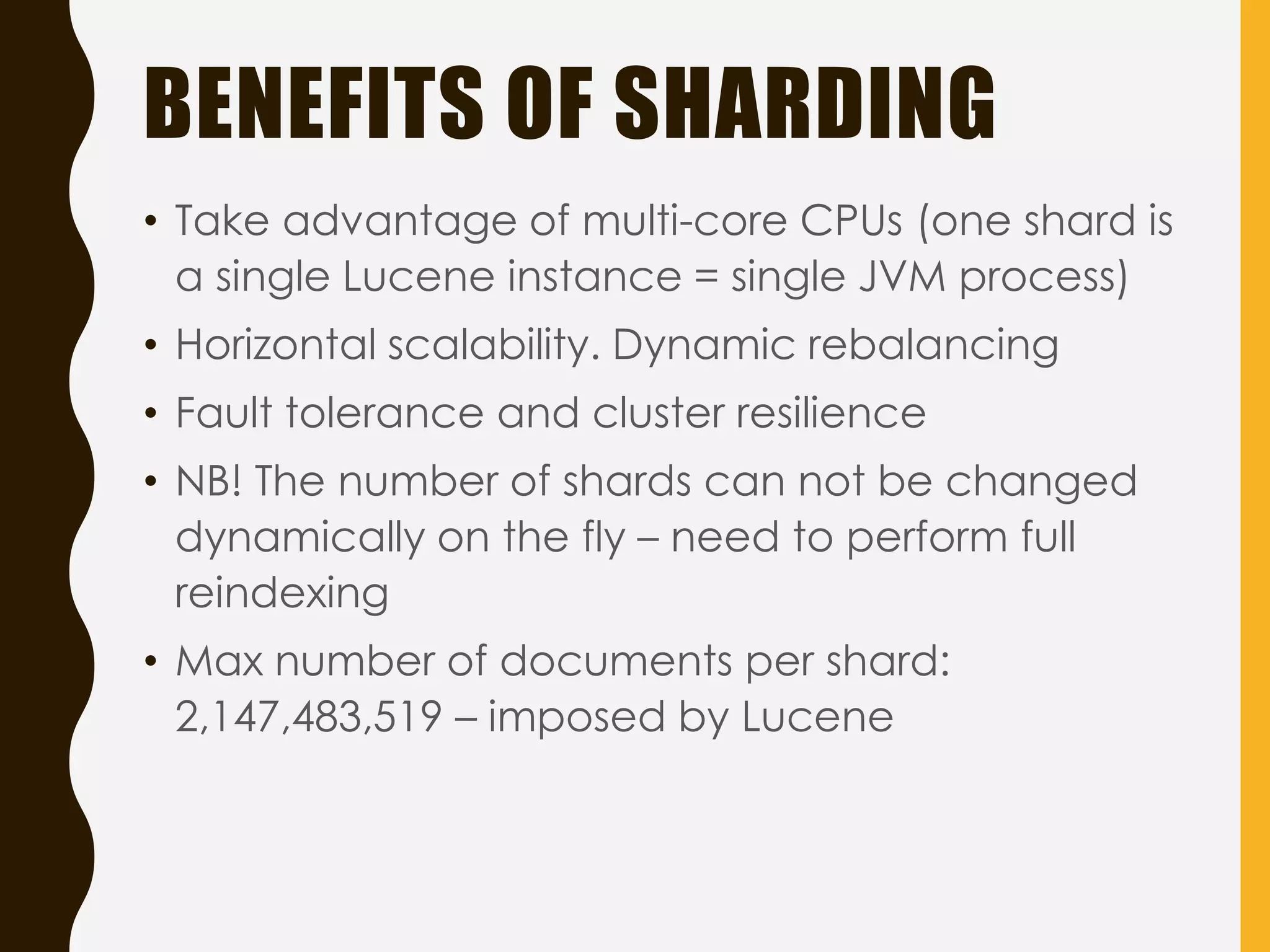
BENEFITS OF SHARDING
•Take advantage of multi-core CPUs (one shard is
a single Lucene instance = single JVM process)
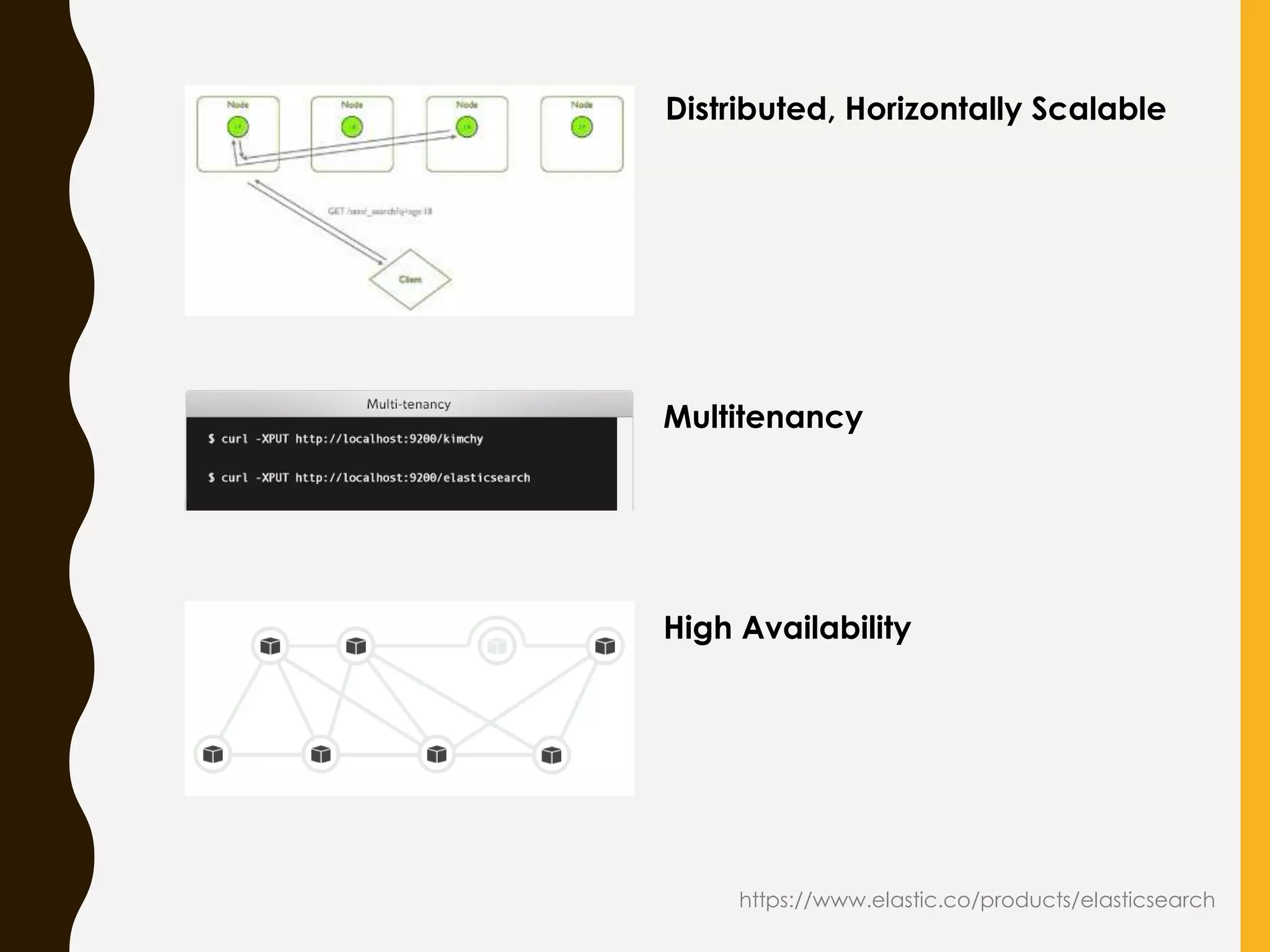
• Horizontal scalability. Dynamic rebalancing
• Fault tolerance and cluster resilience
• NB! The number of shards can not be changed
dynamically on the fly – need to perform full
reindexing
• Max number of documents per shard:
2,147,483,519 – imposed by Lucene
28.
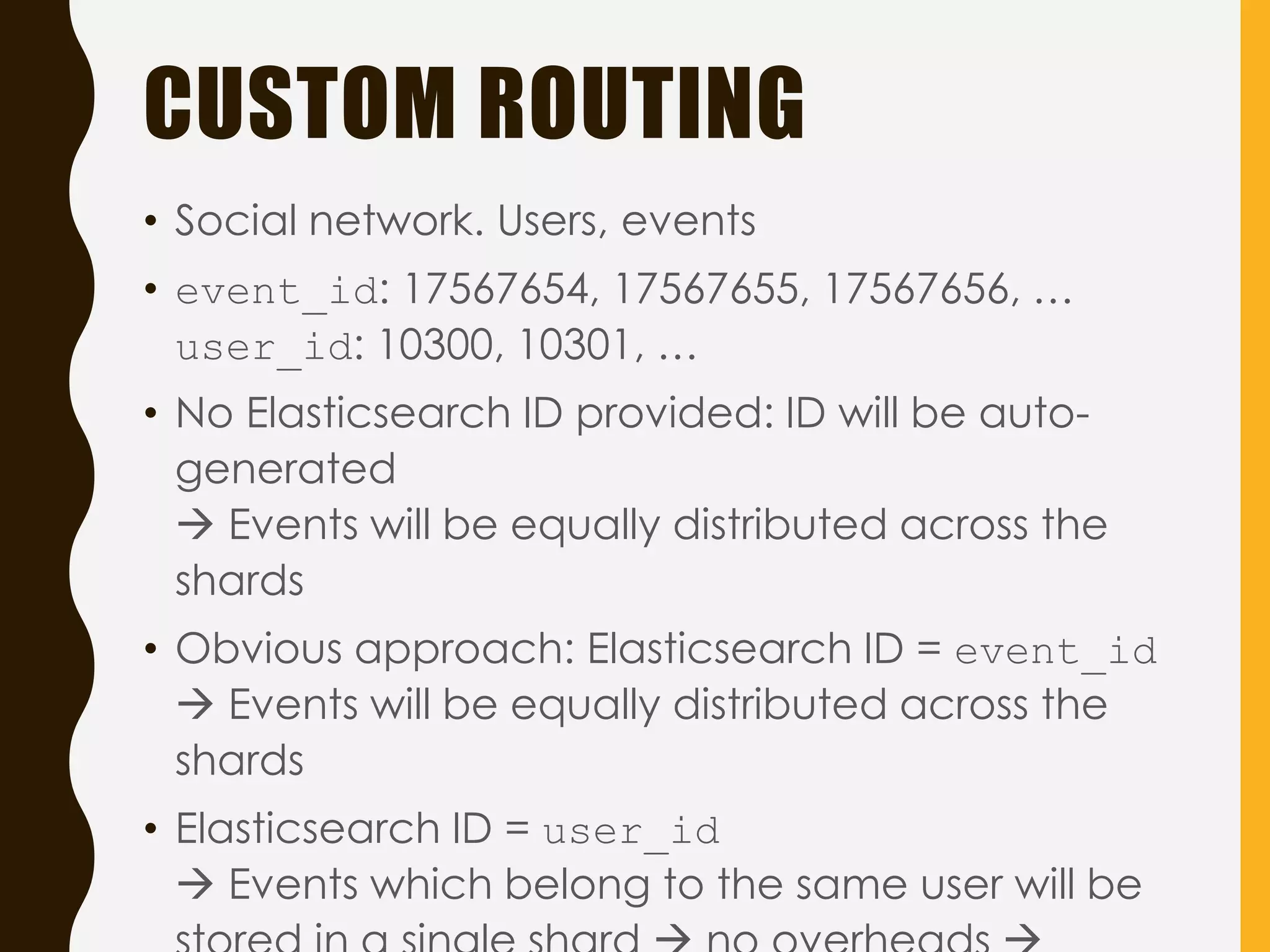
CUSTOM ROUTING
• Socialnetwork. Users, events
• event_id: 17567654, 17567655, 17567656, …
user_id: 10300, 10301, …
• No Elasticsearch ID provided: ID will be auto-
generated
Events will be equally distributed across the
shards
• Obvious approach: Elasticsearch ID = event_id
Events will be equally distributed across the
shards
• Elasticsearch ID = user_id
Events which belong to the same user will be
29.
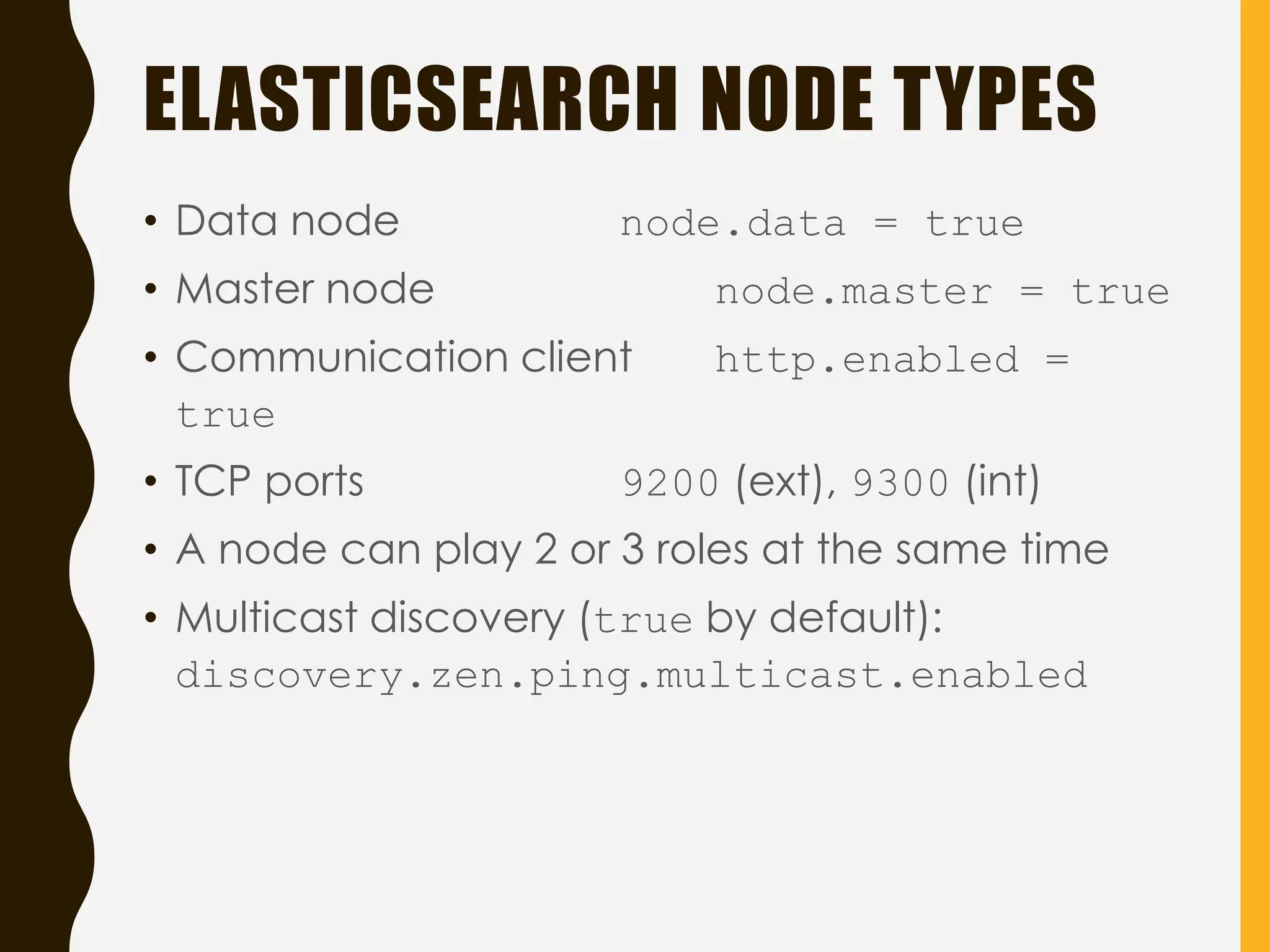
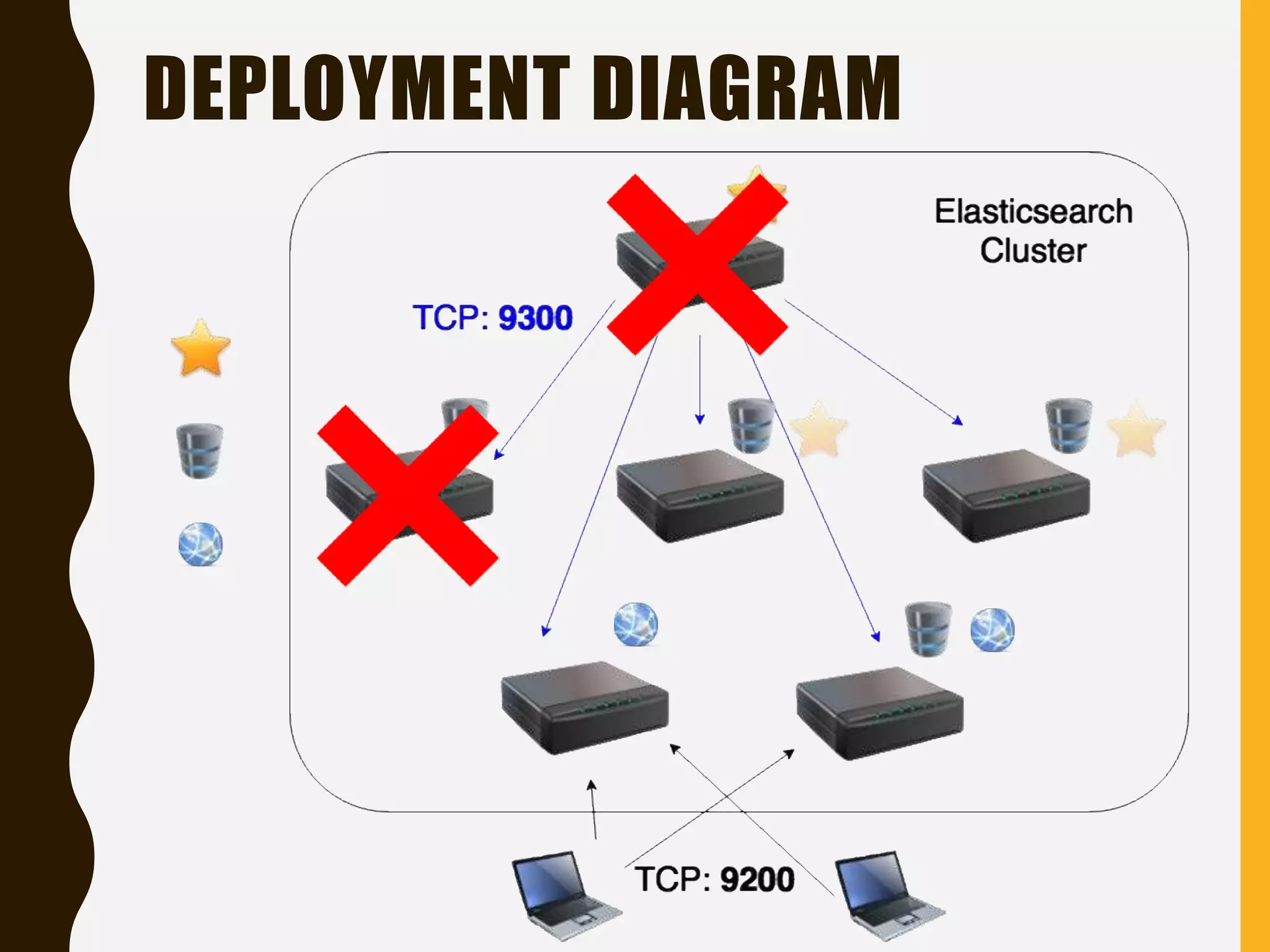
ELASTICSEARCH NODE TYPES
•Data node node.data = true
• Master node node.master = true
• Communication client http.enabled =
true
• TCP ports 9200 (ext), 9300 (int)
• A node can play 2 or 3 roles at the same time
• Multicast discovery (true by default):
discovery.zen.ping.multicast.enabled
CASE STUDIES
4 RE A L - L I F E P R O J E C T S
http://vignette1.wikia.nocookie.net/fallout/images/9/9d/FNV_Rake.png/revision/latest?cb=20140618212609&pat
h-prefix=ru
35.
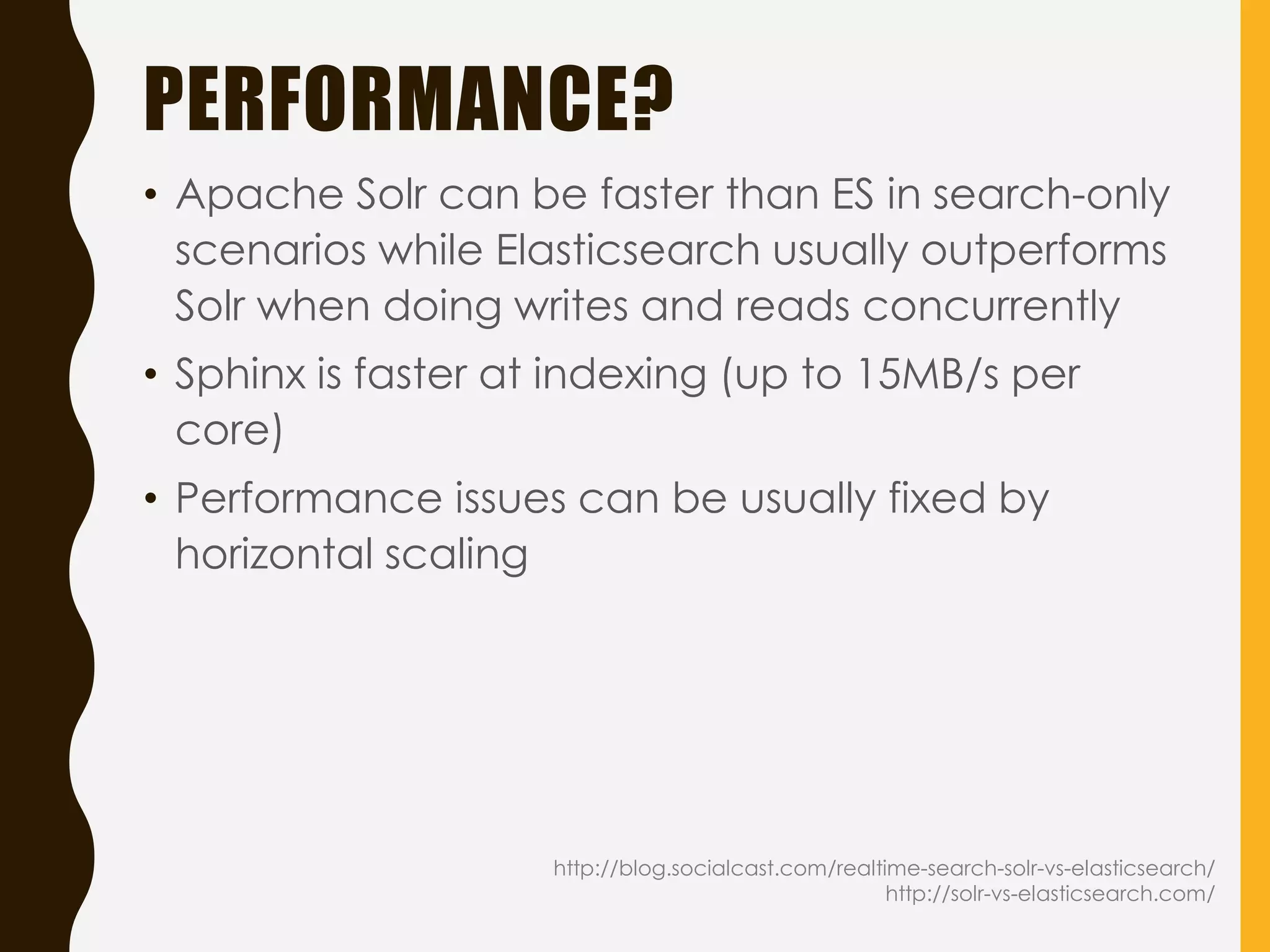
GENERAL INFO
• 4projects, ~2 years
• RDBMS (MySQL, PostgreSQL) as a primary data
storage
• Both on-premise Elasticsearch installation (AWS,
MS Azure) and SaaS (Bonsai @ Heroku)
• 1 or 2 instances in a cluster
• Data volume: Gigabytes; millions of documents
• Back-end: Java, Ruby
• Document types:Blog Posts, Bloggers
(Influencers)
• Elasticsearch usage:
– search and rank Influencers by category,
keywords, tags, location, audience,
influence
– search blog posts by keywords etc.
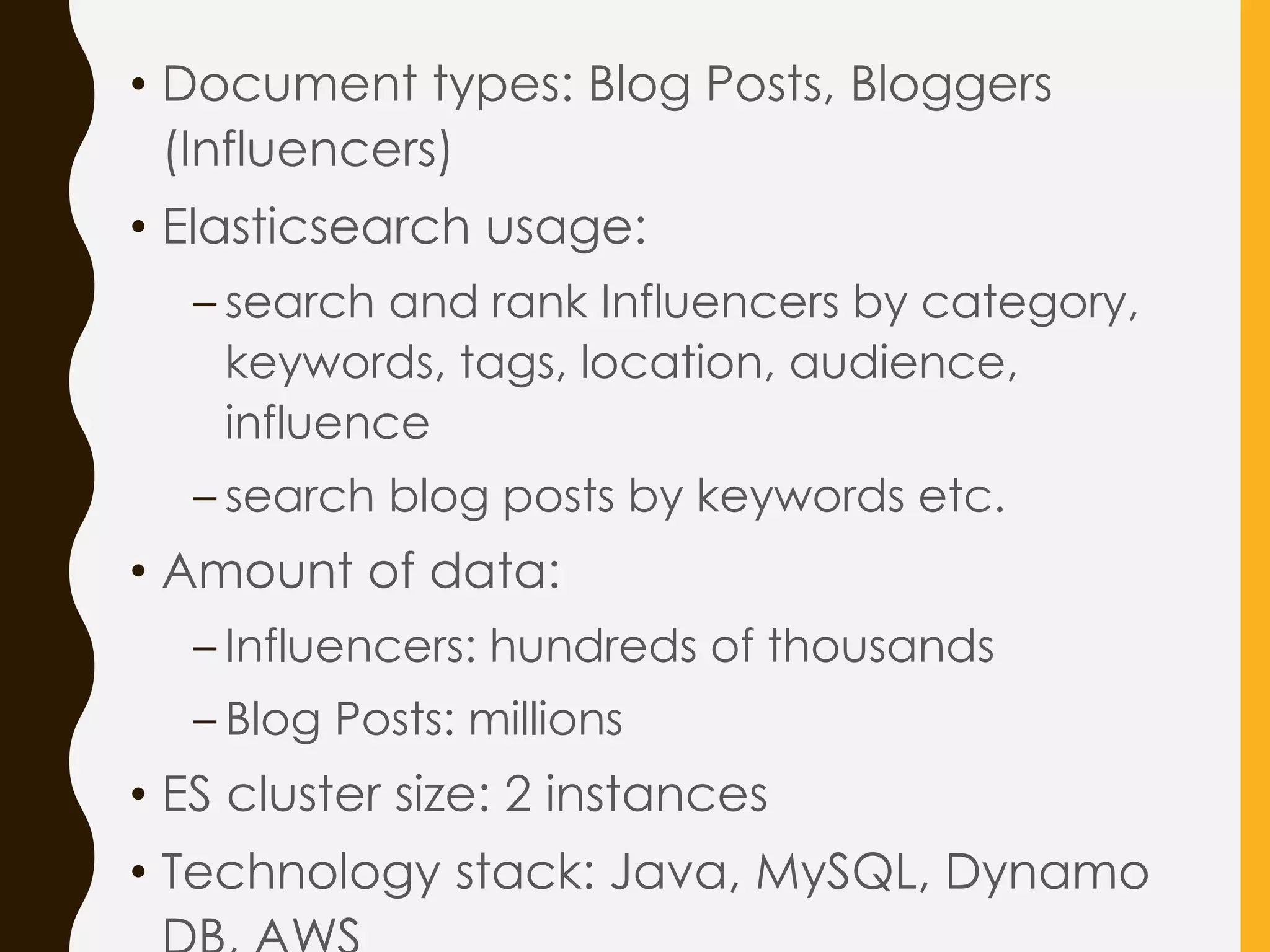
• Amount of data:
– Influencers: hundreds of thousands
– Blog Posts: millions
• ES cluster size: 2 instances
• Technology stack: Java, MySQL, Dynamo
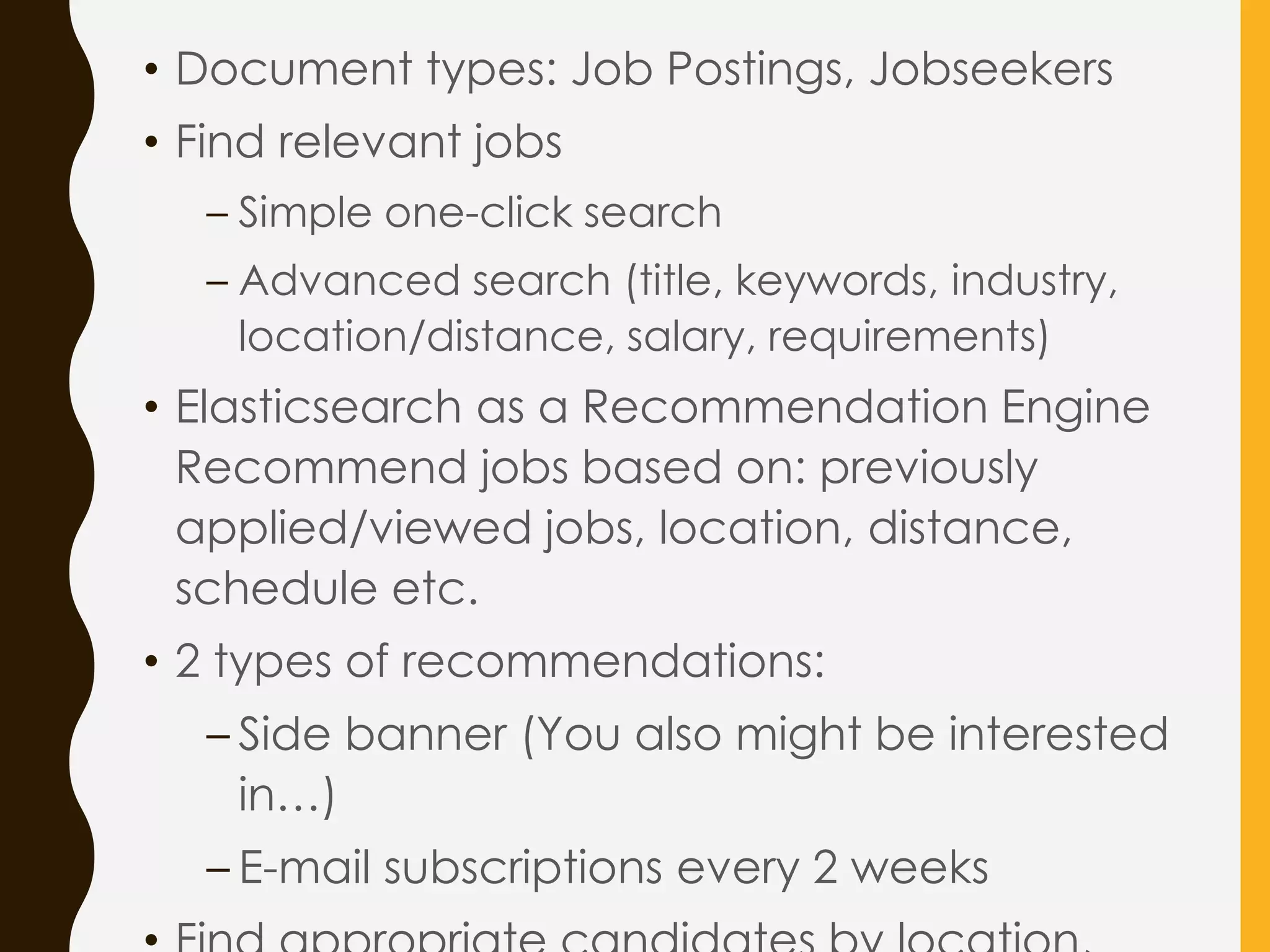
• Document types:Job Postings, Jobseekers
• Find relevant jobs
– Simple one-click search
– Advanced search (title, keywords, industry,
location/distance, salary, requirements)
• Elasticsearch as a Recommendation Engine
Recommend jobs based on: previously
applied/viewed jobs, location, distance,
schedule etc.
• 2 types of recommendations:
– Side banner (You also might be interested
in…)
– E-mail subscriptions every 2 weeks
40.
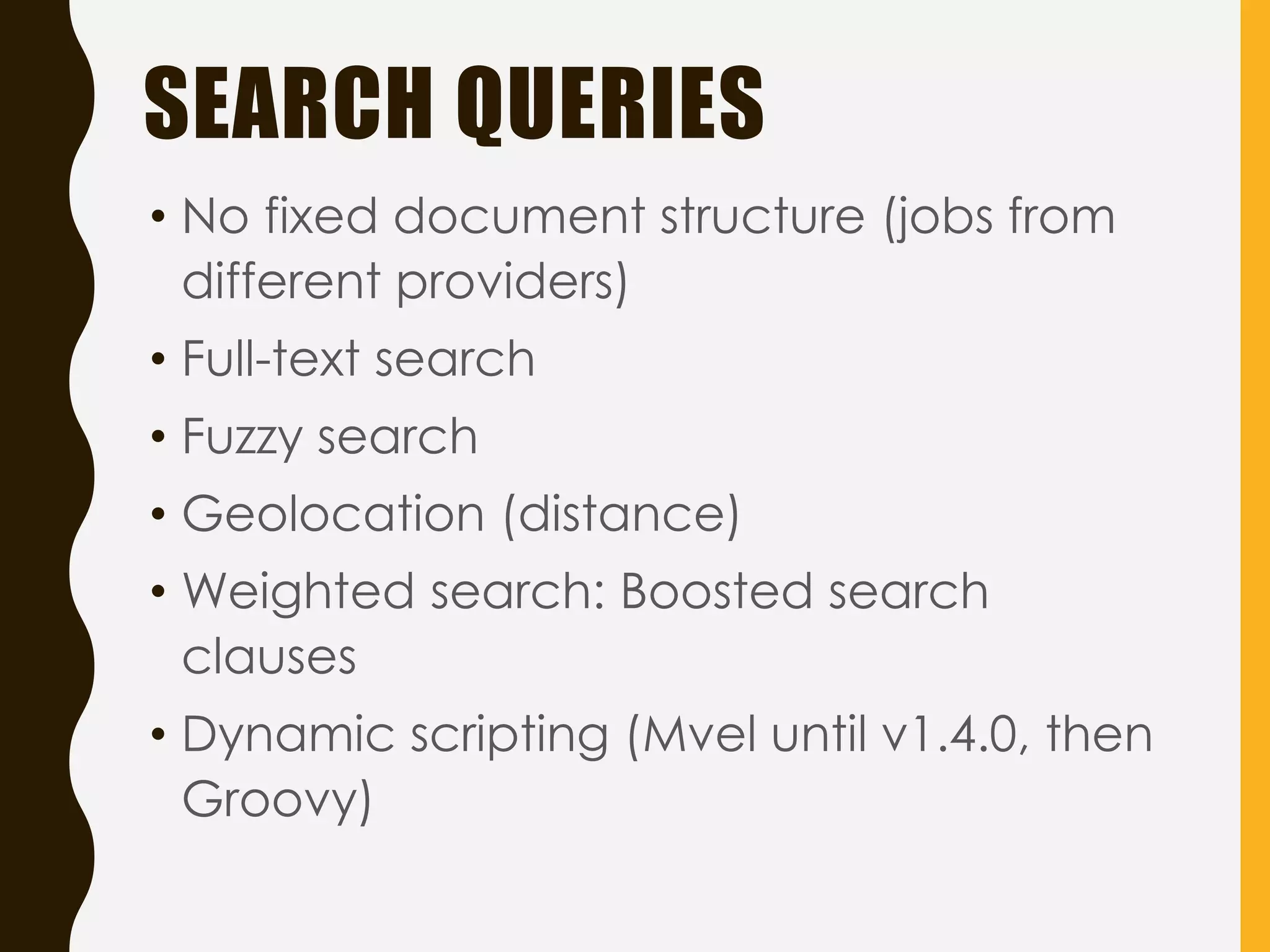
• No fixeddocument structure (jobs from
different providers)
• Full-text search
• Fuzzy search
• Geolocation (distance)
• Weighted search: Boosted search
clauses
• Dynamic scripting (Mvel until v1.4.0, then
Groovy)
SEARCH QUERIES
41.
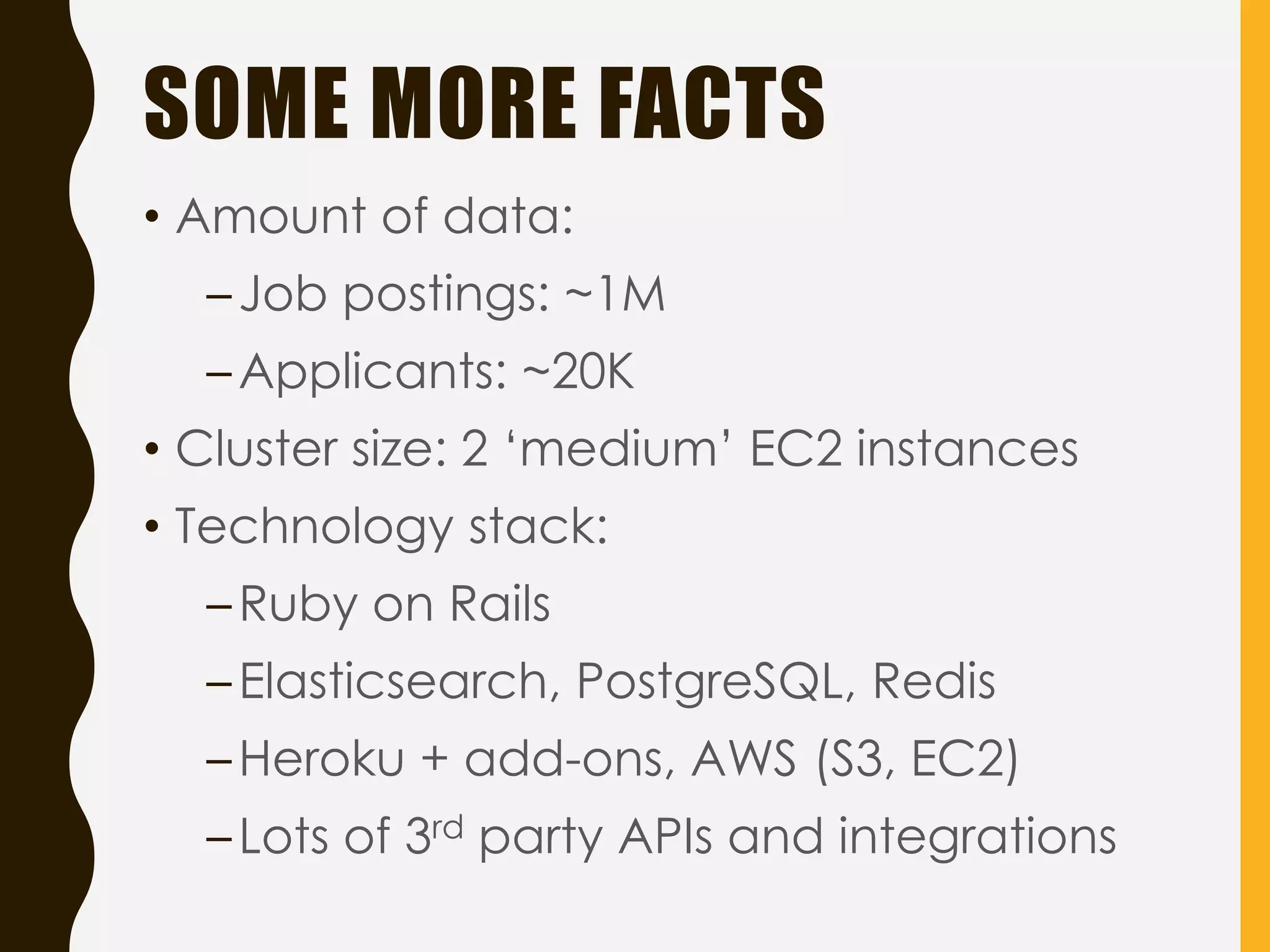
SOME MORE FACTS
•Amount of data:
–Job postings: ~1M
–Applicants: ~20K
• Cluster size: 2 ‘medium’ EC2 instances
• Technology stack:
–Ruby on Rails
–Elasticsearch, PostgreSQL, Redis
–Heroku + add-ons, AWS (S3, EC2)
–Lots of 3rd party APIs and integrations
42.
IMPLEMENTATION (RUBY)
• AModel is ActiveRecord (Ruby on Rails ORM)
• ActiveRecord can persist itself to the database
• ActiveRecord::Callbacks:
– after_commit on [:create, :update] {
index_document }
– after_commit on [:destroy] { delete_document }
– after_create…
– after_save …
– after_destroy…
• Rake tasks to drop/recreate index, reindex
documents
• Zero-downtime reindexing using aliases
• Ruby/Rails client:
https://github.com/elastic/elasticsearch-rails
43.
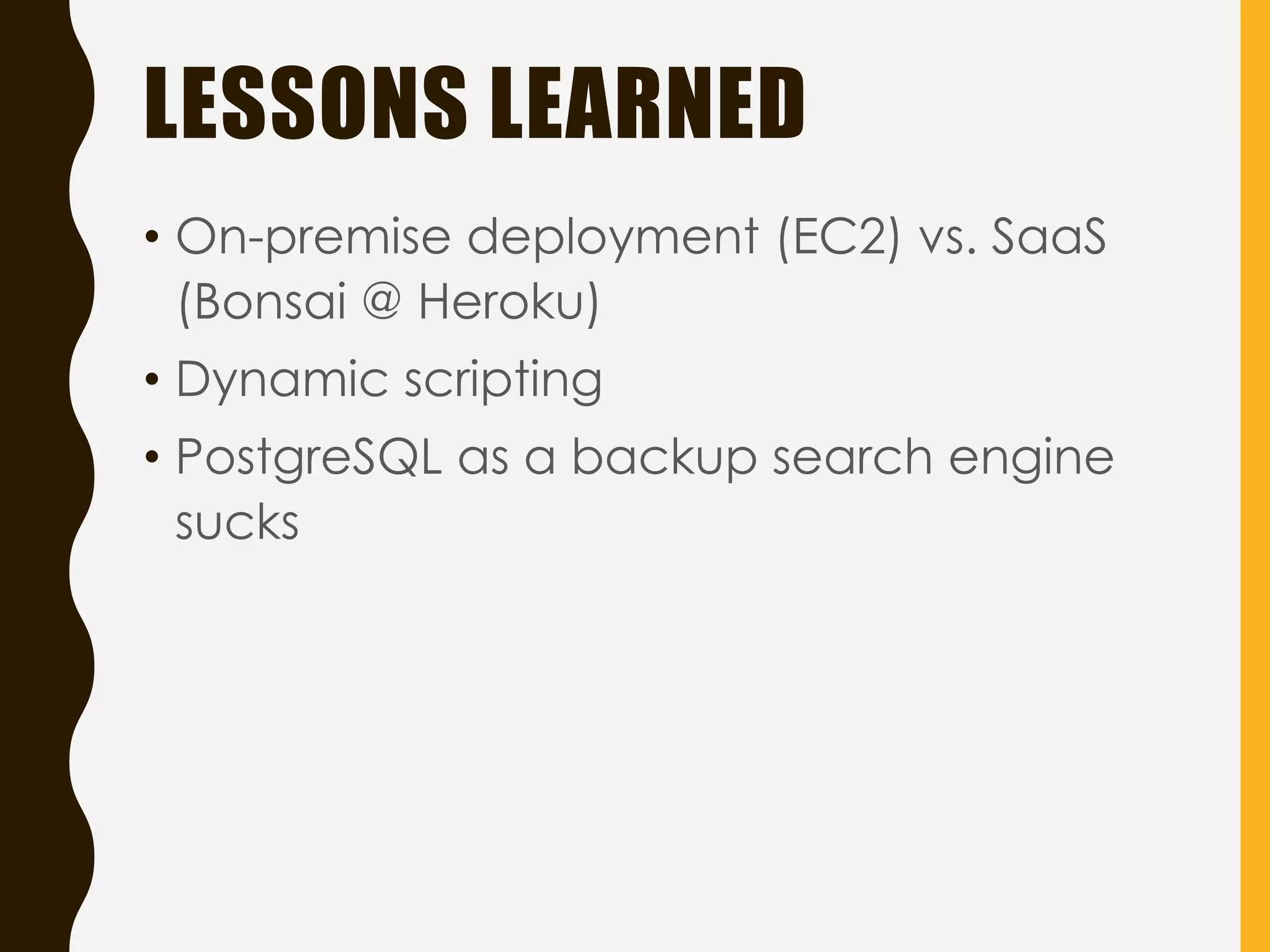
LESSONS LEARNED
• On-premisedeployment (EC2) vs. SaaS
(Bonsai @ Heroku)
• Dynamic scripting
• PostgreSQL as a backup search engine
sucks
SOME UNCOVERED INFO
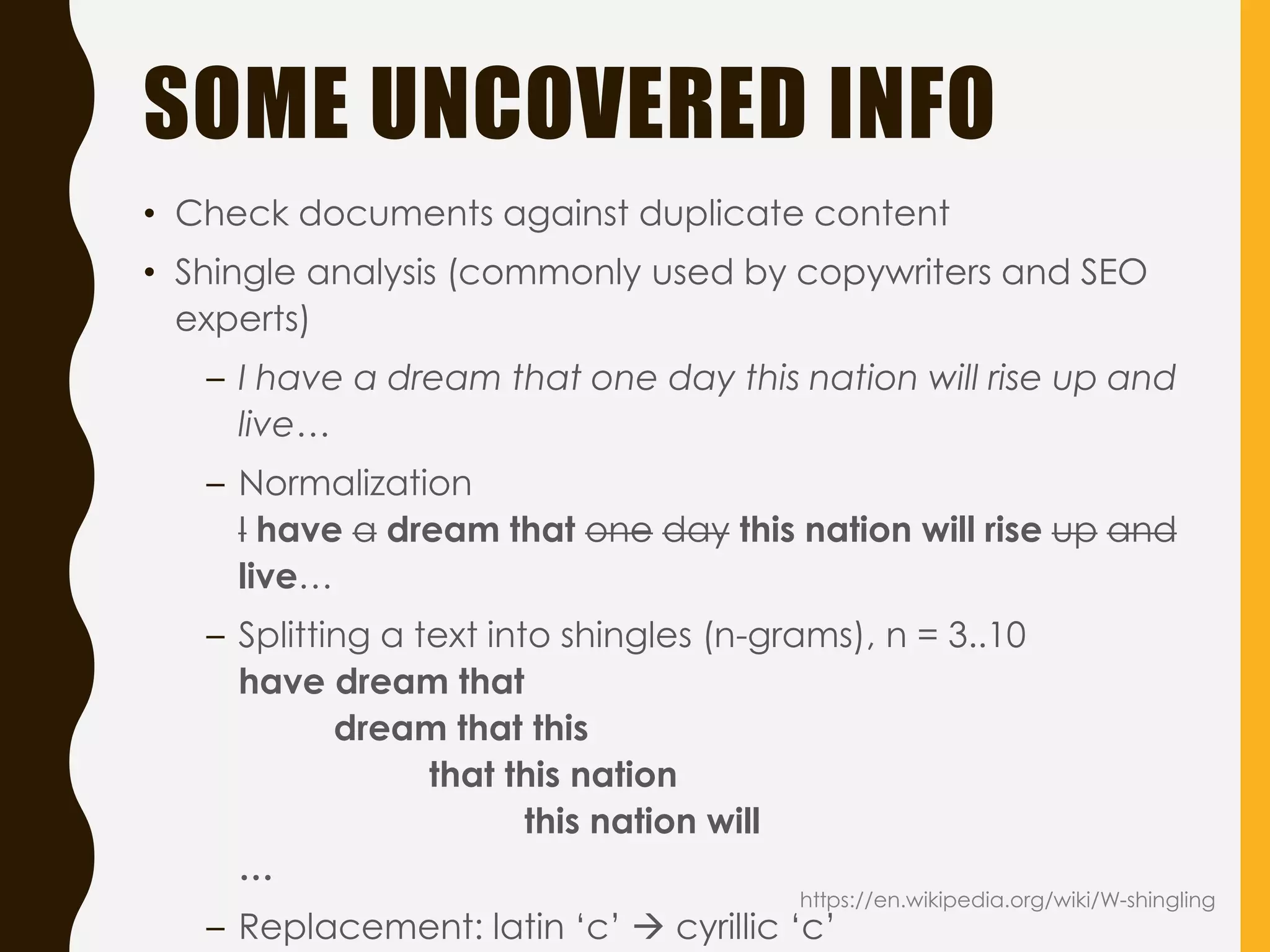
•Check documents against duplicate content
• Shingle analysis (commonly used by copywriters and SEO
experts)
– I have a dream that one day this nation will rise up and
live…
– Normalization
I have a dream that one day this nation will rise up and
live…
– Splitting a text into shingles (n-grams), n = 3..10
have dream that
dream that this
that this nation
this nation will
…
– Replacement: latin ‘c’ cyrillic ‘c’
https://en.wikipedia.org/wiki/W-shingling
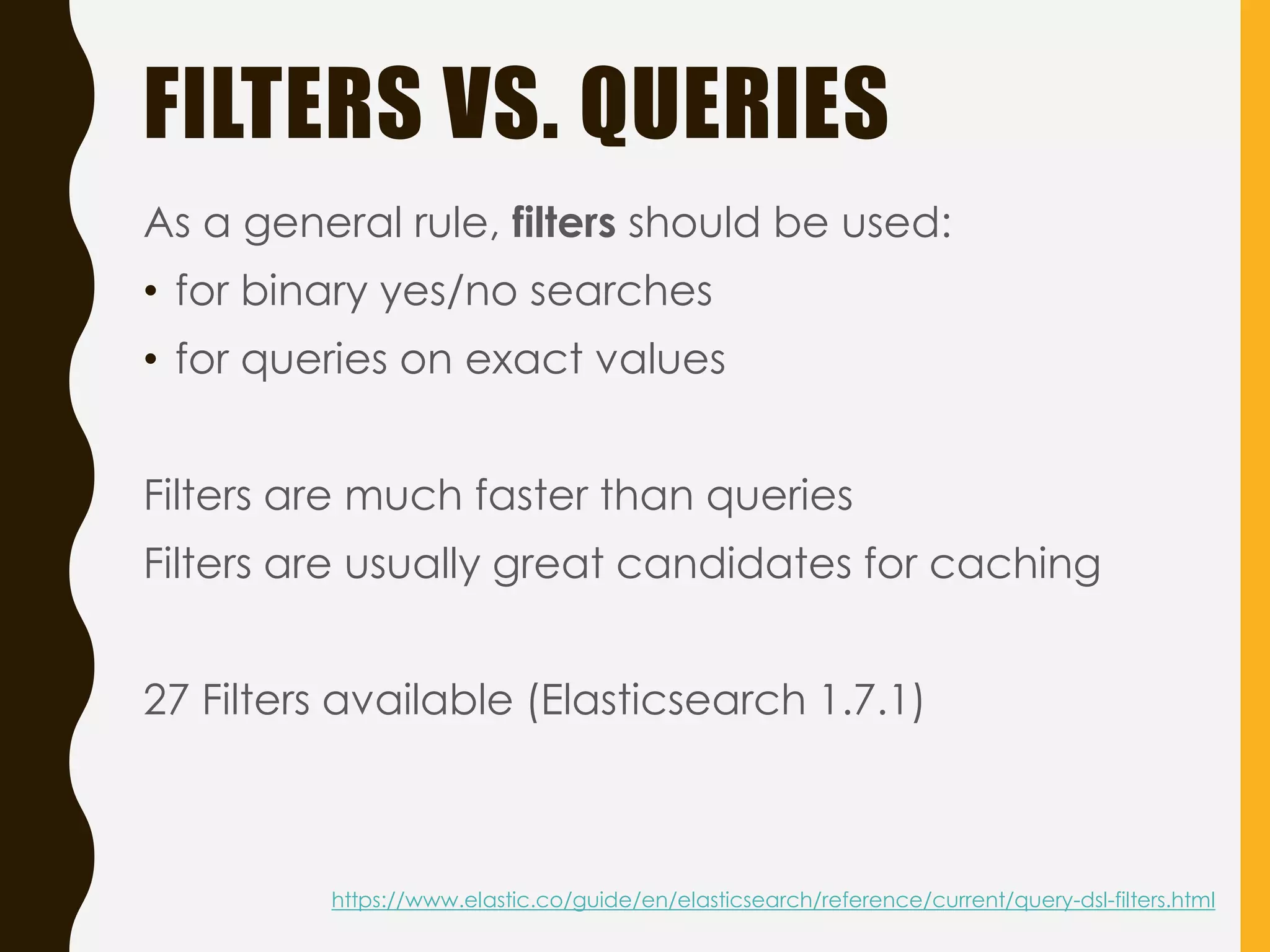
FILTERS VS. QUERIES
Asa general rule, filters should be used:
• for binary yes/no searches
• for queries on exact values
Filters are much faster than queries
Filters are usually great candidates for caching
27 Filters available (Elasticsearch 1.7.1)
https://www.elastic.co/guide/en/elasticsearch/reference/current/query-dsl-filters.html
51.
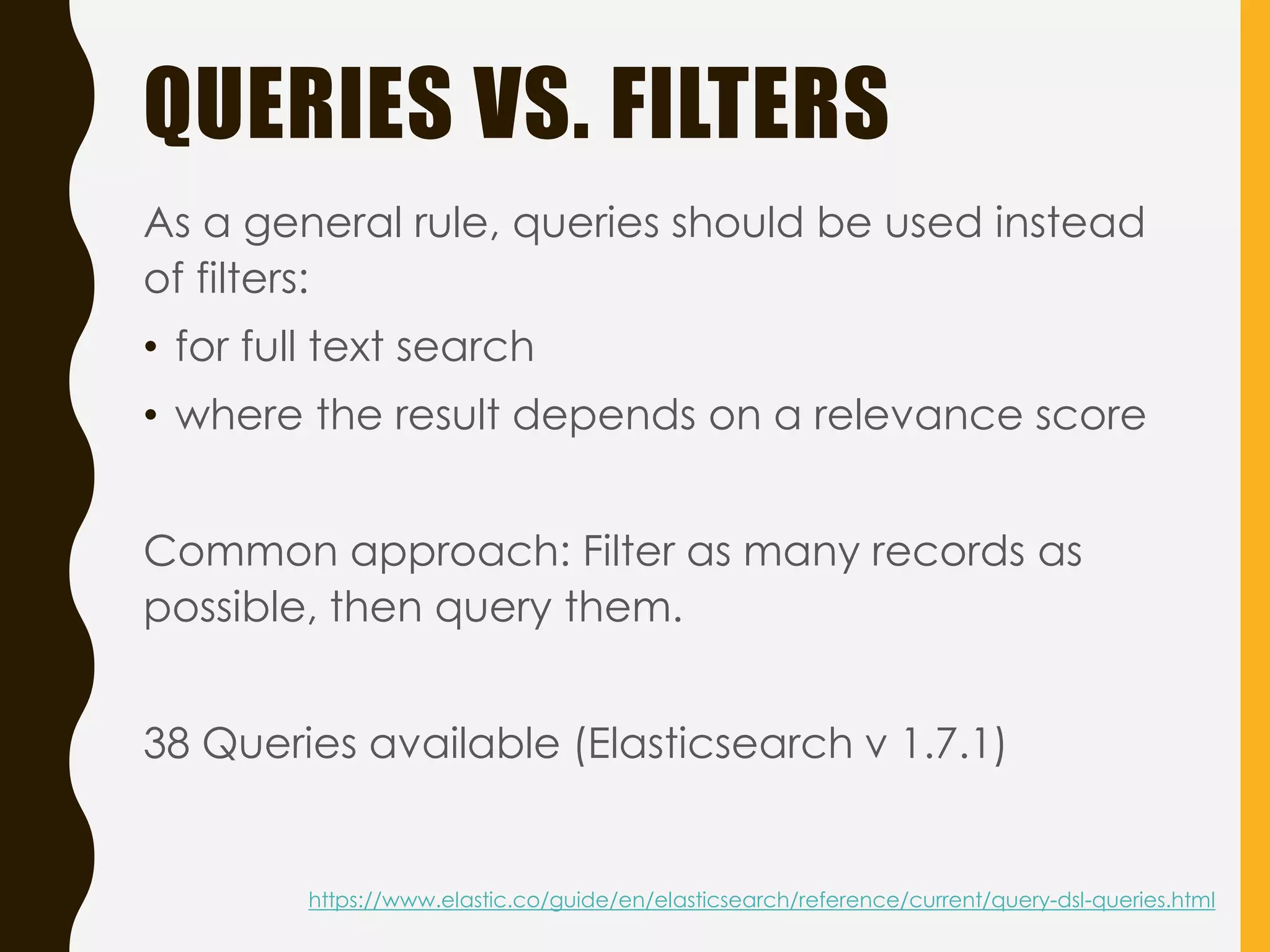
QUERIES VS. FILTERS
Asa general rule, queries should be used instead
of filters:
• for full text search
• where the result depends on a relevance score
Common approach: Filter as many records as
possible, then query them.
38 Queries available (Elasticsearch v 1.7.1)
https://www.elastic.co/guide/en/elasticsearch/reference/current/query-dsl-queries.html
SOME THEORY BEHIND
RELEVANCESCORING
full AND text AND search AND (elasticsearch OR
lucene)
• Term Frequency: How often does the term
appear in the document?
• Inverse Document Frequency: How often does
the term appear in all documents in the
collection?
• Field-length norm: How long is the field?
https://www.elastic.co/guide/en/elasticsearch/guide/current/scoring-theory.html
http://blog.qbox.io/optimizing-search-results-in-elasticsearch-with-scoring-and-boosting
54.
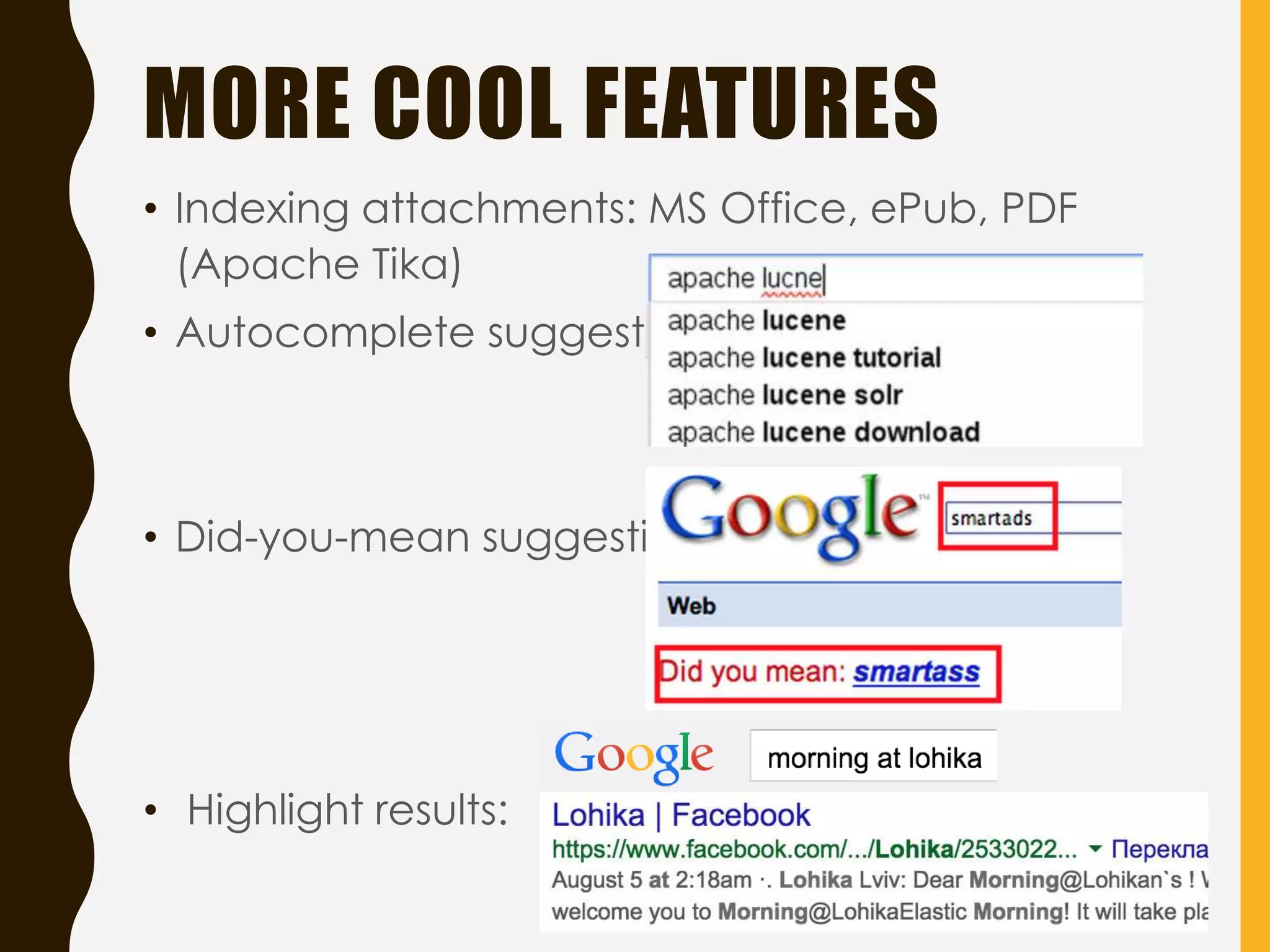
MORE COOL FEATURES
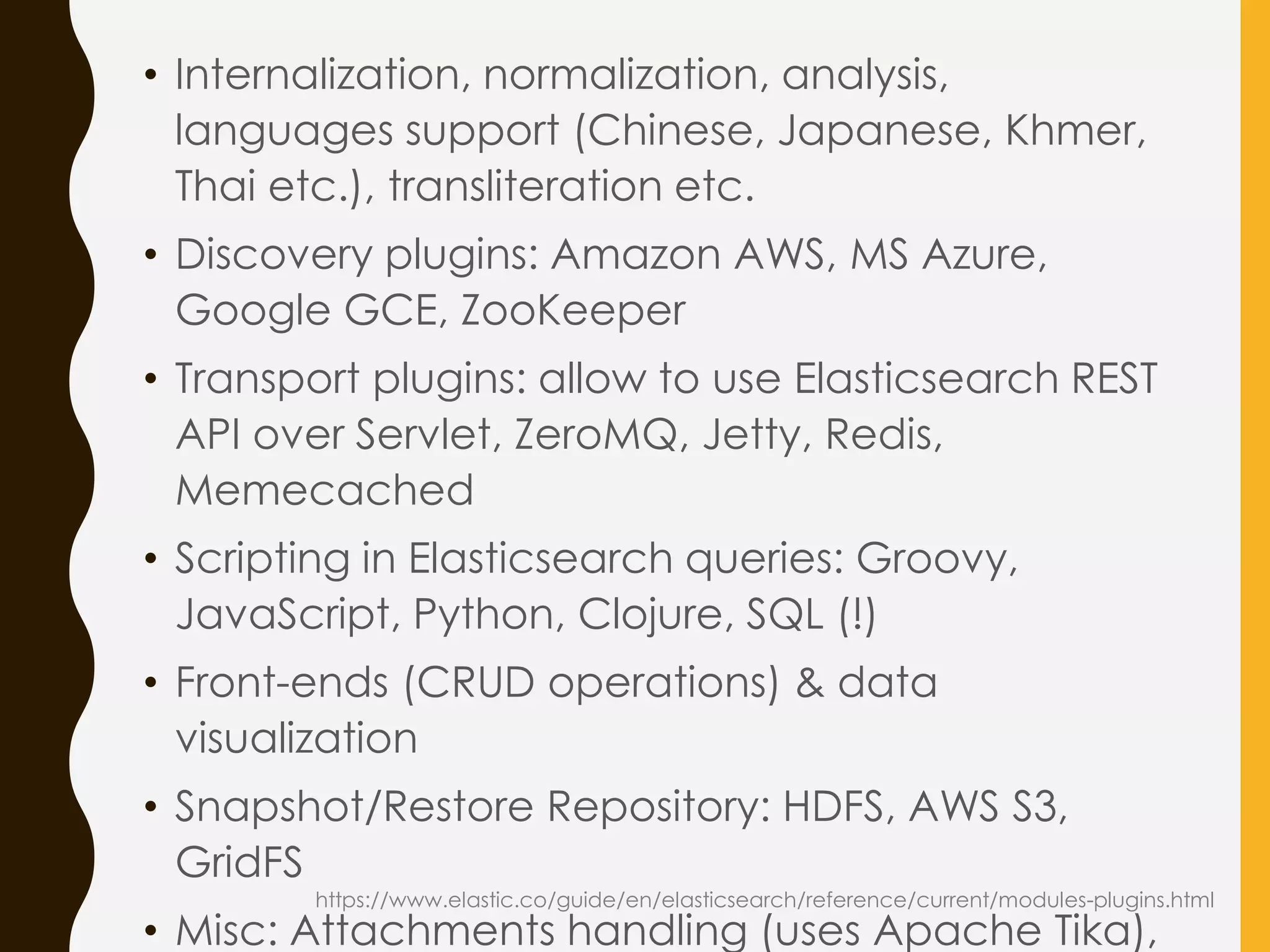
•Indexing attachments: MS Office, ePub, PDF
(Apache Tika)
• Autocomplete suggestion:
• Did-you-mean suggestion:
• Highlight results:
AVAILABLE FRONT ENDS
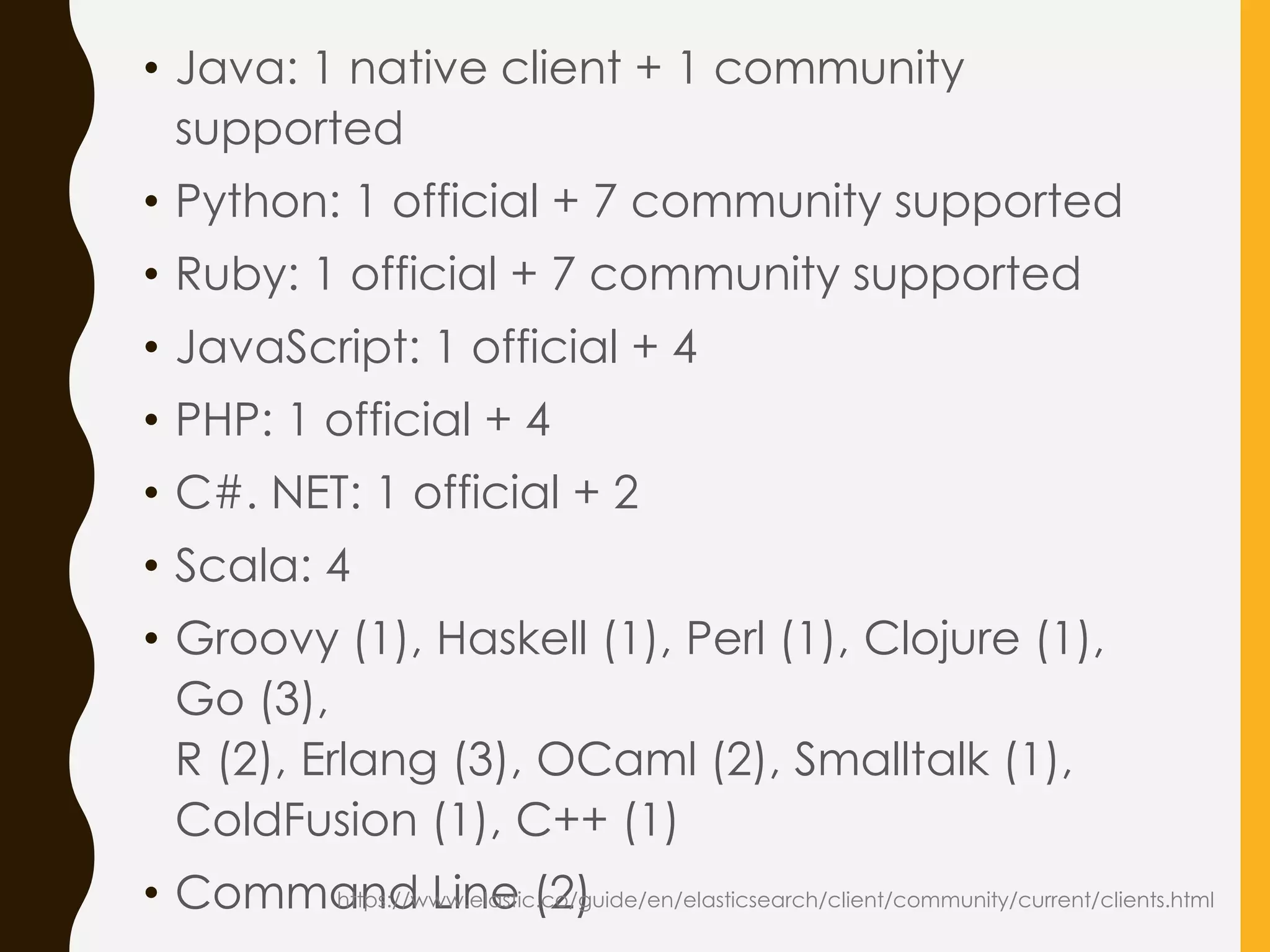
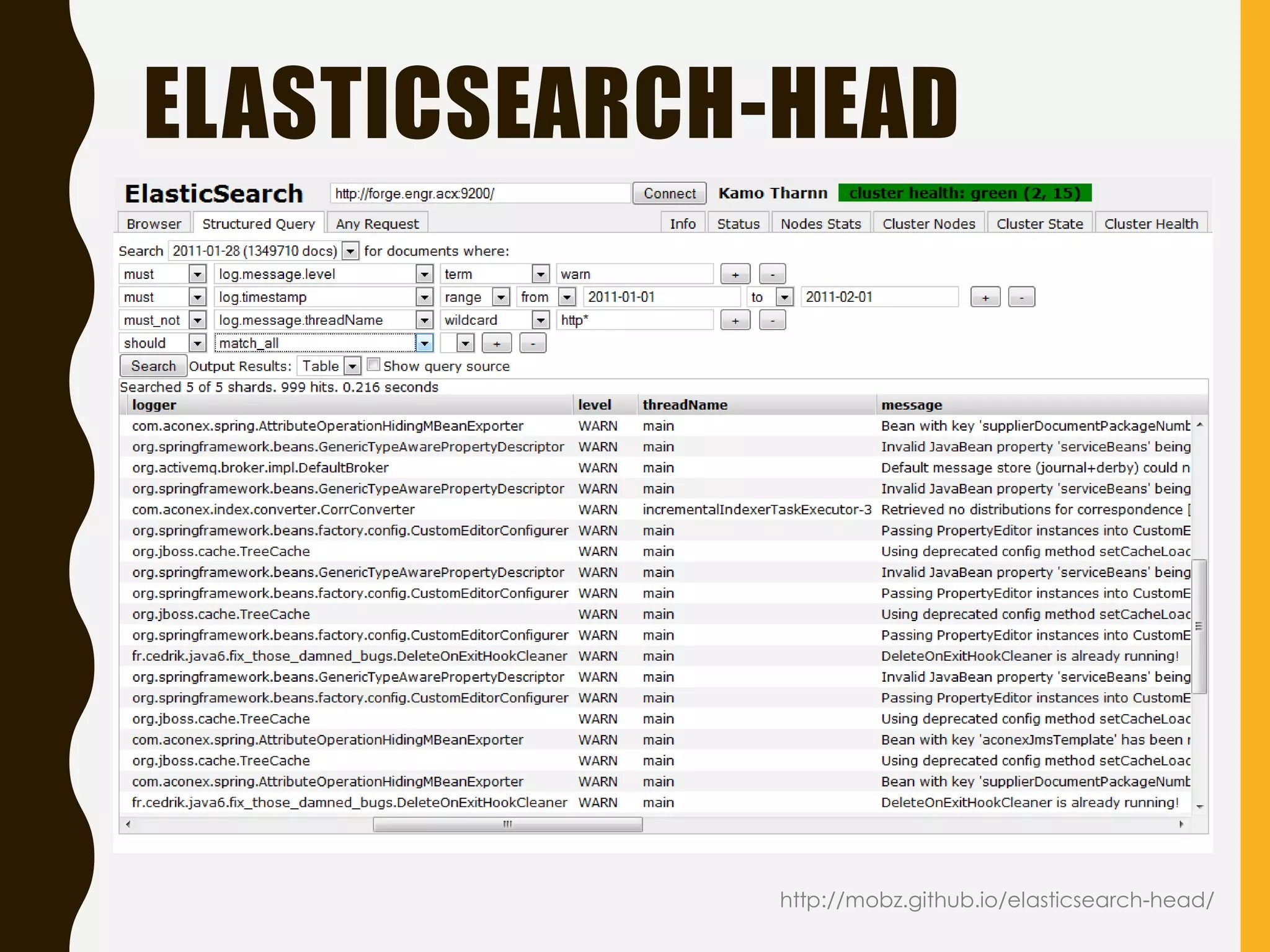
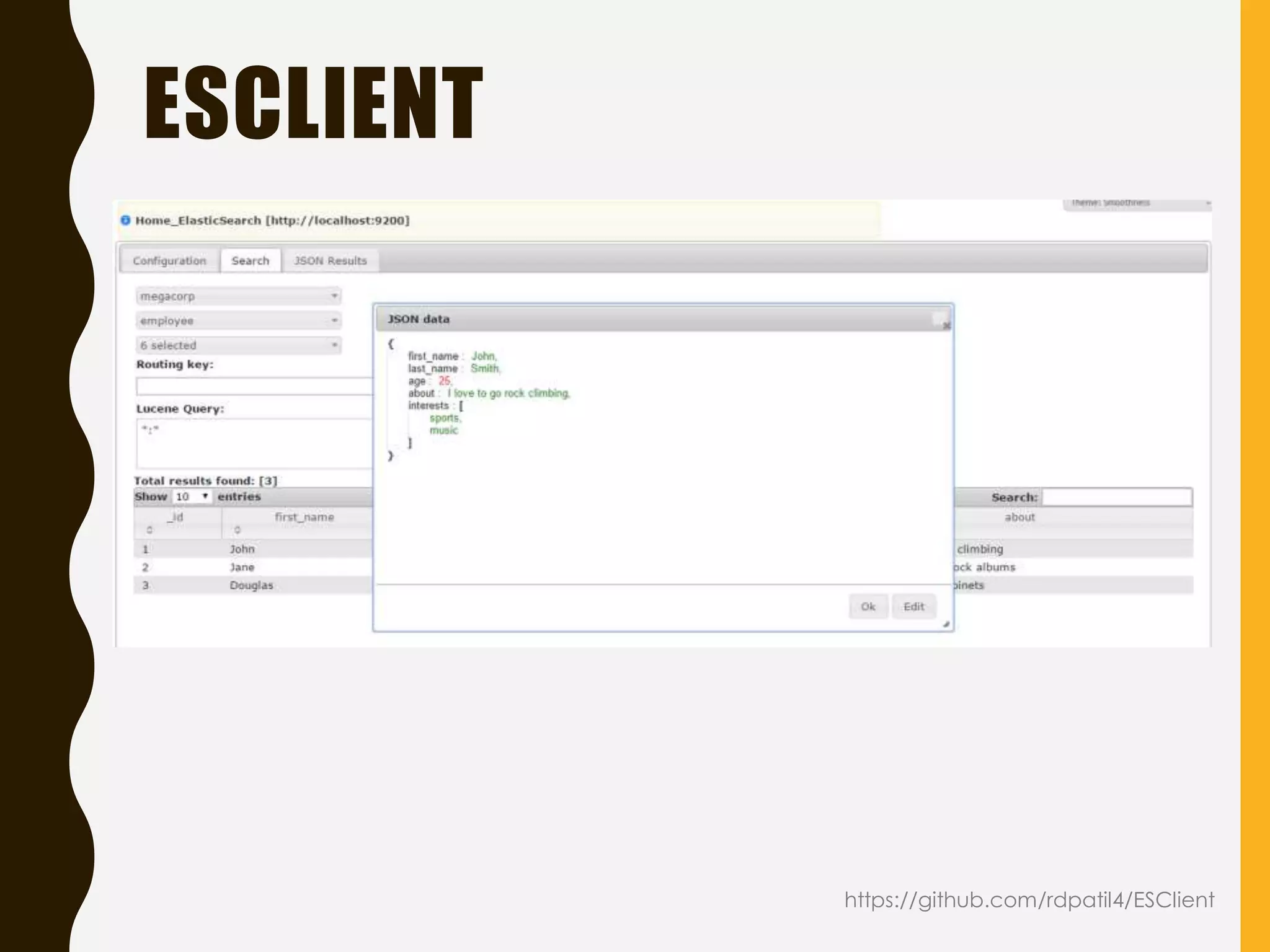
https://www.elastic.co/guide/en/elasticsearch/client/community/current/front-ends.html
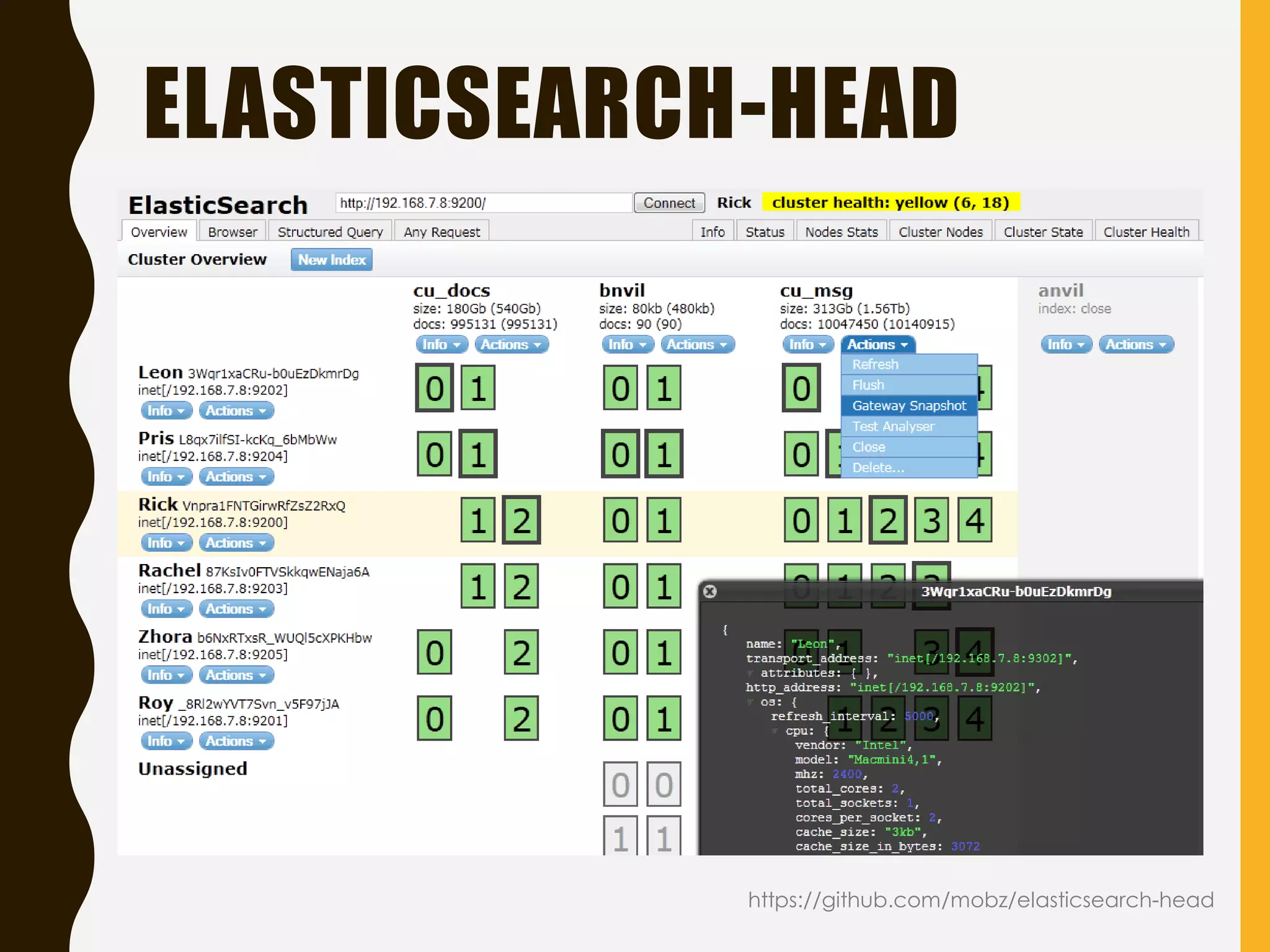
•elasticsearch-head: A web front end for an Elasticsearch
cluster.
• browser: Web front-end over elasticsearch data.
• Inquisitor: Front-end to help debug/diagnose queries and
analyzers
• Hammer: Web front-end for elasticsearch
• Calaca: Simple search client for Elasticsearch
• ESClient: Simple search, update, delete client for
Elasticsearch
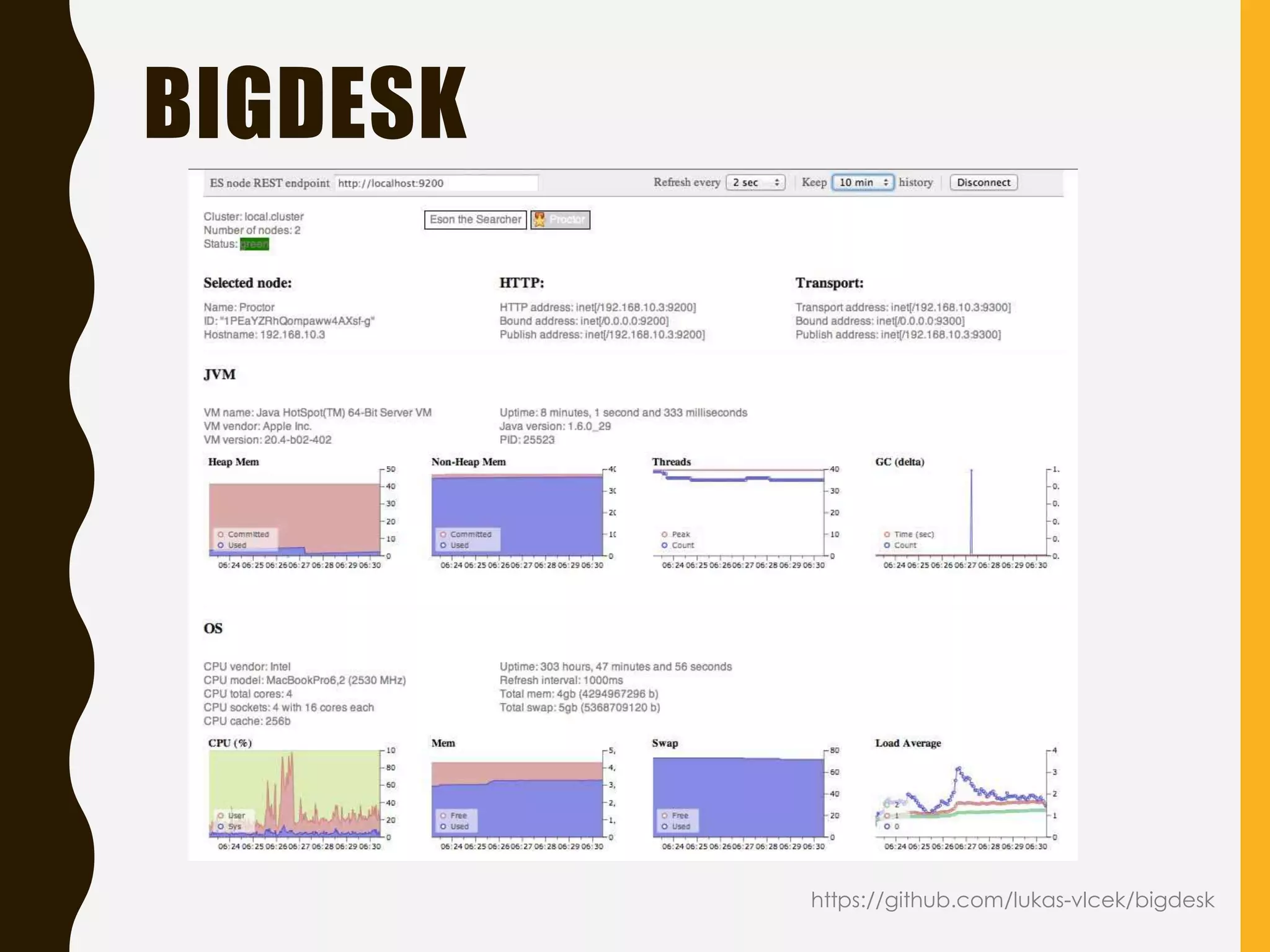
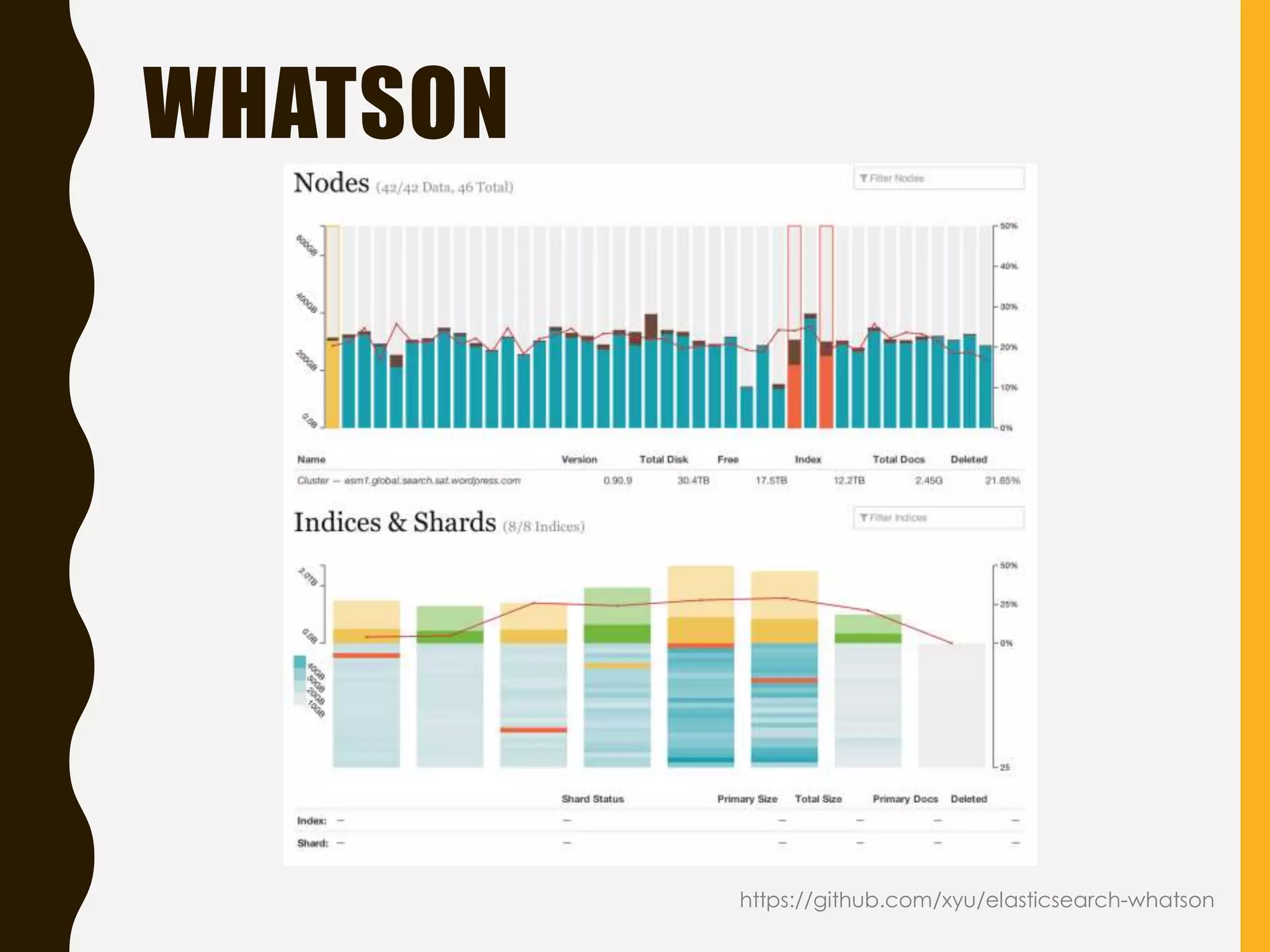
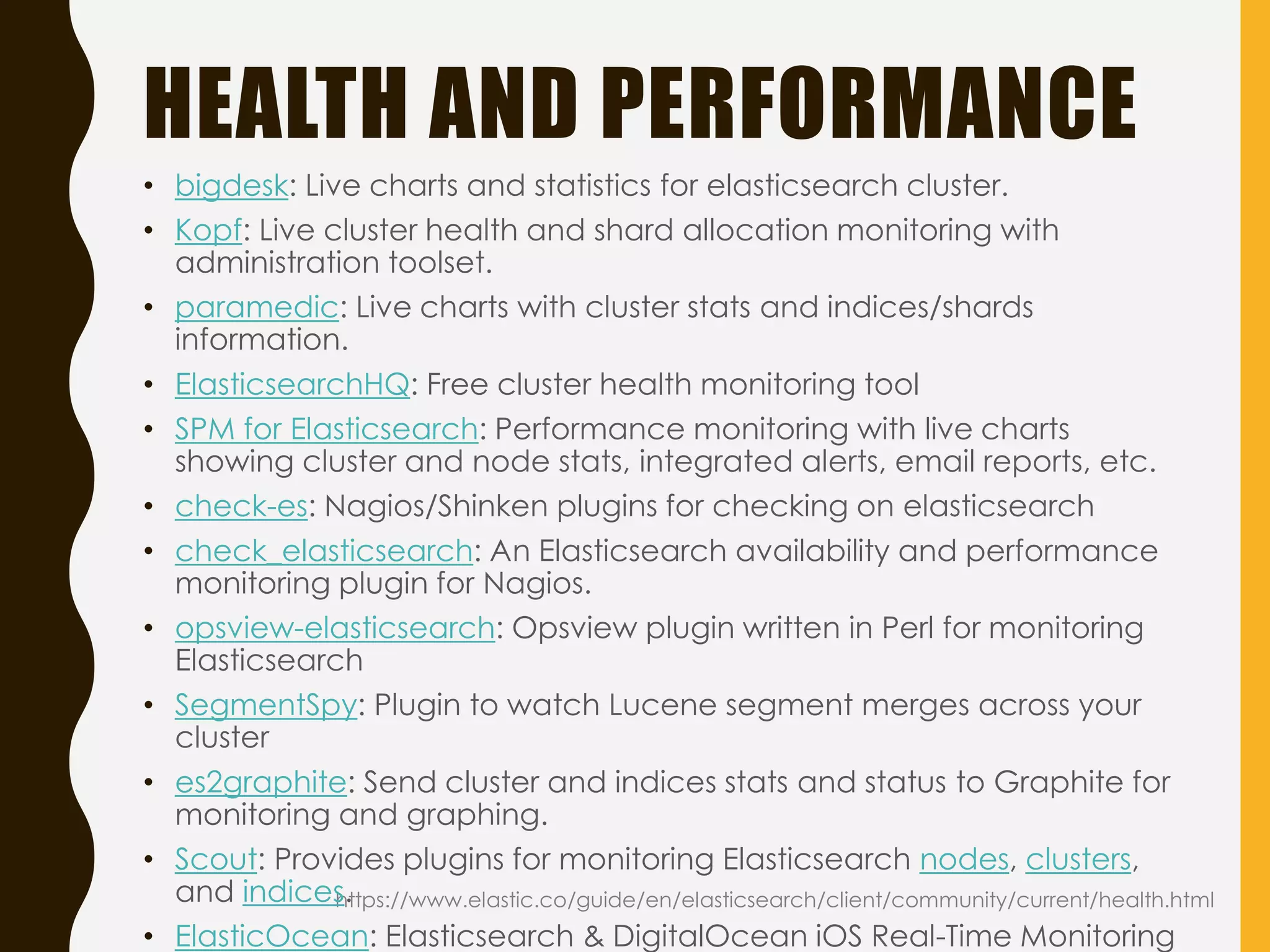
HEALTH AND PERFORMANCE
https://www.elastic.co/guide/en/elasticsearch/client/community/current/health.html
•bigdesk: Live charts and statistics for elasticsearch cluster.
• Kopf: Live cluster health and shard allocation monitoring with
administration toolset.
• paramedic: Live charts with cluster stats and indices/shards
information.
• ElasticsearchHQ: Free cluster health monitoring tool
• SPM for Elasticsearch: Performance monitoring with live charts
showing cluster and node stats, integrated alerts, email reports, etc.
• check-es: Nagios/Shinken plugins for checking on elasticsearch
• check_elasticsearch: An Elasticsearch availability and performance
monitoring plugin for Nagios.
• opsview-elasticsearch: Opsview plugin written in Perl for monitoring
Elasticsearch
• SegmentSpy: Plugin to watch Lucene segment merges across your
cluster
• es2graphite: Send cluster and indices stats and status to Graphite for
monitoring and graphing.
• Scout: Provides plugins for monitoring Elasticsearch nodes, clusters,
and indices.
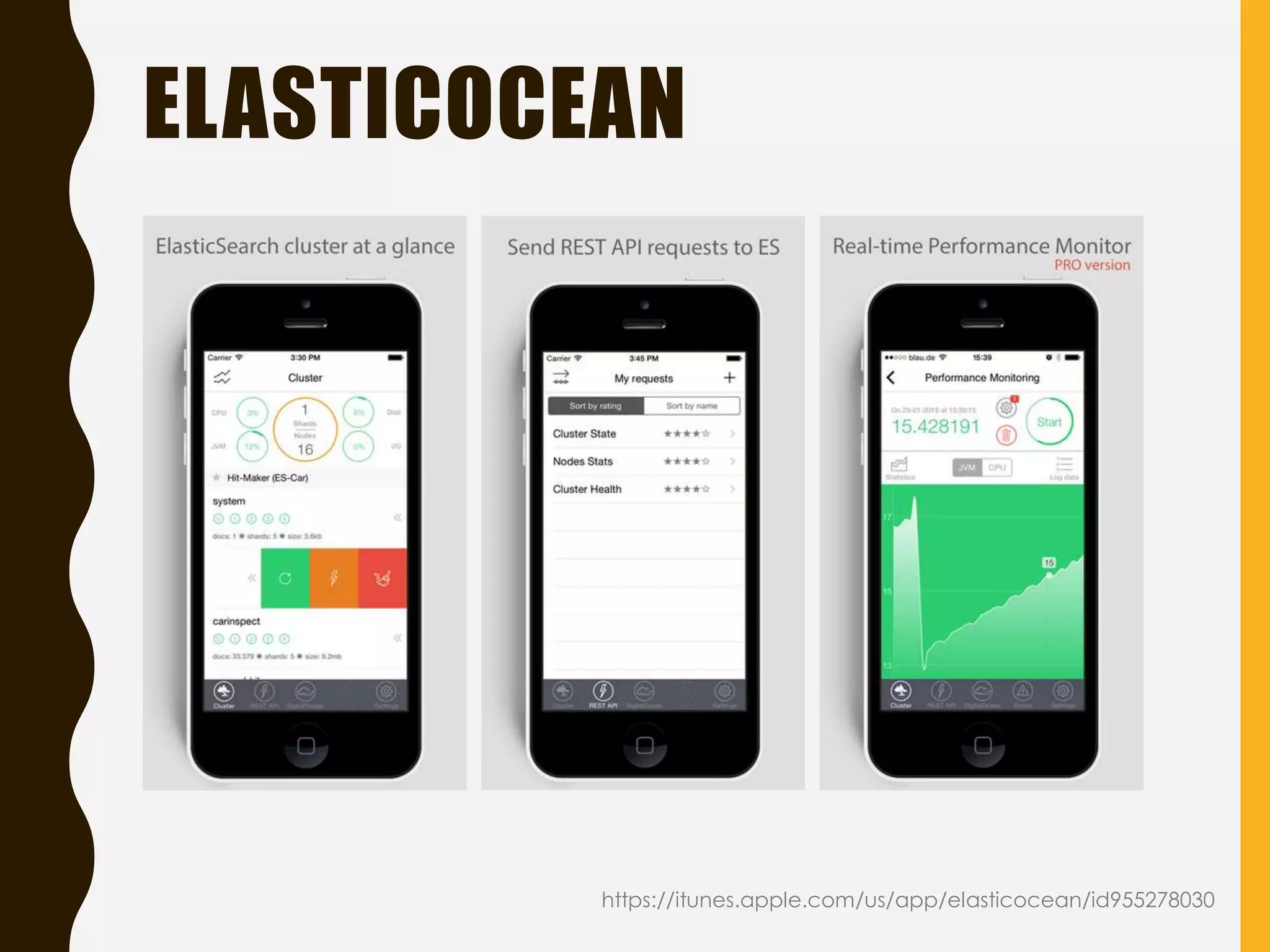
• ElasticOcean: Elasticsearch & DigitalOcean iOS Real-Time Monitoring
71.
10 ES METRICSTO WATCH
http://radar.oreilly.com/2015/04/10-elasticsearch-metrics-to-watch.html
1. Cluster health — nodes and shards
2. Node performance — CPU
3. Node performance — memory usage
4. Node performance — disk I/O
5. Java — heap usage and garbage collection
6. Java — JVM pool size
7. Search performance — request latency and
request rate
8. Search performance — filter cache
9. Search performance — field data cache
10.Indexing performance — refresh times and

merge times
FOUND ($)
• Elasticsearchas a service
• Starts from $45/mo (1GB RAM, 8GB SSD, 1 data
center)
• No deployment and maintenance overhead
https://www.elastic.co/products/found
78.
SHIELD ($)
• Authentication
•Authorization: RBAC
• Encrypted communication, IP filtering
• Audit logging
• Other approaches:
• Jetty instead of
embedded server
• Nginx as a front-end
https://www.elastic.co/products/shield
79.
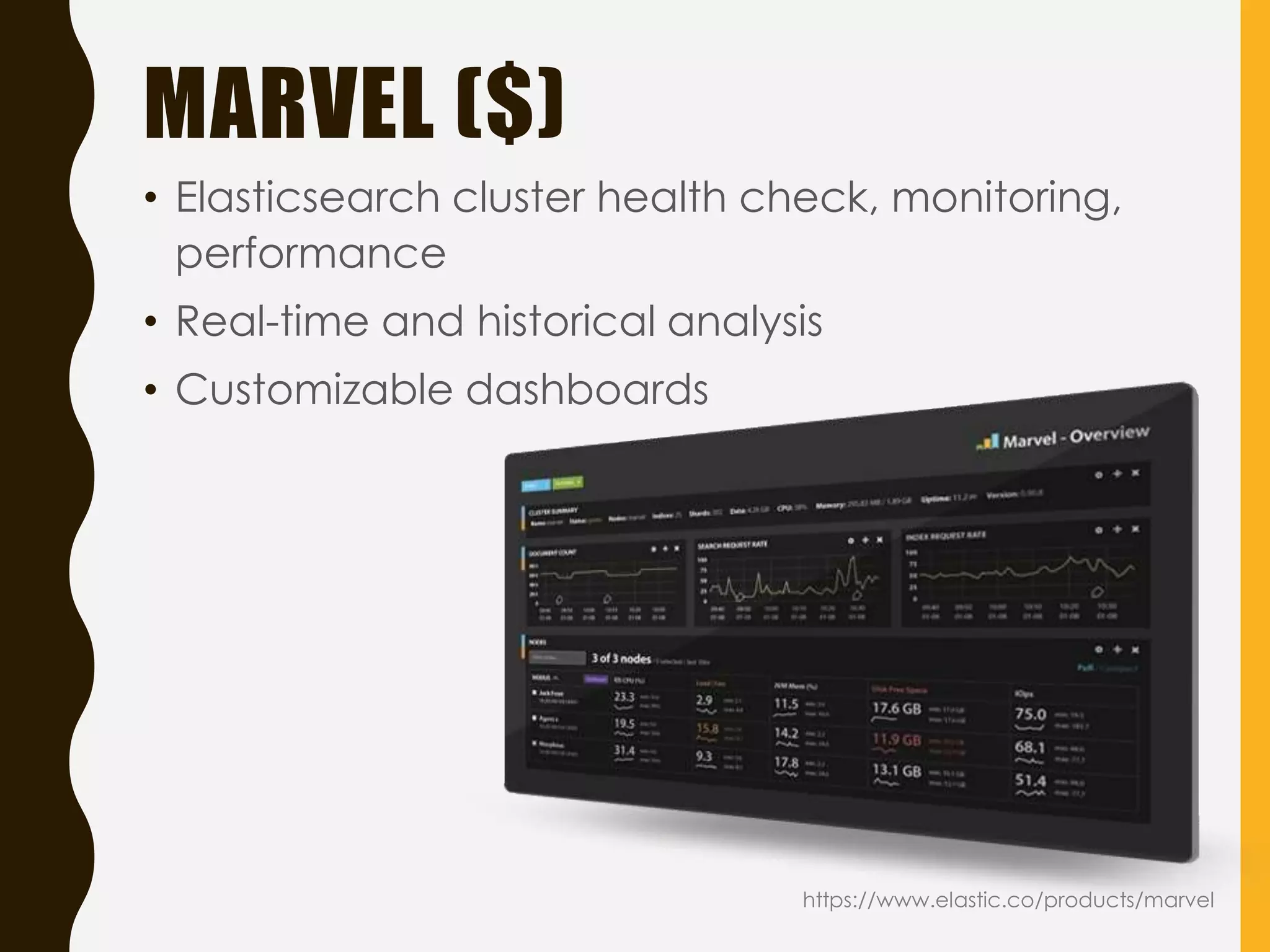
MARVEL ($)
• Elasticsearchcluster health check, monitoring,
performance
• Real-time and historical analysis
• Customizable dashboards
https://www.elastic.co/products/marvel
80.
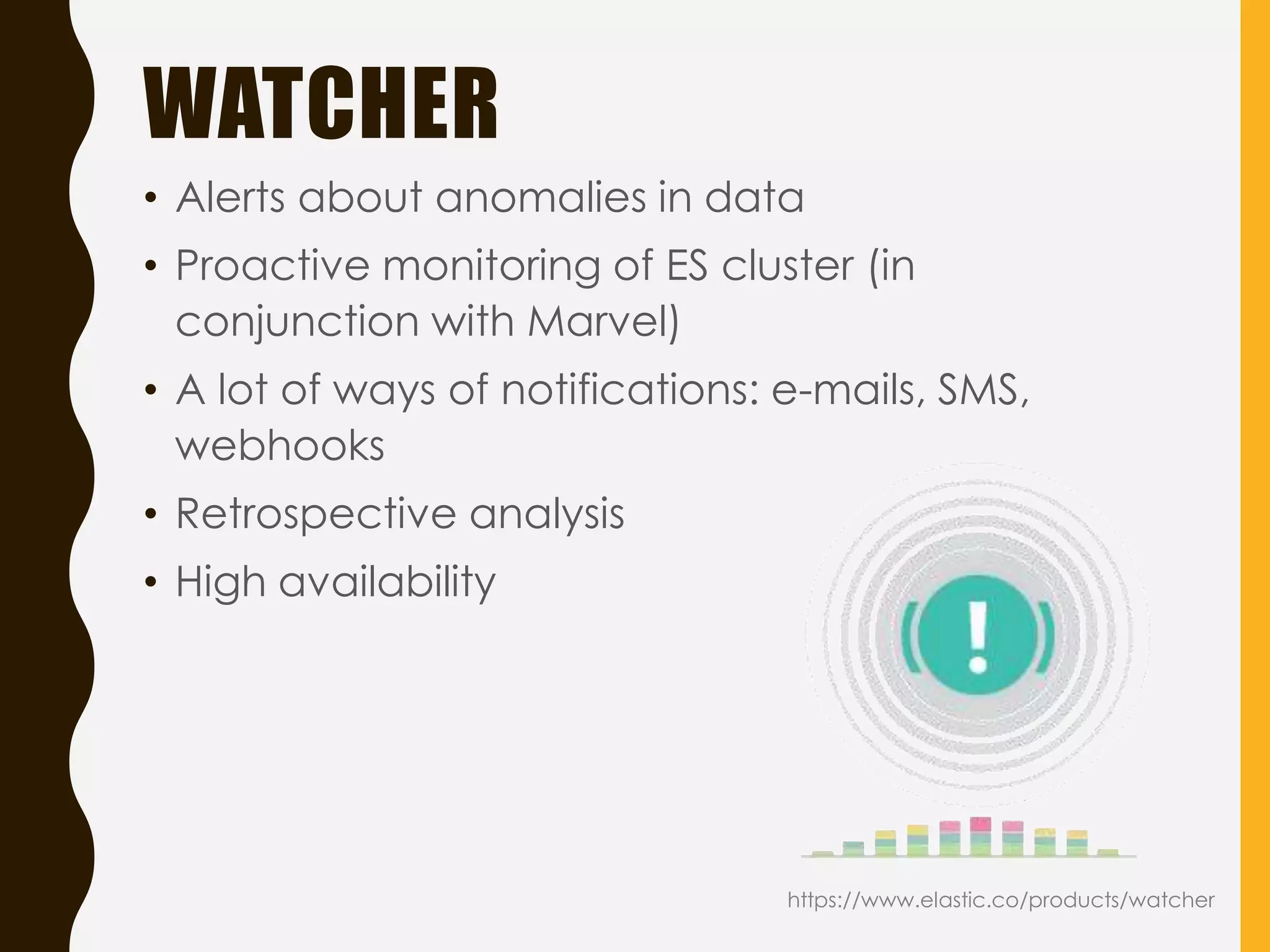
WATCHER
• Alerts aboutanomalies in data

• Proactive monitoring of ES cluster (in
conjunction with Marvel)
• A lot of ways of notifications: e-mails, SMS,
webhooks
• Retrospective analysis
• High availability
https://www.elastic.co/products/watcher
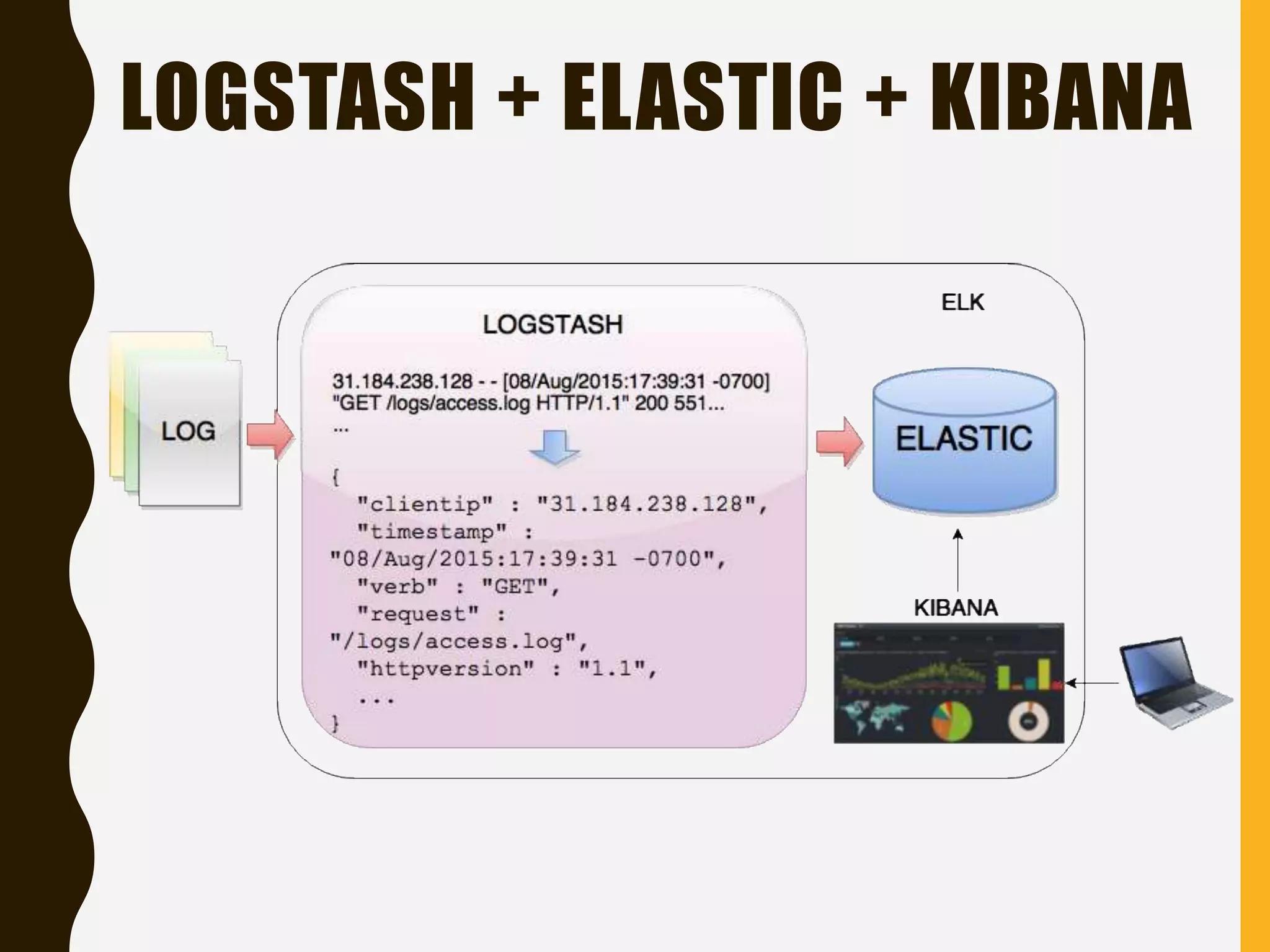
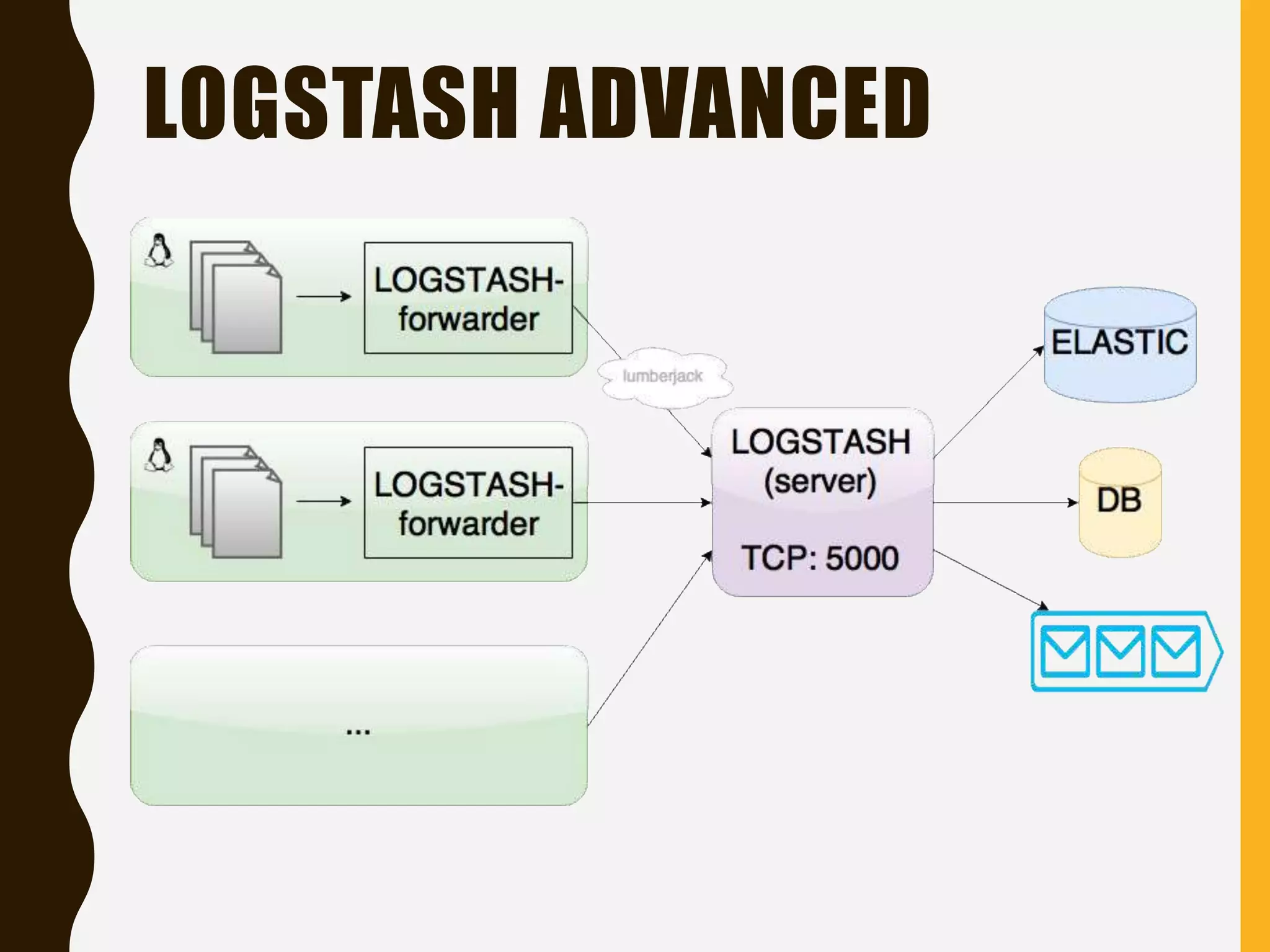
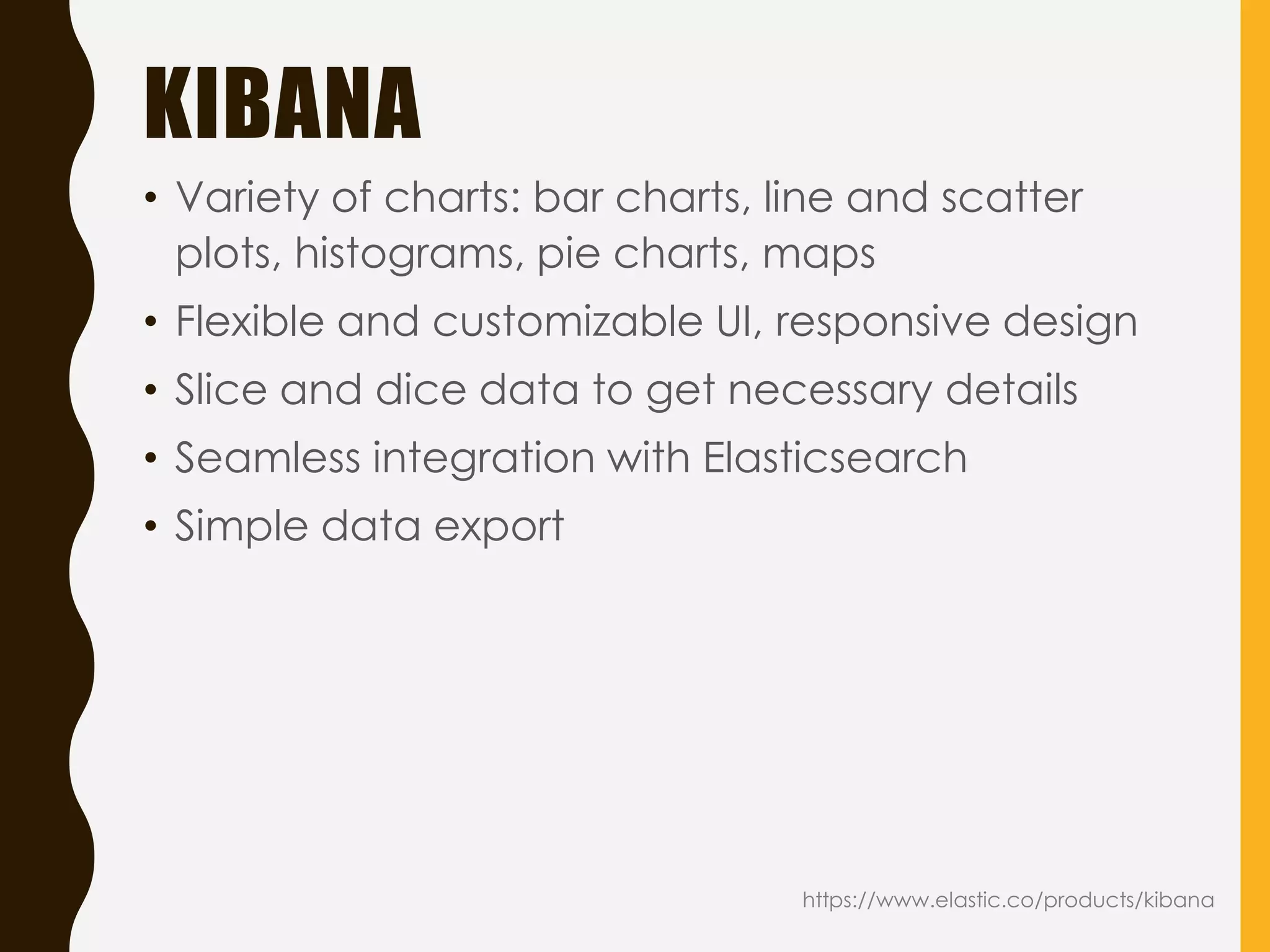
KIBANA
• Variety ofcharts: bar charts, line and scatter
plots, histograms, pie charts, maps
• Flexible and customizable UI, responsive design
• Slice and dice data to get necessary details
• Seamless integration with Elasticsearch
• Simple data export
https://www.elastic.co/products/kibana
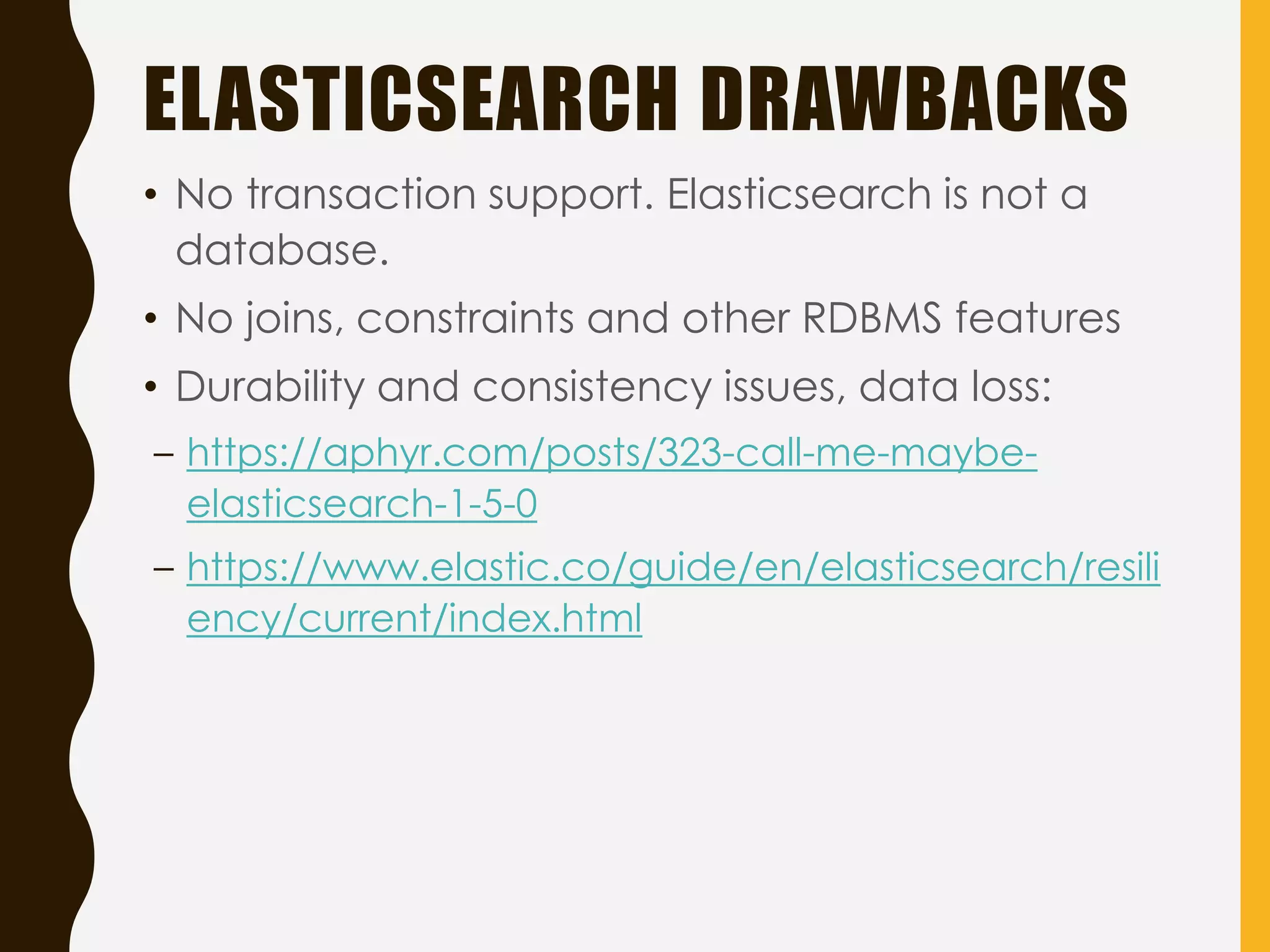
ELASTICSEARCH DRAWBACKS
• Notransaction support. Elasticsearch is not a
database.
• No joins, constraints and other RDBMS features
• Durability and consistency issues, data loss:
– https://aphyr.com/posts/323-call-me-maybe-
elasticsearch-1-5-0
– https://www.elastic.co/guide/en/elasticsearch/resili
ency/current/index.html
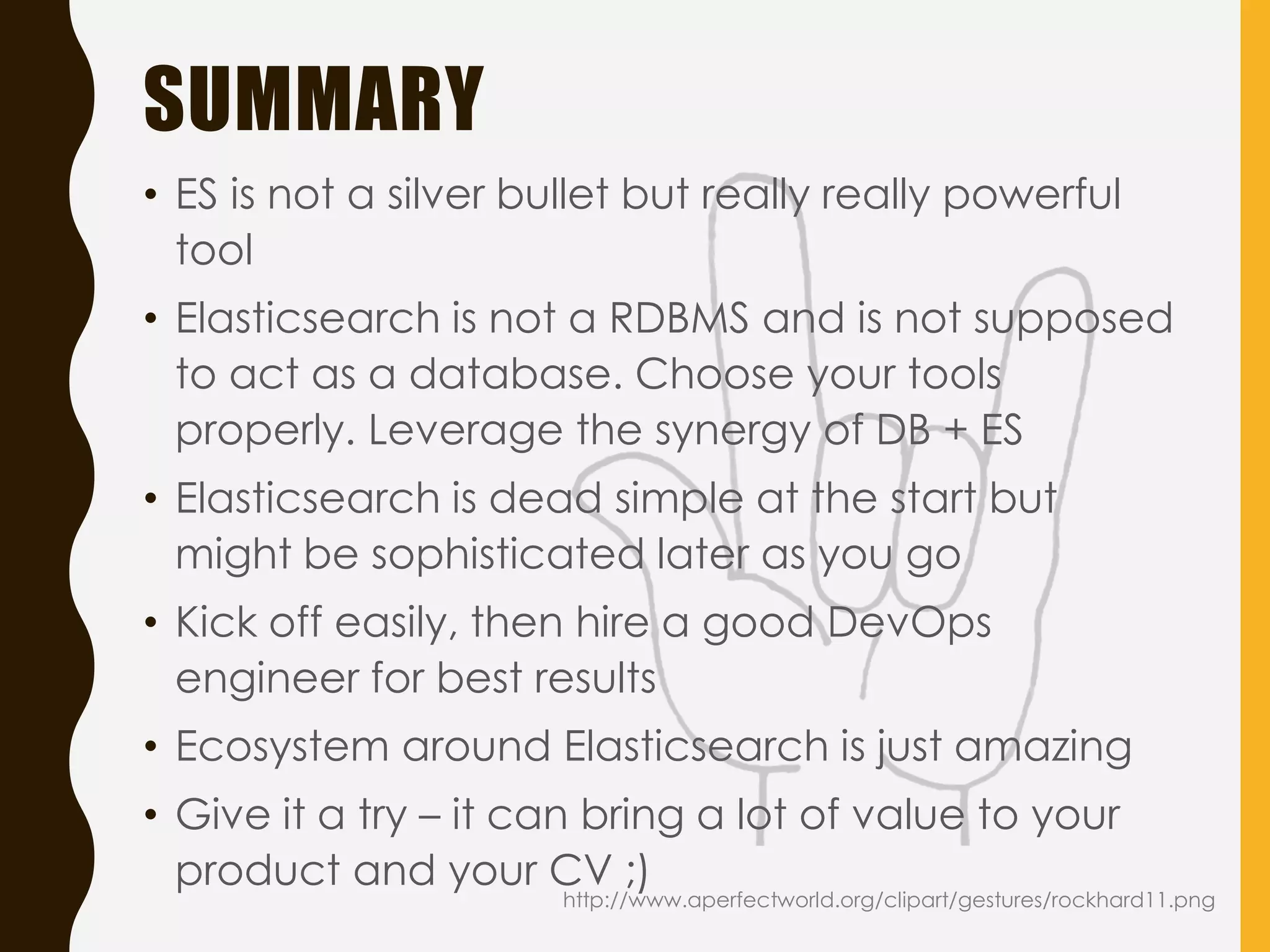
SUMMARY
• ES isnot a silver bullet but really really powerful
tool
• Elasticsearch is not a RDBMS and is not supposed
to act as a database. Choose your tools
properly. Leverage the synergy of DB + ES
• Elasticsearch is dead simple at the start but
might be sophisticated later as you go
• Kick off easily, then hire a good DevOps
engineer for best results
• Ecosystem around Elasticsearch is just amazing
• Give it a try – it can bring a lot of value to your
product and your CV ;)
http://www.aperfectworld.org/clipart/gestures/rockhard11.png