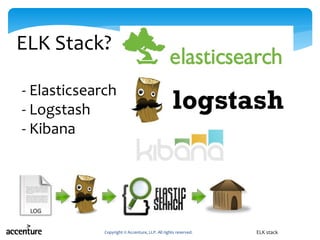
This document provides an overview of the ELK stack, including Logstash for collecting and parsing logs, Elasticsearch for indexing logs, and Kibana for visualizing logs. It discusses using the open source ELK stack as an alternative to Splunk and provides instructions for getting started with a basic ELK implementation.

In this document
Powered by AI
Overview about ELK stack components (Elasticsearch, Logstash, Kibana) and speaker's credentials.
Discussion on logging, its importance, and issues with managing large volumes of logs without ELK.
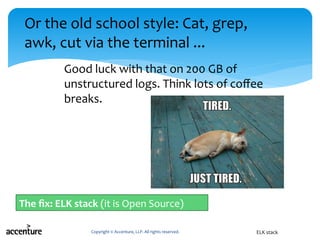
Illustration of a critical outage situation, emphasizing the chaos caused by traditional log handling methods.
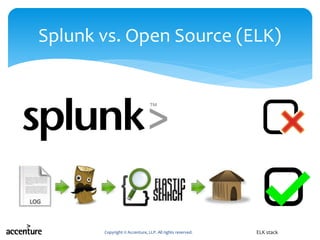
Comparison of Splunk and ELK stack highlighting key differences such as cost, complexity, and usability.
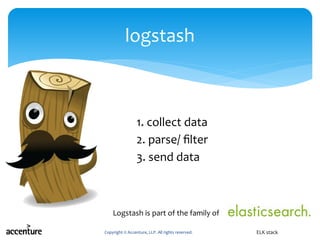
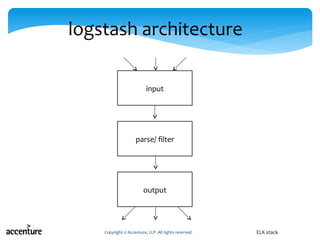
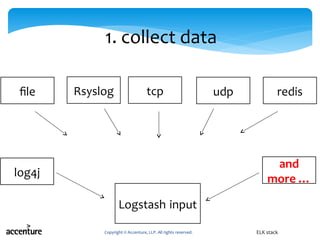
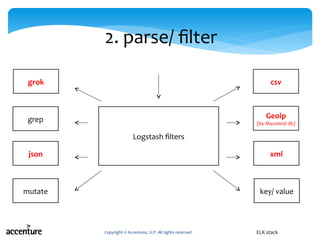
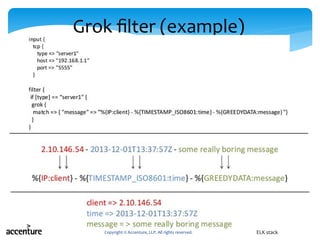
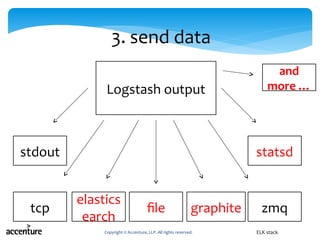
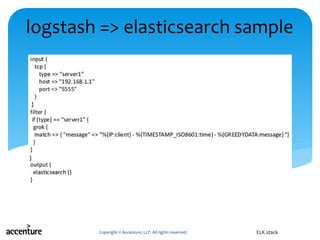
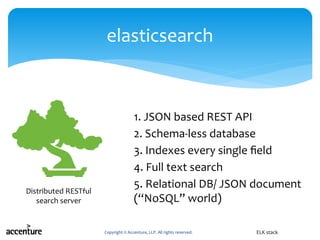
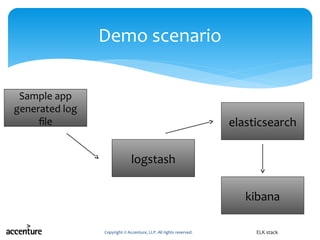
Detailed breakdown of ELK components: Logstash (data collection and processing) and Elasticsearch (data storage and indexing).
Introduction to Kibana focusing on its user interface, customization, and data discovery capabilities.
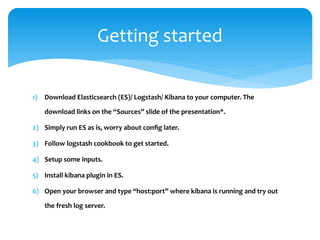
Step-by-step instructions to install and set up ELK stack components.
Frequently asked questions about ELK stack, its capabilities, and its position against competitors.
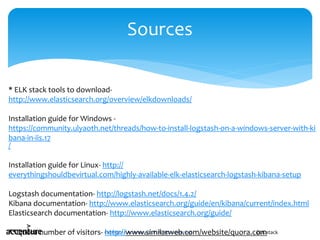
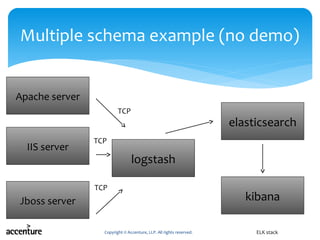
Sources and documentation for installing and using ELK stack, with examples on schemas.
Logging
Log(file) created by server/ app
Information about the requests, date, bytes served, user
agent, etc. It’s variable.
Application runs
Produces errors, warnings, debug, telemetry, analytics
events, and other information
How to make sense of it?
Logging
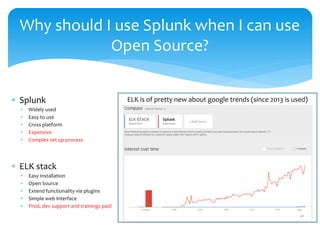
Splunk
Widelyused
Easy to use
Cross platform
Expensive
Complex set up process
ELK stack
Easy installation
Open Source
Extend functionality via plugins
Simple web interface
Prod, dev support and trainings paid
Why should I use Splunk when I can use
Open Source?
ELK is of pretty new about google trends (since 2013 is used)
1) Download Elasticsearch(ES)/ Logstash/ Kibana to your computer. The
download links on the “Sources” slide of the presentation*.
2) Simply run ES as is, worry about config later.
3) Follow logstash cookbook to get started.
4) Setup some inputs.
5) Install kibana plugin in ES.
6) Open your browser and type “host:port” where kibana is running and try out
the fresh log server.
Getting started