Software
Lesson 4
 Know how to pick out key features in software
 Understand possible capabilities and limitations
 Be able to research a range of game creation software
Lesson Goals
#capabilities
#limitations
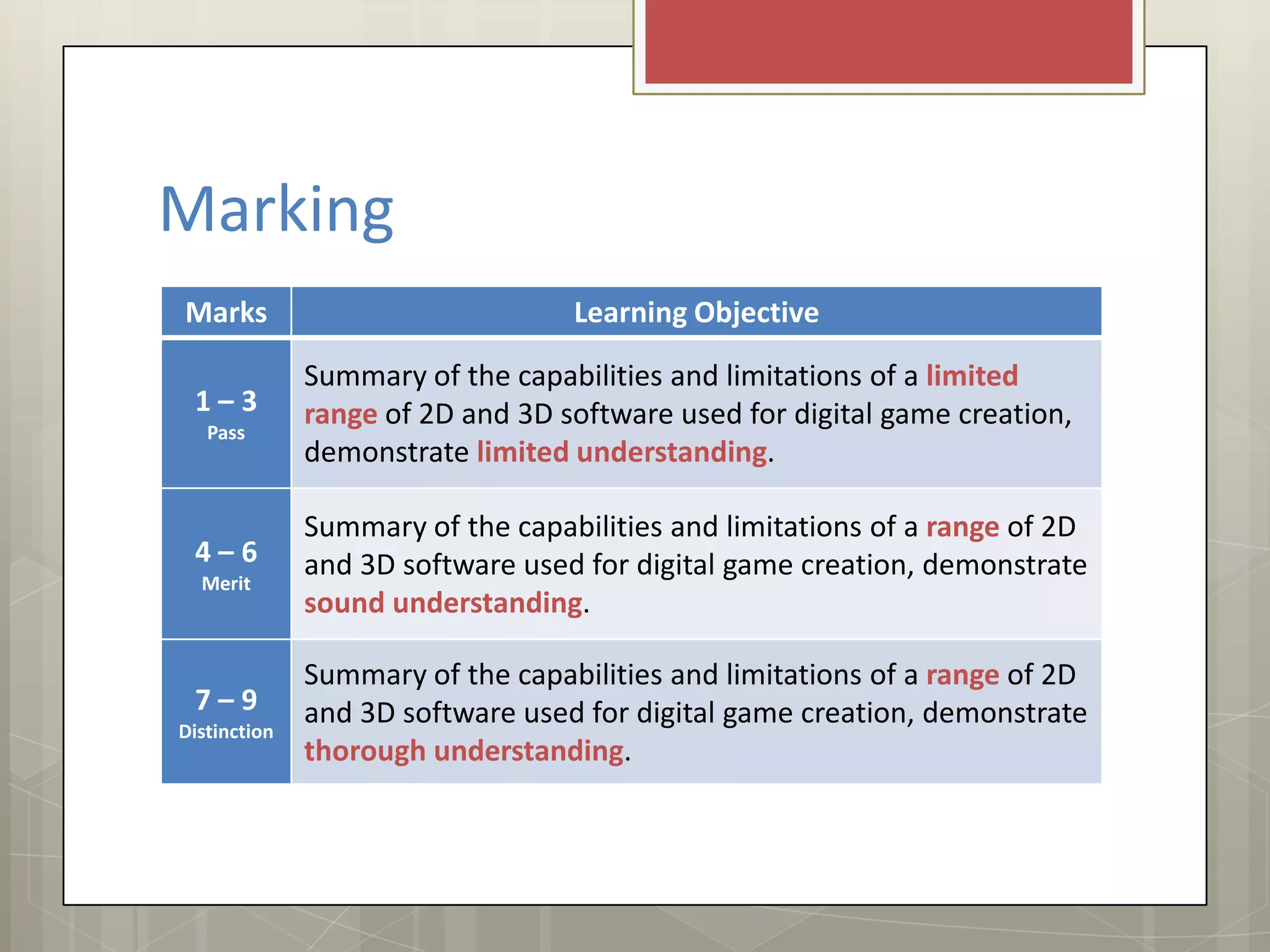
Marking
Marks Learning Objective
1 – 3
Pass
Summary of the capabilities and limitations of a limited
range of 2D and 3D software used for digital game creation,
demonstrate limited understanding.
4 – 6
Merit
Summary of the capabilities and limitations of a range of 2D
and 3D software used for digital game creation, demonstrate
sound understanding.
7 – 9
Distinction
Summary of the capabilities and limitations of a range of 2D
and 3D software used for digital game creation, demonstrate
thorough understanding.
Software Analysis
What would you expect game software to include?
Understand capabilities & limits
Know key software features
#capabilities
#limitations
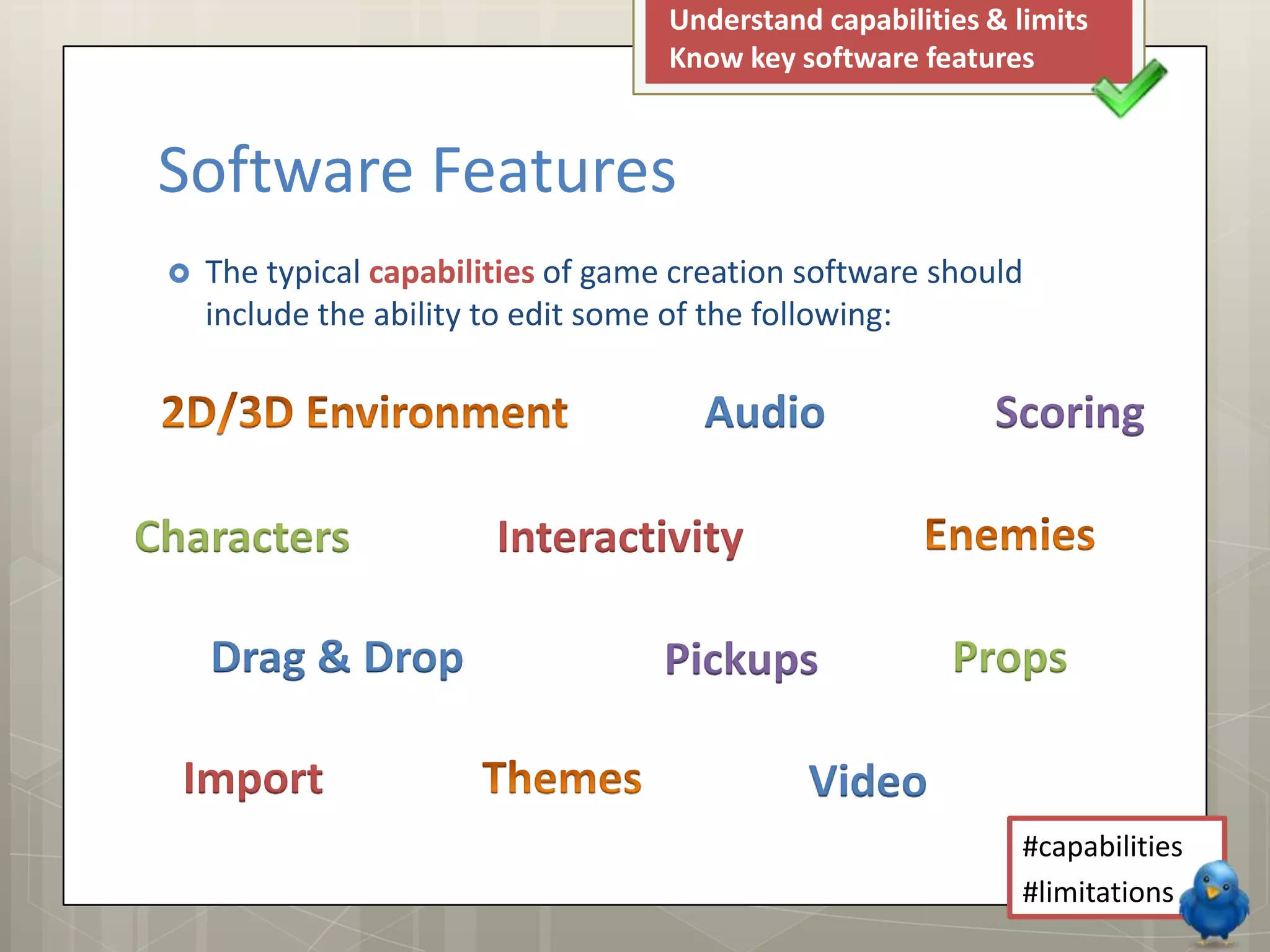
 The typical capabilities of game creation software should
include the ability to edit some of the following:
Understand capabilities & limits
Know key software features
#capabilities
#limitations
Software Features
Audio Scoring
Characters Interactivity
Pickups Props
Import Video
Drag & Drop
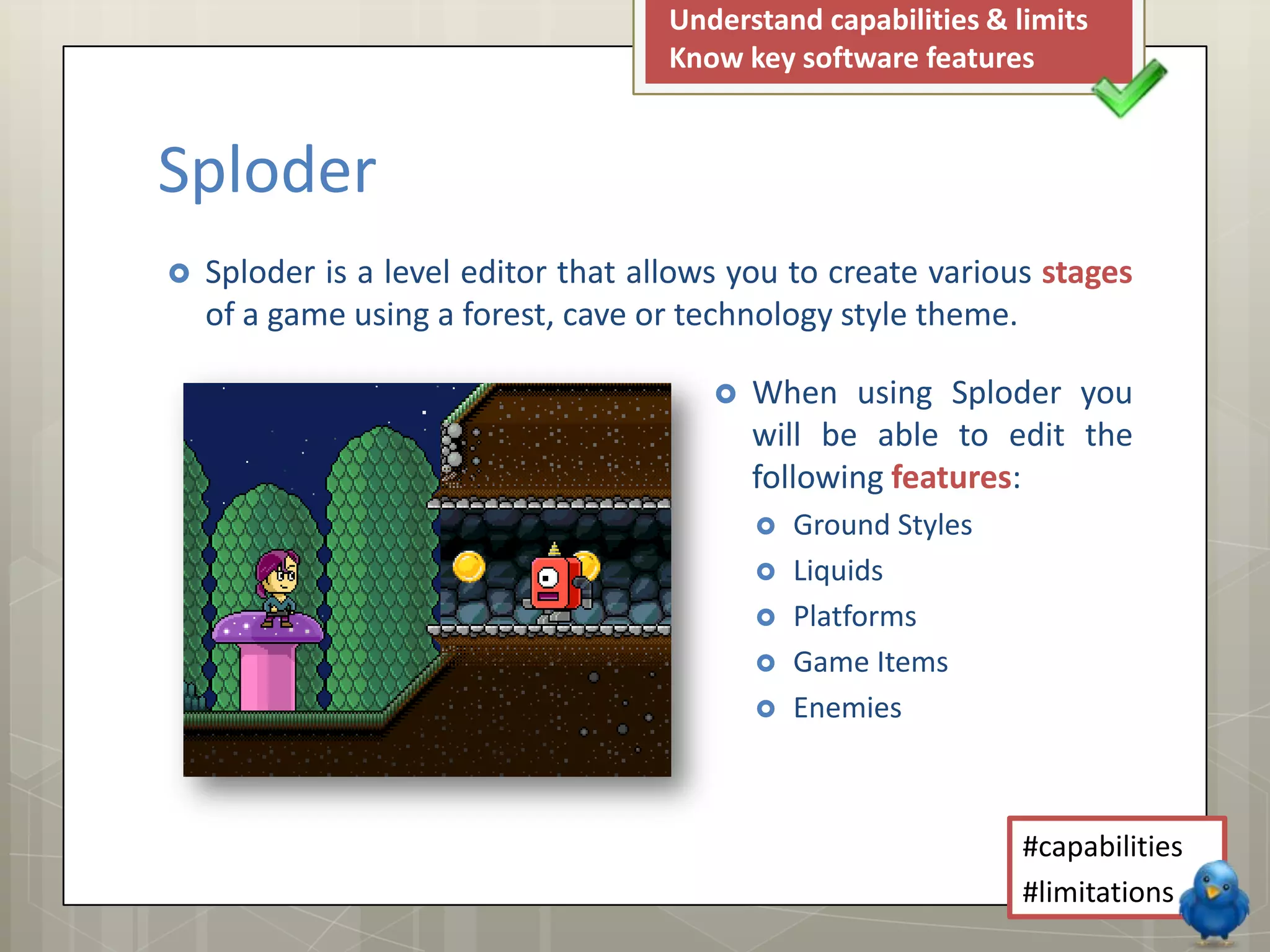
 Sploder is a level editor that allows you to create various stages
of a game using a forest, cave or technology style theme.
Understand capabilities & limits
Know key software features
#capabilities
#limitations
Sploder
 When using Sploder you
will be able to edit the
following features:
 Ground Styles
 Liquids
 Platforms
 Game Items
 Enemies
Understand capabilities & limits
Know key software features
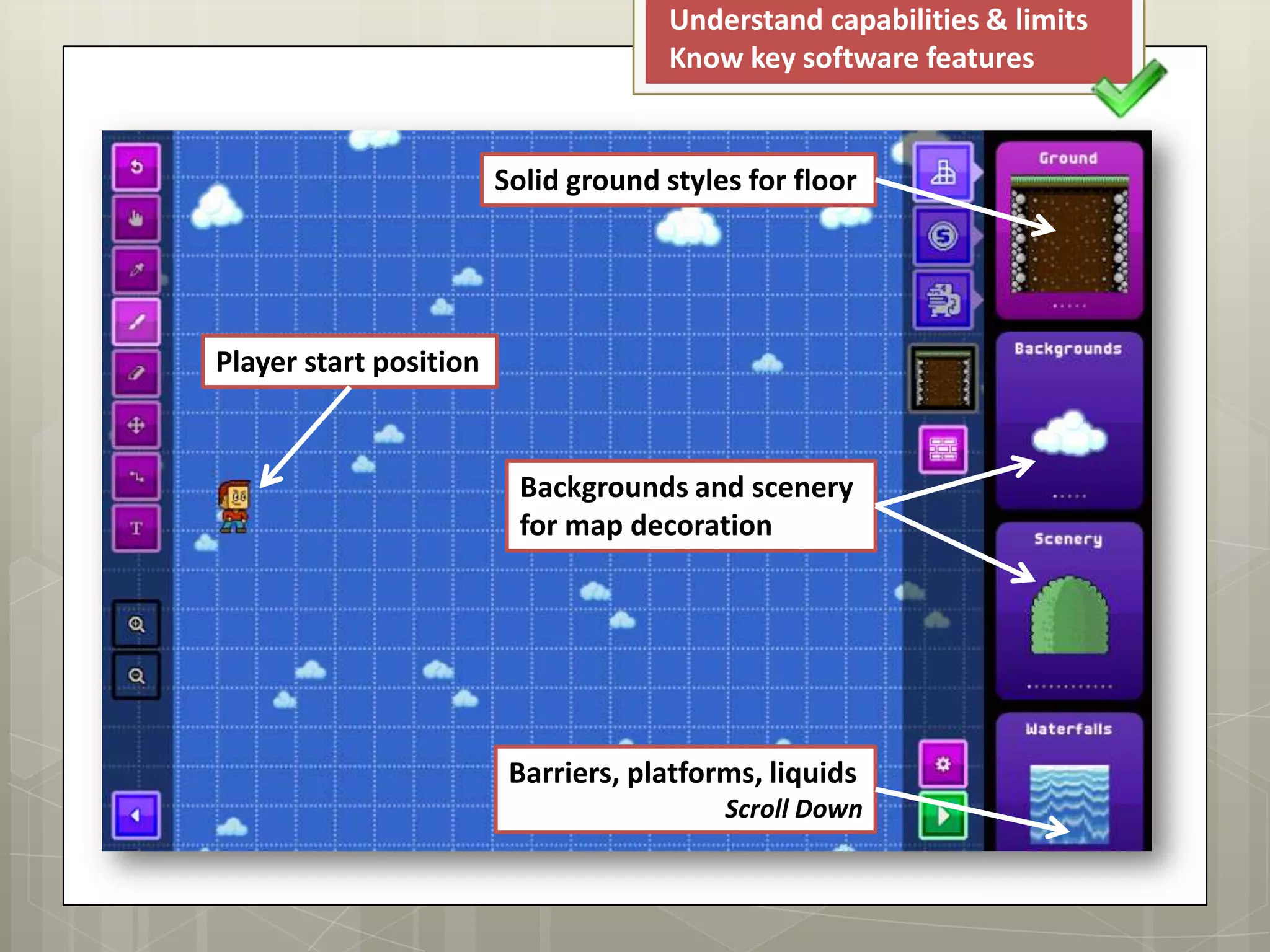
Solid ground styles for floor
Backgrounds and scenery
for map decoration
Player start position
Barriers, platforms, liquids
Scroll Down
Understand capabilities & limits
Know key software features
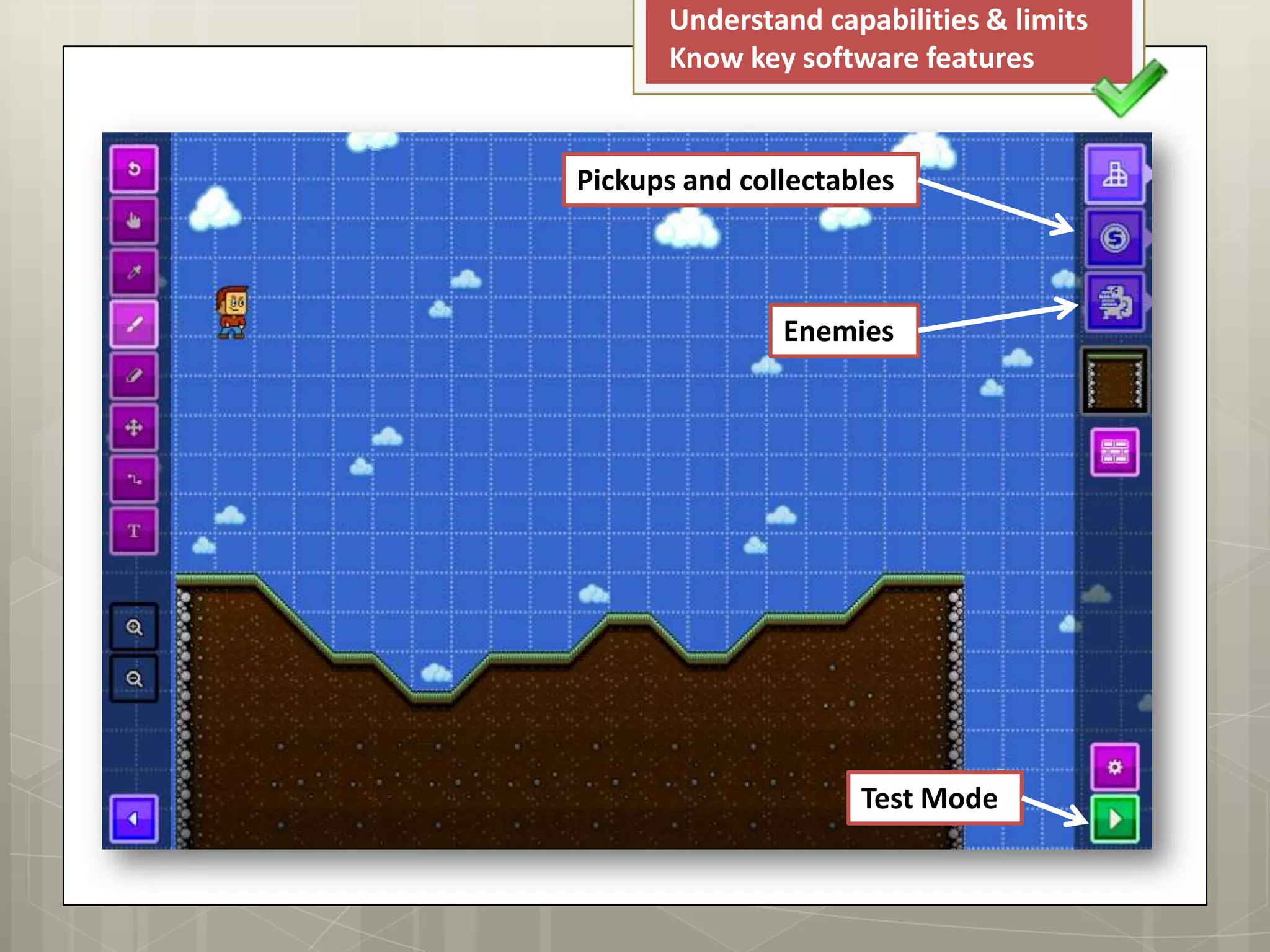
Pickups and collectables
Enemies
Test Mode
 List some of the main tools
available in the software and
describe what they let you
create within the game.
 Review the ease of use of the
software and make some
Mission Maker comparisons.
 Use the Sploder Arcade Creator and review the key features:
 Capabilities
 Limitations
Understand capabilities & limits
Know key software features
#capabilities
#limitations
Your Task
 Extension: Add some screen shots to your review
to help describe the key features in more detail.
Understand capabilities & limits
Know key software features
#capabilities
#limitations
Keywords
 Capabilities
 Limitations
 Any tasks that the software being used can
realistically complete.
 Restrictions or things that the software is
unable to complete.

LO1 - Lesson 4 - Software

  • 1.
  • 2.
     Know howto pick out key features in software  Understand possible capabilities and limitations  Be able to research a range of game creation software Lesson Goals #capabilities #limitations
  • 3.
    Marking Marks Learning Objective 1– 3 Pass Summary of the capabilities and limitations of a limited range of 2D and 3D software used for digital game creation, demonstrate limited understanding. 4 – 6 Merit Summary of the capabilities and limitations of a range of 2D and 3D software used for digital game creation, demonstrate sound understanding. 7 – 9 Distinction Summary of the capabilities and limitations of a range of 2D and 3D software used for digital game creation, demonstrate thorough understanding.
  • 4.
    Software Analysis What wouldyou expect game software to include? Understand capabilities & limits Know key software features #capabilities #limitations
  • 5.
     The typicalcapabilities of game creation software should include the ability to edit some of the following: Understand capabilities & limits Know key software features #capabilities #limitations Software Features Audio Scoring Characters Interactivity Pickups Props Import Video Drag & Drop
  • 6.
     Sploder isa level editor that allows you to create various stages of a game using a forest, cave or technology style theme. Understand capabilities & limits Know key software features #capabilities #limitations Sploder  When using Sploder you will be able to edit the following features:  Ground Styles  Liquids  Platforms  Game Items  Enemies
  • 7.
    Understand capabilities &limits Know key software features Solid ground styles for floor Backgrounds and scenery for map decoration Player start position Barriers, platforms, liquids Scroll Down
  • 8.
    Understand capabilities &limits Know key software features Pickups and collectables Enemies Test Mode
  • 9.
     List someof the main tools available in the software and describe what they let you create within the game.  Review the ease of use of the software and make some Mission Maker comparisons.  Use the Sploder Arcade Creator and review the key features:  Capabilities  Limitations Understand capabilities & limits Know key software features #capabilities #limitations Your Task  Extension: Add some screen shots to your review to help describe the key features in more detail.
  • 10.
    Understand capabilities &limits Know key software features #capabilities #limitations Keywords  Capabilities  Limitations  Any tasks that the software being used can realistically complete.  Restrictions or things that the software is unable to complete.