Presentation link for download will be made available at http://www.DawnonFacebook.com
Who I Am: Social Media Speaker
|Digital Marketing Coach | New Media
Author | Trainer

What I Do:       Work with CEOs,
Committed Entrepreneurs, and Leadership
Teams to Create Visibility, Leverage, and
Increased Profitability Using Social Media


Email: speaker@dawnraqueljensen.com
Web: dawnraqueljensen.com
LinkedIn: DawnonLinkedin.com
Twitter: DawnonTwitter.com
Fan:     DawnonFacebook.com
Presentation link for download will be made available at http://www.DawnonFacebook.com
Social Media Business Catalyst Series


                   Me:          @dawnrjensen
                   What I Do:   @virtualoptions
Linkedin:
     Business


   Linkedin Profiles
   Linkedin Company Profiles
   Linked Linked in Connections
   Linkedin Leverage
   Linkedin Groups
   Linkedin Network Statistics
Social media is the
use of technology
combined with
social interaction
to create or
co-create value.
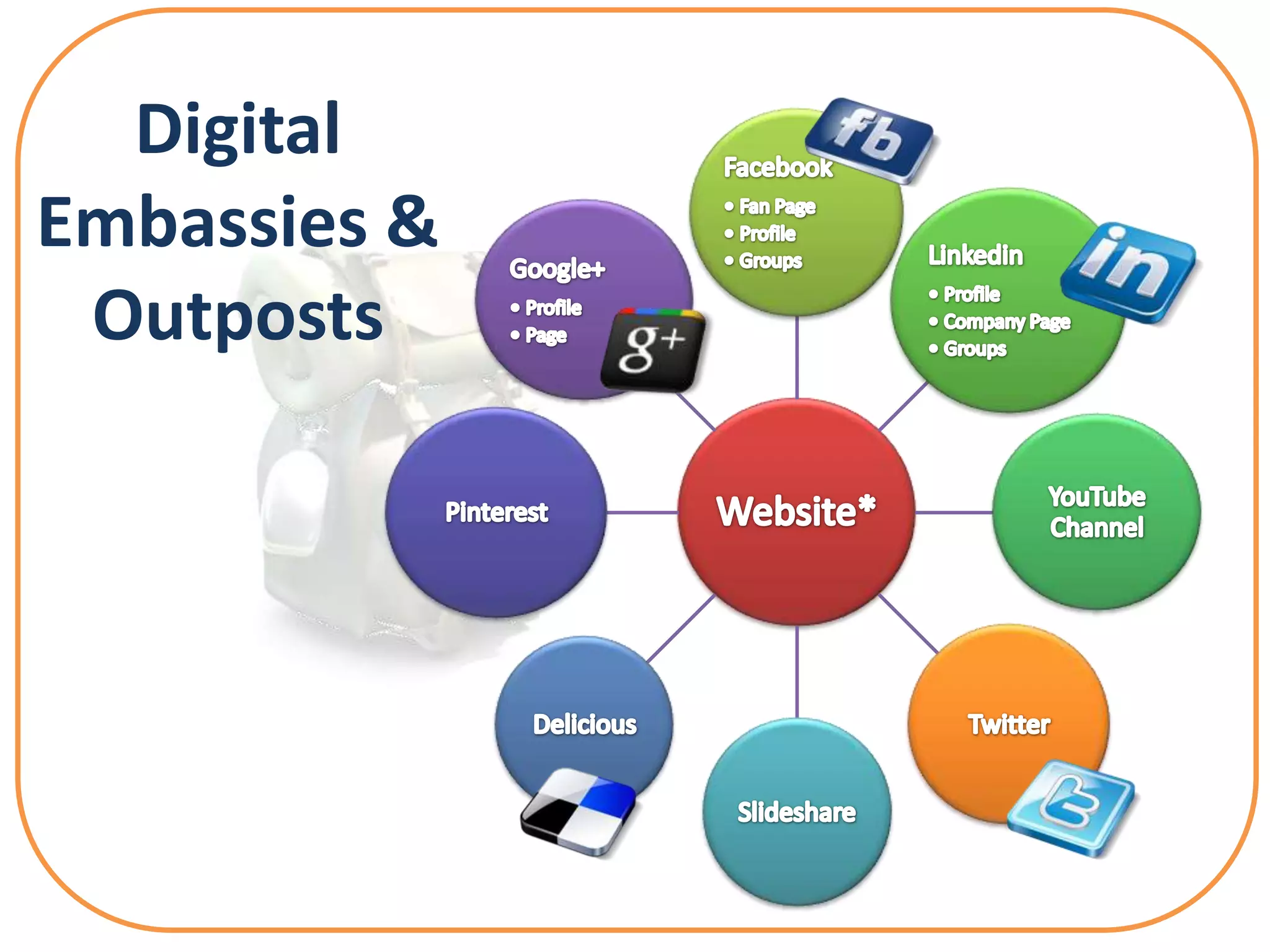
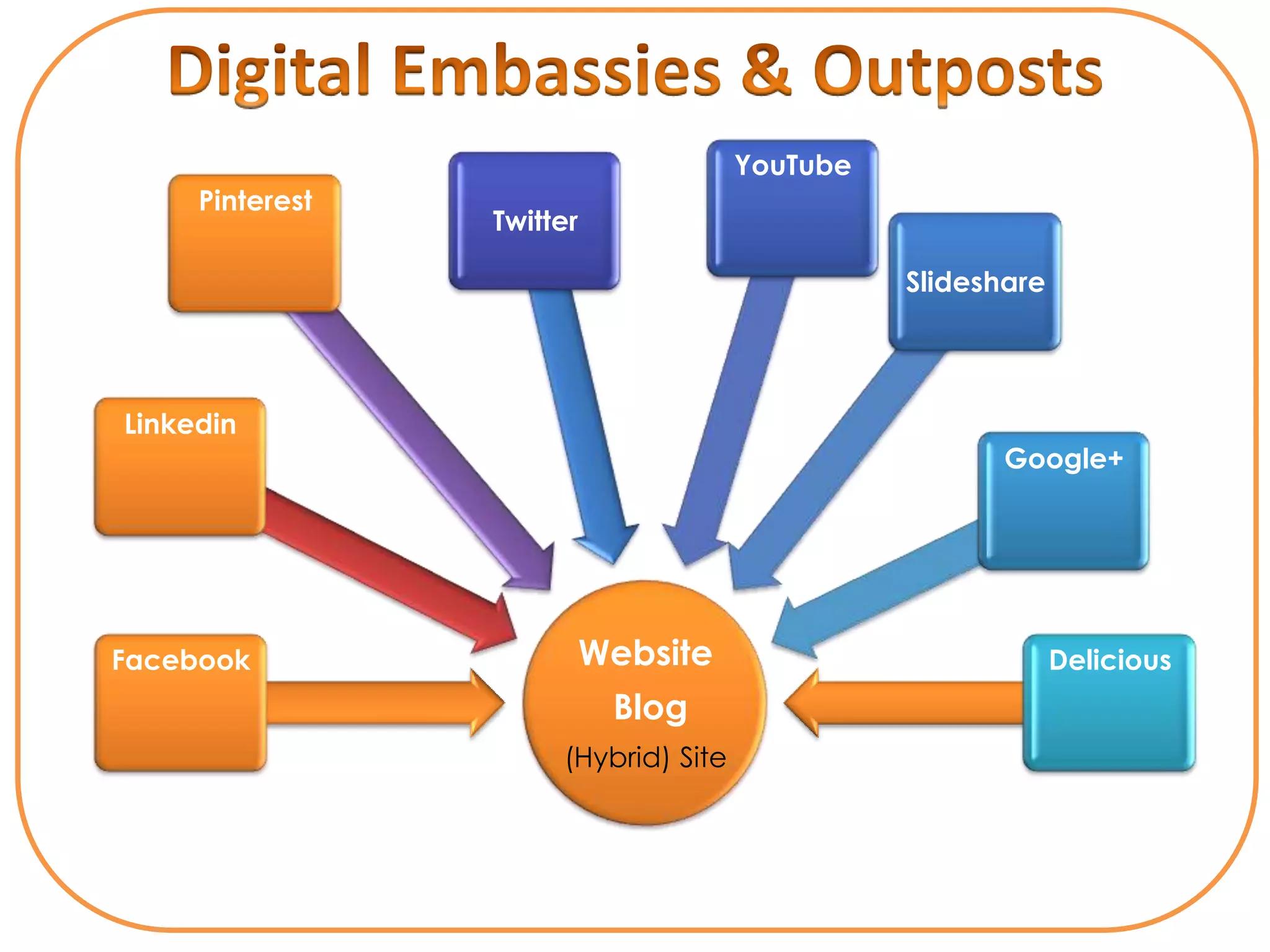
Digital
Embassies &
 Outposts
YouTube
     Pinterest
                 Twitter

                                                Slideshare


Linkedin
                                                       Google+


Facebook                   Website                           Delicious
                            Blog
                      (Hybrid) Site
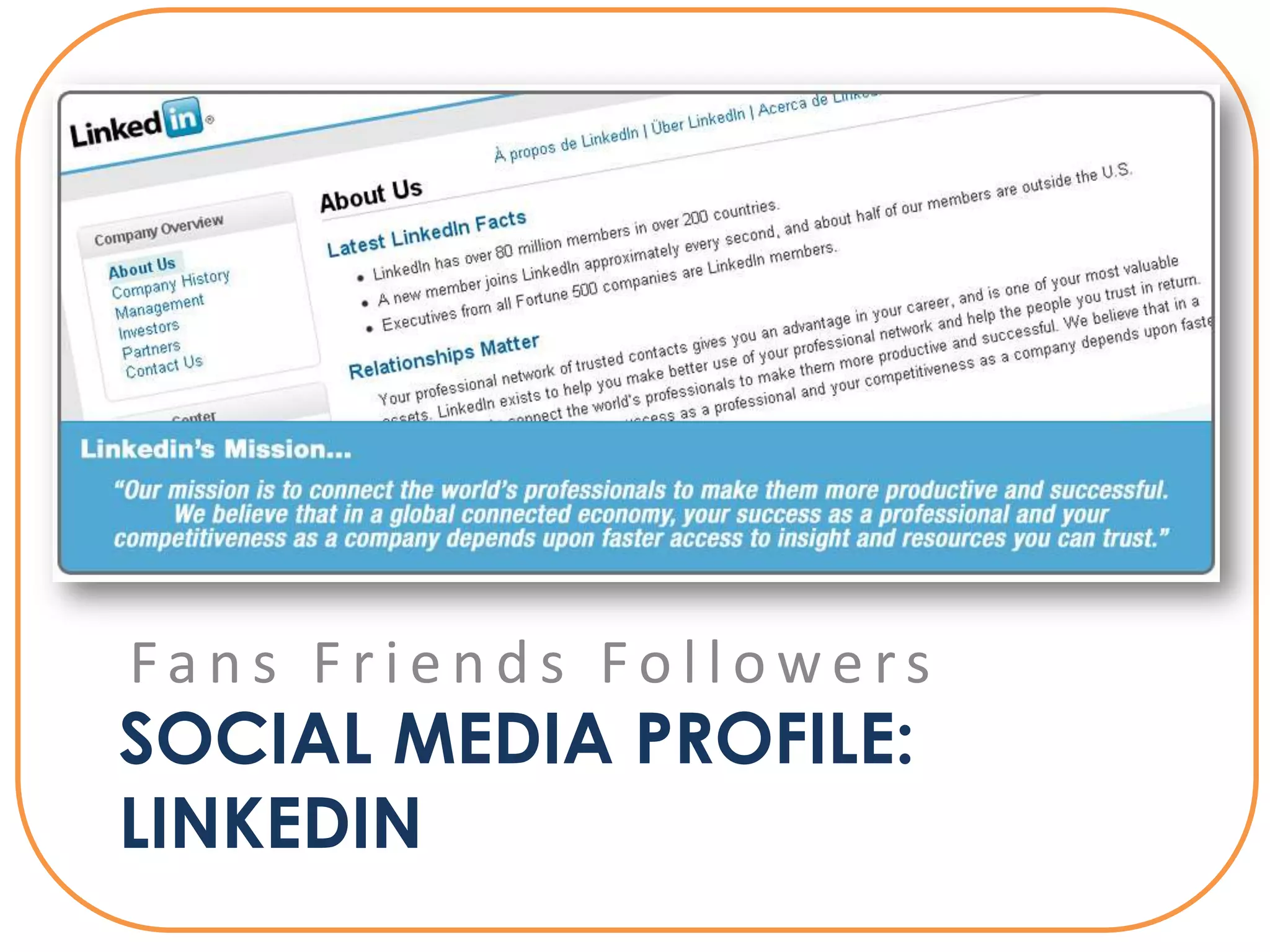
Fans Friends Followers
SOCIAL MEDIA PROFILE:
LINKEDIN
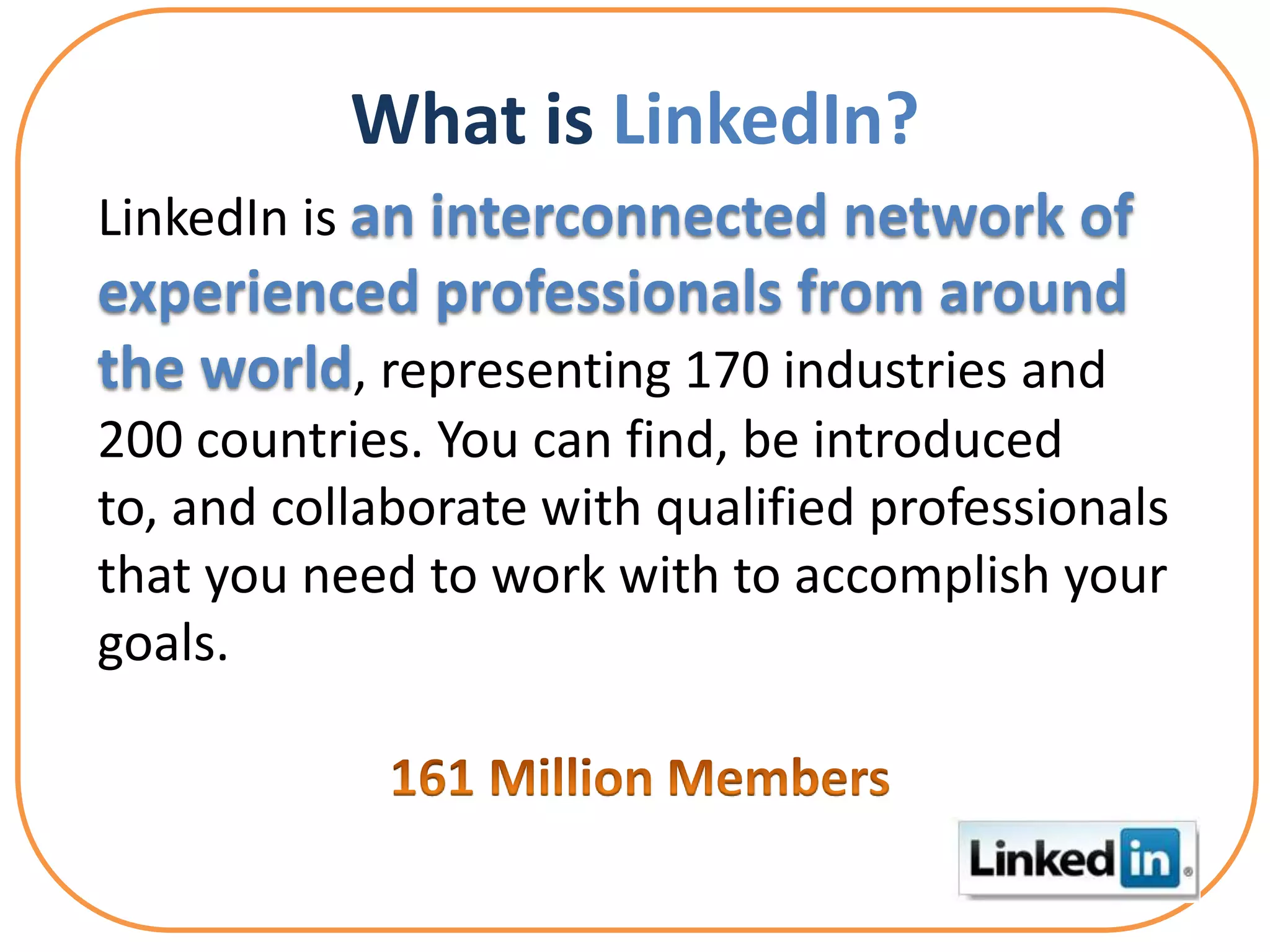
What is LinkedIn?
LinkedIn is an interconnected network of
experienced professionals from around
the world, representing 170 industries and
200 countries. You can find, be introduced
to, and collaborate with qualified professionals
that you need to work with to accomplish your
goals.
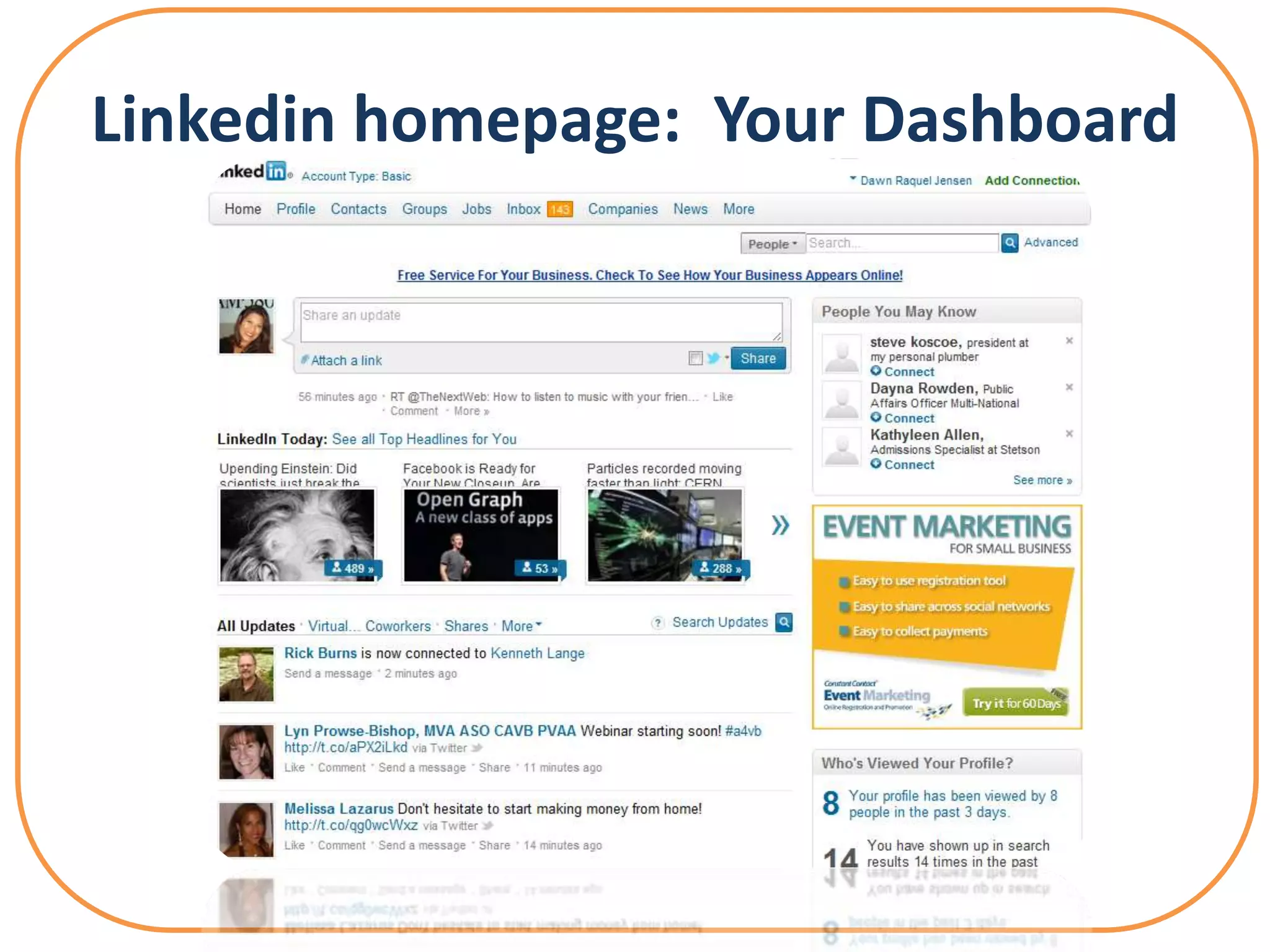
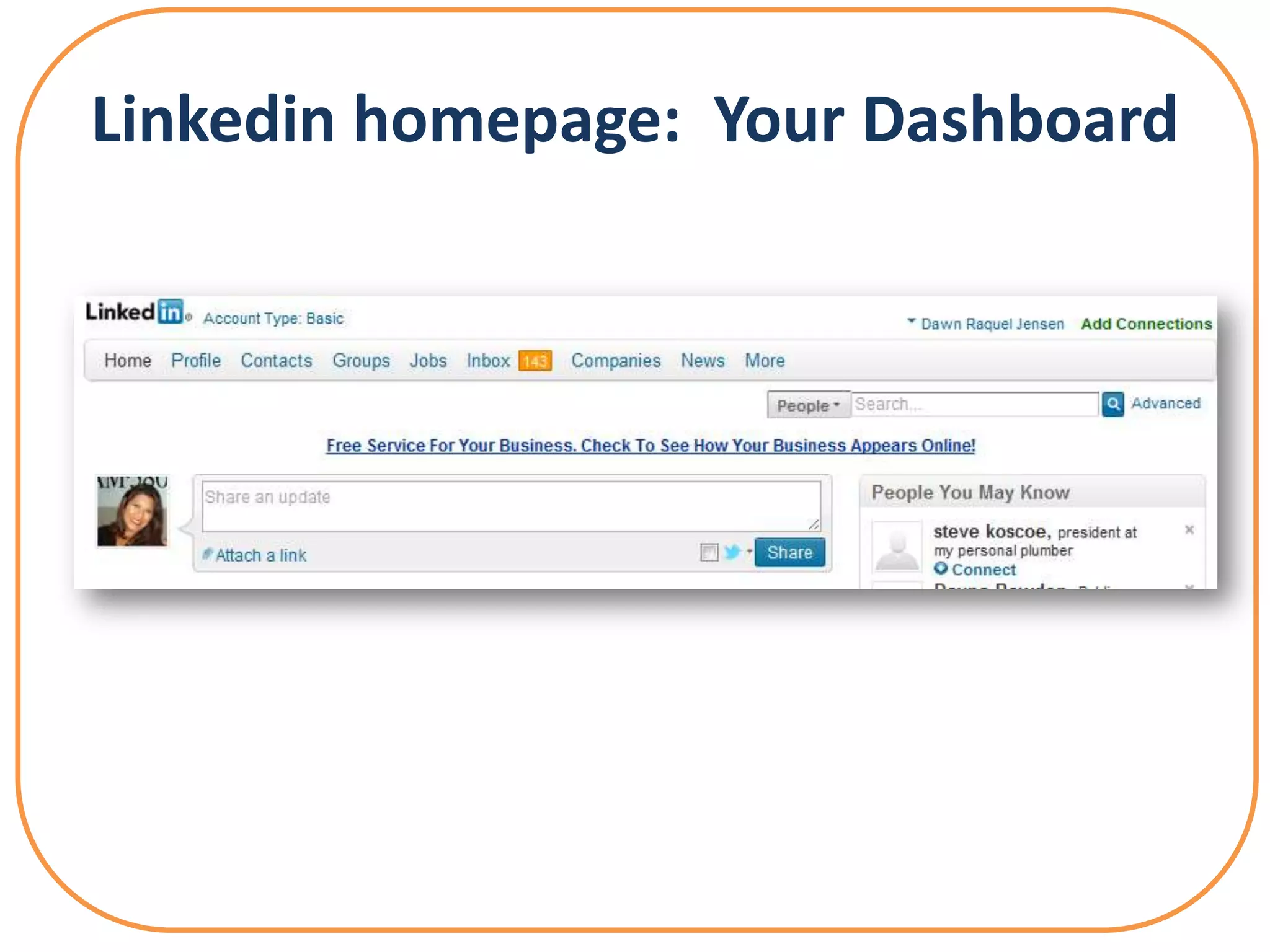
Linkedin homepage: Your Dashboard
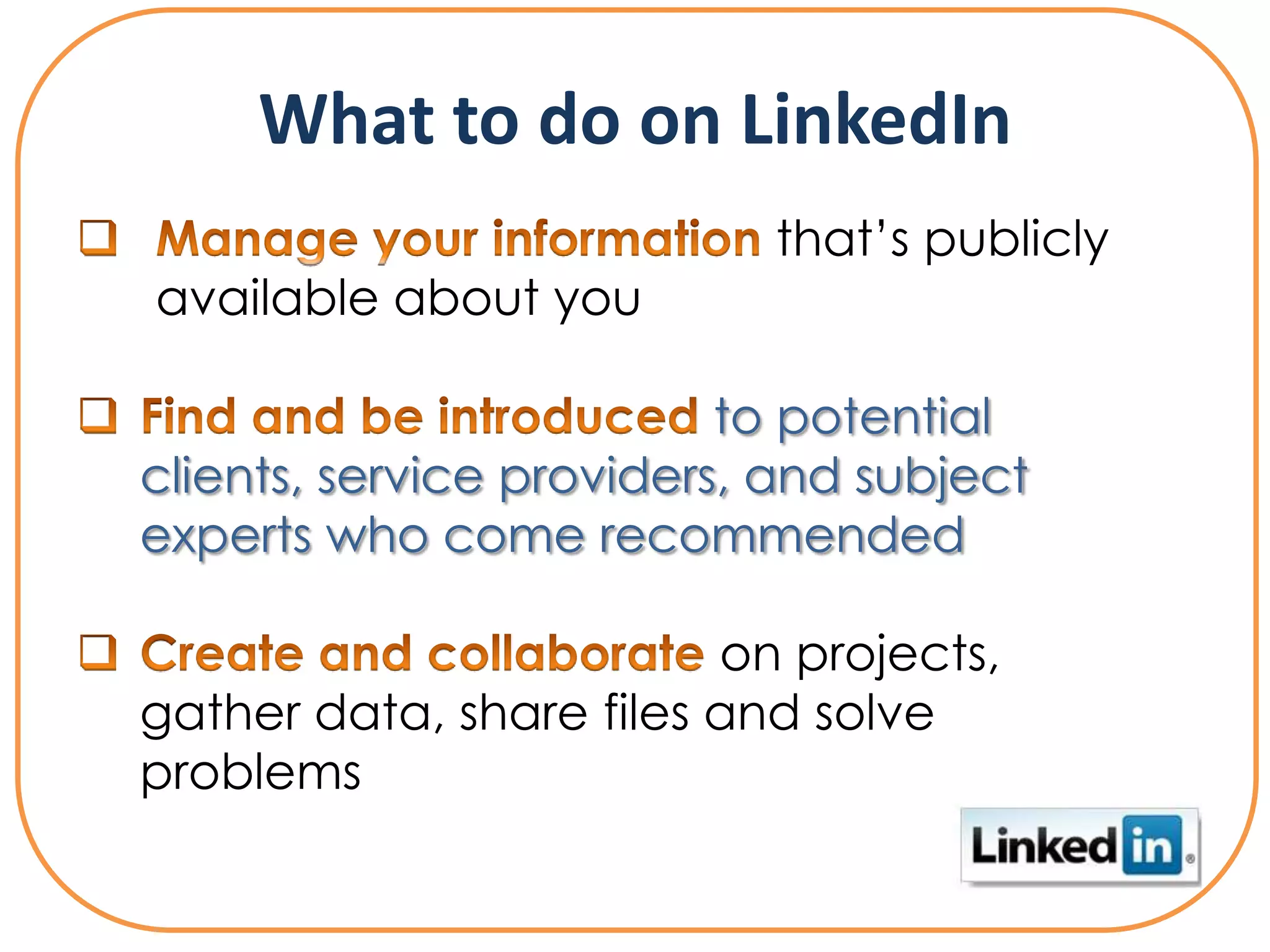
What to do on LinkedIn
                           that’s publicly
available about you

                          to potential
clients, service providers, and subject
experts who come recommended

                         on projects,
gather data, share files and solve
problems
What to do on LinkedIn

                            that can
help you land jobs and close deals

                   from discussions
with like-minded professionals in
private group settings
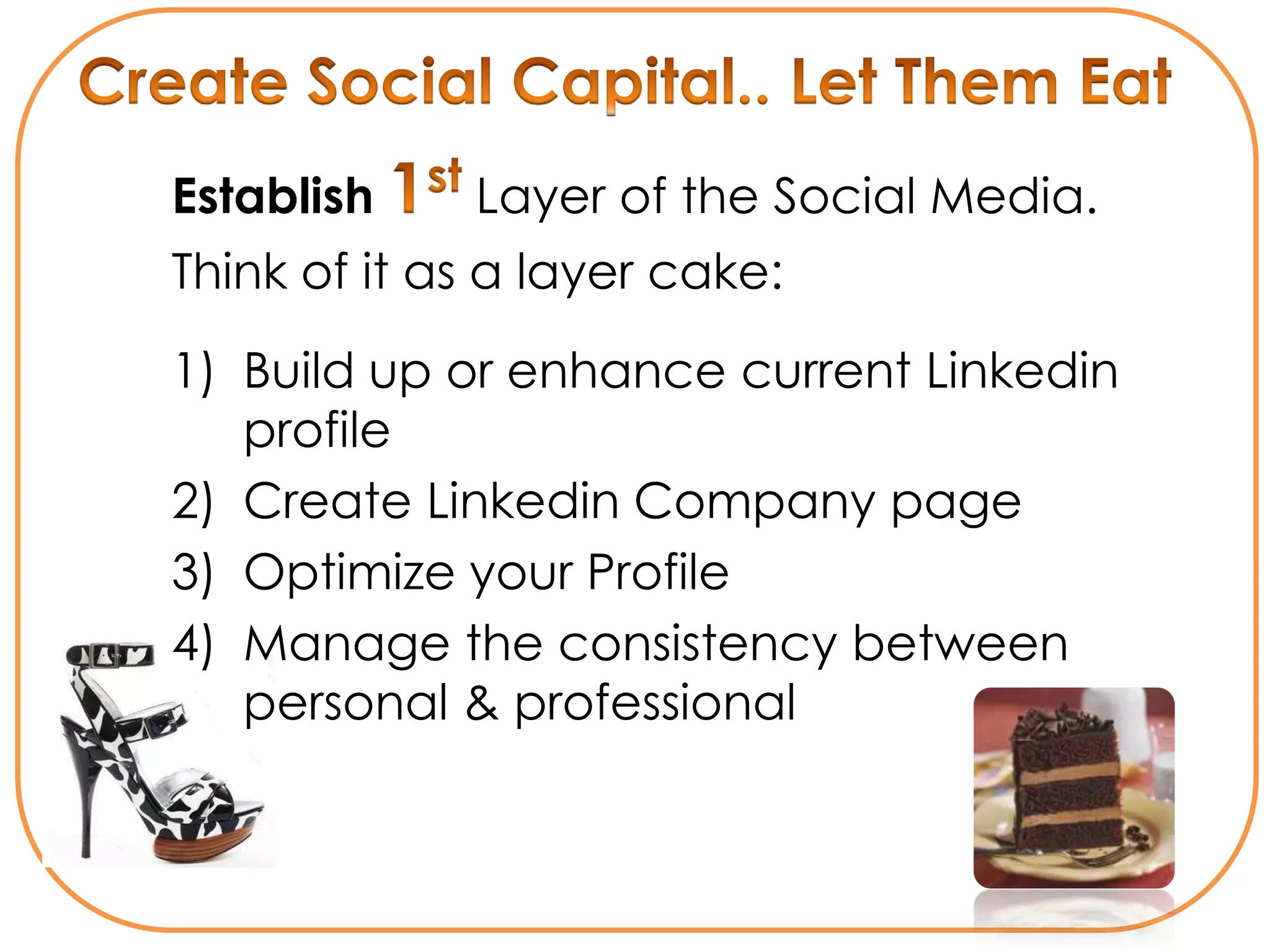
Establish    Layer of the Social Media.
Think of it as a layer cake:

1) Build up or enhance current Linkedin
   profile
2) Create Linkedin Company page
3) Optimize your Profile
4) Manage the consistency between
   personal & professional
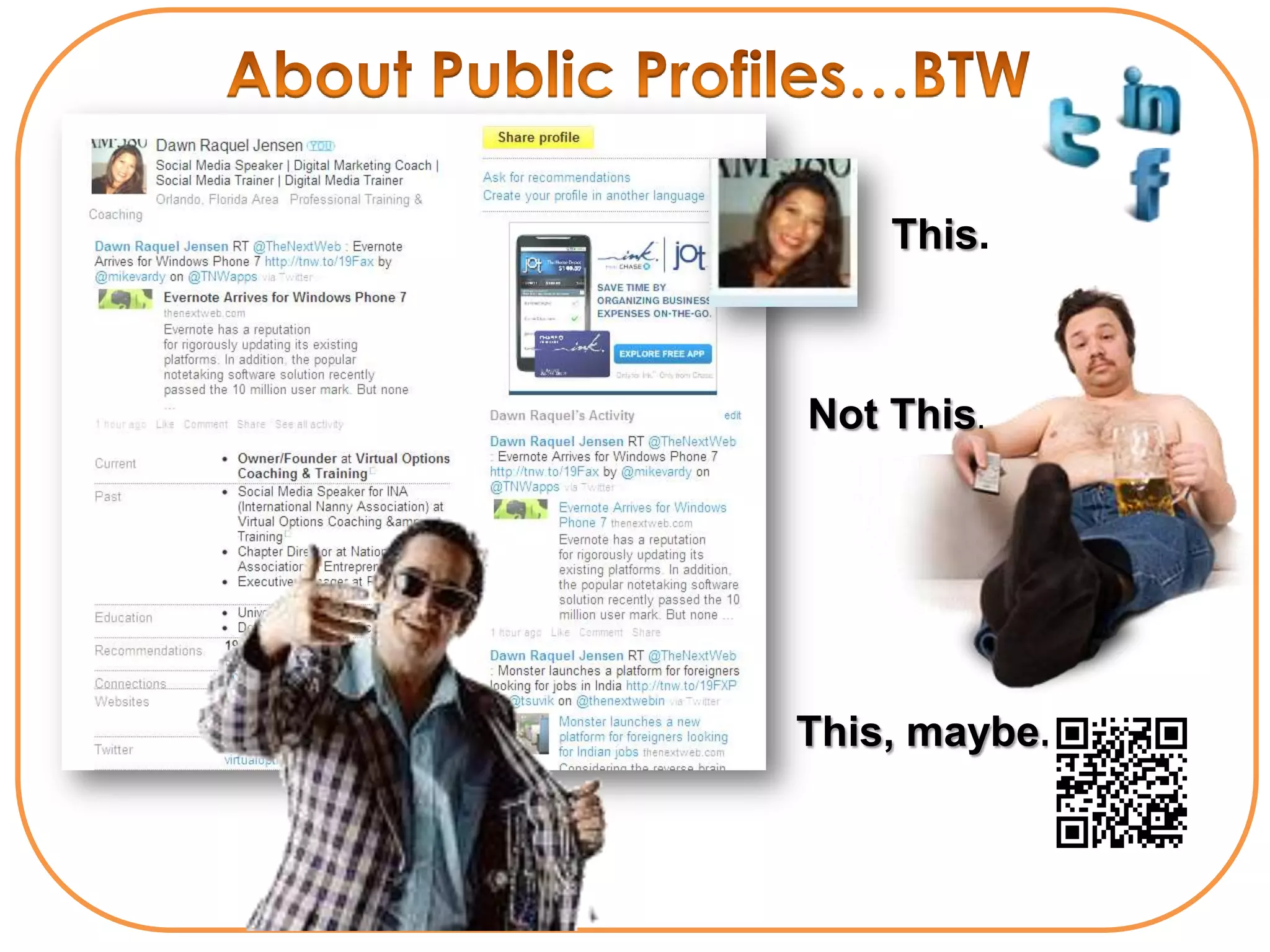
This.


Not This.


This, maybe..
Linkedin
           ① Show Your Gorgeous face
Profiles
           ② Google-ize your Title

           ③ Create Custom URL

           ④ Add 3 Specific Websites

           ⑤ Add Skills – You have 50
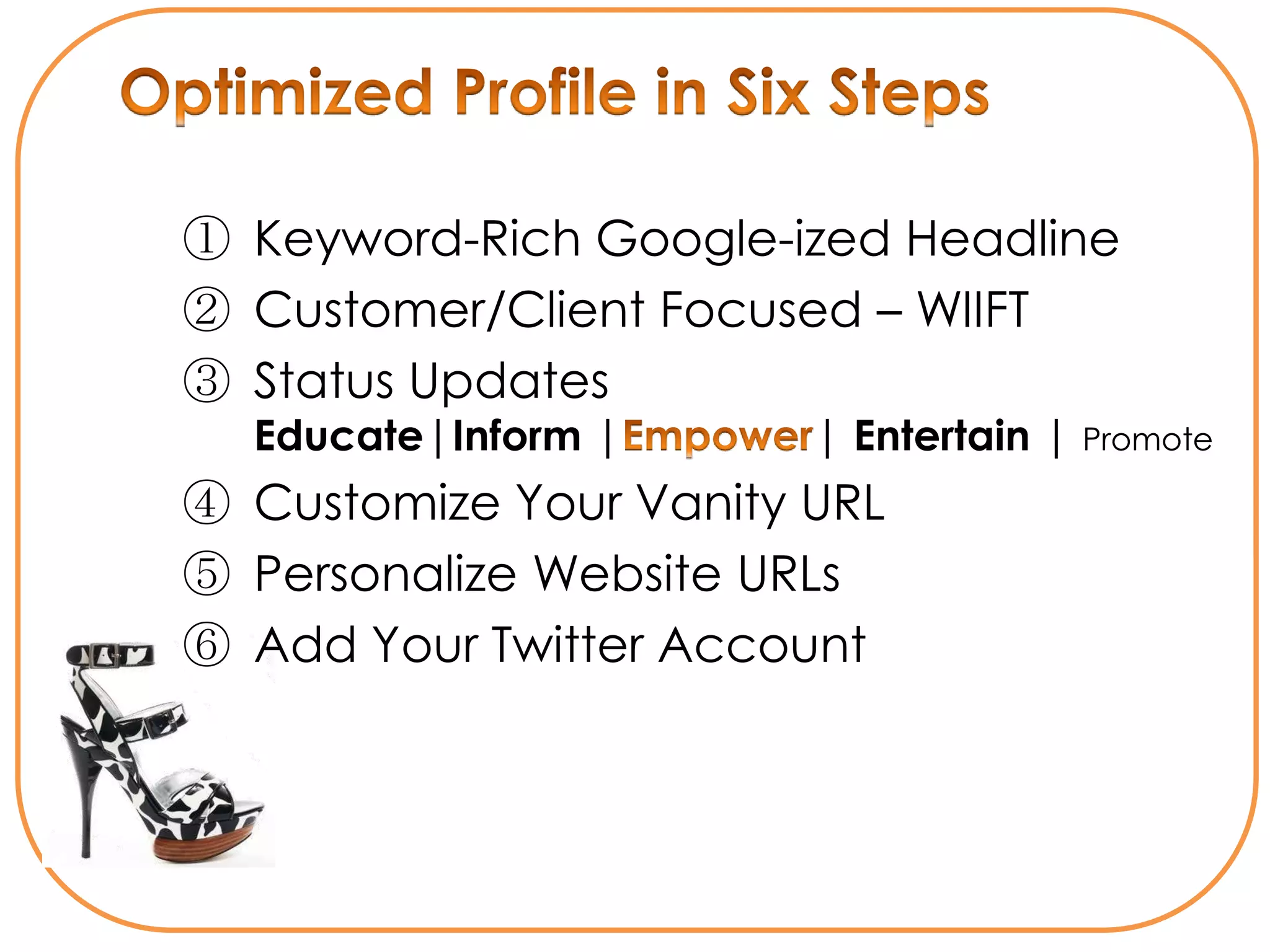
① Keyword-Rich Google-ized Headline
② Customer/Client Focused – WIIFT
③ Status Updates –
  Educate|Inform |          | Entertain | Promote
④ Customize Your Vanity URL
⑤ Personalize Website URLs
⑥ Add Your Twitter Account
Linkedin Profile
   Focus Areas
Summary
Specialties
Skills
Recommendations
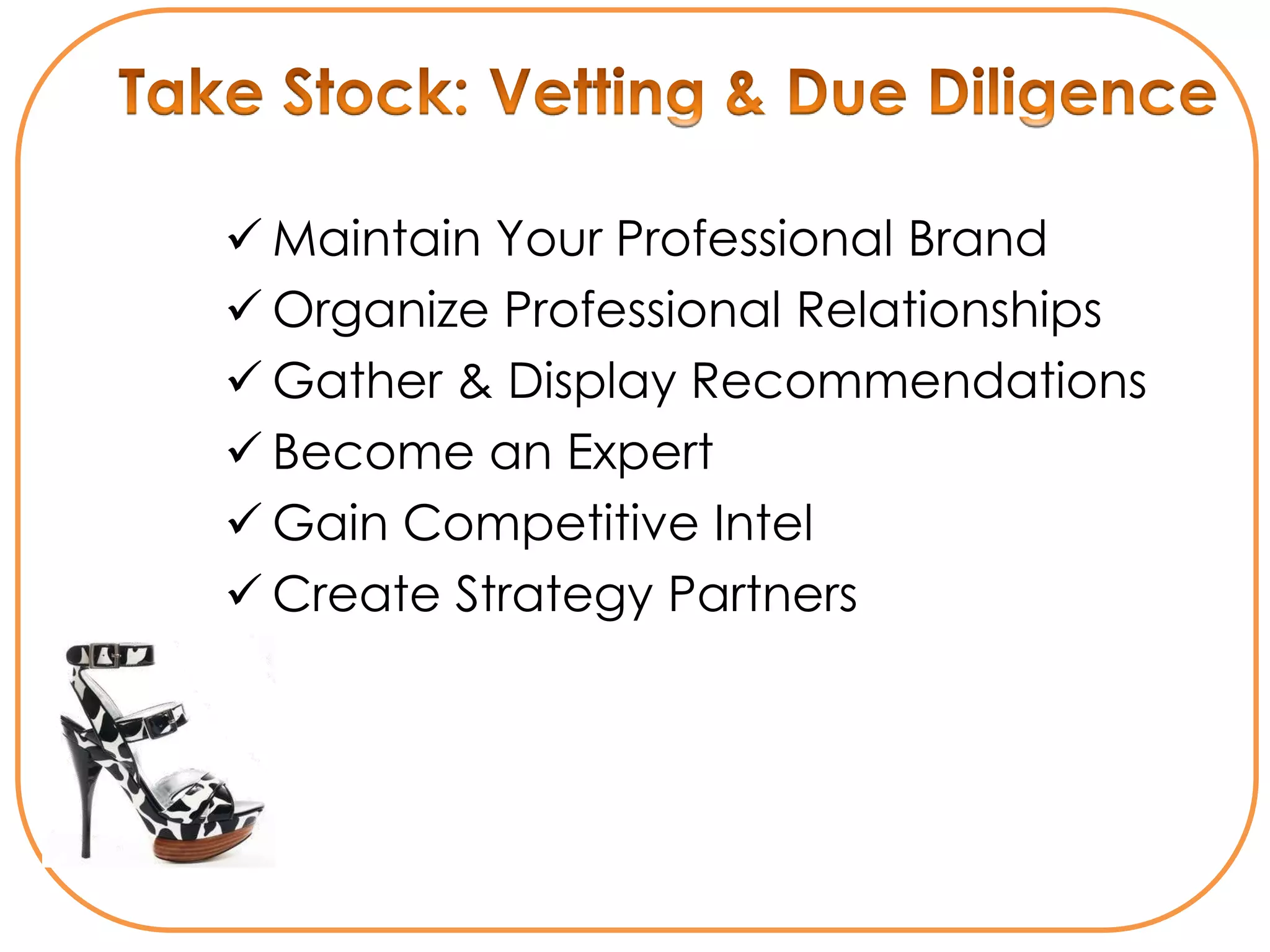
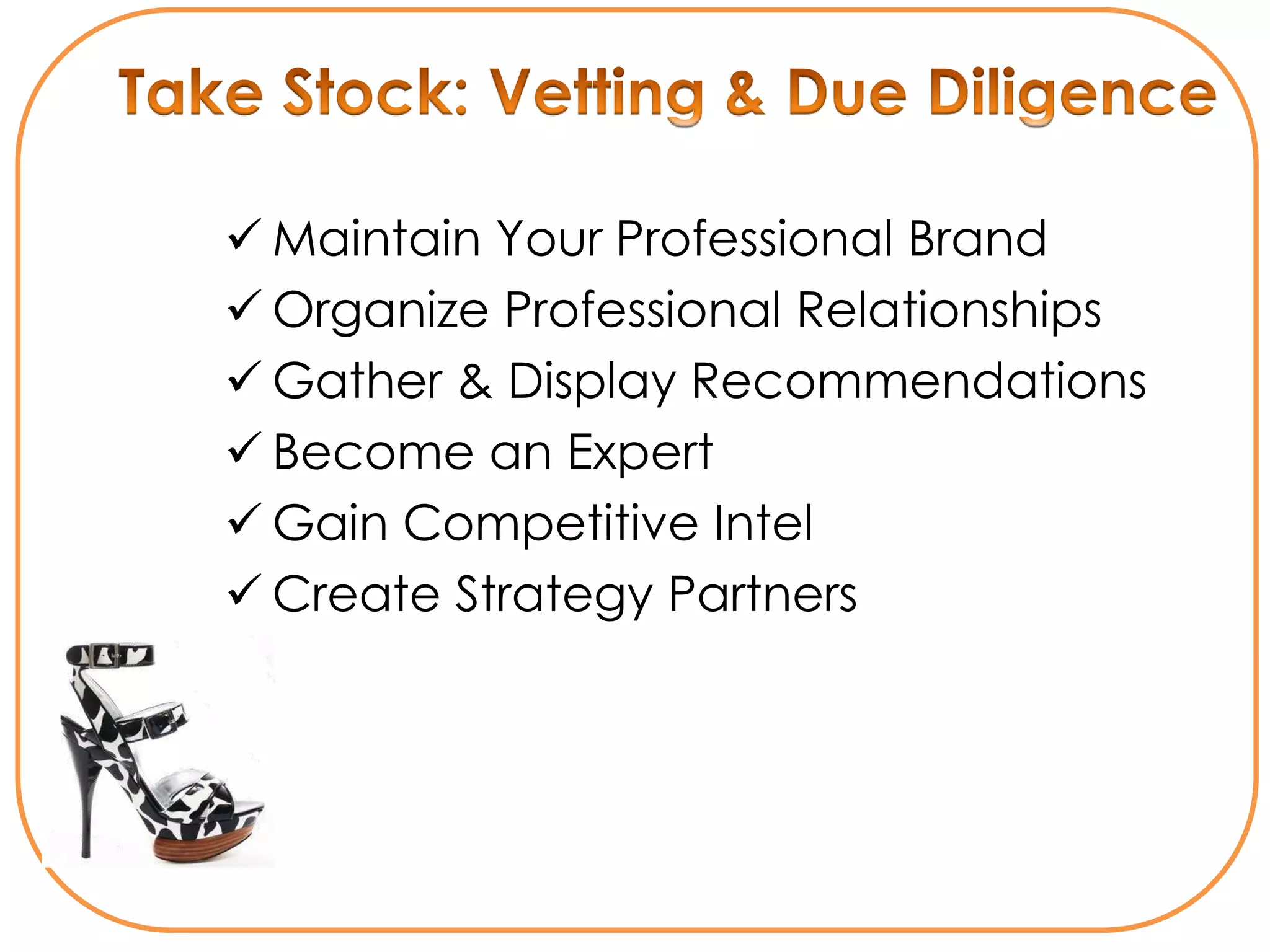
 Maintain Your Professional Brand
 Organize Professional Relationships
 Gather & Display Recommendations
 Become an Expert
 Gain Competitive Intel
 Create Strategy Partners
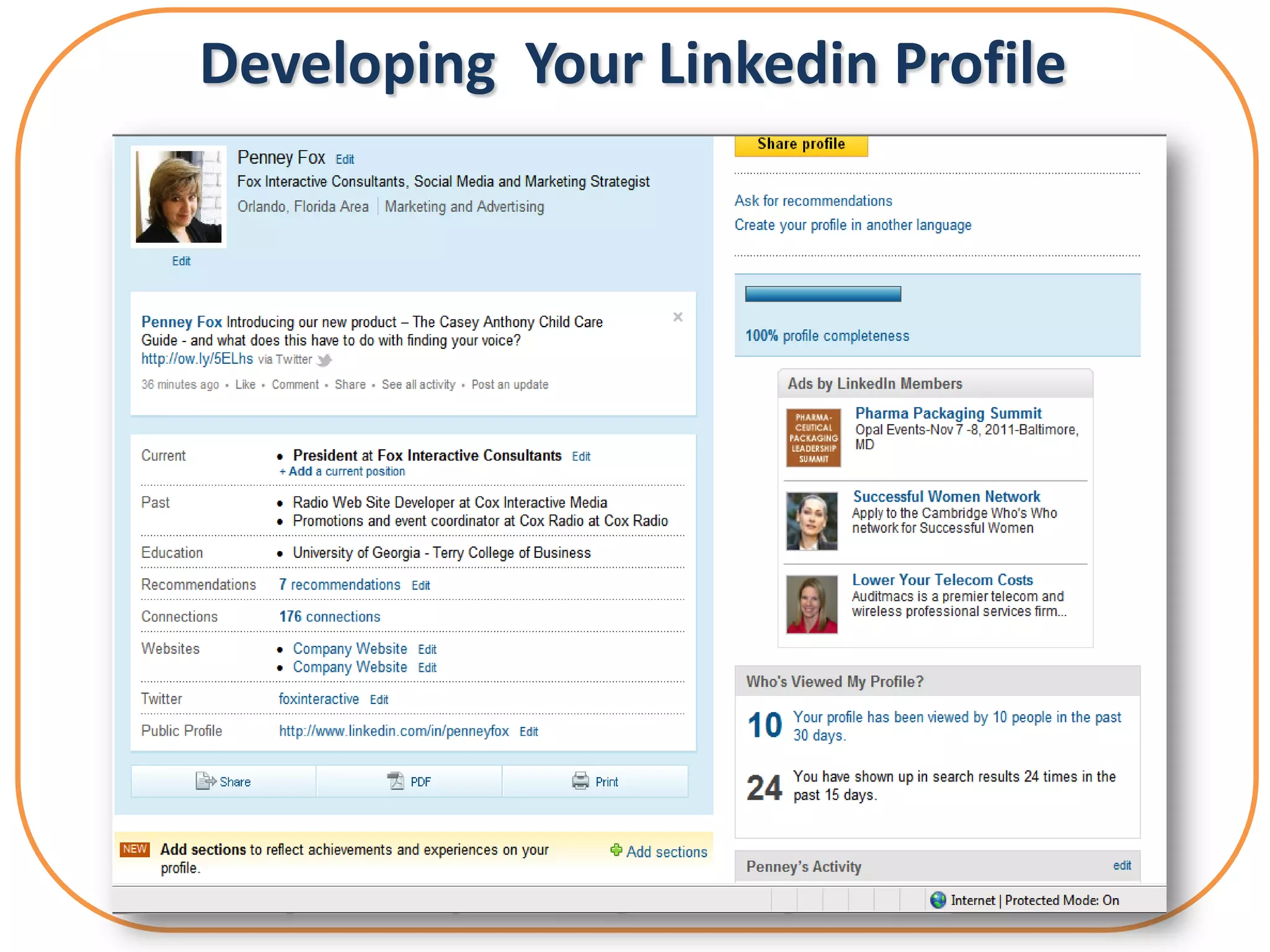
Developing Your Linkedin Profile
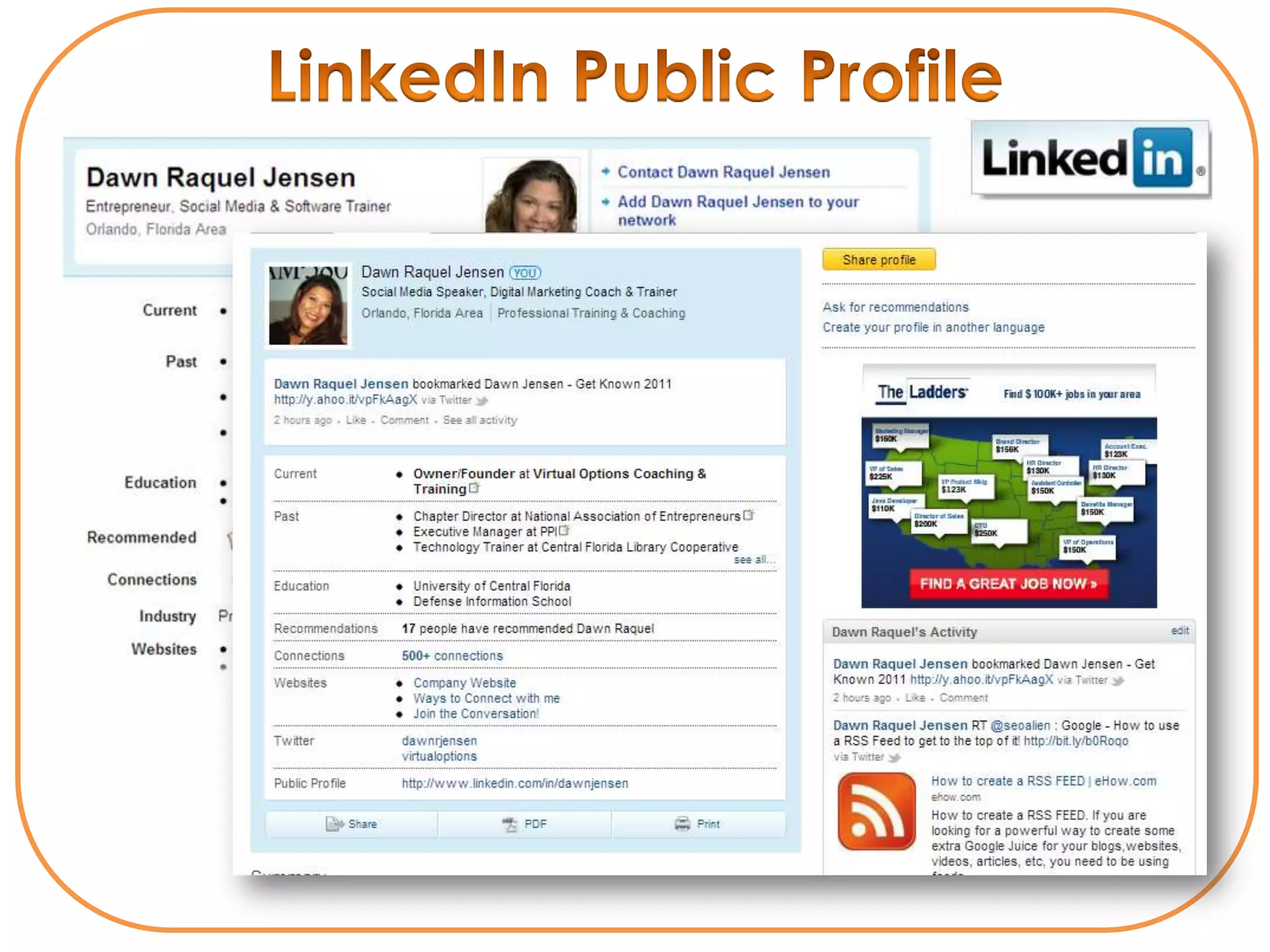
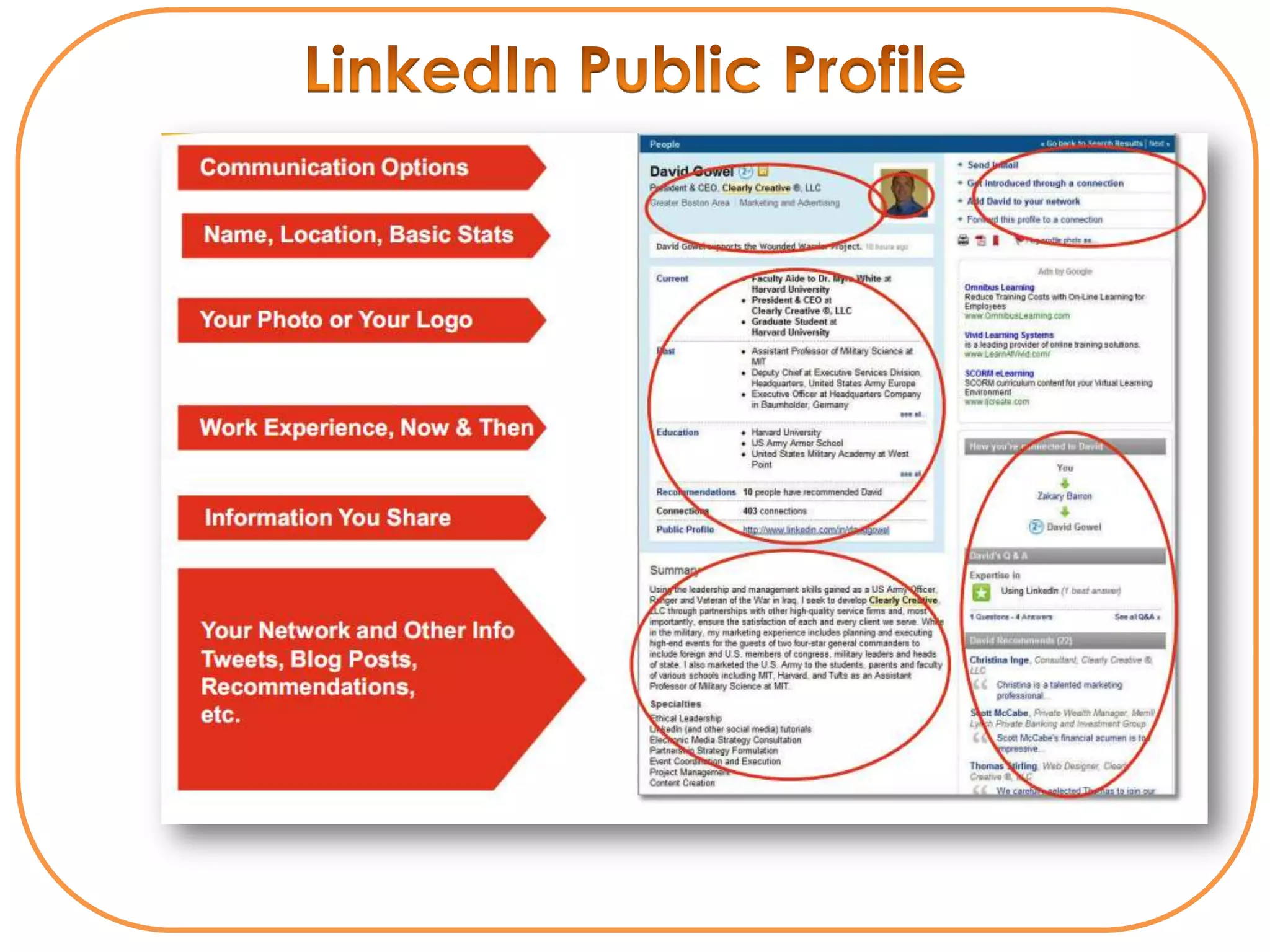
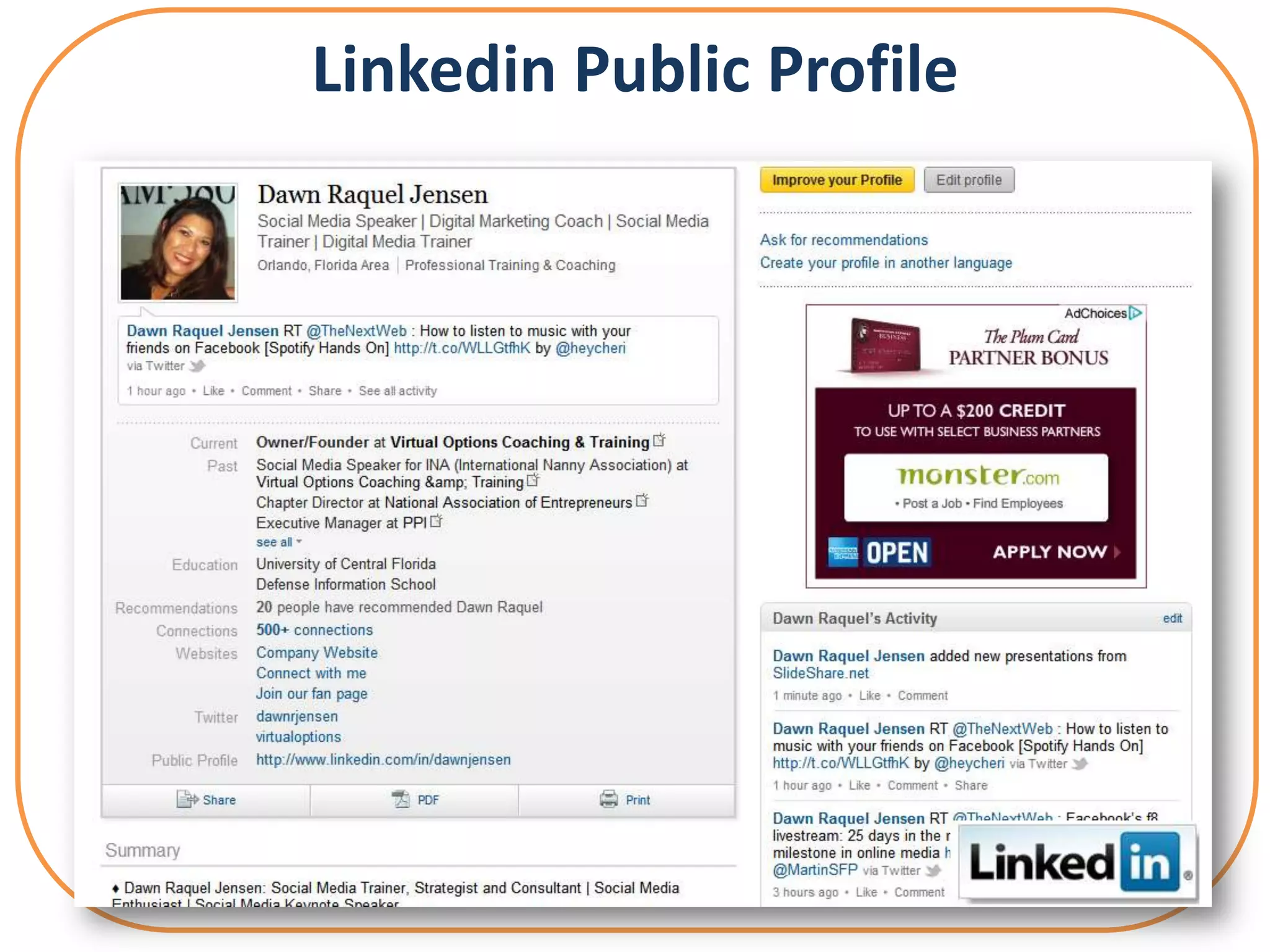
Linkedin Public Profile
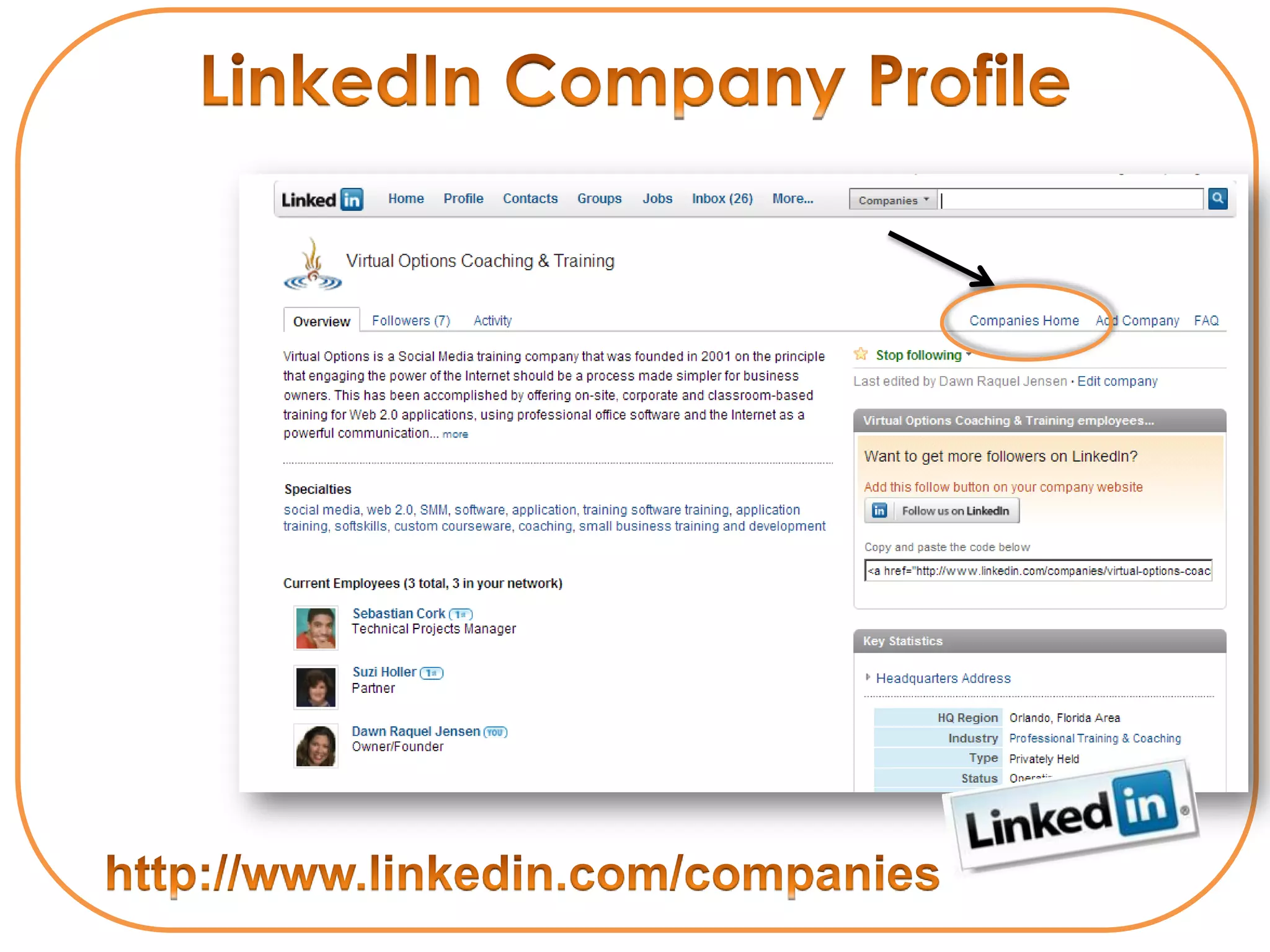
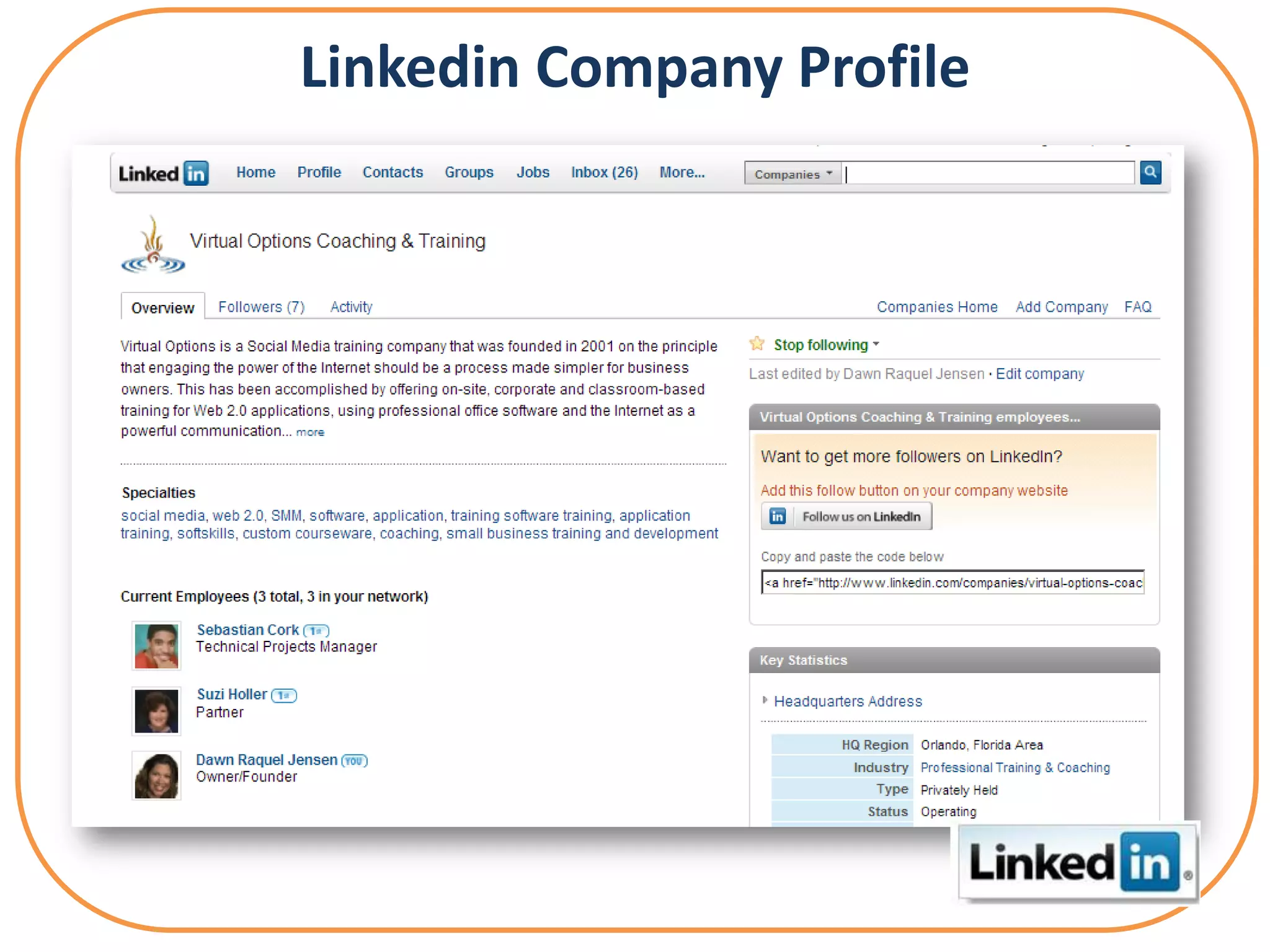
Linkedin Company Profile
• Never ask someone to join you if you not
  prepared to endorse their work
• Never** respond to a request to join
  someone's network unless you know them
          Things to remember in any
         social networking community:

• You are always in control of who you invite
• You can always decline an invitation
• You are rarely inundated with invitations
                 Best Practices for
Establish Social Leverage: Gain Trust
① Crowd-source Your Groups
② Provide Linkedin Answers to Questions
③ Actively Post & Participate In Linkedin Groups
  or Build One
④ Repurpose Content through quality posts
⑤ Leverage your other Professional networks
Influencing Through Your Linkedin Network & Statistics
PROSPECTING
Prospecting        • Connect at least 2-3 times
                     a week
Influencing
Through Your       • Personalize your InMail
Network Statistics   Introductions
                   • Add one key value
                     statement
                   • Ask for what you want &
                     why you think it’s a great fit
                   • Think Win-Win
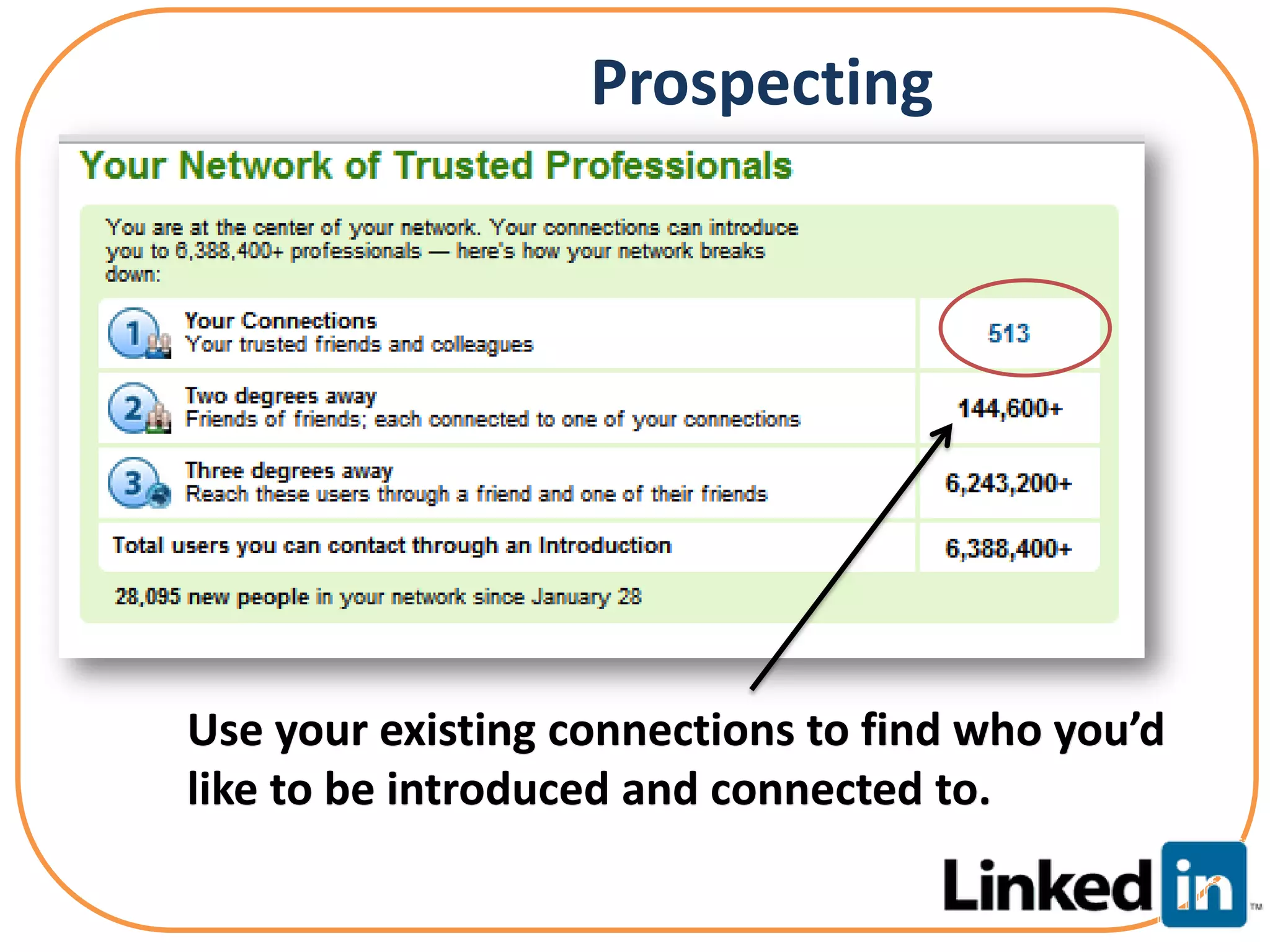
Prospecting


Use your existing connections to find who you’d
like to be introduced and connected to.
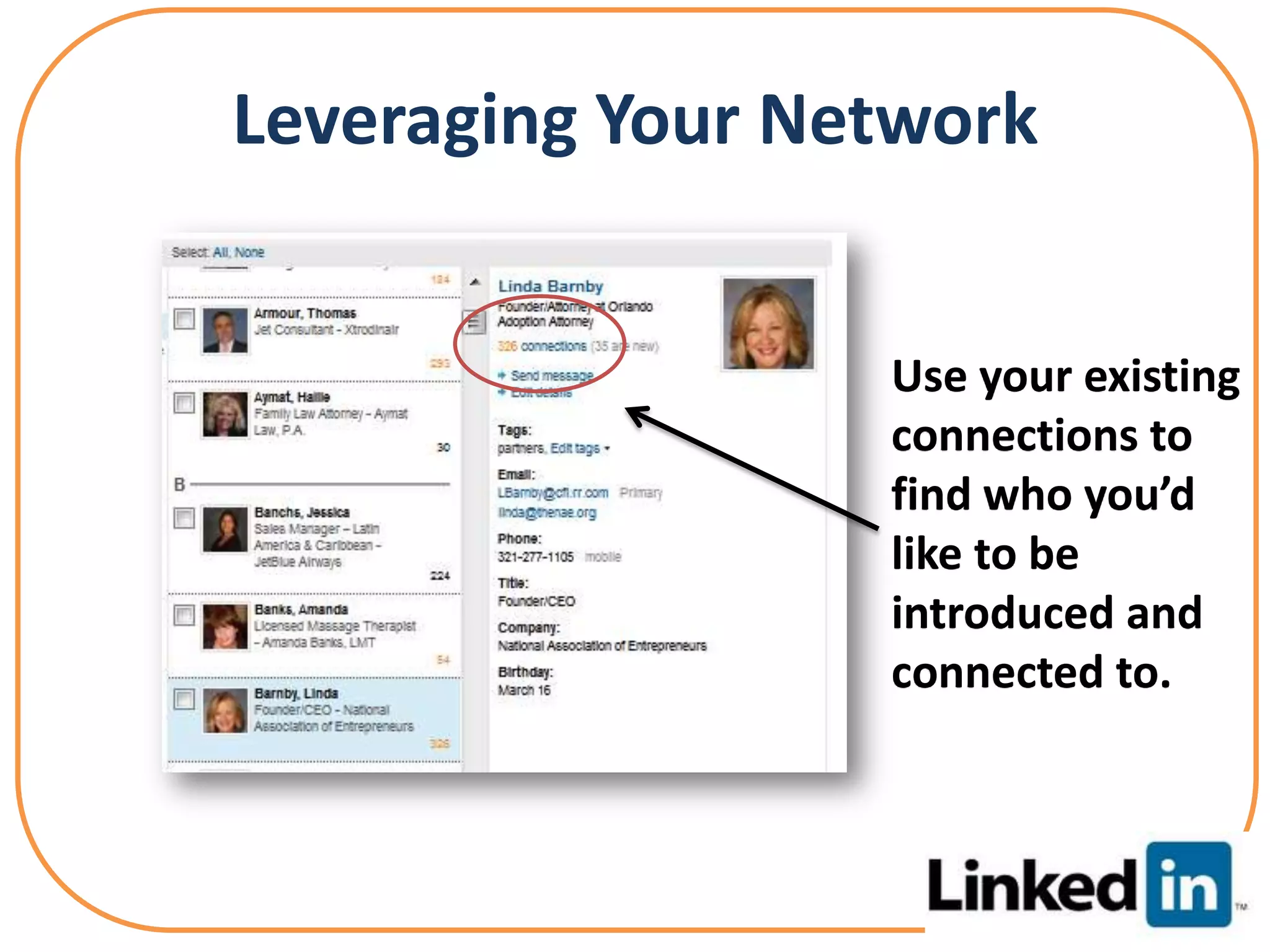
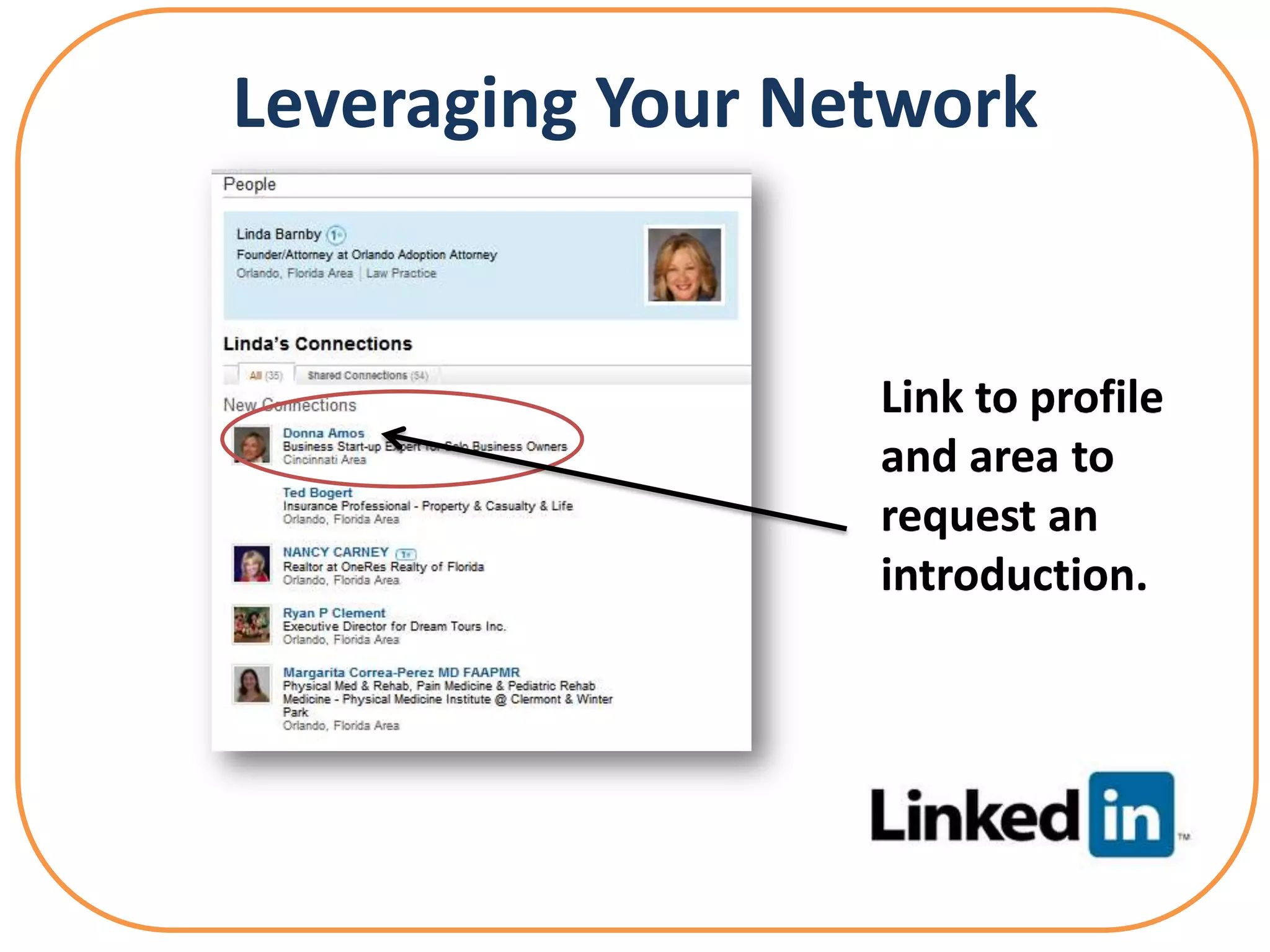
Leveraging Your Network


                  Use your existing
                  connections to
                  find who you’d
                  like to be
                  introduced and
                  connected to.
Or as we like to call it..
Leveraging Your Network


                  Link to profile
                  and area to
                  request an
                  introduction.
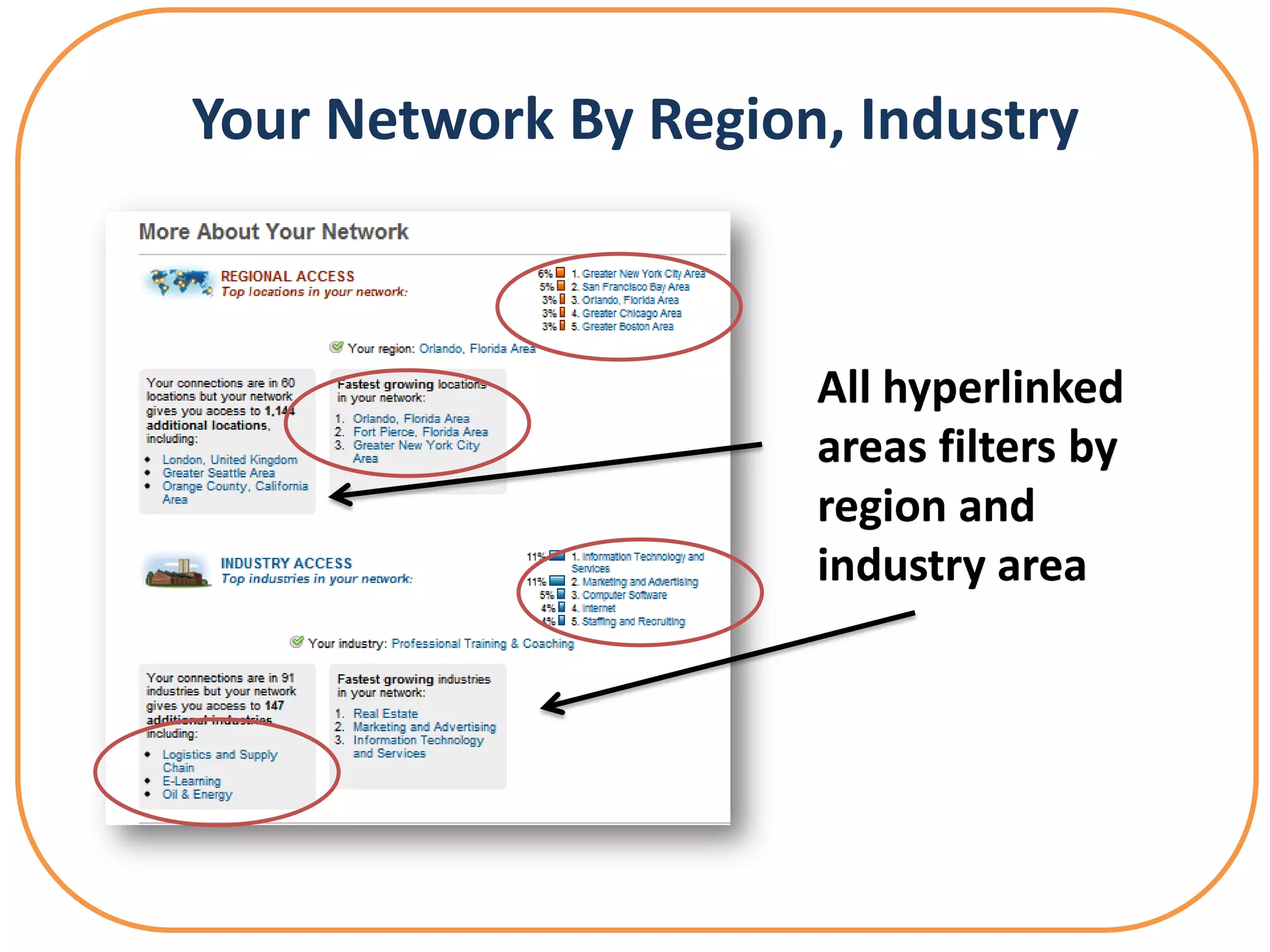
Your Network By Region, Industry


                      All hyperlinked
                      areas filters by
                      region and
                      industry area
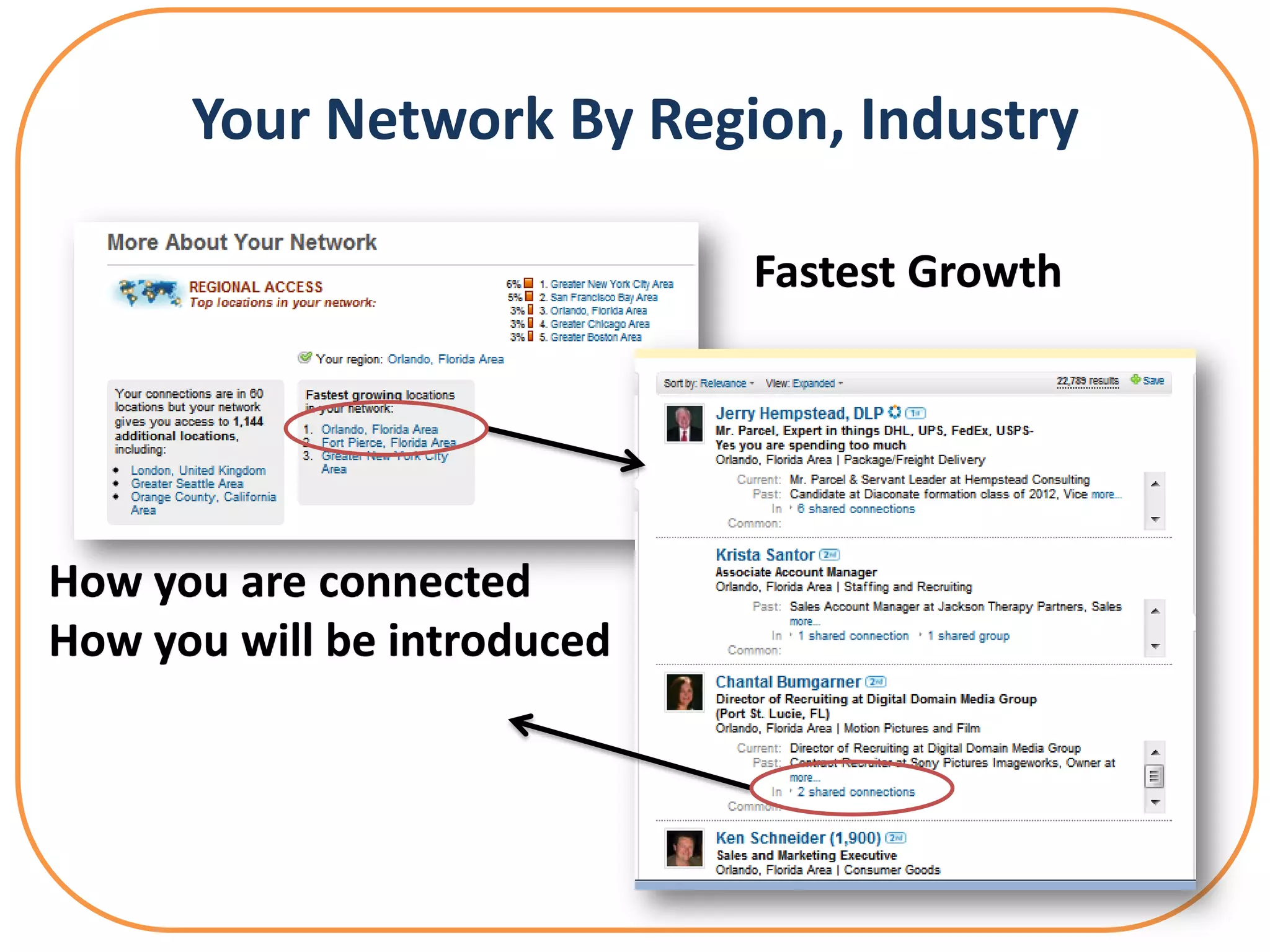
Your Network By Region, Industry

                             Fastest Growth


How you are connected
How you will be introduced
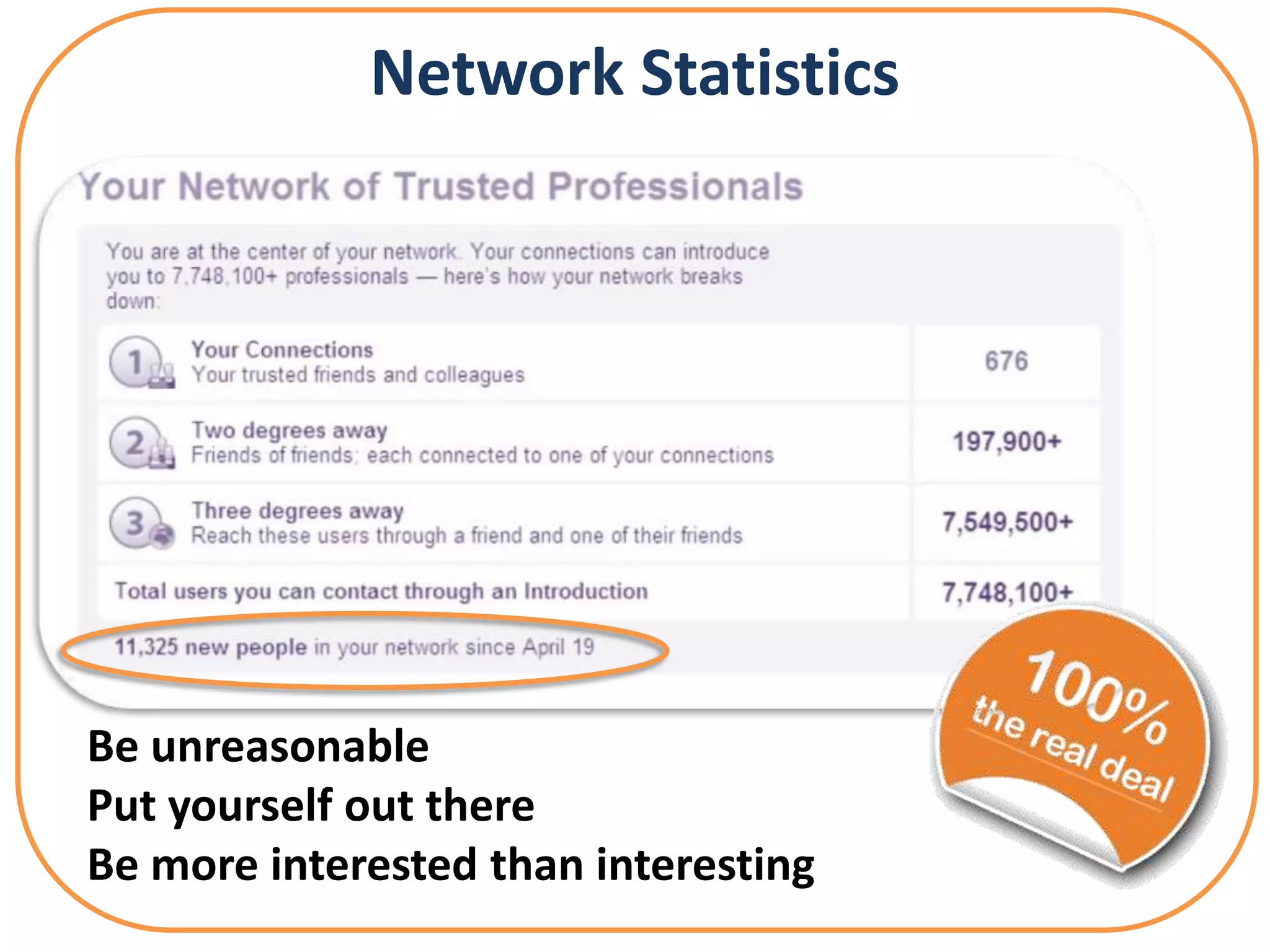
Network Statistics


Be unreasonable
Put yourself out there
Be more interested than interesting
① Keyword-Rich Google-ized Headline
② Customer/Client Focused – WIIFT
③ Status Updates
  Educate|Inform |      | Entertain | Promote
④ Customize Your Vanity URL
⑤ Personalize Website URLs
⑥ Add Your Twitter Account
 Maintain Your Professional Brand
 Organize Professional Relationships
 Gather & Display Recommendations
 Become an Expert
 Gain Competitive Intel
 Create Strategy Partners
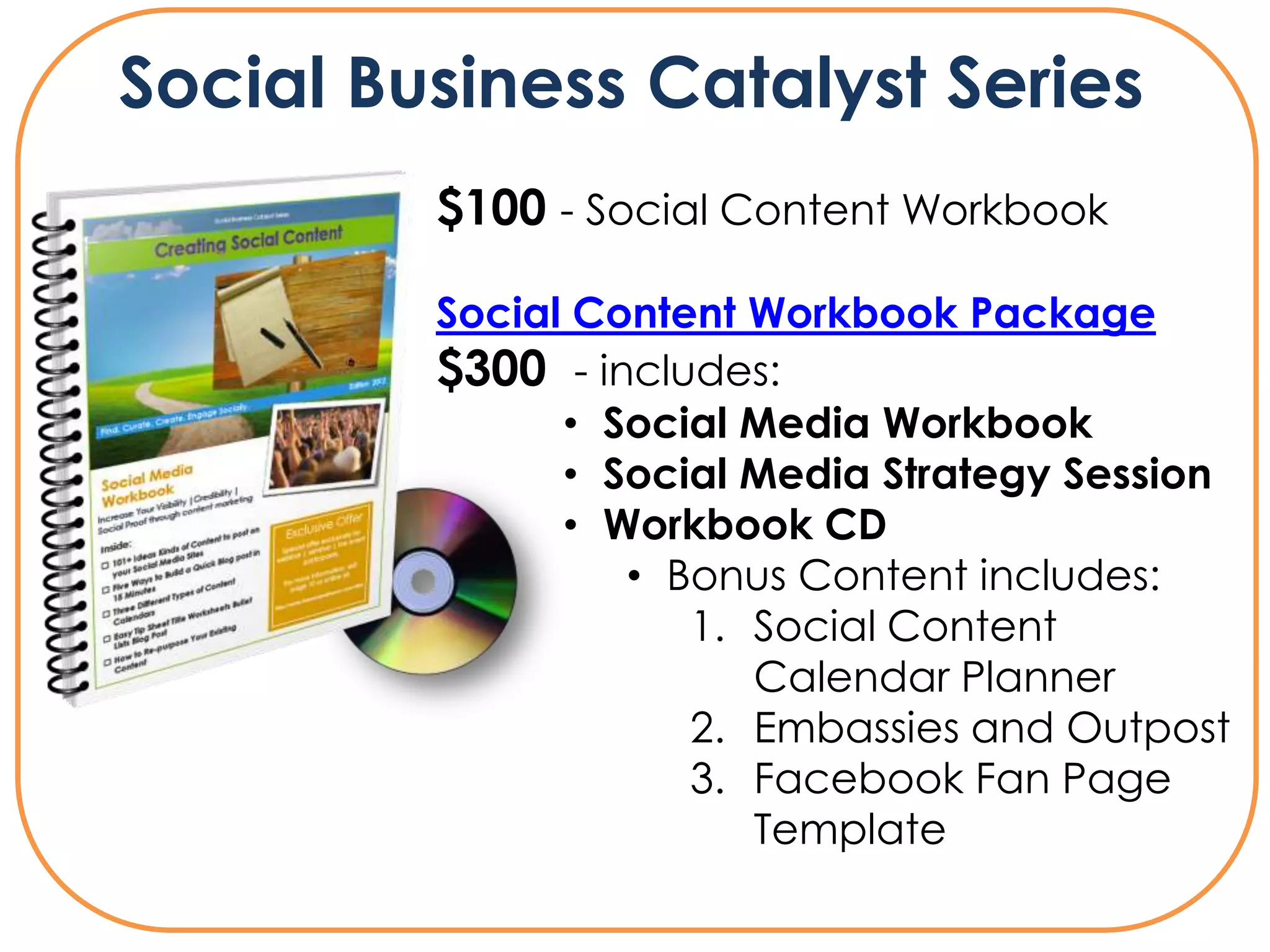
Social Business Catalyst Series
         $100 - Social Content Workbook

         Social Content Workbook Package
         $300 - includes:
               • Social Media Workbook
               • Social Media Strategy Session
               • Workbook CD
                  • Bonus Content includes:
                     1. Social Content
                        Calendar Planner
                     2. Embassies and Outpost
                     3. Facebook Fan Page
                        Template
Web           Fan
Email: speaker@dawnraqueljensen.com
   Web: www.dawnraqueljensen.com
         Linkedin: dawnonlinkedin.com
      Fan: www.dawnonfacebook.com
No need to go it alone…
Did you enjoy this presentation?
Recommend me on Facebook
(www.dawnonfacebook.com) and
Linkedin (www.dawnonlinkedin.com)!

Linkedin: Leveraging Your Profile - CVAC - Canadian Virtual Assistant Connection

  • 1.
    Presentation link fordownload will be made available at http://www.DawnonFacebook.com
  • 2.
    Who I Am:Social Media Speaker |Digital Marketing Coach | New Media Author | Trainer What I Do: Work with CEOs, Committed Entrepreneurs, and Leadership Teams to Create Visibility, Leverage, and Increased Profitability Using Social Media Email: speaker@dawnraqueljensen.com Web: dawnraqueljensen.com LinkedIn: DawnonLinkedin.com Twitter: DawnonTwitter.com Fan: DawnonFacebook.com
  • 3.
    Presentation link fordownload will be made available at http://www.DawnonFacebook.com
  • 4.
    Social Media BusinessCatalyst Series Me: @dawnrjensen What I Do: @virtualoptions
  • 5.
    Linkedin: Business Linkedin Profiles Linkedin Company Profiles Linked Linked in Connections Linkedin Leverage Linkedin Groups Linkedin Network Statistics
  • 7.
    Social media isthe use of technology combined with social interaction to create or co-create value.
  • 8.
  • 9.
    YouTube Pinterest Twitter Slideshare Linkedin Google+ Facebook Website Delicious Blog (Hybrid) Site
  • 10.
    Fans Friends Followers SOCIALMEDIA PROFILE: LINKEDIN
  • 11.
    What is LinkedIn? LinkedInis an interconnected network of experienced professionals from around the world, representing 170 industries and 200 countries. You can find, be introduced to, and collaborate with qualified professionals that you need to work with to accomplish your goals.
  • 12.
  • 13.
  • 14.
    What to doon LinkedIn that’s publicly available about you to potential clients, service providers, and subject experts who come recommended on projects, gather data, share files and solve problems
  • 15.
    What to doon LinkedIn that can help you land jobs and close deals from discussions with like-minded professionals in private group settings
  • 16.
    Establish Layer of the Social Media. Think of it as a layer cake: 1) Build up or enhance current Linkedin profile 2) Create Linkedin Company page 3) Optimize your Profile 4) Manage the consistency between personal & professional
  • 17.
  • 18.
    Linkedin ① Show Your Gorgeous face Profiles ② Google-ize your Title ③ Create Custom URL ④ Add 3 Specific Websites ⑤ Add Skills – You have 50
  • 20.
    ① Keyword-Rich Google-izedHeadline ② Customer/Client Focused – WIIFT ③ Status Updates – Educate|Inform | | Entertain | Promote ④ Customize Your Vanity URL ⑤ Personalize Website URLs ⑥ Add Your Twitter Account
  • 22.
    Linkedin Profile Focus Areas Summary Specialties Skills Recommendations
  • 25.
     Maintain YourProfessional Brand  Organize Professional Relationships  Gather & Display Recommendations  Become an Expert  Gain Competitive Intel  Create Strategy Partners
  • 26.
  • 27.
  • 28.
  • 29.
    • Never asksomeone to join you if you not prepared to endorse their work • Never** respond to a request to join someone's network unless you know them Things to remember in any social networking community: • You are always in control of who you invite • You can always decline an invitation • You are rarely inundated with invitations Best Practices for
  • 30.
    Establish Social Leverage:Gain Trust ① Crowd-source Your Groups ② Provide Linkedin Answers to Questions ③ Actively Post & Participate In Linkedin Groups or Build One ④ Repurpose Content through quality posts ⑤ Leverage your other Professional networks
  • 31.
    Influencing Through YourLinkedin Network & Statistics PROSPECTING
  • 32.
    Prospecting • Connect at least 2-3 times a week Influencing Through Your • Personalize your InMail Network Statistics Introductions • Add one key value statement • Ask for what you want & why you think it’s a great fit • Think Win-Win
  • 33.
    Prospecting Use your existingconnections to find who you’d like to be introduced and connected to.
  • 34.
    Leveraging Your Network Use your existing connections to find who you’d like to be introduced and connected to.
  • 35.
    Or as welike to call it..
  • 36.
    Leveraging Your Network Link to profile and area to request an introduction.
  • 37.
    Your Network ByRegion, Industry All hyperlinked areas filters by region and industry area
  • 38.
    Your Network ByRegion, Industry Fastest Growth How you are connected How you will be introduced
  • 39.
    Network Statistics Be unreasonable Putyourself out there Be more interested than interesting
  • 43.
    ① Keyword-Rich Google-izedHeadline ② Customer/Client Focused – WIIFT ③ Status Updates Educate|Inform | | Entertain | Promote ④ Customize Your Vanity URL ⑤ Personalize Website URLs ⑥ Add Your Twitter Account
  • 44.
     Maintain YourProfessional Brand  Organize Professional Relationships  Gather & Display Recommendations  Become an Expert  Gain Competitive Intel  Create Strategy Partners
  • 47.
    Social Business CatalystSeries $100 - Social Content Workbook Social Content Workbook Package $300 - includes: • Social Media Workbook • Social Media Strategy Session • Workbook CD • Bonus Content includes: 1. Social Content Calendar Planner 2. Embassies and Outpost 3. Facebook Fan Page Template
  • 50.
    Web Fan Email: speaker@dawnraqueljensen.com Web: www.dawnraqueljensen.com Linkedin: dawnonlinkedin.com Fan: www.dawnonfacebook.com
  • 51.
    No need togo it alone…
  • 52.
    Did you enjoythis presentation? Recommend me on Facebook (www.dawnonfacebook.com) and Linkedin (www.dawnonlinkedin.com)!

Editor's Notes

  • #8 At its most basic sense, social media is a shift in how people discover, read and share news, information and content. It's a fusion of sociology and technology, transforming monologues (one to many) into dialogues (many to many) and is the democratization of information, transforming people from content readers into publishers. Social media has become extremely popular because it allows people to connect in the online world to form relationships for personal and business.
  • #13 LinkedIn is an interconnected network of experienced professionals from around the world, representing 170 industries and 200 countries. You can find, be introduced to, and collaborate with qualified professionals that you need to work with to accomplish your goals.
  • #16 Through your network you can: Manage the information that’s publicly available about you as professional Find and be introduced to potential clients, service providers, and subject experts who come recommendedCreate and collaborate on projects, gather data, share files and solve problems Be found for business opportunities and find potential partners Gain new insights from discussions with likeminded professionals in private group settings Discover inside connections that can help you land jobs and close deals
  • #17 Through your network you can: Manage the information that’s publicly available about you as professional Find and be introduced to potential clients, service providers, and subject experts who come recommendedCreate and collaborate on projects, gather data, share files and solve problems Be found for business opportunities and find potential partners Gain new insights from discussions with likeminded professionals in private group settings Discover inside connections that can help you land jobs and close deals
  • #25 Company NameMake sure the company name listing matches the name you use in your profile. For example if you use LLC or Inc. on your personal profile, your company site must be the same.AdminsLinkedIn wants to know who will administer your company profile. You have two choices: either all employees with a valid email address registered to your domain or designated users only. LogosLogos can be uploaded as a standard logo as well as a square logo that will be used for network updates.Company DescriptionIn the company description section, you have the opportunity to describe who you are and what you do. Think big[ger] picture. You may be a successful soloist now, but if you’re planning on growing your business or going after big companies, present your company as an entity.SpecialtiesInclude keywords that describe what you do in this section. You have 256 total characters to describe specialties. Two or three word descriptions are okay.Twitter and Company Blog RSS FeedBringing in your twitter updates and blog feed keeps your company page active, relevant and current. News ModuleAdding in the news module displays search results that share news about your company. But, be prepared to see stories that don’t relate to your company, except in search terms. If your company is not making news, it’s best to select “don’t show news about my company.”Company Type, Size, URLUnder company type and company size, you’ll select from the options that describe your status. Your company website URL link can go to your home page or to a services or gallery page.Industry, Operating Status, Year FoundedMain company industry allows you to choose from any within the LinkedIn categories.  Then, you will select company operating status and the year founded, which is an optional entry. LocationsThe last step is locations. You can add up to five different location addresses, then click publish and your LinkedIn company profile is active.CareersIf you ever want to add employees, you can post a job on your company’s careers page.
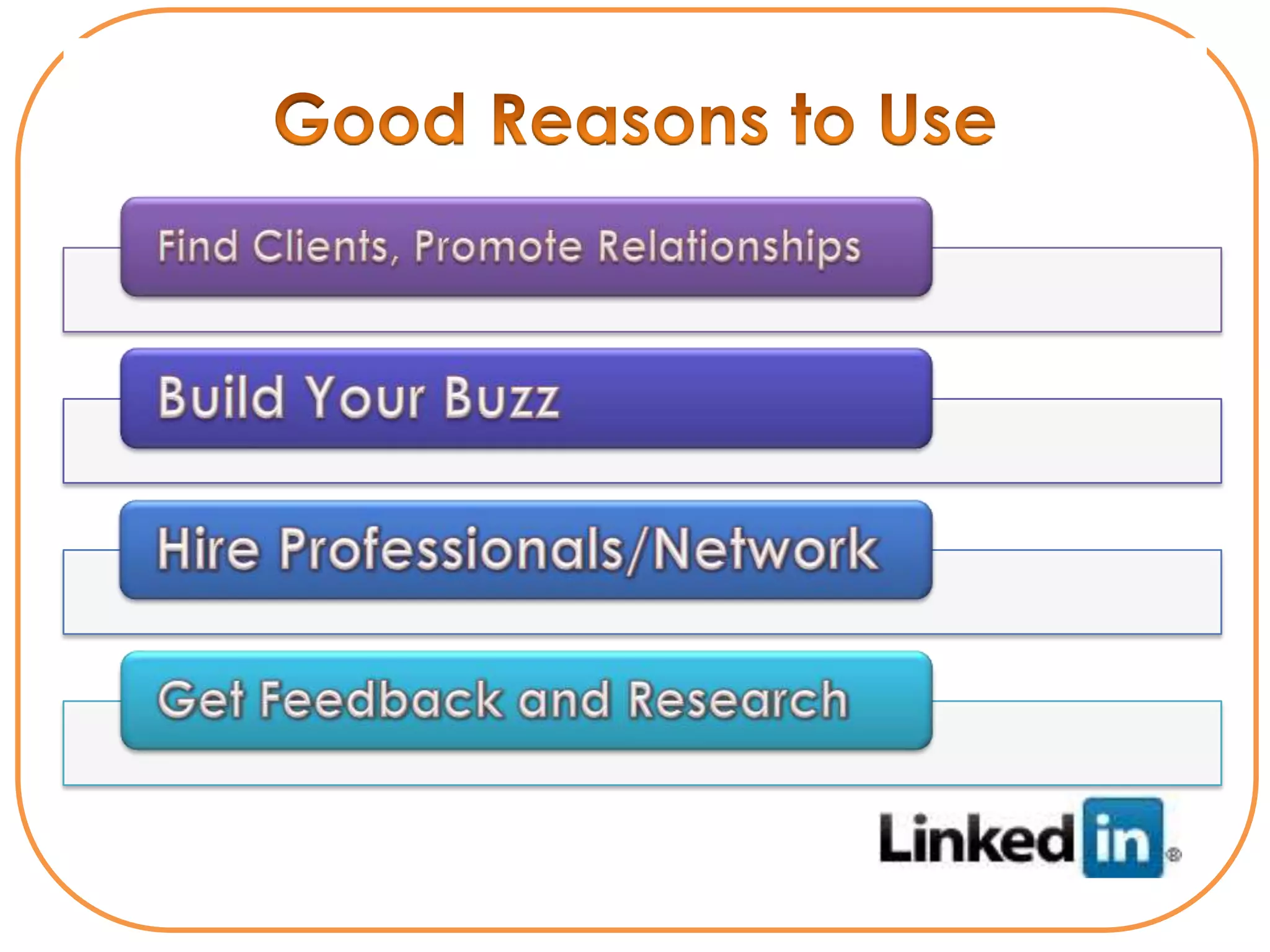
  • #26 For the business professional, there are some pretty good reasons to make LinkedIn a part of youroverall social media outreach:1) Find clients, help, and deals. For some industries, LinkedIn is a great place to locateprospects and network partners. Many individuals openly promote relationships and dealsthat they are in the market for.2) Build up buzz. Once you’ve established a following within LinkedIn you can begin topromote specific happenings around your organization.3) Hire professionals. Often people think of social networks only in terms of makingmarketing connections. LinkedIn has become a great place to network and find greatassociates, partners, and vendors.4) Get feedback and research. One of the most effective ways to tap your newly built socialnetworks is to use them as a resource for research and feedback. Simply putting questionsout to your group is a great way to get a feel for areas where you want input.
  • #31 For quite sometime I did look at my LinkedIn network as one that was effectively a group of people who were my closest business contacts and therefore I took the approach that:1. I never asked someone to join me on LinkedIn if I were not prepared to endorse their work so I would always be happy to refer them2. I never responded to a request to join someones LinkedIn network unless I knew them.However with the increase in social networking and more people inviting me to connect to their network on LinkedIn, I realised that perhaps I was being too strict in my self imposed guidelines.But how could I ensure that the quality of the connections stayed high and that I could ensure that I referred people to others in my network only if relevant?Well here are a few things to remember in any social networking community:1. you are always in control of who you invite to join your network2. you can always decline an invitation to join someones network3. you are rarely inundated with invitations to join someones online network, so screening  invitations takes little time.
  • #50 Welcome