By: Jennifer Wykstra
 Ramita Sakpuaram
   Andrew Dick
Overview

    About LinkedIn

    Key Terms

    Setting up your profile

    Engage

    Examples
What is
          ?

    The largest and most popular
    professional/business social networking site for
    careers and networking.

    Available in 17 different languages.

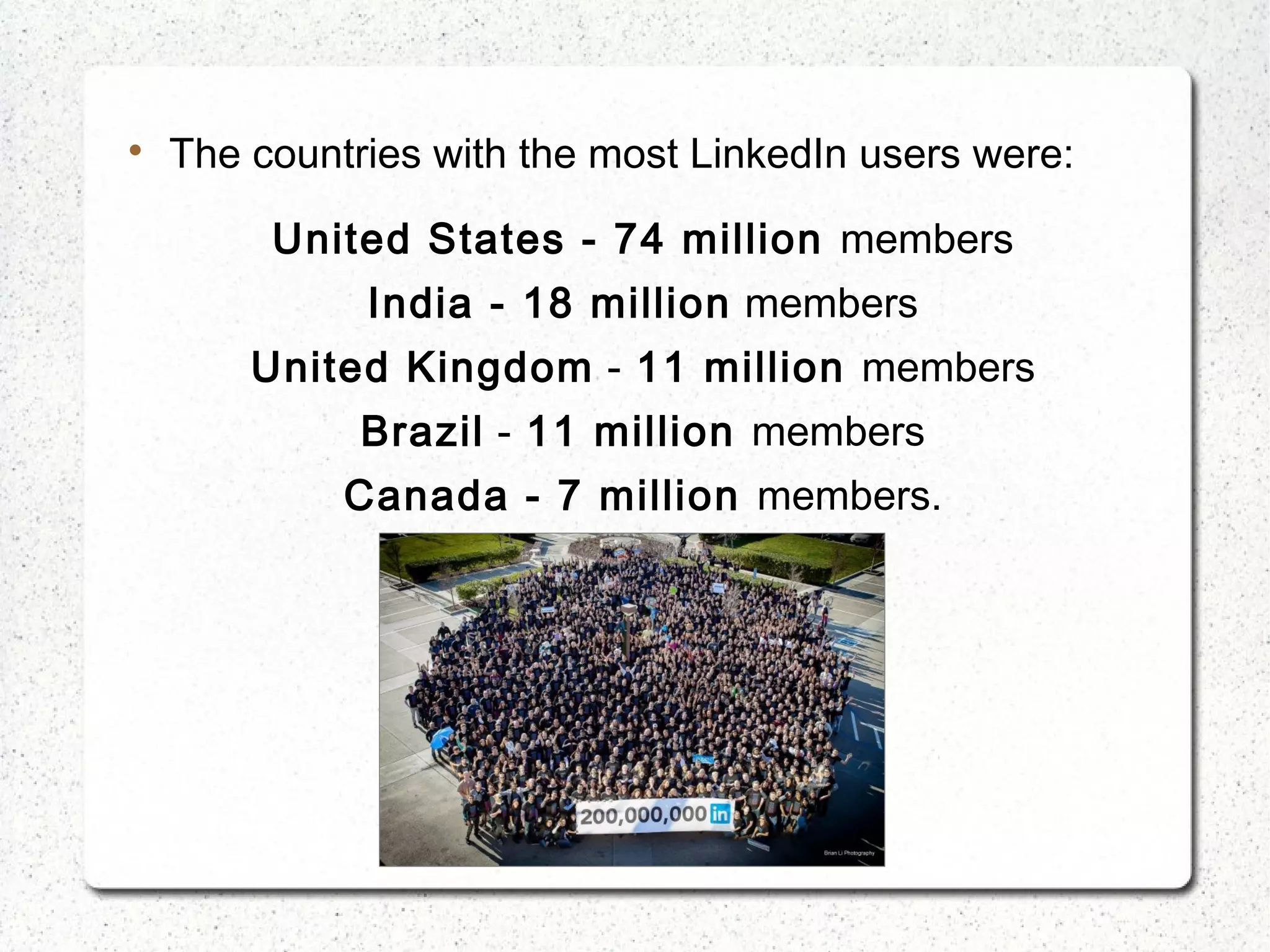
    More than 200 million users in more than 200
    countries (As of January 2013).

    The countries with the most LinkedIn users were:

         United States - 74 million members
              India - 18 million members
        United Kingdom - 11 million members
              Brazil - 11 million members
             Canada - 7 million members.
How does it work?


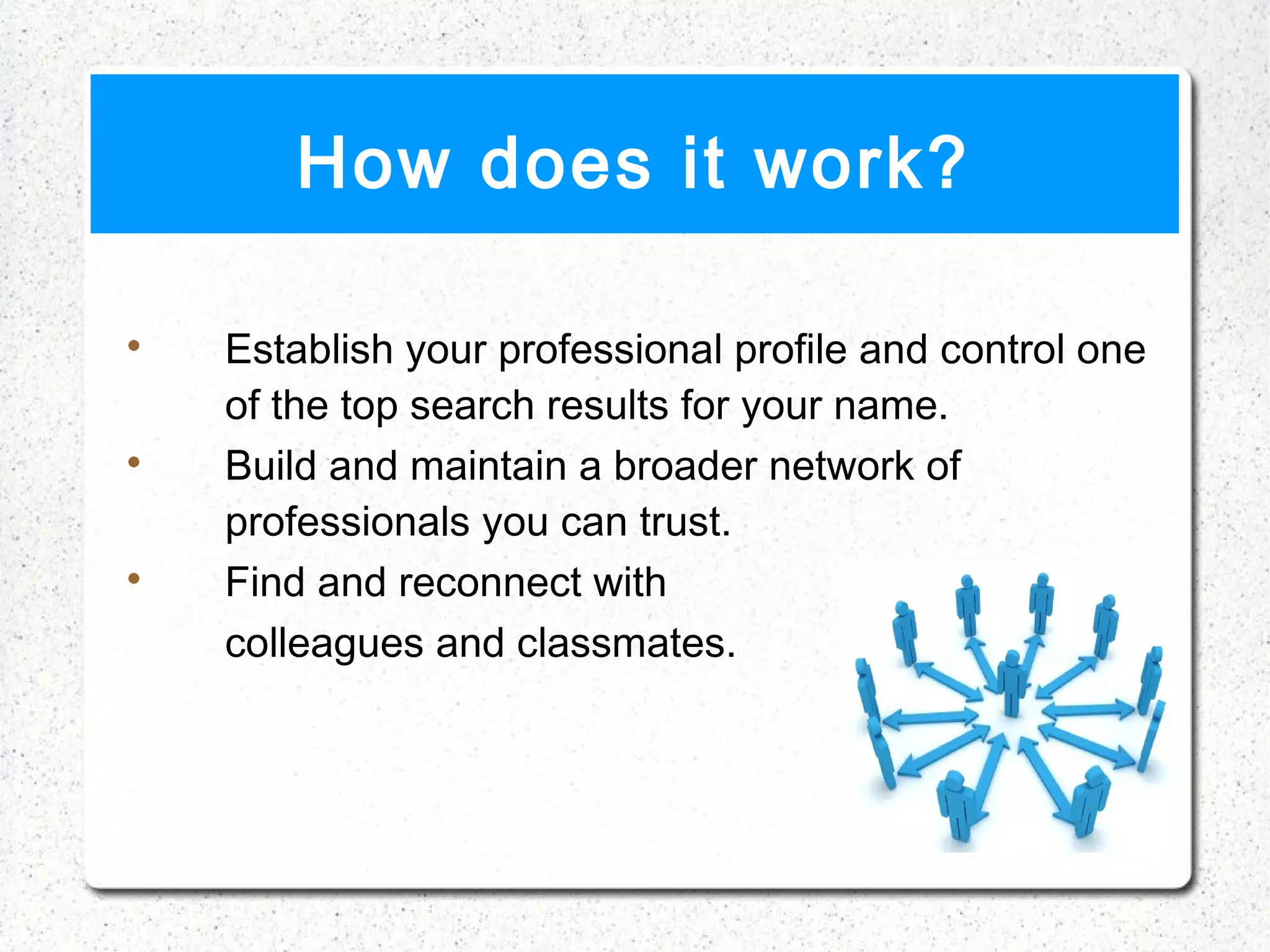
    Establish your professional profile and control one
    of the top search results for your name.

    Build and maintain a broader network of
    professionals you can trust.

    Find and reconnect with
    colleagues and classmates.
How does it work? (cont.)

     Learn about other companies.

     Leverage powerful tools to find and reach the
     people you need.

     Tap into the knowledge of your network.

     Discover new opportunities.
History

    The company was founded by Reid Hoffman and
    founding team members from PayPal and
    Socialnet.com.

    The site was officially launched in May 5, 2003.

    4,500 users at the end of the first month.

    HQ in Mountain view, CA
History (cont.)

    LinkedIn entered the IPO in January 2011 under the
    symbol “LNKD” with the price of $45/share.

    It acquired Rapportive (Feb 2012) and SlideShare
    (May 2012) for $119 M.

    The membership grows approximately two new
    members every second.

    How LinkedIn celebrated their membership success.
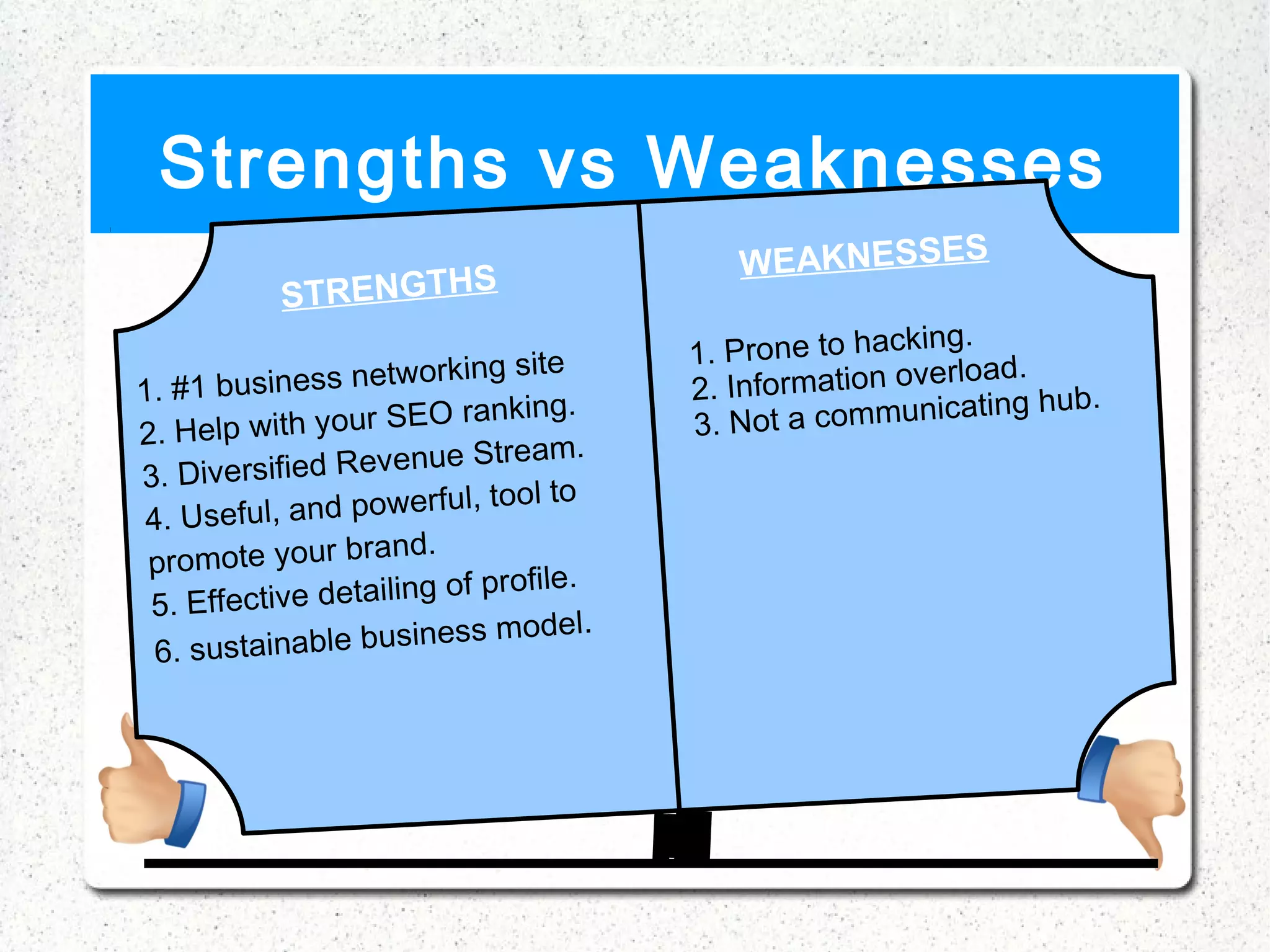
Strengths vs Weaknesses
                                              WEAKNESSES
            STRENGTHS
                                                            ing.
                            ing site       1. Prone to hack
1. # 1 business network                    2. Information ov
                                                             erload.
                                                                     ub.
                                 ing.                communicating h
2. Help wit     h your SEO rank            3. N ot a
                                eam.
3. Divers    ified Revenue Str
                              tool to
 4. U s e ful, and powerful,
                       nd.
 promote your bra
                                  file.
 5. Effecti   ve detailing of pro
                                    del.
  6. sustaina    ble business mo
Key terms
 
     Networks
 
     Connections (1st, 2nd, 3rd connections)
 
     Recommendations
 
     Groups
 
     InMail
 
     Talent solutions


www.e-scape.co.uk
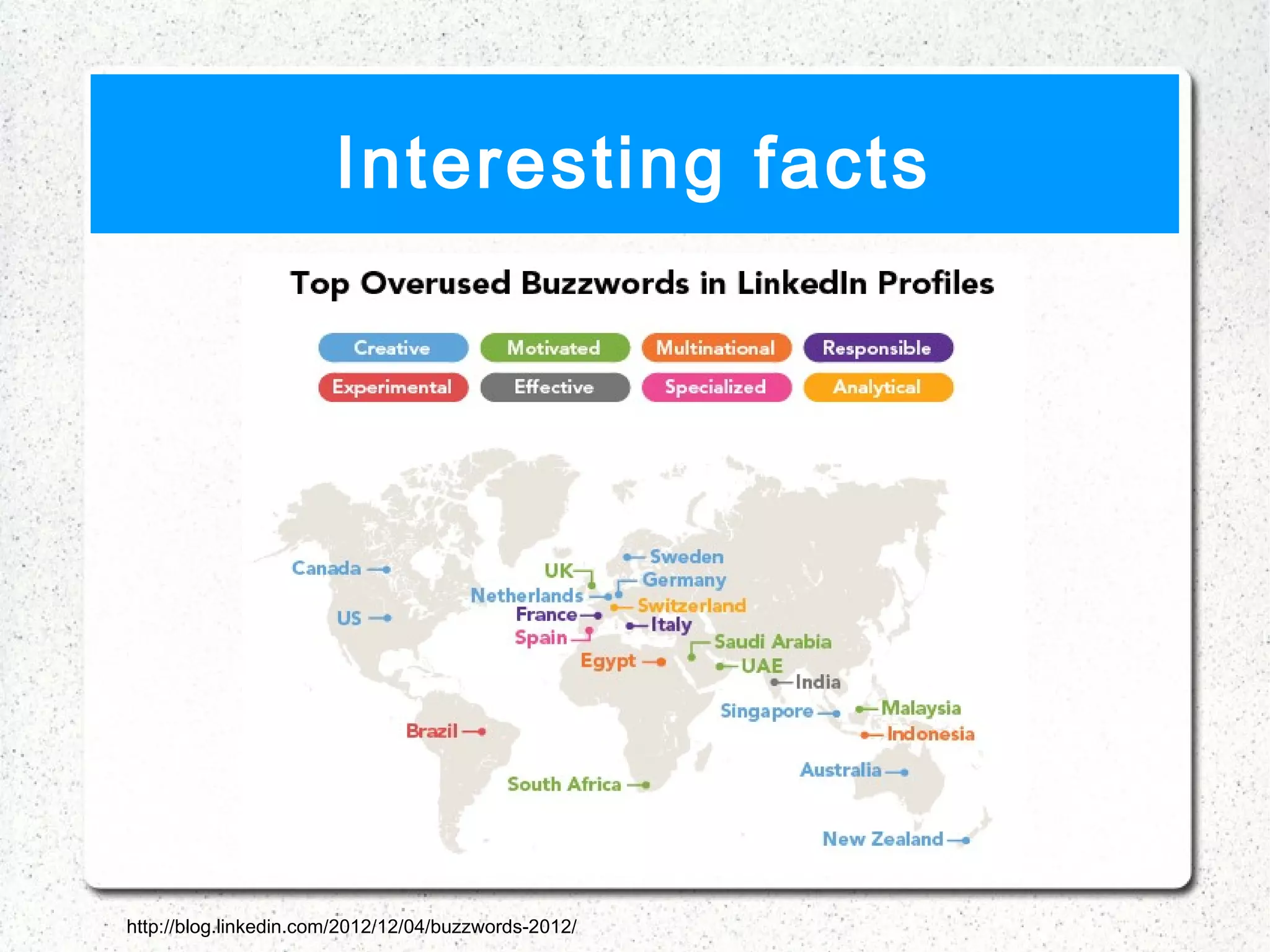
Interesting facts

    LinkedIn started out in the living room of one of the
    five co-founders in fall 2012.

    Before the site was launched, the founders invited
    300 of their friends to join the service.

    On the first day of trade, the price of its stock closed
    at $94.25, more than 109% above IPO price.

    In 2010,Silicon Valley Insider ranked the company
    No. 10 on its Top 100 List of most valuable start ups.
Interesting facts


http://blog.linkedin.com/2012/12/04/buzzwords-2012/
Interesting facts

    There are over 175 thousand new LinkedIn profiles
    created every day.
   34 Fun and Interesting LinkedIn Facts You Never Knew
   The Harlem Shake! LinkedIn HQ version
Developing
  Your
Your Profile

    Complete Your Profile

    Picture

    Tagline

    Connections

    Follow Companies

    Join Groups

    http://www.linkedin.com/profile/view?id=189251061&trk=hb_
Essential Tools

    Resume Builder

    Chrome In

    Instant Search


   http://booleanblackbelt.com/2011/01/18-linkedin-apps-tools-a
Best 10 Tips

    Know your goals- why are you on LinkedIn

    Post a picture

    Remember Names

    Make the most of your headline

    Post Statuses
Best 10 Tips (cont.)

    Use Apps

    Connect with care

    Join/ Participate in groups

    Endorse/ endorse back

    Network with professionals
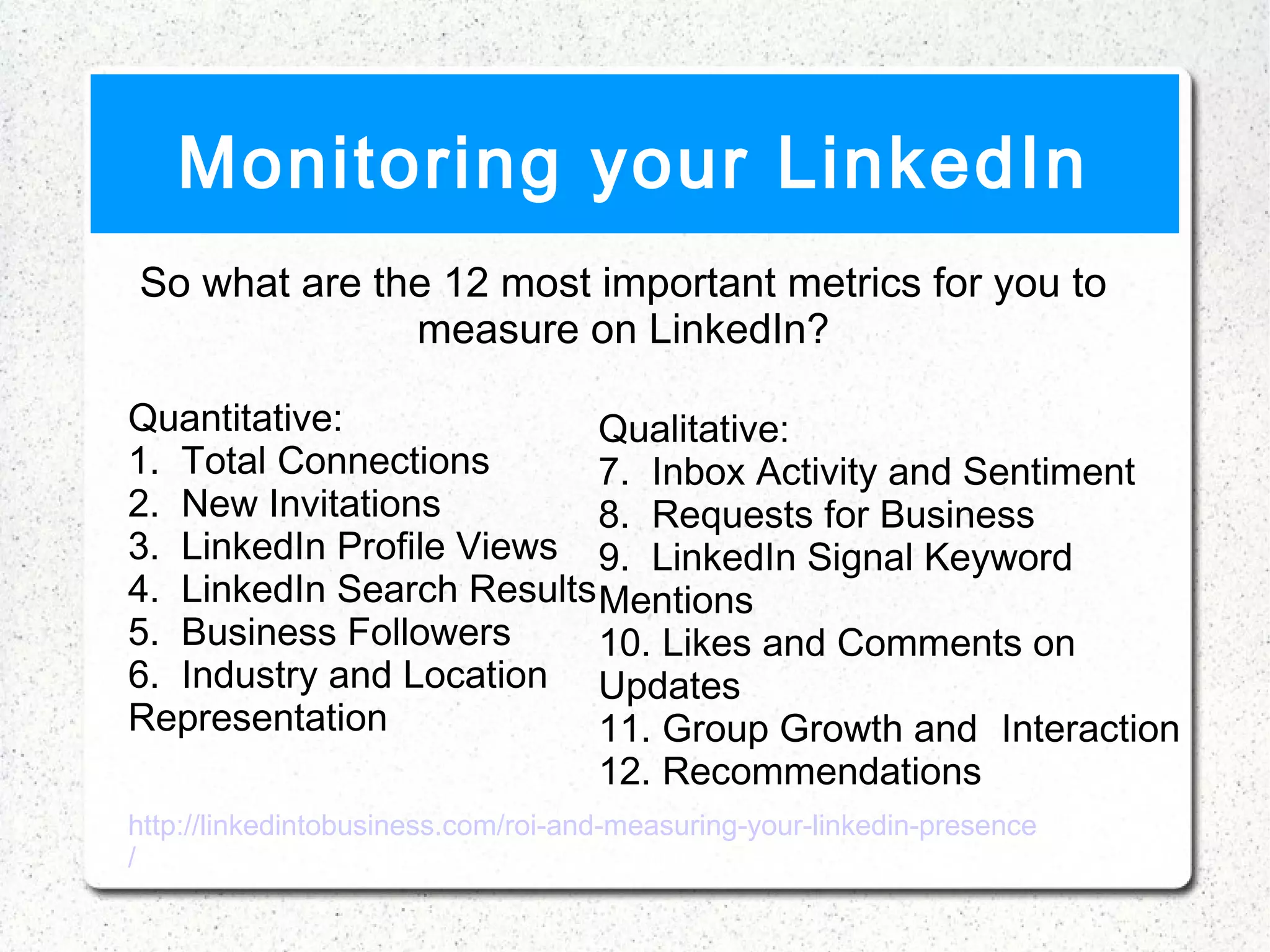
Monitoring your LinkedIn
So what are the 12 most important metrics for you to
              measure on LinkedIn?

Quantitative:               Qualitative:
1.  Total Connections       7.  Inbox Activity and Sentiment
2.  New Invitations         8.  Requests for Business
3.  LinkedIn Profile Views 9.  LinkedIn Signal Keyword
4.  LinkedIn Search Results Mentions
5.  Business Followers      10. Likes and Comments on
6.  Industry and Location Updates
Representation              11. Group Growth and Interaction
                            12. Recommendations
http://linkedintobusiness.com/roi-and-measuring-your-linkedin-presence
/
Connections
Introductions

    Connect with people that you genuinely value

    Pick the right introducer

    Email/ Message the Introducer

    Whether the person connects you or not make sure
    to thank them for their time
    
        Think about what kind of email you would like to
        receive
Following People/
              Companies
•   Members Use LinkedIn for Job Hunting
•   Generates leads when marketing
•   Social Media Branding
•   New developments for your target companies
•   When Following people ask yourself “Would I feel
    comfortable introducing this person to my
    colleagues?
Getting A Job
•   LinkedIn Job Tab
•   Premium Accounts
    •   Account is bumped to the top of applicant list
    •   Adds a premium icon on your profile
    •   Shows a list of people interested in your profile
    •   Gives advice on landing your dream job
Questions/Answers
•   Are used to share and discuss professional topics
    across LinkedIn
    • Retired in January 31, 2013
•   Still ask questions in the form of Polls, Groups, and
    Status Updates
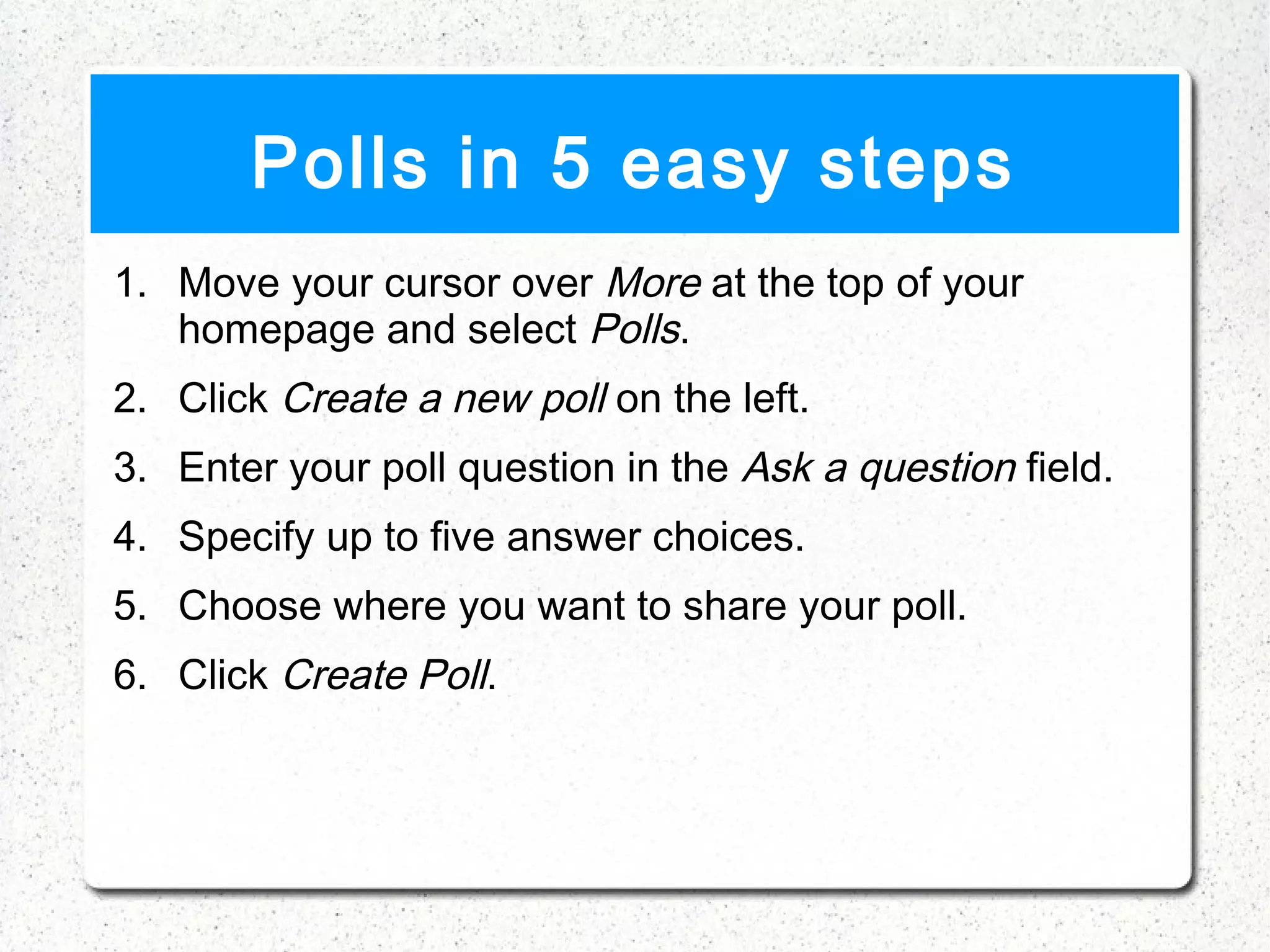
Polls in 5 easy steps
1. Move your cursor over More at the top of your
   homepage and select Polls.
2. Click Create a new poll on the left.
3. Enter your poll question in the Ask a question field.
4. Specify up to five answer choices.
5. Choose where you want to share your poll.
6. Click Create Poll.
5 Best Practices
• Mark Amtower
• Spencer Maus
• Wendy Brache
• Patrick O'malley
• Liz Isaac
5 Essential readings

    21 steps to the perfect LinkedIn profile.

    Set up your Company Page on LinkedIn

    Top 10 LinkedIn tools

    Linked with Sales

    6 ways to use LinkedIn to get more Business


    Best setup Tutorial
References
   http://tealorbit.com/wp-content/uploads/2012/07/Professional-recruiters-choose-mostly-

   http://en.wikipedia.org/wiki/LinkedIn

   http://www.slideshare.net/guest2137df/linkedin-powerpoint-2414876

   http://www.omaha.com/article/20111204/MONEY/712049929

   http://www.prscoup.com/634/strengths-and-weaknesses-of-social-media-platforms

   http://www.mbaskool.com/brandguide/media-and-ente


    https://feefighters.com/blog/3-must-know-tips-for-linkedin-etiquette/
References

    http://
    www.intelegia.com/en/2011/08/31/4-reasons-why-people-follow-companies-on-linkedin/



    http://theundercoverrecruiter.com/job-search-tool-follow-companies-linkedin-
    constant-updates/

    http://www.brafton.com/news/linkedin-retires-answers-encourages-content-
    sharing-via-groups

    http://socialmediatoday.com/tracycgold/479022/how-use-linkedin-powerfully-
    10-tips-know

    http://booleanblackbelt.com/2011/01/18-linkedin-apps-tools-and-
    resources/#.UTY5njdnAS9

    http://www.greenhostit.com/green-blog/96-social-media/273-linkedin-top-ten-
    tips-build-business

Linkedin final

  • 1.
    By: Jennifer Wykstra Ramita Sakpuaram Andrew Dick
  • 2.
    Overview  About LinkedIn  Key Terms  Setting up your profile  Engage  Examples
  • 3.
  • 4.
    The largest and most popular professional/business social networking site for careers and networking.  Available in 17 different languages.  More than 200 million users in more than 200 countries (As of January 2013).
  • 5.
    The countries with the most LinkedIn users were: United States - 74 million members India - 18 million members United Kingdom - 11 million members Brazil - 11 million members Canada - 7 million members.
  • 6.
    How does itwork?  Establish your professional profile and control one of the top search results for your name.  Build and maintain a broader network of professionals you can trust.  Find and reconnect with colleagues and classmates.
  • 7.
    How does itwork? (cont.)  Learn about other companies.  Leverage powerful tools to find and reach the people you need.  Tap into the knowledge of your network.  Discover new opportunities.
  • 8.
    History  The company was founded by Reid Hoffman and founding team members from PayPal and Socialnet.com.  The site was officially launched in May 5, 2003.  4,500 users at the end of the first month.  HQ in Mountain view, CA
  • 9.
    History (cont.)  LinkedIn entered the IPO in January 2011 under the symbol “LNKD” with the price of $45/share.  It acquired Rapportive (Feb 2012) and SlideShare (May 2012) for $119 M.  The membership grows approximately two new members every second.  How LinkedIn celebrated their membership success.
  • 10.
    Strengths vs Weaknesses WEAKNESSES STRENGTHS ing. ing site 1. Prone to hack 1. # 1 business network 2. Information ov erload. ub. ing. communicating h 2. Help wit h your SEO rank 3. N ot a eam. 3. Divers ified Revenue Str tool to 4. U s e ful, and powerful, nd. promote your bra file. 5. Effecti ve detailing of pro del. 6. sustaina ble business mo
  • 11.
    Key terms  Networks  Connections (1st, 2nd, 3rd connections)  Recommendations  Groups  InMail  Talent solutions www.e-scape.co.uk
  • 12.
    Interesting facts  LinkedIn started out in the living room of one of the five co-founders in fall 2012.  Before the site was launched, the founders invited 300 of their friends to join the service.  On the first day of trade, the price of its stock closed at $94.25, more than 109% above IPO price.  In 2010,Silicon Valley Insider ranked the company No. 10 on its Top 100 List of most valuable start ups.
  • 13.
  • 14.
    Interesting facts  There are over 175 thousand new LinkedIn profiles created every day.  34 Fun and Interesting LinkedIn Facts You Never Knew  The Harlem Shake! LinkedIn HQ version
  • 15.
  • 16.
    Your Profile  Complete Your Profile  Picture  Tagline  Connections  Follow Companies  Join Groups  http://www.linkedin.com/profile/view?id=189251061&trk=hb_
  • 17.
    Essential Tools  Resume Builder  Chrome In  Instant Search  http://booleanblackbelt.com/2011/01/18-linkedin-apps-tools-a
  • 18.
    Best 10 Tips  Know your goals- why are you on LinkedIn  Post a picture  Remember Names  Make the most of your headline  Post Statuses
  • 19.
    Best 10 Tips(cont.)  Use Apps  Connect with care  Join/ Participate in groups  Endorse/ endorse back  Network with professionals
  • 20.
    Monitoring your LinkedIn Sowhat are the 12 most important metrics for you to measure on LinkedIn? Quantitative: Qualitative: 1.  Total Connections 7.  Inbox Activity and Sentiment 2.  New Invitations 8.  Requests for Business 3.  LinkedIn Profile Views 9.  LinkedIn Signal Keyword 4.  LinkedIn Search Results Mentions 5.  Business Followers 10. Likes and Comments on 6.  Industry and Location Updates Representation 11. Group Growth and Interaction 12. Recommendations http://linkedintobusiness.com/roi-and-measuring-your-linkedin-presence /
  • 21.
  • 22.
    Introductions  Connect with people that you genuinely value  Pick the right introducer  Email/ Message the Introducer  Whether the person connects you or not make sure to thank them for their time  Think about what kind of email you would like to receive
  • 23.
    Following People/ Companies • Members Use LinkedIn for Job Hunting • Generates leads when marketing • Social Media Branding • New developments for your target companies • When Following people ask yourself “Would I feel comfortable introducing this person to my colleagues?
  • 24.
    Getting A Job • LinkedIn Job Tab • Premium Accounts • Account is bumped to the top of applicant list • Adds a premium icon on your profile • Shows a list of people interested in your profile • Gives advice on landing your dream job
  • 25.
    Questions/Answers • Are used to share and discuss professional topics across LinkedIn • Retired in January 31, 2013 • Still ask questions in the form of Polls, Groups, and Status Updates
  • 26.
    Polls in 5easy steps 1. Move your cursor over More at the top of your homepage and select Polls. 2. Click Create a new poll on the left. 3. Enter your poll question in the Ask a question field. 4. Specify up to five answer choices. 5. Choose where you want to share your poll. 6. Click Create Poll.
  • 27.
    5 Best Practices •Mark Amtower • Spencer Maus • Wendy Brache • Patrick O'malley • Liz Isaac
  • 28.
    5 Essential readings  21 steps to the perfect LinkedIn profile.  Set up your Company Page on LinkedIn  Top 10 LinkedIn tools  Linked with Sales  6 ways to use LinkedIn to get more Business  Best setup Tutorial
  • 29.
    References  http://tealorbit.com/wp-content/uploads/2012/07/Professional-recruiters-choose-mostly-  http://en.wikipedia.org/wiki/LinkedIn  http://www.slideshare.net/guest2137df/linkedin-powerpoint-2414876  http://www.omaha.com/article/20111204/MONEY/712049929  http://www.prscoup.com/634/strengths-and-weaknesses-of-social-media-platforms  http://www.mbaskool.com/brandguide/media-and-ente  https://feefighters.com/blog/3-must-know-tips-for-linkedin-etiquette/
  • 30.
    References  http:// www.intelegia.com/en/2011/08/31/4-reasons-why-people-follow-companies-on-linkedin/  http://theundercoverrecruiter.com/job-search-tool-follow-companies-linkedin- constant-updates/  http://www.brafton.com/news/linkedin-retires-answers-encourages-content- sharing-via-groups  http://socialmediatoday.com/tracycgold/479022/how-use-linkedin-powerfully- 10-tips-know  http://booleanblackbelt.com/2011/01/18-linkedin-apps-tools-and- resources/#.UTY5njdnAS9  http://www.greenhostit.com/green-blog/96-social-media/273-linkedin-top-ten- tips-build-business