Real Secrets of Using
Social Media Effectively
Top 3 Mistakes when Using Social Media


          1. Not posting well.

        2. Only self promotion.

   3. No engagement with fan base.
Three Secrets to Social Media


   1. Post Interesting Content

 2. Engage with Fans/Followers

3. Use as Customer Service Tool
facebook

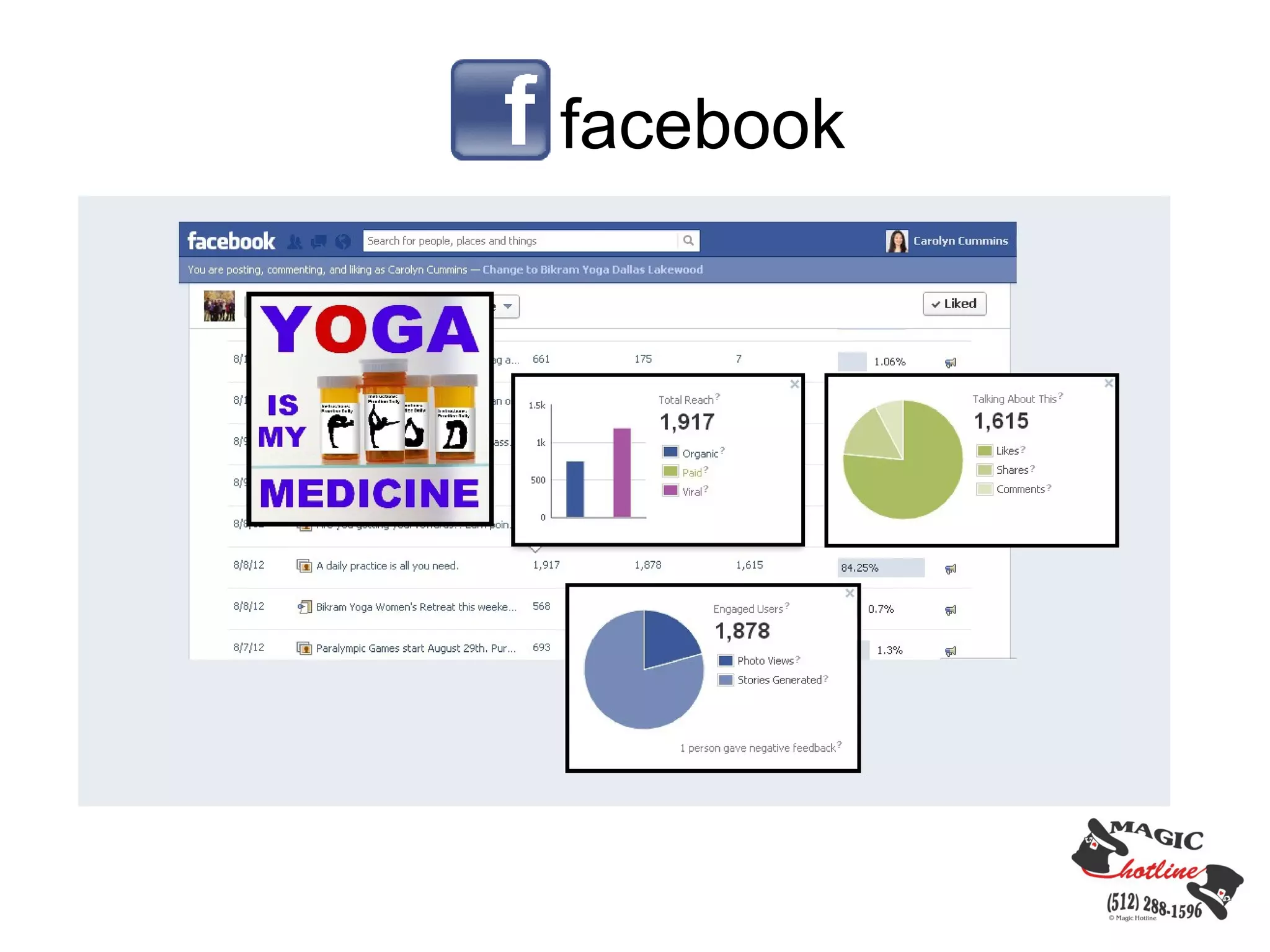
Post Interesting Content
Post content your customers/followers are interested in.

     Business offerings

     Articles

     Call to action

     Special events

     Motivational content

Types of content

    Video

    Images

    Text/Links
facebook

Engage with Followers/Clients/Customers/Fans

    It's a dialogue platform, not a monologue platform.

    Like, share and comment on other people's posts.

    Respond to users.
facebook


Use as Customer Service Tool

    Allow user comments.

    Resolve service issues.

    Notify clients of business changes.
facebook


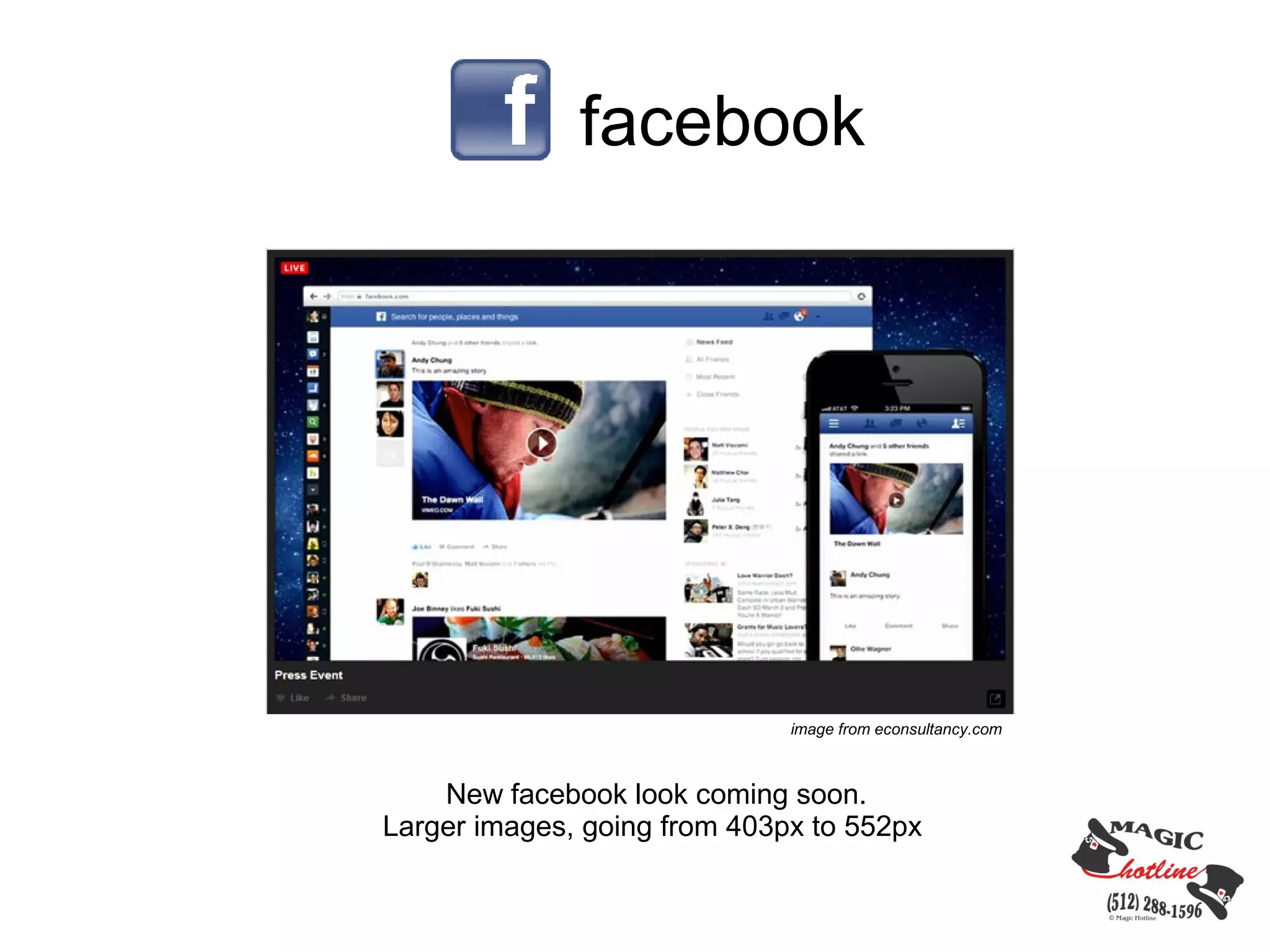
                              image from econsultancy.com


    New facebook look coming soon.
Larger images, going from 403px to 552px
facebook
facebook


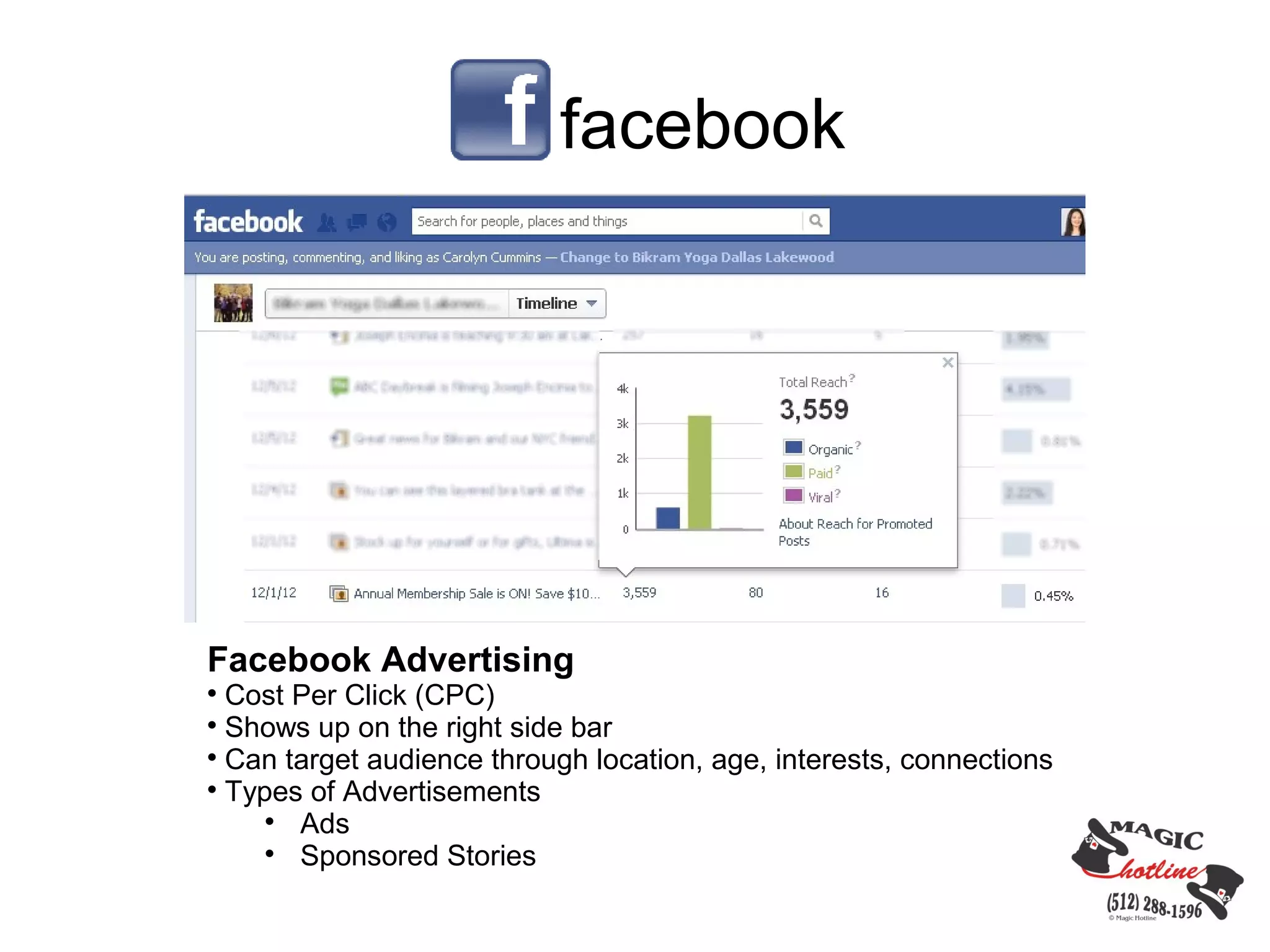
Facebook Advertising

  Cost Per Click (CPC)

  Shows up on the right side bar

  Can target audience through location, age, interests, connections

  Types of Advertisements
     
       Ads
     
       Sponsored Stories
twitter
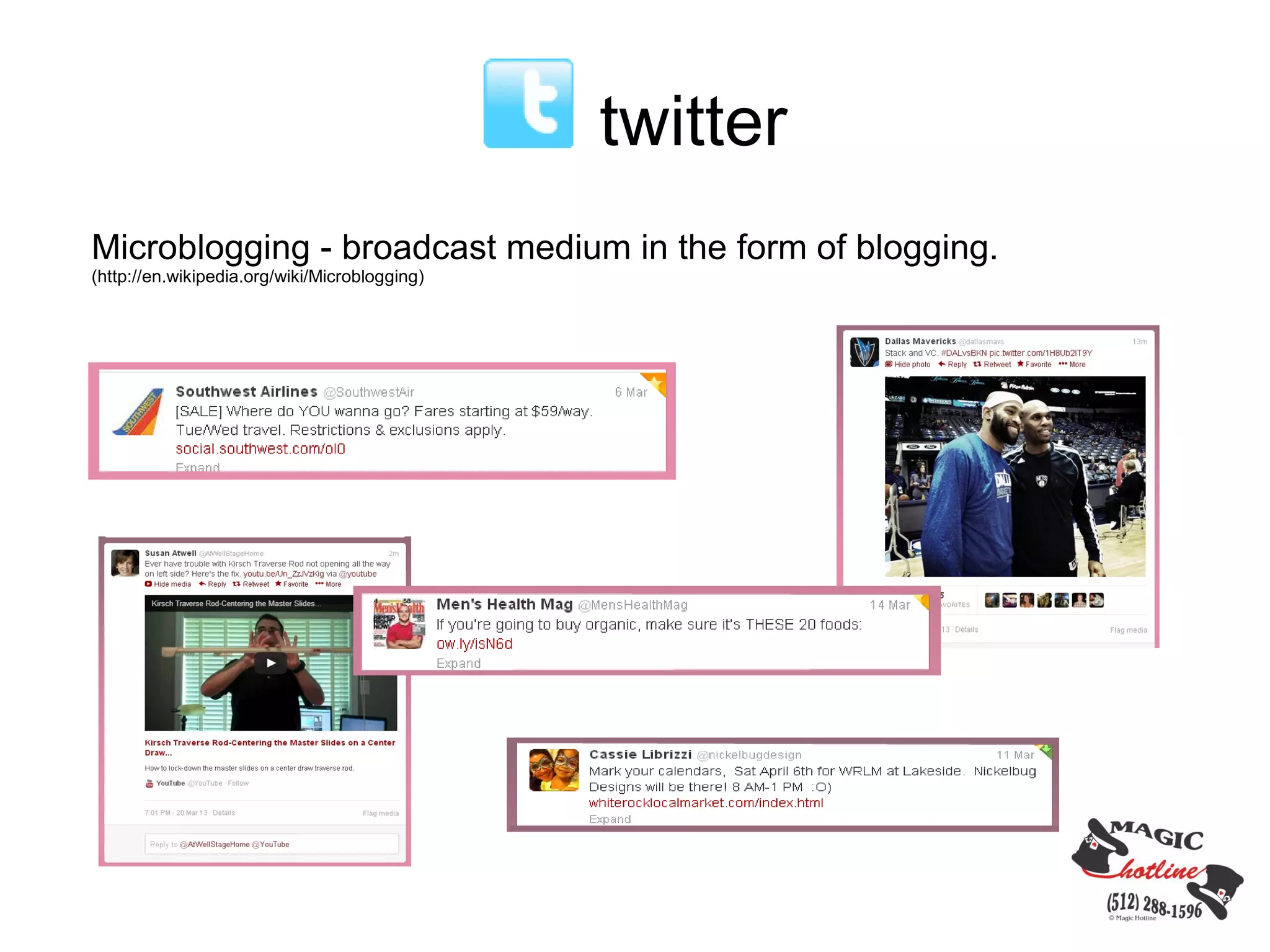
Microblogging - broadcast medium in the form of blogging.
(http://en.wikipedia.org/wiki/Microblogging)
twitter
Post Content

  Only 140 characters

  Hashtags

Engage with Followers

  Comment

  RT

  Shorten URL's – bitly.com, hootsuite

Use as Customer Service Tool

  Customers express service issues.

  Set up separate account for service announcements.

  Mobile companies - Tweet location of services.
twitter


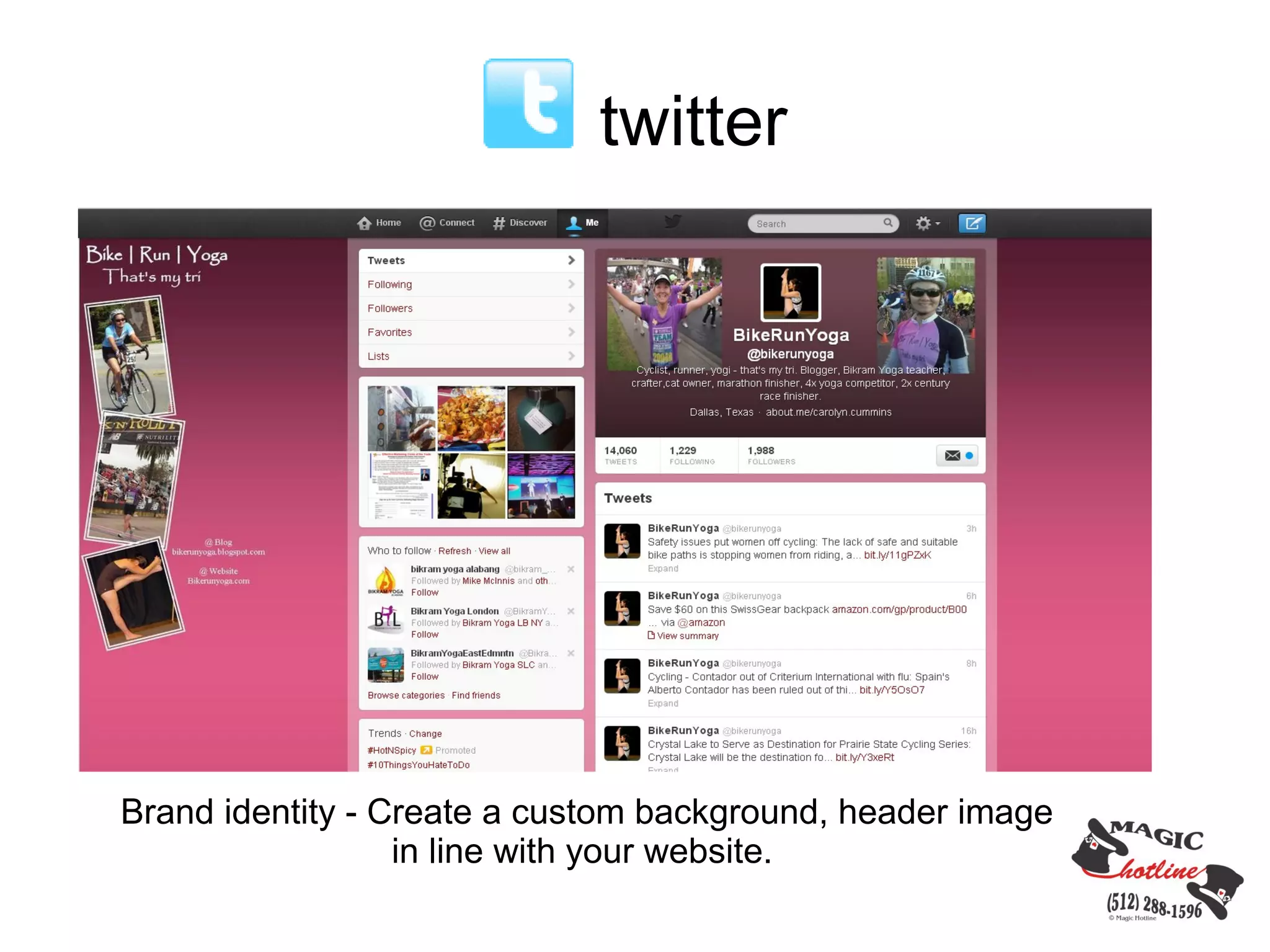
Brand identity - Create a custom background, header image
                  in line with your website.
LinkedIn

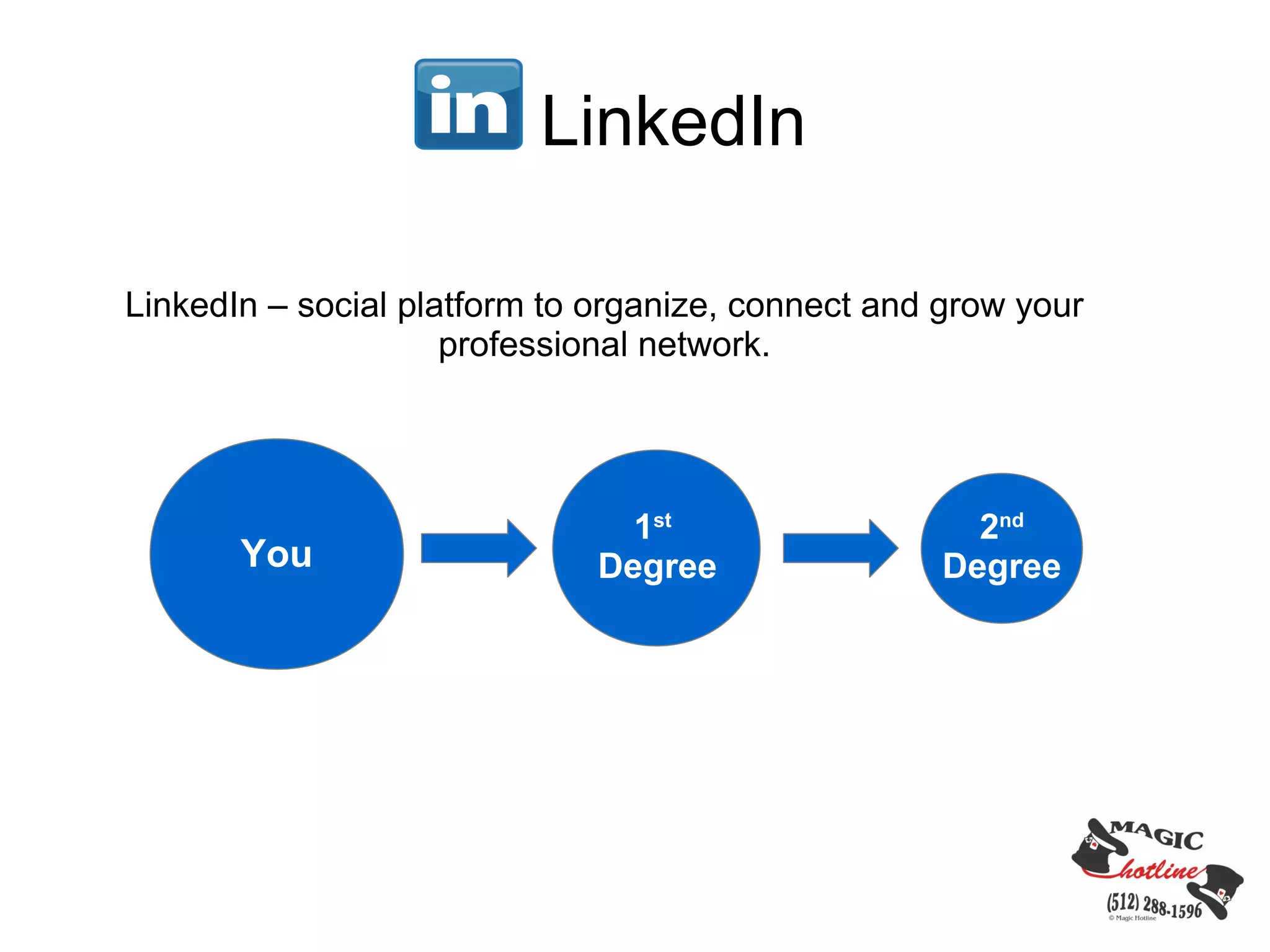
LinkedIn – social platform to organize, connect and grow your
                     professional network.


                                1st                   2nd
       You                    Degree                Degree
LinkedIn
Ways to Use LinkedIn for Business

Personal Page
Connect and grow your network through personal connections.
      • Profile is online resume
      • Add a photo of yourself
      • Endorsements
      • Increase your network through connection invitations
LinkedIn
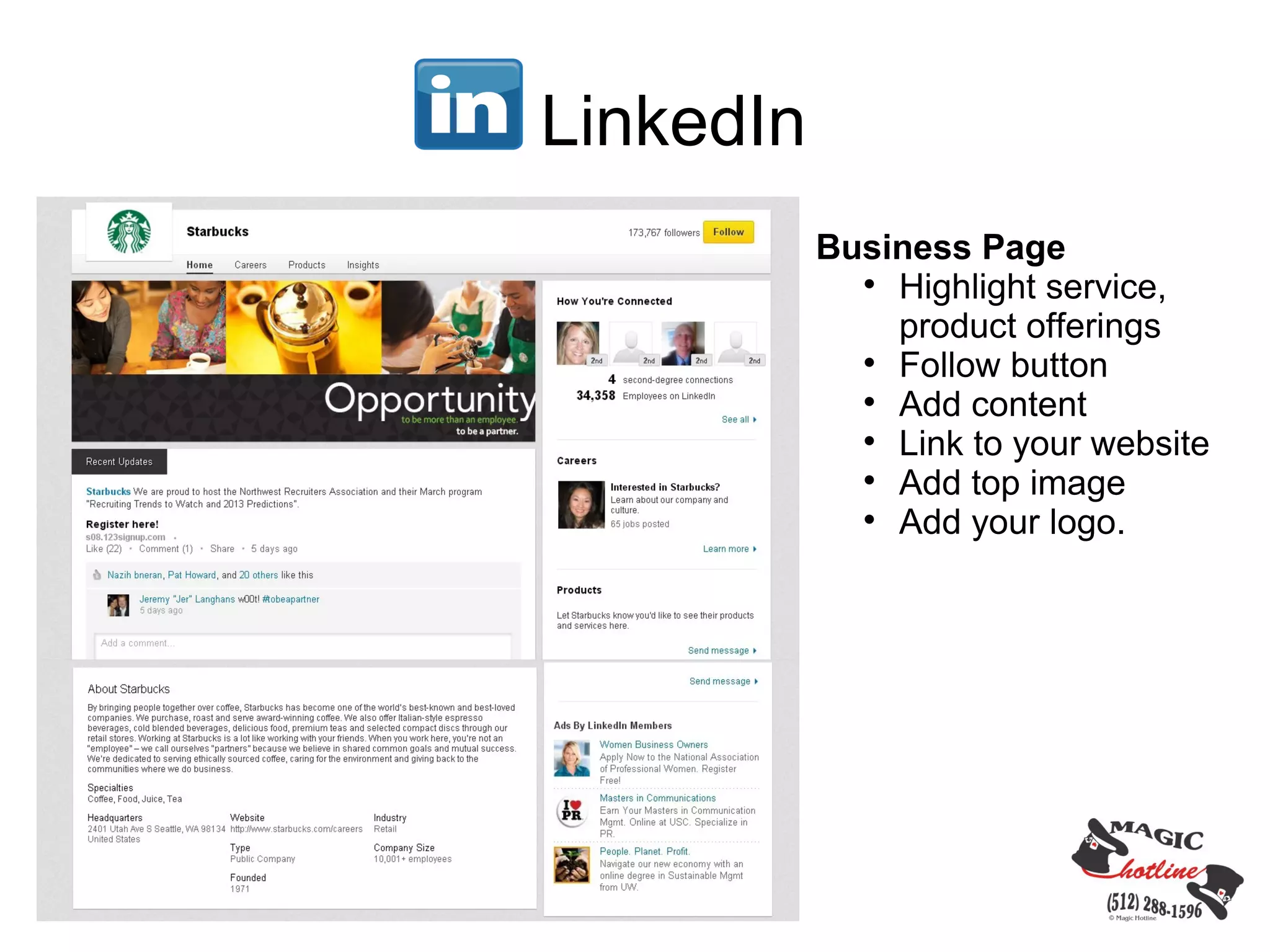
           Business Page
             
               Highlight service,
               product offerings
             
               Follow button
             
               Add content
             
               Link to your website
             
               Add top image
             
               Add your logo.
LinkedIn
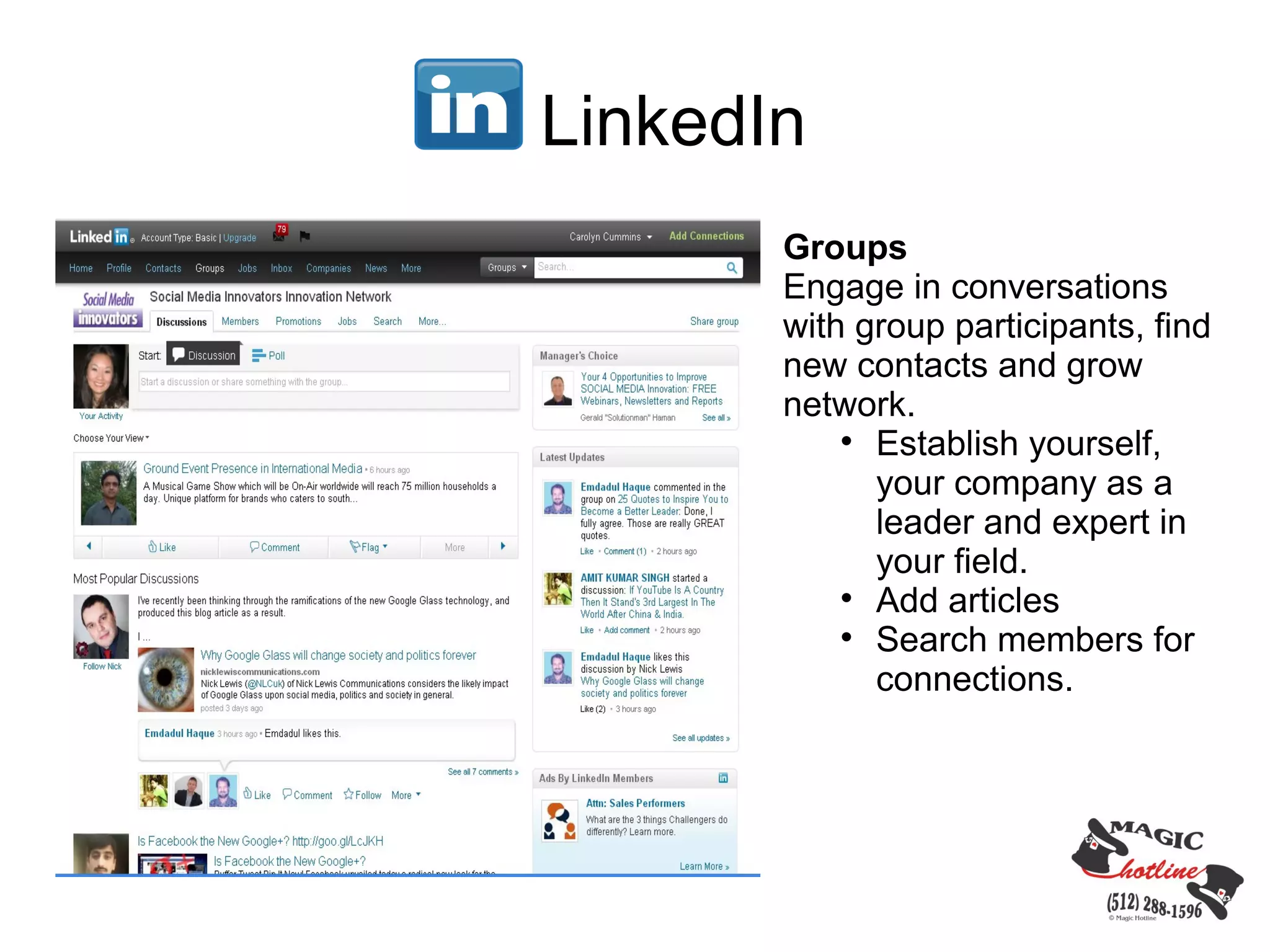
       Groups
       Engage in conversations
       with group participants, find
       new contacts and grow
       network.
           
             Establish yourself,
             your company as a
             leader and expert in
             your field.
           
             Add articles
           
             Search members for
             connections.
LinkedIn

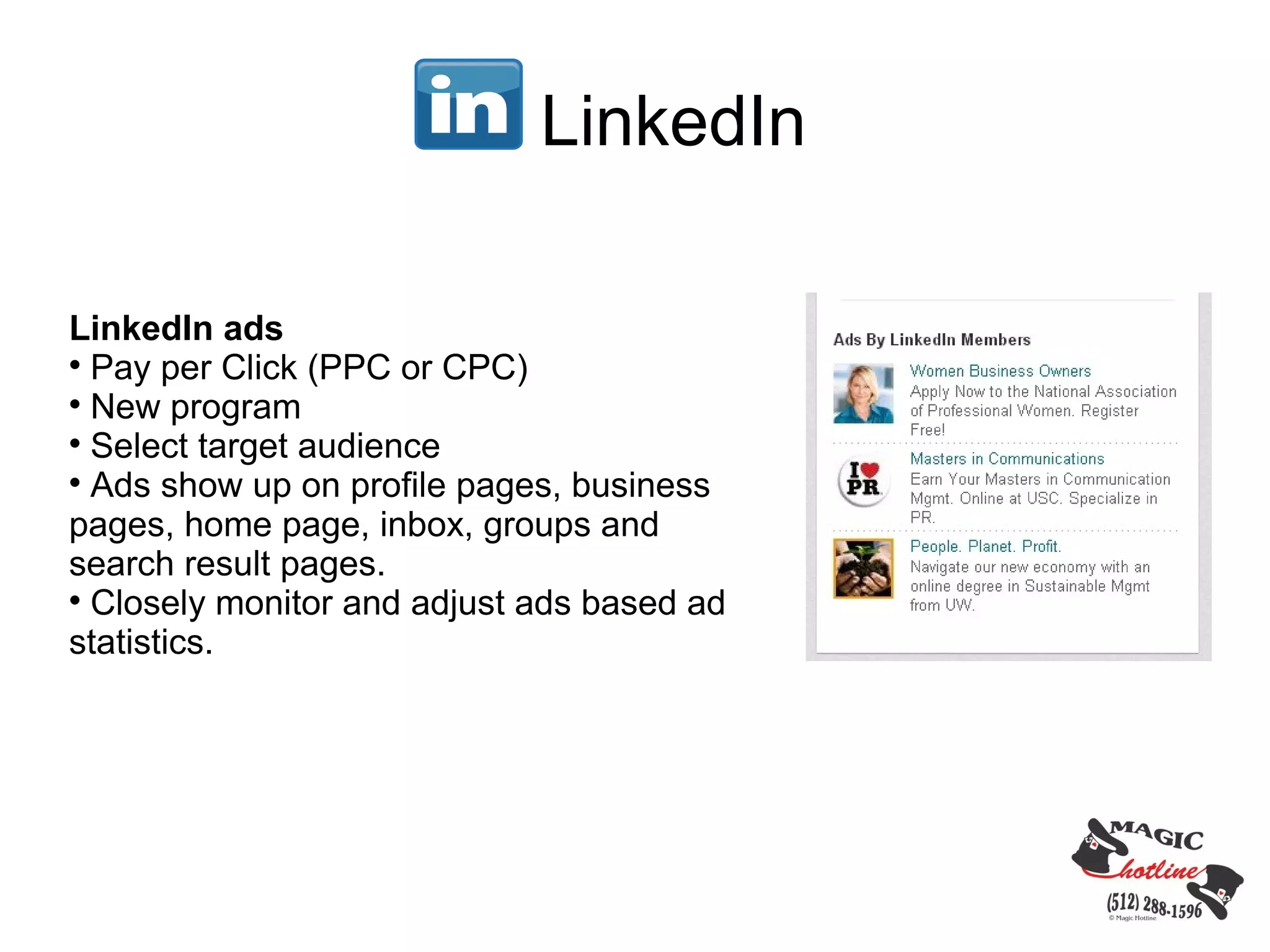
LinkedIn ads

  Pay per Click (PPC or CPC)

  New program

  Select target audience

  Ads show up on profile pages, business
pages, home page, inbox, groups and
search result pages.

  Closely monitor and adjust ads based ad
statistics.
LinkedIn


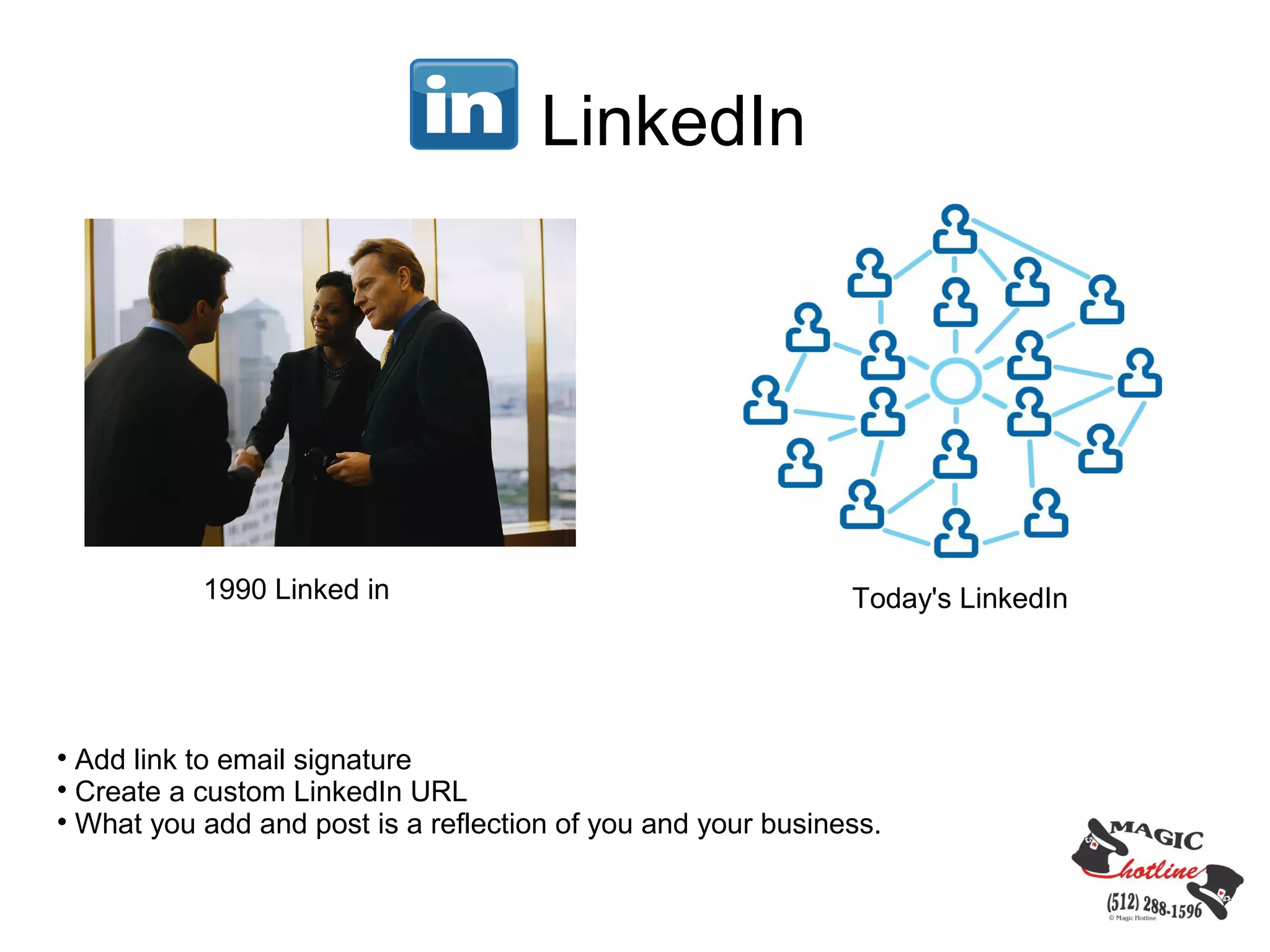
           1990 Linked in                                     Today's LinkedIn



  Add link to email signature

  Create a custom LinkedIn URL

  What you add and post is a reflection of you and your business.
Pinterest
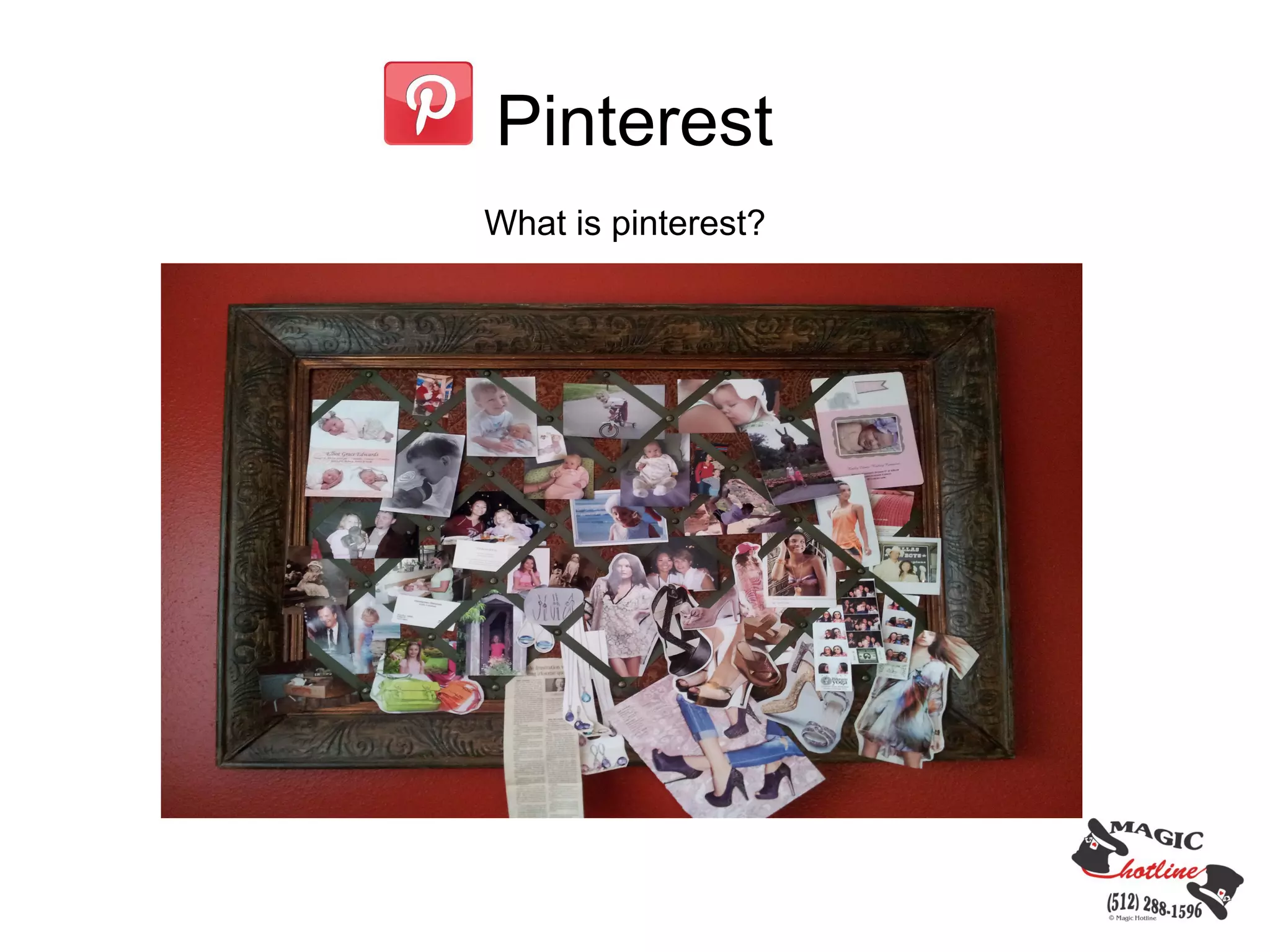
What is pinterest?
Pinterest

Pin Content
• Create “boards” and add images, video
• Add text to your images

  Use hashtags

  Connect your facebook and twitter accounts

  Add content promoting your services and products

  Add other content as well; pinterest frowns on only posting your own self
promotion content exclusively.
Pinterest

Engage with Followers

  Repin content you see that is interesting.

  Create community/group boards, invite others to pin.

  Comment on other pins.

  “Like” other pins.
Pinterest


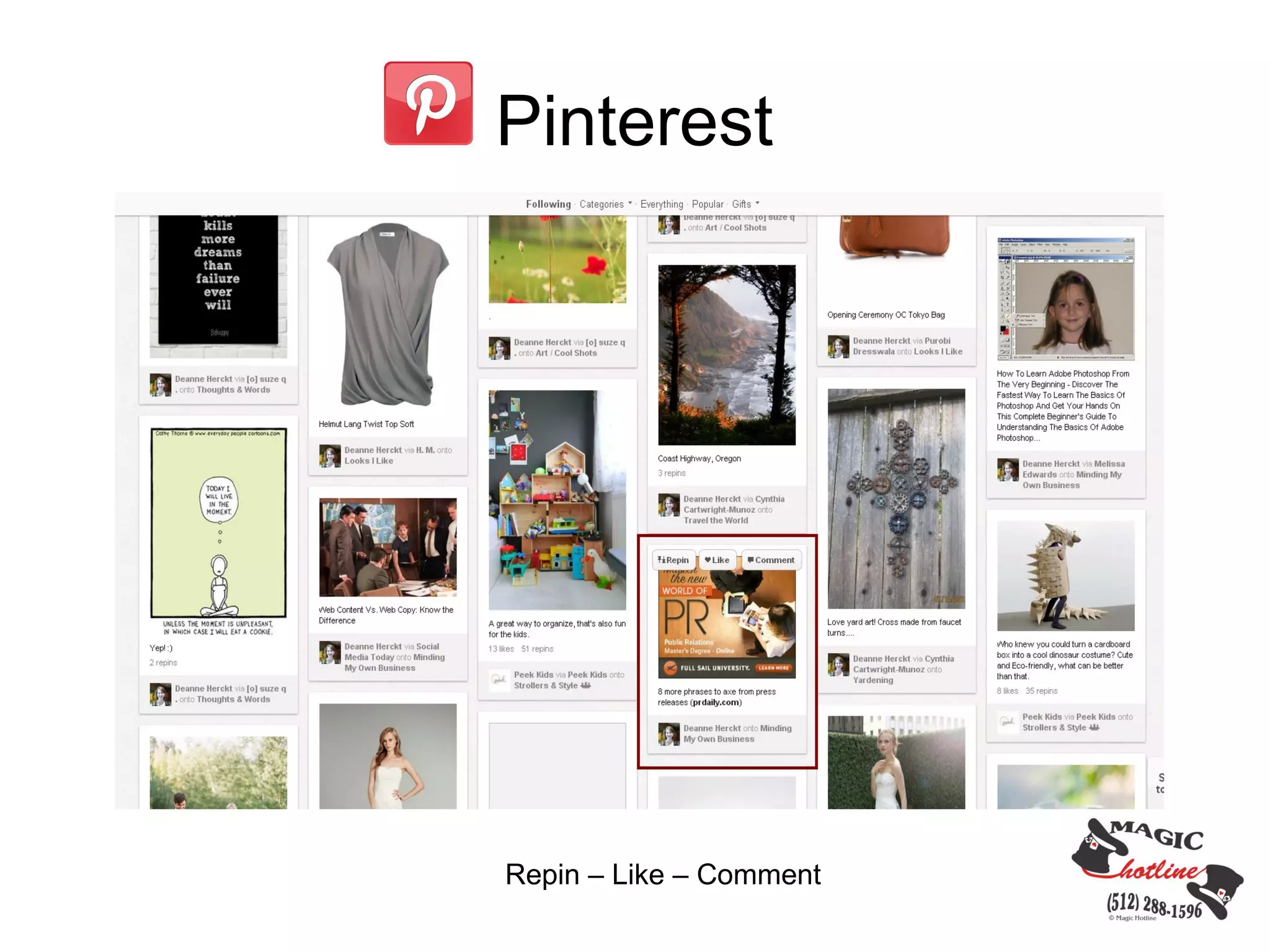
Repin – Like – Comment
Pinterest


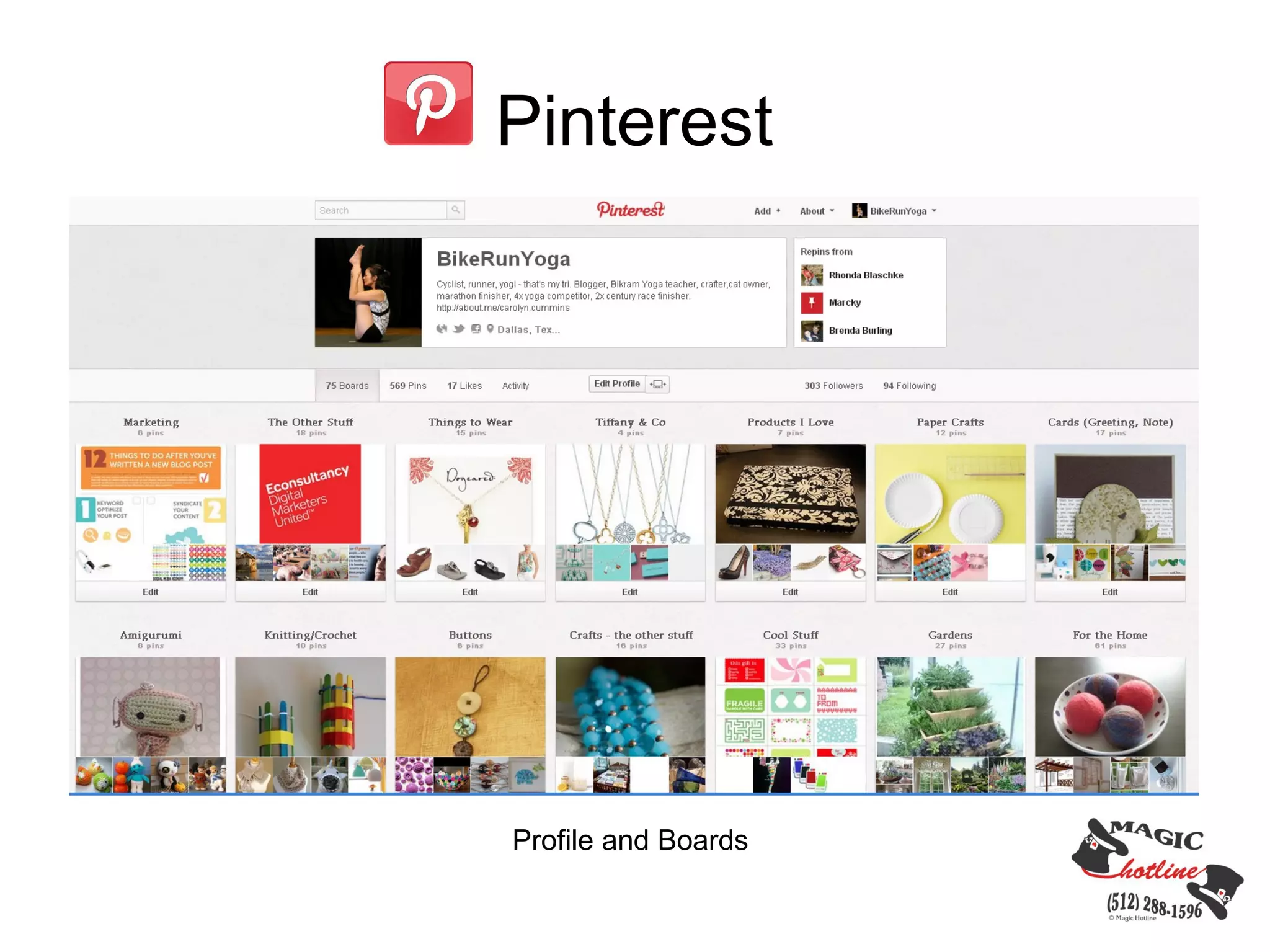
Profile and Boards
Pinterest


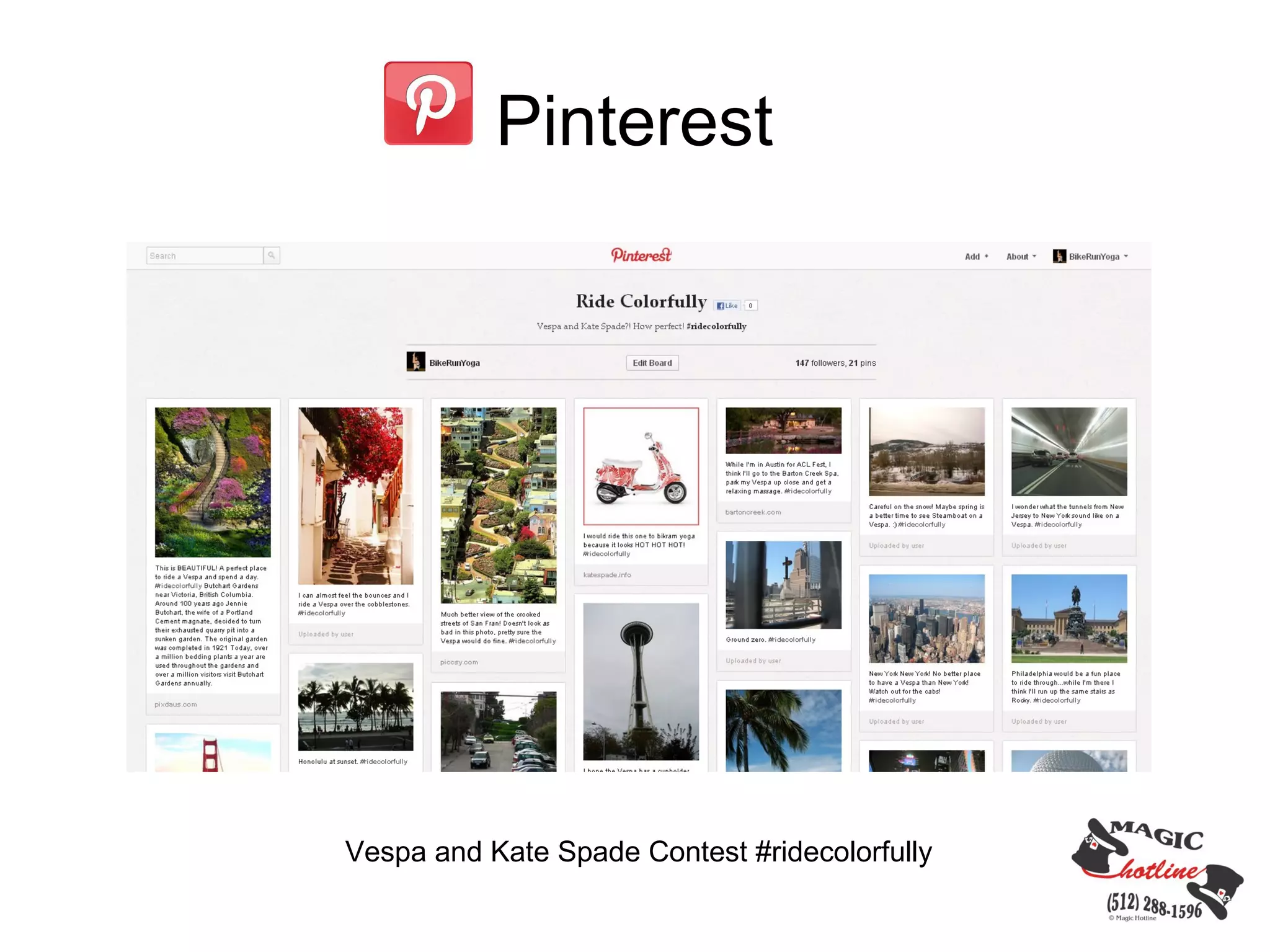
Vespa and Kate Spade Contest #ridecolorfully
Pinterest


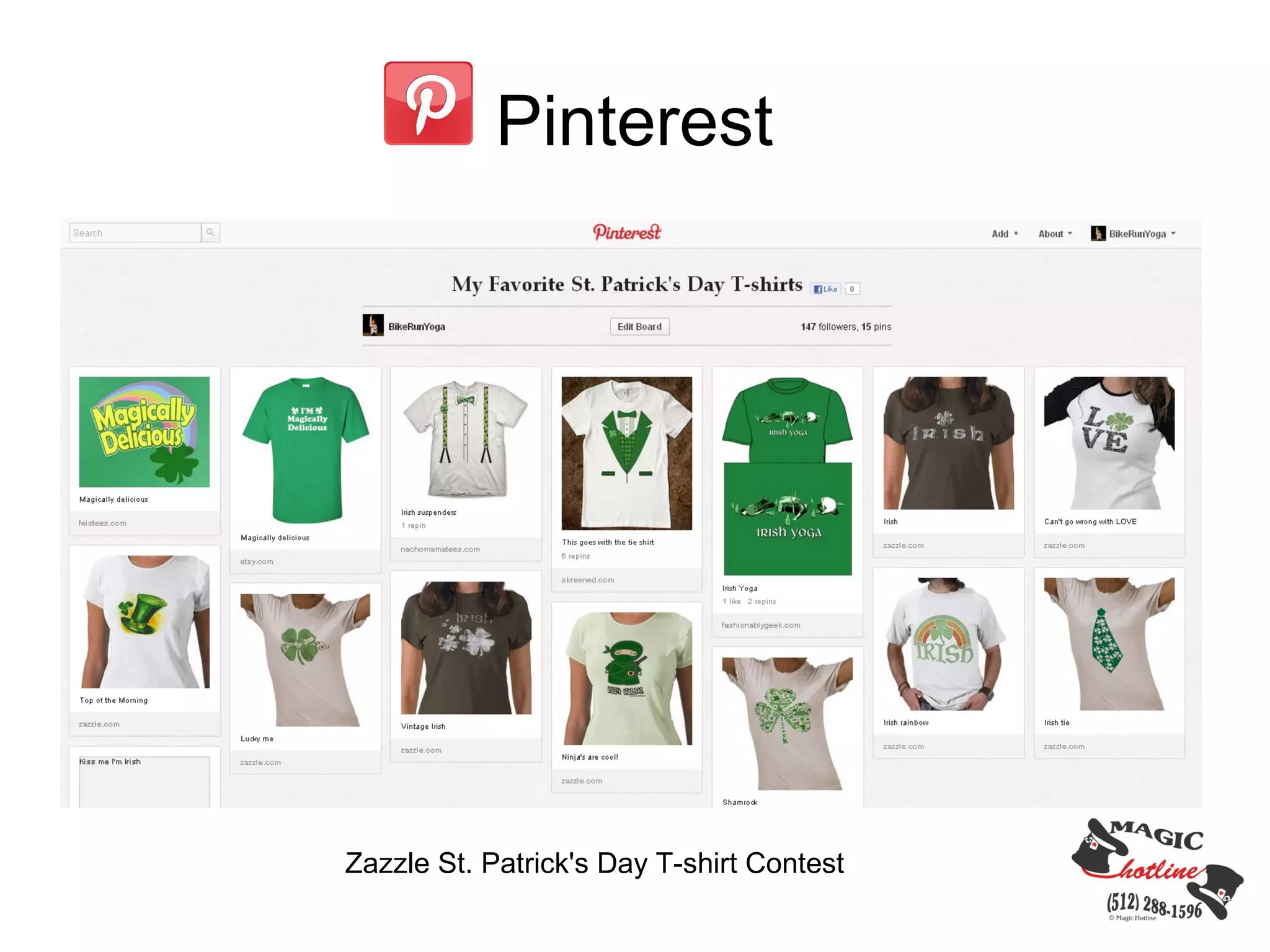
Zazzle St. Patrick's Day T-shirt Contest
Other Social Media

    Instagram          
                           Flickr

    Tumblr             
                           Youtube

    MySpace            
                           Slideshare

    Tout               
                           Digg

    Google Plus        
                           Reddit

    Foursquare         
                           Meetup

    Blogs              
                           Any site where people
                           can comment/share
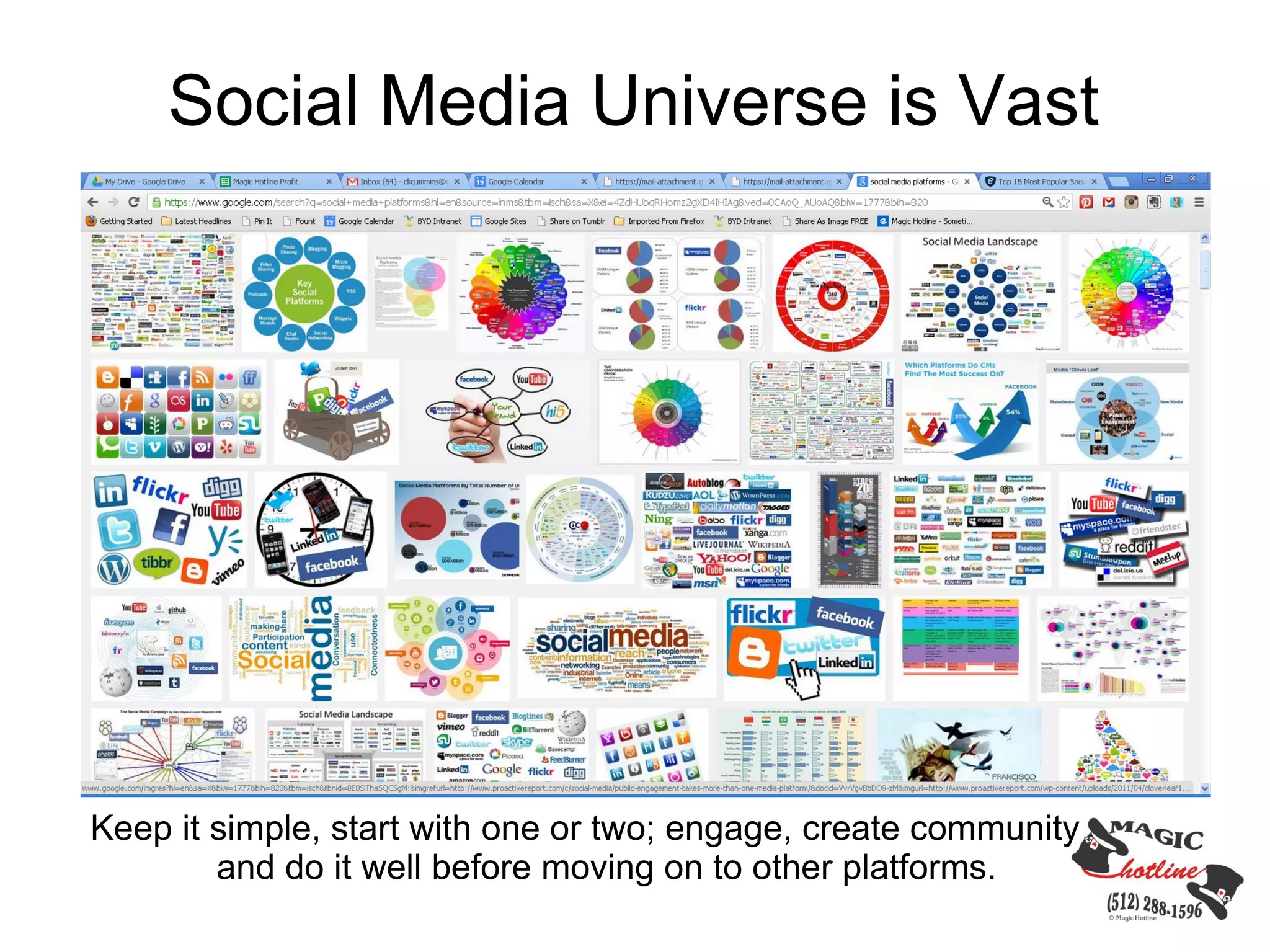
Social Media Universe is Vast


Keep it simple, start with one or two; engage, create community
        and do it well before moving on to other platforms.
What is Your Social Media Goal?
Contact Information

bikerunyoga

                 Carolyn Cummins
@bikerunyoga     carolyn@magichotline.com
                 512-576-1672

                 about.me/carolyn.cummins
carolyncummins   magichotline.com


bikerunyoga

Real Secrets of Using Social Media

  • 1.
    Real Secrets ofUsing Social Media Effectively
  • 3.
    Top 3 Mistakeswhen Using Social Media 1. Not posting well. 2. Only self promotion. 3. No engagement with fan base.
  • 4.
    Three Secrets toSocial Media 1. Post Interesting Content 2. Engage with Fans/Followers 3. Use as Customer Service Tool
  • 5.
    facebook Post Interesting Content Postcontent your customers/followers are interested in.  Business offerings  Articles  Call to action  Special events  Motivational content Types of content  Video  Images  Text/Links
  • 6.
    facebook Engage with Followers/Clients/Customers/Fans  It's a dialogue platform, not a monologue platform.  Like, share and comment on other people's posts.  Respond to users.
  • 7.
    facebook Use as CustomerService Tool  Allow user comments.  Resolve service issues.  Notify clients of business changes.
  • 8.
    facebook image from econsultancy.com New facebook look coming soon. Larger images, going from 403px to 552px
  • 9.
  • 10.
    facebook Facebook Advertising  Cost Per Click (CPC)  Shows up on the right side bar  Can target audience through location, age, interests, connections  Types of Advertisements  Ads  Sponsored Stories
  • 11.
    twitter Microblogging - broadcastmedium in the form of blogging. (http://en.wikipedia.org/wiki/Microblogging)
  • 12.
    twitter Post Content  Only 140 characters  Hashtags Engage with Followers  Comment  RT  Shorten URL's – bitly.com, hootsuite Use as Customer Service Tool  Customers express service issues.  Set up separate account for service announcements.  Mobile companies - Tweet location of services.
  • 13.
    twitter Brand identity -Create a custom background, header image in line with your website.
  • 14.
    LinkedIn LinkedIn – socialplatform to organize, connect and grow your professional network. 1st 2nd You Degree Degree
  • 15.
    LinkedIn Ways to UseLinkedIn for Business Personal Page Connect and grow your network through personal connections. • Profile is online resume • Add a photo of yourself • Endorsements • Increase your network through connection invitations
  • 16.
    LinkedIn Business Page  Highlight service, product offerings  Follow button  Add content  Link to your website  Add top image  Add your logo.
  • 17.
    LinkedIn Groups Engage in conversations with group participants, find new contacts and grow network.  Establish yourself, your company as a leader and expert in your field.  Add articles  Search members for connections.
  • 18.
    LinkedIn LinkedIn ads  Pay per Click (PPC or CPC)  New program  Select target audience  Ads show up on profile pages, business pages, home page, inbox, groups and search result pages.  Closely monitor and adjust ads based ad statistics.
  • 19.
    LinkedIn 1990 Linked in Today's LinkedIn  Add link to email signature  Create a custom LinkedIn URL  What you add and post is a reflection of you and your business.
  • 20.
  • 21.
    Pinterest Pin Content • Create“boards” and add images, video • Add text to your images  Use hashtags  Connect your facebook and twitter accounts  Add content promoting your services and products  Add other content as well; pinterest frowns on only posting your own self promotion content exclusively.
  • 22.
    Pinterest Engage with Followers  Repin content you see that is interesting.  Create community/group boards, invite others to pin.  Comment on other pins.  “Like” other pins.
  • 23.
  • 24.
  • 25.
    Pinterest Vespa and KateSpade Contest #ridecolorfully
  • 26.
    Pinterest Zazzle St. Patrick'sDay T-shirt Contest
  • 27.
    Other Social Media  Instagram  Flickr  Tumblr  Youtube  MySpace  Slideshare  Tout  Digg  Google Plus  Reddit  Foursquare  Meetup  Blogs  Any site where people can comment/share
  • 28.
    Social Media Universeis Vast Keep it simple, start with one or two; engage, create community and do it well before moving on to other platforms.
  • 29.
    What is YourSocial Media Goal?
  • 30.
    Contact Information bikerunyoga Carolyn Cummins @bikerunyoga carolyn@magichotline.com 512-576-1672 about.me/carolyn.cummins carolyncummins magichotline.com bikerunyoga