Question:
● When computer
is fully on, what
can you see in
the screen?
Desktop Icons
Lesson Objective/s
 Identify the icons on the desktop
window; and
 Name the parts of the desktop window.
Program
Icon
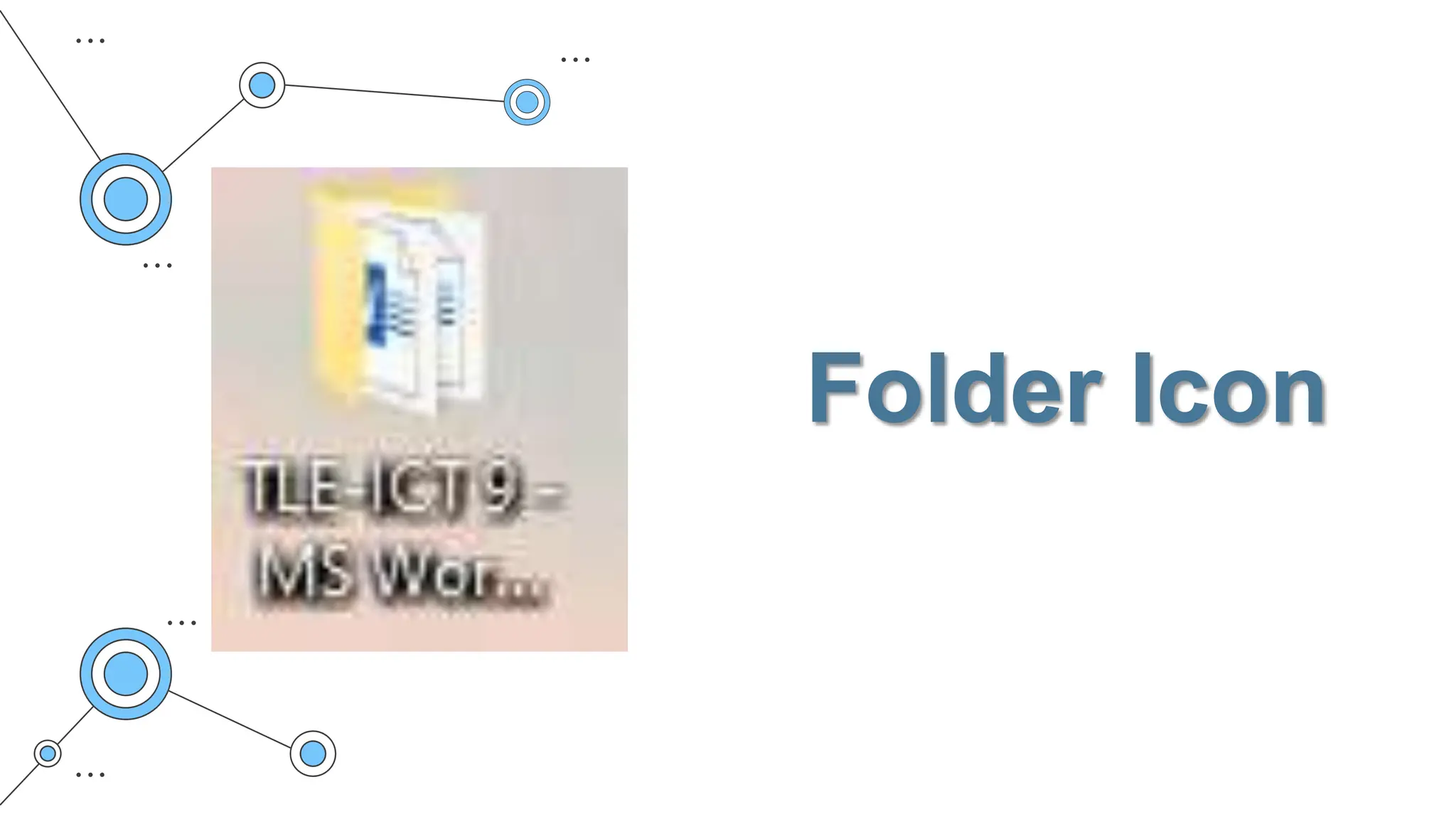
Folder Icon
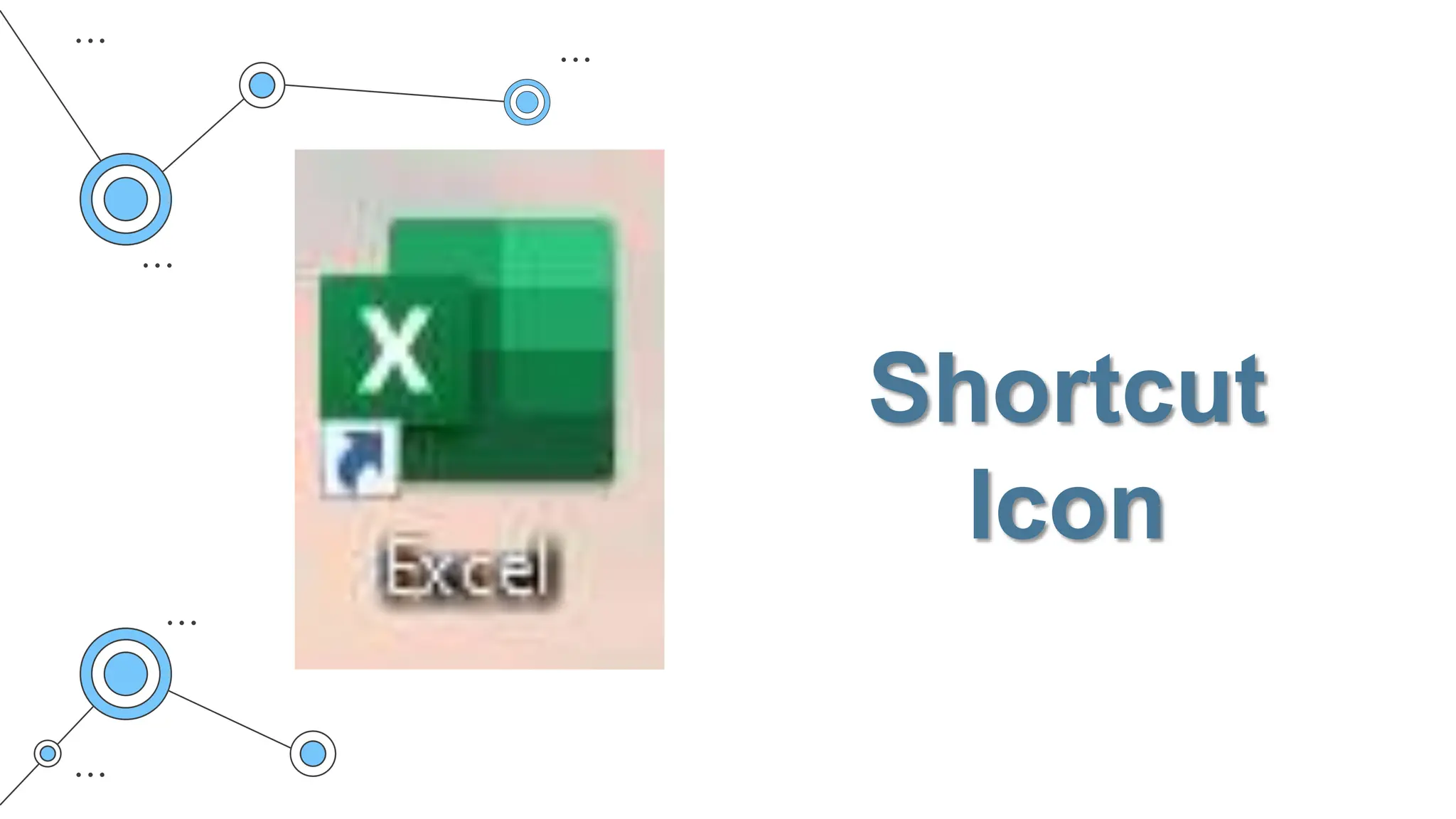
Shortcut
Icon
Document
Icon
System Icon
Windows Desktop has three main
elements:
1. Icons
2. Start Menu
3. Taskbar
Icons
These are small pictures that represent
files, folders, programs, and other items.
• File – refers to a document saved on your
hard drive
• Folder- is also called directory. This is use to
organize files.
Icons are classified into
five categories
 Folder Icons
 Program Icons
 Document Icons
 Shortcut Icons.
Start Menu
In Microsoft Windows it is where files,
folders and programs are located. It can
be accessed by clicking the (Windows
Logo) at the bottom-left corner of the
desktop screen.
Task Bar
This offers shortcuts and icons for every
running app. It provides easy access to
files, folders, open apps and windows on
your taskbar (in thumbnail views) on the
task bar.

Lesson-13-Desktop-Icons.pptx

Editor's Notes

  • #3 What is the video all about? Why is it important to consider costumer’s needs and wants?
  • #9 How did you find out the name of the following picture? What is your basis?
  • #11 Text manipulation – refers to the ability to change the appearance of words, sentences and paragraphs that have been typed Document formatting – format the actual appearance of text on how they will appear. It helps in improving the readability of the document. Ex. Formatting words such as Bold, Italic, Underline, font style, font size and font color. Graphics – Pictures, images or charts can be added to the document to make it more appealing.
  • #12 Folder Icons: When a folder icon is double clicked, a folder window is opened displaying the contents of the folder. b. Program Icons: When a Program icon is double clicked, the corresponding program is loaded into the memory of the computer and the application starts running in a Window. c. Document Icons: When a document icon is double clicked, the document itself is opened. d. Shortcut Icons: Shortcut icons provide an alternate way to open programs, documents, and folders e.System Icons: System icons are mandatory programs or files that are located on your desktop. User is not allowed to delete the system icon, since deleting the system icon would mean deleting the actual program from the hard drive of the computer. Examples of System Icons are: Recycle Bin, This PC, and Network Neighborhood etc.
  • #14 ✔ Cortana icon and search box are found on the task bar for ease in searching. ✔ The Notification Area (also referred as “System Tray”) holds system icons— like your Action Center and clock—and icons for various apps that run in the background