LECTURE 3
Hamburger Markup Text Language
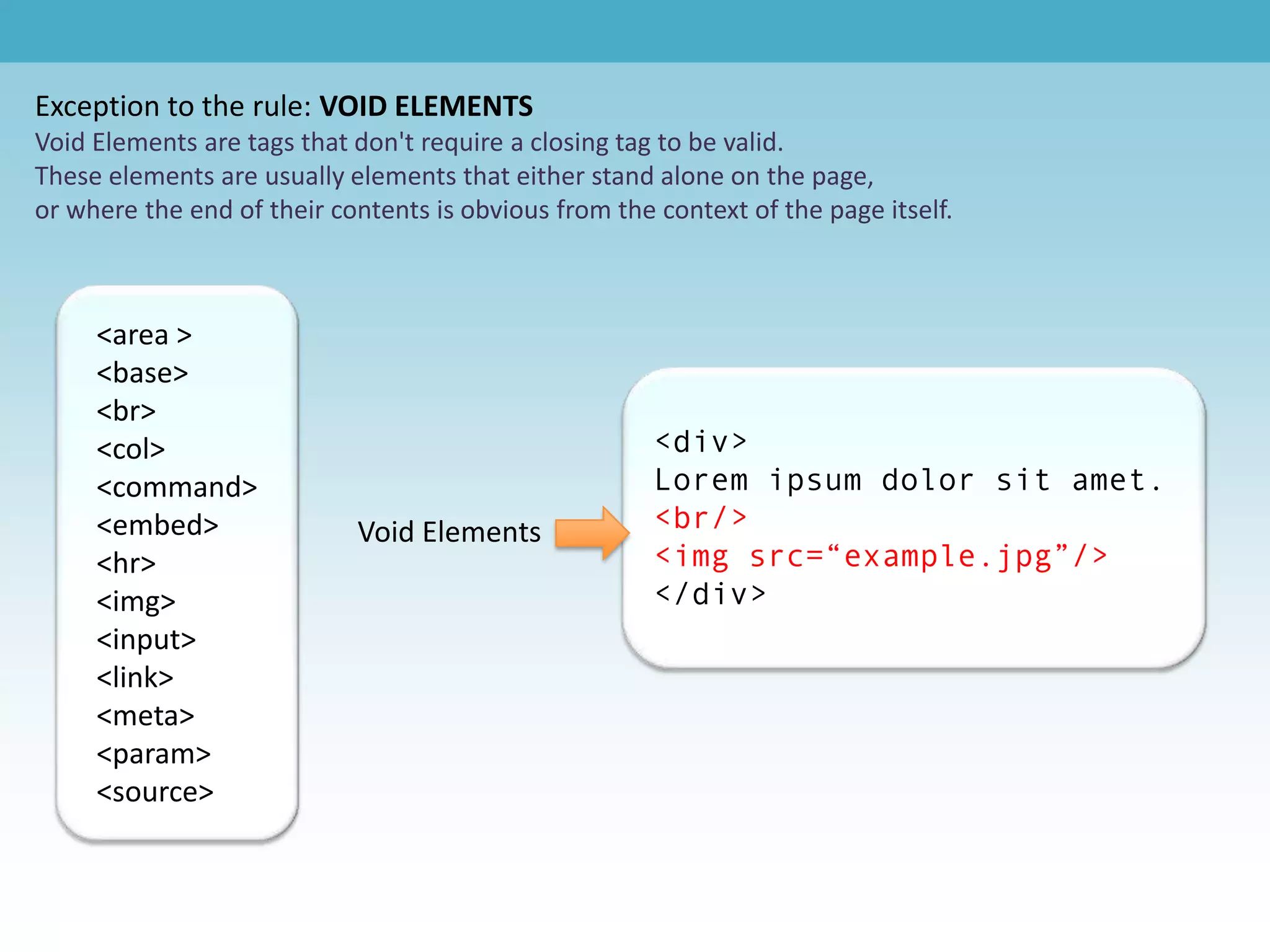
<body>
 Open Tag                        <div>

                                                                                </body>

 Content
                                                                                  <li>


   Close Tag                       </div>                                         </li>


          <head>                                  <script>                        <html>


          </head>                                </script>                        </html>
Hamburger Text Markup Language - http://www.dontfeartheinternet.com/html/html
Exception to the rule: VOID ELEMENTS
Void Elements are tags that don't require a closing tag to be valid.
These elements are usually elements that either stand alone on the page,
or where the end of their contents is obvious from the context of the page itself.


     <area >
     <base>
     <br>
     <col>                                             <div>
     <command>                                         Lorem ipsum dolor sit amet.
     <embed>                Void Elements              <br/>
     <hr>                                              <img src=“example.jpg”/>
     <img>                                             </div>
     <input>
     <link>
     <meta>
     <param>
     <source>
Common HTML Tags


    a - “anchor” used for hyperlinks           head - invisible part of your site
    blockquote - for large quotes              html - “what follows is HTML”
    body - visible part of your site           img - image
    br - line break                            li - list item
    cite - a citation                          link - to attach CSS stylesheets
    div - content divider                      ol - ordered list
    DOCTYPE - document type                    p - paragraph
    em - text w/ emphasis                      span - inline content divider
    h1 - most important header                 strong - strong text emphasis
    h2 - 2nd most important                    style - for inline CSS styling
    h3-h6 - 3-6th most important               title - title of the page
                                               ul - unordered list


List & Definitions via:
http://www.dontfeartheinternet.com/html/html
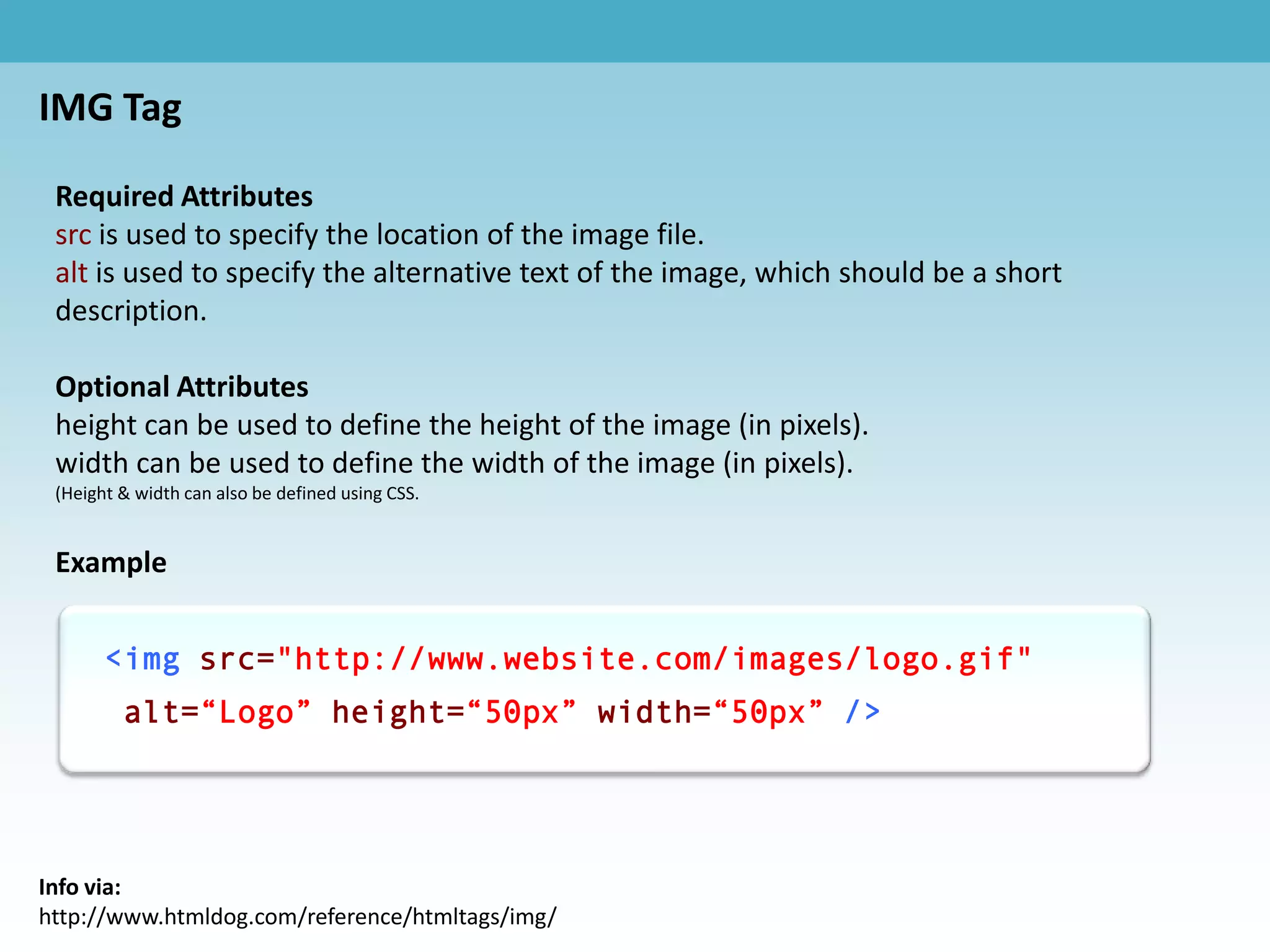
IMG Tag

 Required Attributes
 src is used to specify the location of the image file.
 alt is used to specify the alternative text of the image, which should be a short
 description.

 Optional Attributes
 height can be used to define the height of the image (in pixels).
 width can be used to define the width of the image (in pixels).
 (Height & width can also be defined using CSS.


 Example


       <img src="http://www.website.com/images/logo.gif"
         alt=“Logo” height=“50px” width=“50px” />


Info via:
http://www.htmldog.com/reference/htmltags/img/
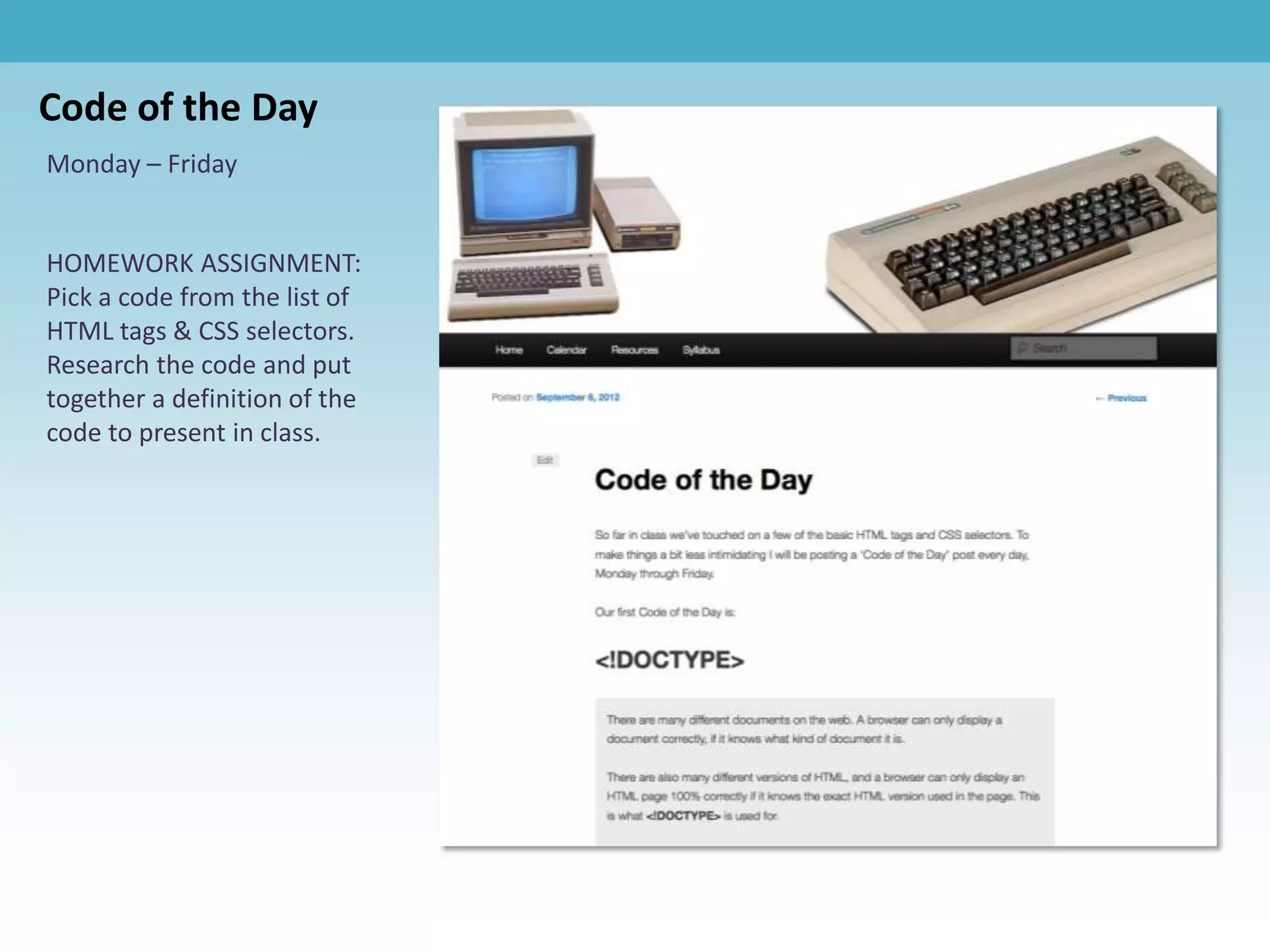
Code of the Day
Monday – Friday


HOMEWORK ASSIGNMENT:
Pick a code from the list of
HTML tags & CSS selectors.
Research the code and put
together a definition of the
code to present in class.
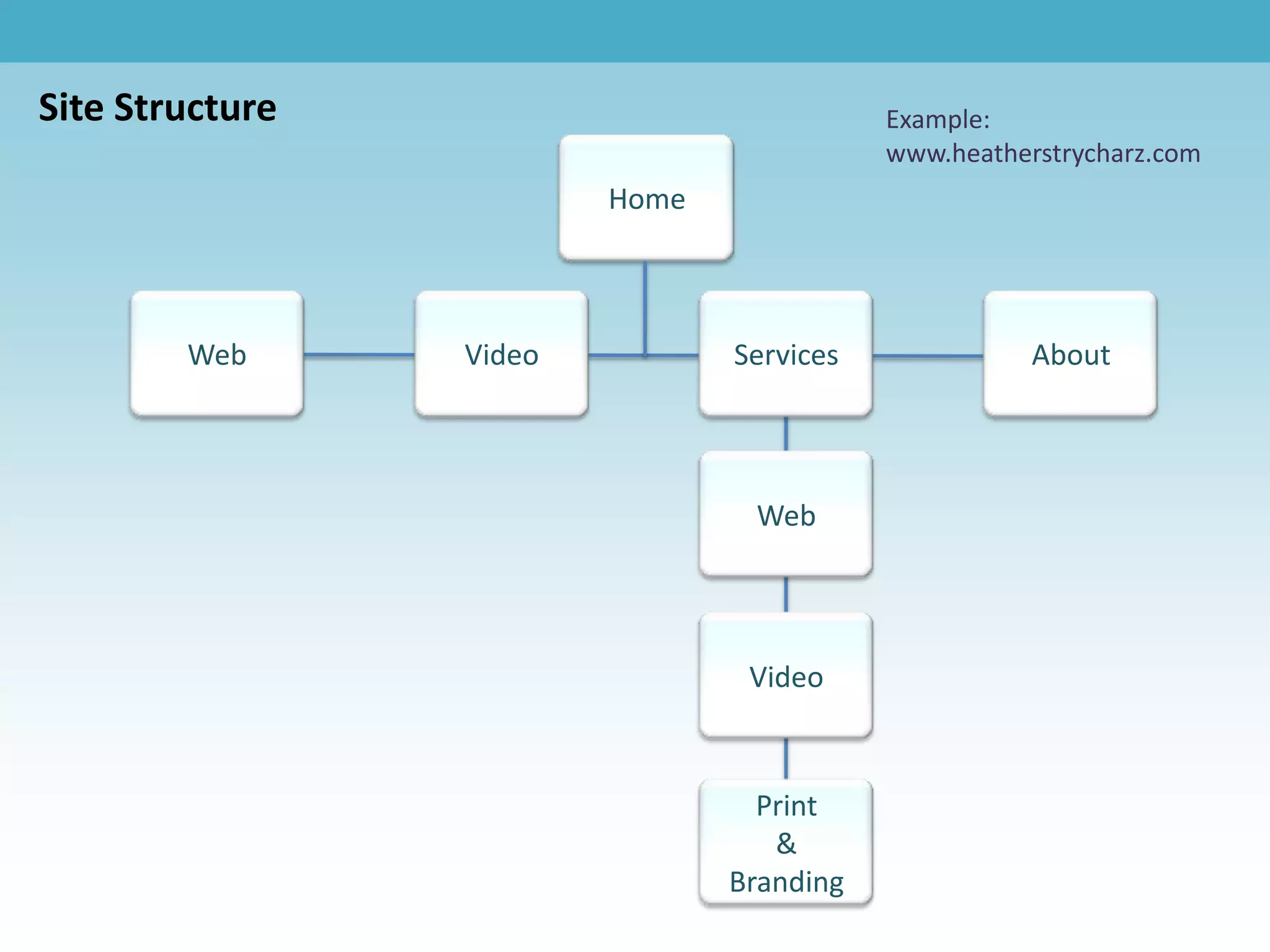
Site Structure                             Example:
                                           www.heatherstrycharz.com
                         Home


        Web      Video          Services              About


                                 Web


                                 Video


                                  Print
                                   &
                                Branding
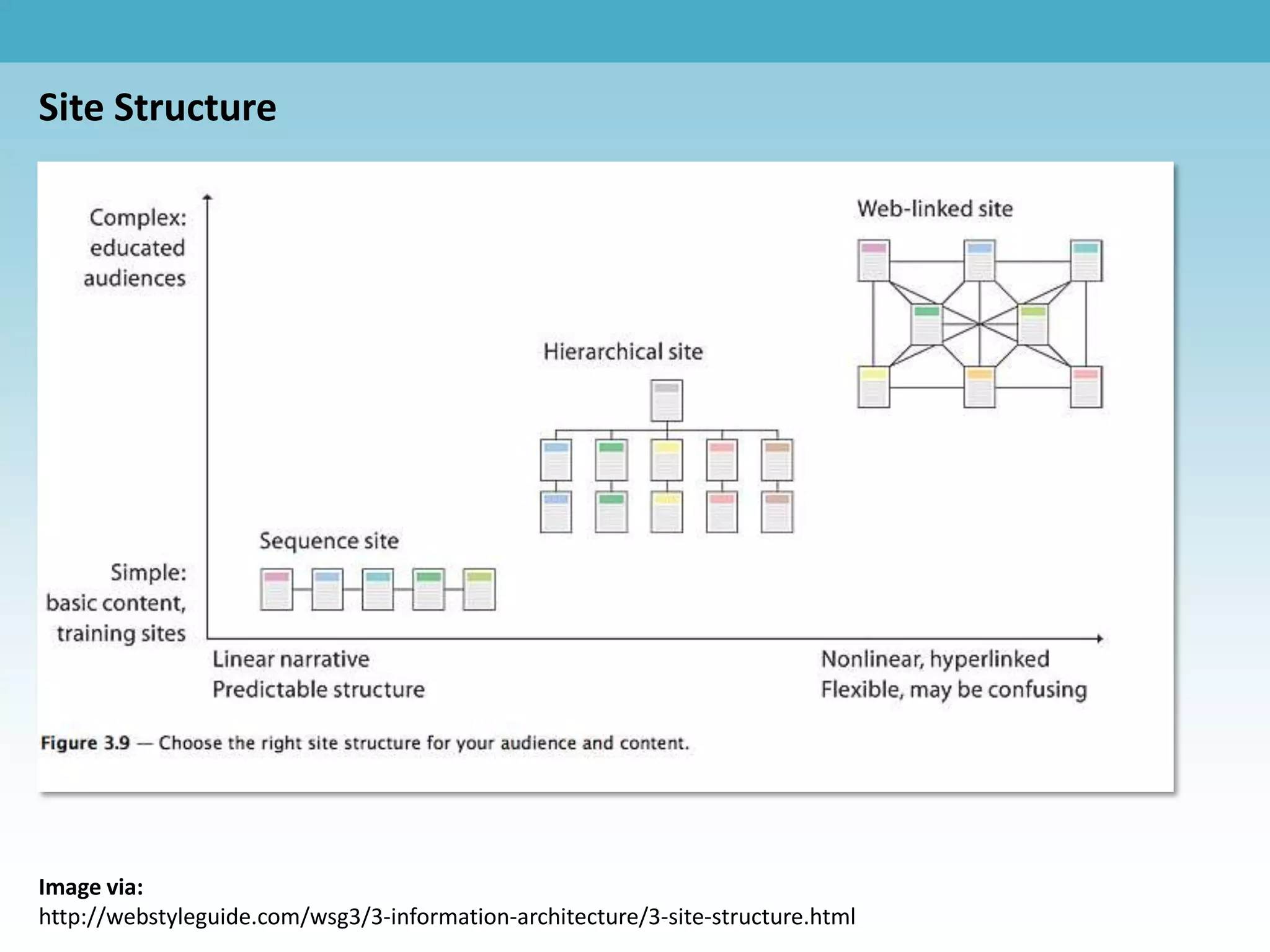
Site Structure


Image via:
http://webstyleguide.com/wsg3/3-information-architecture/3-site-structure.html
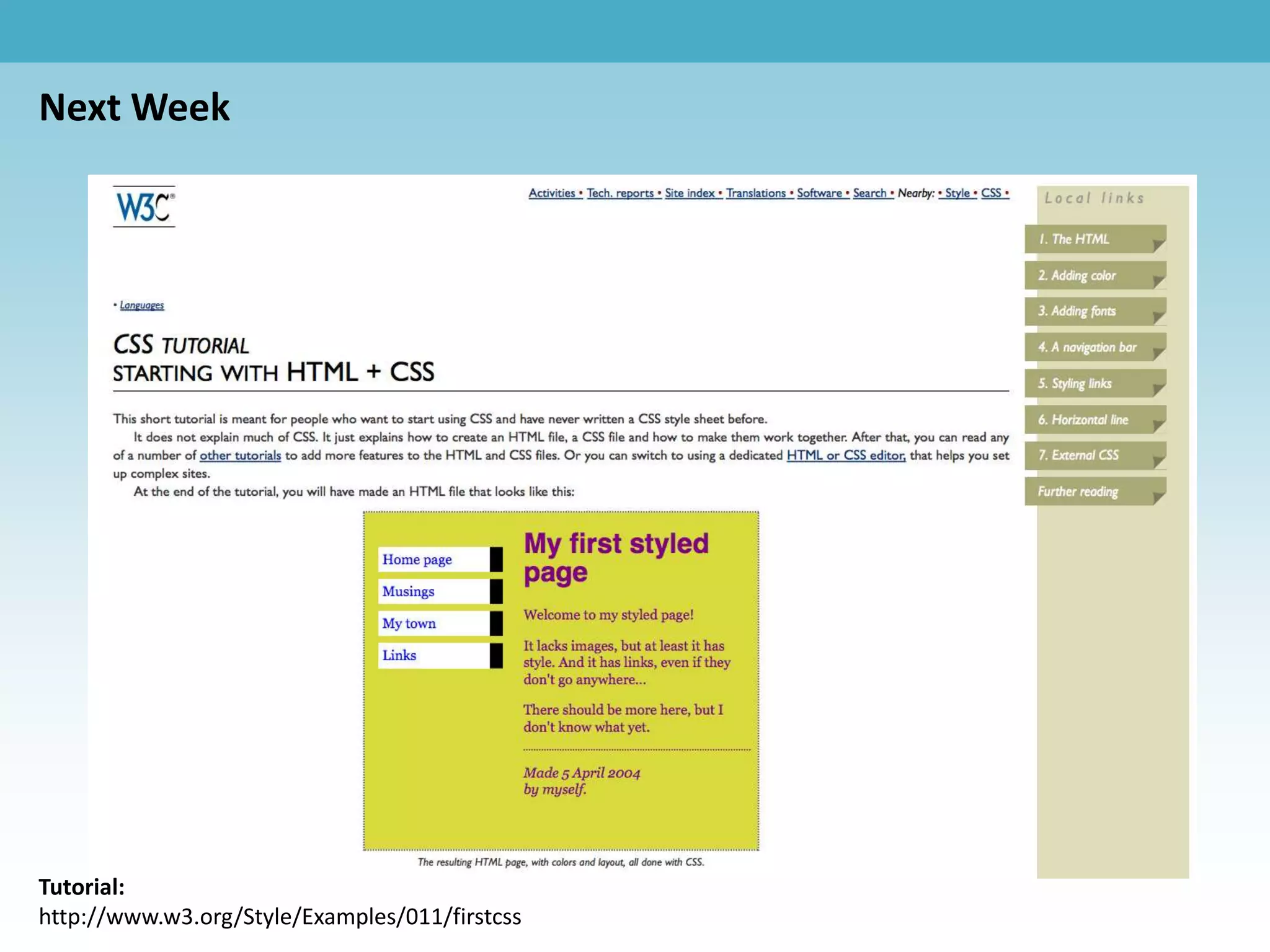
Next Week


Tutorial:
http://www.w3.org/Style/Examples/011/firstcss
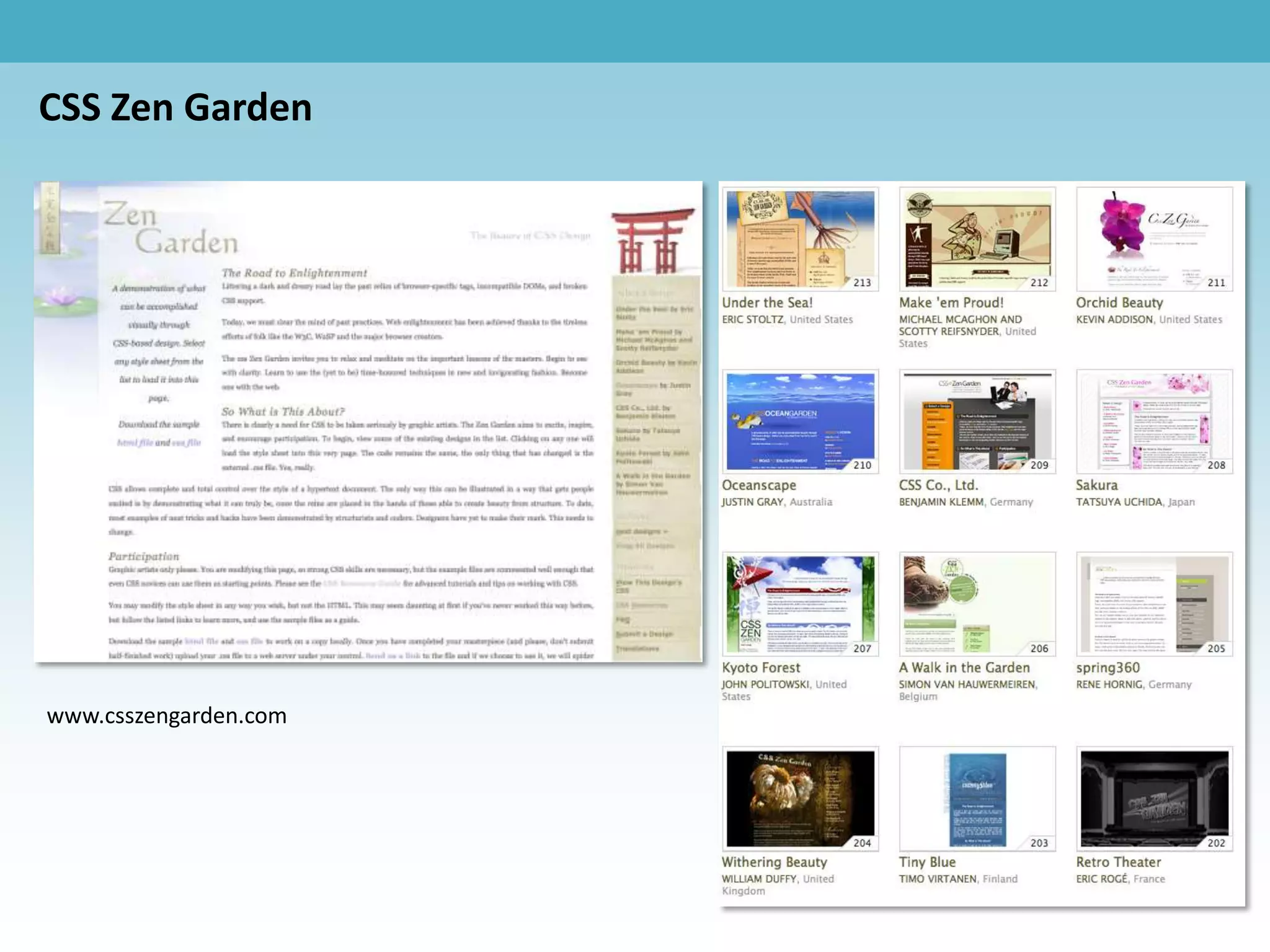
CSS Zen Garden


www.csszengarden.com

Lesson 3

  • 1.
  • 2.
    <body> Open Tag <div> </body> Content <li> Close Tag </div> </li> <head> <script> <html> </head> </script> </html> Hamburger Text Markup Language - http://www.dontfeartheinternet.com/html/html
  • 3.
    Exception to therule: VOID ELEMENTS Void Elements are tags that don't require a closing tag to be valid. These elements are usually elements that either stand alone on the page, or where the end of their contents is obvious from the context of the page itself. <area > <base> <br> <col> <div> <command> Lorem ipsum dolor sit amet. <embed> Void Elements <br/> <hr> <img src=“example.jpg”/> <img> </div> <input> <link> <meta> <param> <source>
  • 4.
    Common HTML Tags a - “anchor” used for hyperlinks head - invisible part of your site blockquote - for large quotes html - “what follows is HTML” body - visible part of your site img - image br - line break li - list item cite - a citation link - to attach CSS stylesheets div - content divider ol - ordered list DOCTYPE - document type p - paragraph em - text w/ emphasis span - inline content divider h1 - most important header strong - strong text emphasis h2 - 2nd most important style - for inline CSS styling h3-h6 - 3-6th most important title - title of the page ul - unordered list List & Definitions via: http://www.dontfeartheinternet.com/html/html
  • 5.
    IMG Tag RequiredAttributes src is used to specify the location of the image file. alt is used to specify the alternative text of the image, which should be a short description. Optional Attributes height can be used to define the height of the image (in pixels). width can be used to define the width of the image (in pixels). (Height & width can also be defined using CSS. Example <img src="http://www.website.com/images/logo.gif" alt=“Logo” height=“50px” width=“50px” /> Info via: http://www.htmldog.com/reference/htmltags/img/
  • 6.
    Code of theDay Monday – Friday HOMEWORK ASSIGNMENT: Pick a code from the list of HTML tags & CSS selectors. Research the code and put together a definition of the code to present in class.
  • 7.
    Site Structure Example: www.heatherstrycharz.com Home Web Video Services About Web Video Print & Branding
  • 8.
  • 9.
  • 10.