

An attribute refers to
the quality or the
characteristics of
an HTML tag.
A syntax refers to the
structure or the
arrangement of the
tag accordingly.
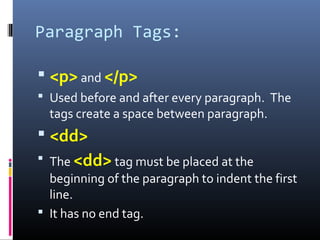
Paragraph Tags:
 <p> and </p>
 Used before and after every paragraph. The
tags create a space between paragraph.
 <dd>
 The <dd> tag must be placed at the
beginning of the paragraph to indent the first
line.
 It has no end tag.
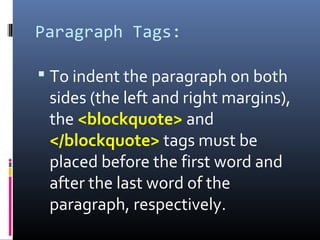
Paragraph Tags:
 To indent the paragraph on both
sides (the left and right margins),
the <blockquote> and
</blockquote> tags must be
placed before the first word and
after the last word of the
paragraph, respectively.
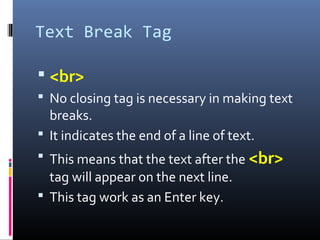
Text Break Tag
 <br>
 No closing tag is necessary in making text
breaks.
 It indicates the end of a line of text.
 This means that the text after the <br>
tag will appear on the next line.
 This tag work as an Enter key.
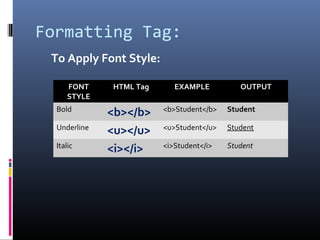
Formatting Tag:
FONT
STYLE
HTML Tag EXAMPLE OUTPUT
Bold
<b></b> <b>Student</b> Student
Underline
<u></u> <u>Student</u> Student
Italic
<i></i> <i>Student</i> Student
To Apply Font Style:
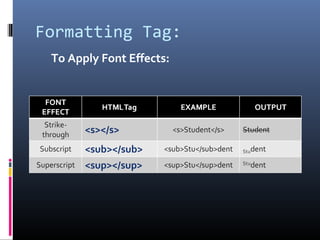
Formatting Tag:
To Apply Font Effects:
Formatting Tag:
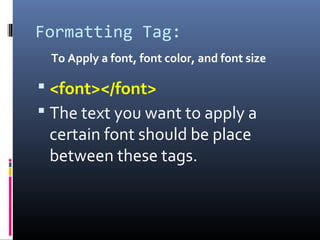
To Apply a font, font color, and font size
 <font></font>
 The text you want to apply a
certain font should be place
between these tags.
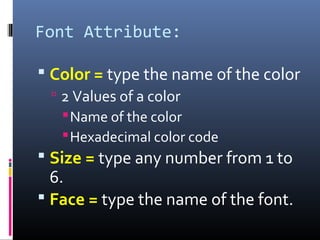
Font Attribute:
 Color = type the name of the color
 2 Values of a color
Name of the color
Hexadecimal color code
 Size = type any number from 1 to
6.
 Face = type the name of the font.
Syntax
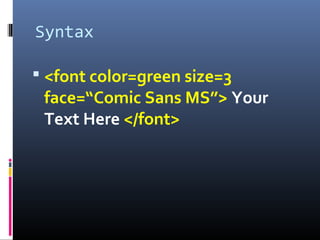
 <font color=green size=3
face=“Comic Sans MS”> Your
Text Here </font>

Paragraph, text break and formatting text in MS Frontpage 2003

  • 4.
    An attribute refersto the quality or the characteristics of an HTML tag.
  • 6.
    A syntax refersto the structure or the arrangement of the tag accordingly.
  • 8.
    Paragraph Tags:  <p>and </p>  Used before and after every paragraph. The tags create a space between paragraph.  <dd>  The <dd> tag must be placed at the beginning of the paragraph to indent the first line.  It has no end tag.
  • 9.
    Paragraph Tags:  Toindent the paragraph on both sides (the left and right margins), the <blockquote> and </blockquote> tags must be placed before the first word and after the last word of the paragraph, respectively.
  • 10.
    Text Break Tag <br>  No closing tag is necessary in making text breaks.  It indicates the end of a line of text.  This means that the text after the <br> tag will appear on the next line.  This tag work as an Enter key.
  • 11.
    Formatting Tag: FONT STYLE HTML TagEXAMPLE OUTPUT Bold <b></b> <b>Student</b> Student Underline <u></u> <u>Student</u> Student Italic <i></i> <i>Student</i> Student To Apply Font Style:
  • 12.
  • 13.
    Formatting Tag: To Applya font, font color, and font size  <font></font>  The text you want to apply a certain font should be place between these tags.
  • 14.
    Font Attribute:  Color= type the name of the color  2 Values of a color Name of the color Hexadecimal color code  Size = type any number from 1 to 6.  Face = type the name of the font.
  • 15.
    Syntax  <font color=greensize=3 face=“Comic Sans MS”> Your Text Here </font>