What is anHTML?
Is a popular computer language that is used
to create web page.
It is a coding system used to create a web
pages.
It consists of markup that conveys
information about the structure.
It provides instructions to the Web browser
on how documents should appear.
3.
URL
Uniform ResourceLocator
Is a unique address for a file that resides on
the Internet.
URL is composed of two forms:
Absolute URL
Relative URL
4.
Absolute URL
Isone that contains the name of the protocol
and the hostname.
Complete internet address that takes one to
the exact directory or file of a website. Also
called absolute link
Example
http://www.businessdictionary.com/definition/a
bsolute-URL.html
5.
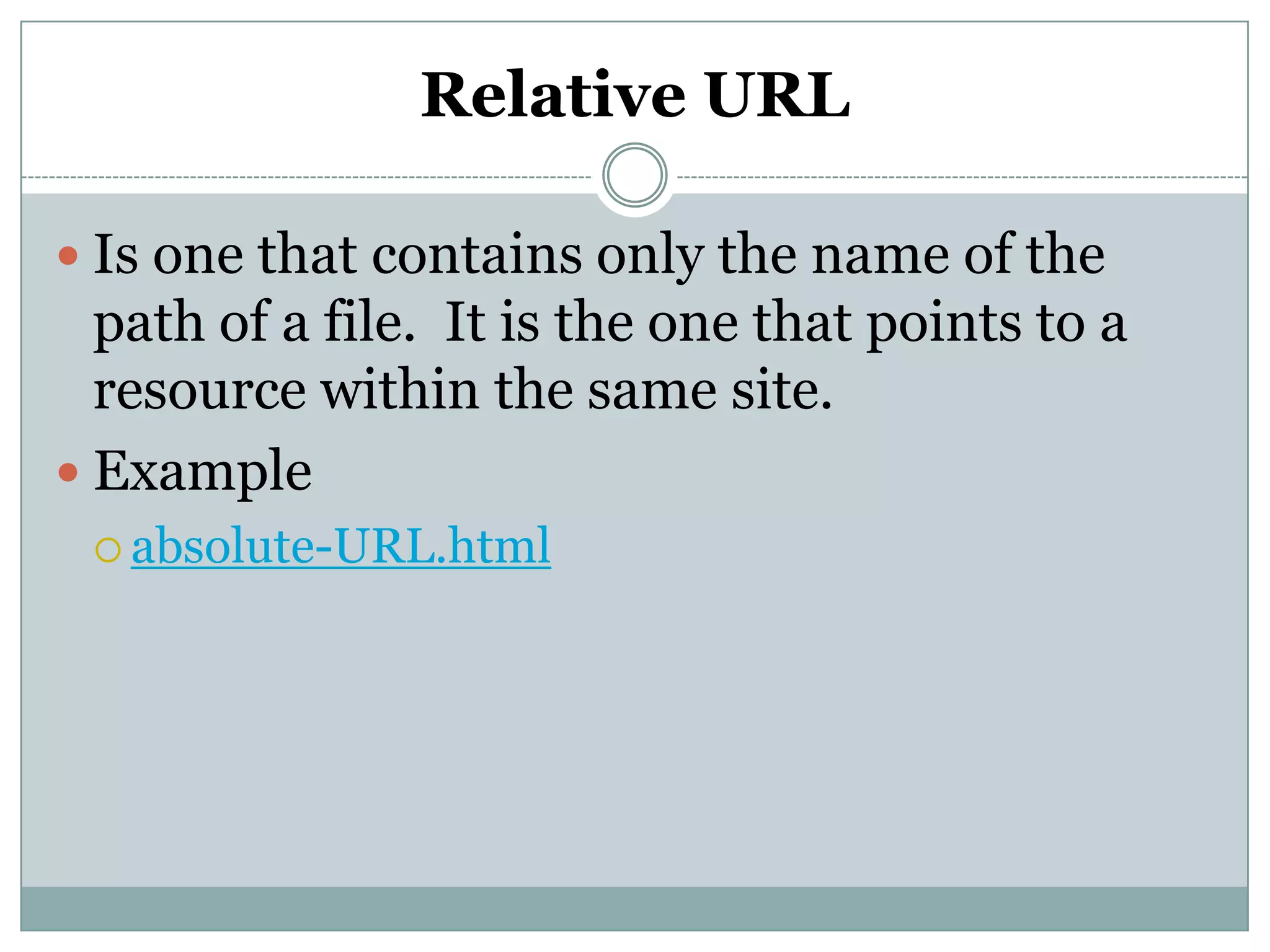
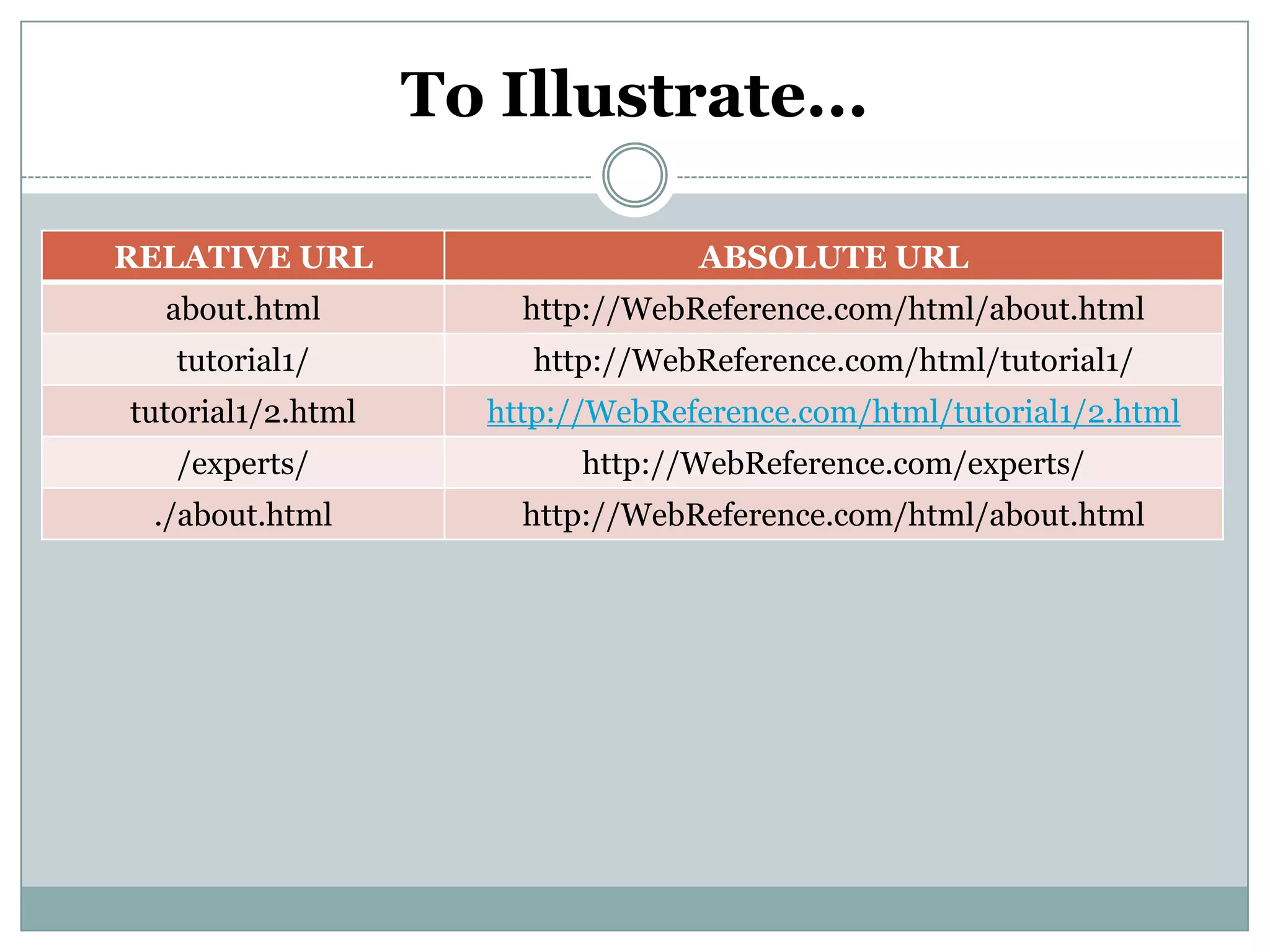
Relative URL
Isone that contains only the name of the
path of a file. It is the one that points to a
resource within the same site.
Example
absolute-URL.html
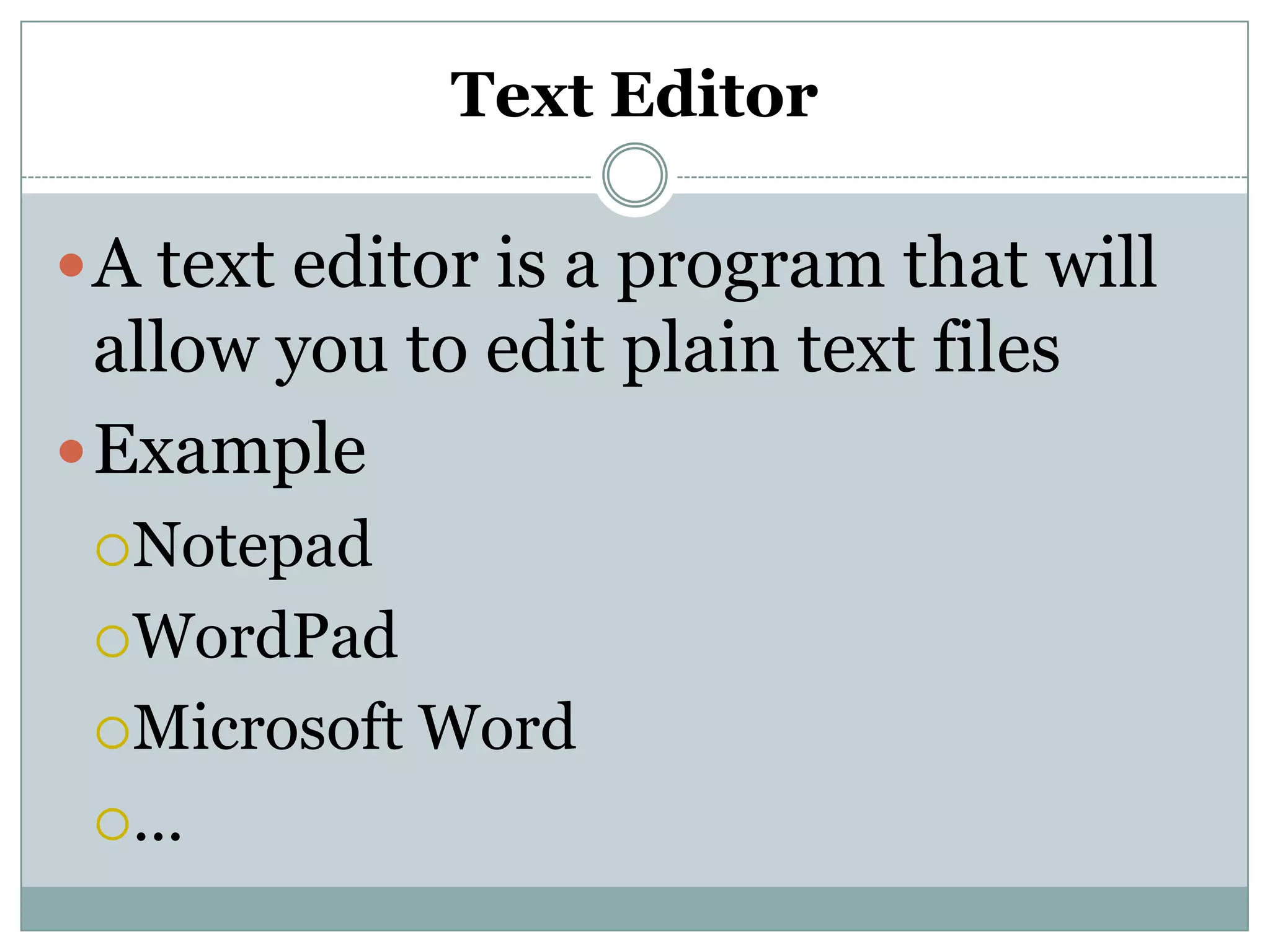
Text Editor
A texteditor is a program that will
allow you to edit plain text files
Example
Notepad
WordPad
Microsoft Word
...
9.
Web Browser
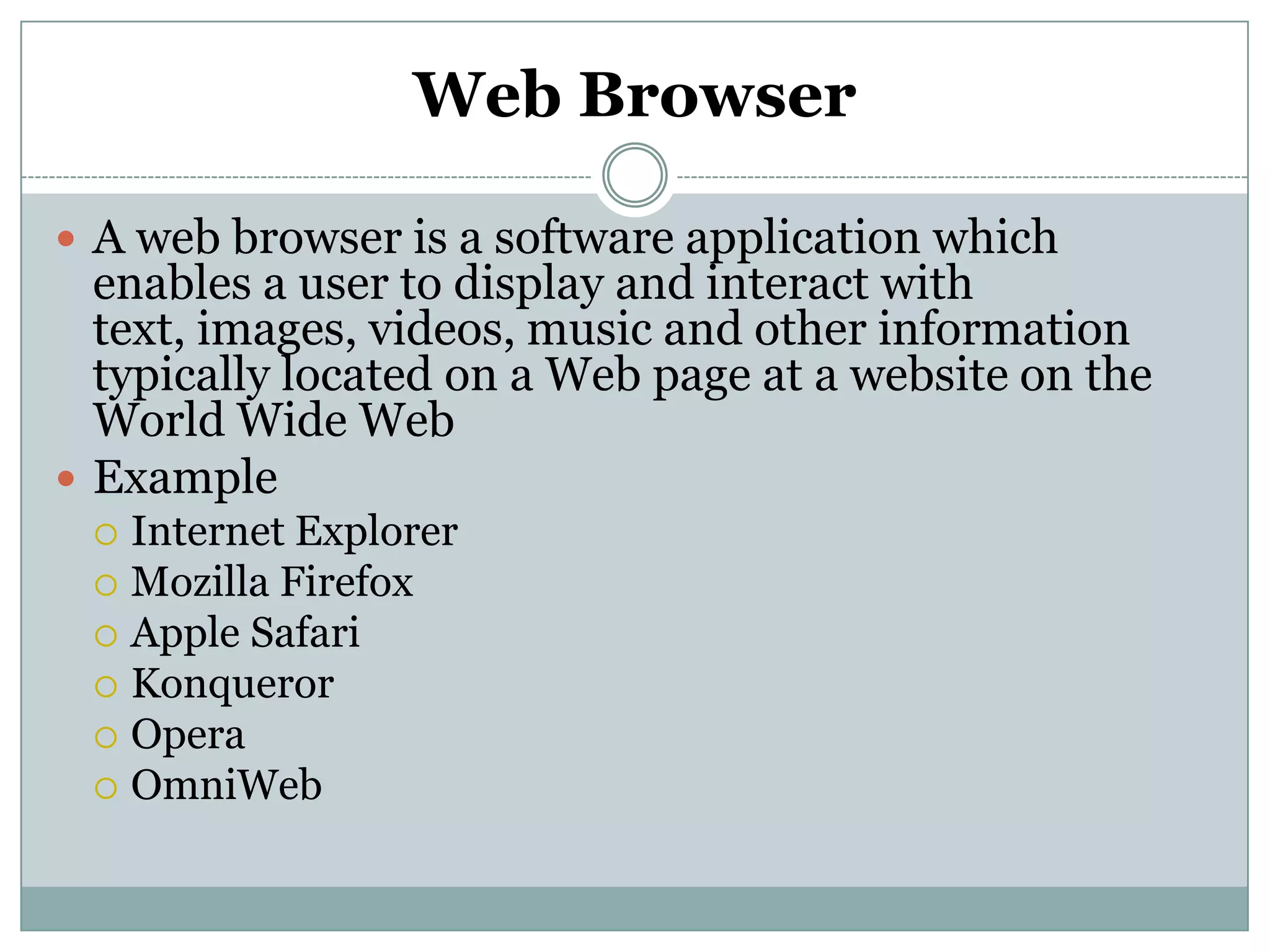
Aweb browser is a software application which
enables a user to display and interact with
text, images, videos, music and other information
typically located on a Web page at a website on the
World Wide Web
Example
Internet Explorer
Mozilla Firefox
Apple Safari
Konqueror
Opera
OmniWeb
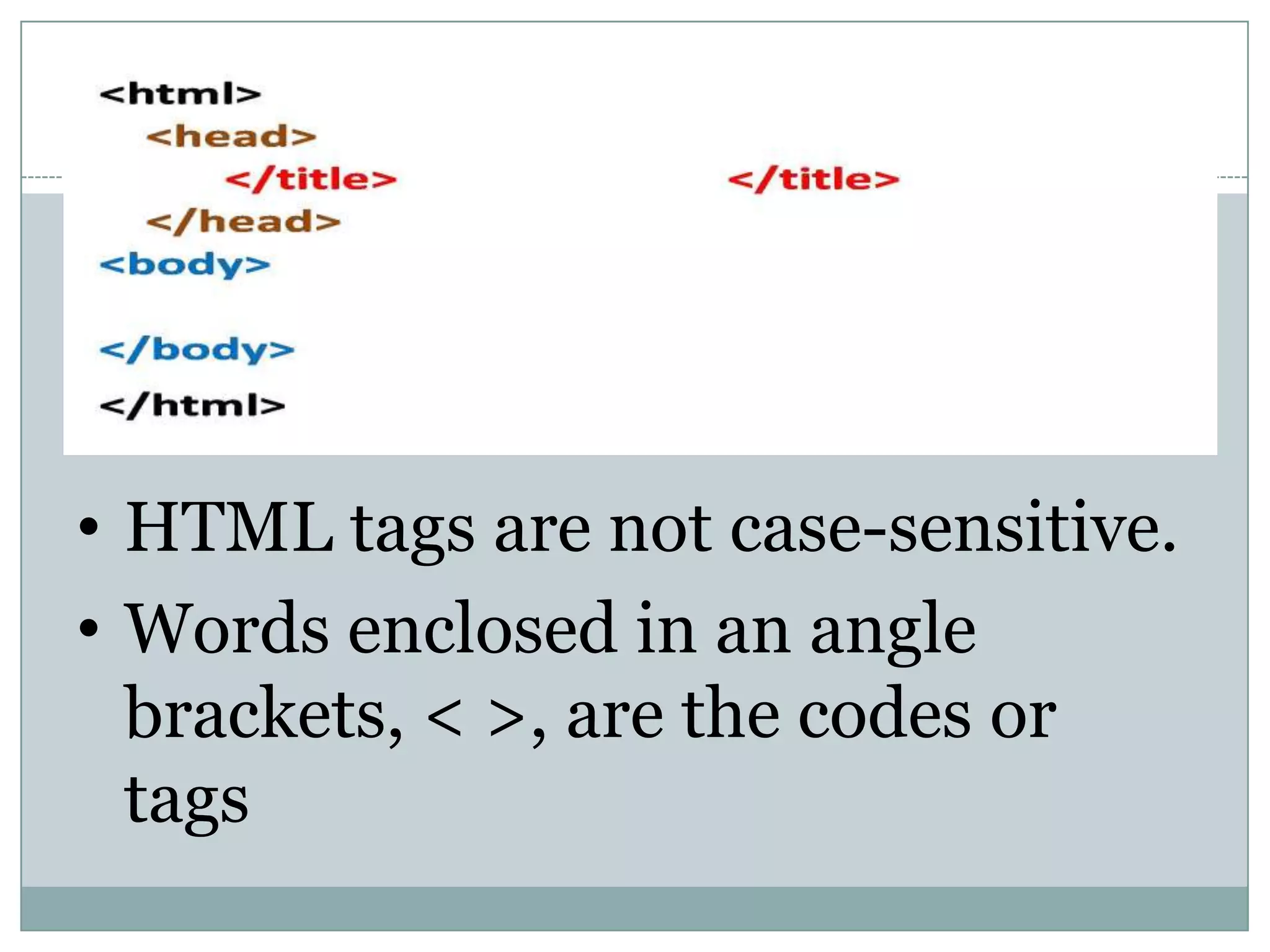
• HTML tagsare not case-sensitive.
• Words enclosed in an angle
brackets, < >, are the codes or
tags
14.
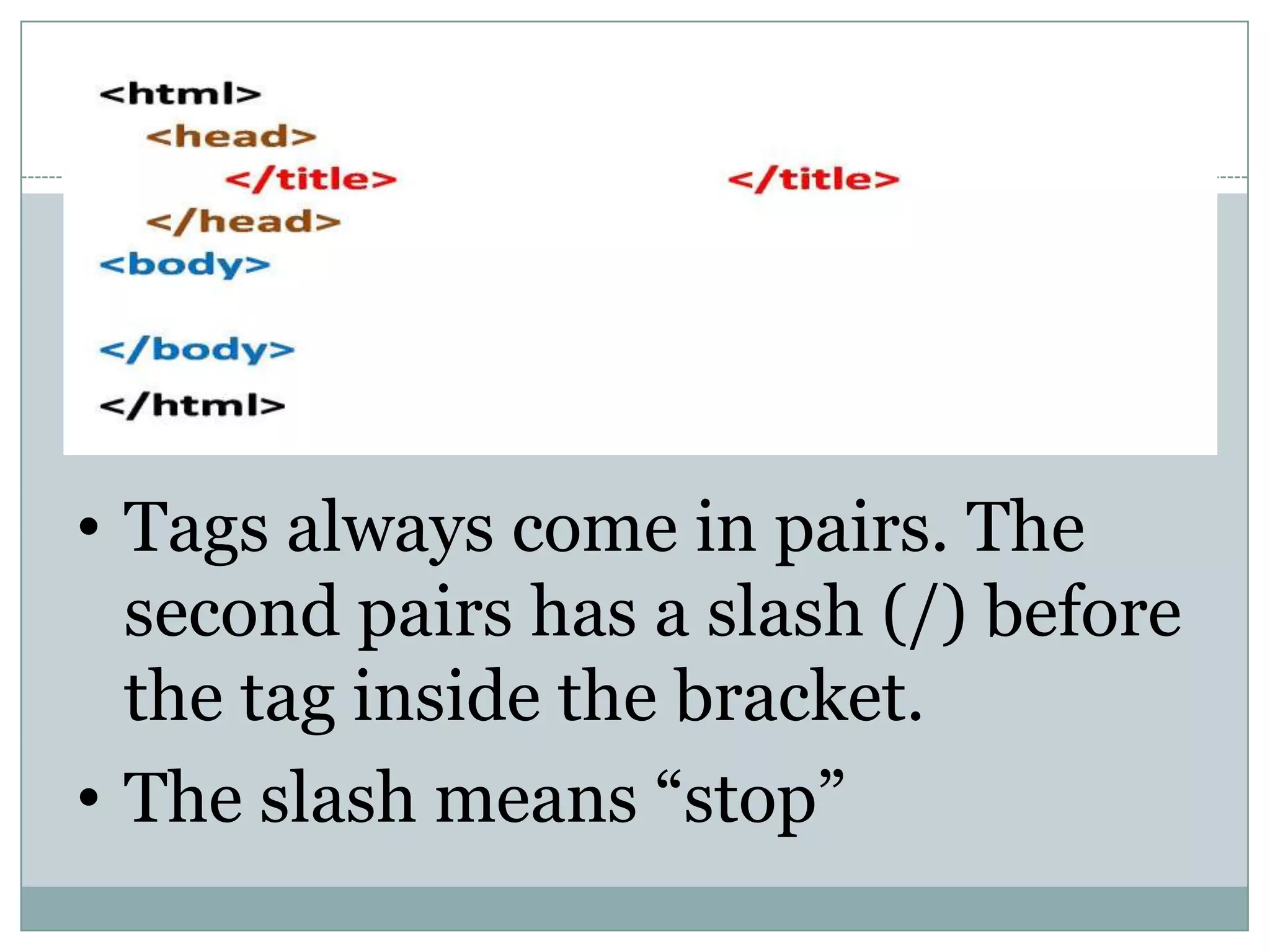
• Tags alwayscome in pairs. The
second pairs has a slash (/) before
the tag inside the bracket.
• The slash means “stop”
15.
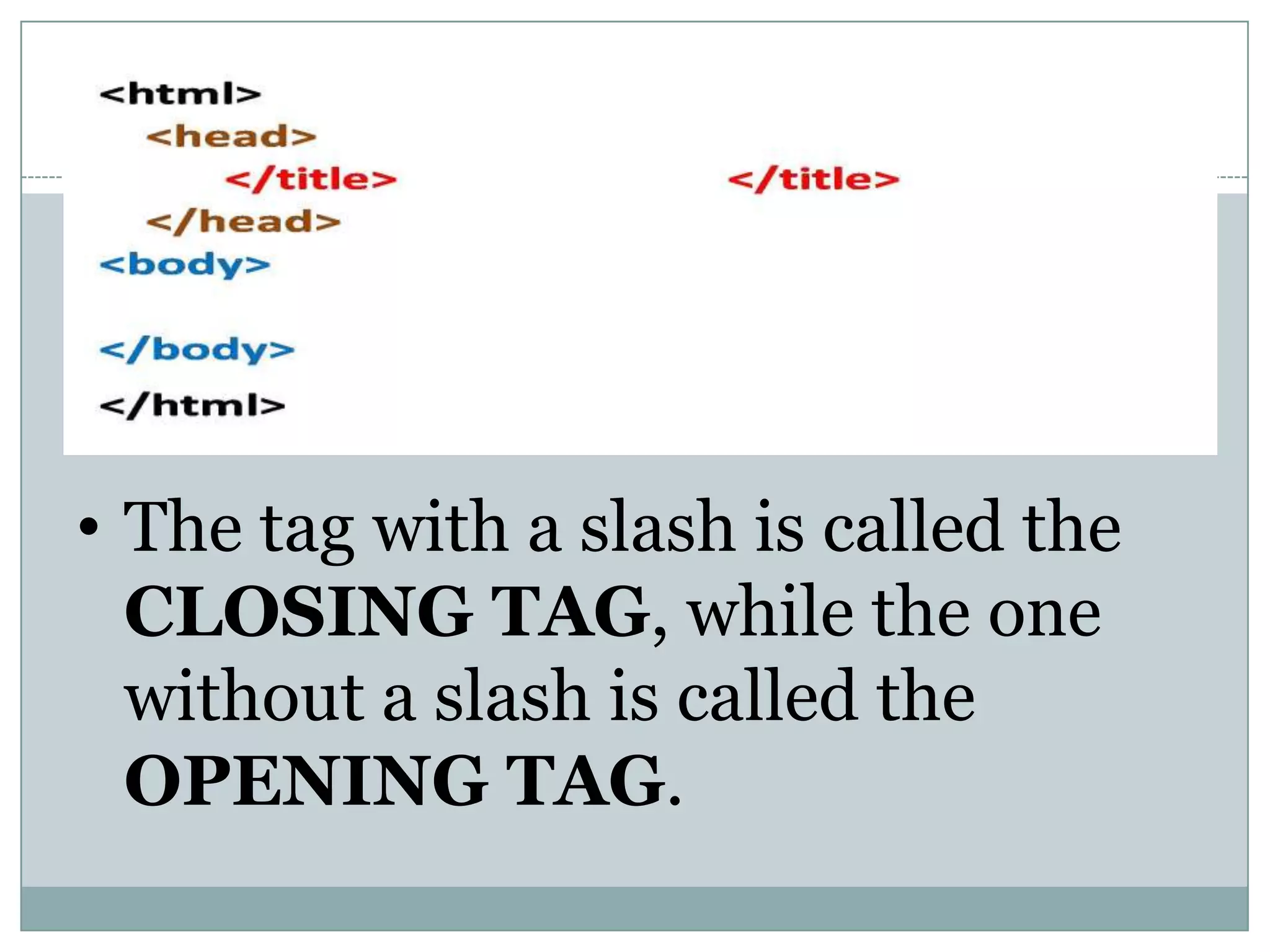
• The tagwith a slash is called the
CLOSING TAG, while the one
without a slash is called the
OPENING TAG.
16.
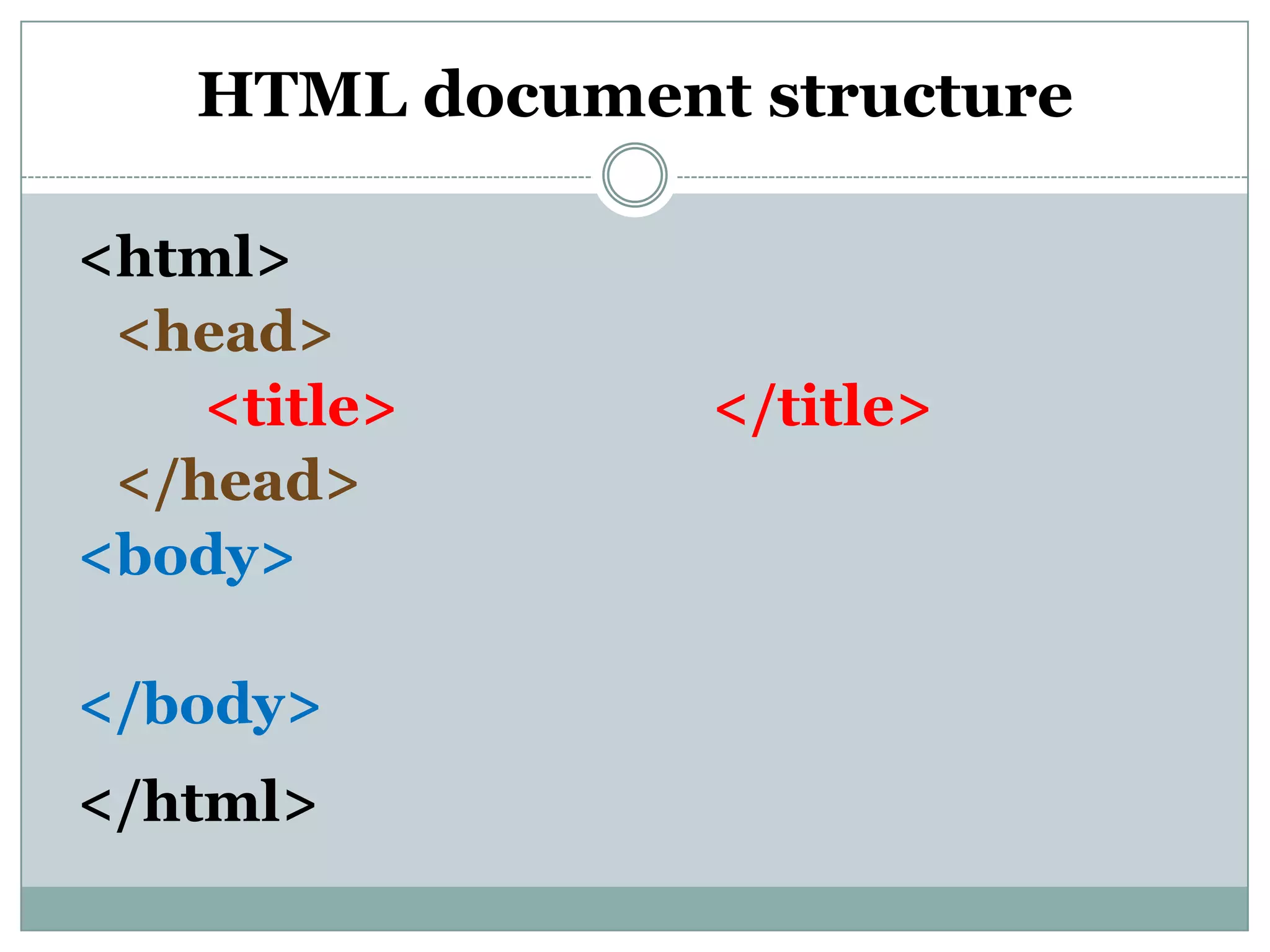
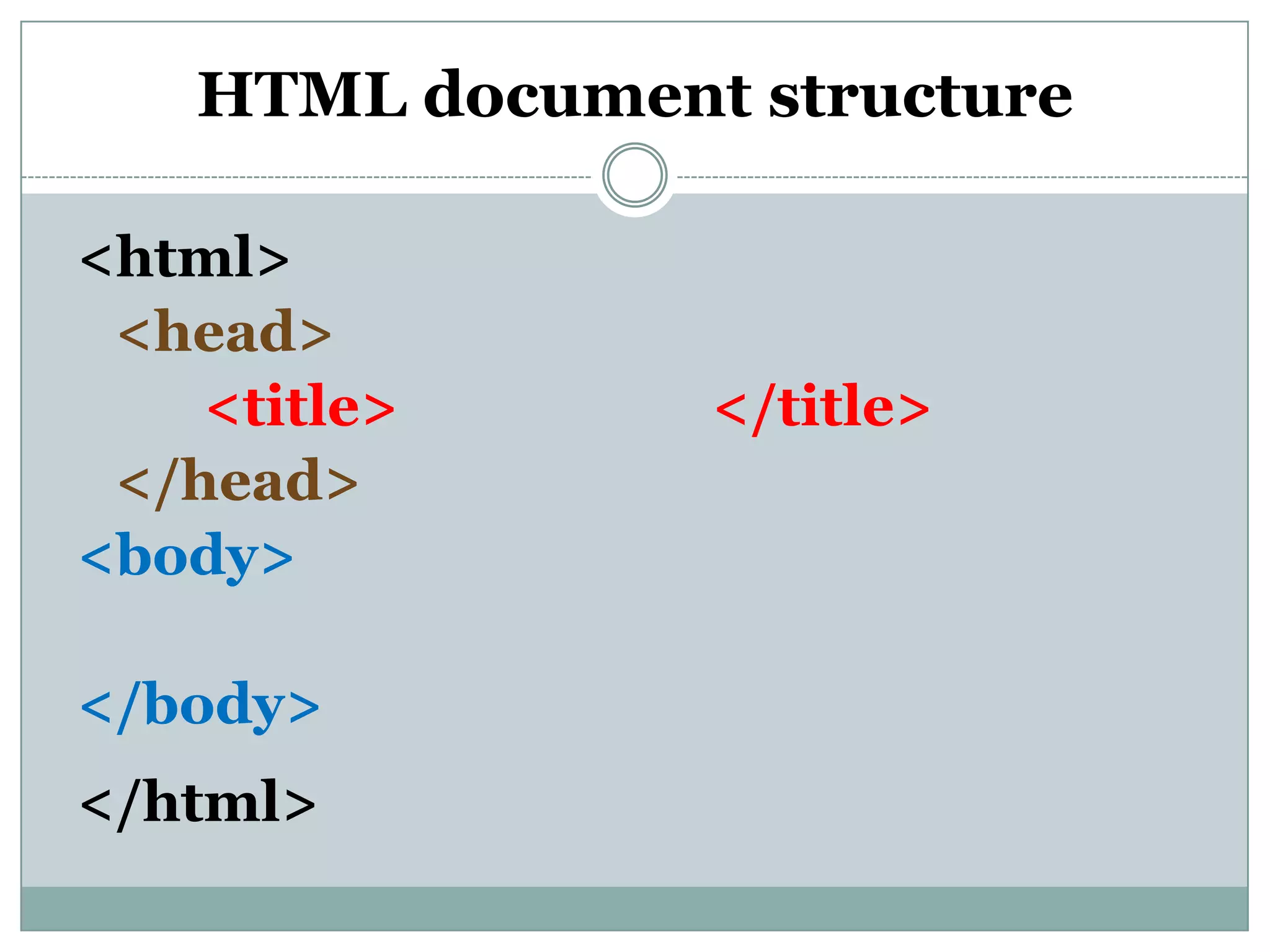
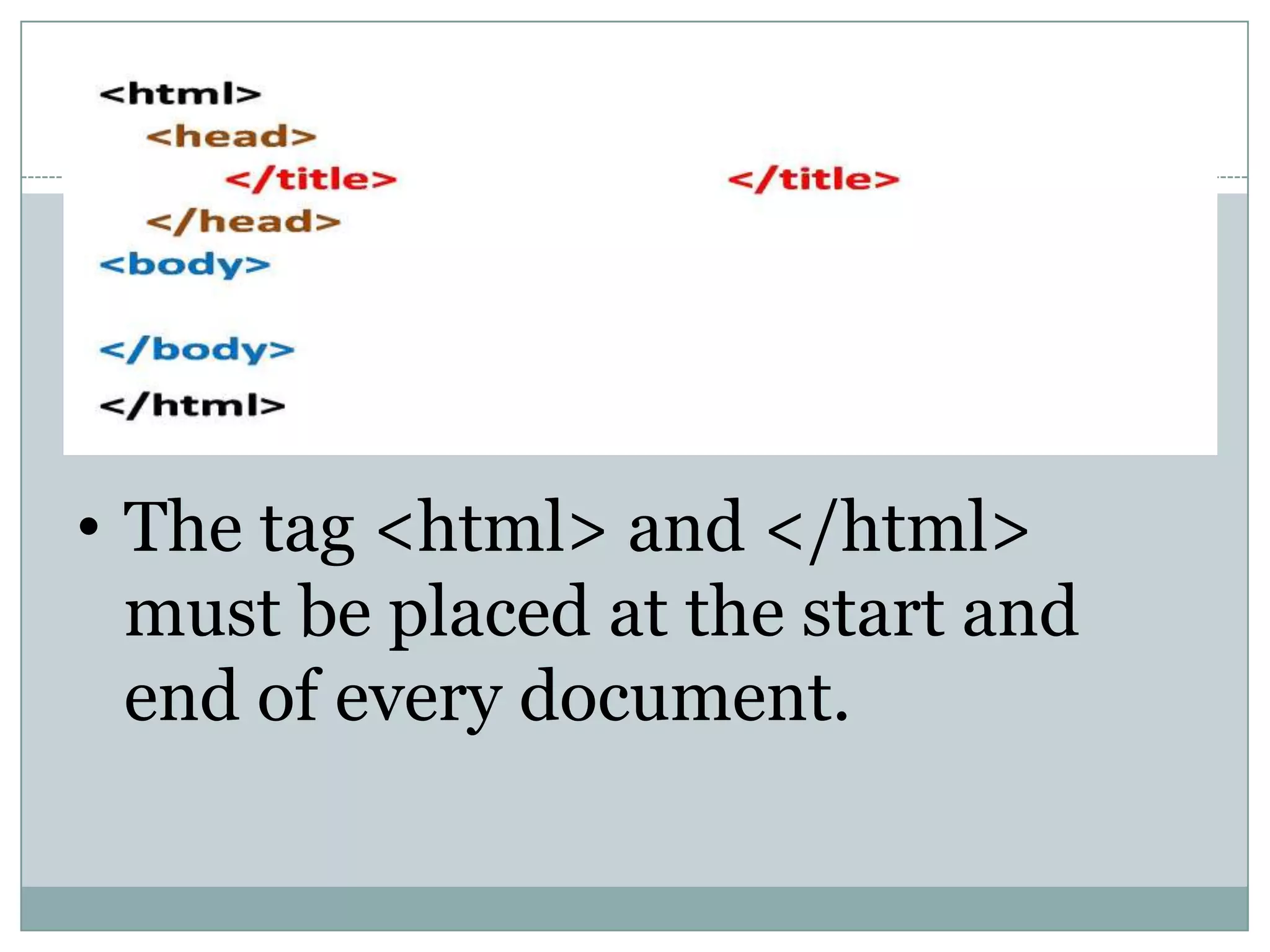
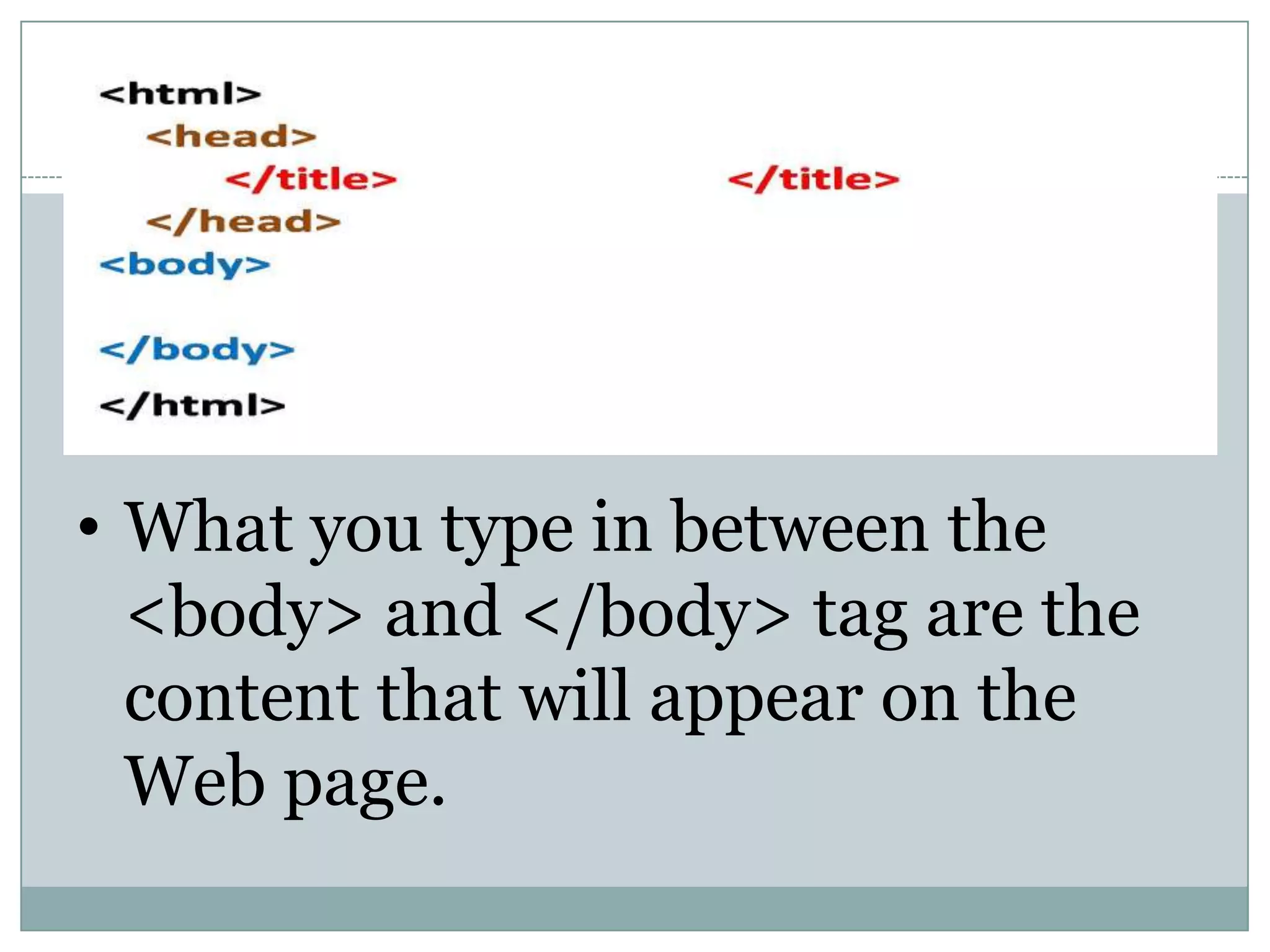
• The tag<html> and </html>
must be placed at the start and
end of every document.
17.
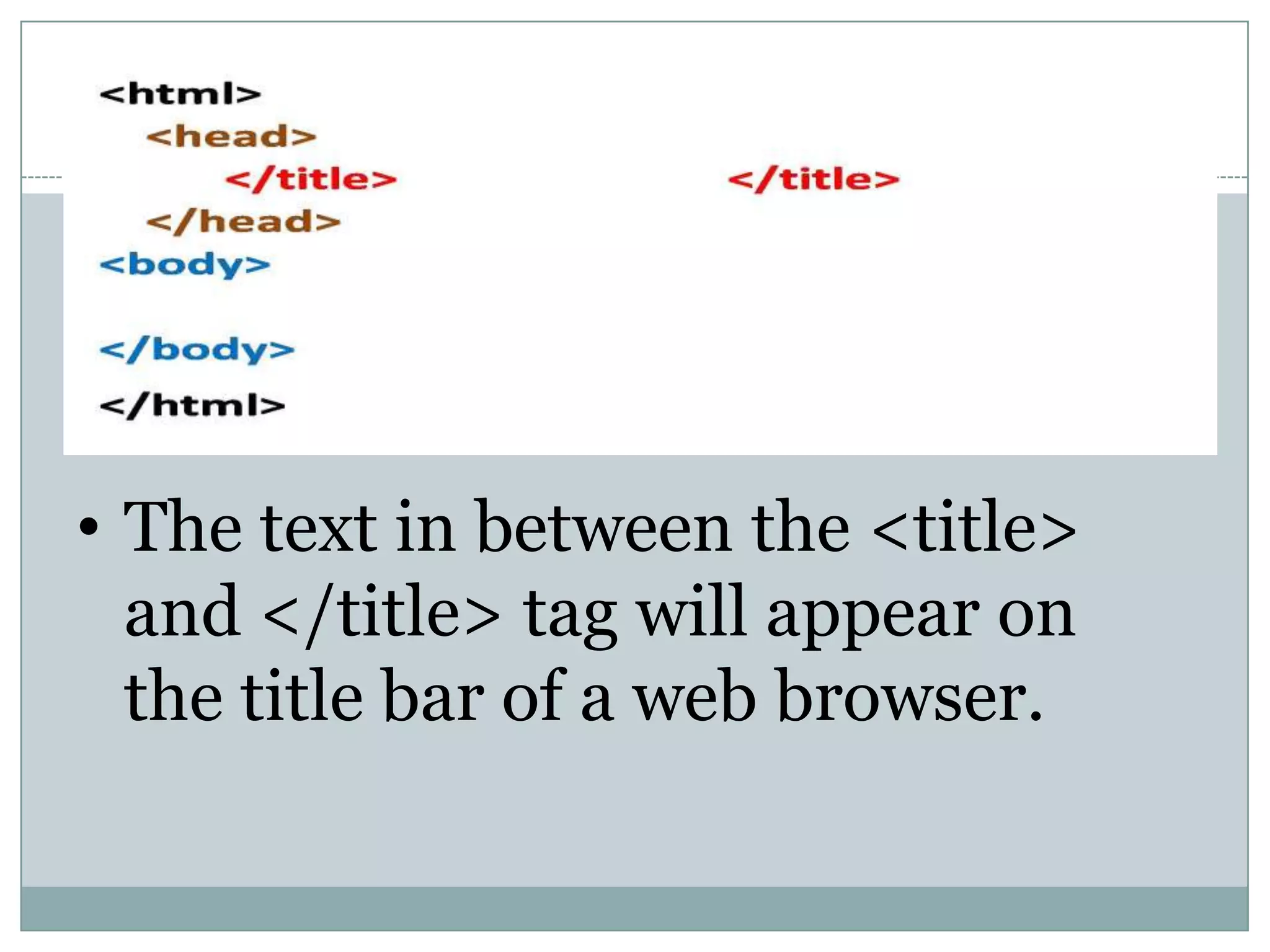
• What youtype in between the
<body> and </body> tag are the
content that will appear on the
Web page.
18.
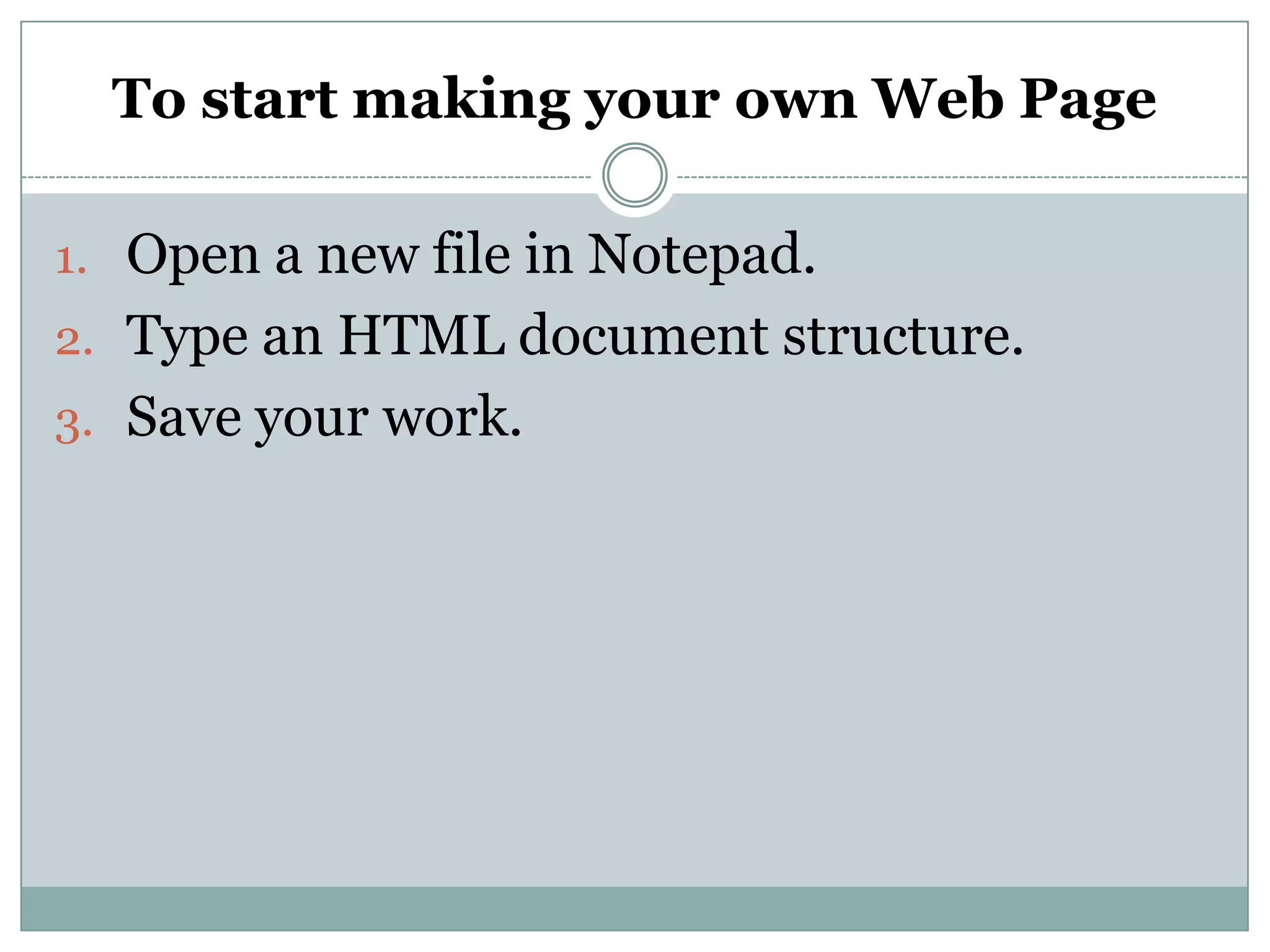
• The textin between the <title>
and </title> tag will appear on
the title bar of a web browser.
19.
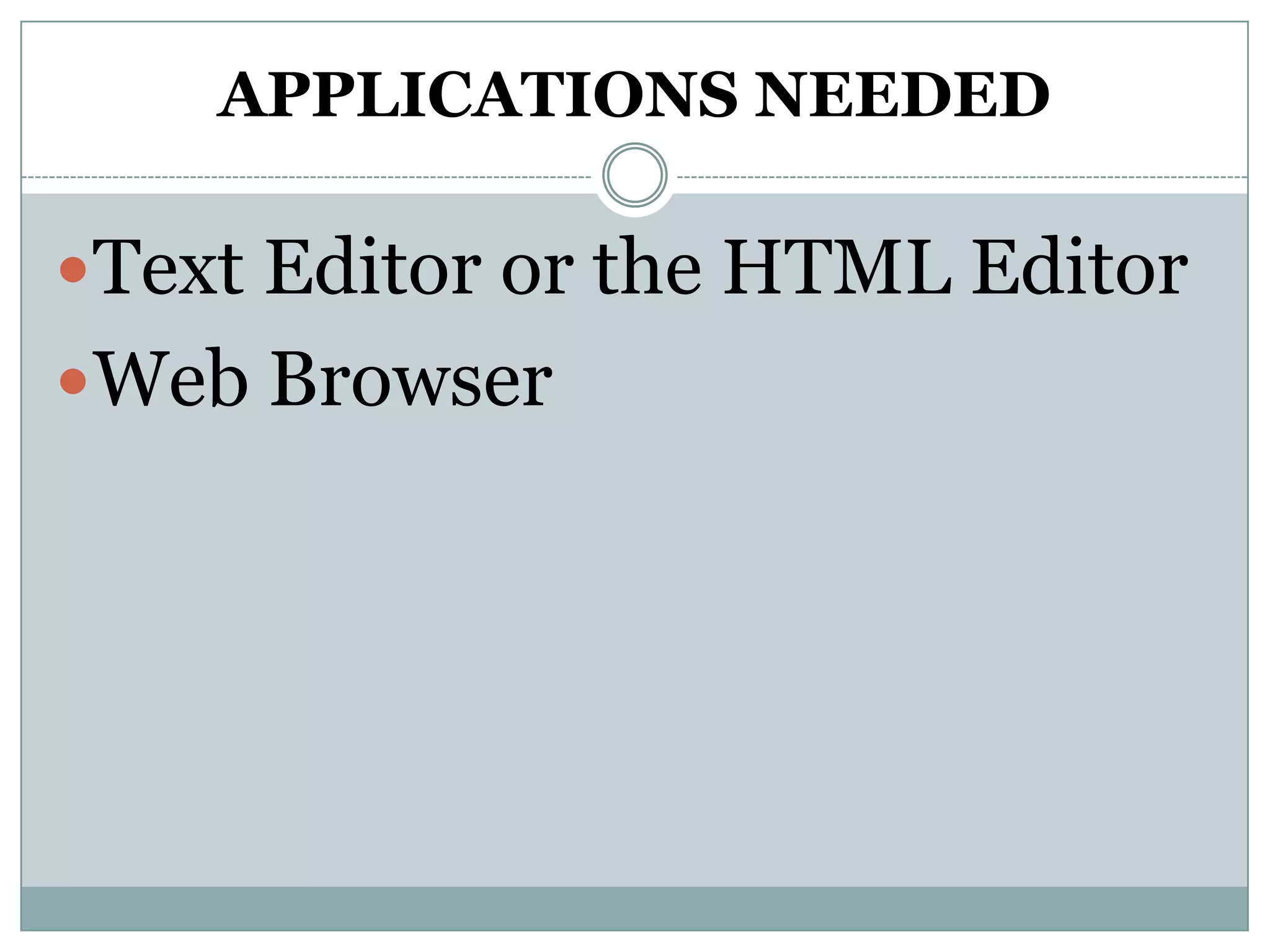
To start makingyour own Web Page
1. Open a new file in Notepad.
2. Type an HTML document structure.
3. Save your work.
20.
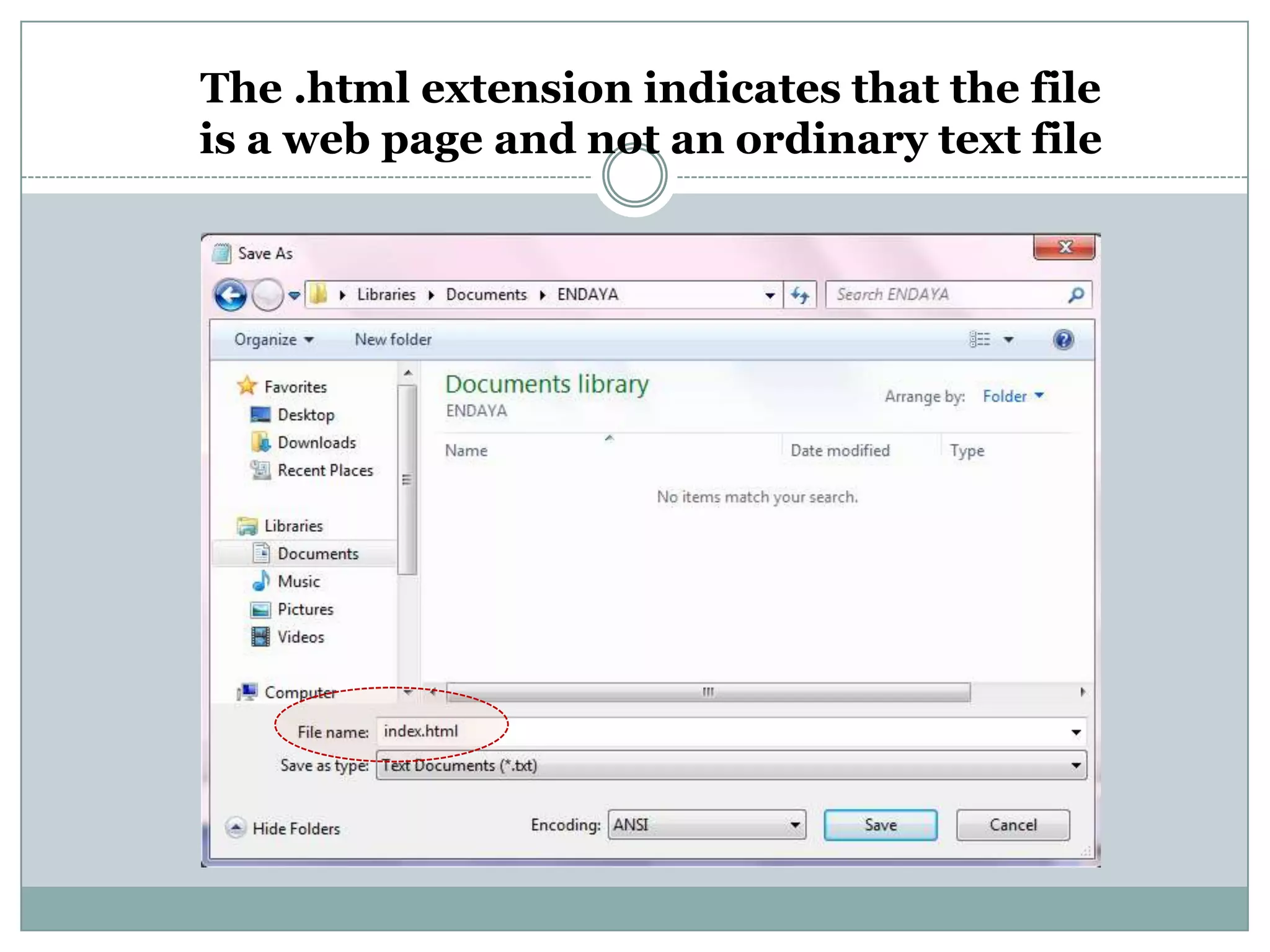
How to save
1.Click File, then Save As or Save.
2. Save As dialog box will appear.
3. Create your own folder.
4. In the File Name box, type the file name
1. Take note, use .html as an extension file
5. Finally, click save.
21.
The .html extensionindicates that the file
is a web page and not an ordinary text file
22.
To view yourHTML document in
Internet Explorer
1. Explore where you save your file.
2. Double click the file.
23.
To edit yourpage
1. Explore where you save your file.
2. Right click the web page you want to edit.
3. Choose Open with...
4. If notepad is not one of the applications...
5. Click on Browse...
24.
Assignment
Topic: Paragraph, TextBreak and
Formatting Text
1. What is the tag use to create a
paragraph, text break, and indentation?
2. What are formatting tags?
3. Write 3 short poems.