The HORIZONTAL RULED
LINE and The ALIGN
Attribute
Horizontal Ruled Line
 <hr> is used.
 No closing tag is necessary.
 The attributes are:
 Width – refers to the percentage in
relation to the length of the screen.
 Any number means the number of pixel
(picture element)
 Size - thickness of the line.
 Color – line color.
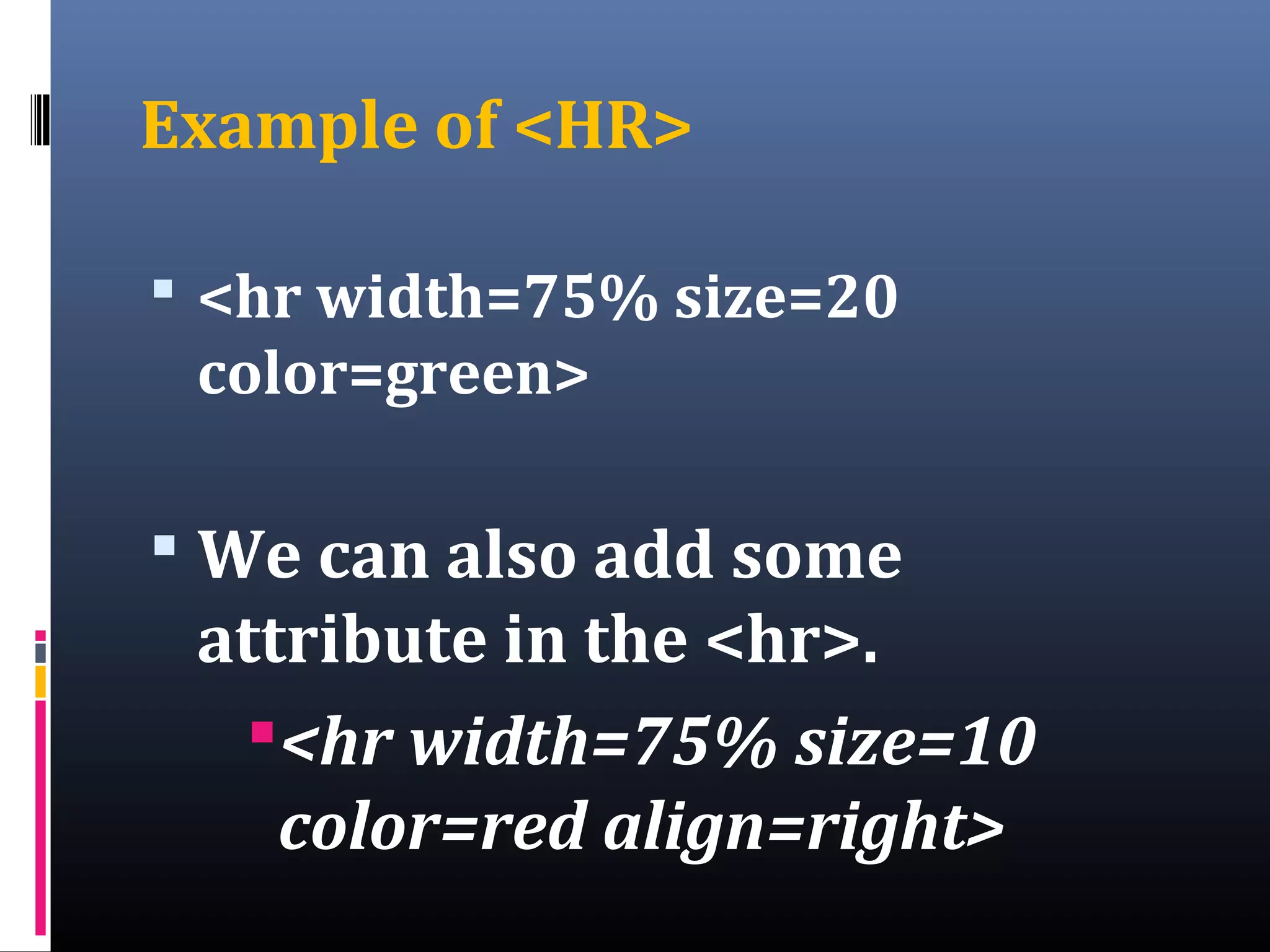
Example of <HR>
 <hr width=75% size=20
color=green>
 We can also add some
attribute in the <hr>.
<hr width=75% size=10
color=red align=right>
The Use of Horizontal Ruled
Line
 Draw a horizontal line across the
web page.
 It is use to separate different
areas or information of a web
pages.
 It is also use as a design of a web
page.
The ALIGN
as an Attribute
Object Alignment
 A paragraph or any object
in a Web page can be
positioned on the left, right
or center of a Web
Browser’s display window.
 Used align attribute equals
the value
The Syntax
Example in a
paragraph
<p align=left>
paragraph </p>
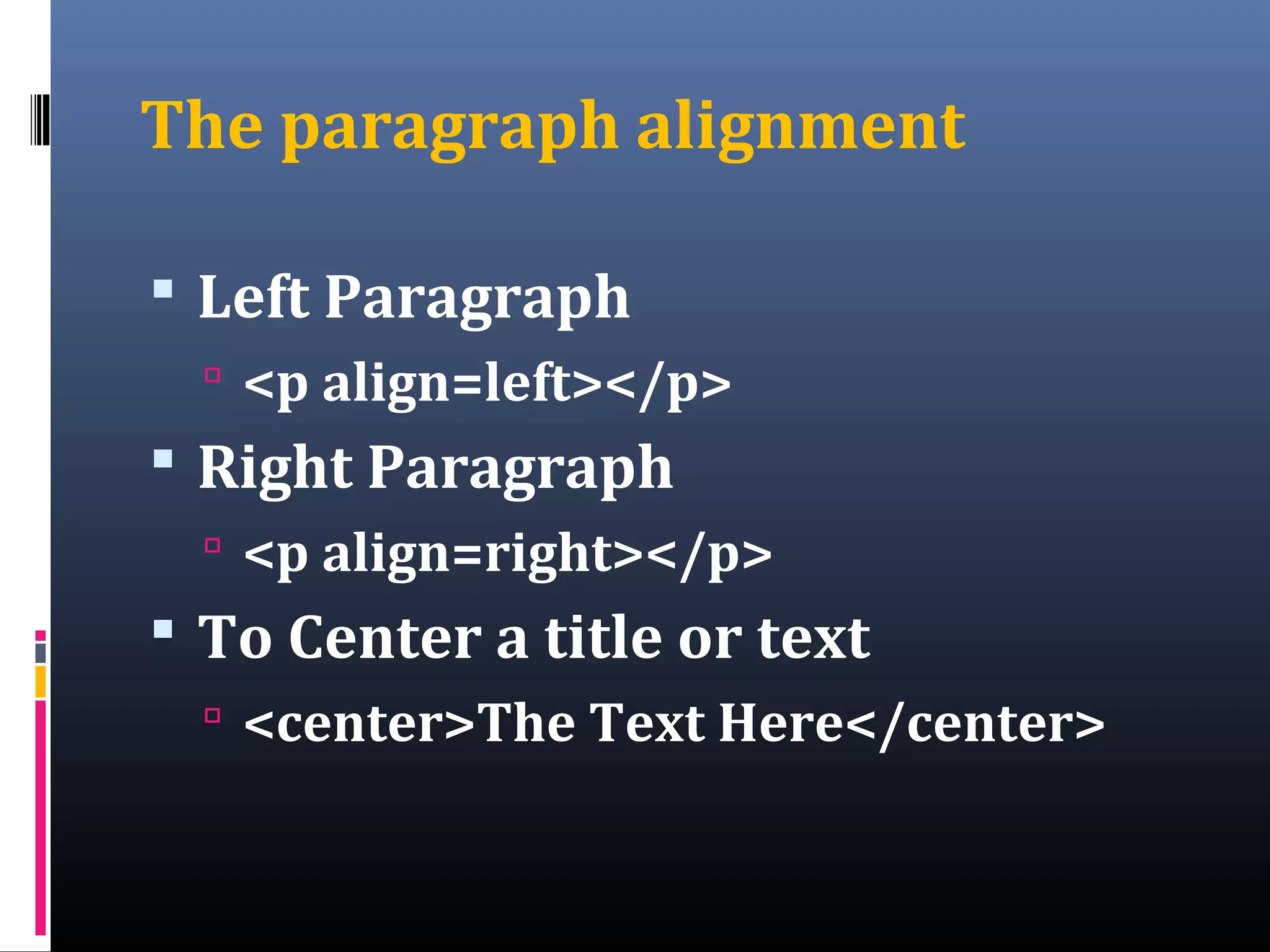
The paragraph alignment
 Left Paragraph
 <p align=left></p>
 Right Paragraph
 <p align=right></p>
 To Center a title or text
 <center>The Text Here</center>
Assignment
Topic: PREFORMATTED,
ABBREVIATION & ACRONYM Element
Questions:
1.What is a preformatted element?
2.What are the tags used to create a
preformatted, abbreviation and
Acronym?
Reference: The Internet
Assignment
Topic: PREFORMATTED,
ABBREVIATION & ACRONYM Element
Questions:
1.What is a preformatted element?
2.What are the tags used to create a
preformatted, abbreviation and
Acronym?
Reference: The Internet

Horizonal ruled line

  • 1.
    The HORIZONTAL RULED LINEand The ALIGN Attribute
  • 2.
    Horizontal Ruled Line <hr> is used.  No closing tag is necessary.  The attributes are:  Width – refers to the percentage in relation to the length of the screen.  Any number means the number of pixel (picture element)  Size - thickness of the line.  Color – line color.
  • 3.
    Example of <HR> <hr width=75% size=20 color=green>  We can also add some attribute in the <hr>. <hr width=75% size=10 color=red align=right>
  • 4.
    The Use ofHorizontal Ruled Line  Draw a horizontal line across the web page.  It is use to separate different areas or information of a web pages.  It is also use as a design of a web page.
  • 5.
    The ALIGN as anAttribute
  • 6.
    Object Alignment  Aparagraph or any object in a Web page can be positioned on the left, right or center of a Web Browser’s display window.  Used align attribute equals the value
  • 7.
    The Syntax Example ina paragraph <p align=left> paragraph </p>
  • 8.
    The paragraph alignment Left Paragraph  <p align=left></p>  Right Paragraph  <p align=right></p>  To Center a title or text  <center>The Text Here</center>
  • 9.
    Assignment Topic: PREFORMATTED, ABBREVIATION &ACRONYM Element Questions: 1.What is a preformatted element? 2.What are the tags used to create a preformatted, abbreviation and Acronym? Reference: The Internet
  • 10.
    Assignment Topic: PREFORMATTED, ABBREVIATION &ACRONYM Element Questions: 1.What is a preformatted element? 2.What are the tags used to create a preformatted, abbreviation and Acronym? Reference: The Internet