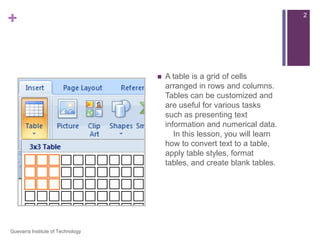
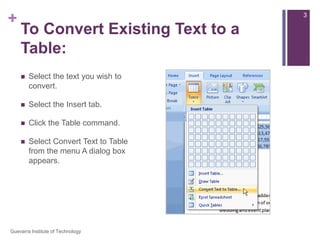
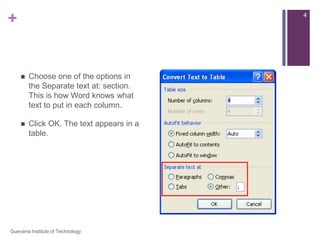
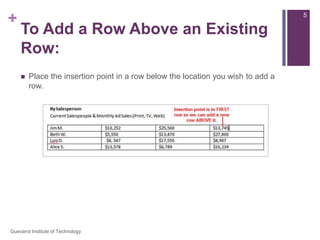
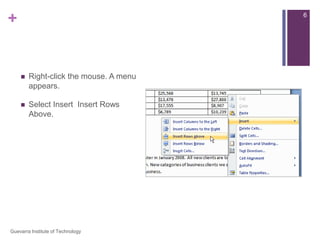
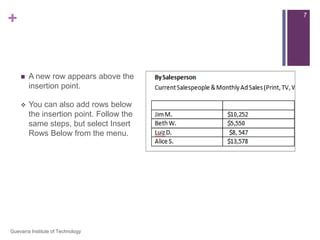
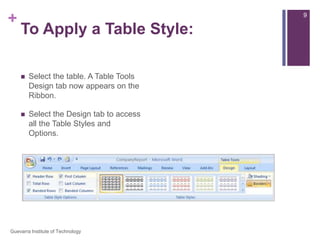
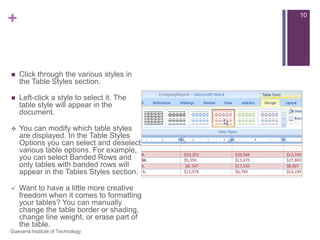
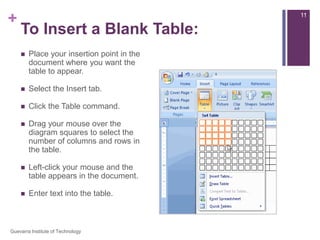
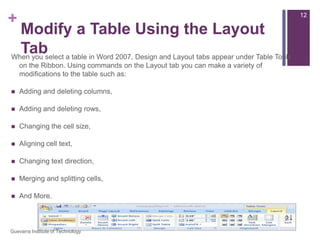
This document provides instructions for working with tables in Microsoft Word 2007. It explains how to convert text to a table, apply table styles, format tables, and create blank tables. Key steps include selecting the text to convert, choosing a separation option, clicking a style from the Design tab, dragging to select the number of rows and columns, and entering text into the blank cells. The document concludes by noting additional modifications that can be made to tables using the Layout tab.