Reproducible research with LATEX + R
(for PhD students)
Tomislav Hengl
ISRIC — World Soil Information, Wageningen University
In Wageningen, 26 September 2013
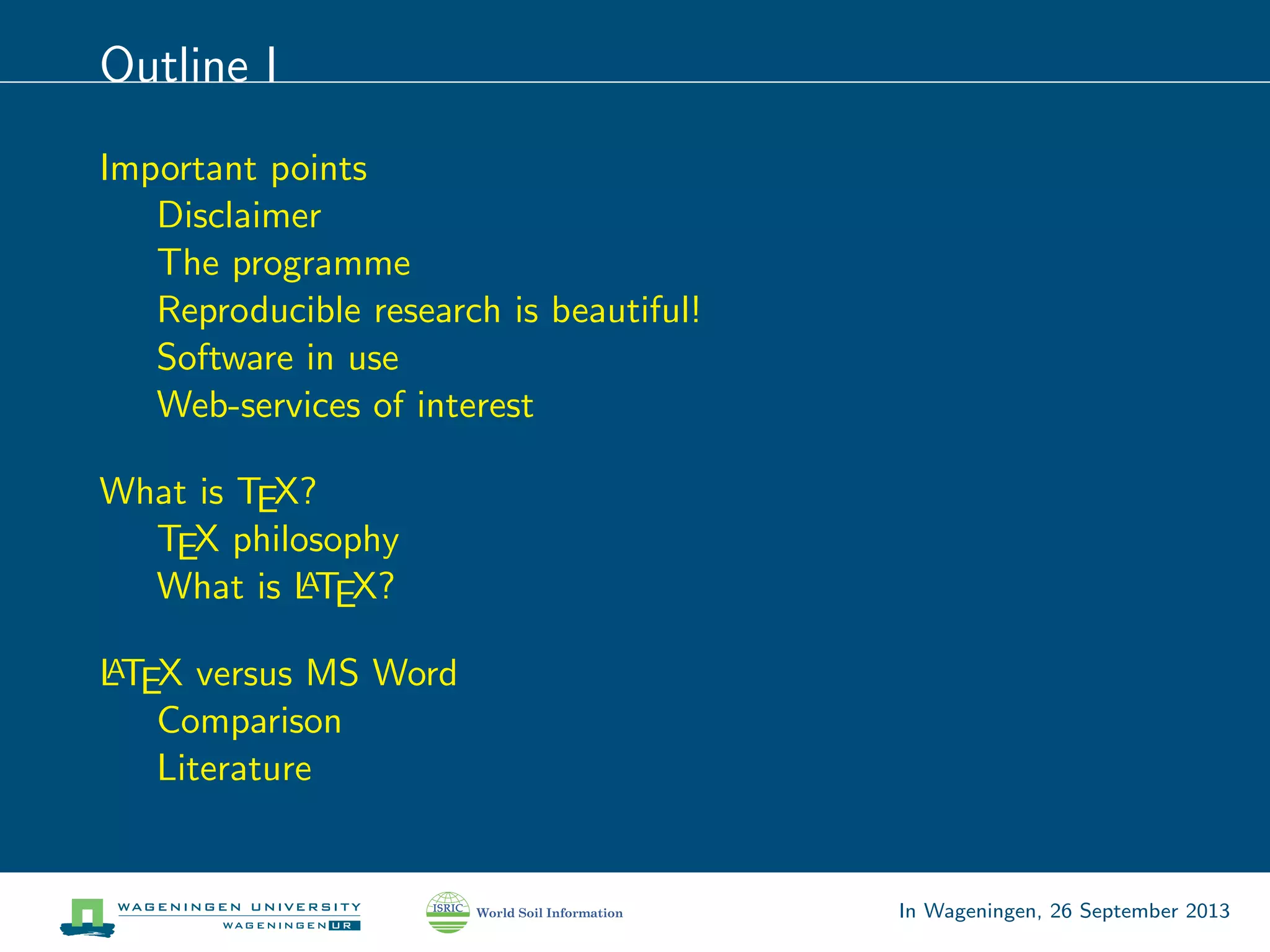
Outline I
Important points
Disclaimer
The programme
Reproducible research is beautiful!
Software in use
Web-services of interest
What is TEX?
TEX philosophy
What is LATEX?
LATEX versus MS Word
Comparison
Literature
In Wageningen, 26 September 2013
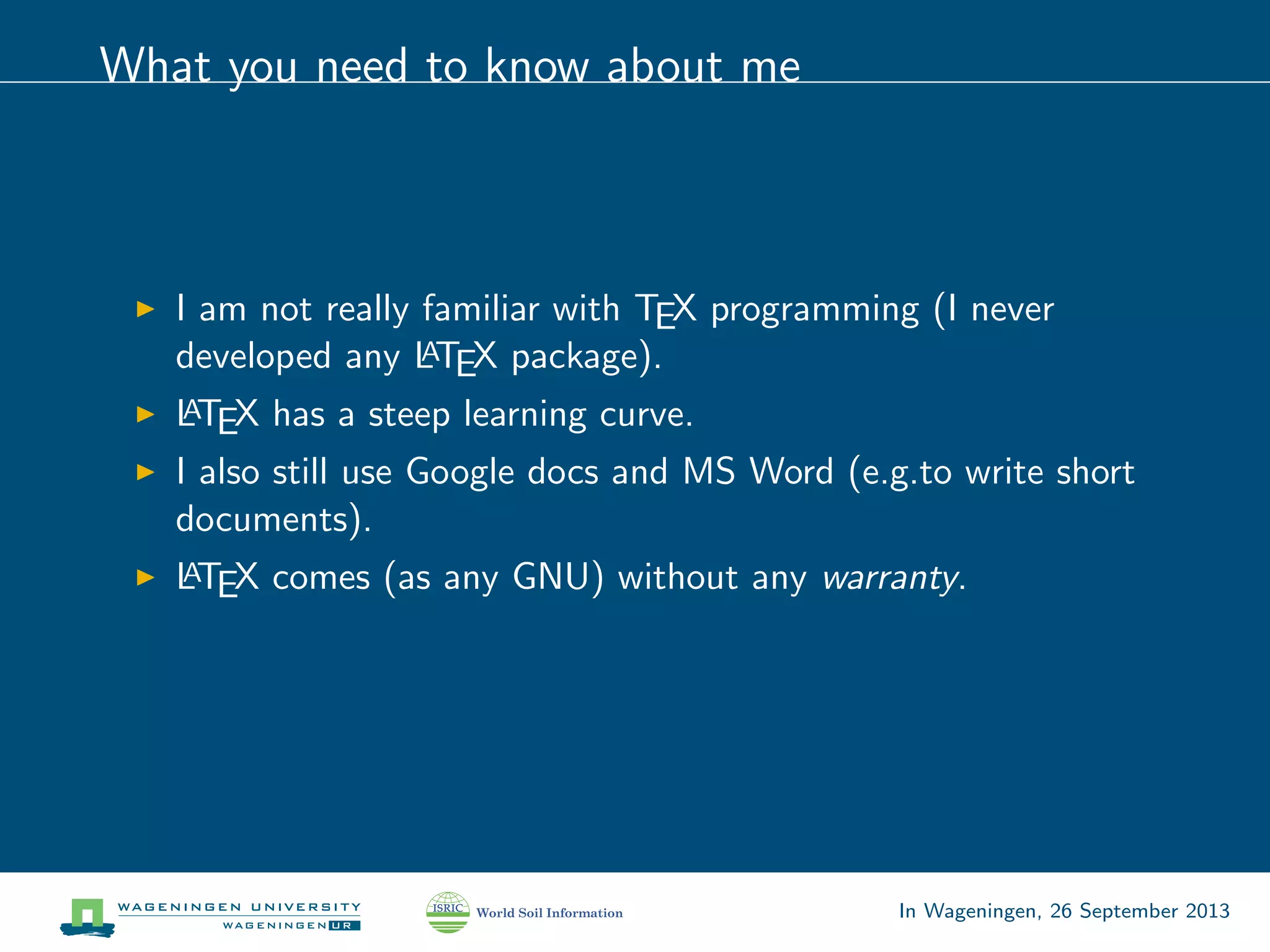
What you need to know about me
I am not really familiar with TEX programming (I never
developed any LATEX package).
LATEX has a steep learning curve.
I also still use Google docs and MS Word (e.g.to write short
documents).
LATEX comes (as any GNU) without any warranty.
In Wageningen, 26 September 2013
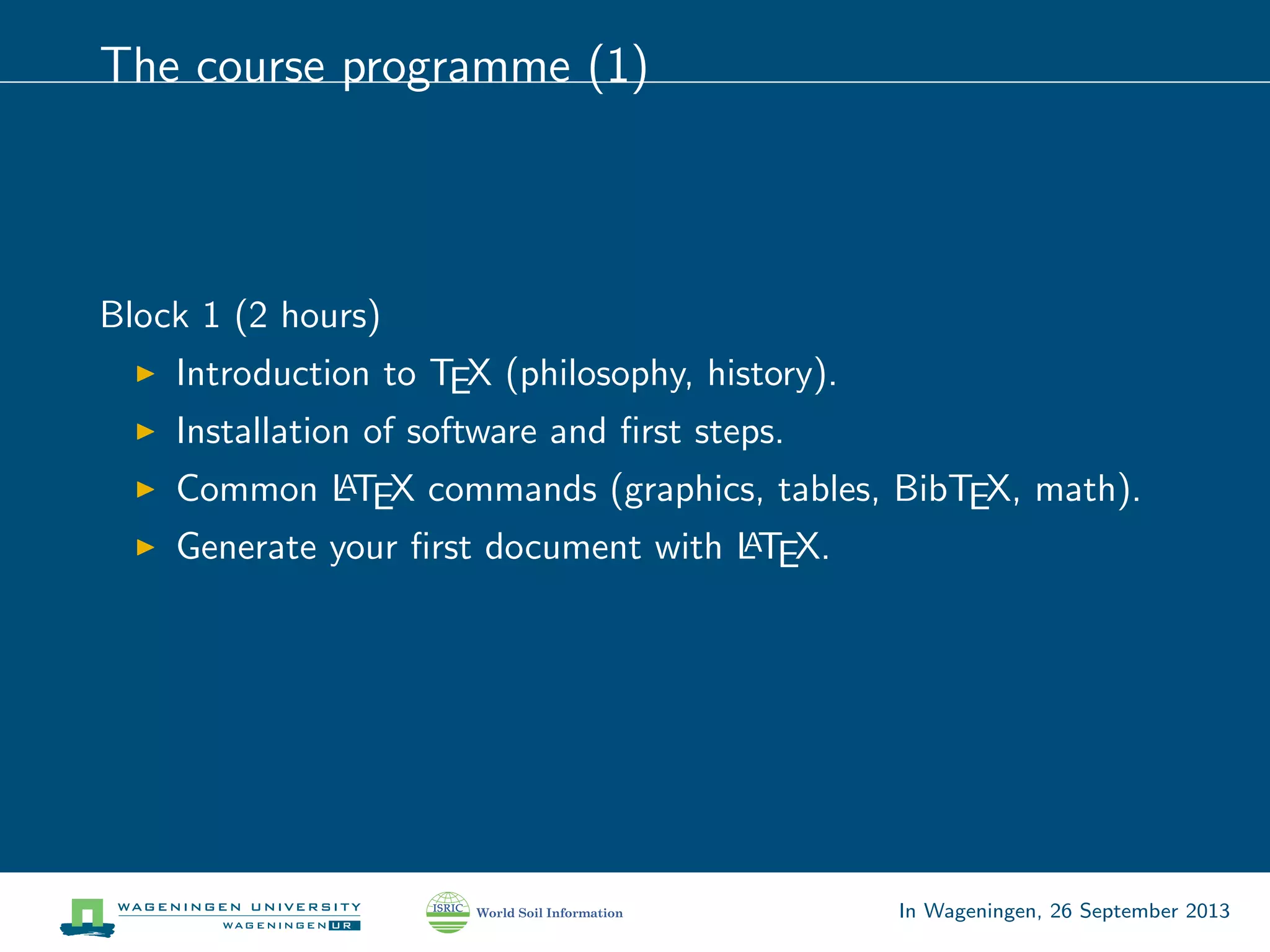
The course programme (1)
Block 1 (2 hours)
Introduction to TEX (philosophy, history).
Installation of software and first steps.
Common LATEX commands (graphics, tables, BibTEX, math).
Generate your first document with LATEX.
In Wageningen, 26 September 2013
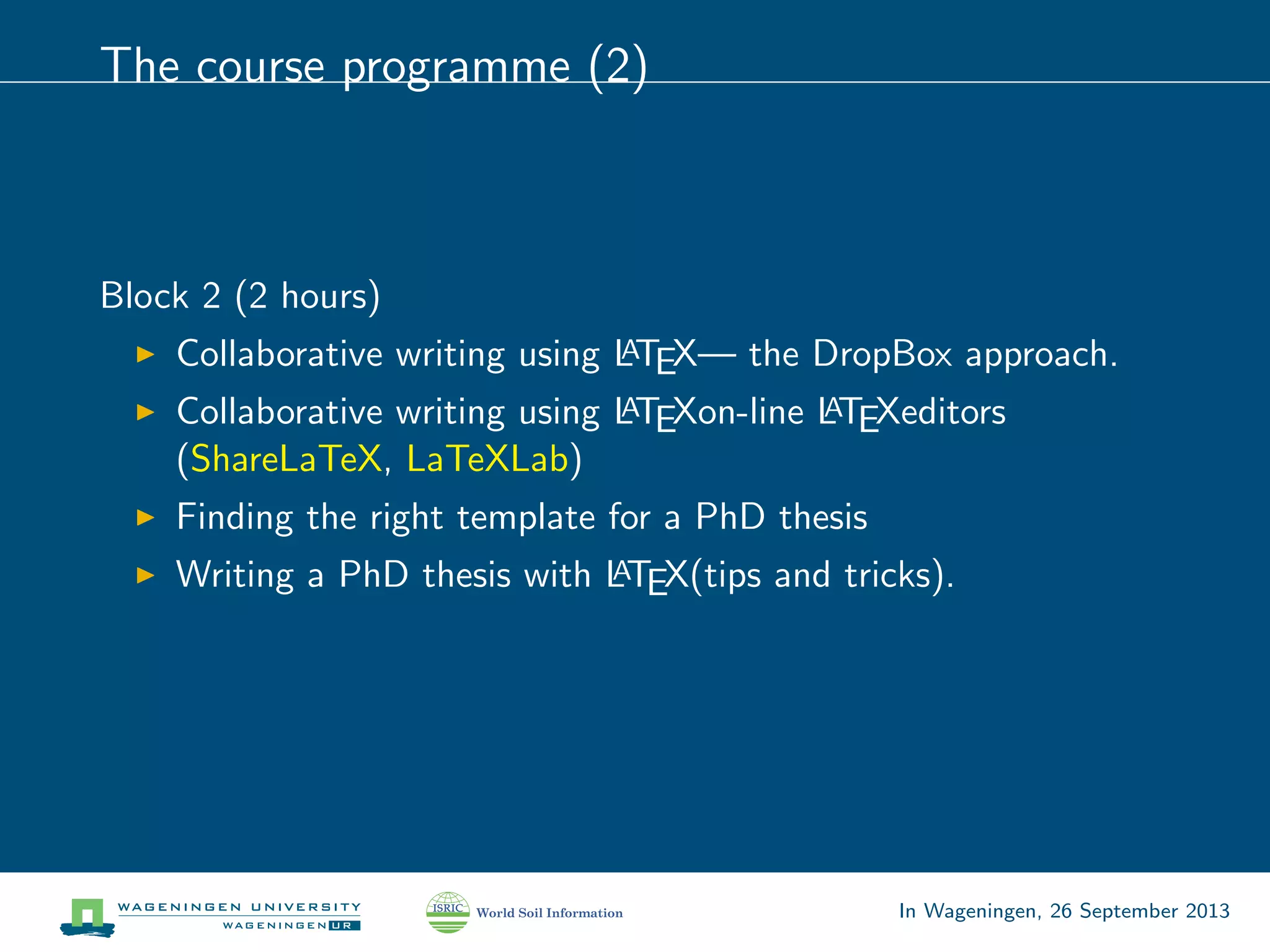
The course programme (2)
Block 2 (2 hours)
Collaborative writing using LATEX— the DropBox approach.
Collaborative writing using LATEXon-line LATEXeditors
(ShareLaTeX, LaTeXLab)
Finding the right template for a PhD thesis
Writing a PhD thesis with LATEX(tips and tricks).
In Wageningen, 26 September 2013
The course programme (3)
Block 3 (2 hours)
Reproducible research — why? how? where?
Combining R and LATEXcode -> Sweave.
Preparing presentations using the Beamer package.
Converting LATEXdocs to MS Word and HTML.
In Wageningen, 26 September 2013
What is reproducible research?1
Ideally, each paper submitted for publication that contains some
type of statistical analysis or summaries of results should allow for
checking / validation.
Anybody should be able to reproduce your results. . . of course —
this is one of the main principles of science! But most of the
articles you find (>95%) do not satisfy the reproducibility principle!
Science is still largely based on trust and authorities.
1
https://en.wikipedia.org/wiki/Reproducibility
In Wageningen, 26 September 2013
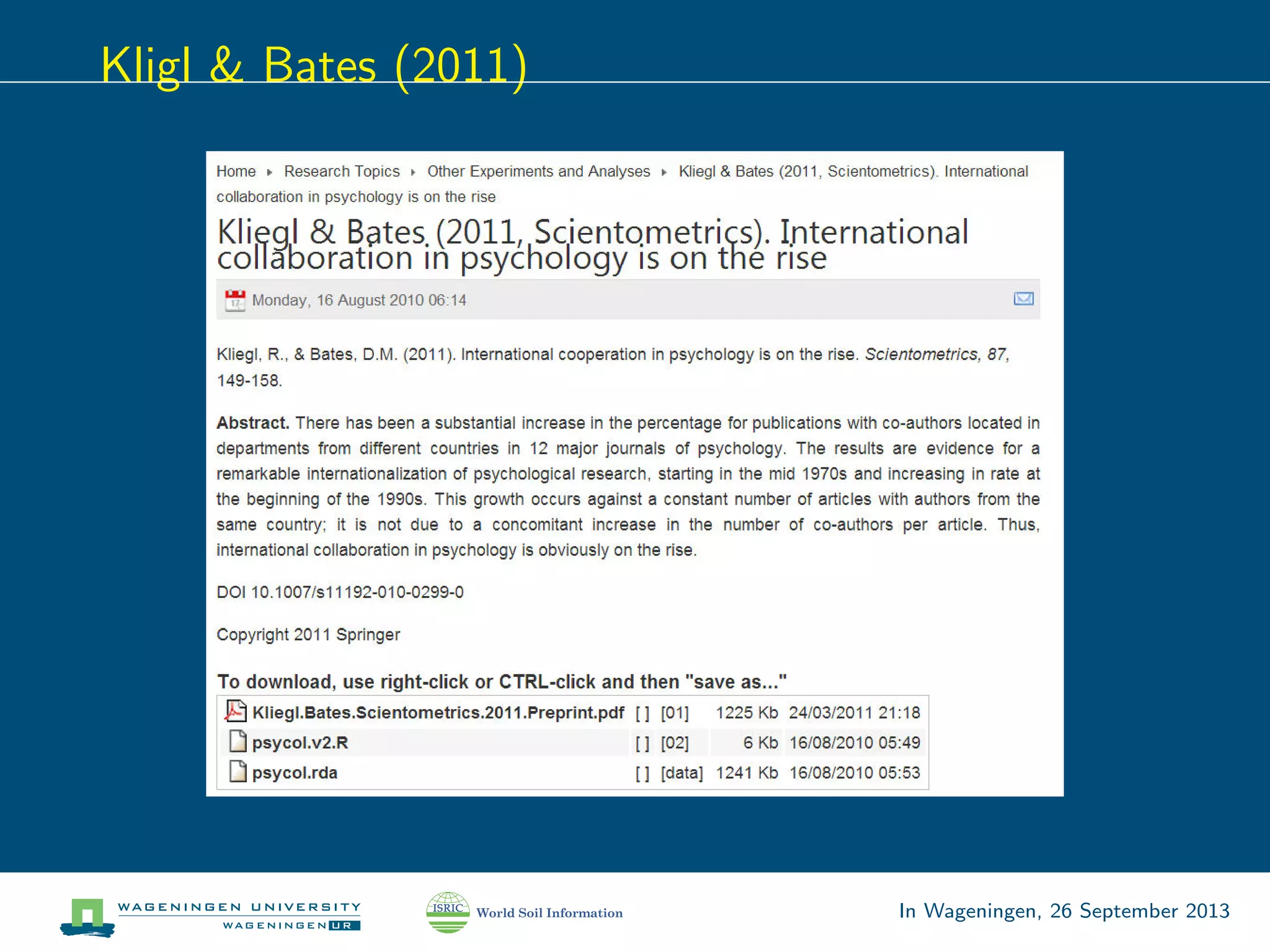
Kligl & Bates (2011)
In Wageningen, 26 September 2013
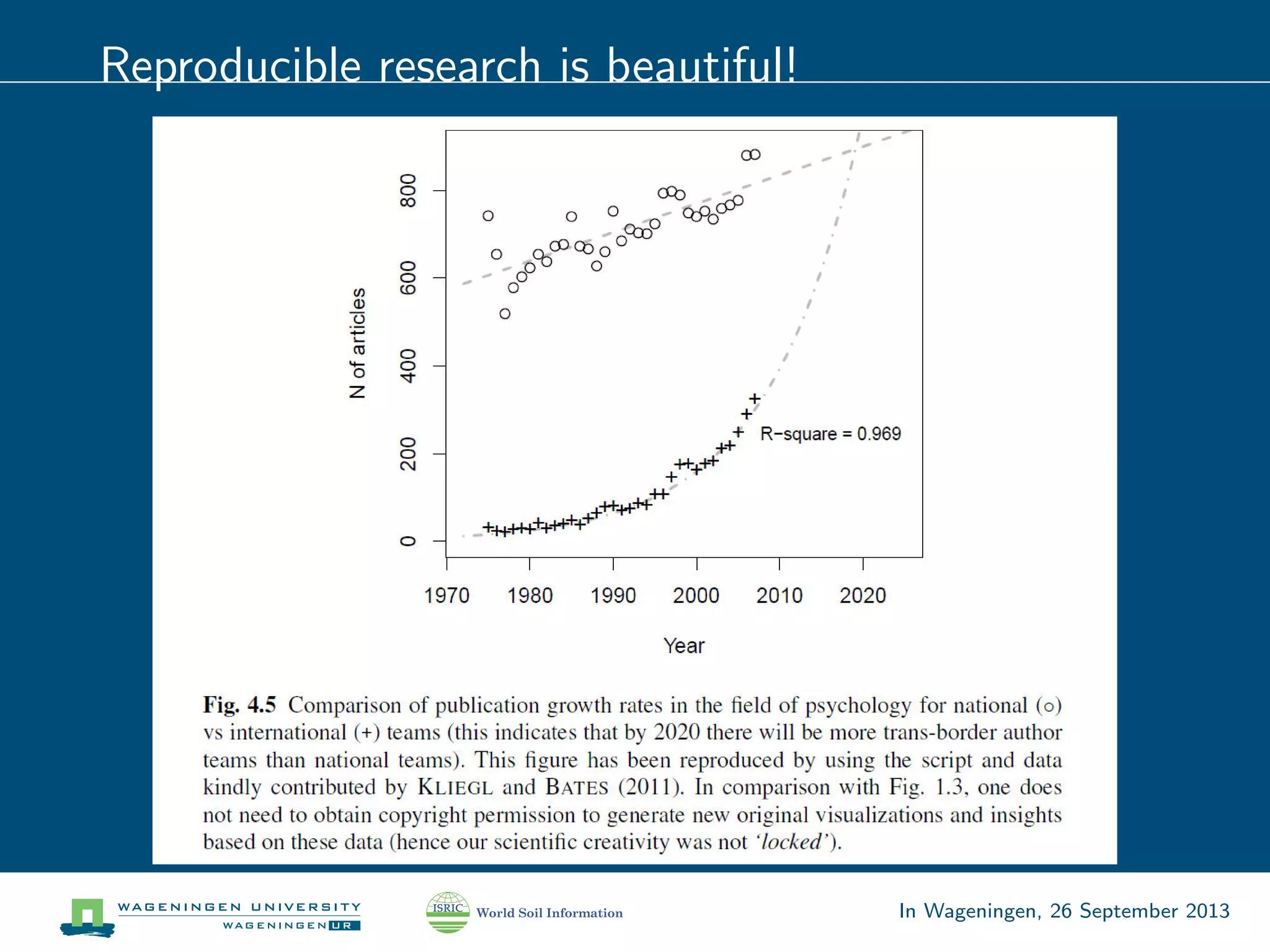
Reproducible research is beautiful!
In Wageningen, 26 September 2013
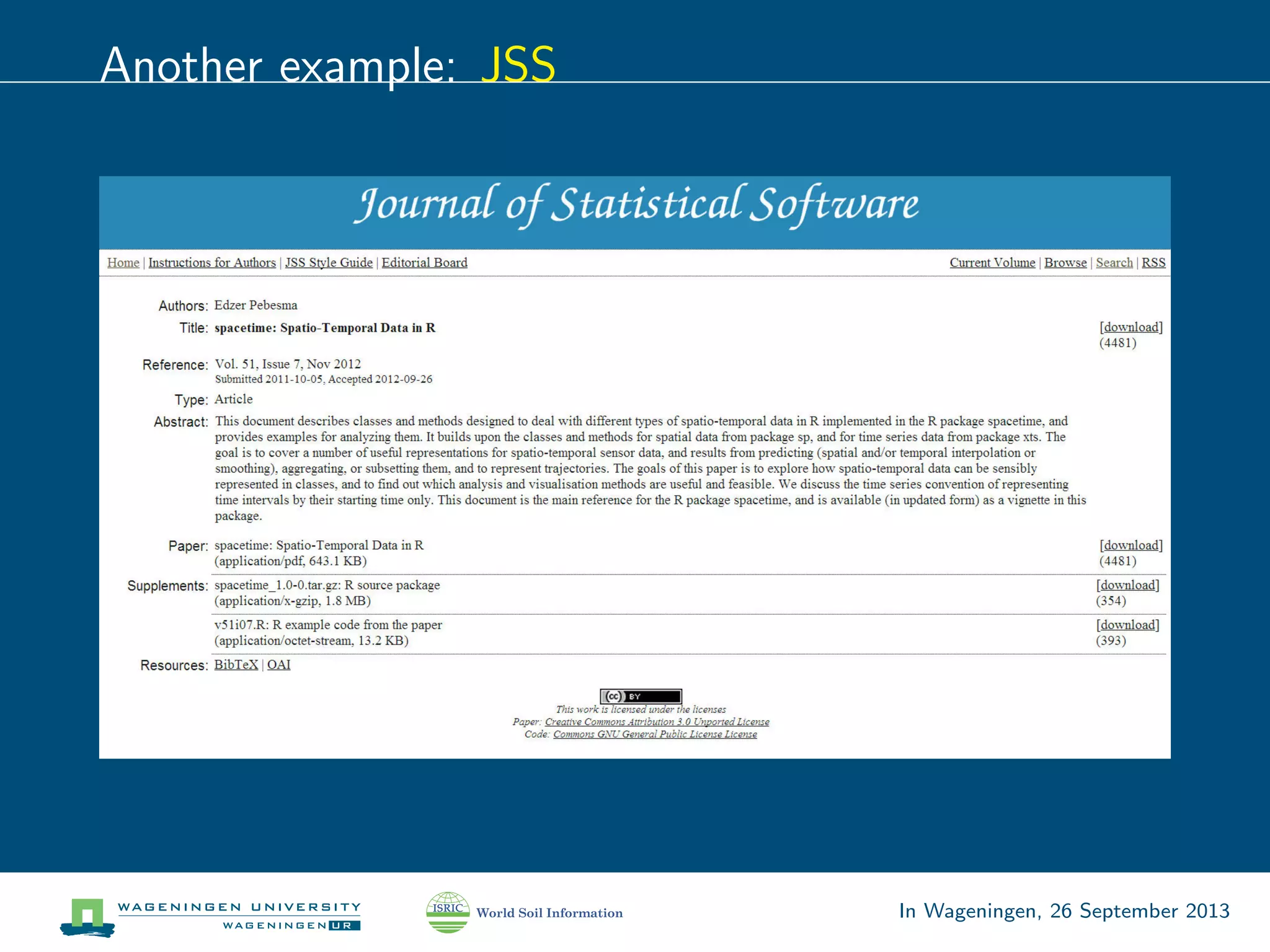
Another example: JSS
In Wageningen, 26 September 2013
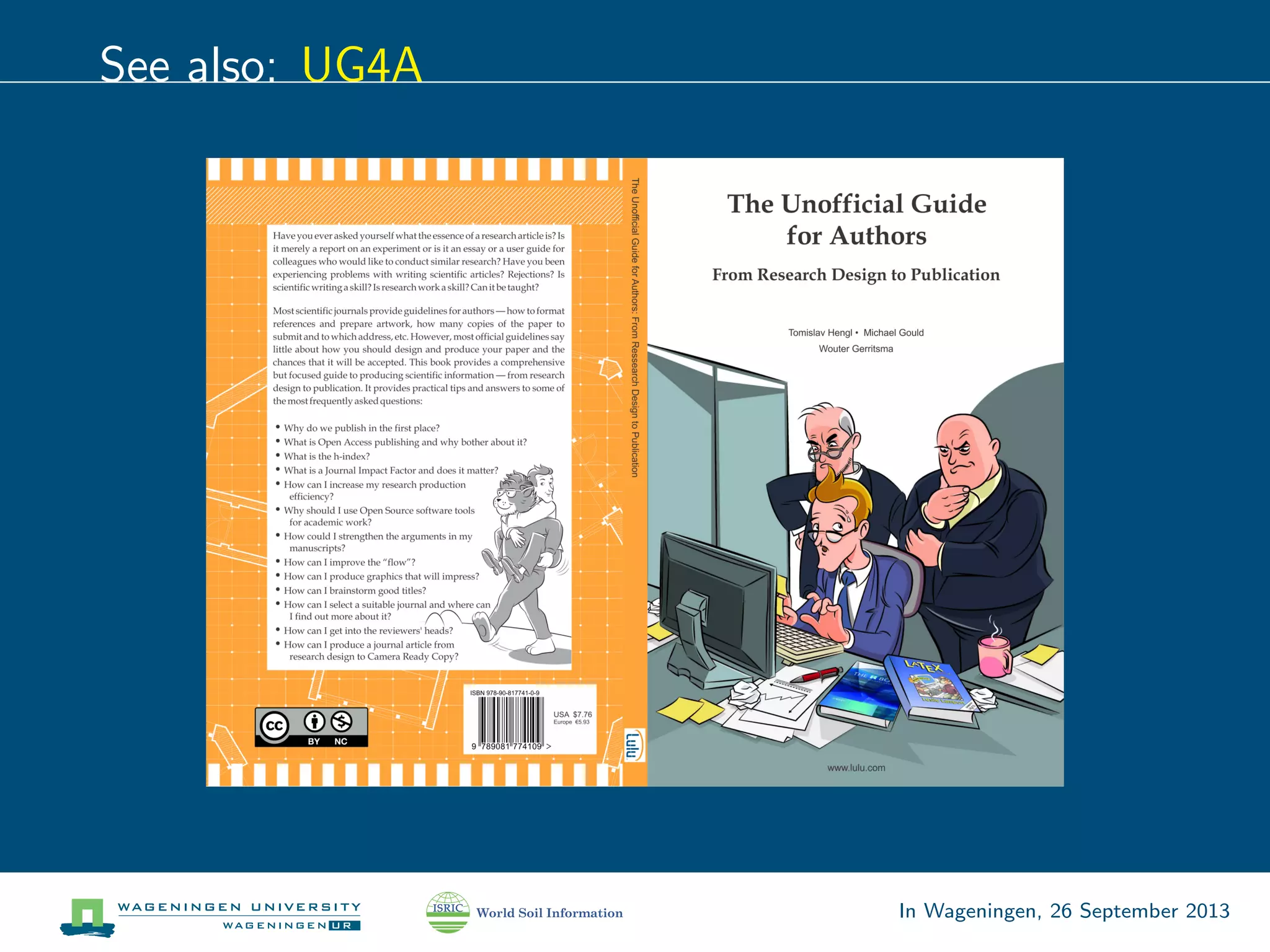
See also: UG4A
In Wageningen, 26 September 2013
Another leitmotif of this course: collaboration
The best papers are the ones written through creative team
work — creative brainstorming and discussion!
But how to collaborate on LATEXdocuments?
And how to monitor progress? (or“who do I turn on
track-changes in LATEX?!”)
In Wageningen, 26 September 2013
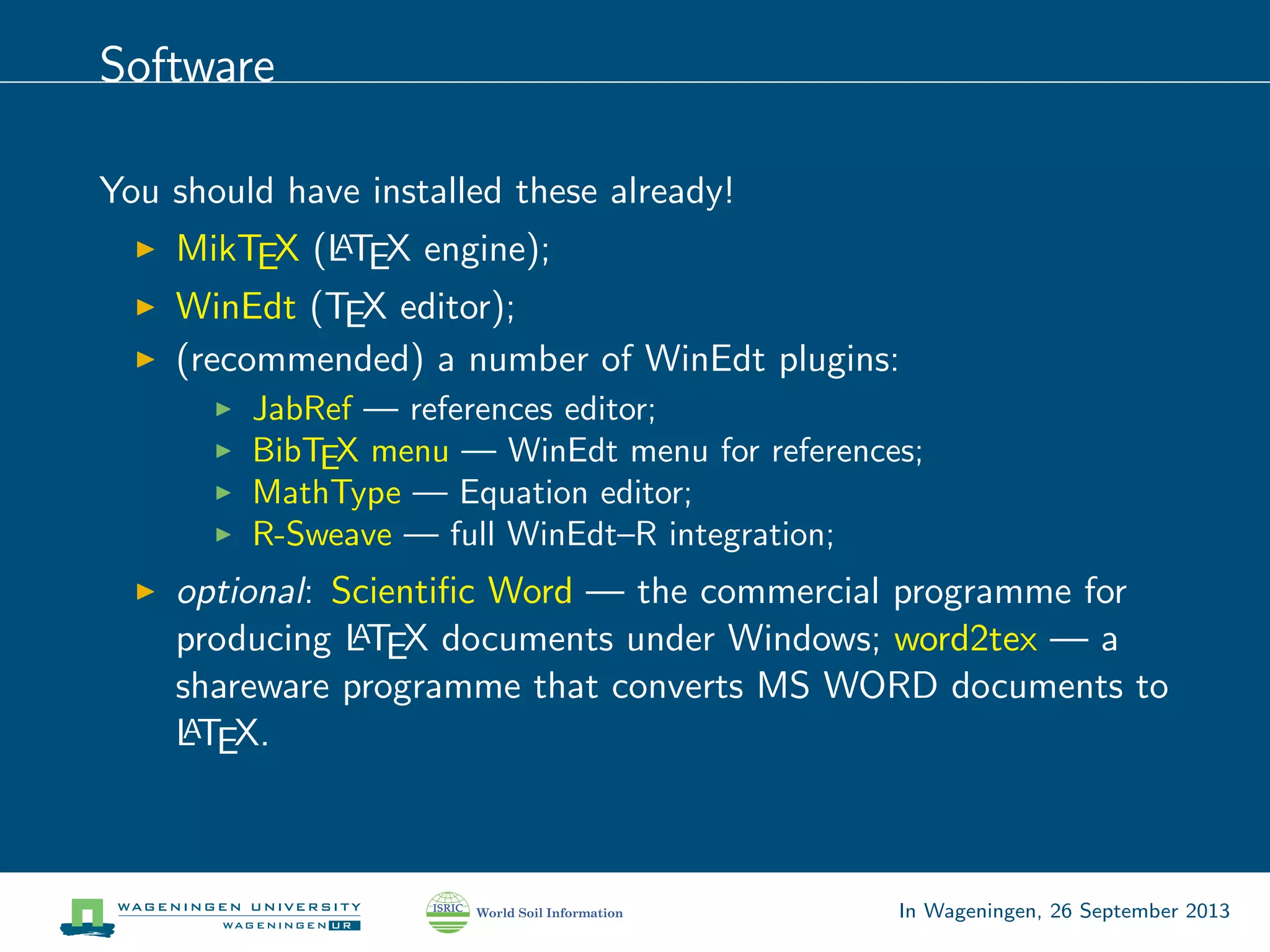
Software
You should have installed these already!
MikTEX (LATEX engine);
WinEdt (TEX editor);
(recommended) a number of WinEdt plugins:
JabRef — references editor;
BibTEX menu — WinEdt menu for references;
MathType — Equation editor;
R-Sweave — full WinEdt–R integration;
optional: Scientific Word — the commercial programme for
producing LATEX documents under Windows; word2tex — a
shareware programme that converts MS WORD documents to
LATEX.
In Wageningen, 26 September 2013
Websites (on-line services)
You can make an account and test things out
On-line TEXeditor: https://www.sharelatex.com;
Shared documents: http://DropBox.com;
Annotation of PDF docs: http://a.nnotate.com;
On-line equation editors;
In Wageningen, 26 September 2013
TEX history I
In 1978, Donald Knuth (one of the most famous and well
respected computer scientists) embarked on a project to
create a typesetting system, called TEX (pronounced ‘tech’),
after being disappointed with the quality of his acclaimed The
Art of Programming series.
TEXis an abbreviation of τ χνη (TEXNH — techn¯e), Greek
for both“art”and“craft”, which is also the root word of
‘technical’2.
Around 10 years later, he froze the language after originally
anticipating spending a single year!
In Wageningen, 26 September 2013
TEX history II
In the mid-80s Leslie Lamport created a set of macros that
abstracted away many of the complexities (this allowed for a
simpler approach for creating documents, where content and
style were separate). This extension became LATEX
(pronounced ‘lay-tech’);
MiKTEX (pronounced ‘mick-tech’) is an up-to-date
implementation of TEX and related programs for Windows.
2
https://en.wikipedia.org/wiki/TeX
In Wageningen, 26 September 2013
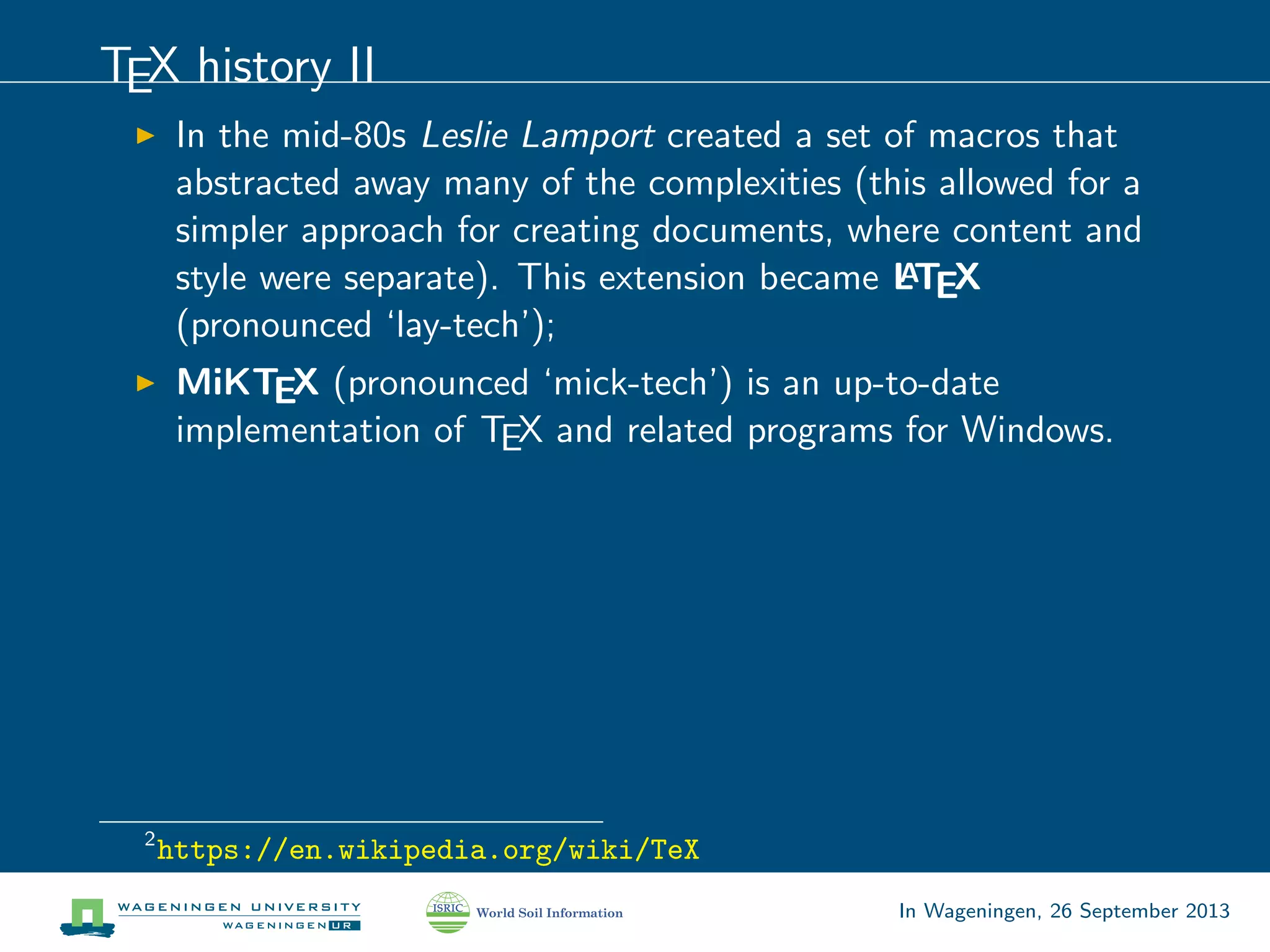
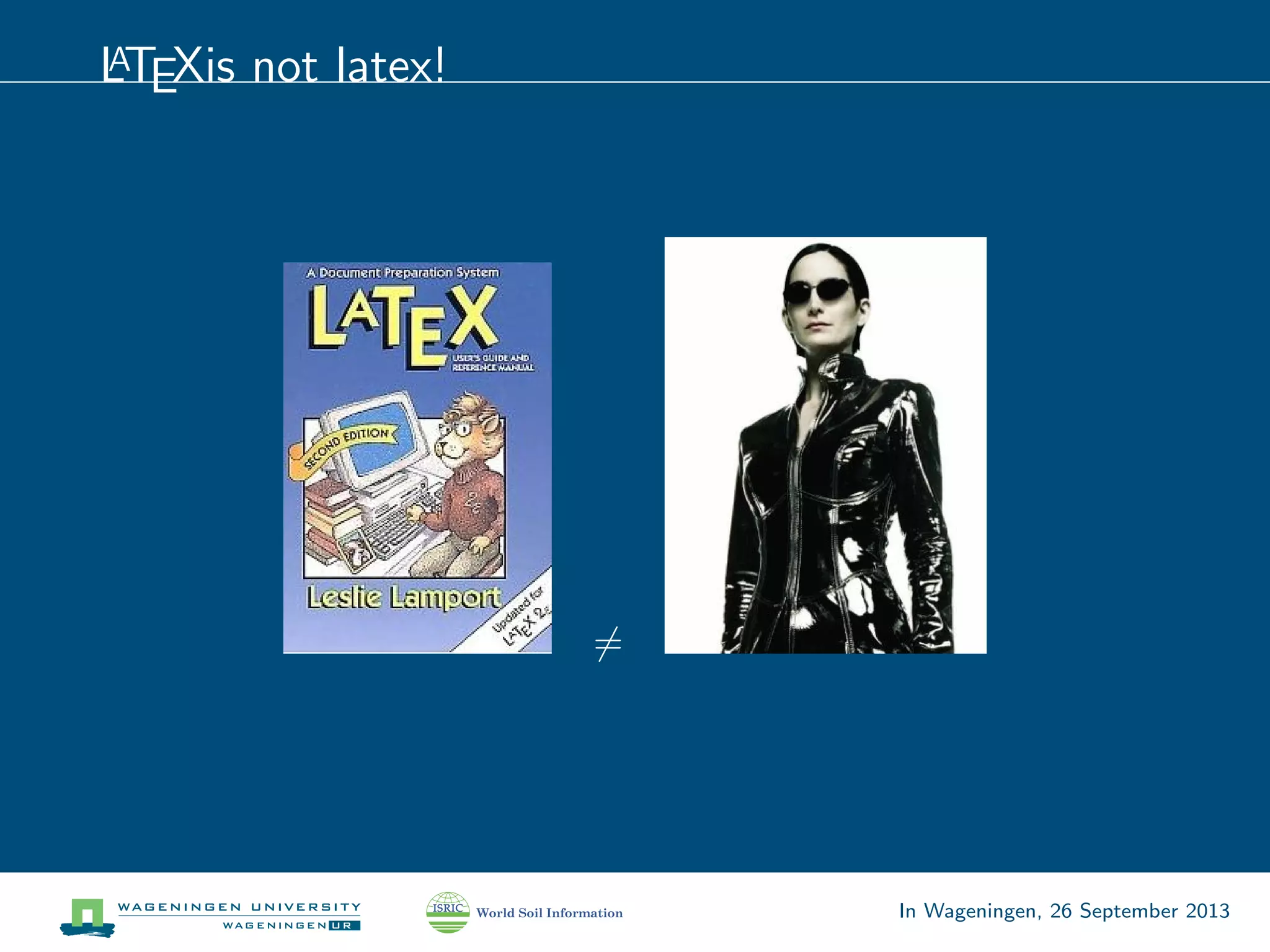
LATEXis not latex!
=
In Wageningen, 26 September 2013
TEX philosophy
Donald Knuth designed TEXwith two main goals in mind:
1. (perfectionism) to allow anybody to produce high-quality
books using a reasonably minimal amount of effort, and
2. (continuity) to provide a system that would give exactly the
same results on all computers, now and in the future.
The creator“offers monetary awards to people who find and report
a bug in TEX. The award per bug started at $2.56 (one
‘hexadecimal dollar’) and doubled every year until it was frozen at
its current value of $327.68. . . recipients have been known to
frame their check as proof that they found a bug in TEXrather than
cashing it.”
In Wageningen, 26 September 2013
What is LATEX?
essentially a markup language;
analogous to HTML with CSS;
programming environment with many contributed packages
and styles;
renders the content into a document (PDF);
the code must be error-free from the beginning till the end!
otherwise you do not see any PDF.
In Wageningen, 26 September 2013
Who is it for?
Anybody writing anything maths related will not find a richer
and better quality system.
Anybody planning to write research articles, PhD or MSc
thesis and make professional and stable overheads;
If you are in academia, you really ought to be using it!
Even WikiPedia uses LATEX for rendering any formulas that
appear on their site.
See also: “LATEX isn’t for everyone but it could be for you”by
Andy Roberts.
In Wageningen, 26 September 2013
Why TEX?
. . . portability, lightness, security;
it is easier than XML (and has less bugs);
it is for free
it is one of the most sophisticated digital typographical
systems in the world (MS Word is not a press software!);
You can get LATEX to do just about anything you can think of!
(it’s just a question of time / effort)
In Wageningen, 26 September 2013
TEX saves time
focus on content, let LATEX bother about the layout;
the software takes care of the actual typesetting, structuring,
numbering, referencing and cross-referencing, indexing and
page formatting;
compile documents in PDF (export to HTML, RTF);
hyphenation, typesetting, fine-tuned control;
In Wageningen, 26 September 2013
LATEX versus MS Word
MS Word
WYSIWYG world;
XML;
nonstandard styles;
not-suited for large
(collaborative)
documents;
compatibility problems
(MS Word 97, 2000, XP,
2003, 2007);
LATEX
code world;
TEX language;
standard styles;
suited for large
collaborative documents;
the syntax staid the same
ever since the beginning!
. . .and the winner is. . .
In Wageningen, 26 September 2013
MS Word
MS Word does in fact have a similar Styles feature (but people
don’t often know it exists).
Microsoft has a software to prepare documents for press —
Microsoft Office Publisher, but even this can not be compared with
e.g.Adobe InDesign (do you have money to use this software?)
In Wageningen, 26 September 2013
TEX versus MS Word3
3
http://www.pinteric.com/miktex.html
In Wageningen, 26 September 2013
TEX versus MS Word
Andy Roberts’ Laws on Word:
1. Likelihood of a crash is directly proportional to the importance
of a document.
2. Likelihood of a crash is inversely proportional to the time left
before its deadline.
3. Likelihood of a crash is directly proportional to the duration
since you last saved.
4. Likelihood of you throwing your computer out of the window
is directly proportional to the number of times Clippy pops up.
5. That’s enough laws for now. . .
See also: “LATEX vs.MS Word”
In Wageningen, 26 September 2013
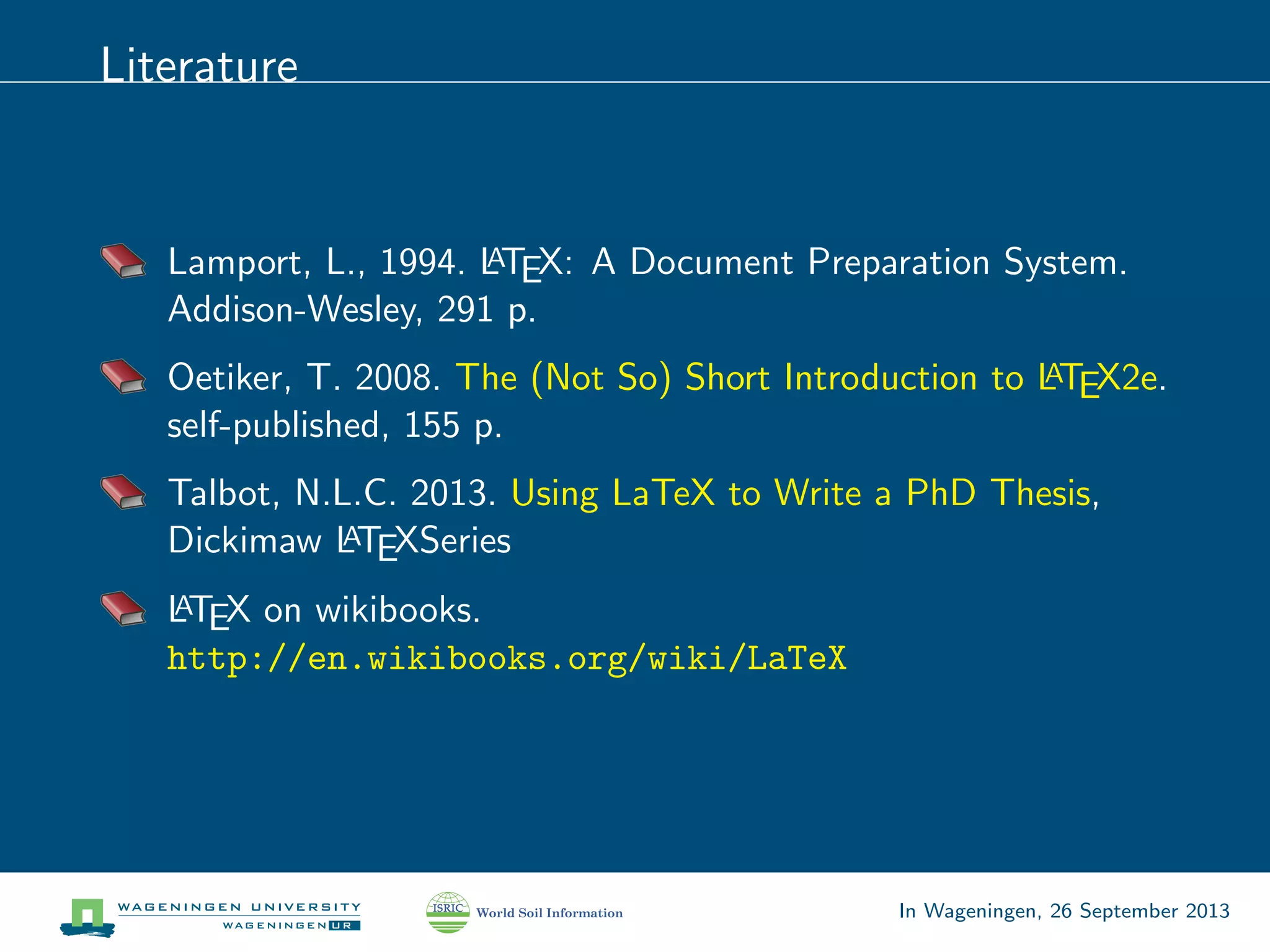
Literature
Lamport, L., 1994. LATEX: A Document Preparation System.
Addison-Wesley, 291 p.
Oetiker, T. 2008. The (Not So) Short Introduction to LATEX2e.
self-published, 155 p.
Talbot, N.L.C. 2013. Using LaTeX to Write a PhD Thesis,
Dickimaw LATEXSeries
LATEX on wikibooks.
http://en.wikibooks.org/wiki/LaTeX
In Wageningen, 26 September 2013
Layout galleries
The TEX showcase;
Page and chapter headings by Vincent Zoonekynd;
LATEX font catalogue;
Text Processing using LATEX by University of Cambridge
Copernicus publications (HESS);
In Wageningen, 26 September 2013
LATEX to HTML/KML
convert your LATEX document to HTML (install TtH);
install some KML editor (or use WinEdt);
Put the slides as HTML in the description field;
to get some idea what you can do with KML, look at the
KML interactive sampler and/or Google Earth Outreach;
You can also convert from LATEX document to Wiki (e.g.using
this Python script);
In Wageningen, 26 September 2013

Latex crash course

  • 1.
    Reproducible research withLATEX + R (for PhD students) Tomislav Hengl ISRIC — World Soil Information, Wageningen University In Wageningen, 26 September 2013
  • 2.
    Outline I Important points Disclaimer Theprogramme Reproducible research is beautiful! Software in use Web-services of interest What is TEX? TEX philosophy What is LATEX? LATEX versus MS Word Comparison Literature In Wageningen, 26 September 2013
  • 3.
    What you needto know about me I am not really familiar with TEX programming (I never developed any LATEX package). LATEX has a steep learning curve. I also still use Google docs and MS Word (e.g.to write short documents). LATEX comes (as any GNU) without any warranty. In Wageningen, 26 September 2013
  • 4.
    The course programme(1) Block 1 (2 hours) Introduction to TEX (philosophy, history). Installation of software and first steps. Common LATEX commands (graphics, tables, BibTEX, math). Generate your first document with LATEX. In Wageningen, 26 September 2013
  • 5.
    The course programme(2) Block 2 (2 hours) Collaborative writing using LATEX— the DropBox approach. Collaborative writing using LATEXon-line LATEXeditors (ShareLaTeX, LaTeXLab) Finding the right template for a PhD thesis Writing a PhD thesis with LATEX(tips and tricks). In Wageningen, 26 September 2013
  • 6.
    The course programme(3) Block 3 (2 hours) Reproducible research — why? how? where? Combining R and LATEXcode -> Sweave. Preparing presentations using the Beamer package. Converting LATEXdocs to MS Word and HTML. In Wageningen, 26 September 2013
  • 7.
    What is reproducibleresearch?1 Ideally, each paper submitted for publication that contains some type of statistical analysis or summaries of results should allow for checking / validation. Anybody should be able to reproduce your results. . . of course — this is one of the main principles of science! But most of the articles you find (>95%) do not satisfy the reproducibility principle! Science is still largely based on trust and authorities. 1 https://en.wikipedia.org/wiki/Reproducibility In Wageningen, 26 September 2013
  • 8.
    Kligl & Bates(2011) In Wageningen, 26 September 2013
  • 9.
    Reproducible research isbeautiful! In Wageningen, 26 September 2013
  • 10.
    Another example: JSS InWageningen, 26 September 2013
  • 11.
    See also: UG4A InWageningen, 26 September 2013
  • 12.
    Another leitmotif ofthis course: collaboration The best papers are the ones written through creative team work — creative brainstorming and discussion! But how to collaborate on LATEXdocuments? And how to monitor progress? (or“who do I turn on track-changes in LATEX?!”) In Wageningen, 26 September 2013
  • 13.
    Software You should haveinstalled these already! MikTEX (LATEX engine); WinEdt (TEX editor); (recommended) a number of WinEdt plugins: JabRef — references editor; BibTEX menu — WinEdt menu for references; MathType — Equation editor; R-Sweave — full WinEdt–R integration; optional: Scientific Word — the commercial programme for producing LATEX documents under Windows; word2tex — a shareware programme that converts MS WORD documents to LATEX. In Wageningen, 26 September 2013
  • 14.
    Websites (on-line services) Youcan make an account and test things out On-line TEXeditor: https://www.sharelatex.com; Shared documents: http://DropBox.com; Annotation of PDF docs: http://a.nnotate.com; On-line equation editors; In Wageningen, 26 September 2013
  • 15.
    TEX history I In1978, Donald Knuth (one of the most famous and well respected computer scientists) embarked on a project to create a typesetting system, called TEX (pronounced ‘tech’), after being disappointed with the quality of his acclaimed The Art of Programming series. TEXis an abbreviation of τ χνη (TEXNH — techn¯e), Greek for both“art”and“craft”, which is also the root word of ‘technical’2. Around 10 years later, he froze the language after originally anticipating spending a single year! In Wageningen, 26 September 2013
  • 16.
    TEX history II Inthe mid-80s Leslie Lamport created a set of macros that abstracted away many of the complexities (this allowed for a simpler approach for creating documents, where content and style were separate). This extension became LATEX (pronounced ‘lay-tech’); MiKTEX (pronounced ‘mick-tech’) is an up-to-date implementation of TEX and related programs for Windows. 2 https://en.wikipedia.org/wiki/TeX In Wageningen, 26 September 2013
  • 17.
    LATEXis not latex! = InWageningen, 26 September 2013
  • 18.
    TEX philosophy Donald Knuthdesigned TEXwith two main goals in mind: 1. (perfectionism) to allow anybody to produce high-quality books using a reasonably minimal amount of effort, and 2. (continuity) to provide a system that would give exactly the same results on all computers, now and in the future. The creator“offers monetary awards to people who find and report a bug in TEX. The award per bug started at $2.56 (one ‘hexadecimal dollar’) and doubled every year until it was frozen at its current value of $327.68. . . recipients have been known to frame their check as proof that they found a bug in TEXrather than cashing it.” In Wageningen, 26 September 2013
  • 19.
    What is LATEX? essentiallya markup language; analogous to HTML with CSS; programming environment with many contributed packages and styles; renders the content into a document (PDF); the code must be error-free from the beginning till the end! otherwise you do not see any PDF. In Wageningen, 26 September 2013
  • 20.
    Who is itfor? Anybody writing anything maths related will not find a richer and better quality system. Anybody planning to write research articles, PhD or MSc thesis and make professional and stable overheads; If you are in academia, you really ought to be using it! Even WikiPedia uses LATEX for rendering any formulas that appear on their site. See also: “LATEX isn’t for everyone but it could be for you”by Andy Roberts. In Wageningen, 26 September 2013
  • 21.
    Why TEX? . .. portability, lightness, security; it is easier than XML (and has less bugs); it is for free it is one of the most sophisticated digital typographical systems in the world (MS Word is not a press software!); You can get LATEX to do just about anything you can think of! (it’s just a question of time / effort) In Wageningen, 26 September 2013
  • 22.
    TEX saves time focuson content, let LATEX bother about the layout; the software takes care of the actual typesetting, structuring, numbering, referencing and cross-referencing, indexing and page formatting; compile documents in PDF (export to HTML, RTF); hyphenation, typesetting, fine-tuned control; In Wageningen, 26 September 2013
  • 23.
    LATEX versus MSWord MS Word WYSIWYG world; XML; nonstandard styles; not-suited for large (collaborative) documents; compatibility problems (MS Word 97, 2000, XP, 2003, 2007); LATEX code world; TEX language; standard styles; suited for large collaborative documents; the syntax staid the same ever since the beginning! . . .and the winner is. . . In Wageningen, 26 September 2013
  • 24.
    MS Word MS Worddoes in fact have a similar Styles feature (but people don’t often know it exists). Microsoft has a software to prepare documents for press — Microsoft Office Publisher, but even this can not be compared with e.g.Adobe InDesign (do you have money to use this software?) In Wageningen, 26 September 2013
  • 25.
    TEX versus MSWord3 3 http://www.pinteric.com/miktex.html In Wageningen, 26 September 2013
  • 26.
    TEX versus MSWord Andy Roberts’ Laws on Word: 1. Likelihood of a crash is directly proportional to the importance of a document. 2. Likelihood of a crash is inversely proportional to the time left before its deadline. 3. Likelihood of a crash is directly proportional to the duration since you last saved. 4. Likelihood of you throwing your computer out of the window is directly proportional to the number of times Clippy pops up. 5. That’s enough laws for now. . . See also: “LATEX vs.MS Word” In Wageningen, 26 September 2013
  • 27.
    Literature Lamport, L., 1994.LATEX: A Document Preparation System. Addison-Wesley, 291 p. Oetiker, T. 2008. The (Not So) Short Introduction to LATEX2e. self-published, 155 p. Talbot, N.L.C. 2013. Using LaTeX to Write a PhD Thesis, Dickimaw LATEXSeries LATEX on wikibooks. http://en.wikibooks.org/wiki/LaTeX In Wageningen, 26 September 2013
  • 28.
    Layout galleries The TEXshowcase; Page and chapter headings by Vincent Zoonekynd; LATEX font catalogue; Text Processing using LATEX by University of Cambridge Copernicus publications (HESS); In Wageningen, 26 September 2013
  • 29.
    LATEX to HTML/KML convertyour LATEX document to HTML (install TtH); install some KML editor (or use WinEdt); Put the slides as HTML in the description field; to get some idea what you can do with KML, look at the KML interactive sampler and/or Google Earth Outreach; You can also convert from LATEX document to Wiki (e.g.using this Python script); In Wageningen, 26 September 2013