
Centre for Online Learning Excellence


Social Media and eLearning:
New challenges for online learning facilitation

                                            Mandi Axmann
                                            Learning Design and
                                         Academic Development
Plenary Work
Time        Plenary session             Discussion

3:30-4:20   Understand the impact of    Synchronous and Asynchronous
            social media on eLearning   discussions
                                             •Implement and facilitate wikis
                                             as effective learning activity

                                            •Implement and facilitate blogs
                                            as effective learning activity

                                            •Implement and facilitate twitter
                                            as effective learning activity

4:20-5:00   Challenges for online       Question and Answer time
            facilitation
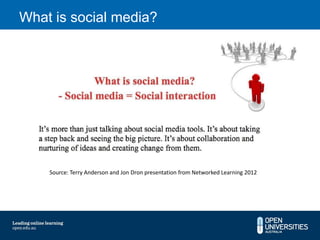
What is social media?


    Source: Terry Anderson and Jon Dron presentation from Networked Learning 2012
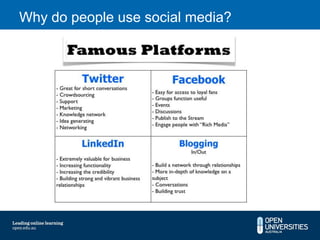
Why do people use social media?
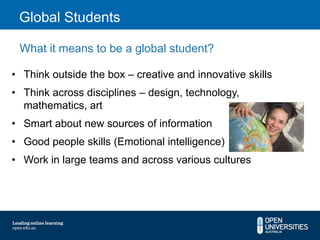
Global Students

 What it means to be a global student?

• Think outside the box – creative and innovative skills
• Think across disciplines – design, technology,
  mathematics, art
• Smart about new sources of information
• Good people skills (Emotional intelligence)
• Work in large teams and across various cultures
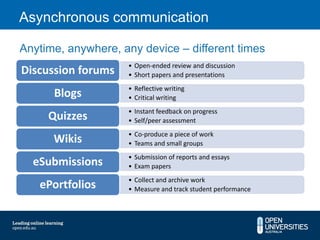
Asynchronous communication

Anytime, anywhere, any device – different times
                    • Open-ended review and discussion
Discussion forums   • Short papers and presentations
                    • Reflective writing
      Blogs         • Critical writing
                    • Instant feedback on progress
     Quizzes        • Self/peer assessment
                    • Co-produce a piece of work
      Wikis         • Teams and small groups
                    • Submission of reports and essays
  eSubmissions      • Exam papers
                    • Collect and archive work
   ePortfolios      • Measure and track student performance
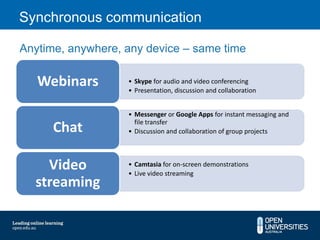
Synchronous communication

Anytime, anywhere, any device – same time

   Webinars        • Skype for audio and video conferencing
                   • Presentation, discussion and collaboration


                   • Messenger or Google Apps for instant messaging and
                     file transfer
      Chat         • Discussion and collaboration of group projects


    Video          • Camtasia for on-screen demonstrations
                   • Live video streaming
  streaming
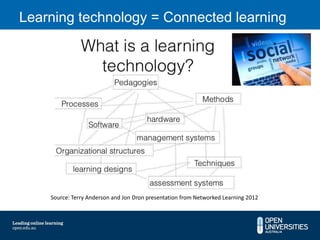
Learning technology = Connected learning


    Source: Terry Anderson and Jon Dron presentation from Networked Learning 2012
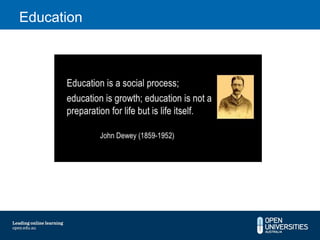
Education
Wiki

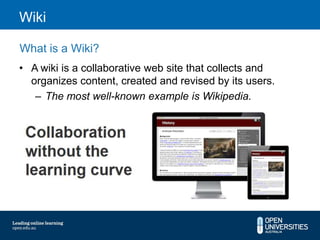
What is a Wiki?
• A wiki is a collaborative web site that collects and
  organizes content, created and revised by its users.
   – The most well-known example is Wikipedia.
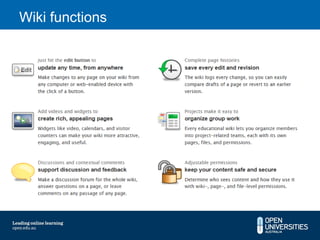
Wiki functions
Wiki

Uses of a wiki
•   Frequently Asked Questions
•   Knowledge base for a specific topic
•   Find group solutions to a problem
•   Develop standards or guidelines
•   Database of experiences with relevant stories
•   Gather requirements for a new product or design
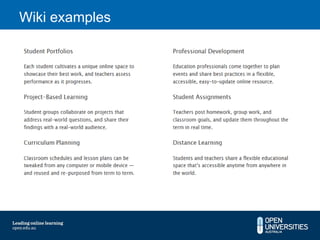
Wiki examples
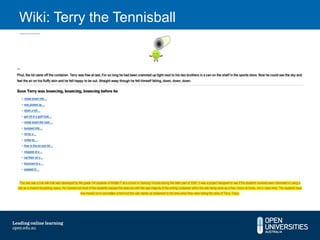
Wiki: Terry the Tennisball
Edublogs
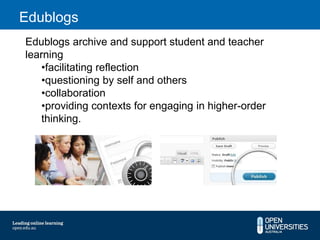
Edublogs archive and support student and teacher
learning
    •facilitating reflection
    •questioning by self and others
    •collaboration
    •providing contexts for engaging in higher-order
    thinking.
Blogging

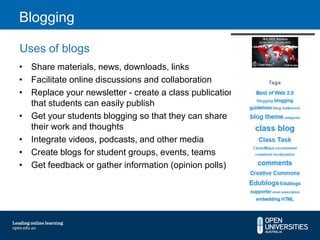
Uses of blogs
• Share materials, news, downloads, links
• Facilitate online discussions and collaboration
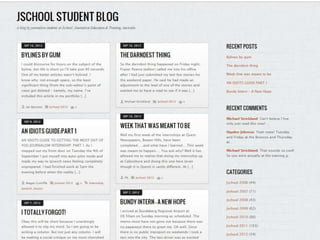
• Replace your newsletter - create a class publication
  that students can easily publish
• Get your students blogging so that they can share
  their work and thoughts
• Integrate videos, podcasts, and other media
• Create blogs for student groups, events, teams
• Get feedback or gather information (opinion polls)
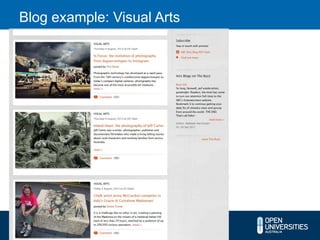
Blog example: Visual Arts
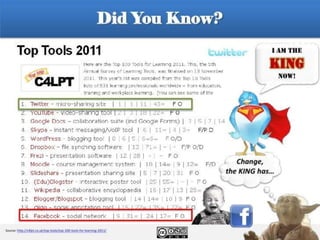
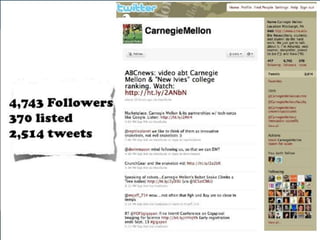
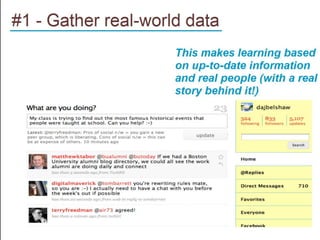
Twitter

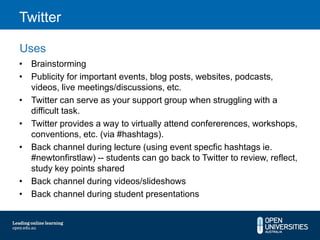
Uses
• Brainstorming
• Publicity for important events, blog posts, websites, podcasts,
  videos, live meetings/discussions, etc.
• Twitter can serve as your support group when struggling with a
  difficult task.
• Twitter provides a way to virtually attend confererences, workshops,
  conventions, etc. (via #hashtags).
• Back channel during lecture (using event specfic hashtags ie.
  #newtonfirstlaw) -- students can go back to Twitter to review, reflect,
  study key points shared
• Back channel during videos/slideshows
• Back channel during student presentations
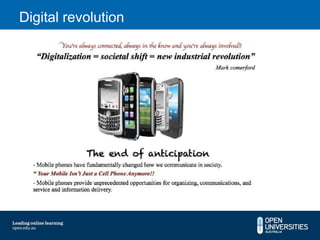
Digital revolution
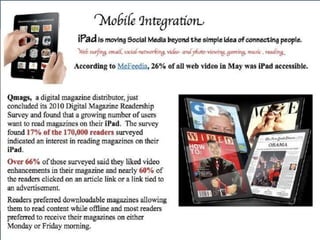
Some more ideas


 Talkshoe
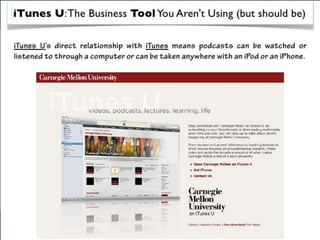
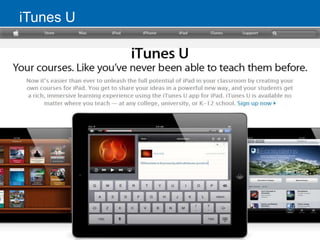
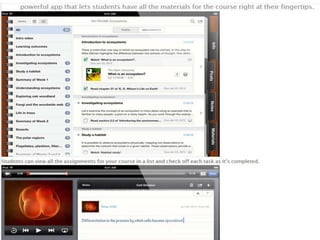
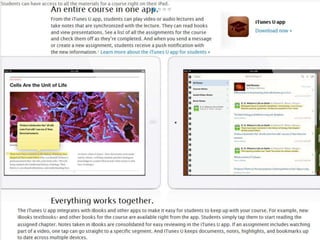
iTunes U
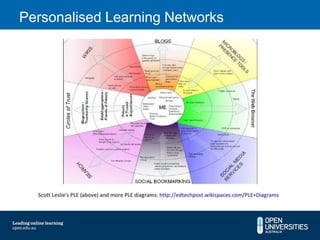
Personalised Learning Networks
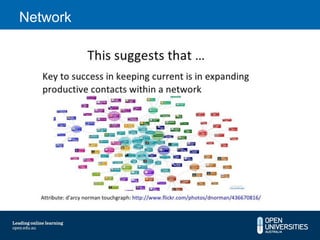
Network
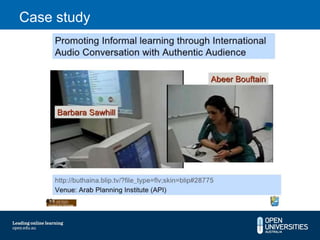
Case study
Case study
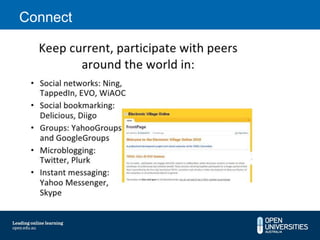
Connect
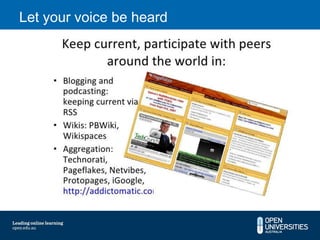
Let your voice be heard
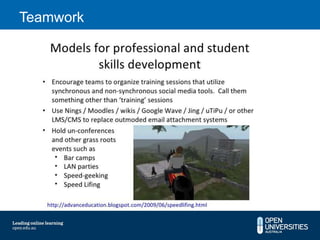
Teamwork
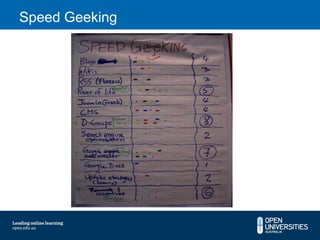
Speed Geeking
Evaluation

Thanks for your attendance and participation
in this workshop.

Webinar social media and e learning Sept 2012

  • 1.
    Centre for OnlineLearning Excellence Social Media and eLearning: New challenges for online learning facilitation Mandi Axmann Learning Design and Academic Development
  • 2.
    Plenary Work Time Plenary session Discussion 3:30-4:20 Understand the impact of Synchronous and Asynchronous social media on eLearning discussions •Implement and facilitate wikis as effective learning activity •Implement and facilitate blogs as effective learning activity •Implement and facilitate twitter as effective learning activity 4:20-5:00 Challenges for online Question and Answer time facilitation
  • 3.
    What is socialmedia? Source: Terry Anderson and Jon Dron presentation from Networked Learning 2012
  • 4.
    Why do peopleuse social media?
  • 5.
    Global Students Whatit means to be a global student? • Think outside the box – creative and innovative skills • Think across disciplines – design, technology, mathematics, art • Smart about new sources of information • Good people skills (Emotional intelligence) • Work in large teams and across various cultures
  • 6.
    Asynchronous communication Anytime, anywhere,any device – different times • Open-ended review and discussion Discussion forums • Short papers and presentations • Reflective writing Blogs • Critical writing • Instant feedback on progress Quizzes • Self/peer assessment • Co-produce a piece of work Wikis • Teams and small groups • Submission of reports and essays eSubmissions • Exam papers • Collect and archive work ePortfolios • Measure and track student performance
  • 7.
    Synchronous communication Anytime, anywhere,any device – same time Webinars • Skype for audio and video conferencing • Presentation, discussion and collaboration • Messenger or Google Apps for instant messaging and file transfer Chat • Discussion and collaboration of group projects Video • Camtasia for on-screen demonstrations • Live video streaming streaming
  • 8.
    Learning technology =Connected learning Source: Terry Anderson and Jon Dron presentation from Networked Learning 2012
  • 9.
  • 10.
    Wiki What is aWiki? • A wiki is a collaborative web site that collects and organizes content, created and revised by its users. – The most well-known example is Wikipedia.
  • 11.
  • 12.
    Wiki Uses of awiki • Frequently Asked Questions • Knowledge base for a specific topic • Find group solutions to a problem • Develop standards or guidelines • Database of experiences with relevant stories • Gather requirements for a new product or design
  • 13.
  • 15.
    Wiki: Terry theTennisball
  • 17.
    Edublogs Edublogs archive andsupport student and teacher learning •facilitating reflection •questioning by self and others •collaboration •providing contexts for engaging in higher-order thinking.
  • 18.
    Blogging Uses of blogs •Share materials, news, downloads, links • Facilitate online discussions and collaboration • Replace your newsletter - create a class publication that students can easily publish • Get your students blogging so that they can share their work and thoughts • Integrate videos, podcasts, and other media • Create blogs for student groups, events, teams • Get feedback or gather information (opinion polls)
  • 20.
  • 24.
    Twitter Uses • Brainstorming • Publicityfor important events, blog posts, websites, podcasts, videos, live meetings/discussions, etc. • Twitter can serve as your support group when struggling with a difficult task. • Twitter provides a way to virtually attend confererences, workshops, conventions, etc. (via #hashtags). • Back channel during lecture (using event specfic hashtags ie. #newtonfirstlaw) -- students can go back to Twitter to review, reflect, study key points shared • Back channel during videos/slideshows • Back channel during student presentations
  • 25.
  • 27.
  • 28.
  • 31.
  • 32.
  • 33.
  • 34.
  • 35.
  • 36.
  • 37.
  • 38.
  • 39.
    Evaluation Thanks for yourattendance and participation in this workshop.

Editor's Notes

  • #5 What is of interest to Education not so much the platforms but WHY they are famous. Students need to be stimulated for idea generation, networking, building relationships, discussions, groups, more in-depth knowledge
  • #14 RMIT – Drugs and Sport example
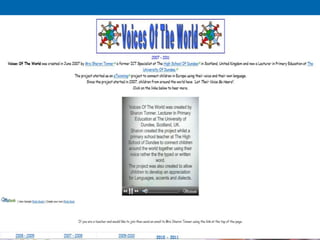
  • #15 http://votw.wikispaces.com/
  • #20 http://www.incomediary.com/30-great-examples-blog-post-styling
  • #24 From 36 Ways to use Twitter in the Classroom
  • #25 Example The Voice and X Factor backchannel
  • #28 http://learni.st/learnings/39158-apple-itunes-u-learn-anything-anywhere-anytime
  • #32 Integration is key
  • #38 http://www.youtube.com/watch?v=55R8VSmuJLg