IT Automation with Chef
Anuchit Chalothorn
anuchit@redlinesoft.net
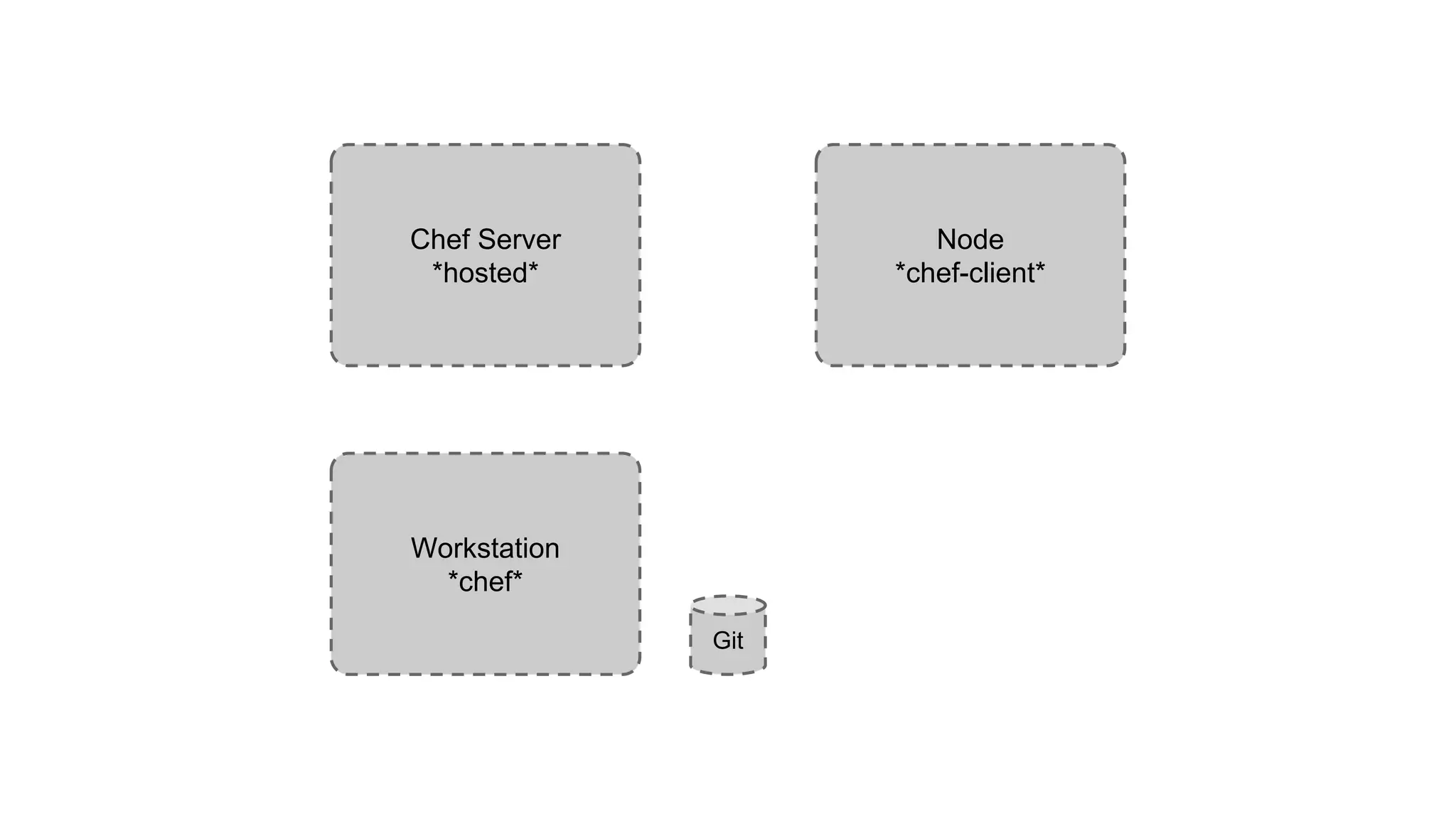
Chef Server
*hosted*
Node
*chef-client*
Workstation
*chef*
Git
Tools
● Chef client tools for admin workstation
● Chef server
● Node with bootstrap
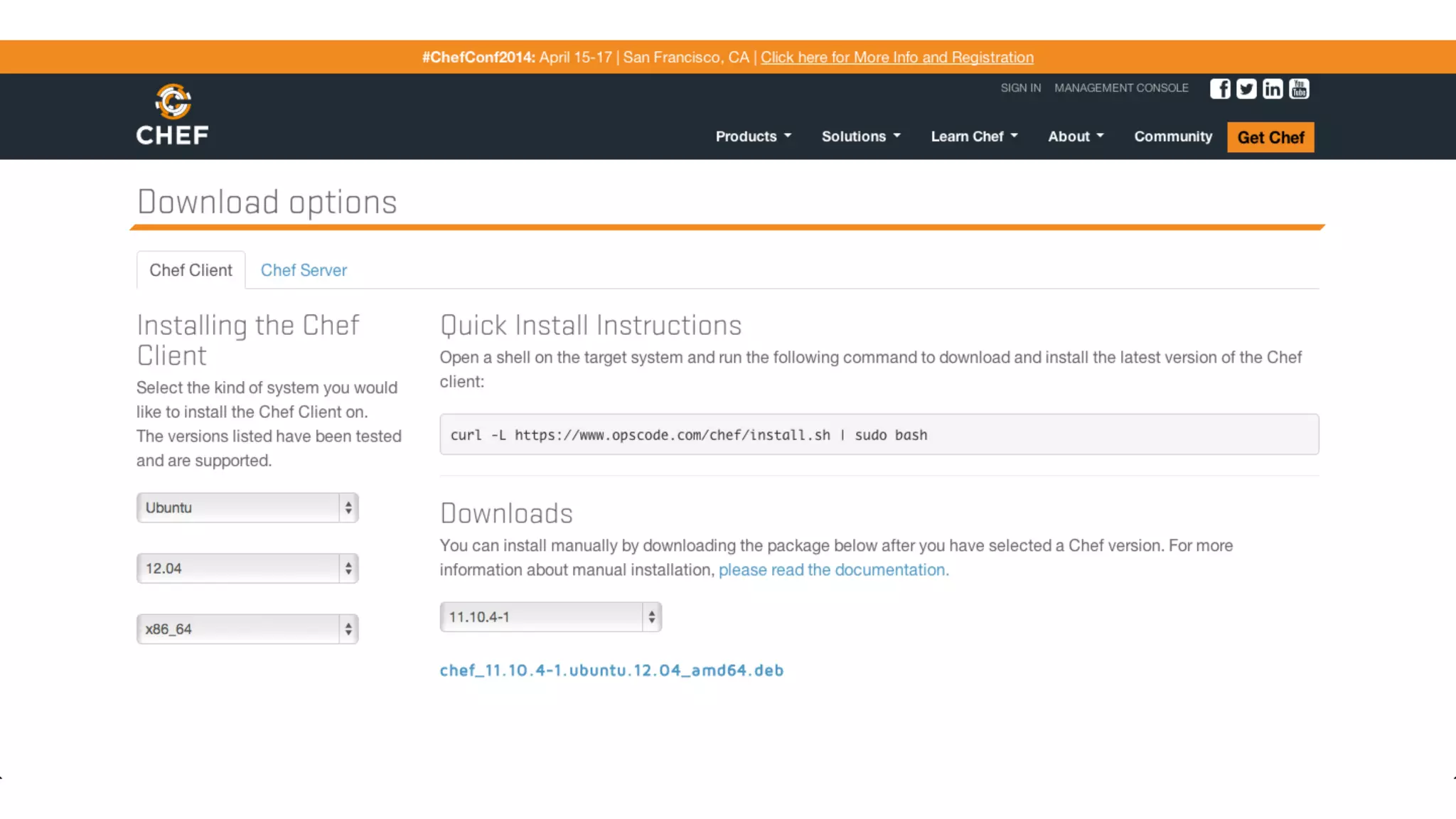
Chef client
Install from http://www.getchef.com/chef/install/ choose
match with your operating system and arch.
Chef client
* for Linux and Mac user can use shell script installer from curl :)
Chef server
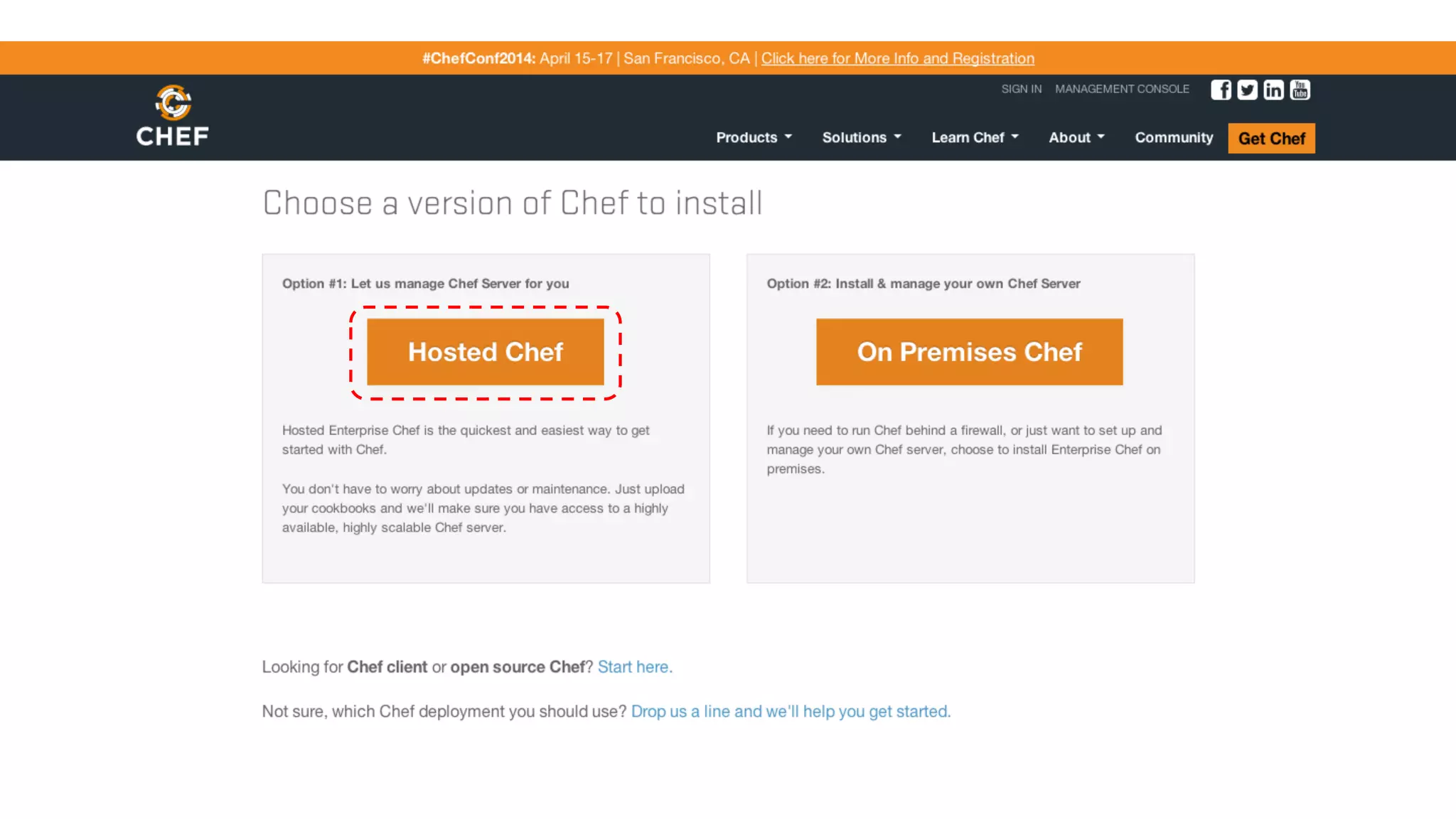
You can use on premises chef server or use hosted chef.
choose your version at http://www.getchef.com/chef/choose-
your-version/
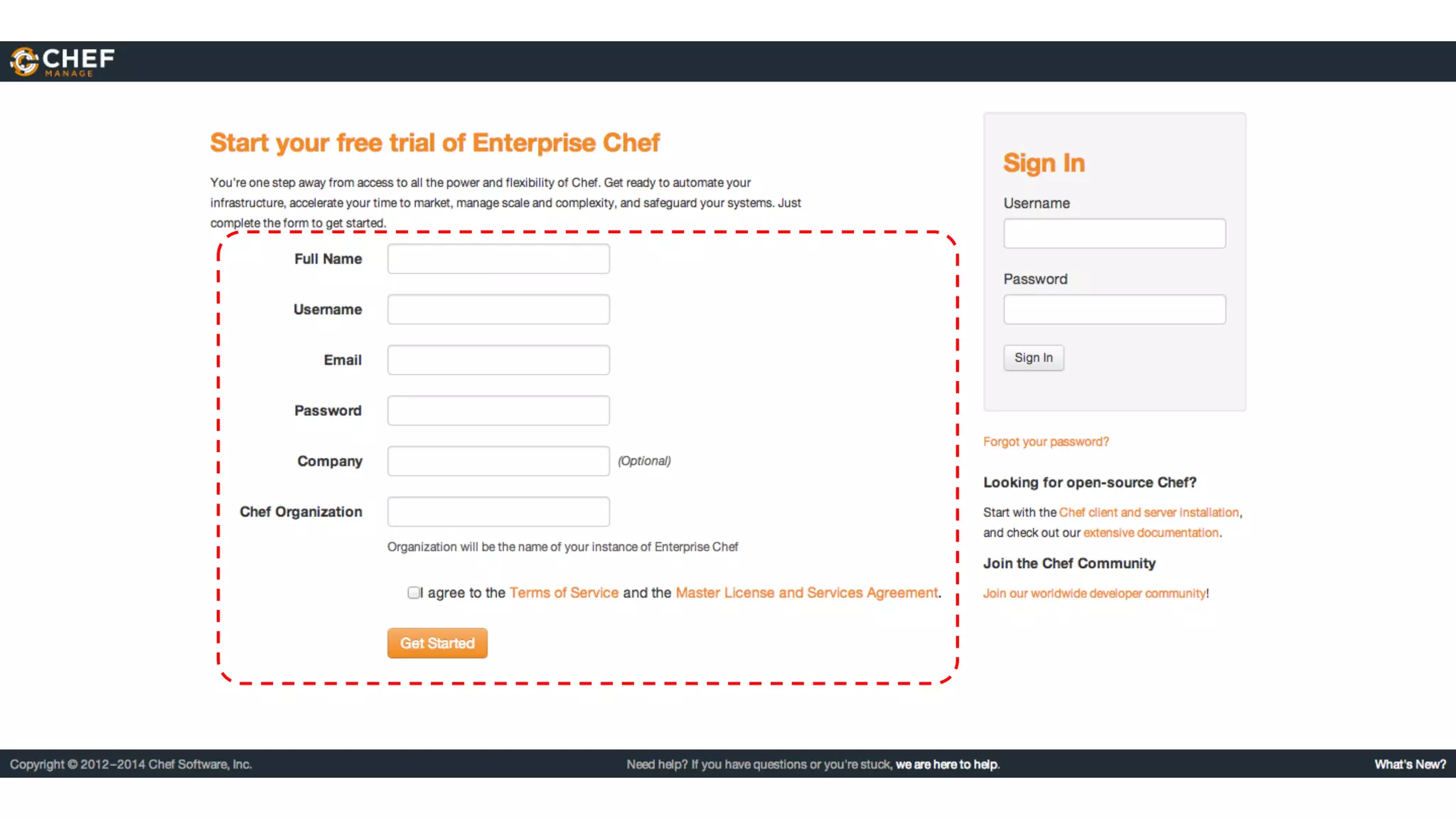
Chef server
Chef server
Starter kit
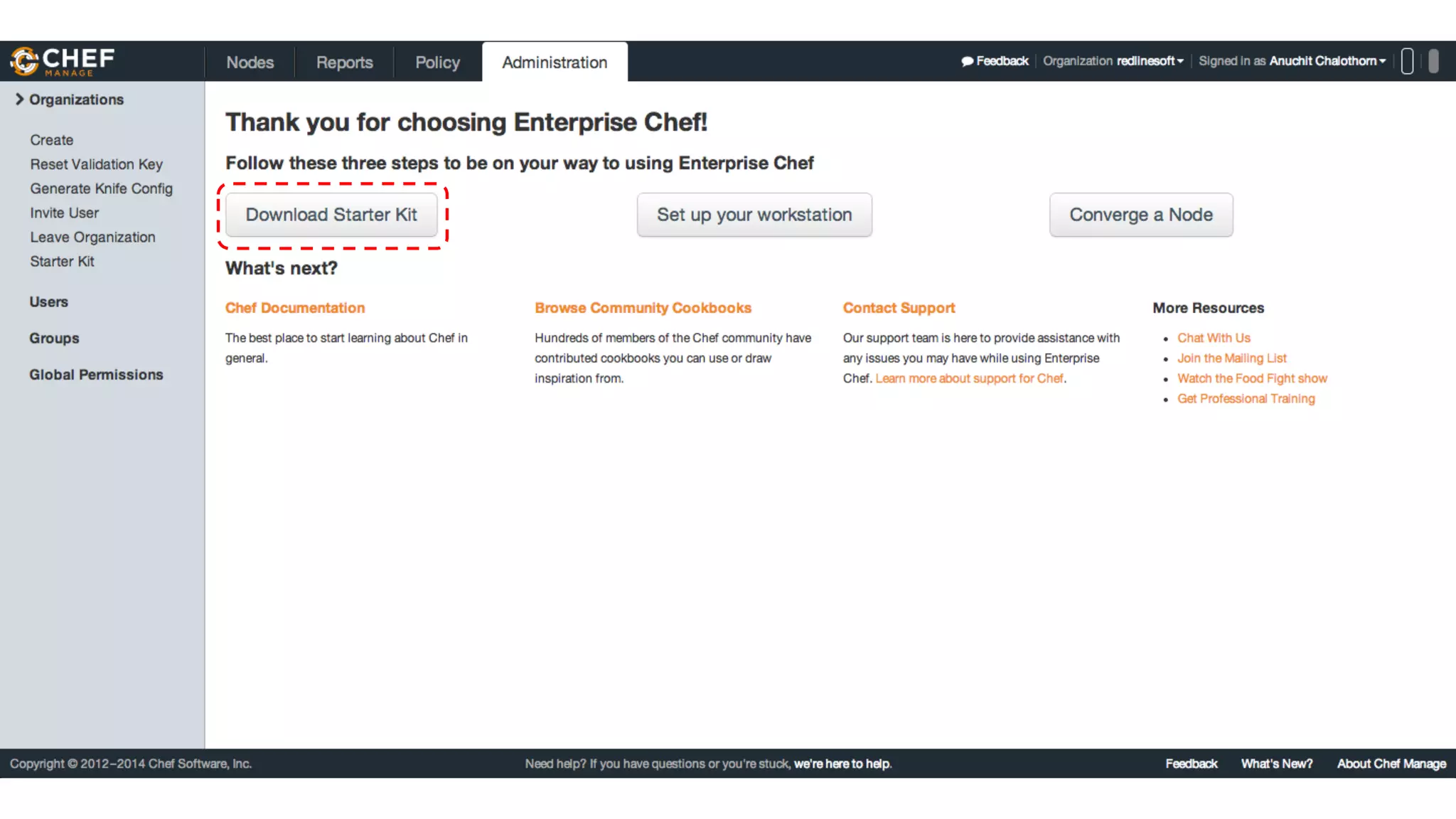
Download Starter Kit on Administration page, then extract to
your home directory.
Starter kit
Git repository
Chef need repository for your cookbook. Change to your chef-
repo and using git to init your repository.
git init
git add .
git commit -m “add starter kit”
* Ref : Customized Git Configuration
Try knife
Change to your Chef repo directory and use knife command line
eg: knife client list
knife client list
Node bootstrap
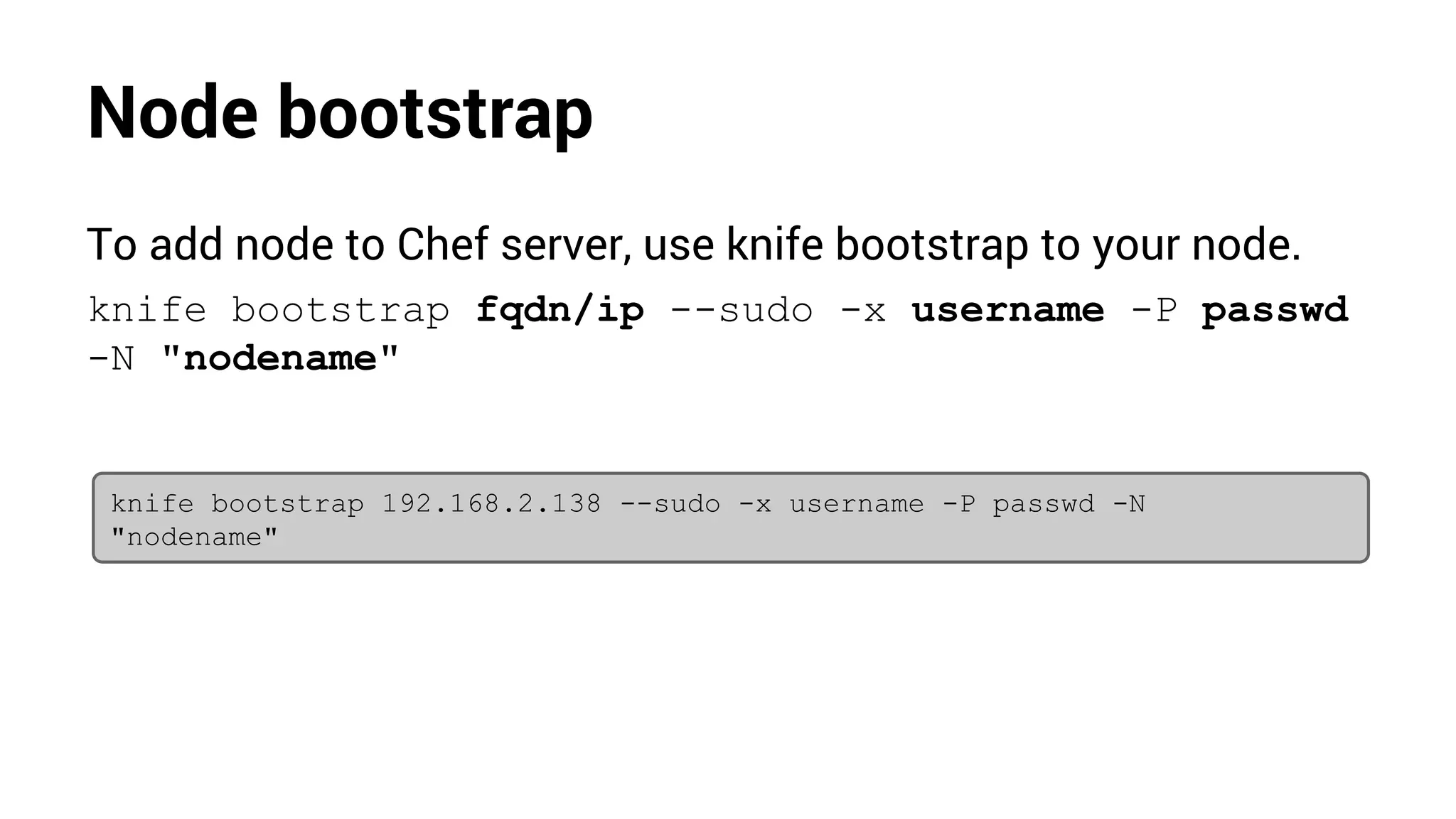
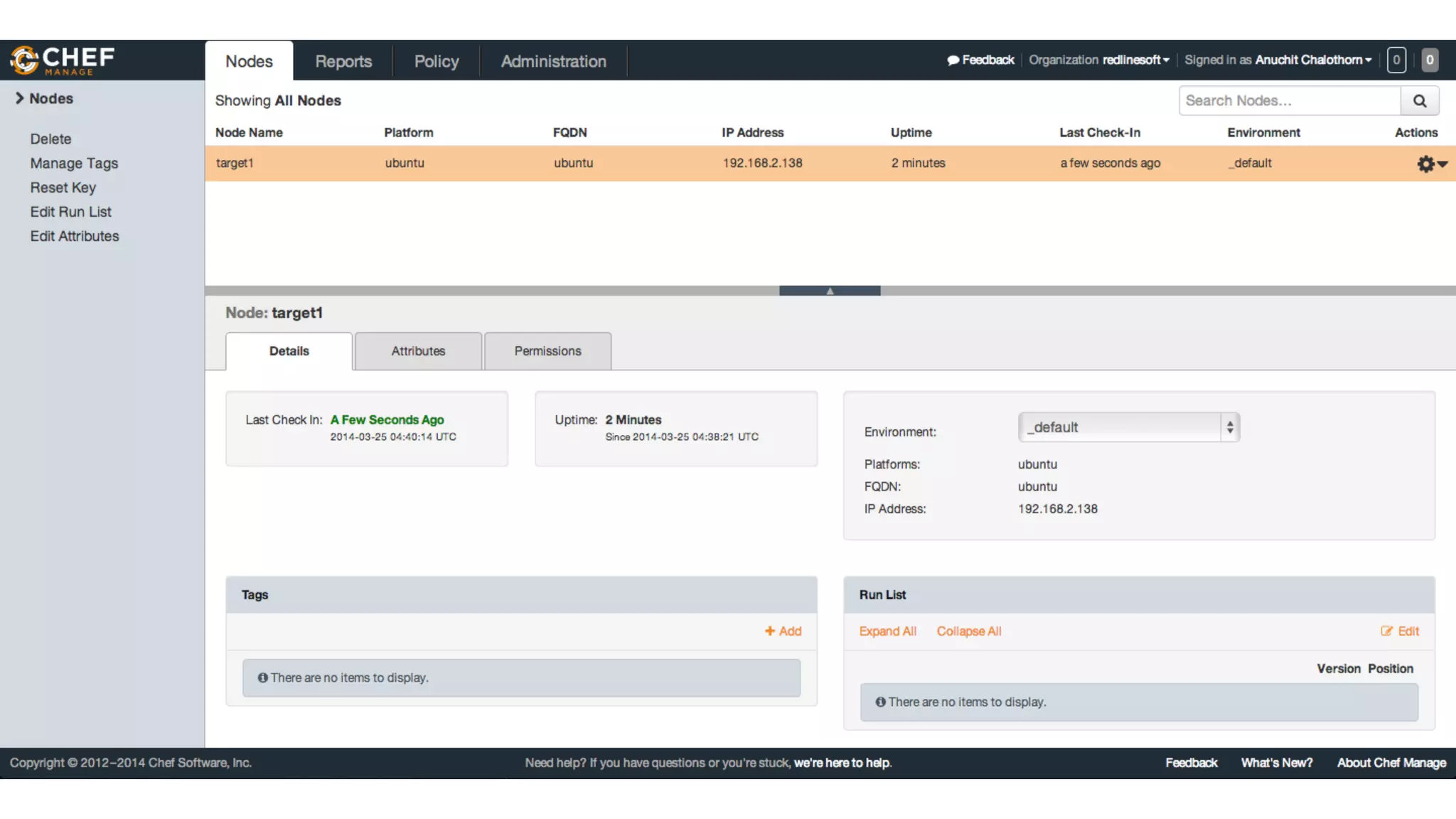
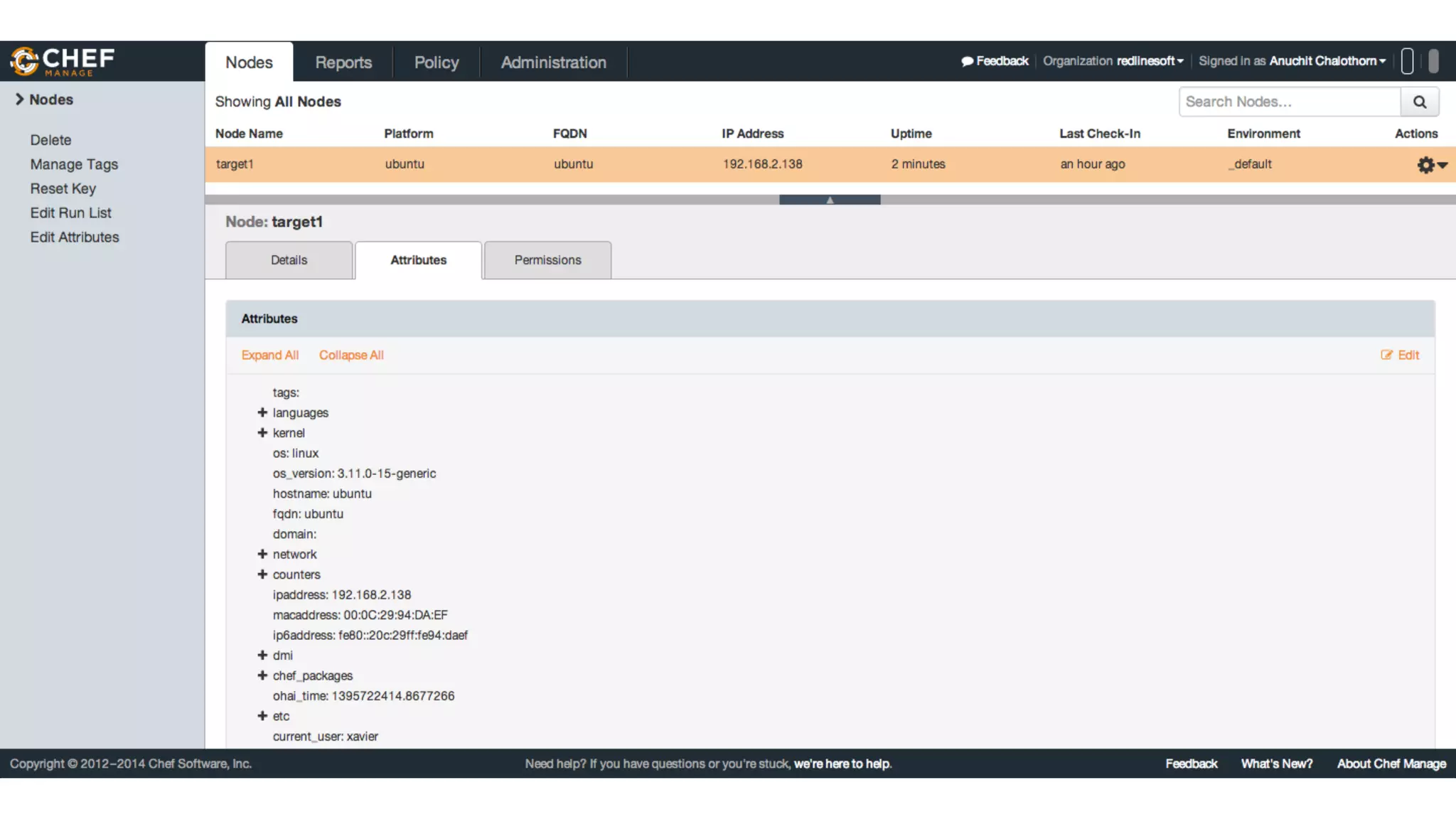
To add node to Chef server, use knife bootstrap to your node.
knife bootstrap fqdn/ip --sudo -x username -P passwd
-N "nodename"
knife bootstrap 192.168.2.138 --sudo -x username -P passwd -N
"nodename"
Node bootstrap
Node bootstrap
Cookbook
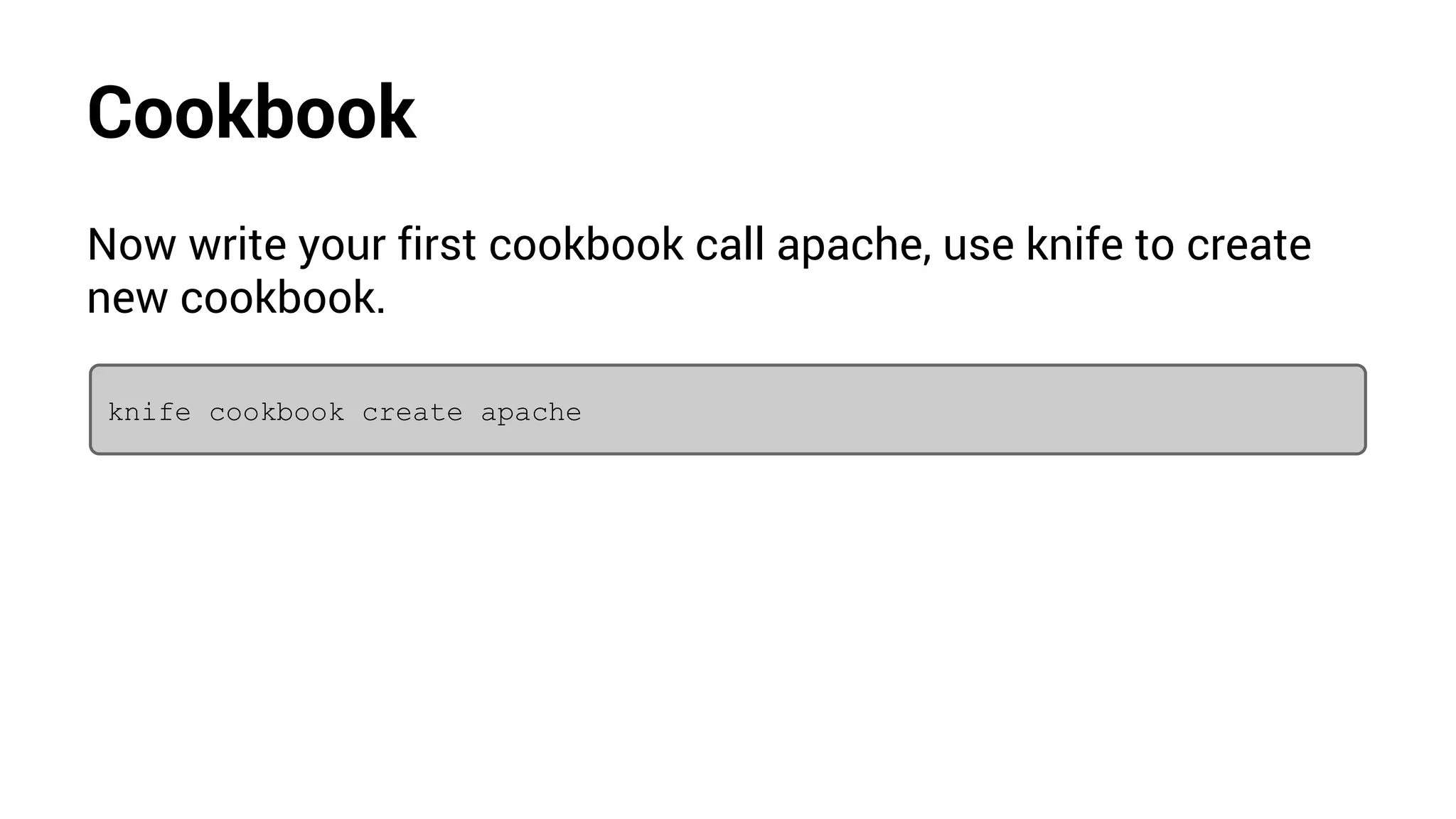
Now write your first cookbook call apache, use knife to create
new cookbook.
knife cookbook create apache
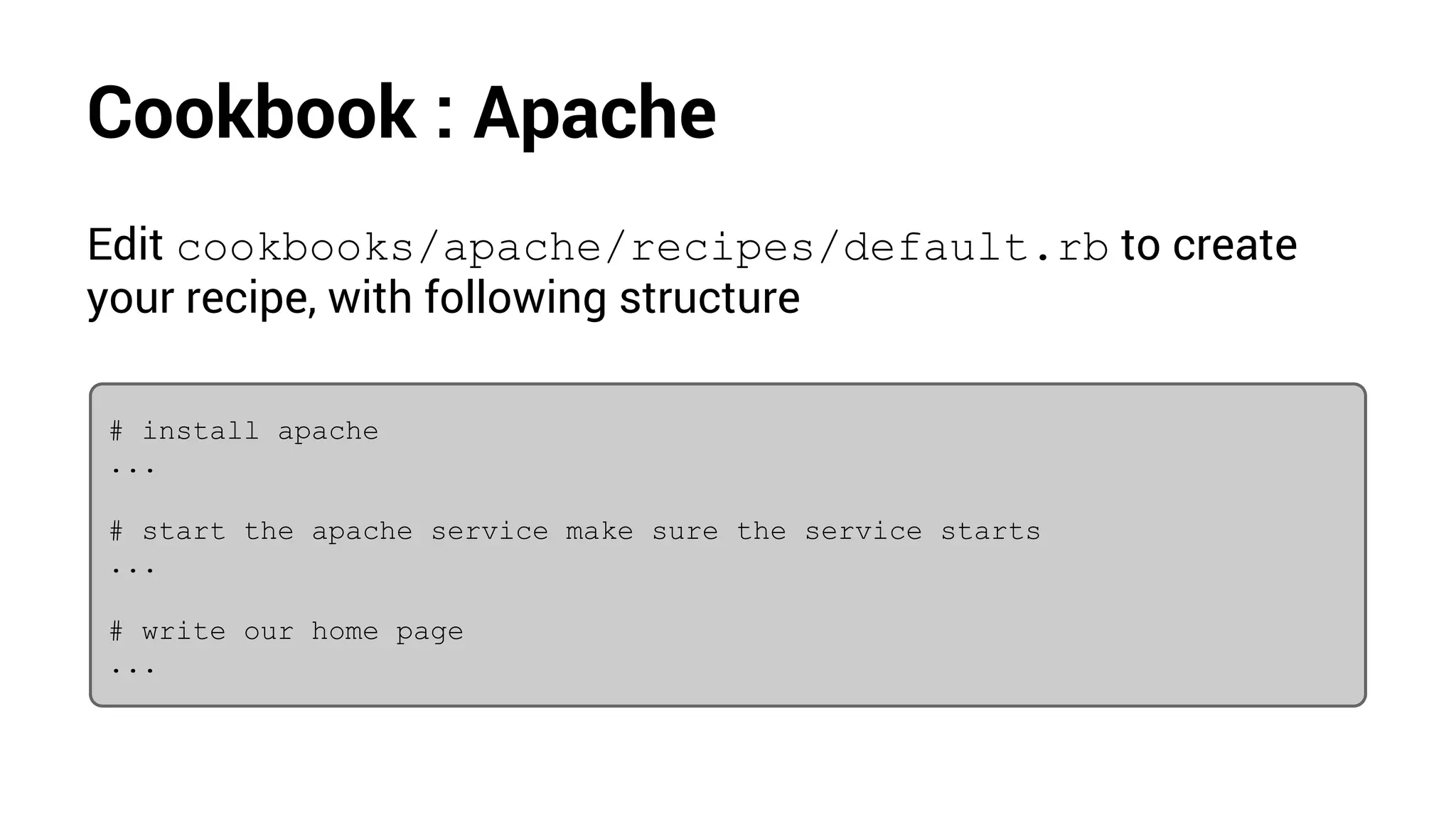
Cookbook : Apache
Edit cookbooks/apache/recipes/default.rb to create
your recipe, with following structure
# install apache
...
# start the apache service make sure the service starts
...
# write our home page
...
Cookbook : Apache
# install apache
package "apache2" do
action :install
end
# start the apache service make sure the service starts
service "apache2" do
action [ :enable, :start]
end
# write our home page
cookbook_file "/var/www/index.html" do
source "index.html"
mode "0644"
end
Cookbook : Apache
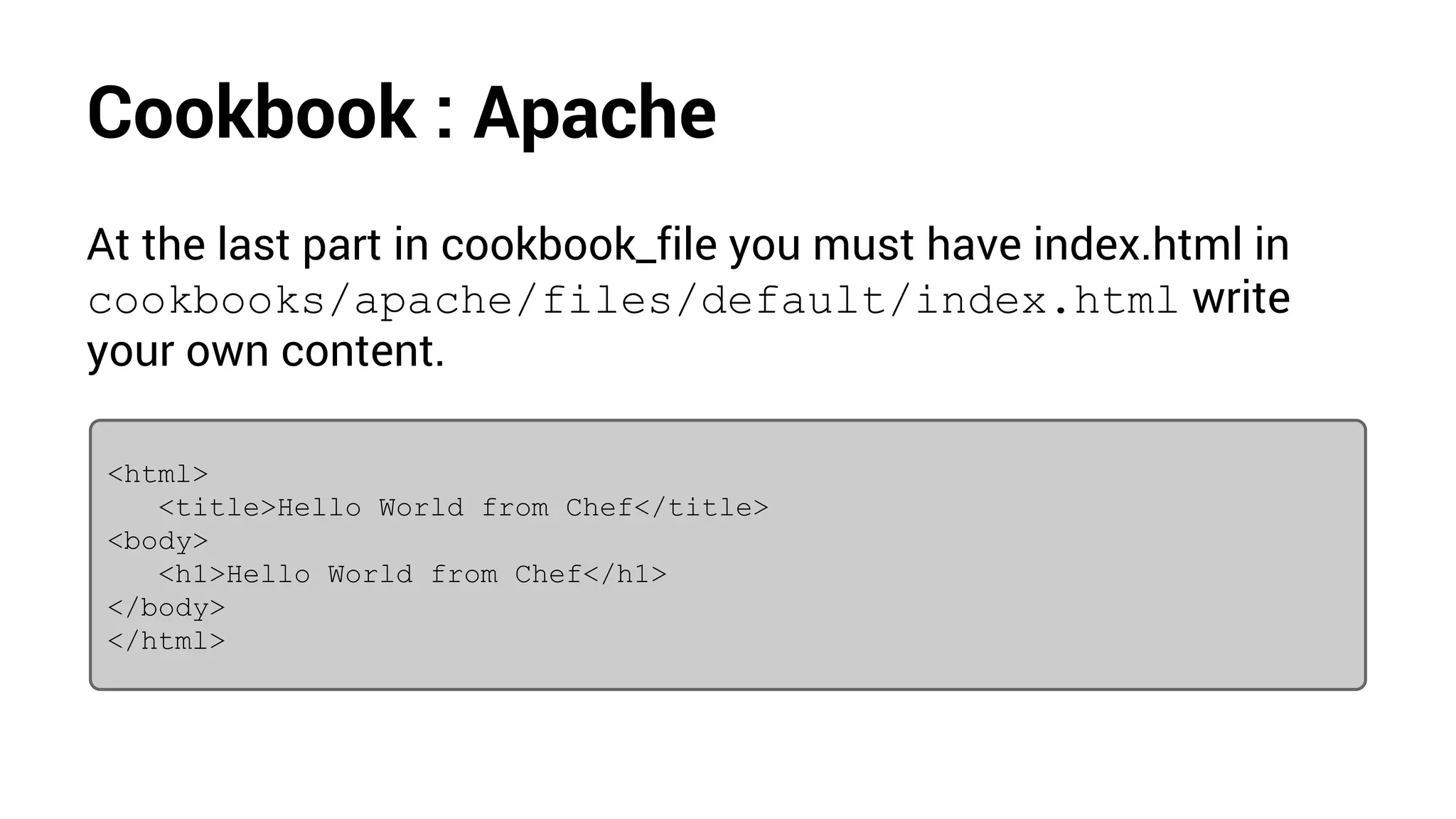
At the last part in cookbook_file you must have index.html in
cookbooks/apache/files/default/index.html write
your own content.
<html>
<title>Hello World from Chef</title>
<body>
<h1>Hello World from Chef</h1>
</body>
</html>
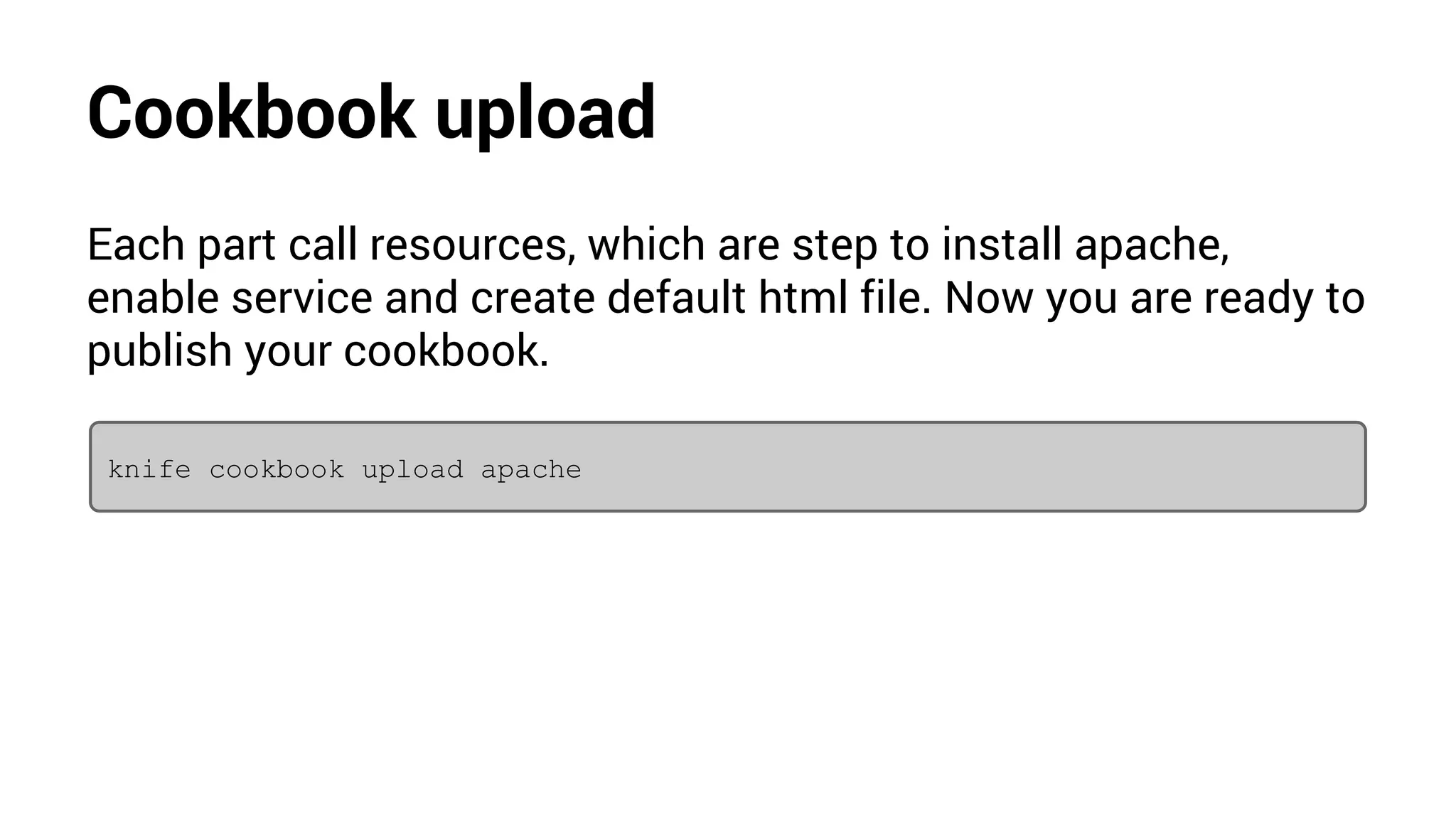
Cookbook upload
Each part call resources, which are step to install apache,
enable service and create default html file. Now you are ready to
publish your cookbook.
knife cookbook upload apache
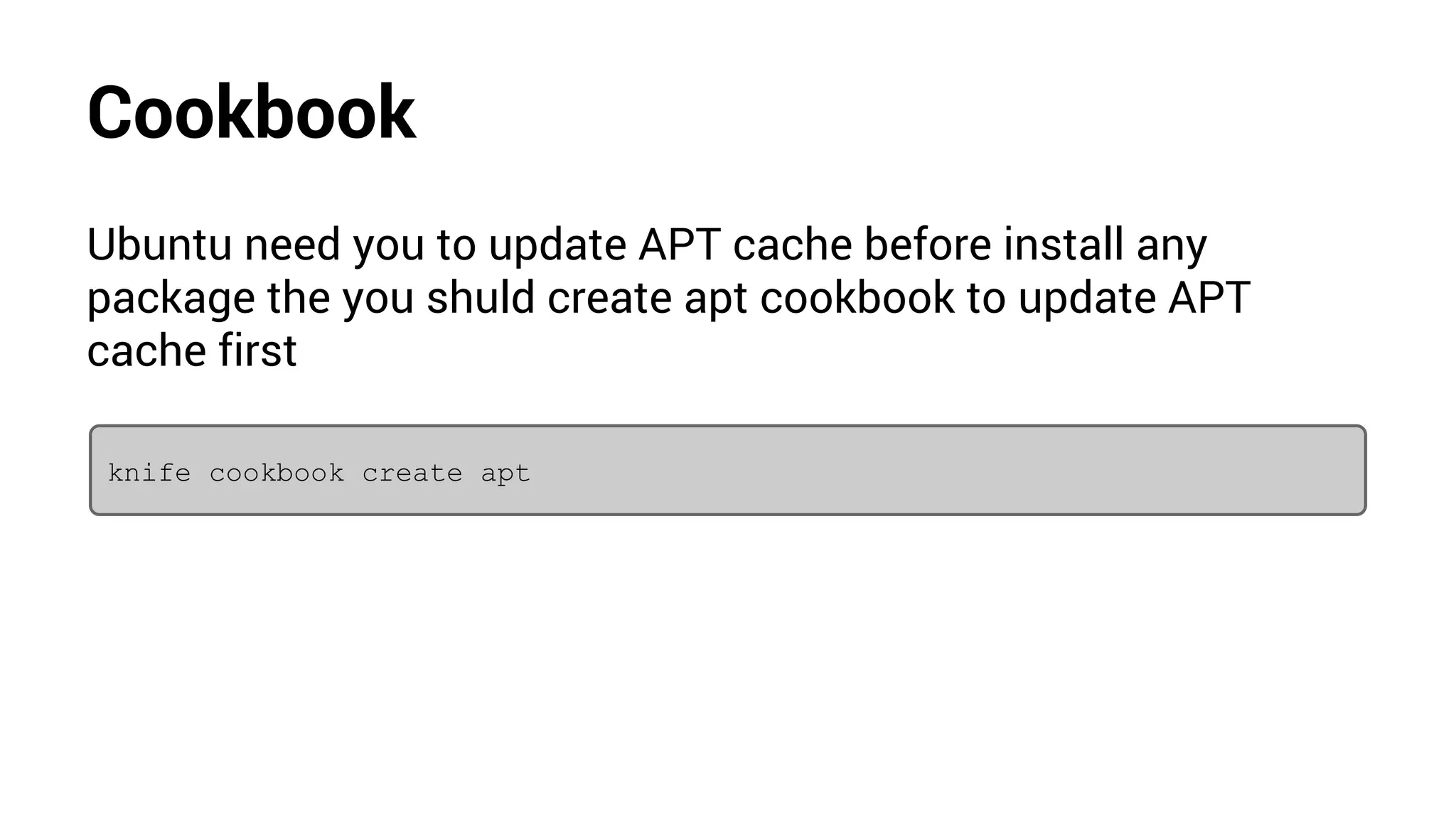
Cookbook
Ubuntu need you to update APT cache before install any
package the you shuld create apt cookbook to update APT
cache first
knife cookbook create apt
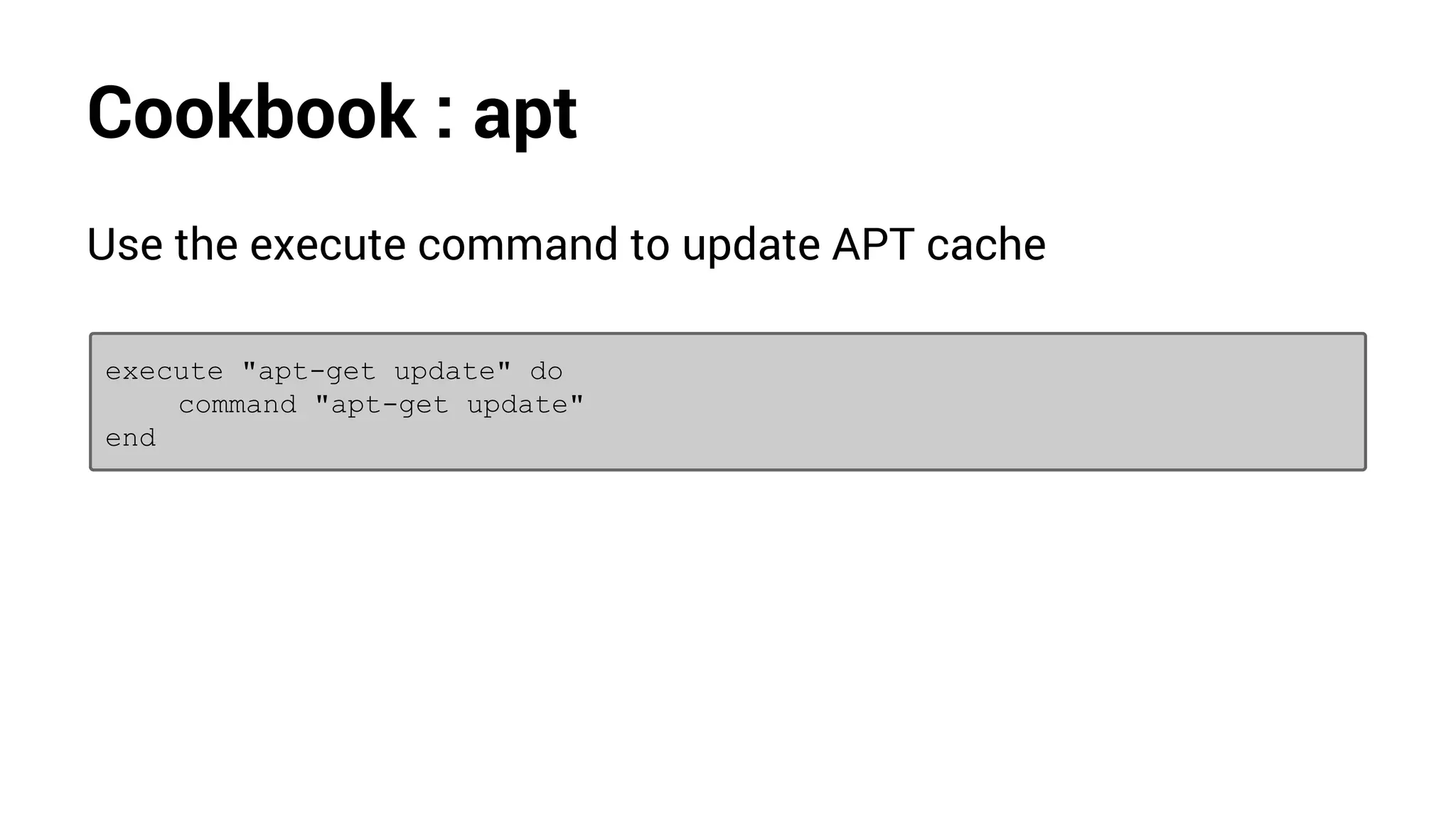
Cookbook : apt
Use the execute command to update APT cache
execute "apt-get update" do
command "apt-get update"
end
Cookbook upload
Now you are ready to publish your apt cookbook.
knife cookbook upload apt
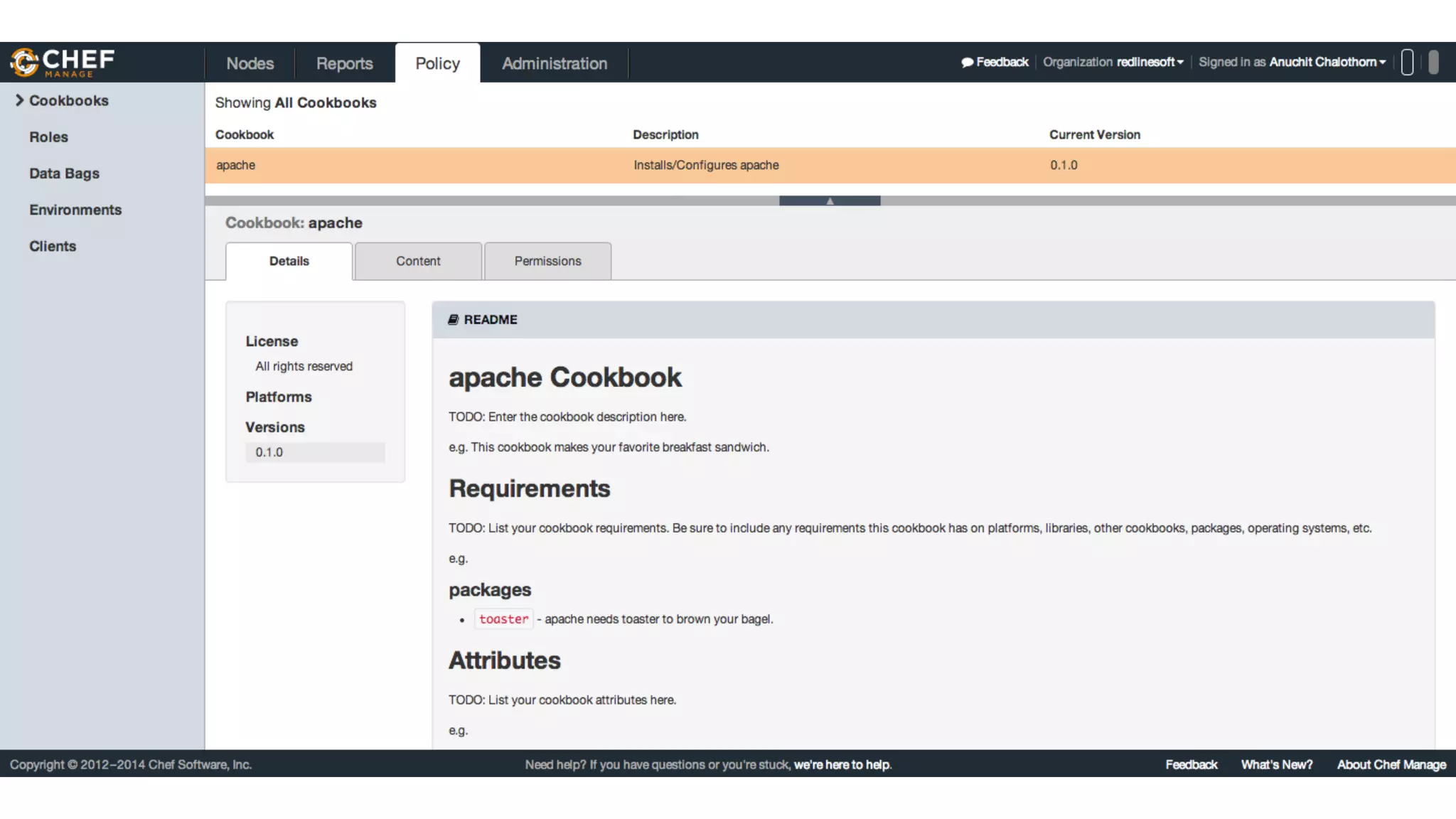
Cookbook
Run list
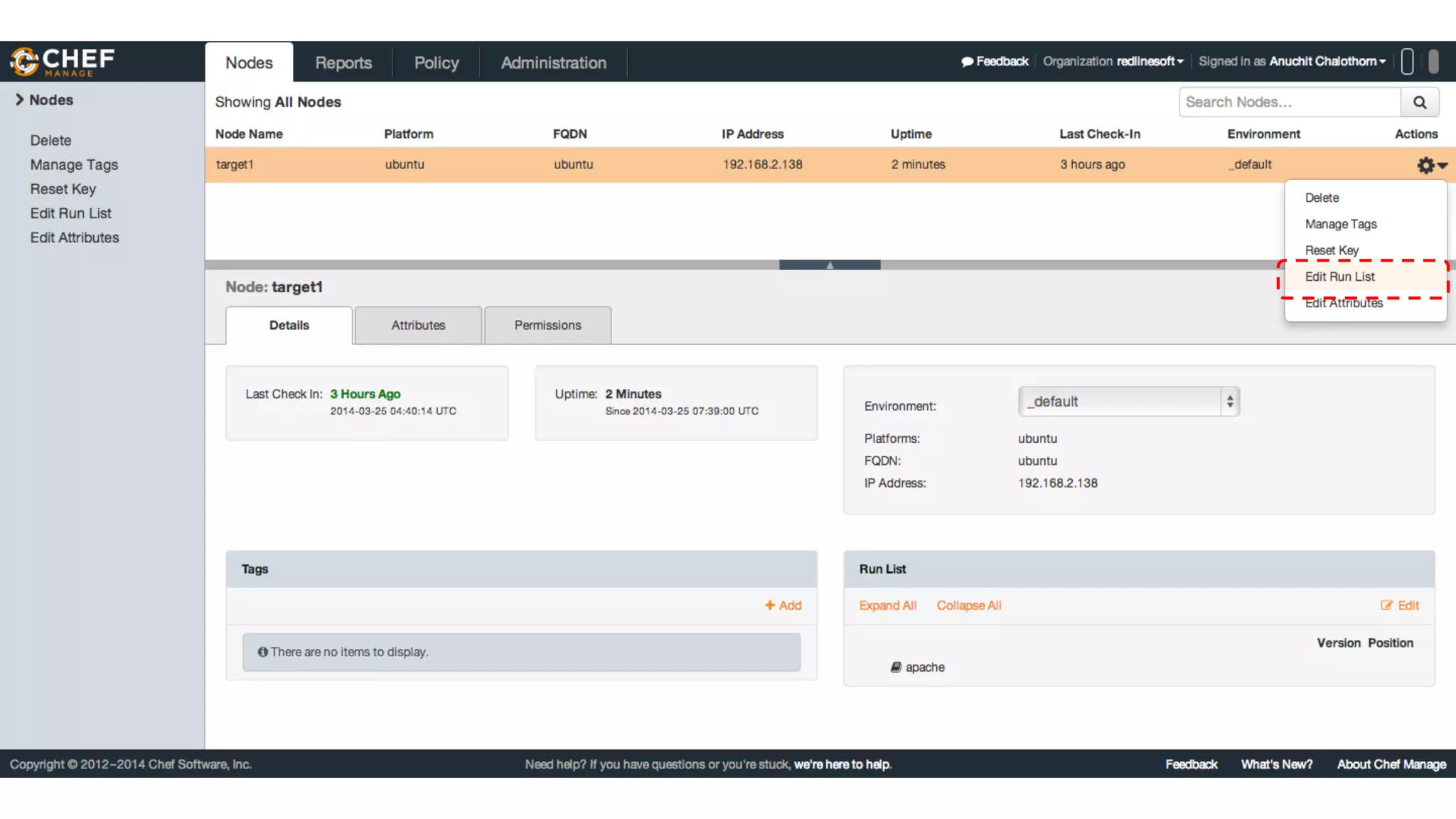
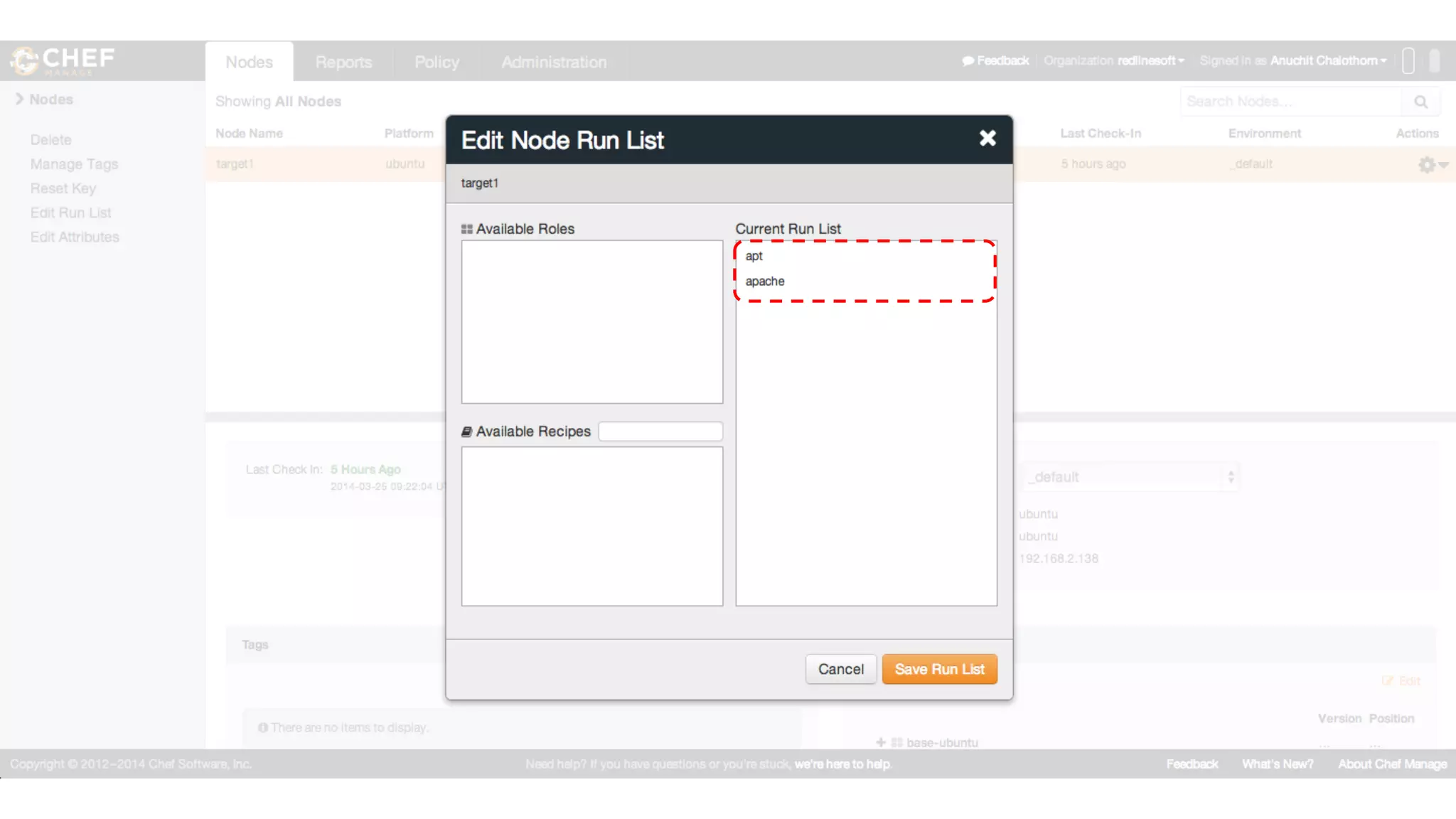
After upload cookbook to Chef server, you must create a run list
for the node to apply recipes.
Run list
Run list
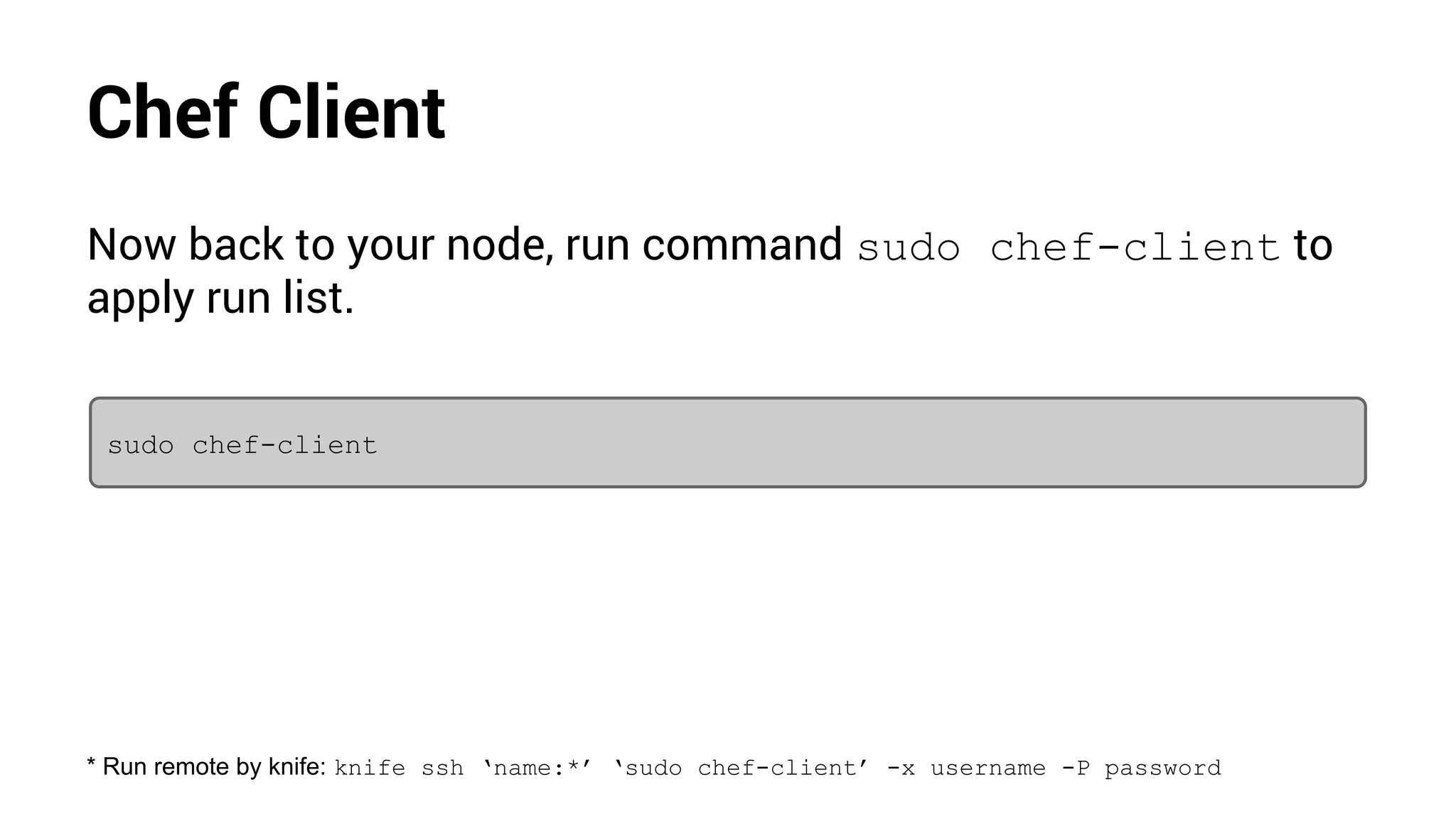
Chef Client
Now back to your node, run command sudo chef-client to
apply run list.
sudo chef-client
* Run remote by knife: knife ssh ‘name:*’ ‘sudo chef-client’ -x username -P password
Check the result
Open your browser and browse to your node with an ip address
or fqdn.
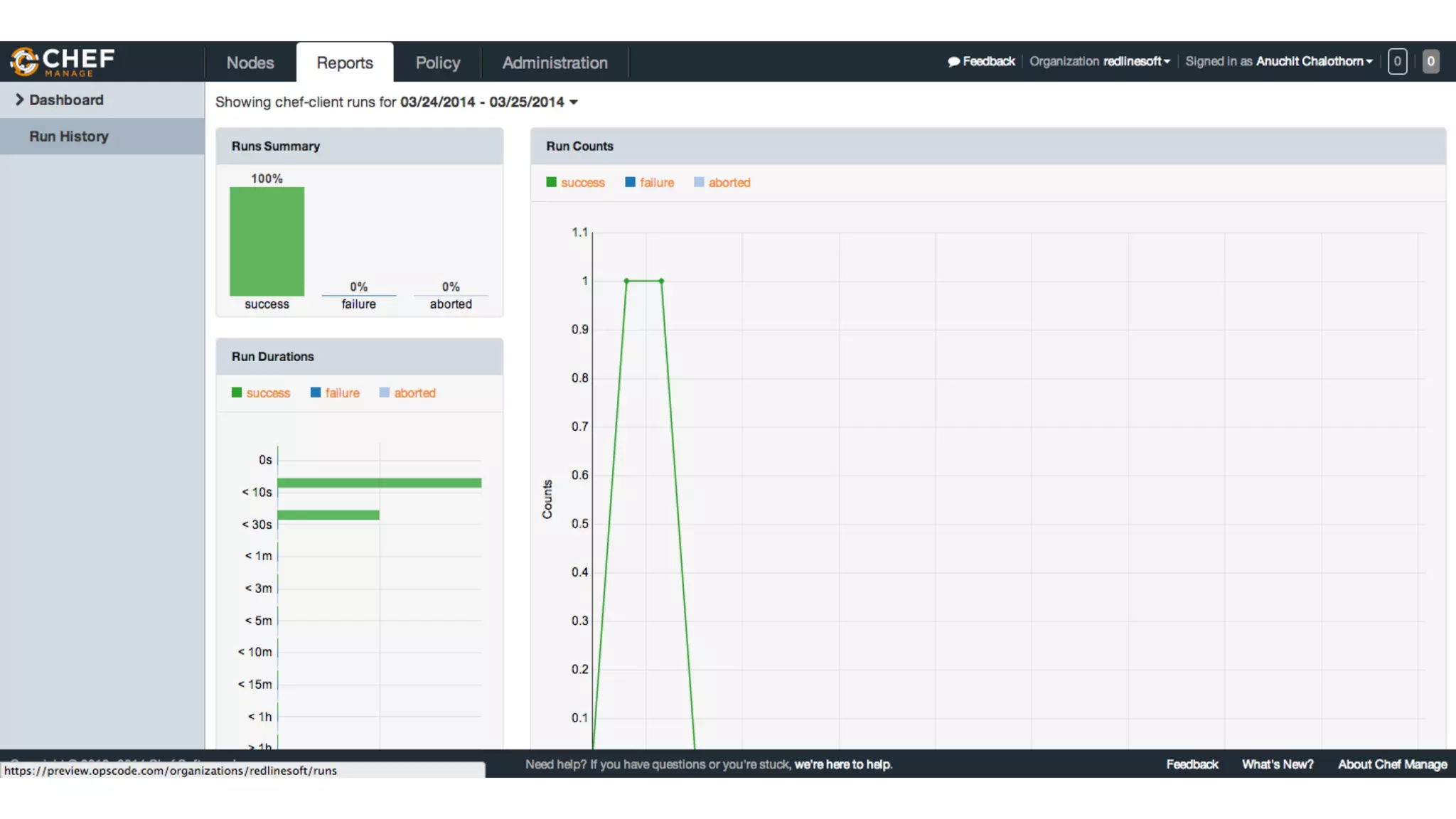
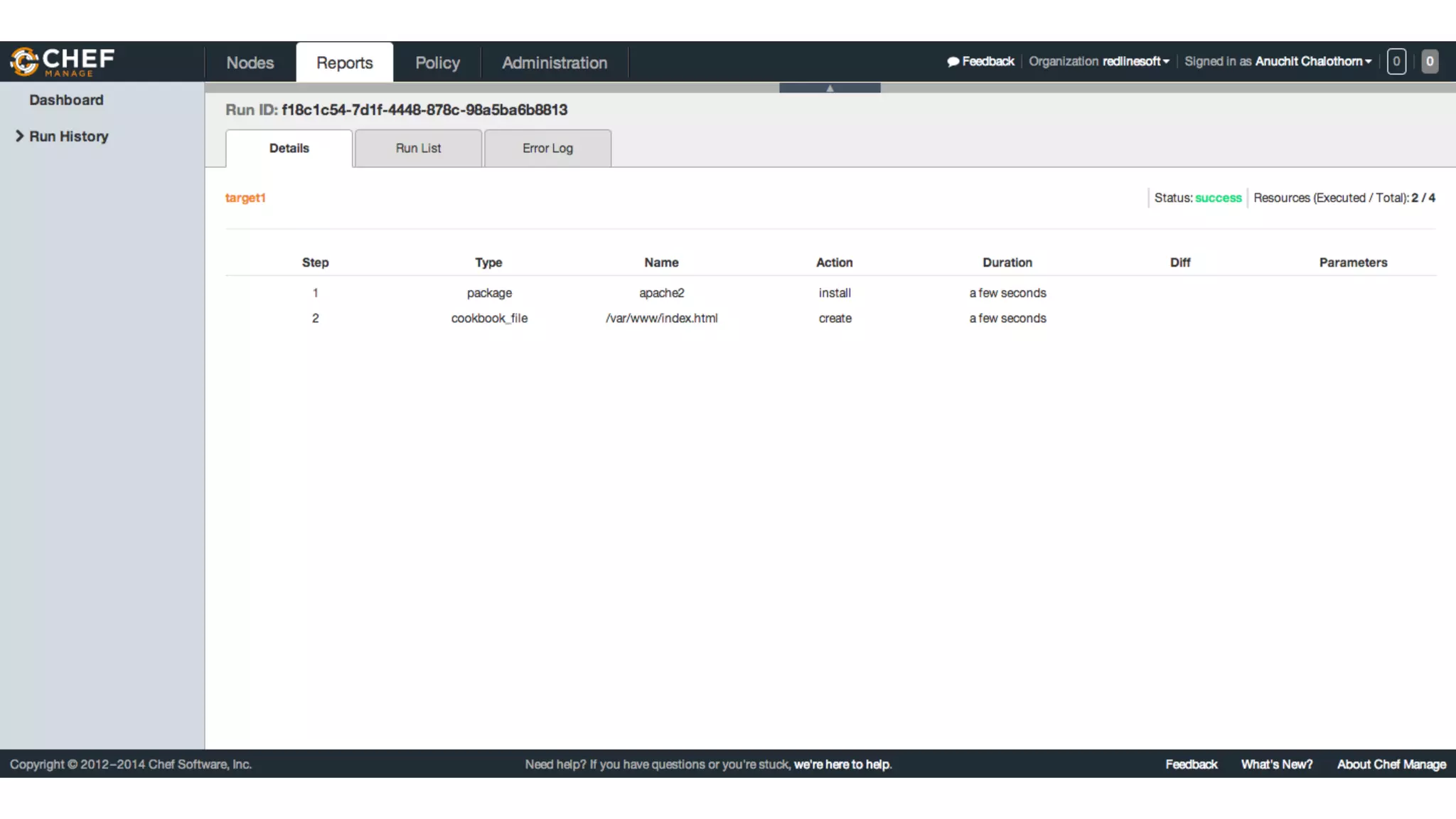
Check the report
Goto Chef server to check your report; success, failure, aborted.
Reports
Reports
Make more dynamic
Your first recipe support only Ubuntu node, then make support
another distributions you may add following items for more
dynamically
● Attributes
● Templates
● Metadata
Attributes
Add cookbooks/apache/attributes/default.rb as a
default values for your recipes.
case node["platform_family"]
when "debian"
default["package_name"] = "apache2"
default["service_name"] = "apache2"
default["document_root"] = "/var/www"
when "rhel"
default["package_name"] = "httpd"
default["service_name"] = "httpd"
default["document_root"] = "/var/www/html"
end
Recipes
# install apache
package node["package_name"] do
action :install
end
# start the apache service
# make sure the service starts
service node["service_name"] do
action [ :enable, :start]
end
# write our home page
template "#{node["document_root"]}/index.html" do
source "index.html.erb"
mode "0644"
end
Templates
Add template file for your index.html in
cookbooks/apache/templates/default/index.html.
erb
<html>
<title>Hello World</title>
<body>
<h1>Hello World from <%= node["fqdn"] %>!</h1>
</body>
</html>
Metadata
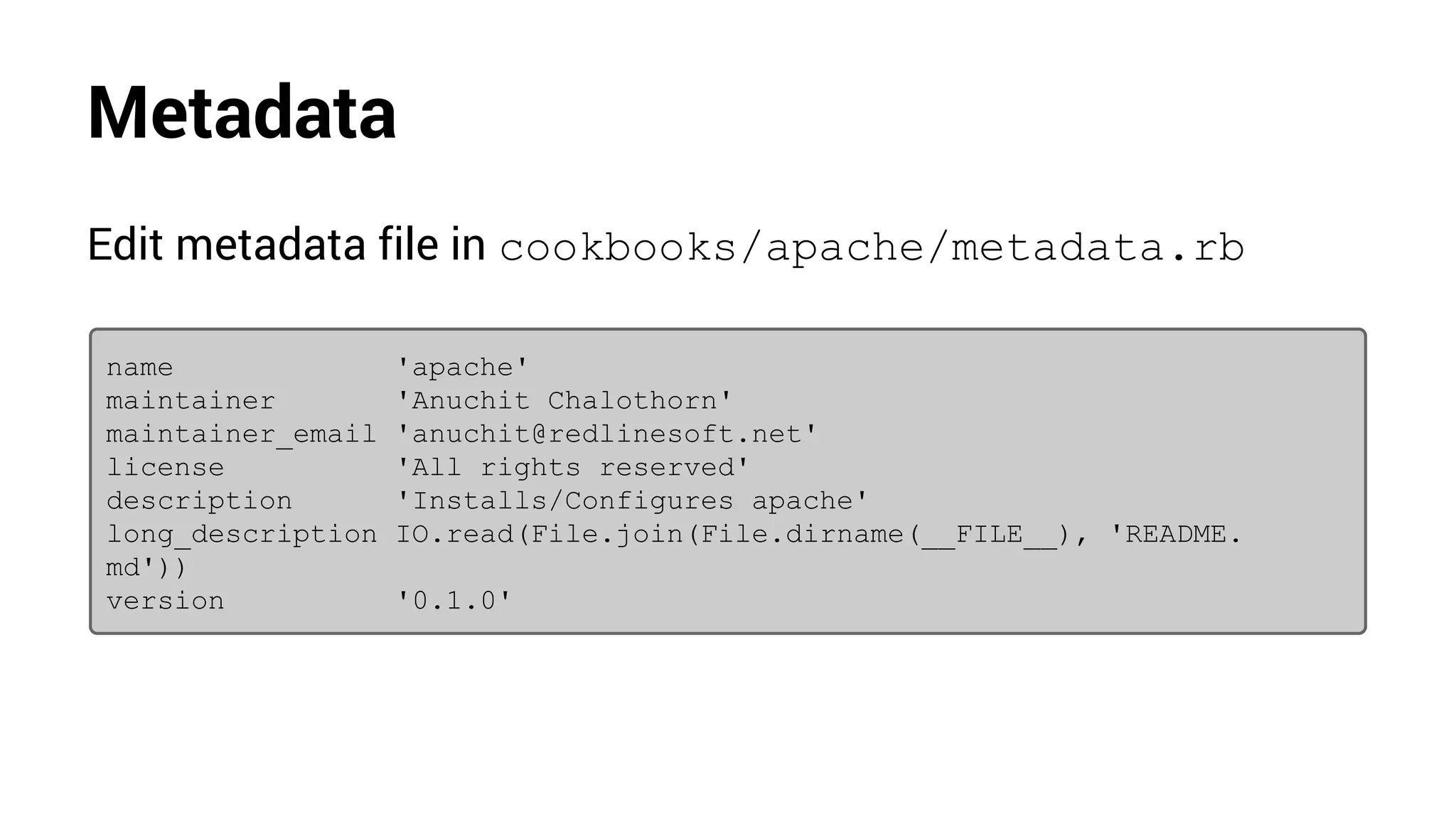
Edit metadata file in cookbooks/apache/metadata.rb
name 'apache'
maintainer 'Anuchit Chalothorn'
maintainer_email 'anuchit@redlinesoft.net'
license 'All rights reserved'
description 'Installs/Configures apache'
long_description IO.read(File.join(File.dirname(__FILE__), 'README.
md'))
version '0.1.0'
Rules
Roles allow you to encapsulate run lists and attribute required
for a server to be. eg:
● Web Server
● Database Server
● etc
Rules
Create role for your web server by adding a webserver.rb in
roles directory edit with following content.
name "webserver"
description "Web Server"
run_list "recipe[apache]"
default_attributes({
"company" => "RedLineSoft"
})
Rules
Create role for your web server by adding a base-ubuntu.rb
in roles directory edit with following content.
name "base-ubuntu"
description "Base Ubuntu"
run_list "recipe[apt]"
Rules
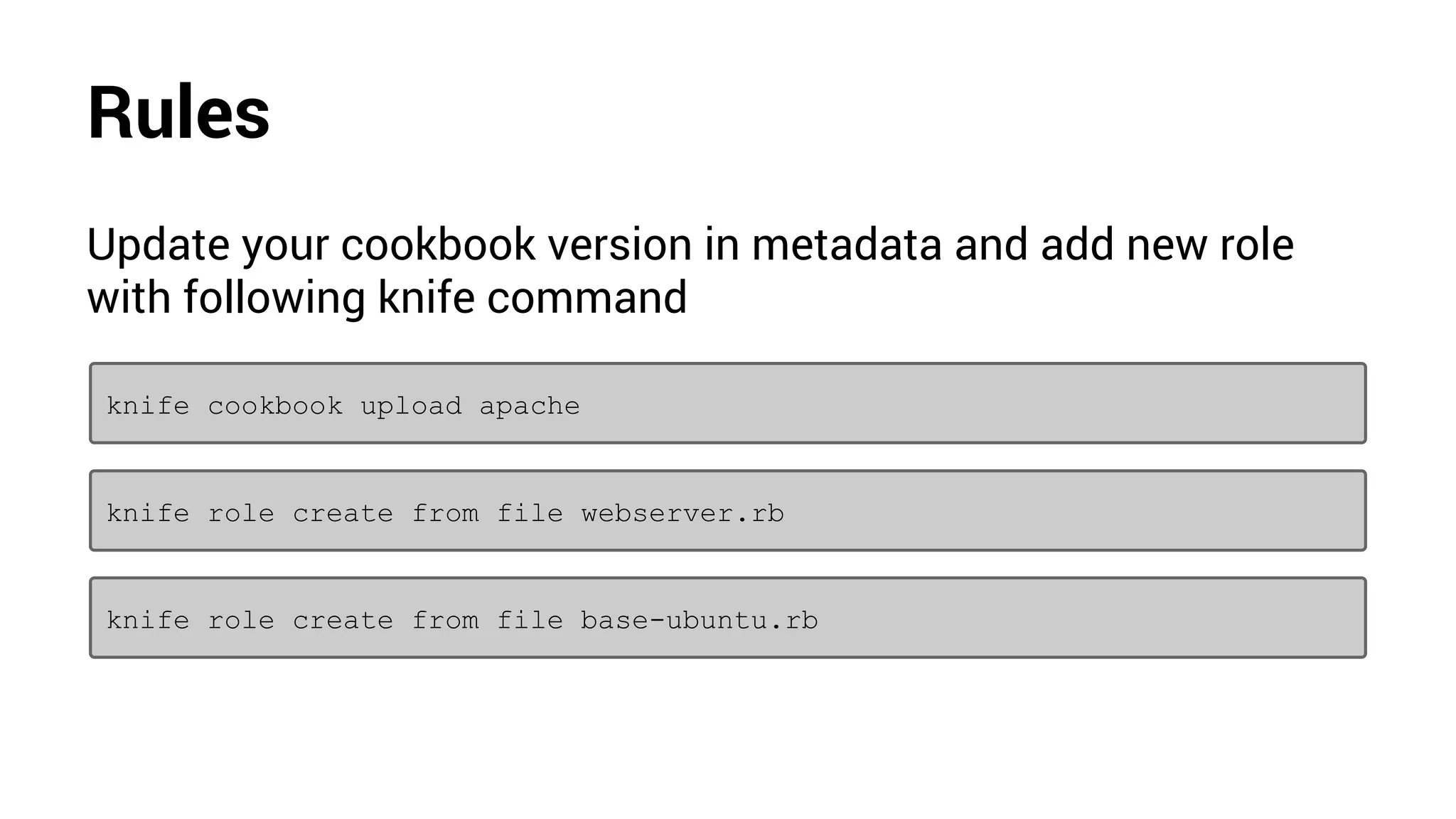
Update your cookbook version in metadata and add new role
with following knife command
knife role create from file webserver.rb
knife role create from file base-ubuntu.rb
knife cookbook upload apache
Rules
Goto Chef server and add new roles to your node instead of
using cookbook then use chef-client to apply recipes
Rules
Community Cookbook
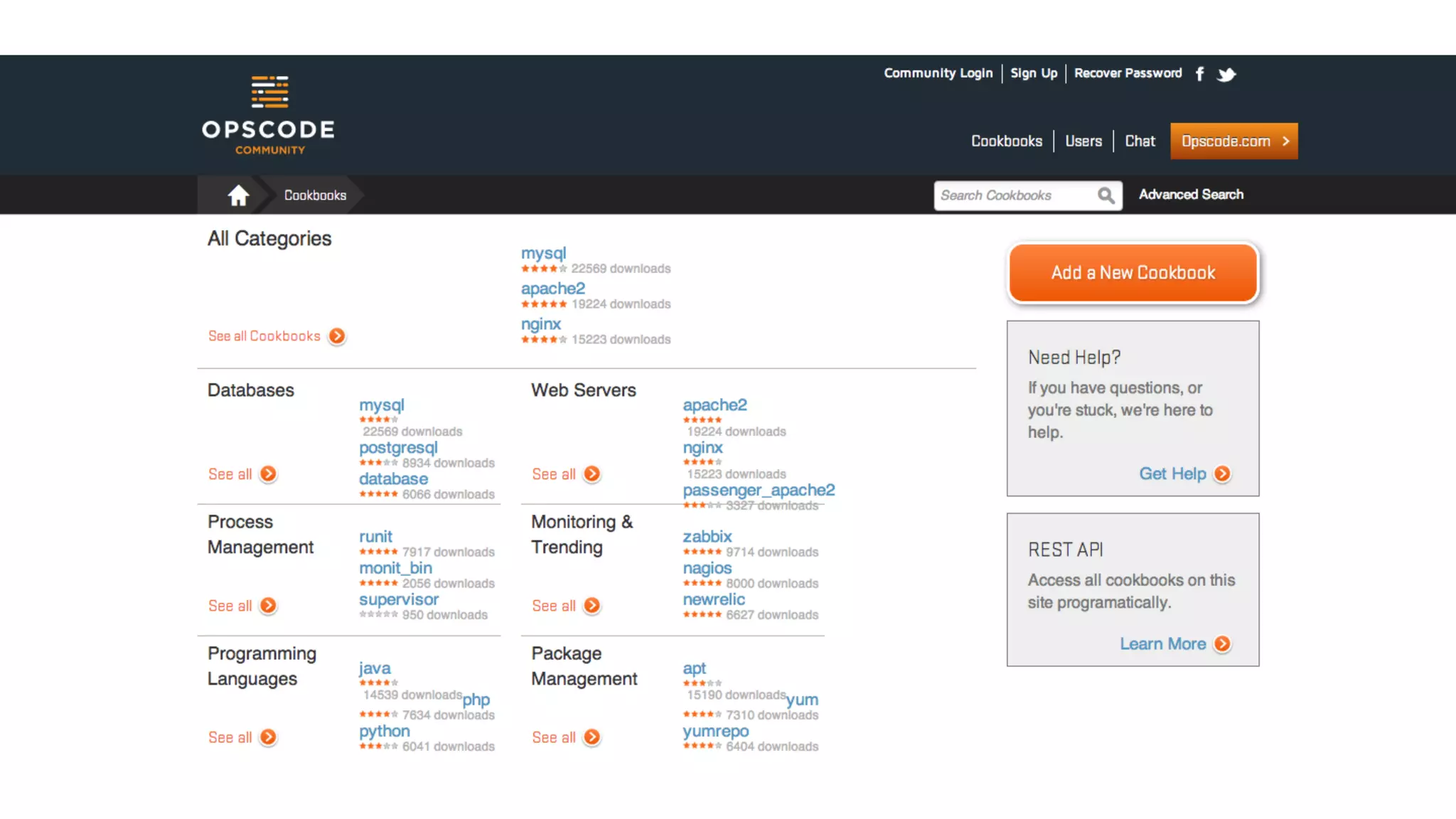
Chef also have a community cookbooks. You can find an
interest cookbook at http://community.opscode.
com/cookbooks
Community Cookbook
Community Cookbook
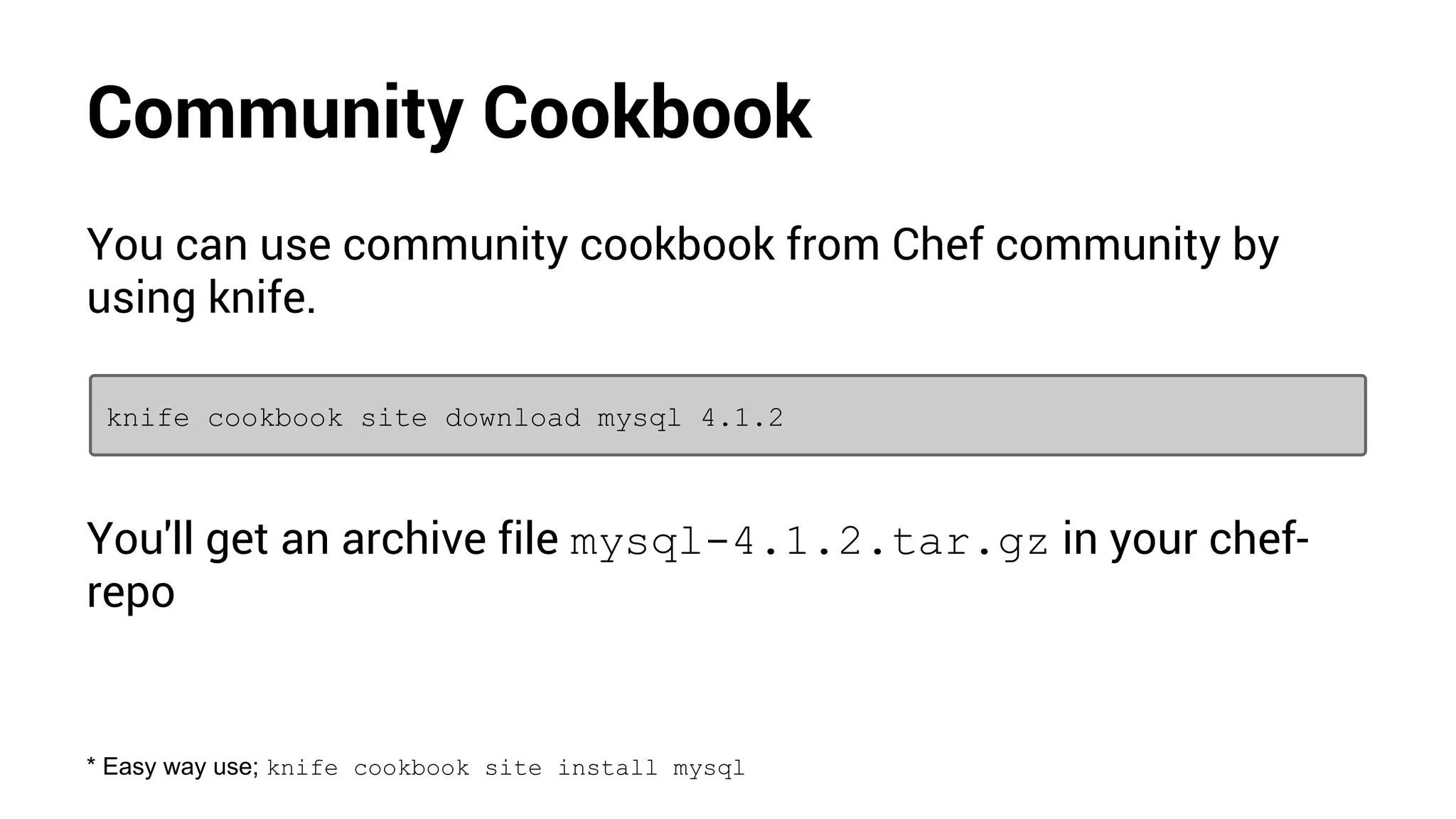
You can use community cookbook from Chef community by
using knife.
knife cookbook site download mysql 4.1.2
You'll get an archive file mysql-4.1.2.tar.gz in your chef-
repo
* Easy way use; knife cookbook site install mysql
Using Community Cookbook
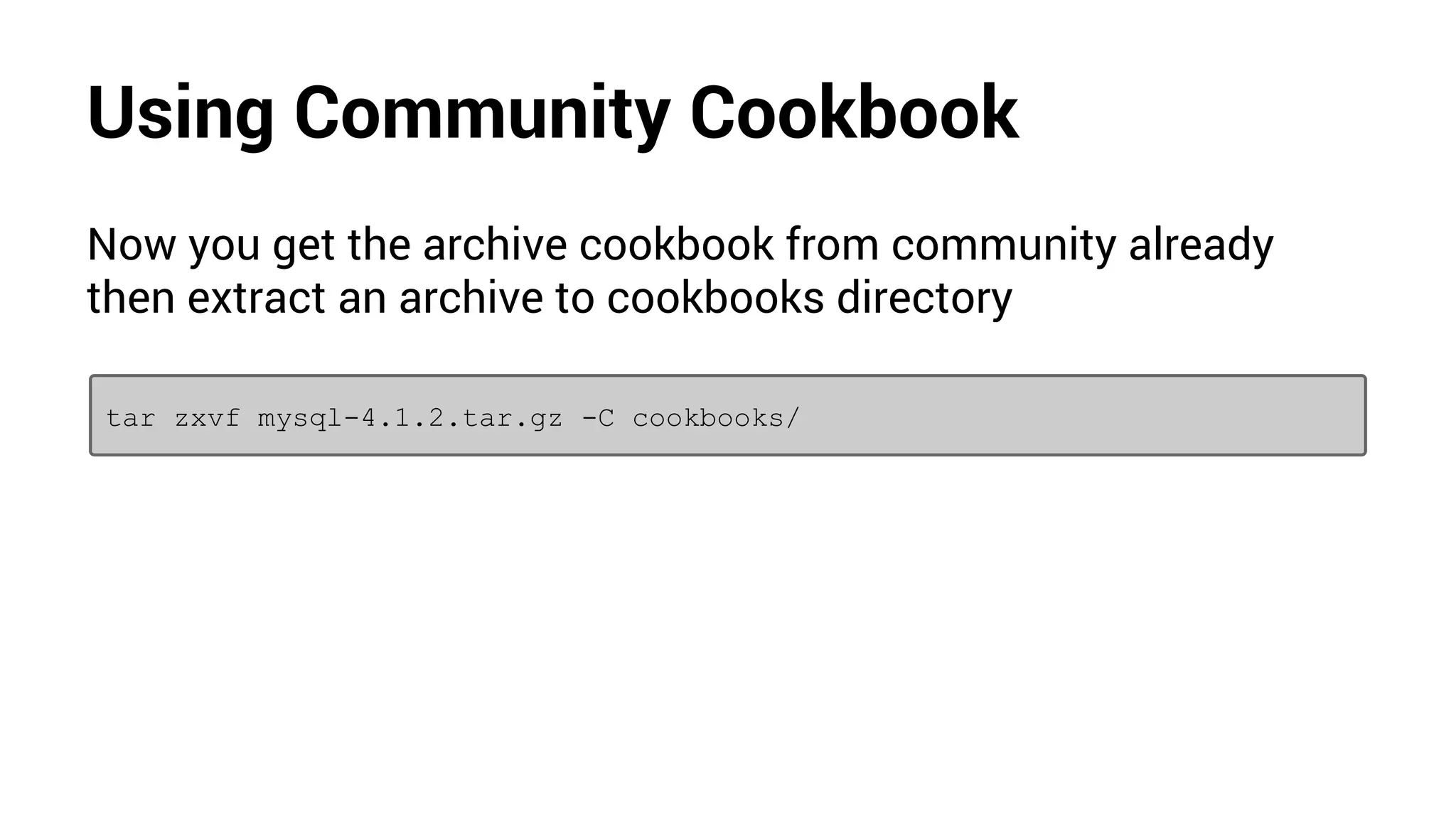
Now you get the archive cookbook from community already
then extract an archive to cookbooks directory
tar zxvf mysql-4.1.2.tar.gz -C cookbooks/
Using Community Cookbook
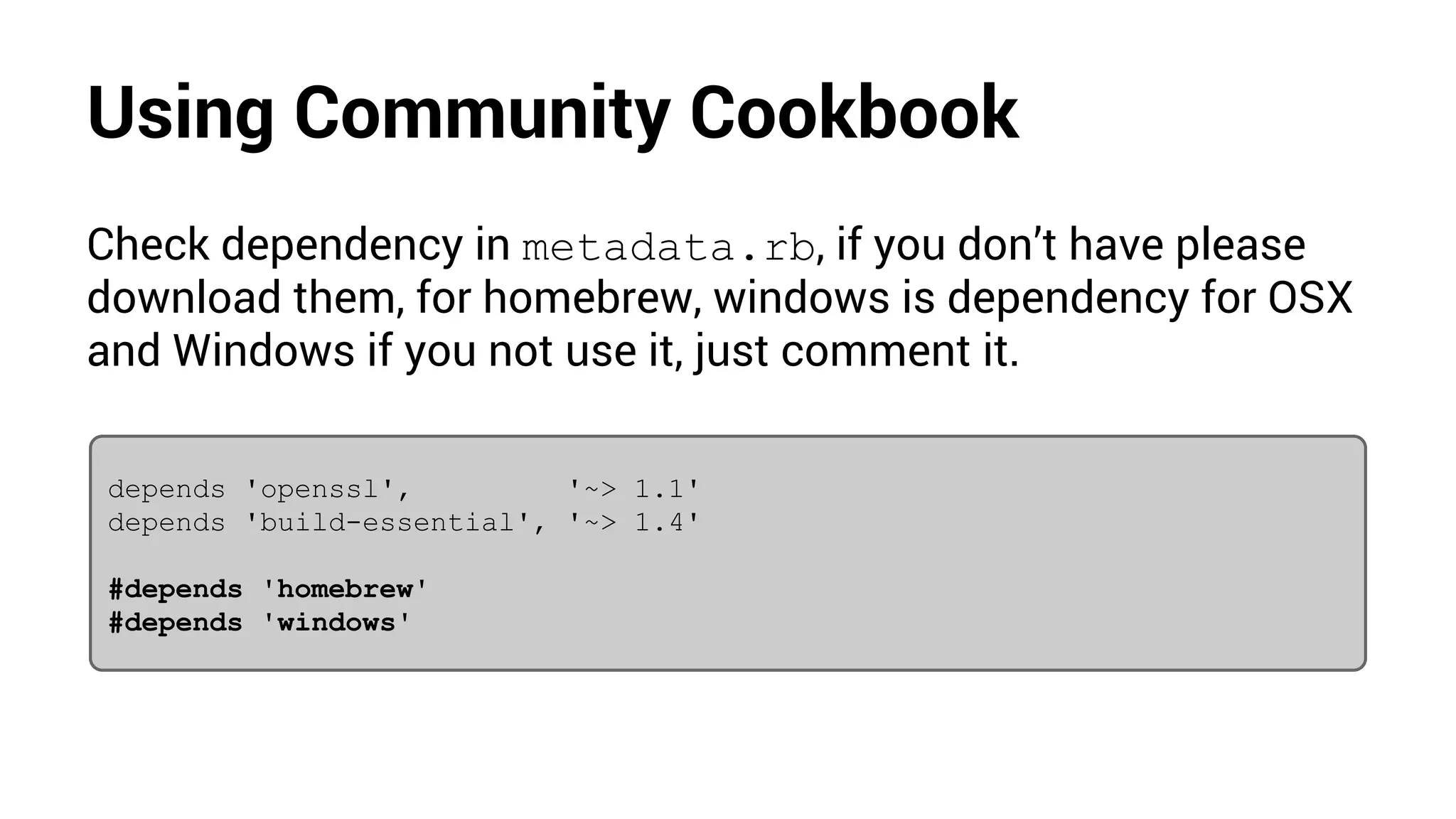
Check dependency in metadata.rb, if you don’t have please
download them, for homebrew, windows is dependency for OSX
and Windows if you not use it, just comment it.
depends 'openssl', '~> 1.1'
depends 'build-essential', '~> 1.4'
#depends 'homebrew'
#depends 'windows'
Using Community Cookbook
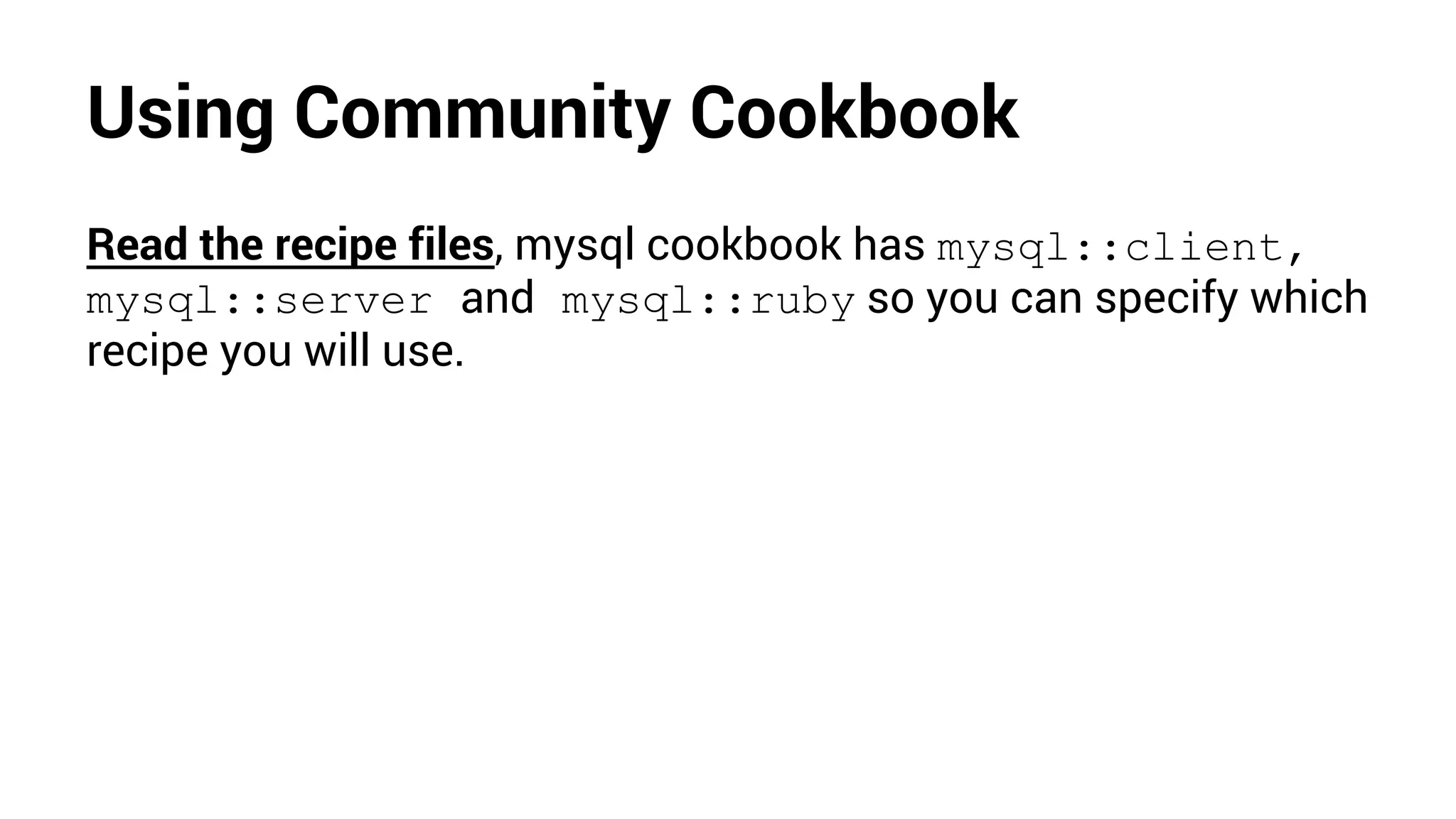
Read the recipe files, mysql cookbook has mysql::client,
mysql::server and mysql::ruby so you can specify which
recipe you will use.
Using Community Cookbook
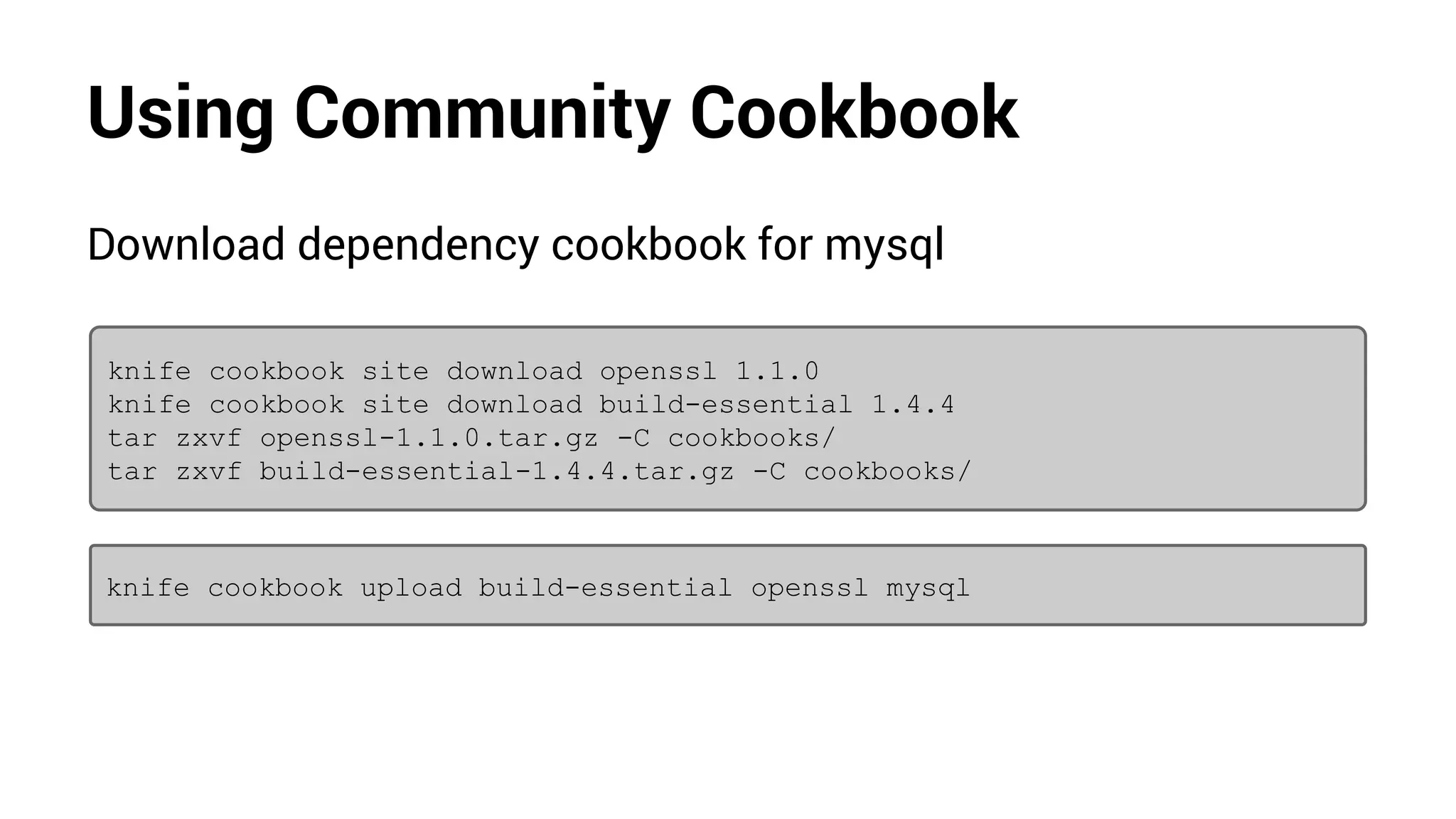
Download dependency cookbook for mysql
knife cookbook site download openssl 1.1.0
knife cookbook site download build-essential 1.4.4
tar zxvf openssl-1.1.0.tar.gz -C cookbooks/
tar zxvf build-essential-1.4.4.tar.gz -C cookbooks/
knife cookbook upload build-essential openssl mysql
Using Community Cookbook
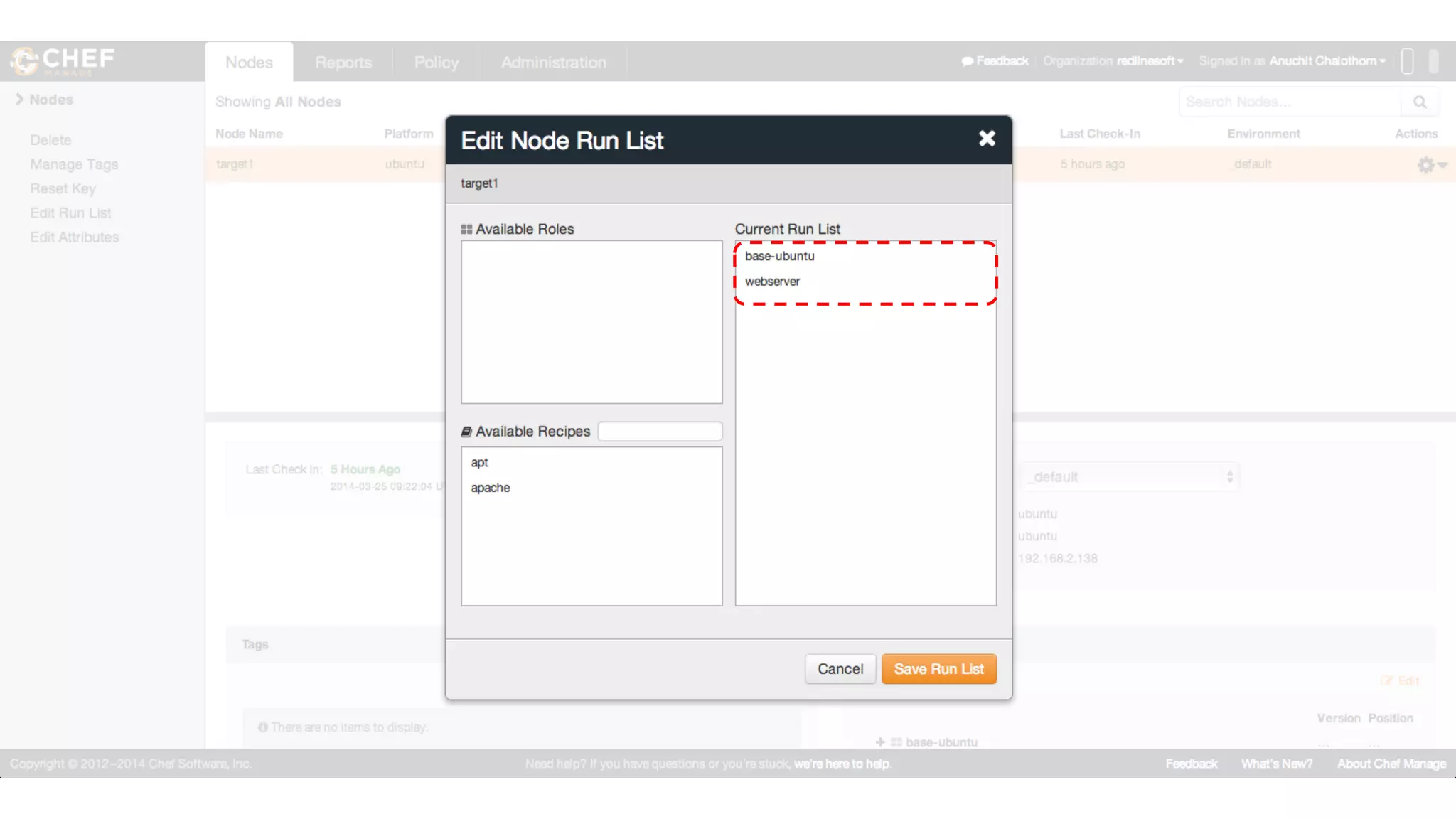
Create new role webserver-mysql to install webserver and mysql
in this role.
name "webserver-mysql"
description "Webserver and MySQL Database Server"
run_list "recipe[apache]","recipe[mysql::client]","recipe[mysql::
server]"
knife role from file webserver-mysql.rb
Using Community Cookbook
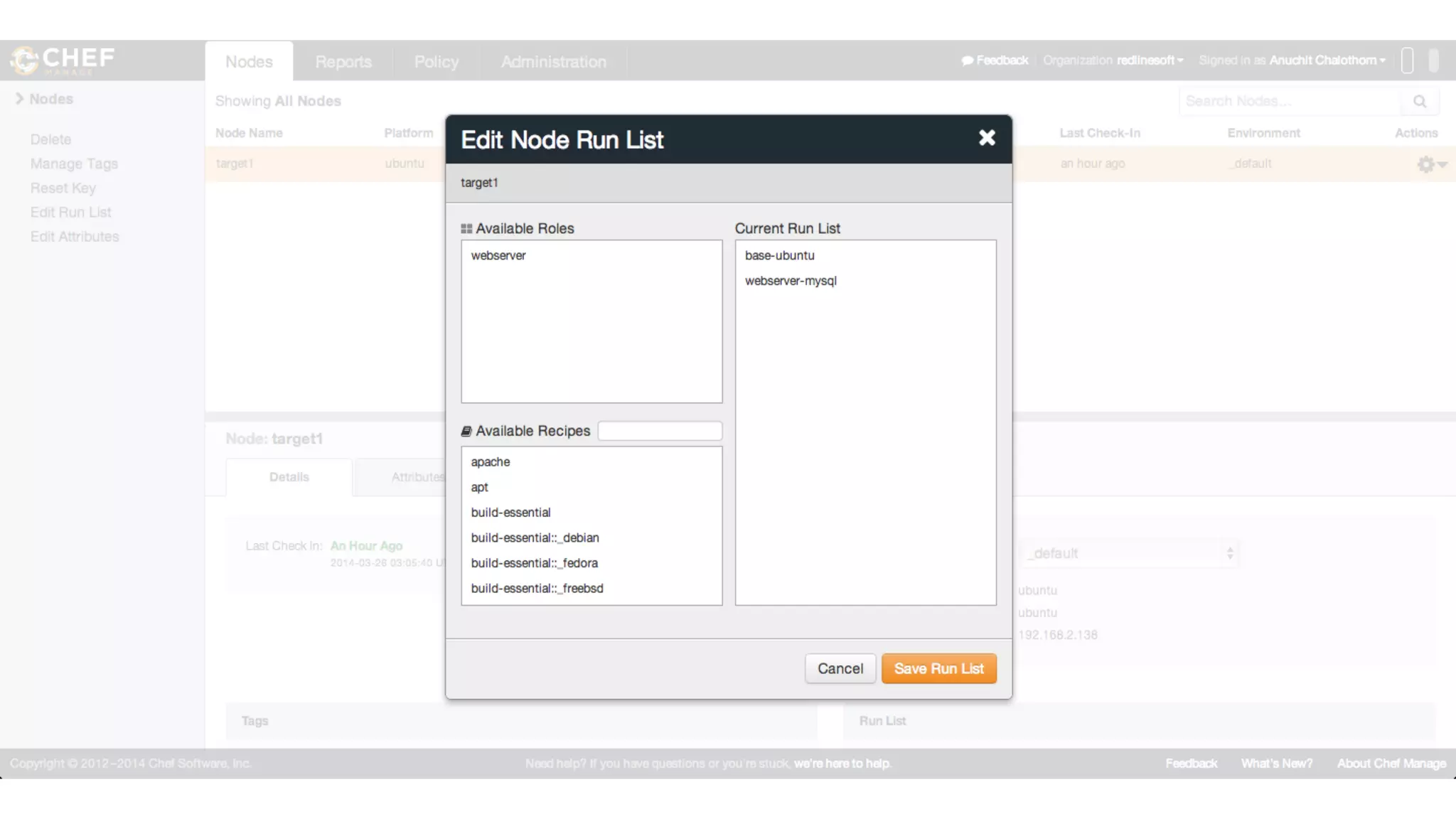
Goto Chef server add role to node then apply webserver-
mysql role in node
Using Community Cookbook
Goto node and run chef-client to apply role.
sudo chef-client
Further Resources
● http://www.opscode.com
● http://community.opscode.com
● http://docs.opscode.com
● http://learnchef.com
● http://youtube.com/user/Opscode
IT Automation with Chef

IT Automation with Chef

  • 1.
    IT Automation withChef Anuchit Chalothorn anuchit@redlinesoft.net
  • 2.
  • 3.
    Tools ● Chef clienttools for admin workstation ● Chef server ● Node with bootstrap
  • 4.
    Chef client Install fromhttp://www.getchef.com/chef/install/ choose match with your operating system and arch.
  • 5.
    Chef client * forLinux and Mac user can use shell script installer from curl :)
  • 6.
    Chef server You canuse on premises chef server or use hosted chef. choose your version at http://www.getchef.com/chef/choose- your-version/
  • 7.
  • 8.
  • 9.
    Starter kit Download StarterKit on Administration page, then extract to your home directory.
  • 10.
  • 11.
    Git repository Chef needrepository for your cookbook. Change to your chef- repo and using git to init your repository. git init git add . git commit -m “add starter kit” * Ref : Customized Git Configuration
  • 12.
    Try knife Change toyour Chef repo directory and use knife command line eg: knife client list knife client list
  • 13.
    Node bootstrap To addnode to Chef server, use knife bootstrap to your node. knife bootstrap fqdn/ip --sudo -x username -P passwd -N "nodename" knife bootstrap 192.168.2.138 --sudo -x username -P passwd -N "nodename"
  • 14.
  • 15.
  • 16.
    Cookbook Now write yourfirst cookbook call apache, use knife to create new cookbook. knife cookbook create apache
  • 17.
    Cookbook : Apache Editcookbooks/apache/recipes/default.rb to create your recipe, with following structure # install apache ... # start the apache service make sure the service starts ... # write our home page ...
  • 18.
    Cookbook : Apache #install apache package "apache2" do action :install end # start the apache service make sure the service starts service "apache2" do action [ :enable, :start] end # write our home page cookbook_file "/var/www/index.html" do source "index.html" mode "0644" end
  • 19.
    Cookbook : Apache Atthe last part in cookbook_file you must have index.html in cookbooks/apache/files/default/index.html write your own content. <html> <title>Hello World from Chef</title> <body> <h1>Hello World from Chef</h1> </body> </html>
  • 20.
    Cookbook upload Each partcall resources, which are step to install apache, enable service and create default html file. Now you are ready to publish your cookbook. knife cookbook upload apache
  • 21.
    Cookbook Ubuntu need youto update APT cache before install any package the you shuld create apt cookbook to update APT cache first knife cookbook create apt
  • 22.
    Cookbook : apt Usethe execute command to update APT cache execute "apt-get update" do command "apt-get update" end
  • 23.
    Cookbook upload Now youare ready to publish your apt cookbook. knife cookbook upload apt
  • 24.
  • 25.
    Run list After uploadcookbook to Chef server, you must create a run list for the node to apply recipes.
  • 26.
  • 27.
  • 28.
    Chef Client Now backto your node, run command sudo chef-client to apply run list. sudo chef-client * Run remote by knife: knife ssh ‘name:*’ ‘sudo chef-client’ -x username -P password
  • 29.
    Check the result Openyour browser and browse to your node with an ip address or fqdn.
  • 30.
    Check the report GotoChef server to check your report; success, failure, aborted.
  • 31.
  • 32.
  • 33.
    Make more dynamic Yourfirst recipe support only Ubuntu node, then make support another distributions you may add following items for more dynamically ● Attributes ● Templates ● Metadata
  • 34.
    Attributes Add cookbooks/apache/attributes/default.rb asa default values for your recipes. case node["platform_family"] when "debian" default["package_name"] = "apache2" default["service_name"] = "apache2" default["document_root"] = "/var/www" when "rhel" default["package_name"] = "httpd" default["service_name"] = "httpd" default["document_root"] = "/var/www/html" end
  • 35.
    Recipes # install apache packagenode["package_name"] do action :install end # start the apache service # make sure the service starts service node["service_name"] do action [ :enable, :start] end # write our home page template "#{node["document_root"]}/index.html" do source "index.html.erb" mode "0644" end
  • 36.
    Templates Add template filefor your index.html in cookbooks/apache/templates/default/index.html. erb <html> <title>Hello World</title> <body> <h1>Hello World from <%= node["fqdn"] %>!</h1> </body> </html>
  • 37.
    Metadata Edit metadata filein cookbooks/apache/metadata.rb name 'apache' maintainer 'Anuchit Chalothorn' maintainer_email 'anuchit@redlinesoft.net' license 'All rights reserved' description 'Installs/Configures apache' long_description IO.read(File.join(File.dirname(__FILE__), 'README. md')) version '0.1.0'
  • 38.
    Rules Roles allow youto encapsulate run lists and attribute required for a server to be. eg: ● Web Server ● Database Server ● etc
  • 39.
    Rules Create role foryour web server by adding a webserver.rb in roles directory edit with following content. name "webserver" description "Web Server" run_list "recipe[apache]" default_attributes({ "company" => "RedLineSoft" })
  • 40.
    Rules Create role foryour web server by adding a base-ubuntu.rb in roles directory edit with following content. name "base-ubuntu" description "Base Ubuntu" run_list "recipe[apt]"
  • 41.
    Rules Update your cookbookversion in metadata and add new role with following knife command knife role create from file webserver.rb knife role create from file base-ubuntu.rb knife cookbook upload apache
  • 42.
    Rules Goto Chef serverand add new roles to your node instead of using cookbook then use chef-client to apply recipes
  • 43.
  • 44.
    Community Cookbook Chef alsohave a community cookbooks. You can find an interest cookbook at http://community.opscode. com/cookbooks
  • 45.
  • 46.
    Community Cookbook You canuse community cookbook from Chef community by using knife. knife cookbook site download mysql 4.1.2 You'll get an archive file mysql-4.1.2.tar.gz in your chef- repo * Easy way use; knife cookbook site install mysql
  • 47.
    Using Community Cookbook Nowyou get the archive cookbook from community already then extract an archive to cookbooks directory tar zxvf mysql-4.1.2.tar.gz -C cookbooks/
  • 48.
    Using Community Cookbook Checkdependency in metadata.rb, if you don’t have please download them, for homebrew, windows is dependency for OSX and Windows if you not use it, just comment it. depends 'openssl', '~> 1.1' depends 'build-essential', '~> 1.4' #depends 'homebrew' #depends 'windows'
  • 49.
    Using Community Cookbook Readthe recipe files, mysql cookbook has mysql::client, mysql::server and mysql::ruby so you can specify which recipe you will use.
  • 50.
    Using Community Cookbook Downloaddependency cookbook for mysql knife cookbook site download openssl 1.1.0 knife cookbook site download build-essential 1.4.4 tar zxvf openssl-1.1.0.tar.gz -C cookbooks/ tar zxvf build-essential-1.4.4.tar.gz -C cookbooks/ knife cookbook upload build-essential openssl mysql
  • 51.
    Using Community Cookbook Createnew role webserver-mysql to install webserver and mysql in this role. name "webserver-mysql" description "Webserver and MySQL Database Server" run_list "recipe[apache]","recipe[mysql::client]","recipe[mysql:: server]" knife role from file webserver-mysql.rb
  • 52.
    Using Community Cookbook GotoChef server add role to node then apply webserver- mysql role in node
  • 53.
  • 54.
    Using Community Cookbook Gotonode and run chef-client to apply role. sudo chef-client
  • 55.
    Further Resources ● http://www.opscode.com ●http://community.opscode.com ● http://docs.opscode.com ● http://learnchef.com ● http://youtube.com/user/Opscode