Chef Fundamentals
training@getchef.com
Copyright (C) 2014 Chef Software, Inc.
Nathen Harvey
• Community Director
• Co-host of the Food Fight Show Podcast
• @nathenharvey
Webinar Objectives and Style
3
Multi-week Webinar Series
• After completing of this webinar series you will be
able to
• Automate common infrastructure tasks with Chef
• Describe Chef’s architecture
• Describe Chef’s various tools
• Apply Chef’s primitives to solve your problems
How to learn Chef
• You bring the domain expertise about your business
and infrastructure
• Chef provides a framework for automating your
infrastructure
• Our job is to work together to teach you how to
model and automate your infrastructure with Chef
Chef is a Language
• Learning Chef is like learning the basics of a
language
• 80% fluency will be reached very quickly
• The remaining 20% just takes practice
• The best way to learn Chef is to use Chef
Questions & Answers
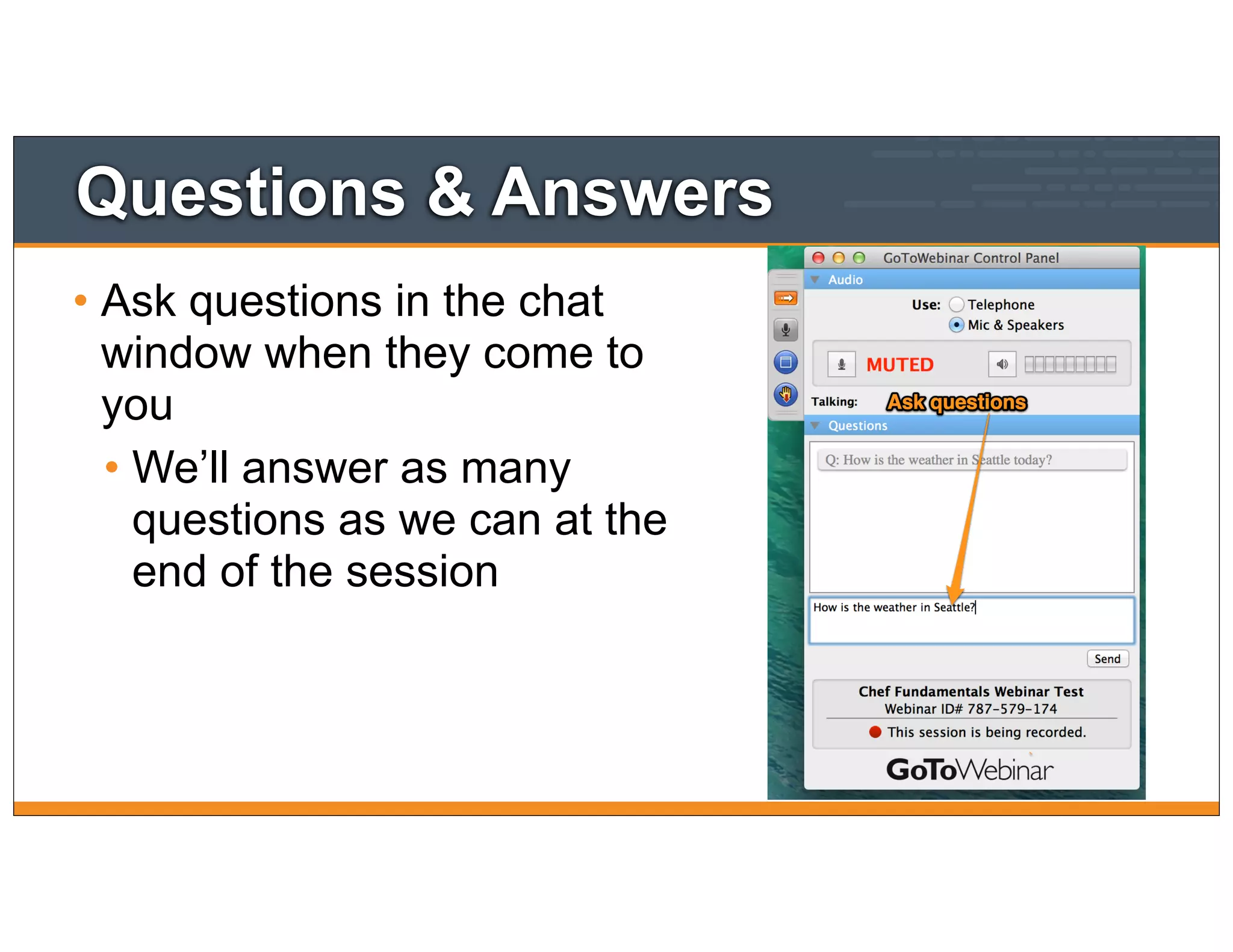
• Ask questions in the chat
window when they come to
you
• We’ll answer as many
questions as we can at the
end of the session
Questions & Answers
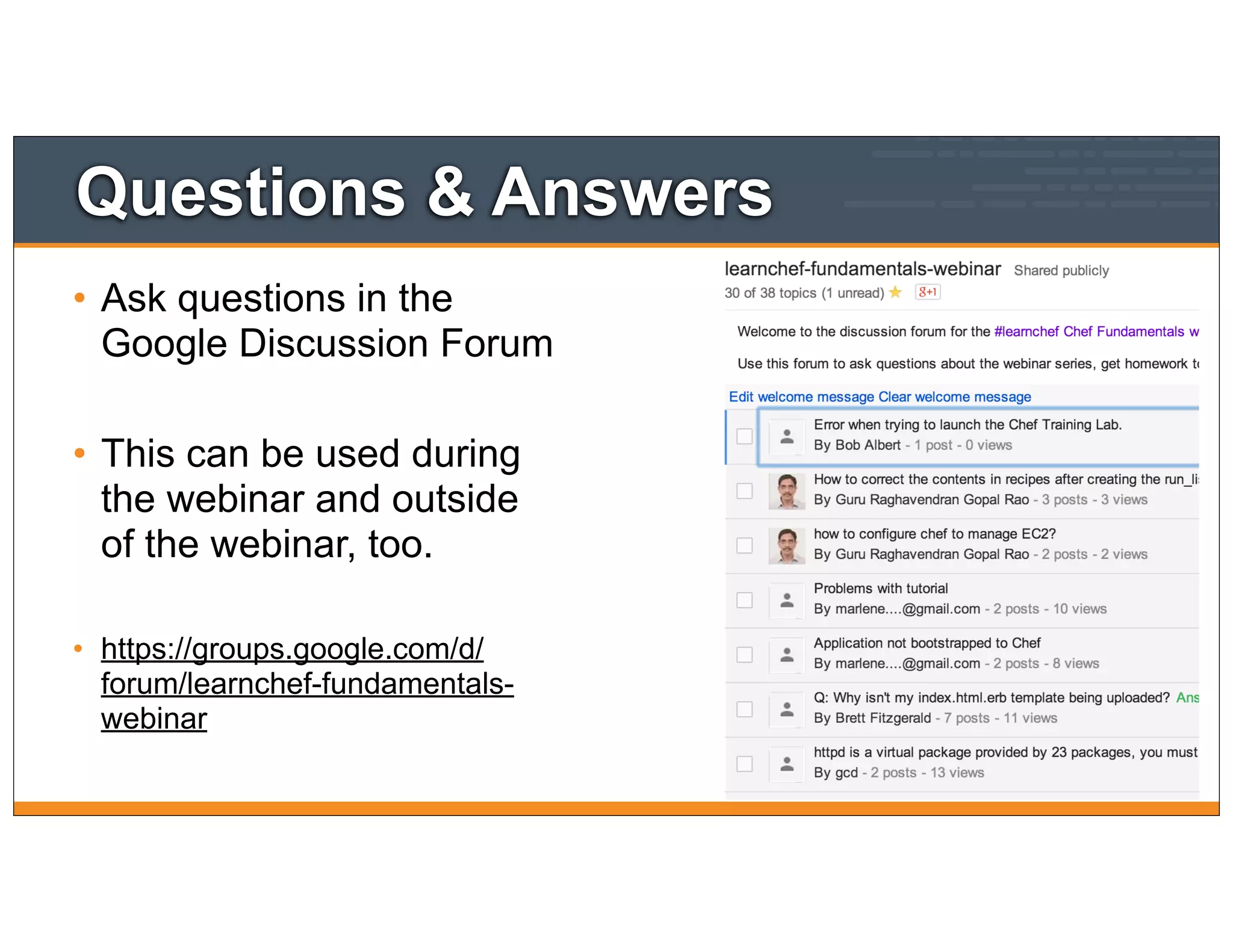
• Ask questions in the
Google Discussion Forum
• This can be used during
the webinar and outside
of the webinar, too.
• https://groups.google.com/d/
forum/learnchef-fundamentals-
webinar
Slides and Video
• This webinar is being recorded. The video will be
made available shortly after the session has ended.
• The slides used throughout this webinar will be
made available at the end of each webinar.
• Watch http://learnchef.com for updates.
Agenda
10
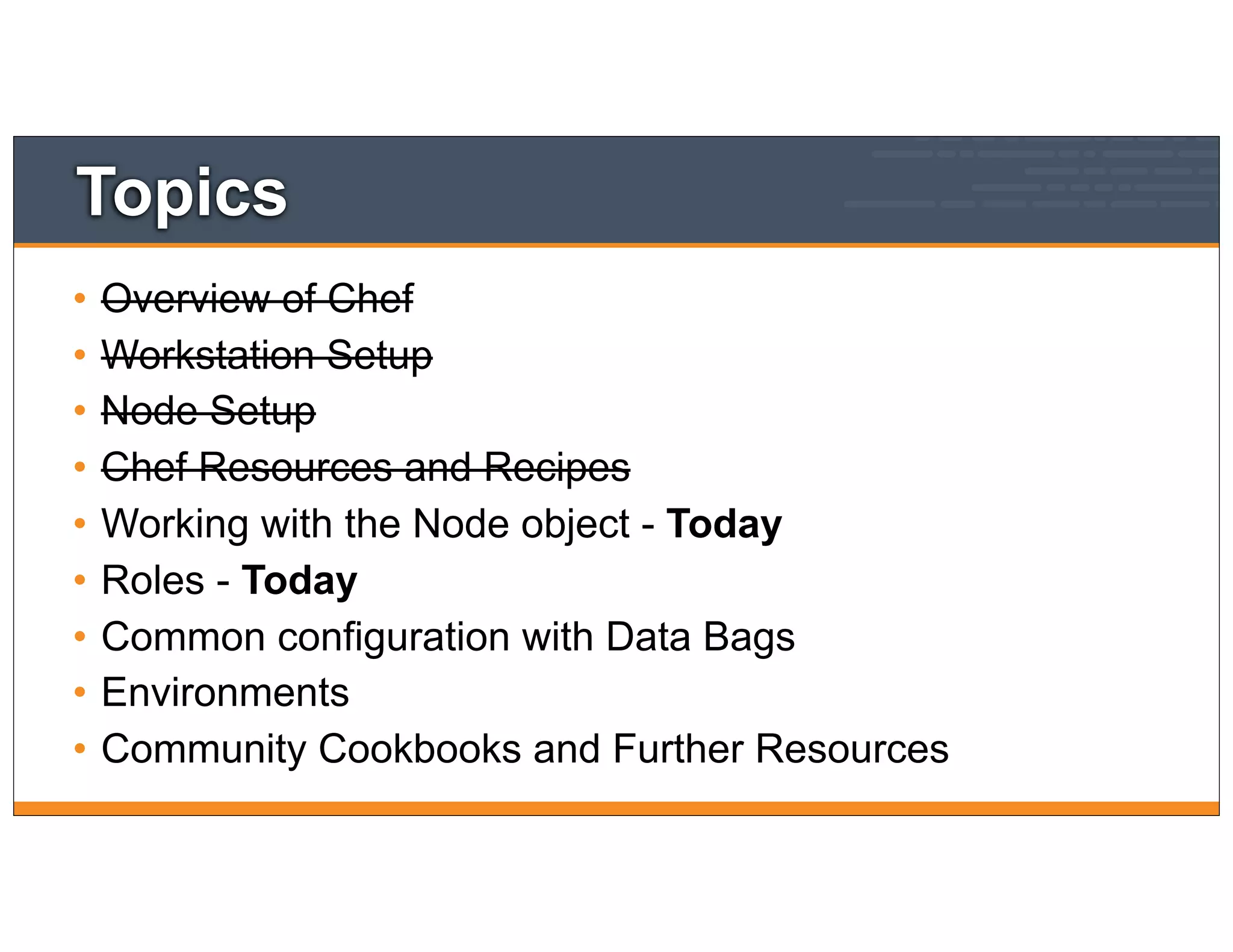
Topics
• Overview of Chef
• Workstation Setup
• Node Setup
• Chef Resources and Recipes
• Working with the Node object - Today
• Roles - Today
• Common configuration with Data Bags
• Environments
• Community Cookbooks and Further Resources
Quick Recap
Where are we?
12
In the last module
• Login to the node in your Chef Training Lab
• Install Chef nodes using "knife bootstrap"
• Build a web server configured to serve up our home
page.
13
Where did my Node go?
• We still need a CentOS machine to manage
• The one we launched last time has likely expired
• Launch a new one using the Chef Lab
14
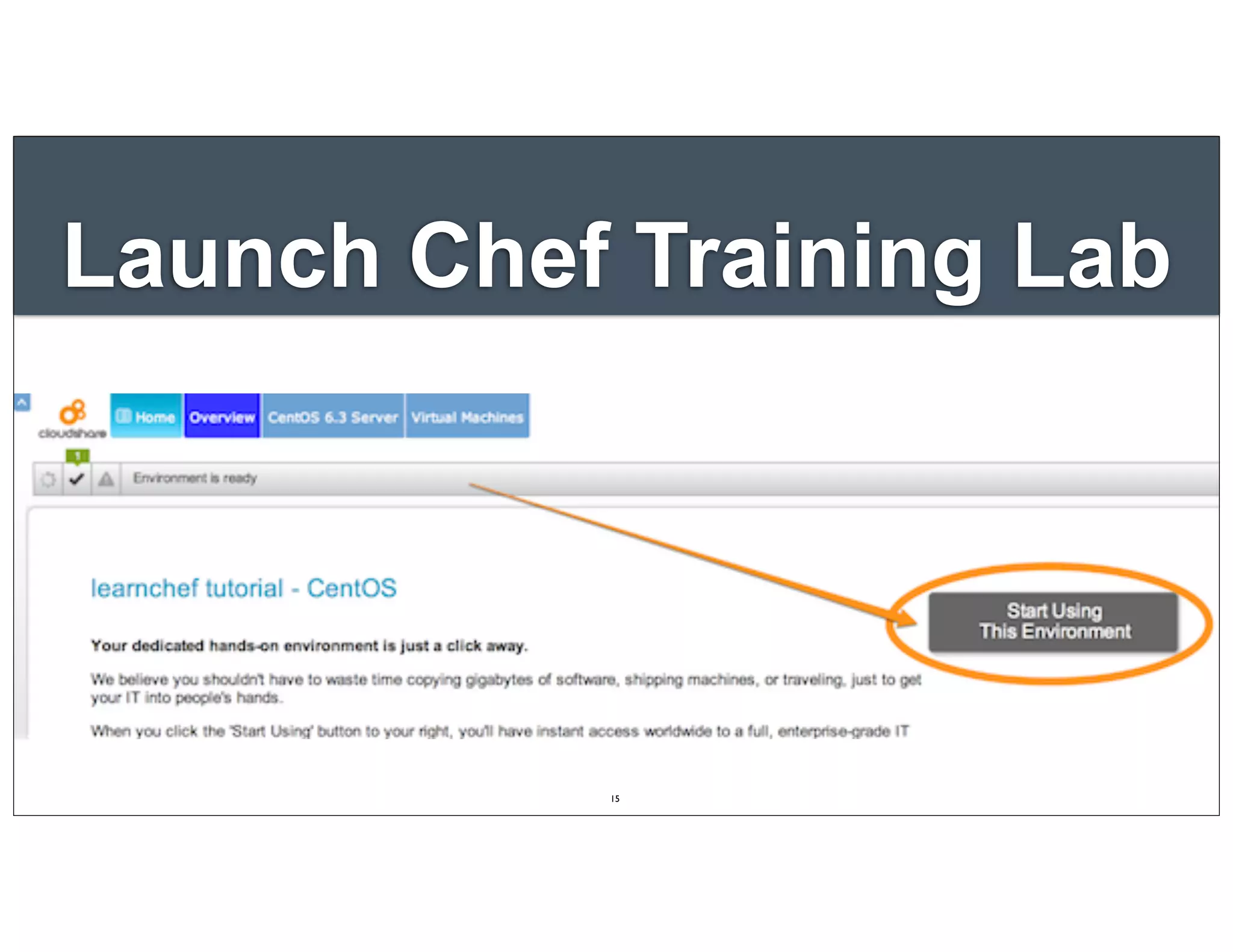
Launch Chef Training Lab
15
$ ssh root@<EXTERNAL_ADDRESS>
Lab - Login
The authenticity of host 'uvo1qrwls0jdgs3blvt.vm.cld.sr
(69.195.232.110)' can't be established.
RSA key fingerprint is d9:95:a3:b9:02:27:e9:cd:
74:e4:a2:34:23:f5:a6:8b.
Are you sure you want to continue connecting (yes/no)? yes
Warning: Permanently added 'uvo1qrwls0jdgs3blvt.vm.cld.sr,
69.195.232.110' (RSA) to the list of known hosts.
chef@uvo1qrwls0jdgs3blvt.vm.cld.sr's password:
Last login: Mon Jan 6 16:26:24 2014 from
host86-145-117-53.range86-145.btcentralplus.com
[chef@CentOS63 ~]$
16
Checkpoint
• At this point you should have
• One virtual machine (VM) or server that you’ll use
for the lab exercises
• The IP address or public hostname
• An application for establishing an ssh connection
• 'sudo' or 'root' permissions on the VM
17
$ knife bootstrap <EXTERNAL_ADDRESS> -x root -P chef -N "module3" -r "recipe[apache]"
"Bootstrap" the Target Instance
Bootstrapping Chef on uvo1qrwls0jdgs3blvt.vm.cld.sr
...
...
uvo1qrwls0jdgs3blvt.vm.cld.sr Creating a new client identity for
module3 using the validator key.
uvo1qrwls0jdgs3blvt.vm.cld.sr resolving cookbooks for run list: []
uvo1qrwls0jdgs3blvt.vm.cld.sr Synchronizing Cookbooks:
uvo1qrwls0jdgs3blvt.vm.cld.sr Compiling Cookbooks...
uvo1qrwls0jdgs3blvt.vm.cld.sr [2014-01-28T11:03:14-05:00] WARN: Node
module3 has an empty run list.
uvo1qrwls0jdgs3blvt.vm.cld.sr Converging 0 resources
uvo1qrwls0jdgs3blvt.vm.cld.sr Chef Client finished, 0 resources updated
18
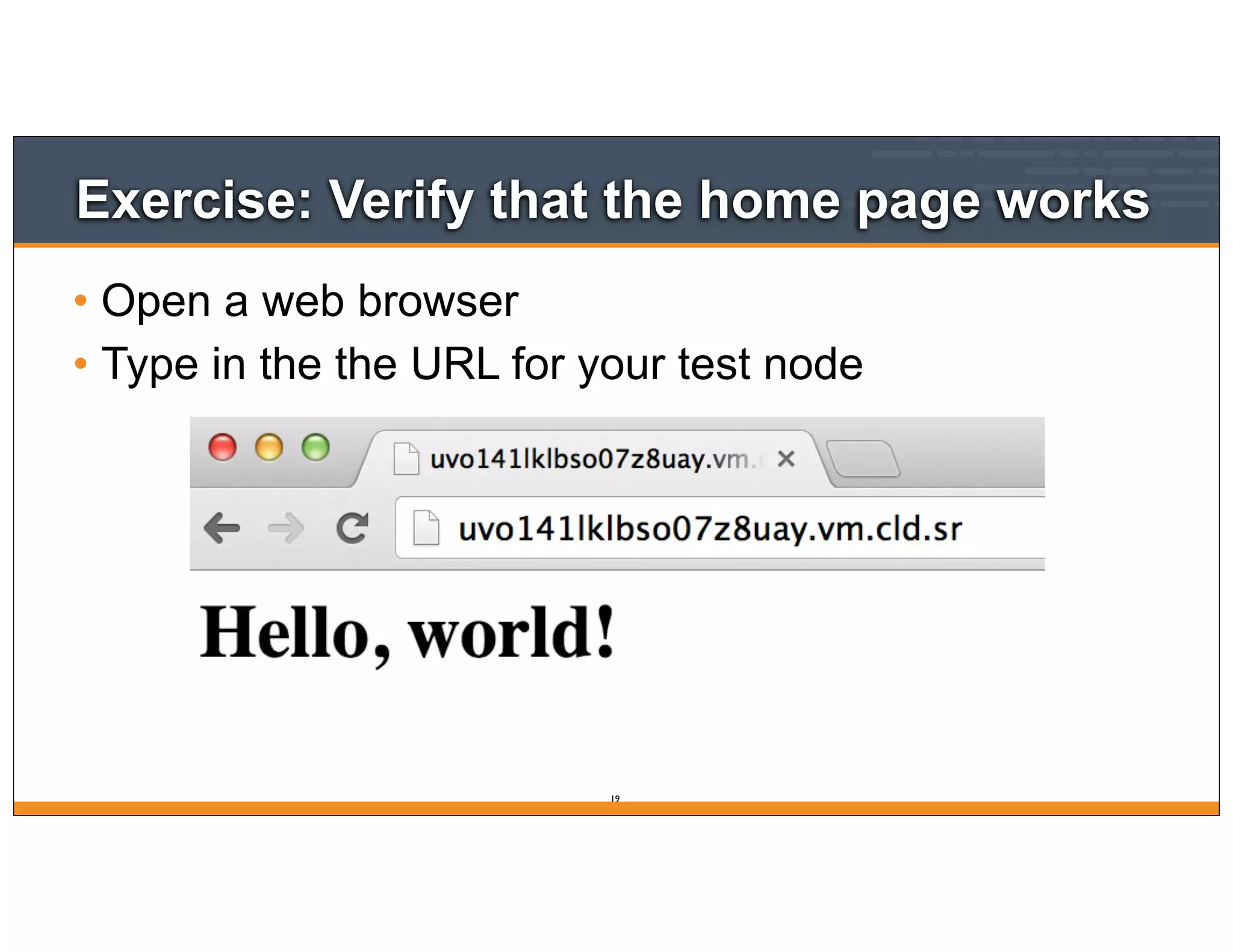
Exercise: Verify that the home page works
• Open a web browser
• Type in the the URL for your test node
19
Introducing the Node object
Attributes
20
Lesson Objectives
• After completing the lesson, you will be able to
• Explain what the node object represents in Chef
• Show details about a node
• Describe what node attributes are
• Retrieve a node attribute
21
What is the Node object
• A node is any physical, virtual, or cloud machines
that is configured to be maintained by a Chef
• The 'node object' is the representation of that
physical node within Chef (e.g. in JSON)
22
The Chef Node Object
• Nodes are the objects that you manage with Chef
• They have a few different properties
• attributes
• run_list
• chef_environment
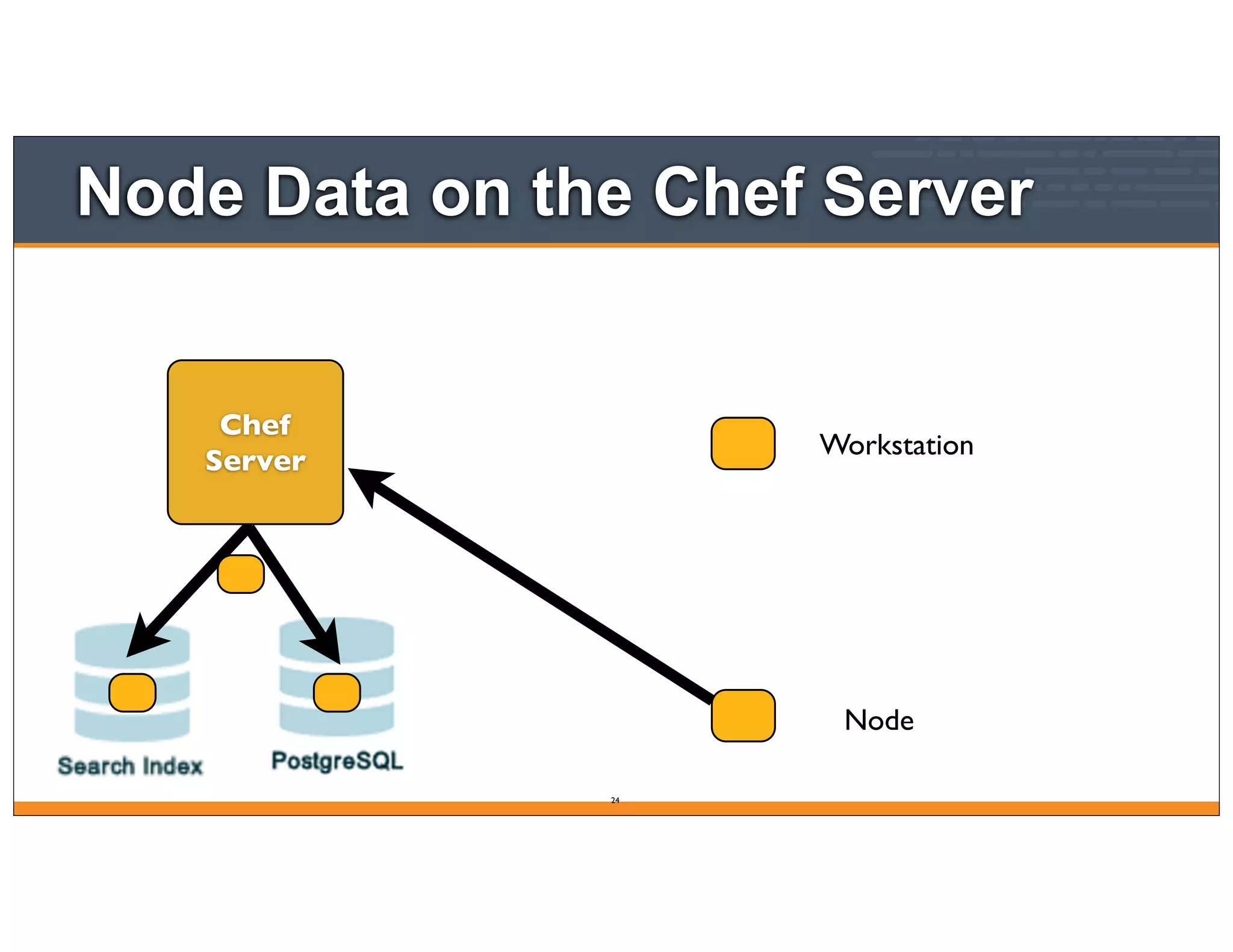
Node
Node Data on the Chef Server
24
Workstation
Chef
Server
The Chef Node Object
• Chef Server stores node object data
• It becomes searchable through the API with knife
and with recipes
• Some of the data comes from ohai, which takes an
inventory of the system and emits JSON data
• You can add data to the node through attributes in
cookbooks, roles, directly on a node, etc
Node Attributes Syntax
• Node attributes are hashes (of hashes)
• Reference hash keys with square brackets and keys
as strings
•node["hostname"]
•node["kernel"]["machine"]
OPEN IN EDITOR:
SAVE FILE!
cookbooks/apache/templates/default/index.html.erb
<p>Hello, world!</p>
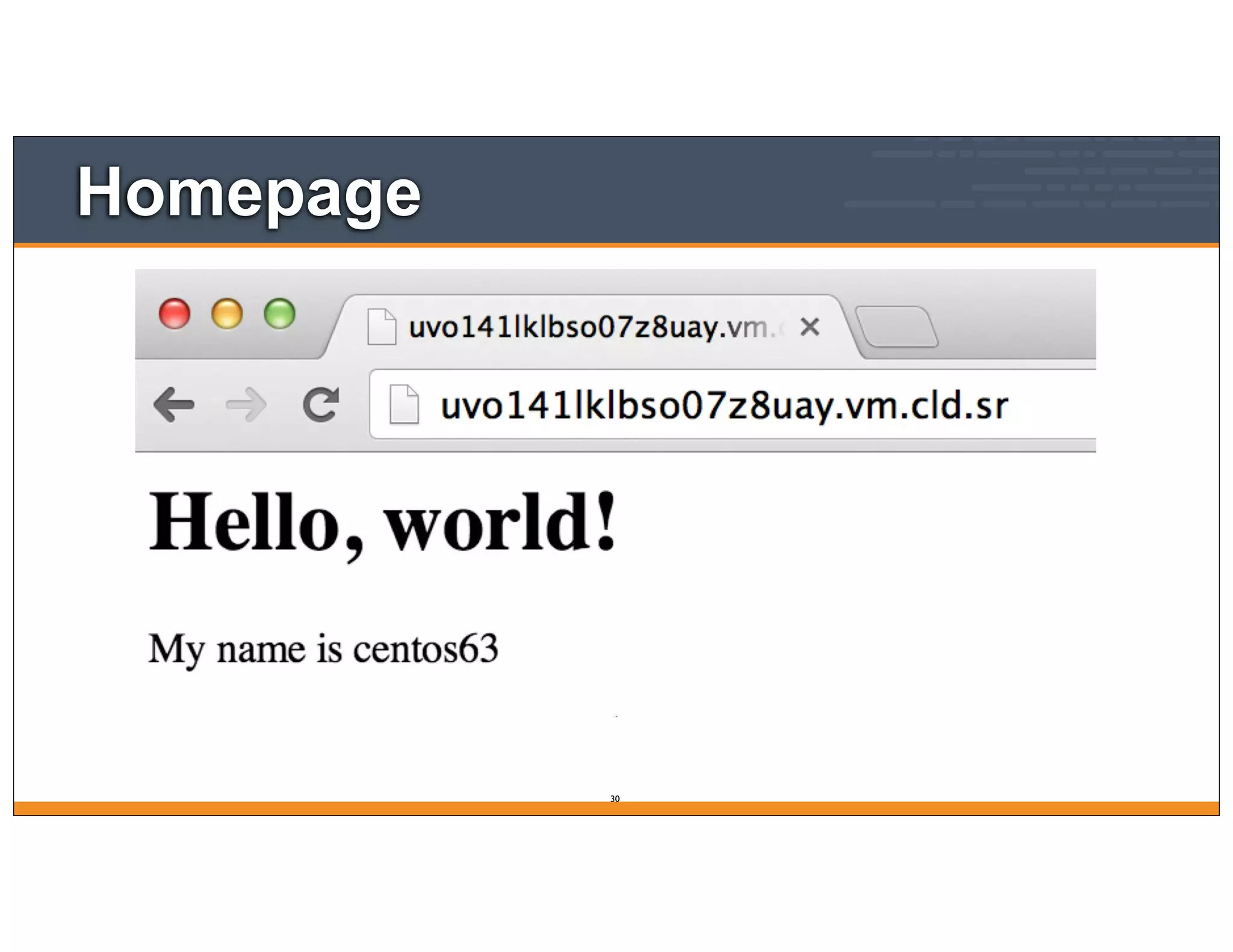
<p>My name is <%= node['hostname'] %></p>
Update the home page template
$ knife cookbook upload apache
Upload the cookbook
Uploading apache [0.1.0]
Uploaded 1 cookbook.
root@module3:~$ sudo chef-client
Run the chef-client on your test node
Starting Chef Client, version 11.10.4
resolving cookbooks for run list: ["apache"]
Synchronizing Cookbooks:
- apache
Compiling Cookbooks...
Converging 3 resources
Recipe: apache::default
* package[httpd] action install (up to date)
* service[httpd] action enable (up to date)
* service[httpd] action start (up to date)
* template[/var/www/html/index.html] action create
- update content in file /var/www/html/index.html from 17d291 to 77b6e3
--- /var/www/html/index.html 2014-02-21 08:18:54.710230641 -0500
+++ /tmp/chef-rendered-template20140221-4650-ykt042 2014-02-21 08:41:45.428088171 -0500
@@ -1,2 +1,3 @@
<h1>Hello, world!</h1>
+<p>My name is centos63</p>
Running handlers:
Running handlers complete
Chef Client finished, 1/4 resources updated in 8.151165056 seconds
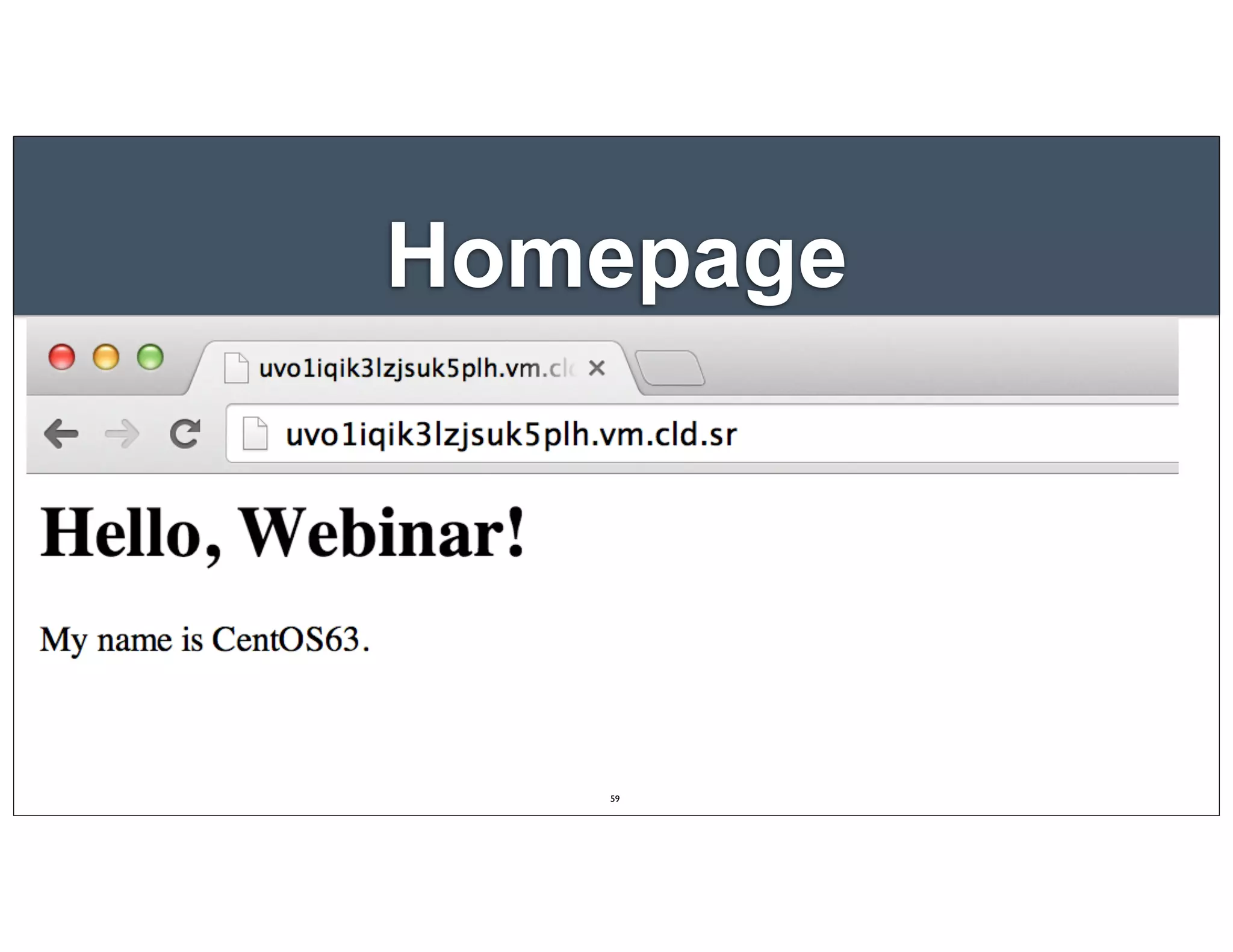
Homepage
30
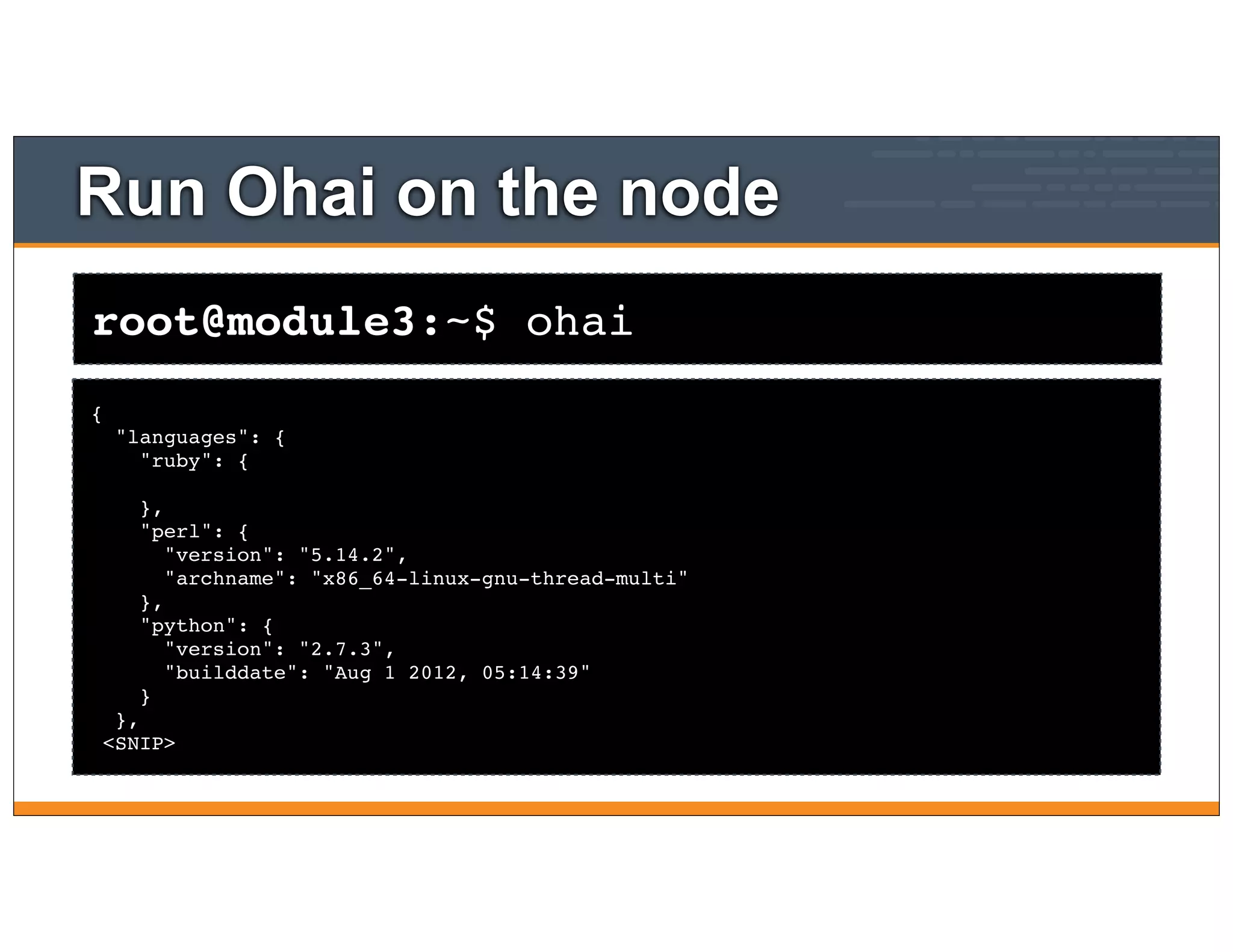
root@module3:~$ ohai
Run Ohai on the node
{
"languages": {
"ruby": {
},
"perl": {
"version": "5.14.2",
"archname": "x86_64-linux-gnu-thread-multi"
},
"python": {
"version": "2.7.3",
"builddate": "Aug 1 2012, 05:14:39"
}
},
<SNIP>
root@module3:~$ ohai hostname
Run Ohai on the node
[
"centos63"
]
$ knife node show module3
Show the node object
Node Name: module3
Environment: _default
FQDN: centos63.example.com
IP: 10.160.201.90
Run List: recipe[apache]
Roles:
Recipes: apache, apache::default
Platform: centos 6.4
Tags:
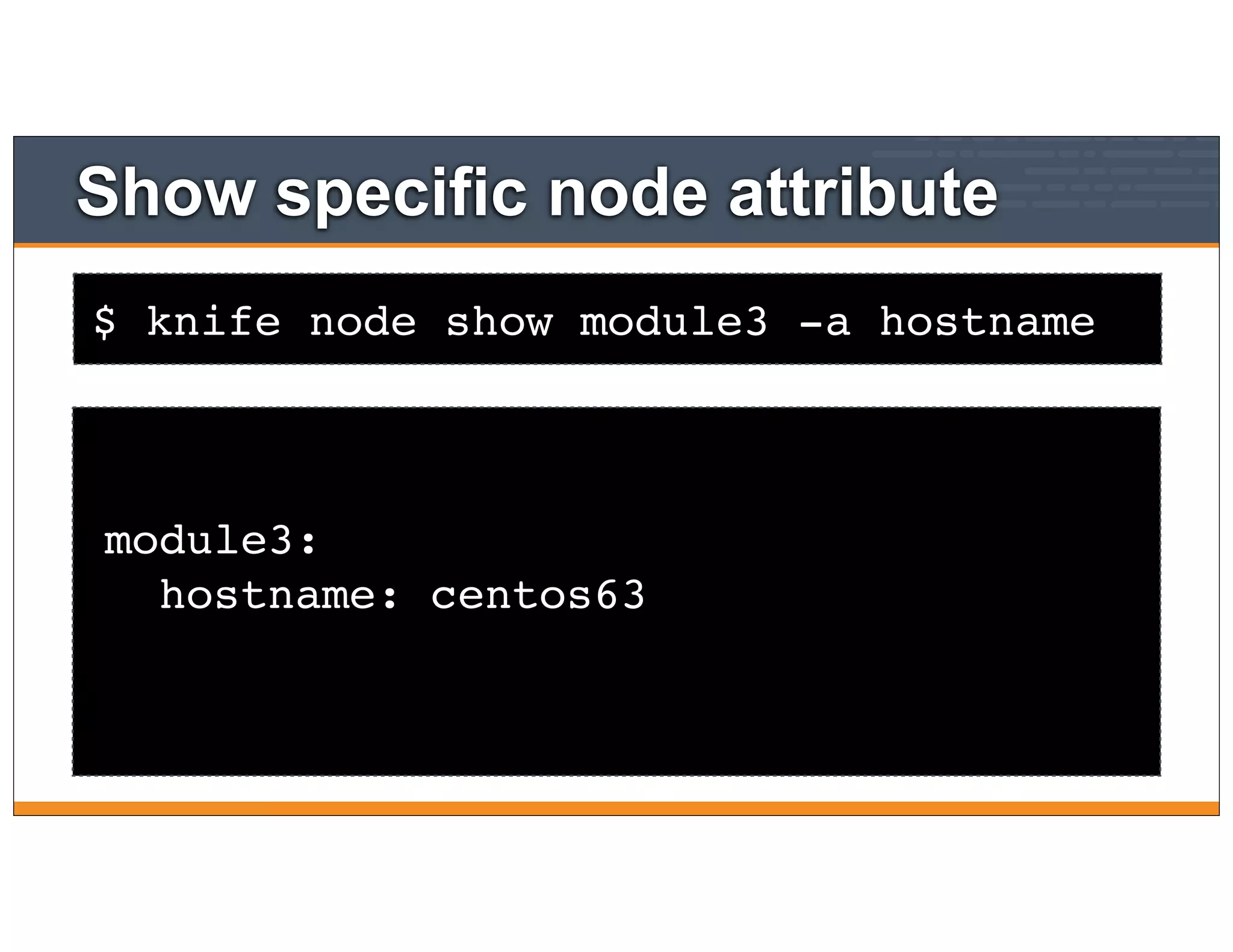
$ knife node show module3 -a hostname
Show specific node attribute
module3:
hostname: centos63
Setting Node Attributes
Setting attributes in recipes and attribute files
35
Lesson Objectives
• After completing the lesson, you will be able to
• Describe where and how attributes are set
• Declare an attribute with a recipe and set its value
36
What are Attributes?
• Attributes represent information from your node as well
as input variables in your cookbooks
• Attributes hold static node data (e.g. platform, memory
installed, disk space, etc)
• Allow you to abstract out data in from cookbooks (e.g.
directory paths, users, software version numbers)
• All attributes are set on the "node object", and are
indexed for search on the server
37
Attribute Sources
• Attributes can be set at various levels (in increasing
order of precedence)
• Automagically on the node itself (by Ohai)
• In roles
• In environments
• In cookbook recipes
• In cookbook attribute files
38
Ohai - set automatically
"languages": {
"ruby": {
},
"perl": {
"version": "5.14.2",
"archname": "x86_64-
linux-gnu-thread-multi"
},
"python": {
"version": "2.6.6",
"builddate": "Jul 10
2013, 22:48:45"
},
"perl": {
"version": "5.10.1",
"archname": "x86_64-
linux-thread-multi"
}
},
"network": {
"interfaces": {
"lo": {
"mtu": "16436",
"flags": [
"LOOPBACK", "UP","LOWER_UP"
],
"encapsulation": "Loopback",
"addresses": {
"127.0.0.1": {
"family": "inet",
"netmask": "255.0.0.0",
"scope": "Node"
},
"::1": {
"family": "inet6",
"scope": "Node"
}
},
},
"eth0": {
"type": "eth",
"number": "0",
"kernel": {
"name": "Linux",
"release": "3.2.0-32-virtual",
"version": "#1 SMP Wed Oct 16
18:37:12 UTC 2013",
"machine": "x86_64",
"modules": {
"isofs": {
"size": "70066",
"refcount": "2"
},
"des_generic": {
"size": "16604",
"refcount": "0"
}
},
"os": "GNU/Linux"
},
"os": "linux",
"os_version":
"2.6.32-358.23.2.el6.x86_64",
"ohai_time": 1389105685.7735305,
39
Setting attributes in attribute files
• Attributes can be set in the cookbook's attributes file
• ./cookbooks/<cookbook>/attributes/default.rb
• Format is
• We'll look at precedence later....
precedence attribute name attribute value
default['apache']['dir'] = "/etc/apache2"
40
OPEN IN EDITOR:
SAVE FILE!
cookbooks/apache/attributes/default.rb
default["apache"]["greeting"] = "World"
Create an attributes file
OPEN IN EDITOR:
SAVE FILE!
cookbooks/apache/templates/default/index.html.erb
<h1>Hello, <%= node['apache']['greeting'] %>!</h1>
<p>My name is <%= node['hostname'] %></p>
Update the home page template
$ knife cookbook upload apache
Upload the cookbook
Uploading apache [0.1.0]
Uploaded 1 cookbook.
root@module3:~$ sudo chef-client
Run the chef-client on your test node
Starting Chef Client, version 11.10.4
resolving cookbooks for run list: ["apache"]
Synchronizing Cookbooks:
- apache
Compiling Cookbooks...
Converging 3 resources
Recipe: apache::default
* package[httpd] action install (up to date)
* service[httpd] action enable (up to date)
* service[httpd] action start (up to date)
* template[/var/www/html/index.html] action create
- update content in file /var/www/html/index.html from 77b6e3 to 455d5b
--- /var/www/html/index.html 2014-02-21 08:41:45.428088171 -0500
+++ /tmp/chef-rendered-template20140221-4957-1j4w9sg 2014-02-21 08:47:51.921529076 -0500
@@ -1,3 +1,3 @@
-<h1>Hello, world!</h1>
+<h1>Hello, World!</h1>
<p>My name is centos63</p>
Checkpoint
• We have a node attribute
• node["apache"]["greeting"]
• We've updated the index.html template to use this
attribute.
• This will be used again soon!
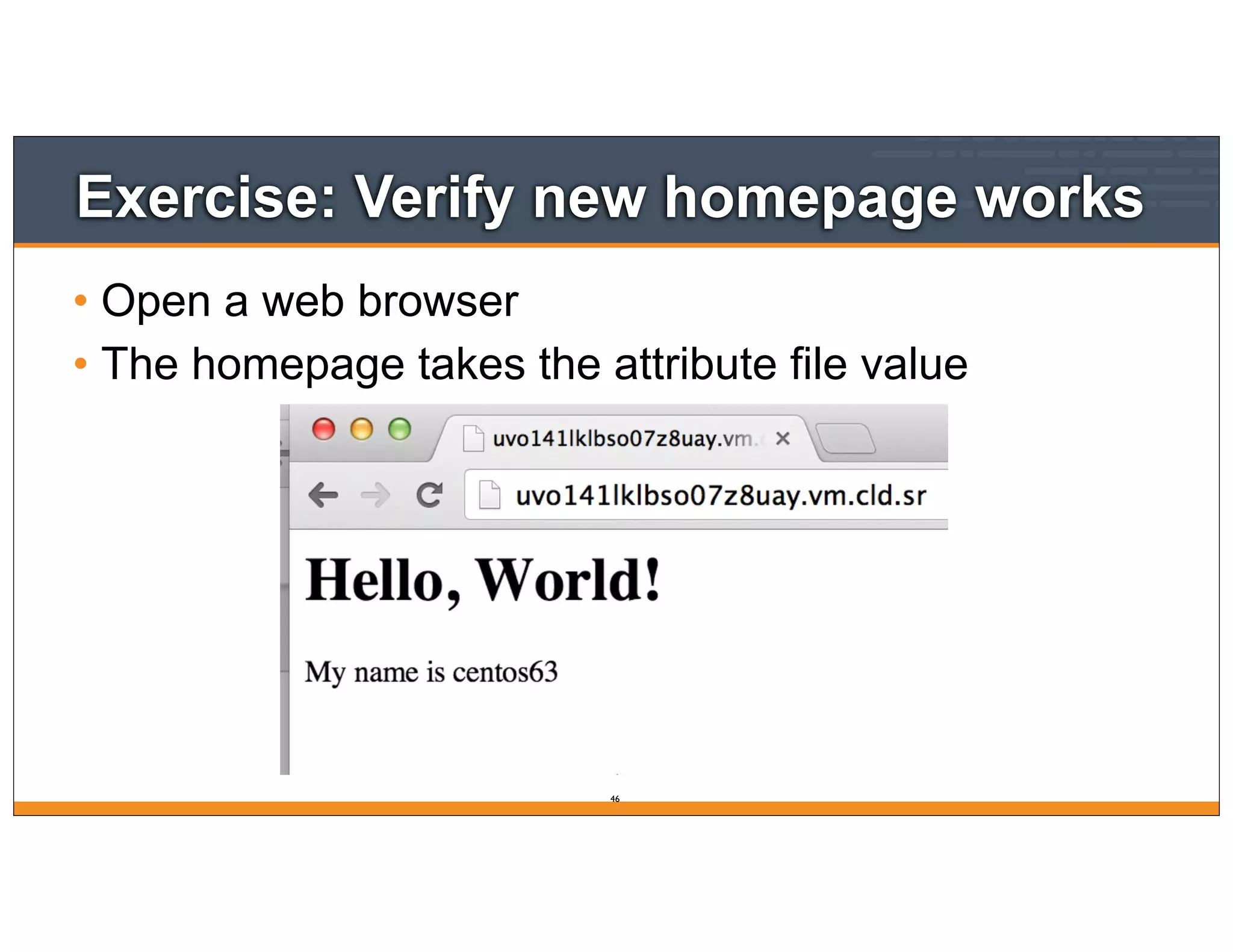
Exercise: Verify new homepage works
• Open a web browser
• The homepage takes the attribute file value
46
Roles
Role-based Attributes and Merge Order Precedence
47
Lesson Objectives
• After completing the lesson, you will be able to
• Explain what Roles are, and how they are used to
provide clarity
• Discuss the Role JSON DSL
• Explain how merge order affects the precedence
hierarchy
48
What is a Role?
• So far, we’ve been just adding our recipe directly to a
single node
• But that’s not how your infrastructure works - think
about how you refer to servers
• "It’s a web server"
• "It’s a database server"
• "It’s a monitoring server"
49
What is a Role?
• Roles allow you to conveniently encapsulate the run
lists and attributes required for a server to "be" what
you already think it is
• In practice, Roles make it easy to configure many
nodes identically without repeating yourself each
time
50
OPEN IN EDITOR:
SAVE FILE!
roles/webserver.json
{
"name" : "webserver",
"default_attributes" : {
"apache" : {
"greeting" : "Webinar"
}
},
"run_list" : [
"recipe[apache]"
]
}
Create a webserver role
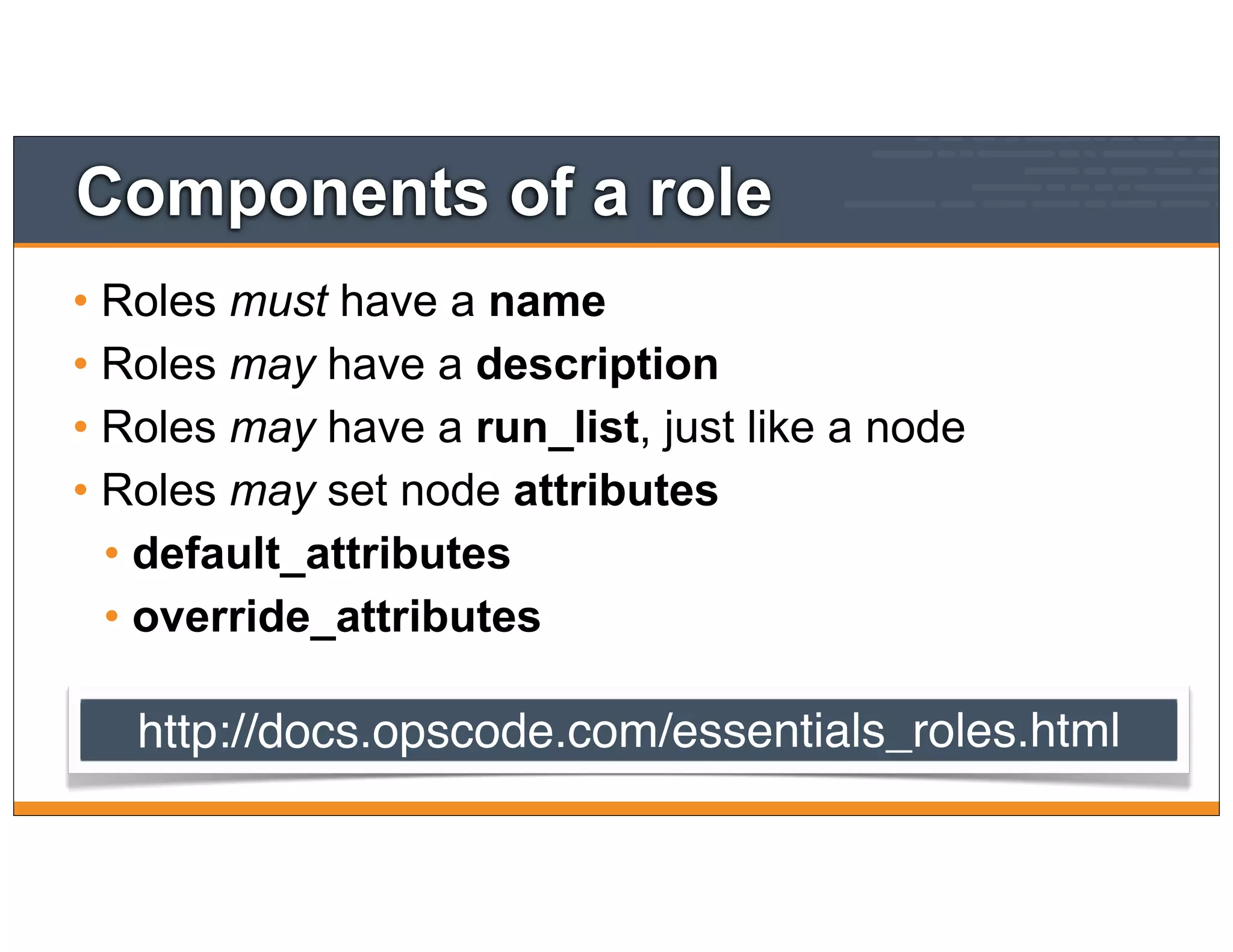
Components of a role
• Roles must have a name
• Roles may have a description
• Roles may have a run_list, just like a node
• Roles may set node attributes
• default_attributes
• override_attributes
http://docs.opscode.com/essentials_roles.html
Exercise: Create the role
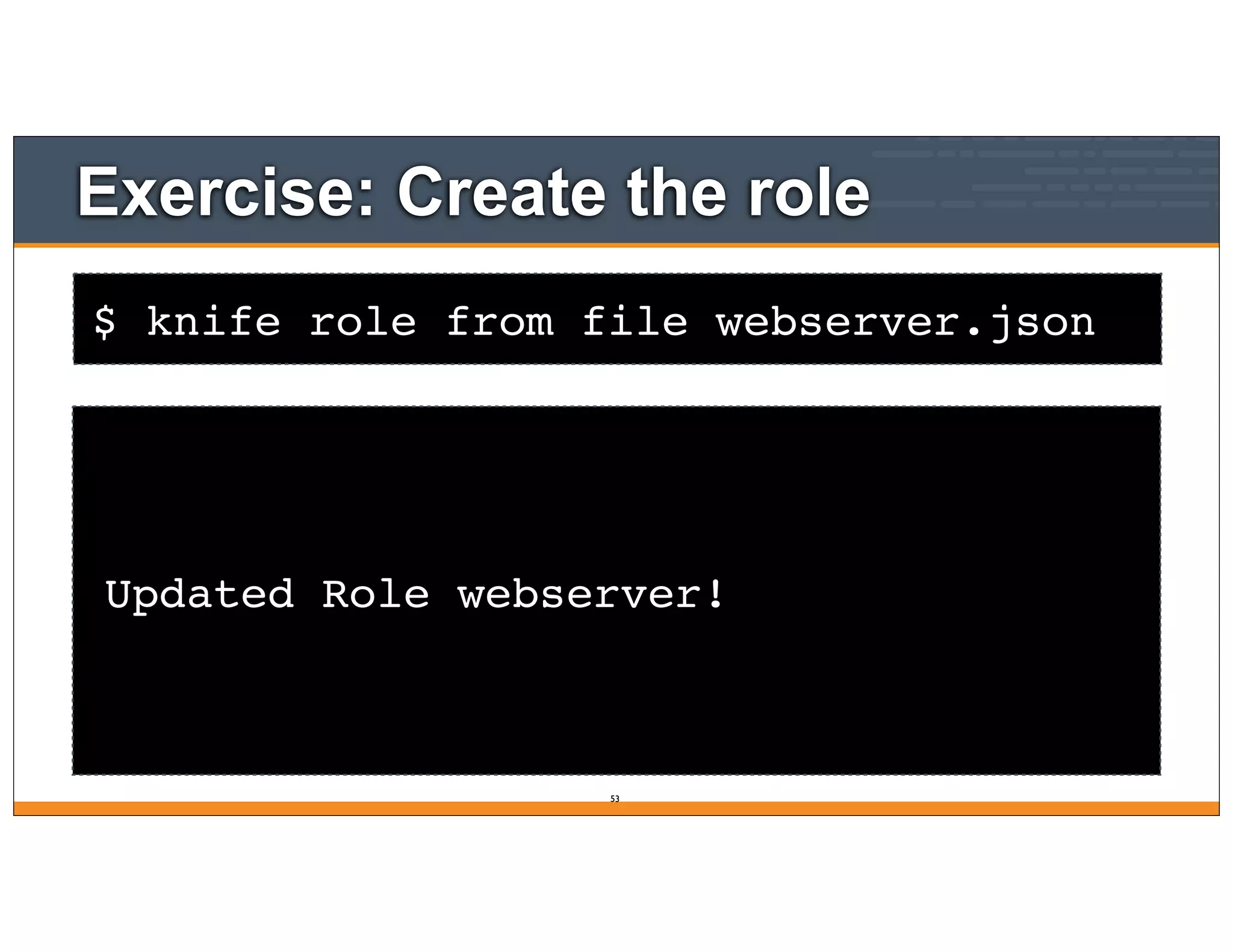
Updated Role webserver!
53
$ knife role from file webserver.json
Exercise: Create the role
Updated Role webserver!
53
$ knife node run list remove module3 "recipe[apache]"
Remove the apache recipe
module3:
run_list:
$ knife node run list add module3 "role[webserver]"
Add the webserver role
module3:
run_list: role[webserver]
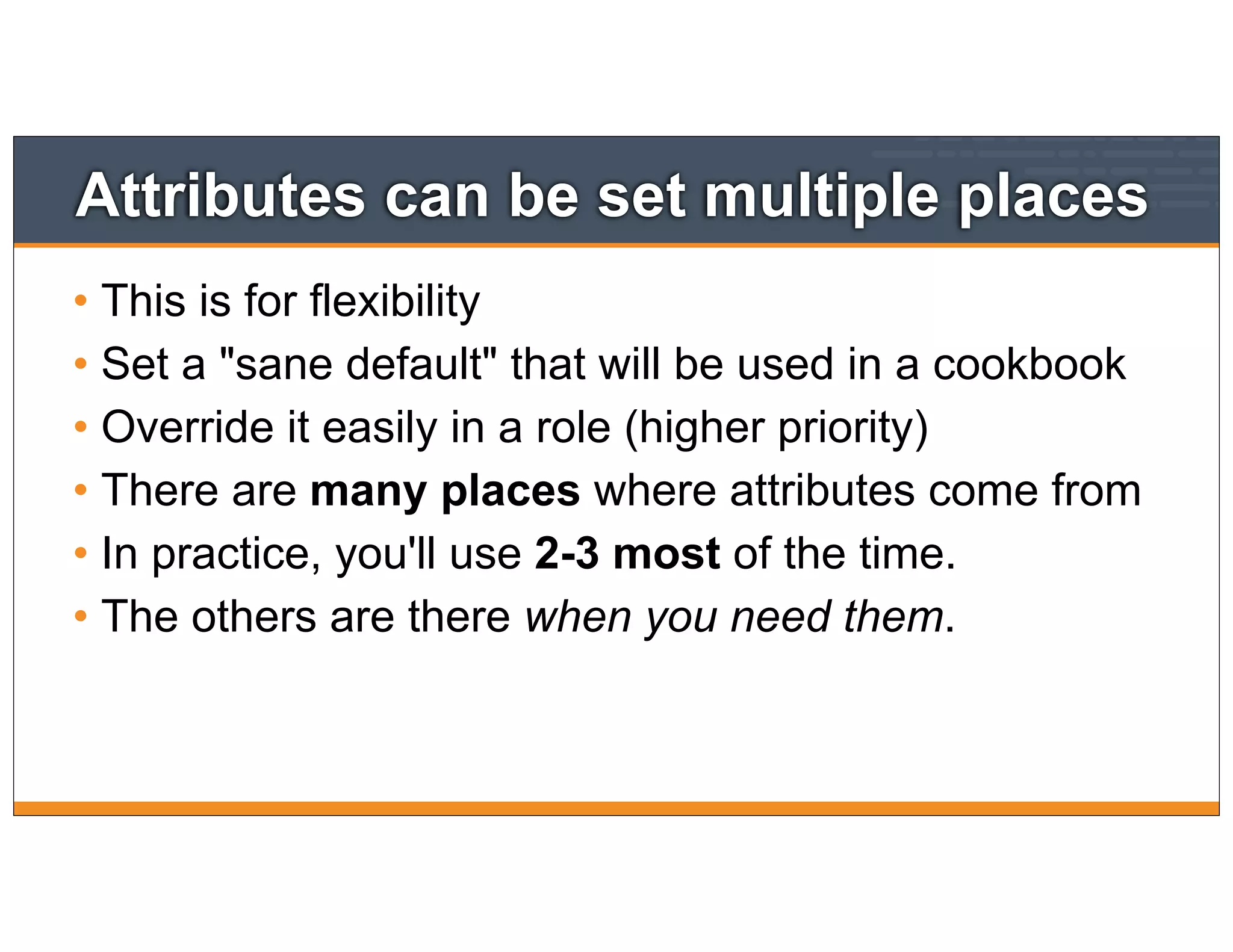
Attributes can be set multiple places
• This is for flexibility
• Set a "sane default" that will be used in a cookbook
• Override it easily in a role (higher priority)
• There are many places where attributes come from
• In practice, you'll use 2-3 most of the time.
• The others are there when you need them.
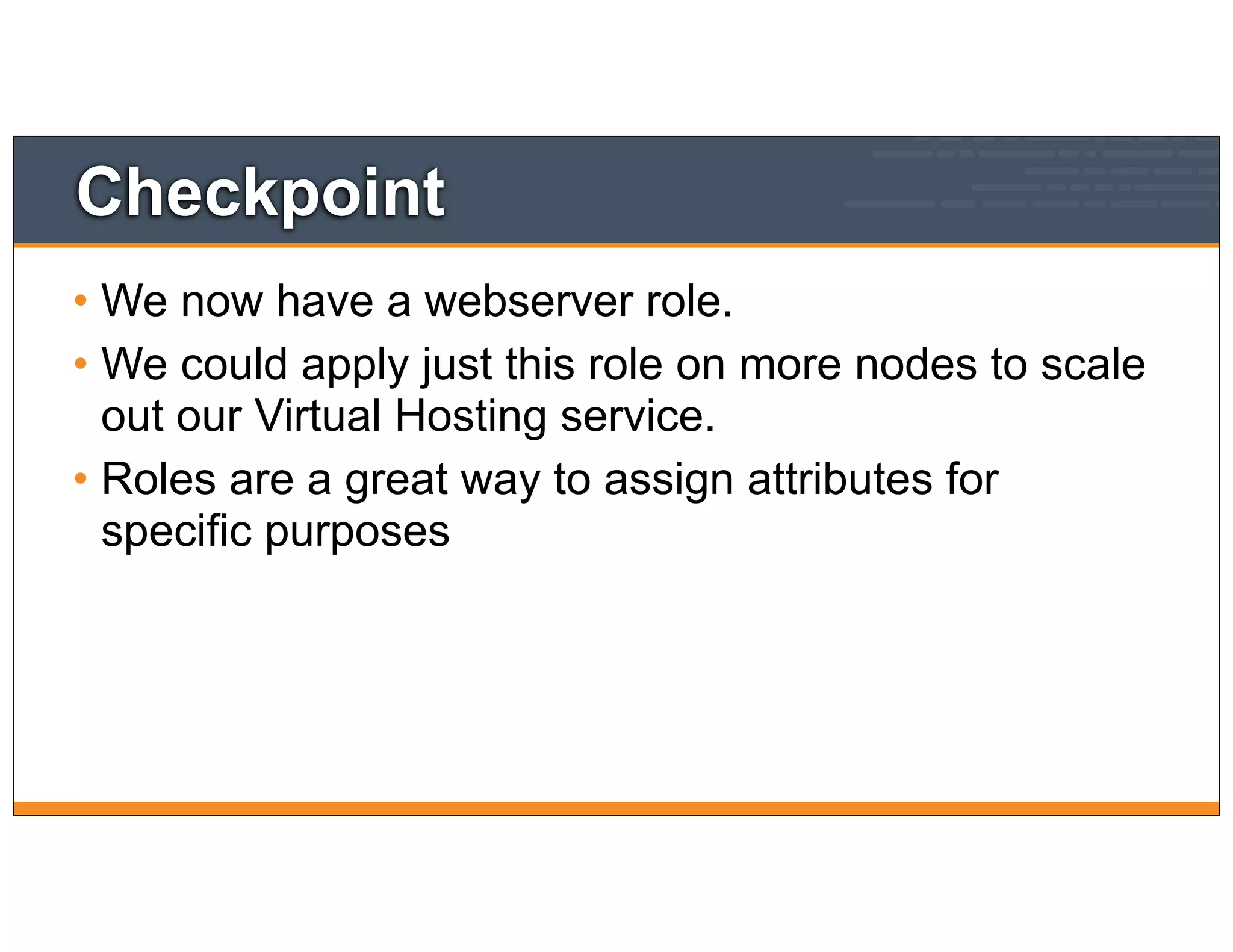
Checkpoint
• We now have a webserver role.
• We could apply just this role on more nodes to scale
out our Virtual Hosting service.
• Roles are a great way to assign attributes for
specific purposes
root@module3:~$ sudo chef-client
Run chef-client
* template[/srv/apache/bears/index.html] action create
- update content in file /srv/apache/bears/index.html from d8f475 to 60fcf9
--- /srv/apache/bears/index.html 2014-02-21 09:20:53.870834436 -0500
+++ /tmp/chef-rendered-template20140221-6541-m57zkc 2014-02-21 09:28:53.857331666 -0500
@@ -1,4 +1,4 @@
-<h1>Hello, World!</h1>
+<h1>Hello, SCaLE12x!</h1>
<p>My name is centos63</p>
<p>We love bears</p>
<p>Served from 10.160.201.90:80</p>
* template[/etc/httpd/conf.d/clowns.conf] action create (up to date)
* directory[/srv/apache/clowns] action create (up to date)
* template[/srv/apache/clowns/index.html] action create
- update content in file /srv/apache/clowns/index.html from 828461 to d9b384
--- /srv/apache/clowns/index.html 2014-02-21 09:20:53.883834816 -0500
Homepage
59
Chef Fundamentals
Webinar Series
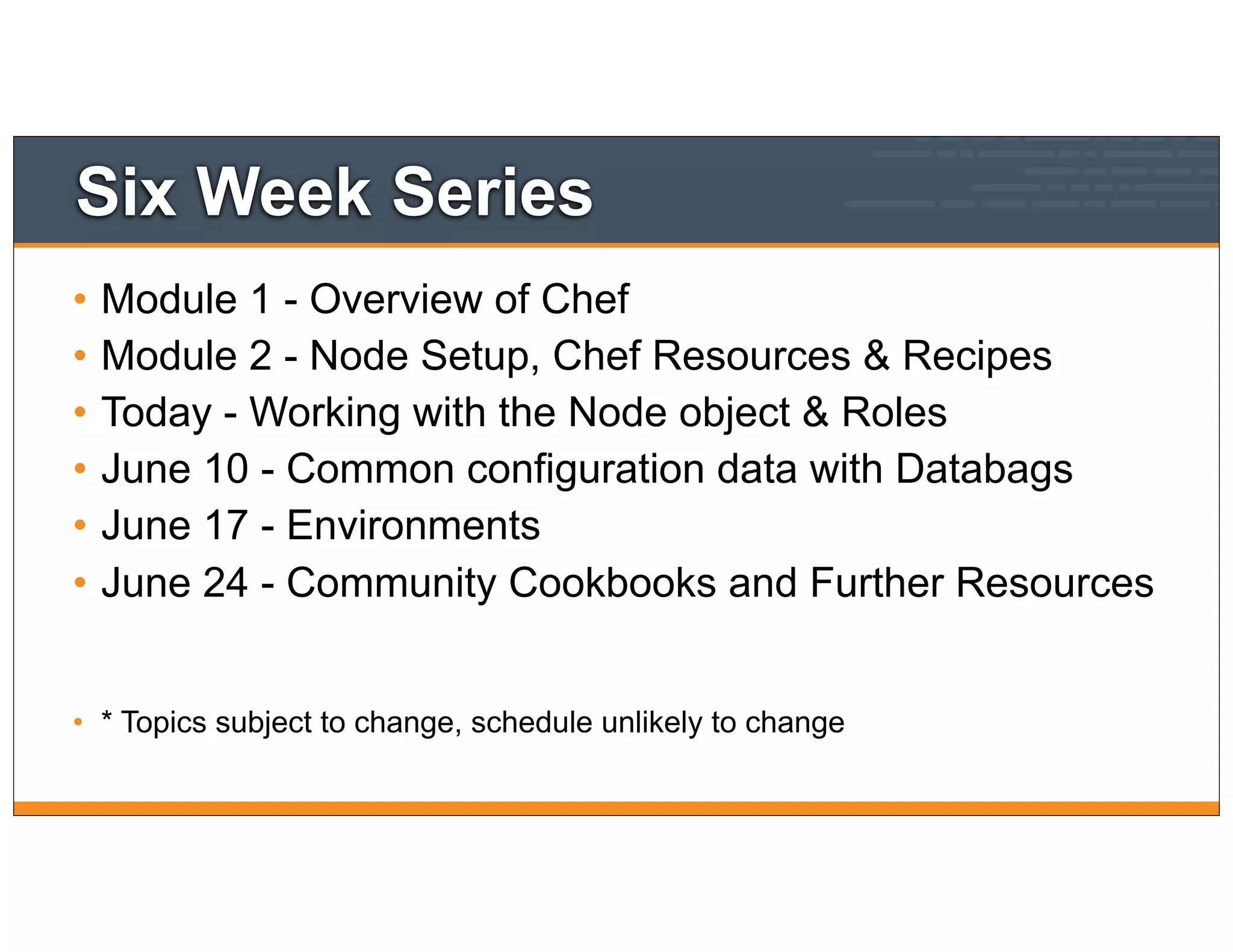
Six Week Series
• Module 1 - Overview of Chef
• Module 2 - Node Setup, Chef Resources & Recipes
• Today - Working with the Node object & Roles
• June 10 - Common configuration data with Databags
• June 17 - Environments
• June 24 - Community Cookbooks and Further Resources
• * Topics subject to change, schedule unlikely to change
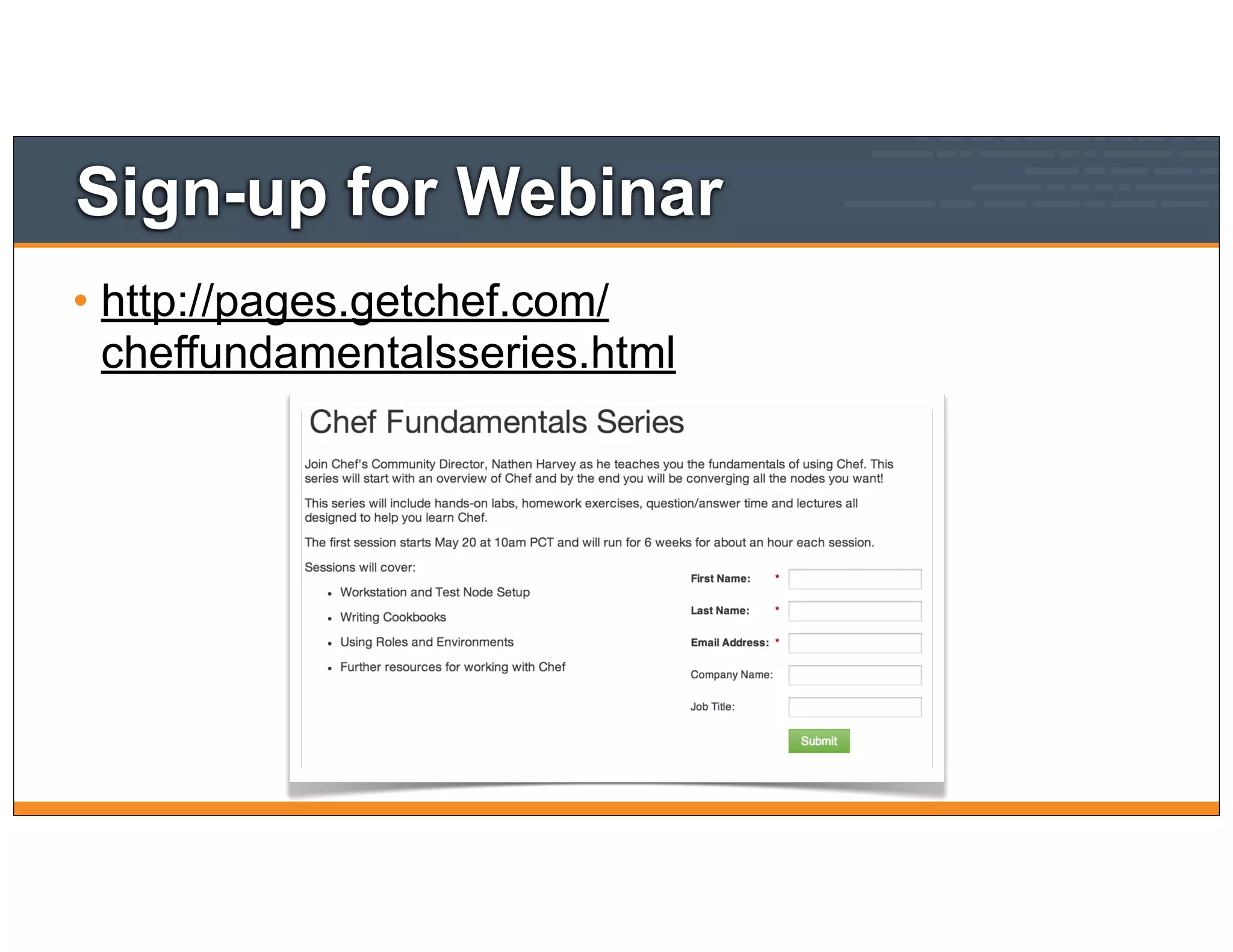
Sign-up for Webinar
• http://pages.getchef.com/
cheffundamentalsseries.html
Additional Resources
• Chef Fundamentals Webinar Series
• https://www.youtube.com/watch?
v=S5lHUpzoCYo&list=PL11cZfNdwNyPnZA9D1MbVqldGuOWqbum
Z
• Discussion group for webinar participants
• https://groups.google.com/d/forum/learnchef-fundamentals-webinar
63
Additional Resources
• Learn Chef
• http://learnchef.com
• Documentation
• http://docs.opscode.com
64

Node object and roles - Fundamentals Webinar Series Part 3

  • 1.
  • 2.
    Nathen Harvey • CommunityDirector • Co-host of the Food Fight Show Podcast • @nathenharvey
  • 3.
  • 4.
    Multi-week Webinar Series •After completing of this webinar series you will be able to • Automate common infrastructure tasks with Chef • Describe Chef’s architecture • Describe Chef’s various tools • Apply Chef’s primitives to solve your problems
  • 5.
    How to learnChef • You bring the domain expertise about your business and infrastructure • Chef provides a framework for automating your infrastructure • Our job is to work together to teach you how to model and automate your infrastructure with Chef
  • 6.
    Chef is aLanguage • Learning Chef is like learning the basics of a language • 80% fluency will be reached very quickly • The remaining 20% just takes practice • The best way to learn Chef is to use Chef
  • 7.
    Questions & Answers •Ask questions in the chat window when they come to you • We’ll answer as many questions as we can at the end of the session
  • 8.
    Questions & Answers •Ask questions in the Google Discussion Forum • This can be used during the webinar and outside of the webinar, too. • https://groups.google.com/d/ forum/learnchef-fundamentals- webinar
  • 9.
    Slides and Video •This webinar is being recorded. The video will be made available shortly after the session has ended. • The slides used throughout this webinar will be made available at the end of each webinar. • Watch http://learnchef.com for updates.
  • 10.
  • 11.
    Topics • Overview ofChef • Workstation Setup • Node Setup • Chef Resources and Recipes • Working with the Node object - Today • Roles - Today • Common configuration with Data Bags • Environments • Community Cookbooks and Further Resources
  • 12.
  • 13.
    In the lastmodule • Login to the node in your Chef Training Lab • Install Chef nodes using "knife bootstrap" • Build a web server configured to serve up our home page. 13
  • 14.
    Where did myNode go? • We still need a CentOS machine to manage • The one we launched last time has likely expired • Launch a new one using the Chef Lab 14
  • 15.
  • 16.
    $ ssh root@<EXTERNAL_ADDRESS> Lab- Login The authenticity of host 'uvo1qrwls0jdgs3blvt.vm.cld.sr (69.195.232.110)' can't be established. RSA key fingerprint is d9:95:a3:b9:02:27:e9:cd: 74:e4:a2:34:23:f5:a6:8b. Are you sure you want to continue connecting (yes/no)? yes Warning: Permanently added 'uvo1qrwls0jdgs3blvt.vm.cld.sr, 69.195.232.110' (RSA) to the list of known hosts. chef@uvo1qrwls0jdgs3blvt.vm.cld.sr's password: Last login: Mon Jan 6 16:26:24 2014 from host86-145-117-53.range86-145.btcentralplus.com [chef@CentOS63 ~]$ 16
  • 17.
    Checkpoint • At thispoint you should have • One virtual machine (VM) or server that you’ll use for the lab exercises • The IP address or public hostname • An application for establishing an ssh connection • 'sudo' or 'root' permissions on the VM 17
  • 18.
    $ knife bootstrap<EXTERNAL_ADDRESS> -x root -P chef -N "module3" -r "recipe[apache]" "Bootstrap" the Target Instance Bootstrapping Chef on uvo1qrwls0jdgs3blvt.vm.cld.sr ... ... uvo1qrwls0jdgs3blvt.vm.cld.sr Creating a new client identity for module3 using the validator key. uvo1qrwls0jdgs3blvt.vm.cld.sr resolving cookbooks for run list: [] uvo1qrwls0jdgs3blvt.vm.cld.sr Synchronizing Cookbooks: uvo1qrwls0jdgs3blvt.vm.cld.sr Compiling Cookbooks... uvo1qrwls0jdgs3blvt.vm.cld.sr [2014-01-28T11:03:14-05:00] WARN: Node module3 has an empty run list. uvo1qrwls0jdgs3blvt.vm.cld.sr Converging 0 resources uvo1qrwls0jdgs3blvt.vm.cld.sr Chef Client finished, 0 resources updated 18
  • 19.
    Exercise: Verify thatthe home page works • Open a web browser • Type in the the URL for your test node 19
  • 20.
    Introducing the Nodeobject Attributes 20
  • 21.
    Lesson Objectives • Aftercompleting the lesson, you will be able to • Explain what the node object represents in Chef • Show details about a node • Describe what node attributes are • Retrieve a node attribute 21
  • 22.
    What is theNode object • A node is any physical, virtual, or cloud machines that is configured to be maintained by a Chef • The 'node object' is the representation of that physical node within Chef (e.g. in JSON) 22
  • 23.
    The Chef NodeObject • Nodes are the objects that you manage with Chef • They have a few different properties • attributes • run_list • chef_environment
  • 24.
    Node Node Data onthe Chef Server 24 Workstation Chef Server
  • 25.
    The Chef NodeObject • Chef Server stores node object data • It becomes searchable through the API with knife and with recipes • Some of the data comes from ohai, which takes an inventory of the system and emits JSON data • You can add data to the node through attributes in cookbooks, roles, directly on a node, etc
  • 26.
    Node Attributes Syntax •Node attributes are hashes (of hashes) • Reference hash keys with square brackets and keys as strings •node["hostname"] •node["kernel"]["machine"]
  • 27.
    OPEN IN EDITOR: SAVEFILE! cookbooks/apache/templates/default/index.html.erb <p>Hello, world!</p> <p>My name is <%= node['hostname'] %></p> Update the home page template
  • 28.
    $ knife cookbookupload apache Upload the cookbook Uploading apache [0.1.0] Uploaded 1 cookbook.
  • 29.
    root@module3:~$ sudo chef-client Runthe chef-client on your test node Starting Chef Client, version 11.10.4 resolving cookbooks for run list: ["apache"] Synchronizing Cookbooks: - apache Compiling Cookbooks... Converging 3 resources Recipe: apache::default * package[httpd] action install (up to date) * service[httpd] action enable (up to date) * service[httpd] action start (up to date) * template[/var/www/html/index.html] action create - update content in file /var/www/html/index.html from 17d291 to 77b6e3 --- /var/www/html/index.html 2014-02-21 08:18:54.710230641 -0500 +++ /tmp/chef-rendered-template20140221-4650-ykt042 2014-02-21 08:41:45.428088171 -0500 @@ -1,2 +1,3 @@ <h1>Hello, world!</h1> +<p>My name is centos63</p> Running handlers: Running handlers complete Chef Client finished, 1/4 resources updated in 8.151165056 seconds
  • 30.
  • 31.
    root@module3:~$ ohai Run Ohaion the node { "languages": { "ruby": { }, "perl": { "version": "5.14.2", "archname": "x86_64-linux-gnu-thread-multi" }, "python": { "version": "2.7.3", "builddate": "Aug 1 2012, 05:14:39" } }, <SNIP>
  • 32.
    root@module3:~$ ohai hostname RunOhai on the node [ "centos63" ]
  • 33.
    $ knife nodeshow module3 Show the node object Node Name: module3 Environment: _default FQDN: centos63.example.com IP: 10.160.201.90 Run List: recipe[apache] Roles: Recipes: apache, apache::default Platform: centos 6.4 Tags:
  • 34.
    $ knife nodeshow module3 -a hostname Show specific node attribute module3: hostname: centos63
  • 35.
    Setting Node Attributes Settingattributes in recipes and attribute files 35
  • 36.
    Lesson Objectives • Aftercompleting the lesson, you will be able to • Describe where and how attributes are set • Declare an attribute with a recipe and set its value 36
  • 37.
    What are Attributes? •Attributes represent information from your node as well as input variables in your cookbooks • Attributes hold static node data (e.g. platform, memory installed, disk space, etc) • Allow you to abstract out data in from cookbooks (e.g. directory paths, users, software version numbers) • All attributes are set on the "node object", and are indexed for search on the server 37
  • 38.
    Attribute Sources • Attributescan be set at various levels (in increasing order of precedence) • Automagically on the node itself (by Ohai) • In roles • In environments • In cookbook recipes • In cookbook attribute files 38
  • 39.
    Ohai - setautomatically "languages": { "ruby": { }, "perl": { "version": "5.14.2", "archname": "x86_64- linux-gnu-thread-multi" }, "python": { "version": "2.6.6", "builddate": "Jul 10 2013, 22:48:45" }, "perl": { "version": "5.10.1", "archname": "x86_64- linux-thread-multi" } }, "network": { "interfaces": { "lo": { "mtu": "16436", "flags": [ "LOOPBACK", "UP","LOWER_UP" ], "encapsulation": "Loopback", "addresses": { "127.0.0.1": { "family": "inet", "netmask": "255.0.0.0", "scope": "Node" }, "::1": { "family": "inet6", "scope": "Node" } }, }, "eth0": { "type": "eth", "number": "0", "kernel": { "name": "Linux", "release": "3.2.0-32-virtual", "version": "#1 SMP Wed Oct 16 18:37:12 UTC 2013", "machine": "x86_64", "modules": { "isofs": { "size": "70066", "refcount": "2" }, "des_generic": { "size": "16604", "refcount": "0" } }, "os": "GNU/Linux" }, "os": "linux", "os_version": "2.6.32-358.23.2.el6.x86_64", "ohai_time": 1389105685.7735305, 39
  • 40.
    Setting attributes inattribute files • Attributes can be set in the cookbook's attributes file • ./cookbooks/<cookbook>/attributes/default.rb • Format is • We'll look at precedence later.... precedence attribute name attribute value default['apache']['dir'] = "/etc/apache2" 40
  • 41.
    OPEN IN EDITOR: SAVEFILE! cookbooks/apache/attributes/default.rb default["apache"]["greeting"] = "World" Create an attributes file
  • 42.
    OPEN IN EDITOR: SAVEFILE! cookbooks/apache/templates/default/index.html.erb <h1>Hello, <%= node['apache']['greeting'] %>!</h1> <p>My name is <%= node['hostname'] %></p> Update the home page template
  • 43.
    $ knife cookbookupload apache Upload the cookbook Uploading apache [0.1.0] Uploaded 1 cookbook.
  • 44.
    root@module3:~$ sudo chef-client Runthe chef-client on your test node Starting Chef Client, version 11.10.4 resolving cookbooks for run list: ["apache"] Synchronizing Cookbooks: - apache Compiling Cookbooks... Converging 3 resources Recipe: apache::default * package[httpd] action install (up to date) * service[httpd] action enable (up to date) * service[httpd] action start (up to date) * template[/var/www/html/index.html] action create - update content in file /var/www/html/index.html from 77b6e3 to 455d5b --- /var/www/html/index.html 2014-02-21 08:41:45.428088171 -0500 +++ /tmp/chef-rendered-template20140221-4957-1j4w9sg 2014-02-21 08:47:51.921529076 -0500 @@ -1,3 +1,3 @@ -<h1>Hello, world!</h1> +<h1>Hello, World!</h1> <p>My name is centos63</p>
  • 45.
    Checkpoint • We havea node attribute • node["apache"]["greeting"] • We've updated the index.html template to use this attribute. • This will be used again soon!
  • 46.
    Exercise: Verify newhomepage works • Open a web browser • The homepage takes the attribute file value 46
  • 47.
    Roles Role-based Attributes andMerge Order Precedence 47
  • 48.
    Lesson Objectives • Aftercompleting the lesson, you will be able to • Explain what Roles are, and how they are used to provide clarity • Discuss the Role JSON DSL • Explain how merge order affects the precedence hierarchy 48
  • 49.
    What is aRole? • So far, we’ve been just adding our recipe directly to a single node • But that’s not how your infrastructure works - think about how you refer to servers • "It’s a web server" • "It’s a database server" • "It’s a monitoring server" 49
  • 50.
    What is aRole? • Roles allow you to conveniently encapsulate the run lists and attributes required for a server to "be" what you already think it is • In practice, Roles make it easy to configure many nodes identically without repeating yourself each time 50
  • 51.
    OPEN IN EDITOR: SAVEFILE! roles/webserver.json { "name" : "webserver", "default_attributes" : { "apache" : { "greeting" : "Webinar" } }, "run_list" : [ "recipe[apache]" ] } Create a webserver role
  • 52.
    Components of arole • Roles must have a name • Roles may have a description • Roles may have a run_list, just like a node • Roles may set node attributes • default_attributes • override_attributes http://docs.opscode.com/essentials_roles.html
  • 53.
    Exercise: Create therole Updated Role webserver! 53
  • 54.
    $ knife rolefrom file webserver.json Exercise: Create the role Updated Role webserver! 53
  • 55.
    $ knife noderun list remove module3 "recipe[apache]" Remove the apache recipe module3: run_list:
  • 56.
    $ knife noderun list add module3 "role[webserver]" Add the webserver role module3: run_list: role[webserver]
  • 57.
    Attributes can beset multiple places • This is for flexibility • Set a "sane default" that will be used in a cookbook • Override it easily in a role (higher priority) • There are many places where attributes come from • In practice, you'll use 2-3 most of the time. • The others are there when you need them.
  • 58.
    Checkpoint • We nowhave a webserver role. • We could apply just this role on more nodes to scale out our Virtual Hosting service. • Roles are a great way to assign attributes for specific purposes
  • 59.
    root@module3:~$ sudo chef-client Runchef-client * template[/srv/apache/bears/index.html] action create - update content in file /srv/apache/bears/index.html from d8f475 to 60fcf9 --- /srv/apache/bears/index.html 2014-02-21 09:20:53.870834436 -0500 +++ /tmp/chef-rendered-template20140221-6541-m57zkc 2014-02-21 09:28:53.857331666 -0500 @@ -1,4 +1,4 @@ -<h1>Hello, World!</h1> +<h1>Hello, SCaLE12x!</h1> <p>My name is centos63</p> <p>We love bears</p> <p>Served from 10.160.201.90:80</p> * template[/etc/httpd/conf.d/clowns.conf] action create (up to date) * directory[/srv/apache/clowns] action create (up to date) * template[/srv/apache/clowns/index.html] action create - update content in file /srv/apache/clowns/index.html from 828461 to d9b384 --- /srv/apache/clowns/index.html 2014-02-21 09:20:53.883834816 -0500
  • 60.
  • 61.
  • 62.
    Six Week Series •Module 1 - Overview of Chef • Module 2 - Node Setup, Chef Resources & Recipes • Today - Working with the Node object & Roles • June 10 - Common configuration data with Databags • June 17 - Environments • June 24 - Community Cookbooks and Further Resources • * Topics subject to change, schedule unlikely to change
  • 63.
    Sign-up for Webinar •http://pages.getchef.com/ cheffundamentalsseries.html
  • 64.
    Additional Resources • ChefFundamentals Webinar Series • https://www.youtube.com/watch? v=S5lHUpzoCYo&list=PL11cZfNdwNyPnZA9D1MbVqldGuOWqbum Z • Discussion group for webinar participants • https://groups.google.com/d/forum/learnchef-fundamentals-webinar 63
  • 65.
    Additional Resources • LearnChef • http://learnchef.com • Documentation • http://docs.opscode.com 64