Layout Design
Anuchit Chalothorn
anoochit@gmail.com
Layout design
Android has 3 basic layout design LinearLayout (horizontal,
vertical), Relativelayout and ConstraintLayout.
Codelab: Layout design
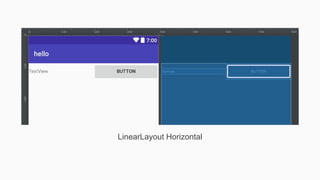
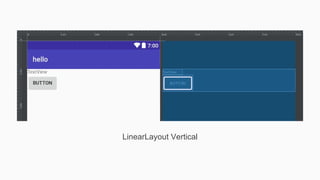
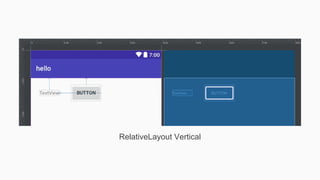
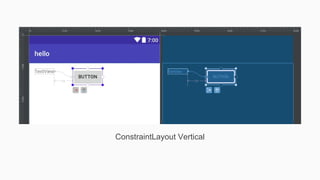
Create new activities with 2 widget TextView and Button in
LinearLayout (horizontal, vertical), Relativelayout and
ConstraintLayout.
LinearLayout Horizontal
LinearLayout Vertical
RelativeLayout Vertical
ConstraintLayout Vertical
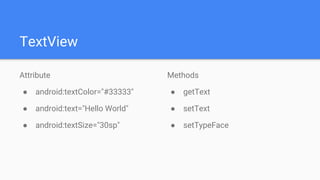
TextView
Attribute
● android:textColor="#33333"
● android:text="Hello World"
● android:textSize="30sp"
Methods
● getText
● setText
● setTypeFace
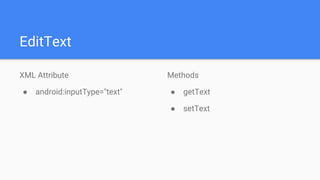
EditText
XML Attribute
● android:inputType="text"
Methods
● getText
● setText
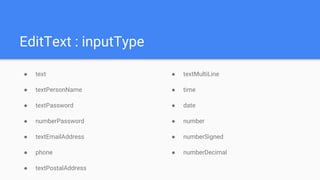
EditText : inputType
● text
● textPersonName
● textPassword
● numberPassword
● textEmailAddress
● phone
● textPostalAddress
● textMultiLine
● time
● date
● number
● numberSigned
● numberDecimal
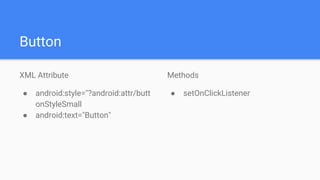
Button
XML Attribute
● android:style="?android:attr/butt
onStyleSmall
● android:text="Button"
Methods
● setOnClickListener
Checkbox
Methods
● isChecked
● setChecked(true)
● setOnClickListener
Radiobutton
Use with RadioGroup widget, methods
● isChecked
● Toggle
● setOnClickListener
Toggle Button
XML Attribute
● android:textOn="Vibrate on"
● android:textOff="Vibrate off"
Methods
● setOnCheckedChangeListener
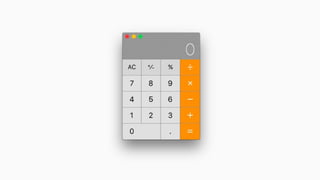
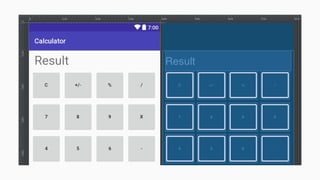
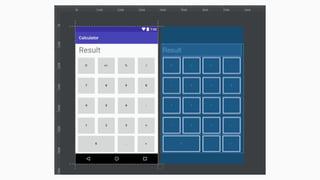
Codelab: Calculator app layout
Use button and textview to create calculator app and
change button id prepare for next codelab
Codelab: Layout design with widget
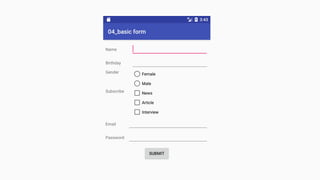
Create basic form with widget, choose your own layout
design.
04 layout design and basic widget

04 layout design and basic widget