Introduction to Programming “ How to win friends  and influence computers”
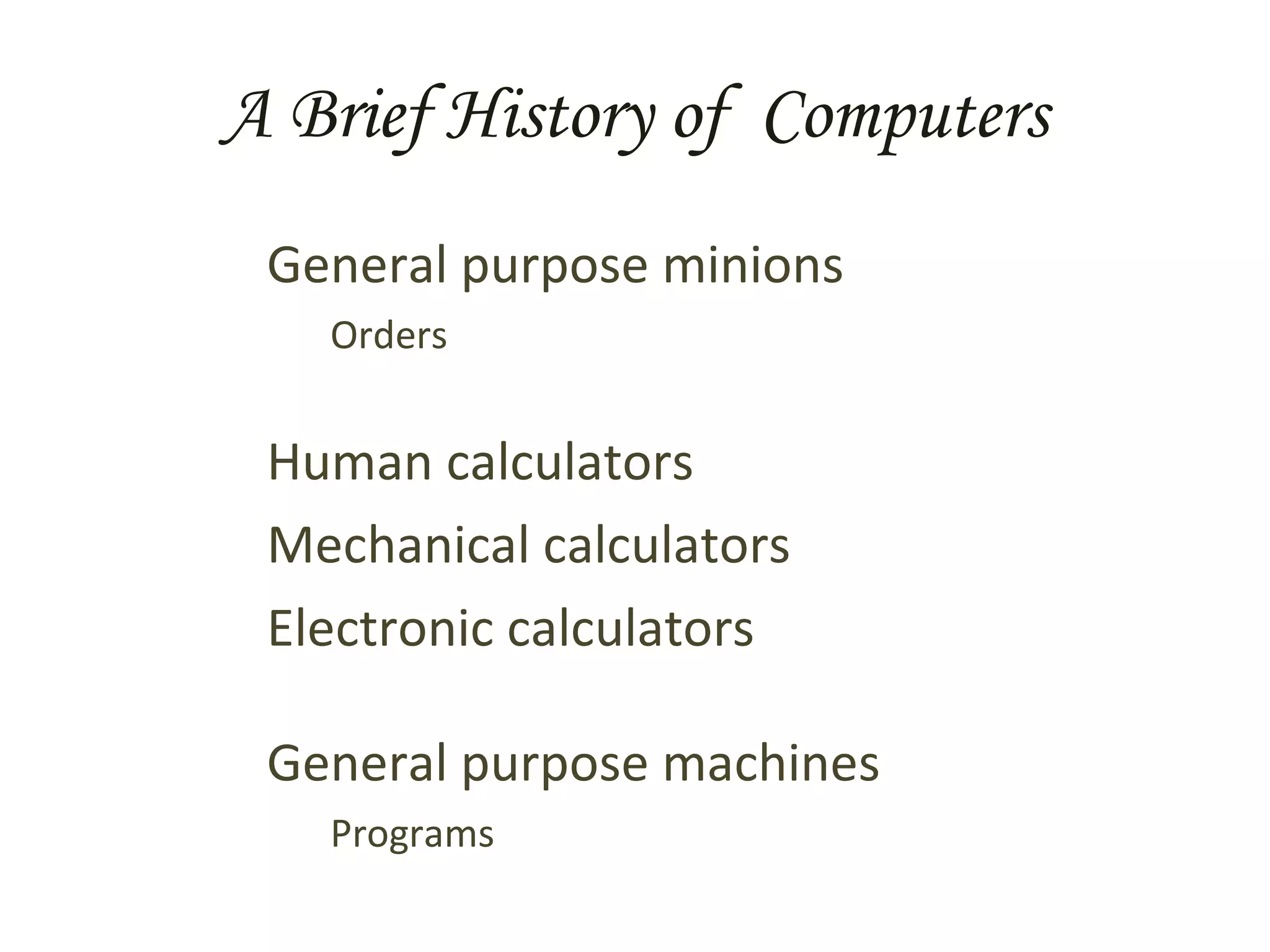
A Brief History of  Computers General purpose minions Orders Human calculators Mechanical calculators Electronic calculators General purpose machines Programs
What Is Programming Programming is just telling a computer to do something, BUT Computers  know very little  and have  no common sense what-so-ever , so your instructions have to be broken down to small, simple parts,  AND Computers will  do  exactly  what you tell them .
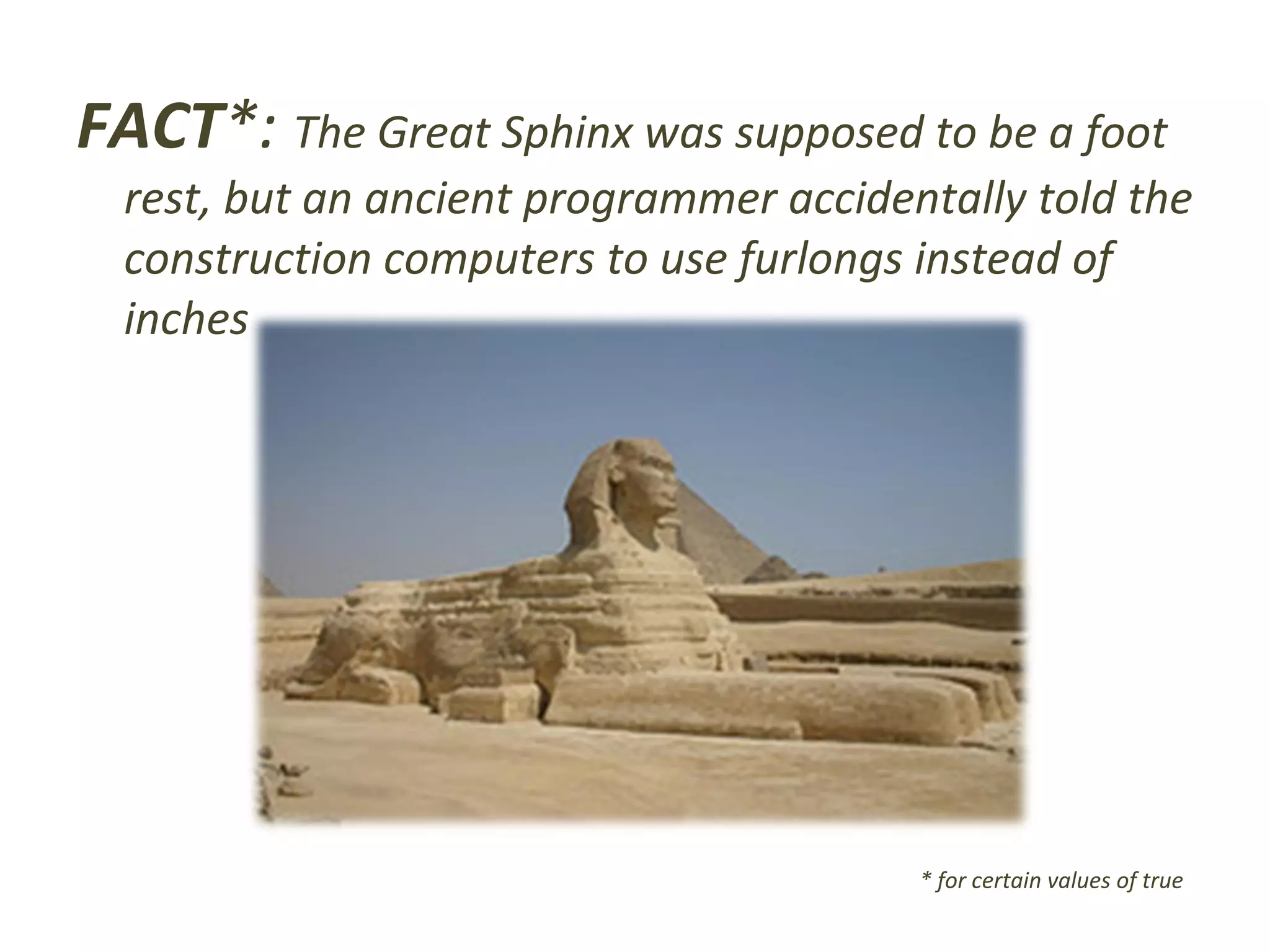
FACT *:  The Great Sphinx was supposed to be a foot rest, but an ancient programmer accidentally told the construction computers to use furlongs instead of inches * for certain values of true
Basic Programming Programming at it’s core is about two things:  defining problems , and  solving problems . These two aspects are tightly integrated To solve a problem you first must clearly know what it is Clearly and completely defining a problem gets you a long ways towards a solution
Four Tools To Get Started Just getting started is often the hardest part of the project. Before diving in to the code, do the design document. Four tools to help are Action/Event List Flow Chart Data Model Iterative Refinement
Action List This is a good tool to use in applications that have user interaction. Write down each action the user can take. Add a bit of detail info to each action Circumstances in which the user may take the action (1-3 sentences, and/or list) What happens when they do the action (1-3 sentences) What other actions this one allows and denies (list format)
Flow Charts Flow charts are a very useful tool to clarify and define programming problems They delineate key points in your program They’re especially good for  state-based  programs, such as web applications Don’t get too bogged down in details when creating a flow chart – stay high level
Data Model A data model is a detailed description of the information that the application will manipulate. Start with a general idea/concept, then break it down into smaller parts, and repeat. Aim for having each part be a string, a number, or a list or collection thereof.
Iterative Refinement - the Ur-Program  The process of  iterative refinement Say what you want the computer to do If it’s all in terms the computer will understand, then stop, you’re done Otherwise, break each part into simpler steps Go to step 2 NOTE: works for small children as well as computers
The Real World These are important concepts, and when done right you end up documenting your code as you go. HOWEVER… Real-world programming often doesn’t explicitly involve these techniques except at high levels in the design document. You should definitely use them there, and for actual coding keep them in mind as fallback strategies if your stuck on a problem.
What Computers Can Do Well Doing the same things over and over Remembering things Mathematics, ‘regular’ and true / false Changing actions based on conditions Taking in information Sending out information
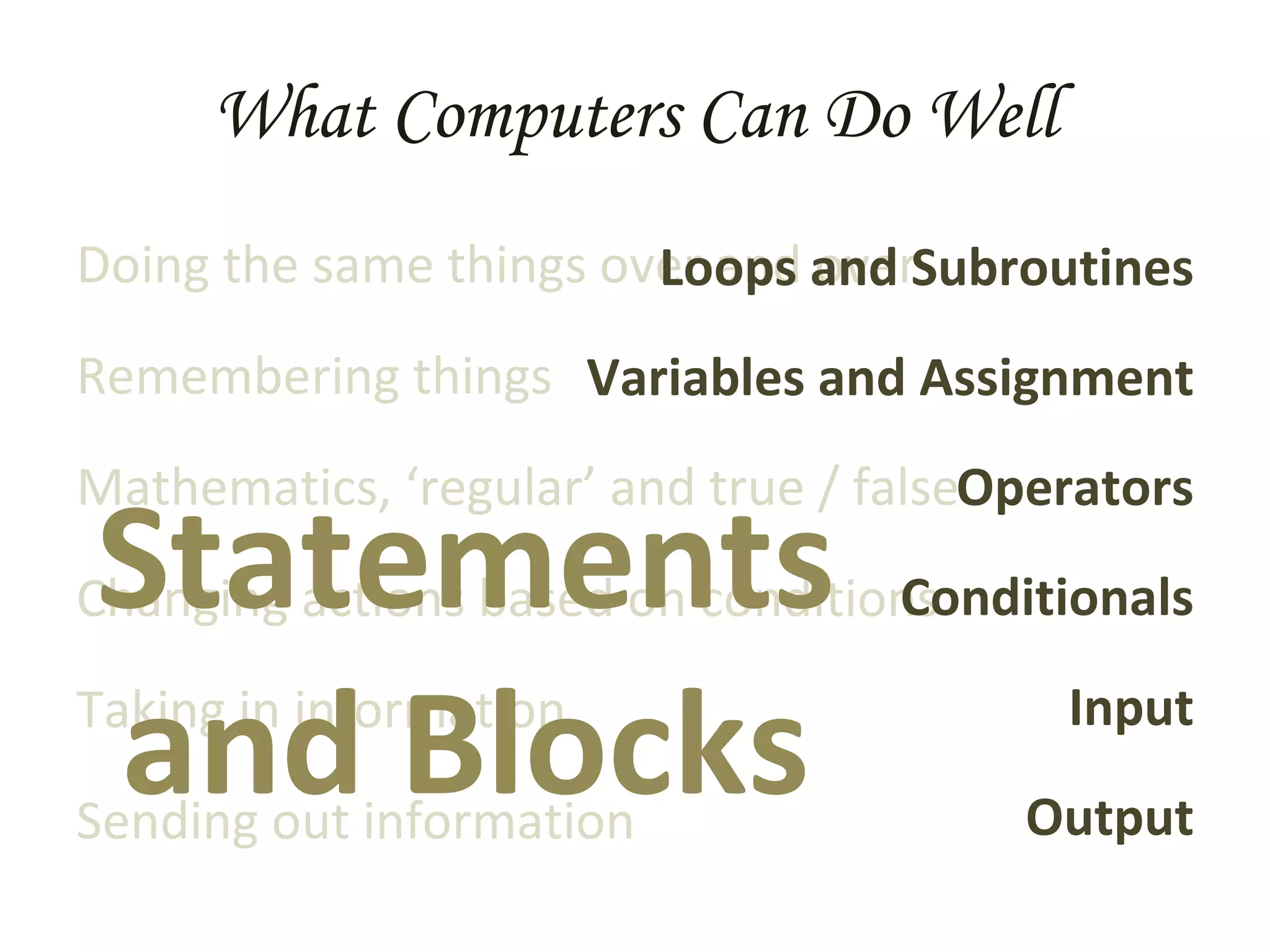
What Computers Can Do Well Doing the same things over and over Remembering things Mathematics, ‘regular’ and true / false Changing actions based on conditions Taking in information Sending out information Loops and Subroutines Variables and Assignment Operators Conditionals Input Output Statements  and Blocks
Statements, and Blocks A  statement  is a basic instruction for the computer Statements are executed in order, from first to last One or more statements may be grouped together into a  block A block is marked by curly braces {  and  }
Loops A  loop  is a special kind of statement that tells a computer to repeat a given set of instructions A for-loop repeats a given number of times e.g. say “hi” five times:  for (1..5) { say “hi” } A while-loop repeats as long as a certain condition is true e.g. go somewhere :  while (not arrived) { take step }
Subroutines A  subroutine ,  function  or  procedure  is a block of statements that’s been given a name and which is executed when ever that name is used. Essentially, it’s a miniature sub-program that you can use in your larger program. Once a function finishes, the execution returns to the place from which it was called. Functions can take  parameters , or  arguments , which allow values to be sent into the block of code Functions can  return  values.
Variables A  variable  has a  name , or  identifier , and may have a  value  associated. Associate a given value with a given variable by making an  assignment . Variables can be  declared , which creates them without any value. Some languages require this. Depending on the language, variables can be marked with a symbol, often  $
Variable Names MUST : Start with a letter Contain letters or numbers or underscores SHOULD : Be meaningful (often 10+ characters) Be readable (use _ or mixCase to mark words) Follow convention (start lower case, i, x, y)
Basic Values Literal values : Numbers 0, -3, 8.223419783 Strings   (a series of characters) “ zero”, ”0”, “cheddar cheese” Expressions : One or more values, expressions, or variables combined by operators 8.3 * 4.291 2 “ smoked” . “ “ . “cheddar” A variable used in a expression is replaced by its value ingredient_count + 3
Operators There are all the standard math operators +  -  *  /  %  () The string concatenation operator combines two or more strings into one Depends on the language (often . or +) There are many other operators too Boolean math Comparisons Specialized Operators combine values and expressions into larger expressions
Advanced Values More complicated things,  data structures , can also be values.  An  array  – a list, with individual elements found by position: if $ar is (4,8,1,3,-3)  then  $ar[0] is 4  (NOTE: arrays are 0-based) A  hash ,  record , or  associative array  – a list, with individual elements found by label: If $ha is (“bread_type” => “wheat”,  “ greens” => “lettuce”,  “ dressing” => “none”)  then  $ha[‘greens’] is ‘lettuce’
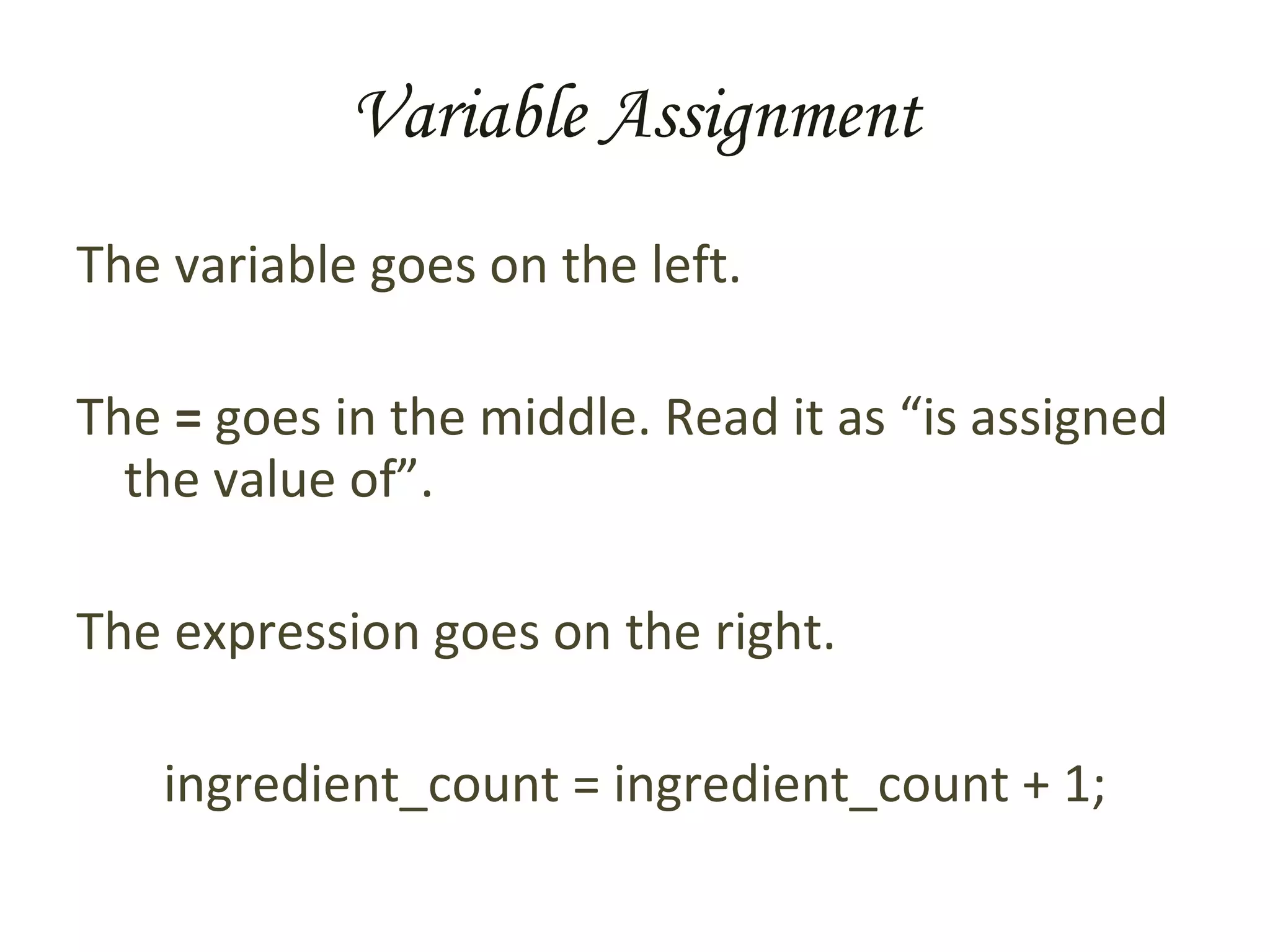
Variable Assignment The variable goes on the left. The  =  goes in the middle. Read it as “is assigned the value of”. The expression goes on the right. ingredient_count = ingredient_count + 1;
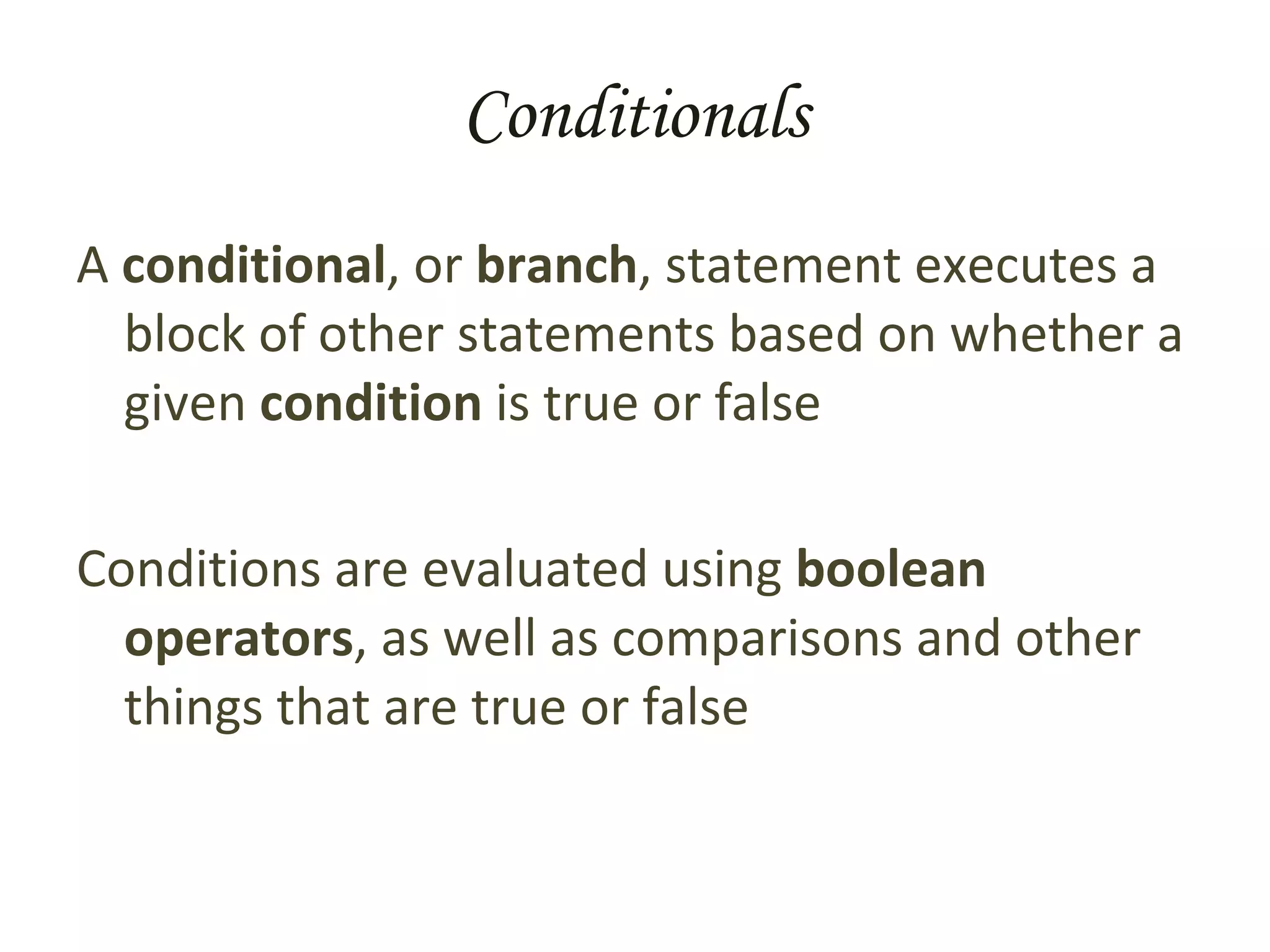
Conditionals A  conditional , or  branch , statement executes a block of other statements based on whether a given  condition  is true or false Conditions are evaluated using  boolean operators , as well as comparisons and other things that are true or false
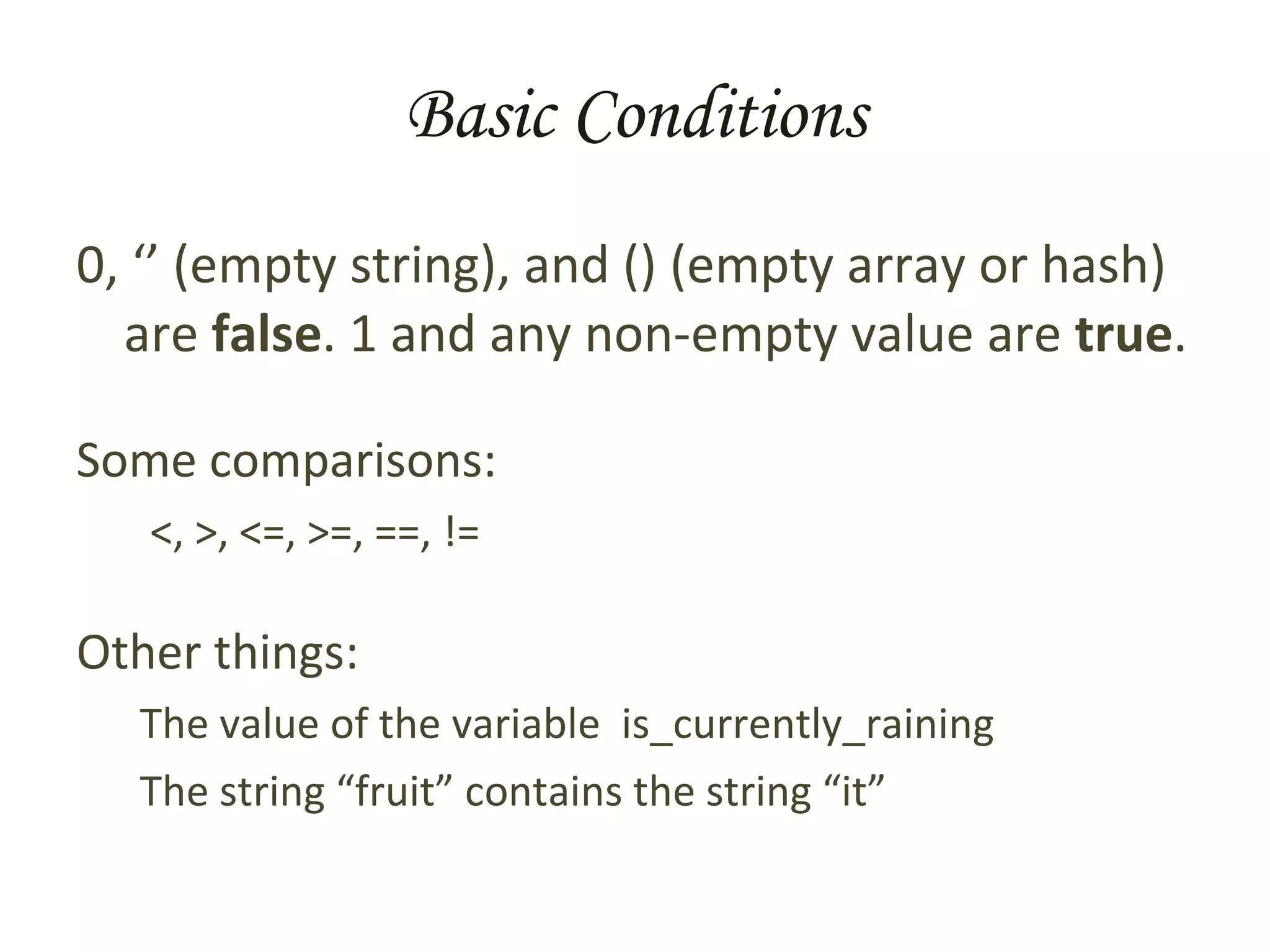
Basic Conditions 0, ‘’ (empty string), and () (empty array or hash) are  false . 1 and any non-empty value are  true . Some comparisons: <, >, <=, >=, ==, != Other things:  The value of the variable  is_currently_raining The string “fruit” contains the string “it”
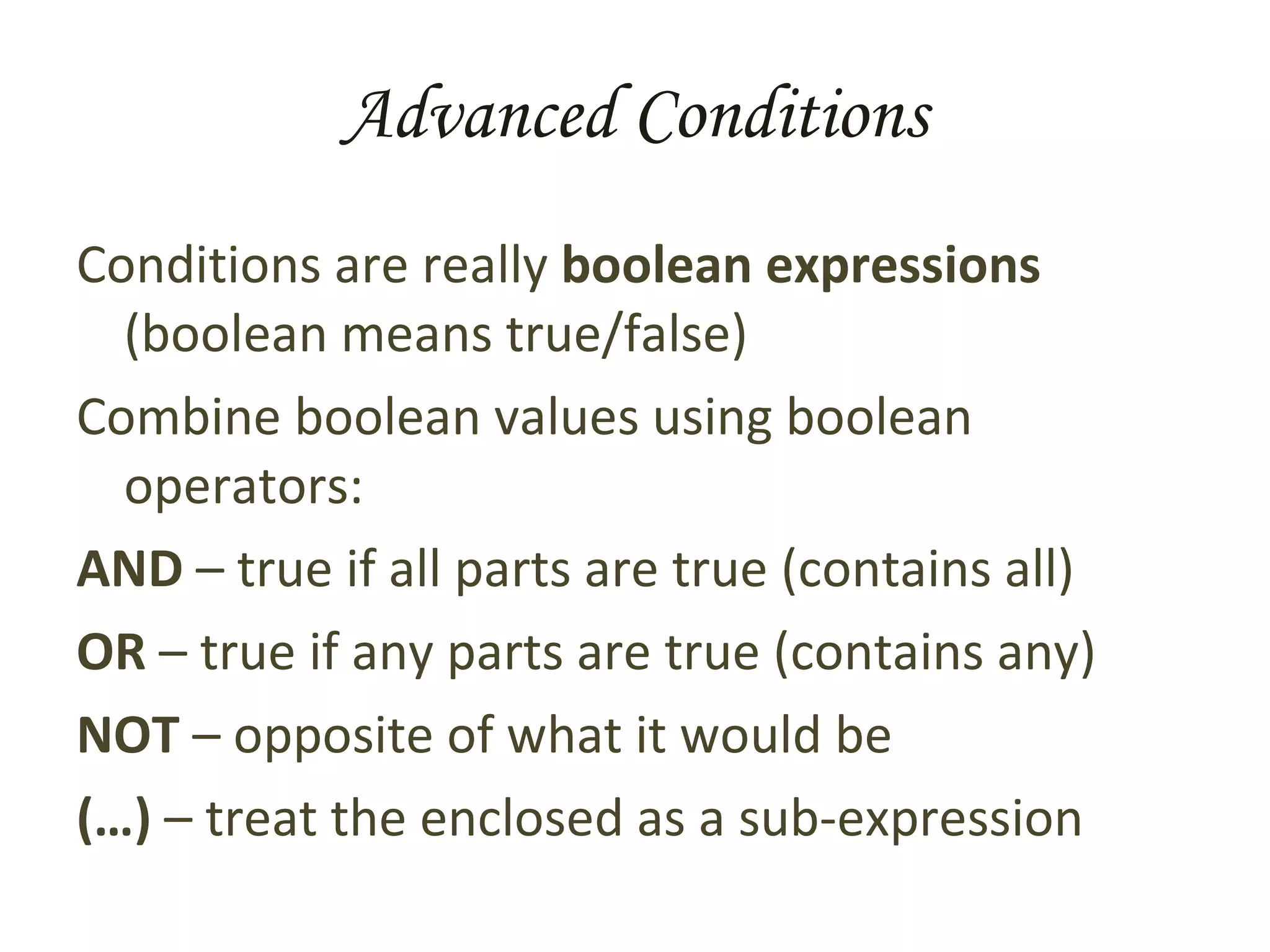
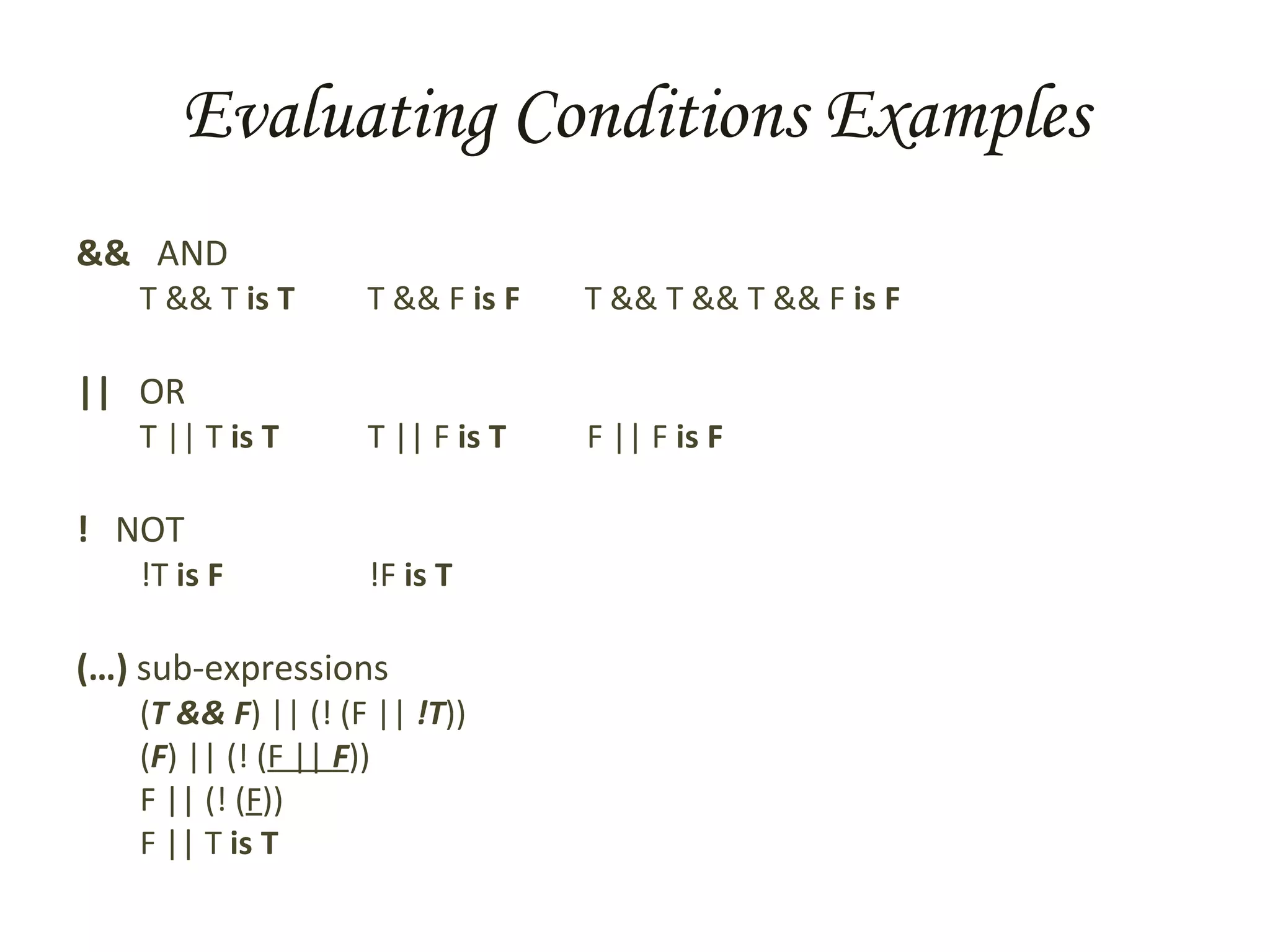
Advanced Conditions Conditions are really  boolean expressions  (boolean means true/false) Combine boolean values using boolean operators: AND  – true if all parts are true (contains all) OR  – true if any parts are true (contains any) NOT  – opposite of what it would be (…)  – treat the enclosed as a sub-expression
Evaluating Conditions Examples &&  AND T && T  is T   T && F  is F   T && T && T && F  is F ||  OR T || T  is T   T || F  is T   F || F  is F !  NOT !T  is F   !F  is T (…)  sub-expressions ( T && F ) || (! (F ||  !T )) ( F ) || (! ( F ||  F )) F || (! ( F )) F || T  is T
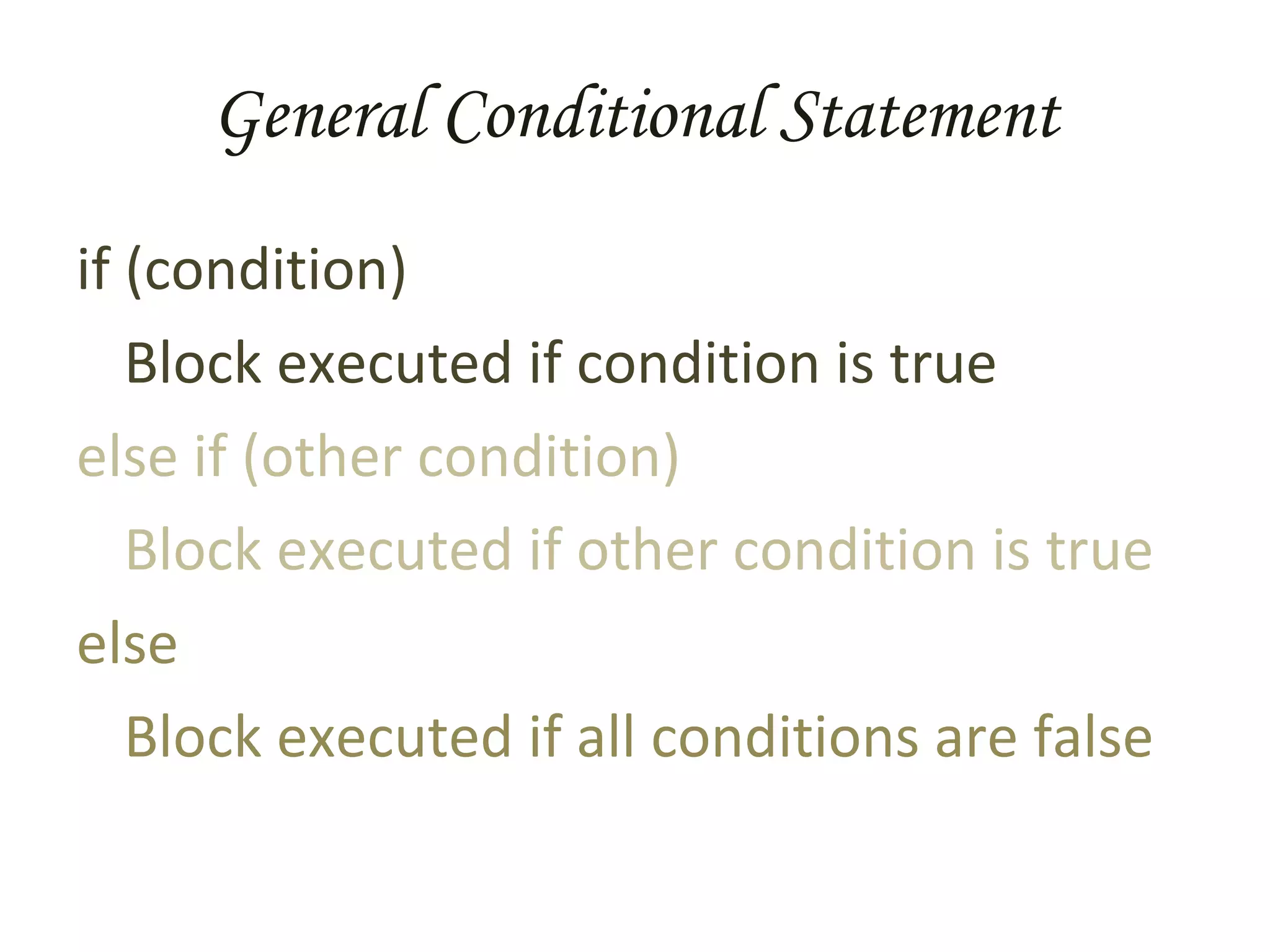
General Conditional Statement if (condition) Block executed if condition is true else if (other condition) Block executed if other condition is true else Block executed if all conditions are false
Input and Output Special statements get data into and out of a program. Details vary by language Data can come from: keyboard, web page, mouse, file, other Data can go to: screen, file, the internet, other
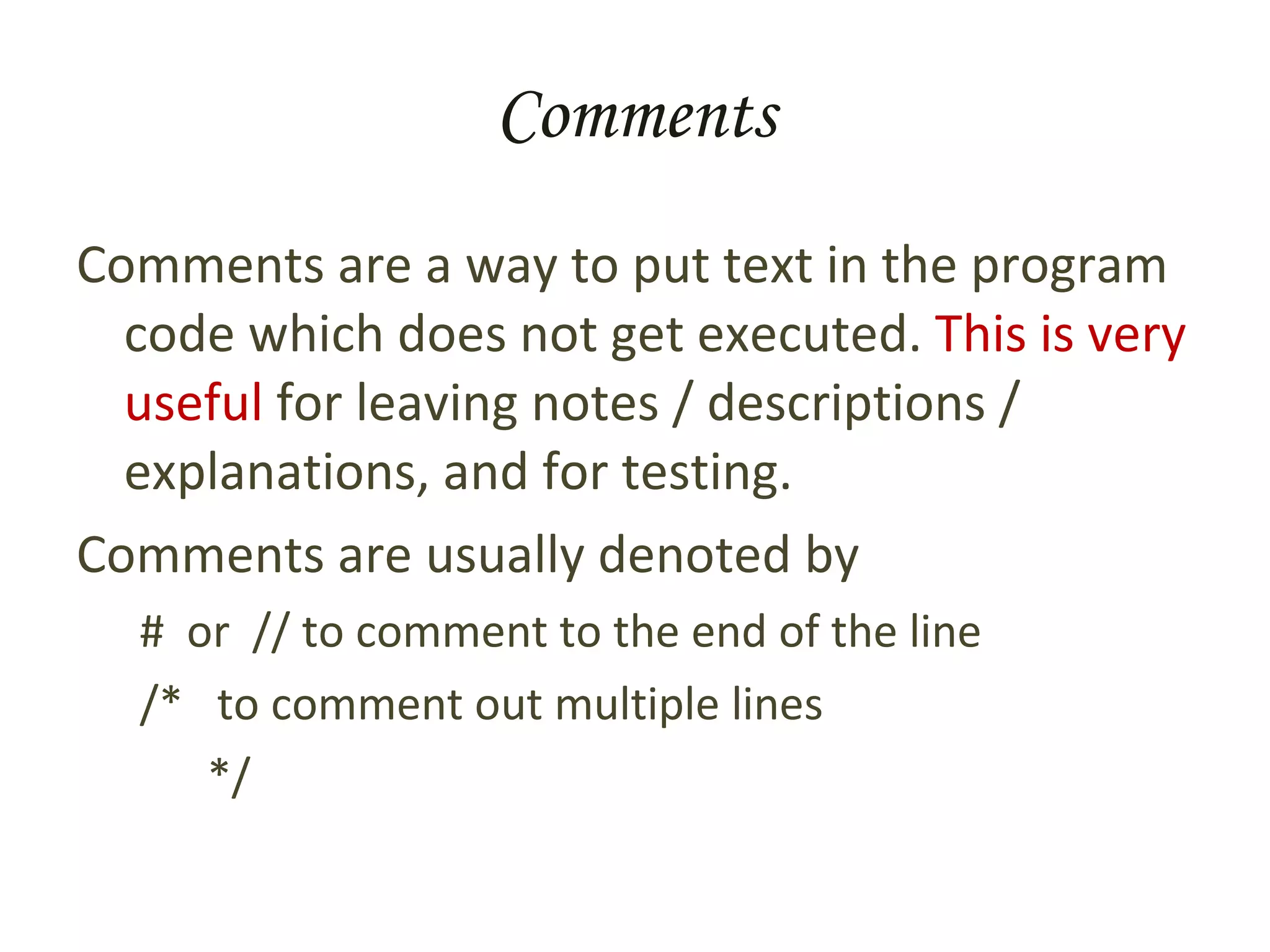
Comments Comments are a way to put text in the program code which does not get executed.  This is very useful  for leaving notes / descriptions / explanations, and for testing. Comments are usually denoted by #  or  // to comment to the end of the line /*  to comment out multiple lines */
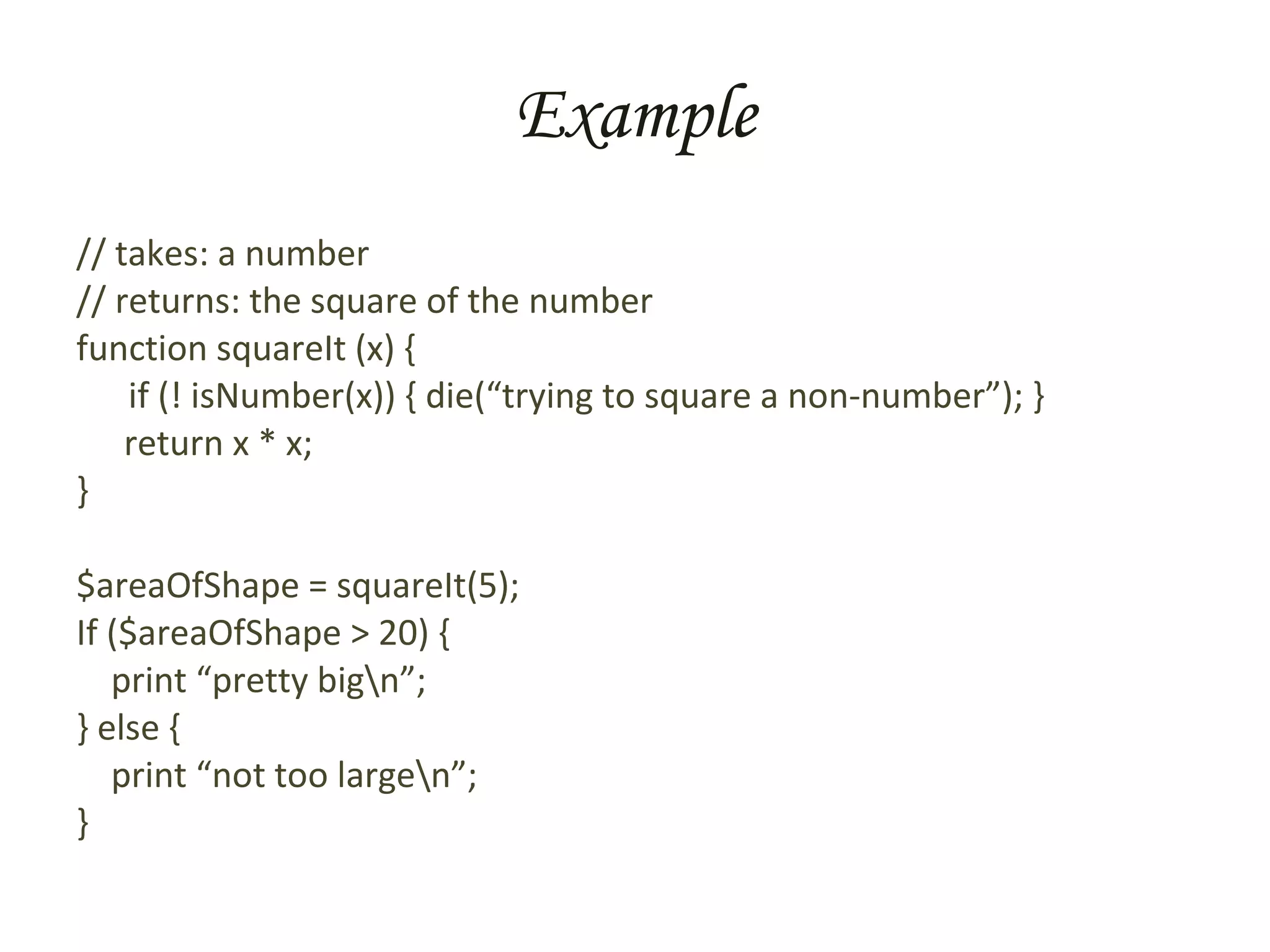
Example // takes: a number // returns: the square of the number function squareIt (x) { if (! isNumber(x)) { die(“trying to square a non-number”); } return x * x; } $areaOfShape = squareIt(5); If ($areaOfShape > 20) {  print “pretty big\n”; } else { print “not too large\n”; }
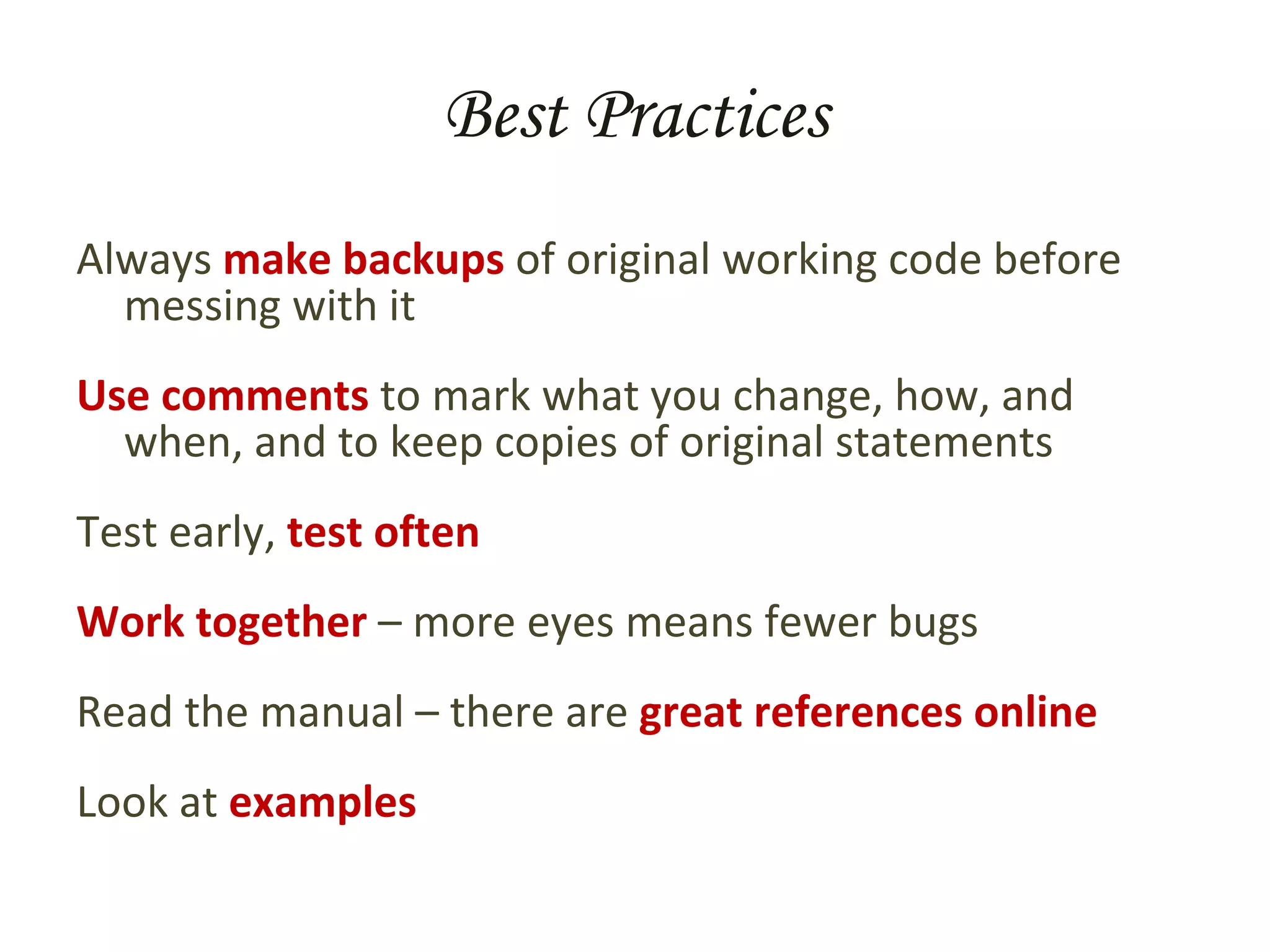
Best Practices Always  make backups  of original working code before messing with it Use comments  to mark what you change, how, and when, and to keep copies of original statements Test early,  test often Work together  – more eyes means fewer bugs Read the manual – there are  great references online Look at  examples

Introduction To Programming

  • 1.
    Introduction to Programming“ How to win friends and influence computers”
  • 2.
    A Brief Historyof Computers General purpose minions Orders Human calculators Mechanical calculators Electronic calculators General purpose machines Programs
  • 3.
    What Is ProgrammingProgramming is just telling a computer to do something, BUT Computers know very little and have no common sense what-so-ever , so your instructions have to be broken down to small, simple parts, AND Computers will do exactly what you tell them .
  • 4.
    FACT *: The Great Sphinx was supposed to be a foot rest, but an ancient programmer accidentally told the construction computers to use furlongs instead of inches * for certain values of true
  • 5.
    Basic Programming Programmingat it’s core is about two things: defining problems , and solving problems . These two aspects are tightly integrated To solve a problem you first must clearly know what it is Clearly and completely defining a problem gets you a long ways towards a solution
  • 6.
    Four Tools ToGet Started Just getting started is often the hardest part of the project. Before diving in to the code, do the design document. Four tools to help are Action/Event List Flow Chart Data Model Iterative Refinement
  • 7.
    Action List Thisis a good tool to use in applications that have user interaction. Write down each action the user can take. Add a bit of detail info to each action Circumstances in which the user may take the action (1-3 sentences, and/or list) What happens when they do the action (1-3 sentences) What other actions this one allows and denies (list format)
  • 8.
    Flow Charts Flowcharts are a very useful tool to clarify and define programming problems They delineate key points in your program They’re especially good for state-based programs, such as web applications Don’t get too bogged down in details when creating a flow chart – stay high level
  • 9.
    Data Model Adata model is a detailed description of the information that the application will manipulate. Start with a general idea/concept, then break it down into smaller parts, and repeat. Aim for having each part be a string, a number, or a list or collection thereof.
  • 10.
    Iterative Refinement -the Ur-Program The process of iterative refinement Say what you want the computer to do If it’s all in terms the computer will understand, then stop, you’re done Otherwise, break each part into simpler steps Go to step 2 NOTE: works for small children as well as computers
  • 11.
    The Real WorldThese are important concepts, and when done right you end up documenting your code as you go. HOWEVER… Real-world programming often doesn’t explicitly involve these techniques except at high levels in the design document. You should definitely use them there, and for actual coding keep them in mind as fallback strategies if your stuck on a problem.
  • 12.
    What Computers CanDo Well Doing the same things over and over Remembering things Mathematics, ‘regular’ and true / false Changing actions based on conditions Taking in information Sending out information
  • 13.
    What Computers CanDo Well Doing the same things over and over Remembering things Mathematics, ‘regular’ and true / false Changing actions based on conditions Taking in information Sending out information Loops and Subroutines Variables and Assignment Operators Conditionals Input Output Statements and Blocks
  • 14.
    Statements, and BlocksA statement is a basic instruction for the computer Statements are executed in order, from first to last One or more statements may be grouped together into a block A block is marked by curly braces { and }
  • 15.
    Loops A loop is a special kind of statement that tells a computer to repeat a given set of instructions A for-loop repeats a given number of times e.g. say “hi” five times: for (1..5) { say “hi” } A while-loop repeats as long as a certain condition is true e.g. go somewhere : while (not arrived) { take step }
  • 16.
    Subroutines A subroutine , function or procedure is a block of statements that’s been given a name and which is executed when ever that name is used. Essentially, it’s a miniature sub-program that you can use in your larger program. Once a function finishes, the execution returns to the place from which it was called. Functions can take parameters , or arguments , which allow values to be sent into the block of code Functions can return values.
  • 17.
    Variables A variable has a name , or identifier , and may have a value associated. Associate a given value with a given variable by making an assignment . Variables can be declared , which creates them without any value. Some languages require this. Depending on the language, variables can be marked with a symbol, often $
  • 18.
    Variable Names MUST: Start with a letter Contain letters or numbers or underscores SHOULD : Be meaningful (often 10+ characters) Be readable (use _ or mixCase to mark words) Follow convention (start lower case, i, x, y)
  • 19.
    Basic Values Literalvalues : Numbers 0, -3, 8.223419783 Strings (a series of characters) “ zero”, ”0”, “cheddar cheese” Expressions : One or more values, expressions, or variables combined by operators 8.3 * 4.291 2 “ smoked” . “ “ . “cheddar” A variable used in a expression is replaced by its value ingredient_count + 3
  • 20.
    Operators There areall the standard math operators + - * / % () The string concatenation operator combines two or more strings into one Depends on the language (often . or +) There are many other operators too Boolean math Comparisons Specialized Operators combine values and expressions into larger expressions
  • 21.
    Advanced Values Morecomplicated things, data structures , can also be values. An array – a list, with individual elements found by position: if $ar is (4,8,1,3,-3) then $ar[0] is 4 (NOTE: arrays are 0-based) A hash , record , or associative array – a list, with individual elements found by label: If $ha is (“bread_type” => “wheat”, “ greens” => “lettuce”, “ dressing” => “none”) then $ha[‘greens’] is ‘lettuce’
  • 22.
    Variable Assignment Thevariable goes on the left. The = goes in the middle. Read it as “is assigned the value of”. The expression goes on the right. ingredient_count = ingredient_count + 1;
  • 23.
    Conditionals A conditional , or branch , statement executes a block of other statements based on whether a given condition is true or false Conditions are evaluated using boolean operators , as well as comparisons and other things that are true or false
  • 24.
    Basic Conditions 0,‘’ (empty string), and () (empty array or hash) are false . 1 and any non-empty value are true . Some comparisons: <, >, <=, >=, ==, != Other things: The value of the variable is_currently_raining The string “fruit” contains the string “it”
  • 25.
    Advanced Conditions Conditionsare really boolean expressions (boolean means true/false) Combine boolean values using boolean operators: AND – true if all parts are true (contains all) OR – true if any parts are true (contains any) NOT – opposite of what it would be (…) – treat the enclosed as a sub-expression
  • 26.
    Evaluating Conditions Examples&& AND T && T is T T && F is F T && T && T && F is F || OR T || T is T T || F is T F || F is F ! NOT !T is F !F is T (…) sub-expressions ( T && F ) || (! (F || !T )) ( F ) || (! ( F || F )) F || (! ( F )) F || T is T
  • 27.
    General Conditional Statementif (condition) Block executed if condition is true else if (other condition) Block executed if other condition is true else Block executed if all conditions are false
  • 28.
    Input and OutputSpecial statements get data into and out of a program. Details vary by language Data can come from: keyboard, web page, mouse, file, other Data can go to: screen, file, the internet, other
  • 29.
    Comments Comments area way to put text in the program code which does not get executed. This is very useful for leaving notes / descriptions / explanations, and for testing. Comments are usually denoted by # or // to comment to the end of the line /* to comment out multiple lines */
  • 30.
    Example // takes:a number // returns: the square of the number function squareIt (x) { if (! isNumber(x)) { die(“trying to square a non-number”); } return x * x; } $areaOfShape = squareIt(5); If ($areaOfShape > 20) { print “pretty big\n”; } else { print “not too large\n”; }
  • 31.
    Best Practices Always make backups of original working code before messing with it Use comments to mark what you change, how, and when, and to keep copies of original statements Test early, test often Work together – more eyes means fewer bugs Read the manual – there are great references online Look at examples