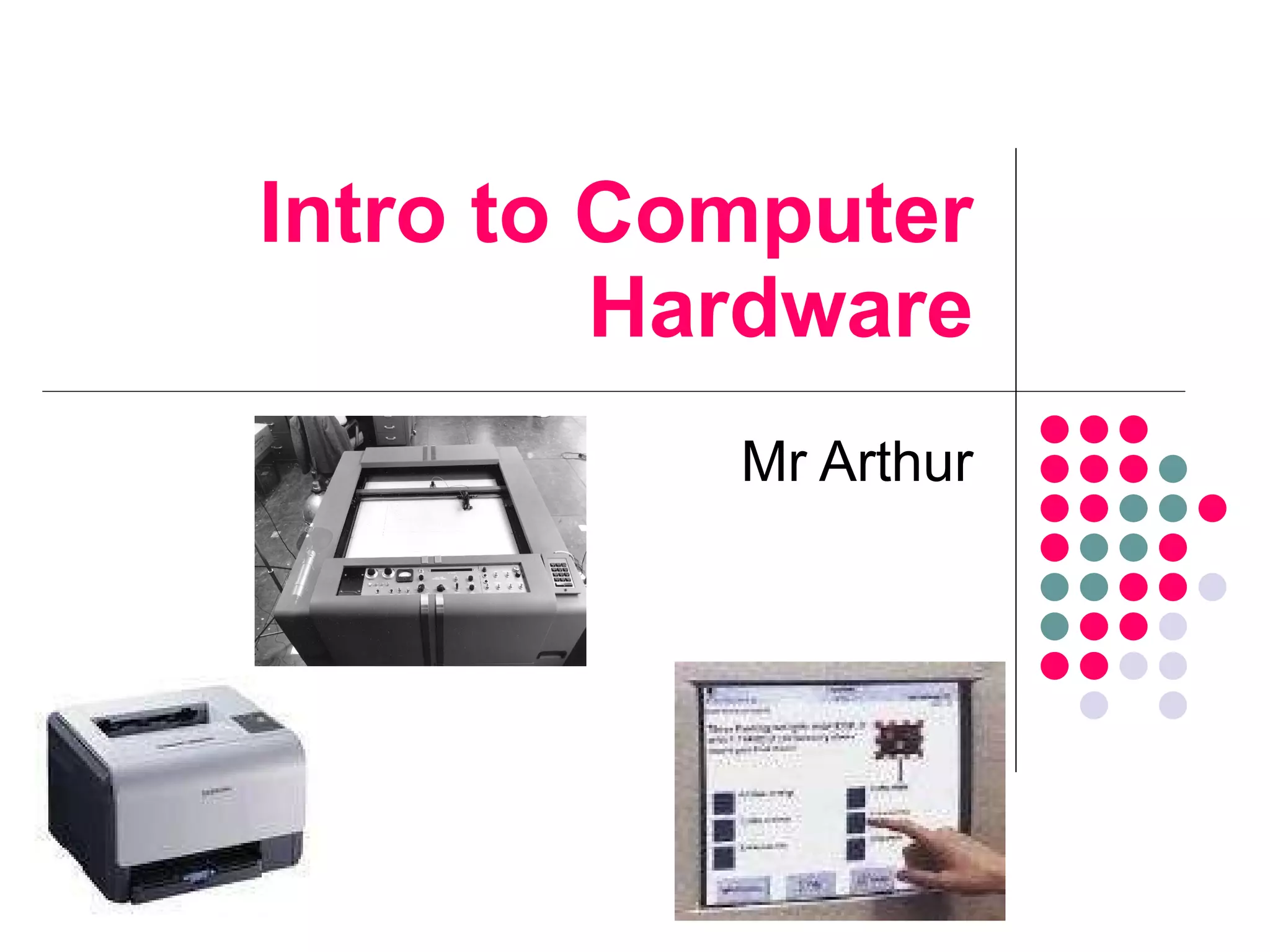
Intro to Computer Hardware Mr Arthur
Aims of the Lesson 1 To discuss computer hardware and software To examine the difference types of Input and Output devices Quickly finish folder labels and print Research different input and output devices
Computer Systems Hardware All the Physical parts of a Computer System (the bits that you can see and touch) Software Software is a collection of programs that help the computer hardware to work properly
The Computer System Input Devices Processor CPU Output Devices Backing Storage Devices Main Memory RAM and ROM
Input Devices Keyboard Graphics Tablet Touch-Sensitive Screen Mouse Microphone Digital Camera Digital Video Camera Webcam Trackball Trackpad Joystick Scanner The Physical Parts of a Computer System which allows data to be entered into a Computer System
Output Devices An output device is a device which allows data to be displayed or passed out of a computer system Printers Laser Inkjet Monitor Liquid Crystal Display Thin Film Transistor Cathode Ray Tube Plotter Load speaker Projector
Lesson Starter – 25 th  August What is the difference between hardware and software? Give 3 examples of input devices Give 3 examples of output devices What is the name of the input device where you draw on a board and it is inputted into the computer system
Aims of the Lesson 2 Laser v Inkjet printers Comparison of printers Speed Resolution Cost Running costs Finish off Input/Output poster
Laser V Inkjet Printer A laser printer uses a laser beam to project to a drum. It then attracts toner (powder) and transfers it to paper. Inkjet printers produce printouts by firing tiny drops of ink at the paper.  They produce good quality printouts and can print onto plastic and CDs.
Comparison of Printers Resolution (quality) = measured in  dots per inch Speed = measured in pages per minute (PPM) Size Cost Capital  cost Running  cost
Lesson Starter – 26 th  August What is the difference between an Inkjet and a Laser printer? I want to buy a new printer. Give 3 characteristics you would use to compare printers What is a printer’s resolution measured in?
Aims of the Lesson 3 To introduce backing storage devices Random v Sequential data access Storage capacities
Backing Storage We require backing storage to store programs and files Without backing storage all our data would be lost when we turn the computer off  USB Flash Pen  16Mb-16Gb DVD-Recordable  4.7-17Gb DVD-Rewriteable  4.7-17Gb DVD-ROM  4.7-17Gb CD-Recordable  700Mb CD-Rewriteable  700Mb CD-ROM  700Mb Hard Disk  20Gb-100Tb Floppy Disk  1.44Mb Magnetic Tape  10-100Gb  Backing Storage Media
Direct V Sequential Access Direct This is when you can access you data in any order, for example, a hard disk Sequential This is when you have to access data in an order, one piece after another, for example, a tape
Storage Capacities
Lesson Starter – 27 th  August List 4 examples of backing storage devices What is the difference between direct and sequential data access I want to store a Powerpoint presentation that is 4Mb. Recommend a suitable backing storage device and give a reason for your decision
Aims of the Lesson 4 The processor (CPU) Main Memory – RAM and ROM
The Processor The processor or  C entral  P rocessing  U nit is the brain of the computer The performance of the processor is measured in Giga Hertz (GHz) We send programs to the processor to get the computer to do something
RAM and ROM Main Memory The Main Memory of a computer is used to store programs and data The processor cannot store the whole program and needs its main memory to store parts of the program Types of Main Memory Random Access Memory Where programs is stored temporarily while the computer is on The contents of RAM is lost when the computer is switched off Read Only Memory Where data and programs are stored permanently
Lesson Starter – 31st August Describe the purpose of the processor List the 3 parts of the processor What does RAM and ROM stand for? What is the difference between RAM and ROM?
Aims of the Lesson 5 The Operating System Begin the Word Processing unit
The Operating System The OS runs the minute the computer is switched on and controls all hardware and software on the system (Windows etc) It controls all input devices It manages the sending of data to output devices It manages the filing system Controls security Provides the HCI It lets the user know of any errors
Lesson Starter Quiz – 2 nd  September  What does the OS stand for? What is the name of the OS that was developed by Bill Gates? Give 3 functions of the OS What is the difference between hardware and software? Name the 2 different examples of monitors

Intro To Computer Hardware

  • 1.
    Intro to ComputerHardware Mr Arthur
  • 2.
    Aims of theLesson 1 To discuss computer hardware and software To examine the difference types of Input and Output devices Quickly finish folder labels and print Research different input and output devices
  • 3.
    Computer Systems HardwareAll the Physical parts of a Computer System (the bits that you can see and touch) Software Software is a collection of programs that help the computer hardware to work properly
  • 4.
    The Computer SystemInput Devices Processor CPU Output Devices Backing Storage Devices Main Memory RAM and ROM
  • 5.
    Input Devices KeyboardGraphics Tablet Touch-Sensitive Screen Mouse Microphone Digital Camera Digital Video Camera Webcam Trackball Trackpad Joystick Scanner The Physical Parts of a Computer System which allows data to be entered into a Computer System
  • 6.
    Output Devices Anoutput device is a device which allows data to be displayed or passed out of a computer system Printers Laser Inkjet Monitor Liquid Crystal Display Thin Film Transistor Cathode Ray Tube Plotter Load speaker Projector
  • 7.
    Lesson Starter –25 th August What is the difference between hardware and software? Give 3 examples of input devices Give 3 examples of output devices What is the name of the input device where you draw on a board and it is inputted into the computer system
  • 8.
    Aims of theLesson 2 Laser v Inkjet printers Comparison of printers Speed Resolution Cost Running costs Finish off Input/Output poster
  • 9.
    Laser V InkjetPrinter A laser printer uses a laser beam to project to a drum. It then attracts toner (powder) and transfers it to paper. Inkjet printers produce printouts by firing tiny drops of ink at the paper. They produce good quality printouts and can print onto plastic and CDs.
  • 10.
    Comparison of PrintersResolution (quality) = measured in dots per inch Speed = measured in pages per minute (PPM) Size Cost Capital cost Running cost
  • 11.
    Lesson Starter –26 th August What is the difference between an Inkjet and a Laser printer? I want to buy a new printer. Give 3 characteristics you would use to compare printers What is a printer’s resolution measured in?
  • 12.
    Aims of theLesson 3 To introduce backing storage devices Random v Sequential data access Storage capacities
  • 13.
    Backing Storage Werequire backing storage to store programs and files Without backing storage all our data would be lost when we turn the computer off USB Flash Pen 16Mb-16Gb DVD-Recordable 4.7-17Gb DVD-Rewriteable 4.7-17Gb DVD-ROM 4.7-17Gb CD-Recordable 700Mb CD-Rewriteable 700Mb CD-ROM 700Mb Hard Disk 20Gb-100Tb Floppy Disk 1.44Mb Magnetic Tape 10-100Gb Backing Storage Media
  • 14.
    Direct V SequentialAccess Direct This is when you can access you data in any order, for example, a hard disk Sequential This is when you have to access data in an order, one piece after another, for example, a tape
  • 15.
  • 16.
    Lesson Starter –27 th August List 4 examples of backing storage devices What is the difference between direct and sequential data access I want to store a Powerpoint presentation that is 4Mb. Recommend a suitable backing storage device and give a reason for your decision
  • 17.
    Aims of theLesson 4 The processor (CPU) Main Memory – RAM and ROM
  • 18.
    The Processor Theprocessor or C entral P rocessing U nit is the brain of the computer The performance of the processor is measured in Giga Hertz (GHz) We send programs to the processor to get the computer to do something
  • 19.
    RAM and ROMMain Memory The Main Memory of a computer is used to store programs and data The processor cannot store the whole program and needs its main memory to store parts of the program Types of Main Memory Random Access Memory Where programs is stored temporarily while the computer is on The contents of RAM is lost when the computer is switched off Read Only Memory Where data and programs are stored permanently
  • 20.
    Lesson Starter –31st August Describe the purpose of the processor List the 3 parts of the processor What does RAM and ROM stand for? What is the difference between RAM and ROM?
  • 21.
    Aims of theLesson 5 The Operating System Begin the Word Processing unit
  • 22.
    The Operating SystemThe OS runs the minute the computer is switched on and controls all hardware and software on the system (Windows etc) It controls all input devices It manages the sending of data to output devices It manages the filing system Controls security Provides the HCI It lets the user know of any errors
  • 23.
    Lesson Starter Quiz– 2 nd September What does the OS stand for? What is the name of the OS that was developed by Bill Gates? Give 3 functions of the OS What is the difference between hardware and software? Name the 2 different examples of monitors