Internal & External
      Computer Hardware
By: Abby Hacker
Internal Hardware
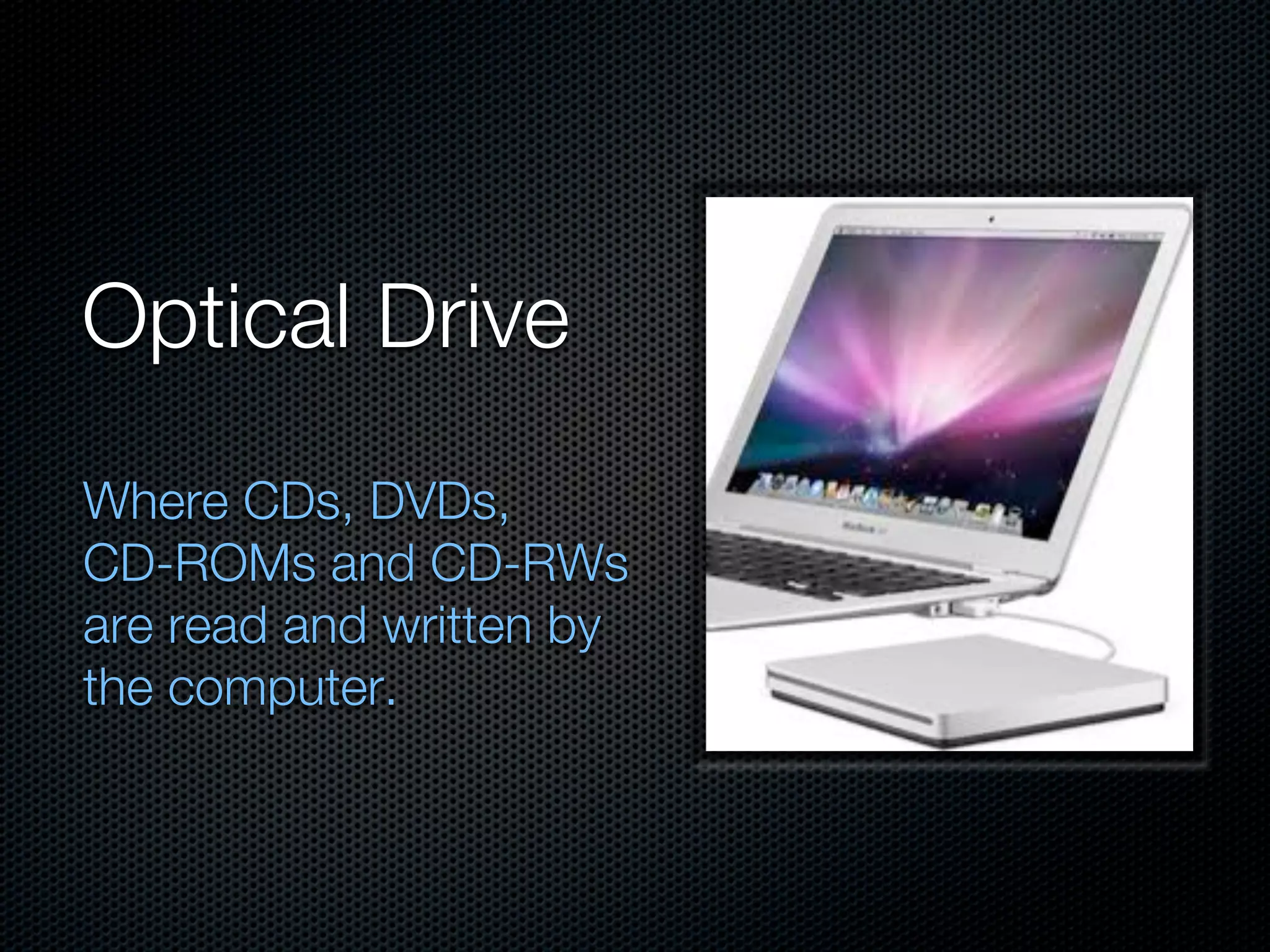
Optical Drive
Where CDs, DVDs,
CD-ROMs and CD-RWs
are read and written by
the computer.
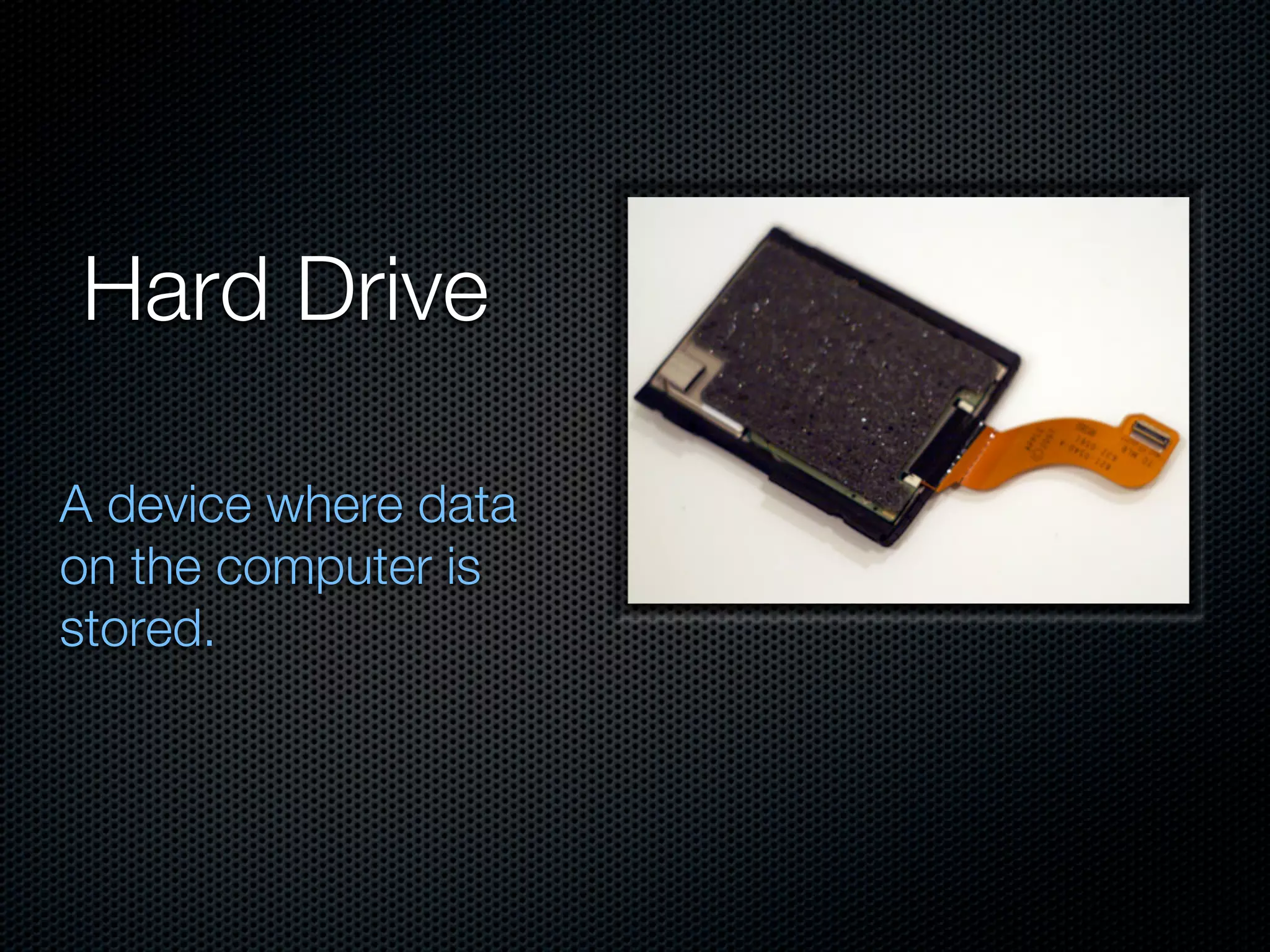
Hard Drive

A device where data
on the computer is
stored.
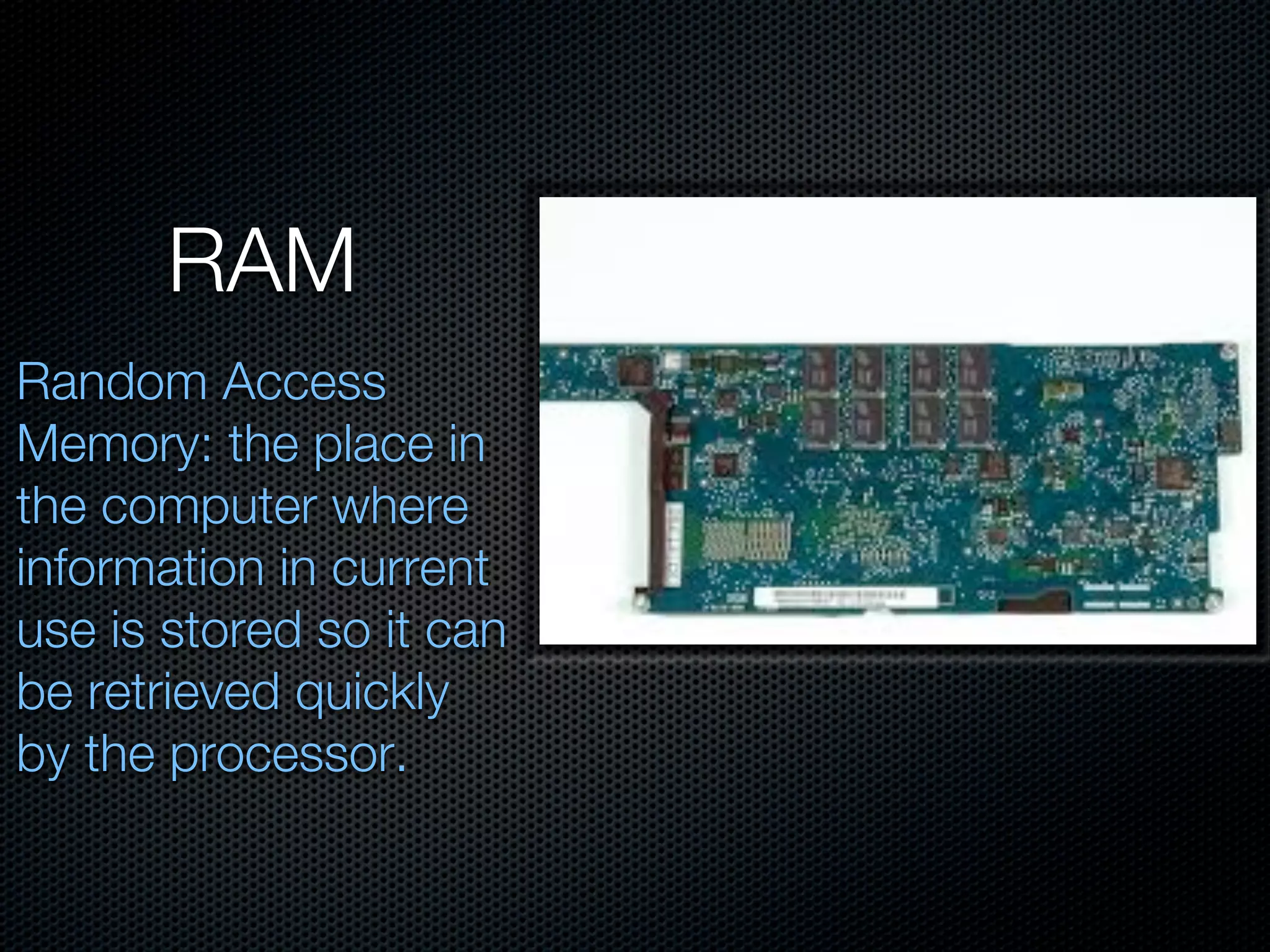
RAM
Random Access
Memory: the place in
the computer where
information in current
use is stored so it can
be retrieved quickly
by the processor.
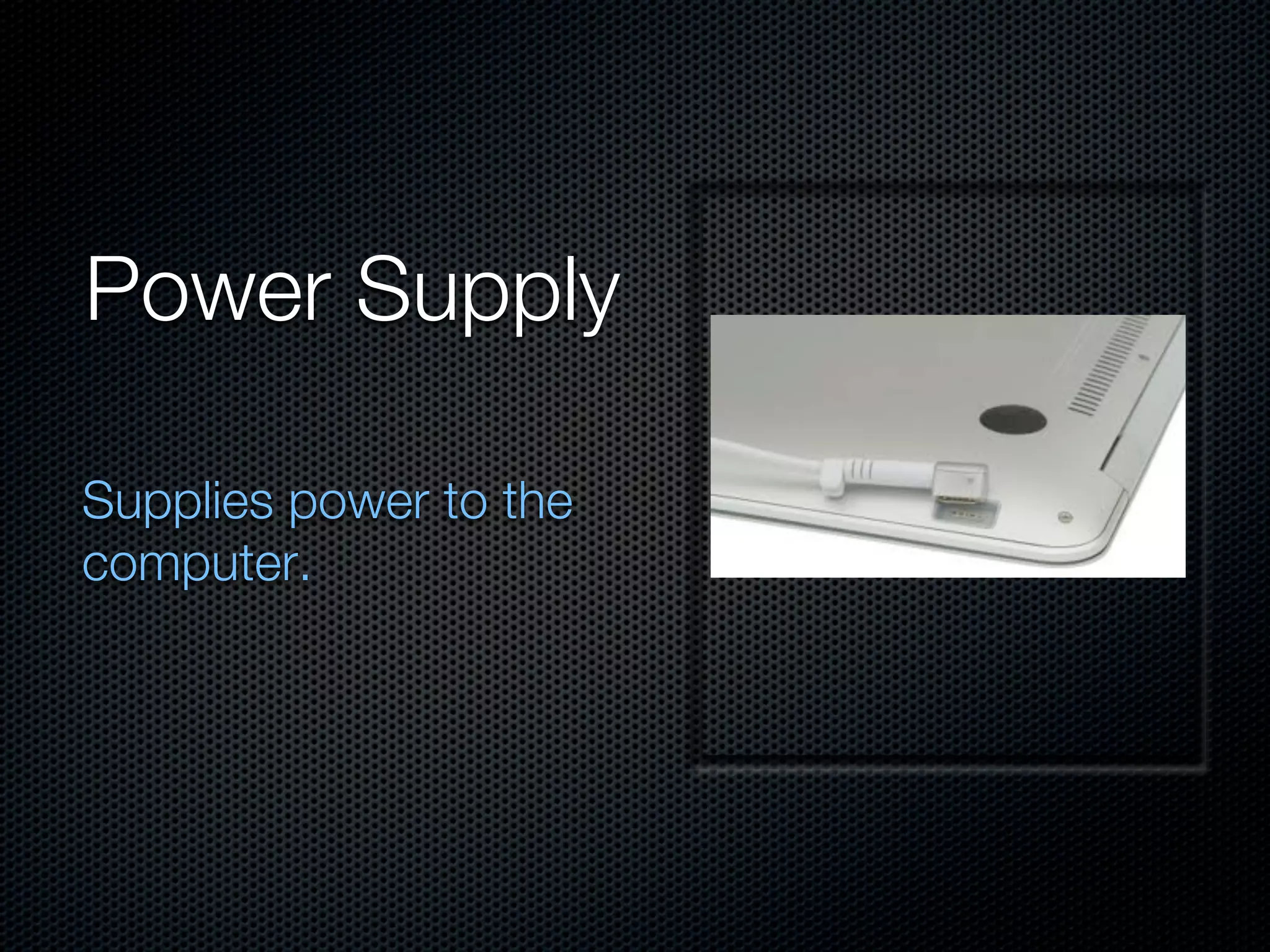
Power Supply

Supplies power to the
computer.
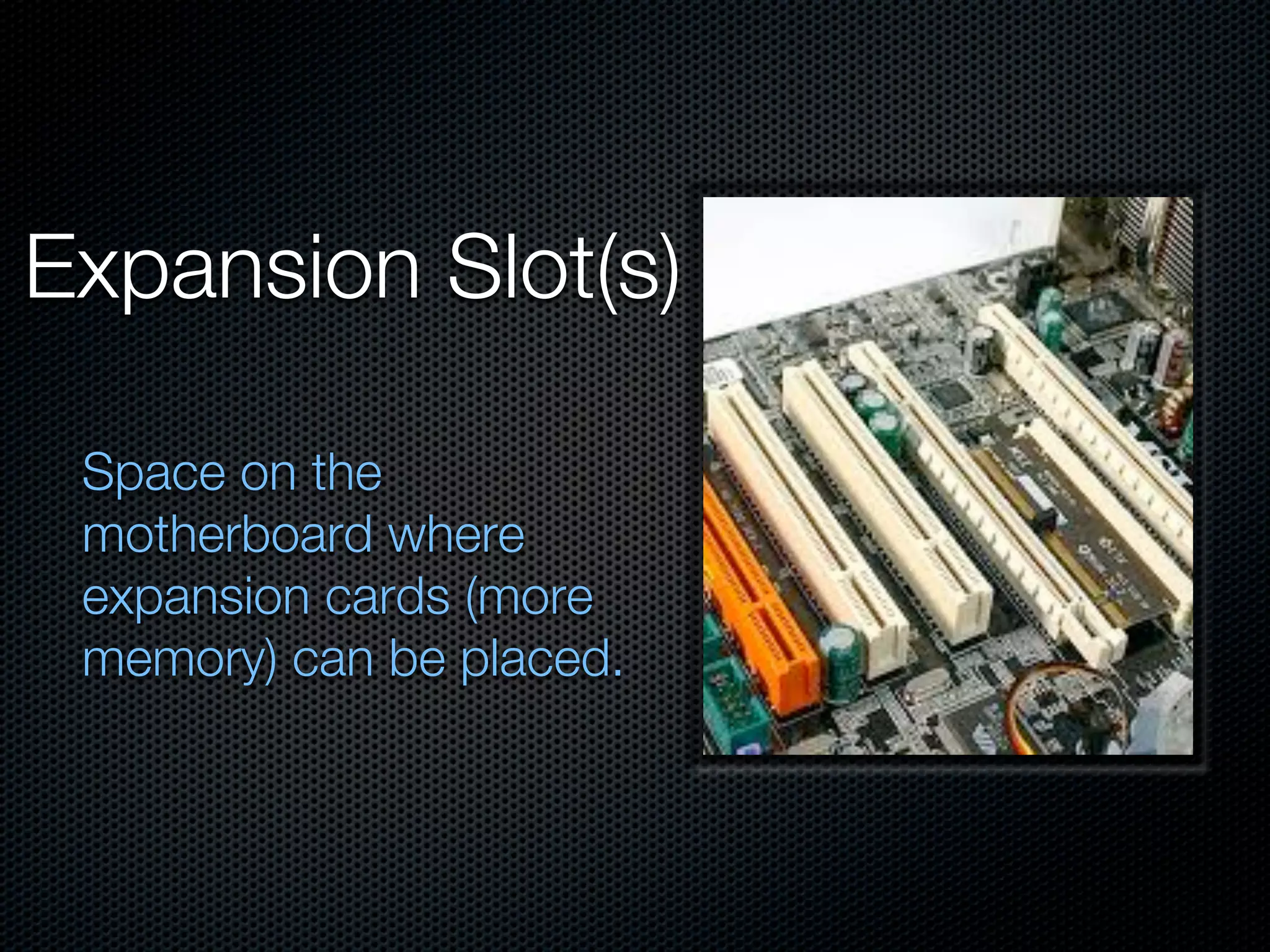
Expansion Slot(s)

 Space on the
 motherboard where
 expansion cards (more
 memory) can be placed.
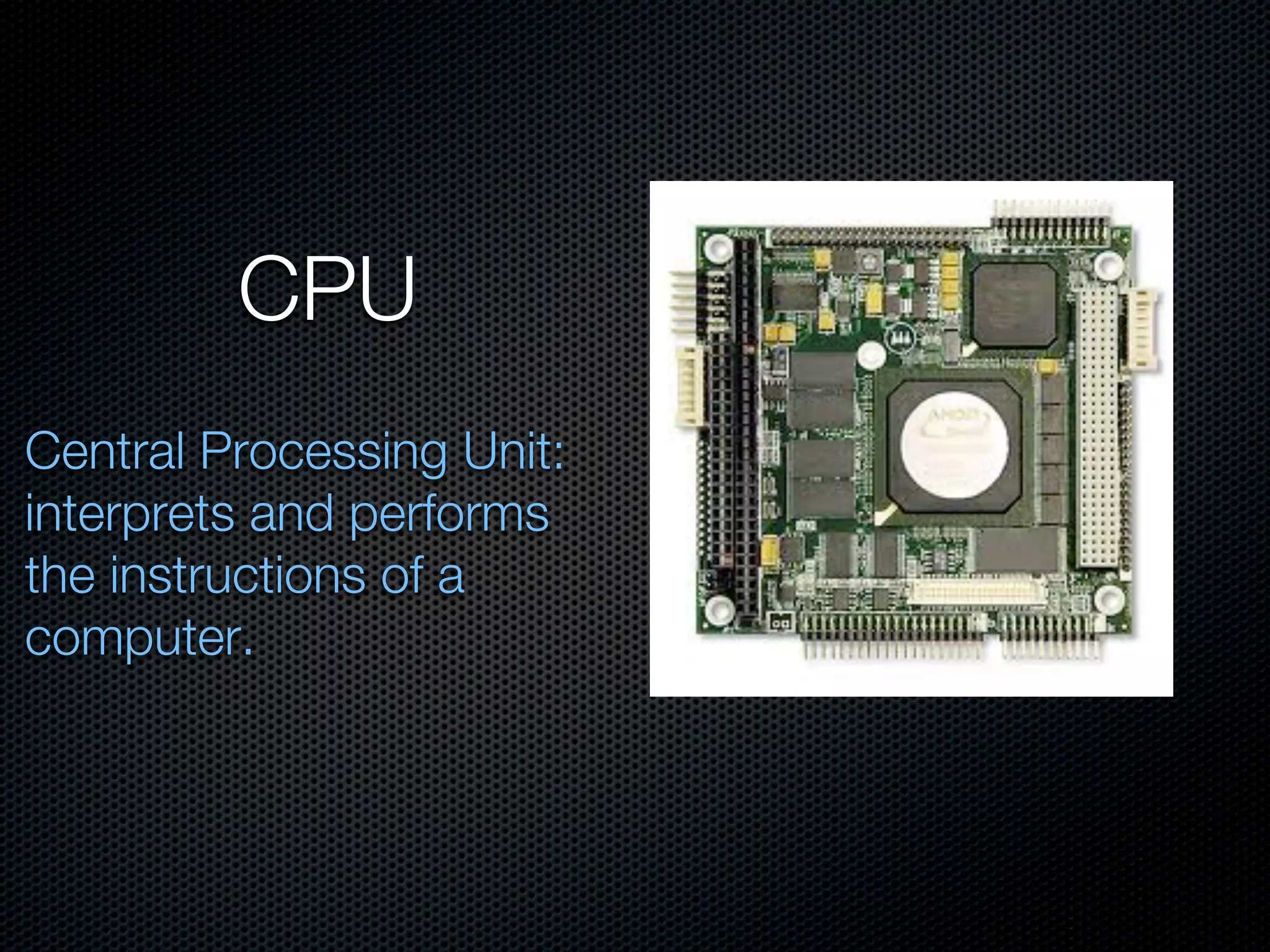
CPU
Central Processing Unit:
interprets and performs
the instructions of a
computer.
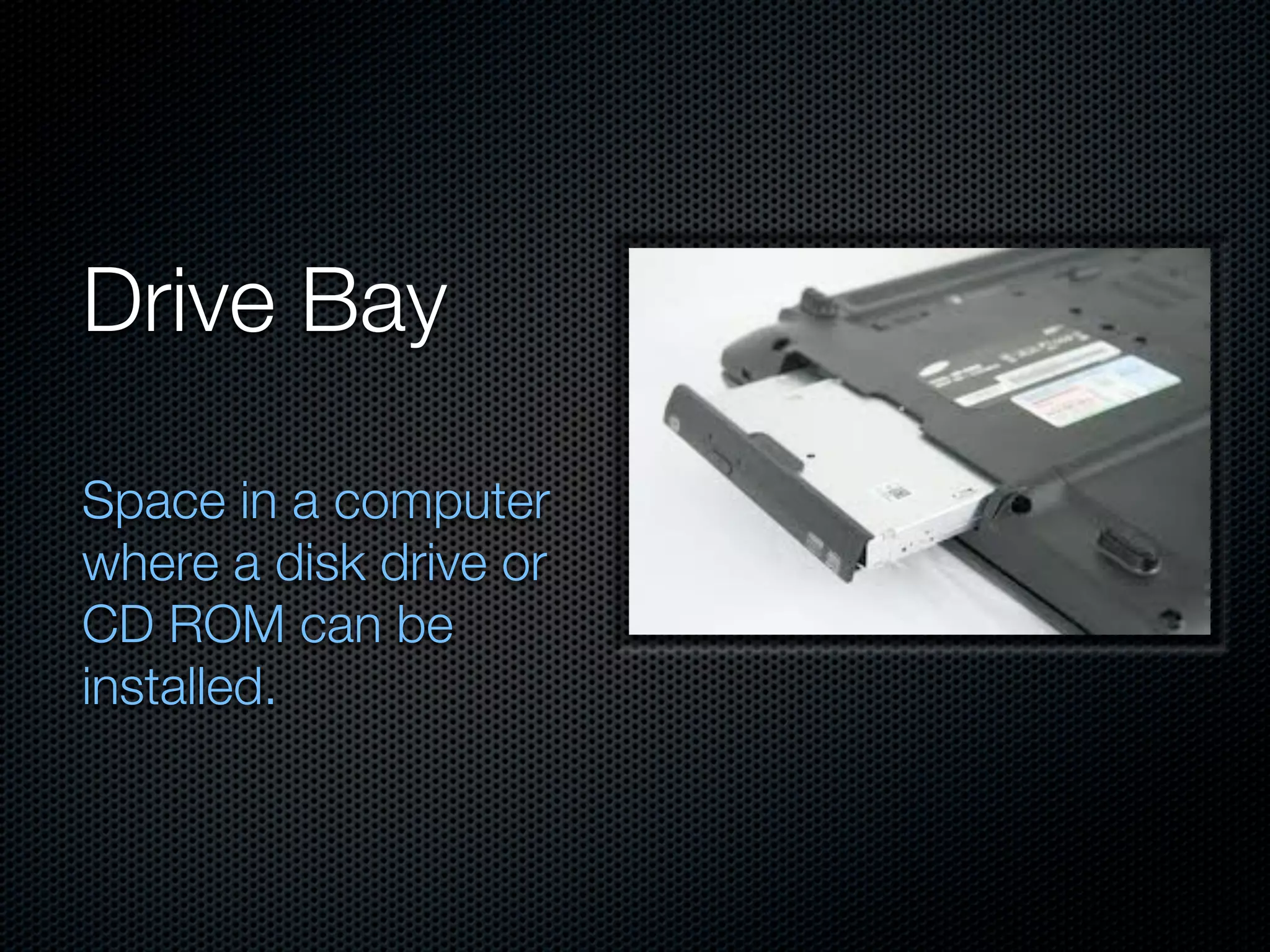
Drive Bay

Space in a computer
where a disk drive or
CD ROM can be
installed.
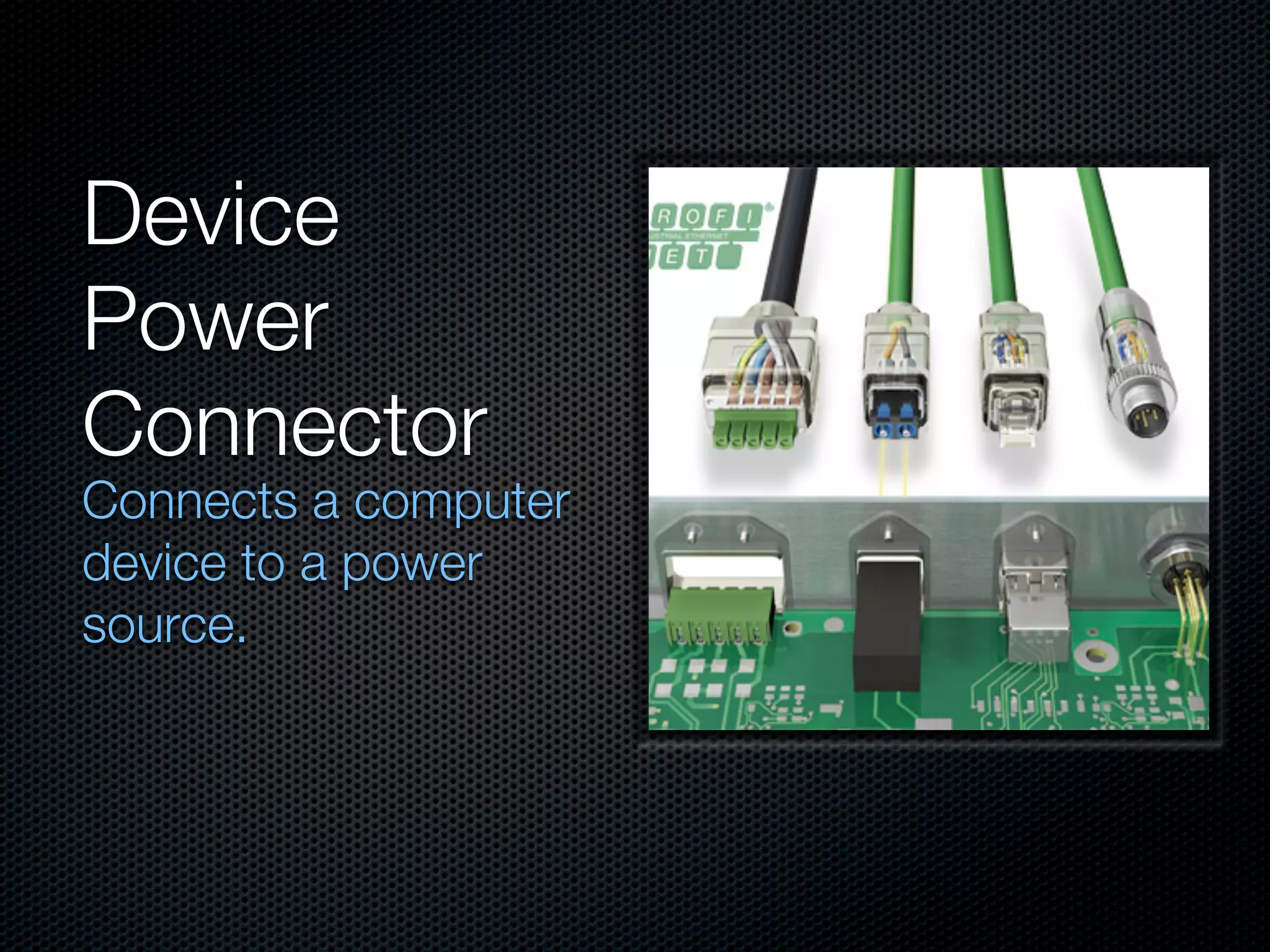
Device
Power
Connector
Connects a computer
device to a power
source.
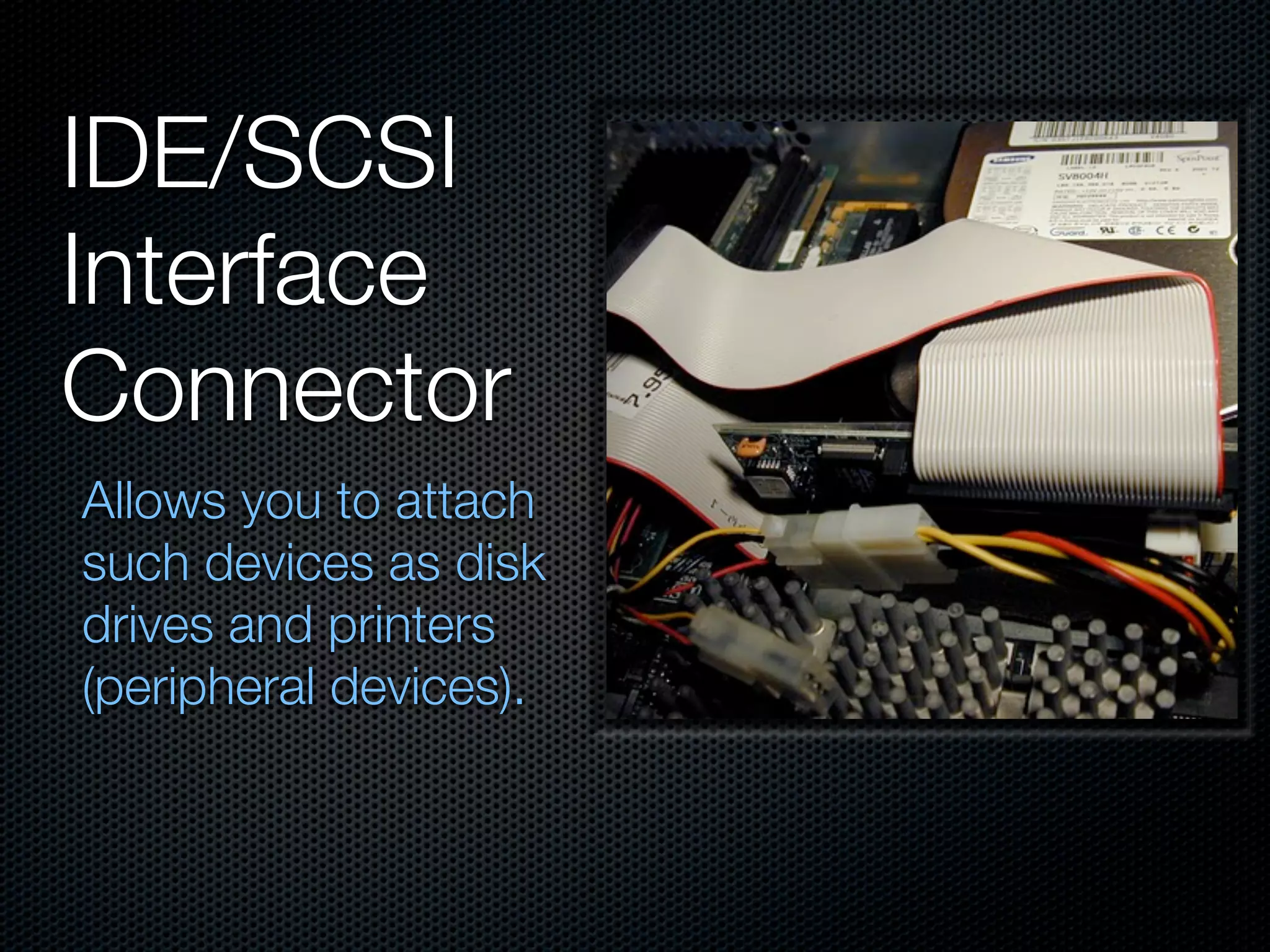
IDE/SCSI
Interface
Connector
Allows you to attach
such devices as disk
drives and printers
(peripheral devices).
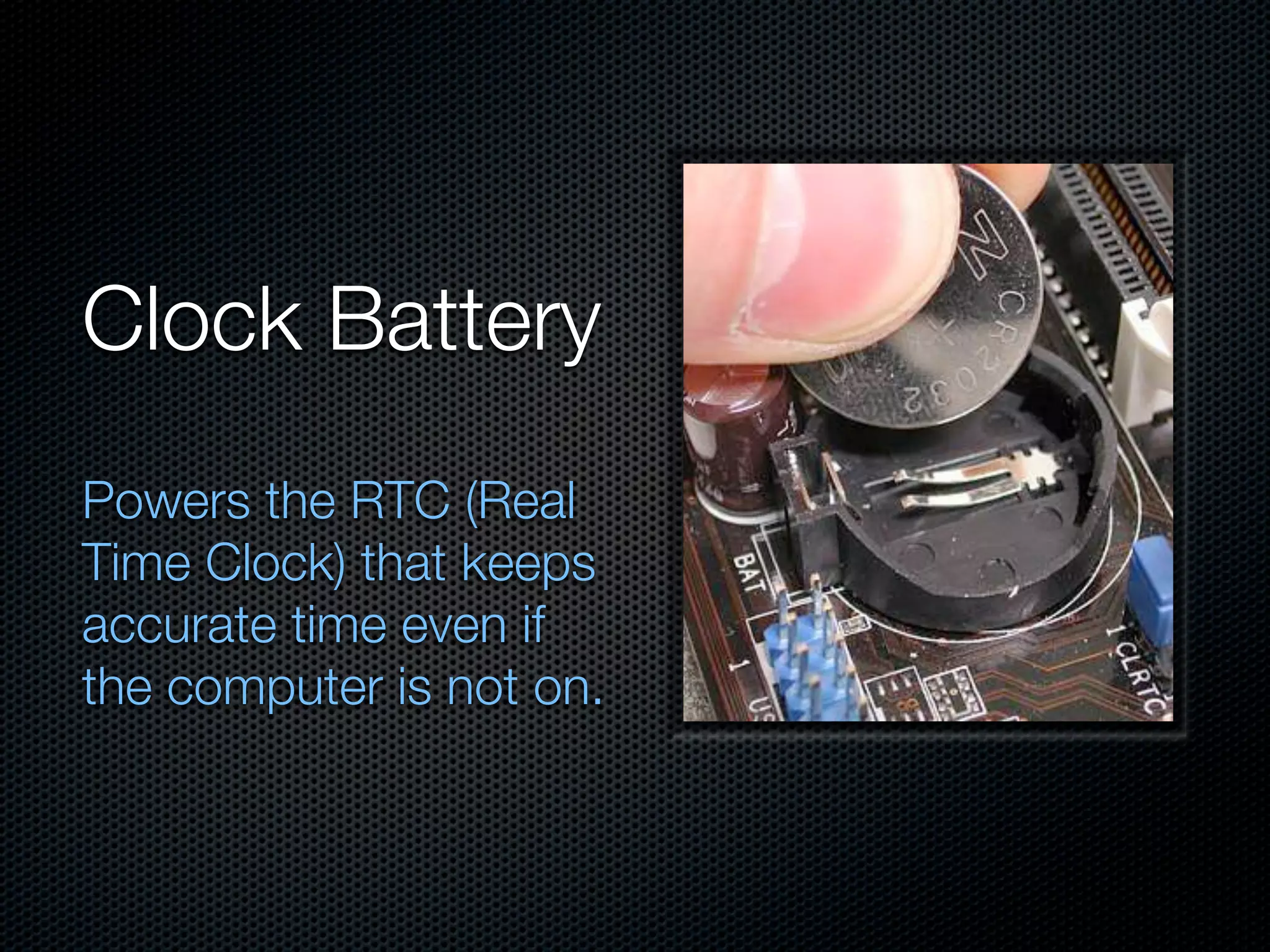
Clock Battery
Powers the RTC (Real
Time Clock) that keeps
accurate time even if
the computer is not on.
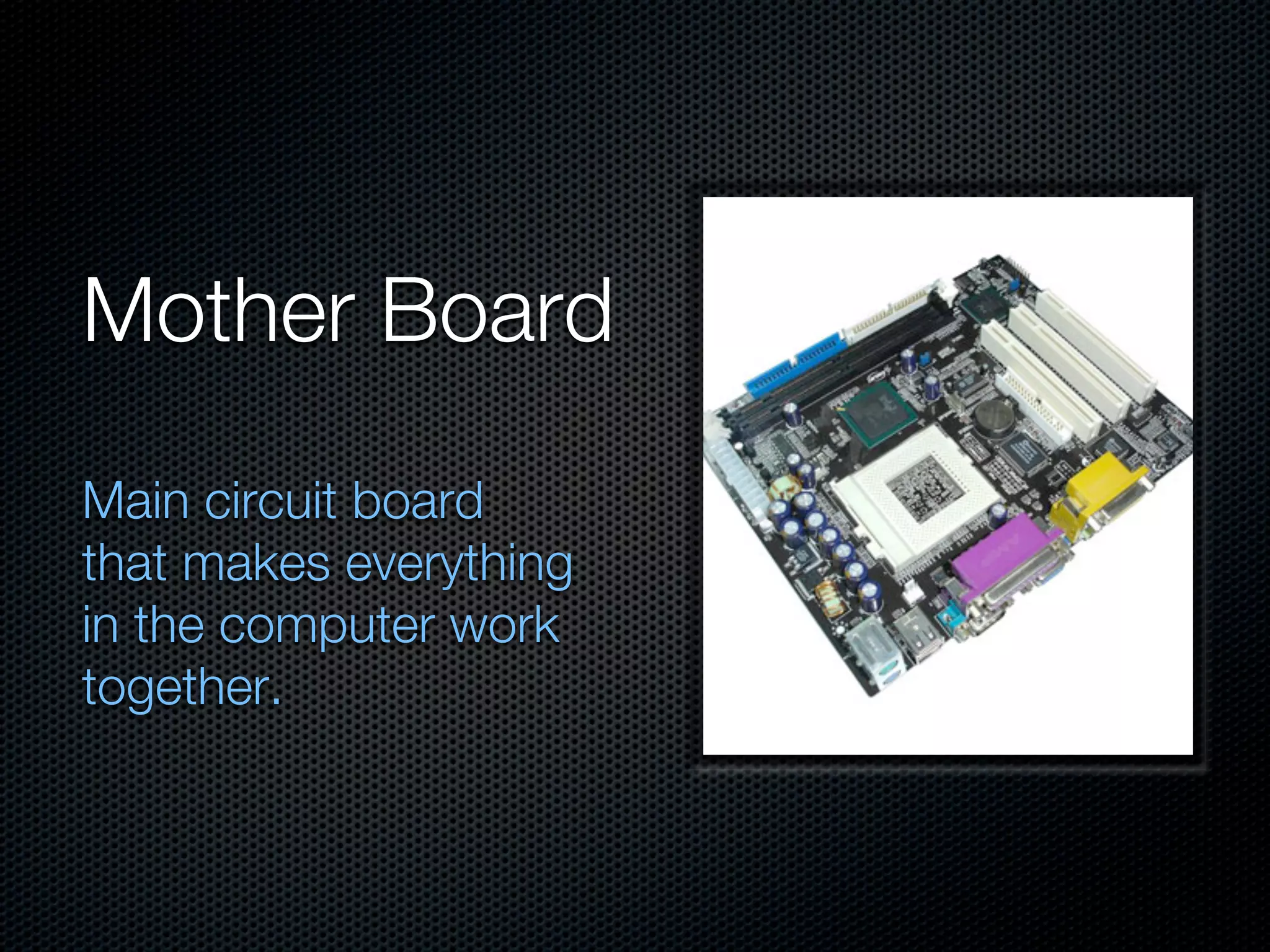
Mother Board
Main circuit board
that makes everything
in the computer work
together.
External Hardware
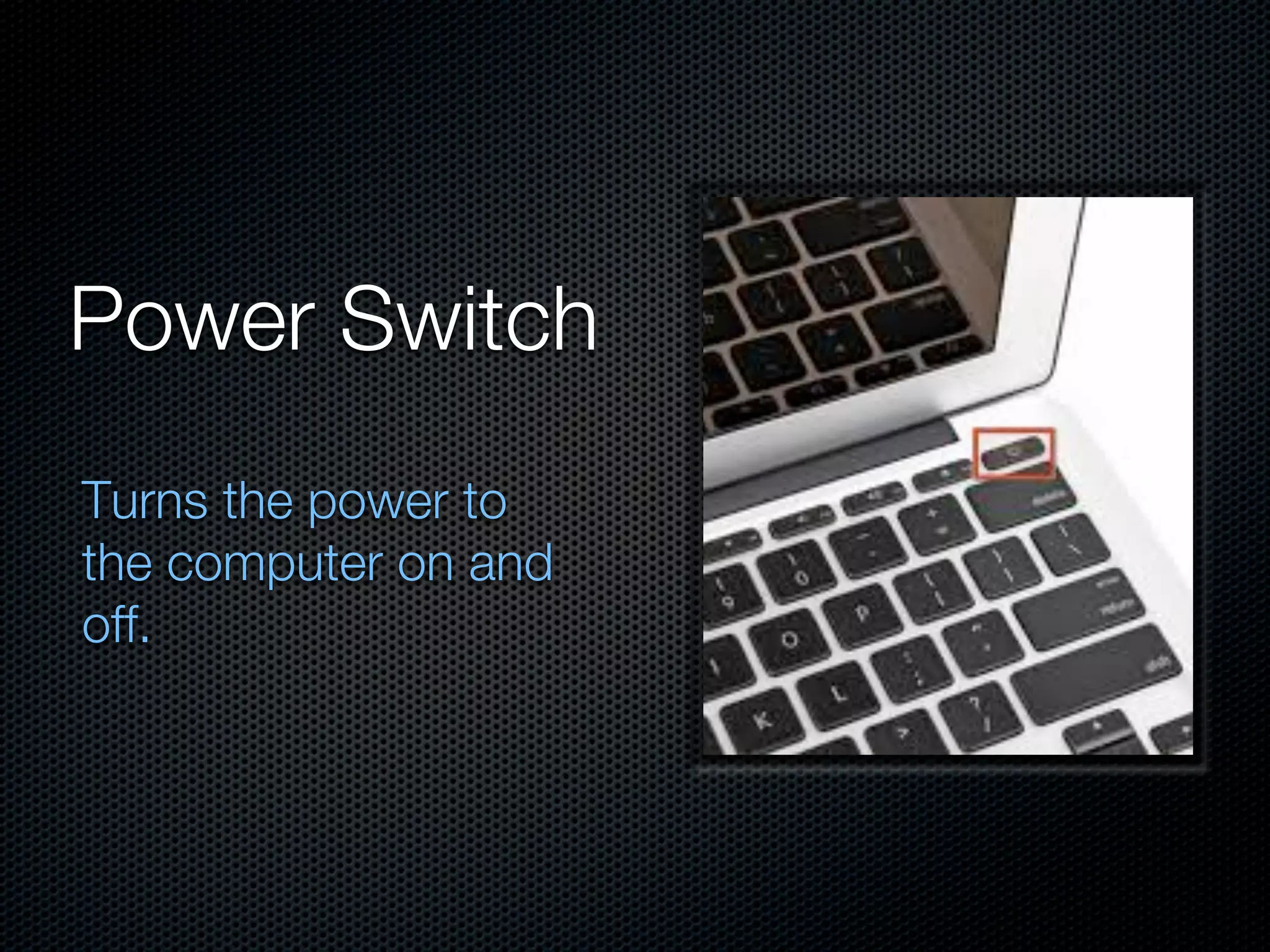
Power Switch
Turns the power to
the computer on and
off.
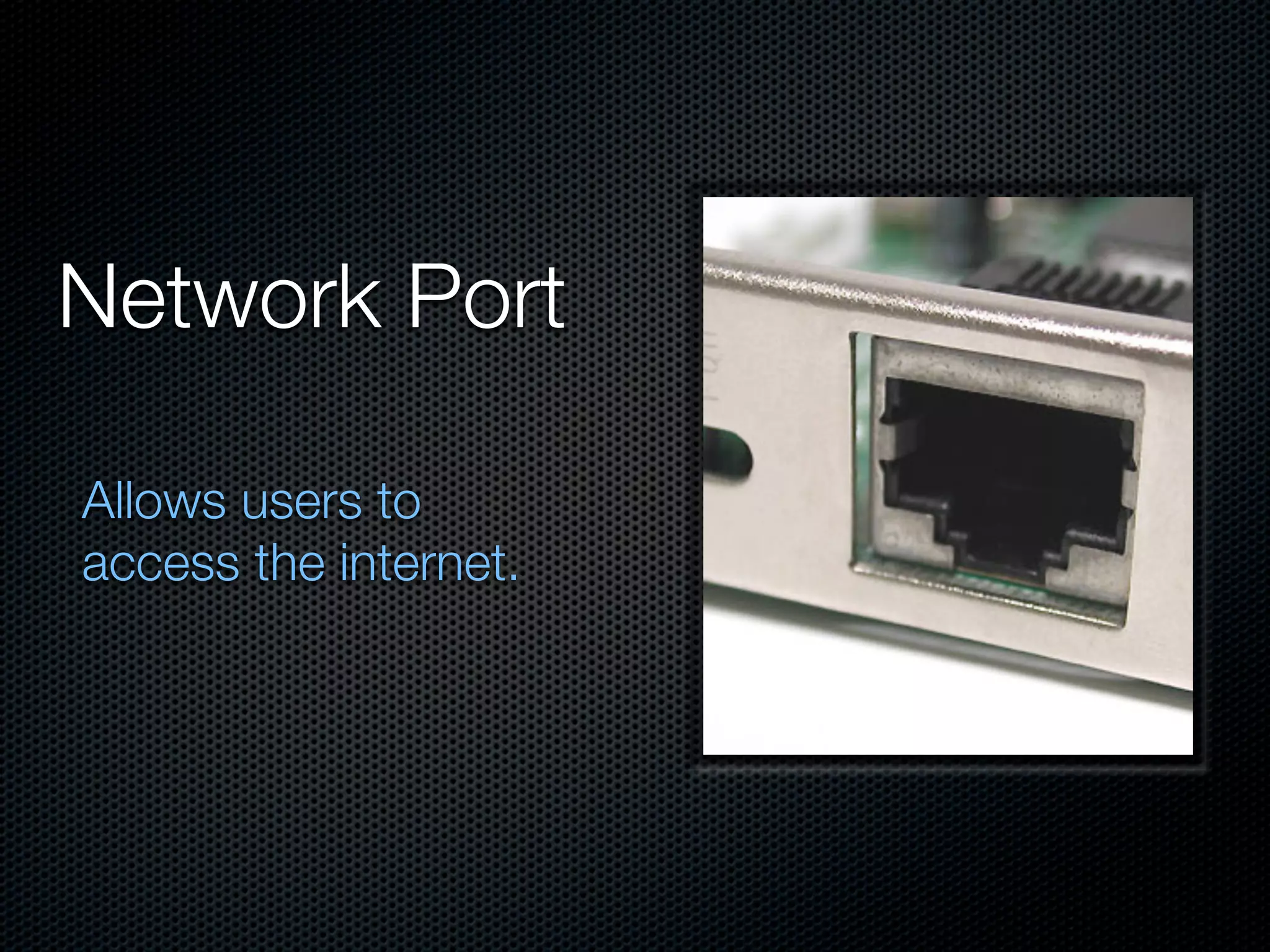
Network Port

Allows users to
access the internet.
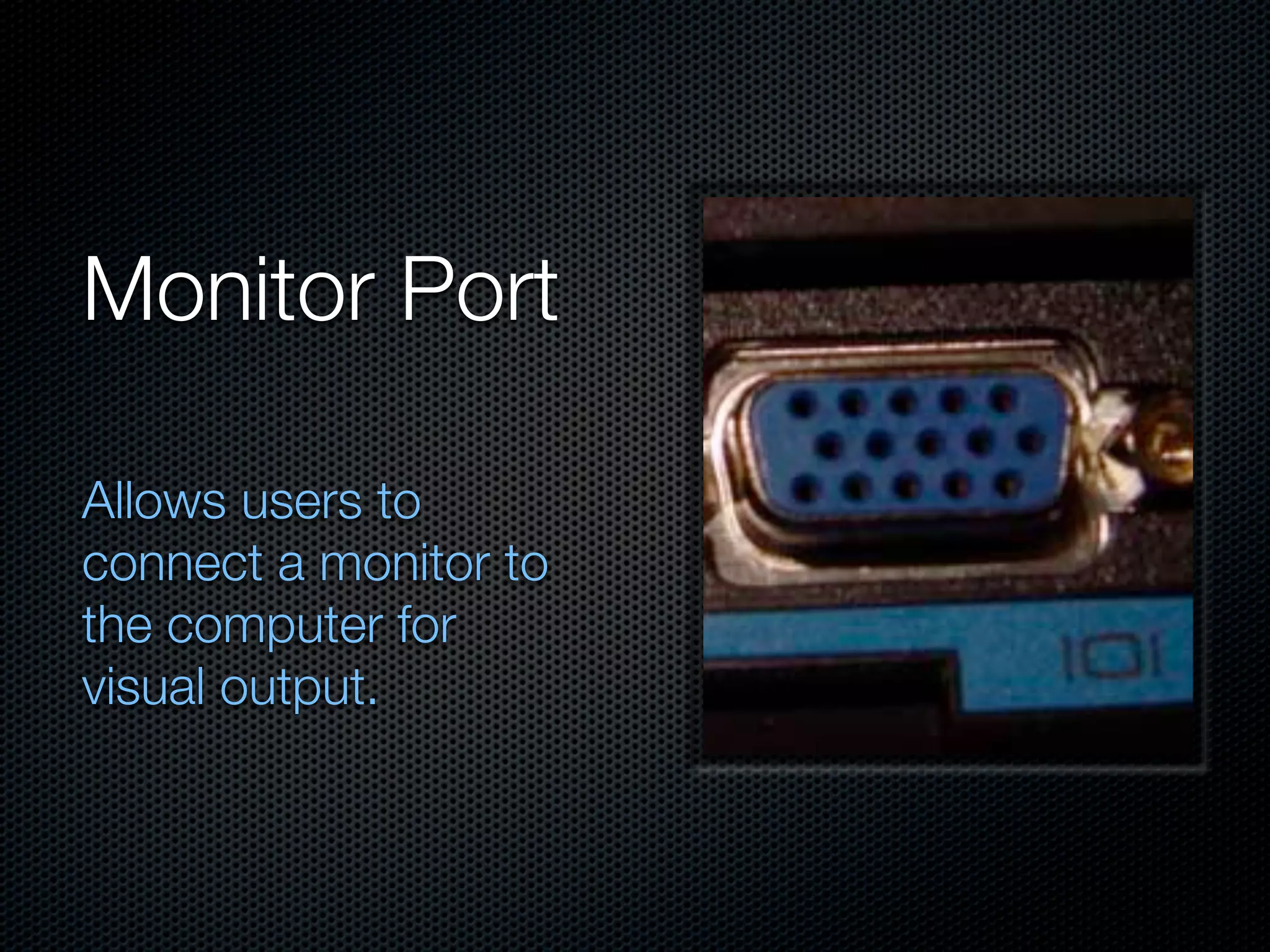
Monitor Port

Allows users to
connect a monitor to
the computer for
visual output.
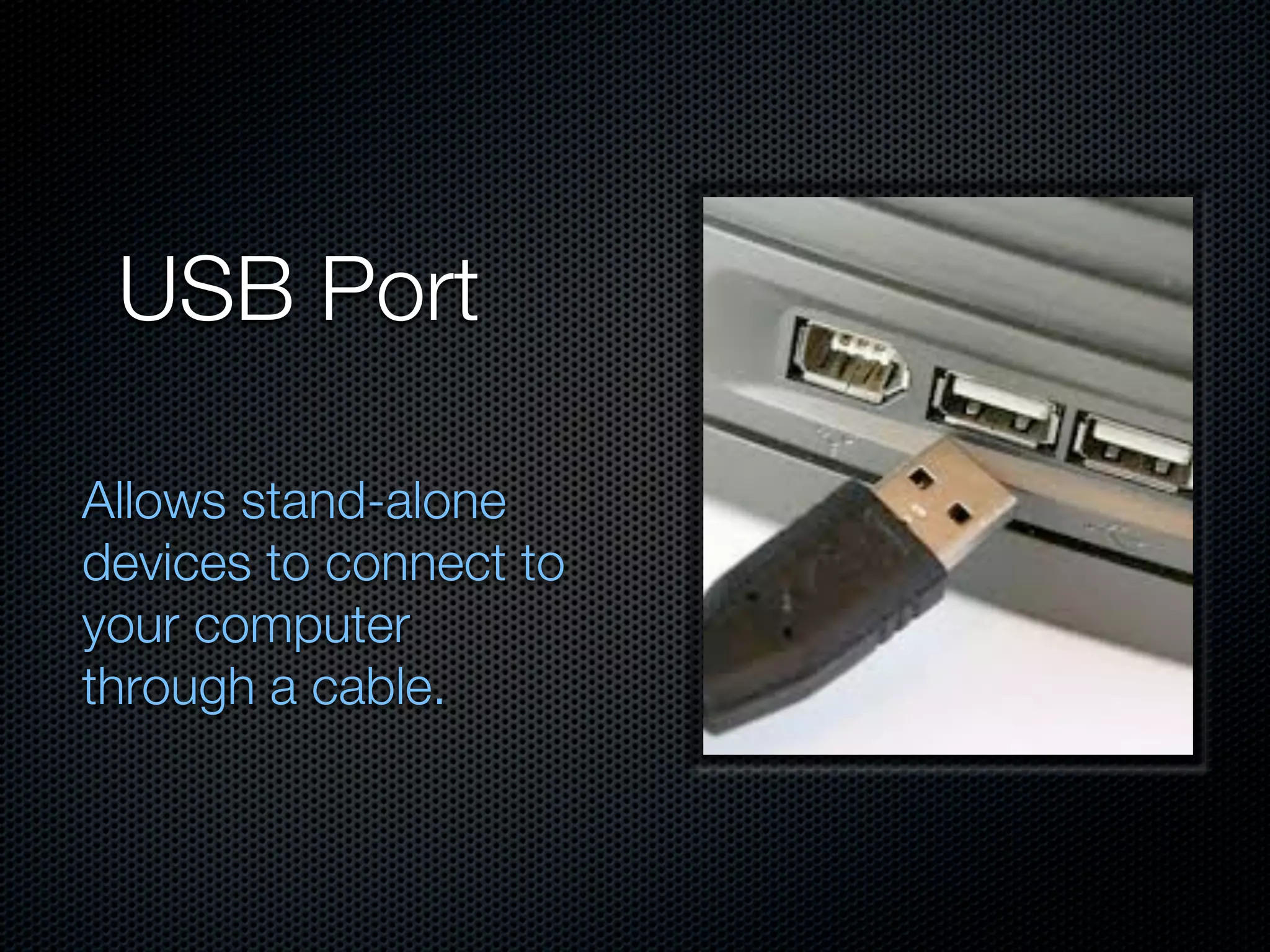
USB Port

Allows stand-alone
devices to connect to
your computer
through a cable.
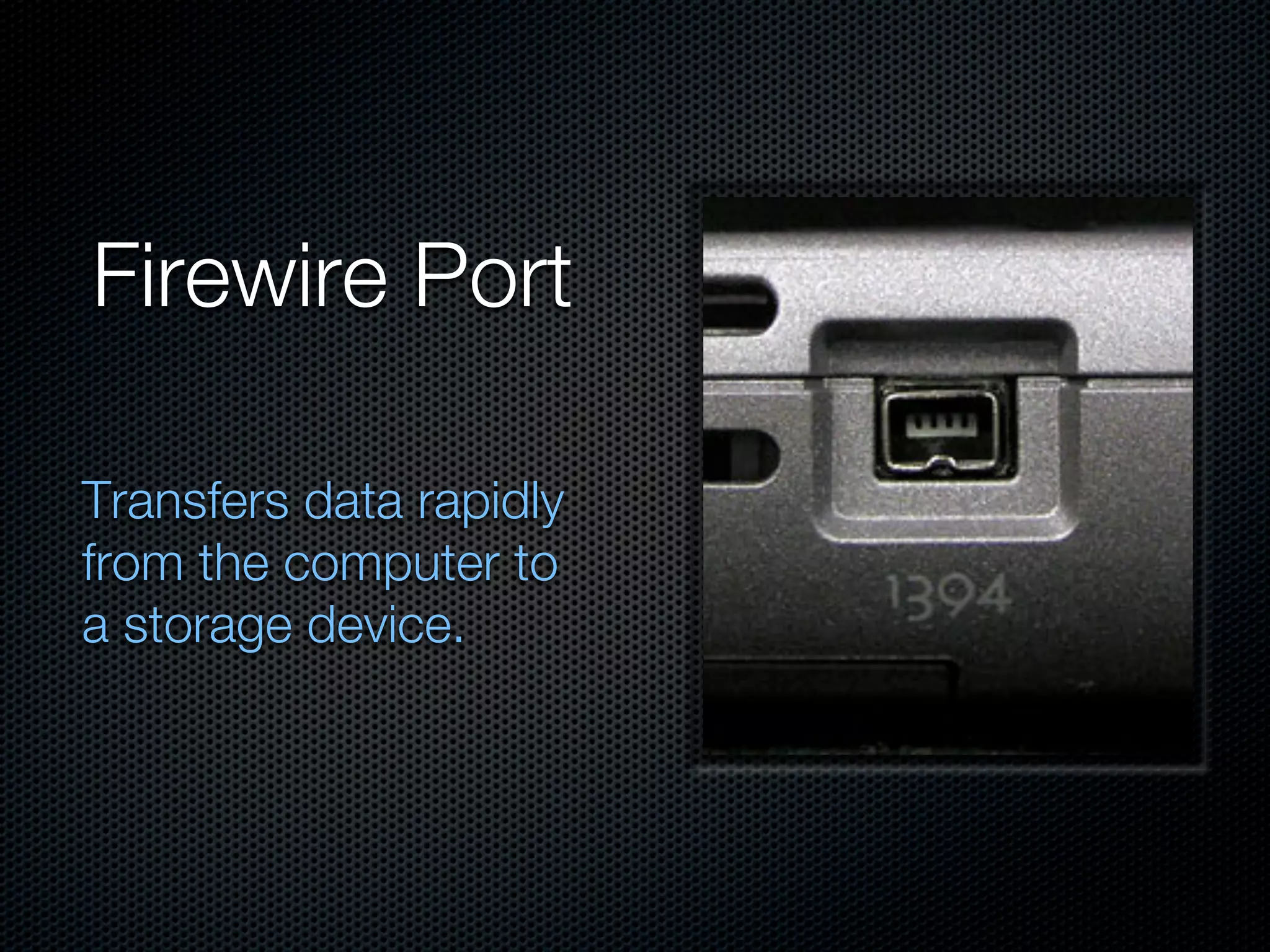
Firewire Port

Transfers data rapidly
from the computer to
a storage device.

Hardware assignment