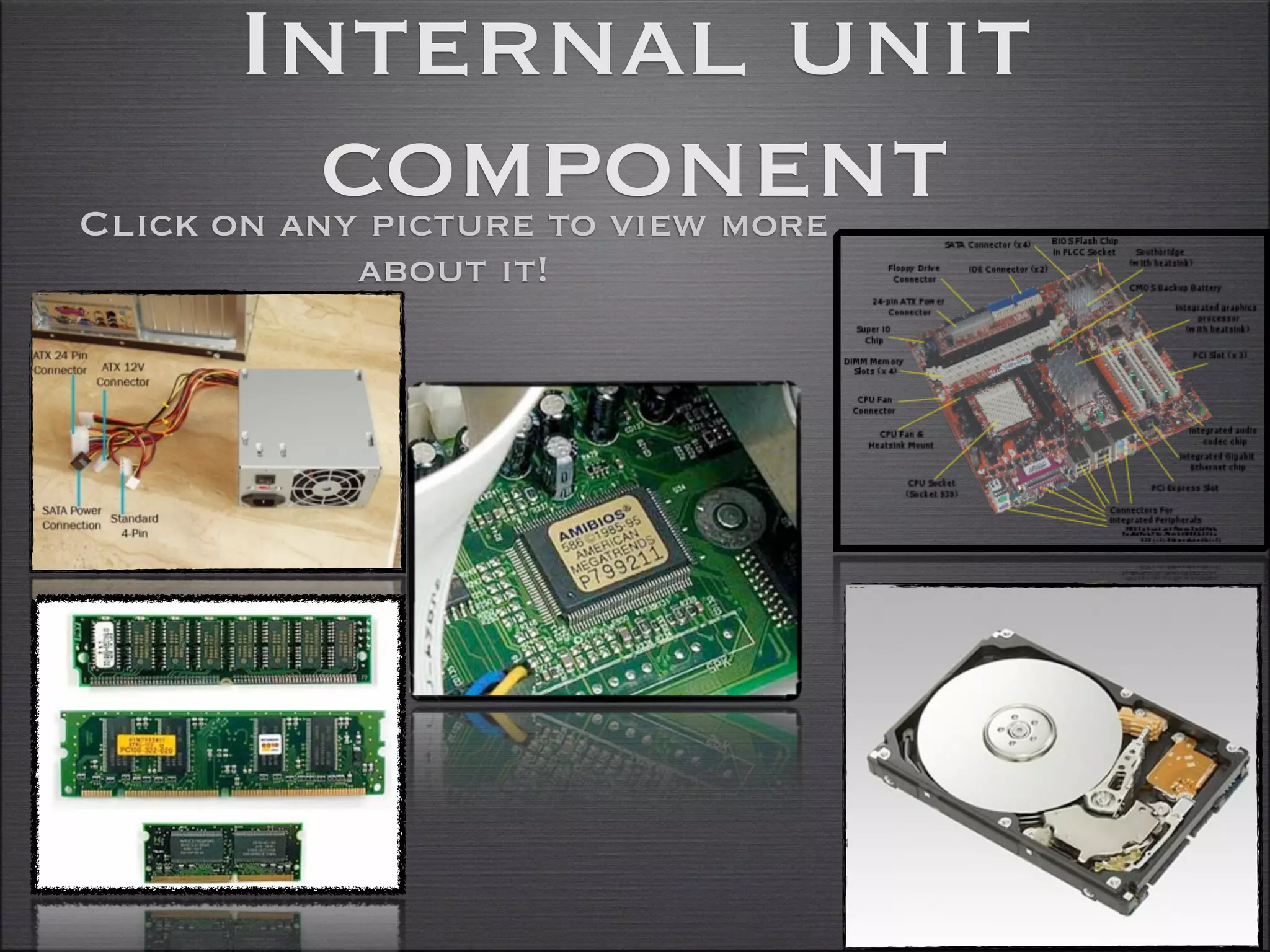
Internal unit
        component
Click on any picture to view more
            about it!
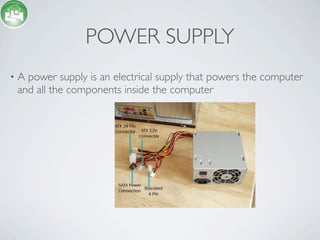
POWER SUPPLY
•   A power supply is an electrical supply that powers the computer
    and all the components inside the computer
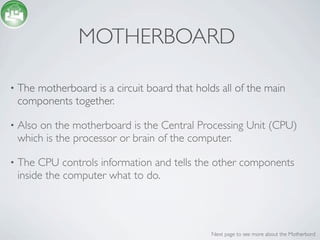
MOTHERBOARD

•   The motherboard is a circuit board that holds all of the main
    components together.

•   Also on the motherboard is the Central Processing Unit (CPU)
    which is the processor or brain of the computer.

•   The CPU controls information and tells the other components
    inside the computer what to do.


                                                Next page to see more about the Motherbord
SOUTH BRIDGE AND NORTH
       BRIDGE (MOTHERBOARD
•   The Northbridge connects directly to the processor via the front
    side bus (FSB). A memory controller is located on the
    Northbridge, which gives the CPU fast access to the memory. The

    The southbridge is slower than the northbridge, and information
    from the CPU has to go through the northbridge before
    reaching the southbridge. Other busses connect the southbridge
    to the PCI bus, the USB ports and the IDE or SATA hard disk
    connections.


                                               Next page to see more about the Motherbord
WHAT ARE THE THREE MAJOR COMPONENTS
            IN THE MOTHERBOARD?


•   On the motherboard there are three major cards.

•   The Modem card

•   Sound card

•   Video card


                                             Next page to see more about the Motherbord
WHAT DO THEY DO?


•   The modem card is what handles internet connectivity.

•   The sound card is what handles sound from the computer or
    laptop.

•   The Video card is what handles the Graphics on the computer.


                                              Next page to see more about the Motherbord
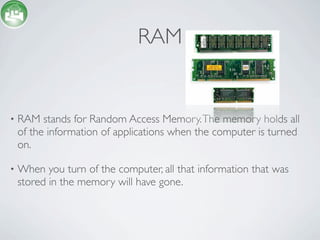
RAM


•   RAM stands for Random Access Memory. The memory holds all
    of the information of applications when the computer is turned
    on.

•   When you turn of the computer, all that information that was
    stored in the memory will have gone.
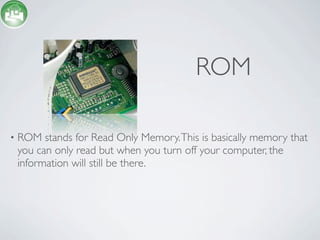
ROM

•   ROM stands for Read Only Memory. This is basically memory that
    you can only read but when you turn off your computer, the
    information will still be there.
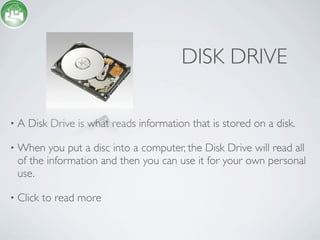
DISK DRIVE

•   A Disk Drive is what reads information that is stored on a disk.

•   When you put a disc into a computer, the Disk Drive will read all
    of the information and then you can use it for your own personal
    use.

•   Click to read more
DISC DRIVES (CONTINUED)


•   There are multiple discs or other hardware that can read
    information. They are:

•   Floppy Drives

•   CD-ROM

•   DVD-ROM

Internal computer components [Unit 2 - task 1]

  • 1.
    Internal unit component Click on any picture to view more about it!
  • 2.
    POWER SUPPLY • A power supply is an electrical supply that powers the computer and all the components inside the computer
  • 3.
    MOTHERBOARD • The motherboard is a circuit board that holds all of the main components together. • Also on the motherboard is the Central Processing Unit (CPU) which is the processor or brain of the computer. • The CPU controls information and tells the other components inside the computer what to do. Next page to see more about the Motherbord
  • 4.
    SOUTH BRIDGE ANDNORTH BRIDGE (MOTHERBOARD • The Northbridge connects directly to the processor via the front side bus (FSB). A memory controller is located on the Northbridge, which gives the CPU fast access to the memory. The The southbridge is slower than the northbridge, and information from the CPU has to go through the northbridge before reaching the southbridge. Other busses connect the southbridge to the PCI bus, the USB ports and the IDE or SATA hard disk connections. Next page to see more about the Motherbord
  • 5.
    WHAT ARE THETHREE MAJOR COMPONENTS IN THE MOTHERBOARD? • On the motherboard there are three major cards. • The Modem card • Sound card • Video card Next page to see more about the Motherbord
  • 6.
    WHAT DO THEYDO? • The modem card is what handles internet connectivity. • The sound card is what handles sound from the computer or laptop. • The Video card is what handles the Graphics on the computer. Next page to see more about the Motherbord
  • 7.
    RAM • RAM stands for Random Access Memory. The memory holds all of the information of applications when the computer is turned on. • When you turn of the computer, all that information that was stored in the memory will have gone.
  • 8.
    ROM • ROM stands for Read Only Memory. This is basically memory that you can only read but when you turn off your computer, the information will still be there.
  • 9.
    DISK DRIVE • A Disk Drive is what reads information that is stored on a disk. • When you put a disc into a computer, the Disk Drive will read all of the information and then you can use it for your own personal use. • Click to read more
  • 10.
    DISC DRIVES (CONTINUED) • There are multiple discs or other hardware that can read information. They are: • Floppy Drives • CD-ROM • DVD-ROM

Editor's Notes