Processors 
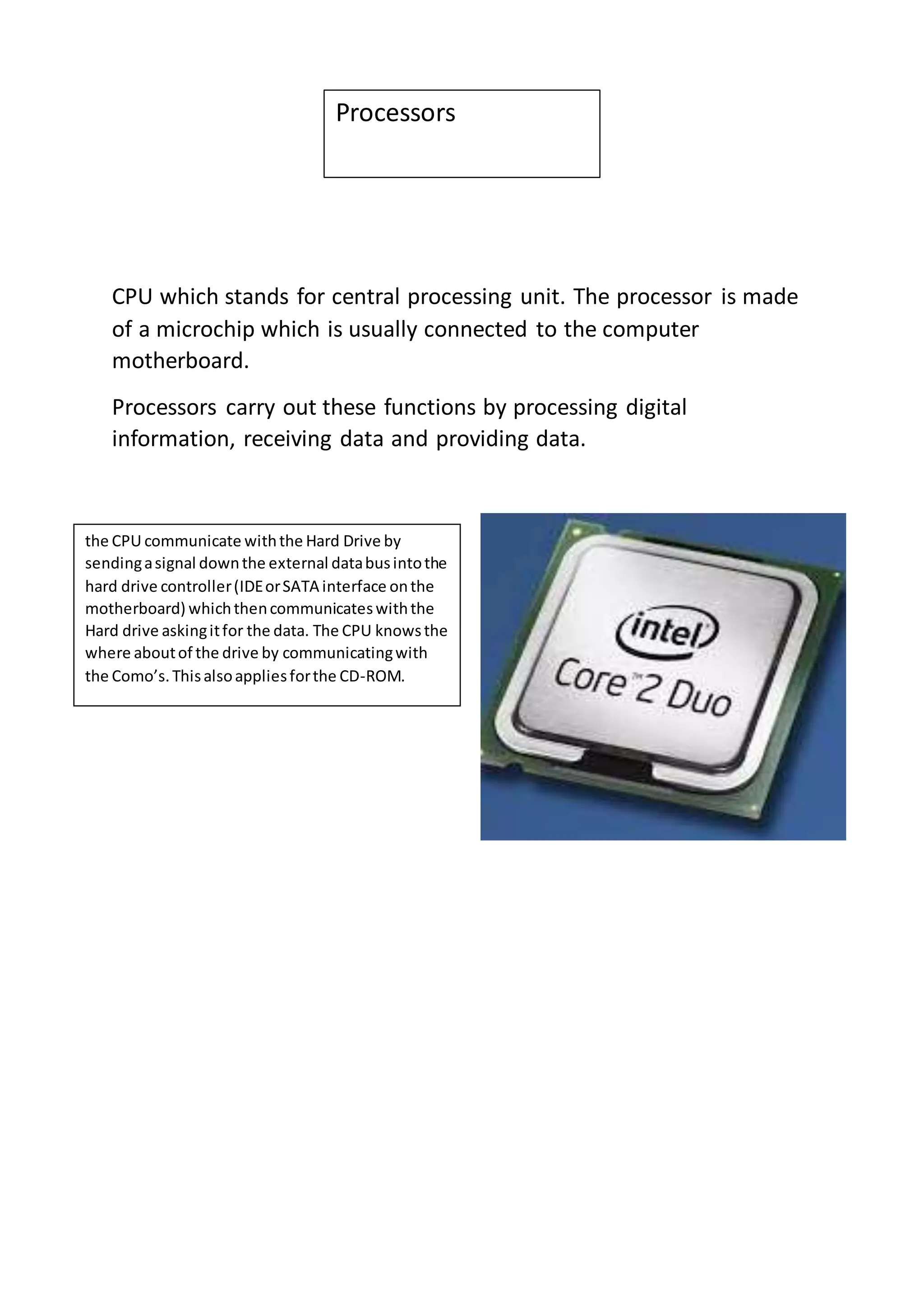
CPU which stands for central processing unit. The processor is made 
of a microchip which is usually connected to the computer 
motherboard. 
Processors carry out these functions by processing digital 
information, receiving data and providing data. 
the CPU communicate with the Hard Drive by 
sending a signal down the external data bus into the 
hard drive controller (IDE or SATA interface on the 
motherboard) which then communicates with the 
Hard drive asking it for the data. The CPU knows the 
where about of the drive by communicating with 
the Como’s. This also applies for the CD-ROM.
UK 
Motherboard 
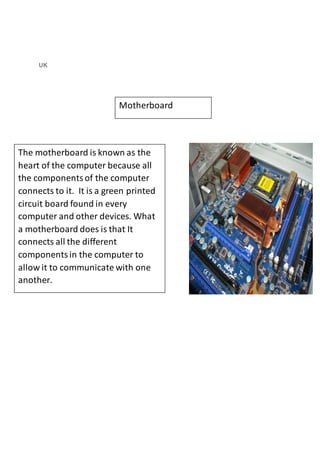
The motherboard is known as the 
heart of the computer because all 
the components of the computer 
connects to it. It is a green printed 
circuit board found in every 
computer and other devices. What 
a motherboard does is that It 
connects all the different 
components in the computer to 
allow it to communicate with one 
another.
BIOS 
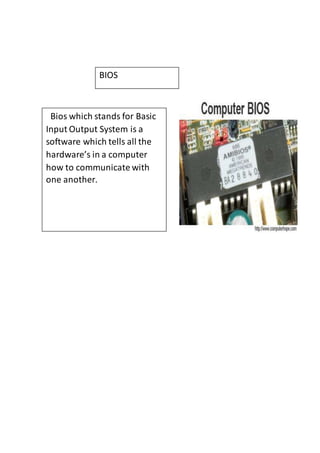
Bios which stands for Basic 
Input Output System is a 
software which tells all the 
hardware’s in a computer 
how to communicate with 
one another.
Power supply unit 
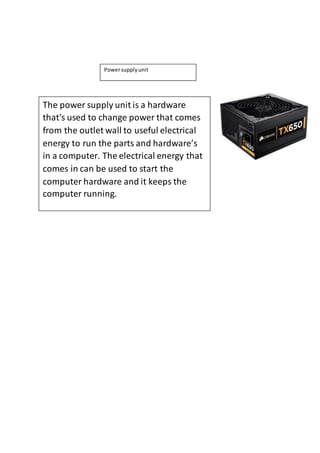
The power supply unit is a hardware 
that's used to change power that comes 
from the outlet wall to useful electrical 
energy to run the parts and hardware’s 
in a computer. The electrical energy that 
comes in can be used to start the 
computer hardware and it keeps the 
computer running.
Fan and heat sink 
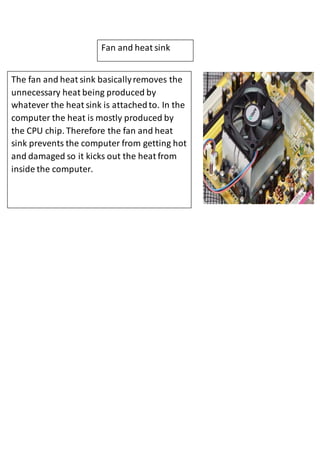
The fan and heat sink basically removes the 
unnecessary heat being produced by 
whatever the heat sink is attached to. In the 
computer the heat is mostly produced by 
the CPU chip. Therefore the fan and heat 
sink prevents the computer from getting hot 
and damaged so it kicks out the heat from 
inside the computer.
Hard drive controllers 
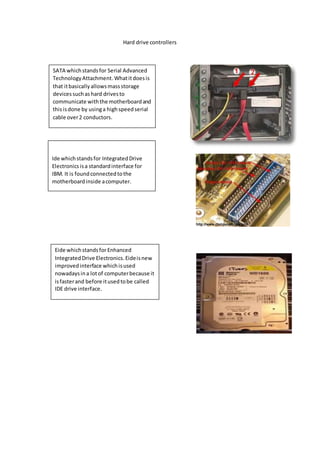
SATA which stands for Serial Advanced 
Technology Attachment. What it does is 
that it basically allows mass storage 
devices such as hard drives to 
communicate with the motherboard and 
this is done by using a high speed serial 
cable over 2 conductors. 
Ide which stands for Integrated Drive 
Electronics is a standard interface for 
IBM. It is found connected to the 
motherboard inside a computer. 
Eide which stands for Enhanced 
Integrated Drive Electronics. Eide is new 
improved interface which is used 
nowadays in a lot of computer because it 
is faster and before it used to be called 
IDE drive interface.
Port 
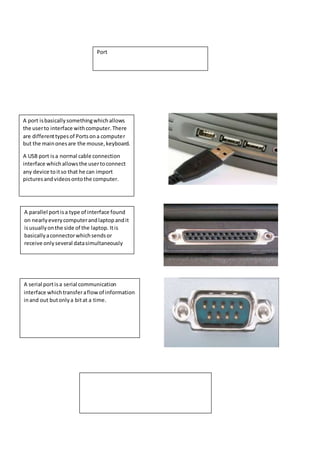
A port is basically something which allows 
the user to interface with computer. There 
are different types of Ports on a computer 
but the main ones are the mouse, keyboard. 
A USB port is a normal cable connection 
interface which allows the user to connect 
any device to it so that he can import 
pictures and videos onto the computer. 
A parallel port is a type of interface found 
on nearly every computer and laptop and it 
is usually on the side of the laptop. It is 
basically a connector which sends or 
receive only several data simultaneously 
A serial port is a serial communication 
interface which transfer a flow of information 
in and out but only a bit at a time.
Internal memory 
RAM 
Rom - 
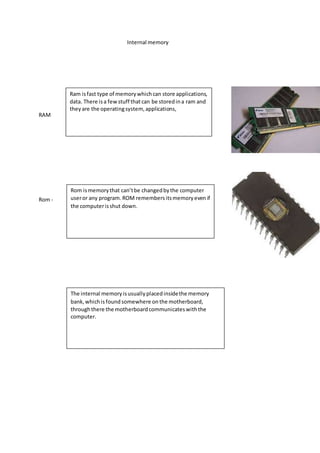
Ram is fast type of memory which can store applications, 
data. There is a few stuff that can be stored in a ram and 
they are the operating system, applications, 
Rom is memory that can’t be changed by the computer 
user or any program. ROM remembers its memory even if 
the computer is shut down. 
The internal memory is usually placed inside the memory 
bank, which is found somewhere on the motherboard, 
through there the motherboard communicates with the 
computer.
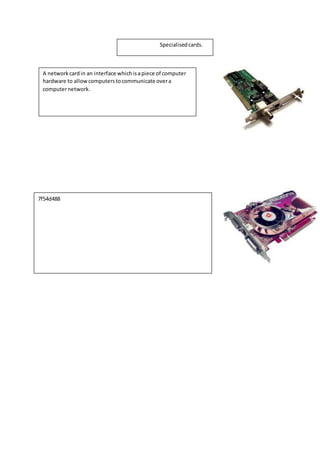
Specialised cards. 
A network card in an interface which is a piece of computer 
hardware to allow computers to communicate over a 
computer network. 
7f54d488
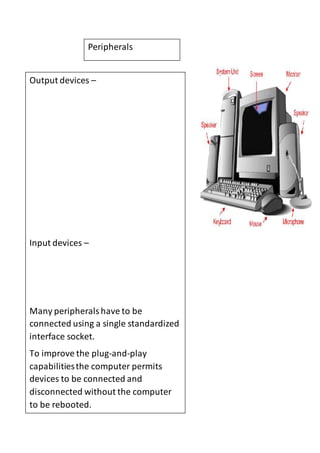
Peripherals 
Output devices – 
Input devices – 
Many peripherals have to be 
connected using a single standardized 
interface socket. 
To improve the plug-and-play 
capabilities the computer permits 
devices to be connected and 
disconnected without the computer 
to be rebooted.
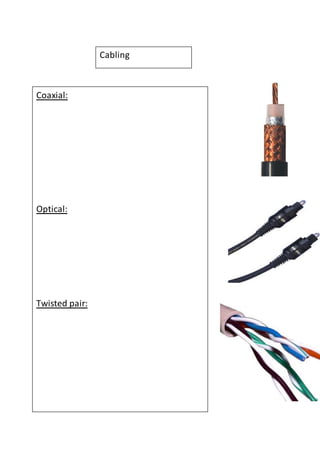
Cabling 
Coaxial: 
Optical: 
Twisted pair:
Backing storage 
Floppy disks: 
Pen drives: 
Optical media:
Backing storage 
Flash memory cards: 
Portable drives: 
Fixed drives:
ICT unit p1

ICT unit p1

  • 1.
    Processors CPU whichstands for central processing unit. The processor is made of a microchip which is usually connected to the computer motherboard. Processors carry out these functions by processing digital information, receiving data and providing data. the CPU communicate with the Hard Drive by sending a signal down the external data bus into the hard drive controller (IDE or SATA interface on the motherboard) which then communicates with the Hard drive asking it for the data. The CPU knows the where about of the drive by communicating with the Como’s. This also applies for the CD-ROM.
  • 2.
    UK Motherboard Themotherboard is known as the heart of the computer because all the components of the computer connects to it. It is a green printed circuit board found in every computer and other devices. What a motherboard does is that It connects all the different components in the computer to allow it to communicate with one another.
  • 3.
    BIOS Bios whichstands for Basic Input Output System is a software which tells all the hardware’s in a computer how to communicate with one another.
  • 4.
    Power supply unit The power supply unit is a hardware that's used to change power that comes from the outlet wall to useful electrical energy to run the parts and hardware’s in a computer. The electrical energy that comes in can be used to start the computer hardware and it keeps the computer running.
  • 5.
    Fan and heatsink The fan and heat sink basically removes the unnecessary heat being produced by whatever the heat sink is attached to. In the computer the heat is mostly produced by the CPU chip. Therefore the fan and heat sink prevents the computer from getting hot and damaged so it kicks out the heat from inside the computer.
  • 6.
    Hard drive controllers SATA which stands for Serial Advanced Technology Attachment. What it does is that it basically allows mass storage devices such as hard drives to communicate with the motherboard and this is done by using a high speed serial cable over 2 conductors. Ide which stands for Integrated Drive Electronics is a standard interface for IBM. It is found connected to the motherboard inside a computer. Eide which stands for Enhanced Integrated Drive Electronics. Eide is new improved interface which is used nowadays in a lot of computer because it is faster and before it used to be called IDE drive interface.
  • 7.
    Port A portis basically something which allows the user to interface with computer. There are different types of Ports on a computer but the main ones are the mouse, keyboard. A USB port is a normal cable connection interface which allows the user to connect any device to it so that he can import pictures and videos onto the computer. A parallel port is a type of interface found on nearly every computer and laptop and it is usually on the side of the laptop. It is basically a connector which sends or receive only several data simultaneously A serial port is a serial communication interface which transfer a flow of information in and out but only a bit at a time.
  • 8.
    Internal memory RAM Rom - Ram is fast type of memory which can store applications, data. There is a few stuff that can be stored in a ram and they are the operating system, applications, Rom is memory that can’t be changed by the computer user or any program. ROM remembers its memory even if the computer is shut down. The internal memory is usually placed inside the memory bank, which is found somewhere on the motherboard, through there the motherboard communicates with the computer.
  • 9.
    Specialised cards. Anetwork card in an interface which is a piece of computer hardware to allow computers to communicate over a computer network. 7f54d488
  • 10.
    Peripherals Output devices– Input devices – Many peripherals have to be connected using a single standardized interface socket. To improve the plug-and-play capabilities the computer permits devices to be connected and disconnected without the computer to be rebooted.
  • 11.
  • 12.
    Backing storage Floppydisks: Pen drives: Optical media:
  • 13.
    Backing storage Flashmemory cards: Portable drives: Fixed drives: