Interactive NETS*S: Free Resources and Projects for Digital Age LearningAmber RowlandTammy GilleyTracy RampyBrenda DunningTanya Ketchum
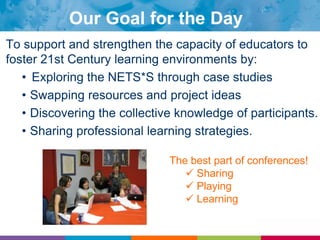
Our Goal for the DayTo support and strengthen the capacity of educators to foster 21st Century learning environments by:Exploring the NETS*S through case studiesSwapping resources and project ideasDiscovering the collective knowledge of participants.Sharing professional learning strategies.The best part of conferences! Sharing
 Playing
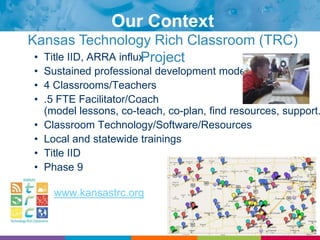
 LearningOur ContextKansas Technology Rich Classroom (TRC) ProjectTitle IID, ARRA influx
Sustained professional development model
4 Classrooms/Teachers
.5 FTE Facilitator/Coach (model lessons, co-teach, co-plan, find resources, support...)
Classroom Technology/Software/Resources
Local and statewide trainings
Title IID
Phase 9www.kansastrc.org
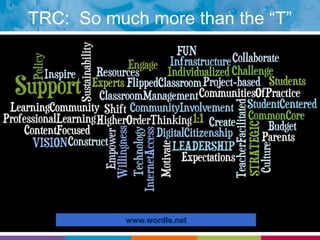
TRC:  So much more than the “T”www.wordle.net
“Mix, Freeze, Group”Make Quick Connections: “Whip Around”Your NameAnswer QuestionProfessional Learning Strategy: Growing Dendrites
Mix, Freeze, GroupMix ‘n MingleNumber of Bloom’s Levels?
Whip AroundPlease share:Your nameWhere you are fromYour role in education
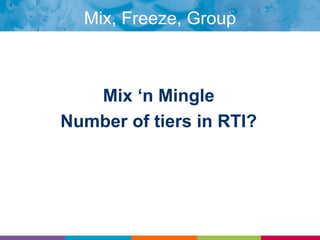
Mix, Freeze, GroupMix ‘n MingleNumber of tiers in RTI?
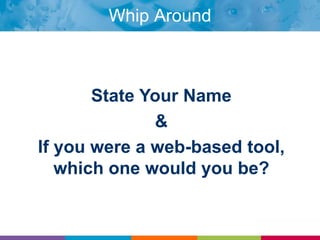
Whip AroundState Your Name &If you were a web-based tool, which one would you be?
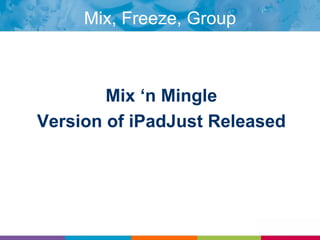
Mix, Freeze, GroupMix ‘n MingleVersion of iPadJust Released
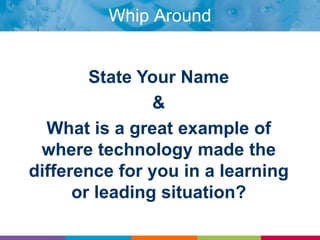
Whip AroundState Your Name&What is a great example of where technology made the difference for you in a learning or leading situation?
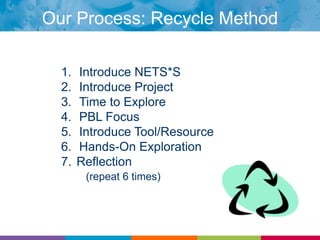
Our Process: Recycle MethodIntroduce NETS*SIntroduce ProjectTime to ExplorePBL FocusIntroduce Tool/ResourceHands-On Exploration Reflection(repeat 6 times)
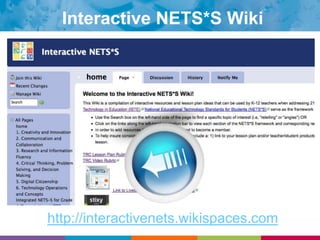
Interactive NETS*S Wikihttp://interactivenets.wikispaces.com
Our Working Definition of Project-Based LearningAuthentic, Standards-Based ContentReal-World ConnectionsHOTSStudent-CenteredProduct & Process Driven21st Century Skills/NETS*S
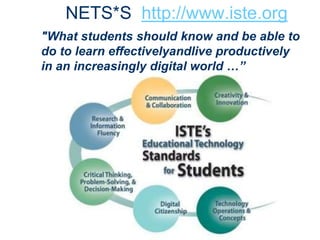
NETS*S  http://www.iste.org"What students should know and be able to do to learn effectivelyandlive productively in an increasingly digital world …”
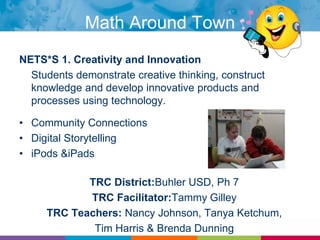
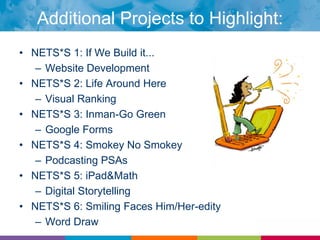
NETS*S 1. Creativity and Innovation	Students demonstrate creative thinking, construct knowledge and develop innovative products and processes using technology.Community ConnectionsDigital StorytellingiPods & iPadsTRC District:Buhler USD, Ph 7TRC Facilitator:Tammy GilleyTRC Teachers: Nancy Johnson, Tanya Ketchum, Tim Harris & Brenda DunningMath Around Town
How to plan for project based learning
Begin with the standardsState Standards in all subject areasTeach across the curriculumIdentify the NETS*S to be addressed
Essential Questions & GoalsWrite an essential question: What do you want students to learnWhat are your goals for the unit
Identify ToolsHardware & SoftwareWebsites: LiveBinder, portals, bookmarking toolsBooksCommunity ResourcesAny Extras: parent permission, principal, district
Plan for DifferentiationReadabilityToolsCollaboration
Plan for Digital CitizenshipCopyright lawsPermission for audio, pictures, video, quotations
Plan Assessments & ReflectionSurveysWritten responseVideoTraditional Test
ReflectionAt your tables, discuss how you might be able to use the Math Around Town project components and/or resources in your educational setting.
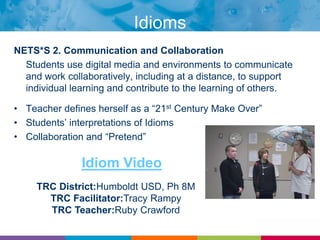
IdiomsNETS*S 2. Communication and Collaboration	Students use digital media and environments to communicate and work collaboratively, including at a distance, to support individual learning and contribute to the learning of others.Teacher defines herself as a “21st Century Make Over”Students’ interpretations of IdiomsCollaboration and “Pretend”Idiom VideoTRC District:Humboldt USD, Ph 8MTRC Facilitator:Tracy RampyTRC Teacher:Ruby Crawford
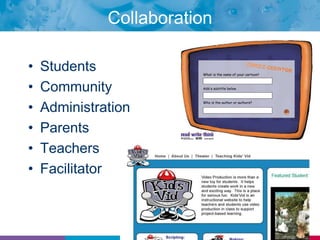
CollaborationStudentsCommunityAdministrationParentsTeachersFacilitator
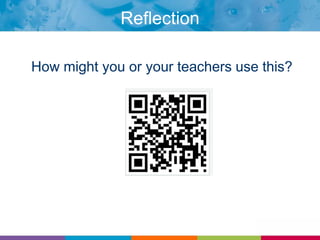
ReflectionHow might you or your teachers use this?
BREAK
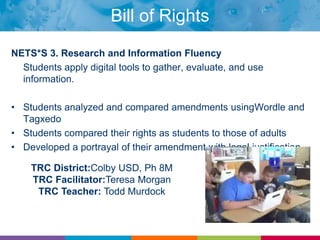
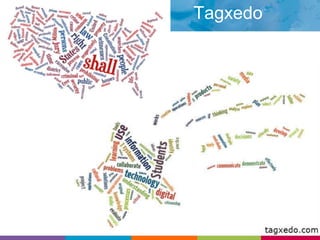
Bill of RightsNETS*S 3. Research and Information Fluency	Students apply digital tools to gather, evaluate, and use information.Students analyzed and compared amendments usingWordle and TagxedoStudents compared their rights as students to those of adultsDeveloped a portrayal of their amendment with legal justificationTRC District:Colby USD, Ph 8MTRC Facilitator:Teresa MorganTRC Teacher: Todd Murdock
Kicking it Up a NotchStudent ChoiceProductProcessCollaborationReal-WorldAuthentic AudienceBloom’s Verbs
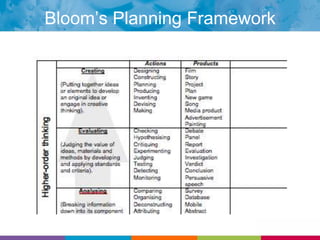
Bloom’s Planning Framework
Tagxedo
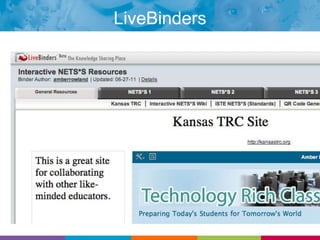
LiveBinders
ReflectionTurn to your shoulder partners and discuss one example of how you intend to implement at least one of the resources thus far.
Brain Break!
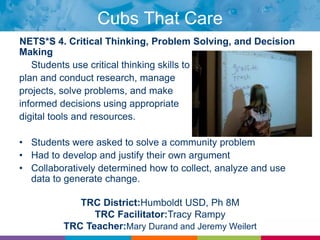
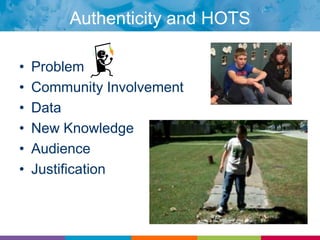
Cubs That CareNETS*S 4. Critical Thinking, Problem Solving, and Decision Making	Students use critical thinking skills toplan and conduct research, manageprojects, solve problems, and makeinformed decisions using appropriatedigital tools and resources.Students were asked to solve a community problemHad to develop and justify their own argumentCollaboratively determined how to collect, analyze and use data to generate change.TRC District:Humboldt USD, Ph 8MTRC Facilitator:Tracy RampyTRC Teacher:Mary Durand and Jeremy Weilert
Authenticity and HOTSProblemCommunity InvolvementDataNew KnowledgeAudienceJustification
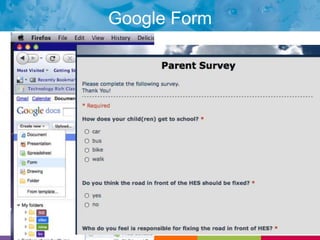
Google Form
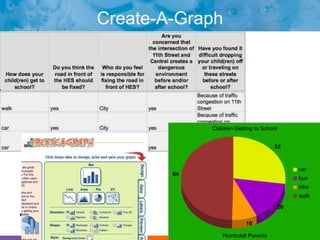
Create-A-Graphdfsdfasdf
ReflectionHow would you use Google Formswith students or educators?
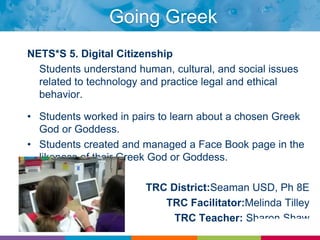
Going GreekNETS*S 5. Digital Citizenship	Students understand human, cultural, and social issues related to technology and practice legal and ethical behavior.Students worked in pairs to learn about a chosen Greek God or Goddess.Students created and managed a Face Book page in the likeness of their Greek God or Goddess.TRC District:Seaman USD, Ph 8ETRC Facilitator:Melinda TilleyTRC Teacher: Sharon Shaw
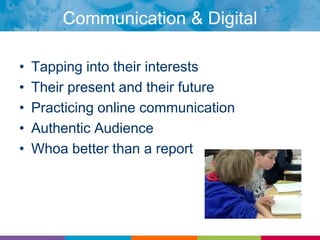
Communication & Digital CitizenshipTapping into their interestsTheir present and their futurePracticing online communicationAuthentic AudienceWhoa better than a report
Fur.ly & My Fake Wall

Interactive NETS*S Workshop, ISTE 2011

  • 1.
    Interactive NETS*S: FreeResources and Projects for Digital Age LearningAmber RowlandTammy GilleyTracy RampyBrenda DunningTanya Ketchum
  • 2.
    Our Goal forthe DayTo support and strengthen the capacity of educators to foster 21st Century learning environments by:Exploring the NETS*S through case studiesSwapping resources and project ideasDiscovering the collective knowledge of participants.Sharing professional learning strategies.The best part of conferences! Sharing
  • 3.
  • 4.
    LearningOur ContextKansasTechnology Rich Classroom (TRC) ProjectTitle IID, ARRA influx
  • 5.
  • 6.
  • 7.
    .5 FTE Facilitator/Coach(model lessons, co-teach, co-plan, find resources, support...)
  • 8.
  • 9.
  • 10.
  • 11.
  • 12.
    TRC: Somuch more than the “T”www.wordle.net
  • 13.
    “Mix, Freeze, Group”MakeQuick Connections: “Whip Around”Your NameAnswer QuestionProfessional Learning Strategy: Growing Dendrites
  • 14.
    Mix, Freeze, GroupMix‘n MingleNumber of Bloom’s Levels?
  • 15.
    Whip AroundPlease share:YournameWhere you are fromYour role in education
  • 16.
    Mix, Freeze, GroupMix‘n MingleNumber of tiers in RTI?
  • 17.
    Whip AroundState YourName &If you were a web-based tool, which one would you be?
  • 18.
    Mix, Freeze, GroupMix‘n MingleVersion of iPadJust Released
  • 19.
    Whip AroundState YourName&What is a great example of where technology made the difference for you in a learning or leading situation?
  • 20.
    Our Process: RecycleMethodIntroduce NETS*SIntroduce ProjectTime to ExplorePBL FocusIntroduce Tool/ResourceHands-On Exploration Reflection(repeat 6 times)
  • 21.
  • 22.
    Our Working Definitionof Project-Based LearningAuthentic, Standards-Based ContentReal-World ConnectionsHOTSStudent-CenteredProduct & Process Driven21st Century Skills/NETS*S
  • 23.
    NETS*S http://www.iste.org"Whatstudents should know and be able to do to learn effectivelyandlive productively in an increasingly digital world …”
  • 24.
    NETS*S 1. Creativityand Innovation Students demonstrate creative thinking, construct knowledge and develop innovative products and processes using technology.Community ConnectionsDigital StorytellingiPods & iPadsTRC District:Buhler USD, Ph 7TRC Facilitator:Tammy GilleyTRC Teachers: Nancy Johnson, Tanya Ketchum, Tim Harris & Brenda DunningMath Around Town
  • 25.
    How to planfor project based learning
  • 26.
    Begin with thestandardsState Standards in all subject areasTeach across the curriculumIdentify the NETS*S to be addressed
  • 27.
    Essential Questions &GoalsWrite an essential question: What do you want students to learnWhat are your goals for the unit
  • 28.
    Identify ToolsHardware &SoftwareWebsites: LiveBinder, portals, bookmarking toolsBooksCommunity ResourcesAny Extras: parent permission, principal, district
  • 29.
  • 30.
    Plan for DigitalCitizenshipCopyright lawsPermission for audio, pictures, video, quotations
  • 31.
    Plan Assessments &ReflectionSurveysWritten responseVideoTraditional Test
  • 32.
    ReflectionAt your tables,discuss how you might be able to use the Math Around Town project components and/or resources in your educational setting.
  • 34.
    IdiomsNETS*S 2. Communicationand Collaboration Students use digital media and environments to communicate and work collaboratively, including at a distance, to support individual learning and contribute to the learning of others.Teacher defines herself as a “21st Century Make Over”Students’ interpretations of IdiomsCollaboration and “Pretend”Idiom VideoTRC District:Humboldt USD, Ph 8MTRC Facilitator:Tracy RampyTRC Teacher:Ruby Crawford
  • 35.
  • 36.
    ReflectionHow might youor your teachers use this?
  • 37.
  • 38.
    Bill of RightsNETS*S3. Research and Information Fluency Students apply digital tools to gather, evaluate, and use information.Students analyzed and compared amendments usingWordle and TagxedoStudents compared their rights as students to those of adultsDeveloped a portrayal of their amendment with legal justificationTRC District:Colby USD, Ph 8MTRC Facilitator:Teresa MorganTRC Teacher: Todd Murdock
  • 39.
    Kicking it Upa NotchStudent ChoiceProductProcessCollaborationReal-WorldAuthentic AudienceBloom’s Verbs
  • 40.
  • 41.
  • 42.
  • 43.
    ReflectionTurn to yourshoulder partners and discuss one example of how you intend to implement at least one of the resources thus far.
  • 44.
  • 45.
    Cubs That CareNETS*S4. Critical Thinking, Problem Solving, and Decision Making Students use critical thinking skills toplan and conduct research, manageprojects, solve problems, and makeinformed decisions using appropriatedigital tools and resources.Students were asked to solve a community problemHad to develop and justify their own argumentCollaboratively determined how to collect, analyze and use data to generate change.TRC District:Humboldt USD, Ph 8MTRC Facilitator:Tracy RampyTRC Teacher:Mary Durand and Jeremy Weilert
  • 46.
    Authenticity and HOTSProblemCommunityInvolvementDataNew KnowledgeAudienceJustification
  • 47.
  • 48.
  • 49.
    ReflectionHow would youuse Google Formswith students or educators?
  • 50.
    Going GreekNETS*S 5.Digital Citizenship Students understand human, cultural, and social issues related to technology and practice legal and ethical behavior.Students worked in pairs to learn about a chosen Greek God or Goddess.Students created and managed a Face Book page in the likeness of their Greek God or Goddess.TRC District:Seaman USD, Ph 8ETRC Facilitator:Melinda TilleyTRC Teacher: Sharon Shaw
  • 51.
    Communication & DigitalCitizenshipTapping into their interestsTheir present and their futurePracticing online communicationAuthentic AudienceWhoa better than a report
  • 52.
    Fur.ly & MyFake Wall

Editor's Notes

  • #2 8:30 Welcome – hotel logisticsteam intros
  • #5 This Wordle example is intended to highlight that as in many of the programs, undertakings or initiatives that we do, TRC is not just about technology—providing technical infrastructure and support are critical to project success, professional learning for the facilitators and teachers, ongoing support from their facilitator/trainer, leadership and support provided by TRC school leaders, community support, parent engagement, Like a symphony, there are a bunch of sections performing in concert—and it is more complex than 1 single solo part! When everything comes together, it is definitely a masterpiece!
  • #6 Now that you have a feel for who we are and where we are coming from, we would like to begin to grow your networks!
  • #7 6
  • #9 3
  • #17 8:50
  • #27 9:20
  • #29 Ning—great collaboration between like-minded colleagues
  • #30 9:40
  • #31 9:50Custom Google Search
  • #36 Ning—great collaboration between like-minded colleagues
  • #37 10:05
  • #38 10:10Techtastic
  • #43 10:30
  • #46 http://www.stixy.com/guest/113167Learning is social, conversations, collective capacityStart with Instruction and standards (content and NETS)Technology is the toolmodel (we will model several strategies today)hands-on, relevanttime to apply
  • #47 10:50
  • #50 11:10
  • #51 Participants will be asked to reflect with a partner and come up with at least one idea that they will post on the wiki under the appropriate NETS*S standard and objective.
  • #52 11:20