BED114 : Intel Teach to the Future Program
[Savitribai Phule Pune University, B.Ed. 2014-15]
Suresh G. Isave
Associate Professor,
Tilak College of Education, Pune
BED114 : Intel Teach to the Future Program
• Credits – Two
• Marks – 40
• Base on Intel Teach to the Future program
10.1 version.
1/11/2015 2sgisave@ymail.com
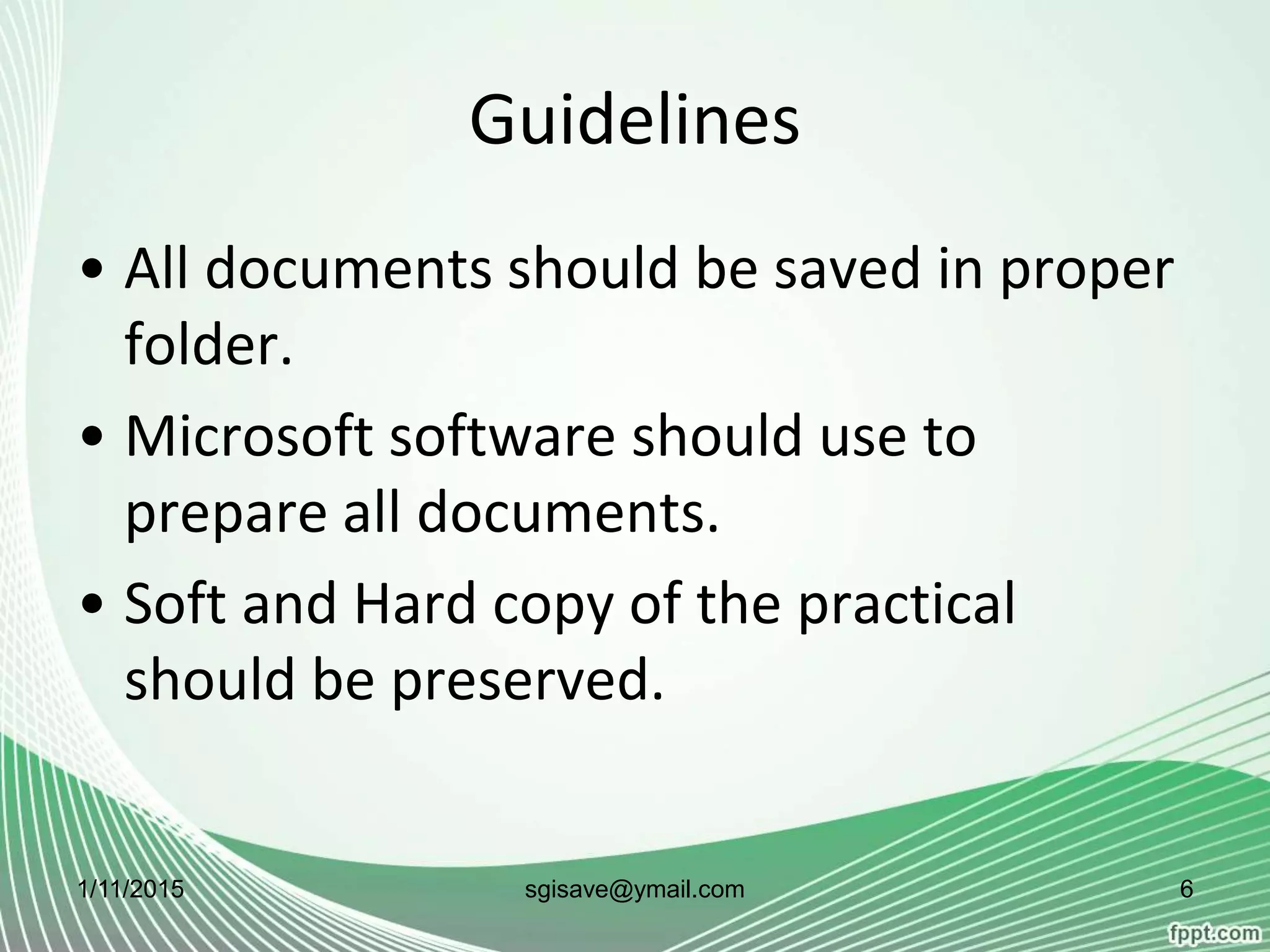
Guidelines
• It should be done in pair. Two student-
teachers will work together
collaboratively and contribute in all end
products of the practical.
• The topic selected for the practical
should belongs to method subjects or
life skills, values and core elements.
1/11/2015 3sgisave@ymail.com
Guidelines
• One standard should assume for the
topic.
• Student-teachers will assume both role
while preparing documents. i.e. as a
student and teacher as well.
1/11/2015 4sgisave@ymail.com
Guidelines
• All the documents in the practical are
related with each other.
• Project Based Learning approach should
be observed for the practical.
1/11/2015 5sgisave@ymail.com
Guidelines
• All documents should be saved in proper
folder.
• Microsoft software should use to
prepare all documents.
• Soft and Hard copy of the practical
should be preserved.
1/11/2015 6sgisave@ymail.com
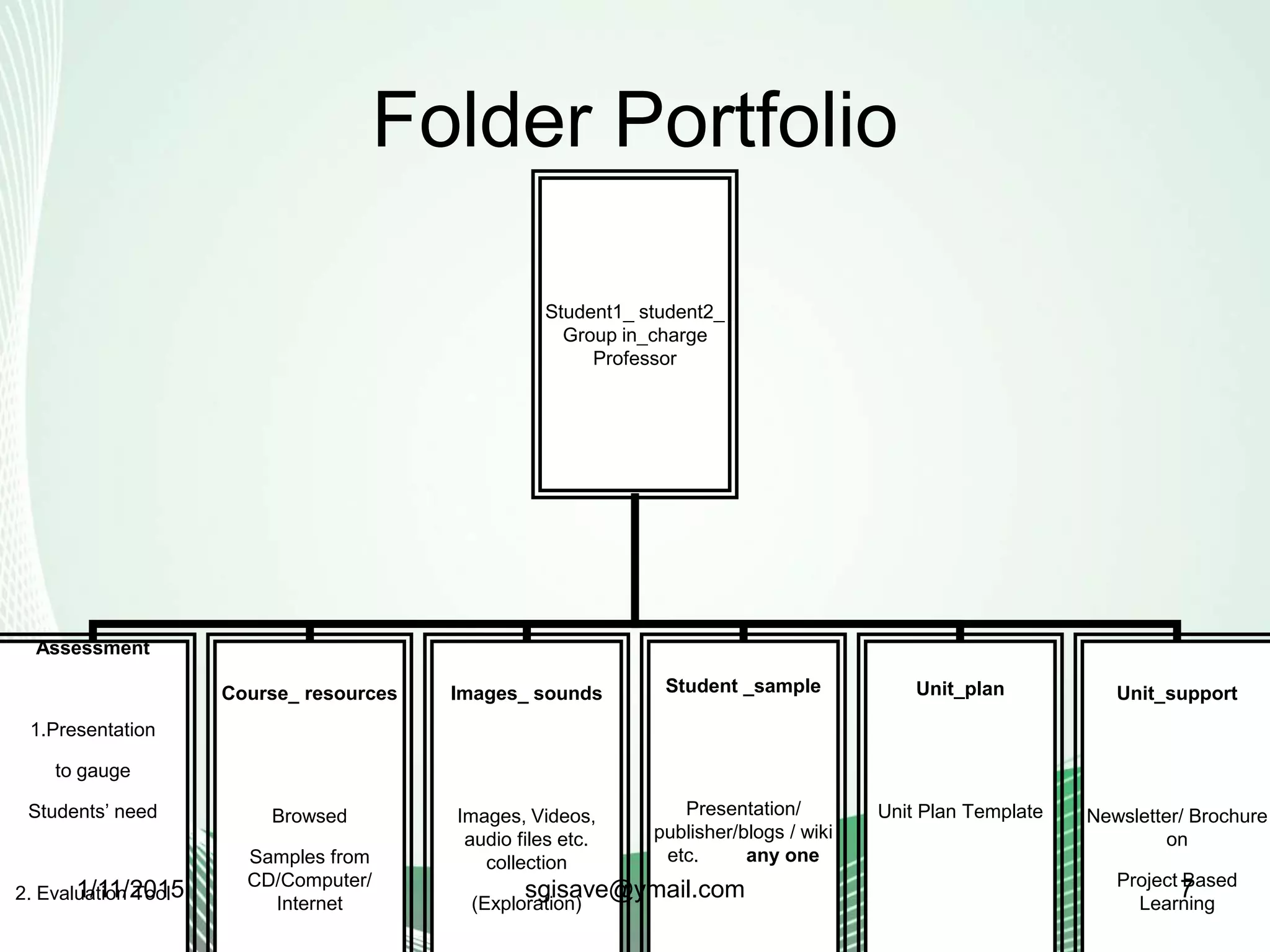
Folder Portfolio
Student1_ student2_
Group in_charge
Professor
Assessment
1.Presentation
to gauge
Students’ need
2. Evaluation Tool
Course_ resources
Browsed
Samples from
CD/Computer/
Internet
Images_ sounds
Images, Videos,
audio files etc.
collection
(Exploration)
Student _sample
Presentation/
publisher/blogs / wiki
etc. any one
Unit_plan
Unit Plan Template
Unit_support
Newsletter/ Brochure
on
Project Based
Learning
1/11/2015 7sgisave@ymail.com
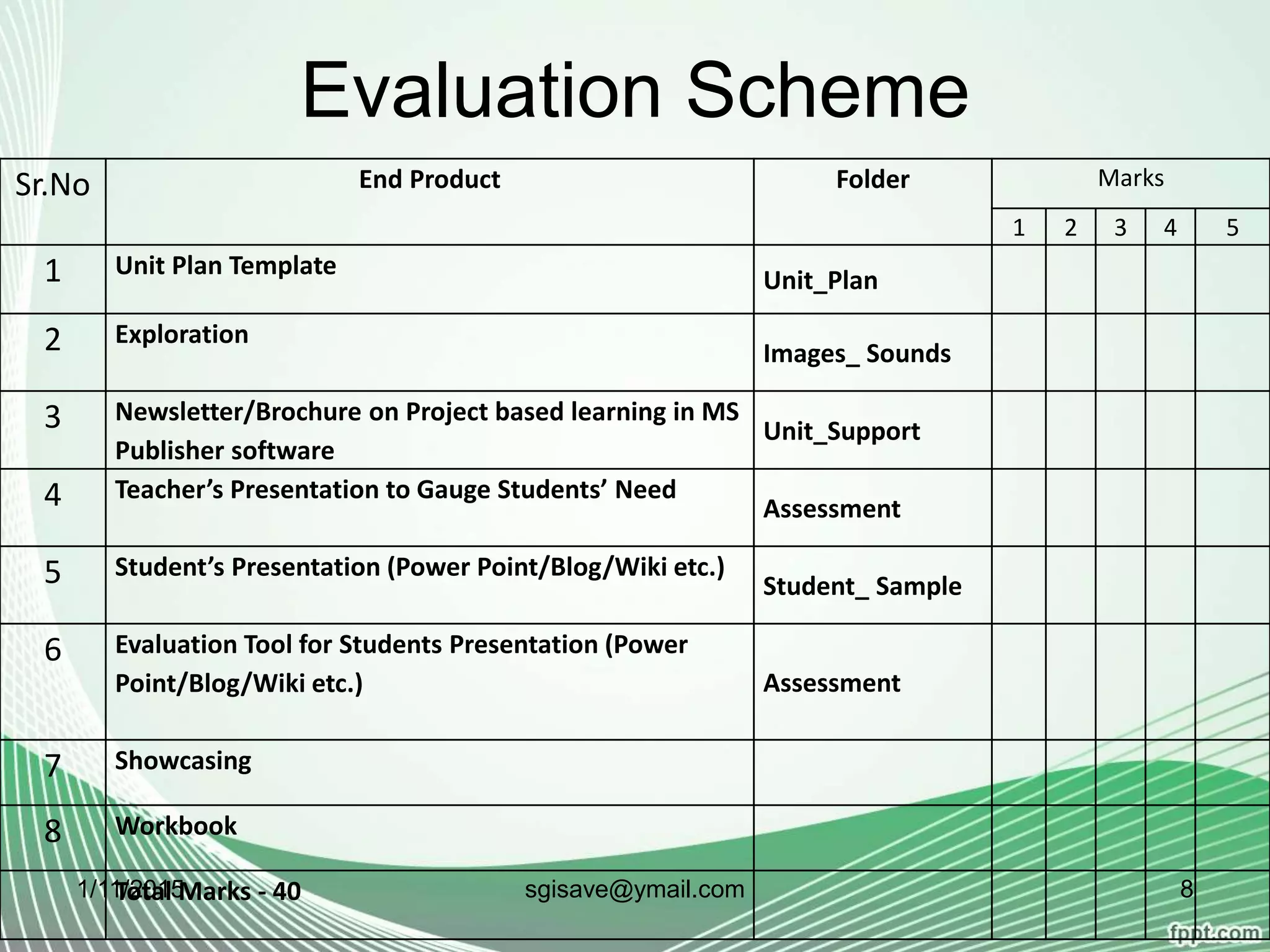
Evaluation Scheme
Sr.No End Product Folder Marks
1 2 3 4 5
1 Unit Plan Template
Unit_Plan
2 Exploration
Images_ Sounds
3 Newsletter/Brochure on Project based learning in MS
Publisher software
Unit_Support
4 Teacher’s Presentation to Gauge Students’ Need
Assessment
5 Student’s Presentation (Power Point/Blog/Wiki etc.)
Student_ Sample
6 Evaluation Tool for Students Presentation (Power
Point/Blog/Wiki etc.) Assessment
7 Showcasing
8 Workbook
Total Marks - 401/11/2015 8sgisave@ymail.com
Documents
1/11/2015 9sgisave@ymail.com
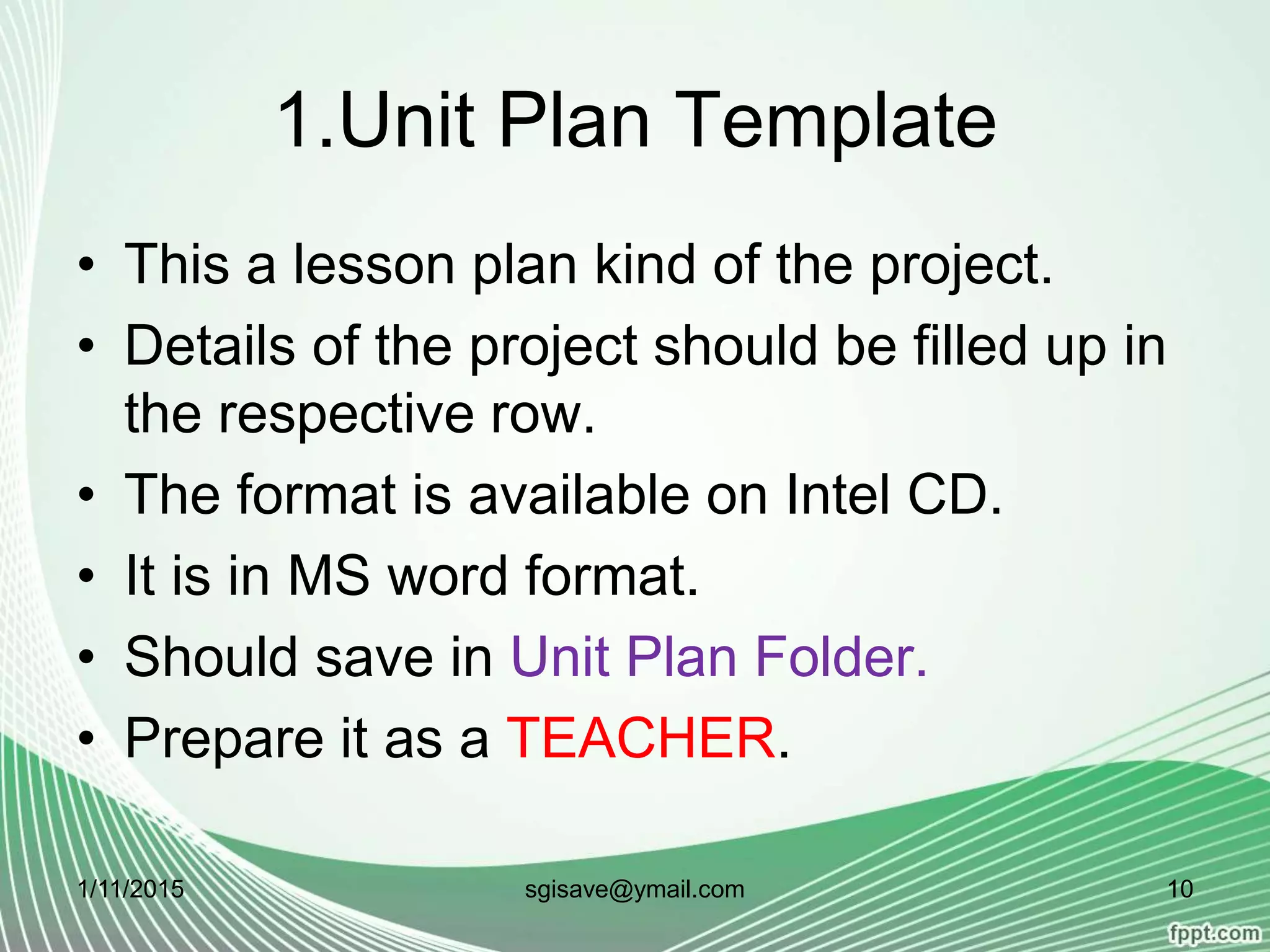
1.Unit Plan Template
• This a lesson plan kind of the project.
• Details of the project should be filled up in
the respective row.
• The format is available on Intel CD.
• It is in MS word format.
• Should save in Unit Plan Folder.
• Prepare it as a TEACHER.
1/11/2015 10sgisave@ymail.com
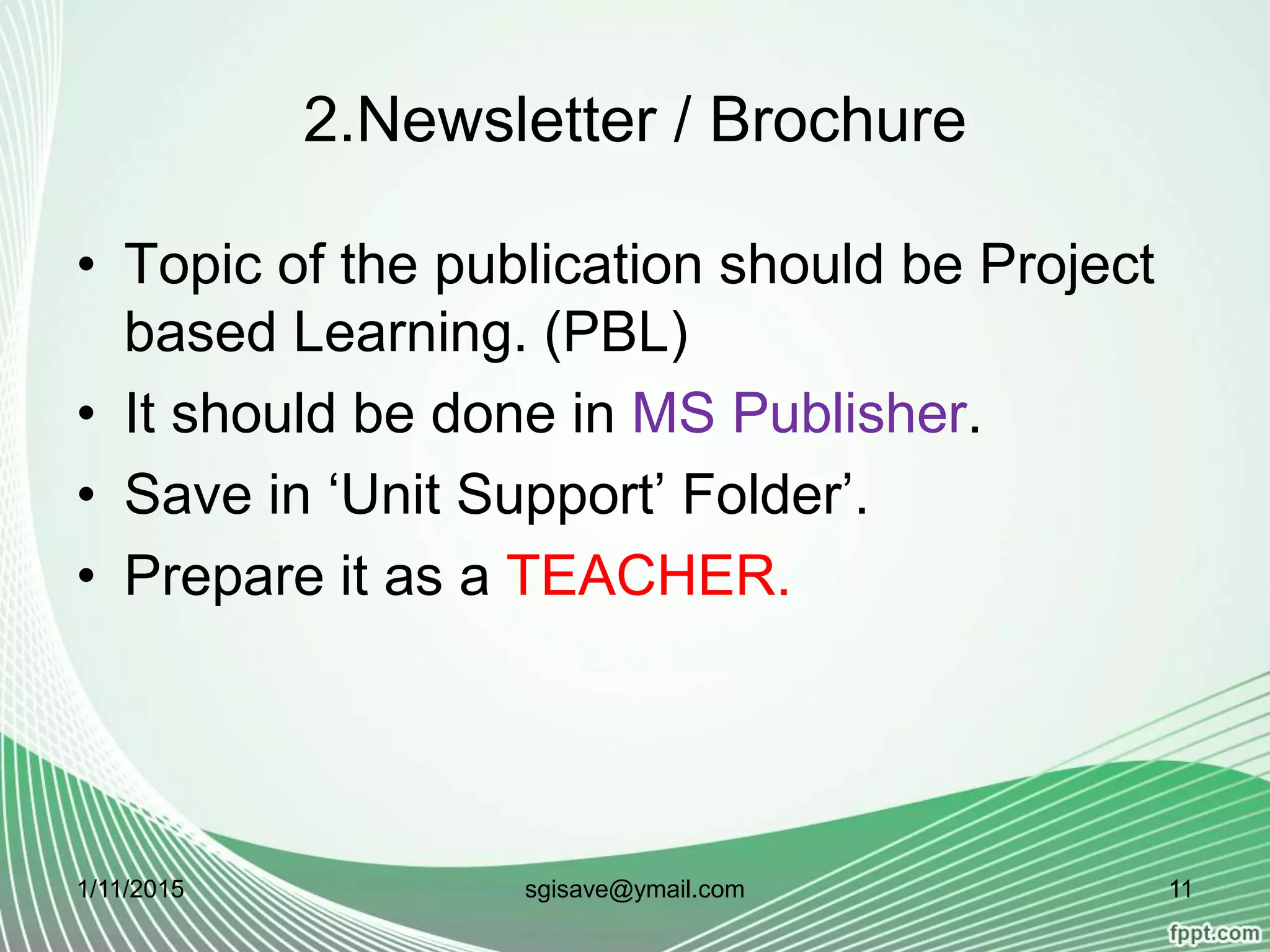
2.Newsletter / Brochure
• Topic of the publication should be Project
based Learning. (PBL)
• It should be done in MS Publisher.
• Save in ‘Unit Support’ Folder’.
• Prepare it as a TEACHER.
1/11/2015 11sgisave@ymail.com
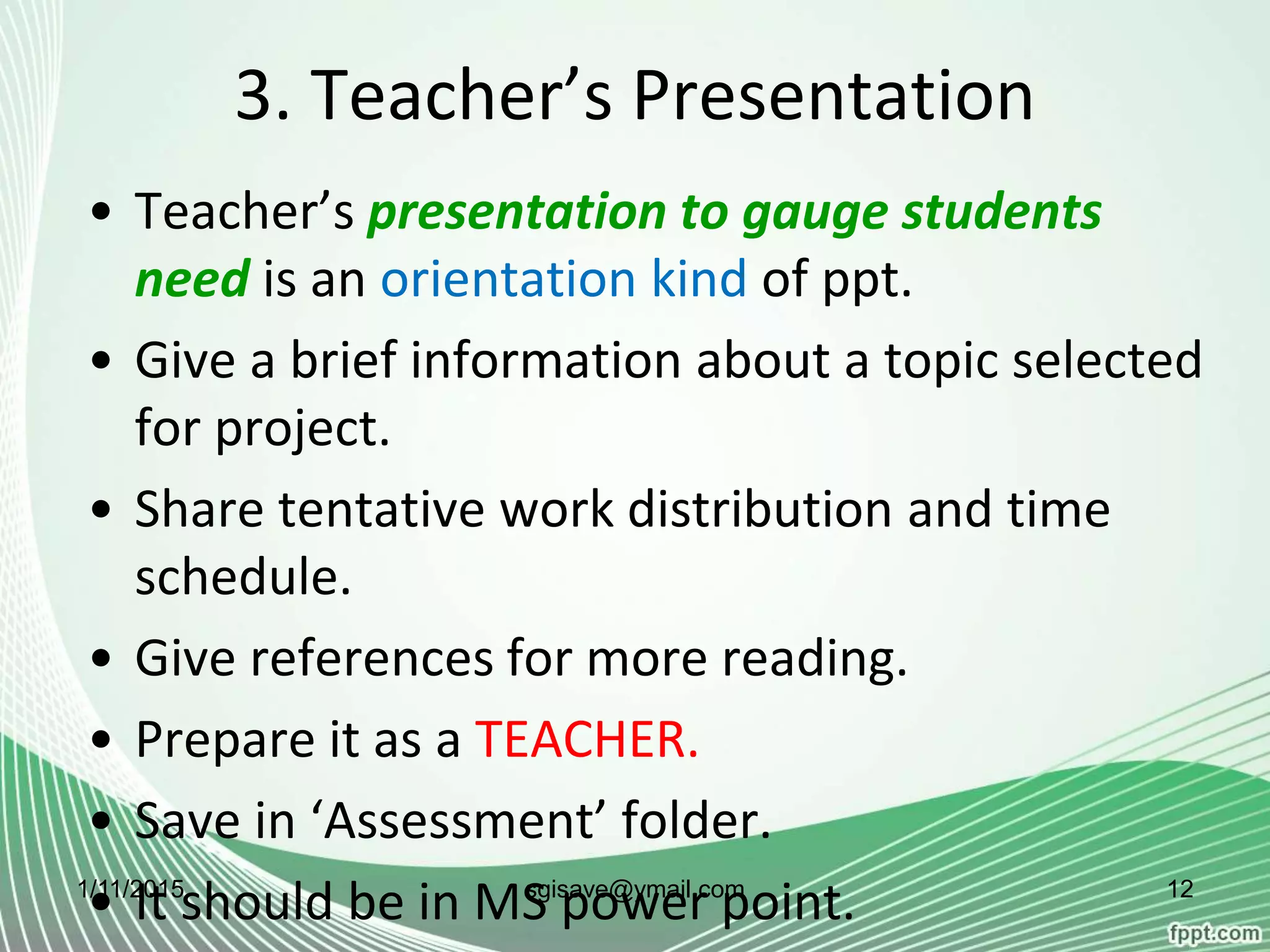
3. Teacher’s Presentation
• Teacher’s presentation to gauge students
need is an orientation kind of ppt.
• Give a brief information about a topic selected
for project.
• Share tentative work distribution and time
schedule.
• Give references for more reading.
• Prepare it as a TEACHER.
• Save in ‘Assessment’ folder.
• It should be in MS power point.1/11/2015 12sgisave@ymail.com
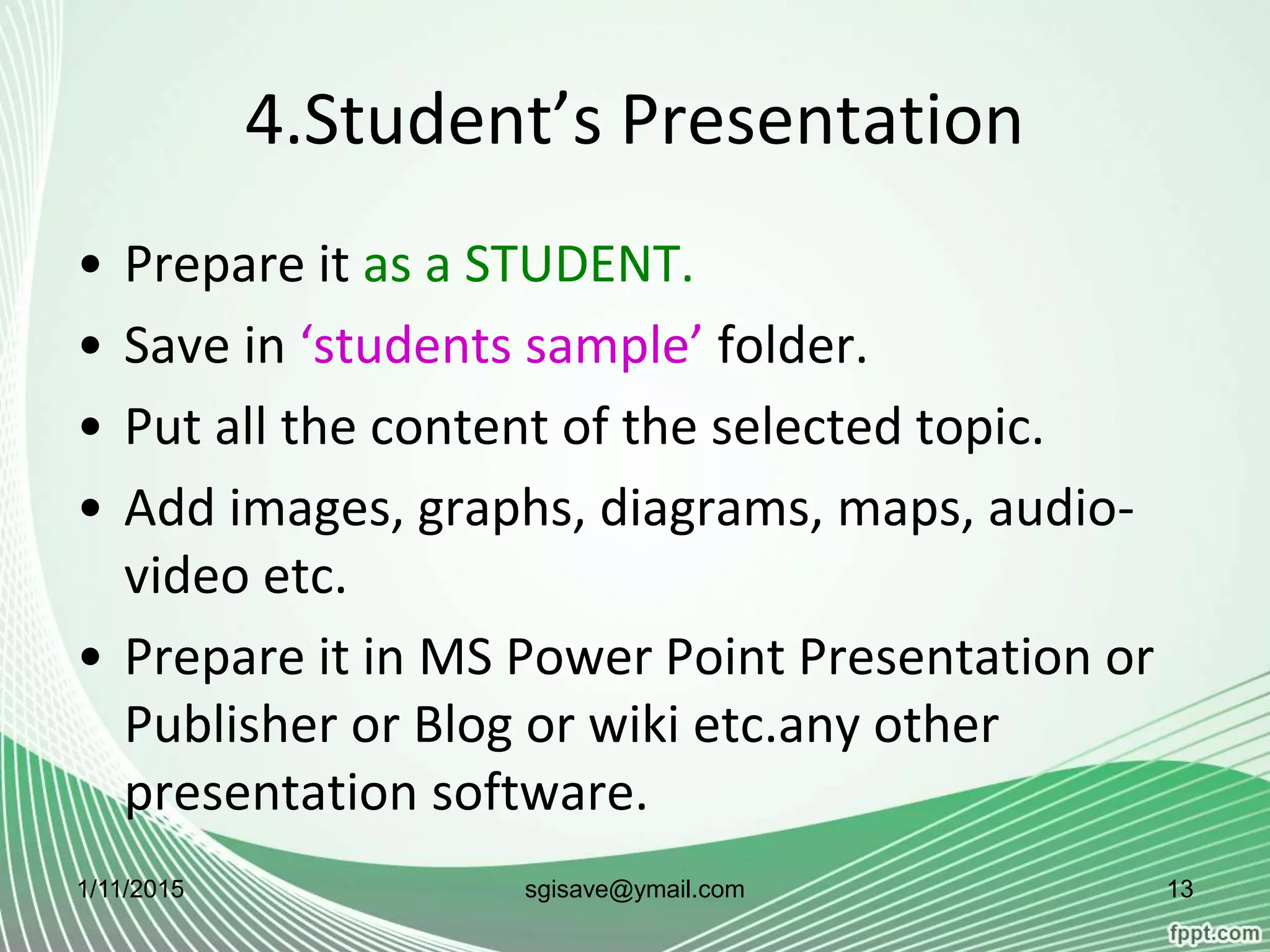
4.Student’s Presentation
• Prepare it as a STUDENT.
• Save in ‘students sample’ folder.
• Put all the content of the selected topic.
• Add images, graphs, diagrams, maps, audio-
video etc.
• Prepare it in MS Power Point Presentation or
Publisher or Blog or wiki etc.any other
presentation software.
1/11/2015 13sgisave@ymail.com
5. Evaluation Tool
• Prepare it as a Teacher.
• Save in ‘Assessment’ folder.
• Prepare an tools to evaluate the students
presentation.
• It could be an evaluation tool for presentation
or publisher or blog etc.
• Include at least two aspects in tool i.e.
technology and content.
1/11/2015 14sgisave@ymail.com
6. Exploration
• Save in ‘Images and Sound’ folder.
• Do it as a STUDENT.
• It is the collection of all media that
students have collected for the project.
• Save all media in forms of images, video,
audio clips, charts, docs, e-books etc.
1/11/2015 15sgisave@ymail.com
7. Showcasing
• It is an activity of the presentation of the
project in the group.
• All documents should be presented by both
students in the presence of Prof. in-charge.
1/11/2015 16sgisave@ymail.com
8. Workbook
• A workbook should be provided to students
by the college.
• All the documents should be included in a
workbook.
• A workbook should be a planner for the
project.
• It can be treated as a hard copy of the project.
1/11/2015 17sgisave@ymail.com
For details
• See B.Ed. 2014 syllabus.
• Refer Intel Teach to the Future 10.1 version
study printed book and a CD.
1/11/2015 18sgisave@ymail.com

Computer Practical

  • 1.
    BED114 : IntelTeach to the Future Program [Savitribai Phule Pune University, B.Ed. 2014-15] Suresh G. Isave Associate Professor, Tilak College of Education, Pune
  • 2.
    BED114 : IntelTeach to the Future Program • Credits – Two • Marks – 40 • Base on Intel Teach to the Future program 10.1 version. 1/11/2015 2sgisave@ymail.com
  • 3.
    Guidelines • It shouldbe done in pair. Two student- teachers will work together collaboratively and contribute in all end products of the practical. • The topic selected for the practical should belongs to method subjects or life skills, values and core elements. 1/11/2015 3sgisave@ymail.com
  • 4.
    Guidelines • One standardshould assume for the topic. • Student-teachers will assume both role while preparing documents. i.e. as a student and teacher as well. 1/11/2015 4sgisave@ymail.com
  • 5.
    Guidelines • All thedocuments in the practical are related with each other. • Project Based Learning approach should be observed for the practical. 1/11/2015 5sgisave@ymail.com
  • 6.
    Guidelines • All documentsshould be saved in proper folder. • Microsoft software should use to prepare all documents. • Soft and Hard copy of the practical should be preserved. 1/11/2015 6sgisave@ymail.com
  • 7.
    Folder Portfolio Student1_ student2_ Groupin_charge Professor Assessment 1.Presentation to gauge Students’ need 2. Evaluation Tool Course_ resources Browsed Samples from CD/Computer/ Internet Images_ sounds Images, Videos, audio files etc. collection (Exploration) Student _sample Presentation/ publisher/blogs / wiki etc. any one Unit_plan Unit Plan Template Unit_support Newsletter/ Brochure on Project Based Learning 1/11/2015 7sgisave@ymail.com
  • 8.
    Evaluation Scheme Sr.No EndProduct Folder Marks 1 2 3 4 5 1 Unit Plan Template Unit_Plan 2 Exploration Images_ Sounds 3 Newsletter/Brochure on Project based learning in MS Publisher software Unit_Support 4 Teacher’s Presentation to Gauge Students’ Need Assessment 5 Student’s Presentation (Power Point/Blog/Wiki etc.) Student_ Sample 6 Evaluation Tool for Students Presentation (Power Point/Blog/Wiki etc.) Assessment 7 Showcasing 8 Workbook Total Marks - 401/11/2015 8sgisave@ymail.com
  • 9.
  • 10.
    1.Unit Plan Template •This a lesson plan kind of the project. • Details of the project should be filled up in the respective row. • The format is available on Intel CD. • It is in MS word format. • Should save in Unit Plan Folder. • Prepare it as a TEACHER. 1/11/2015 10sgisave@ymail.com
  • 11.
    2.Newsletter / Brochure •Topic of the publication should be Project based Learning. (PBL) • It should be done in MS Publisher. • Save in ‘Unit Support’ Folder’. • Prepare it as a TEACHER. 1/11/2015 11sgisave@ymail.com
  • 12.
    3. Teacher’s Presentation •Teacher’s presentation to gauge students need is an orientation kind of ppt. • Give a brief information about a topic selected for project. • Share tentative work distribution and time schedule. • Give references for more reading. • Prepare it as a TEACHER. • Save in ‘Assessment’ folder. • It should be in MS power point.1/11/2015 12sgisave@ymail.com
  • 13.
    4.Student’s Presentation • Prepareit as a STUDENT. • Save in ‘students sample’ folder. • Put all the content of the selected topic. • Add images, graphs, diagrams, maps, audio- video etc. • Prepare it in MS Power Point Presentation or Publisher or Blog or wiki etc.any other presentation software. 1/11/2015 13sgisave@ymail.com
  • 14.
    5. Evaluation Tool •Prepare it as a Teacher. • Save in ‘Assessment’ folder. • Prepare an tools to evaluate the students presentation. • It could be an evaluation tool for presentation or publisher or blog etc. • Include at least two aspects in tool i.e. technology and content. 1/11/2015 14sgisave@ymail.com
  • 15.
    6. Exploration • Savein ‘Images and Sound’ folder. • Do it as a STUDENT. • It is the collection of all media that students have collected for the project. • Save all media in forms of images, video, audio clips, charts, docs, e-books etc. 1/11/2015 15sgisave@ymail.com
  • 16.
    7. Showcasing • Itis an activity of the presentation of the project in the group. • All documents should be presented by both students in the presence of Prof. in-charge. 1/11/2015 16sgisave@ymail.com
  • 17.
    8. Workbook • Aworkbook should be provided to students by the college. • All the documents should be included in a workbook. • A workbook should be a planner for the project. • It can be treated as a hard copy of the project. 1/11/2015 17sgisave@ymail.com
  • 18.
    For details • SeeB.Ed. 2014 syllabus. • Refer Intel Teach to the Future 10.1 version study printed book and a CD. 1/11/2015 18sgisave@ymail.com